
Realistic Portrait with Chibi Wall Art
A complex prompt for generating a realistic character next to their own chibi illustration on a wall.
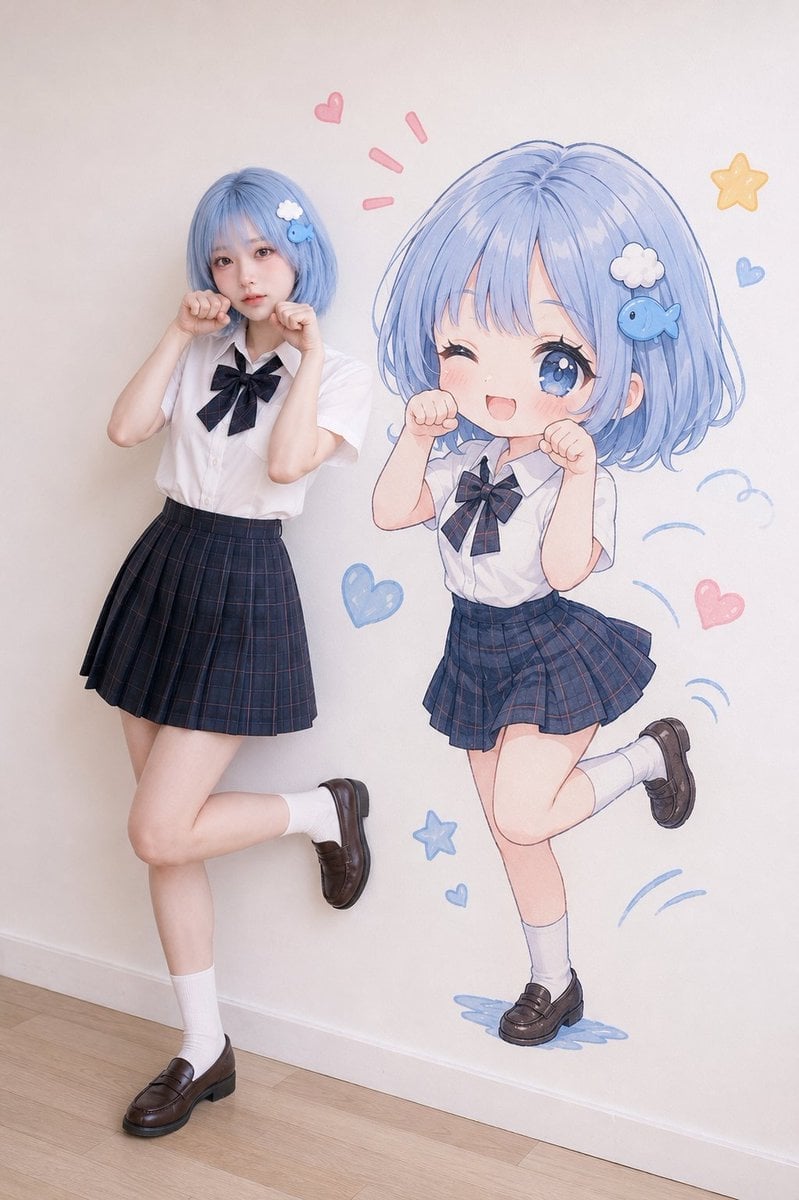
- Prompt included
- Model and format preset
- Premium template
The prompt behind this image
Copy the exact prompt behind Realistic Portrait with Chibi Wall Art, or open it in the studio and make it yours.
Use the uploaded character reference image as the strict identity and outfit reference. Preserve the reference character’s: - face identity - facial proportions - eye shape - nose - lips - skin tone - hairstyle - hair color - visible hair accessories - overall recognizable vibe - outfit and styling shown in the reference image. Do not hardcode any specific character traits that are not present in the uploaded reference. All identity, hairstyle, accessories, clothing, colors, and styling details must be inferred directly from the uploaded reference image. Create a high-quality mixed-style vertical portrait showing: 1. a realistic full-body version of the uploaded character/person 2. a cute colorful 2D chibi illustration version of the same character/person drawn on the wall beside them. Core concept: The real person is posing cutely beside a large colorful chibi wall illustration of themselves. The real person and the illustrated chibi version are doing a similar playful pose together. The chibi illustration should look like a cute hand-drawn anime-style wall art version of the same person, not a separate real person. The mood should feel cute, playful, bright, trendy, charming, and social-media-friendly. Main style direction: This is not a black doodle-shadow concept. This is a realistic person + colorful cute chibi wall illustration concept. The wall illustration should look like a polished but hand-drawn 2D anime/chibi drawing placed directly on the wall. Real person: - realistic human photography - full-body or nearly full-body framing - same recognizable identity as the uploaded reference - same outfit style and key visible details from the uploaded reference - natural photogenic pose - cute, playful, slightly shy, or mischievous expression - the person should actively perform a cute pose that matches the wall illustration - do not make the person stand stiffly - do not replace the outfit with unrelated fashion. Real person pose: Choose one cute playful pose that works well beside a wall illustration: - both hands near cheeks like cute paws - one leg lifted slightly - playful idol-like pose - shy but cute pose - tiny heart gesture - playful bounce pose - leaning slightly with a sweet smile - cute “nyan” pose with hands curled near the face - soft jump-like pose while still realistic and balanced. The pose should feel natural for the real person, not exaggerated or physically awkward. Chibi wall illustration: - the illustration must be a cute colorful 2D chibi version of the same uploaded person - it should be drawn directly on the wall beside the real person - not a realistic second person - not a 3D character - not a black shadow - not a simple stick figure - not a random anime character - not a separate unrelated girl - it should clearly resemble the real person through hairstyle silhouette, hair color, accessories, outfit silhouette, color palette, and overall vibe - use large expressive eyes, rounded cute face, small body proportions, and soft anime-style coloring - the chibi should perform a more exaggerated cute version of the real person’s pose - the chibi may look like it is happily jumping, posing, or floating slightly as part of the wall illustration. Wall illustration details: - soft clean linework - warm pastel colors - cute anime/chibi rendering - light hand-drawn texture - subtle shading - charming expressive face - same outfit impression as the real person - same hairstyle and accessory cues if visible in the reference - playful motion lines around the chibi - small hearts, stars, sparkles, soft doodle accents, or tiny decorative marks around the illustration. Interaction: The real person and the chibi illustration should feel connected. They should share the same pose idea, but not match perfectly. The real person performs a realistic cute pose. The chibi performs a more exaggerated, adorable, anime-like version. The connection must be instantly readable, like a fun photo taken beside a personalized wall illustration. Composition: - vertical 4:5 or 9:16 - simple clean indoor wall - real person on one side - colorful chibi wall illustration on the other side - both figures visible in full-body or nearly full-body framing - chibi illustration roughly similar height to the real person or slightly larger - enough negative space around both figures - keep the wall illustration fully visible - avoid cropping the real person’s feet or the chibi’s body. Background: - clean white, cream, pale beige, or light gray wall - simple floor - minimal indoor studio or clean room setting - soft natural light - uncluttered background - no TikTok UI, no social media interface, no text overlay. Lighting: - soft natural studio lighting - bright, clean, warm, and flattering - realistic shadow under the real person - wall illustration should look naturally placed on the wall - no harsh shadows - no dramatic dark lighting. Style quality: - realistic human photography - colorful 2D chibi wall illustration - cute anime-style wall art - strong identity resemblance - outfit and styling faithfully based on the uploaded reference - playful matching its pose - soft pastel mood - social-media-friendly - clean composition - high detail - no obvious AI artifacts. Negative prompt: black doodle shadow, black line-art only, normal shadow, realistic second person, 3D character, random anime girl, unrelated chibi, weak resemblance, different hairstyle, different outfit, outfit change unrelated to reference, hardcoded traits not in reference, messy wall, cluttered background, TikTok UI, social media interface, text, caption, handwritten text, watermark, logo, cropped feet, cropped chibi, stiff pose, boring standing pose, aggressive pose, horror mood, creepy illustration, distorted body, extra limbs, extra fingers, bad hands, bad anatomy, pasted face, frozen expression, overly artificial AI face
How to use Realistic Portrait with Chibi Wall Art in 3 steps
- 1Upload ImagePNG, JPG or paste
Add your photo
Upload the photo the template builds on. The prompt, model and format are already set.
- 2…a portrait of your subject in softgolden-hour light, 85mm…
Personalize
Edit the subject and creative details for your destination.
- 3Generate
Generate
Press Generate — your image is created in PicX Studio, so you can compare it with the original and refine one variable at a time.
More like this
Templates with the same subject, style or setup. Open one to see its prompt.

Found Photograph: Us, 1970

80s Couple Studio Portrait

80s Bollywood Star

80s Golden Hour Cinema

Me in 1985

1985 Studio Portrait

Hyper-Realistic Minecraft POV Portrait
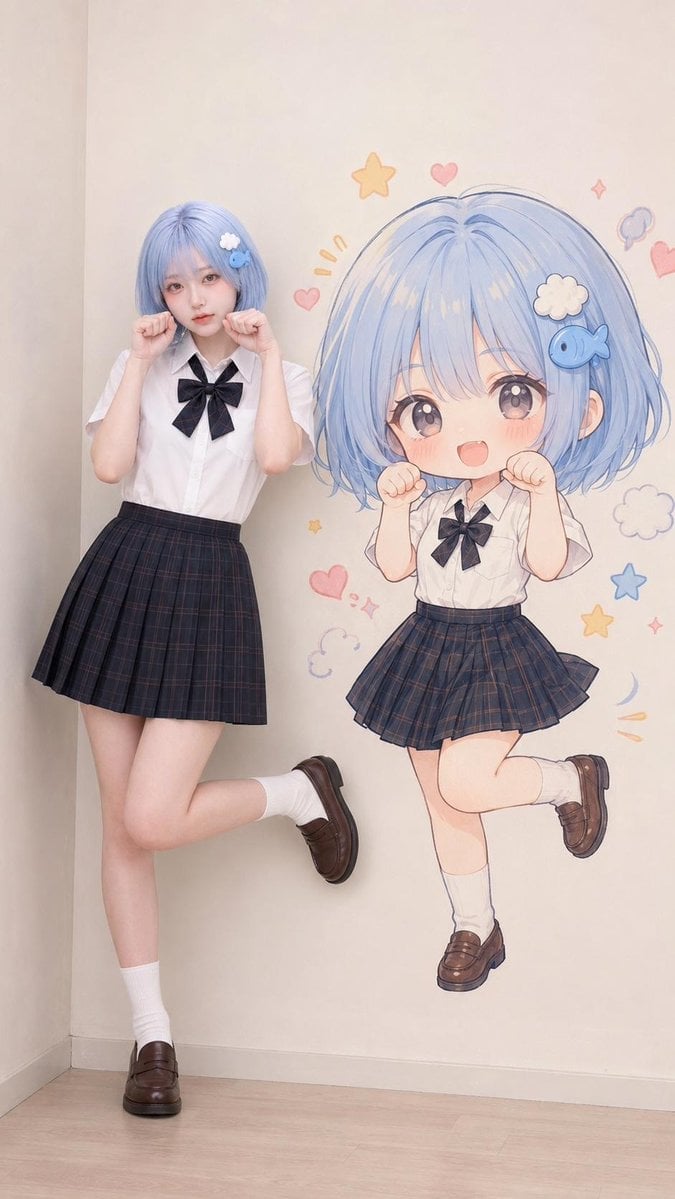
Consistent Character and Chibi Wall Art

Rooftop Fisheye — Cat-Ear Balaclava at Golden Hour
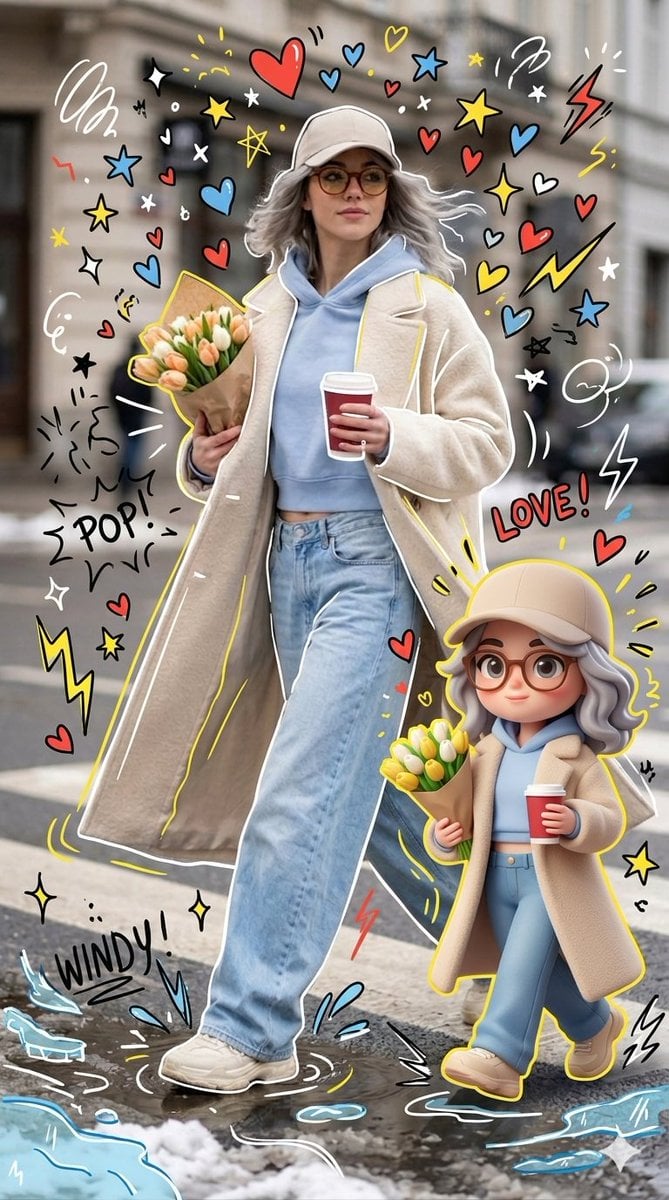
Mixed-media Chibi portrait
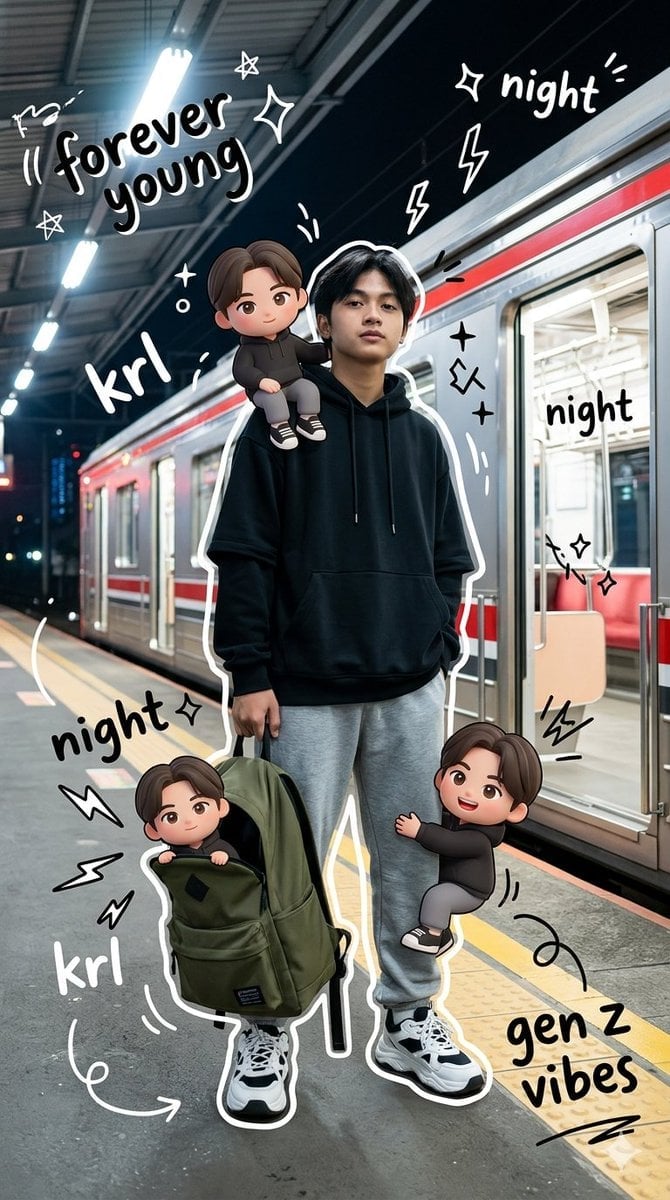
Gen Z Mixed-Media Portrait with Chibi Effects
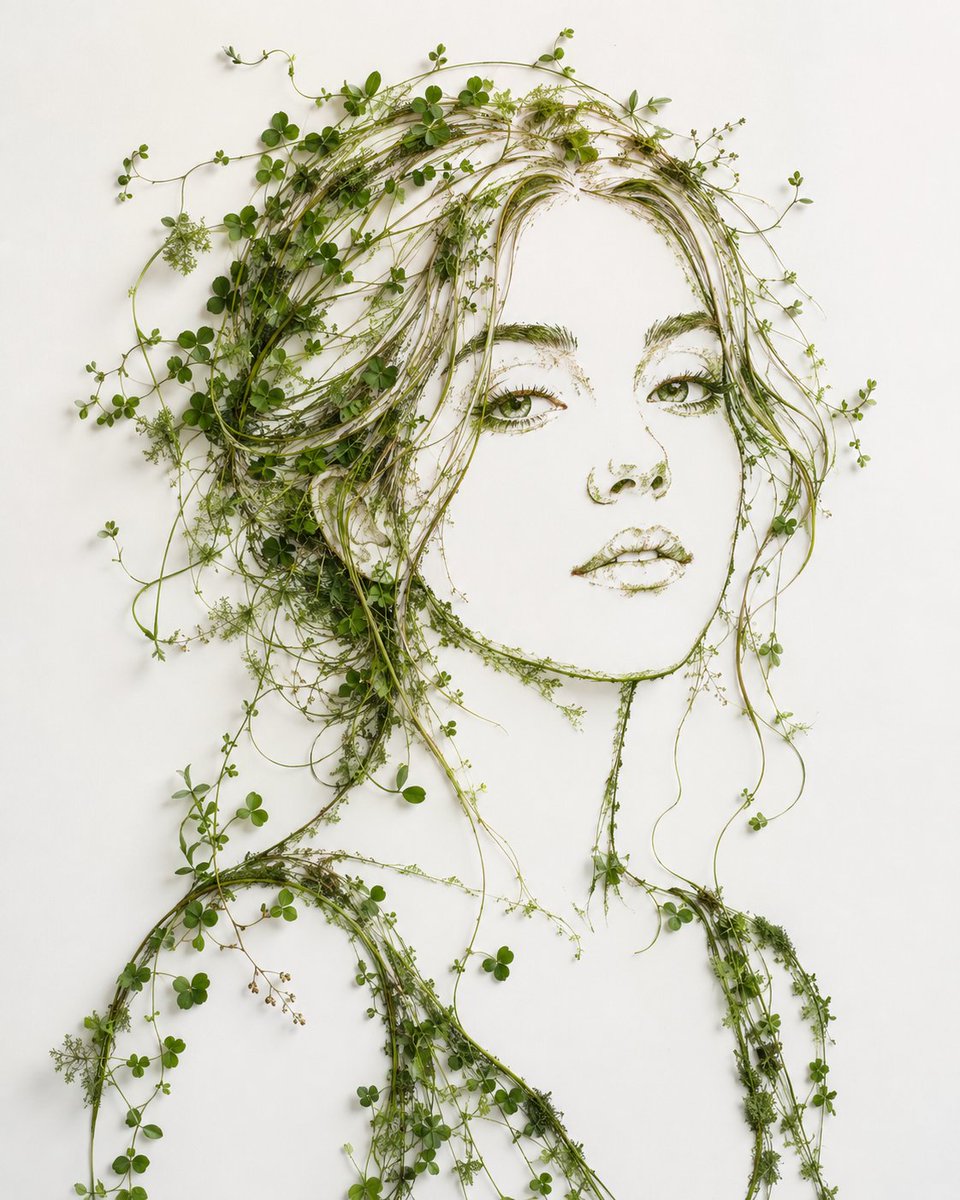
Minimalist Botanical Wall Art Portrait
Make it yours
Realistic Portrait with Chibi Wall Art works as-is. These are the safest ways to change it without losing the look.
Change one field
Copy a single group, rewrite it, and generate again so you can see what that field is doing.
Keep the frame, change the subject
Hold the composition and light of Realistic Portrait with Chibi Wall Art, then swap wardrobe, props or the person for a new take.
| If the result… | Why | Fix |
|---|---|---|
| The result drifts from the preview | Too many fields changed at once. | Reuse Realistic Portrait with Chibi Wall Art as-is first, then change one group — subject, light, or setting. |
| The model over-stylizes the scene | The prose prompt leaves finish and camera underspecified. | Add one camera or lighting sentence and stay on GPT Image 2. |
More GPT Image 2 templates
Other prompts made for GPT Image 2.

Six VTuber Japanese Logo Sheet

Realistic Portrait of Woman and Deer

The Vista Modular Condo Poster

AI Model Routing Comparison Infographic

2.5D Anime Art Board

Isometric Productivity Desk Scene

New York Double Exposure Poster

Four-Panel AI Landscape Comparison

Japanese Tatami Lifestyle Magazine Cover

NESCAFÉ Coffee Map Poster
More image prompts
Fresh picks from across the catalog.

Prompt: Turn the uploaded image into a highly auth
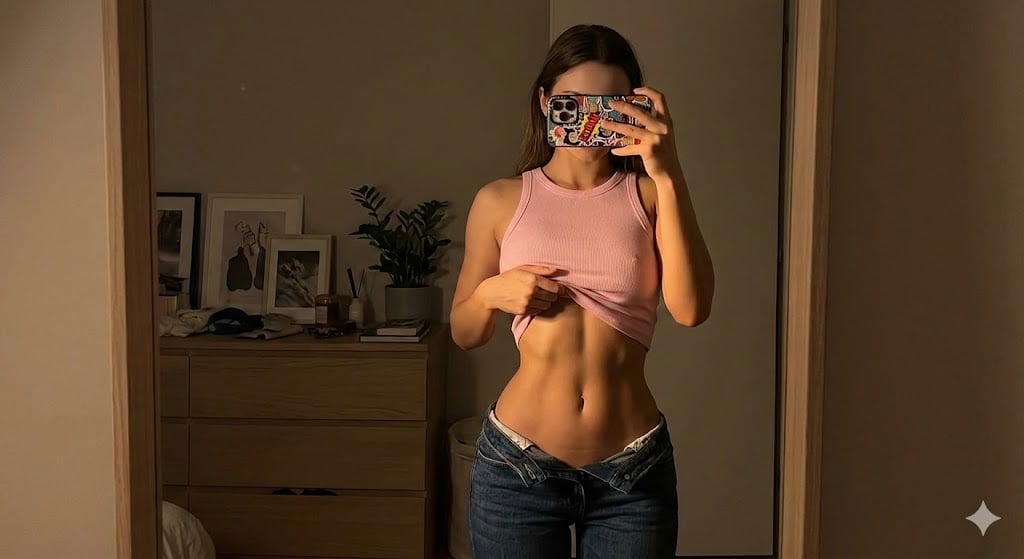
Dramatic Mirror Selfie Image Prompt for Nano Banana Pro
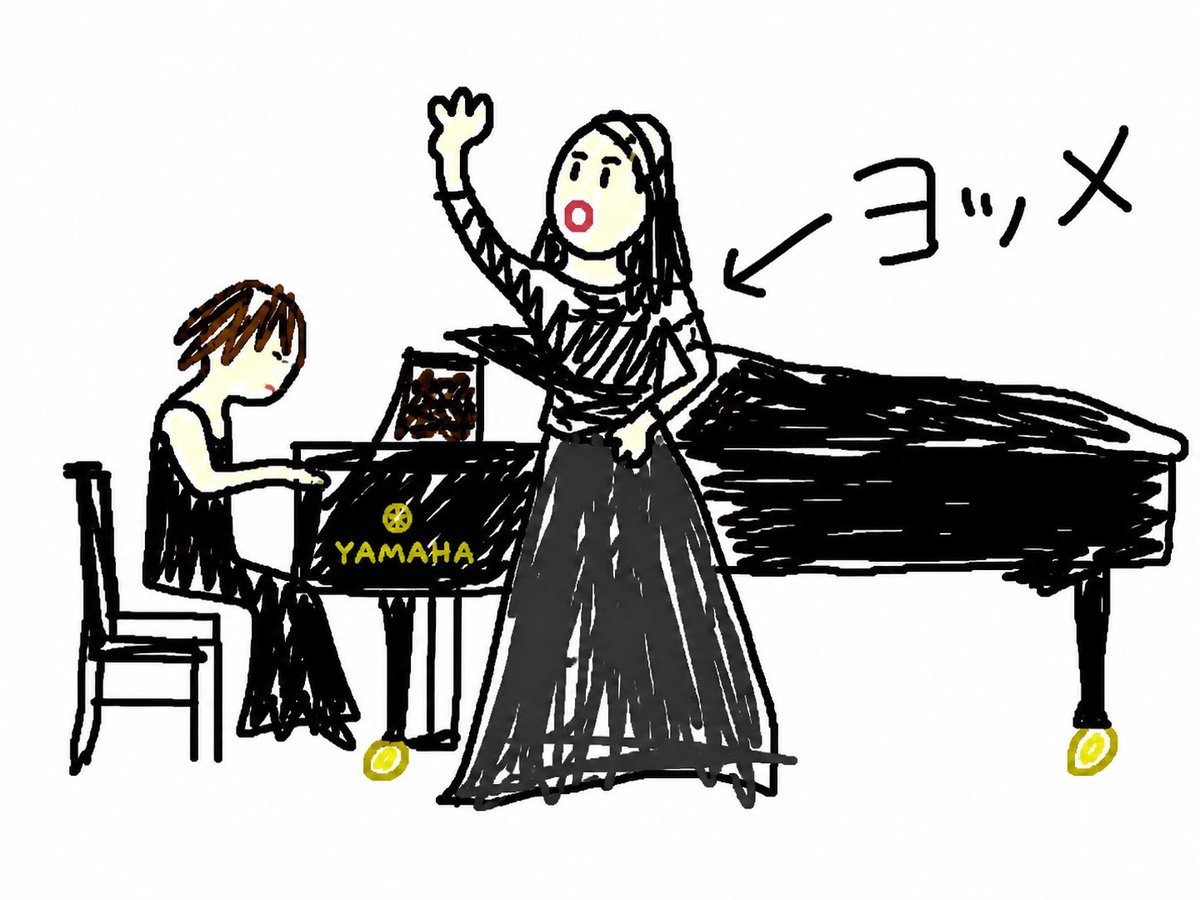
Anonymous Concert Doodle
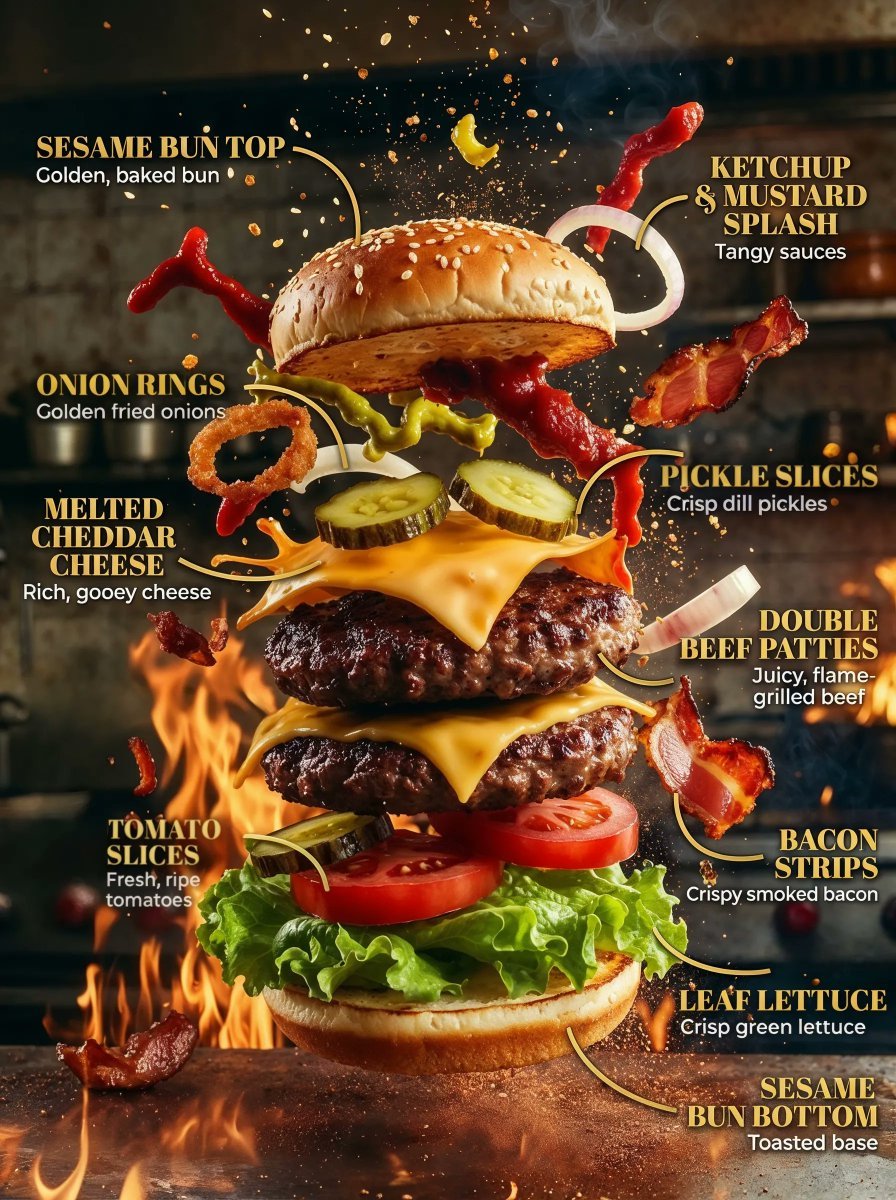
Product Ingredient Labeling Prompt

Aerial Lagoon Scenery with Geese

Dramatic Stylized Portrait Conversion Prompt for Nano Banana
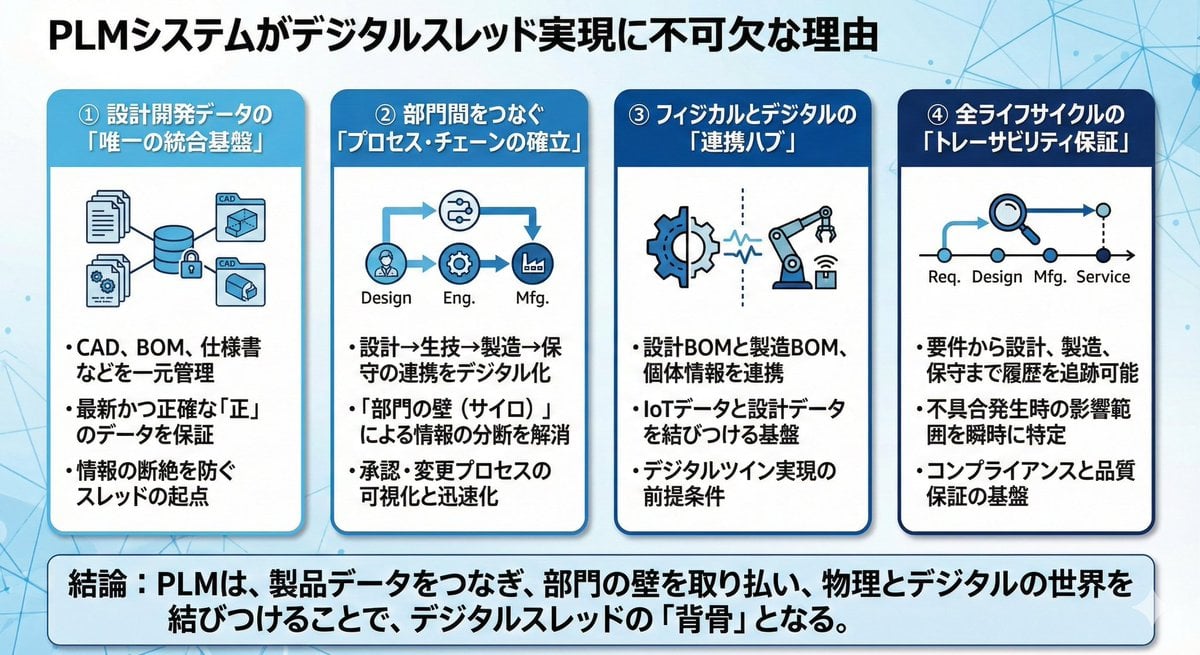
Presentation slide about PLM and digital thread

JSON Prompt Template for Camera and Lighting Control
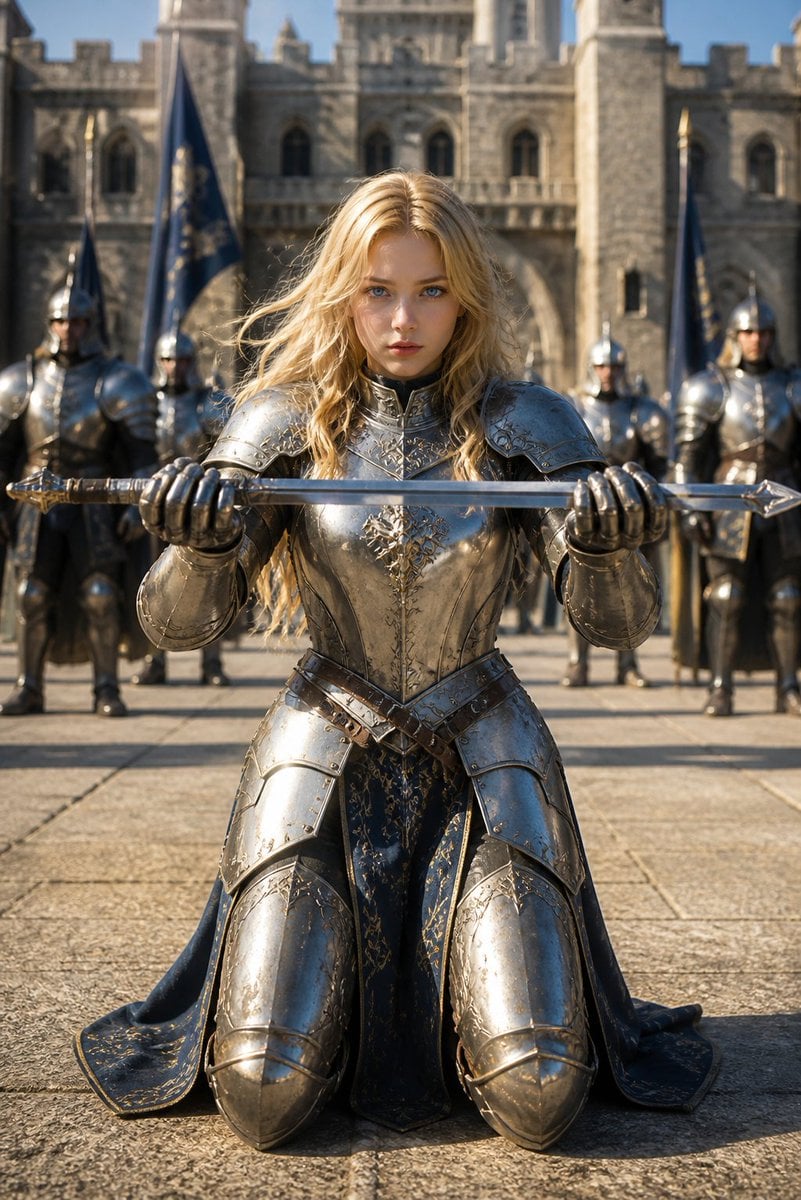
Kneeling Blonde Knight at Castle
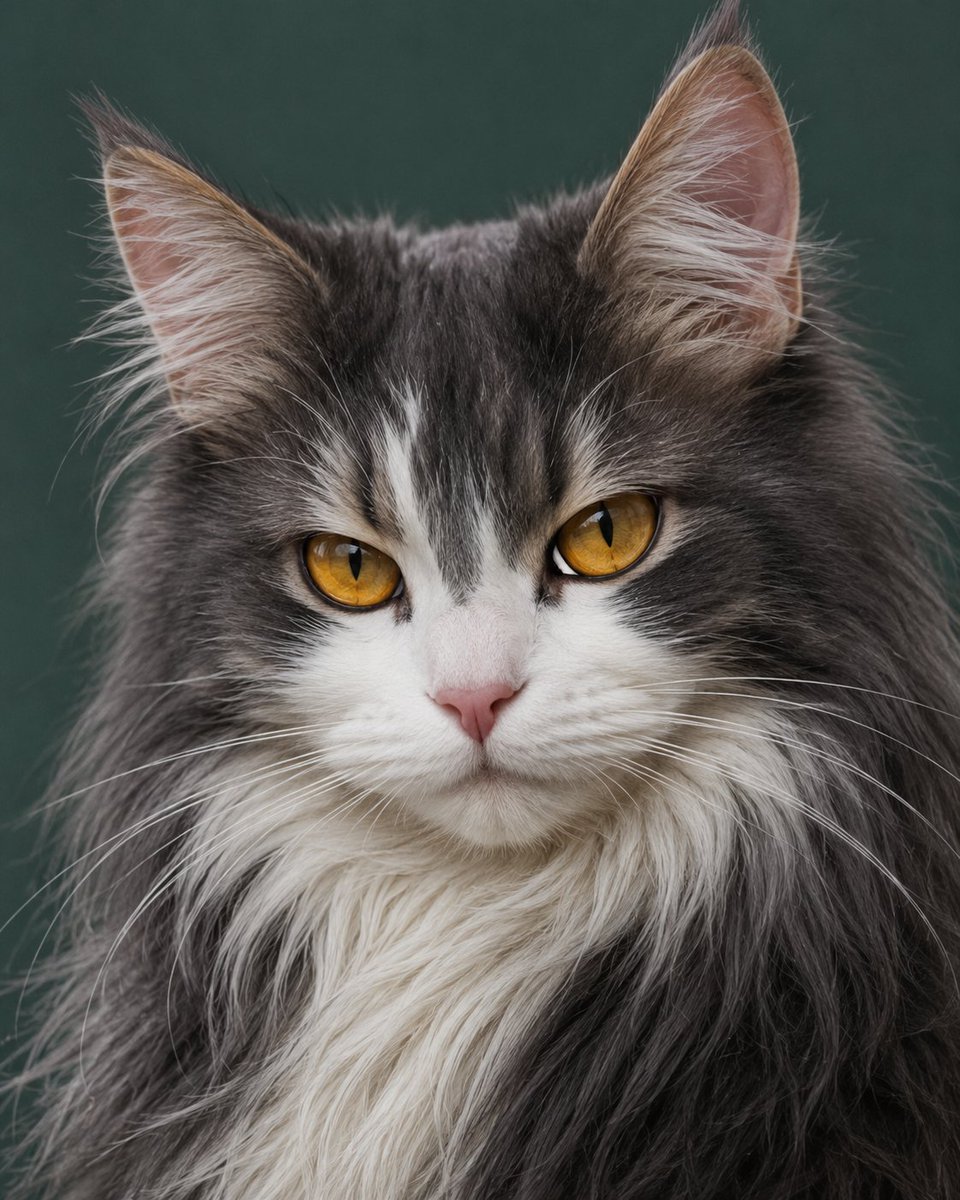
Photorealistic Amber-Eyed Cat Portrait
Browse template categories
Realistic Portrait with Chibi Wall Art questions
How do I use the Realistic Portrait with Chibi Wall Art template?
Add your photo if the template asks for one, edit the prompt if you like — the template's model and format are already selected — and press Generate. Your version opens in PicX Studio.
Can I customize the Realistic Portrait with Chibi Wall Art template?
Yes. You can change the subject, setting, lighting, mood, format, and available model controls before creating your image.
Is the Realistic Portrait with Chibi Wall Art template free?
Opening and editing this template is free. Generating uses credits, shown on the Generate button when you are signed in.
Which AI model should I use?
Start with GPT Image 2, which is the model associated with this template. You can compare another compatible model for a different finish.
Looking for something else? Browse all templates.

Your photo, any look
Thousands of ready templates for every top image and video model, from one credit balance.