
Jakub Pachocki AI Innovator Infographic
A square tech-profile infographic presenting Jakub Pachocki with a portrait, career timeline, contributions, significance, and legacy for educational or social media use.
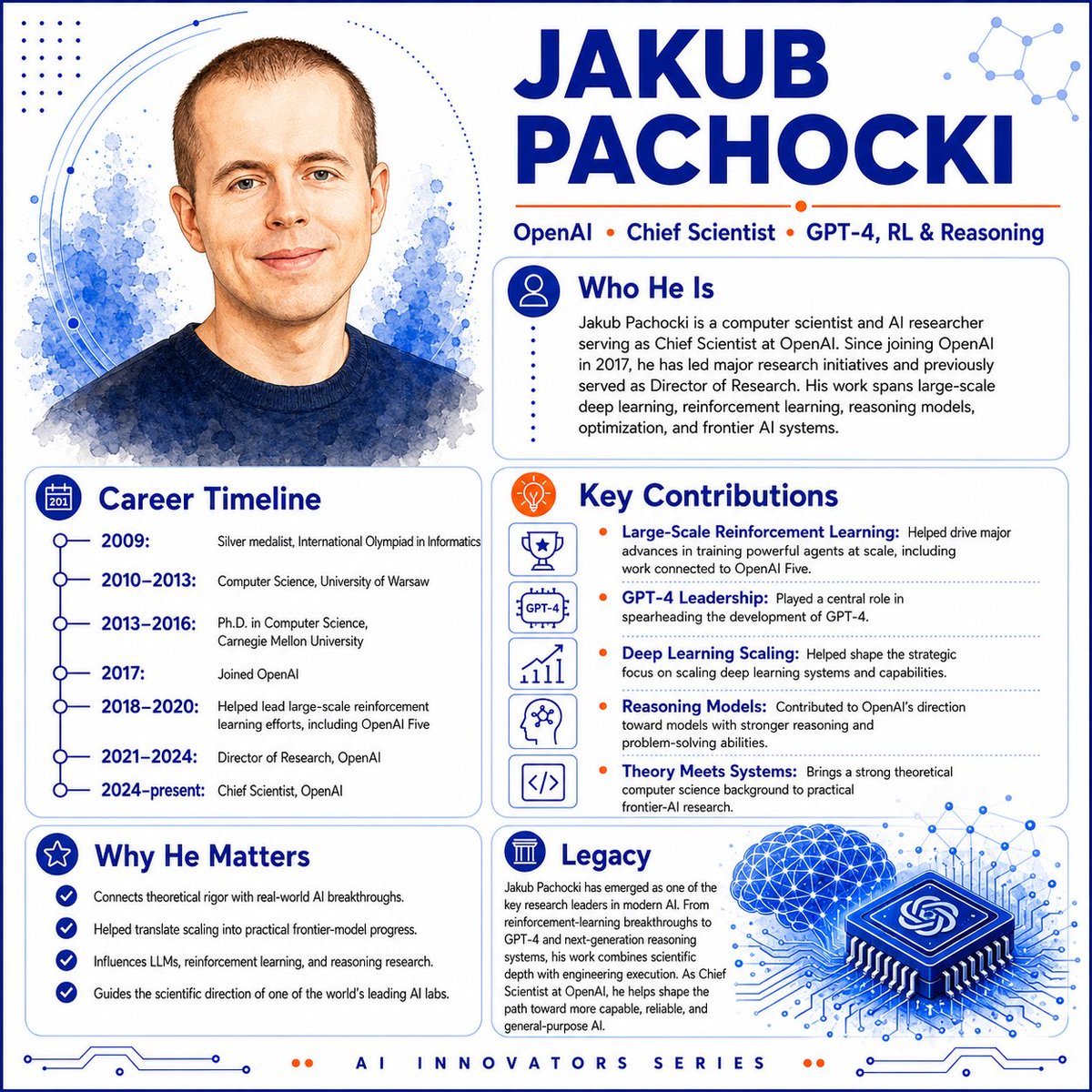
- Prompt included
- Model and format preset
- Premium template
The prompt behind this image
Copy the exact prompt behind Jakub Pachocki AI Innovator Infographic, or open it in the studio and make it yours.
Goal: Create a polished square educational profile infographic for an AI innovator, featuring a watercolor portrait and biography panels about {argument name="character name" default="Jakub Pachocki"}. Canvas: 1:1 square layout, white background with cobalt-blue and orange accent colors, clean tech editorial style, high-resolution vector-infographic finish with subtle watercolor textures. Layout: Split composition with a large portrait on the upper left and the main name headline on the upper right. Use rounded rectangular content cards with thin blue borders, dotted dividers, simple line icons, and circuit/network decorations. Add a small footer label centered at the bottom. Top left portrait: Semi-realistic watercolor head-and-shoulders portrait of a light-skinned man with very short brown hair, blue eyes, slight smile, wearing a dark navy crewneck sweater. Place him in front of blue watercolor splashes, dotted halftone accents, and curved circular orbit lines. Header: Huge bold uppercase dark-blue name text reading {argument name="headline name" default="JAKUB PACHOCKI"}. Beneath it, a slim orange line and a credential row reading: OpenAI • Chief Scientist • GPT-4, RL & Reasoning. Add a small abstract molecule/network icon in the top-right corner. Content cards: Use exactly 5 information panels: 1. “Who He Is” card at upper right with a blue circular person icon. Body text: “Jakub Pachocki is a computer scientist and AI researcher serving as Chief Scientist at OpenAI. Since joining OpenAI in 2017, he has led major research initiatives and previously served as Director of Research. His work spans large-scale deep learning, reinforcement learning, reasoning models, optimization, and frontier AI systems.” 2. “Career Timeline” card at lower left with a blue calendar icon and a vertical timeline. Include exactly 6 timeline entries: 2009: Silver medalist, International Olympiad in Informatics; 2010–2013: Computer Science, University of Warsaw; 2013–2016: Ph.D. in Computer Science, Carnegie Mellon University; 2017: Joined OpenAI; 2018–2020: Helped lead large-scale reinforcement learning efforts, including OpenAI Five; 2021–2024: Director of Research, OpenAI; 2024–present: Chief Scientist, OpenAI. 3. “Key Contributions” card at center right with an orange lightbulb icon. Include exactly 5 contribution rows, each with a small blue outline icon: trophy for “Large-Scale Reinforcement Learning,” GPT-4 badge for “GPT-4 Leadership,” rising chart for “Deep Learning Scaling,” head/brain network for “Reasoning Models,” and code brackets for “Theory Meets Systems.” Use short explanatory text after each bold blue contribution label, separated by dotted horizontal rules and orange bullet dots. 4. “Why He Matters” card at bottom left with a blue star icon. Include exactly 4 checkmark bullets: Connects theoretical rigor with real-world AI breakthroughs; Helped translate scaling into practical frontier-model progress; Influences LLMs, reinforcement learning, and reasoning research; Guides the scientific direction of one of the world’s leading AI labs. 5. “Legacy” card at bottom right with a blue classical-column icon. Add paragraph text explaining that he emerged as a key research leader in modern AI, from reinforcement-learning breakthroughs to GPT-4 and next-generation reasoning systems, combining scientific depth with engineering execution as Chief Scientist at OpenAI. Bottom right illustration: Add a large blue isometric microchip with the OpenAI knot logo on top, connected to circuit traces, next to a glowing blue wireframe brain made of nodes and triangular mesh lines. Footer: Centered small spaced uppercase text reading {argument name="footer text" default="AI INNOVATORS SERIES"}, flanked by tiny orange dots and thin blue circuit-line ornaments. Visual style: Crisp modern infographic, deep cobalt blue typography, orange highlights, thin rounded cards, dotted halftone patterns, network-node motifs, clean sans-serif fonts, balanced white space, professional magazine-poster design. Constraints: Keep all text legible and aligned; use exactly 5 content cards, exactly 6 timeline entries, exactly 5 contribution rows, and exactly 4 checkmark bullets; no extra logos except the OpenAI-style knot on the chip; no watermark.
How to use Jakub Pachocki AI Innovator Infographic in 3 steps
- 1Upload ImagePNG, JPG or paste
Add your photo
Upload the photo the template builds on. The prompt, model and format are already set.
- 2…a portrait of your subject in softgolden-hour light, 85mm…
Personalize
Edit the subject and creative details for your destination.
- 3Generate
Generate
Press Generate — your image is created in PicX Studio, so you can compare it with the original and refine one variable at a time.
More like this
Templates with the same subject, style or setup. Open one to see its prompt.

Japan Travel Brochure Poster

Isometric Process Educational Diorama

Isometric Vehicle Teardown Infographic Template

Gpt2 E Commerce Main Image Earbuds E Commerce Infographic

Gpt2 Infographic Edu Visual Alishan One Day Travel Poster

Gpt2 Infographic Edu Visual Ethnographic Plate for Tibetan Ceremonial Hat

Gpt2 Infographic Edu Visual Earth Signs Zodiac Character Poster

Gpt2 Infographic Edu Visual Water Signs Zodiac Character Poster

Gpt2 Infographic Edu Visual Ink Wash Tribute Poster for Chen Uen

Gpt2 Infographic Edu Visual Vintage Claude Shannon Infographic Poster

Gpt2 Infographic Edu Visual Taoist Three Souls Seven Po Poster

Gpt2 Infographic Edu Visual Biomimetic Skyray Aircraft Poster
Make it yours
Jakub Pachocki AI Innovator Infographic works as-is. These are the safest ways to change it without losing the look.
Change one field
Copy a single group, rewrite it, and generate again so you can see what that field is doing.
Keep the frame, change the subject
Hold the composition and light of Jakub Pachocki AI Innovator Infographic, then swap wardrobe, props or the person for a new take.
| If the result… | Why | Fix |
|---|---|---|
| The result drifts from the preview | Too many fields changed at once. | Reuse Jakub Pachocki AI Innovator Infographic as-is first, then change one group — subject, light, or setting. |
| The model over-stylizes the scene | The prose prompt leaves finish and camera underspecified. | Add one camera or lighting sentence and stay on GPT Image 2. |
More GPT Image 2 templates
Other prompts made for GPT Image 2.

Six VTuber Japanese Logo Sheet

Realistic Portrait of Woman and Deer

The Vista Modular Condo Poster

AI Model Routing Comparison Infographic

2.5D Anime Art Board

Isometric Productivity Desk Scene

New York Double Exposure Poster

Four-Panel AI Landscape Comparison

Japanese Tatami Lifestyle Magazine Cover

NESCAFÉ Coffee Map Poster
More image prompts
Fresh picks from across the catalog.

Bishop Transformation with Healing Light and Glasses
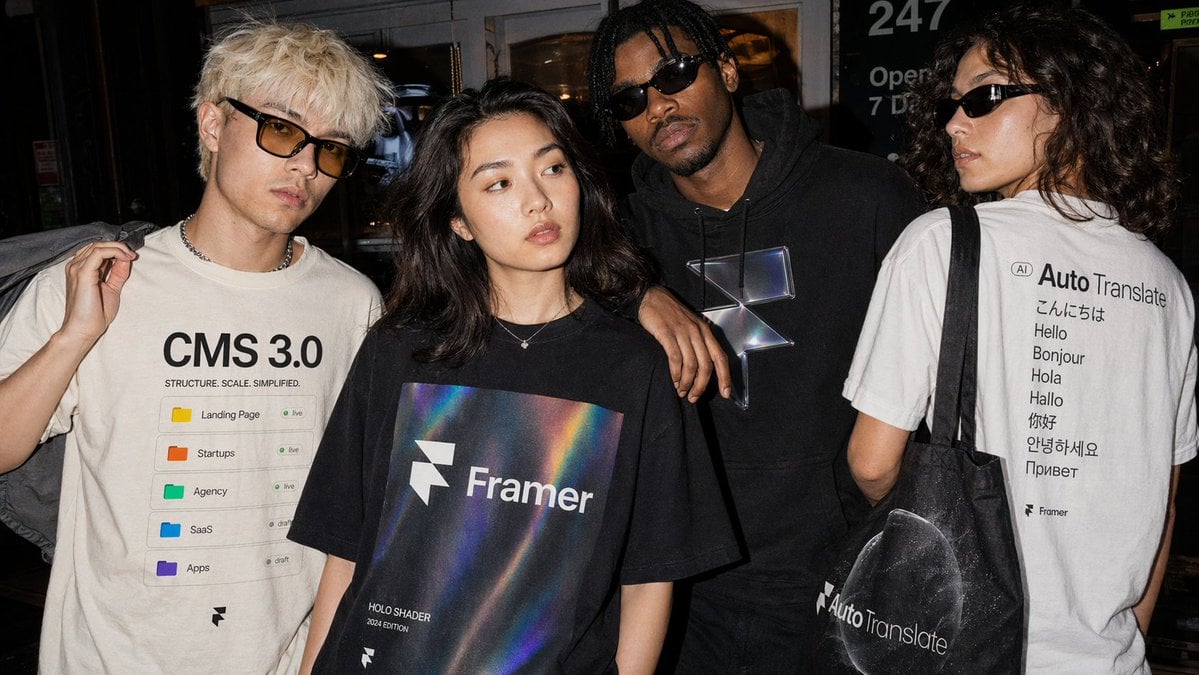
Editorial Streetwear Lifestyle Merch
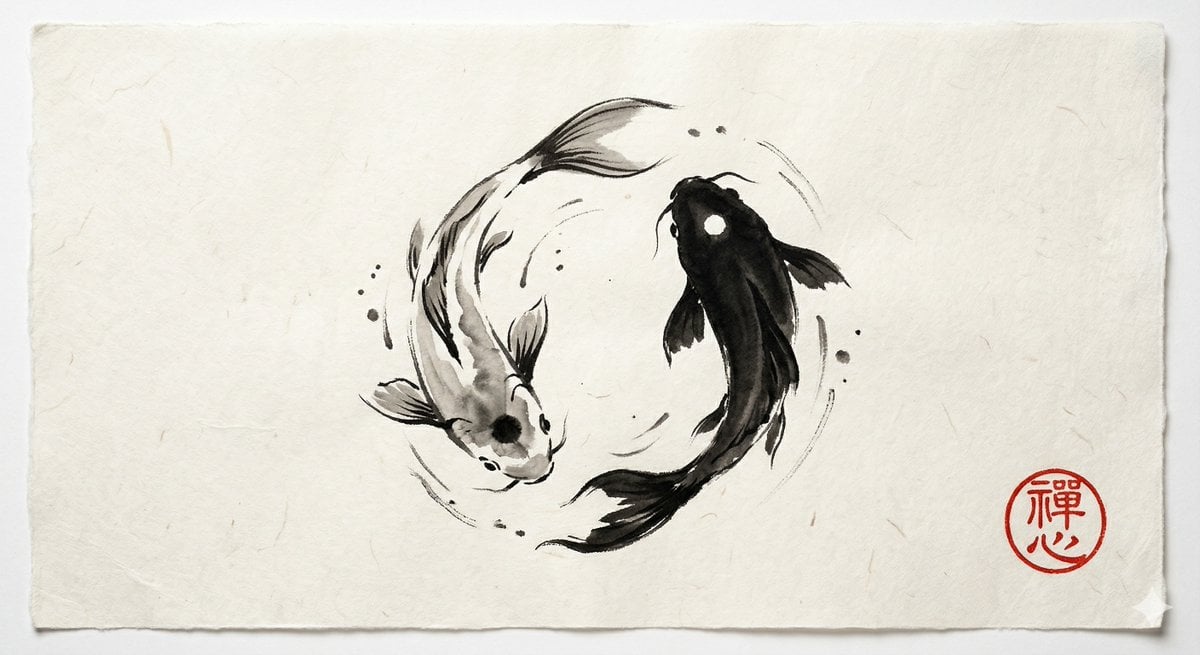
Yin and Yang Koi Fish Sumi-e Prompt
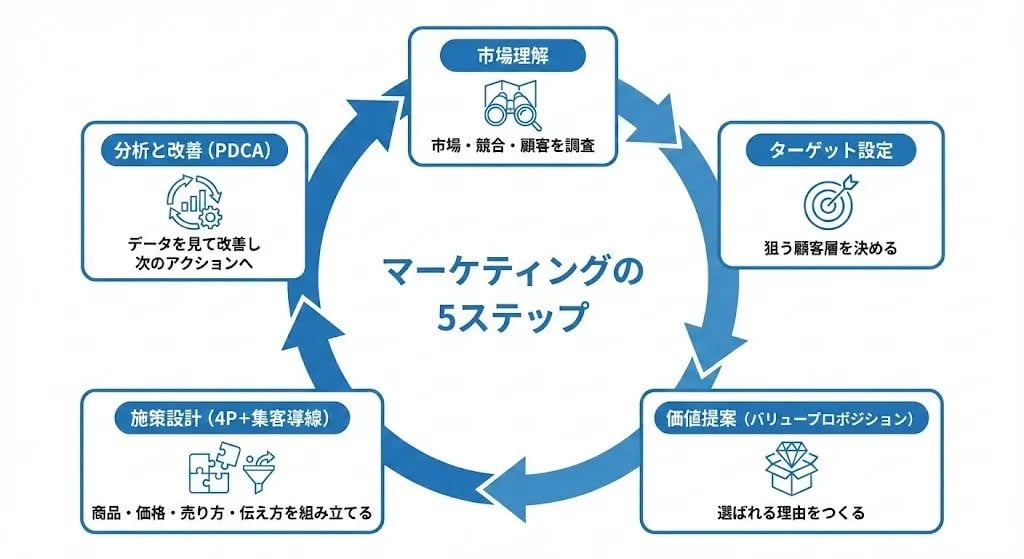
Step Marketing Flowchart Diagram Generator

Instagram-Style Casual Portrait Prompt with Identity Lock
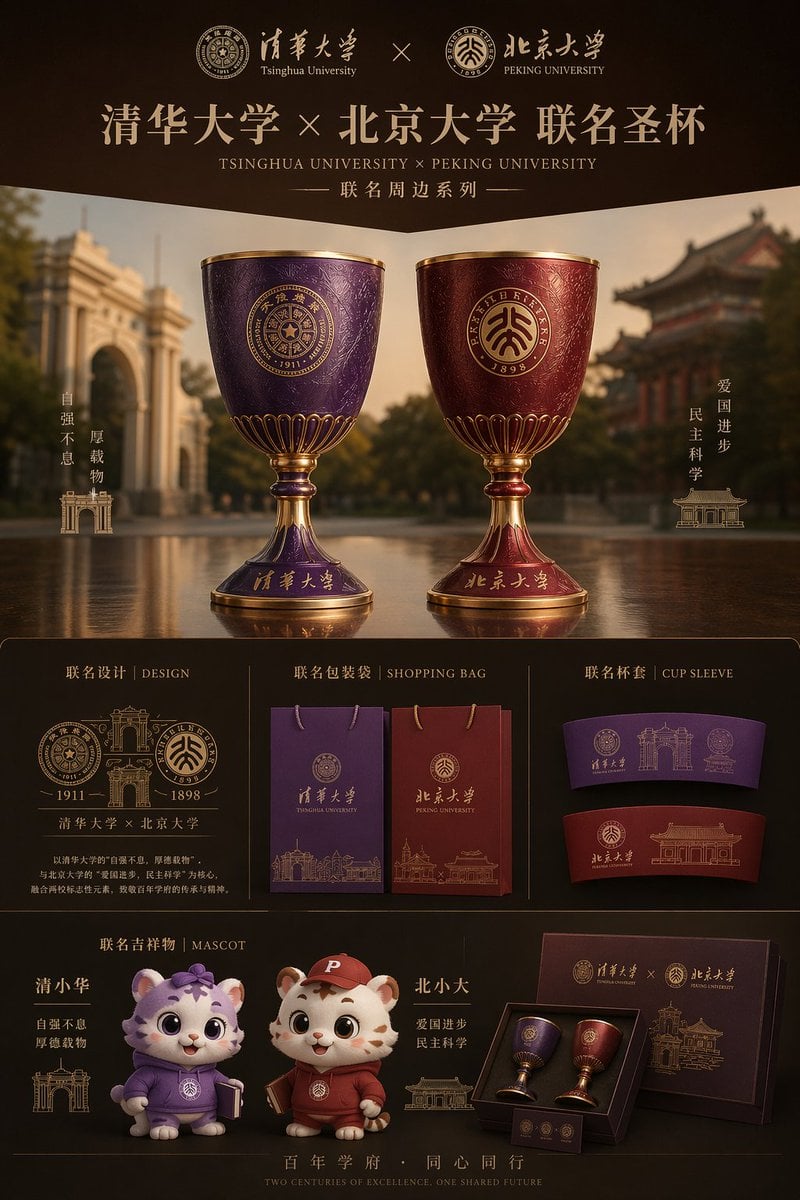
Luxury University Co-Branded Gift Poster

Fashion Editorial Studio Portrait
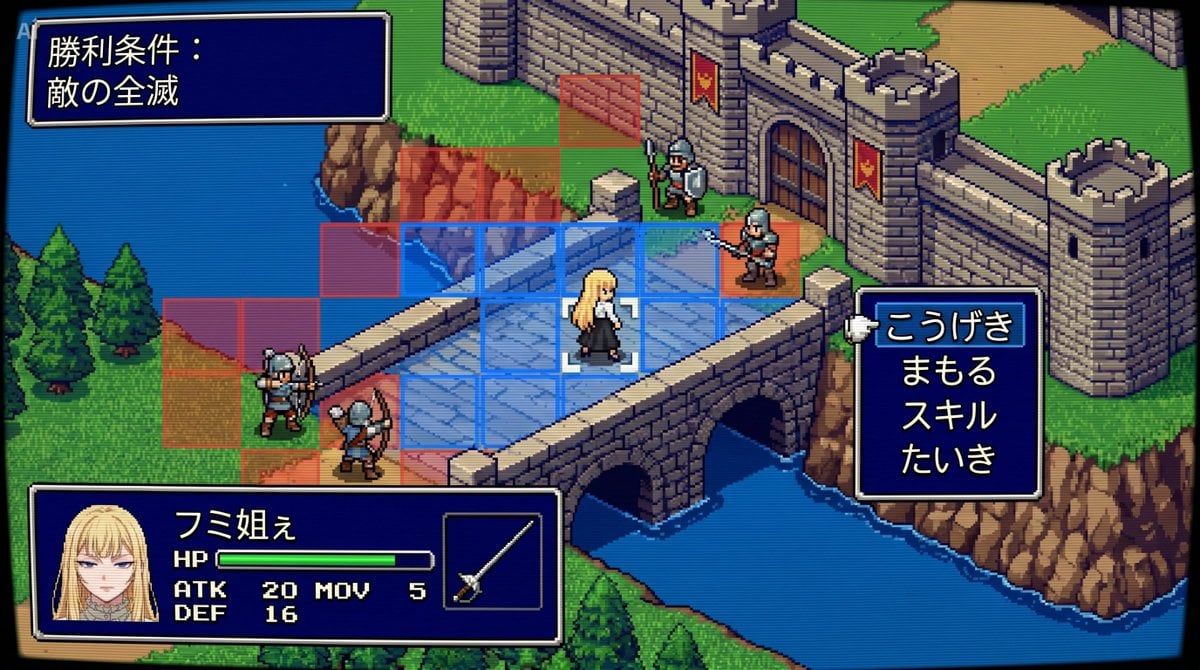
Tactical Simulation RPG Scene Prompt
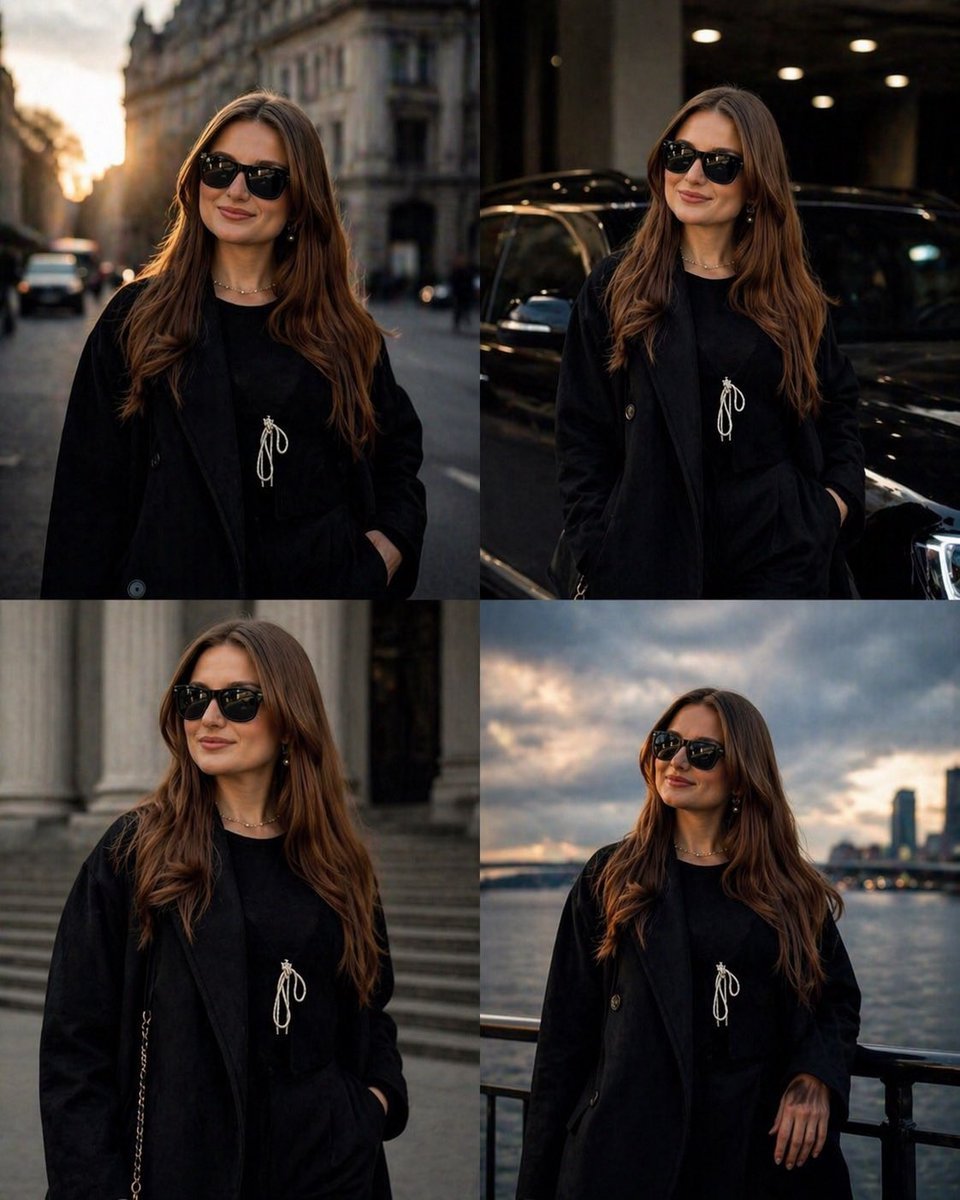
Luxury Urban Street Portrait
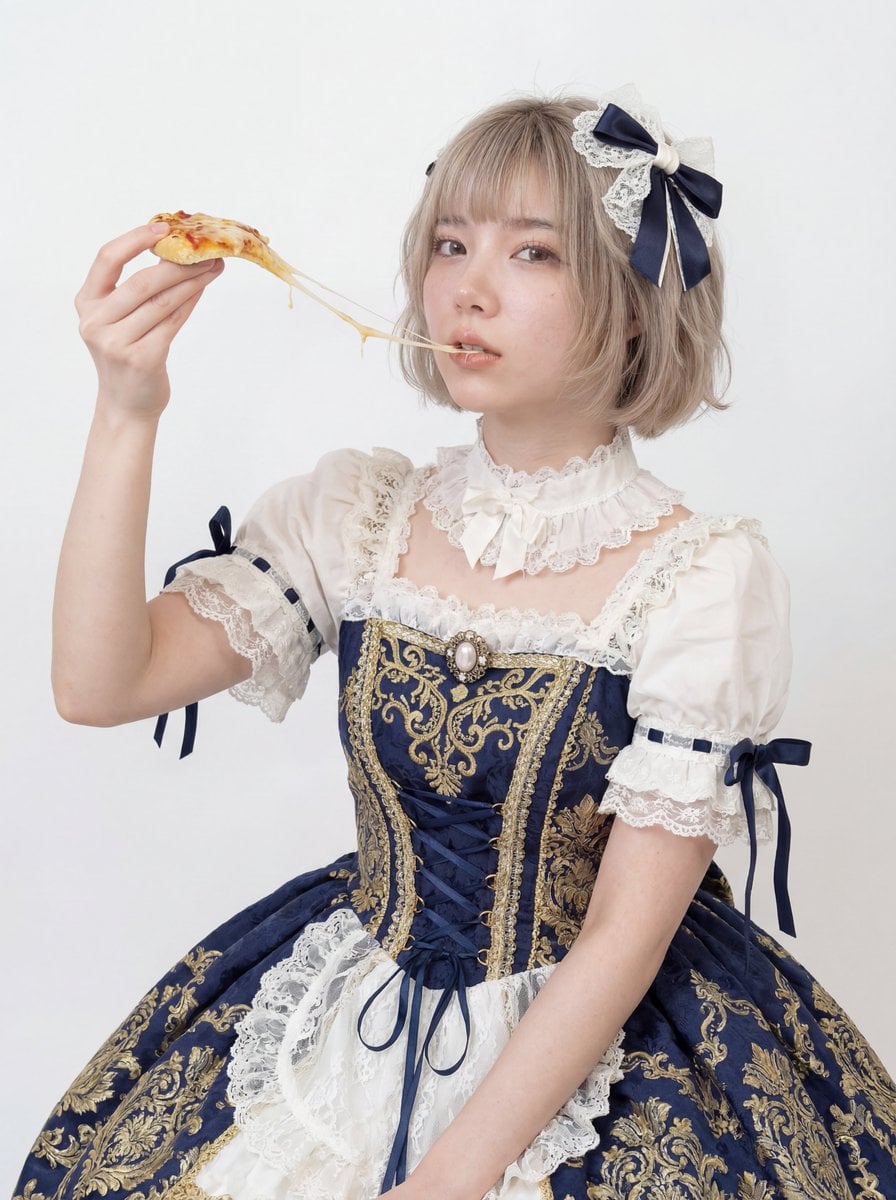
Professional Studio Headshot: Woman Eating Pizza
Browse template categories
Jakub Pachocki AI Innovator Infographic questions
How do I use the Jakub Pachocki AI Innovator Infographic template?
Add your photo if the template asks for one, edit the prompt if you like — the template's model and format are already selected — and press Generate. Your version opens in PicX Studio.
Can I customize the Jakub Pachocki AI Innovator Infographic template?
Yes. You can change the subject, setting, lighting, mood, format, and available model controls before creating your image.
Is the Jakub Pachocki AI Innovator Infographic template free?
Opening and editing this template is free. Generating uses credits, shown on the Generate button when you are signed in.
Which AI model should I use?
Start with GPT Image 2, which is the model associated with this template. You can compare another compatible model for a different finish.
Looking for something else? Browse all templates.

Your photo, any look
Thousands of ready templates for every top image and video model, from one credit balance.