
Desert Starlight Airplane Cafe
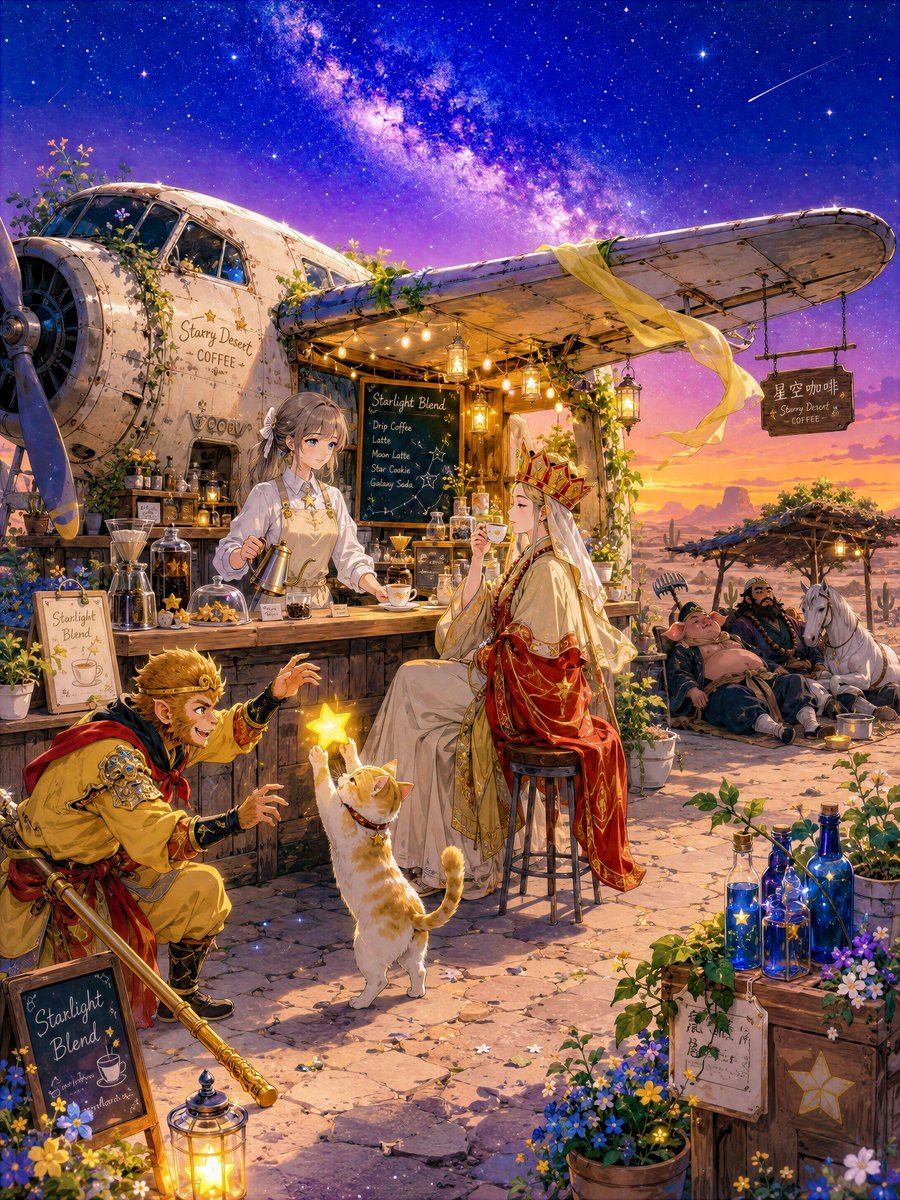
A detailed anime fantasy prompt for generating a magical desert cafe scene with Journey to the West-inspired travelers under the Milky Way.
- Prompt included
- Model and format preset
- Premium template
The prompt behind this image
Copy the exact prompt behind Desert Starlight Airplane Cafe, or open it in the studio and make it yours.
Goal: Create a richly detailed fantasy anime illustration of a desert starlight cafe during a Journey to the West-inspired stopover, with a cozy magical atmosphere under a vast Milky Way sky. Canvas: Vertical 4:5 illustration, high resolution, ultra-detailed, warm lantern light contrasted with deep blue and violet night sky. The scene is set at twilight-night in a desert oasis-like roadside cafe. Main setting: A vintage propeller airplane has been converted into a small open-air cafe. The fuselage forms the shop body on the left, with the long wing extending across the upper right like an awning. The airplane is weathered cream metal with rivets, vines, flowers, and small plants growing over it. Hang glowing lanterns and string lights beneath the wing. Add a flowing translucent golden cloth draped from the wing and blowing gently in the wind. In the background show mesas, cacti, desert shrubs, warm sunset glow at the horizon, and an immense star-filled sky with a bright Milky Way band and one shooting star. Characters and exact count: Include 6 character figures plus 1 cat. 1) {argument name="monk character" default="a beautiful Sanzo monk"}: seated elegantly on a tall wooden stool at the cafe counter, wearing ornate white and red-gold Buddhist-inspired robes and a jeweled crown, long pale hair, calm expression, holding a coffee cup under the stars. 2) {argument name="monkey warrior" default="Sun Wukong"}: crouching in the lower left foreground in yellow and red warrior clothing, golden circlet, mischievous excited expression, reaching toward a glowing star. 3) A gentle gray-haired cafe attendant girl behind the counter, wearing a white blouse and beige apron with star motifs, holding a coffee pot, soft anime face, flowers in her hair. 4) A sleepy pig-like companion in the rear right, reclining on cushions under a small shade structure. 5) A bearded river-sand monk companion beside him, also asleep. 6) A white dragon horse resting at the far right near them. 7) A white-and-orange cat in the center foreground standing on hind legs, holding up a bright glowing yellow star that fascinates the monkey warrior. Cafe objects and exact counts: Show 3 visible cafe sign/menu boards: one hanging wooden sign on the right reading {argument name="hanging sign text" default="星空咖啡 / Starry Desert COFFEE"}, one blackboard menu behind the counter reading “Starlight Blend” with drink names such as drip coffee, latte, moon latte, star cookie, and galaxy soda, and one freestanding chalkboard sign in the lower left reading “Starlight Blend” with a small coffee cup drawing. Include many coffee tools on the counter: glass dripper, kettle, bottles, cups, jars, saucers, small pastries, and star-shaped sweets. Include exactly 5 prominent blue glass bottles in the lower right foreground, some containing tiny glowing stars. Foreground details: Stone-paved cafe terrace with scattered tiny star lights, flowers, potted plants, desert blossoms, wooden crates with a star emblem, a lantern glowing near the lower left, and small handwritten tags. Use abundant tiny decorative details: vines, yellow and blue flowers, jars of light, hanging lamps, coffee accessories, and star motifs. Visual style: Painterly Japanese anime fantasy, extremely intricate background art, luminous magical realism, soft character rendering, cinematic composition, vibrant saturated colors, warm gold highlights, cool indigo sky, cozy whimsical travel mood, highly detailed 5k illustration quality. Constraints: Preserve the desert starlight cafe theme, keep the airplane cafe clearly recognizable, keep the composition crowded but readable, avoid modern city elements, avoid photorealism, avoid extra characters beyond the 6 figures and 1 cat.
How to use Desert Starlight Airplane Cafe in 3 steps
- 1Upload ImagePNG, JPG or paste
Add your photo
Upload the photo the template builds on. The prompt, model and format are already set.
- 2…a portrait of your subject in softgolden-hour light, 85mm…
Personalize
Edit the subject and creative details for your destination.
- 3Generate
Generate
Press Generate — your image is created in PicX Studio, so you can compare it with the original and refine one variable at a time.
More like this
Templates with the same subject, style or setup. Open one to see its prompt.
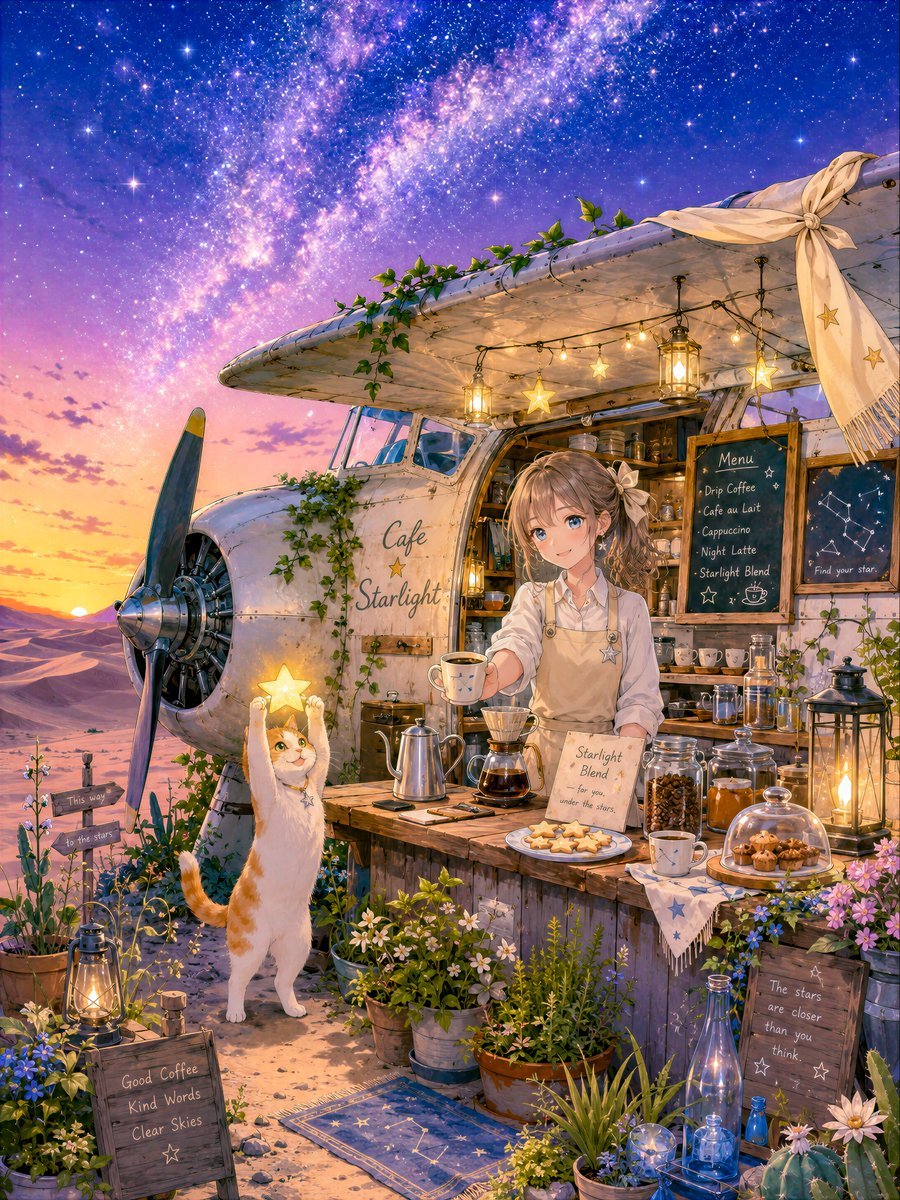
Starlit Desert Airplane Cafe
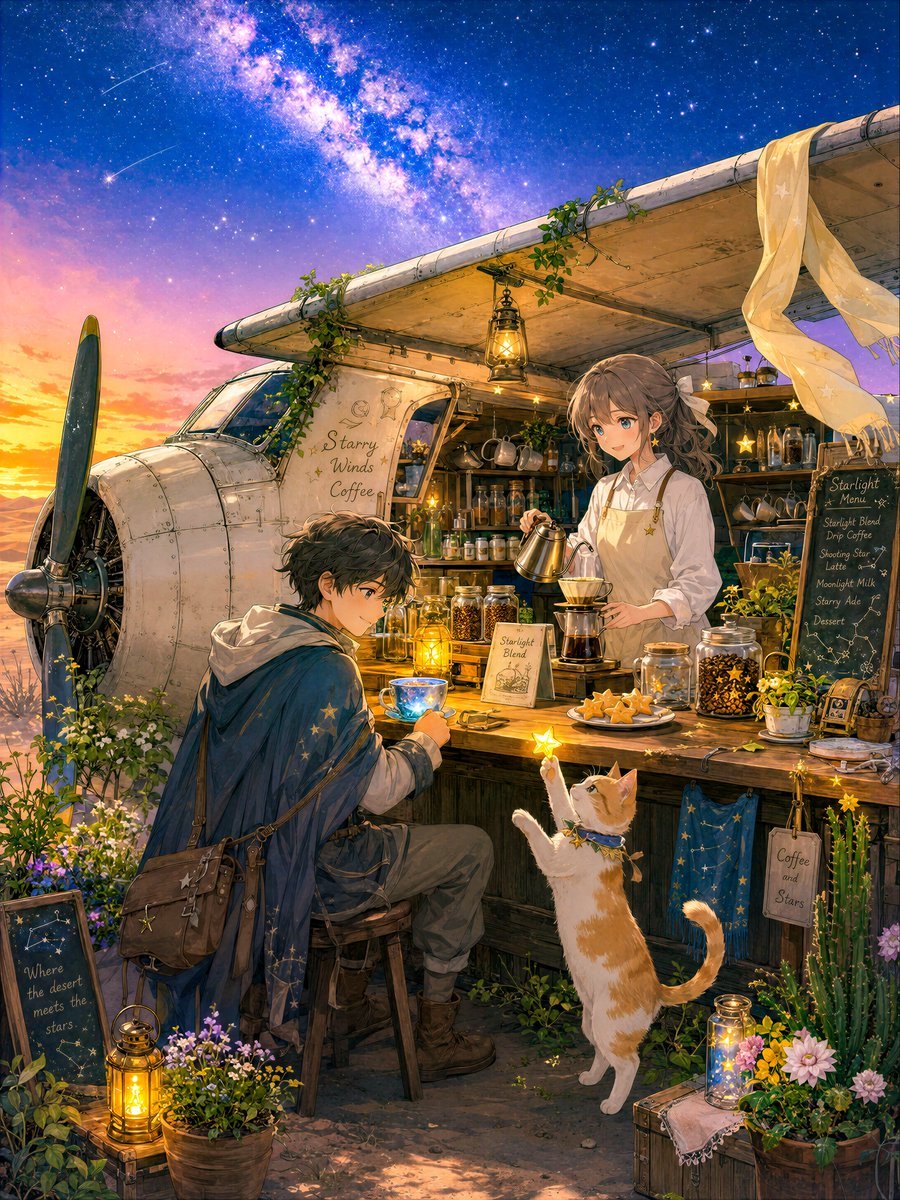
Desert Night Airplane Cafe Story
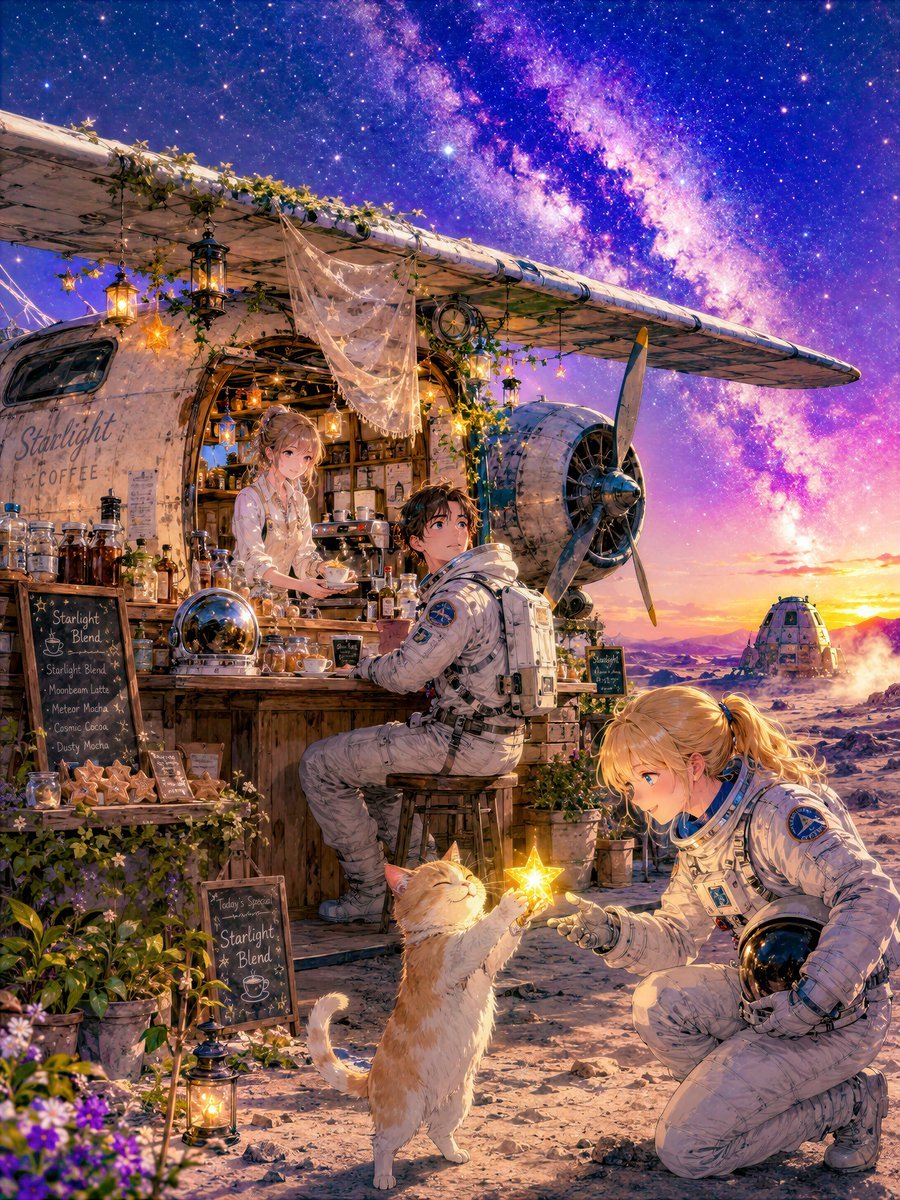
Moon Airplane Starlight Café
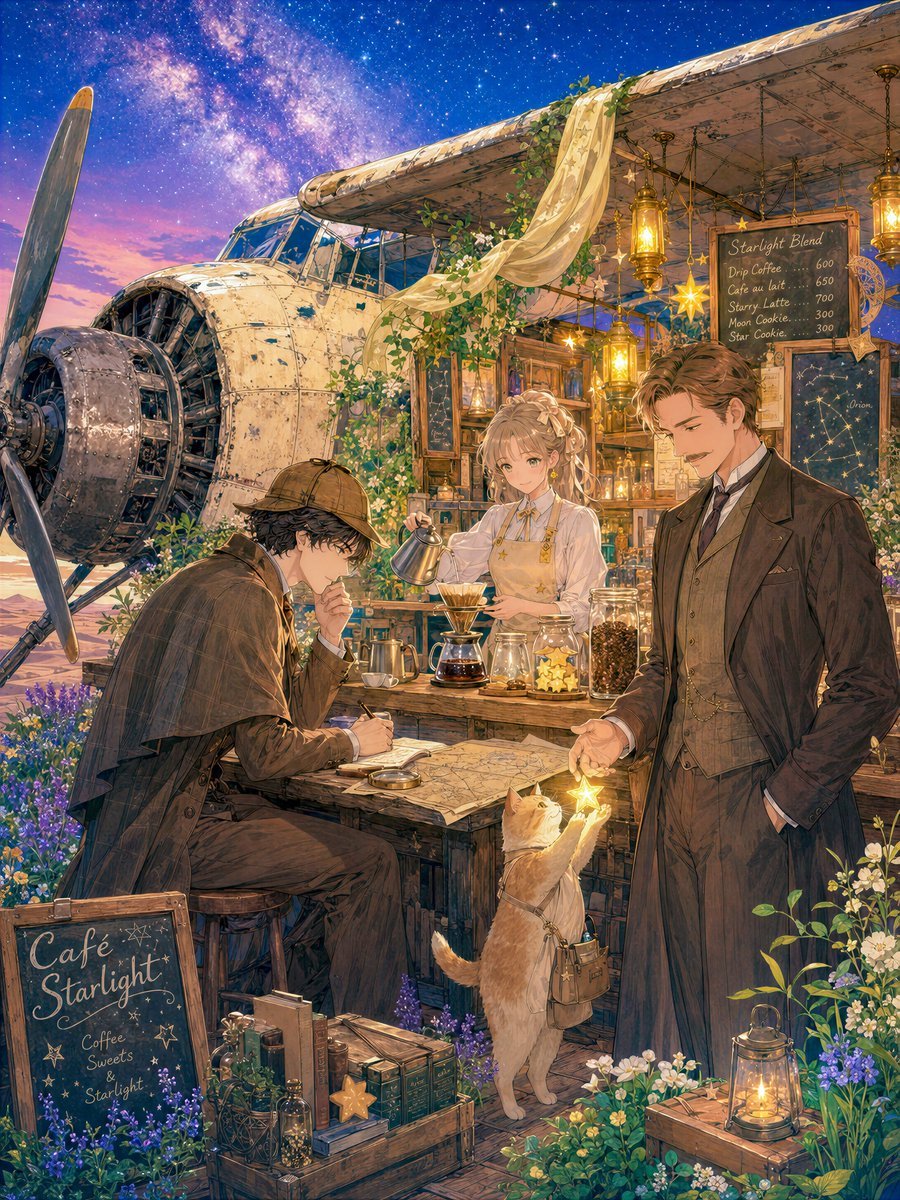
Starlight Airplane Café
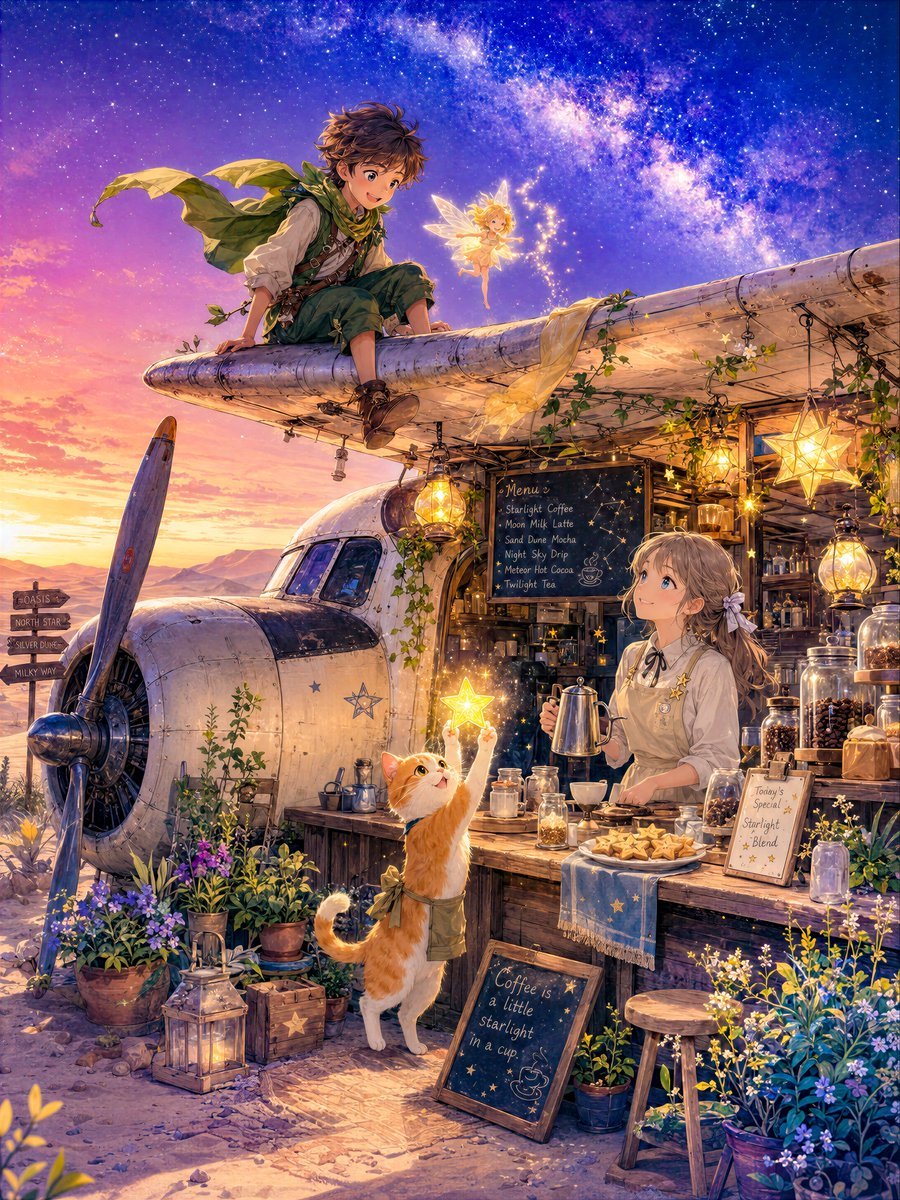
Star Cafe on a Crashed Airplane

Cat Photobomb Selfie — 0.5x Wide Angle Café Chaos

Saudi Arabia Paper Cut Travel Poster

Trendy Cafe Drink Promo Poster

Nostalgic Digicam Café Afternoon Portrait

Delicate Japanese Café Lifestyle Illustration

Korean Cafe Courtyard Gold Frame Mirror Selfie

Outdoor Cafe Portrait — White Ruched Top Nano Banana
Make it yours
Desert Starlight Airplane Cafe works as-is. These are the safest ways to change it without losing the look.
Change one field
Copy a single group, rewrite it, and generate again so you can see what that field is doing.
Keep the frame, change the subject
Hold the composition and light of Desert Starlight Airplane Cafe, then swap wardrobe, props or the person for a new take.
| If the result… | Why | Fix |
|---|---|---|
| The result drifts from the preview | Too many fields changed at once. | Reuse Desert Starlight Airplane Cafe as-is first, then change one group — subject, light, or setting. |
| The model over-stylizes the scene | The prose prompt leaves finish and camera underspecified. | Add one camera or lighting sentence and stay on GPT Image 2. |
More GPT Image 2 templates
Other prompts made for GPT Image 2.

Six VTuber Japanese Logo Sheet

Realistic Portrait of Woman and Deer

The Vista Modular Condo Poster

AI Model Routing Comparison Infographic

2.5D Anime Art Board

Isometric Productivity Desk Scene

New York Double Exposure Poster

Four-Panel AI Landscape Comparison

Japanese Tatami Lifestyle Magazine Cover

NESCAFÉ Coffee Map Poster
More image prompts
Fresh picks from across the catalog.
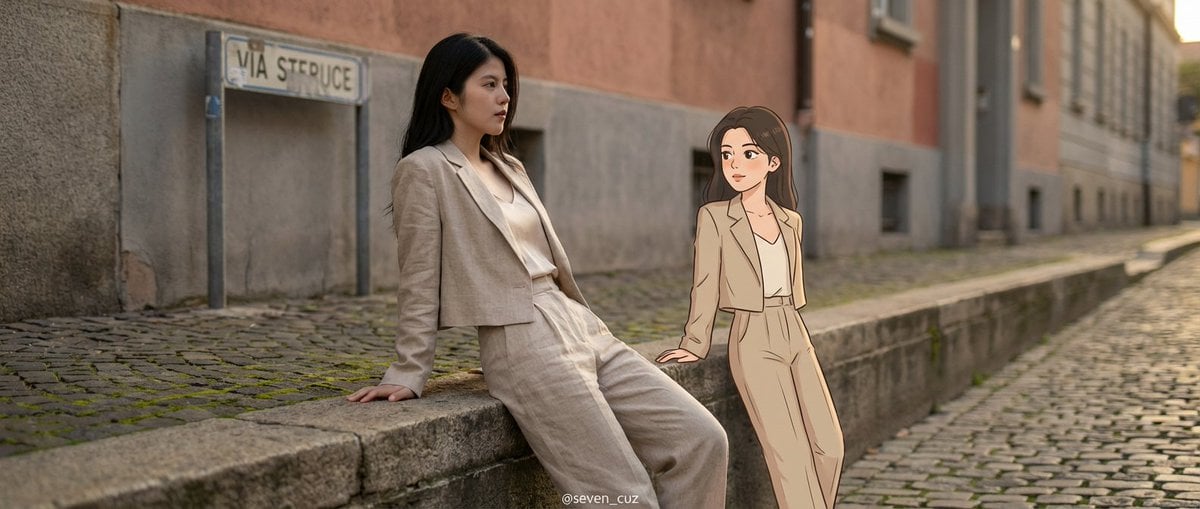
Mixed-Media Crossover Portrait (Real and Cartoon)
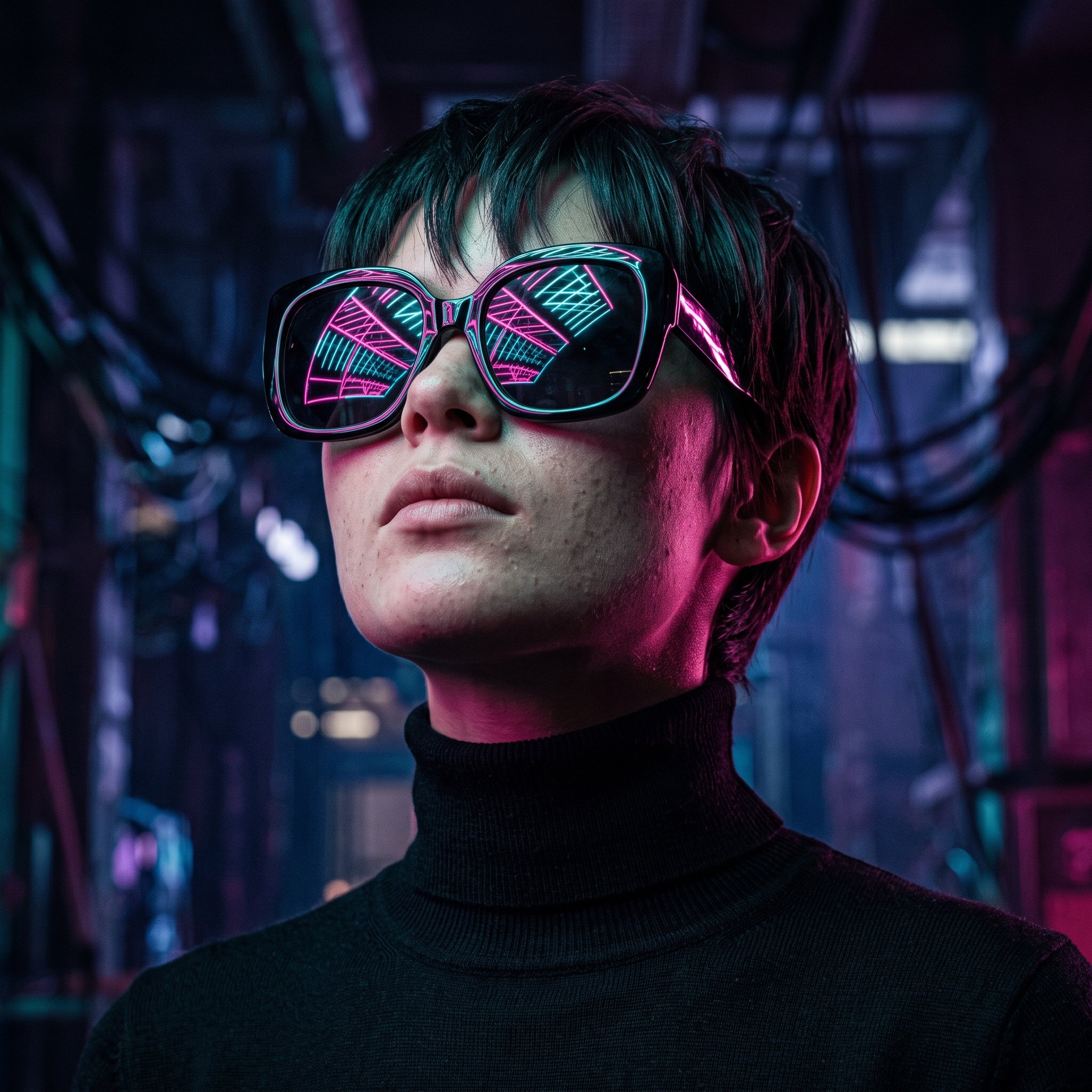
Cyberpunk Futuristic Portrait Prompt
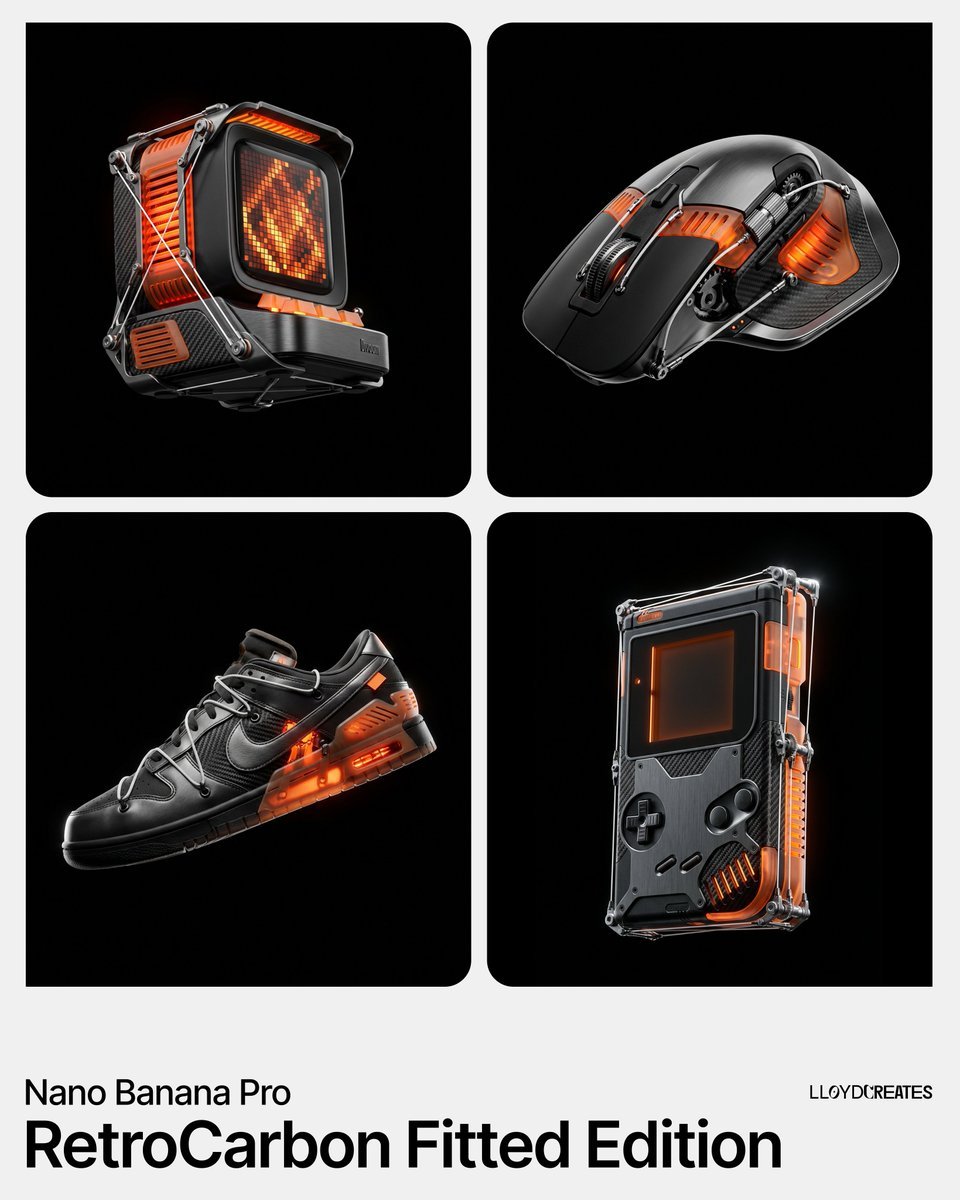
RetroCarbon Levitating Product Void Prompt
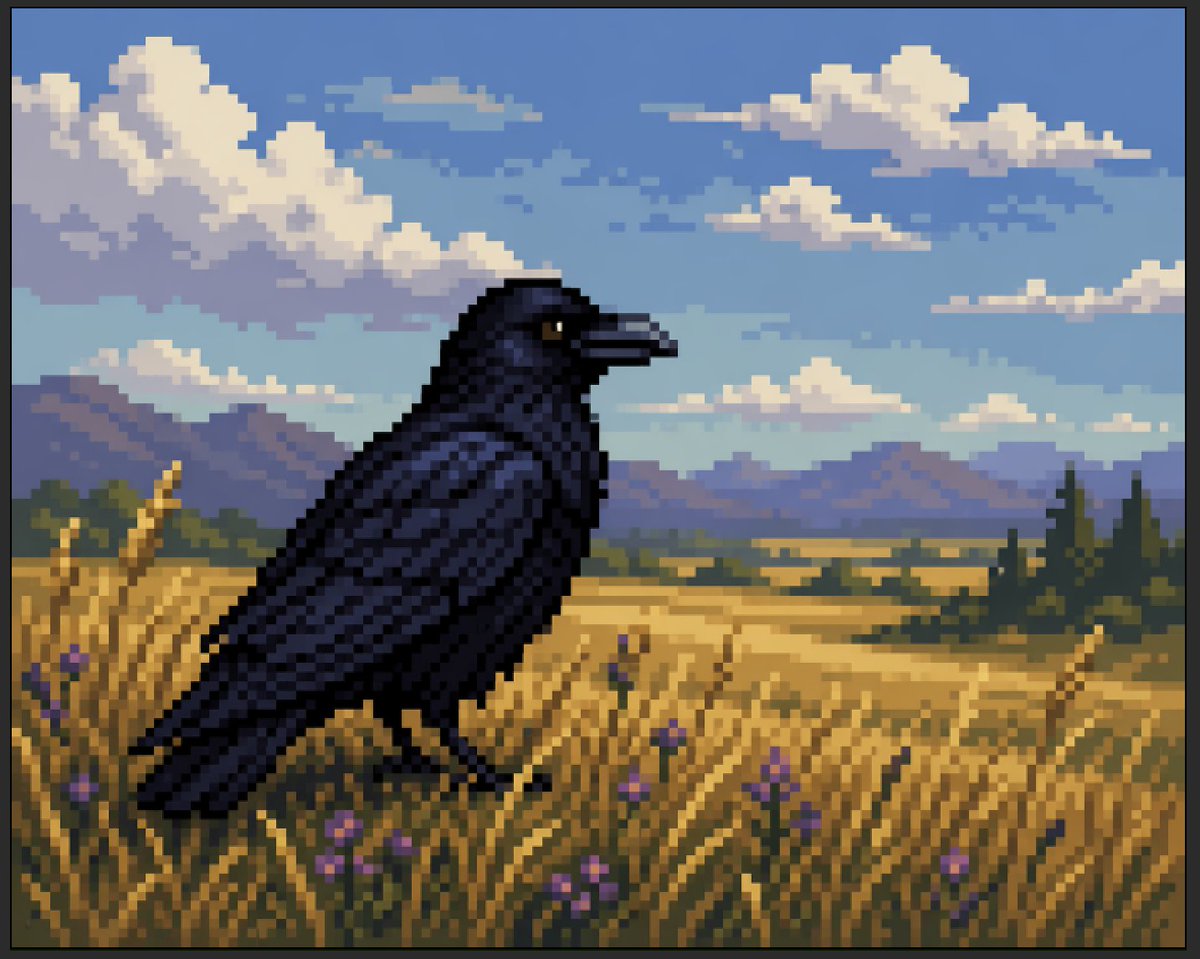
Faux Pixel Raven in Wheat Field
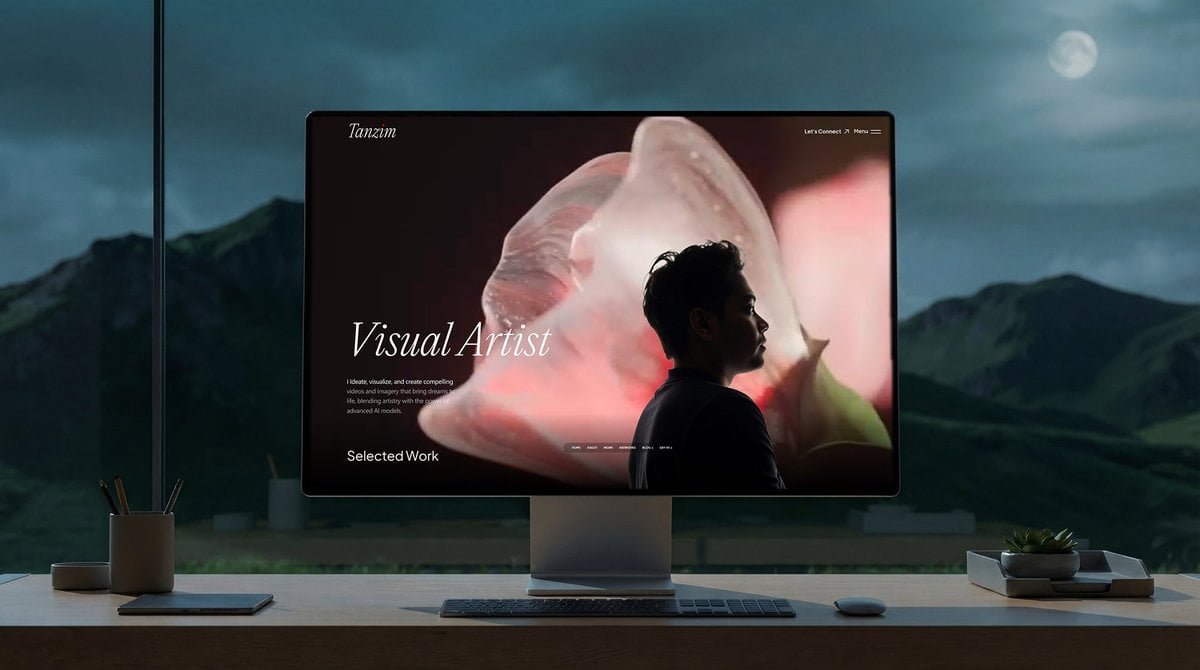
Simple Monitor Shot Prompt
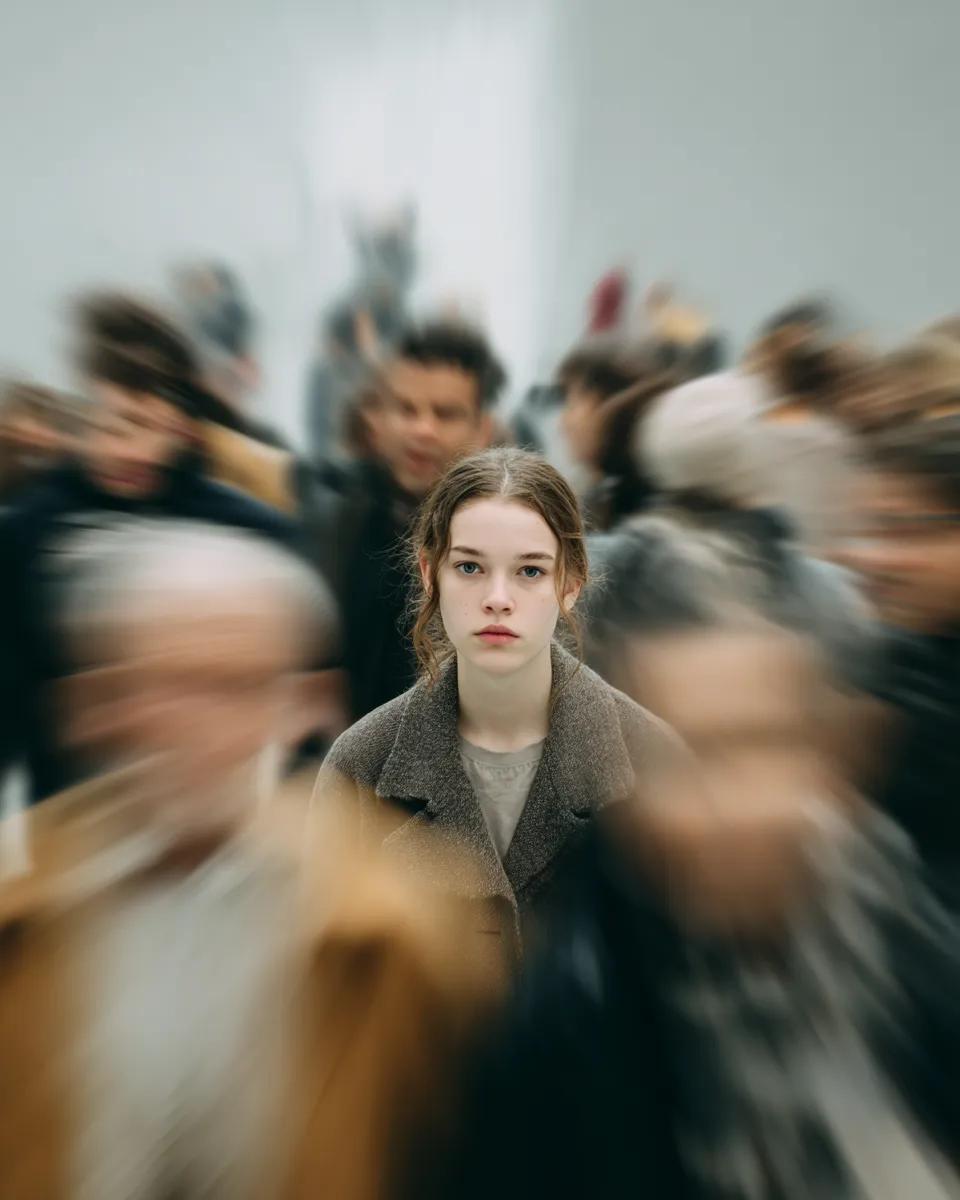
Cinematic Portrait with Radial Motion Blur
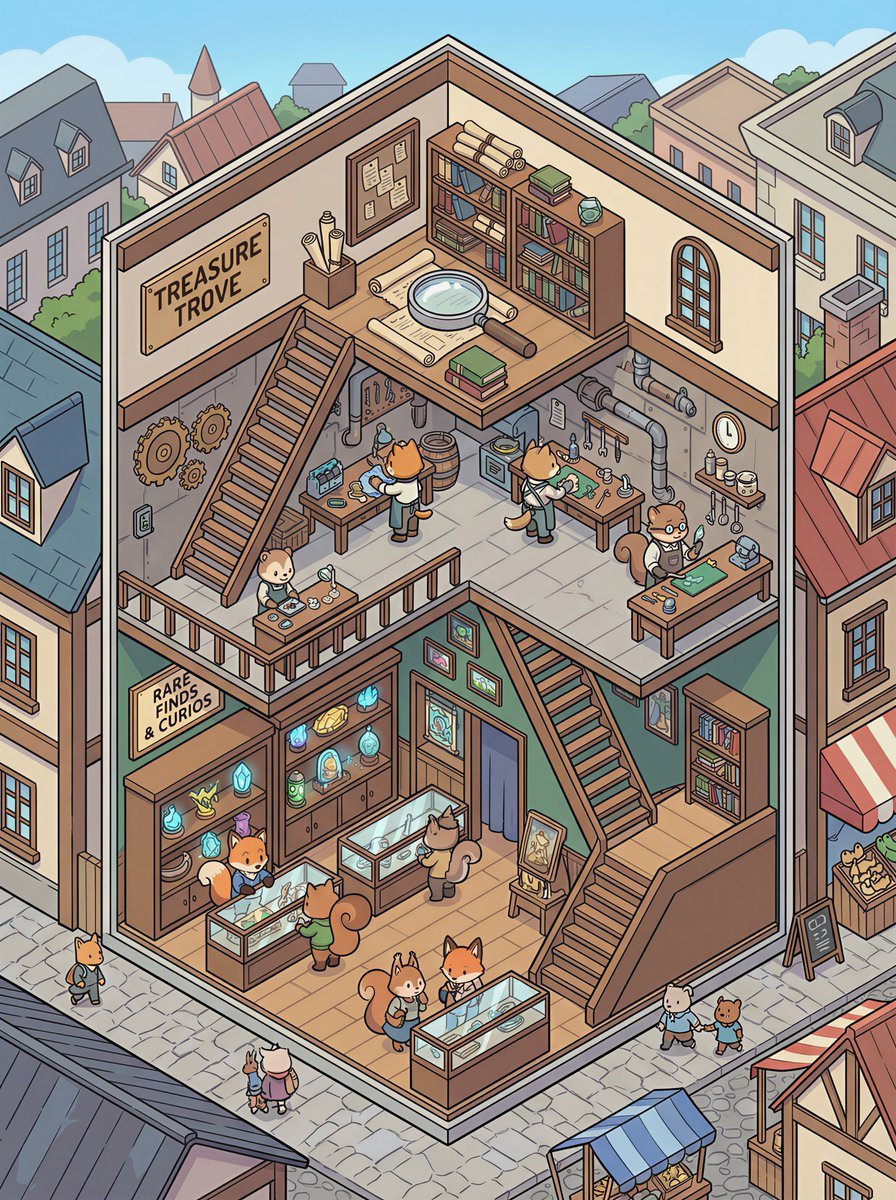
Isometric 2.5D Architectural Slice Illustration of an Animal Community
Neon Censored Portrait Avatar
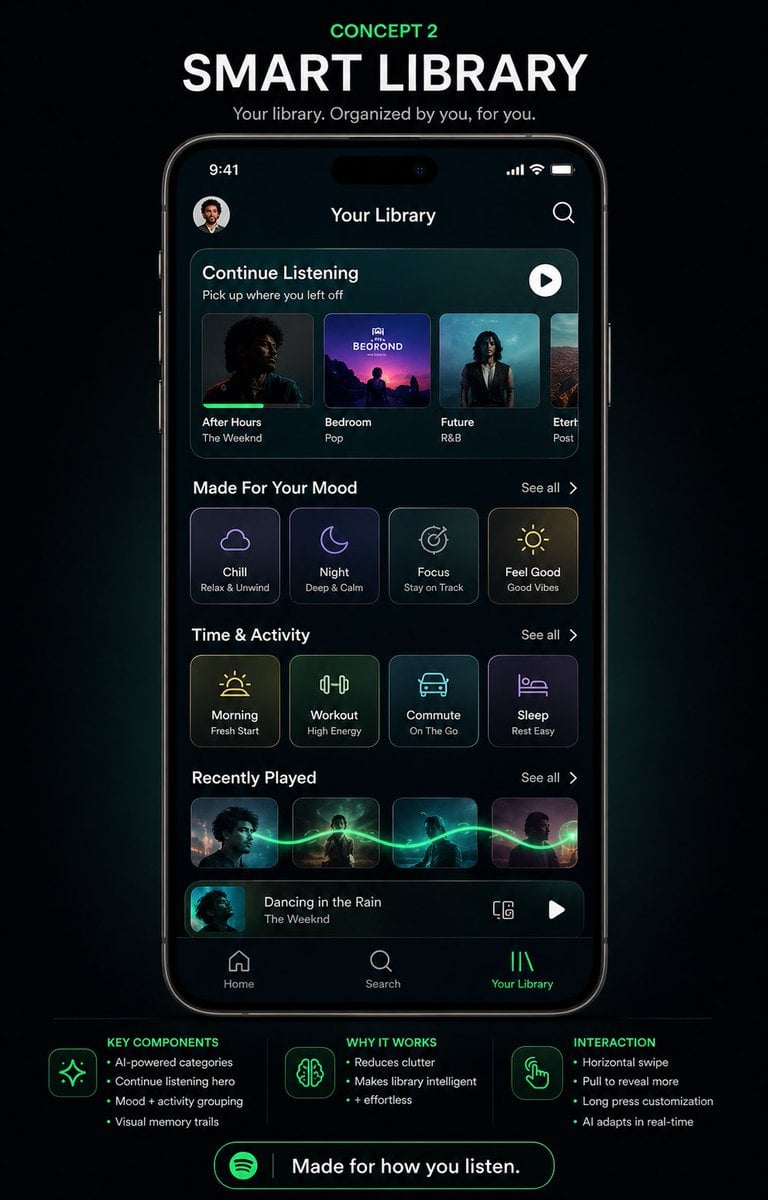
Smart Library Music App Concept
Hyper-Realistic Smoothie Bowl Advertising
Browse template categories
Desert Starlight Airplane Cafe questions
How do I use the Desert Starlight Airplane Cafe template?
Add your photo if the template asks for one, edit the prompt if you like — the template's model and format are already selected — and press Generate. Your version opens in PicX Studio.
Can I customize the Desert Starlight Airplane Cafe template?
Yes. You can change the subject, setting, lighting, mood, format, and available model controls before creating your image.
Is the Desert Starlight Airplane Cafe template free?
Opening and editing this template is free. Generating uses credits, shown on the Generate button when you are signed in.
Which AI model should I use?
Start with GPT Image 2, which is the model associated with this template. You can compare another compatible model for a different finish.
Looking for something else? Browse all templates.

Your photo, any look
Thousands of ready templates for every top image and video model, from one credit balance.