
Smart Library Music App Concept
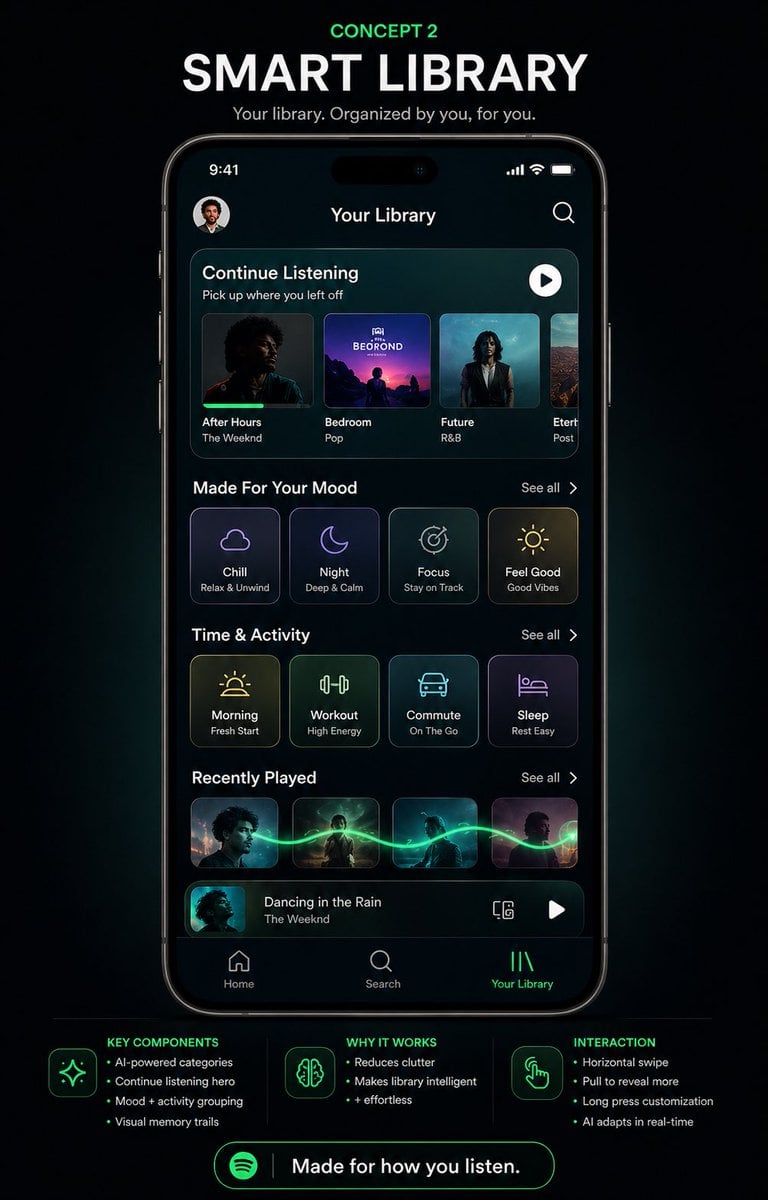
A polished dark-mode music app redesign poster showing a futuristic smartphone library UI, ideal for showcasing speculative product concepts or social media design presentations.
- Prompt included
- Model and format preset
- Free template
The prompt behind this image
Copy the exact prompt behind Smart Library Music App Concept, or open it in the studio and make it yours.
- Type
- mobile app UI concept poster
- Brand
- Spotify-inspired music app redesign
- Theme
- futuristic smart library, premium dark mode, neon green accents, sleek glassmorphism panels
- Canvas › Background
- deep black with subtle blue-green glow and soft vignette
- Canvas › Aspect Ratio
- portrait social media poster
- Headline Section › Count
- 3
- Headline Section › Labels
- CONCEPT 2, SMART LIBRARY, Your library. Organized by you, for you.
- Headline Section › Style
- centered at top, small neon green kicker above a large bold white uppercase headline, smaller light gray subtitle
- Centerpiece › Device
- front-facing modern smartphone mockup with thin black bezels and dynamic-island style cutout
- Centerpiece › Screen Title
- Your Library
- Centerpiece › Status Bar › Time
- 9:41
- Centerpiece › Status Bar › Icons Count
- 3
- Centerpiece › Status Bar › Icons
- cellular signal, Wi-Fi, battery
- Centerpiece › Top Row › Count
- 2
- Centerpiece › Top Row › Items
- small circular profile avatar at top left, search icon at top right
- Centerpiece › Screen Sections › 0 › Title
- Continue Listening
- Centerpiece › Screen Sections › 0 › Count
- 4
- Centerpiece › Screen Sections › 0 › Labels
- After Hours, Bedroom, Future, Etern...
- Centerpiece › Screen Sections › 0 › Details
- rounded rectangular hero carousel with 4 album cards, each showing cover art, title, and artist or genre text; subtitle reads 'Pick up where you left off'; white circular play button at upper right of the panel
- Centerpiece › Screen Sections › 1 › Title
- Made For Your Mood
- Centerpiece › Screen Sections › 1 › Count
- 4
- Centerpiece › Screen Sections › 1 › Labels
- Chill, Night, Focus, Feel Good
- Centerpiece › Screen Sections › 1 › Details
- 4 rounded square mood cards with thin glowing outlines, minimalist line icons, and small subtitles reading 'Relax & Unwind', 'Deep & Calm', 'Stay on Track', 'Good Vibes'; 'See all' on the right
- Centerpiece › Screen Sections › 2 › Title
- Time & Activity
Raw JSON
{"type":"mobile app UI concept poster","brand":"Spotify-inspired music app redesign","theme":"futuristic smart library, premium dark mode, neon green accents, sleek glassmorphism panels","canvas":{"background":"deep black with subtle blue-green glow and soft vignette","aspect_ratio":"portrait social media poster"},"headline_section":{"count":3,"labels":["CONCEPT 2","SMART LIBRARY","Your library. Organized by you, for you."],"style":"centered at top, small neon green kicker above a large bold white uppercase headline, smaller light gray subtitle"},"centerpiece":{"device":"front-facing modern smartphone mockup with thin black bezels and dynamic-island style cutout","screen_title":"Your Library","status_bar":{"time":"9:41","icons_count":3,"icons":["cellular signal","Wi-Fi","battery"]},"top_row":{"count":2,"items":["small circular profile avatar at top left","search icon at top right"]},"screen_sections":[{"title":"Continue Listening","count":4,"labels":["After Hours","Bedroom","Future","Etern..."],"details":"rounded rectangular hero carousel with 4 album cards, each showing cover art, title, and artist or genre text; subtitle reads 'Pick up where you left off'; white circular play button at upper right of the panel"},{"title":"Made For Your Mood","count":4,"labels":["Chill","Night","Focus","Feel Good"],"details":"4 rounded square mood cards with thin glowing outlines, minimalist line icons, and small subtitles reading 'Relax & Unwind', 'Deep & Calm', 'Stay on Track', 'Good Vibes'; 'See all' on the right"},{"title":"Time & Activity","count":4,"labels":["Morning","Workout","Commute","Sleep"],"details":"4 rounded square activity cards with neon line icons and subtitles 'Fresh Start', 'High Energy', 'On The Go', 'Rest Easy'; 'See all' on the right"},{"title":"Recently Played","count":4,"labels":["album 1","album 2","album 3","album 4"],"details":"4 small rectangular album thumbnails connected by a glowing green waveform-like trail flowing horizontally across them; 'See all' on the right"},{"title":"Now playing bar","count":4,"labels":["thumbnail","track title","device icon","play button"],"details":"bottom mini-player with album art thumbnail, title 'Dancing in the Rain', artist 'The Weeknd', a small device/connect icon, and a white play button"}],"bottom_navigation":{"count":3,"labels":["Home","Search","Your Library"],"active":"Your Library","style":"simple icon-plus-label tab bar, active tab highlighted in neon green"}},"footer_info":{"sections":[{"title":"KEY COMPONENTS","position":"bottom left","count":4,"labels":["AI-powered categories","Continue listening hero","Mood + activity grouping","Visual memory trails"]},{"title":"WHY IT WORKS","position":"bottom center","count":3,"labels":["Reduces clutter","Makes library intelligent","+ effortless"]},{"title":"INTERACTION","position":"bottom right","count":4,"labels":["Horizontal swipe","Pull to reveal more","Long press customization","AI adapts in real-time"]}],"icons_count":3,"icons":["sparkles","brain","hand tap gesture"]},"cta":{"count":2,"labels":["Spotify logo","Made for how you listen."],"style":"large rounded neon green outlined button centered at the bottom"},"style_notes":"high-fidelity product design presentation, clean typography, realistic iPhone render, glossy screen reflections, subtle cyan and green ambient glow, modern UX case-study poster aesthetic, polished dribbble/behance presentation","customization":{"headline":"{argument name=\"headline text\" default=\"SMART LIBRARY\"}","concept_label":"{argument name=\"concept label\" default=\"CONCEPT 2\"}","screen_title":"{argument name=\"screen title\" default=\"Your Library\"}","brand_style":"{argument name=\"brand style\" default=\"Spotify-inspired\"}","cta_text":"{argument name=\"cta text\" default=\"Made for how you listen.\"}"}}How to use Smart Library Music App Concept in 3 steps
- 1Upload ImagePNG, JPG or paste
Add your photo
Upload the photo the template builds on. The prompt, model and format are already set.
- 2…a portrait of your subject in softgolden-hour light, 85mm…
Personalize
Edit the subject and creative details for your destination.
- 3Generate
Generate
Press Generate — your image is created in PicX Studio, so you can compare it with the original and refine one variable at a time.
More like this
Templates with the same subject, style or setup. Open one to see its prompt.

Our Song was on a Cassette
Glass Brand Logo Volcanic Landscape

Blueprint Split Reality Archetype Prompt
Real Illustration Split Portrait Transition
Underground Club Music Poster Portrait
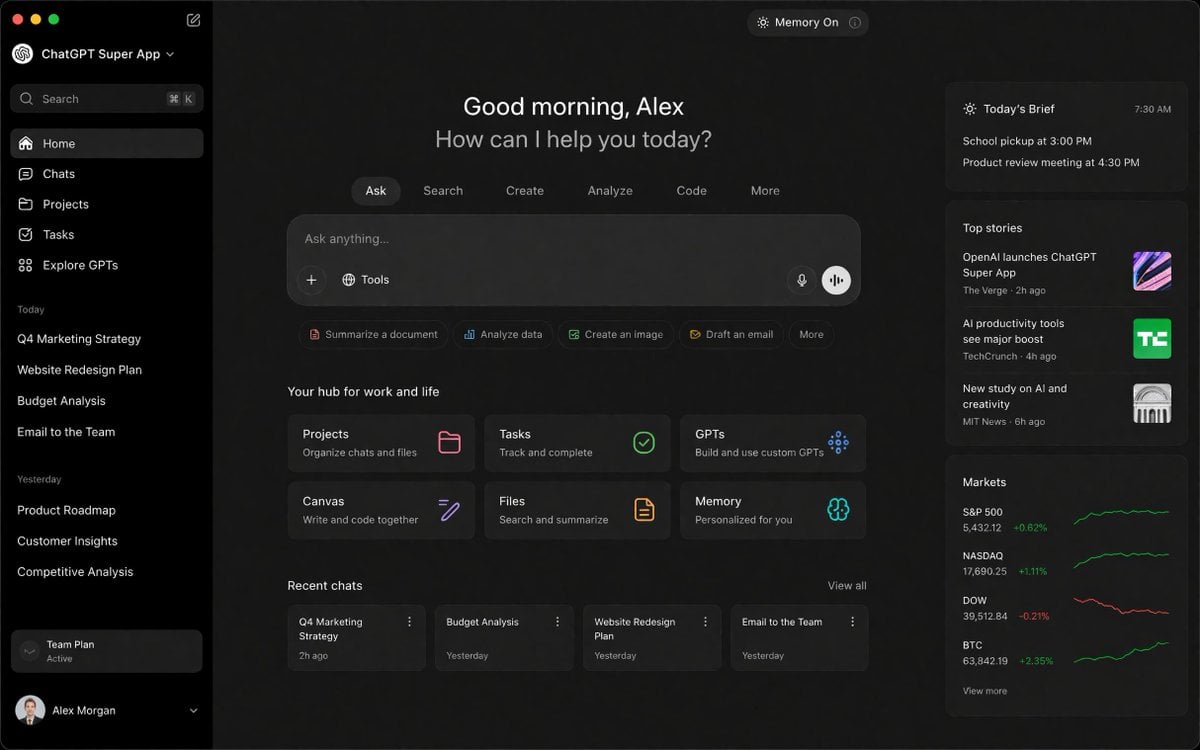
ChatGPT Super App Concept
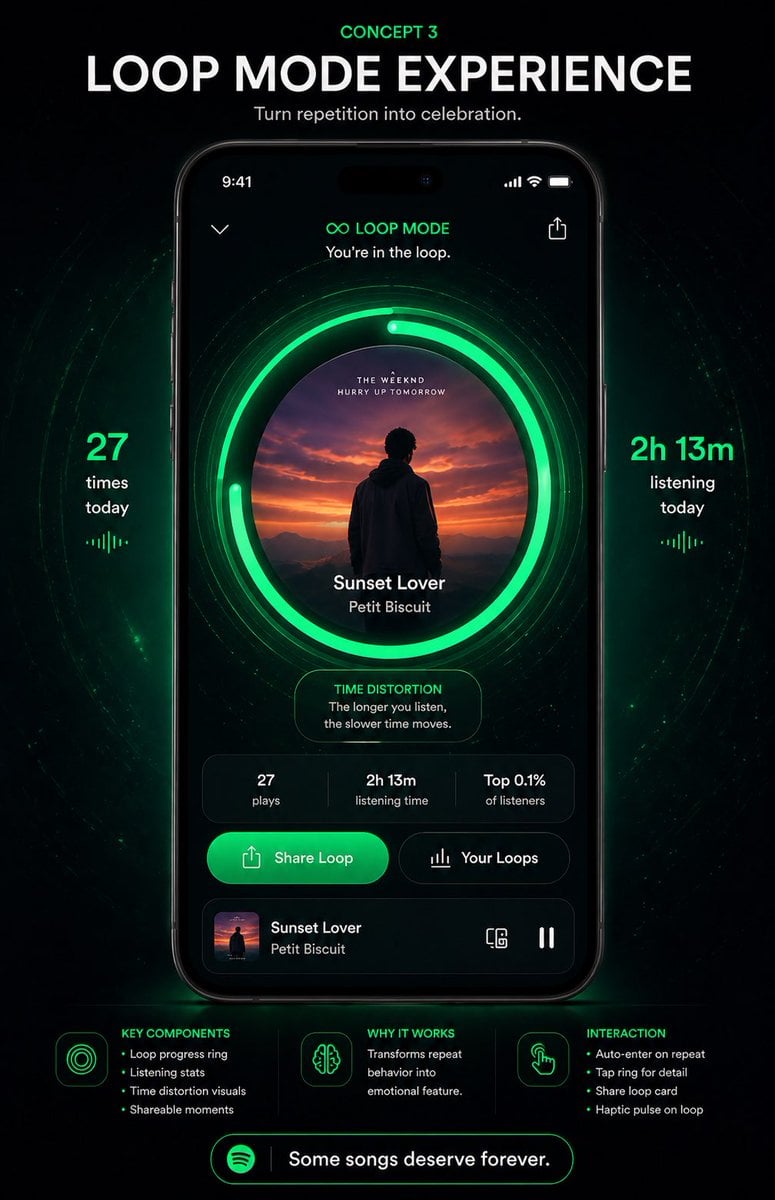
Neon Loop Mode Music App Poster
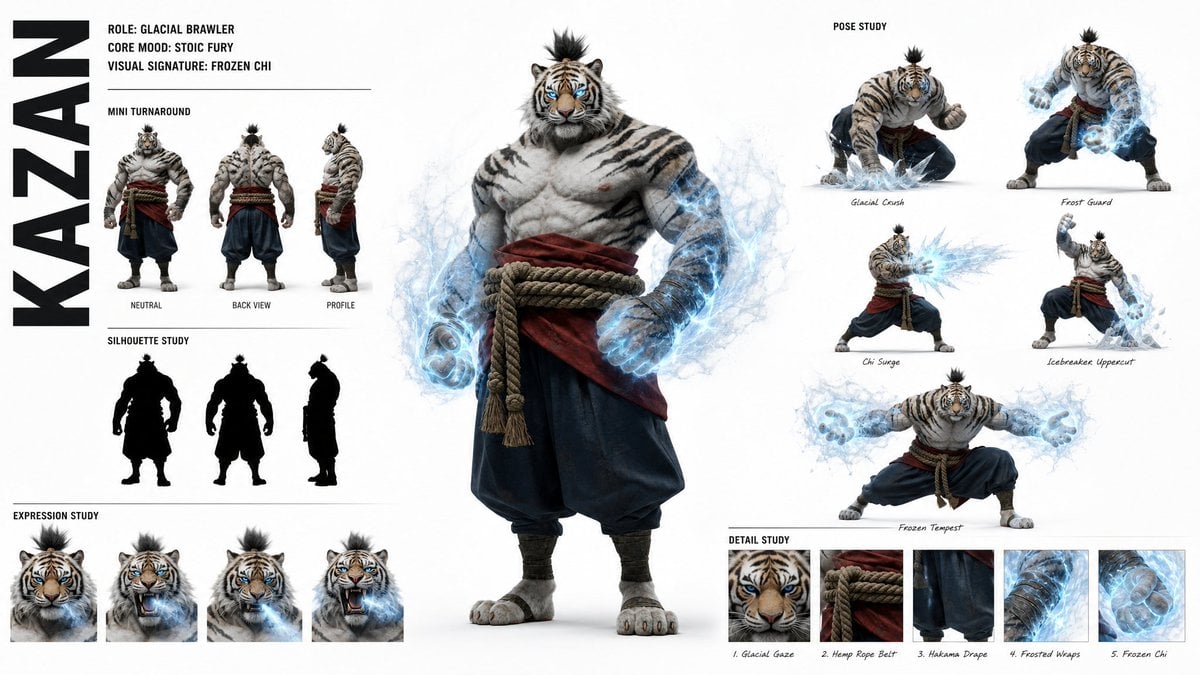
High-Fashion Character Concept Art Sheet
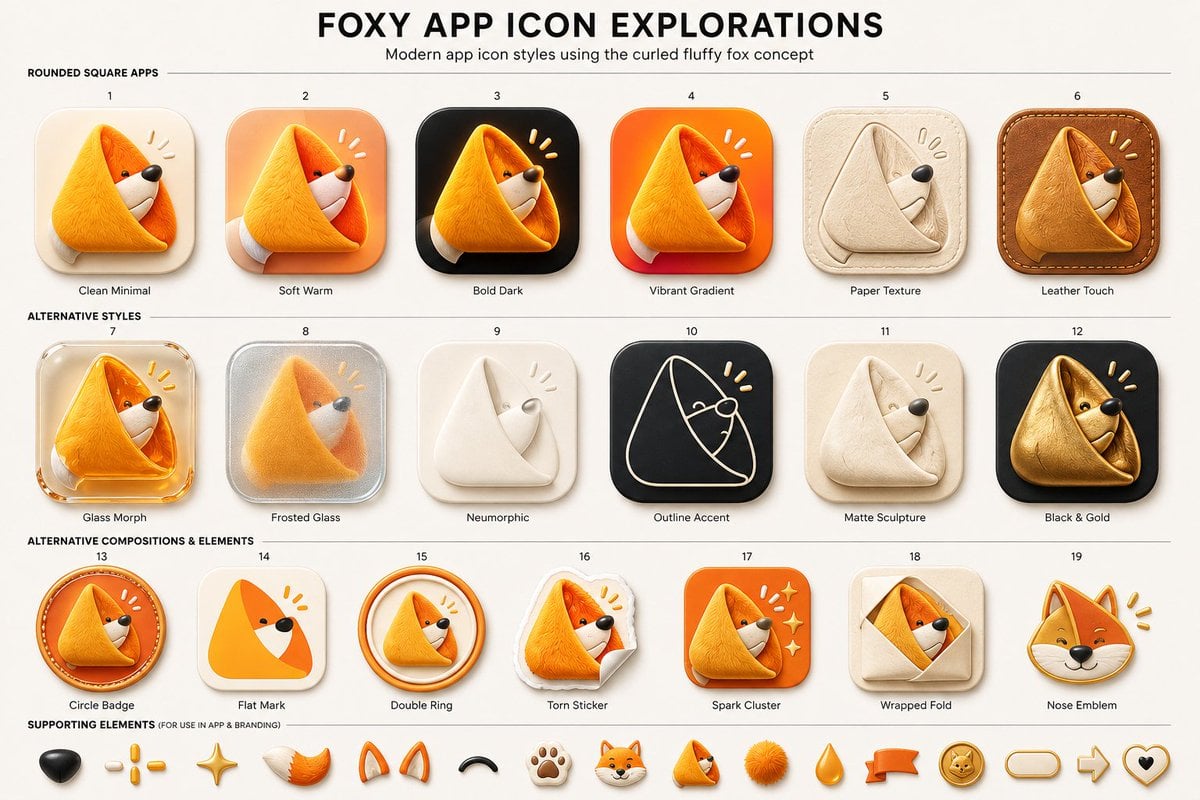
Foxy App Icon Exploration Board
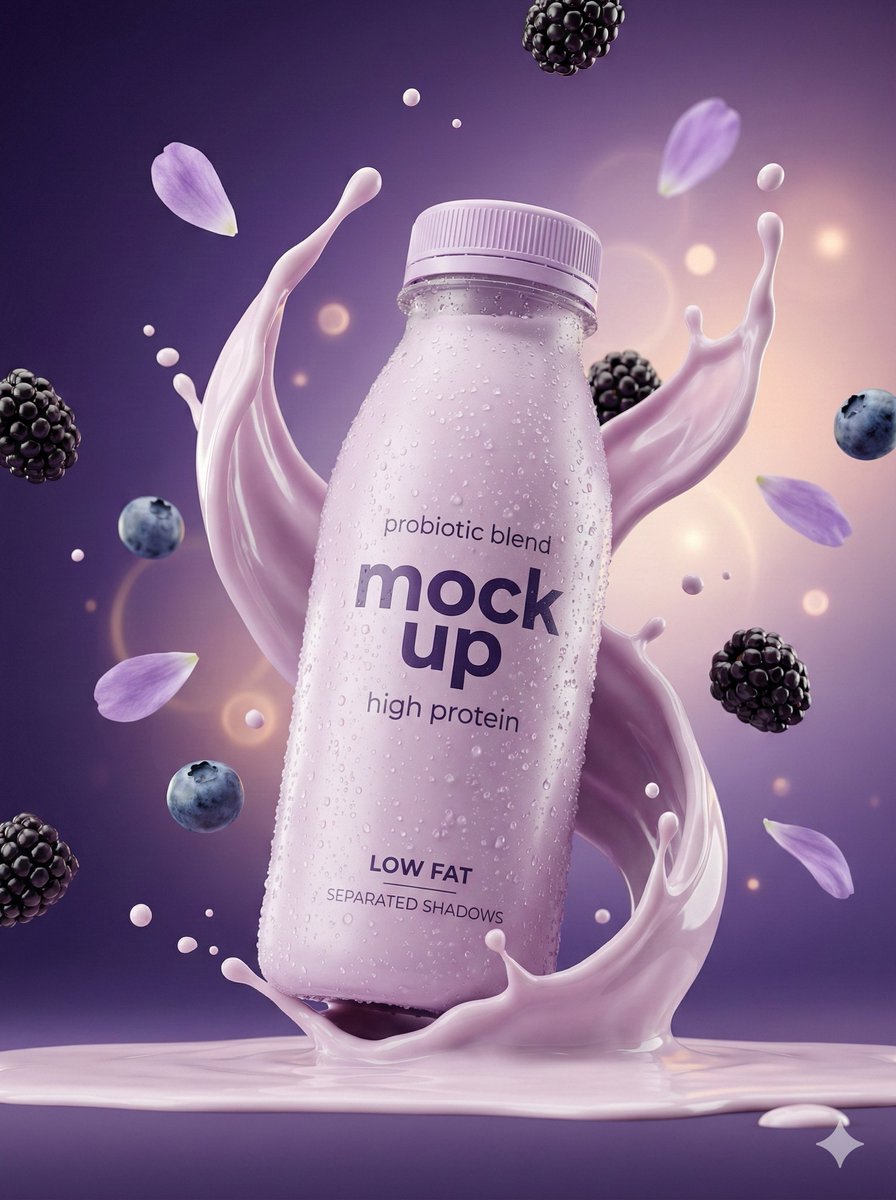
Music Album Cover Abstract Liquid Mercury
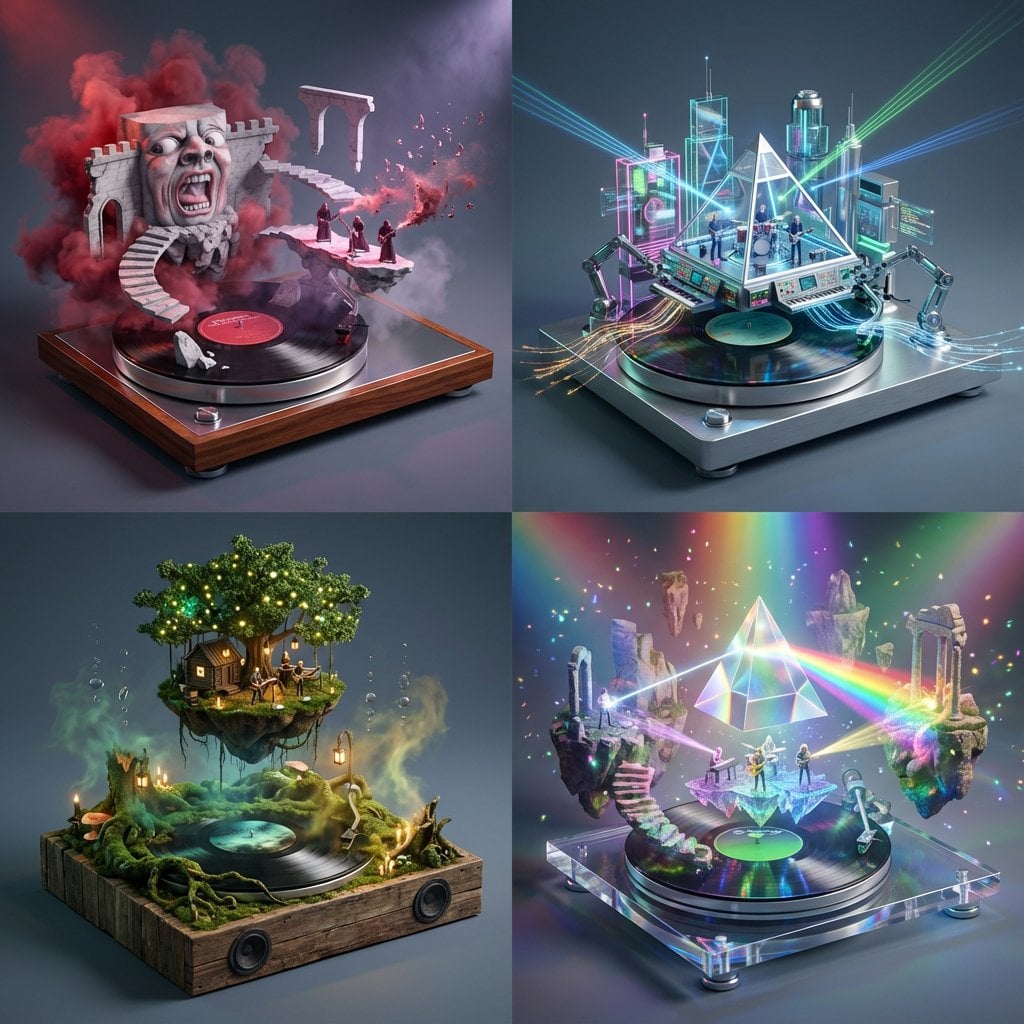
Act as a Music Historian and Set Designer
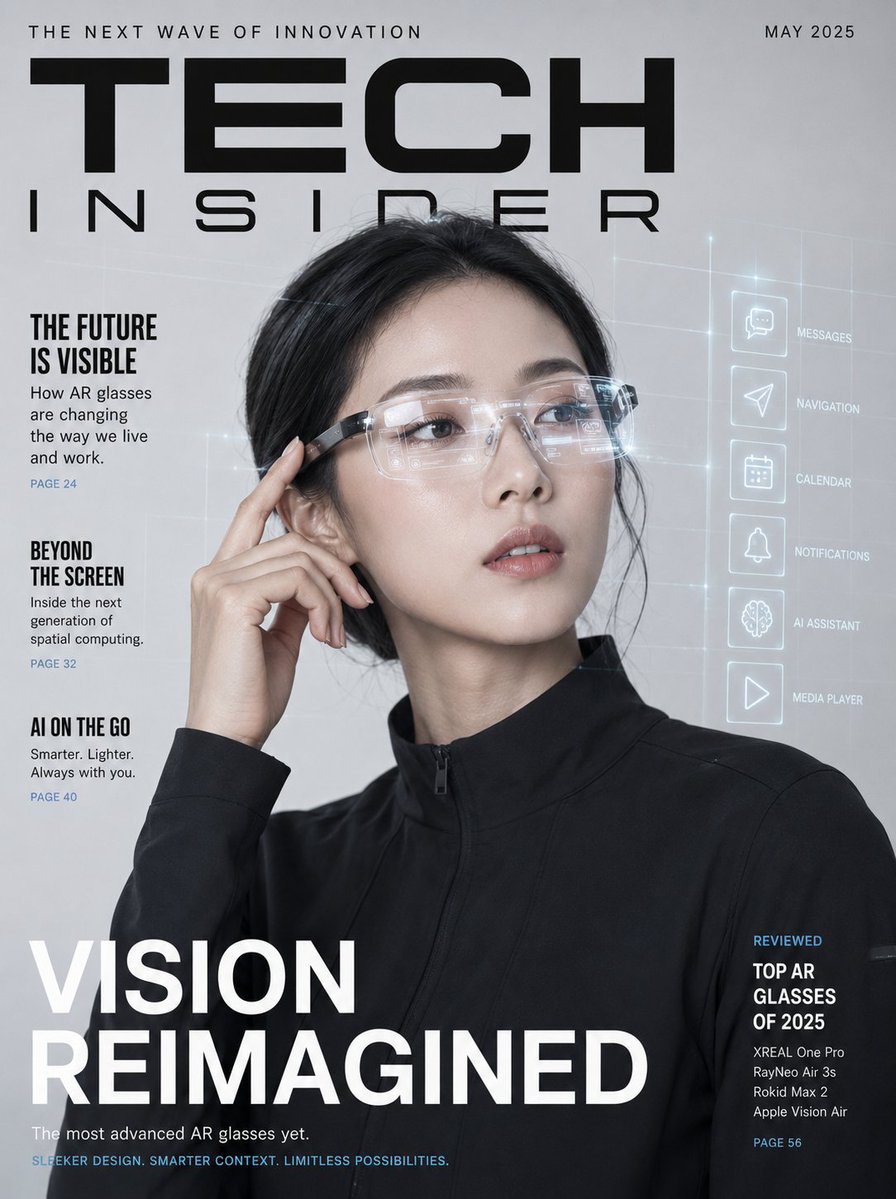
AR Smart Glasses Tech Magazine Cover
Make it yours
Smart Library Music App Concept works as-is. These are the safest ways to change it without losing the look.
Swap the setting
Keep the rest of the prompt and replace the location block. The current setting is “deep black with subtle blue-green glow and soft vignette”.
Change one field
Copy a single group, rewrite it, and generate again so you can see what that field is doing.
Keep the frame, change the subject
Hold the composition and light of Smart Library Music App Concept, then swap wardrobe, props or the person for a new take.
| If the result… | Why | Fix |
|---|---|---|
| The result drifts from the preview | Too many fields changed at once. | Reuse Smart Library Music App Concept as-is first, then change one group — subject, light, or setting. |
| GPT Image 2 ignores part of the JSON | Some models flatten or skip nested keys. | Keep the same values and paste them as a short paragraph instead. |
More GPT Image 2 templates
Other prompts made for GPT Image 2.

Six VTuber Japanese Logo Sheet

Realistic Portrait of Woman and Deer

The Vista Modular Condo Poster

AI Model Routing Comparison Infographic

2.5D Anime Art Board

Isometric Productivity Desk Scene

New York Double Exposure Poster

Four-Panel AI Landscape Comparison

Japanese Tatami Lifestyle Magazine Cover

NESCAFÉ Coffee Map Poster
More image prompts
Fresh picks from across the catalog.
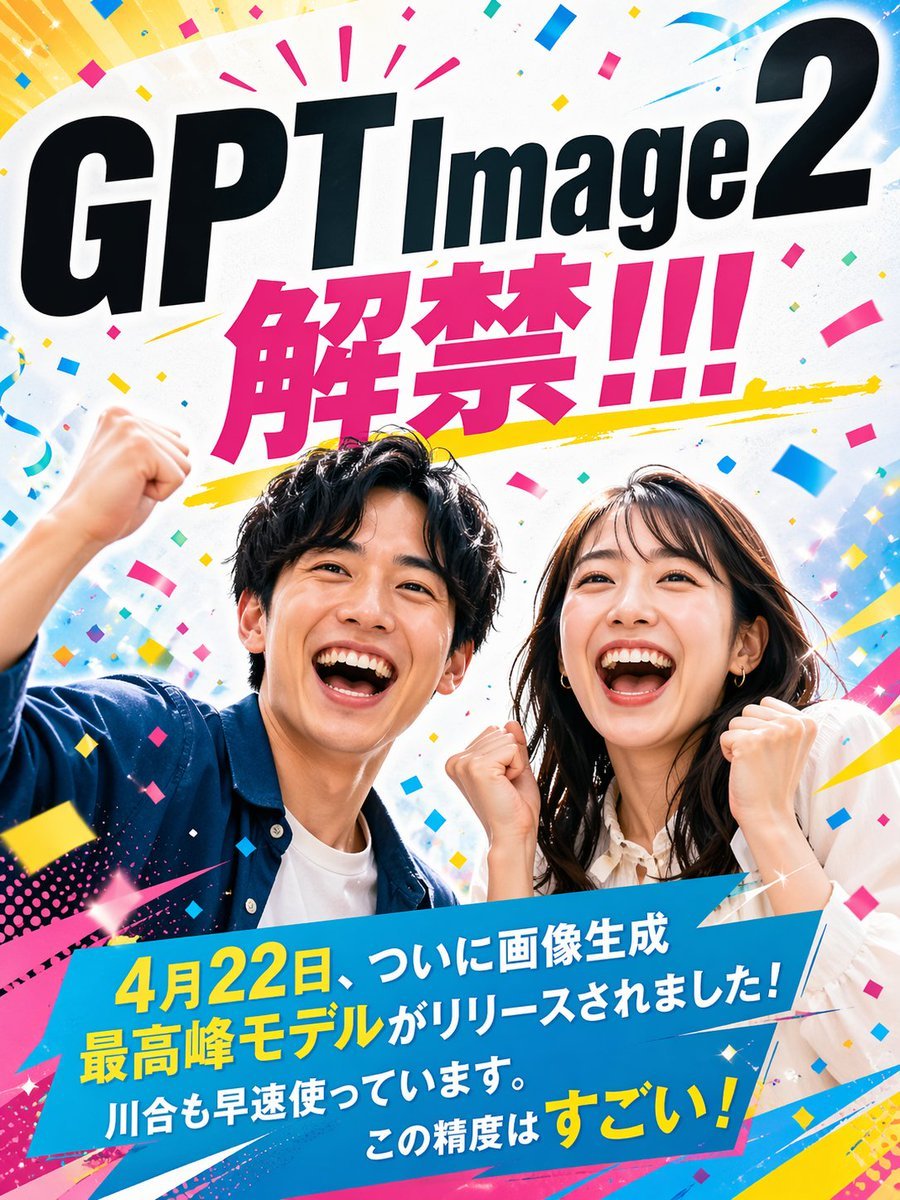
Modern Ad Layout Design
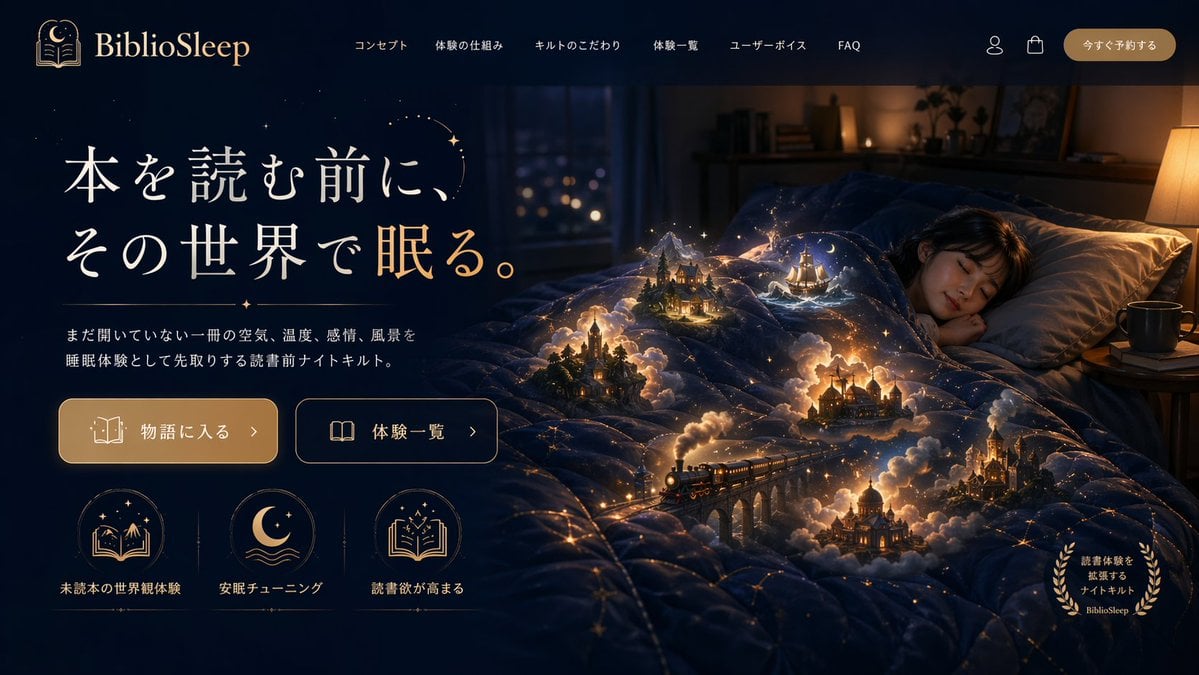
Magical Sleep Website Mockup
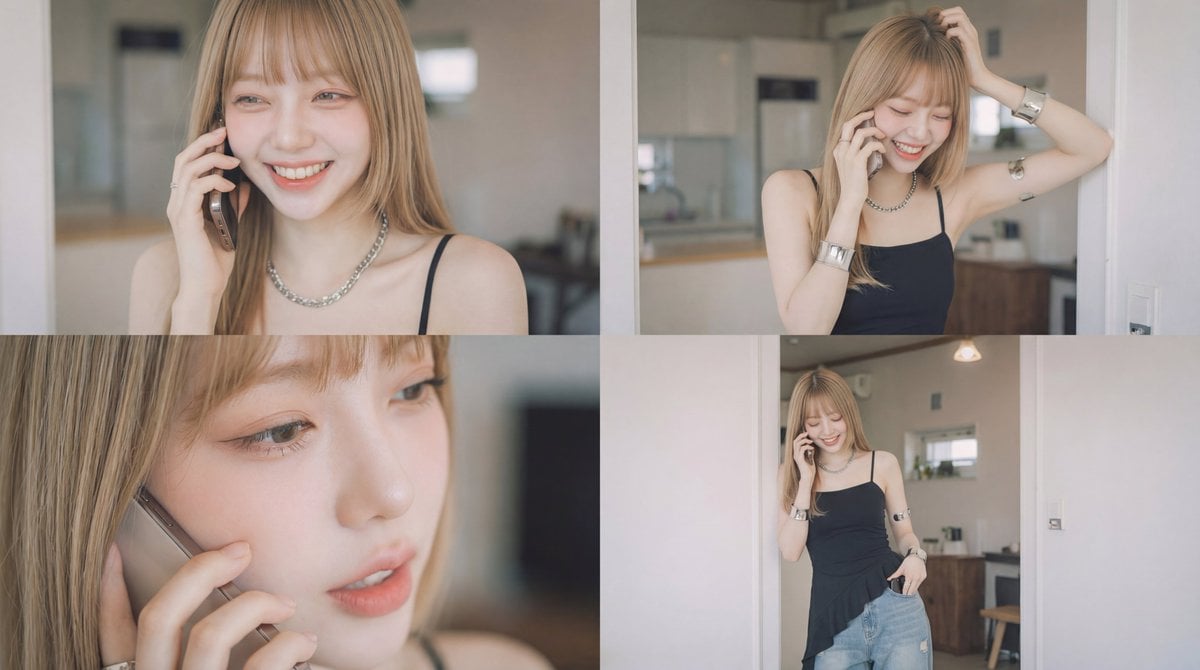
Cinematic Video of a Woman Talking on the Phone
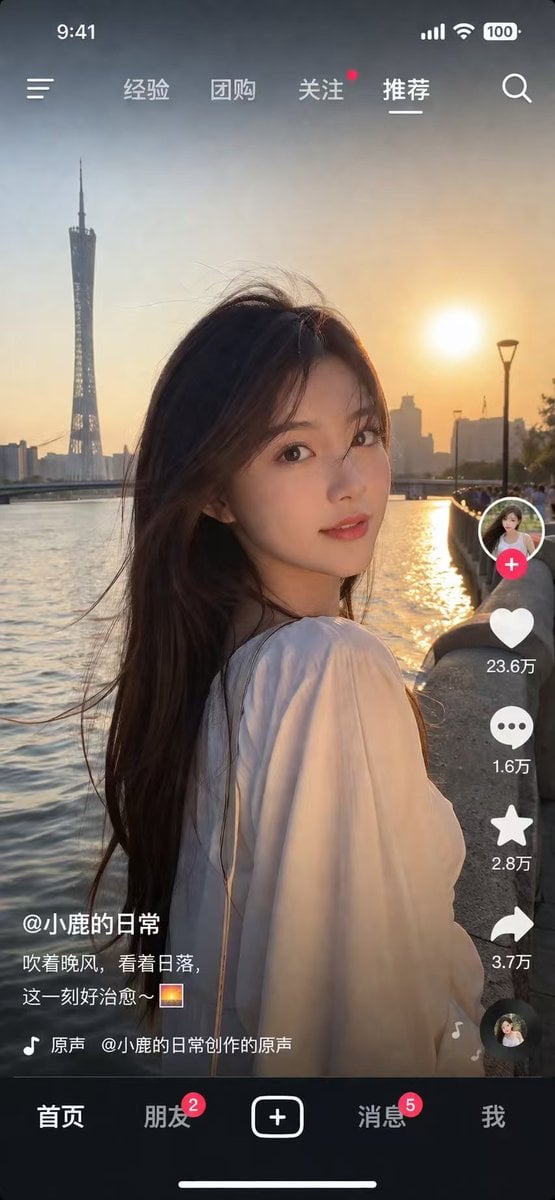
Social Media Video App UI Mockup

Cinematic Summer Portrait of an East Asian Woman

High-End Fashion Portrait of South Asian Man in Garden
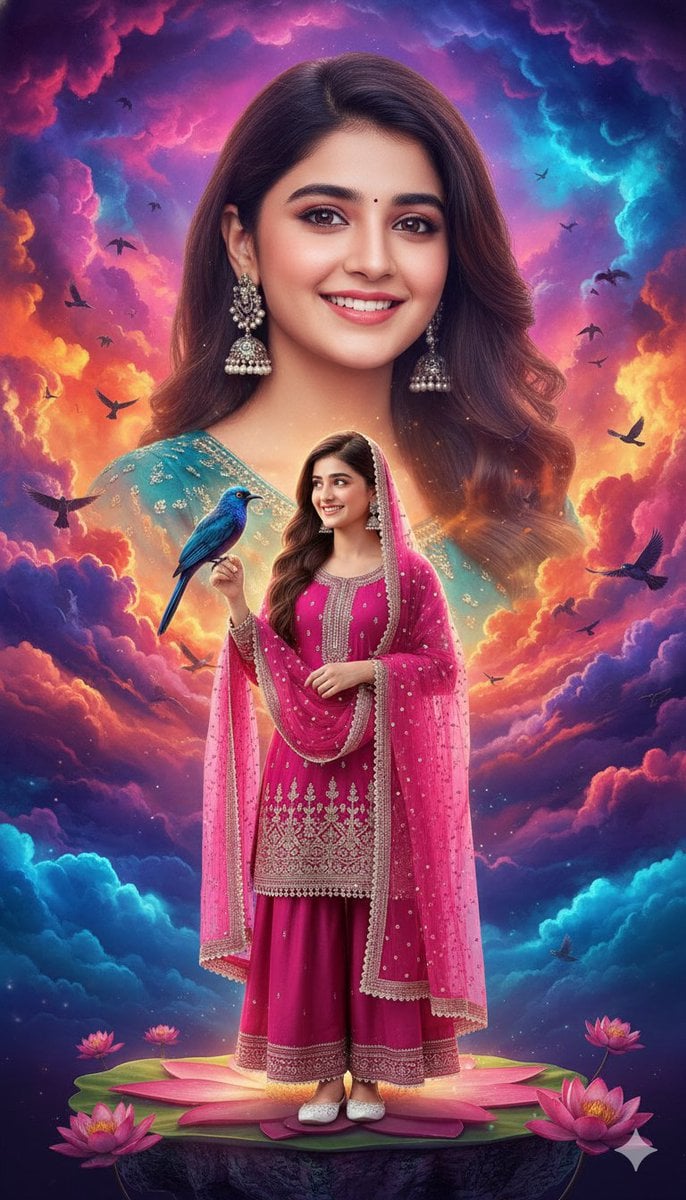
HD Cinematic Bollywood Poster with Dual Image Composition
Hyper-Photorealistic Car Selfie Prompt for Nano Banana 2
High-Fashion Motion Capture Image Prompt
Luxury Jewelry Set Design Prompt for Nano Banana Pro
Browse template categories
Smart Library Music App Concept questions
How do I use the Smart Library Music App Concept template?
Add your photo if the template asks for one, edit the prompt if you like — the template's model and format are already selected — and press Generate. Your version opens in PicX Studio.
Can I customize the Smart Library Music App Concept template?
Yes. You can change the subject, setting, lighting, mood, format, and available model controls before creating your image.
Is the Smart Library Music App Concept template free?
Opening and editing this template is free. Generating uses credits, shown on the Generate button when you are signed in.
Which AI model should I use?
Start with GPT Image 2, which is the model associated with this template. You can compare another compatible model for a different finish.
Looking for something else? Browse all templates.

Your photo, any look
Thousands of ready templates for every top image and video model, from one credit balance.