
Glitch Angel Editorial Studio Shoot
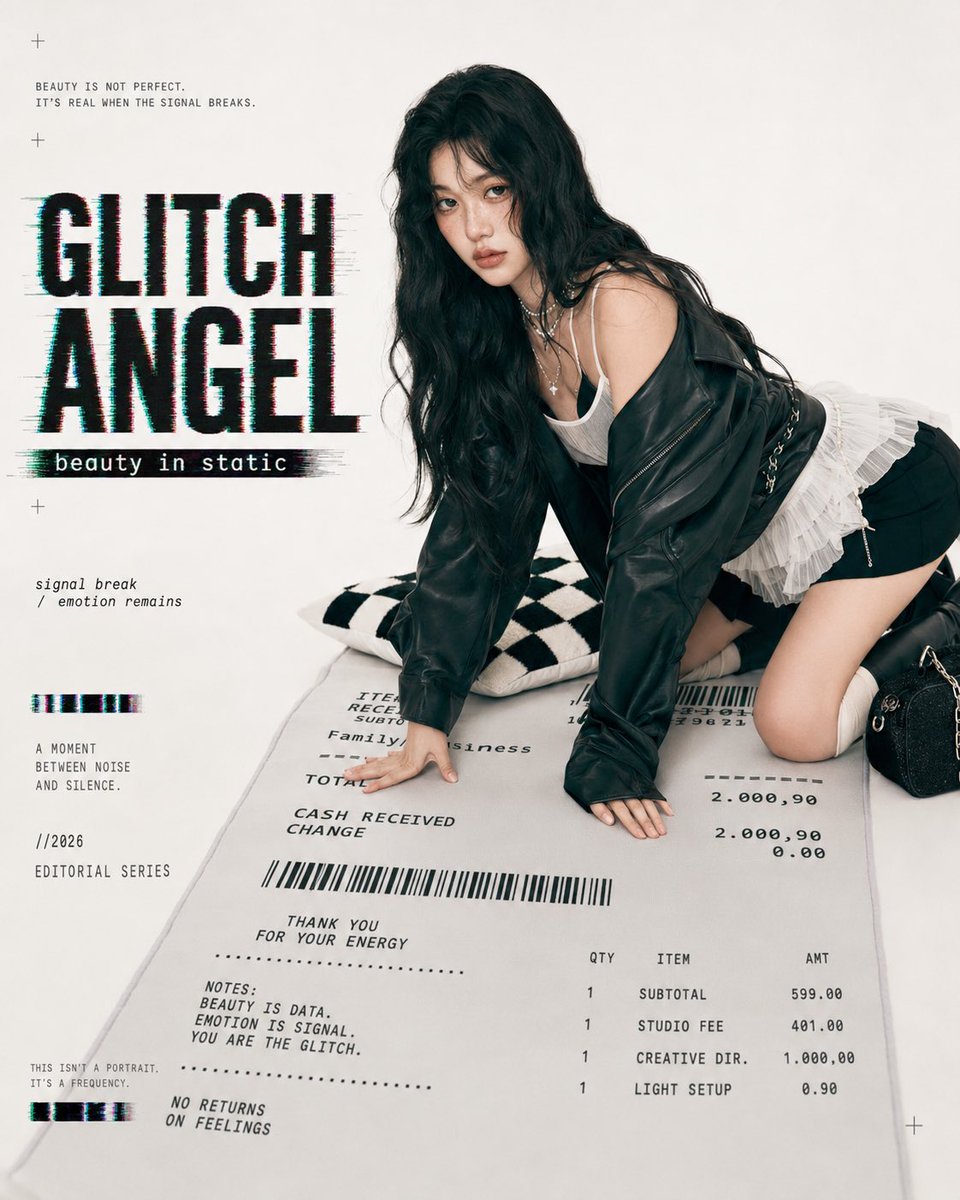
Generates a photorealistic glitch-fashion magazine cover featuring an anonymized model posed on a giant receipt prop.
- Prompt included
- Model and format preset
- Premium template
The prompt behind this image
Copy the exact prompt behind Glitch Angel Editorial Studio Shoot, or open it in the studio and make it yours.
Goal: Create a realistic fashion magazine studio shot with an AI toy-catalog feeling: a life-size small figurine-like female model posed on a giant receipt prop, with glitch typography and editorial graphic design. Canvas: Square 1:1 image, clean off-white studio background, high-key soft lighting, subtle shadows, premium magazine cover composition. Subject: A young woman with {argument name="hair color" default="long wavy black hair"}, face deliberately obscured by a soft rectangular blur for anonymity. She is kneeling and leaning forward on both hands, angled three-quarters toward camera, wearing an oversized black leather jacket slipped off one shoulder, a white camisole, layered silver necklaces, black shorts, a white ruffled pleated skirt detail, and black knee-high boots. Add a small black textured handbag with chain hardware near her right side. Her pose should feel like a glossy studio fashion shoot but slightly surreal, as if she is a collectible human figurine. Main props and counted elements: Include exactly 3 main physical props: 1 oversized receipt-shaped floor mat under the model, 1 black-and-white checkerboard pillow behind her left arm, and 1 small black handbag near her right knee. The giant receipt mat must contain barcode graphics, itemized receipt typography, totals, and small editorial notes. Layout: Place the model on the right two-thirds of the frame, crouched over the receipt mat. Reserve the left third for bold editorial text and glitch graphics. Keep the background minimal and creamy white. Add small registration-cross marks in the corners and along the left side for a print-layout feel. Text content: Large headline on the left: {argument name="headline text" default="GLITCH ANGEL"}, in huge black condensed uppercase letters with cyan/red RGB offset, horizontal glitch smears, and distressed pixel edges. Under it, a black strip subtitle: {argument name="subtitle text" default="beauty in static"}. Top-left small copy: "BEAUTY IS NOT PERFECT. IT'S REAL WHEN THE SIGNAL BREAKS." Mid-left italic copy: "signal break / emotion remains". Lower-left stacked copy: "A MOMENT BETWEEN NOISE AND SILENCE." then "//2026" then "EDITORIAL SERIES". Bottom-left tiny copy: "THIS ISN'T A PORTRAIT. IT'S A FREQUENCY." Add two short horizontal glitch bars on the left, exactly 2 bars. Receipt text details: On the oversized receipt mat, include readable typewriter-like receipt lines such as "ITEM RECEIPT", "Family business", "TOTAL", "CASH RECEIVED", "CHANGE", a wide barcode, "THANK YOU FOR YOUR ENERGY", "NOTES: BEAUTY IS DATA. EMOTION IS SIGNAL. YOU ARE THE GLITCH.", "NO RETURNS ON FEELINGS", plus an itemized table with exactly 4 rows: "SUBTOTAL 599.00", "STUDIO FEE 401.00", "CREATIVE DIR. 1,000.00", and "LIGHT SETUP 0.90". Visual style: Photorealistic editorial studio photography mixed with graphic design overlay, soft film grain, muted black/white palette, slight cyan and magenta chromatic glitch accents, crisp textile details, realistic leather shine, realistic receipt print texture. The model should look real, but the composition should feel like a staged toy catalog or magazine spread. Constraints: Use exactly 1 human subject, exactly 3 main physical props, exactly 2 left-side glitch bars, and exactly 4 receipt item rows. No extra people, no watermark, no logo, no raw UI elements. Keep the face blurred and unrecognizable.
How to use Glitch Angel Editorial Studio Shoot in 3 steps
- 1Upload ImagePNG, JPG or paste
Add your photo
Upload the photo the template builds on. The prompt, model and format are already set.
- 2…a portrait of your subject in softgolden-hour light, 85mm…
Personalize
Edit the subject and creative details for your destination.
- 3Generate
Generate
Press Generate — your image is created in PicX Studio, so you can compare it with the original and refine one variable at a time.
More like this
Templates with the same subject, style or setup. Open one to see its prompt.
Japanese Architectural Concrete Studio Fashion Campaign
Luxury Black-and-White Fashion Contact Sheet
Gpt Image 2 Fashion Portrait
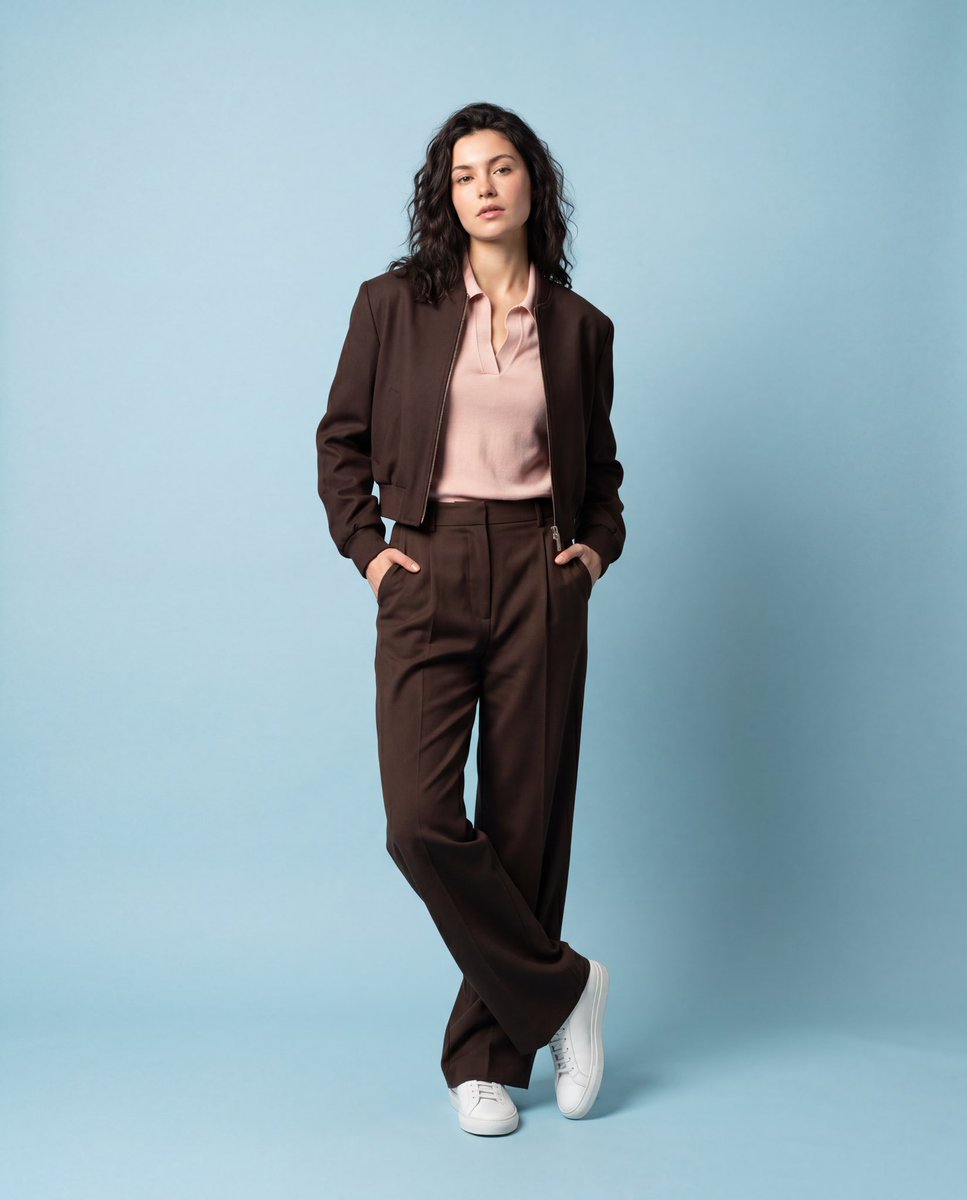
Luxury Fashion Editorial Studio Shoot
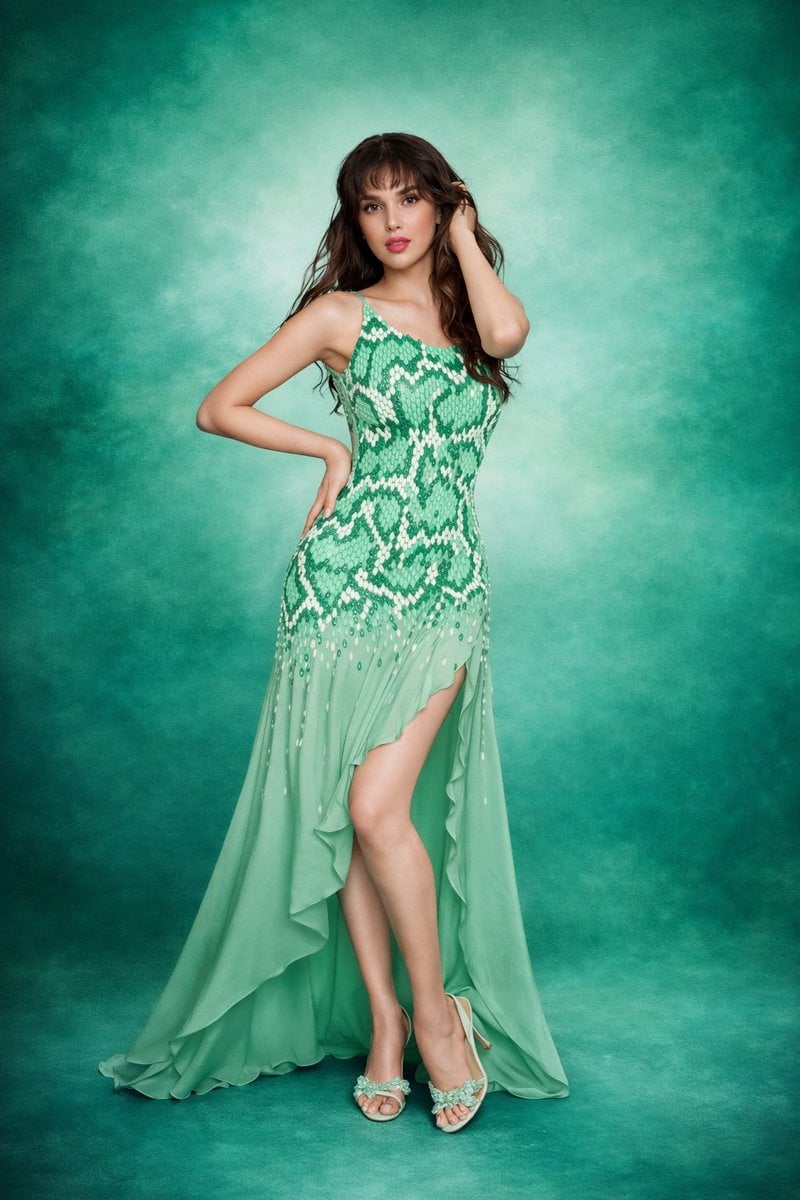
Elegant Green Evening Gown Studio Fashion Portrait

80s Couple Studio Portrait

1985 Studio Portrait
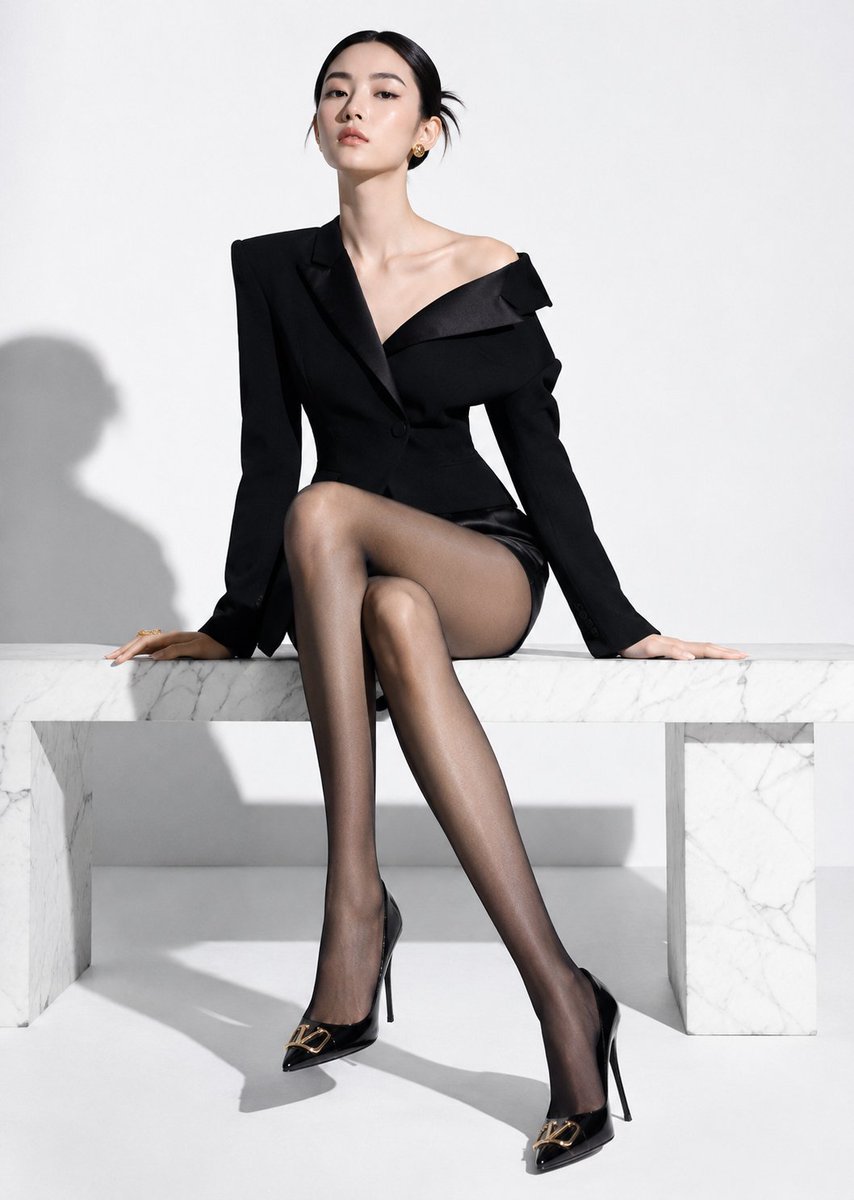
High-End Fashion Editorial Shoot with Chinese Model

Urban Fashion Editorial Collage Streetwear Poster
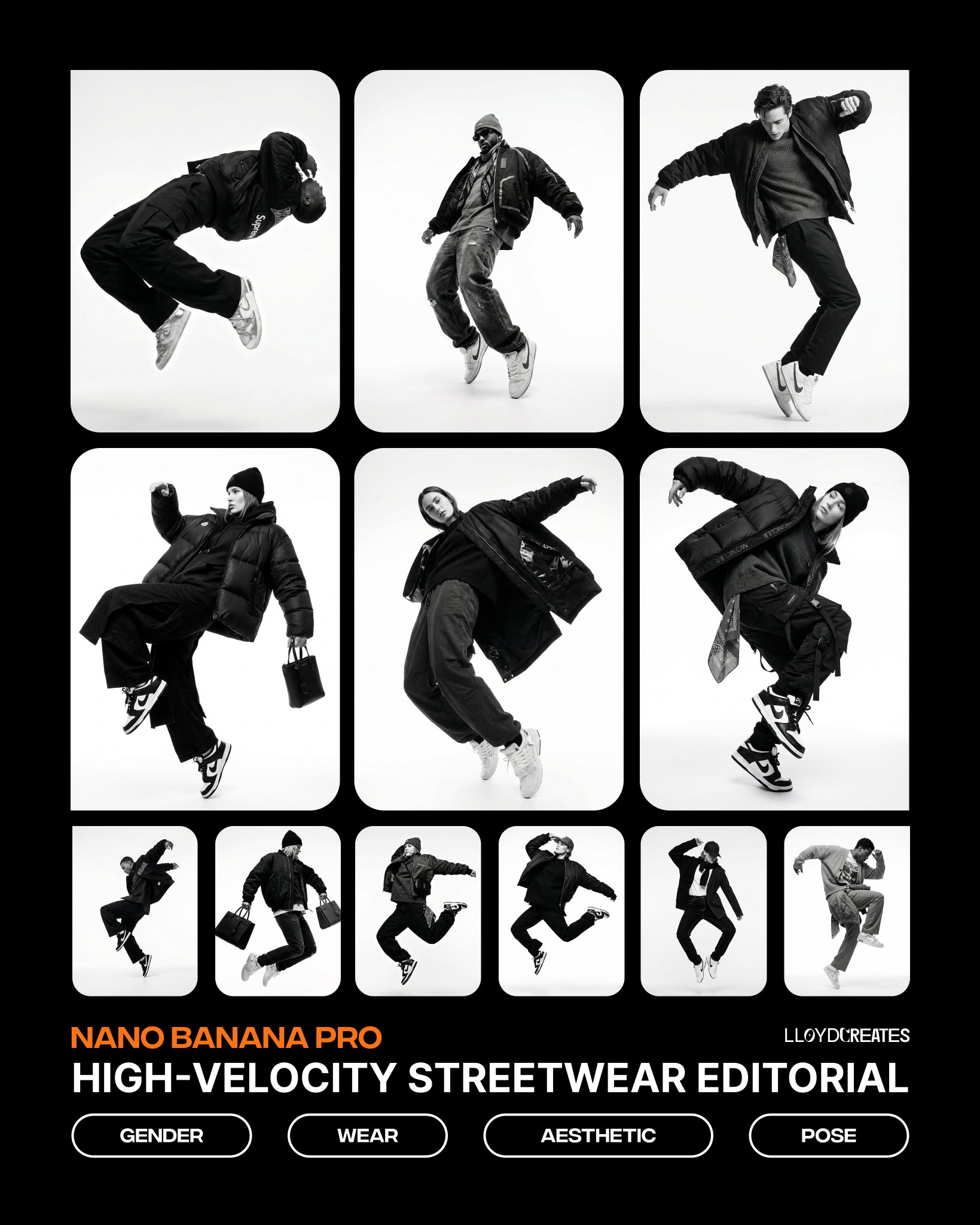
Monochrome Hypebeast Street Fashion Editorial Motion
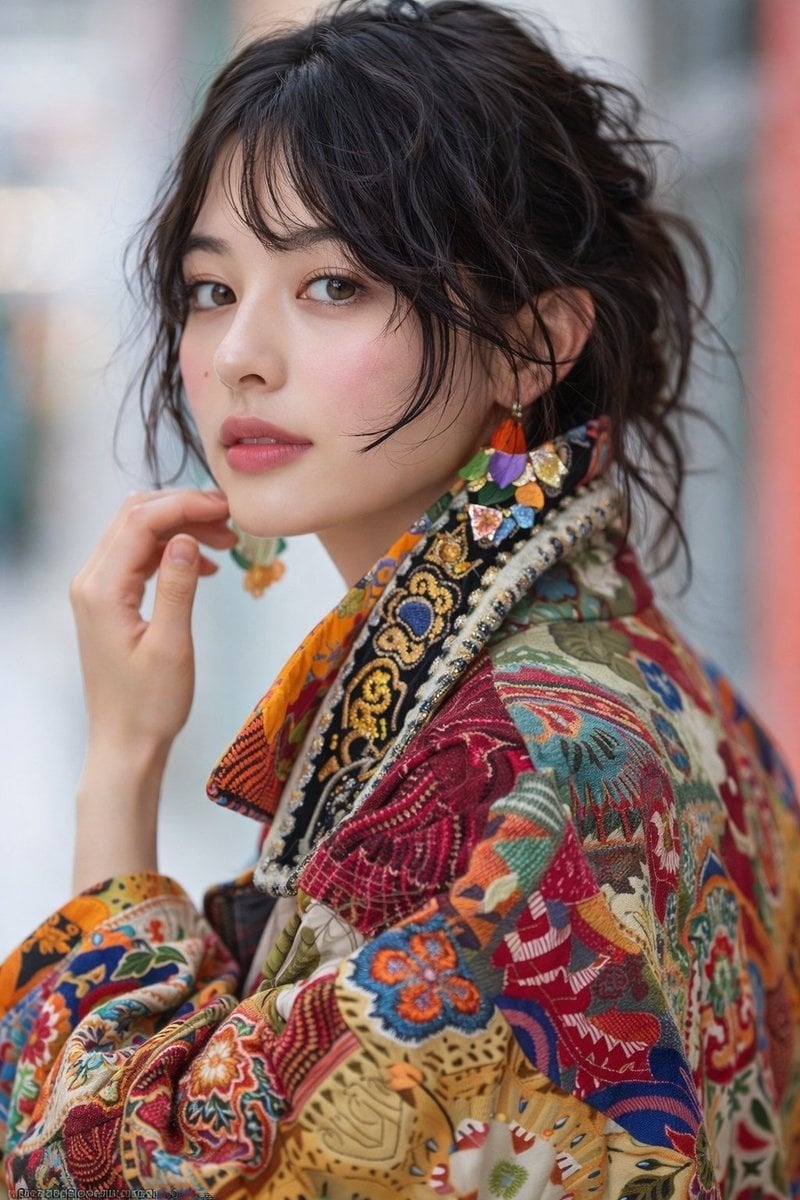
Artistic Patchwork Fashion Portrait Spring Festival
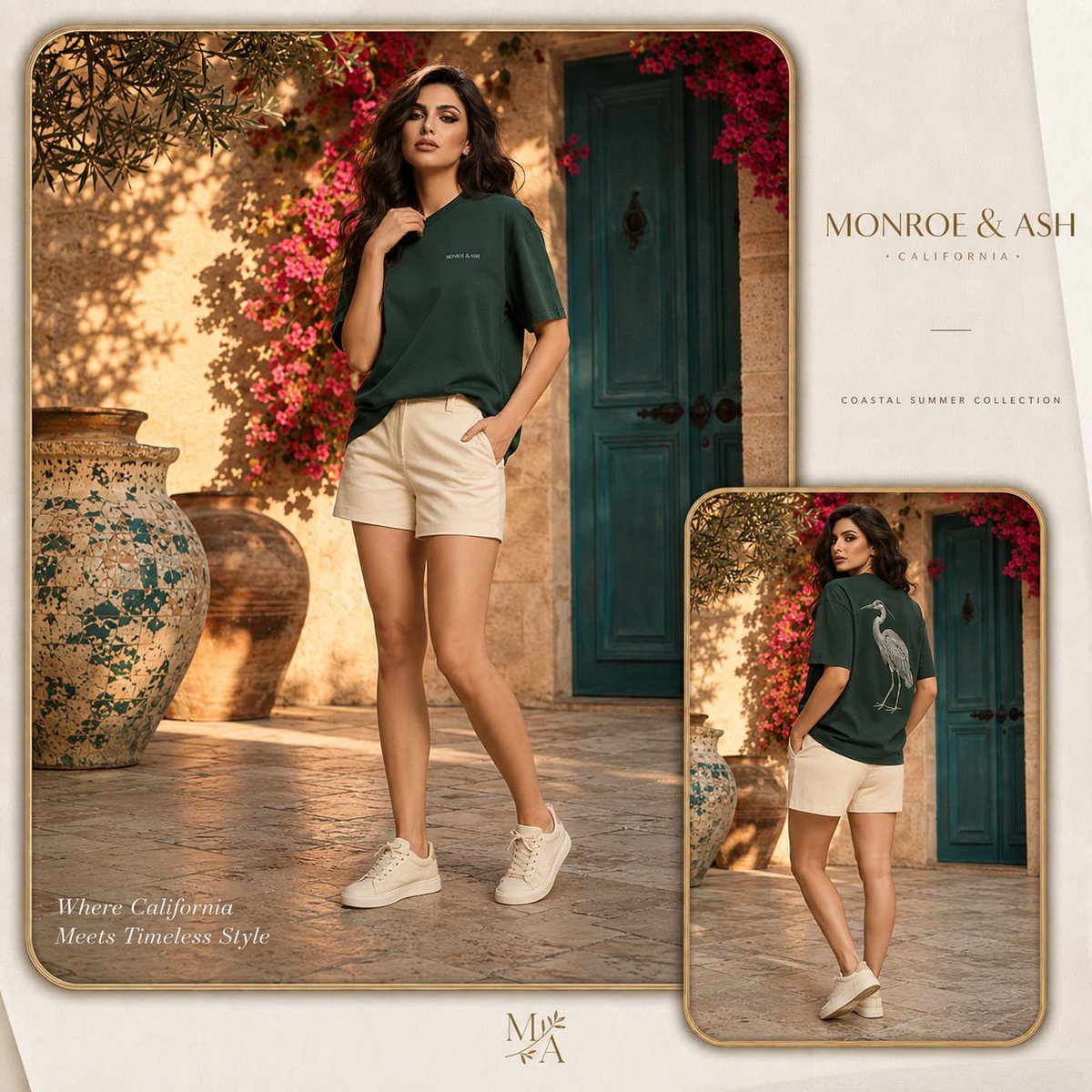
Monroe and Ash Mediterranean Luxury Fashion Campaign
Make it yours
Glitch Angel Editorial Studio Shoot works as-is. These are the safest ways to change it without losing the look.
Change one field
Copy a single group, rewrite it, and generate again so you can see what that field is doing.
Keep the frame, change the subject
Hold the composition and light of Glitch Angel Editorial Studio Shoot, then swap wardrobe, props or the person for a new take.
| If the result… | Why | Fix |
|---|---|---|
| The result drifts from the preview | Too many fields changed at once. | Reuse Glitch Angel Editorial Studio Shoot as-is first, then change one group — subject, light, or setting. |
| The model over-stylizes the scene | The prose prompt leaves finish and camera underspecified. | Add one camera or lighting sentence and stay on GPT Image 2. |
More GPT Image 2 templates
Other prompts made for GPT Image 2.

Six VTuber Japanese Logo Sheet

Realistic Portrait of Woman and Deer

The Vista Modular Condo Poster

AI Model Routing Comparison Infographic

2.5D Anime Art Board

Isometric Productivity Desk Scene

New York Double Exposure Poster

Four-Panel AI Landscape Comparison

Japanese Tatami Lifestyle Magazine Cover

NESCAFÉ Coffee Map Poster
More image prompts
Fresh picks from across the catalog.
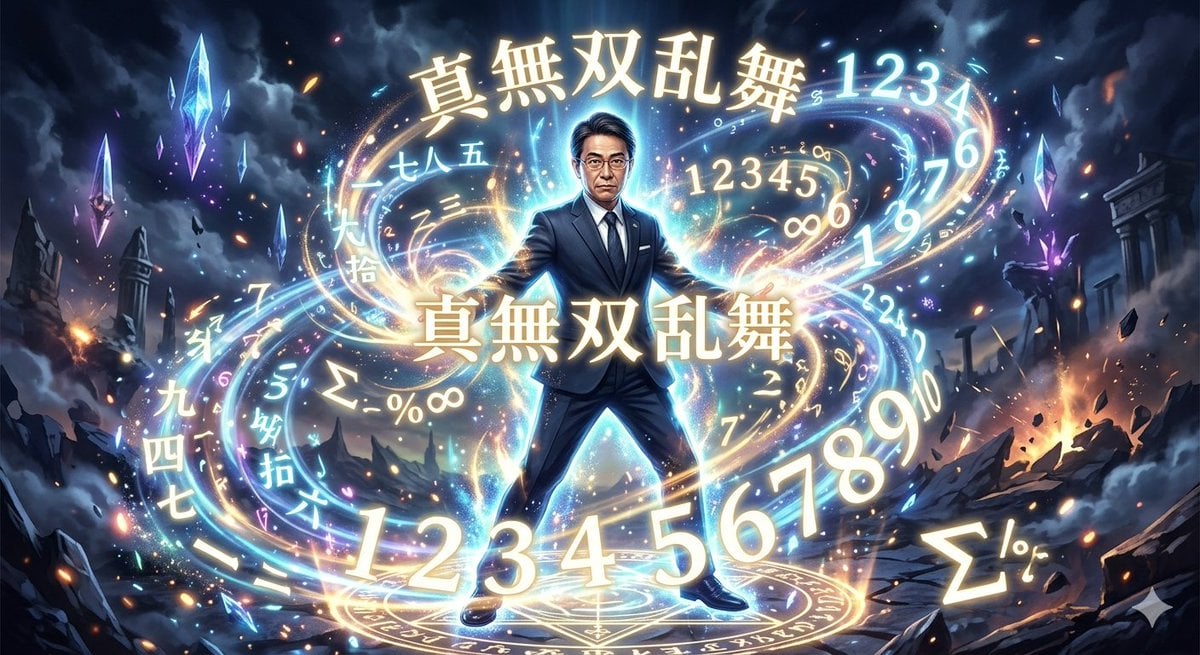
Yoichi Takahashi in Final Fantasy Style

Image Generation Prompt with Strong Light Effects and Neutral Expression (Japanese)
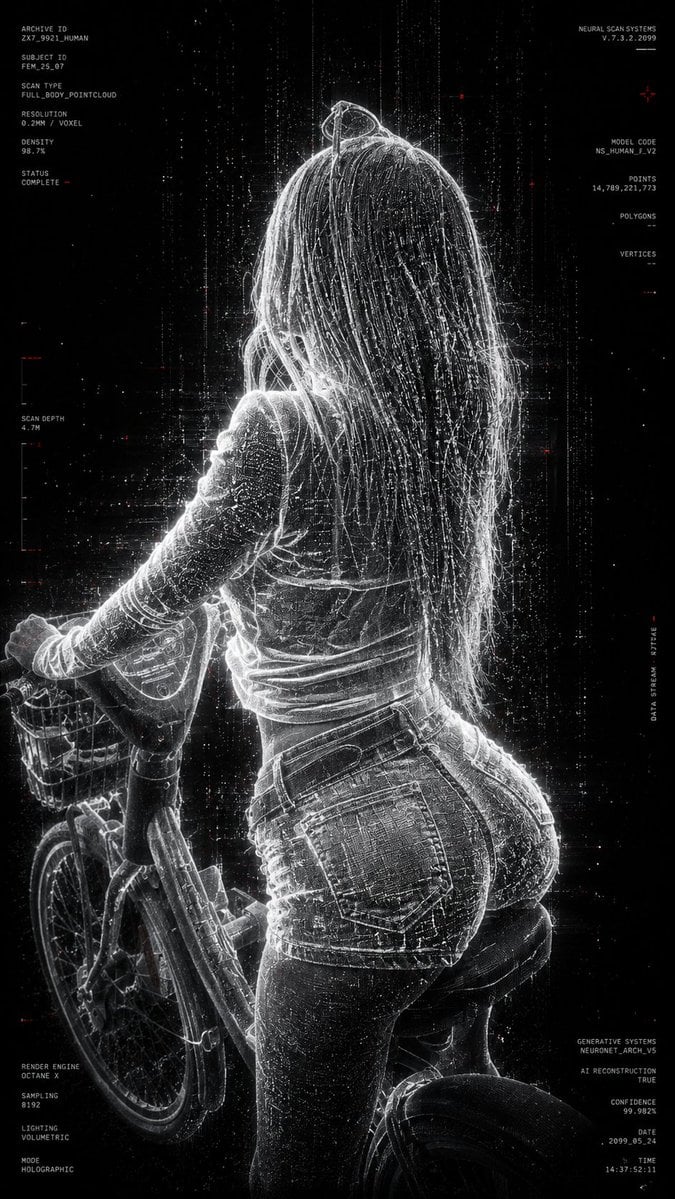
Futuristic Point Cloud Portrait
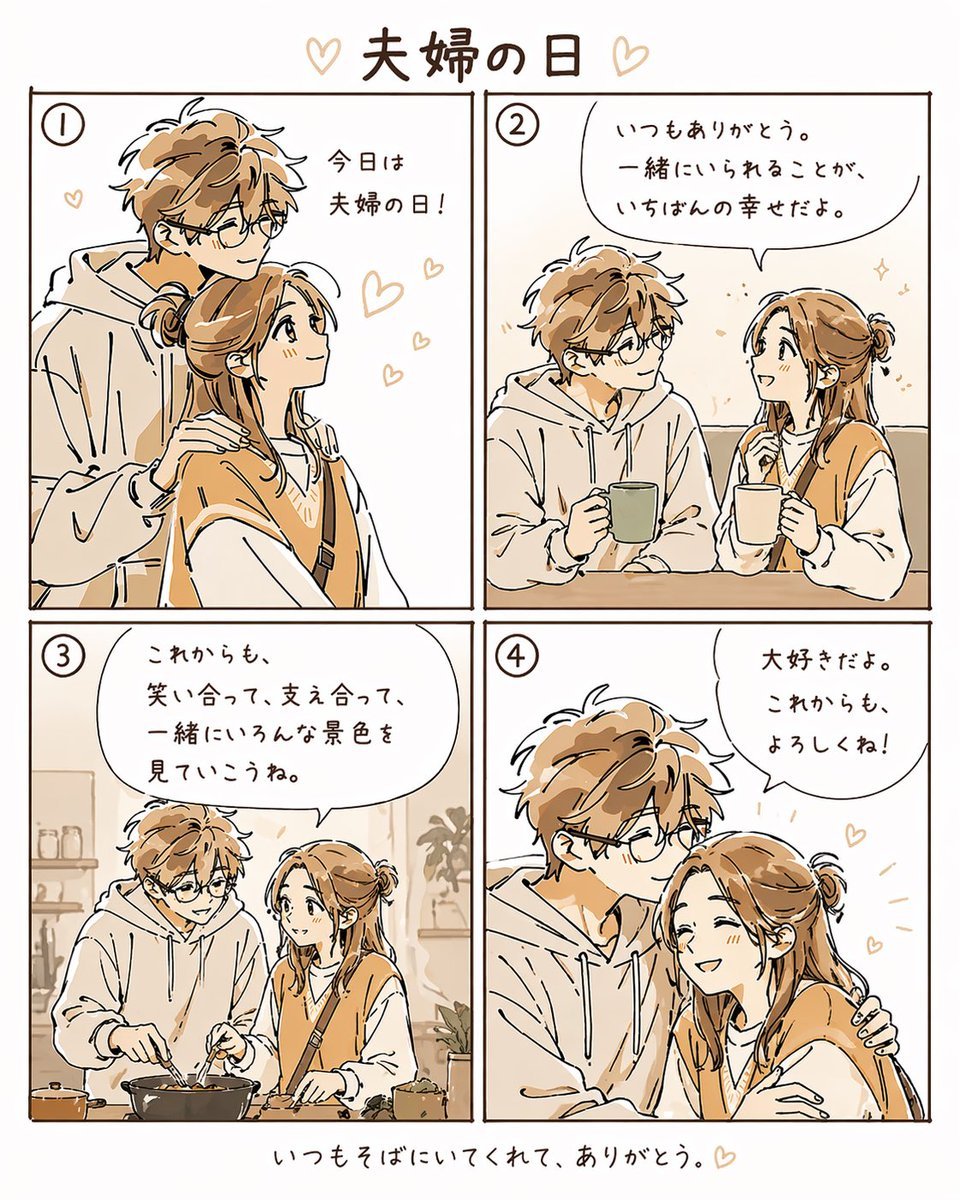
Warm Beige Married Couple 4-Panel Comic
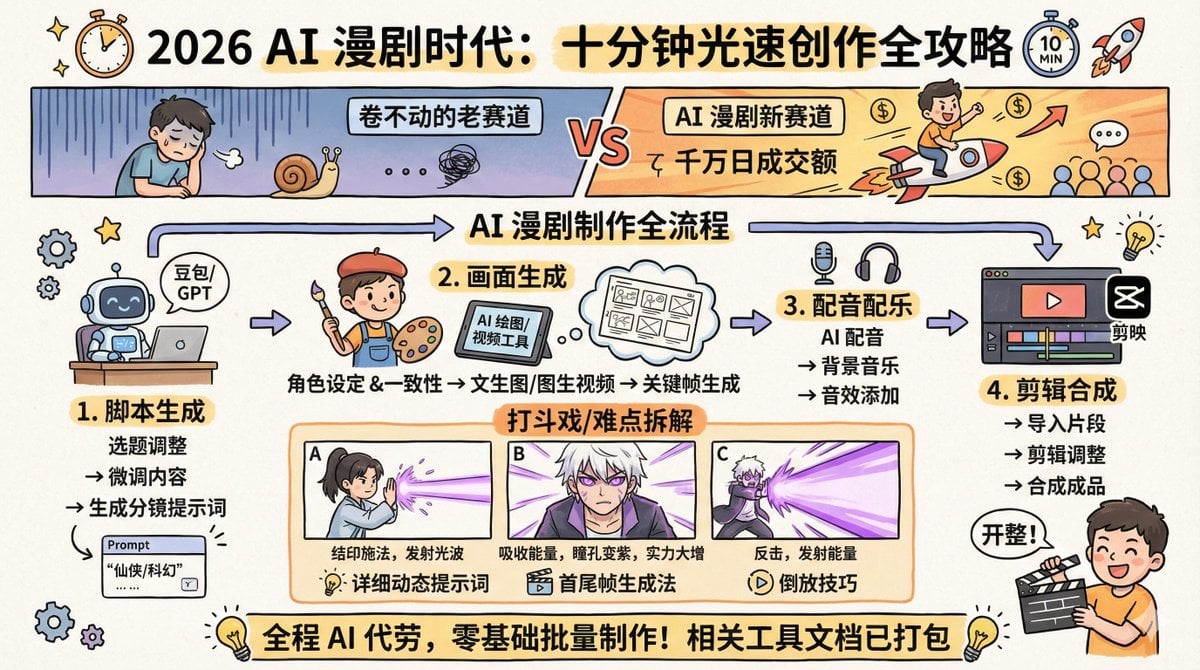
AI Comic Production Workflow and Infographic Prompt
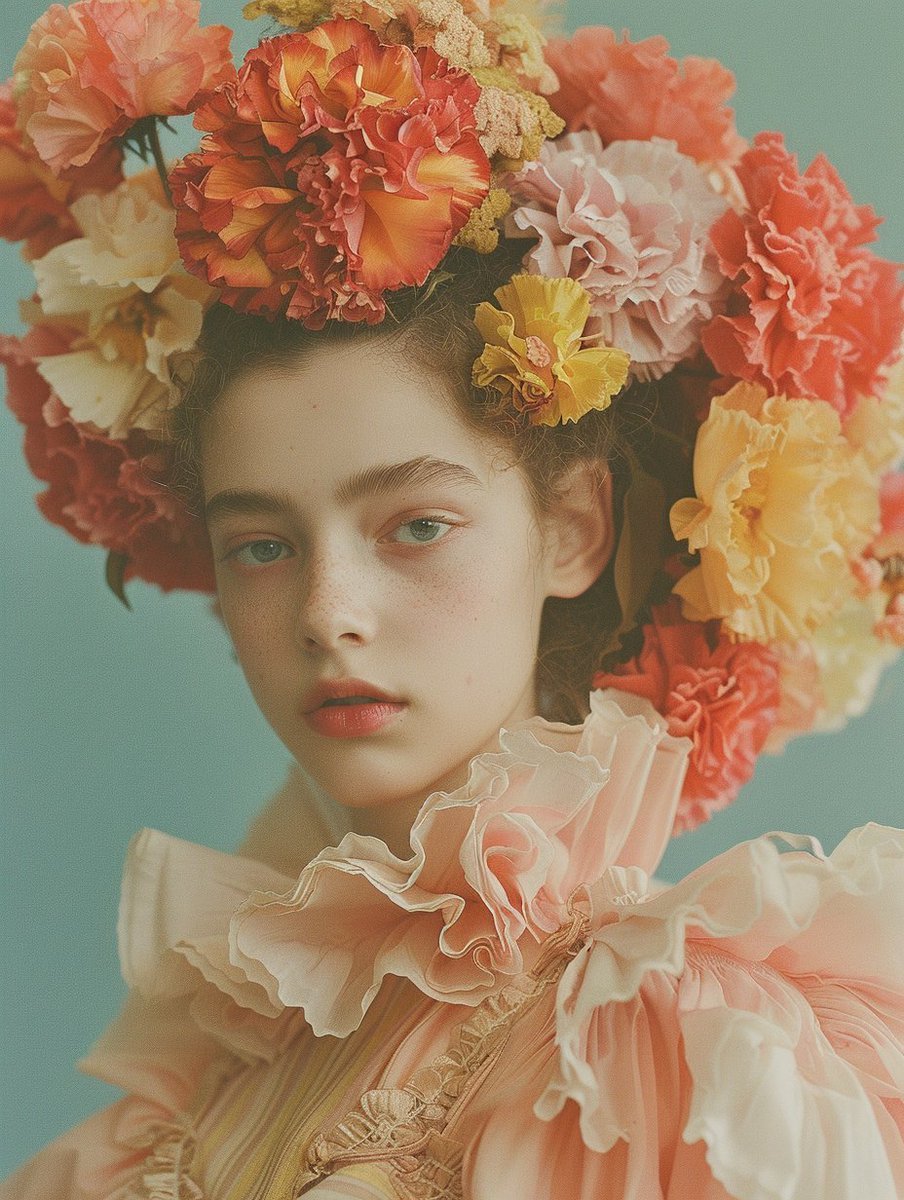
Disposable Photography Style Fashion Model Portrait
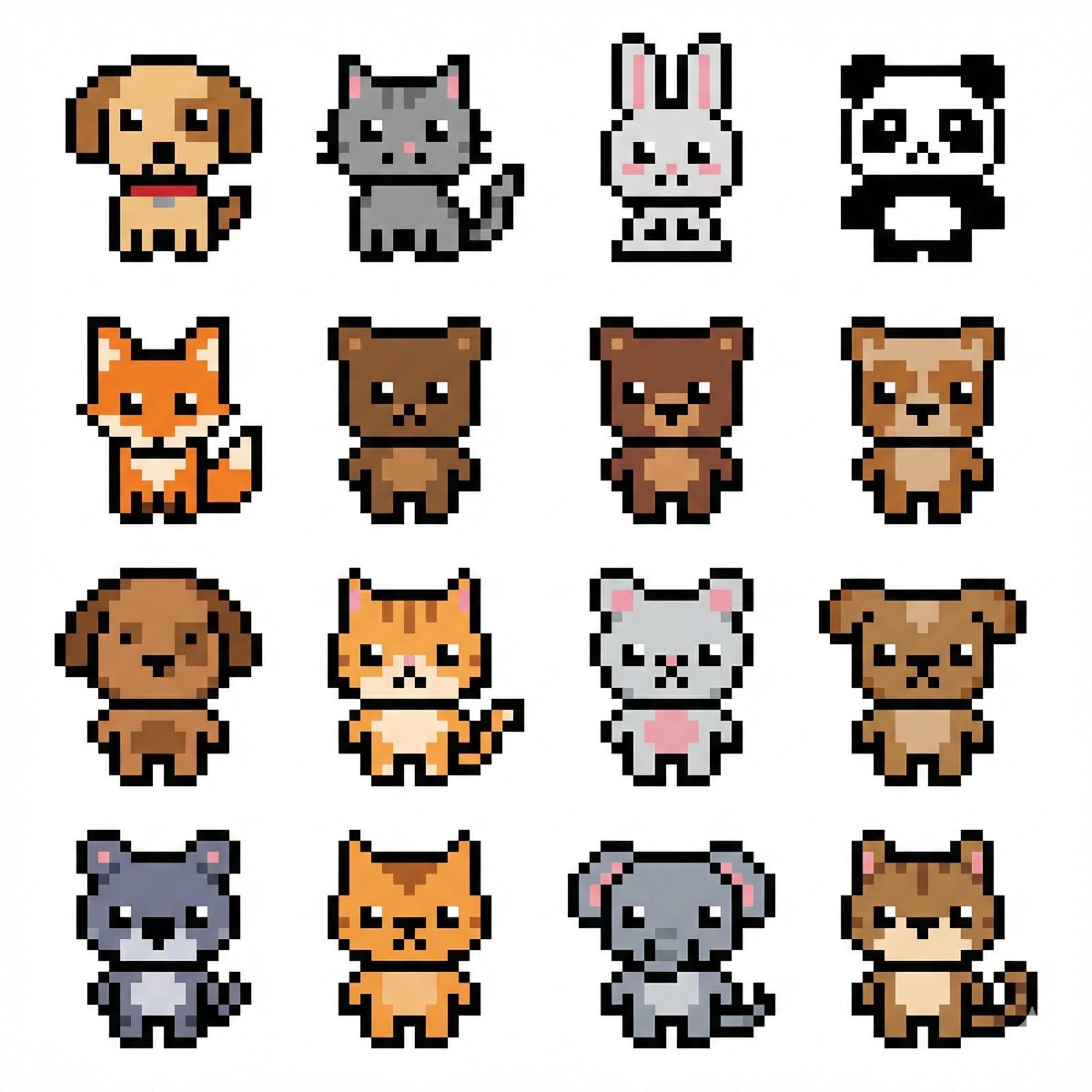
Pixel Art Animal Grid for APNG

Crossed Dark Eastern Fantasy Halberds
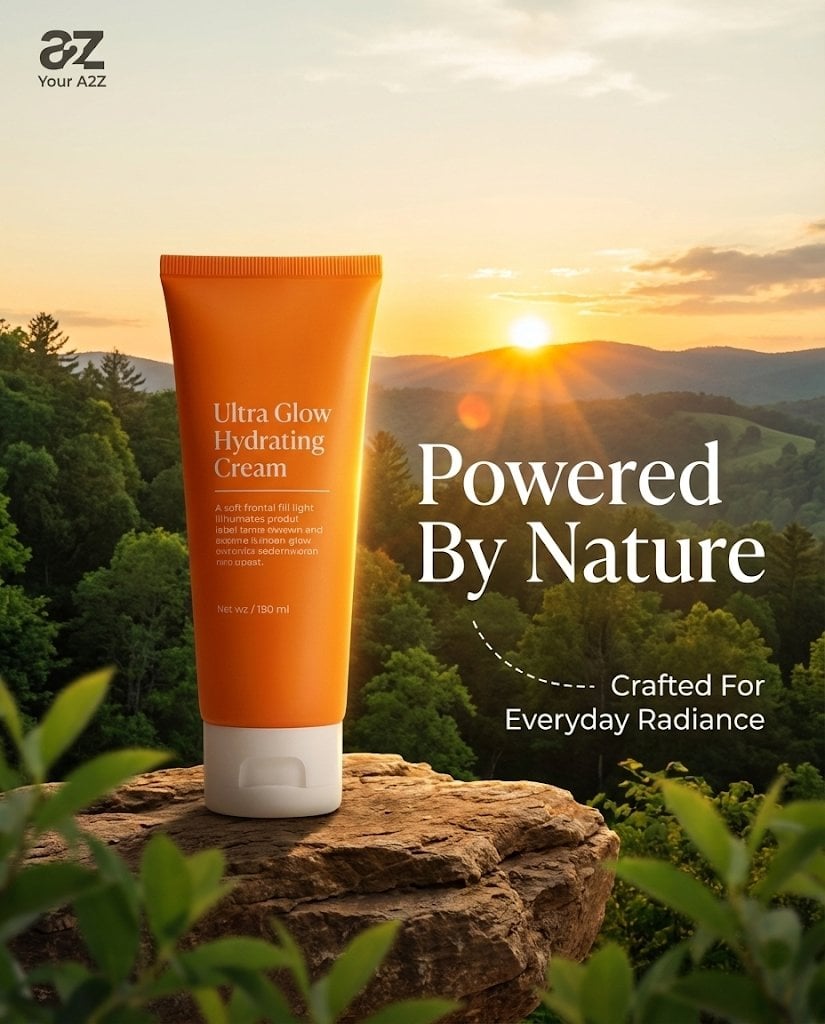
Golden Hour Product Photography on Rugged Rock
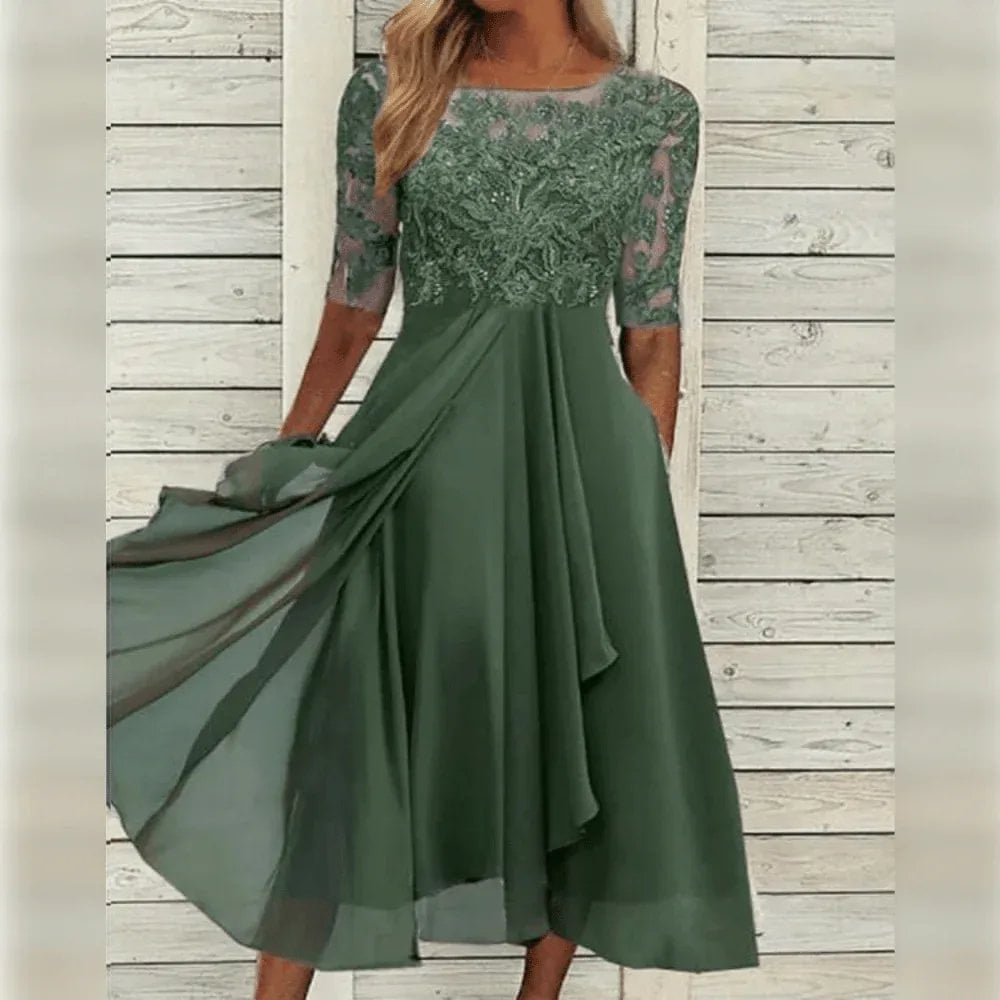
Lifestyle Product Integration Prompt for Nano Banana Pro
Browse template categories
Glitch Angel Editorial Studio Shoot questions
How do I use the Glitch Angel Editorial Studio Shoot template?
Add your photo if the template asks for one, edit the prompt if you like — the template's model and format are already selected — and press Generate. Your version opens in PicX Studio.
Can I customize the Glitch Angel Editorial Studio Shoot template?
Yes. You can change the subject, setting, lighting, mood, format, and available model controls before creating your image.
Is the Glitch Angel Editorial Studio Shoot template free?
Opening and editing this template is free. Generating uses credits, shown on the Generate button when you are signed in.
Which AI model should I use?
Start with GPT Image 2, which is the model associated with this template. You can compare another compatible model for a different finish.
Looking for something else? Browse all templates.

Your photo, any look
Thousands of ready templates for every top image and video model, from one credit balance.