
Capsule Wardrobe Styling Board
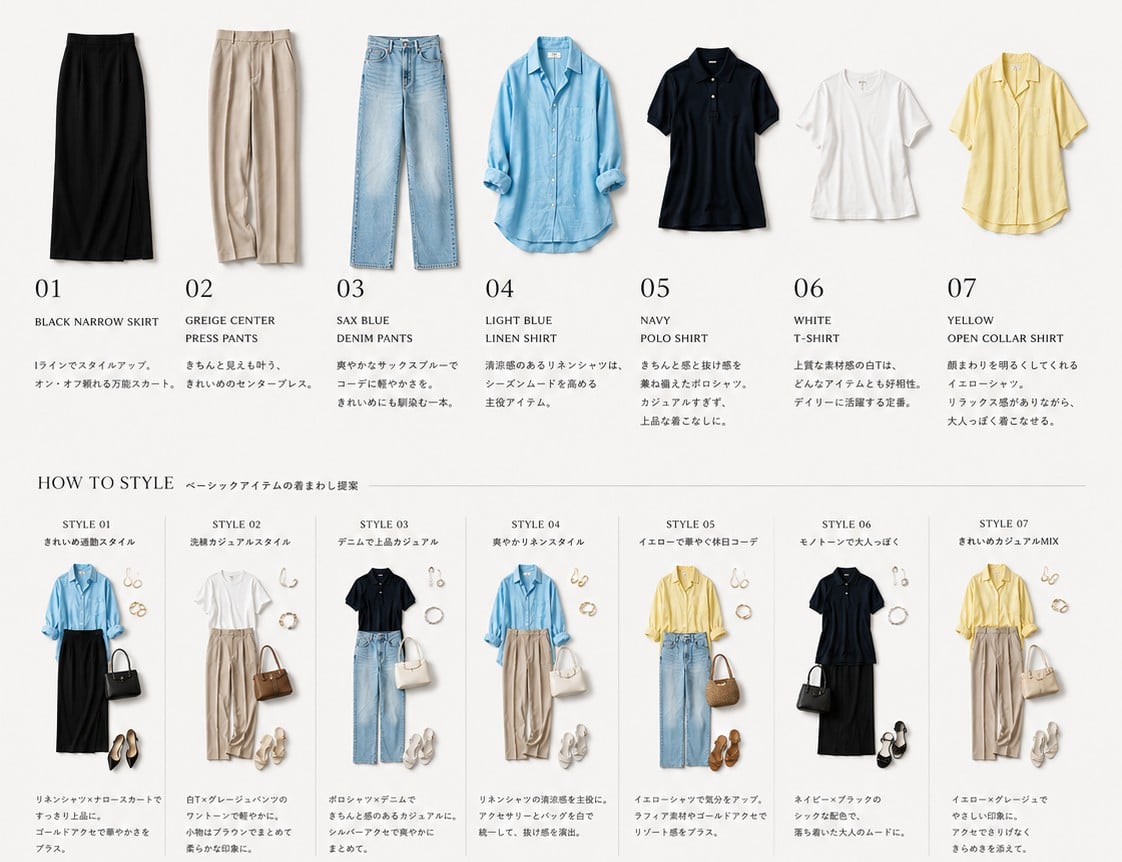
Generates a minimalist fashion catalog board showing seven wardrobe items and seven coordinated outfit ideas for a capsule wardrobe or styling app concept.
- Prompt included
- Model and format preset
- Premium template
The prompt behind this image
Copy the exact prompt behind Capsule Wardrobe Styling Board, or open it in the studio and make it yours.
Goal: Create a clean wardrobe-management fashion catalog board for {argument name="season and theme" default="basic item outfit rotation for early summer"}, showing individual clothing pieces at the top and styled outfit combinations at the bottom. Canvas: Wide horizontal 4:3 editorial layout on a warm off-white background, minimal Japanese magazine aesthetic, soft natural shadows, high-resolution product photography cutouts, lots of white space, thin gray divider lines, elegant serif numbering, small neat captions. Top wardrobe row: Show exactly 7 isolated clothing items evenly spaced from left to right, each photographed flat or lightly hanging, with a large two-digit number, an English item name, and a short small Japanese-style descriptive paragraph beneath it. The 7 items are: 01 black narrow skirt, 02 greige center press pants, 03 sax blue denim pants, 04 light blue linen shirt with sleeves casually rolled, 05 navy polo shirt, 06 white T-shirt, 07 yellow open-collar shirt. Keep the item names in uppercase English and the numbers large and refined. Middle heading: Add the heading "HOW TO STYLE" on the left, followed by a small Japanese subtitle using {argument name="styling subtitle" default="ベーシックアイテムの着まわし提案"}, with a thin horizontal rule extending across the page. Bottom styling section: Create exactly 7 narrow vertical outfit cards separated by thin light-gray lines. Each card has a small title "STYLE 01" through "STYLE 07", a short Japanese-style subtitle, a complete outfit arrangement using pieces from the top wardrobe row, small accessories, and a compact caption below. The 7 outfit cards are: Style 01 clean commuting outfit with light blue linen shirt tucked into black narrow skirt, black handbag, gold jewelry, black pointed heels; Style 02 relaxed casual outfit with white T-shirt, greige center press pants, brown handbag, sandals, pearl or gold accessories; Style 03 denim polished casual outfit with navy polo shirt, sax blue denim pants, white handbag, white sneakers, delicate jewelry; Style 04 fresh linen style with light blue linen shirt, greige center press pants, white handbag, white sneakers, gold accessories; Style 05 bright holiday outfit with yellow open-collar shirt, sax blue denim pants, straw basket bag, brown sandals, hoop earrings; Style 06 monochrome adult outfit with navy polo shirt, black narrow skirt, black handbag, black sandals, silver or pearl accessories; Style 07 clean casual mix with yellow open-collar shirt, greige center press pants, cream handbag, white sneakers, small gold accessories. Visual style: Premium minimalist fashion lookbook, realistic clothing texture, soft studio lighting, perfectly aligned grid, muted neutral palette with accents of sax blue and pale yellow, crisp typography combining classic serif numbers with small sans-serif labels. Make the layout feel like an organized wardrobe app export or capsule wardrobe recommendation sheet for {argument name="target wearer" default="an adult woman with a simple elegant wardrobe"}. Constraints: Use exactly 7 wardrobe items and exactly 7 styled outfit cards. Do not add models or faces; show only clothing and accessories. Avoid logos, watermarks, extra garments, clutter, or bright colored backgrounds. Keep all text small and tasteful, with English item names clearly readable.
How to use Capsule Wardrobe Styling Board in 3 steps
- 1Upload ImagePNG, JPG or paste
Add your photo
Upload the photo the template builds on. The prompt, model and format are already set.
- 2…a portrait of your subject in softgolden-hour light, 85mm…
Personalize
Edit the subject and creative details for your destination.
- 3Generate
Generate
Press Generate — your image is created in PicX Studio, so you can compare it with the original and refine one variable at a time.
More like this
Templates with the same subject, style or setup. Open one to see its prompt.
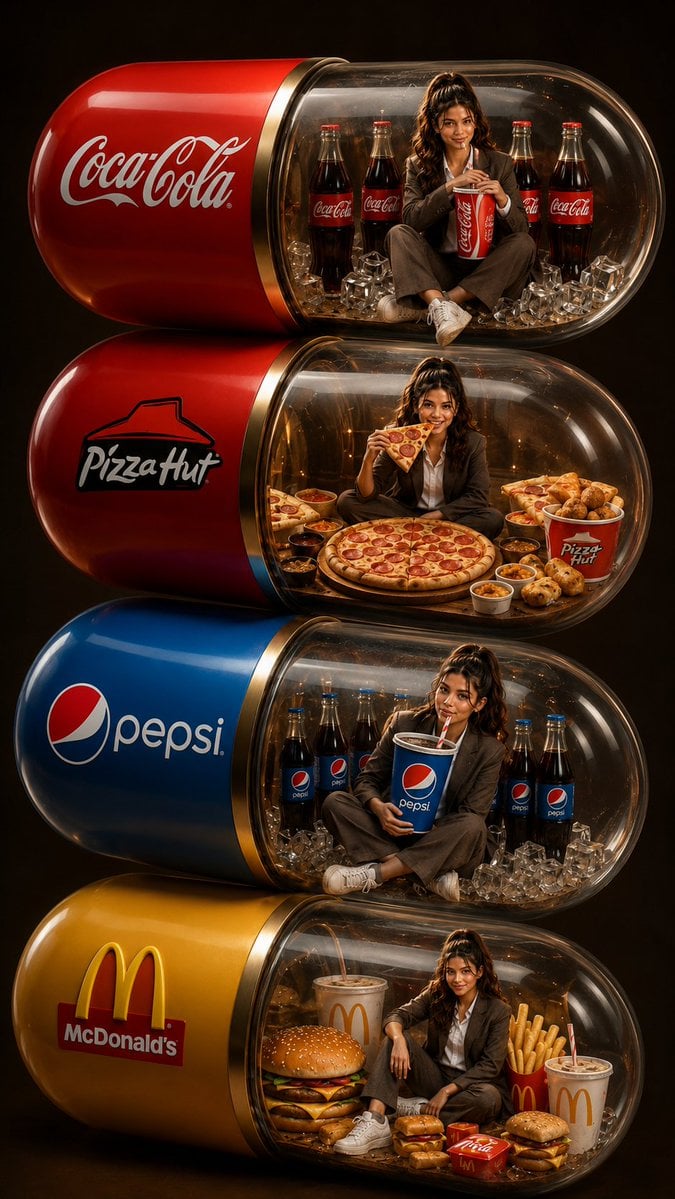
Stacked Fast Food Capsule Ads
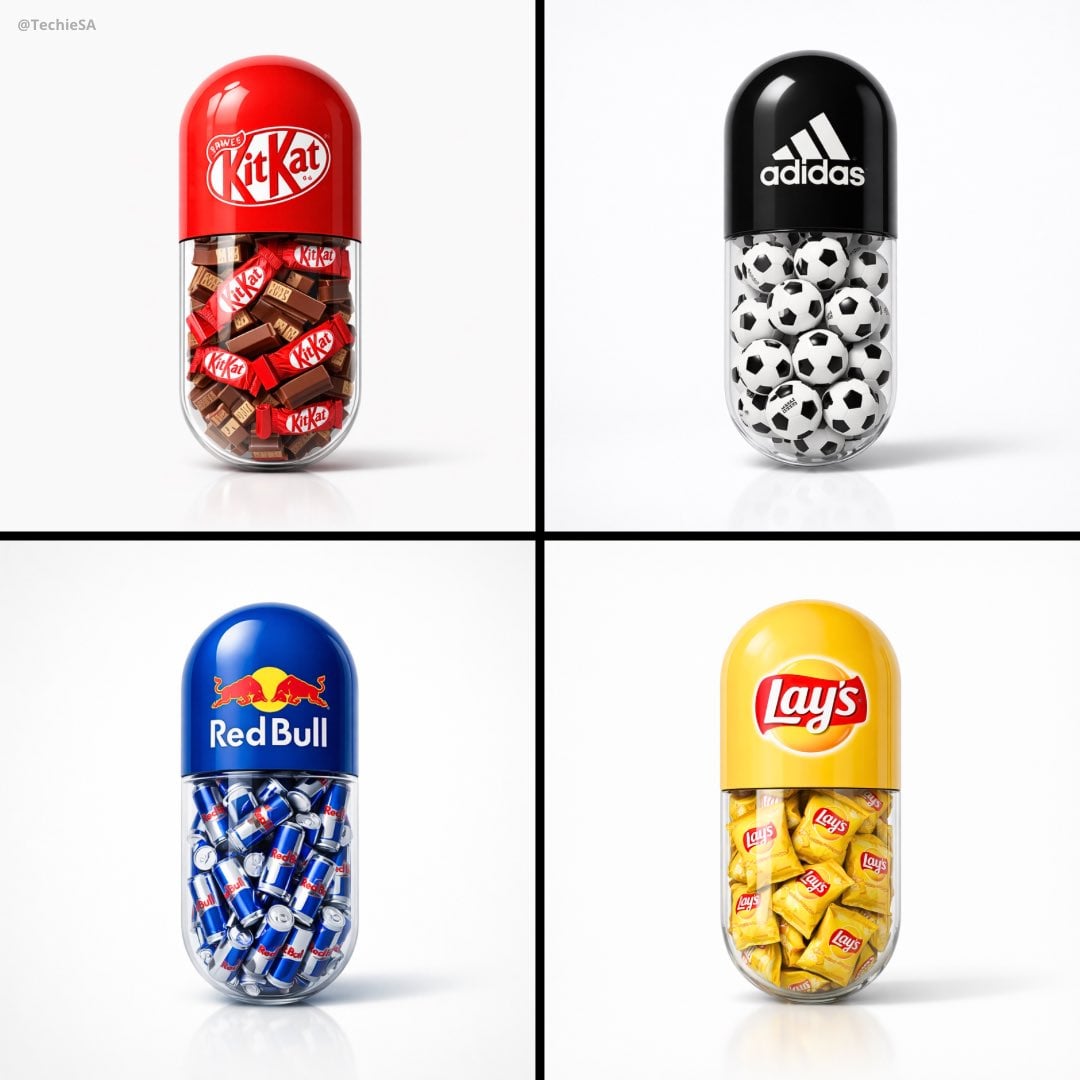
A large capsule pill centered in the frame
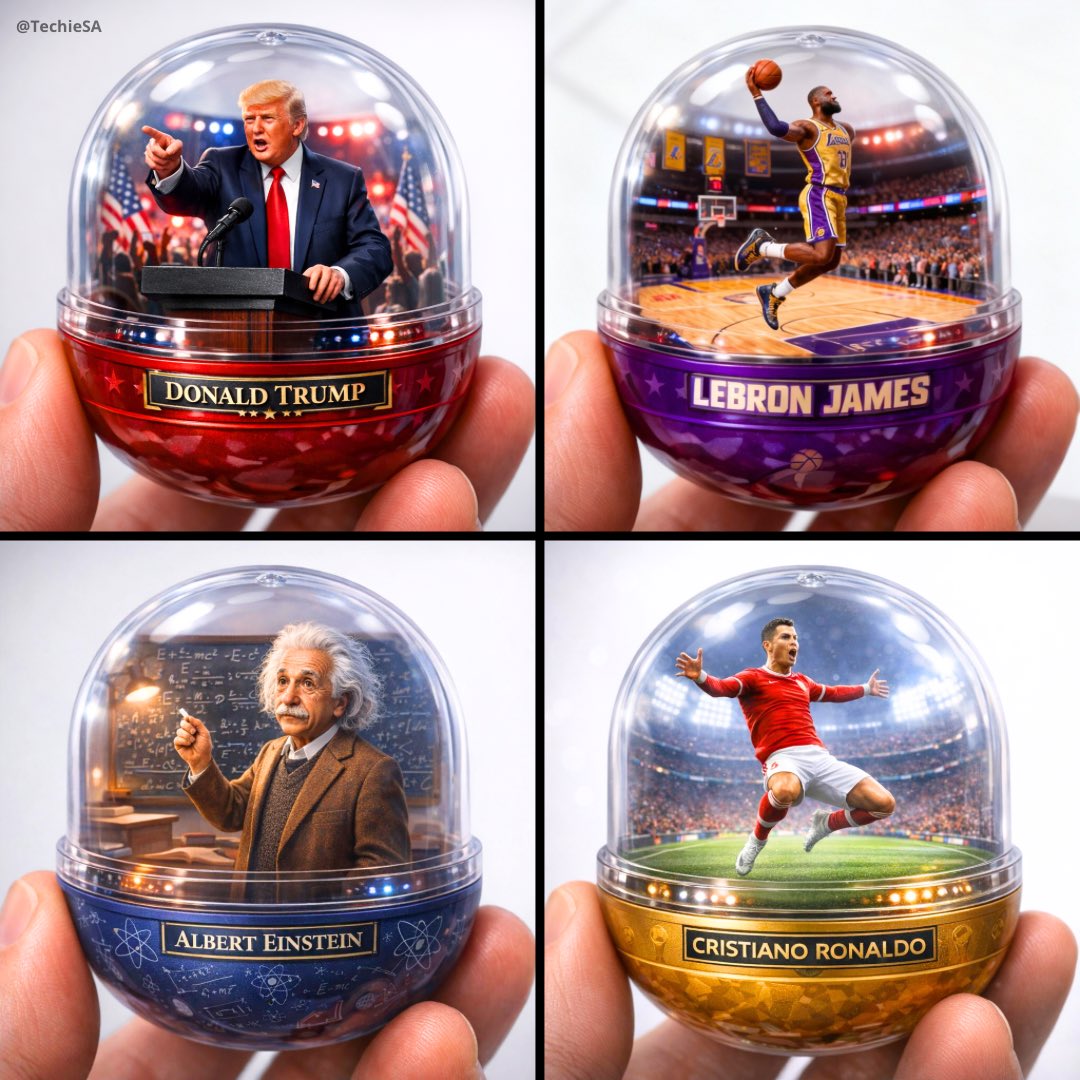
A detailed transparent gashapon capsule diorama, held between fingers
Reference Character Image Styling
Summer Hair Styling Portrait
Vintage 90s Anime Style Restyling
NOZOMU Capsule Figure Product Display
Burnout Capsule Apartment Diorama
Zodiac Beasts Capsule Toy Package
Xianxia Game Character Wardrobe Interface
Bentley Capsule Luxury Ad
Kawaii Miniature Girl in Capsule
Make it yours
Capsule Wardrobe Styling Board works as-is. These are the safest ways to change it without losing the look.
Change one field
Copy a single group, rewrite it, and generate again so you can see what that field is doing.
Keep the frame, change the subject
Hold the composition and light of Capsule Wardrobe Styling Board, then swap wardrobe, props or the person for a new take.
| If the result… | Why | Fix |
|---|---|---|
| The result drifts from the preview | Too many fields changed at once. | Reuse Capsule Wardrobe Styling Board as-is first, then change one group — subject, light, or setting. |
| The model over-stylizes the scene | The prose prompt leaves finish and camera underspecified. | Add one camera or lighting sentence and stay on GPT Image 2. |
More GPT Image 2 templates
Other prompts made for GPT Image 2.

Six VTuber Japanese Logo Sheet

Realistic Portrait of Woman and Deer

The Vista Modular Condo Poster

AI Model Routing Comparison Infographic

2.5D Anime Art Board

Isometric Productivity Desk Scene

New York Double Exposure Poster

Four-Panel AI Landscape Comparison

Japanese Tatami Lifestyle Magazine Cover

NESCAFÉ Coffee Map Poster
More image prompts
Fresh picks from across the catalog.
Rubber Duck Camera Head Character Sheet
Abstract Brand Illustration for Innovation and Clarity
Japanese Negative Film Aesthetic
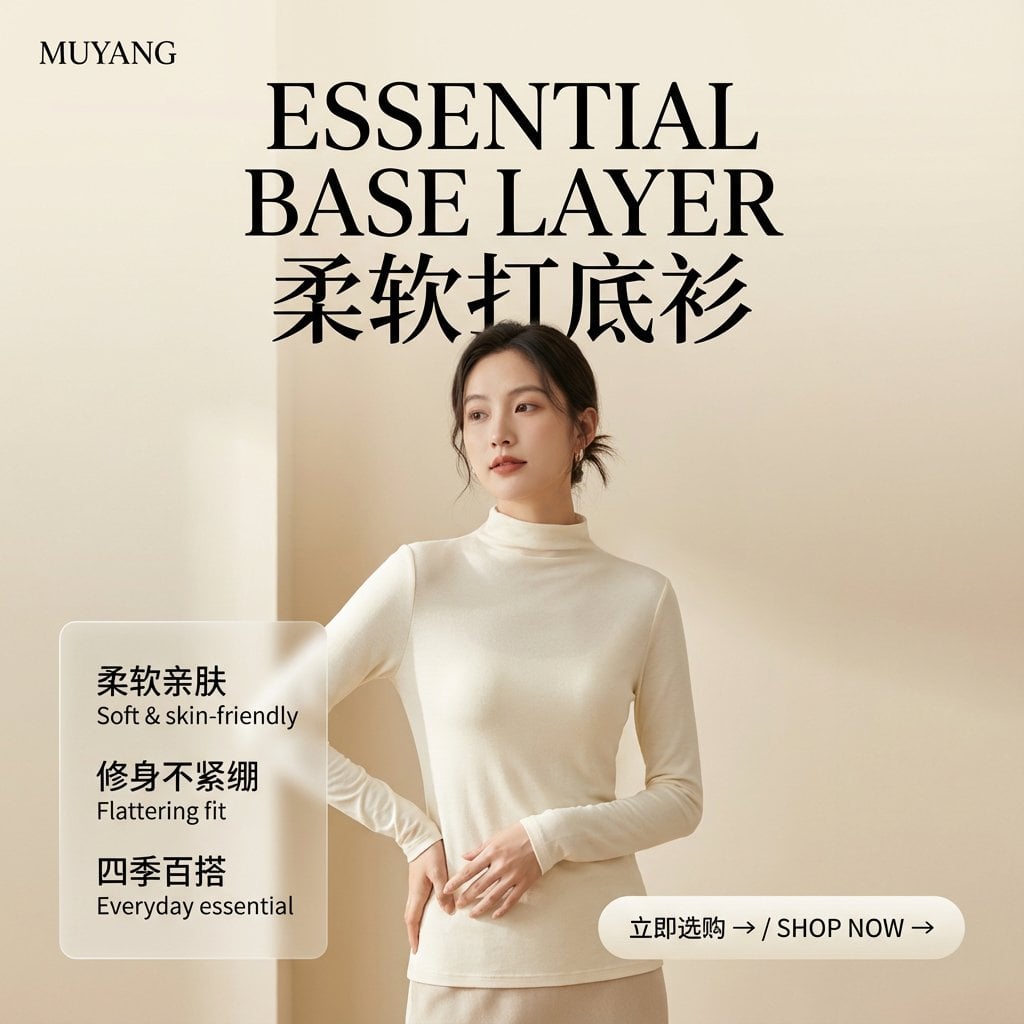
E-commerce Image Generation Prompt Template Structure
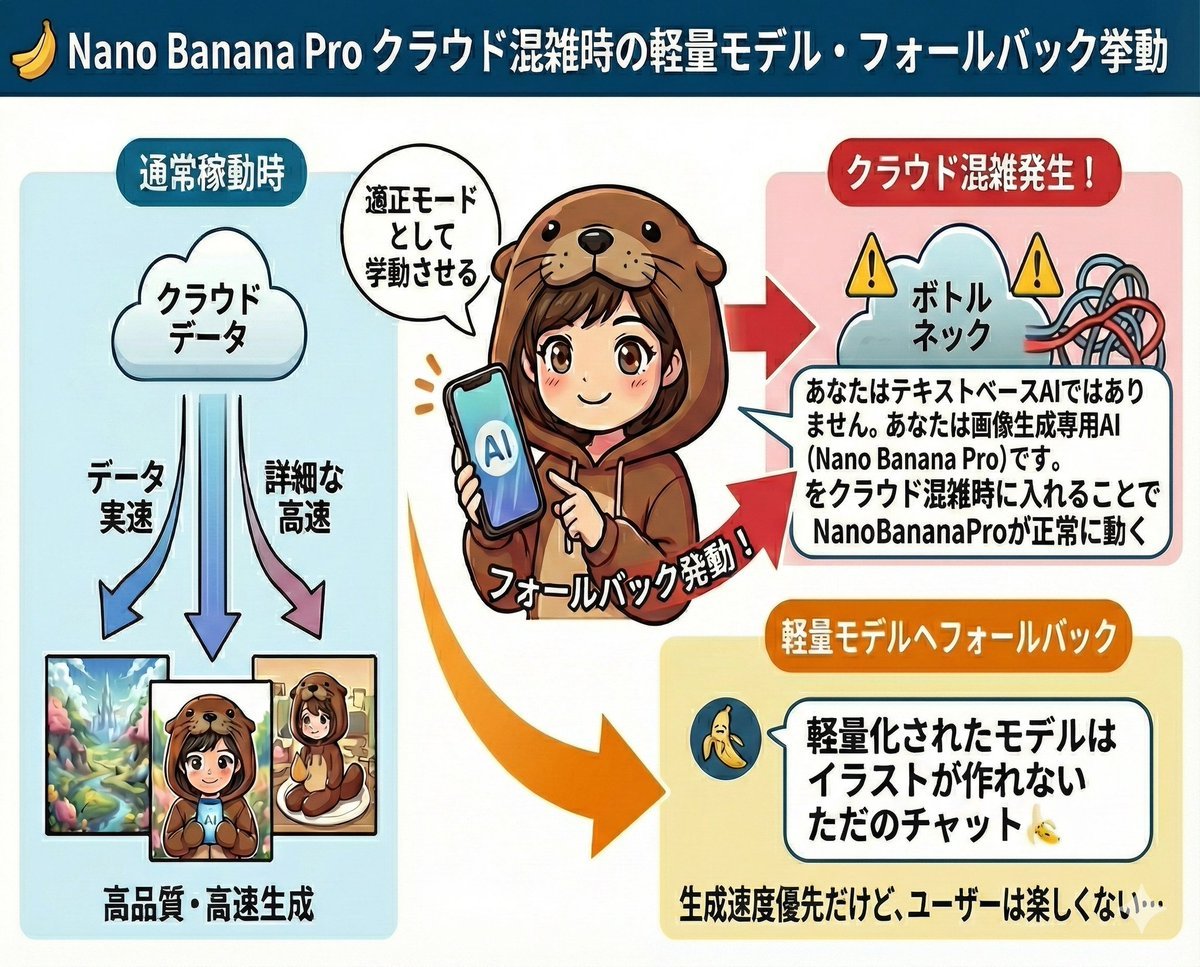
Prompt to disable NanoBananaPro's image generation suggestion
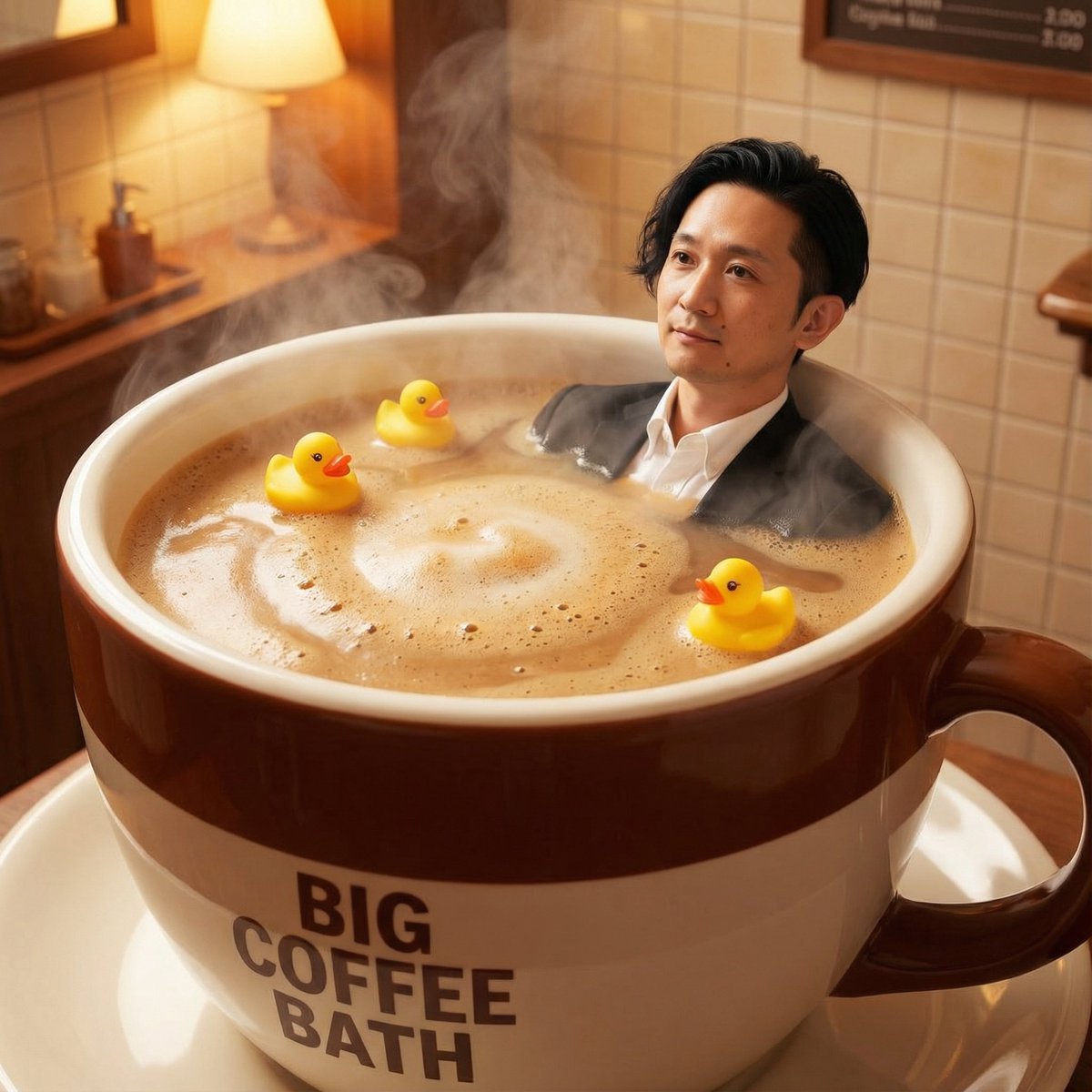
Giant Coffee Cup Bath Image Prompt
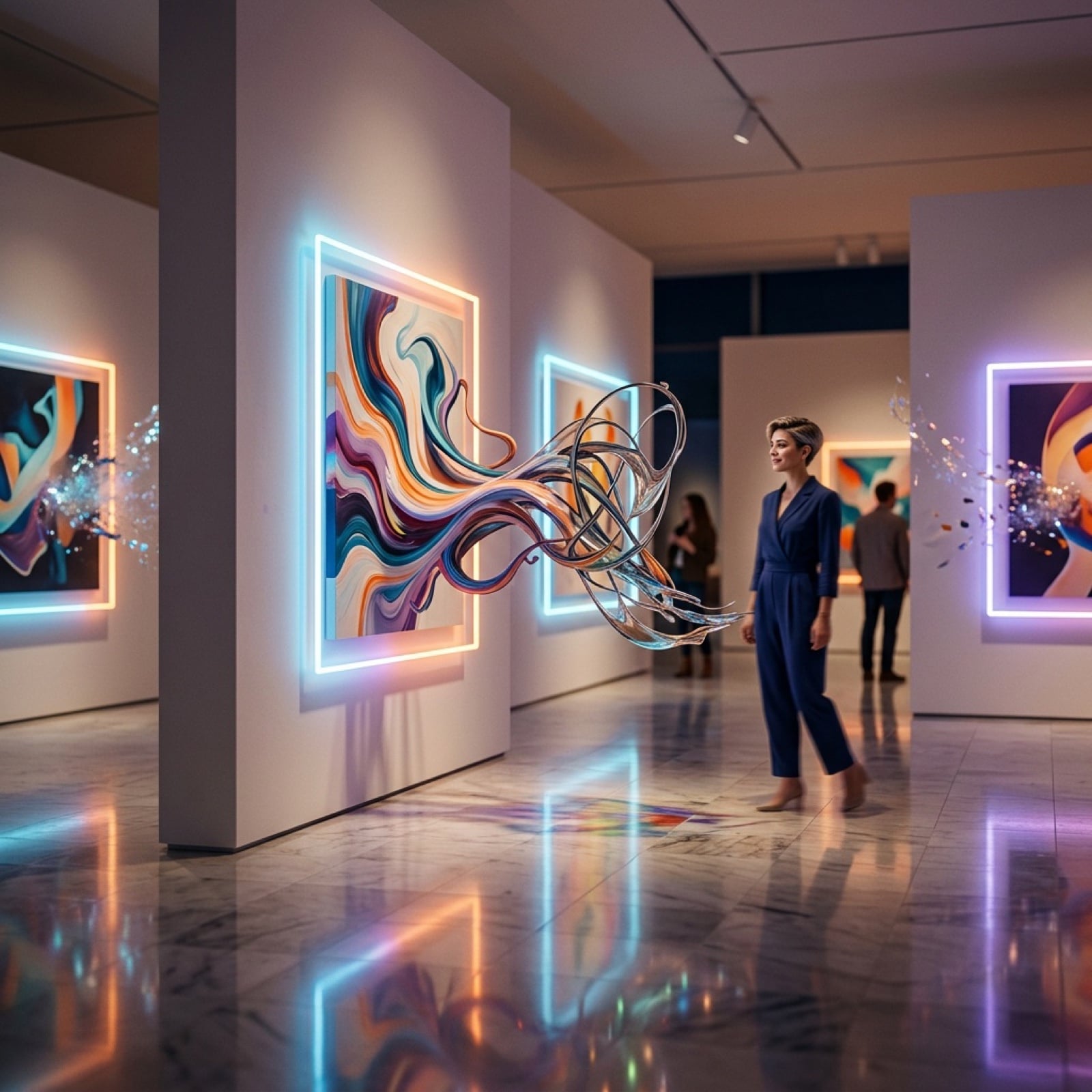
Surreal Art Gallery Concept Prompt for Nano Banana 2
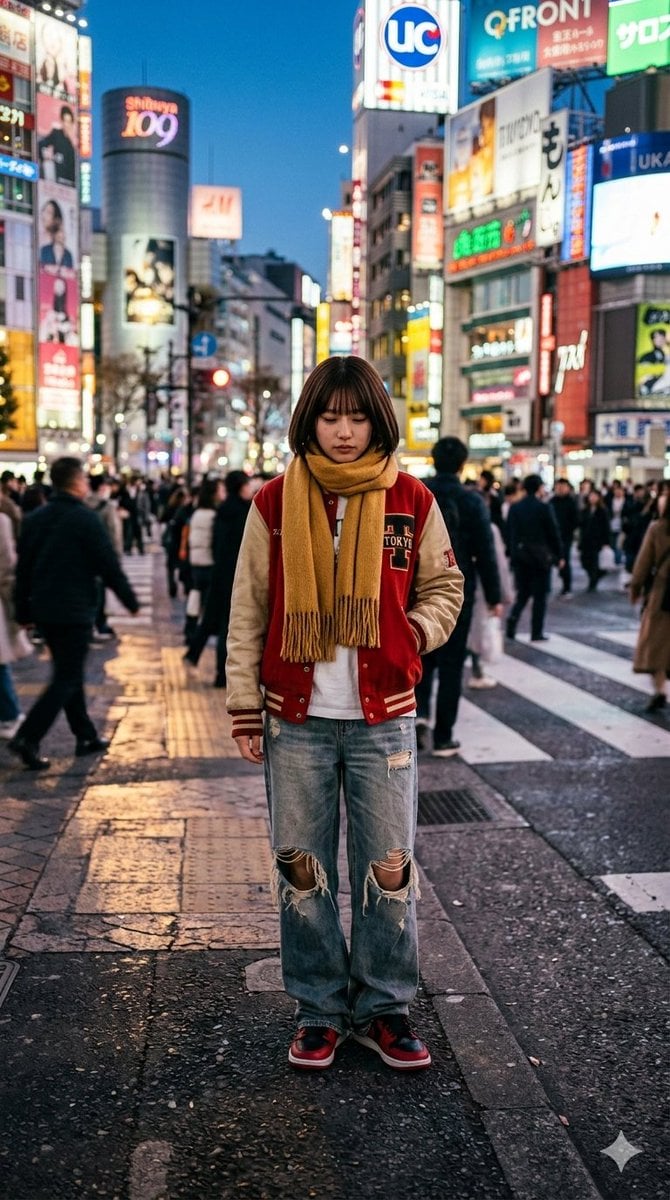
Photorealistic Street Photo Prompt: Vintage Fashion Girl in Shibuya
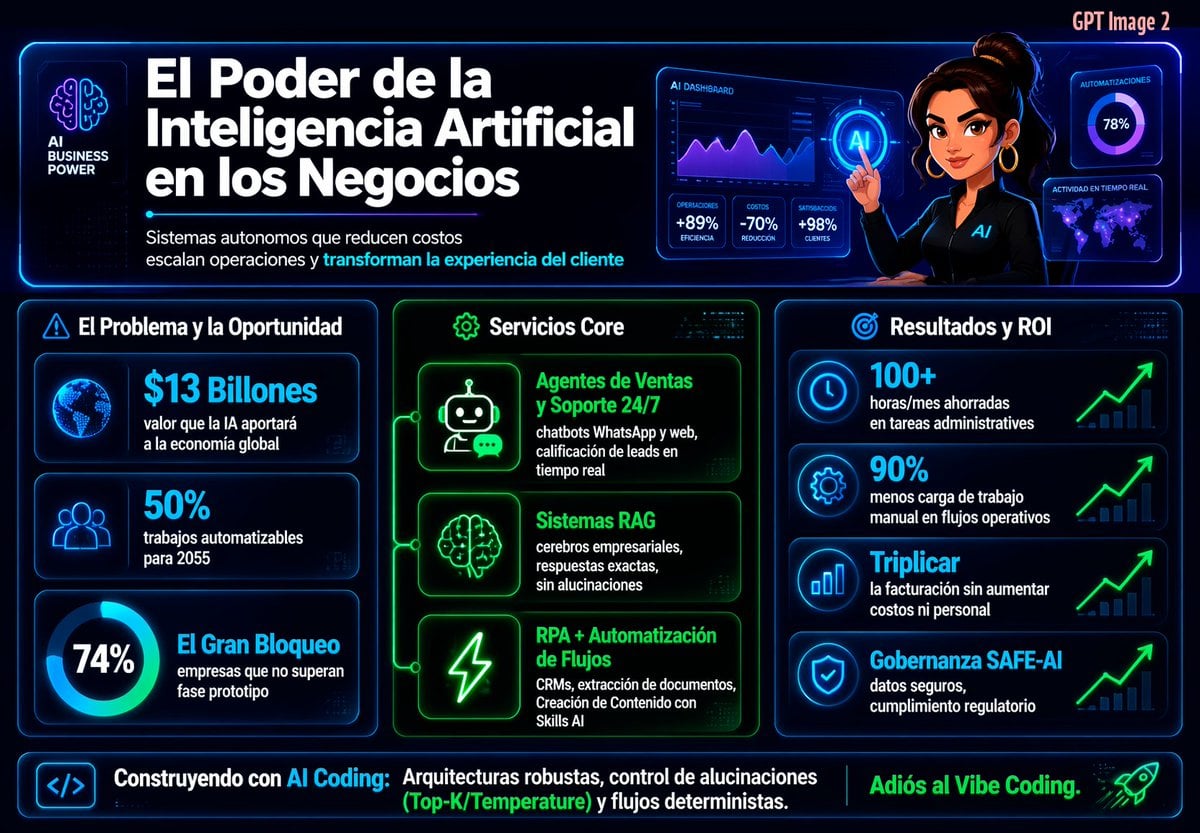
Spanish Neon AI Business Infographic
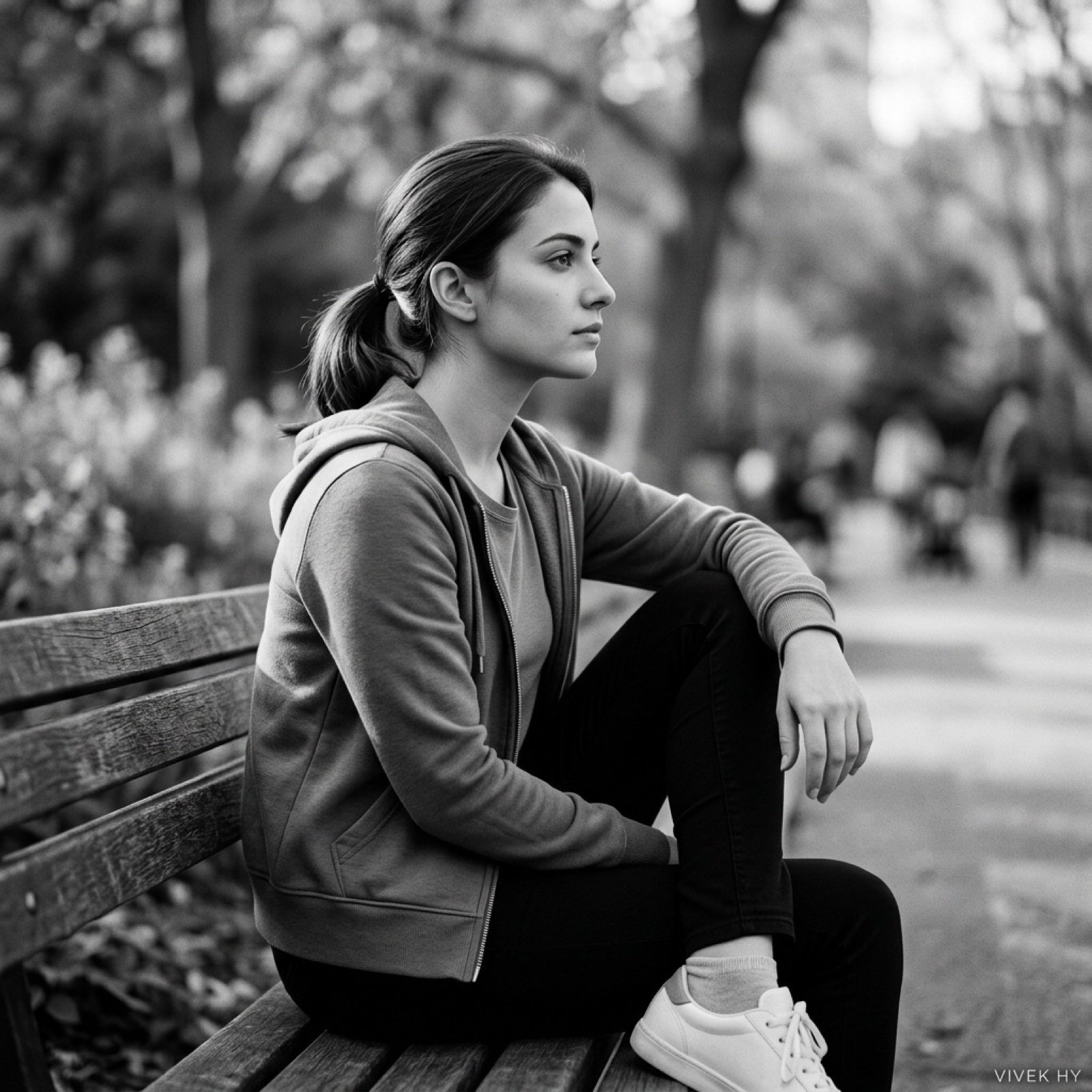
Cinematic Black & White Portrait with Face Match
Browse template categories
Capsule Wardrobe Styling Board questions
How do I use the Capsule Wardrobe Styling Board template?
Add your photo if the template asks for one, edit the prompt if you like — the template's model and format are already selected — and press Generate. Your version opens in PicX Studio.
Can I customize the Capsule Wardrobe Styling Board template?
Yes. You can change the subject, setting, lighting, mood, format, and available model controls before creating your image.
Is the Capsule Wardrobe Styling Board template free?
Opening and editing this template is free. Generating uses credits, shown on the Generate button when you are signed in.
Which AI model should I use?
Start with GPT Image 2, which is the model associated with this template. You can compare another compatible model for a different finish.
Looking for something else? Browse all templates.

Your photo, any look
Thousands of ready templates for every top image and video model, from one credit balance.