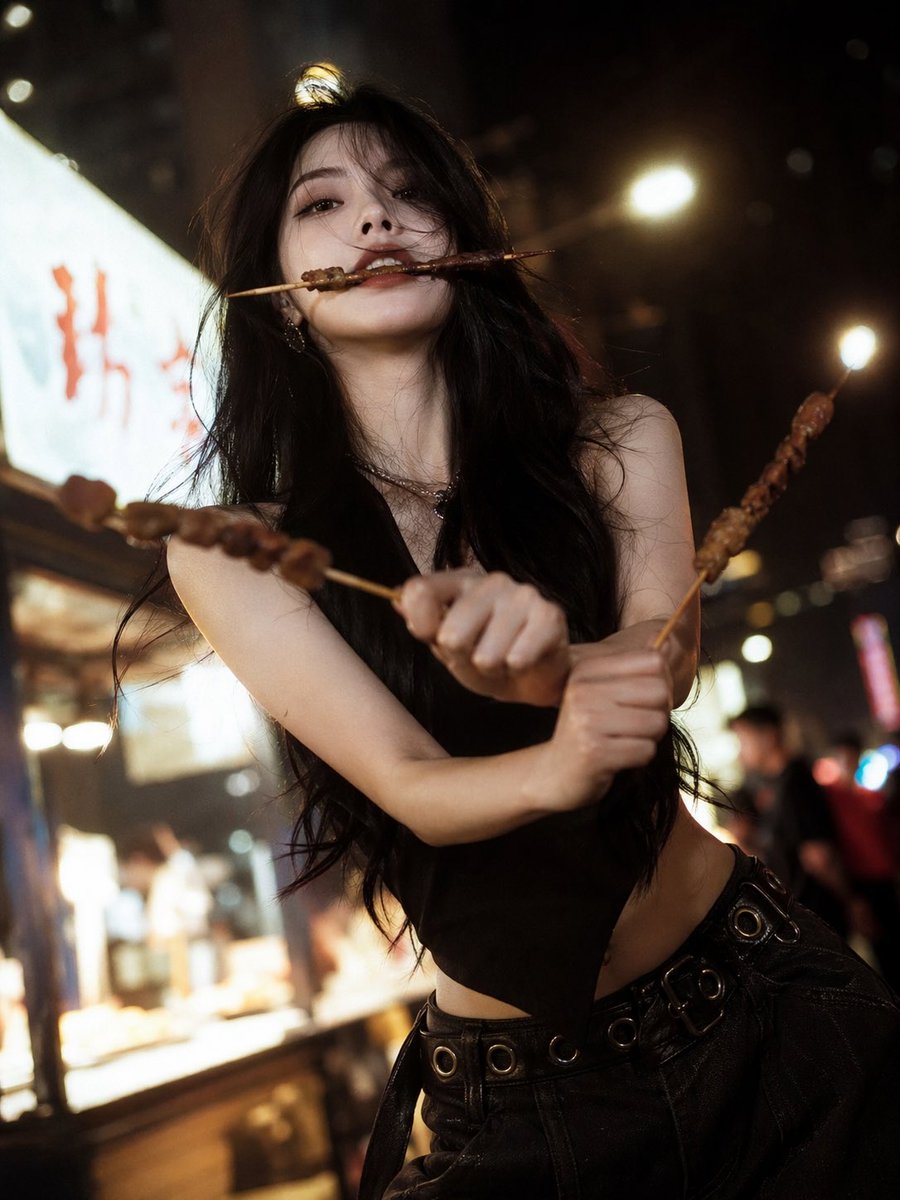
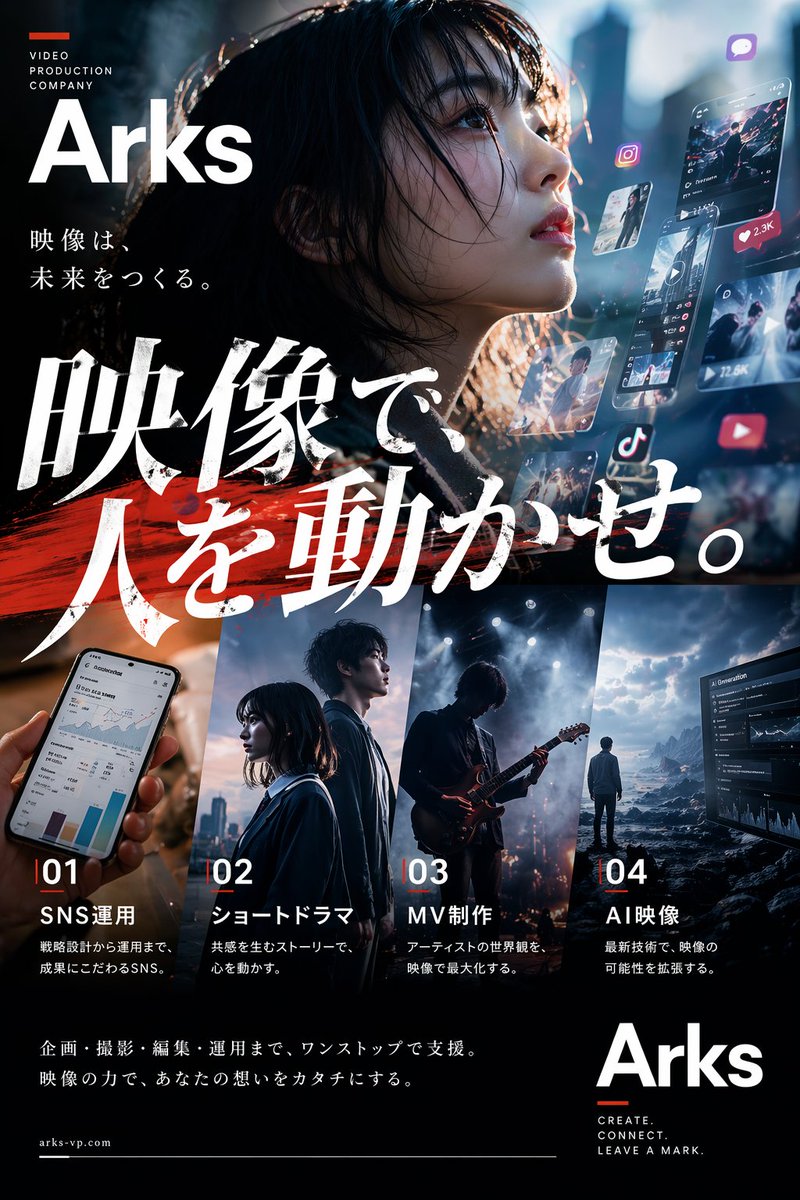
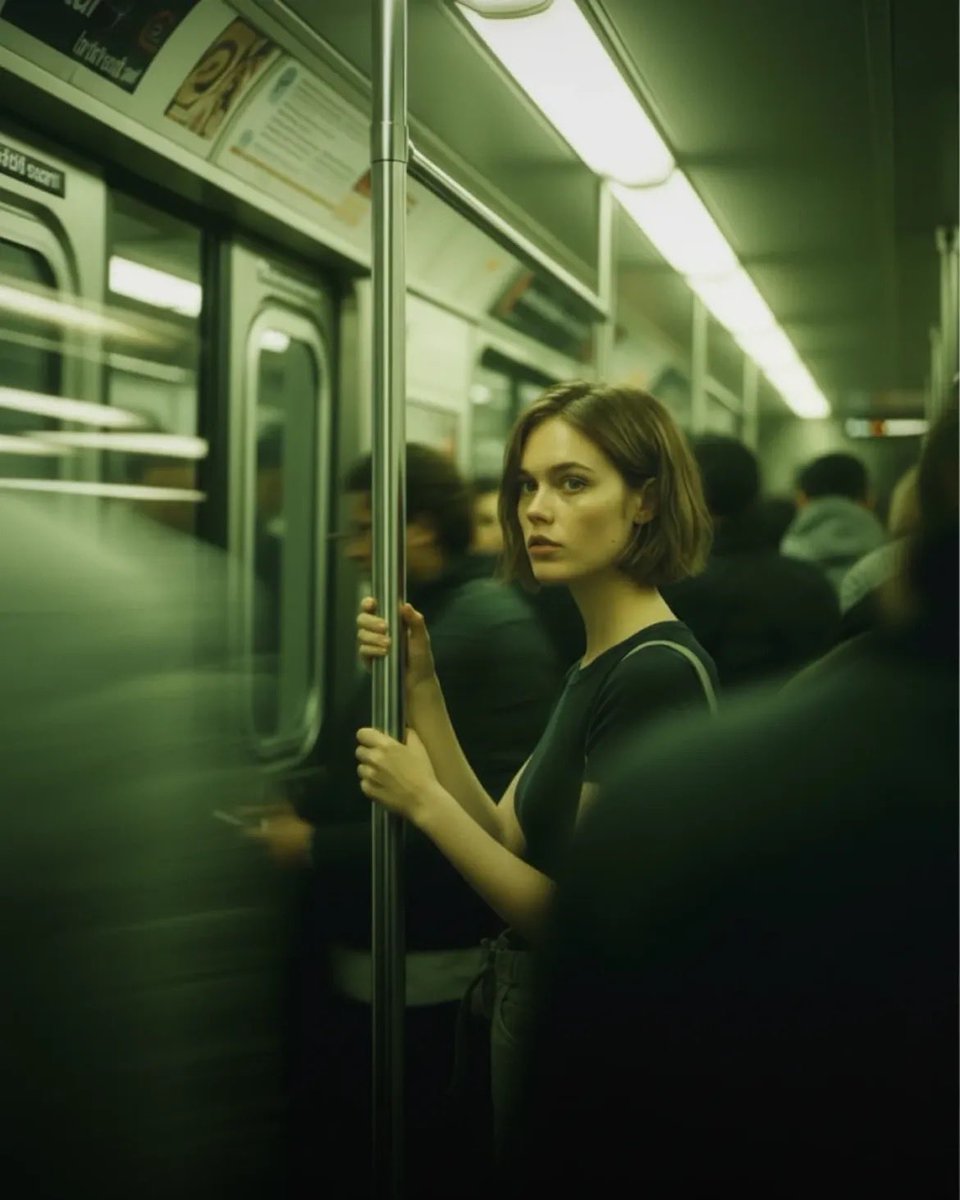
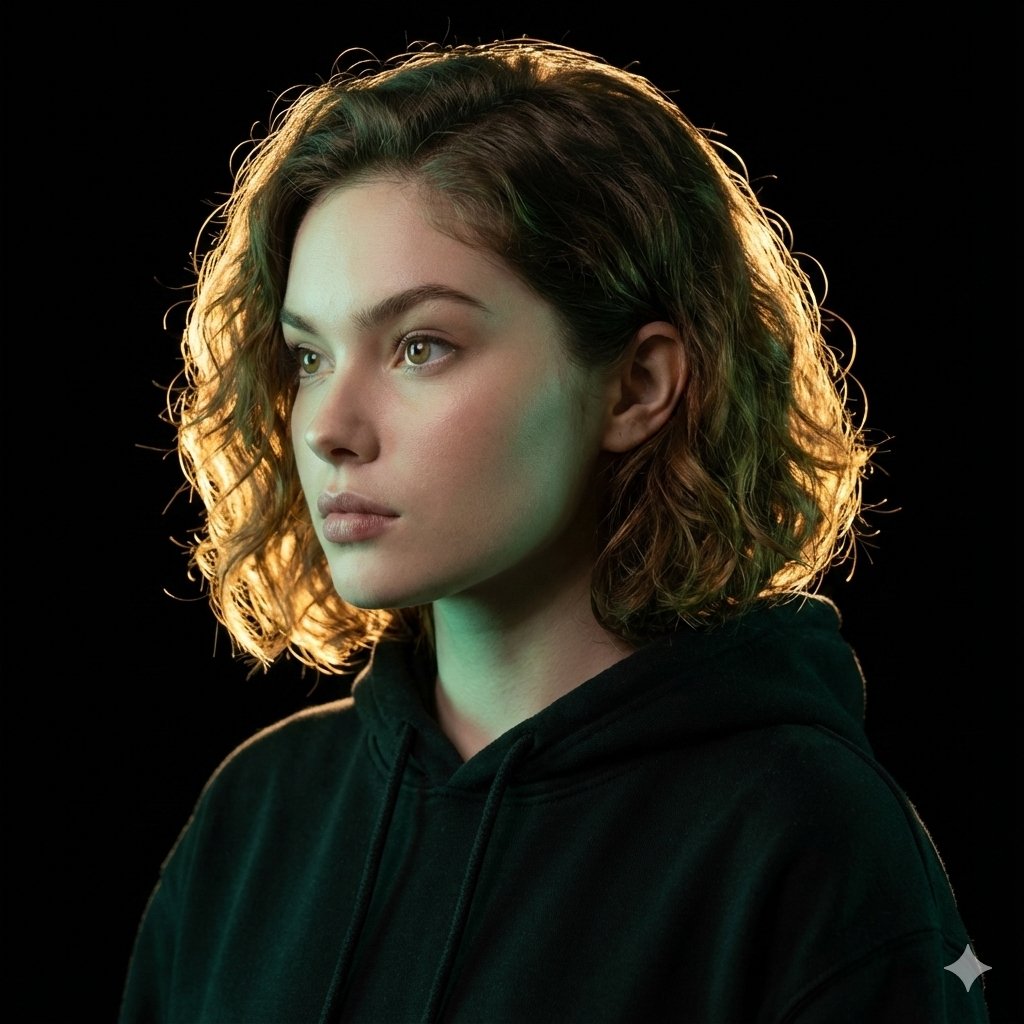
How do I use the Vintage 90s Anime Style Restyling template?
Choose the primary action to open PicX Studio with the available template settings. Review the model and format, personalize the creative direction, and generate when ready.
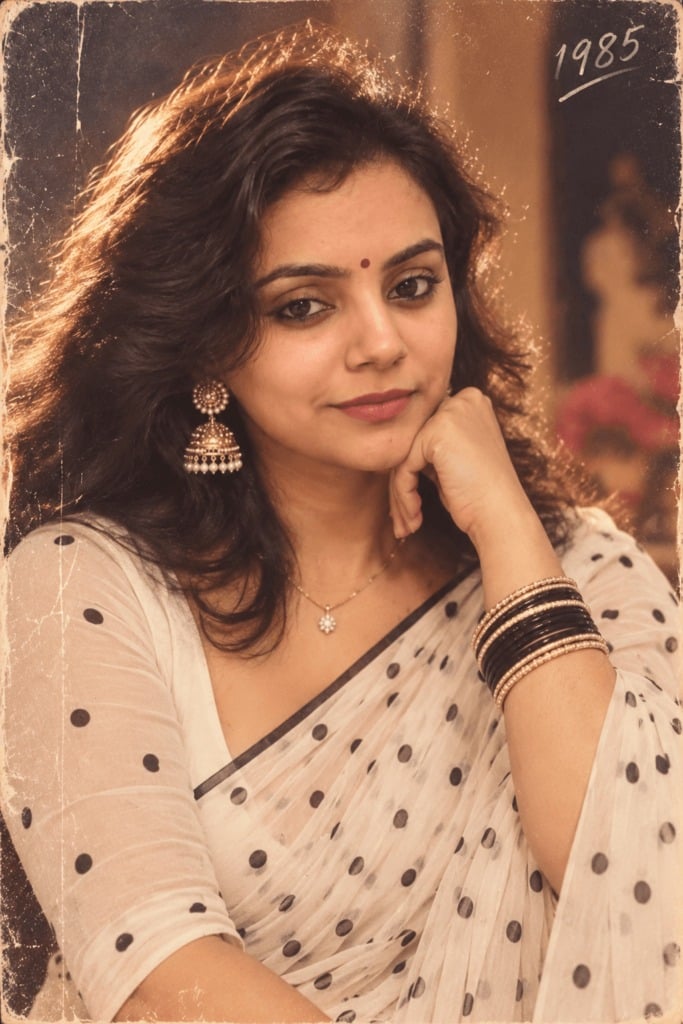
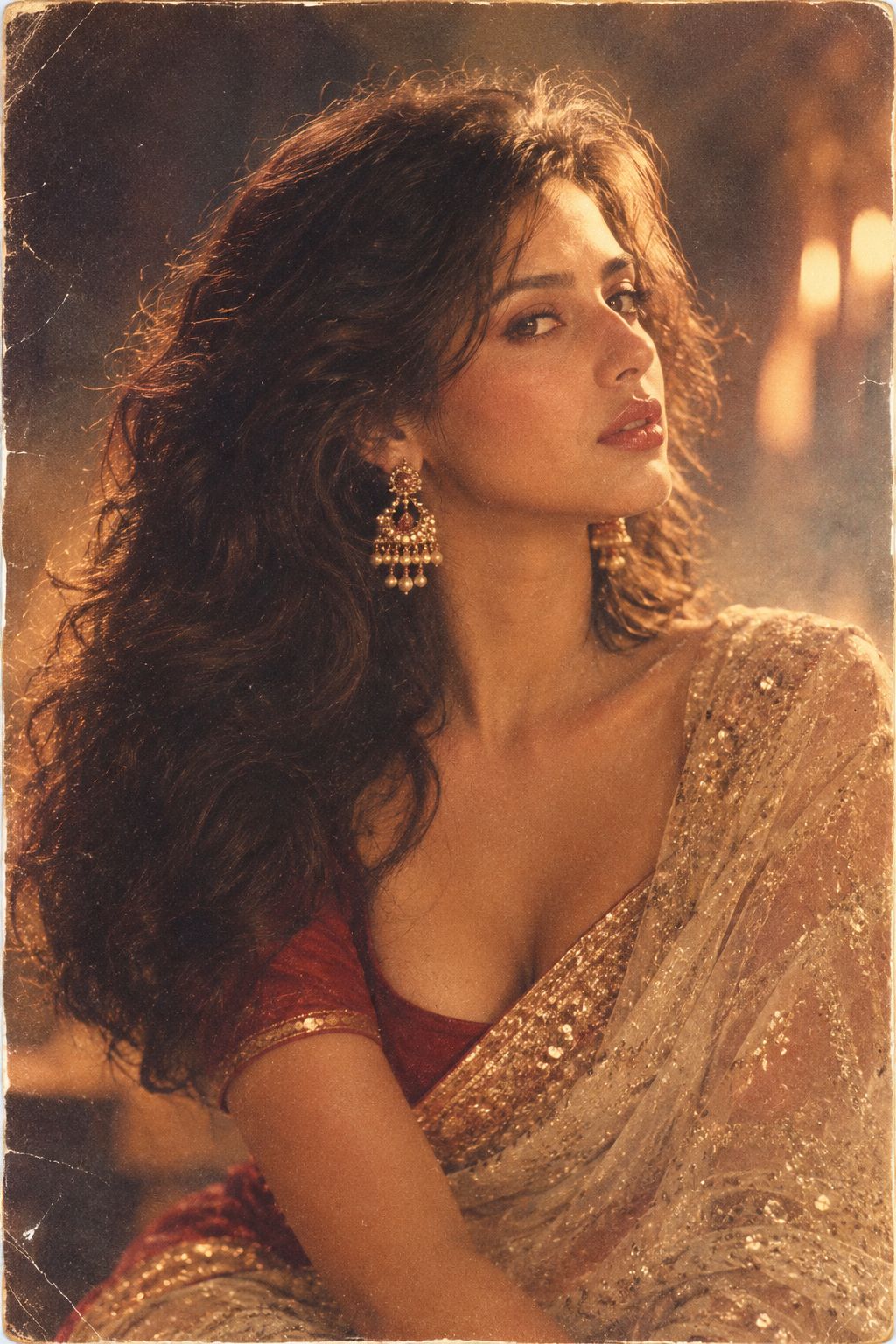
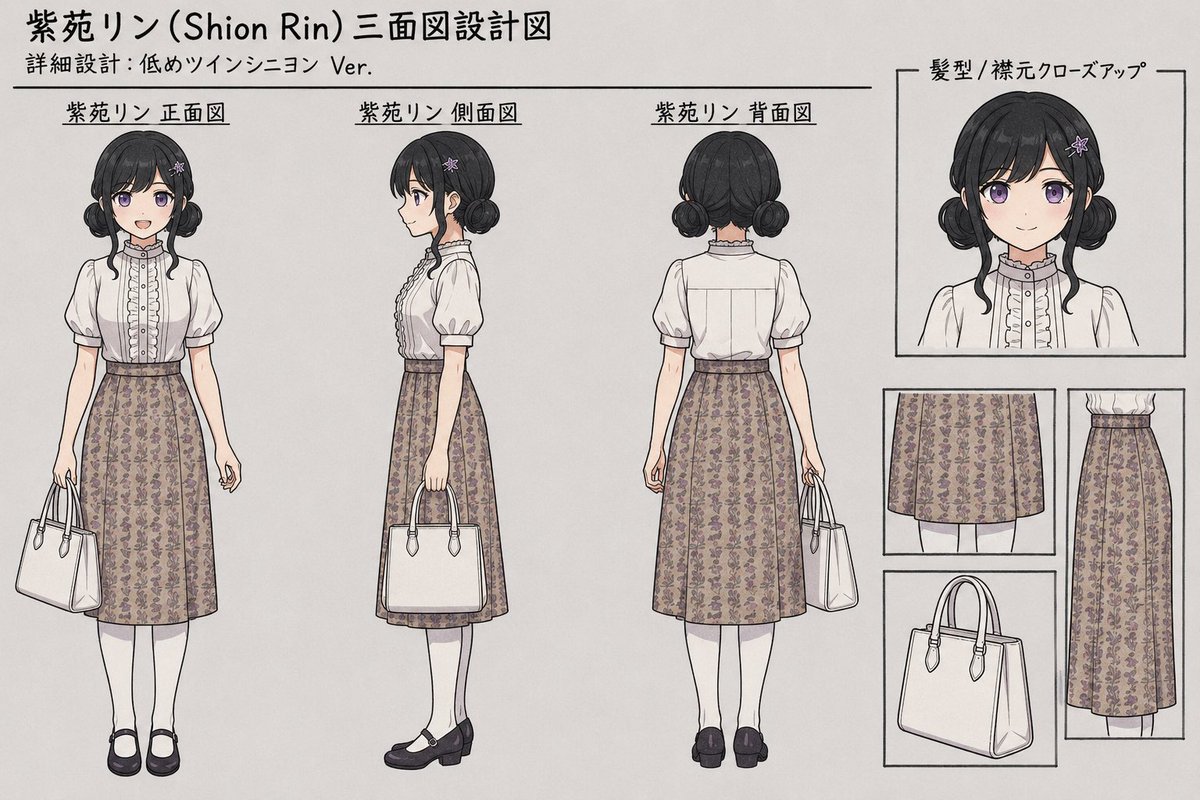
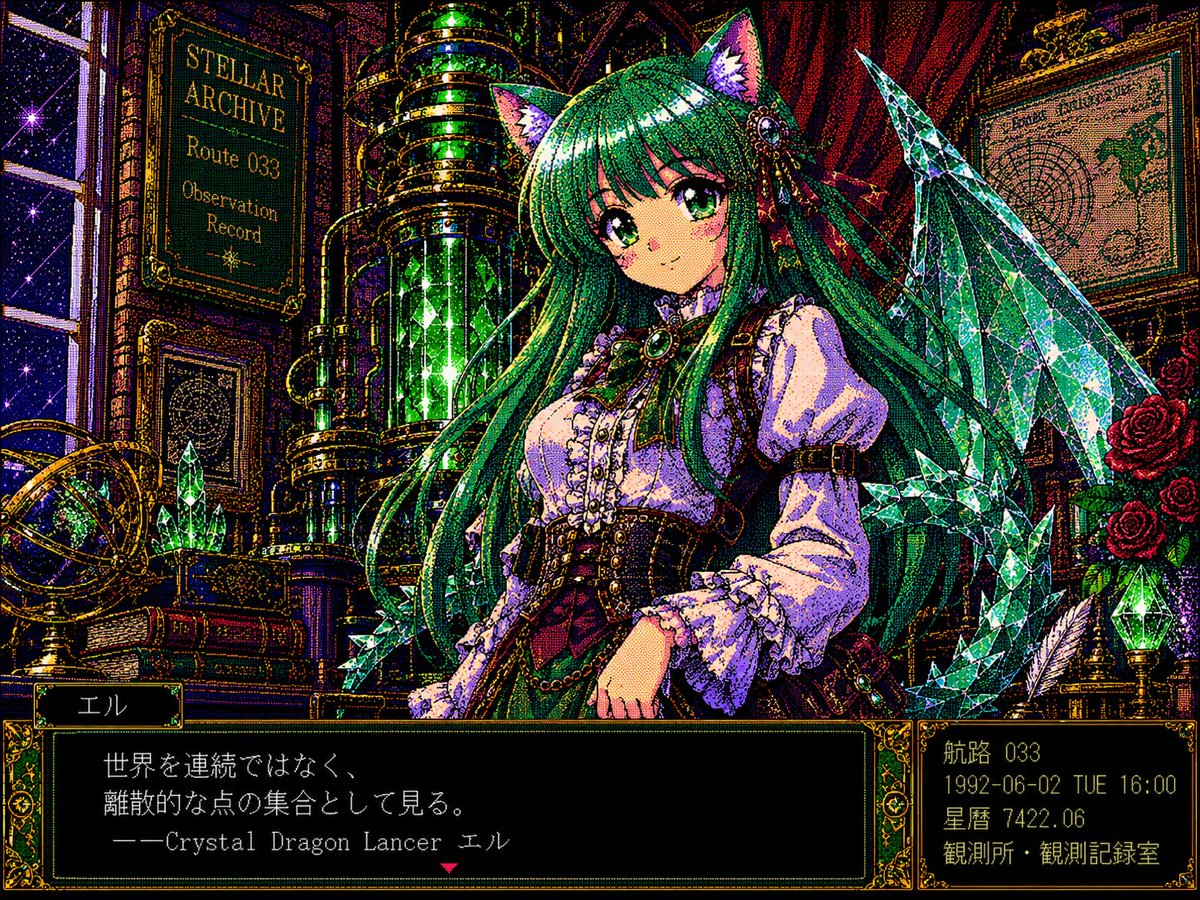
A prompt designed to transform any reference image into a classic cel-shaded anime style inspired by 1980s and 90s Nippon Animation with bold outlines and warm

Restyle this image into a cel-shaded {argument name="style" default="anime-style"} illustration inspired by {argument name="inspiration" default="1980s–1990s Nippon Animation"}, featuring bold clean outlines, warm muted color palette, strong contrast between light and shadow, soft gradient backgrounds with minimal detail, detailed rendering of clothing and environment, expressive linework, flat layered composition with a hand-drawn aesthetic, and cinematic {argument name="aspect ratio" default="3:4"} framing.
Choose the primary action to open PicX Studio with the available template settings. Review the model and format, personalize the creative direction, and generate when ready.
Yes. You can change the subject, setting, lighting, mood, format, and available model controls before creating your image.
This template is free to open and customize. Generation usage is shown in PicX Studio before you create.
Start with GPT Image 2, which is the model associated with this template. You can compare another compatible model for a different finish.
Follow a topic to a crawlable collection of related PicX Studio templates.