
Burnout Capsule Apartment Diorama
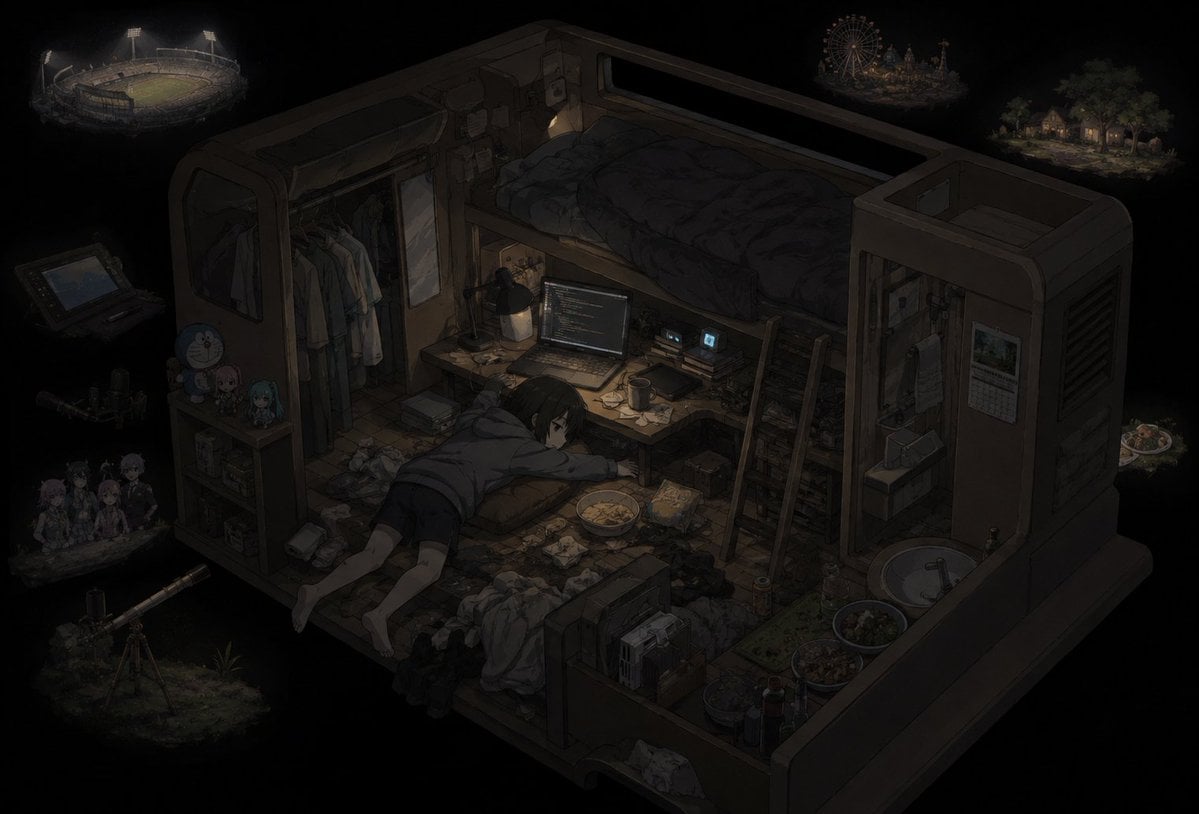
A moody isometric anime scene of an exhausted person collapsed in a cluttered futuristic room, useful for depicting burnout, isolation, or creative incompetence.
- Prompt included
- Model and format preset
- Free template
The prompt behind this image
Copy the exact prompt behind Burnout Capsule Apartment Diorama, or open it in the studio and make it yours.
Create a dark, cinematic isometric anime illustration of {argument name="character name" default="a lonely exhausted young man"} in a tiny futuristic capsule apartment floating in a black void. The room is shown as a cutaway 3/4 overhead diorama, with thick rounded sci-fi walls, a raised loft bed along the back wall covered in rumpled dark bedding, a cramped desk under it, an open laptop showing lines of code, small glowing monitors, books, cables, notes, empty cups, snacks, takeout containers, laundry, trash, and clutter covering the floor. The character lies face-down on the messy floor in the center-left, barefoot, wearing a dark T-shirt and shorts, one arm stretched toward the desk, looking drained and incompetent. Use dim warm desk-lamp lighting as the main light source, with heavy shadows, muted browns and charcoal blacks, soft painterly anime detail, melancholy late-night atmosphere, and a sense of burnout and isolation. Include visible room details: a wardrobe with hanging shirts on the left, a small shelf with three cute figurines or plush mascots, a ladder leading to the loft bed, a narrow kitchenette or utility corner on the right with sink, bowls, bottles, and a wall calendar, plus scattered papers and electronics everywhere. Around the room in the surrounding black void, add exactly seven faint miniature memory/island vignettes: 1) a lit sports stadium at upper left, 2) a handheld game console at left, 3) a small group of anime friends or idols at lower left, 4) a telescope on grass at bottom left, 5) a ferris wheel amusement park at upper right, 6) a small forest cottage scene at far upper right, and 7) a small plate of food floating at mid-right. Make the vignettes ghostly and dim so the apartment remains the focus. No captions, no readable text except indistinct code-like marks on the laptop. Aspect ratio 3:2, highly detailed, moody, atmospheric, no watermark.
How to use Burnout Capsule Apartment Diorama in 3 steps
- 1Upload ImagePNG, JPG or paste
Add your photo
Upload the photo the template builds on. The prompt, model and format are already set.
- 2…a portrait of your subject in softgolden-hour light, 85mm…
Personalize
Edit the subject and creative details for your destination.
- 3Generate
Generate
Press Generate — your image is created in PicX Studio, so you can compare it with the original and refine one variable at a time.
More like this
Templates with the same subject, style or setup. Open one to see its prompt.
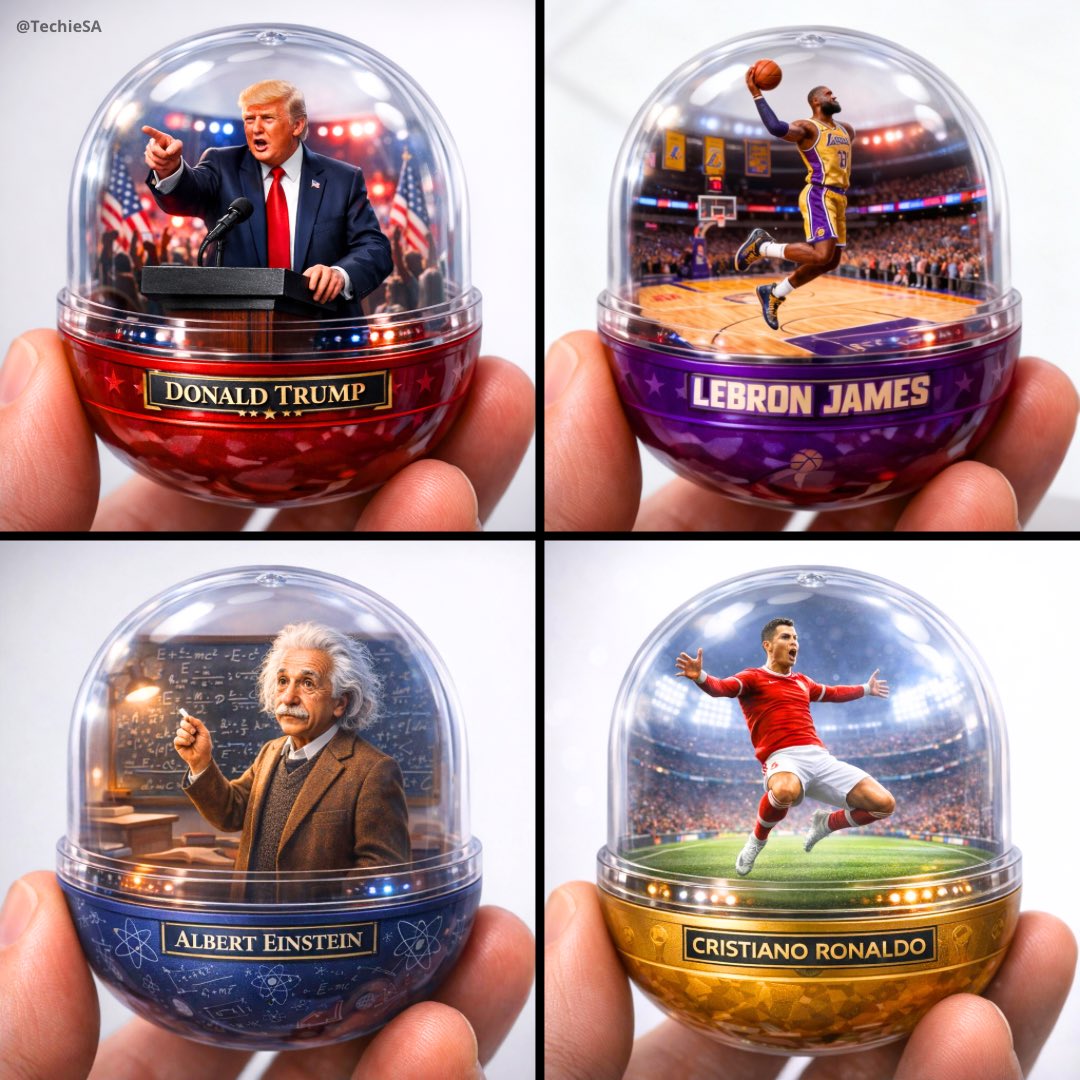
A detailed transparent gashapon capsule diorama, held between fingers
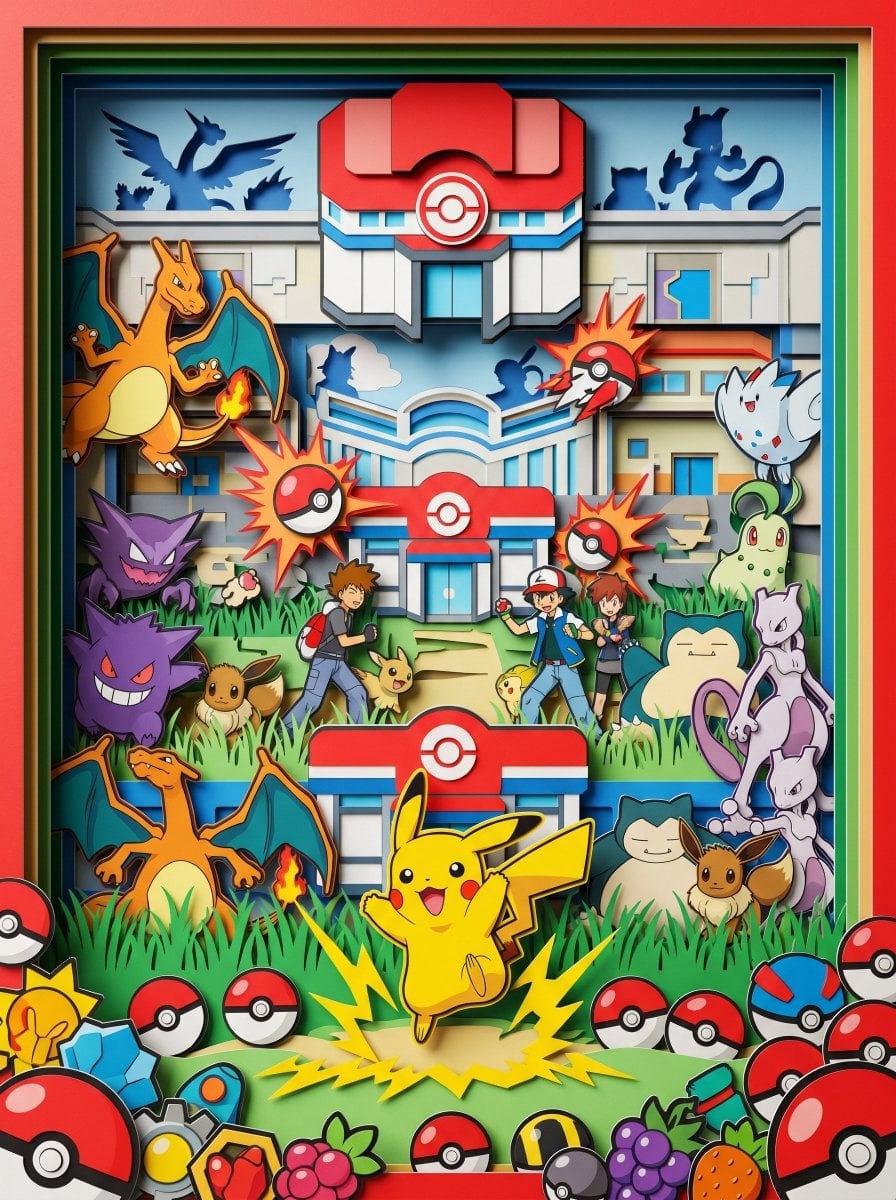
Layered Paper Cut Forest Diorama
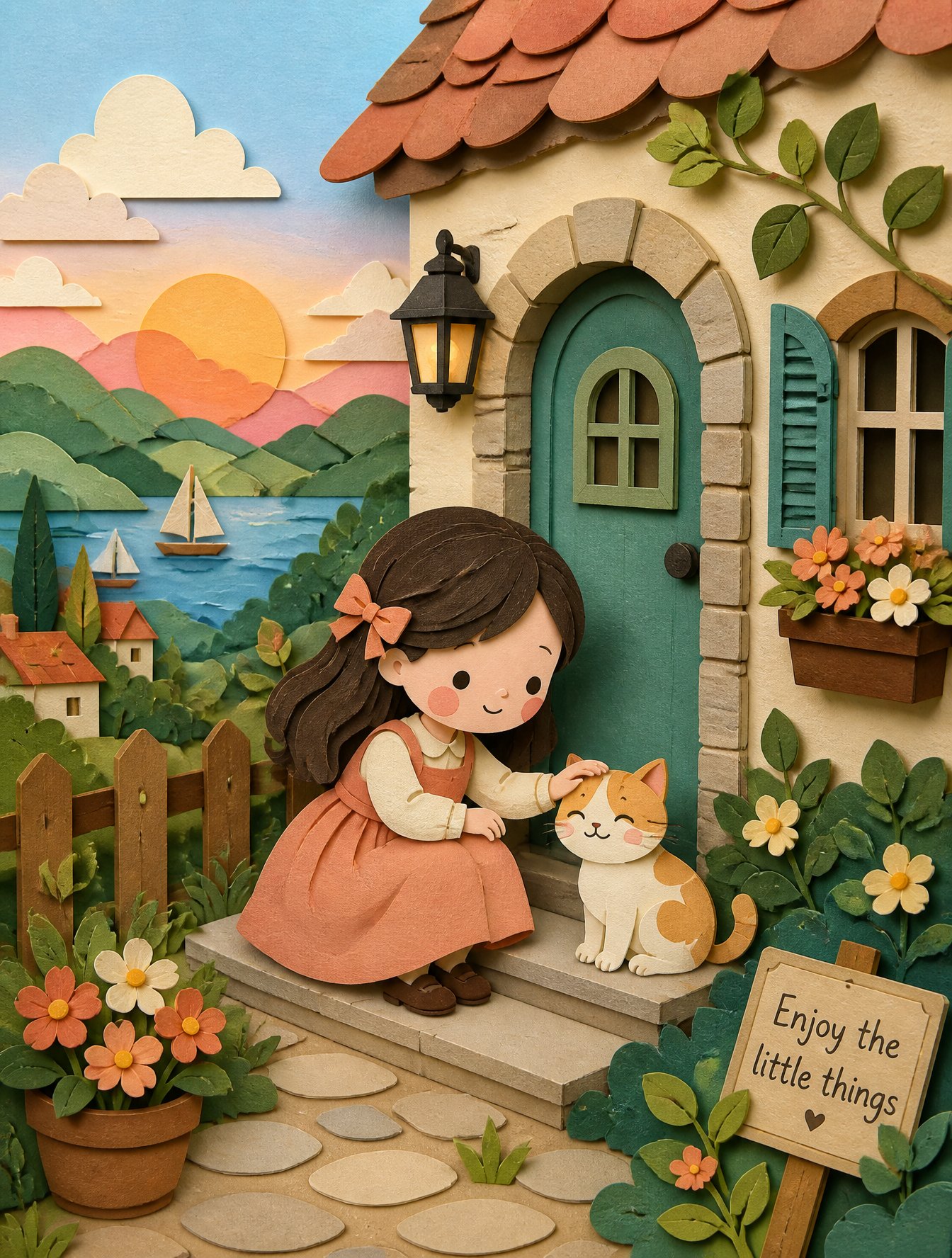
Soft Handcrafted Paper-Cut Layered Illustration
Low Angle Floor Selfie With Upside Down Cat
Isometric Process Educational Diorama
Isometric Brand Store Diorama
FIFA World Cup — Brazil National Pass Diorama
敦煌纸雕飞天 — 3D Layered Paper Cutout
Flooded Office Burnout Anime Scene
Stacked Fast Food Capsule Ads
Miniature Sick Day Diorama
Stylized Miniature 3D Diorama Craft
Make it yours
Burnout Capsule Apartment Diorama works as-is. These are the safest ways to change it without losing the look.
Change one field
Copy a single group, rewrite it, and generate again so you can see what that field is doing.
Keep the frame, change the subject
Hold the composition and light of Burnout Capsule Apartment Diorama, then swap wardrobe, props or the person for a new take.
| If the result… | Why | Fix |
|---|---|---|
| The result drifts from the preview | Too many fields changed at once. | Reuse Burnout Capsule Apartment Diorama as-is first, then change one group — subject, light, or setting. |
| The model over-stylizes the scene | The prose prompt leaves finish and camera underspecified. | Add one camera or lighting sentence and stay on GPT Image 2. |
More GPT Image 2 templates
Other prompts made for GPT Image 2.

Six VTuber Japanese Logo Sheet

Realistic Portrait of Woman and Deer

The Vista Modular Condo Poster

AI Model Routing Comparison Infographic

2.5D Anime Art Board

Isometric Productivity Desk Scene

New York Double Exposure Poster

Four-Panel AI Landscape Comparison

Japanese Tatami Lifestyle Magazine Cover

NESCAFÉ Coffee Map Poster
More image prompts
Fresh picks from across the catalog.
Late-2000s Digital Compact Camera Snapshot
Luxury Menswear Street Portrait
Motu Patlu Tea Shop Scene with Custom Face
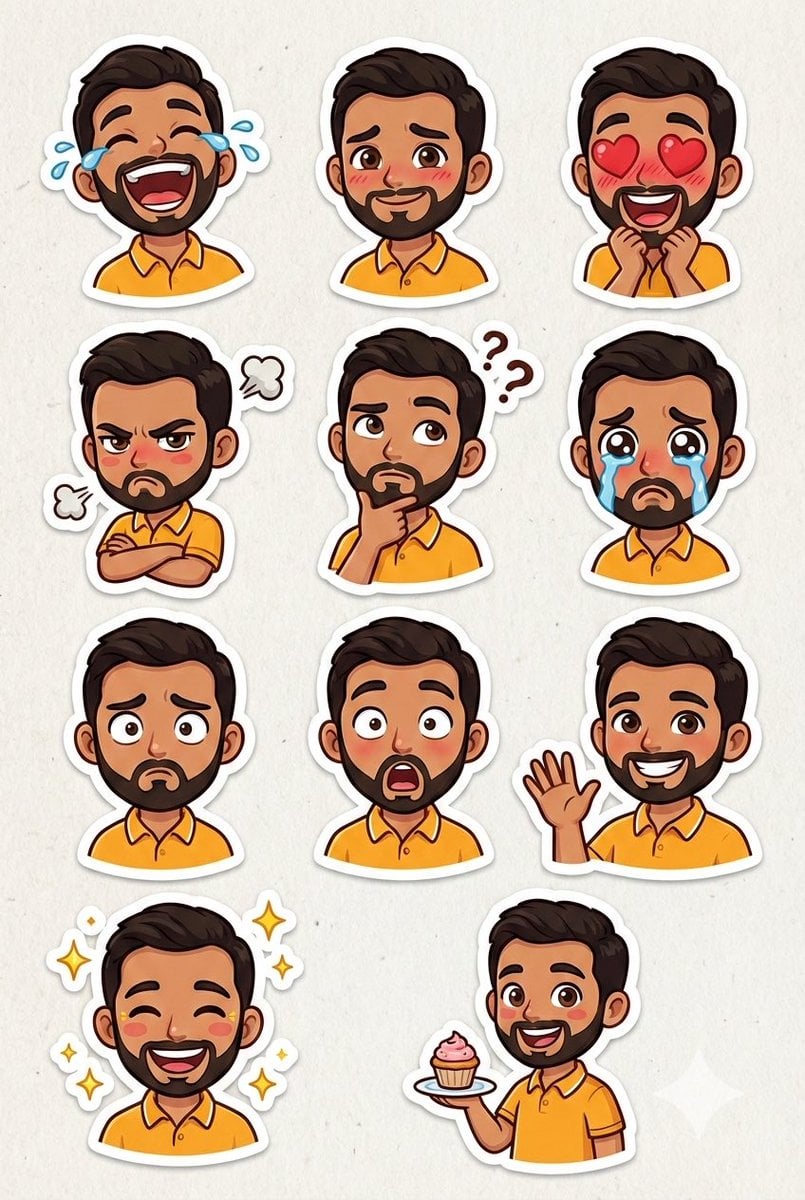
Pixar Sticker Sheet Generation Prompt
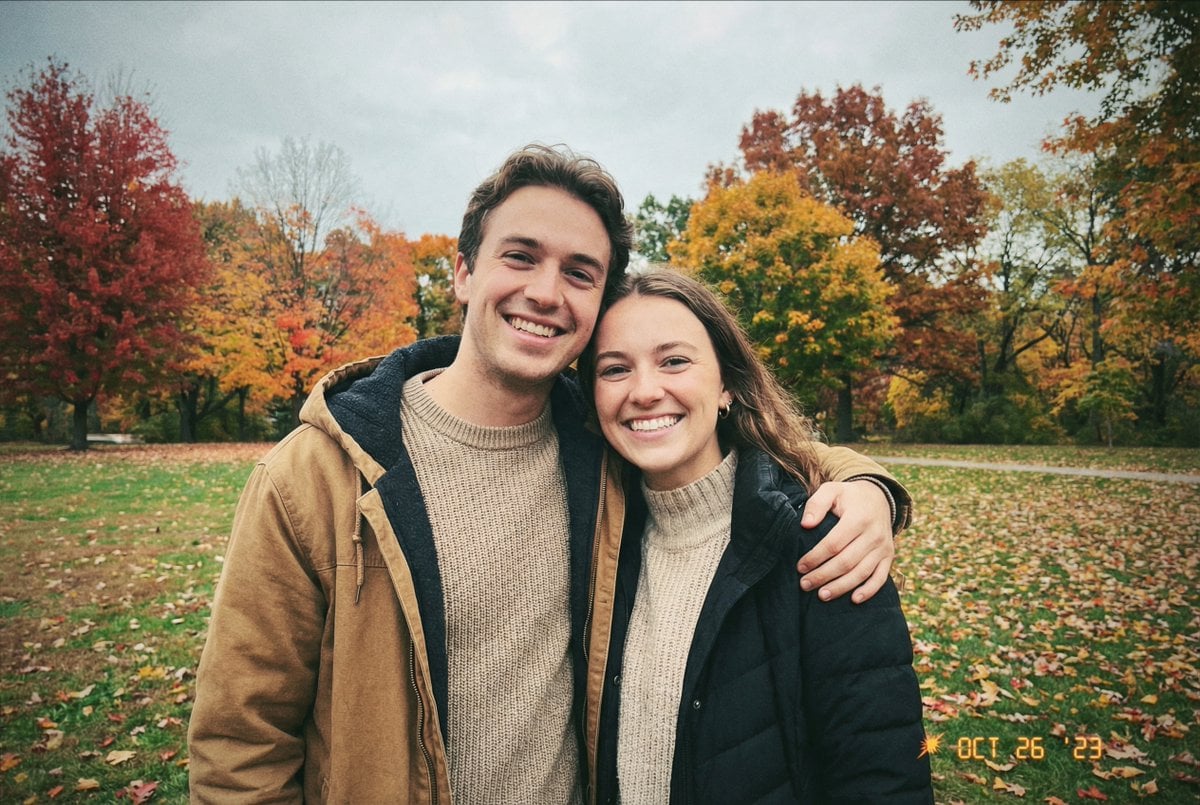
Traditional Christmas Card Design
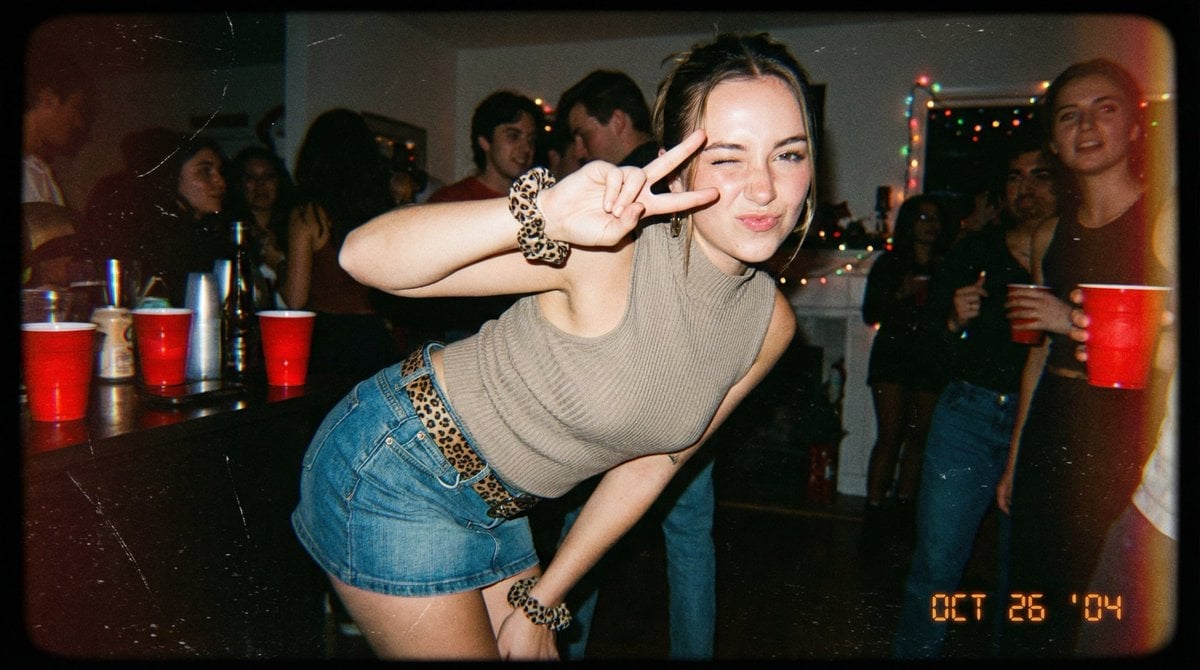
Vintage 2000s Disposable Camera Style Template
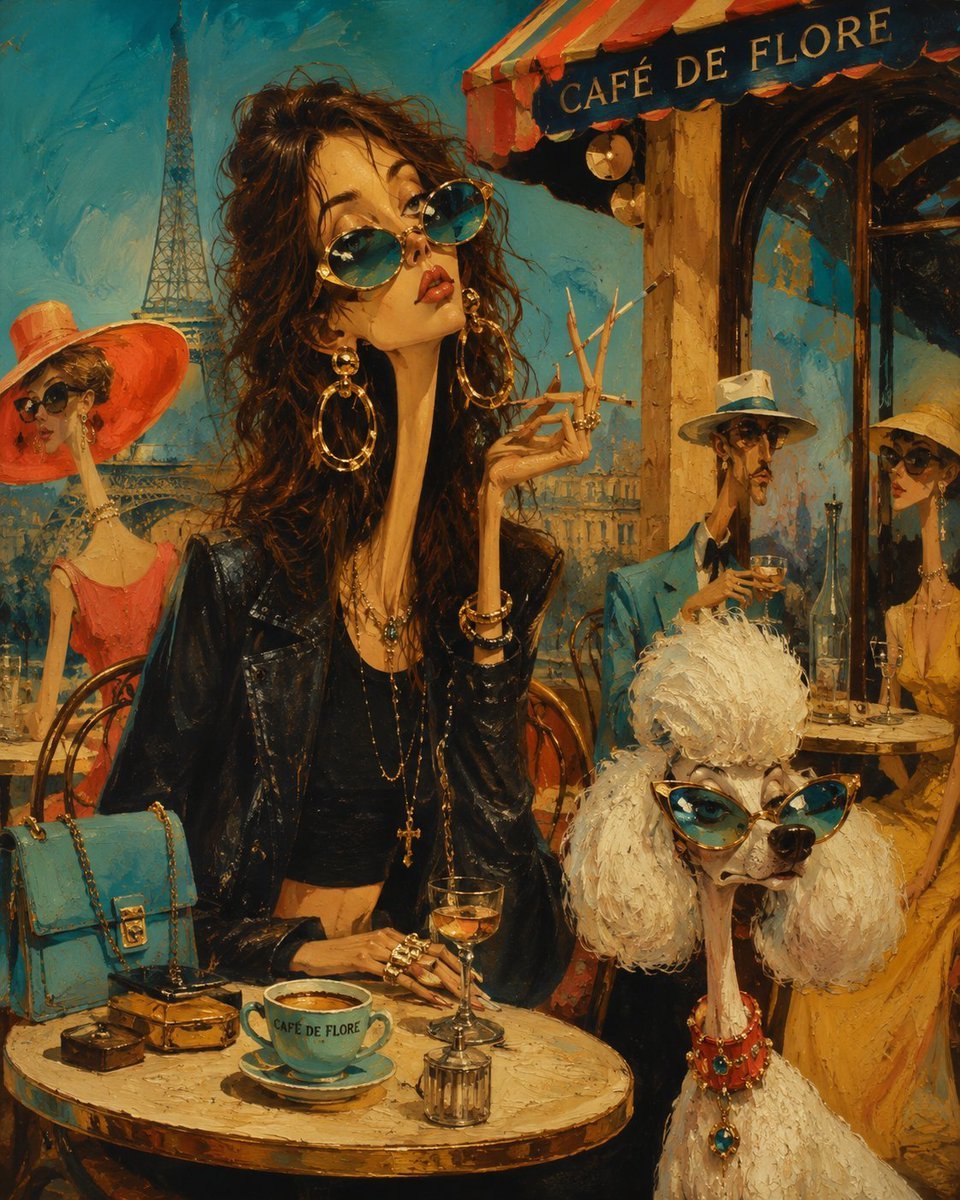
Surreal Mid-Century Editorial Illustration
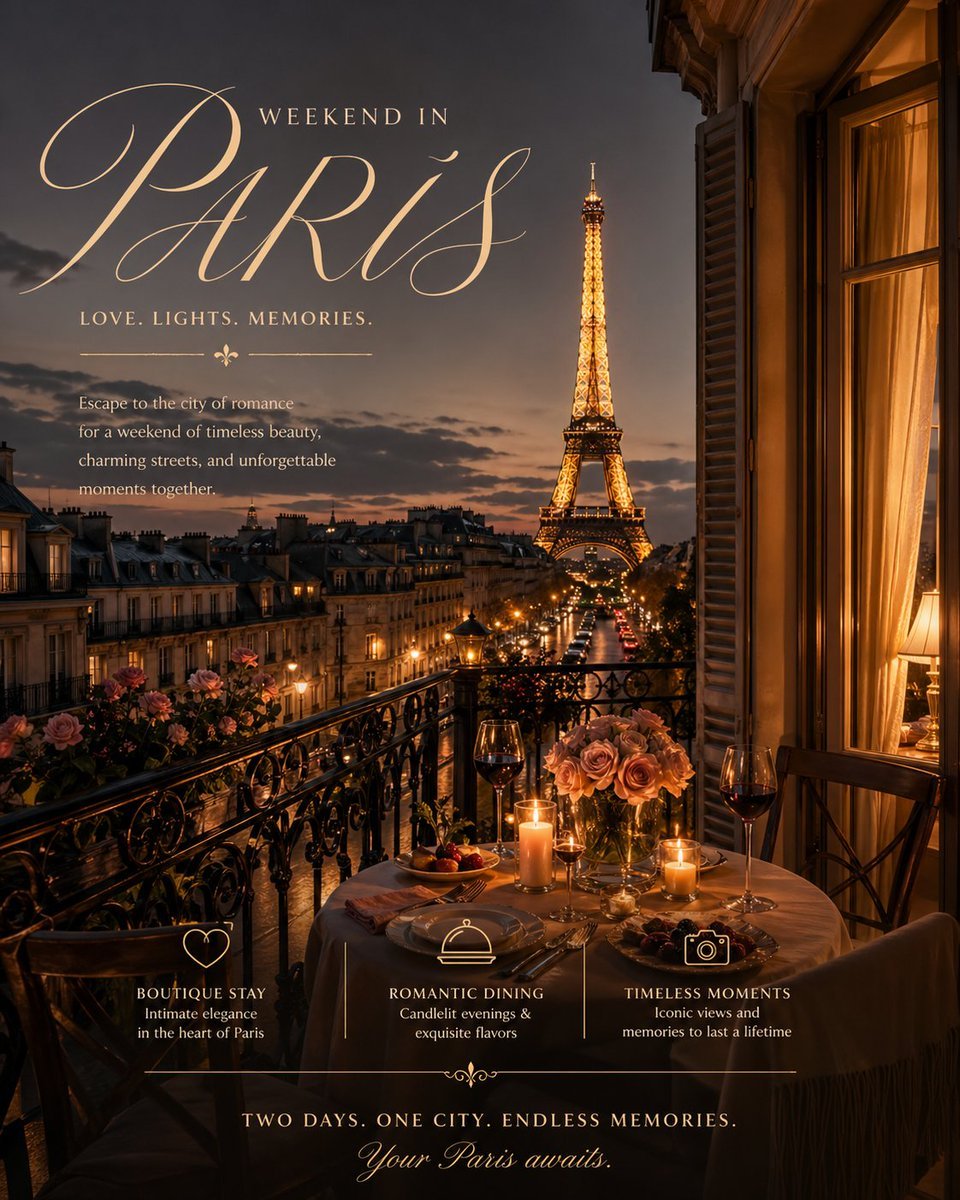
Romantic Weekend Getaway Poster
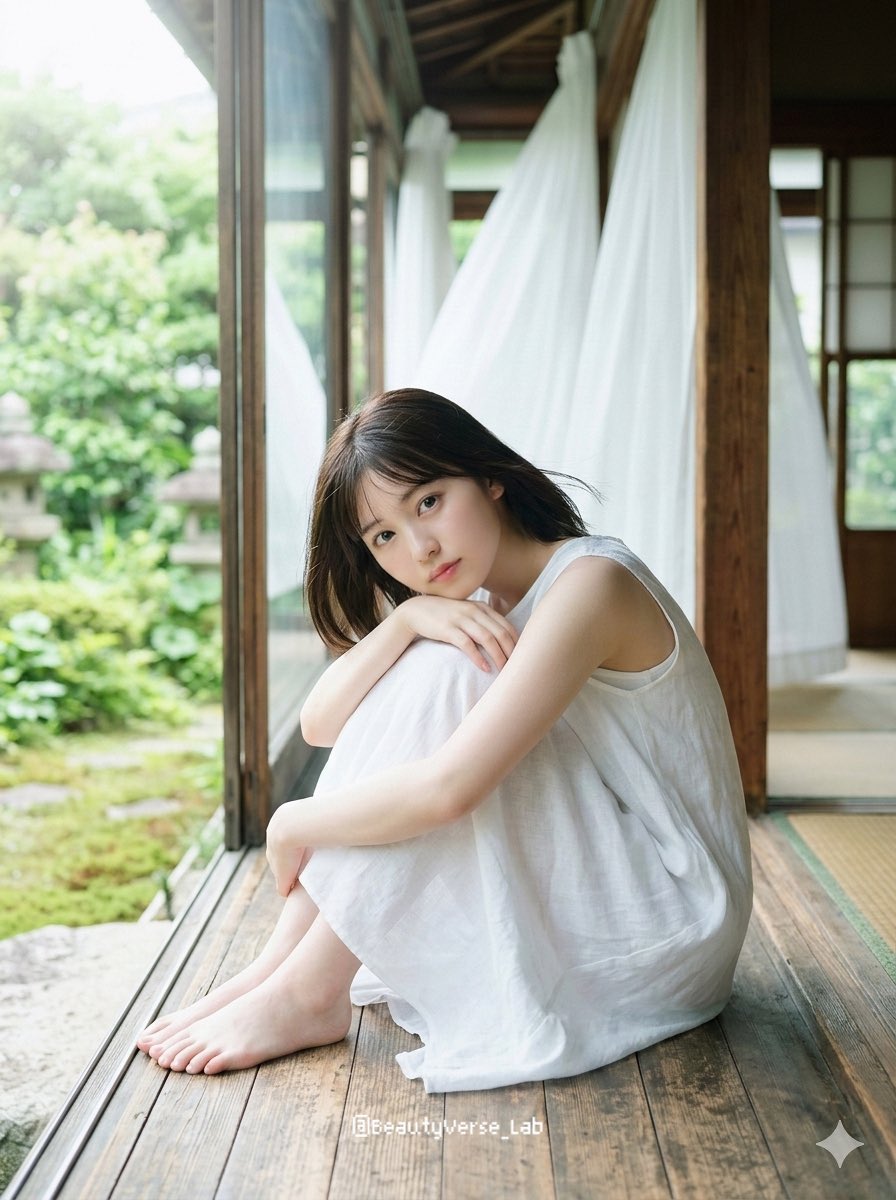
Translucent Airy Japanese Idol Photoshoot
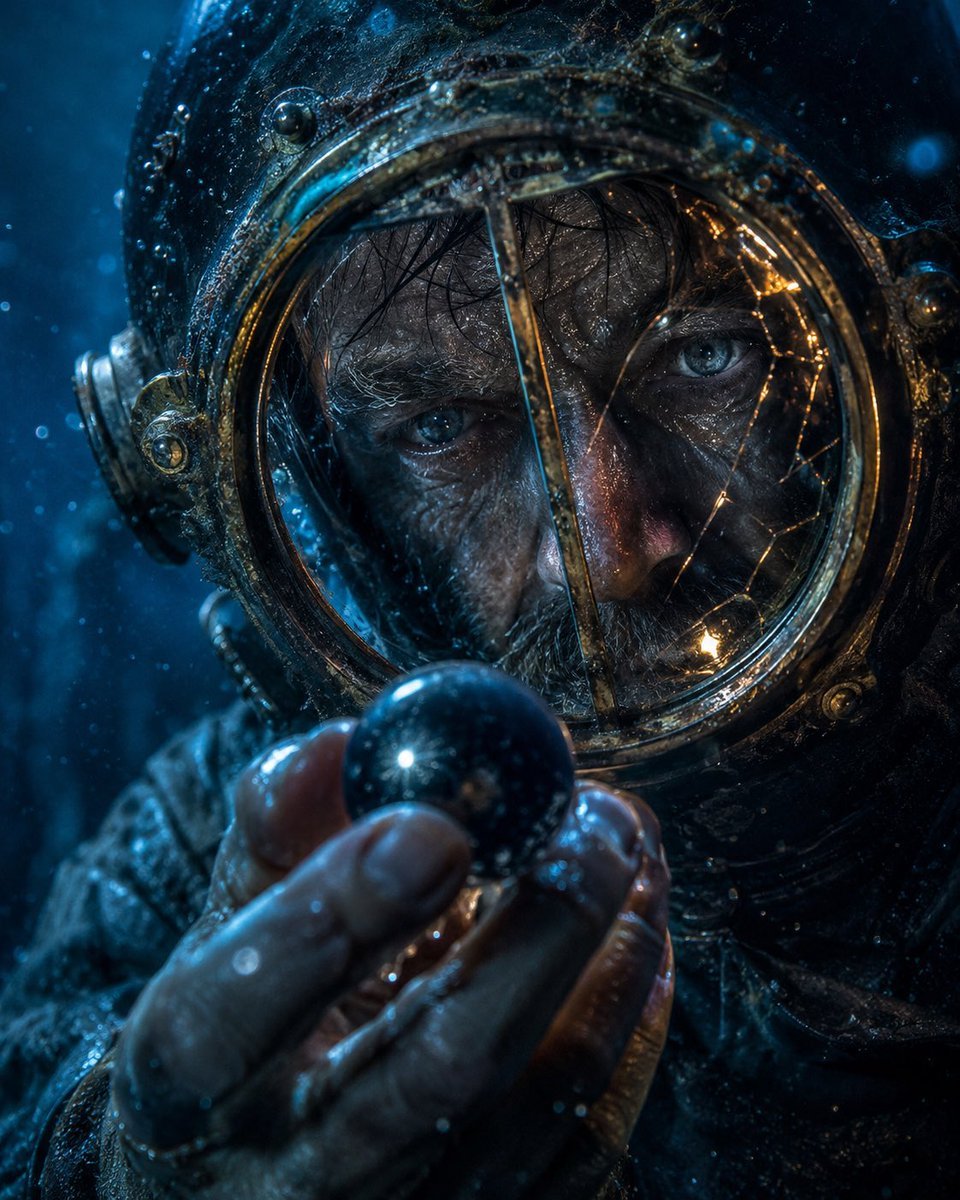
Deep-Sea Diver Artifact Close-Up
Browse template categories
Burnout Capsule Apartment Diorama questions
How do I use the Burnout Capsule Apartment Diorama template?
Add your photo if the template asks for one, edit the prompt if you like — the template's model and format are already selected — and press Generate. Your version opens in PicX Studio.
Can I customize the Burnout Capsule Apartment Diorama template?
Yes. You can change the subject, setting, lighting, mood, format, and available model controls before creating your image.
Is the Burnout Capsule Apartment Diorama template free?
Opening and editing this template is free. Generating uses credits, shown on the Generate button when you are signed in.
Which AI model should I use?
Start with GPT Image 2, which is the model associated with this template. You can compare another compatible model for a different finish.
Looking for something else? Browse all templates.

Your photo, any look
Thousands of ready templates for every top image and video model, from one credit balance.