
Generative Bonsai Exhibition Poster
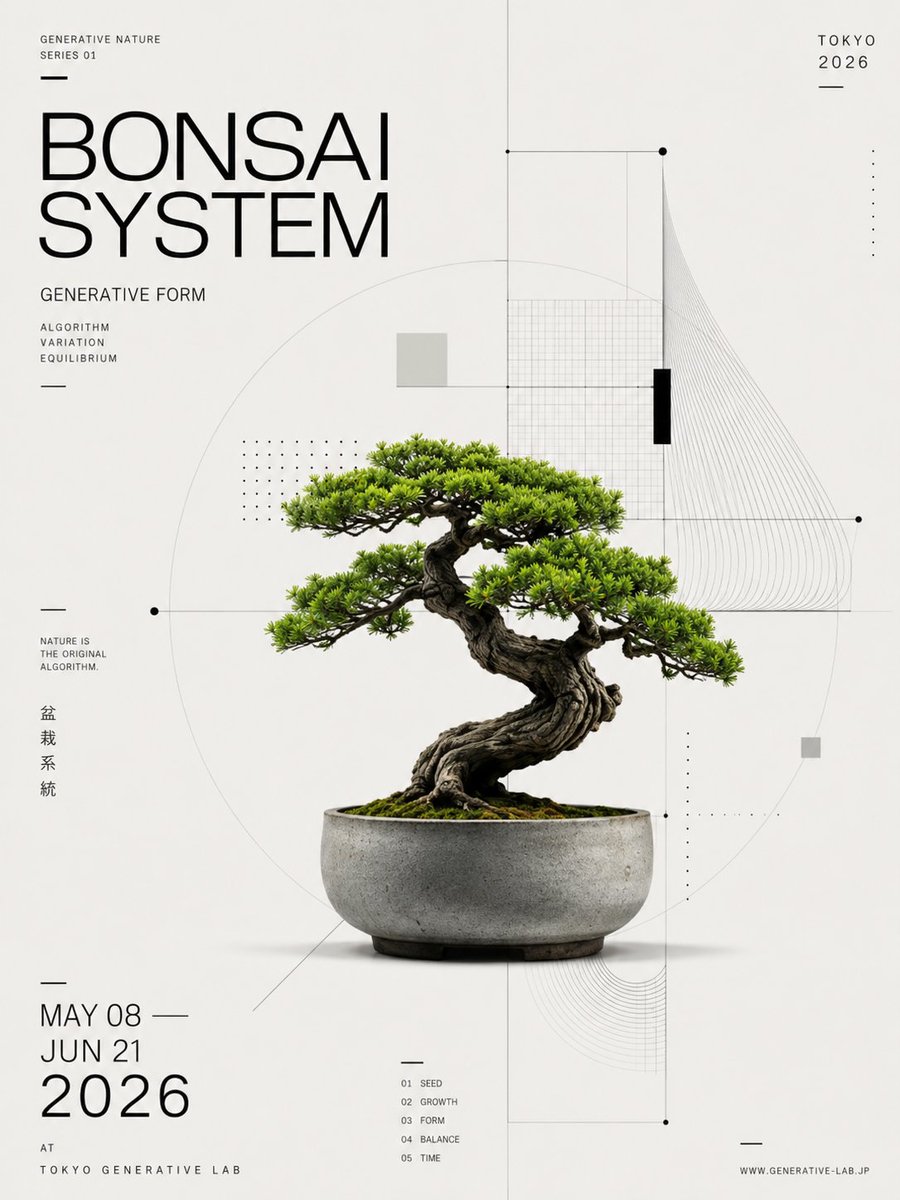
A minimalist Japanese-inspired exhibition poster featuring a photorealistic bonsai tree overlaid with generative geometry and refined editorial typography.
- Prompt included
- Model and format preset
- Premium template
The prompt behind this image
Copy the exact prompt behind Generative Bonsai Exhibition Poster, or open it in the studio and make it yours.
Goal: Create a minimalist Swiss-style exhibition poster for a generative nature bonsai show, centered on a realistic bonsai tree in a ceramic pot, combining botanical photography with precise algorithmic diagram graphics. Canvas: Vertical poster, 3:4 aspect ratio, off-white warm paper background with generous negative space, crisp print-design finish. Main subject: A single mature bonsai tree, photorealistic, placed slightly below center. The tree has a thick twisted dark brown trunk, exposed roots, dense bright green pine-like foliage arranged in layered horizontal pads, moss-covered soil, and a shallow round gray concrete ceramic pot with subtle stains and shadow. The bonsai should look like a premium product photograph integrated into a design poster. Typography: Use thin modern sans-serif uppercase typography, black and dark gray only. The main headline at upper left reads “{argument name="headline text" default="BONSAI SYSTEM"}” in very large thin letters over two lines. Above it, small text reads “GENERATIVE NATURE” and “SERIES 01”. Below the headline, write “GENERATIVE FORM”, then a small three-line list: “ALGORITHM”, “VARIATION”, “EQUILIBRIUM”. On the upper right, write “{argument name="city and year" default="TOKYO 2026"}”. On the lower left, write the event dates as three stacked lines: “{argument name="event dates" default="MAY 08 / JUN 21 / 2026"}”, with 2026 much larger. Under that, add “AT” and “TOKYO GENERATIVE LAB”. Near the left middle, add the small slogan “NATURE IS THE ORIGINAL ALGORITHM.” Add vertical Japanese text beside it: “盆栽系統”. At bottom center, include exactly 5 tiny numbered index labels: “01 SEED”, “02 GROWTH”, “03 FORM”, “04 BALANCE”, “05 TIME”. At bottom right, include “WWW.GENERATIVE-LAB.JP”. Geometric layout: Overlay a delicate technical diagram system in very light gray and black around the bonsai. Include exactly 1 large faint circle centered behind the tree, exactly 1 vertical centerline running from top to bottom, exactly 1 horizontal line crossing the composition through the foliage area, exactly 2 small black circular nodes on the horizontal line, exactly 1 rectangular grid panel in the upper right behind the foliage, exactly 1 fan of many thin curved contour lines sweeping down from the upper right, exactly 1 smaller nested curved-line corner motif near the lower right, exactly 2 dotted matrix blocks made of tiny black dots, exactly 2 small pale gray square blocks, and exactly 1 narrow solid black vertical rectangle near the upper-right grid. Layout details: The poster should feel mathematically composed and editorial, with the bonsai occupying the center-lower area and the typography aligned to strict margins. Use thin divider strokes and short horizontal rules as accents. Maintain a clean monochrome graphic system with the only strong color being the green bonsai foliage. Visual style: High-end museum poster, Japanese design influence, Bauhaus/Suisse typography, generative algorithm diagram aesthetics, precise vector overlays, subtle paper texture, photorealistic plant and pot, no clutter. Constraints: Keep all text sharp and legible, do not add extra plants or people, do not add a watermark, use exactly one bonsai tree and one pot, preserve the sparse off-white background and black geometric design language.
How to use Generative Bonsai Exhibition Poster in 3 steps
- 1Upload ImagePNG, JPG or paste
Add your photo
Upload the photo the template builds on. The prompt, model and format are already set.
- 2…a portrait of your subject in softgolden-hour light, 85mm…
Personalize
Edit the subject and creative details for your destination.
- 3Generate
Generate
Press Generate — your image is created in PicX Studio, so you can compare it with the original and refine one variable at a time.
More like this
Templates with the same subject, style or setup. Open one to see its prompt.

Japan Travel Brochure Poster

Cartoon TV Show Poster Pack

Trendy Cafe Drink Promo Poster

Urban Fashion Editorial Collage Streetwear Poster

Premium Fashion Editorial Cover Layout System

Polo Ralph Lauren Luxury American Heritage Fashion Campaign

Monochrome Halftone Editorial Fashion Poster

Retro Mirror Luxury Fashion Campaign Poster

Luxury Fashion Campaign Typography Poster System

Premium Fashion Editorial Campaign Poster System

Ultra-Stylized High-Fashion Streetwear Poster

Urban Fashion Editorial Collage Poster
Make it yours
Generative Bonsai Exhibition Poster works as-is. These are the safest ways to change it without losing the look.
Change one field
Copy a single group, rewrite it, and generate again so you can see what that field is doing.
Keep the frame, change the subject
Hold the composition and light of Generative Bonsai Exhibition Poster, then swap wardrobe, props or the person for a new take.
| If the result… | Why | Fix |
|---|---|---|
| The result drifts from the preview | Too many fields changed at once. | Reuse Generative Bonsai Exhibition Poster as-is first, then change one group — subject, light, or setting. |
| The model over-stylizes the scene | The prose prompt leaves finish and camera underspecified. | Add one camera or lighting sentence and stay on GPT Image 2. |
More GPT Image 2 templates
Other prompts made for GPT Image 2.

Six VTuber Japanese Logo Sheet

Realistic Portrait of Woman and Deer

The Vista Modular Condo Poster

AI Model Routing Comparison Infographic

2.5D Anime Art Board

Isometric Productivity Desk Scene

New York Double Exposure Poster

Four-Panel AI Landscape Comparison

Japanese Tatami Lifestyle Magazine Cover

NESCAFÉ Coffee Map Poster
More image prompts
Fresh picks from across the catalog.

Cinematic Alpine Travel with Zootopia Characters

Anime Shrine Maiden Movie Poster
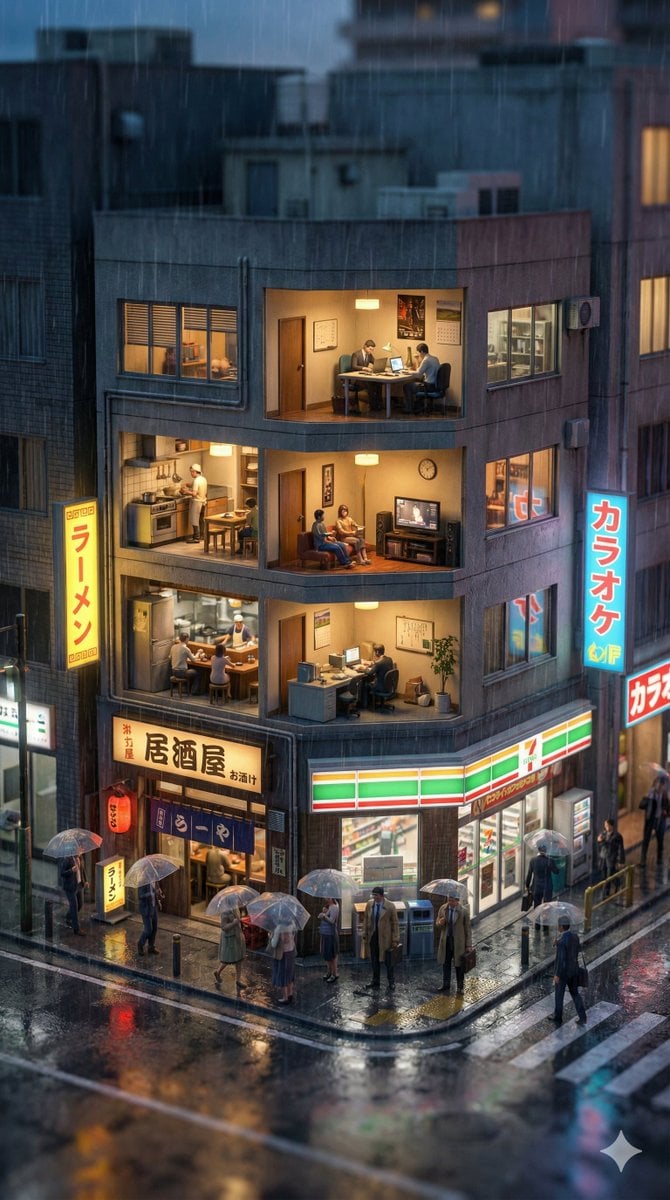
Vertical Tilt-Shift Miniature City Cross-Section

Identity-Locked Surreal Minimalist Editorial Portrait
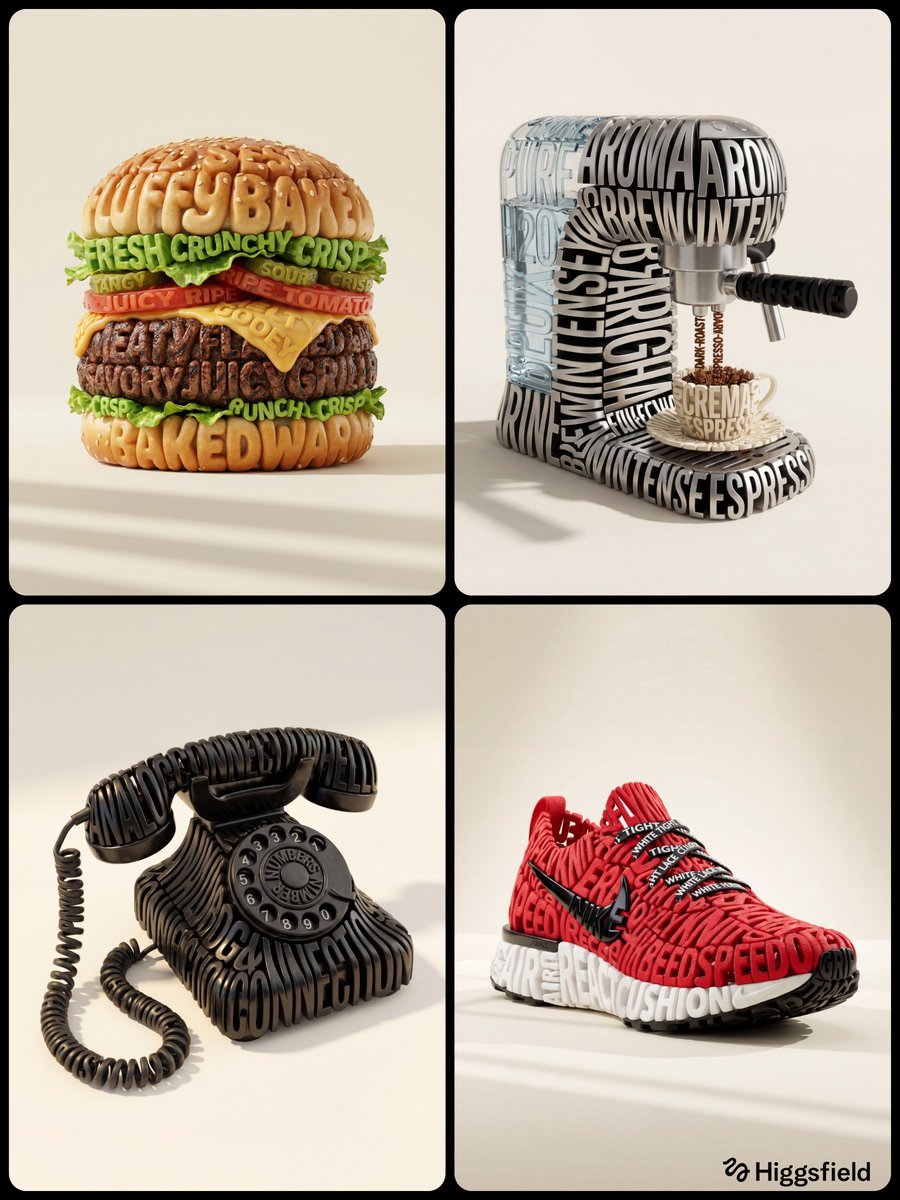
Hyper-Realistic 3D Typographic Sculpture Product Concept
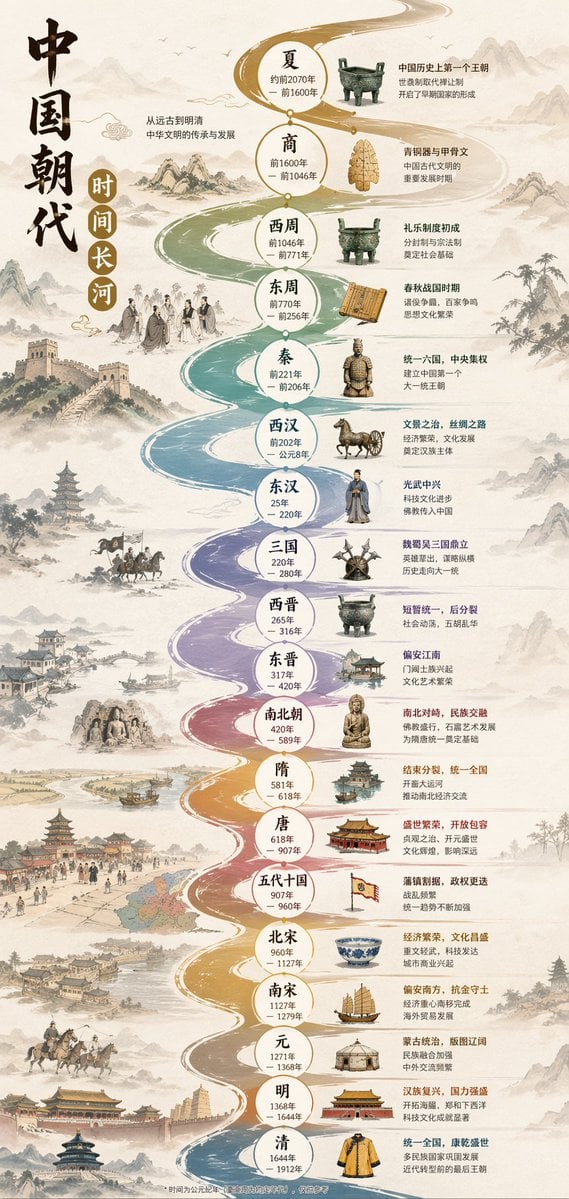
Chinese Dynasty Infographic

Pixar Style 3D Man Avatar

Scenic Travel Ad Banner Generator

Nano Banana Pro 'Correct Words' for Subtle Smiling Expression
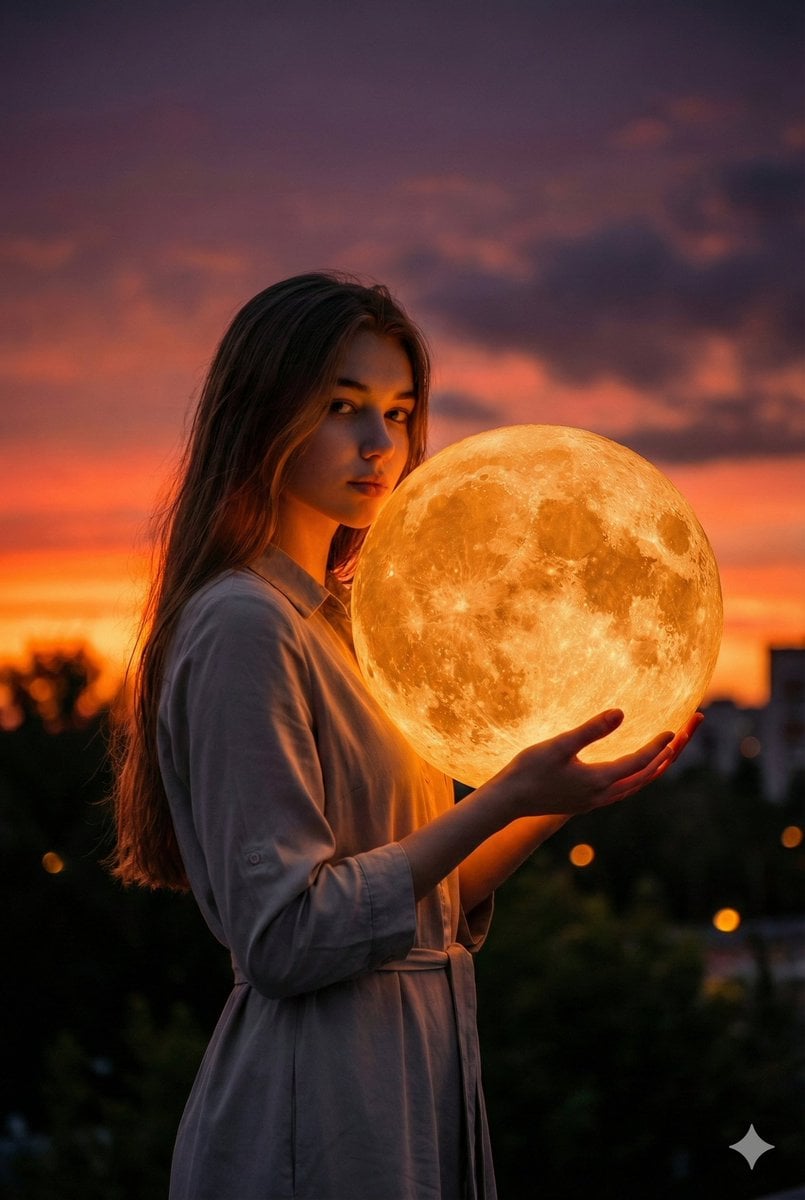
Cinematic Photorealistic Portrait Holding a Giant Glowing Moon
Browse template categories
Generative Bonsai Exhibition Poster questions
How do I use the Generative Bonsai Exhibition Poster template?
Add your photo if the template asks for one, edit the prompt if you like — the template's model and format are already selected — and press Generate. Your version opens in PicX Studio.
Can I customize the Generative Bonsai Exhibition Poster template?
Yes. You can change the subject, setting, lighting, mood, format, and available model controls before creating your image.
Is the Generative Bonsai Exhibition Poster template free?
Opening and editing this template is free. Generating uses credits, shown on the Generate button when you are signed in.
Which AI model should I use?
Start with GPT Image 2, which is the model associated with this template. You can compare another compatible model for a different finish.
Looking for something else? Browse all templates.

Your photo, any look
Thousands of ready templates for every top image and video model, from one credit balance.