
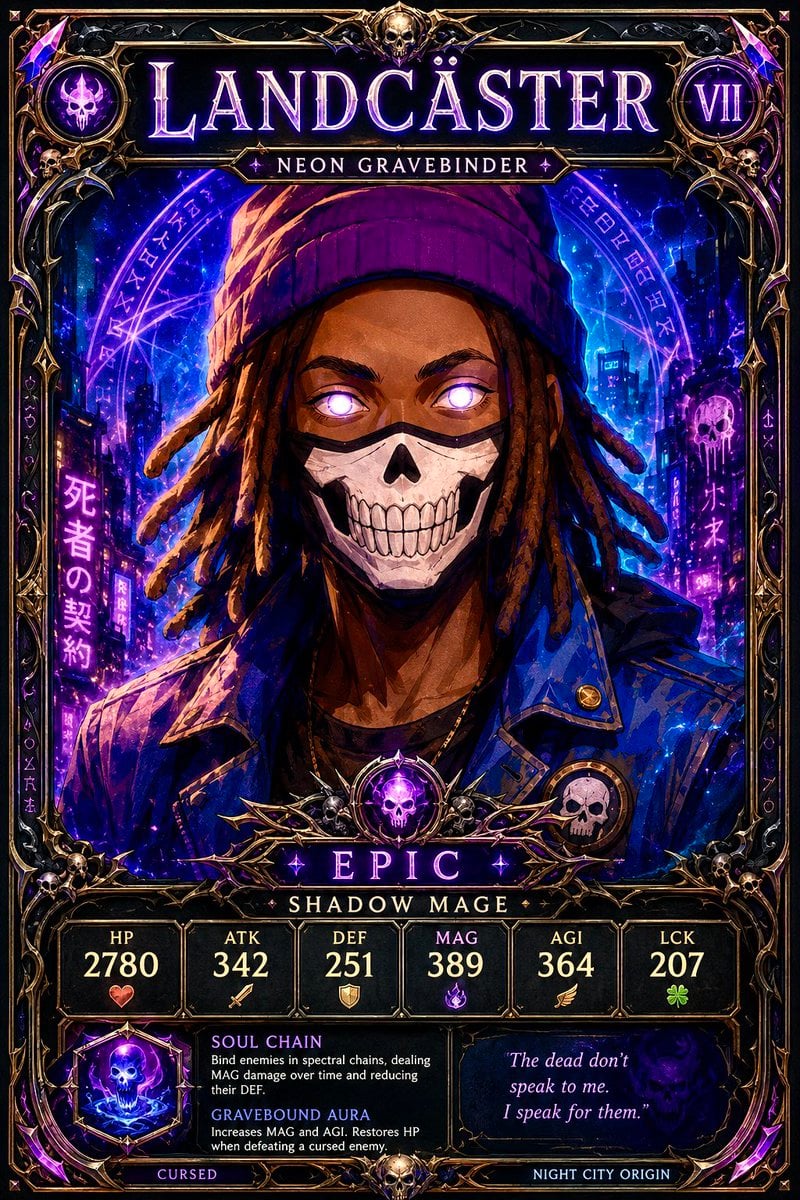
Neon Gravebinder Fantasy Card
Creates a gothic cyberpunk fantasy trading card featuring a skull-masked shadow mage with stats, abilities, rarity, and ornate collectible-card styling.
- Prompt included
- Model and format preset
- Premium template
The prompt behind this image
Copy the exact prompt behind Neon Gravebinder Fantasy Card, or open it in the studio and make it yours.
Goal: Create a vertical fantasy trading card for {argument name="character name" default="LANDCASTER"}, styled like a premium dark collectible RPG card titled “My Fantasy Trading Card,” with gothic cyberpunk necromancer energy. Canvas: Portrait trading card, 2:3 ratio, highly detailed, full bleed with an ornate blackened-gold frame. Use a dark palette of black, midnight blue, violet, magenta neon, and antique gold, with glowing magical effects and sharp high-contrast fantasy illustration rendering. Layout: At the top, place a large glowing serif nameplate reading {argument name="character name" default="LANDCASTER"}. Beneath it, a smaller subtitle banner reading {argument name="class subtitle" default="NEON GRAVEBINDER"}. Add a circular skull faction icon at the top left and a round level badge at the top right reading {argument name="level" default="VII"}. The center contains one main character portrait. The lower third contains a rarity banner, class label, six stat boxes, two ability text boxes, a quote box, and bottom tags. Subject details: The main portrait is a dark-skinned young adult male shadow mage with shoulder-length dreadlocks, wearing a purple knit beanie, a dark blue leather jacket with metal studs and pins, and a white skull-pattern face mask covering the lower half of his face. His eyes glow bright violet-white with supernatural light. He faces forward in a confident, intimidating pose. Add small skull accessories, occult ornaments, and purple magical highlights around him. Background: A neon graveyard city at night, with blue and purple skyscrapers, glowing Japanese-style vertical signs, arcane rune circles behind the character, spectral energy, floating particles, and skull motifs. The mood is urban fantasy, cursed, electric, and mystical. Card frame and ornaments: Use an elaborate gothic border with gold filigree, black lacquer panels, thorn-like metal flourishes, small skulls at corners and dividers, purple crystal accents, and a central skull gem medallion above the rarity banner. Make the card look like a high-value foil holographic collectible. Visible text content: Top name “LANDCASTER”; subtitle “NEON GRAVEBINDER”; level “VII”; rarity banner “EPIC”; class label “SHADOW MAGE”. Include exactly 6 stat boxes: HP 2780 with a heart icon, ATK 342 with a sword icon, DEF 251 with a shield icon, MAG 389 with a purple flame icon, AGI 364 with a wing icon, LCK 207 with a clover icon. Include exactly 2 ability entries: “SOUL CHAIN — Bind enemies in spectral chains, dealing MAG damage over time and reducing their DEF.” and “GRAVEBOUND AURA — Increases MAG and AGI. Restores HP when defeating a cursed enemy.” Add a quote box reading {argument name="quote" default="The dead don’t speak to me. I speak for them."}. Bottom tags: “CURSED” on the left and “NIGHT CITY ORIGIN” on the right. Style constraints: Ultra-detailed fantasy card art, crisp readable typography, luminous purple glow, dramatic rim lighting, painterly realism mixed with comic/anime trading-card polish, no extra characters, no watermark, no modern UI outside the card, keep all listed text legible and arranged like a real collectible game card.
How to use Neon Gravebinder Fantasy Card in 3 steps
- 1Upload ImagePNG, JPG or paste
Add your photo
Upload the photo the template builds on. The prompt, model and format are already set.
- 2…a portrait of your subject in softgolden-hour light, 85mm…
Personalize
Edit the subject and creative details for your destination.
- 3Generate
Generate
Press Generate — your image is created in PicX Studio, so you can compare it with the original and refine one variable at a time.
More like this
Templates with the same subject, style or setup. Open one to see its prompt.
80s Neon Disco Night

Cartoon TV Show Poster Pack
Rainy Night Android Cyberpunk Portrait

Anime Fantasy Celestial Movie Poster
Korean Idol Partial Shadow Editorial Portrait
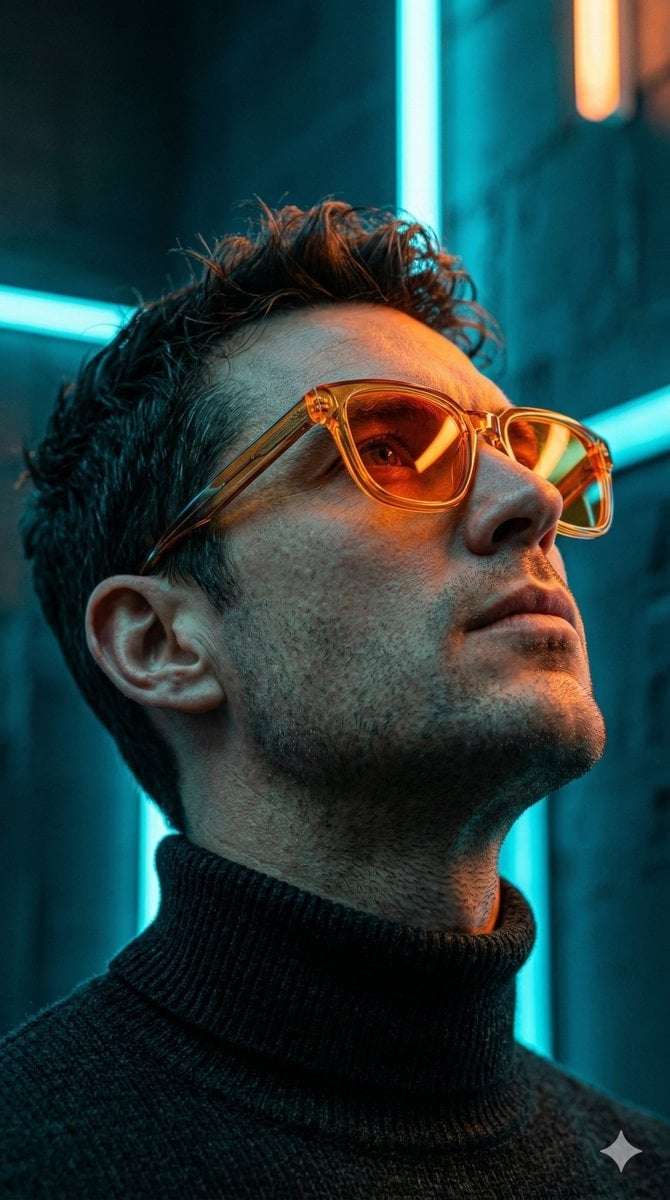
Cyberpunk Neon Profile Fashion Portrait
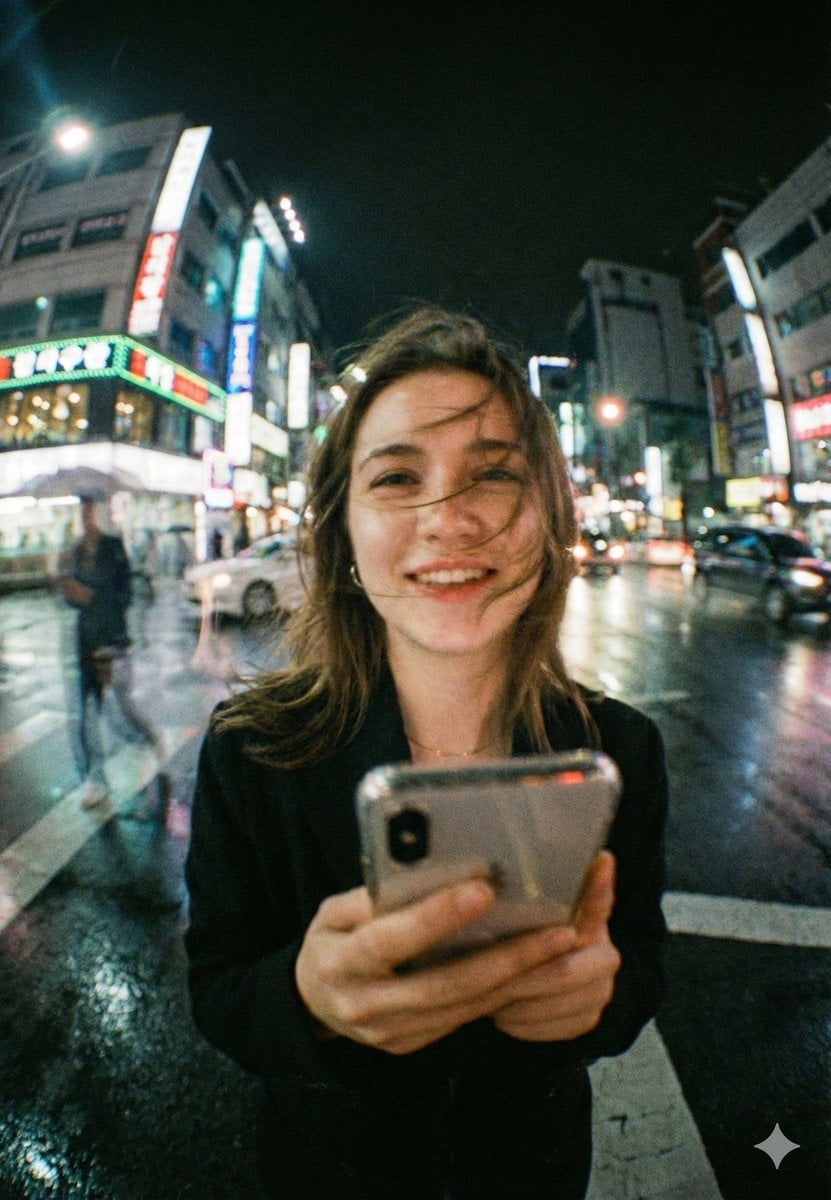
Neon Night Crosswalk Candid Portrait
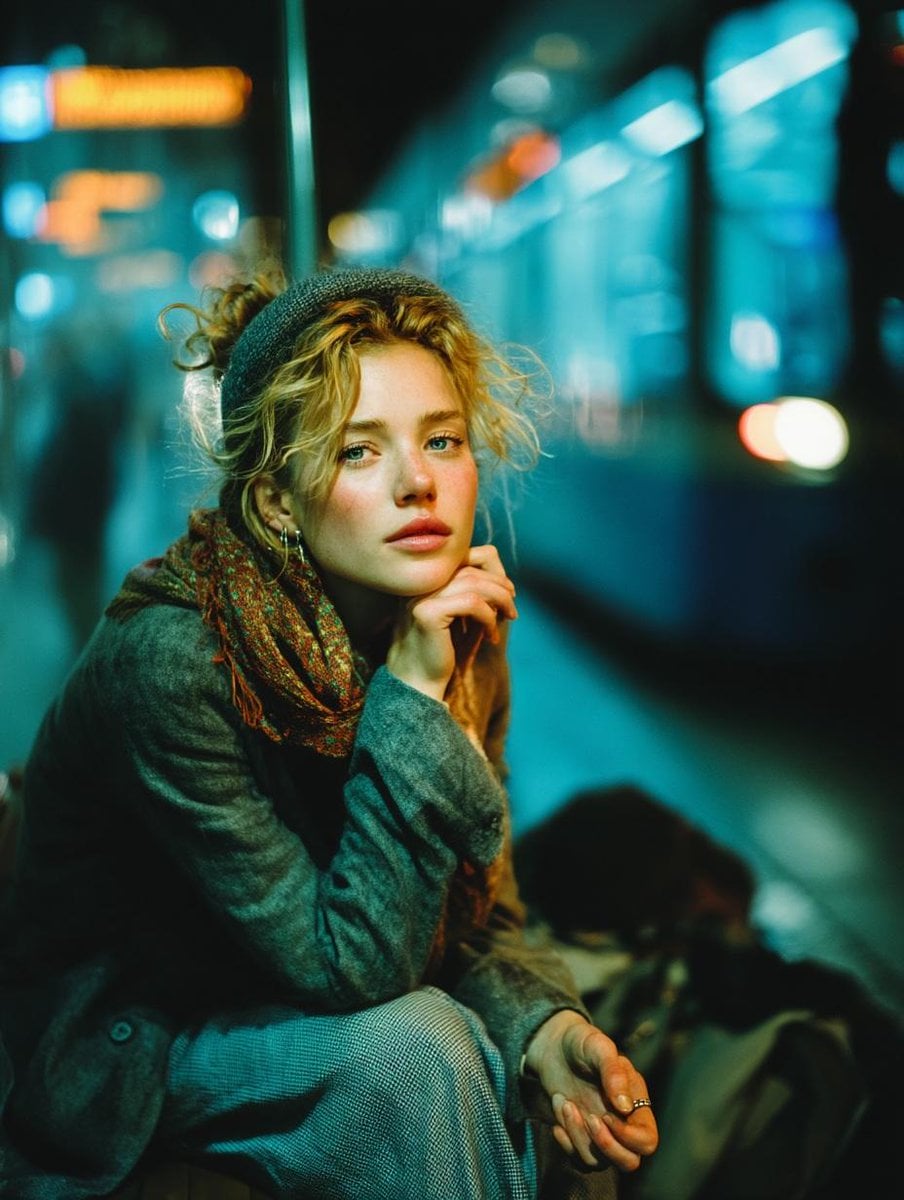
Subway Platform Quiet Introspective Portrait
Rainy Night Android Cyberpunk Portrait
Anime Fantasy Celestial Movie Poster
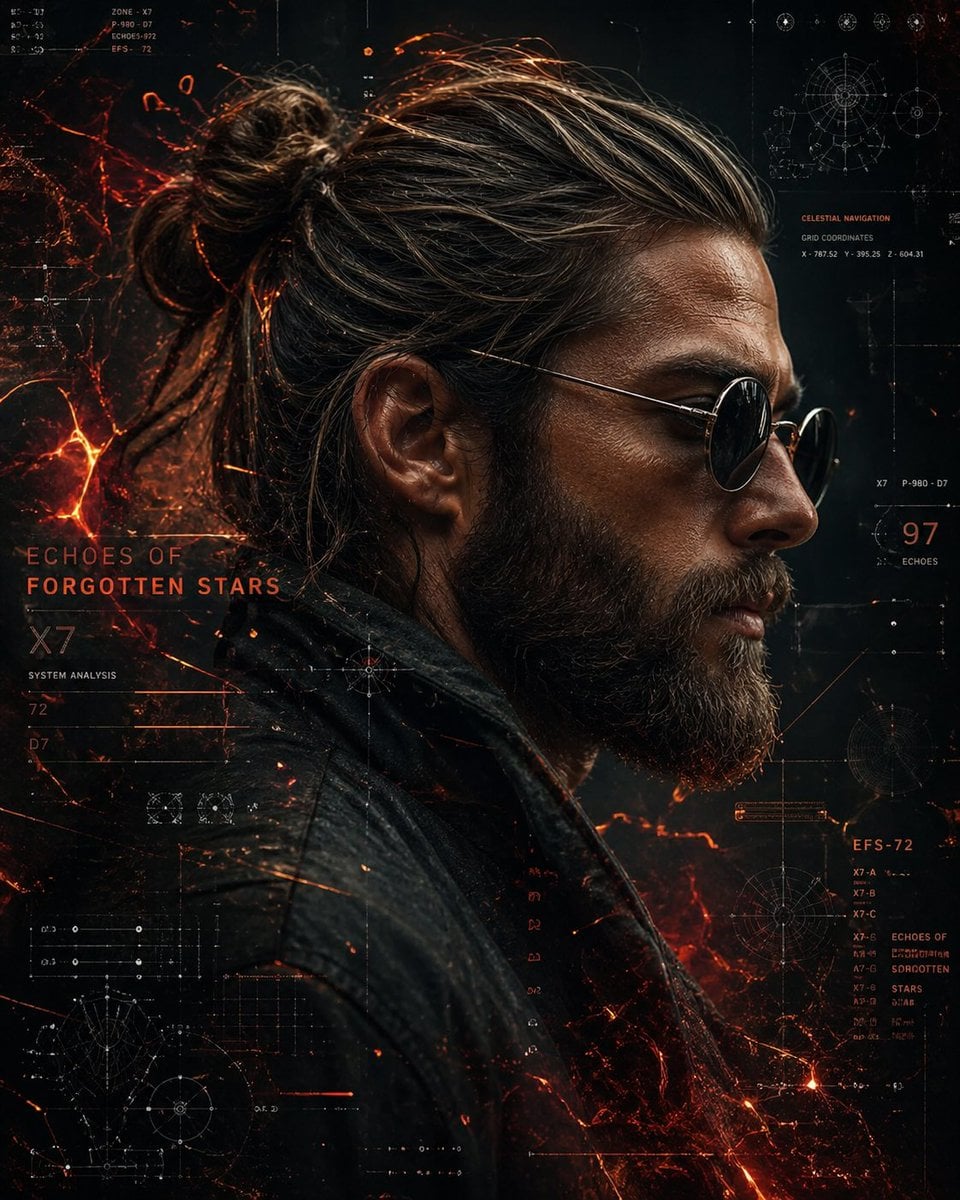
Cinematic Sci-Fi Commander Side Profile Portrait
Low-Angle Cyberpunk Neon Profile Portrait
Make it yours
Neon Gravebinder Fantasy Card works as-is. These are the safest ways to change it without losing the look.
Change one field
Copy a single group, rewrite it, and generate again so you can see what that field is doing.
Keep the frame, change the subject
Hold the composition and light of Neon Gravebinder Fantasy Card, then swap wardrobe, props or the person for a new take.
| If the result… | Why | Fix |
|---|---|---|
| The result drifts from the preview | Too many fields changed at once. | Reuse Neon Gravebinder Fantasy Card as-is first, then change one group — subject, light, or setting. |
| The model over-stylizes the scene | The prose prompt leaves finish and camera underspecified. | Add one camera or lighting sentence and stay on GPT Image 2. |
More GPT Image 2 templates
Other prompts made for GPT Image 2.

Six VTuber Japanese Logo Sheet

Realistic Portrait of Woman and Deer

The Vista Modular Condo Poster

AI Model Routing Comparison Infographic

2.5D Anime Art Board

Isometric Productivity Desk Scene

New York Double Exposure Poster

Four-Panel AI Landscape Comparison

Japanese Tatami Lifestyle Magazine Cover

NESCAFÉ Coffee Map Poster
More image prompts
Fresh picks from across the catalog.

Low Light iPhone Realism Hoodie Portrait Prompt for Nano Banana 2
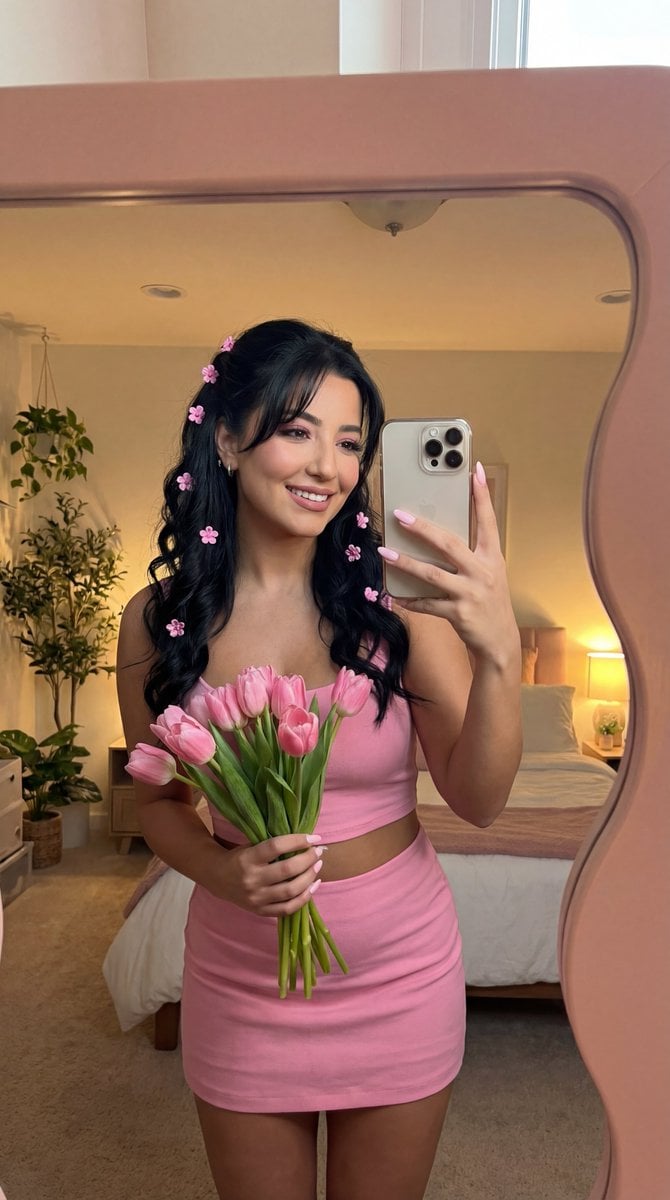
Coquette Mirror Selfie with Pink Flowers and Identity Lock
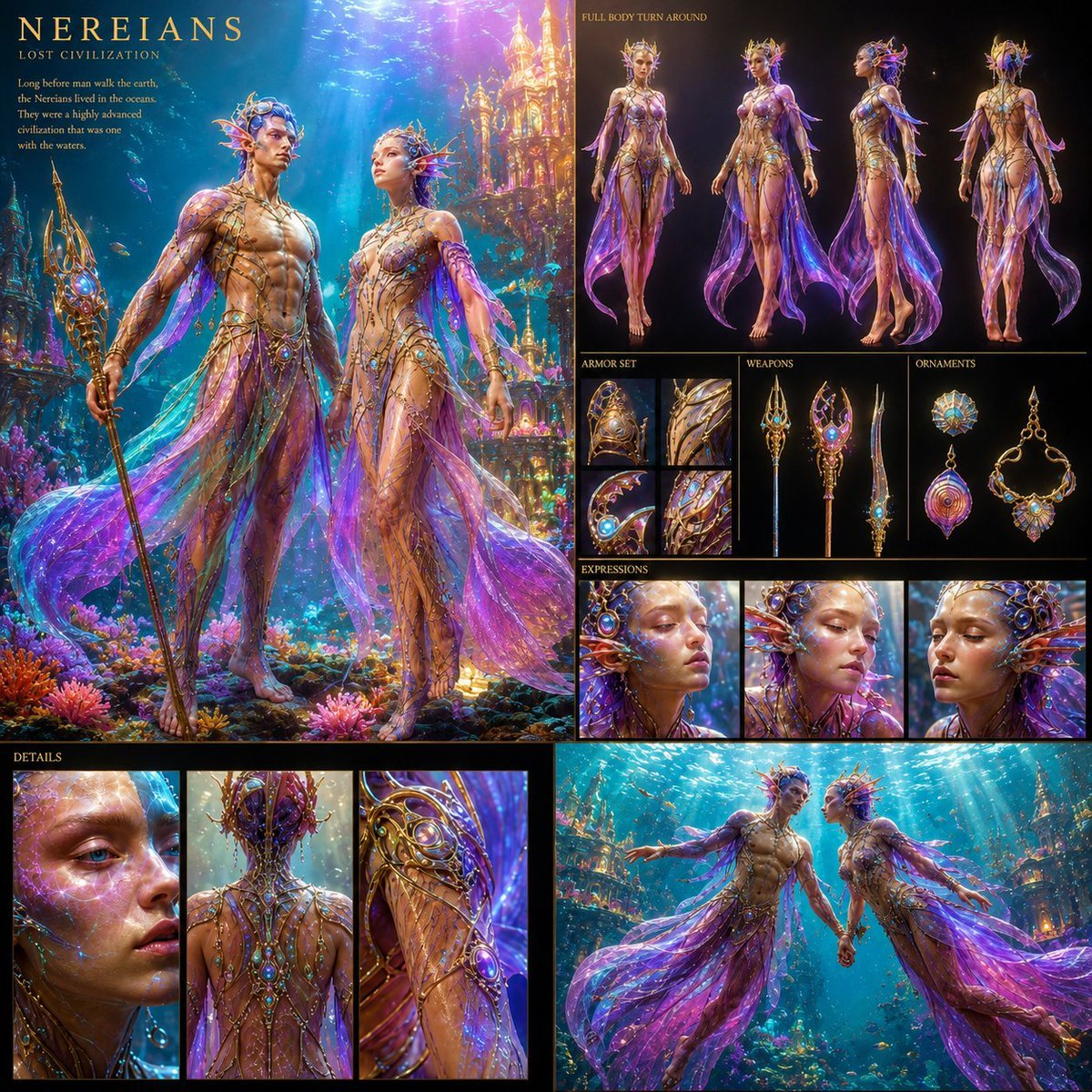
Underwater Civilization Character Board
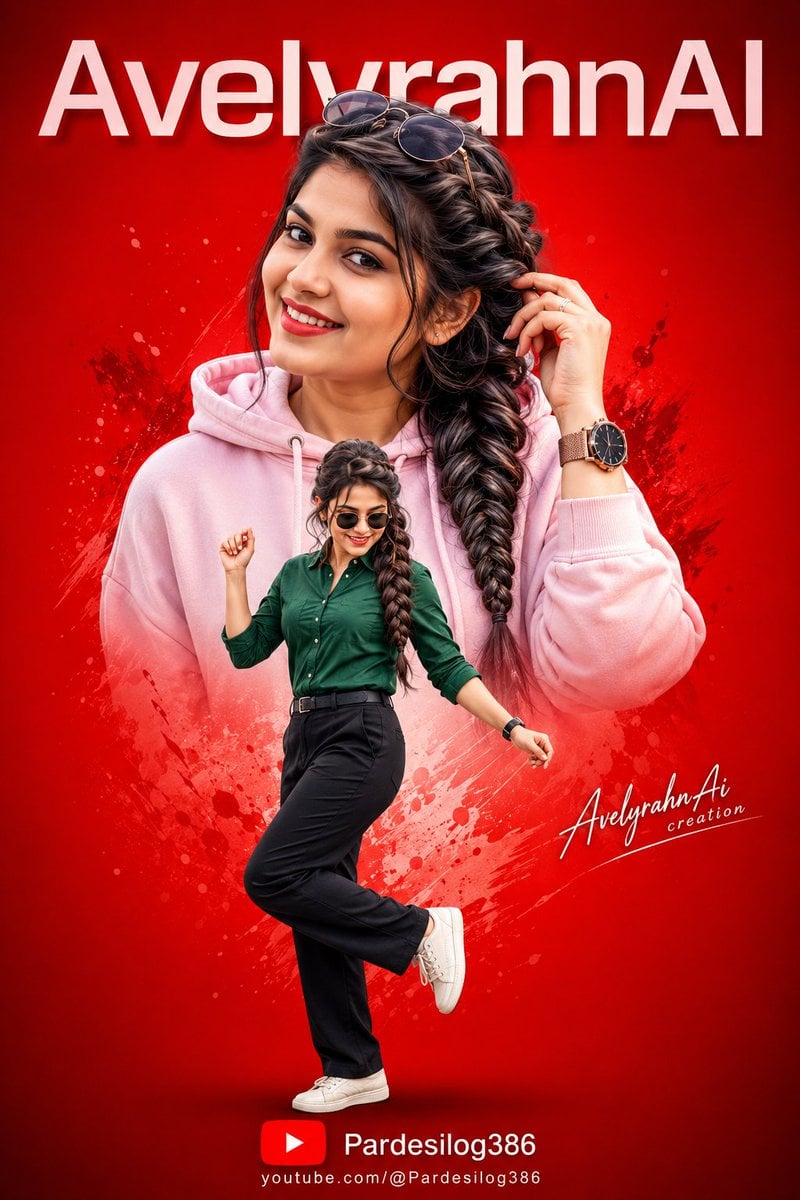
Vibrant High-Contrast Digital Collage

Ultra-realistic cinematic early-1990s indoor film still generation prompt
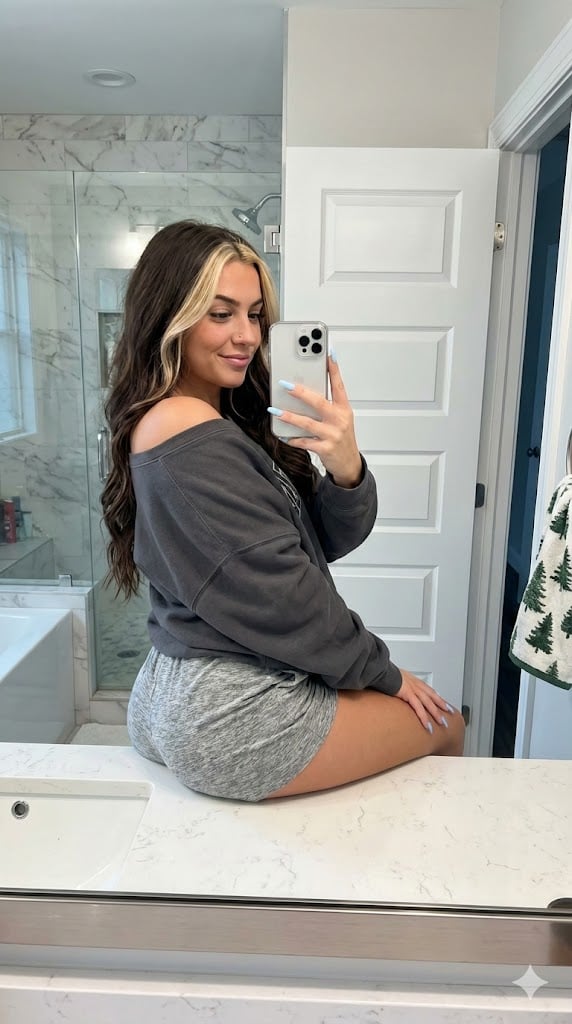
Photorealistic Bathroom Mirror Selfie with Money Piece Highlights
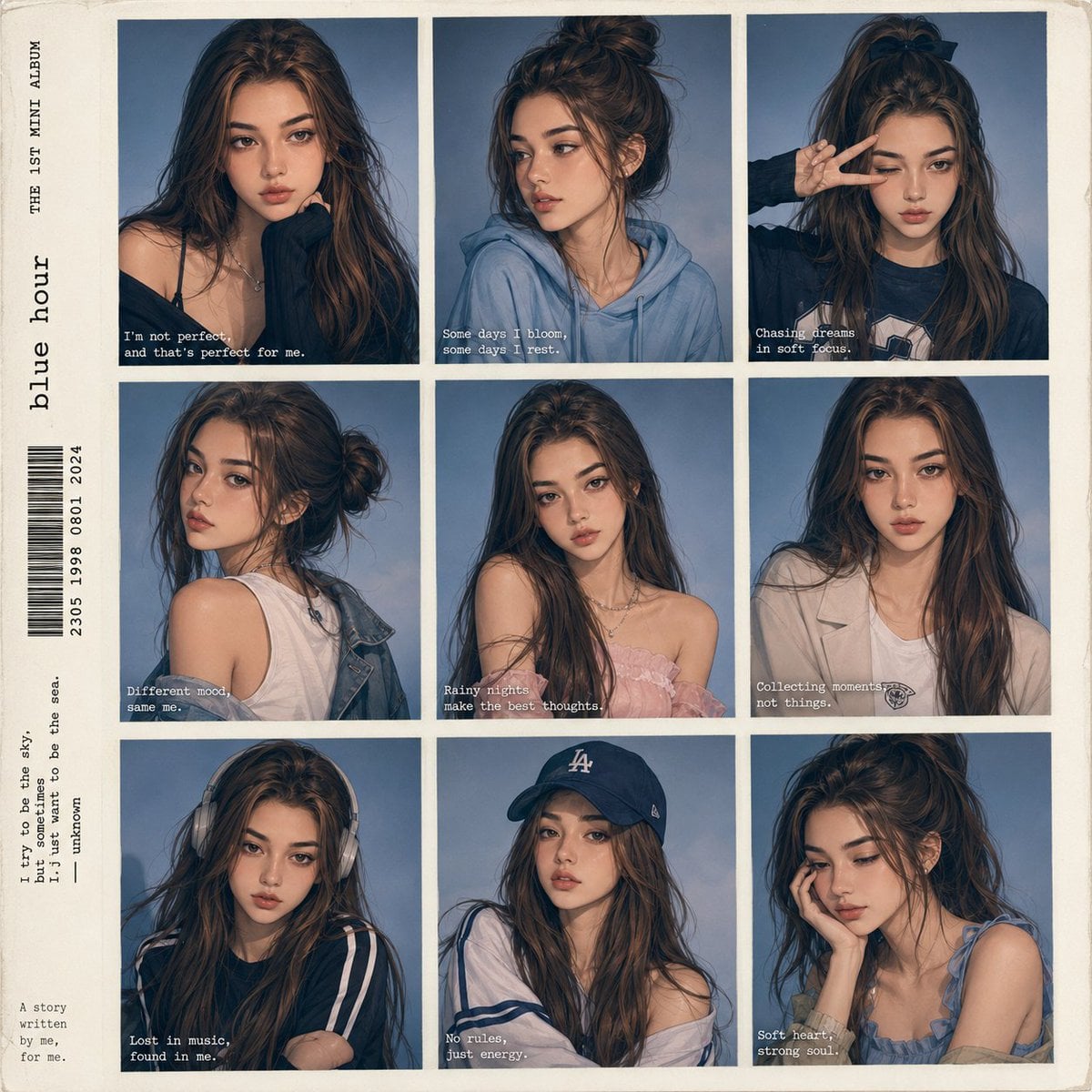
Anime Style K-Pop Collage
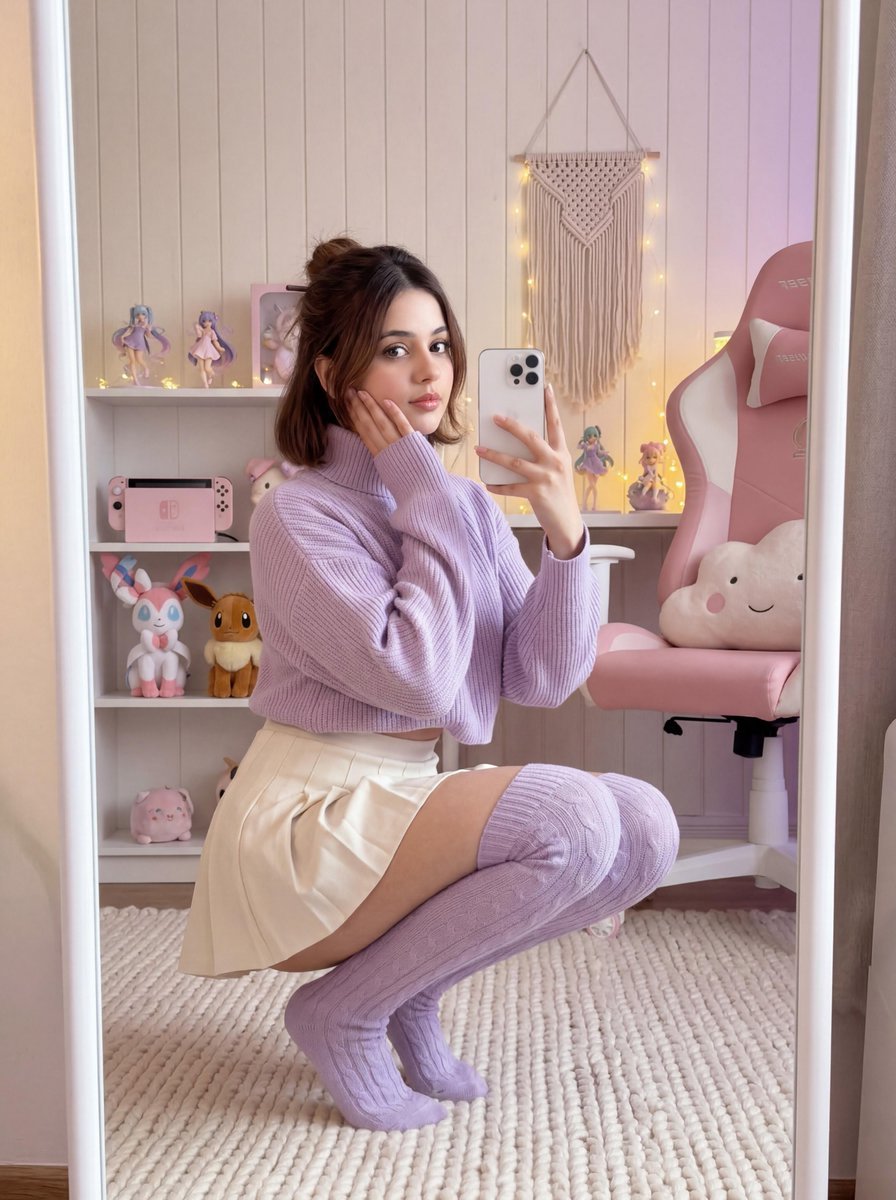
Soft Gamer Aesthetic Mirror Selfie in Lavender Light
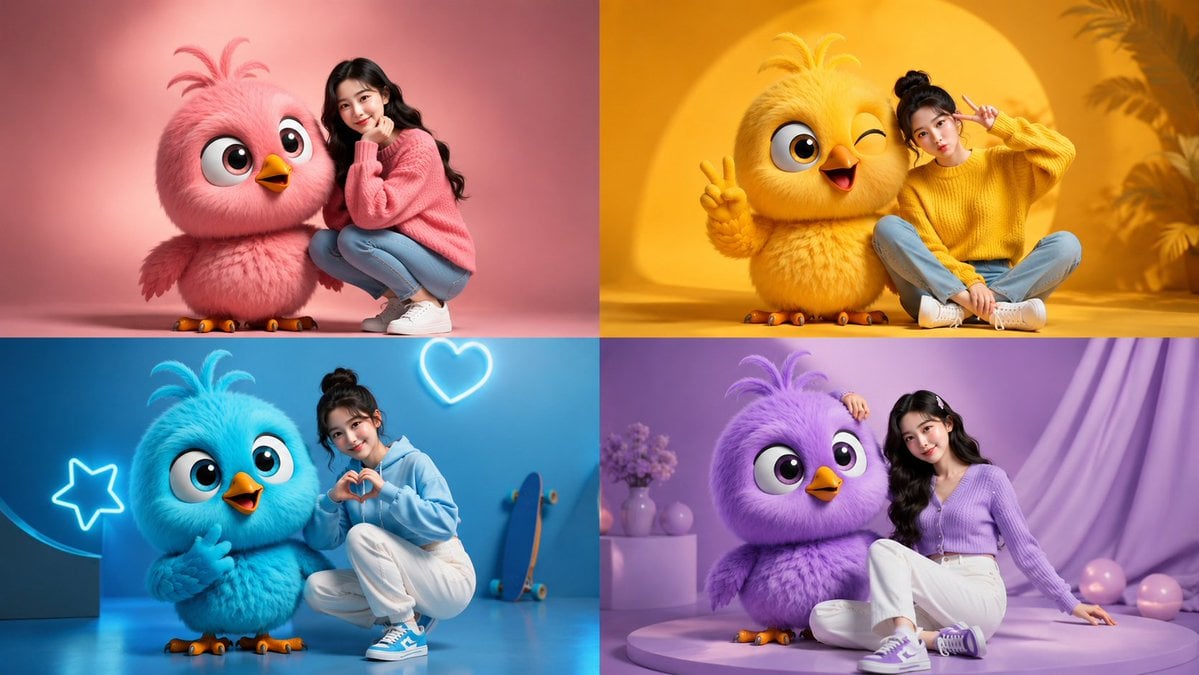
Four-Color Chick Mascot Photo Collage
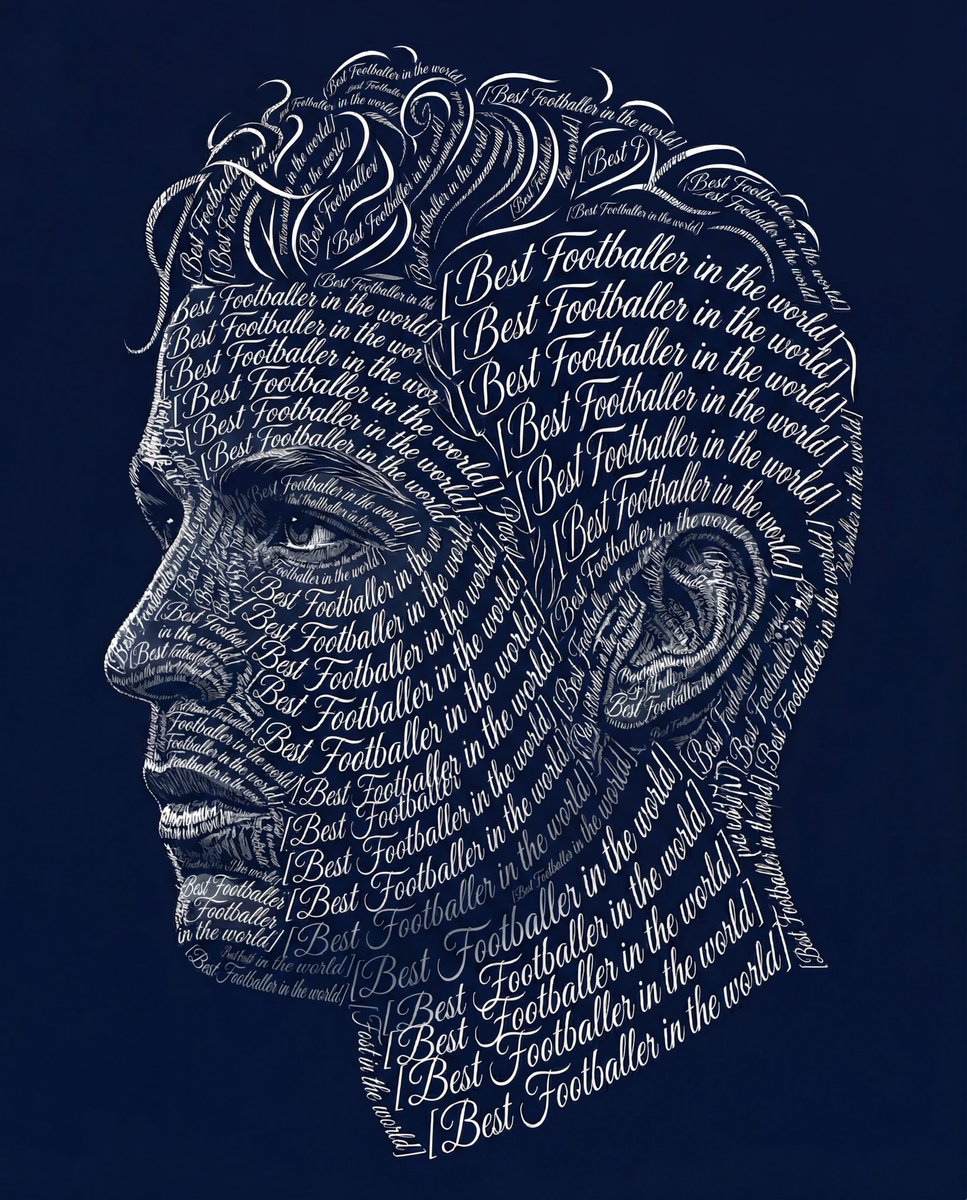
Typographic Art Portrait
Browse template categories
Neon Gravebinder Fantasy Card questions
How do I use the Neon Gravebinder Fantasy Card template?
Add your photo if the template asks for one, edit the prompt if you like — the template's model and format are already selected — and press Generate. Your version opens in PicX Studio.
Can I customize the Neon Gravebinder Fantasy Card template?
Yes. You can change the subject, setting, lighting, mood, format, and available model controls before creating your image.
Is the Neon Gravebinder Fantasy Card template free?
Opening and editing this template is free. Generating uses credits, shown on the Generate button when you are signed in.
Which AI model should I use?
Start with GPT Image 2, which is the model associated with this template. You can compare another compatible model for a different finish.
Looking for something else? Browse all templates.

Your photo, any look
Thousands of ready templates for every top image and video model, from one credit balance.