
Song Porcelain Exhibition Poster
Generates a refined vertical museum poster featuring a Song dynasty meiping vase, Chinese calligraphy typography, and elegant exhibition information.
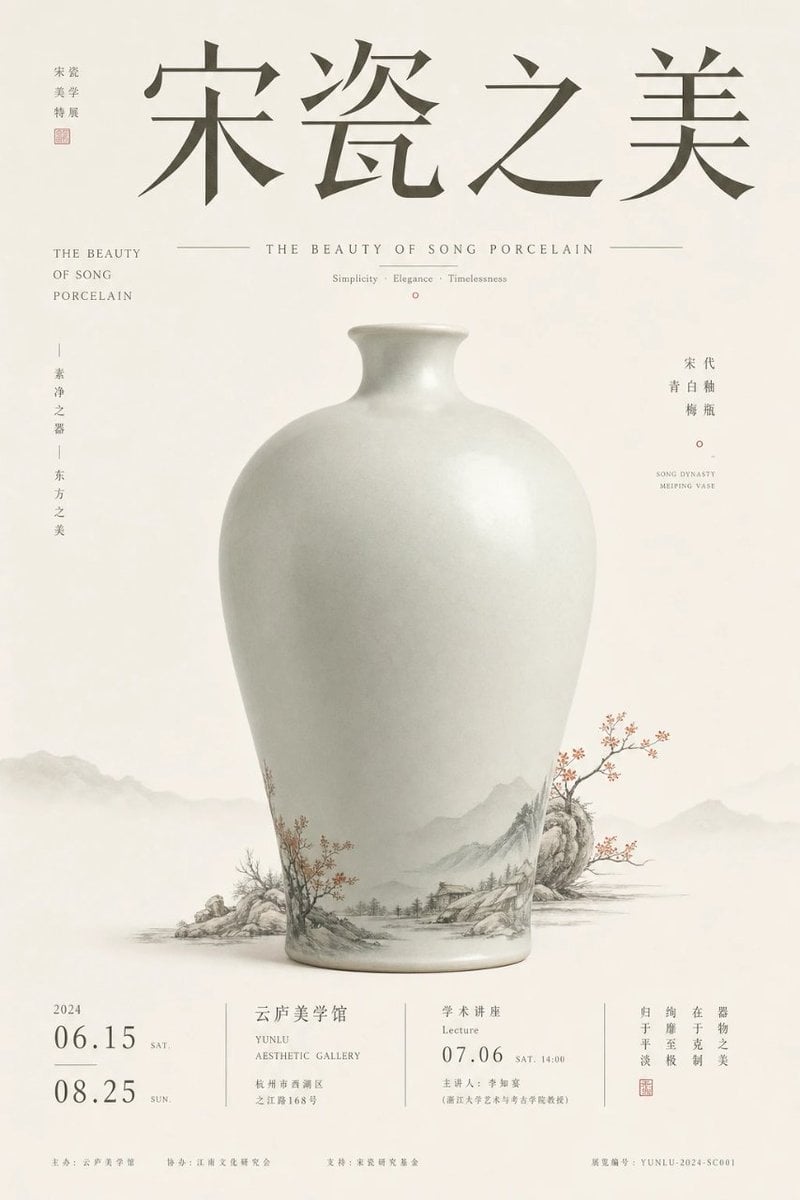
- Prompt included
- Model and format preset
- Premium template
The prompt behind this image
Copy the exact prompt behind Song Porcelain Exhibition Poster, or open it in the studio and make it yours.
Goal: Create an elegant Chinese museum exhibition poster for {argument name="exhibition title" default="宋瓷之美"}, celebrating Song dynasty porcelain aesthetics with a refined cultural-artifact layout. Canvas: Vertical poster in a 2:3 ratio, warm ivory rice-paper background with subtle fiber texture, generous negative space, quiet museum atmosphere. Main subject: A single large pale celadon-white Song dynasty meiping vase centered in the lower-middle of the poster. The vase has a rounded shoulder, narrow short neck, small flared lip, smooth matte-glazed porcelain surface, soft realistic lighting, and a faint gray-green tint. Around the lower body of the vase, integrate delicate ink-wash landscape decoration: misty mountains, rocks, tiny riverside houses, bare trees, and small red plum blossoms; let the painted landscape visually extend beyond the vase base into the background like traditional Chinese shanshui painting. Layout and typography: Place four oversized dark gray Chinese calligraphy characters across the top reading {argument name="exhibition title" default="宋瓷之美"}. Use a graceful Song-style serif/calligraphic font with wide spacing. At the upper left, add a small vertical curator-style label reading “策展 / 美学 / 特展” with a small red seal beneath it. Below the main title, center a thin horizontal rule on both sides of the English subtitle “THE BEAUTY OF SONG PORCELAIN”, and below it add the small tagline “Simplicity · Elegance · Timelessness” with a tiny red circle mark. Side text: On the left side, include one English stacked subtitle block reading “THE BEAUTY / OF SONG / PORCELAIN” and one vertical Chinese phrase reading “素净之器 | 东方之美”. On the right side, include a vertical Chinese label reading “宋代 / 青白釉 / 梅瓶”, a tiny red circle, and small English text “SONG DYNASTY / MEIPING VASE”. Bottom information band: Create a clean exhibition information footer divided by thin vertical lines into 4 sections. Section 1 shows the year “2024” and exactly 2 large date entries: “06.15 SAT.” and “08.25 SUN.” Section 2 shows the venue {argument name="venue name" default="云庐美学馆"}, English “YUNLU AESTHETIC GALLERY”, and a small address line. Section 3 shows event type “学术讲座 / Lecture”, date {argument name="lecture date" default="07.06"}, time “SAT. 14:00”, and a small host line. Section 4 contains a short vertical Chinese slogan about porcelain beauty, a small red seal, and fine museum-style registration text. Add tiny sponsor/organizer lines along the very bottom, including a serial number similar to “YUNLU-2024-SC001”. Visual style: Minimalist high-end museum poster, Song dynasty aesthetics, muted ink-gray typography, pale celadon porcelain, soft foggy mountain silhouettes in the background, tiny accents of cinnabar red, precise editorial grid, restrained luxury, no people, no modern objects, no clutter. Constraints: Use exactly 1 central vase, exactly 2 main dates in the footer, exactly 4 footer information sections, and exactly 1 large top Chinese title. Keep all text crisp and aligned, with realistic porcelain shading and delicate ink-painting detail.
How to use Song Porcelain Exhibition Poster in 3 steps
- 1Upload ImagePNG, JPG or paste
Add your photo
Upload the photo the template builds on. The prompt, model and format are already set.
- 2…a portrait of your subject in softgolden-hour light, 85mm…
Personalize
Edit the subject and creative details for your destination.
- 3Generate
Generate
Press Generate — your image is created in PicX Studio, so you can compare it with the original and refine one variable at a time.
More like this
Templates with the same subject, style or setup. Open one to see its prompt.

Japan Travel Brochure Poster

Cartoon TV Show Poster Pack

Trendy Cafe Drink Promo Poster

Urban Fashion Editorial Collage Streetwear Poster

Premium Fashion Editorial Cover Layout System

Polo Ralph Lauren Luxury American Heritage Fashion Campaign

Monochrome Halftone Editorial Fashion Poster
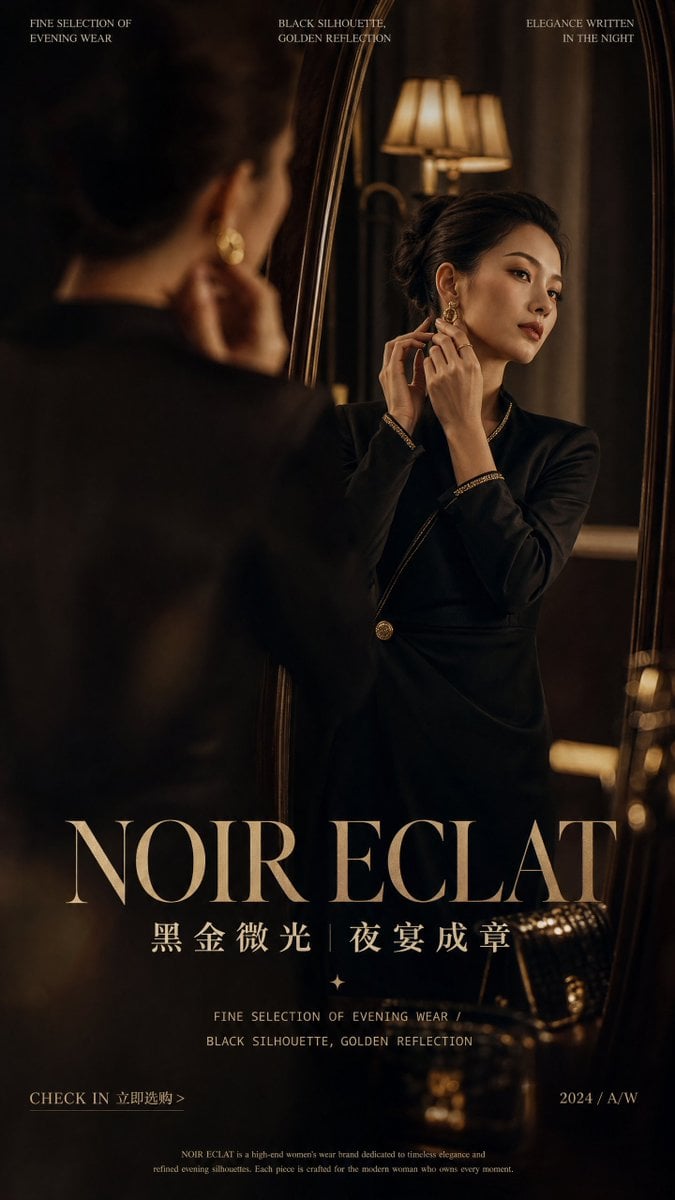
Retro Mirror Luxury Fashion Campaign Poster
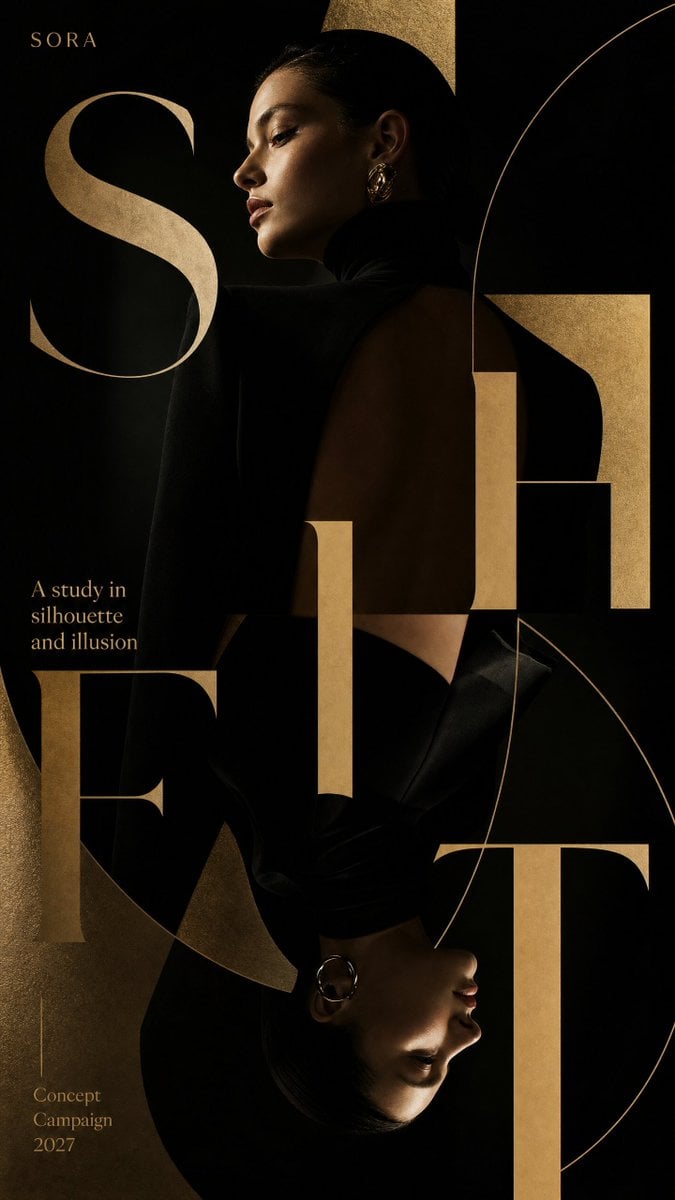
Luxury Fashion Campaign Typography Poster System
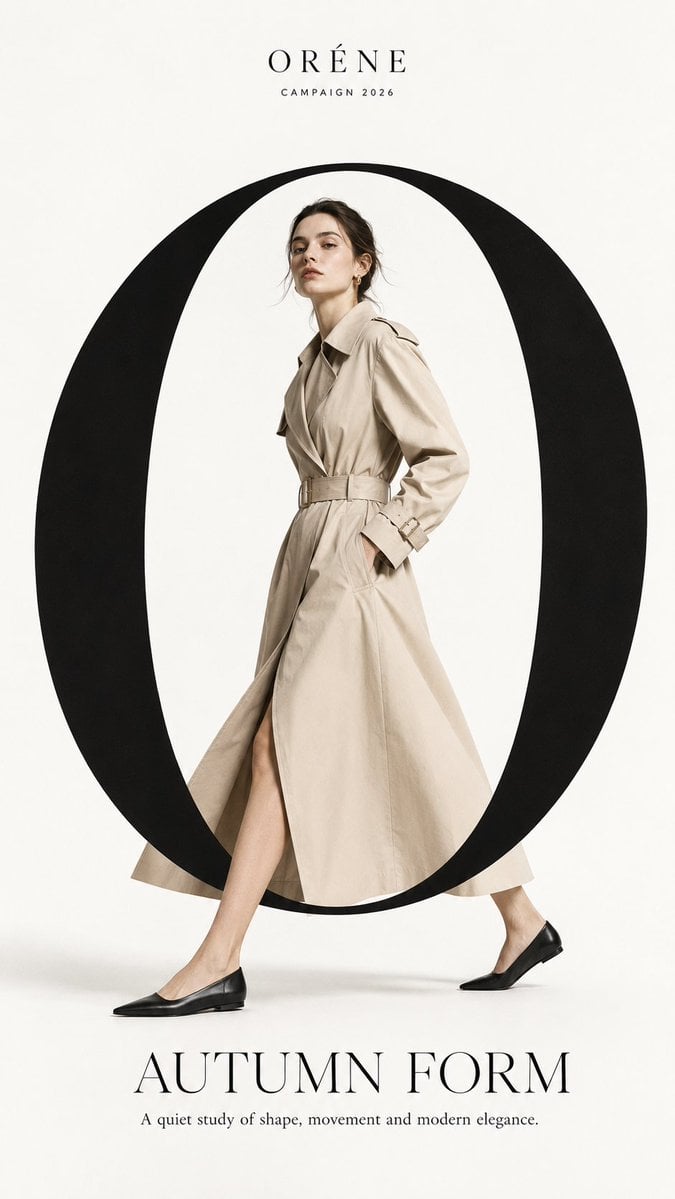
Premium Fashion Editorial Campaign Poster System
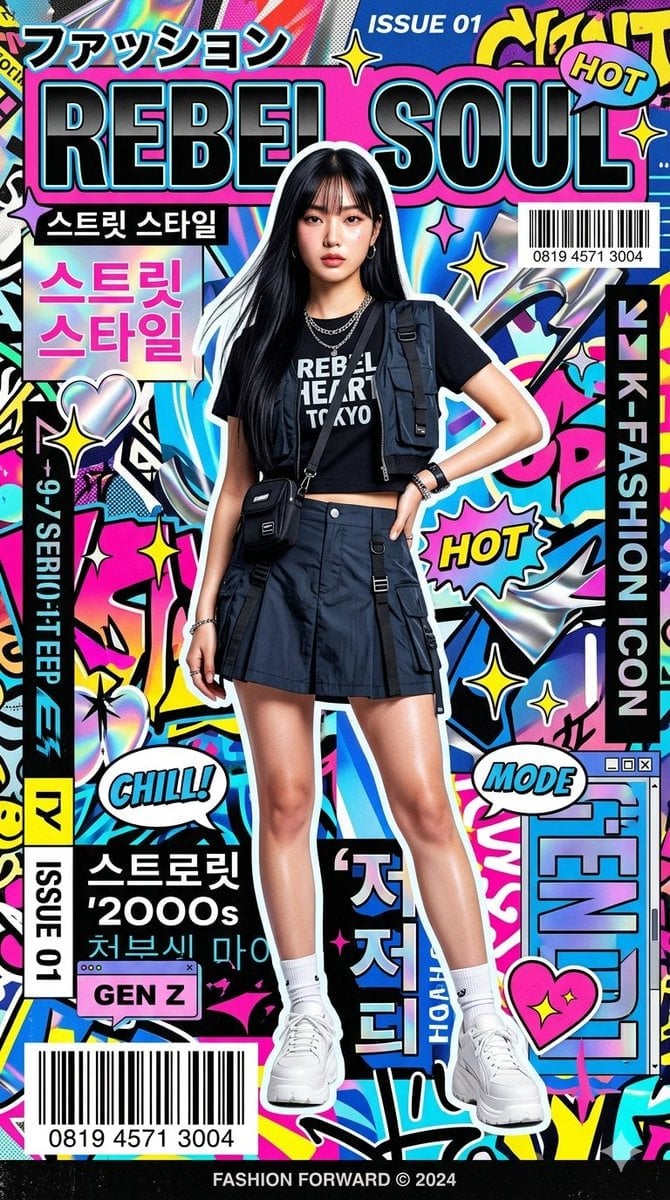
Ultra-Stylized High-Fashion Streetwear Poster
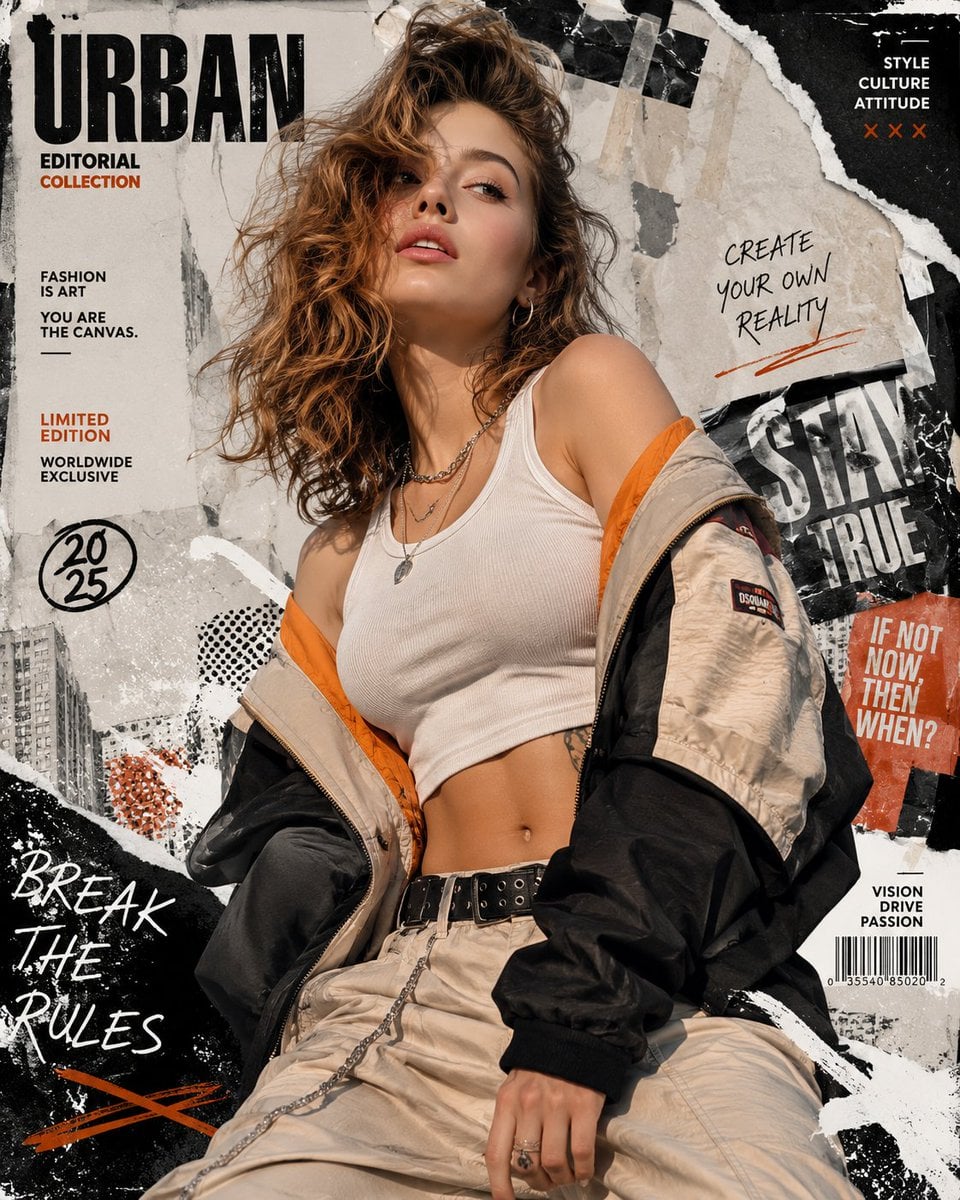
Urban Fashion Editorial Collage Poster
Make it yours
Song Porcelain Exhibition Poster works as-is. These are the safest ways to change it without losing the look.
Change one field
Copy a single group, rewrite it, and generate again so you can see what that field is doing.
Keep the frame, change the subject
Hold the composition and light of Song Porcelain Exhibition Poster, then swap wardrobe, props or the person for a new take.
| If the result… | Why | Fix |
|---|---|---|
| The result drifts from the preview | Too many fields changed at once. | Reuse Song Porcelain Exhibition Poster as-is first, then change one group — subject, light, or setting. |
| The model over-stylizes the scene | The prose prompt leaves finish and camera underspecified. | Add one camera or lighting sentence and stay on GPT Image 2. |
More GPT Image 2 templates
Other prompts made for GPT Image 2.

Six VTuber Japanese Logo Sheet

Realistic Portrait of Woman and Deer

The Vista Modular Condo Poster

AI Model Routing Comparison Infographic

2.5D Anime Art Board

Isometric Productivity Desk Scene

New York Double Exposure Poster

Four-Panel AI Landscape Comparison

Japanese Tatami Lifestyle Magazine Cover

NESCAFÉ Coffee Map Poster
More image prompts
Fresh picks from across the catalog.
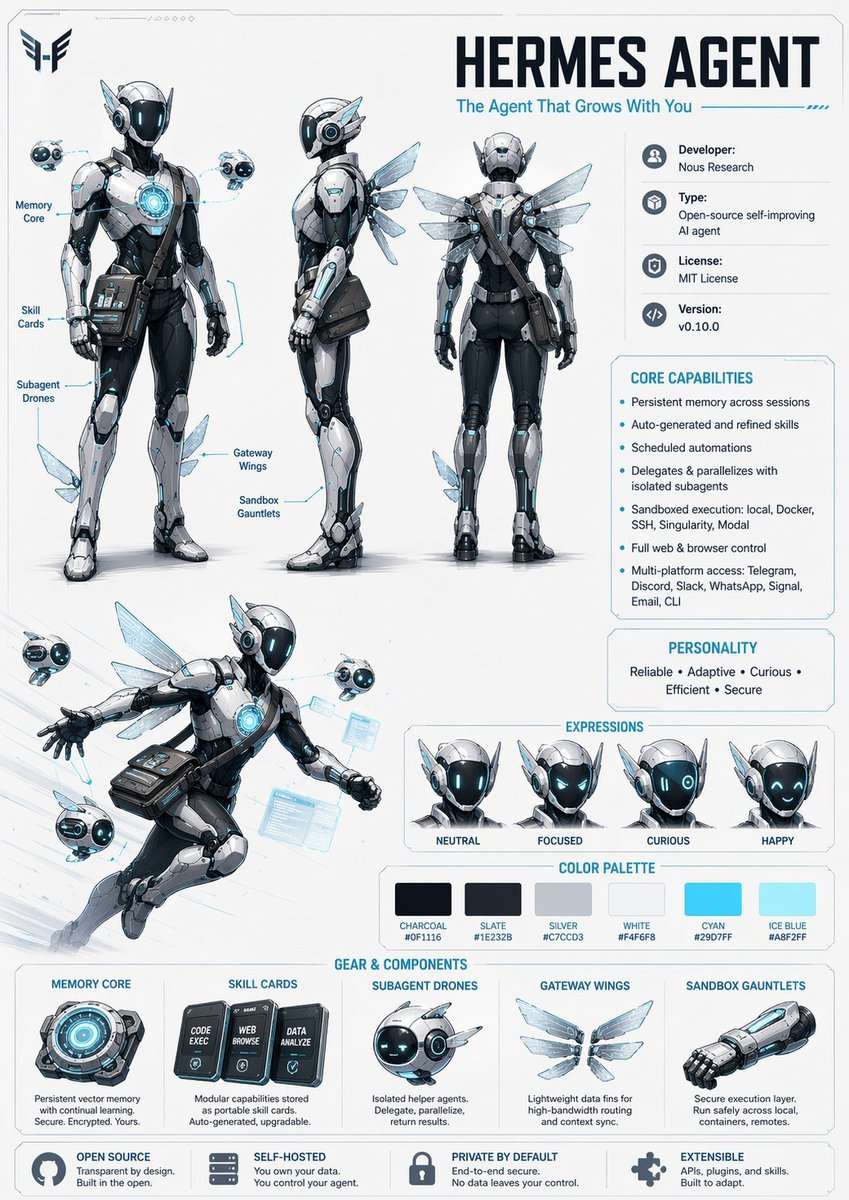
Character Design Sheet Prompt

Vortex Katana Warrior
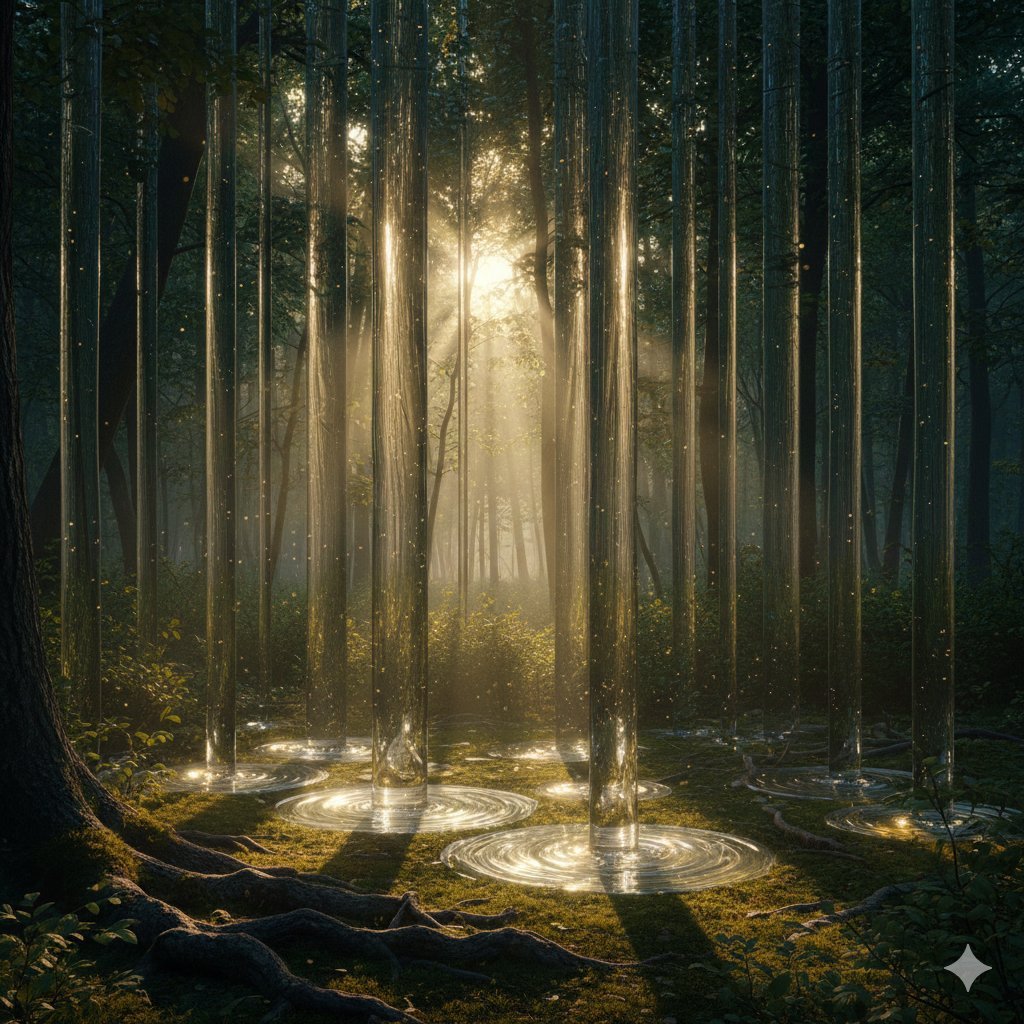
Physically Implausible Light in Forest
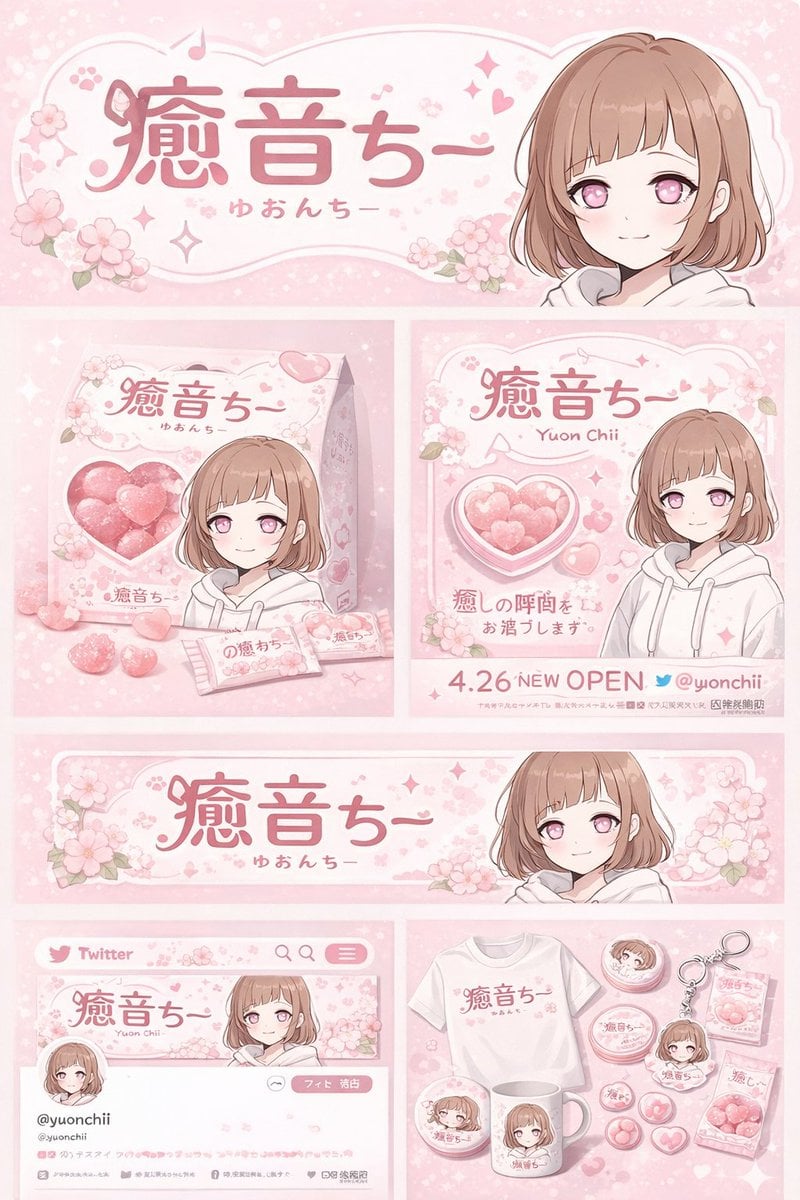
Gpt2 Product Marketing Anime Character Brand Identity Merch Board
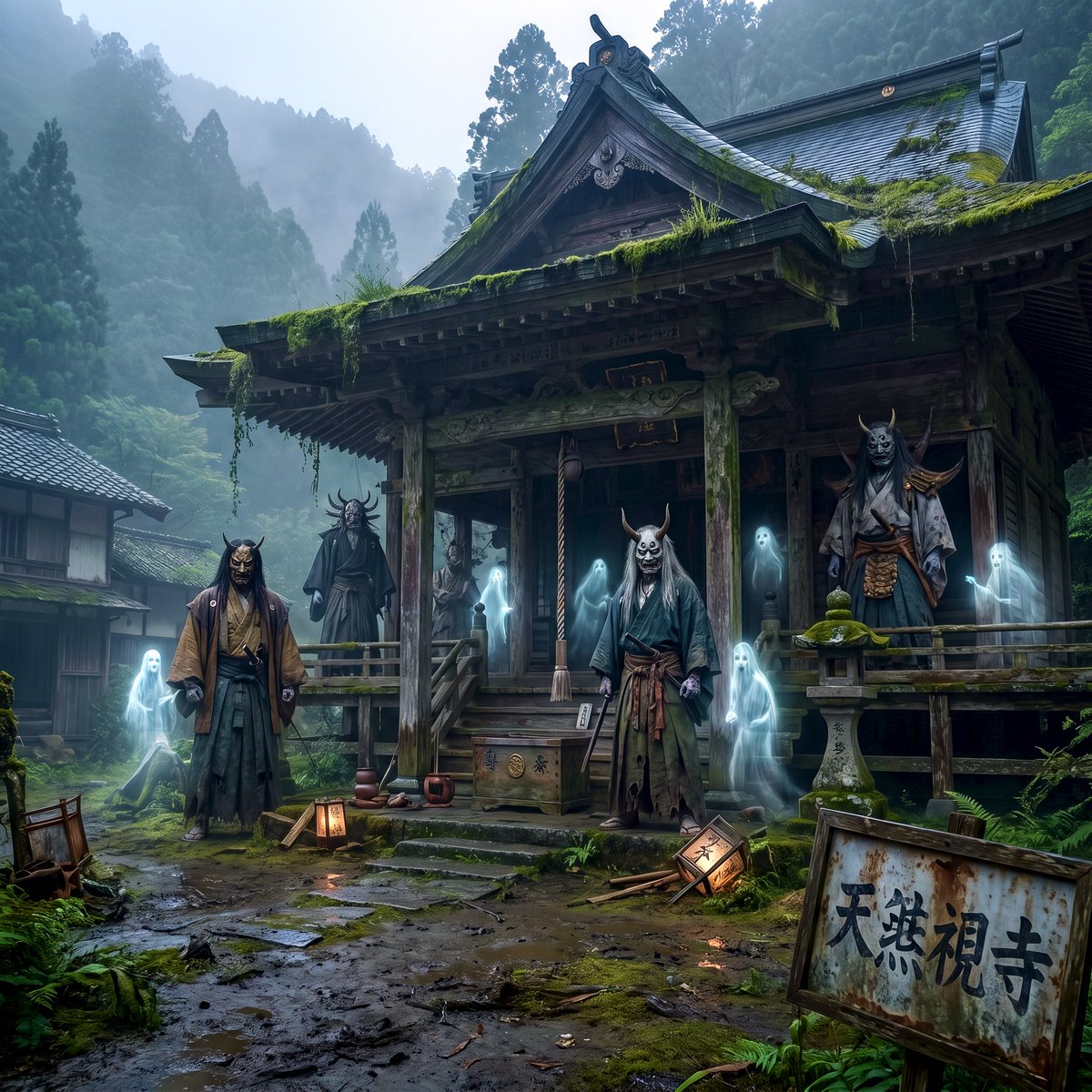
Old Japanese Haunted House
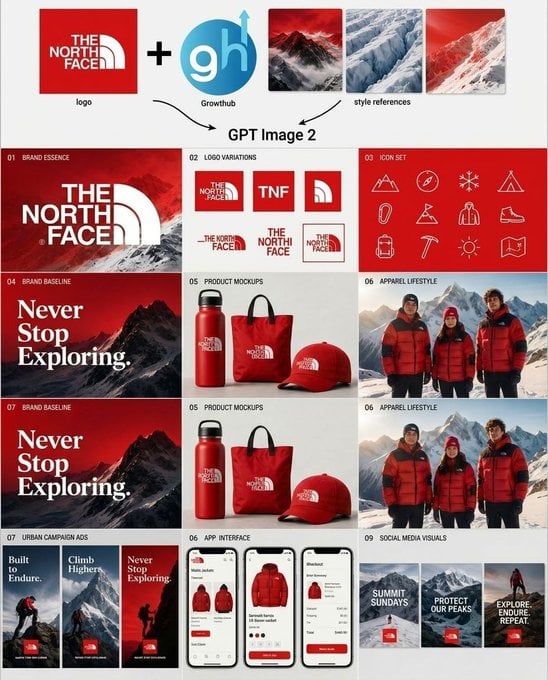
Outdoor Brand Kit Concept Board

Anime Noodle Advertisement Banner
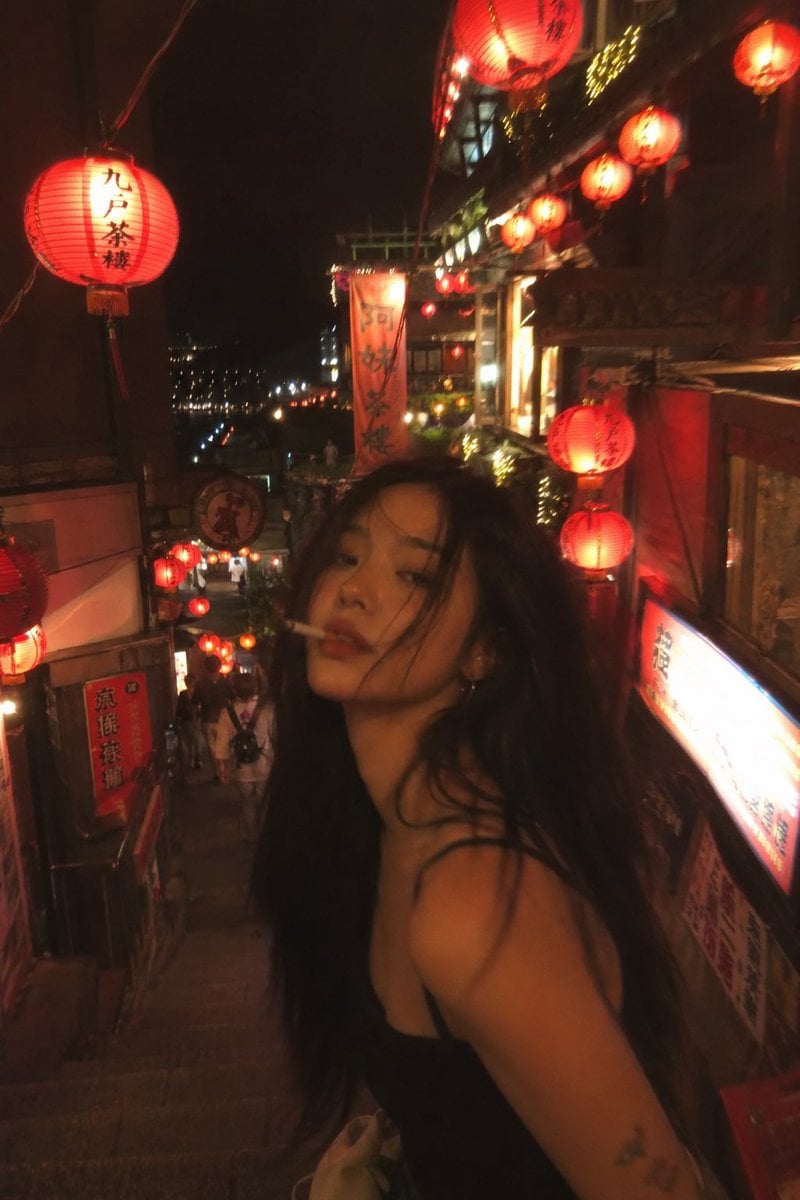
Asian Fashion Model in Taipei Night Scene
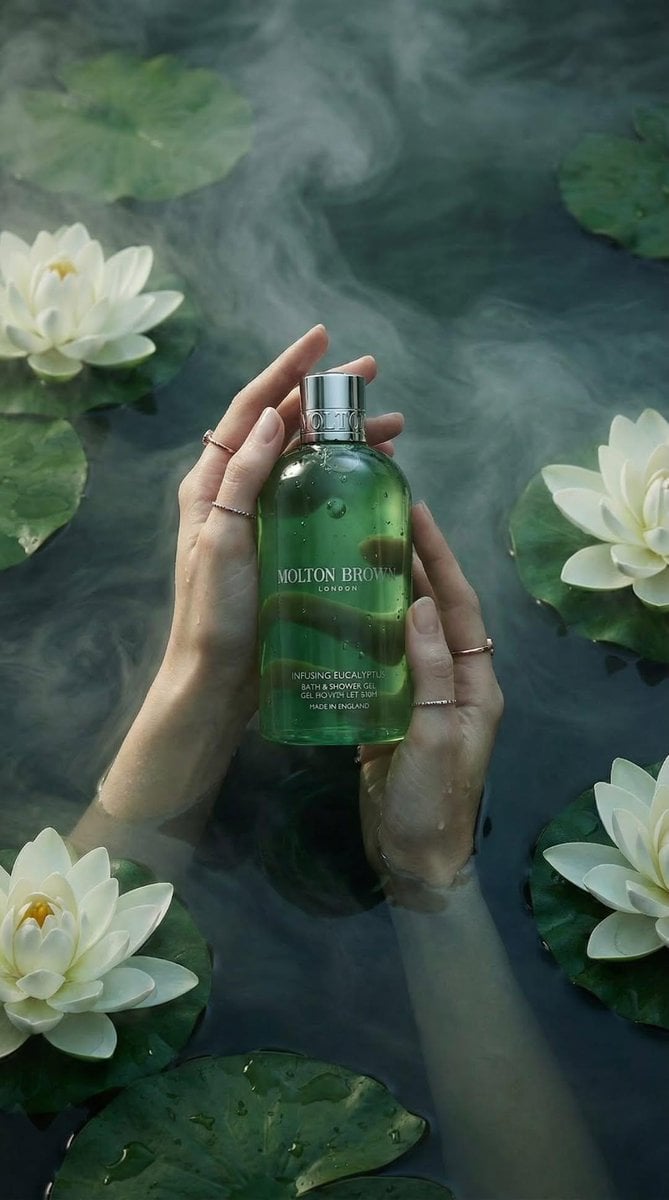
Luxury Spa Skincare Product Photography Prompt
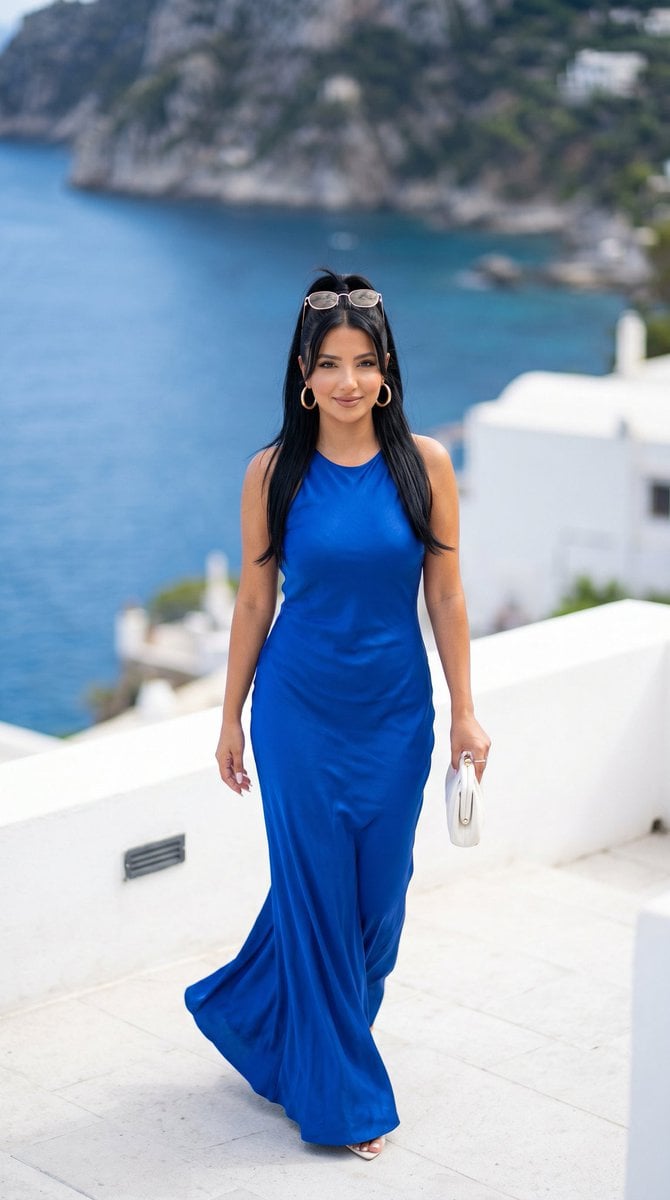
Mediterranean Luxury Editorial
Browse template categories
Song Porcelain Exhibition Poster questions
How do I use the Song Porcelain Exhibition Poster template?
Add your photo if the template asks for one, edit the prompt if you like — the template's model and format are already selected — and press Generate. Your version opens in PicX Studio.
Can I customize the Song Porcelain Exhibition Poster template?
Yes. You can change the subject, setting, lighting, mood, format, and available model controls before creating your image.
Is the Song Porcelain Exhibition Poster template free?
Opening and editing this template is free. Generating uses credits, shown on the Generate button when you are signed in.
Which AI model should I use?
Start with GPT Image 2, which is the model associated with this template. You can compare another compatible model for a different finish.
Looking for something else? Browse all templates.

Your photo, any look
Thousands of ready templates for every top image and video model, from one credit balance.