
NYC Romance Grade Comparison
Generates a wide cinematic two-panel comparison of a rainy New York romance scene with generic night grading versus muted ETERNA-style film color.
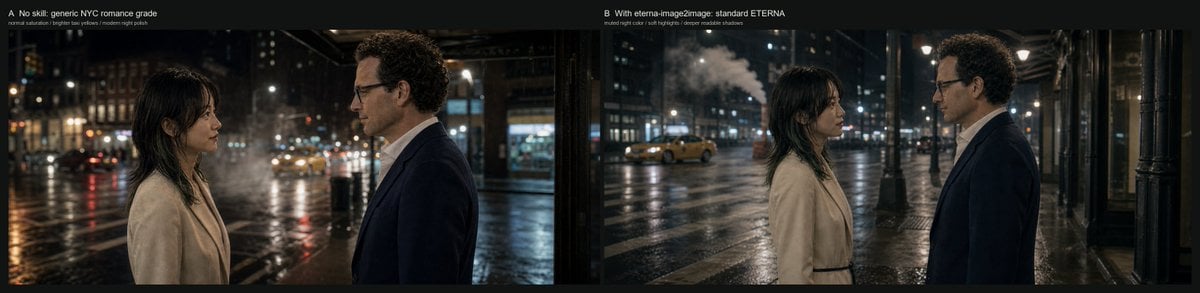
- Prompt included
- Model and format preset
- Premium template
The prompt behind this image
Copy the exact prompt behind NYC Romance Grade Comparison, or open it in the studio and make it yours.
Goal: Create a cinematic side-by-side comparison frame showing how different grading constraints affect the same nighttime romance scene in New York City. Canvas: Very wide horizontal comparison image, approximately 4:1 aspect ratio, with a thin black outer border and a black divider between two equal panoramic panels. Layout: Use exactly 2 side-by-side panels. The left panel is labeled at the top-left: “A No skill: generic NYC romance grade” with a smaller subtitle beneath it: “normal saturation / brighter sky volume / modern night polish”. The right panel is labeled at the top-left: “B With eterna-image2image: standard ETERNA” with a smaller subtitle beneath it: “muted night color / soft highlights / deeper readable shadows”. Keep the labels small, clean, white, and unobtrusive, like a film test contact sheet. Scene content: Both panels show the same setup: exactly 2 human subjects, a woman on the left and a man on the right, standing face-to-face on a rainy New York street at night. The woman has {argument name="woman appearance" default="dark shoulder-length hair with bangs, light beige wool coat, soft natural makeup"}. The man has {argument name="man appearance" default="curly dark hair, glasses, navy suit jacket, white shirt"}. They stand in profile, emotionally restrained, as if in a quiet romantic conversation. The street is wet and reflective, with blurred traffic, storefronts, streetlights, building windows, and a yellow taxi in the distance. Include visible steam or mist rising from the street in the background. Left panel look: A generic modern NYC romance grade, with brighter lifted shadows, slightly exaggerated cool moonlit highlights on faces and coats, higher saturation, glossy wet-road reflections, visible bokeh lights, and a more polished digital night look. The woman and man are placed closer to the foreground, cropped at mid torso, with the woman near the left third and the man near the right third. Right panel look: A more restrained Fuji ETERNA-inspired cinematic grade, using muted colors, soft highlights, deeper but still readable shadows, lower saturation, natural practical streetlight warmth, less artificial blue spill, smoother tonal rolloff, and a more grounded filmic night atmosphere. The composition is slightly wider than the left panel, with more negative space and more visible sidewalk, columns, taxi, steam, and wet street environment. The woman and man remain facing each other in profile, centered in the panel. Visual style: Photorealistic cinematic still, anamorphic-feeling wide frame, natural rain-slick pavement, shallow depth of field, realistic skin tones, soft practical lighting, subtle film grain, restrained contrast, no fantasy elements. Constraints: Use exactly 2 panels, exactly 2 people per panel, exactly the 2 panel labels and 2 subtitles listed above, no extra captions, no logos, no watermark, no UI controls, no additional characters in the foreground.
How to use NYC Romance Grade Comparison in 3 steps
- 1Upload ImagePNG, JPG or paste
Add your photo
Upload the photo the template builds on. The prompt, model and format are already set.
- 2…a portrait of your subject in softgolden-hour light, 85mm…
Personalize
Edit the subject and creative details for your destination.
- 3Generate
Generate
Press Generate — your image is created in PicX Studio, so you can compare it with the original and refine one variable at a time.
More like this
Templates with the same subject, style or setup. Open one to see its prompt.

Two Tickets, One Night

If We Met in 1985

Before We said Goodbye

Our Song was on a Cassette

Meet Me When It Rains
The Date After College
Two Hearts. One Scooter.
80s Rooftop Couple
1986 Street Couple
Skin Comparison Portrait — Nano Banana Pro
Seedance - Romantic Comedy Scene
Cinematic Editorial NYC Travel Poster
Make it yours
NYC Romance Grade Comparison works as-is. These are the safest ways to change it without losing the look.
Change one field
Copy a single group, rewrite it, and generate again so you can see what that field is doing.
Keep the frame, change the subject
Hold the composition and light of NYC Romance Grade Comparison, then swap wardrobe, props or the person for a new take.
| If the result… | Why | Fix |
|---|---|---|
| The result drifts from the preview | Too many fields changed at once. | Reuse NYC Romance Grade Comparison as-is first, then change one group — subject, light, or setting. |
| The model over-stylizes the scene | The prose prompt leaves finish and camera underspecified. | Add one camera or lighting sentence and stay on GPT Image 2. |
More GPT Image 2 templates
Other prompts made for GPT Image 2.

Six VTuber Japanese Logo Sheet

Realistic Portrait of Woman and Deer

The Vista Modular Condo Poster

2.5D Anime Art Board

Isometric Productivity Desk Scene

New York Double Exposure Poster

Japanese Tatami Lifestyle Magazine Cover

NESCAFÉ Coffee Map Poster

Brutalist Cogito Chinese Typography Poster
Cinematic Luxury Terrace Portrait
More image prompts
Fresh picks from across the catalog.

Noir Elderly Man by Window

Kyoto Hidden Mascot Diorama

Cinematic Bookstore Lifestyle Film Still Prompt

Conceptual Stationery Design Prompt for Toyohashi Specialties

Cartoon to 4K Photo Transformation Prompt
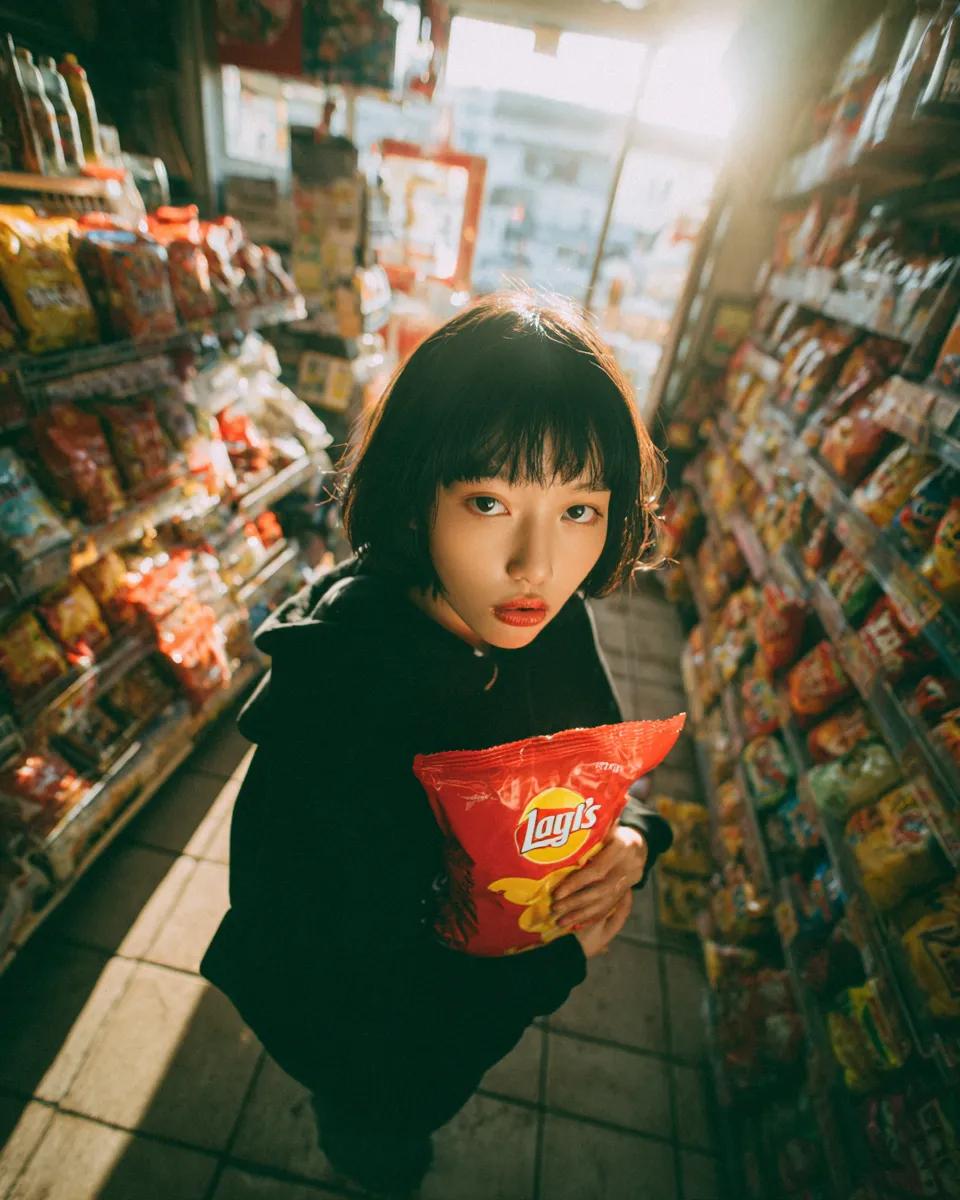
Convenience Store Candid Portrait

Jomon Dogu Couture Moodboard
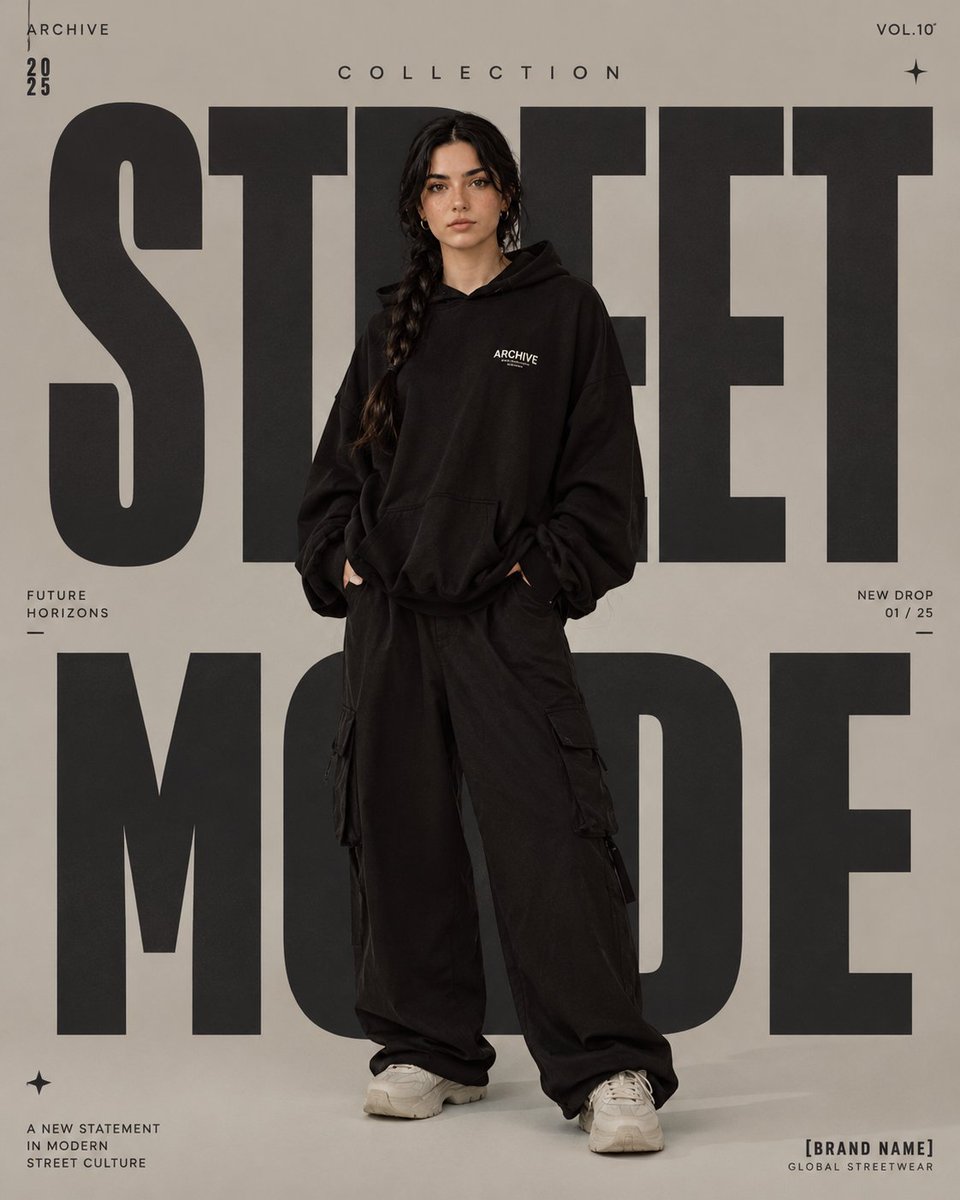
High-Fashion Editorial Magazine Poster
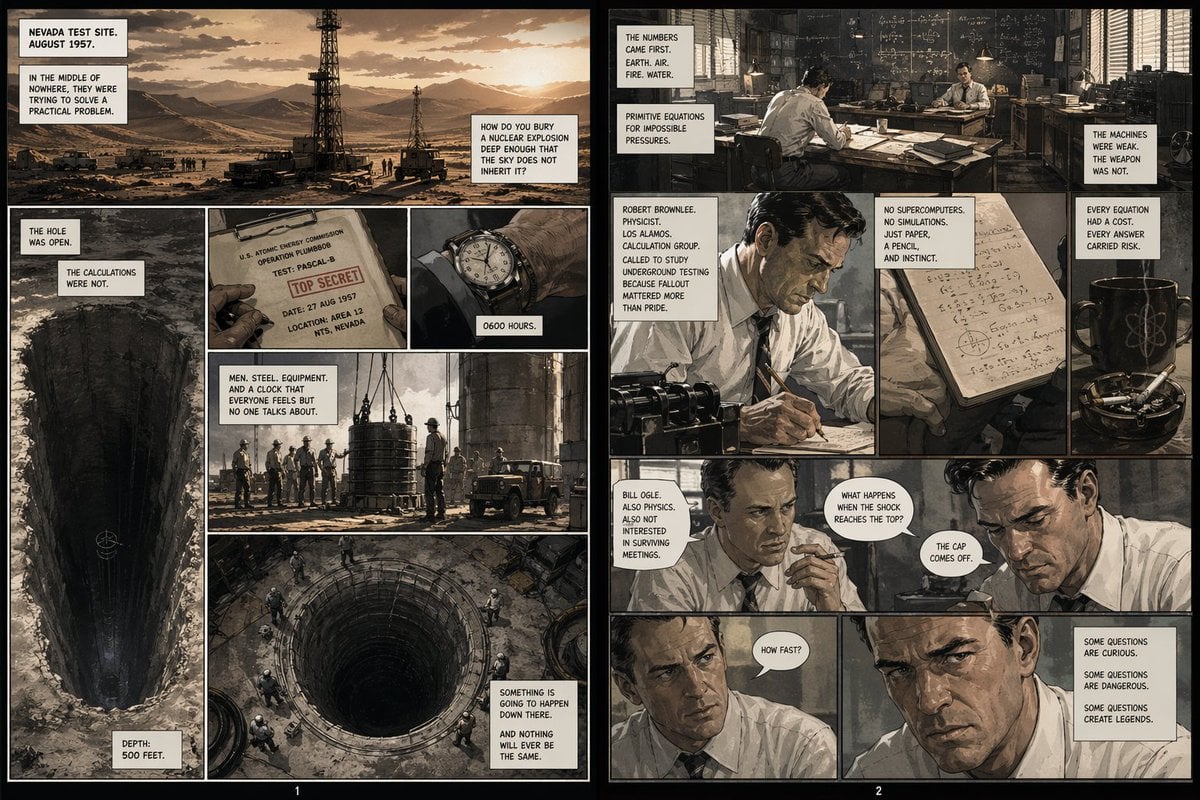
Pascal-B Comic Strip History

Manga Surf Wipeout Comic Poster
Browse template categories
NYC Romance Grade Comparison questions
How do I use the NYC Romance Grade Comparison template?
Add your photo if the template asks for one, edit the prompt if you like — the template's model and format are already selected — and press Generate. Your version opens in PicX Studio.
Can I customize the NYC Romance Grade Comparison template?
Yes. You can change the subject, setting, lighting, mood, format, and available model controls before creating your image.
Is the NYC Romance Grade Comparison template free?
Opening and editing this template is free. Generating uses credits, shown on the Generate button when you are signed in.
Which AI model should I use?
Start with GPT Image 2, which is the model associated with this template. You can compare another compatible model for a different finish.
Looking for something else? Browse all templates.

Your photo, any look
Thousands of ready templates for every top image and video model, from one credit balance.