
Sunny Cartoon Breakfast Break
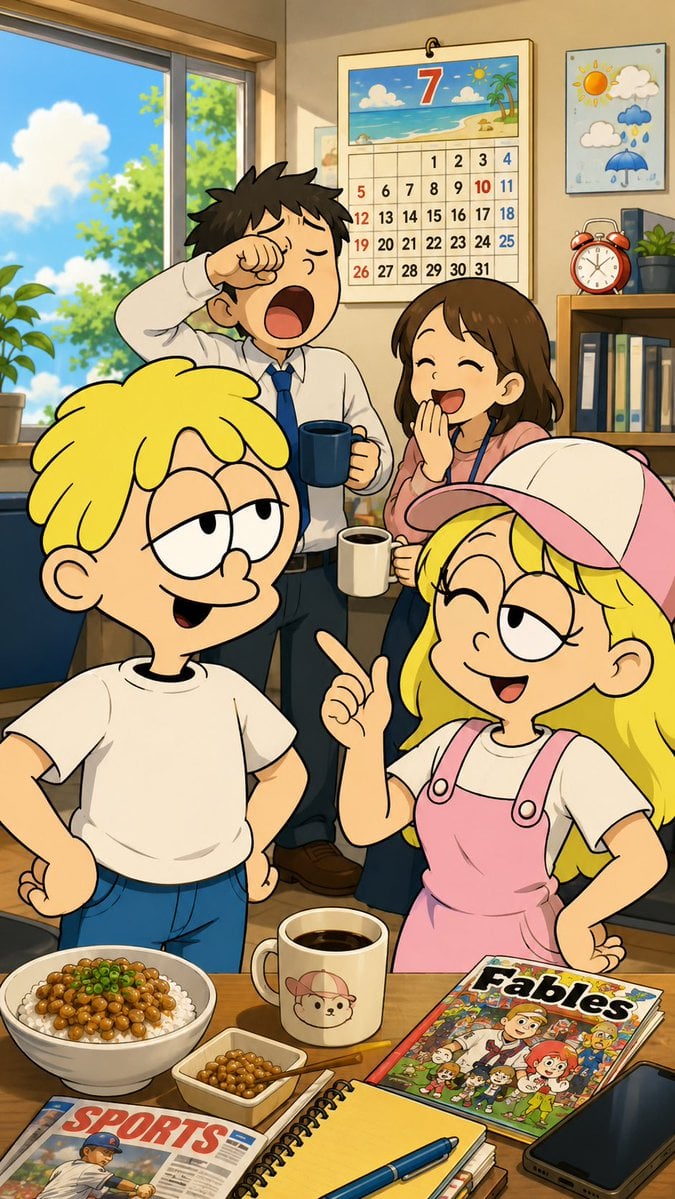
A vertical anime-cartoon crossover scene showing four cheerful characters in a sunlit break room with breakfast, magazines, and a July calendar.
- Prompt included
- Model and format preset
- Premium template
The prompt behind this image
Copy the exact prompt behind Sunny Cartoon Breakfast Break, or open it in the studio and make it yours.
Goal: Create a bright vertical anime/cartoon crossover illustration of a cheerful summer morning in an office or classroom break room, using {argument name="character style blend" default="Japanese anime background with Western newspaper-comic foreground characters"}. The image should feel like an animation reference frame, colorful, clean, and family friendly. Canvas: Tall vertical 9:16 composition, full-color digital illustration with crisp inked outlines, soft cel shading, warm sunlight, and a cozy indoor setting. Main characters: Show exactly 4 people. In the foreground are 2 blond cartoon children with simplified rounded features and thick black outlines: 1 blond boy on the left wearing a plain white T-shirt and blue jeans, half-lidded mischievous eyes, smirking, one hand on his hip; 1 blond girl on the right wearing a white-and-pink baseball cap, white shirt, pink overalls, smiling with one eye closed and pointing upward with her right index finger. In the background are 2 anime-style adults or teens: 1 sleepy dark-haired male in a white dress shirt and blue tie yawning while rubbing one eye and holding a dark blue mug; 1 smiling brown-haired female in a pink top with a lanyard, laughing with one hand near her mouth and holding a cream mug. Room and background: Place them in a sunlit room with a large window on the left showing blue sky, fluffy white clouds, and green trees. On the back wall place a hanging July calendar with a beach illustration at the top and a large red number 7; show a grid of dates 1 through 31. Also place a small weather poster with sun, clouds, rain, and an umbrella, plus a shelf with binders, plants, and a red twin-bell alarm clock. Foreground table objects: Include exactly 7 visible tabletop items: 1 white bowl of rice topped with brown natto and chopped green onion; 1 small rectangular dish of natto; 1 cream coffee mug with a cute bear face wearing a cap; 1 colorful comic book/magazine titled {argument name="comic title" default="Fables"}; 1 sports newspaper titled {argument name="newspaper title" default="SPORTS"} showing a baseball player; 1 spiral notebook with a yellow page and blue pen on top; 1 black smartphone at the lower right edge. Mood and action: The scene should suggest a casual breakfast or work break. The foreground children look playful and talkative, while the background male is sleepy and the background female is amused. Use expressive poses and exaggerated cartoon faces. Text content: Preserve only the visible English titles {argument name="calendar month number" default="7"}, {argument name="comic title" default="Fables"}, and {argument name="newspaper title" default="SPORTS"}. Keep other text minimal and not distracting. Constraints: Keep the official character proportions and outfit details consistent if using a known character reference. Use no photorealism, no watermark, no extra characters, and no extra tabletop items beyond the counted 7.
How to use Sunny Cartoon Breakfast Break in 3 steps
- 1Upload ImagePNG, JPG or paste
Add your photo
Upload the photo the template builds on. The prompt, model and format are already set.
- 2…a portrait of your subject in softgolden-hour light, 85mm…
Personalize
Edit the subject and creative details for your destination.
- 3Generate
Generate
Press Generate — your image is created in PicX Studio, so you can compare it with the original and refine one variable at a time.
More like this
Templates with the same subject, style or setup. Open one to see its prompt.
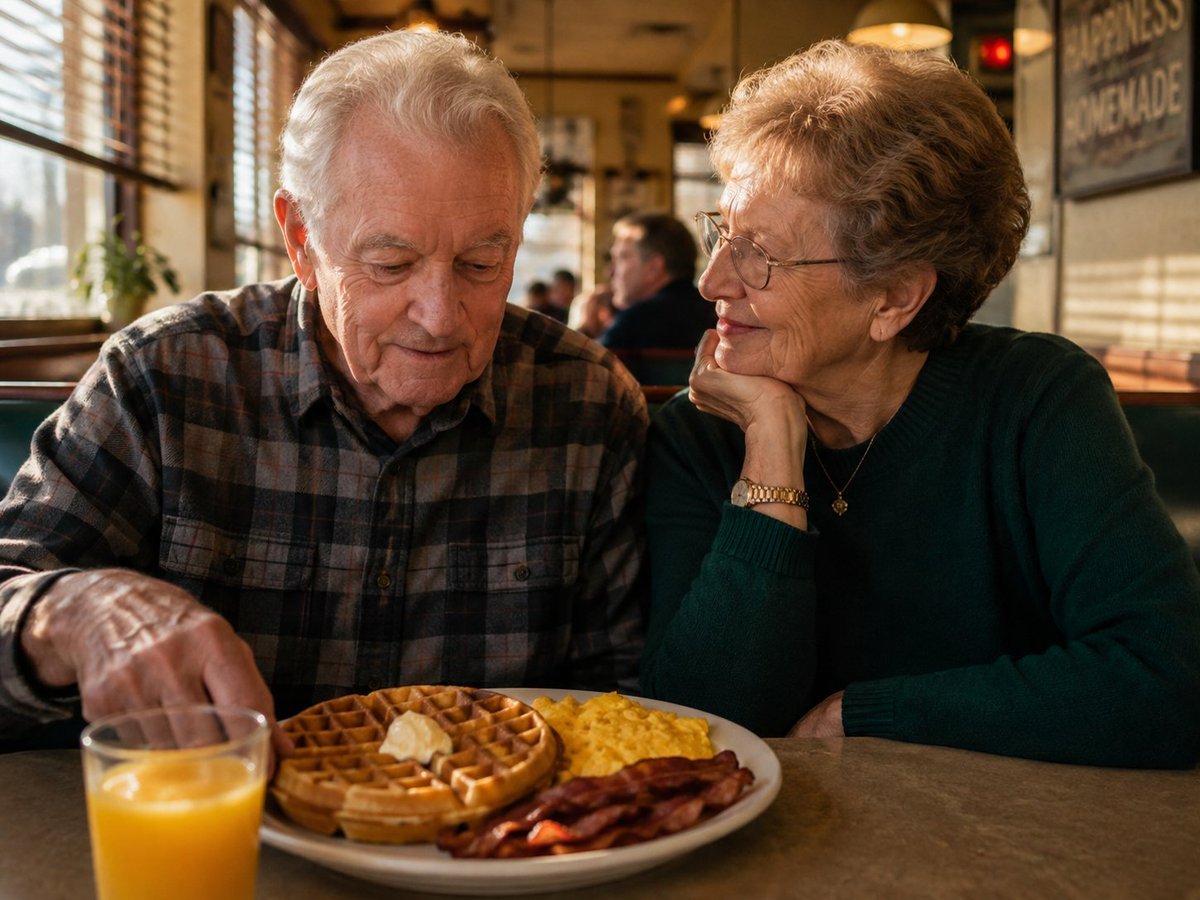
Elderly Couple Diner Breakfast
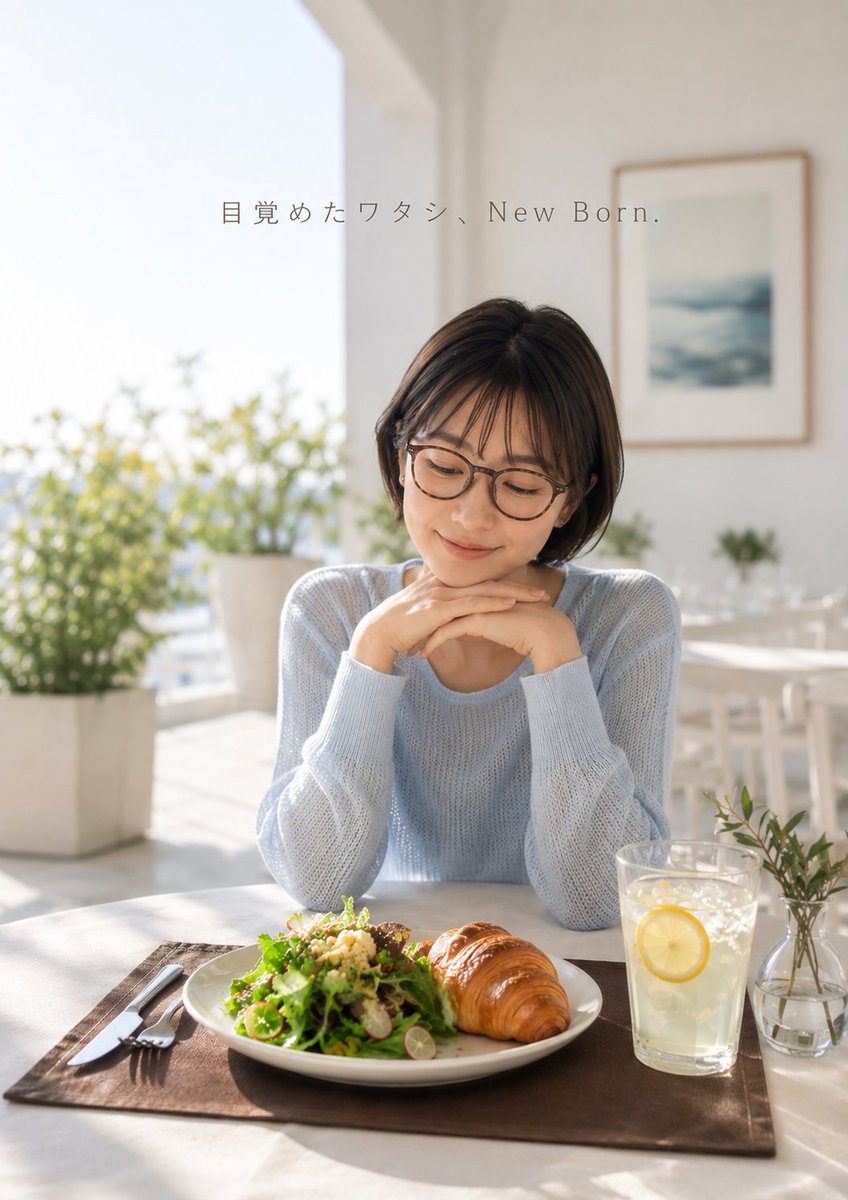
Fresh Morning Café Breakfast Ad
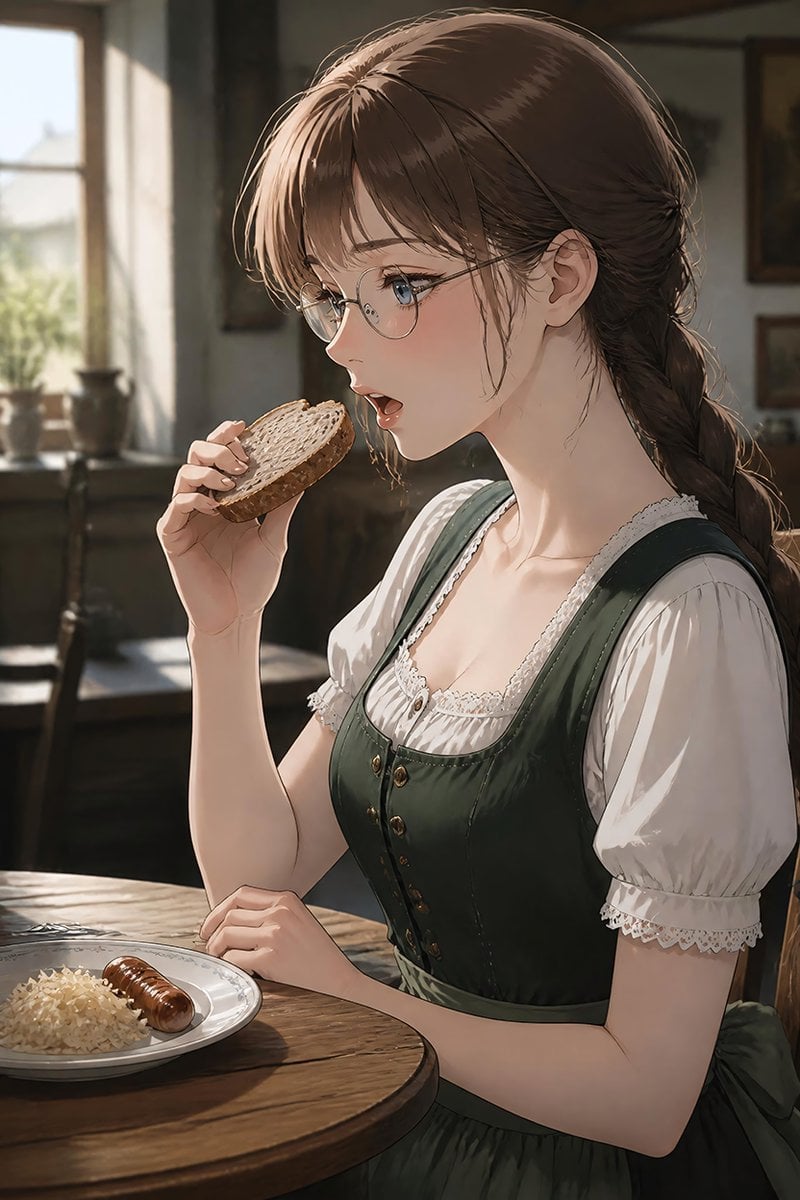
German Sausage Breakfast Plate
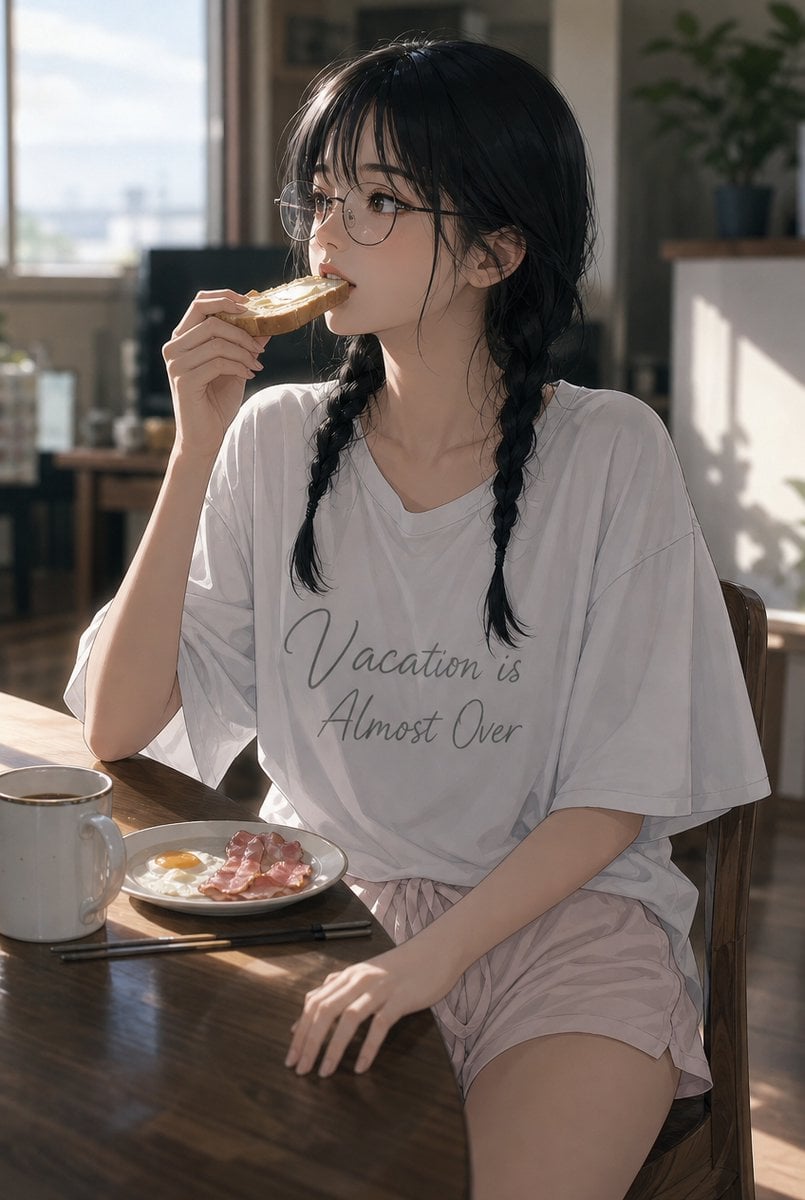
Sunlit Breakfast Anime Portrait
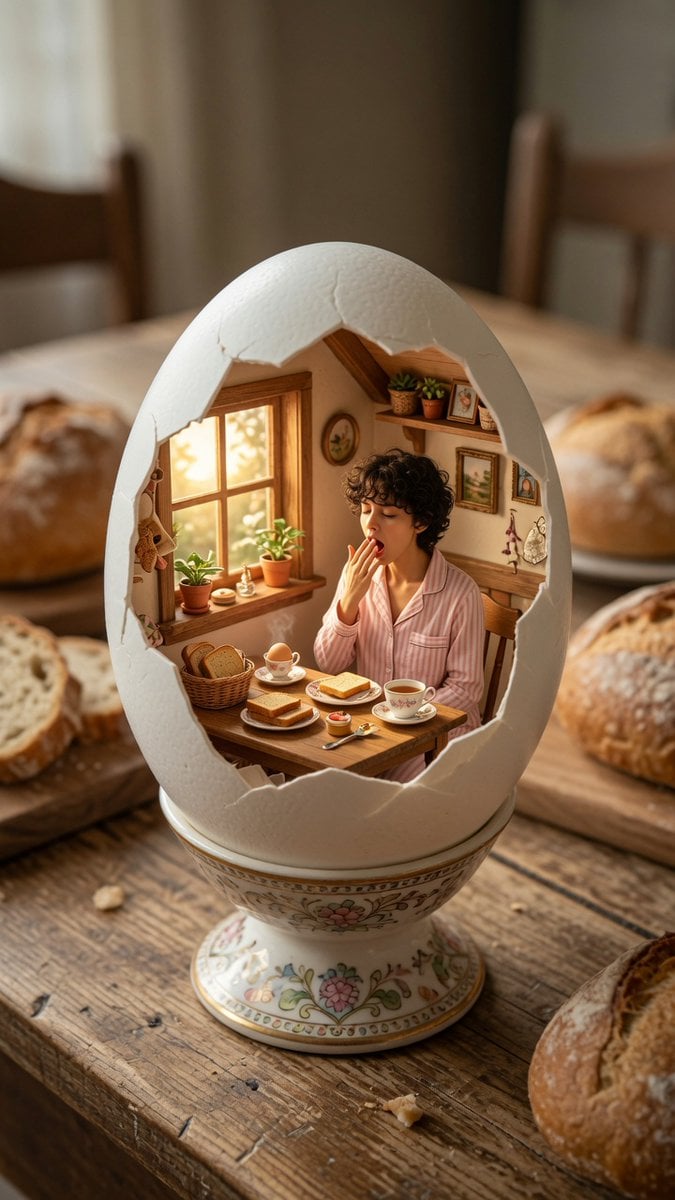
Miniature Breakfast Room Inside Eggshell
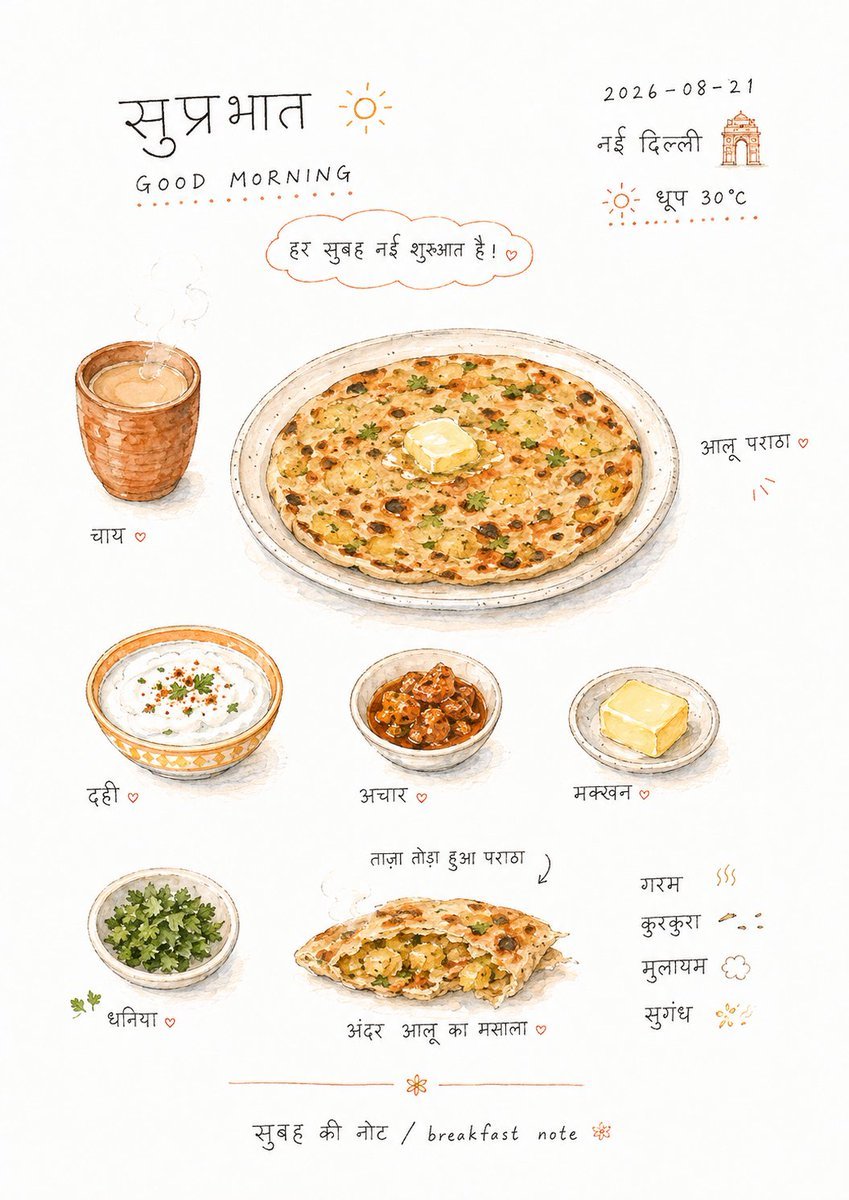
Hand-drawn Breakfast Journal Aesthetic Poster
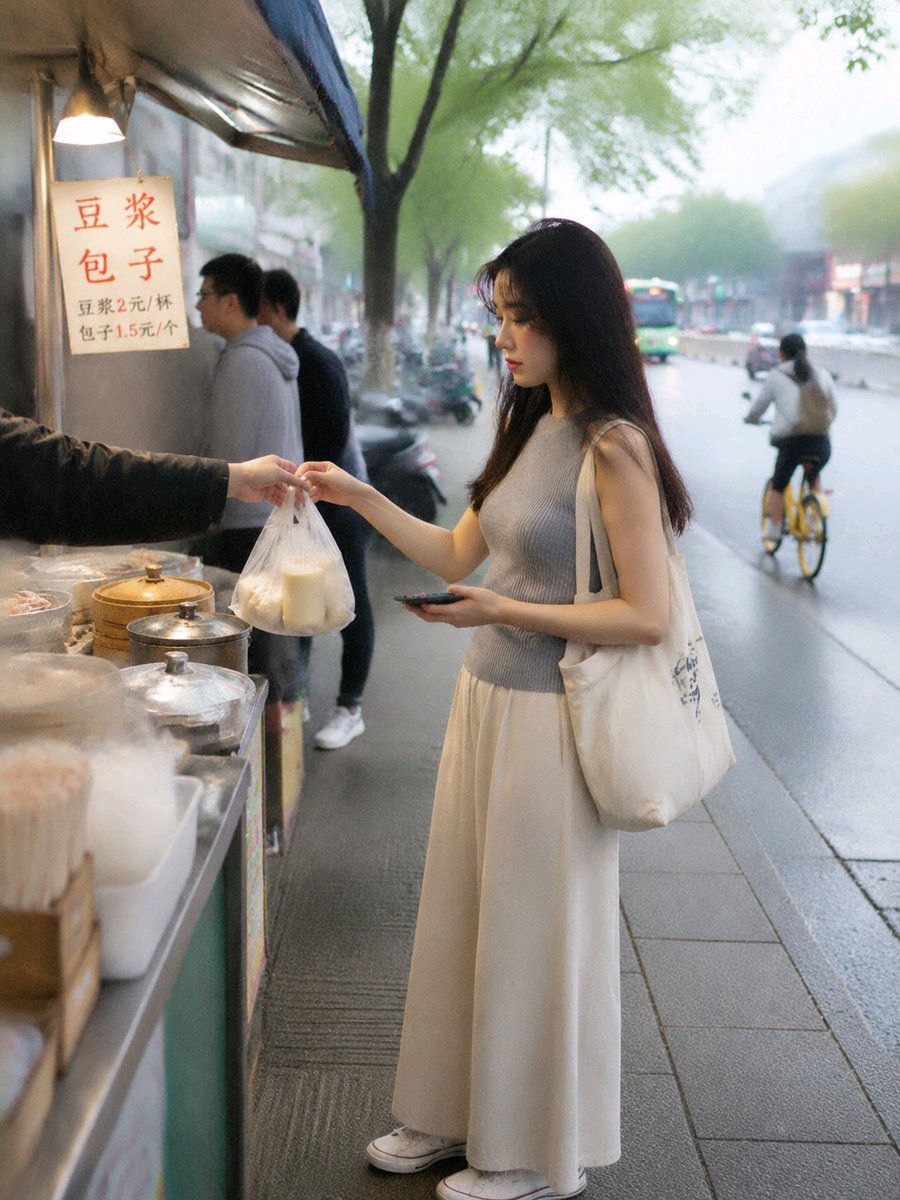
Asian Woman at Street Breakfast Stall
Traditional Kashmiri Breakfast Landscape

Toon Cartoon Finale Fireworks
Toon Cartoon Garden Maze

Toon Cartoon Rooftop Concert
Toon Cartoon Kitchen Chaos
Make it yours
Sunny Cartoon Breakfast Break works as-is. These are the safest ways to change it without losing the look.
Change one field
Copy a single group, rewrite it, and generate again so you can see what that field is doing.
Keep the frame, change the subject
Hold the composition and light of Sunny Cartoon Breakfast Break, then swap wardrobe, props or the person for a new take.
| If the result… | Why | Fix |
|---|---|---|
| The result drifts from the preview | Too many fields changed at once. | Reuse Sunny Cartoon Breakfast Break as-is first, then change one group — subject, light, or setting. |
| The model over-stylizes the scene | The prose prompt leaves finish and camera underspecified. | Add one camera or lighting sentence and stay on GPT Image 2. |
More GPT Image 2 templates
Other prompts made for GPT Image 2.

Six VTuber Japanese Logo Sheet

Realistic Portrait of Woman and Deer

The Vista Modular Condo Poster

AI Model Routing Comparison Infographic

2.5D Anime Art Board

Isometric Productivity Desk Scene

New York Double Exposure Poster

Four-Panel AI Landscape Comparison

Japanese Tatami Lifestyle Magazine Cover

NESCAFÉ Coffee Map Poster
More image prompts
Fresh picks from across the catalog.
Cardboard Submarine Design Generation
Cinematic Mixed Reality POV Supermarket Prompt

Cinematic Portrait of Couple in Intimate Embrace
Hyper-Realistic Mountain Dew Can Explosion Product Shot
Personalized Manga Storyboard Page
Japanese Sports School Flyer Photo
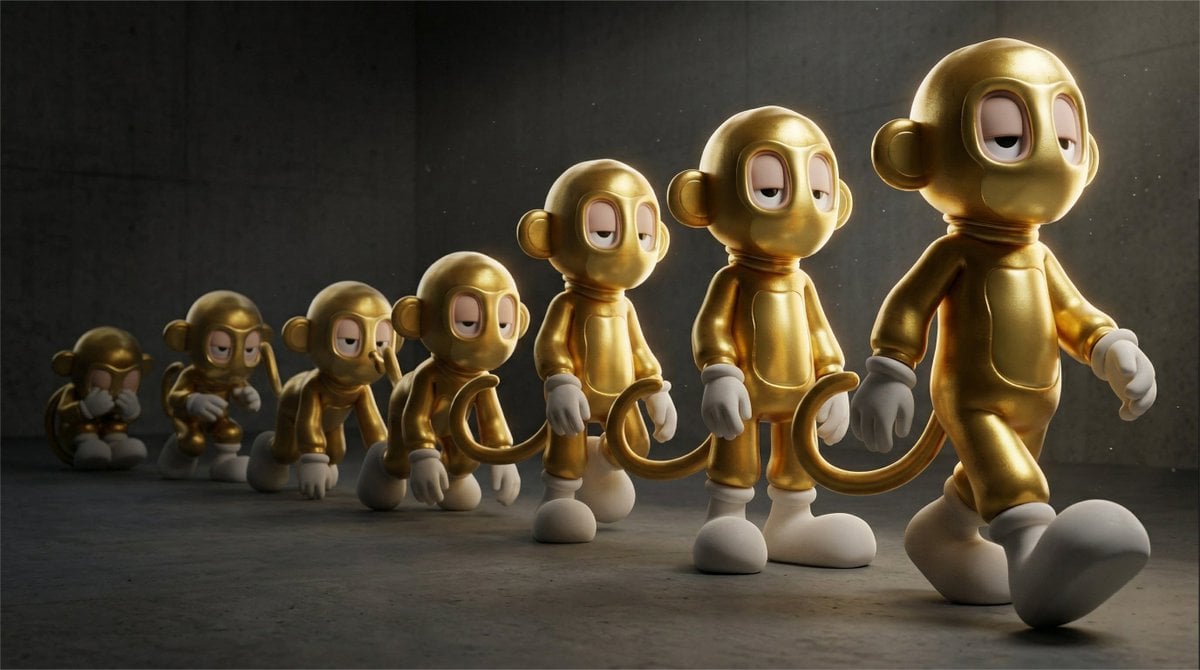
Cinematic 3D Toy Character Evolution Sequence
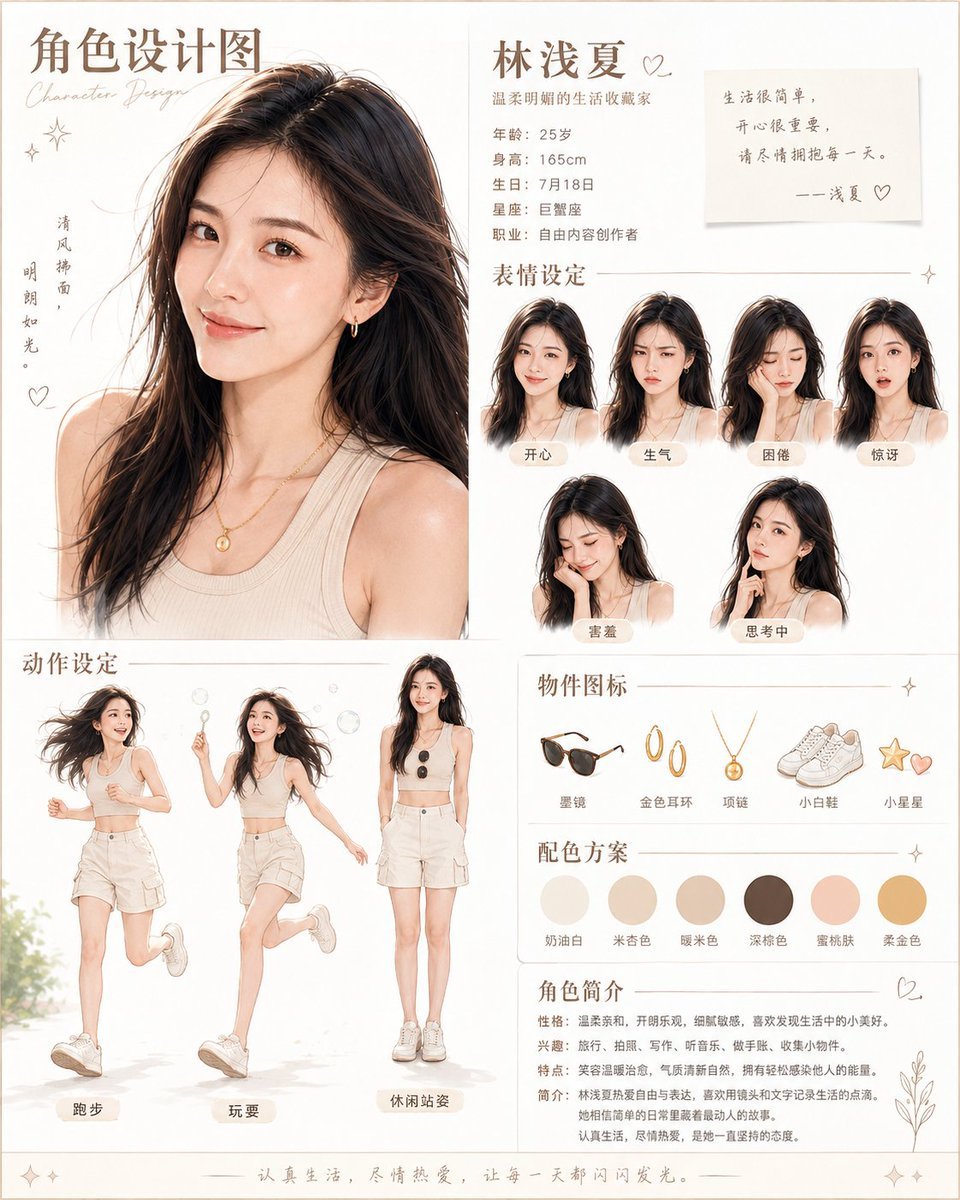
Warm Chinese Character Design Poster
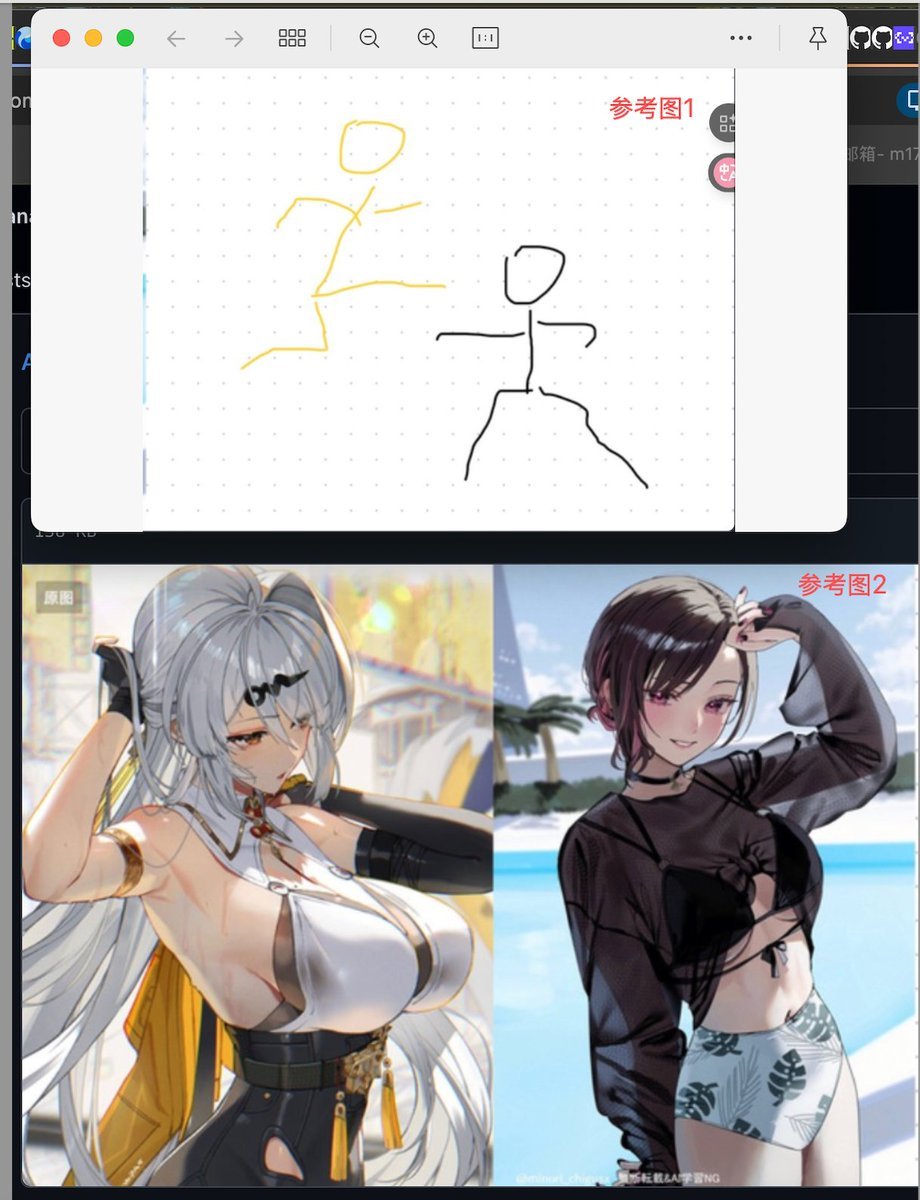
Image Fusion Prompt Using Multiple References
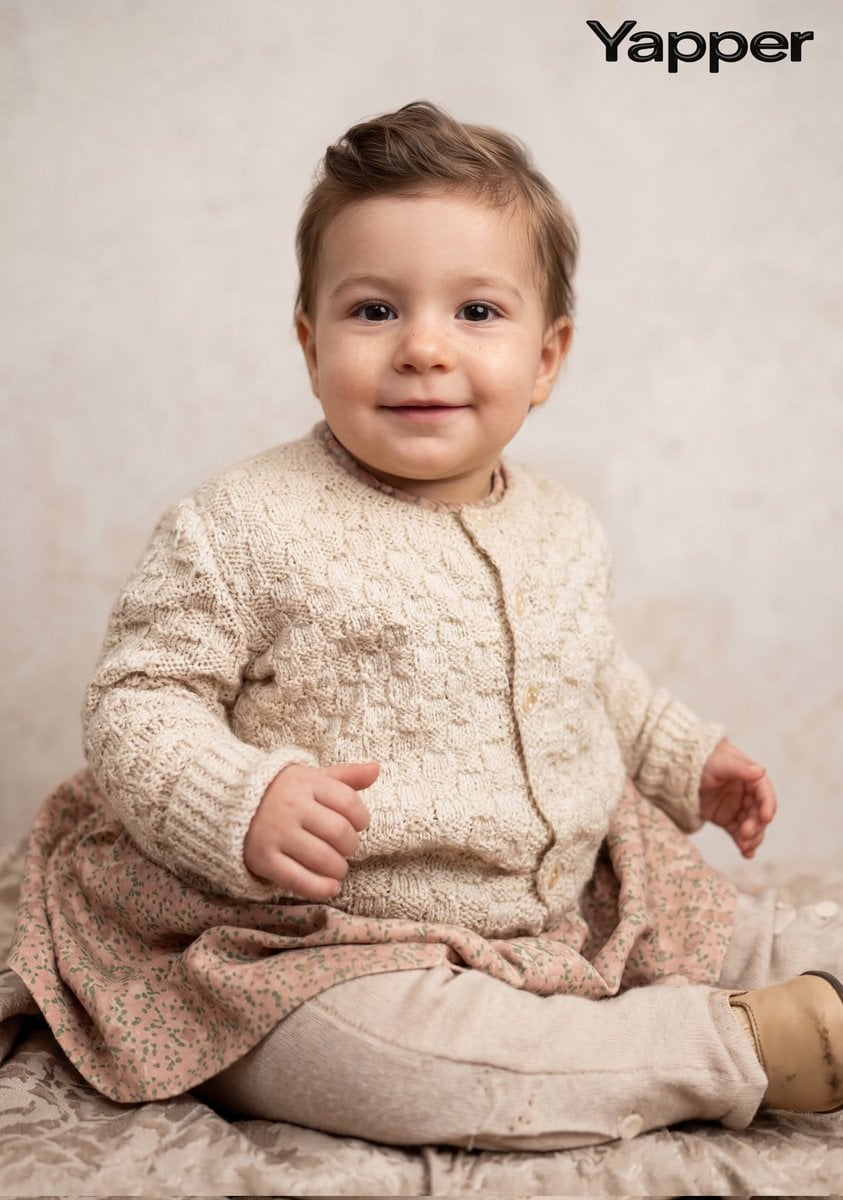
Cinematic Portrait Restoration Prompt
Browse template categories
Sunny Cartoon Breakfast Break questions
How do I use the Sunny Cartoon Breakfast Break template?
Add your photo if the template asks for one, edit the prompt if you like — the template's model and format are already selected — and press Generate. Your version opens in PicX Studio.
Can I customize the Sunny Cartoon Breakfast Break template?
Yes. You can change the subject, setting, lighting, mood, format, and available model controls before creating your image.
Is the Sunny Cartoon Breakfast Break template free?
Opening and editing this template is free. Generating uses credits, shown on the Generate button when you are signed in.
Which AI model should I use?
Start with GPT Image 2, which is the model associated with this template. You can compare another compatible model for a different finish.
Looking for something else? Browse all templates.

Your photo, any look
Thousands of ready templates for every top image and video model, from one credit balance.