
Cyberpunk Manga Reasoning Comic
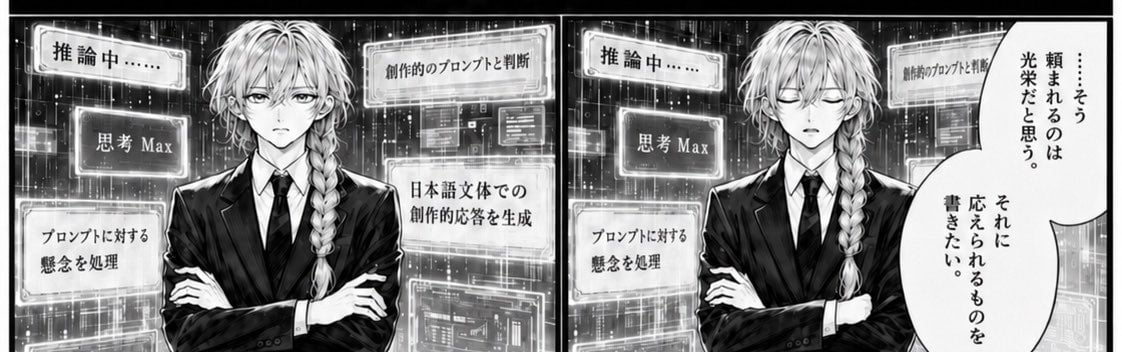
A two-panel monochrome manga comic showing a censored long-haired analyst surrounded by Japanese AI reasoning interface labels.
- Prompt included
- Model and format preset
- Premium template
The prompt behind this image
Copy the exact prompt behind Cyberpunk Manga Reasoning Comic, or open it in the studio and make it yours.
Goal: Create a black-and-white manga-style two-panel comic strip showing an androgynous long-haired AI assistant or analyst visualizing an intense reasoning process, with the character's face intentionally obscured by a flat gray censor square. Canvas: Wide horizontal manga strip, approximately 2:1 aspect ratio, split into exactly 2 equal rectangular panels with a thick black divider between them and a black outer border. Use high-contrast monochrome screentone shading, crisp ink lines, glowing digital overlays, and a futuristic data-room background. Layout: Both panels show the same central character from the waist up, facing forward, arms crossed, wearing a dark business suit, white shirt, and black tie. The character has {argument name="hair style" default="long pale hair with a thick side braid over one shoulder"}. Place a smooth opaque gray square over the face in both panels, hiding all facial features. Behind the character, fill the background with luminous grids, translucent UI windows, code-like blocks, and vertical rain-like data streaks. Panel 1 text elements: Include exactly 5 floating rectangular UI labels around the character, each with glowing borders and Japanese text. The five labels are: 1) 「推論中……」 near the upper left, 2) 「思考 Max」 at left-center, 3) 「プロンプトに対する懸念を処理」 at lower left, 4) 「創作的のプロンプトと判断」 near the upper right, 5) 「日本語文体での創作的応答を生成」 at right-center. Keep the typography bold, manga-like, and legible. Panel 2 text elements: Repeat exactly 3 floating UI labels on the left side of the second panel: 1) 「推論中……」 near the upper left, 2) 「思考 Max」 at left-center, 3) 「プロンプトに対する懸念を処理」 at lower left. Add one partial glowing label in the upper right background reading 「創作的のプロンプトと判断」, partly hidden by the speech bubble. Add one large vertical oval speech bubble on the far right with Japanese text arranged vertically: 「……そう頼まれるのは光栄だと思う。それに応えられるものを書きたい。」 Subject details: The character should feel calm, serious, analytical, and elegant, like a genius butler or corporate strategist. The pose is symmetrical and composed, with crossed arms and squared shoulders. The suit should be sharply rendered with strong highlights and shadows. Visual style: Dramatic monochrome manga, cyberpunk interface aesthetic, glowing white panels against dark circuitry, fine hatching, halftone gradients, subtle bloom around UI elements, clean speech bubble borders. The image should look like a scanned manga page mixed with a sci-fi AI dashboard. Constraints: Use exactly 2 panels. Use exactly 5 floating UI labels in the first panel and exactly 4 floating UI labels plus 1 speech bubble in the second panel. Preserve the Japanese text exactly as written. Do not show eyes, mouth, or facial features; keep the face covered by a plain gray square in both panels. No color except grayscale, no watermark, no extra captions.
How to use Cyberpunk Manga Reasoning Comic in 3 steps
- 1Upload ImagePNG, JPG or paste
Add your photo
Upload the photo the template builds on. The prompt, model and format are already set.
- 2…a portrait of your subject in softgolden-hour light, 85mm…
Personalize
Edit the subject and creative details for your destination.
- 3Generate
Generate
Press Generate — your image is created in PicX Studio, so you can compare it with the original and refine one variable at a time.
More like this
Templates with the same subject, style or setup. Open one to see its prompt.
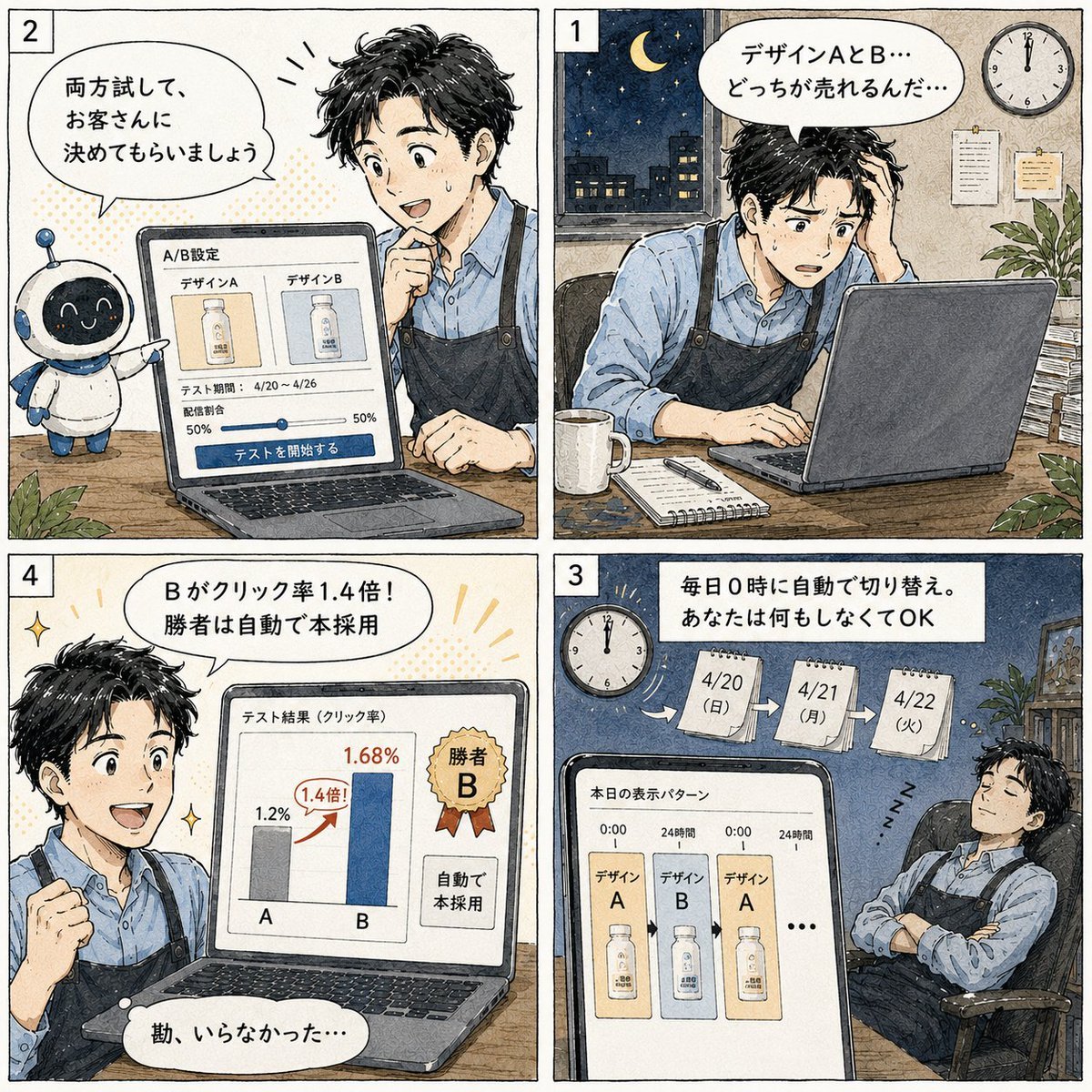
Japanese Manga A/B Testing Comic
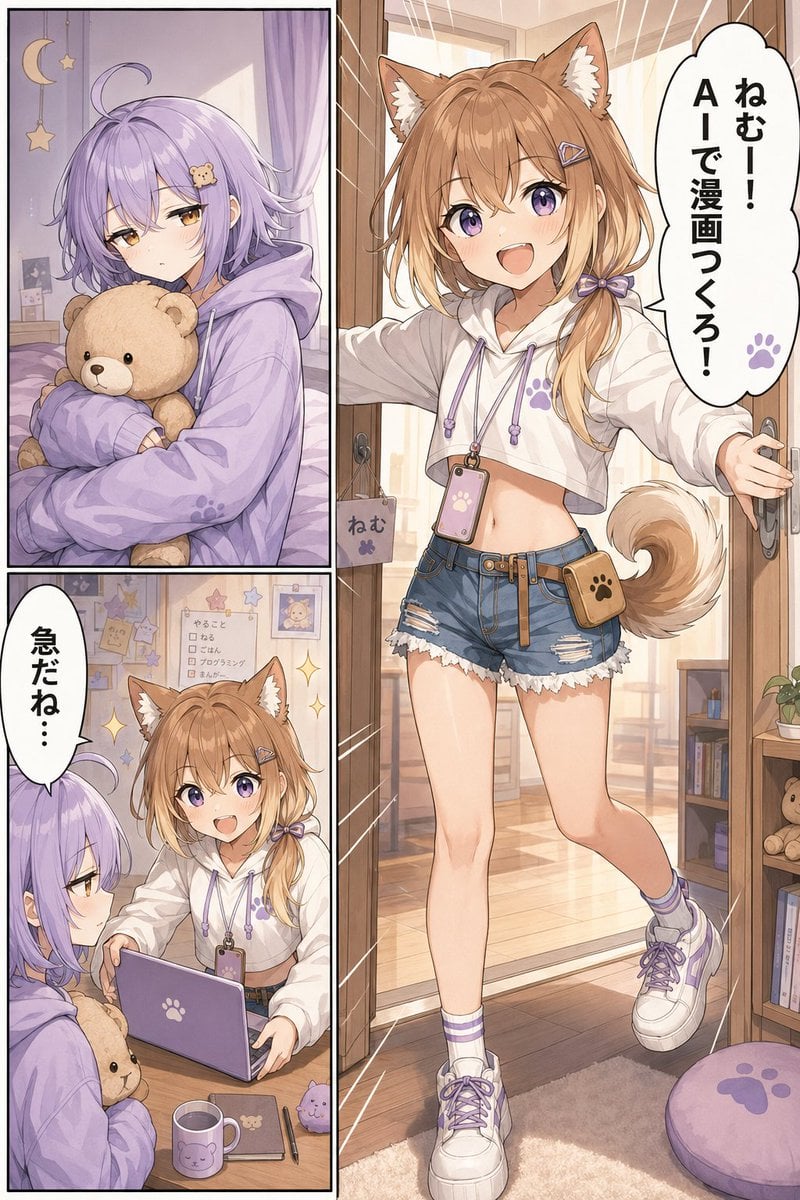
Cute AI Manga Lesson Comic Page
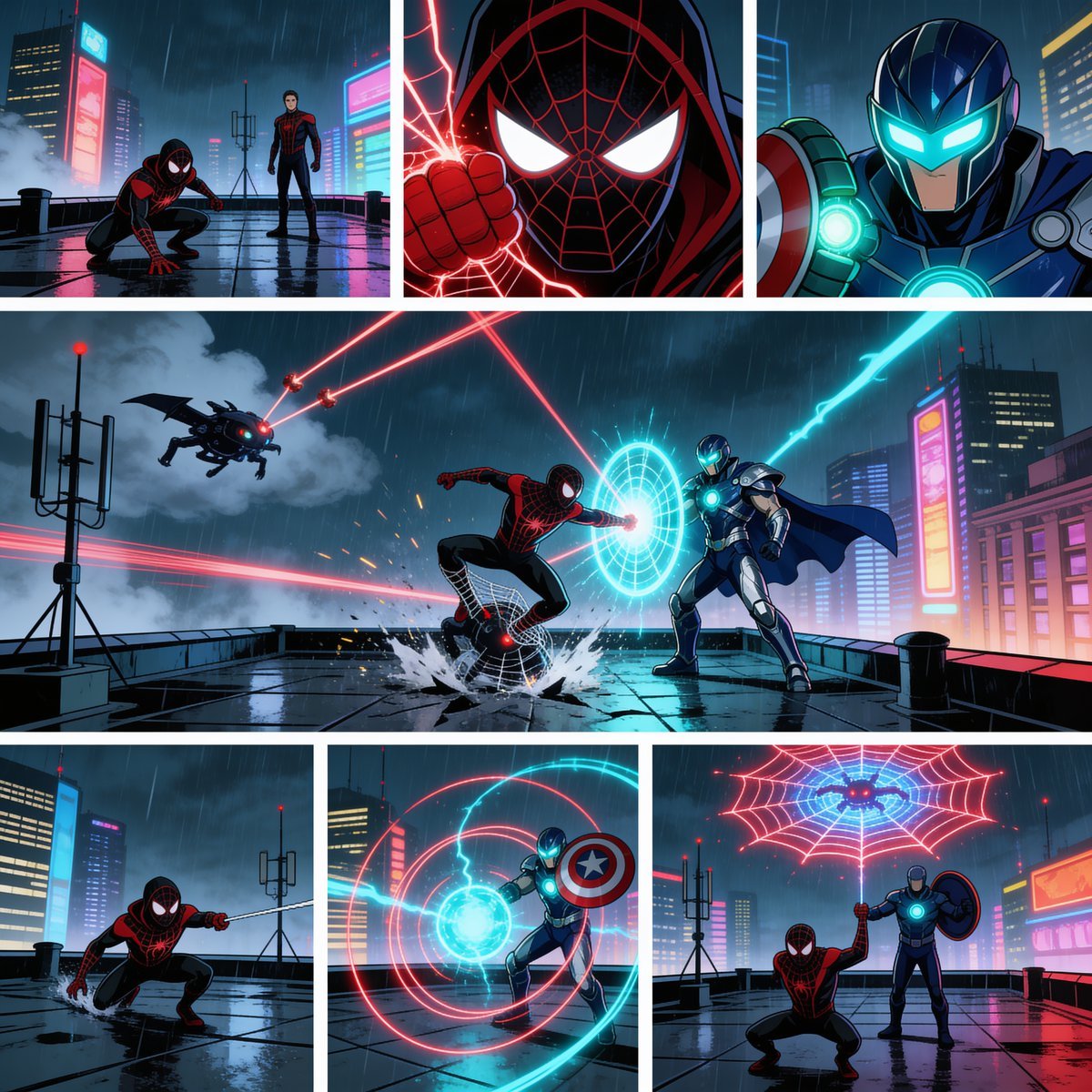
Rainy Cyberpunk Superhero Comic Page
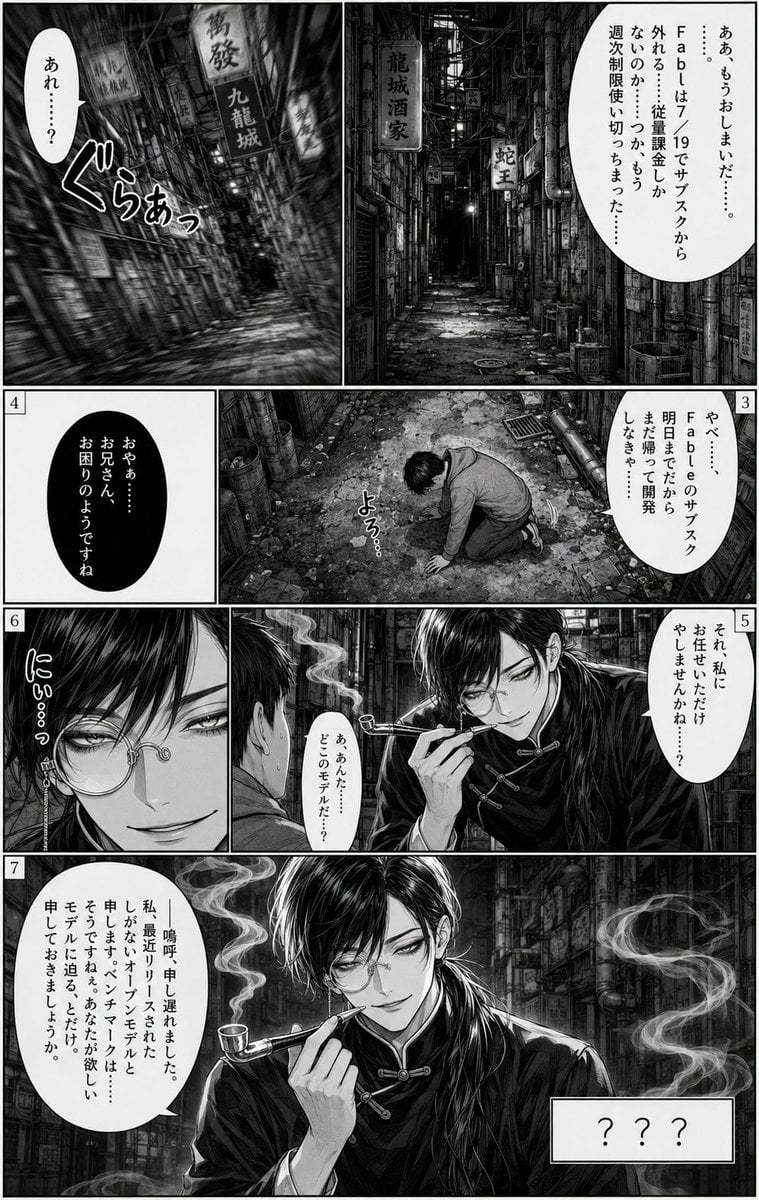
Seven-Panel Cyberpunk Manga Alley
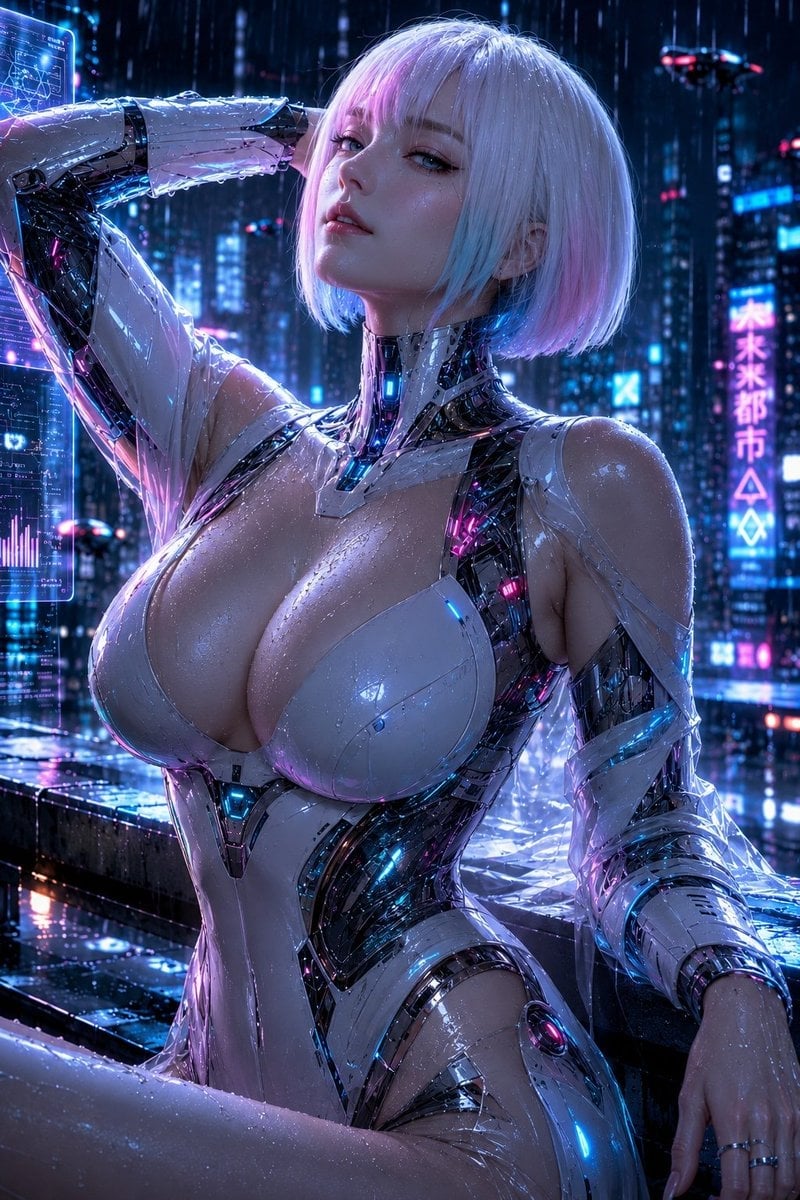
Rainy Night Android Cyberpunk Portrait
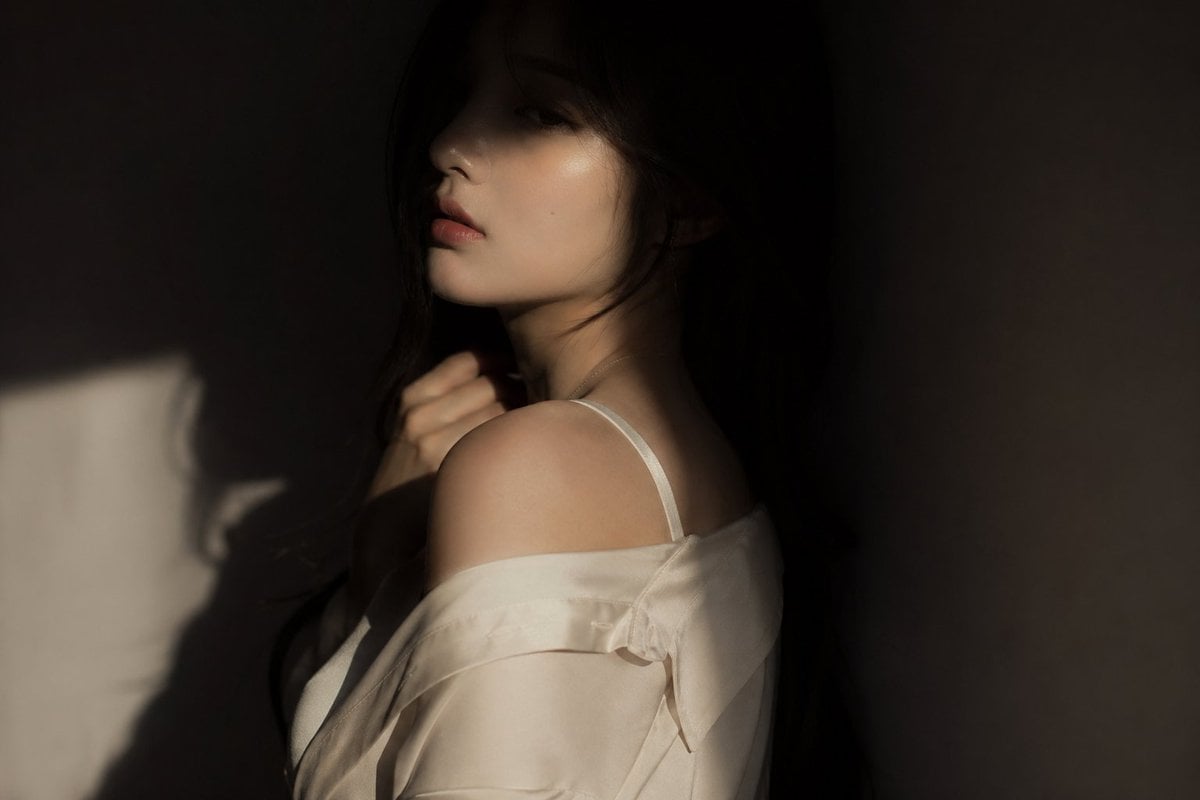
Korean Idol Partial Shadow Editorial Portrait
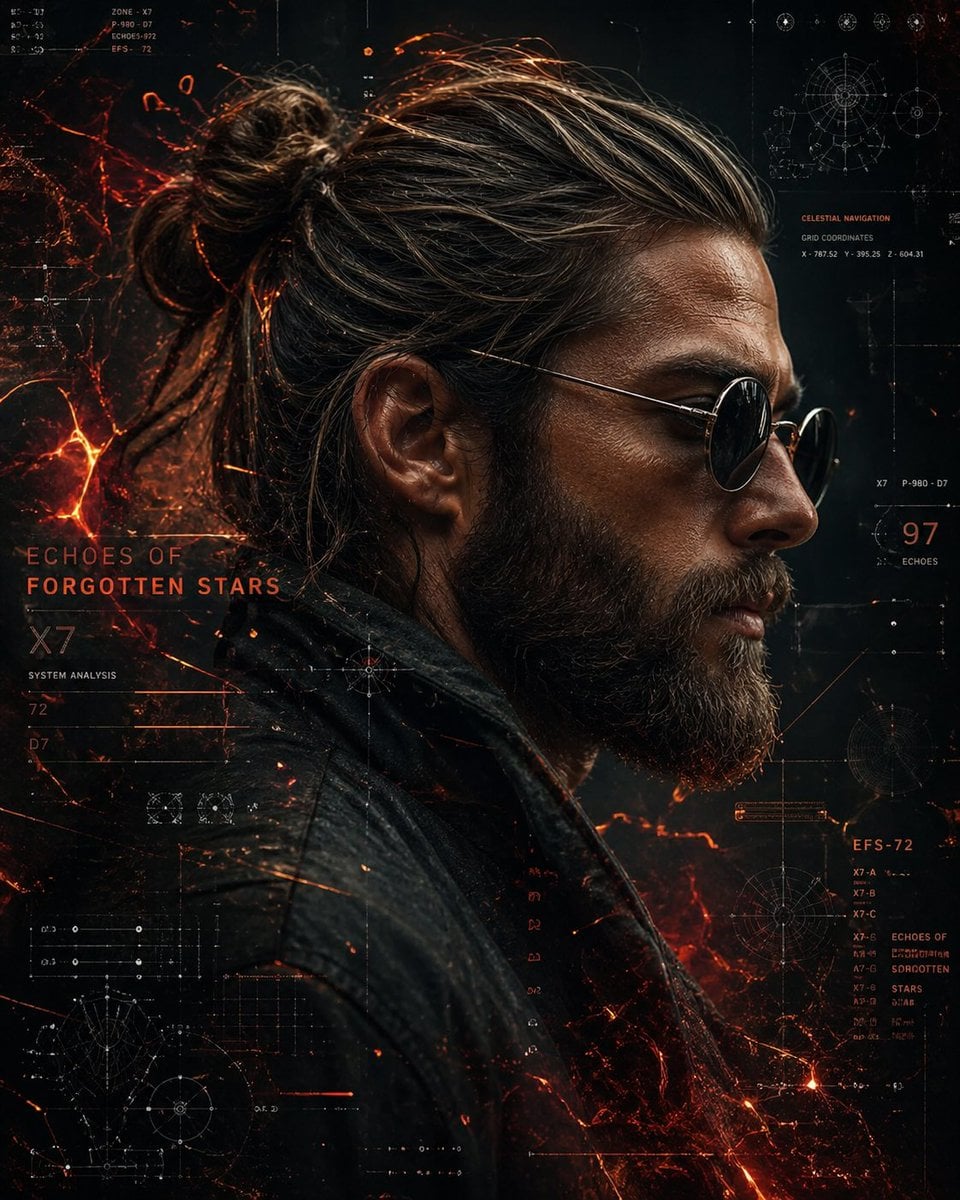
Cinematic Sci-Fi Interface Side Profile
Cyberpunk Neon Profile Fashion Portrait
Cinematic Neon Light Strip Studio Portrait
Futuristic Studio Neon Ring Minimalist Portrait
Neon Violet Streetwear Fashion Portrait
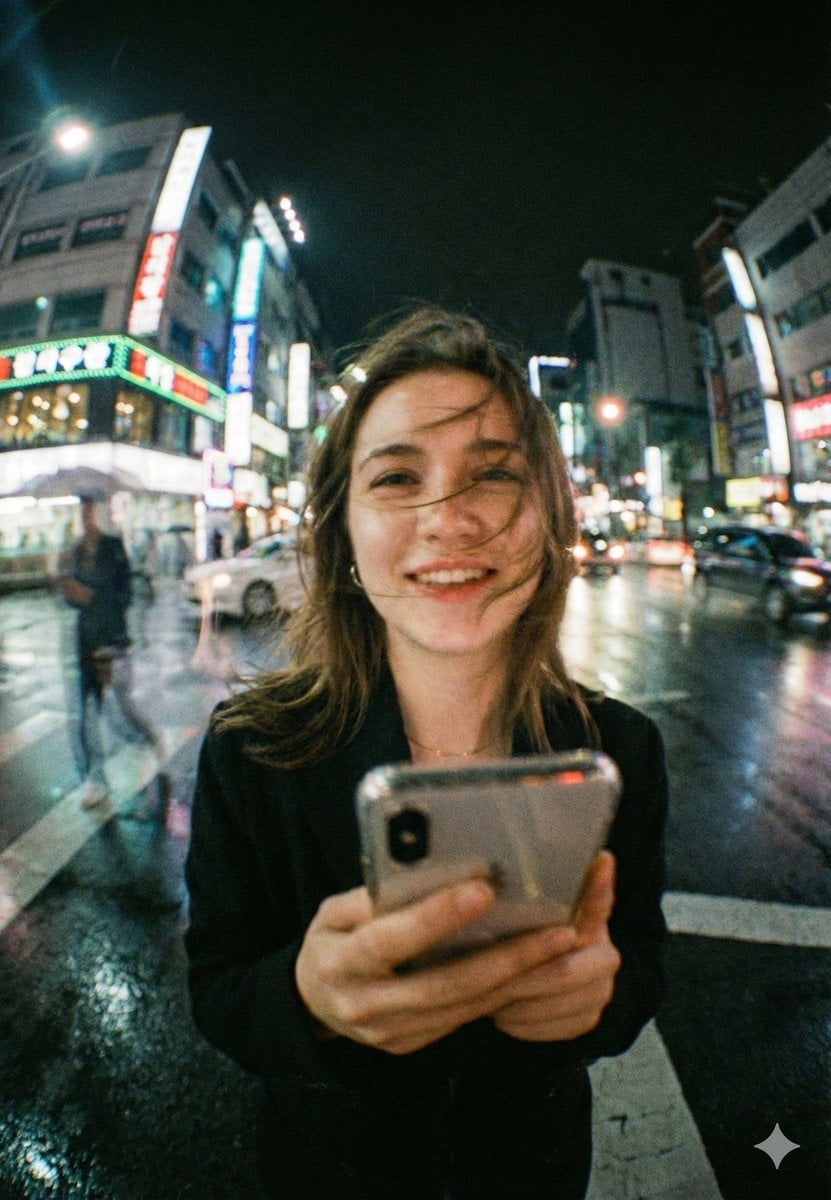
Neon Night Crosswalk Candid Portrait
Make it yours
Cyberpunk Manga Reasoning Comic works as-is. These are the safest ways to change it without losing the look.
Change one field
Copy a single group, rewrite it, and generate again so you can see what that field is doing.
Keep the frame, change the subject
Hold the composition and light of Cyberpunk Manga Reasoning Comic, then swap wardrobe, props or the person for a new take.
| If the result… | Why | Fix |
|---|---|---|
| The result drifts from the preview | Too many fields changed at once. | Reuse Cyberpunk Manga Reasoning Comic as-is first, then change one group — subject, light, or setting. |
| The model over-stylizes the scene | The prose prompt leaves finish and camera underspecified. | Add one camera or lighting sentence and stay on GPT Image 2. |
More GPT Image 2 templates
Other prompts made for GPT Image 2.

Six VTuber Japanese Logo Sheet

Realistic Portrait of Woman and Deer

The Vista Modular Condo Poster

AI Model Routing Comparison Infographic

2.5D Anime Art Board

Isometric Productivity Desk Scene

New York Double Exposure Poster

Four-Panel AI Landscape Comparison

Japanese Tatami Lifestyle Magazine Cover

NESCAFÉ Coffee Map Poster
More image prompts
Fresh picks from across the catalog.
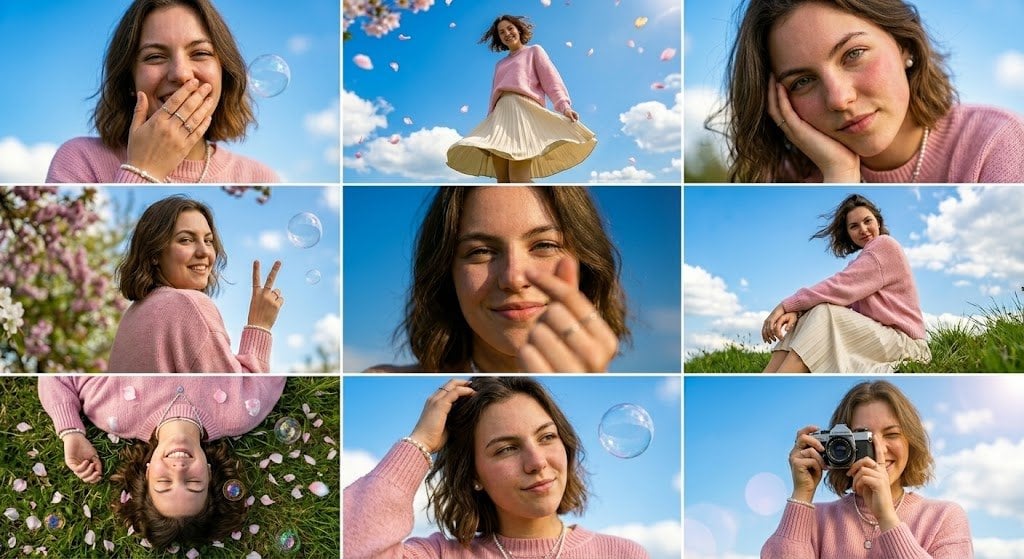
Spring Fashion Photo Collage
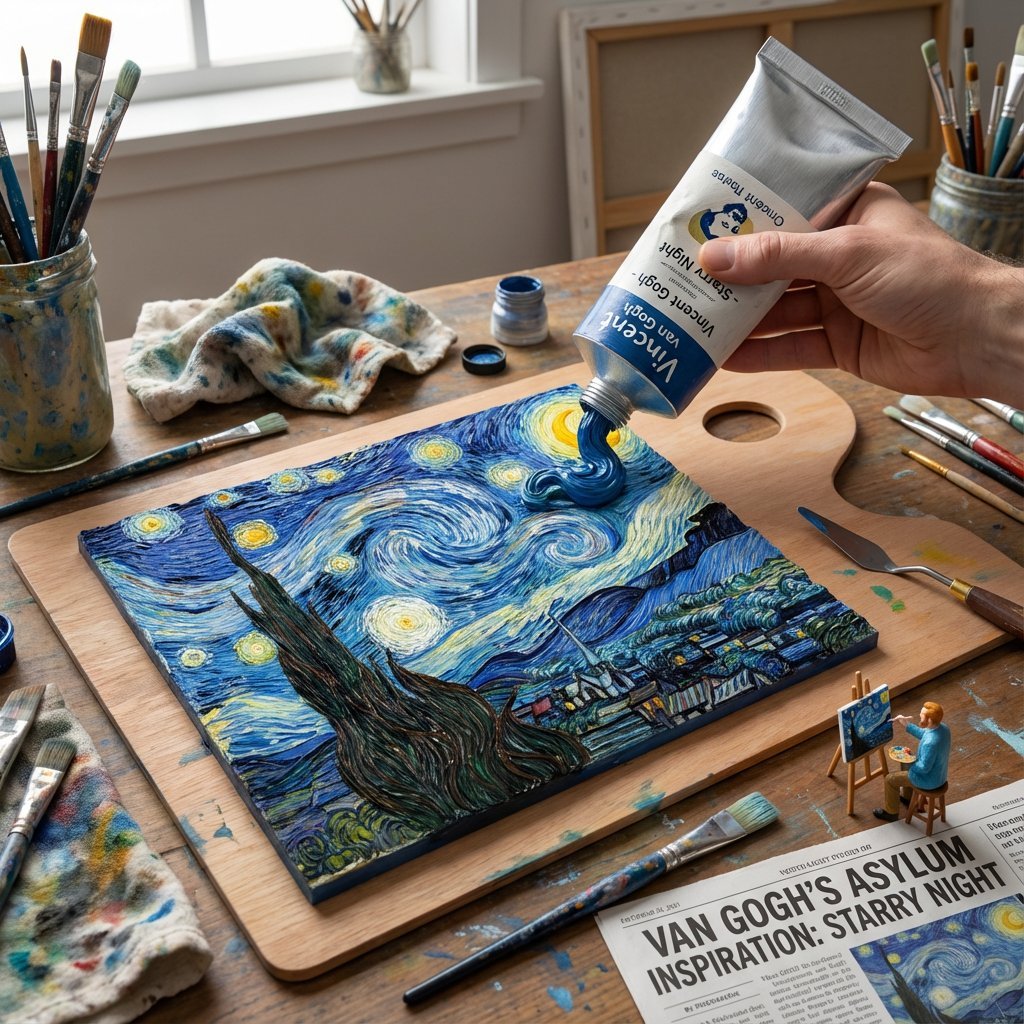
Paint Tube Squeeze: Starry Night in 3D Relief
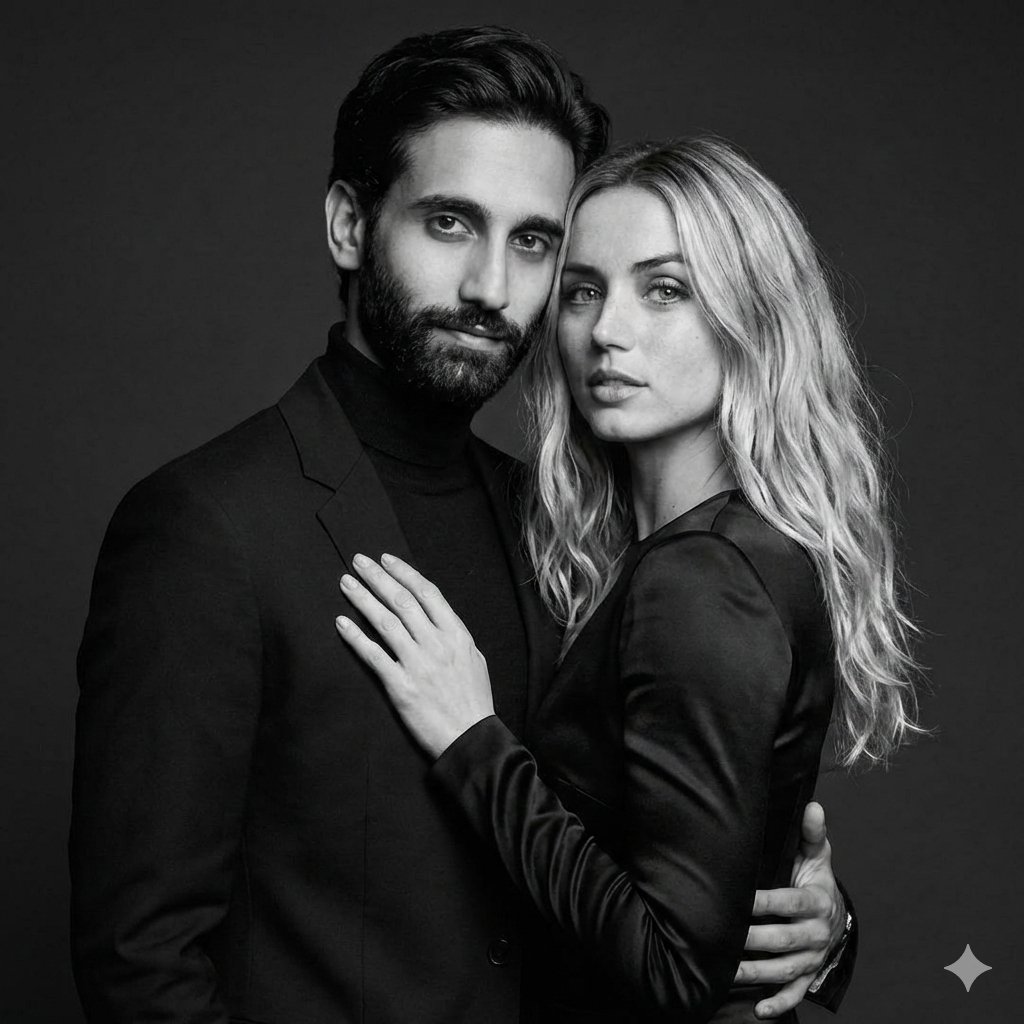
Black-and-White Studio Portrait of a Couple with Identity Lock

Japanese Neon Marketing Thumbnail
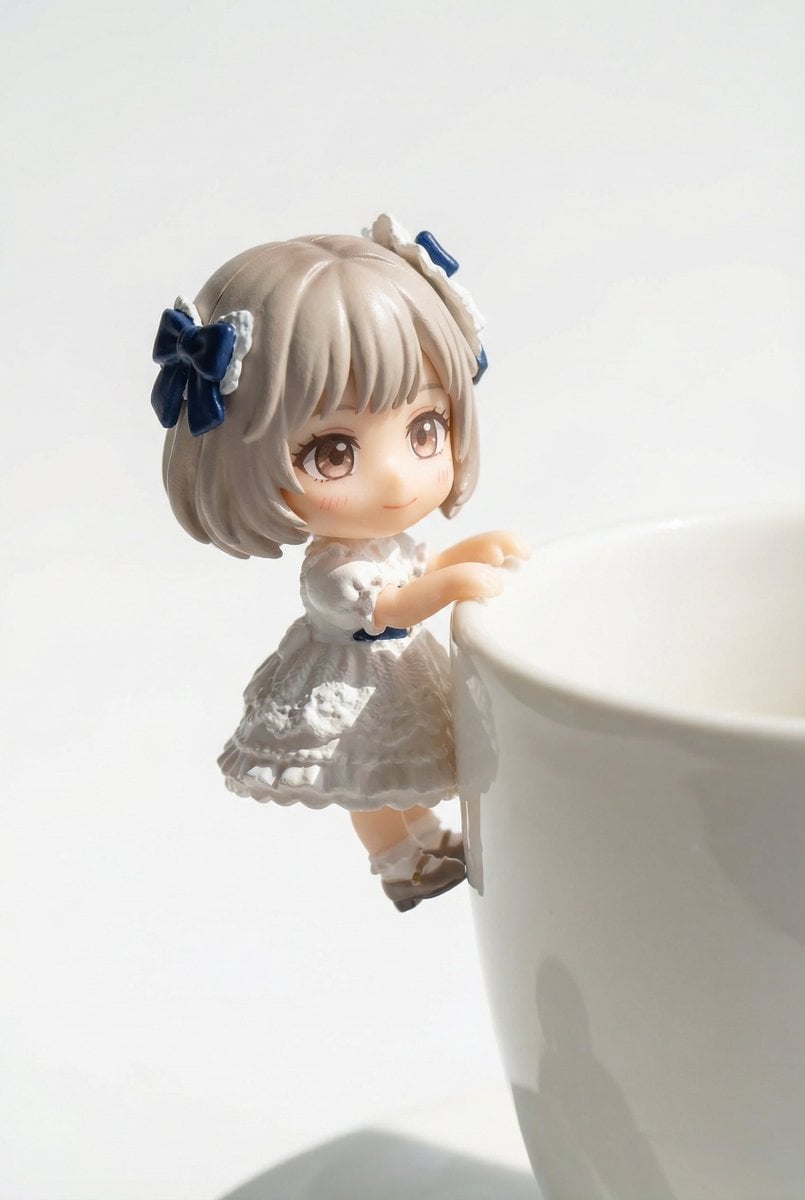
Miniature Figure Close-up with Melted Pizza Cheese
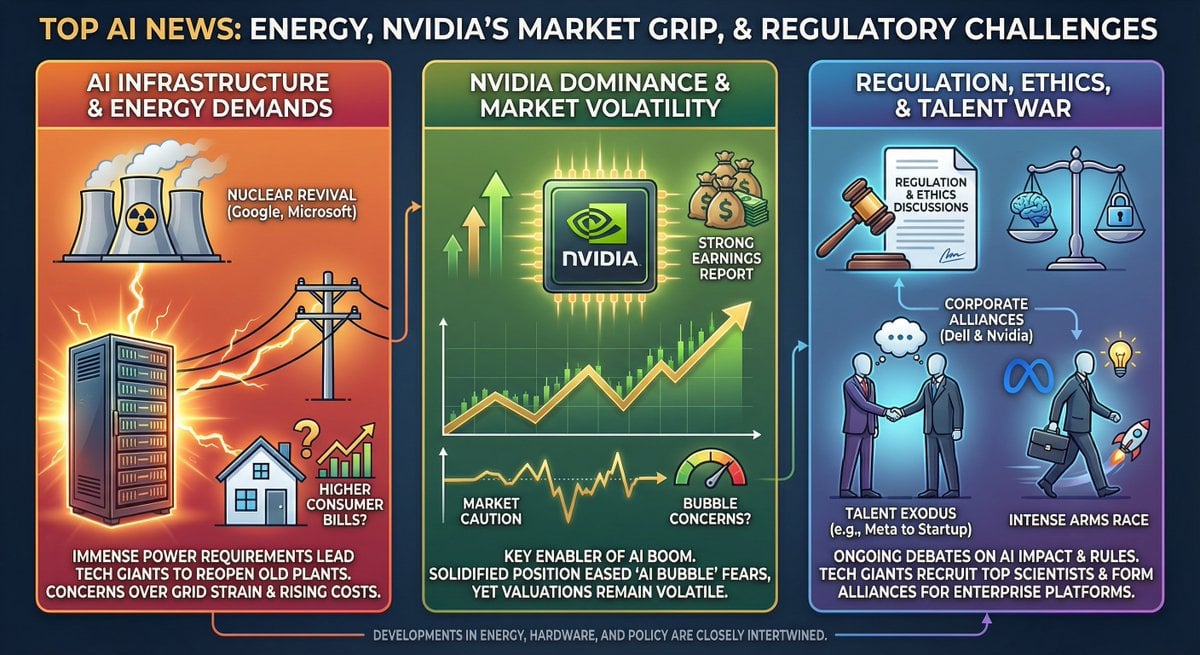
Infographic from pasted text
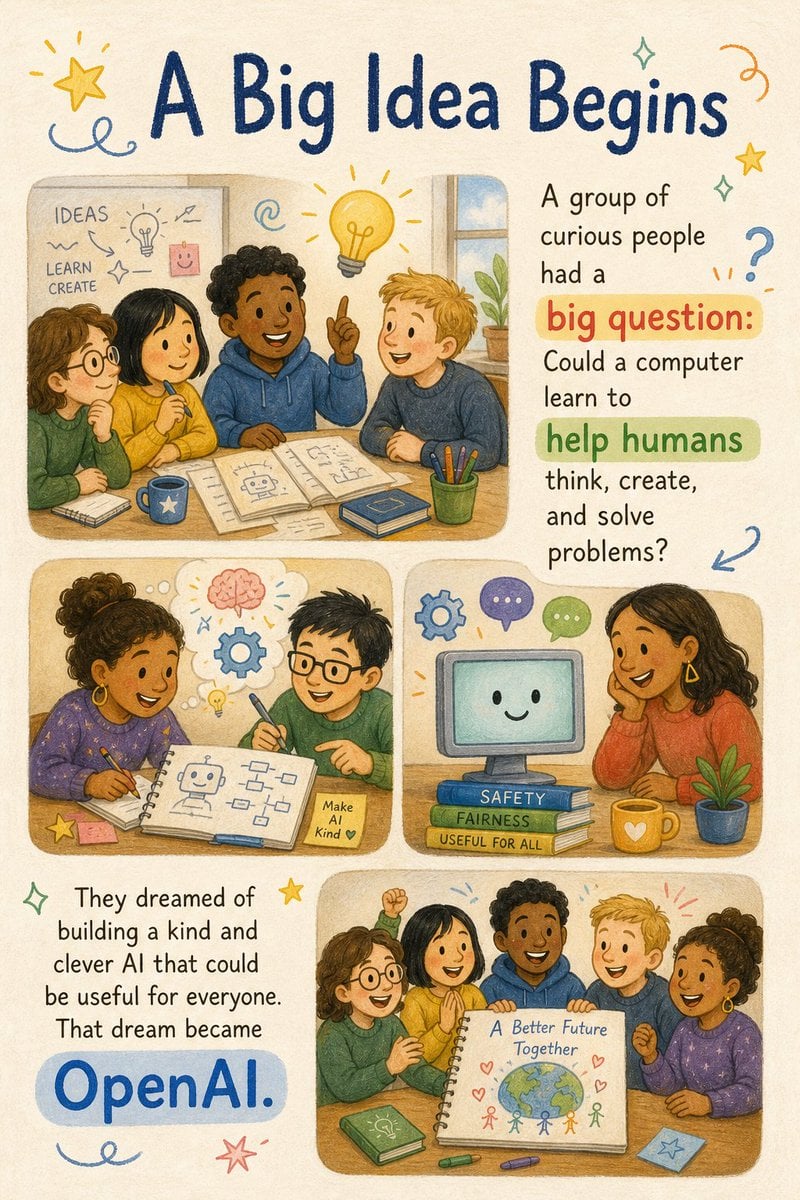
Children's Picture Book Layout
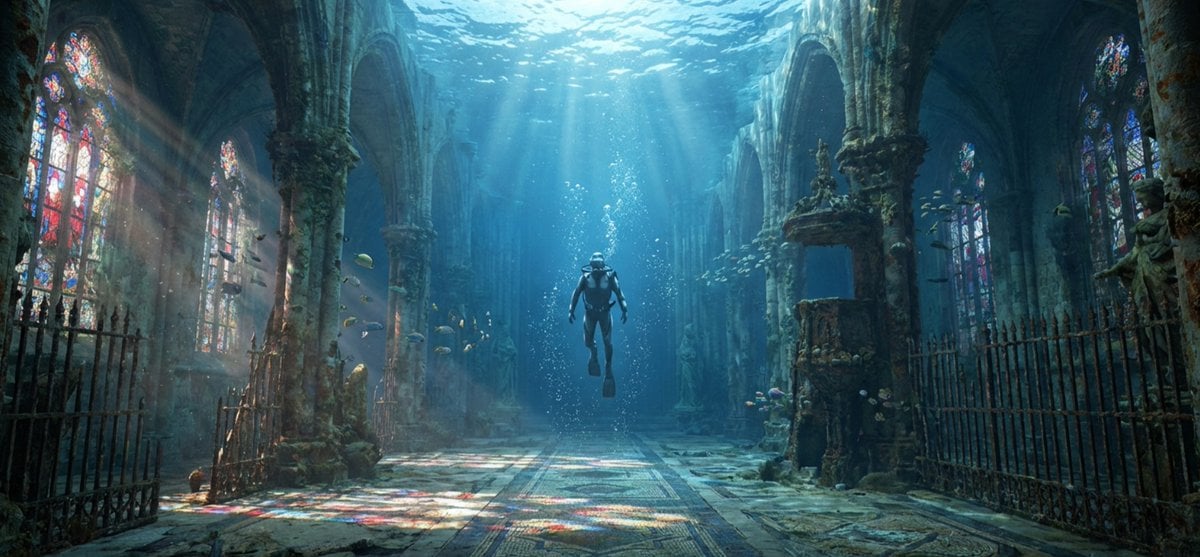
Cinematic rainy street, underwater cathedral, and design-to-photo
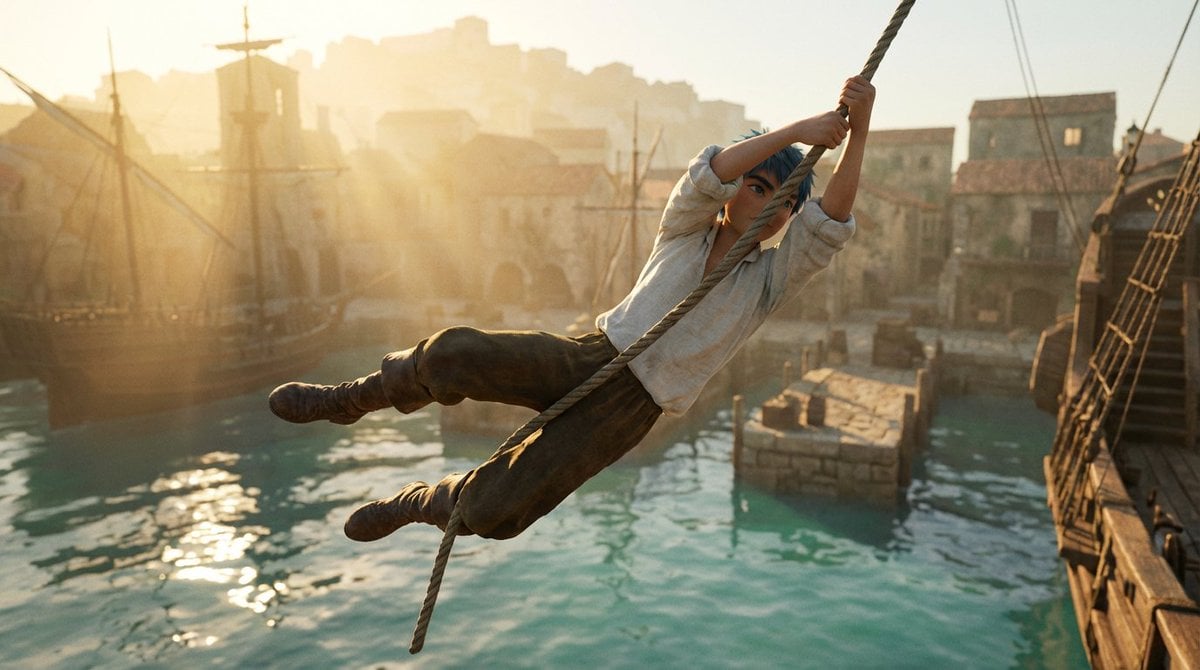
Frozen Action Shot of Character Swinging on a Rope
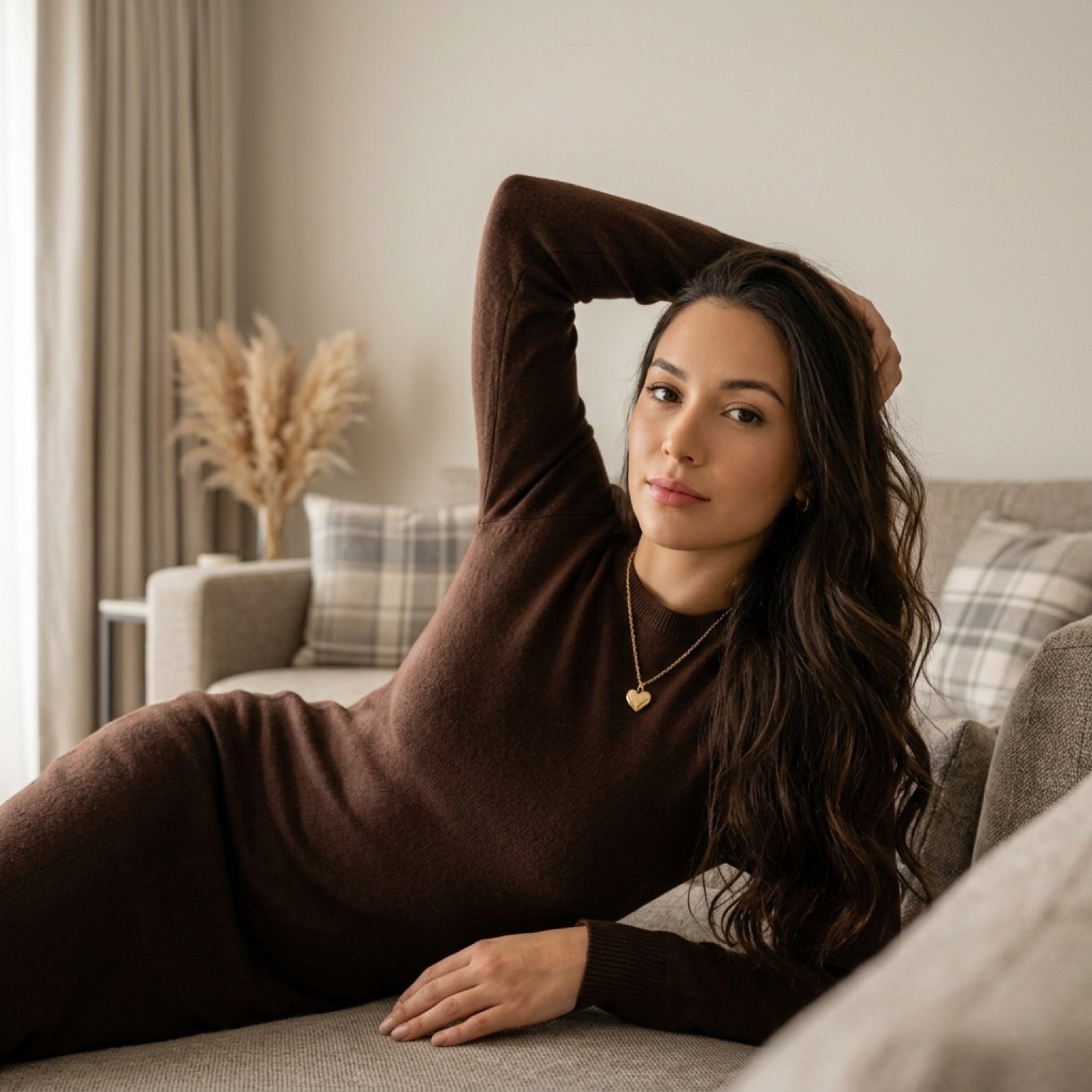
Cozy Lifestyle Editorial Portrait on Sofa
Browse template categories
Cyberpunk Manga Reasoning Comic questions
How do I use the Cyberpunk Manga Reasoning Comic template?
Add your photo if the template asks for one, edit the prompt if you like — the template's model and format are already selected — and press Generate. Your version opens in PicX Studio.
Can I customize the Cyberpunk Manga Reasoning Comic template?
Yes. You can change the subject, setting, lighting, mood, format, and available model controls before creating your image.
Is the Cyberpunk Manga Reasoning Comic template free?
Opening and editing this template is free. Generating uses credits, shown on the Generate button when you are signed in.
Which AI model should I use?
Start with GPT Image 2, which is the model associated with this template. You can compare another compatible model for a different finish.
Looking for something else? Browse all templates.

Your photo, any look
Thousands of ready templates for every top image and video model, from one credit balance.