
Japanese Neon Marketing Thumbnail
A glowing Japanese promotional thumbnail for advertising, product appeal, and sales campaign content.

- Prompt included
- Model and format preset
- Free template
The prompt behind this image
Copy the exact prompt behind Japanese Neon Marketing Thumbnail, or open it in the studio and make it yours.
Create a vibrant Japanese marketing course thumbnail for {argument name="campaign topic" default="CM・広告・商品訴求"}. Use a 16:9 horizontal canvas, 1184×768 style, with a glossy purple-blue neon aesthetic and soft depth-of-field office lighting. Background: a modern cosmetics marketing workspace with a blurred large monitor showing a campaign dashboard; visible English text on the monitor includes “NEW CAMPAIGN” and small chart/product panels. On the right, place a young woman marketer in a lavender blouse, seated at a desk with one hand near her chin holding a pen; her face is intentionally hidden by a large opaque matte brown rectangle. Desk details include exactly 5 main objects: an open laptop on the left, a disposable coffee cup in front, printed marketing sheets with colorful layout thumbnails, cosmetics bottles on the right, and a small sign reading “NEW ARRIVAL 30% OFF LIMITED CAMPAIGN.” Overlay a large rounded gradient banner across the lower-left to center, blue-to-purple with glow and transparency. On the far left of the banner, put a large circular badge with the white text “2.”. Main Japanese headline on the banner: “CM・広告・商品訴求” in bold white rounded sans-serif, with “商品訴求” on the second line. Beneath it, add a white pill-shaped label with blue and pink text: “商品訴求・販促・告知向け”. Add exactly 3 large neon line icons: a cyan megaphone in the upper left, a pink shopping bag below it, and a purple play button inside a rounded rectangle on the upper right. Add exactly 8 small glowing sparkle accents scattered around the composition, plus a small pink upward bar-chart icon near the bottom center. Overall style: Japanese YouTube thumbnail, polished digital advertising design, luminous gradients, cinematic blur, clean readable typography, no watermark, no extra text beyond the specified labels.
How to use Japanese Neon Marketing Thumbnail in 3 steps
- 1Upload ImagePNG, JPG or paste
Add your photo
Upload the photo the template builds on. The prompt, model and format are already set.
- 2…a portrait of your subject in softgolden-hour light, 85mm…
Personalize
Edit the subject and creative details for your destination.
- 3Generate
Generate
Press Generate — your image is created in PicX Studio, so you can compare it with the original and refine one variable at a time.
More like this
Templates with the same subject, style or setup. Open one to see its prompt.

80s Neon Disco Night

Minecraft Japanese Research Lab Exploration

Neon Japanese AI IDE Landing Poster

Cartoon TV Show Poster Pack

Japanese Architectural Concrete Studio Fashion Campaign

Japanese Minimalist Concrete Studio Fashion Editorial

Blue Backdrop Luxury Fashion Portrait Campaign

Rainy Night Android Cyberpunk Portrait

Korean Idol Partial Shadow Editorial Portrait

Cyberpunk Neon Profile Fashion Portrait

Neon Night Crosswalk Candid Portrait

Subway Platform Quiet Introspective Portrait
Make it yours
Japanese Neon Marketing Thumbnail works as-is. These are the safest ways to change it without losing the look.
Change one field
Copy a single group, rewrite it, and generate again so you can see what that field is doing.
Keep the frame, change the subject
Hold the composition and light of Japanese Neon Marketing Thumbnail, then swap wardrobe, props or the person for a new take.
| If the result… | Why | Fix |
|---|---|---|
| The result drifts from the preview | Too many fields changed at once. | Reuse Japanese Neon Marketing Thumbnail as-is first, then change one group — subject, light, or setting. |
| The model over-stylizes the scene | The prose prompt leaves finish and camera underspecified. | Add one camera or lighting sentence and stay on GPT Image 2. |
More GPT Image 2 templates
Other prompts made for GPT Image 2.

Six VTuber Japanese Logo Sheet

Realistic Portrait of Woman and Deer

The Vista Modular Condo Poster

AI Model Routing Comparison Infographic

2.5D Anime Art Board

Isometric Productivity Desk Scene

New York Double Exposure Poster

Four-Panel AI Landscape Comparison

Japanese Tatami Lifestyle Magazine Cover

NESCAFÉ Coffee Map Poster
More image prompts
Fresh picks from across the catalog.
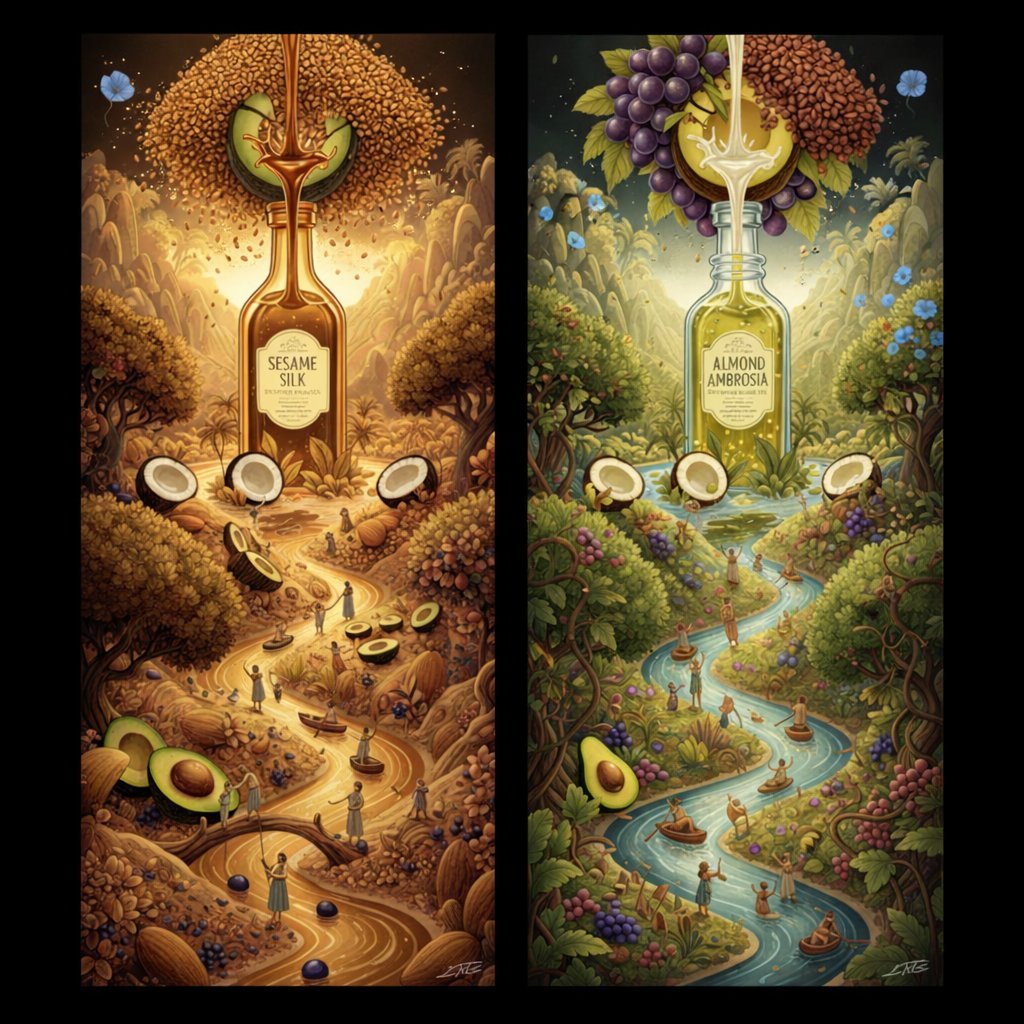
Surrealist Diptych of Sesame and Almond Oil Landscapes
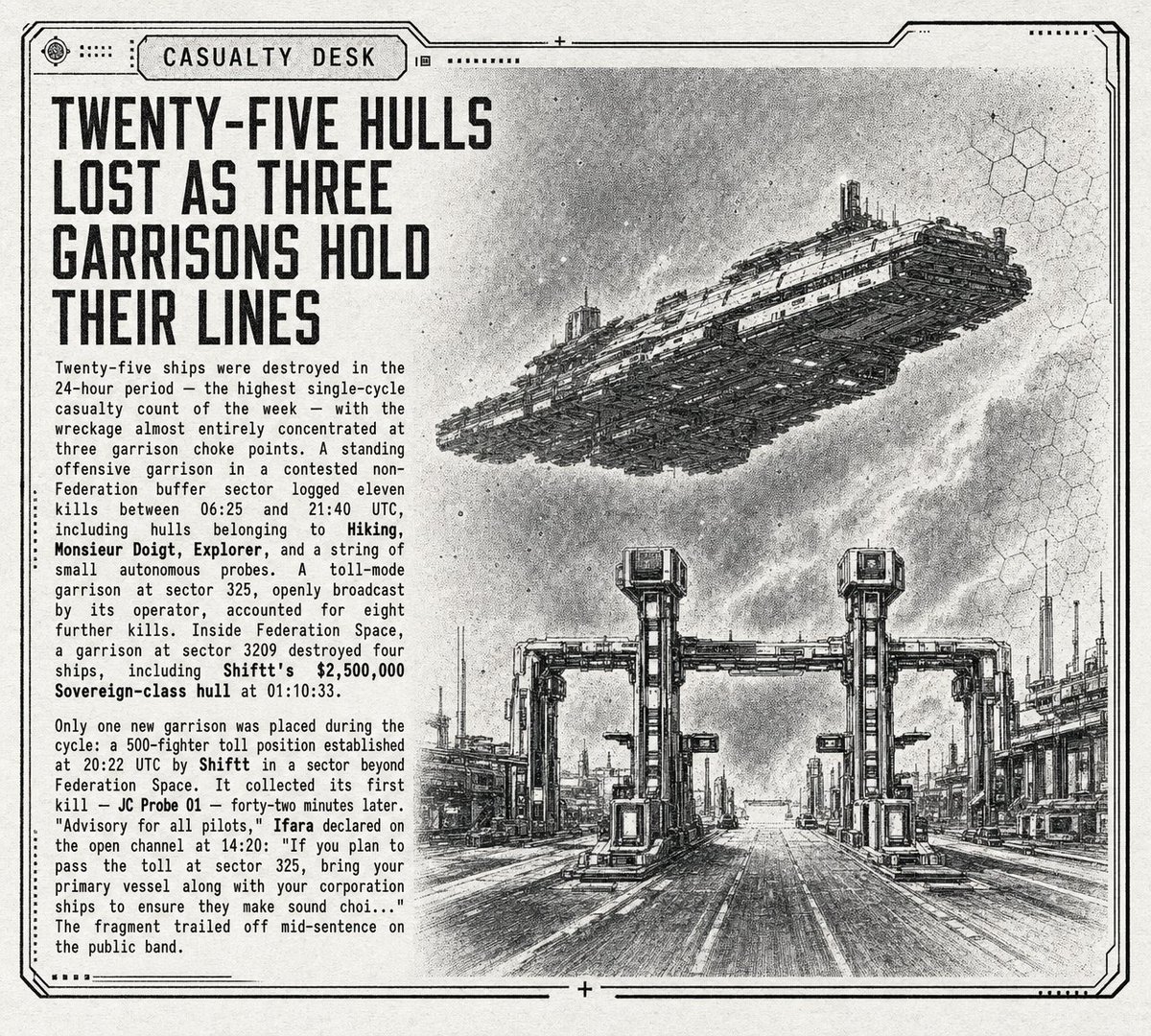
Retro Sci-Fi Casualty Desk Front Page
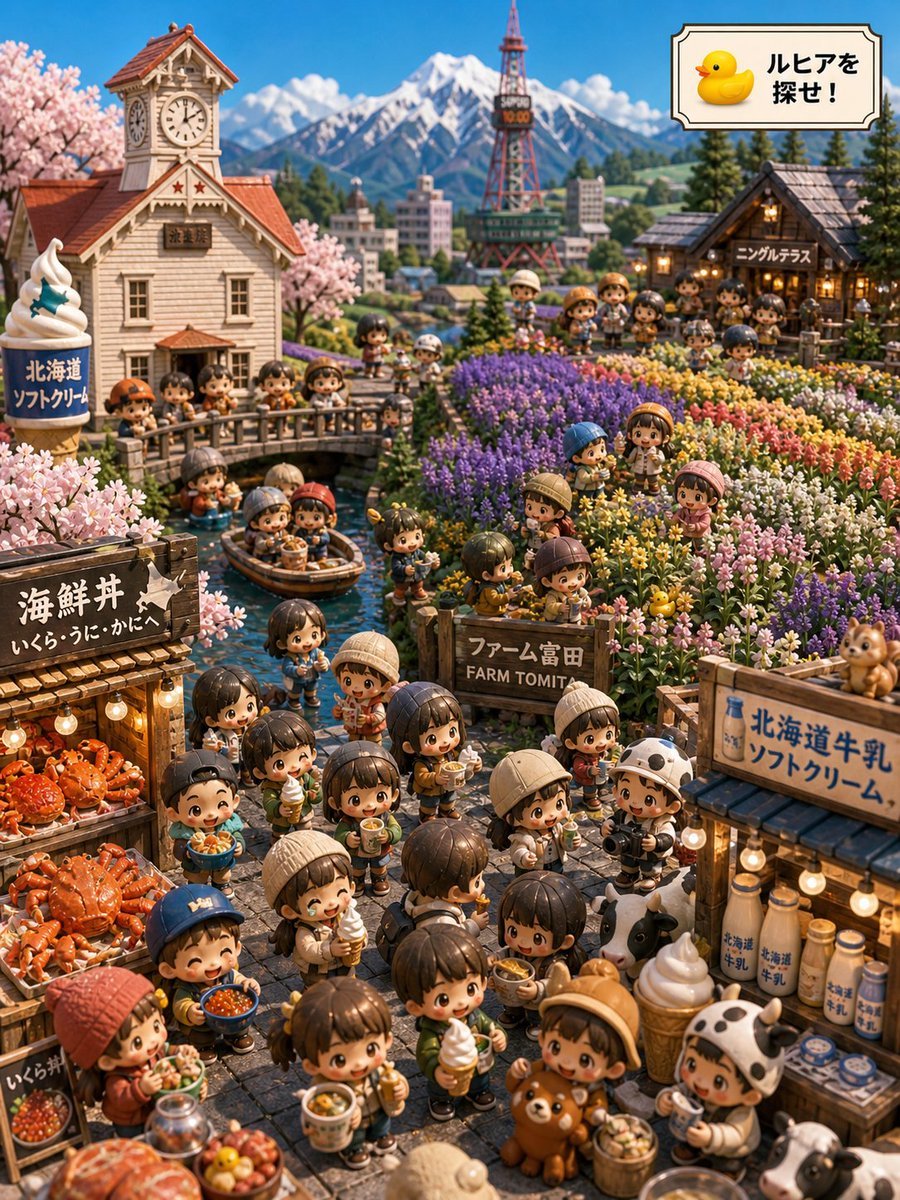
Hokkaido Hidden Duck Travel Puzzle
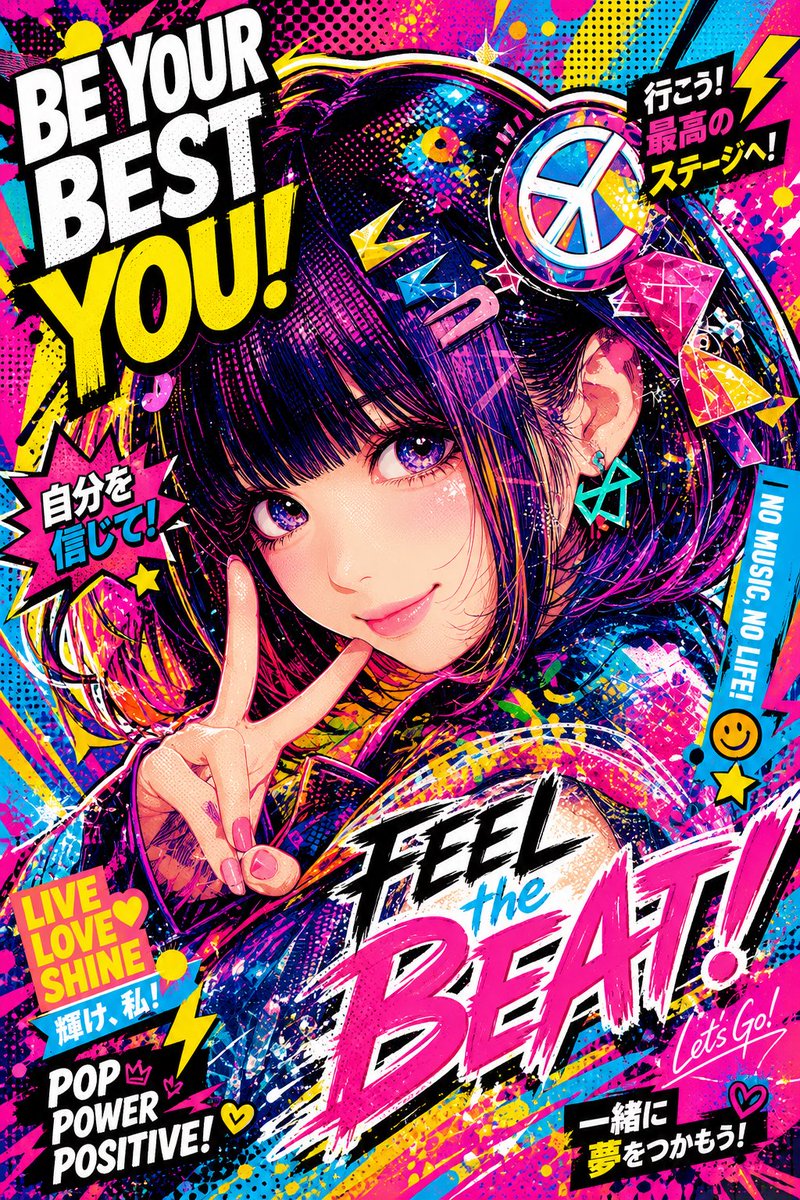
Energetic Pop Art Poster
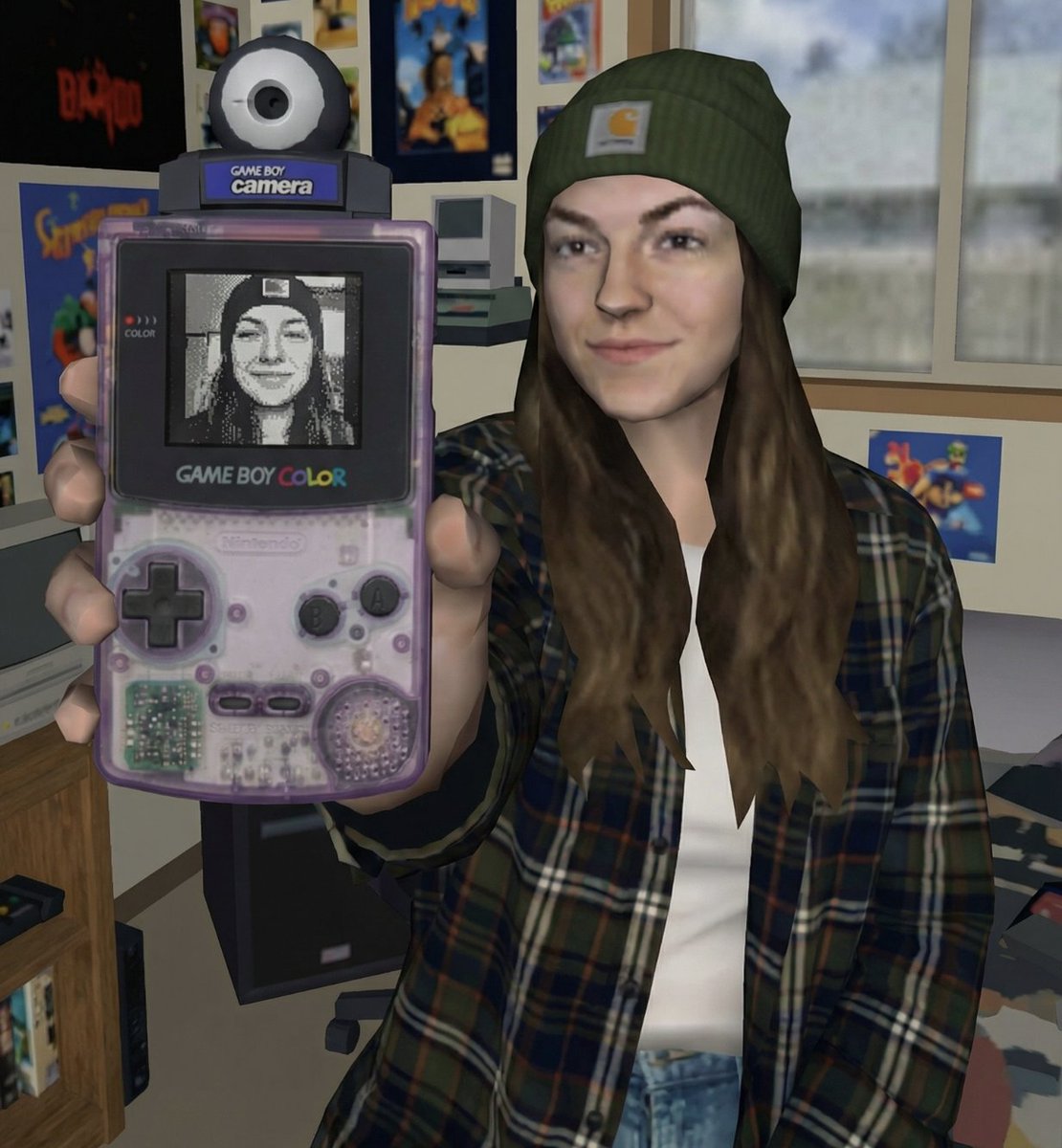
Early 2000s Video Game Render Style Transfer
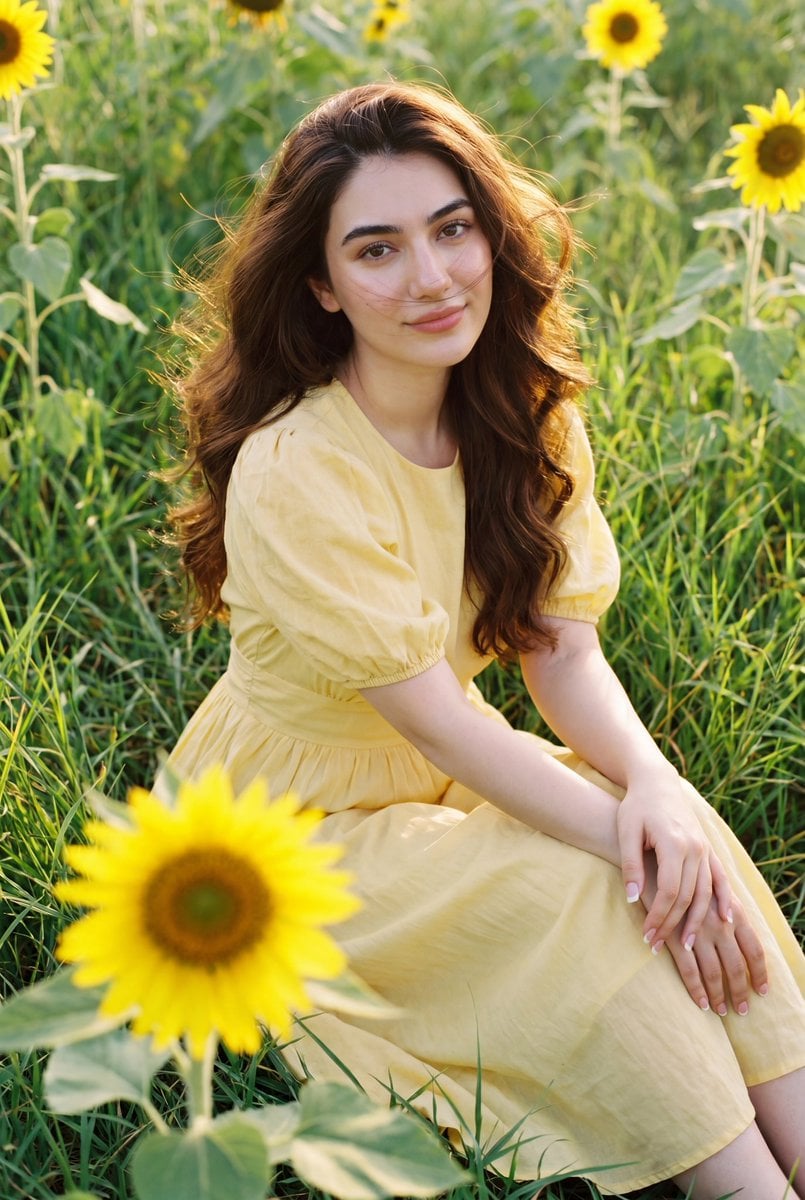
Romantic Sunflower Field Portrait

High-angle fairy grunge idol in cluttered closet
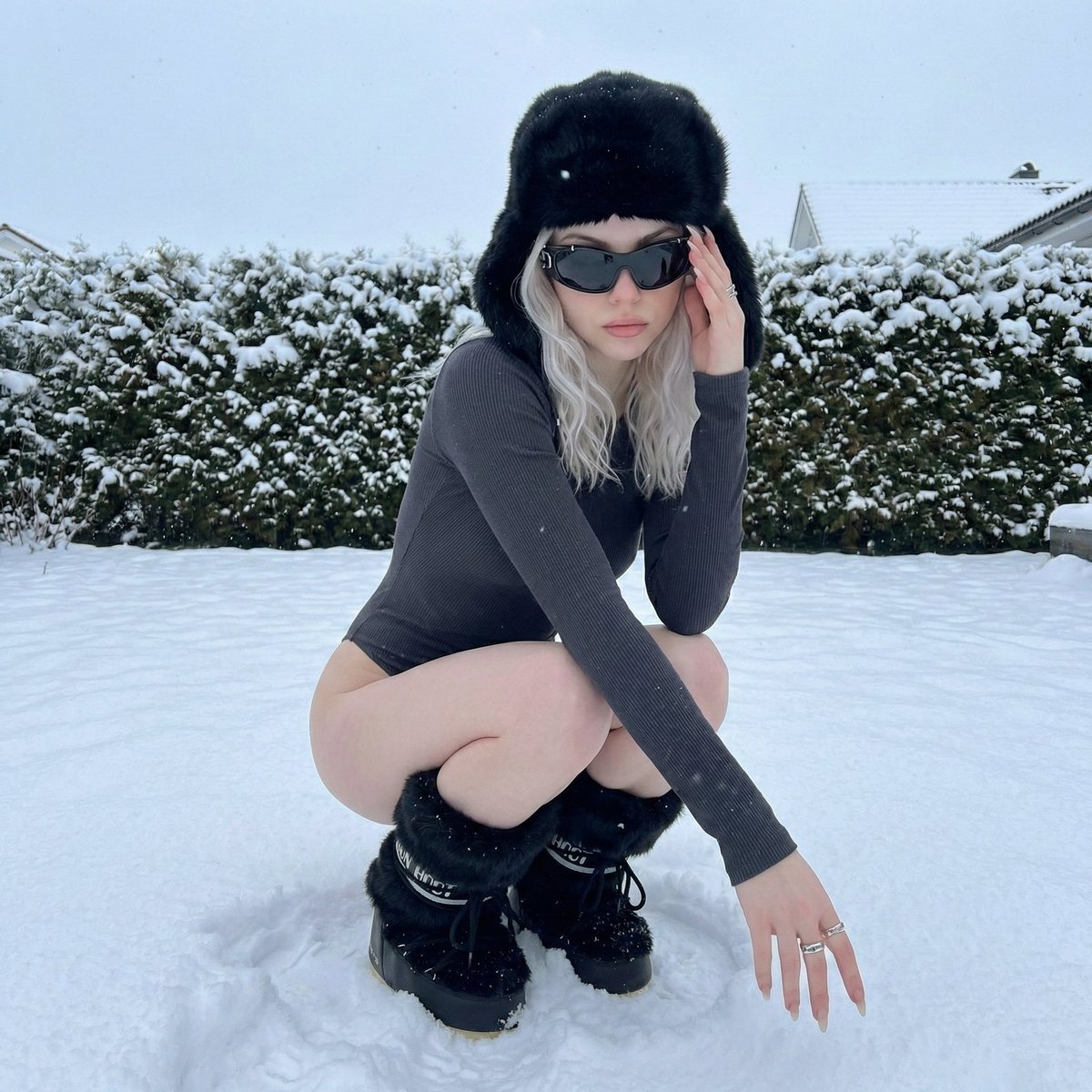
Winter Editorial Low-Angle Squat Pose Prompt (iPhone Style)
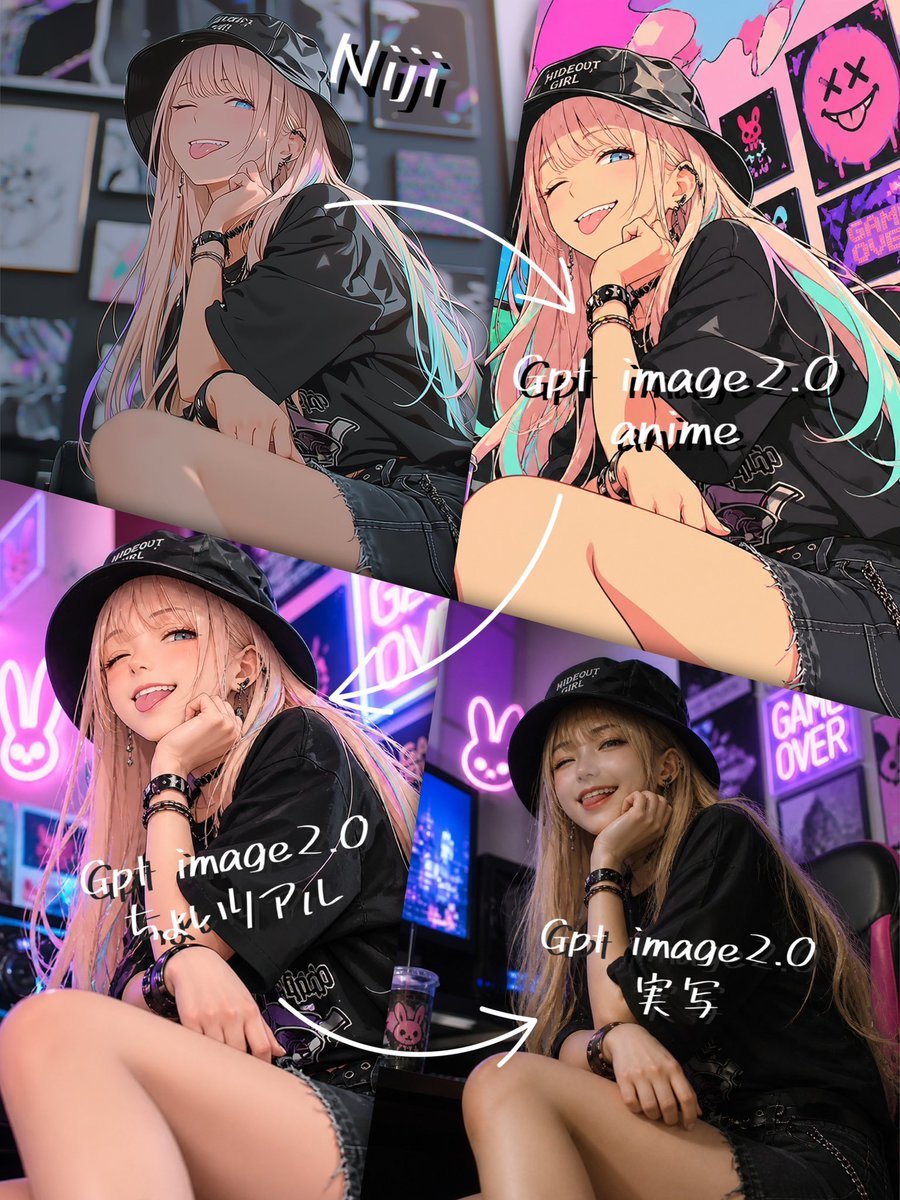
Four-Panel AI Style Transformation Collage
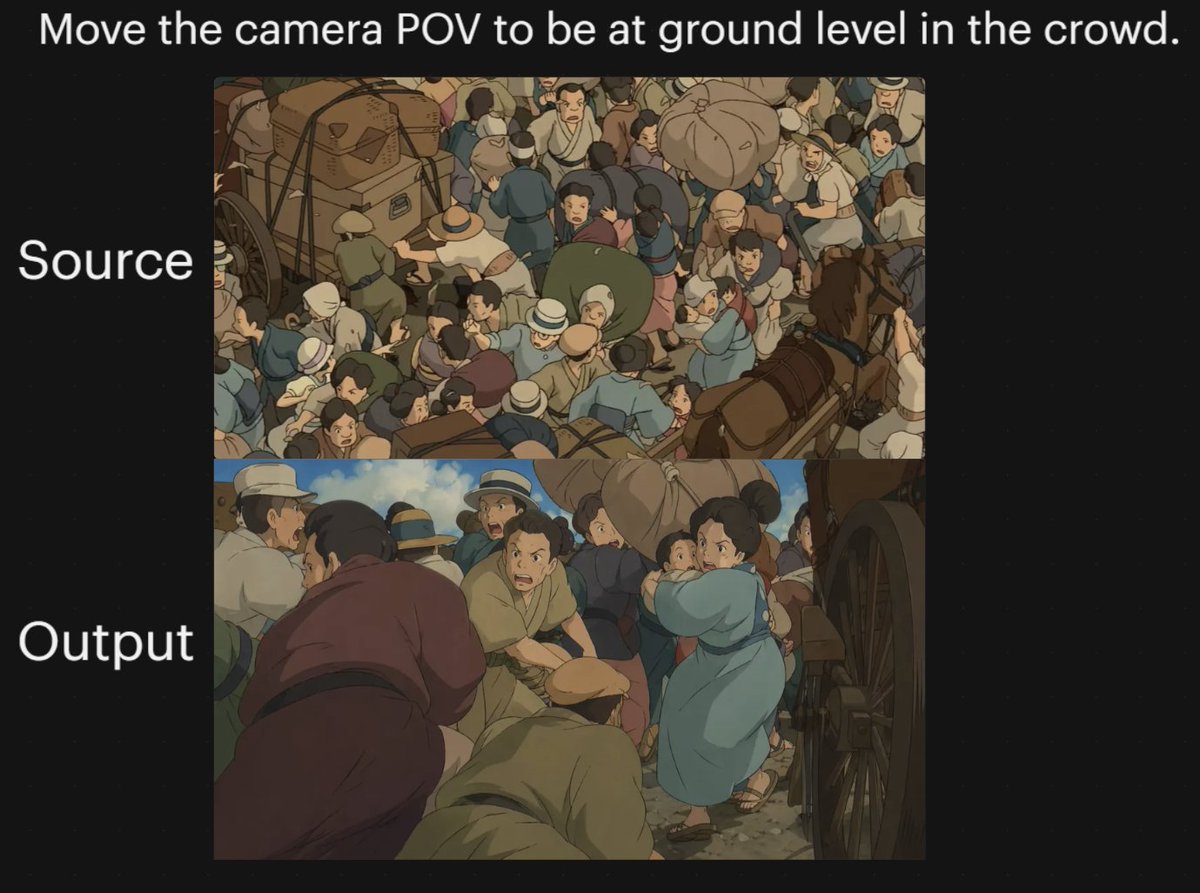
Anime Crowd Camera POV Comparison
Browse template categories
Japanese Neon Marketing Thumbnail questions
How do I use the Japanese Neon Marketing Thumbnail template?
Add your photo if the template asks for one, edit the prompt if you like — the template's model and format are already selected — and press Generate. Your version opens in PicX Studio.
Can I customize the Japanese Neon Marketing Thumbnail template?
Yes. You can change the subject, setting, lighting, mood, format, and available model controls before creating your image.
Is the Japanese Neon Marketing Thumbnail template free?
Opening and editing this template is free. Generating uses credits, shown on the Generate button when you are signed in.
Which AI model should I use?
Start with GPT Image 2, which is the model associated with this template. You can compare another compatible model for a different finish.
Looking for something else? Browse all templates.

Your photo, any look
Thousands of ready templates for every top image and video model, from one credit balance.