
Volcanic Coastline Fashion Portrait
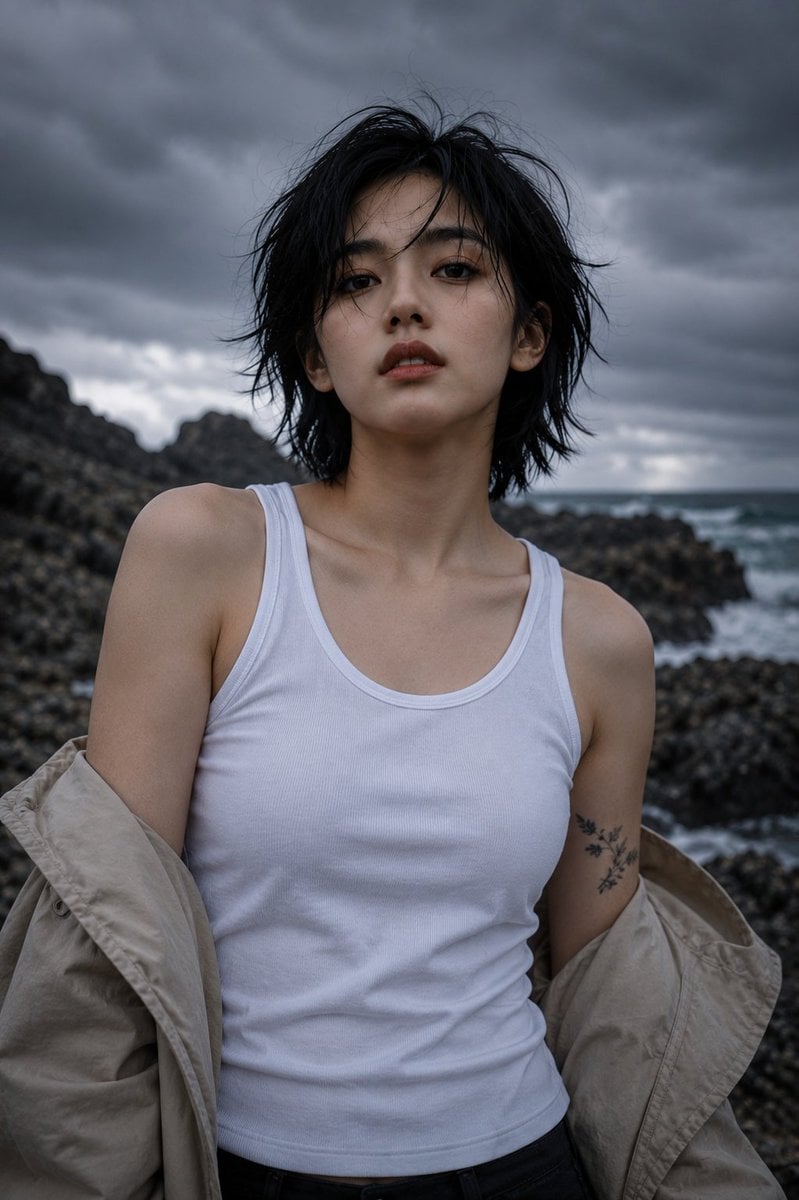
An editorial fashion portrait of a young East Asian woman on a rugged volcanic coastline under dramatic storm clouds.
- Prompt included
- Model and format preset
- Premium template
The prompt behind this image
Copy the exact prompt behind Volcanic Coastline Fashion Portrait, or open it in the studio and make it yours.
Ultra-photorealistic editorial fashion portrait of a young East Asian woman standing on a rugged volcanic coastline beneath dramatic storm clouds, facing the camera directly with a calm, confident expression and slightly parted lips. {argument name="hair style" default="Short layered black bob haircut"} with naturally windblown strands framing the face, thick natural eyebrows, dark brown eyes, flawless porcelain skin with visible pores, subtle peach lips, minimal makeup, realistic facial asymmetry and fine vellus hair. She wears a {argument name="top" default="fitted white ribbed sleeveless tank top"} tucked into black high-waisted trousers, with an {argument name="coat" default="oversized beige trench coat"} draped loosely off both shoulders. A delicate black botanical branch tattoo is visible on her upper arm. No jewelry, no accessories, effortless minimalist styling. Pose: front-facing, shoulders relaxed, body slightly angled while the face looks directly into the lens, arms naturally resting inside the loose coat, subtle forward lean, elegant posture, cinematic editorial presence. Location: rugged black volcanic rocks beside the ocean, crashing waves, distant sea horizon, dramatic cliffs, moody overcast sky filled with dense textured rain clouds, cool sea mist, untouched natural landscape, no buildings, no people. Lighting: natural overcast daylight only, soft diffused lighting, cinematic low-contrast shadows, realistic ambient bounce light, subtle atmospheric haze, volumetric mist, no artificial lighting, no flash. Composition: waist-up portrait, centered framing, eye-level camera, shallow depth of field, softly blurred coastline background, strong subject separation, negative space filled with dramatic sky, premium magazine-cover composition. Camera: Sony A1, FE 85mm f/1.4 GM II, 85mm focal length, f/1.8, ISO 100, 1/1000s shutter, full-frame sensor, HDR, natural lens compression, creamy background bokeh, realistic optical rendering. Color grading: cool blue-gray cinematic tones, muted earth colors, desaturated palette, natural skin tones, subtle filmic contrast, soft highlights, deep but clean blacks, luxury editorial finish. Quality: IMAX-quality, 8K UHD, ultra-photorealistic, hyper-detailed skin texture, individual hair strands, realistic fabric texture and folds, physically accurate lighting, true-to-life colors, premium fashion photography, award-winning editorial, extremely high detail, RAW photo, masterpiece, breathtaking realism. Negative Prompt: low quality, low resolution, blurry, soft focus, CGI, 3D render, anime, illustration, painting, plastic skin, excessive beauty filter, oversaturated colors, unrealistic anatomy, duplicate limbs, distorted face, extra fingers, watermark, logo, text, cropped face, overexposed, underexposed, heavy sharpening, noise, compression artifacts.
How to use Volcanic Coastline Fashion Portrait in 3 steps
- 1
Open
The prompt is already in the box next to the preview, with the template's model and format selected.
- 2…a portrait of your subject in softgolden-hour light, 85mm…
Personalize
Edit the subject and creative details for your destination.
- 3Generate
Generate
Press Generate — your image is created in PicX Studio, so you can compare it with the original and refine one variable at a time.
More like this
Templates with the same subject, style or setup. Open one to see its prompt.

Nano Banana 2 High Fashion Sports Campai

Couture Fashion Editorial Woman and Drag

Ive Yujin Fashion Portrait in Blue

Nano Banana 2 Editorial Fashion Portrait

Caution Tape Fashion — Industrial Editorial

Miniature Self Portrait Collage

Found Photograph: Us, 1970

80s Couple Studio Portrait

80s College Gate

1988 Mall Style

80s Polka Dot Saree

80s Bollywood Star
Make it yours
Volcanic Coastline Fashion Portrait works as-is. These are the safest ways to change it without losing the look.
Change one field
Copy a single group, rewrite it, and generate again so you can see what that field is doing.
Keep the frame, change the subject
Hold the composition and light of Volcanic Coastline Fashion Portrait, then swap wardrobe, props or the person for a new take.
| If the result… | Why | Fix |
|---|---|---|
| The result drifts from the preview | Too many fields changed at once. | Reuse Volcanic Coastline Fashion Portrait as-is first, then change one group — subject, light, or setting. |
| The model over-stylizes the scene | The prose prompt leaves finish and camera underspecified. | Add one camera or lighting sentence and stay on GPT Image 2. |
More GPT Image 2 templates
Other prompts made for GPT Image 2.

Six VTuber Japanese Logo Sheet

Realistic Portrait of Woman and Deer

The Vista Modular Condo Poster

AI Model Routing Comparison Infographic

2.5D Anime Art Board

Isometric Productivity Desk Scene

New York Double Exposure Poster

Four-Panel AI Landscape Comparison

Japanese Tatami Lifestyle Magazine Cover

NESCAFÉ Coffee Map Poster
More image prompts
Fresh picks from across the catalog.
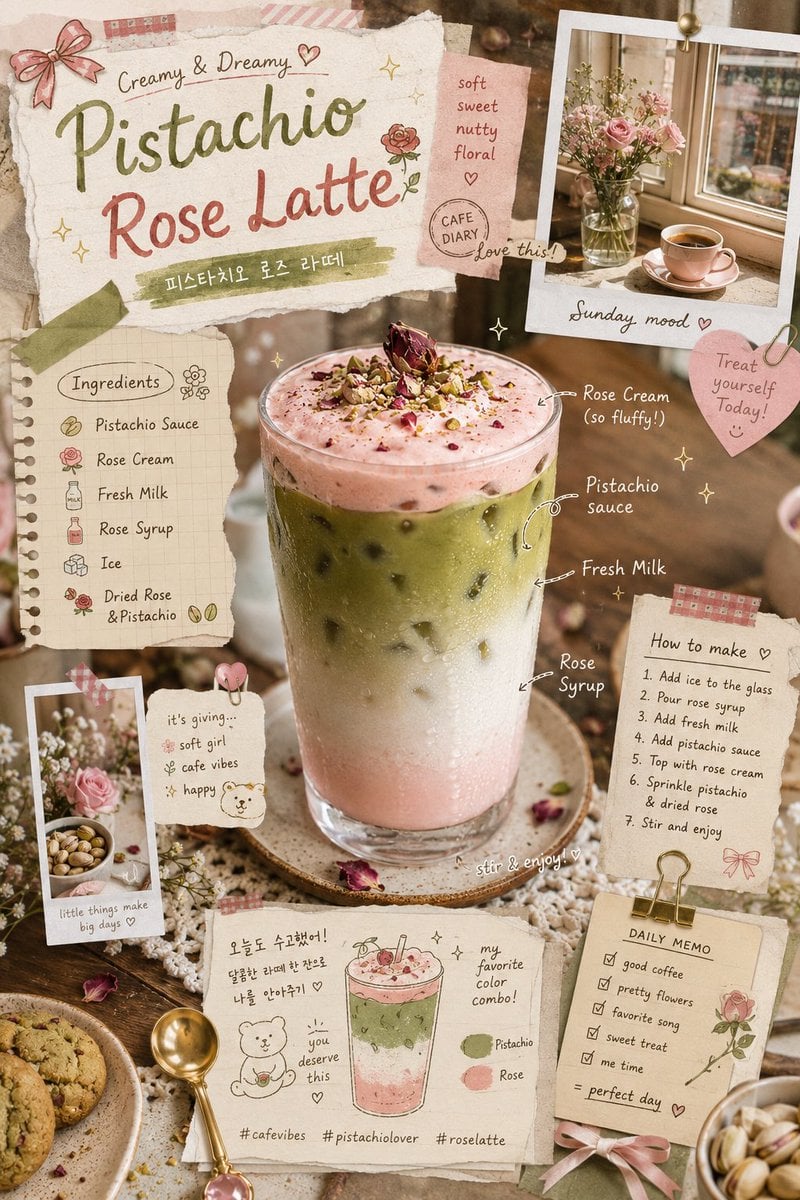
Pistachio Rose Latte Scrapbook Poster

Cinematic Christmas Transformation with Composition Lock
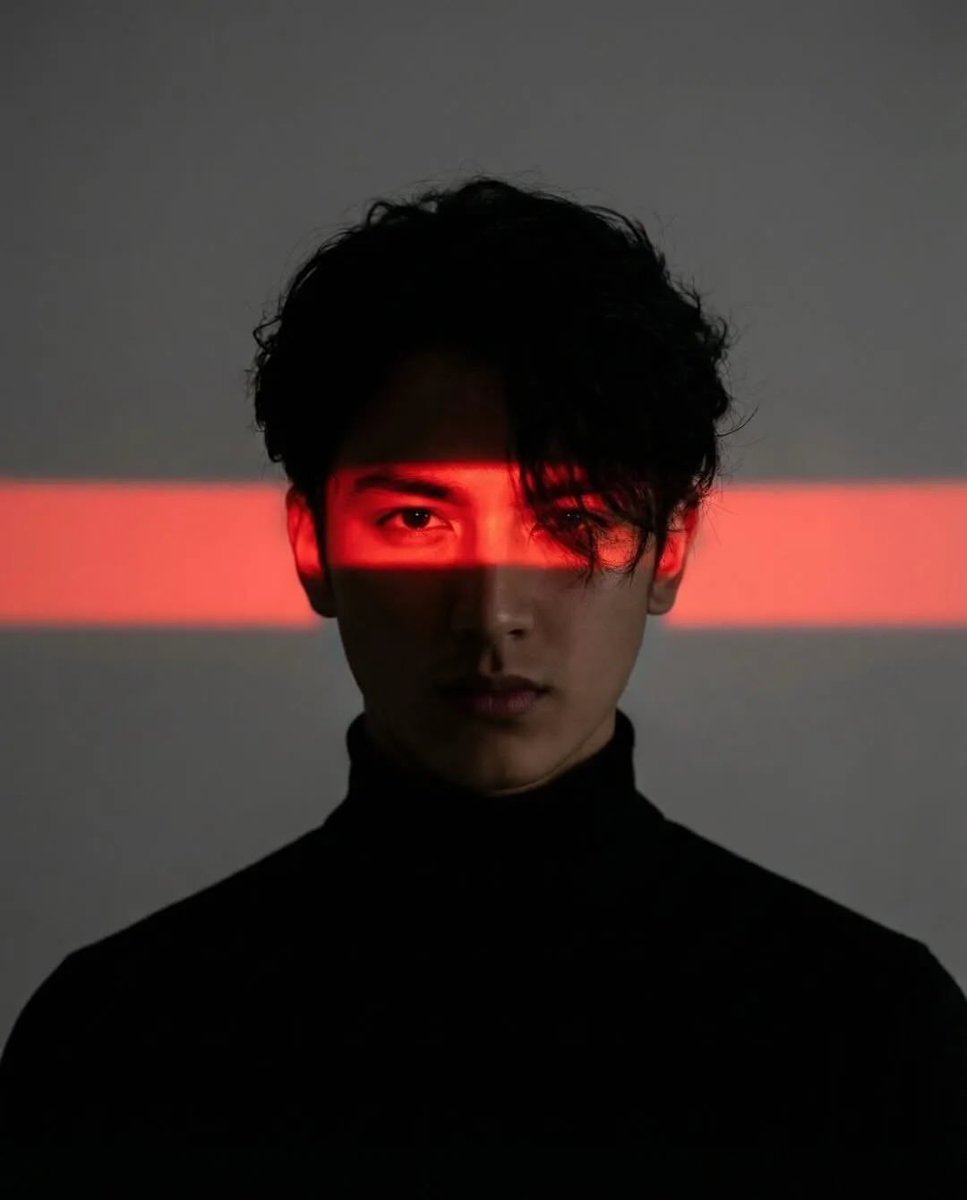
Cinematic Cyberpunk Portrait Pair
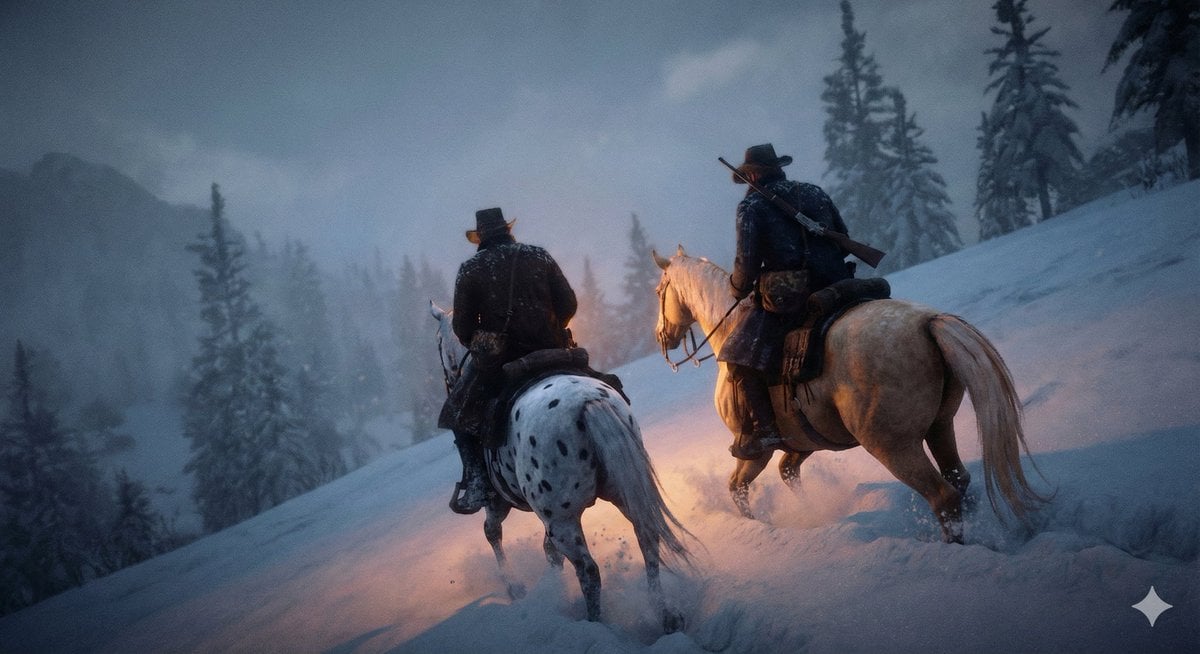
Cinematic Western Scene with Horseback Riders in Snow
GPT Image 2 Fantasy Forest Ritual Storyboard
Heroic Action Train Stopping Portrait
Minimalist 3D Clay Render
Quiet Luxury Cinematic Library Portrait
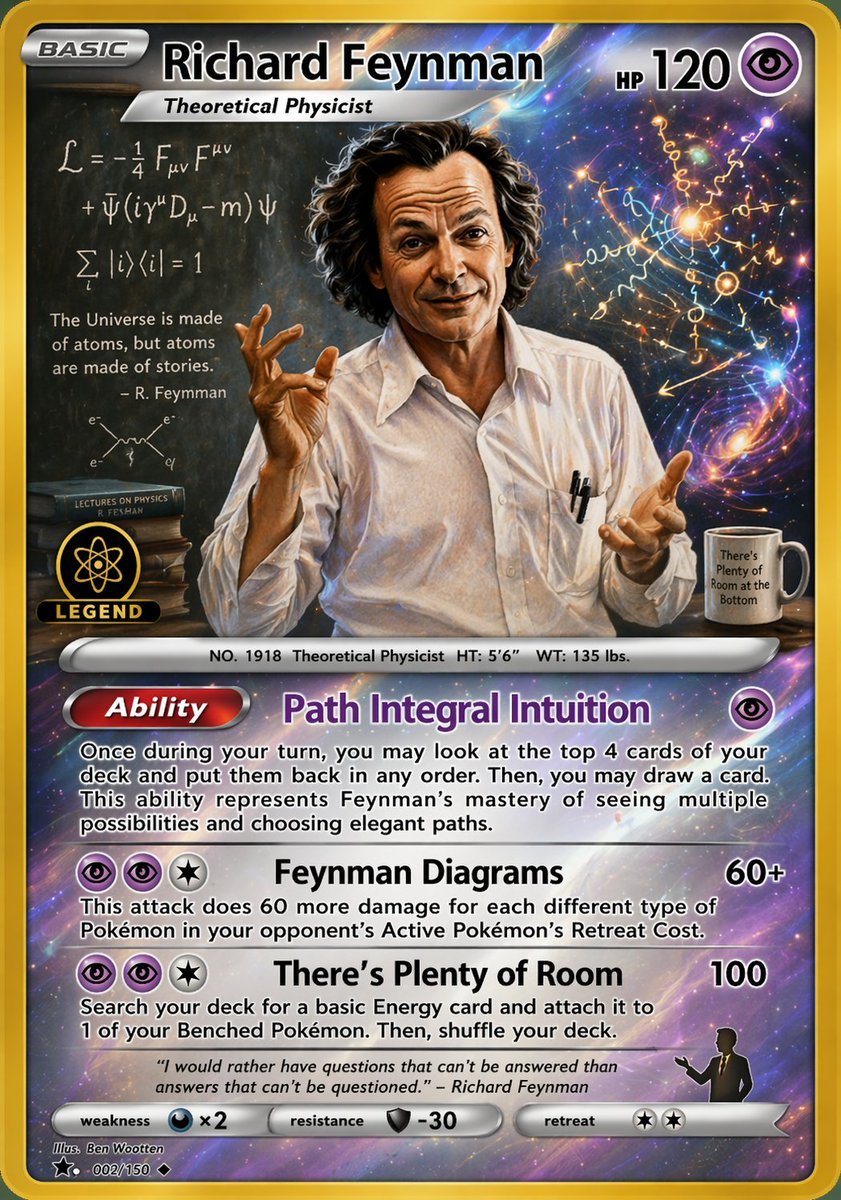
Richard Feynman Psychic Trading Card
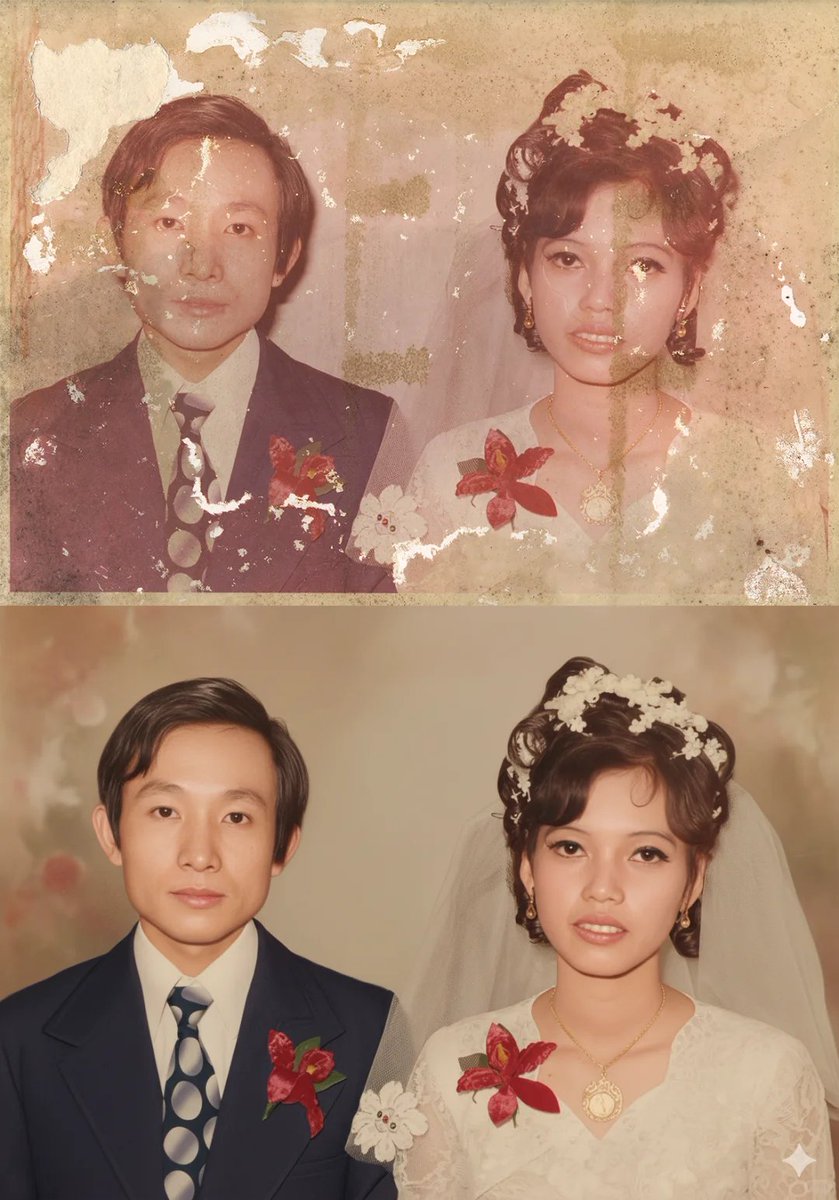
Old Photo Restoration Prompt for Nano Banana Pro
Browse template categories
Volcanic Coastline Fashion Portrait questions
How do I use the Volcanic Coastline Fashion Portrait template?
Add your photo if the template asks for one, edit the prompt if you like — the template's model and format are already selected — and press Generate. Your version opens in PicX Studio.
Can I customize the Volcanic Coastline Fashion Portrait template?
Yes. You can change the subject, setting, lighting, mood, format, and available model controls before creating your image.
Is the Volcanic Coastline Fashion Portrait template free?
Opening and editing this template is free. Generating uses credits, shown on the Generate button when you are signed in.
Which AI model should I use?
Start with GPT Image 2, which is the model associated with this template. You can compare another compatible model for a different finish.
Looking for something else? Browse all templates.

Your photo, any look
Thousands of ready templates for every top image and video model, from one credit balance.