
Futuristic AI Summit Poster
Creates a dark neon Chinese technology summit poster for AI forums, conferences, exhibitions, or annual launch events.
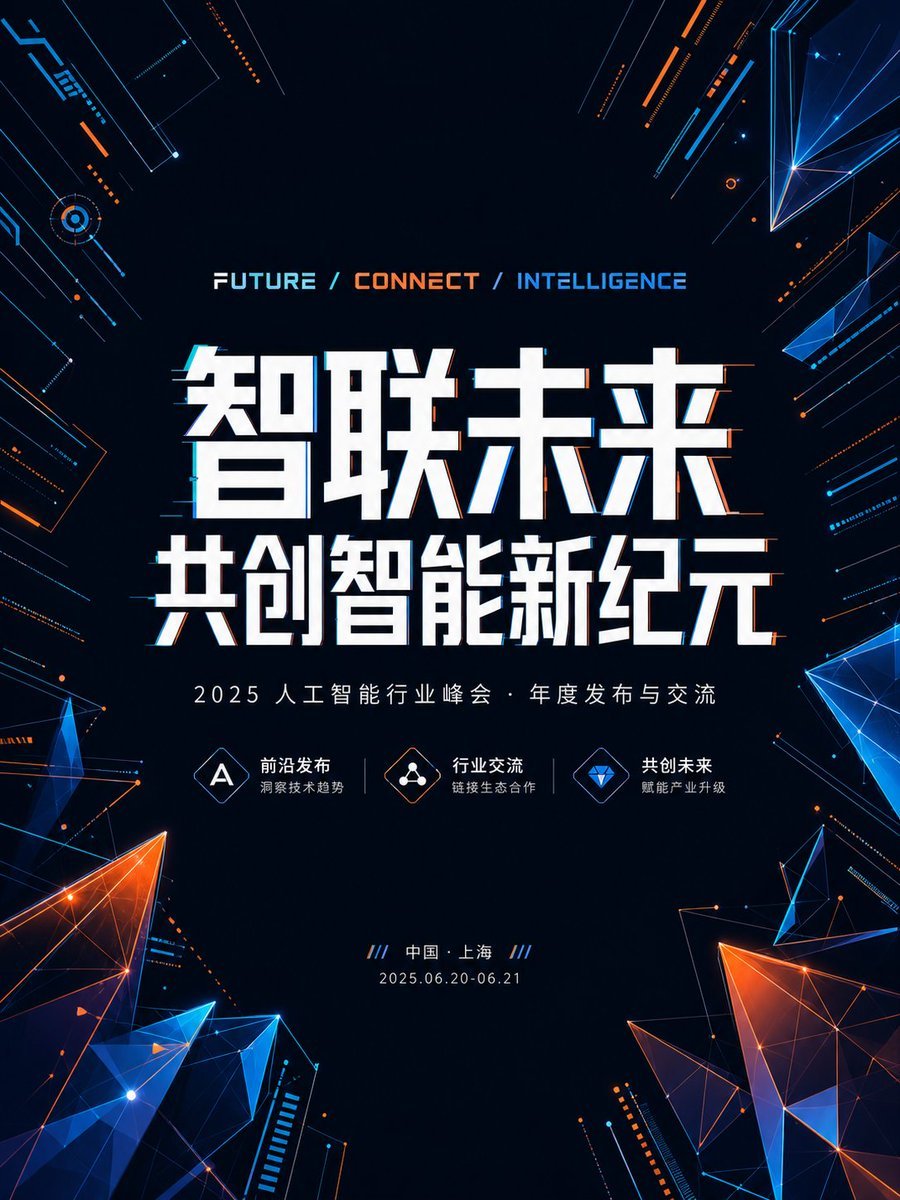
- Prompt included
- Model and format preset
- Premium template
The prompt behind this image
Copy the exact prompt behind Futuristic AI Summit Poster, or open it in the studio and make it yours.
Goal: Create a futuristic Chinese AI conference poster for {argument name="event theme" default="智联未来 共创智能新纪元"}, with a dark high-tech visual identity suitable for a summit, forum, expo, or annual industry release event. Canvas: Vertical poster, 3:4 aspect ratio, deep navy-black background with a spacious centered composition. Use a clean sci-fi event-poster layout with strong contrast, glowing cyan and orange accents, and no people. Layout: Center all main text in the middle. At the top center, place a small English slogan reading “FUTURE / CONNECT / INTELLIGENCE”, with “FUTURE” in white-cyan, “CONNECT” in orange, and “INTELLIGENCE” in blue. Below it, create a huge bold two-line Chinese headline in white with subtle cyan/orange glitch shadows: first line “智联未来”, second line “共创智能新纪元”. Under the headline, place the subtitle “2025 人工智能行业峰会 · 年度发布与交流”. Beneath the subtitle, include exactly 3 small feature items in one horizontal row, each with a thin outlined diamond icon and two lines of Chinese text: 1) icon with letter A, label “前沿发布”, sublabel “洞察技术趋势”; 2) icon with connected nodes, label “行业交流”, sublabel “链接生态合作”; 3) icon with blue diamond gem, label “共创未来”, sublabel “赋能产业升级”. At the bottom center, place the location line “/// 中国 · 上海 ///” and the date line “2025.06.20-06.21”. Visual style: Futuristic cyber technology aesthetic, dark UI/HUD design, luminous geometric wireframes, neon blue and orange light trails, fine circuit-line details, tiny dots, diagonal technical strokes, and polygon mesh shards. Use crisp vector-like typography and sharp edges. The main headline should feel monumental, blocky, and slightly extruded, with subtle chromatic offset and scanline/glitch accents. Background and decorative elements: Keep the center dark and readable. Around the borders, add exactly 4 large low-poly translucent crystal clusters: one orange-blue cluster at bottom left, one large orange-blue cluster at bottom right, one blue angular shard cluster at upper right, and one smaller blue shard cluster at mid-right. Add circuit-board linework and glowing diagonal fragments along all four edges, especially top left and right side, but do not overcrowd the central text. Constraints: Preserve the Chinese text exactly as shown unless replacing the customizable fields. Maintain high legibility, premium conference-poster polish, balanced symmetry, no logos, no watermark, no extra people, no extra feature items, and no additional dates or locations.
How to use Futuristic AI Summit Poster in 3 steps
- 1Upload ImagePNG, JPG or paste
Add your photo
Upload the photo the template builds on. The prompt, model and format are already set.
- 2…a portrait of your subject in softgolden-hour light, 85mm…
Personalize
Edit the subject and creative details for your destination.
- 3Generate
Generate
Press Generate — your image is created in PicX Studio, so you can compare it with the original and refine one variable at a time.
More like this
Templates with the same subject, style or setup. Open one to see its prompt.

Black Liquid Cyberpunk Portrait Poster

Japan Travel Brochure Poster

Cartoon TV Show Poster Pack

Trendy Cafe Drink Promo Poster

Urban Fashion Editorial Collage Streetwear Poster

Premium Fashion Editorial Cover Layout System

Polo Ralph Lauren Luxury American Heritage Fashion Campaign

Monochrome Halftone Editorial Fashion Poster

Retro Mirror Luxury Fashion Campaign Poster

Luxury Fashion Campaign Typography Poster System

Premium Fashion Editorial Campaign Poster System

Ultra-Stylized High-Fashion Streetwear Poster
Make it yours
Futuristic AI Summit Poster works as-is. These are the safest ways to change it without losing the look.
Change one field
Copy a single group, rewrite it, and generate again so you can see what that field is doing.
Keep the frame, change the subject
Hold the composition and light of Futuristic AI Summit Poster, then swap wardrobe, props or the person for a new take.
| If the result… | Why | Fix |
|---|---|---|
| The result drifts from the preview | Too many fields changed at once. | Reuse Futuristic AI Summit Poster as-is first, then change one group — subject, light, or setting. |
| The model over-stylizes the scene | The prose prompt leaves finish and camera underspecified. | Add one camera or lighting sentence and stay on GPT Image 2. |
More GPT Image 2 templates
Other prompts made for GPT Image 2.

Six VTuber Japanese Logo Sheet

Realistic Portrait of Woman and Deer

The Vista Modular Condo Poster

AI Model Routing Comparison Infographic

2.5D Anime Art Board

Isometric Productivity Desk Scene

New York Double Exposure Poster

Four-Panel AI Landscape Comparison

Japanese Tatami Lifestyle Magazine Cover

NESCAFÉ Coffee Map Poster
More image prompts
Fresh picks from across the catalog.
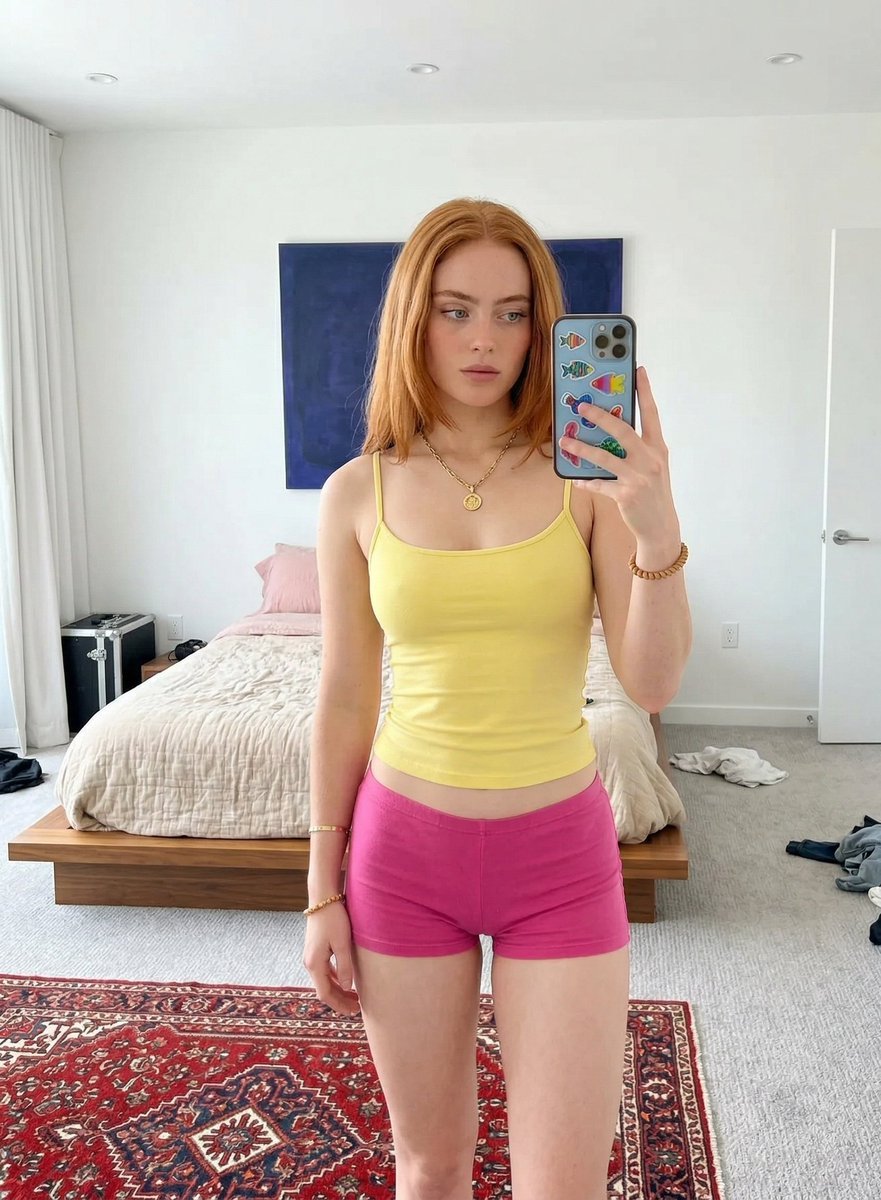
Mirror Selfie in Minimalist Bedroom with Vibrant Clothing

Watercolor Korean Couple Portrait
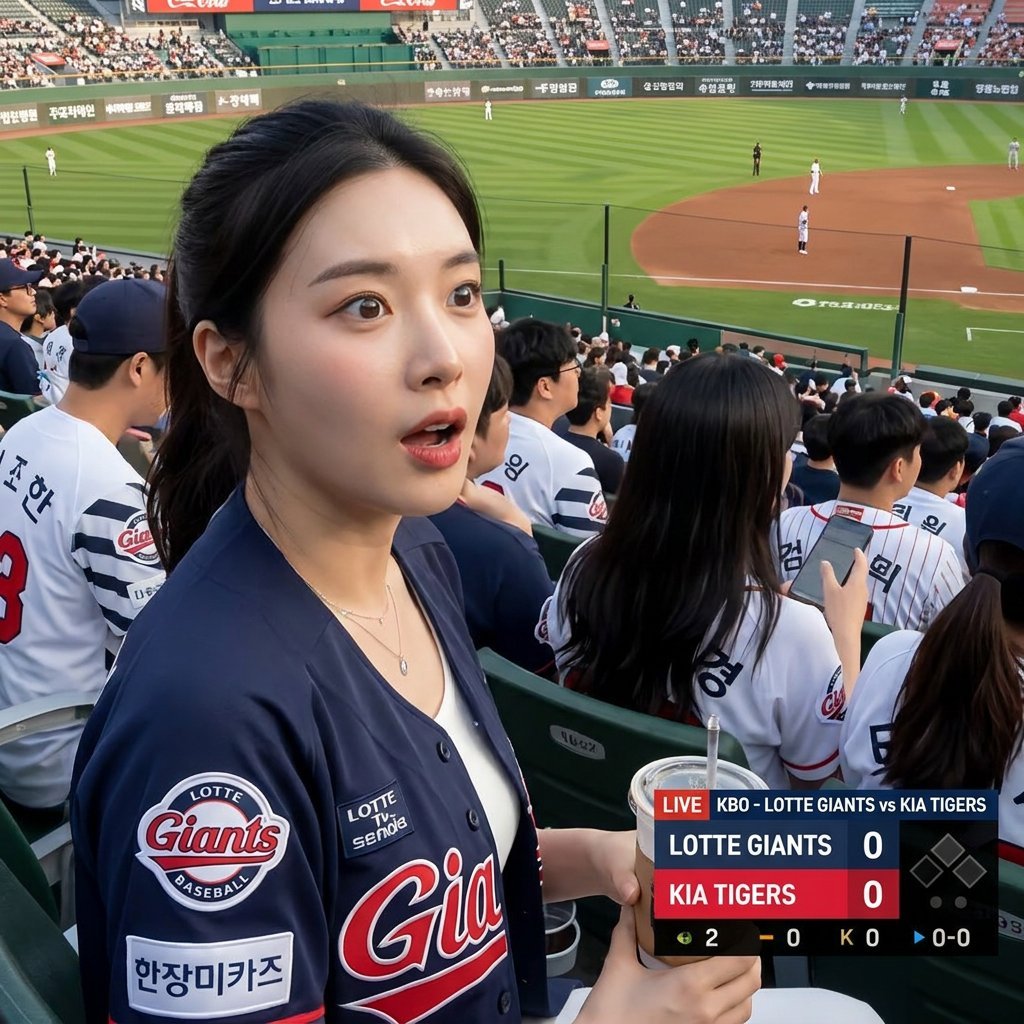
Korean Baseball Broadcast Fan Photo
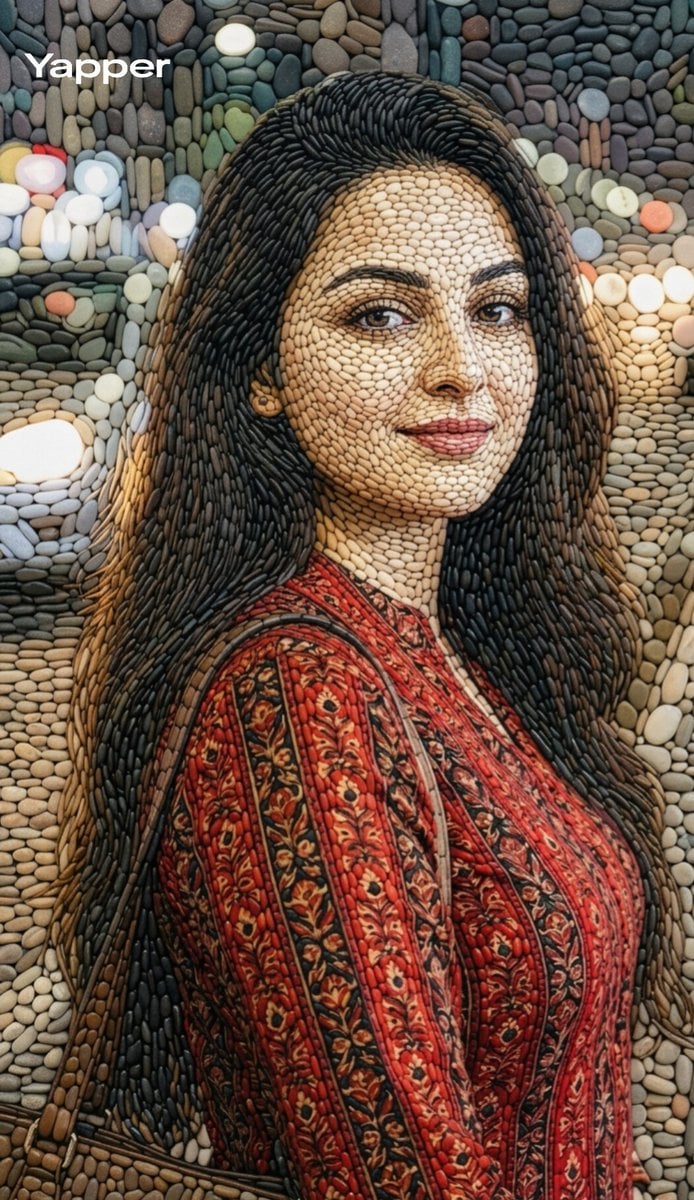
Pebble mosaic portrait of a beautiful woman
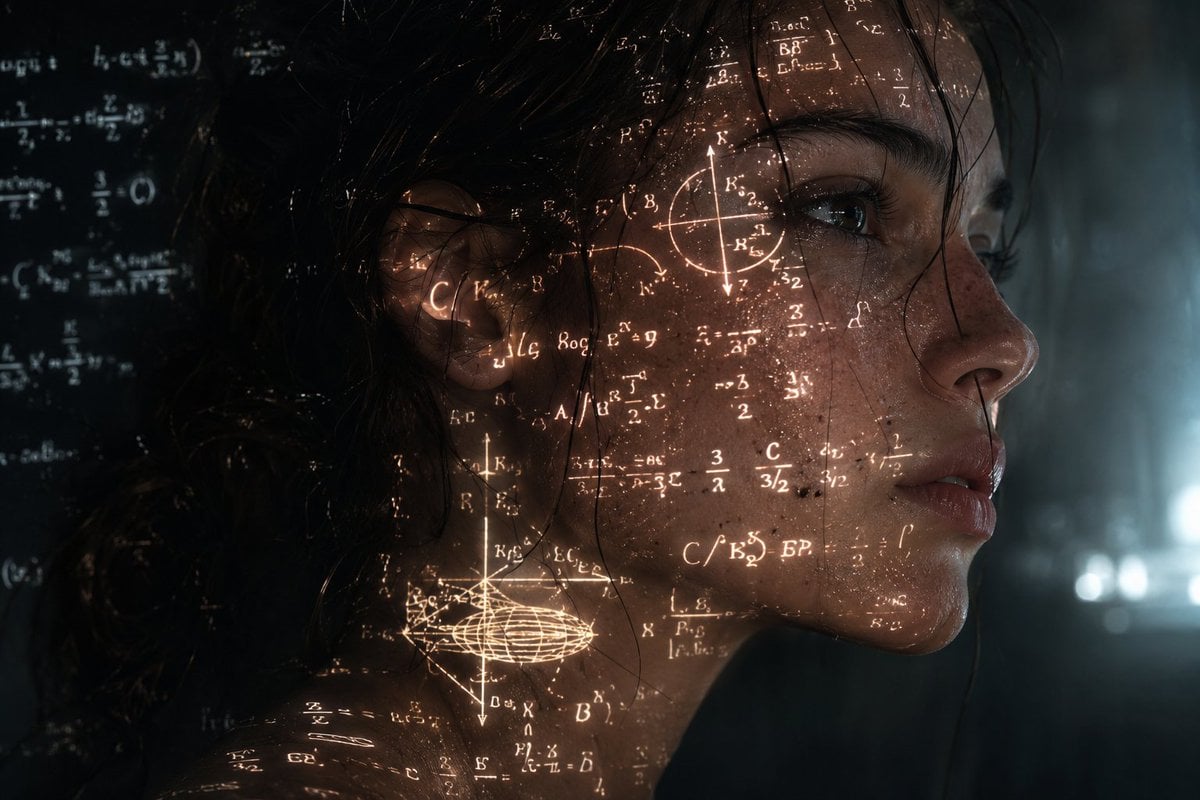
Cinematic Cyberpunk Science Portrait
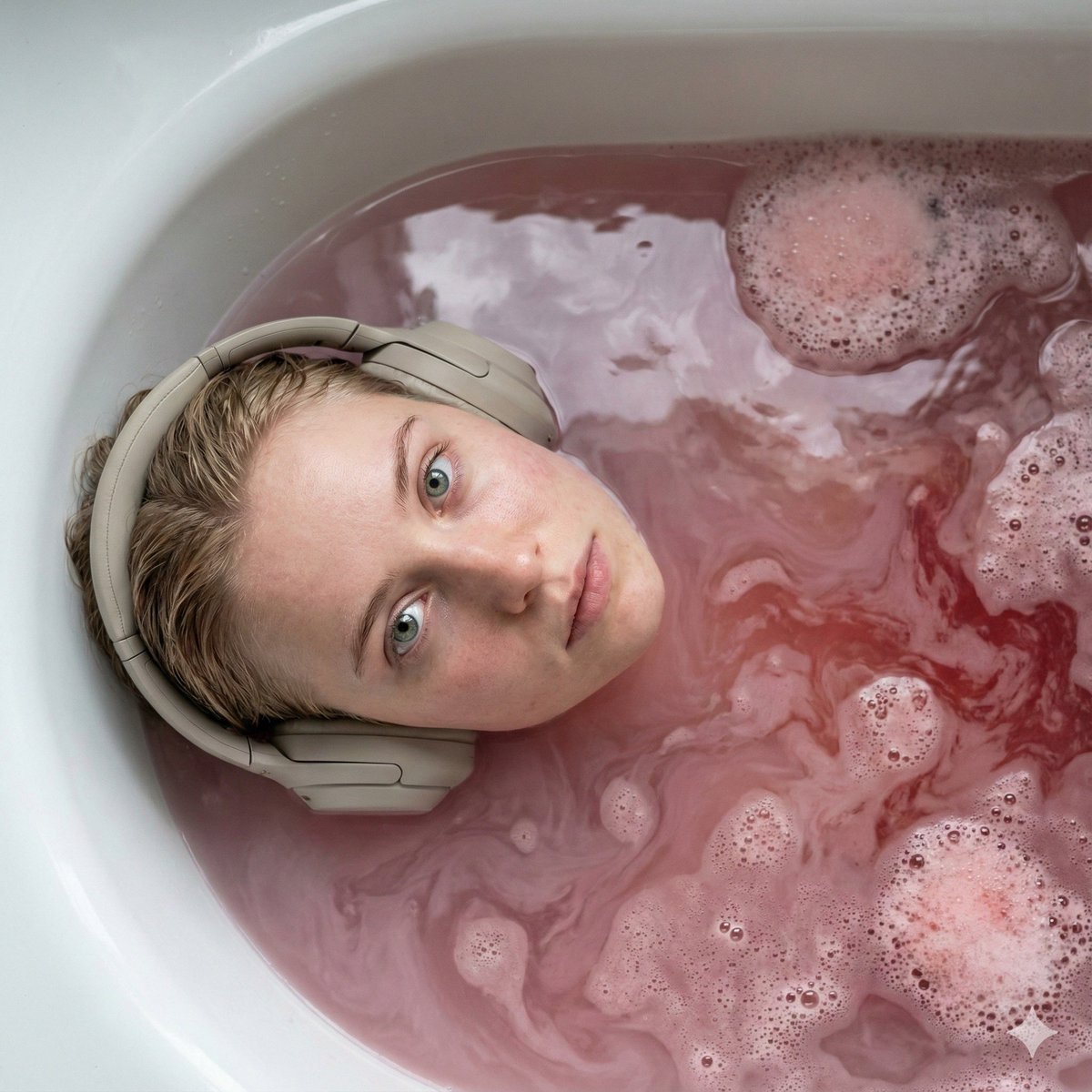
Ultra-Photorealistic Cinematic Portrait in a Bathtub with Noise-Canceling Headphones

Text Rendering Capability Test
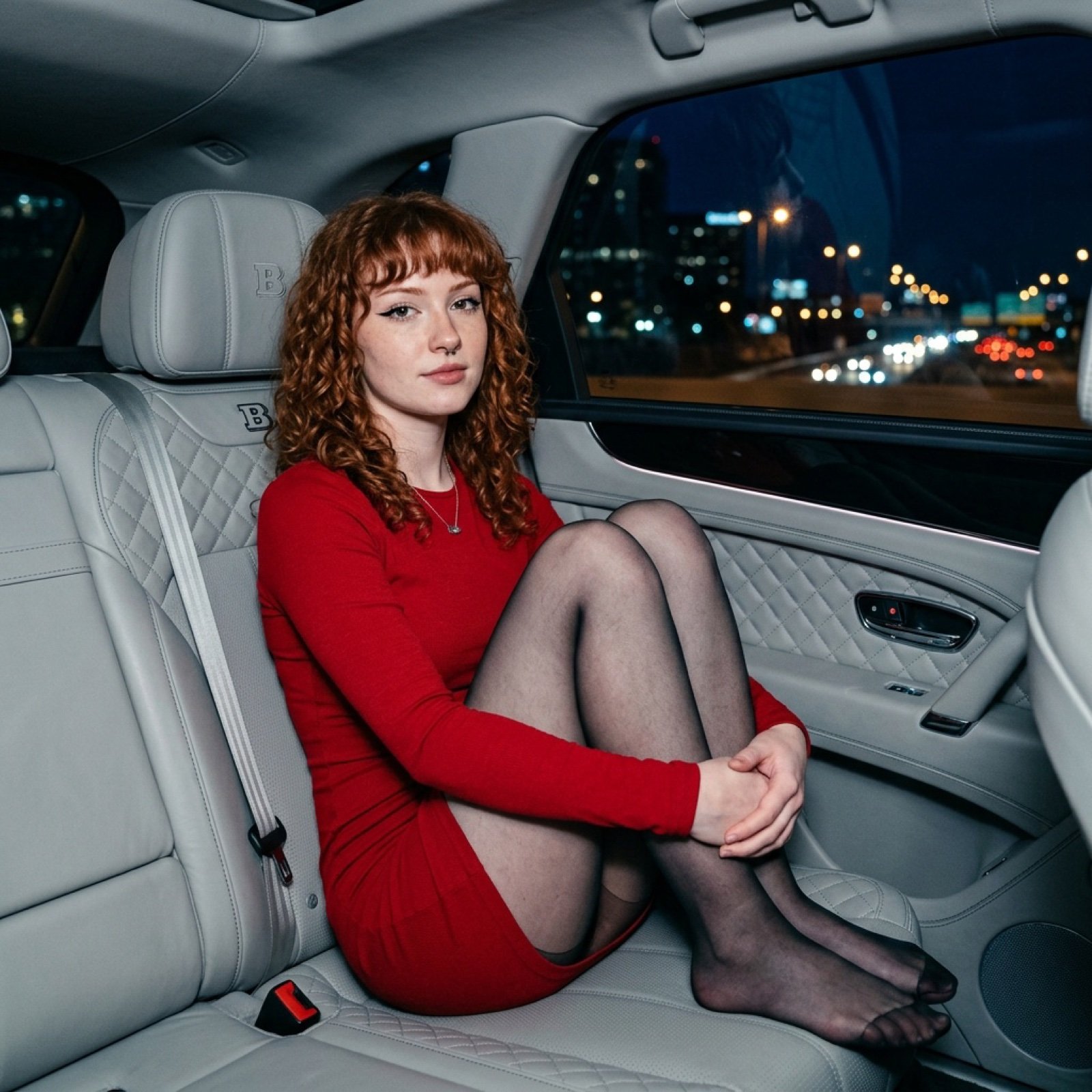
Luxury Car Night Portrait with Direct Flash Photography

Atmospheric Cloud Transformation
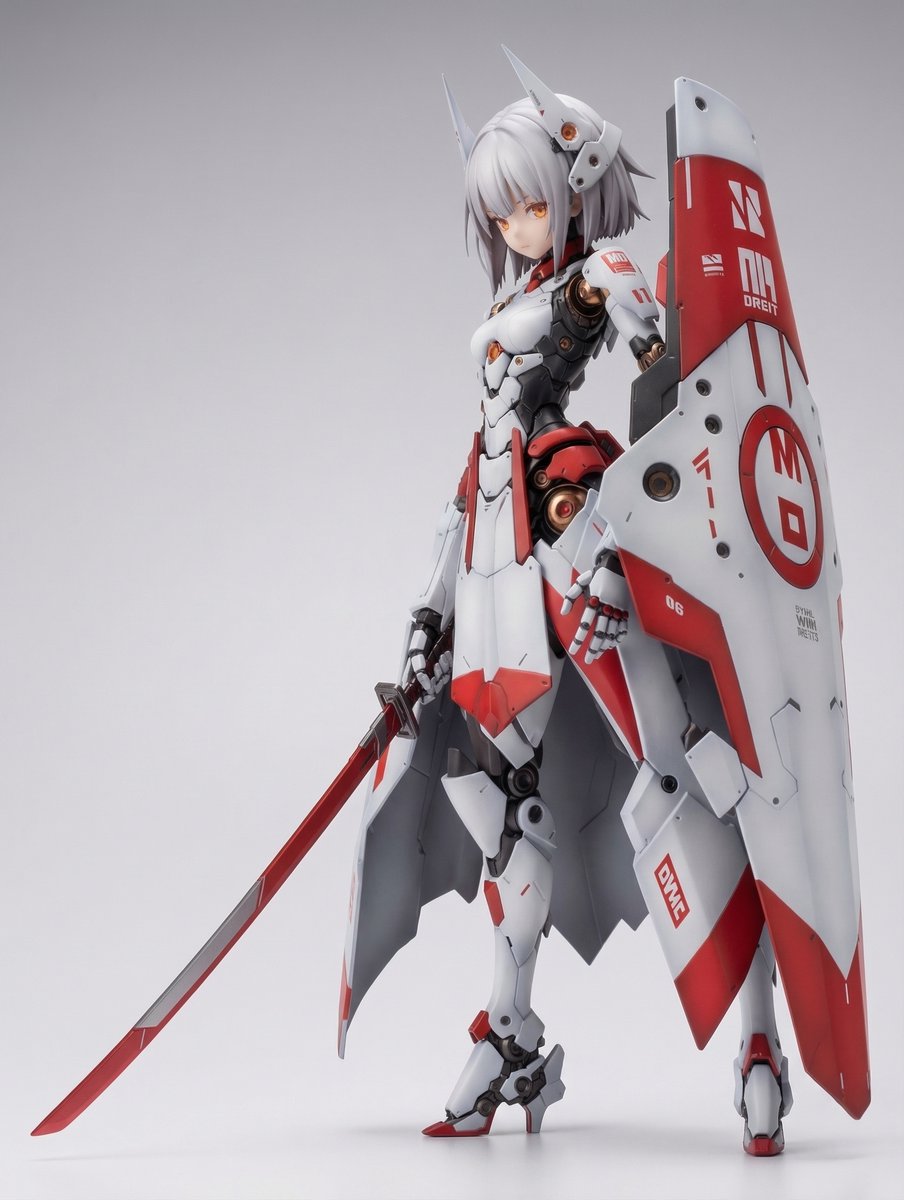
KNIGHT MECHA GIRL Figure Generation Prompt
Browse template categories
Futuristic AI Summit Poster questions
How do I use the Futuristic AI Summit Poster template?
Add your photo if the template asks for one, edit the prompt if you like — the template's model and format are already selected — and press Generate. Your version opens in PicX Studio.
Can I customize the Futuristic AI Summit Poster template?
Yes. You can change the subject, setting, lighting, mood, format, and available model controls before creating your image.
Is the Futuristic AI Summit Poster template free?
Opening and editing this template is free. Generating uses credits, shown on the Generate button when you are signed in.
Which AI model should I use?
Start with GPT Image 2, which is the model associated with this template. You can compare another compatible model for a different finish.
Looking for something else? Browse all templates.

Your photo, any look
Thousands of ready templates for every top image and video model, from one credit balance.