
Night Walk Portrait Triptych
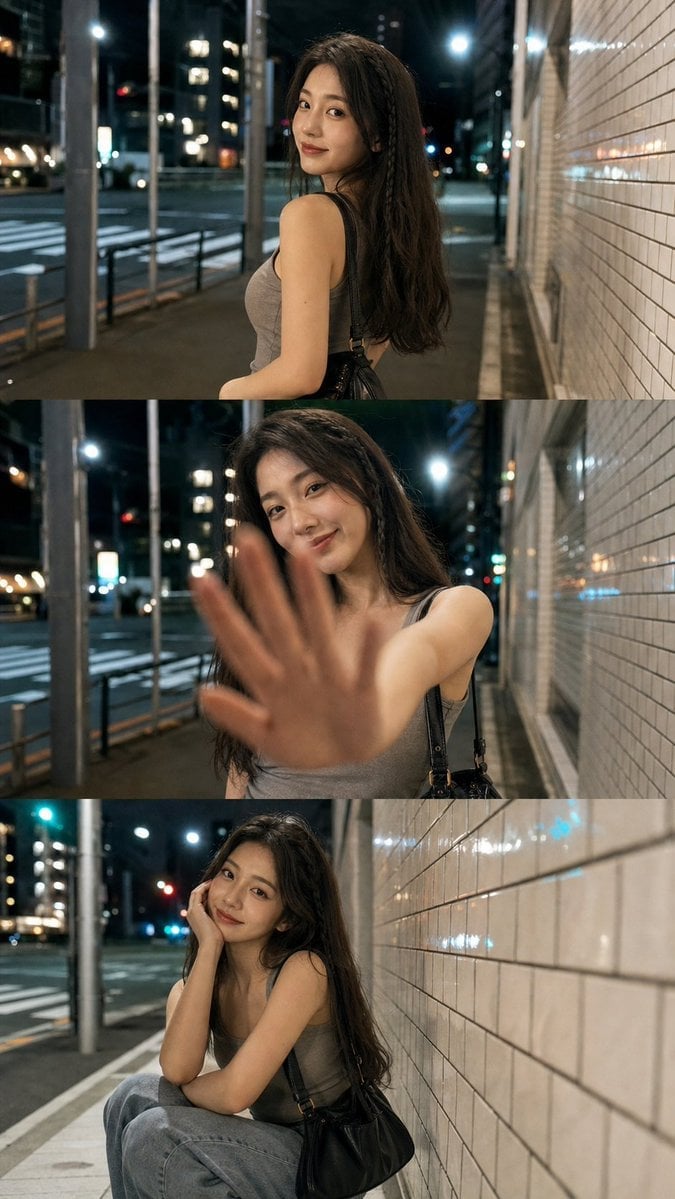
Creates a realistic three-panel smartphone night portrait sequence of a young woman posing along a reflective tiled city sidewalk.
- Prompt included
- Model and format preset
- Premium template
The prompt behind this image
Copy the exact prompt behind Night Walk Portrait Triptych, or open it in the studio and make it yours.
Goal: Create a realistic vertical mobile-night-photography triptych of the same young woman during a late-night city walk, with the feeling of three consecutive casual snapshots captured on a phone. Canvas: A tall vertical 9:16 image divided into exactly 3 equal horizontal photo panels stacked top to bottom, edge-to-edge with no captions, borders, logos, or watermark. Subject: The same {argument name="character description" default="young East Asian woman in her early 20s with long loose dark brown hair, natural makeup, soft smile, slim build"} appears in all 3 panels. She wears {argument name="outfit" default="a fitted gray sleeveless tank top, loose light blue jeans, and a small black leather shoulder bag with thin straps"}. Keep her face consistent across all panels. Setting: Late-night urban sidewalk beside a glossy white rectangular-tile wall on the right, with a quiet road, crosswalk markings, metal poles, railings, glass reflections, distant apartment windows, traffic lights, and streetlights on the left. Use mixed cool and warm street lighting, reflective white tiles, wet-looking highlights, and soft city bokeh in the background. Panel count and poses: Use exactly 3 panels. Panel 1, top: medium shot from behind and slightly to the side as she walks along the sidewalk, turning her head back over her shoulder toward the camera with a gentle smile. Panel 2, middle: closer portrait, she faces the camera and reaches one open hand toward the lens to block it playfully; the hand is large and motion-blurred in the foreground while her smiling face remains visible behind it. Panel 3, bottom: seated crouching pose beside the tiled wall, knees bent, one elbow resting on her knee and cheek leaning on her hand, looking up at the camera with a relaxed affectionate smile; black shoulder bag visible near her side. Camera and style: Hyper-realistic candid smartphone night mode photography, natural skin texture, shallow depth of field, 28mm wide-angle mobile lens feel, slight handheld perspective, high ISO but clean, realistic motion blur only on the reaching hand, cinematic urban lighting, soft highlights on hair and tiles, muted gray-blue night palette with warm amber reflections. Constraints: Keep the scene text-free. Do not add extra people. Do not change clothing between panels. Maintain believable anatomy, consistent facial identity, and realistic phone-photo composition.
How to use Night Walk Portrait Triptych in 3 steps
- 1Upload ImagePNG, JPG or paste
Add your photo
Upload the photo the template builds on. The prompt, model and format are already set.
- 2…a portrait of your subject in softgolden-hour light, 85mm…
Personalize
Edit the subject and creative details for your destination.
- 3Generate
Generate
Press Generate — your image is created in PicX Studio, so you can compare it with the original and refine one variable at a time.
More like this
Templates with the same subject, style or setup. Open one to see its prompt.
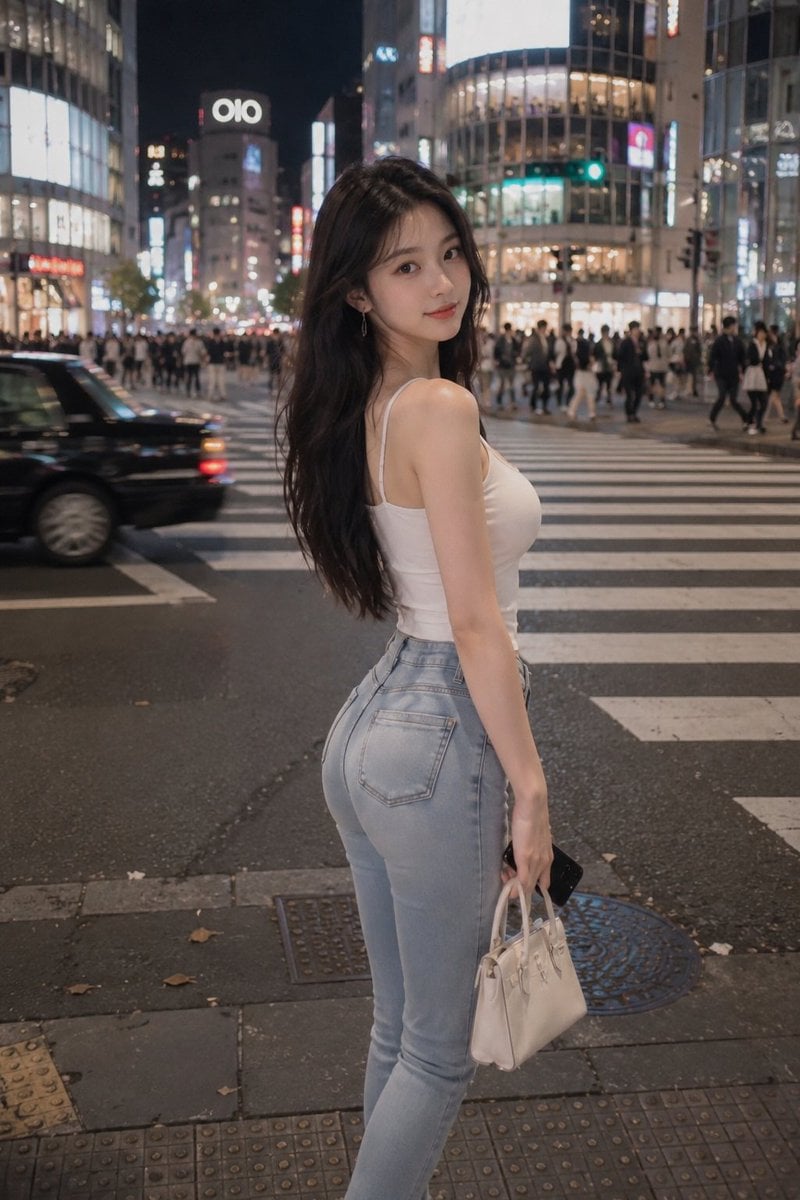
Tokyo Night Crosswalk Fashion Portrait

Face-Locked Cream Half-Zip Street Walk

Found Photograph: Us, 1970

80s Couple Studio Portrait

80s Bollywood Star

80s Golden Hour Cinema

Me in 1985

1985 Studio Portrait

Hyper-Realistic Minecraft POV Portrait

Portrait of a young woman in her early 20s walking calmly on a beautiful
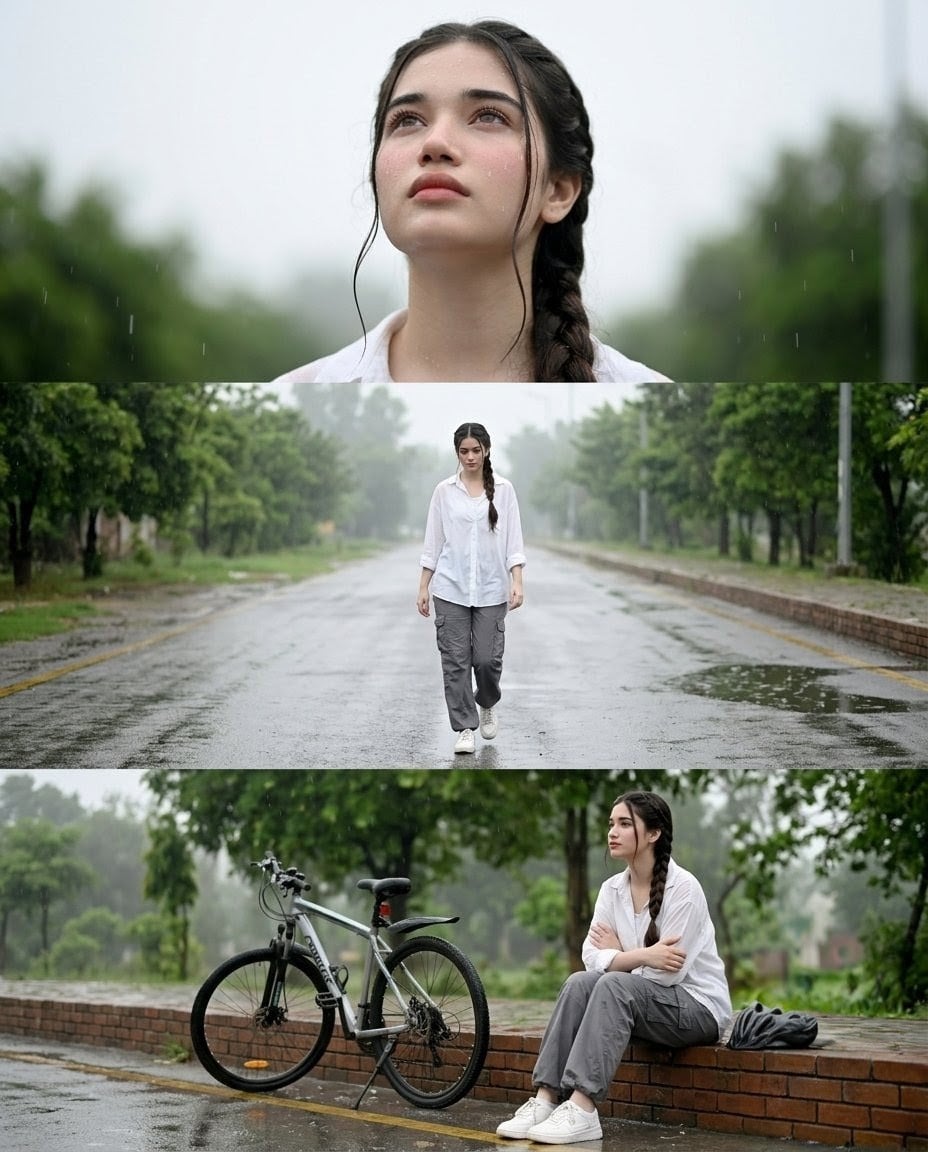
Rainy Street Triptych Portrait

Rooftop Fisheye — Cat-Ear Balaclava at Golden Hour
Make it yours
Night Walk Portrait Triptych works as-is. These are the safest ways to change it without losing the look.
Change one field
Copy a single group, rewrite it, and generate again so you can see what that field is doing.
Keep the frame, change the subject
Hold the composition and light of Night Walk Portrait Triptych, then swap wardrobe, props or the person for a new take.
| If the result… | Why | Fix |
|---|---|---|
| The result drifts from the preview | Too many fields changed at once. | Reuse Night Walk Portrait Triptych as-is first, then change one group — subject, light, or setting. |
| The model over-stylizes the scene | The prose prompt leaves finish and camera underspecified. | Add one camera or lighting sentence and stay on GPT Image 2. |
More GPT Image 2 templates
Other prompts made for GPT Image 2.

Six VTuber Japanese Logo Sheet

Realistic Portrait of Woman and Deer

The Vista Modular Condo Poster

AI Model Routing Comparison Infographic

2.5D Anime Art Board

Isometric Productivity Desk Scene

New York Double Exposure Poster

Four-Panel AI Landscape Comparison

Japanese Tatami Lifestyle Magazine Cover

NESCAFÉ Coffee Map Poster
More image prompts
Fresh picks from across the catalog.
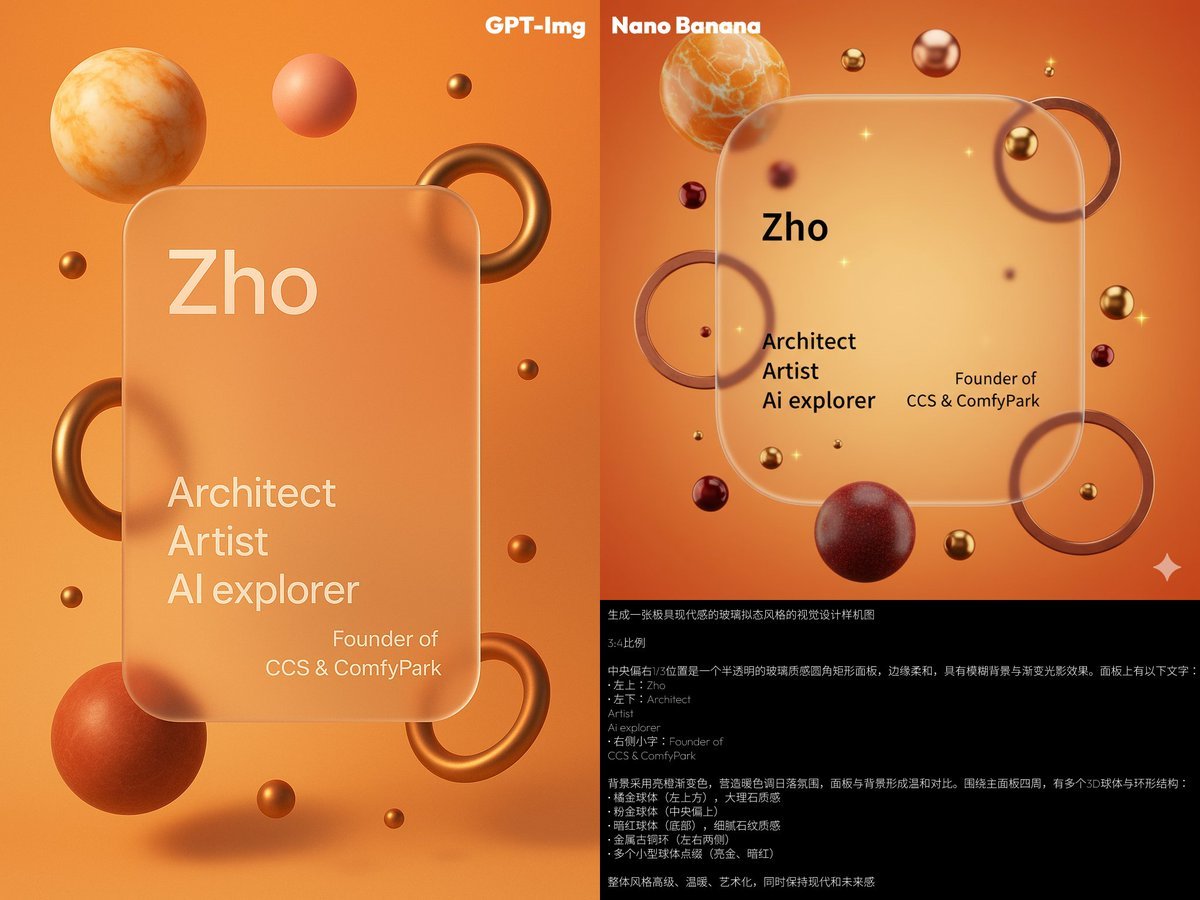
Glassmorphism personal branding mockup
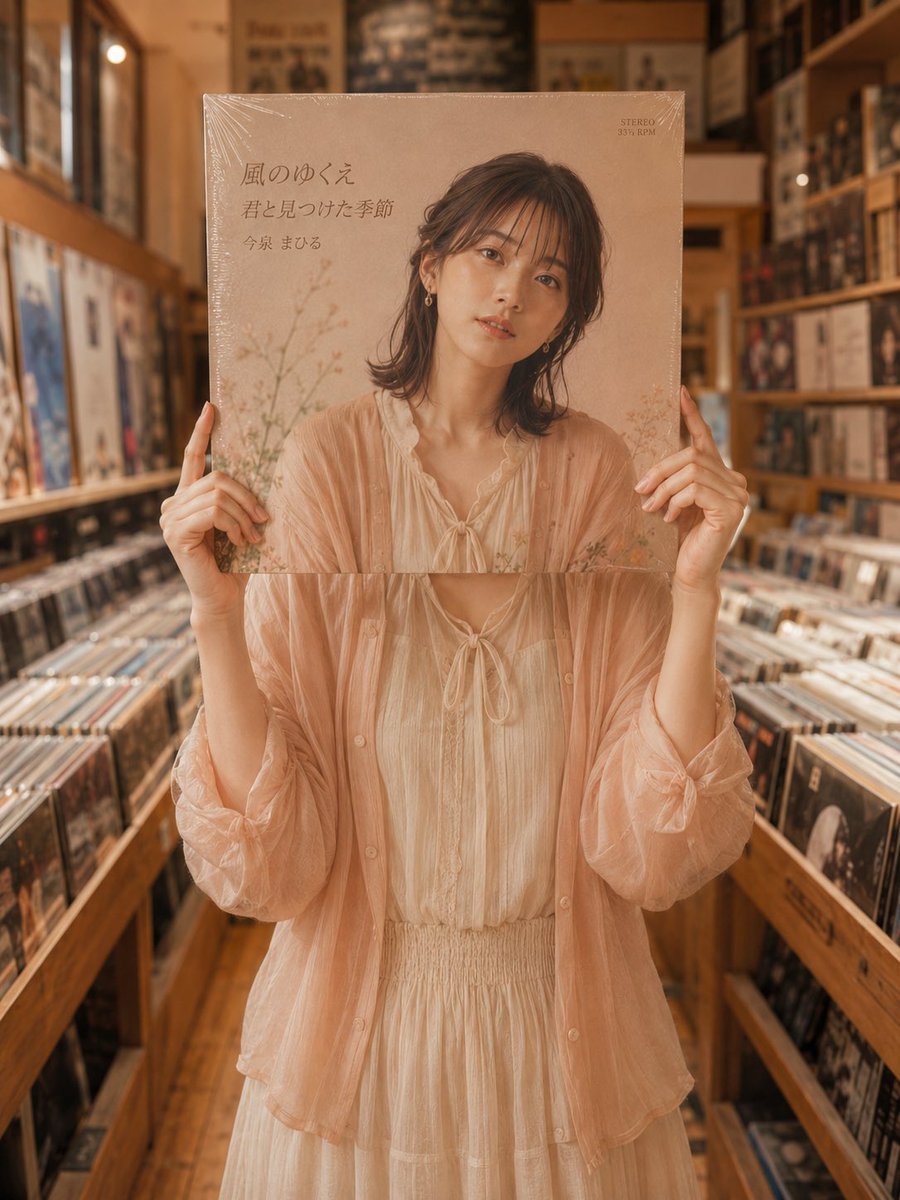
Vinyl Record Store Illusion Portrait
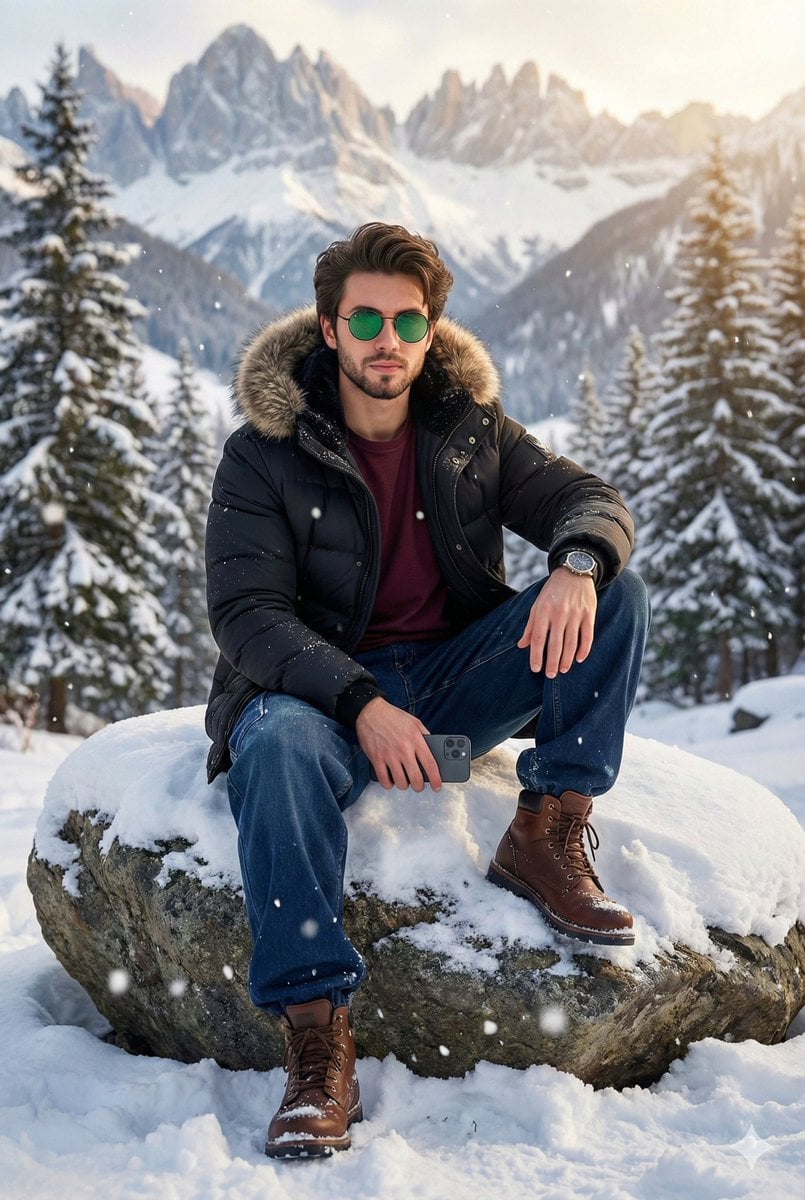
8K Cinematic Winter Portrait in Jammu & Kashmir
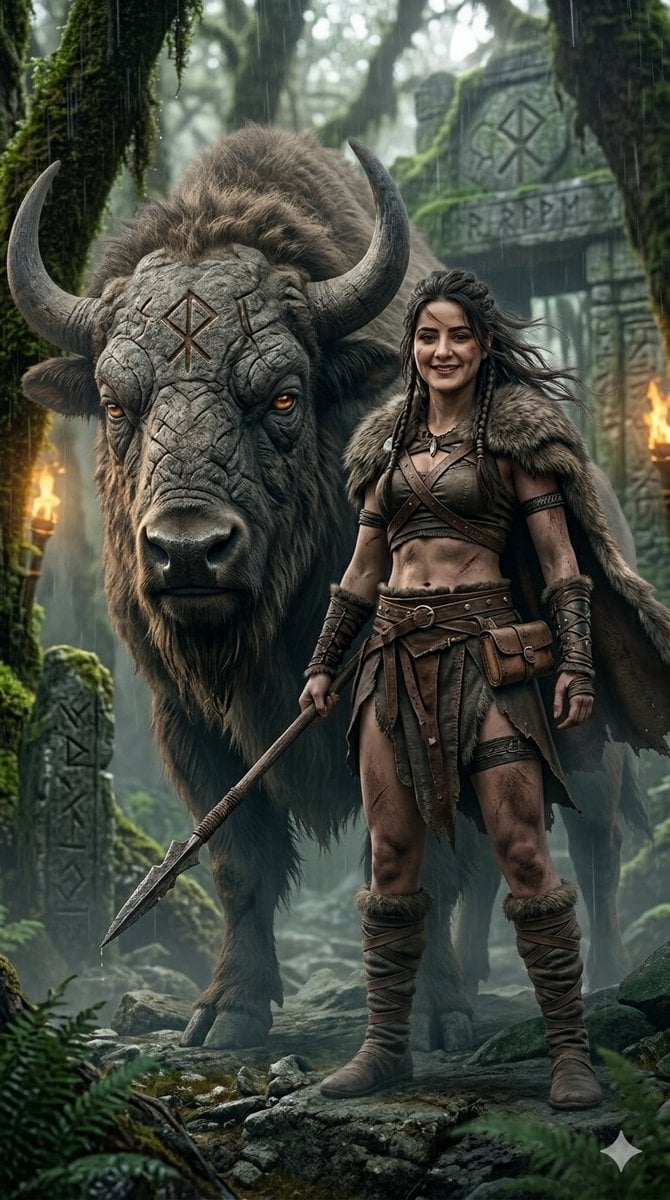
Fantasy Huntress and Ancient Beast
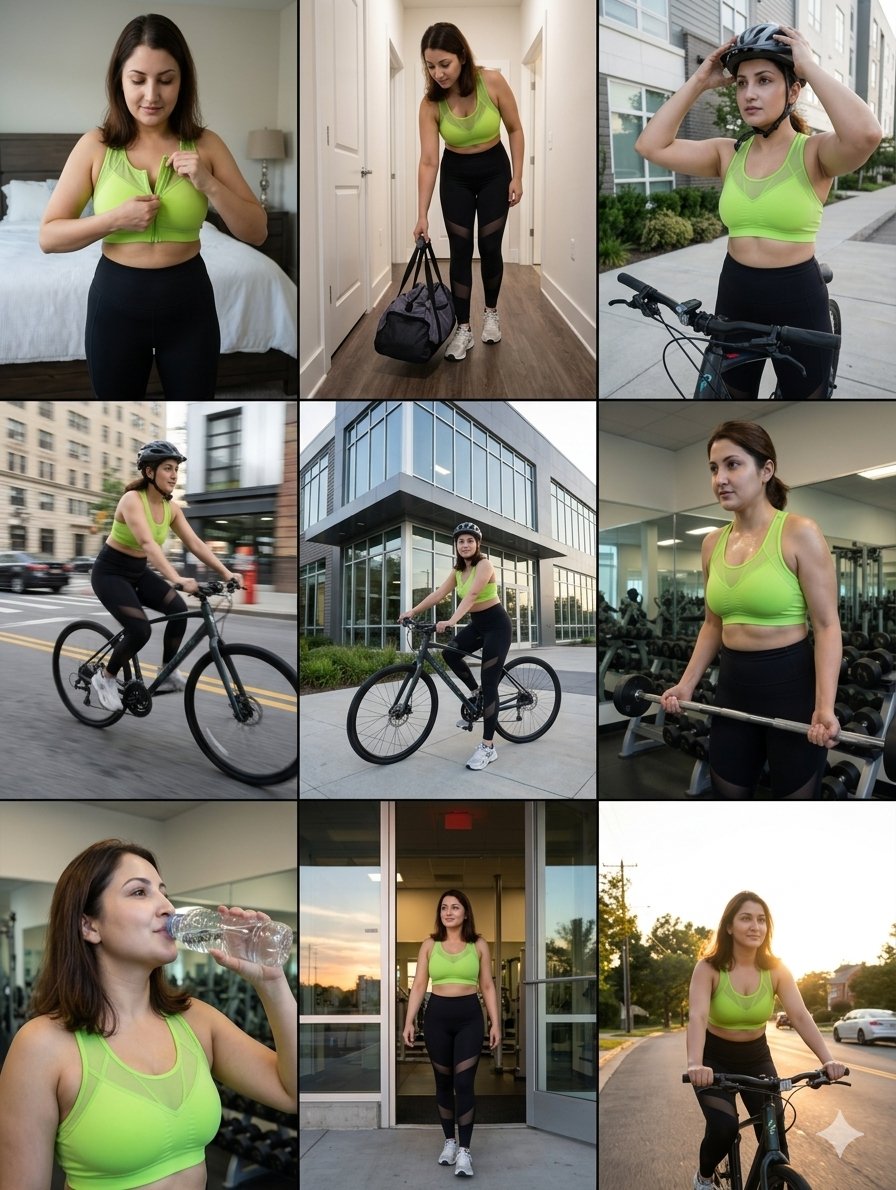
Google Nano Banana Pro Sound Visualizati

Moby Dick Book Diorama Prompt
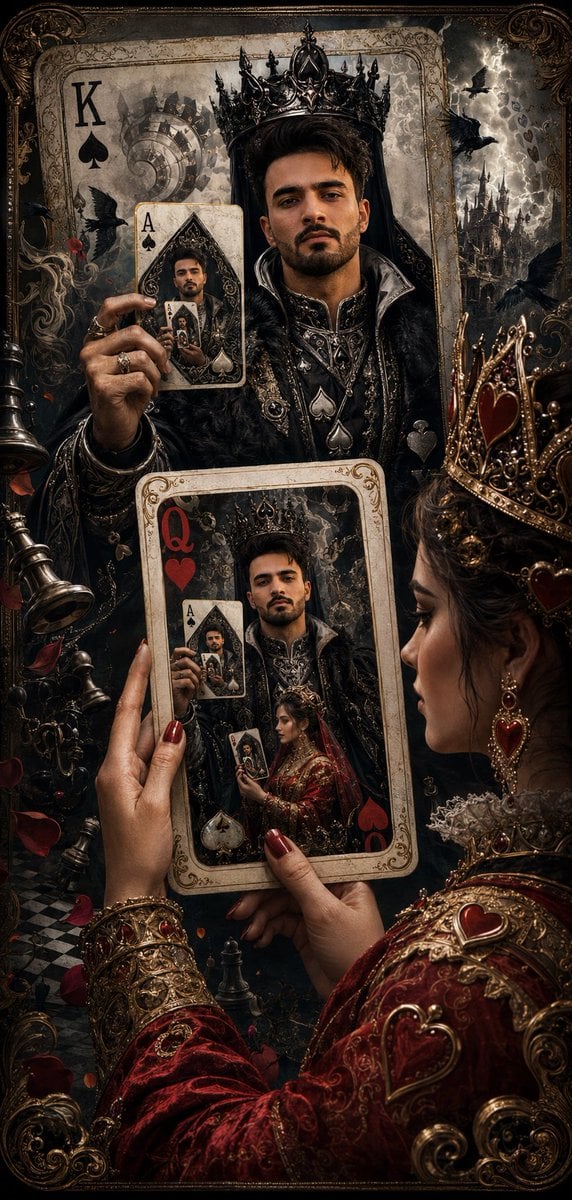
Recursive King of Spades Card
Degree Panorama Cockpit Scene
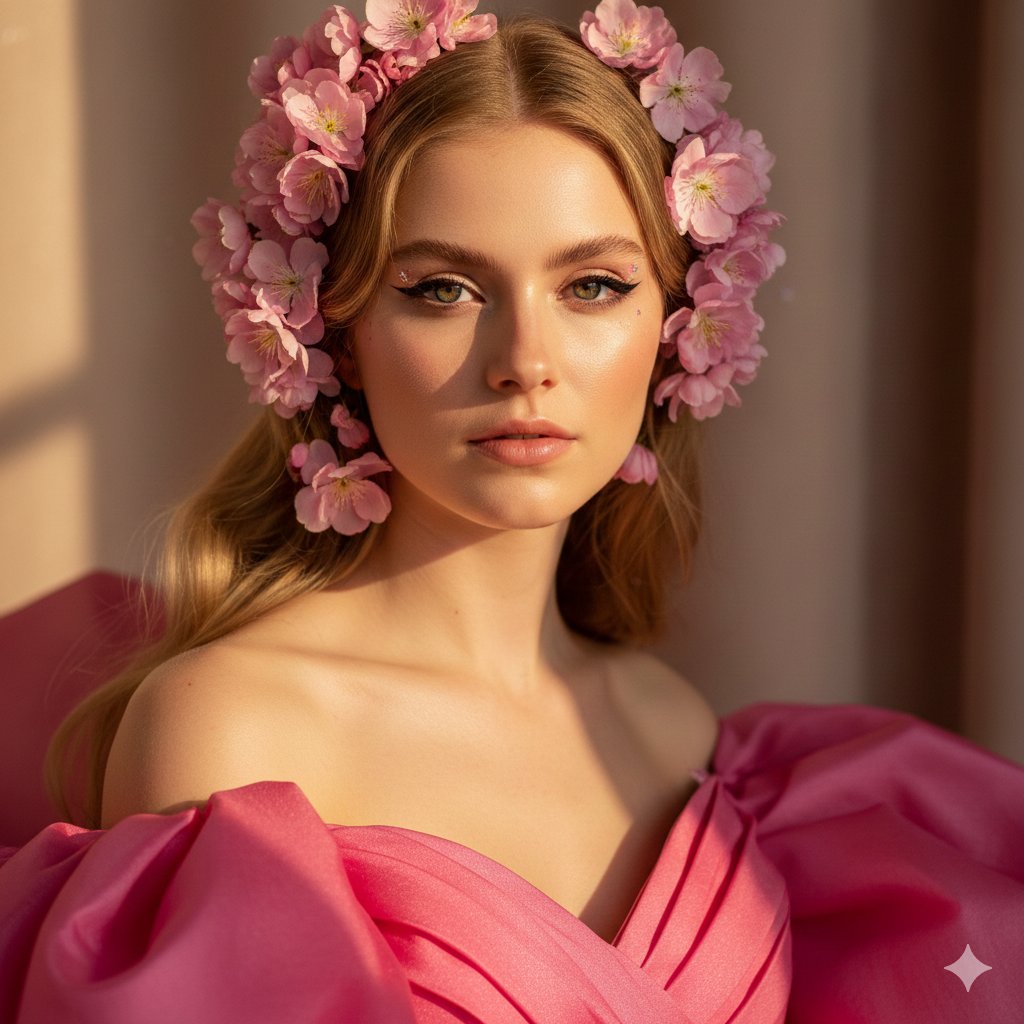
Cinematic Pink Blossom Couture Portrait
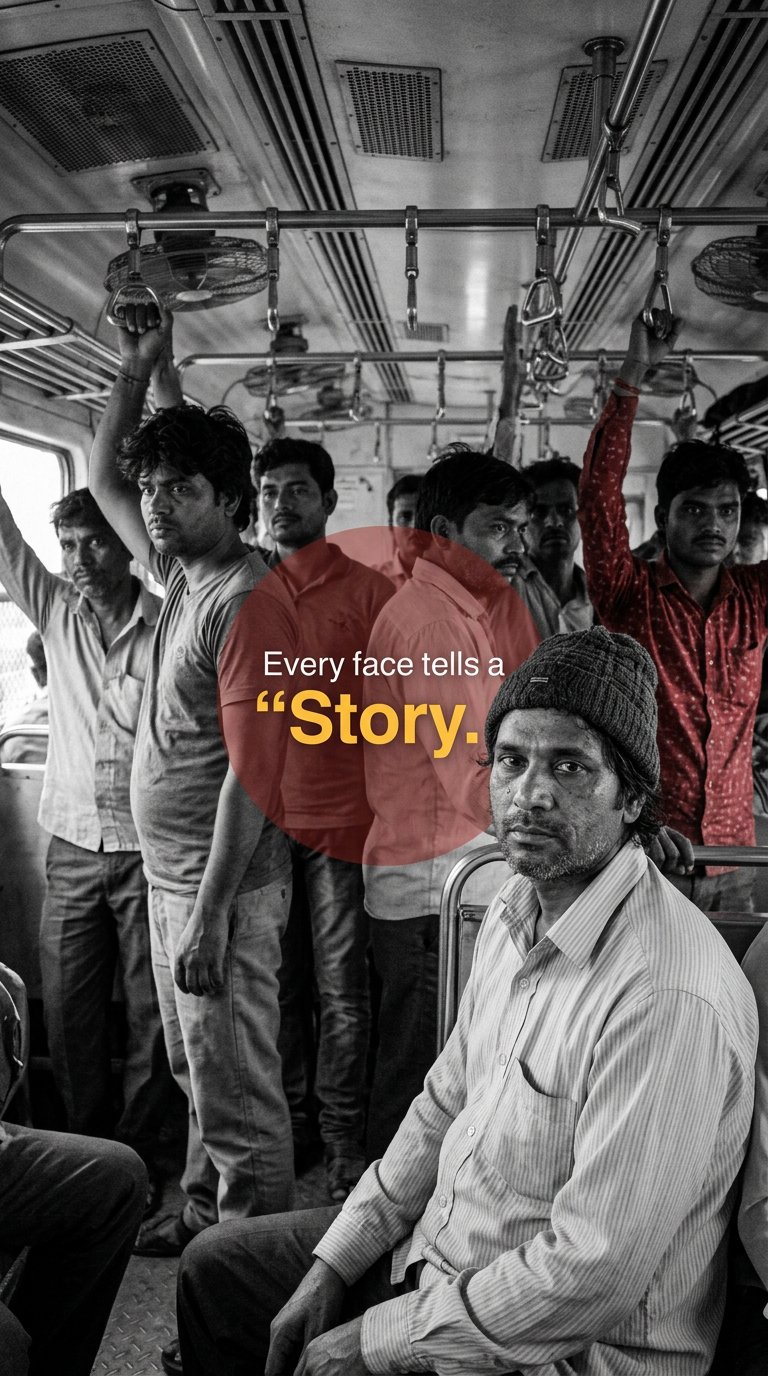
Urban Commuter Portrait Documentary
Browse template categories
Night Walk Portrait Triptych questions
How do I use the Night Walk Portrait Triptych template?
Add your photo if the template asks for one, edit the prompt if you like — the template's model and format are already selected — and press Generate. Your version opens in PicX Studio.
Can I customize the Night Walk Portrait Triptych template?
Yes. You can change the subject, setting, lighting, mood, format, and available model controls before creating your image.
Is the Night Walk Portrait Triptych template free?
Opening and editing this template is free. Generating uses credits, shown on the Generate button when you are signed in.
Which AI model should I use?
Start with GPT Image 2, which is the model associated with this template. You can compare another compatible model for a different finish.
Looking for something else? Browse all templates.

Your photo, any look
Thousands of ready templates for every top image and video model, from one credit balance.