
Gothic Undine Romanticism Poster
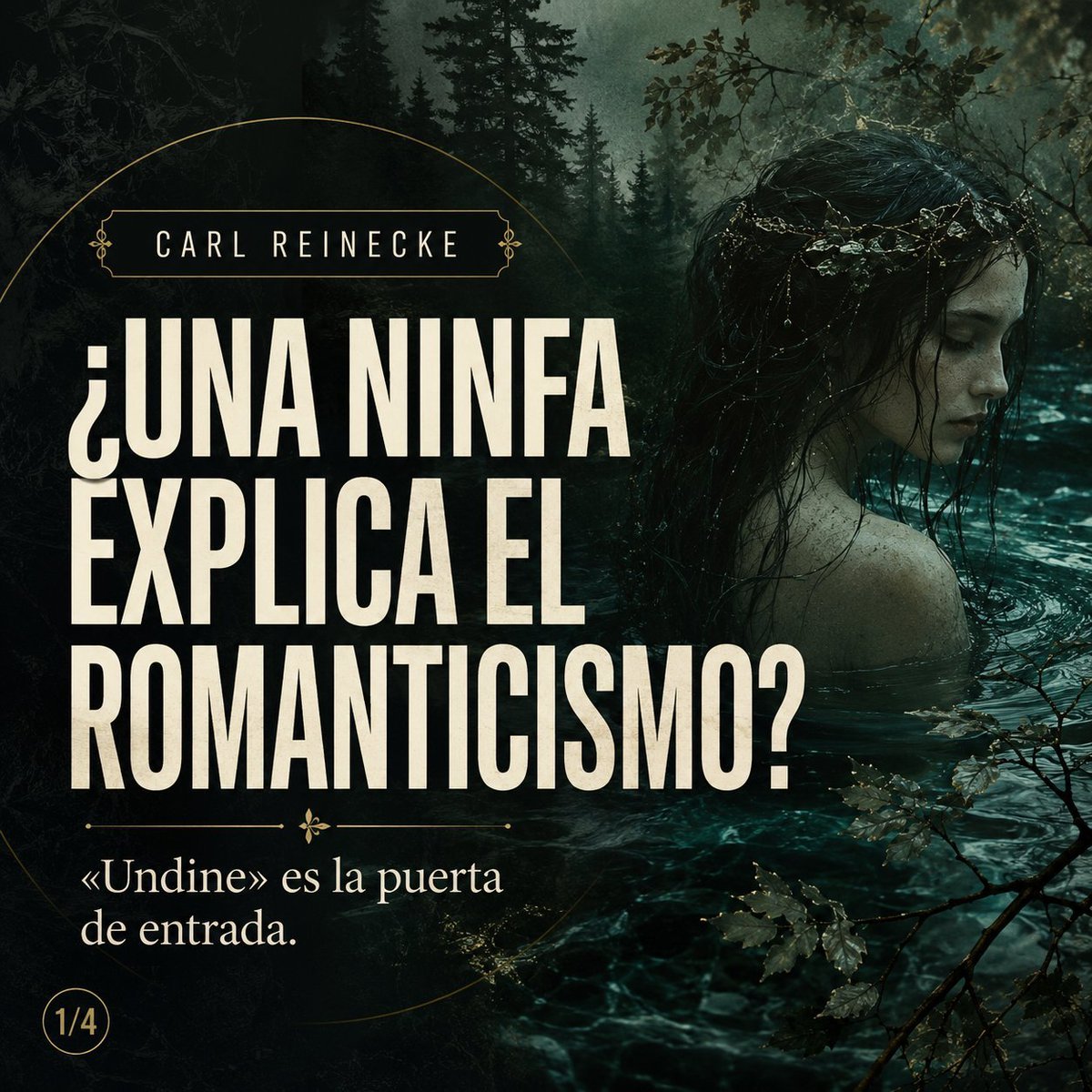
A square Spanish literary poster with Gothic forest imagery, a water nymph, and bold editorial typography for a Romantic opera explainer series.
- Prompt included
- Model and format preset
- Premium template
The prompt behind this image
Copy the exact prompt behind Gothic Undine Romanticism Poster, or open it in the studio and make it yours.
Goal: Create a dark Gothic editorial poster about Romanticism and the water-nymph story Undine, combining a cinematic forest-river scene with large Spanish typography. Canvas: Square 1:1 social media post, 768×768 style composition, moody high-contrast lighting, deep teal/black palette with warm ivory text and thin antique-gold ornament lines. Background and subject: A misty Germanic forest at night surrounds a cold dark river. On the right half, show the back and partial profile of a pale aquatic nymph emerging waist-deep from the water, with long wet black hair tangled with small twigs or pearls. Her face is mostly hidden by a solid dark rectangular block placed over the upper-right facial area. Add rippling water, submerged shoulders, wet skin, silhouetted pine trees, branches and leaves in the foreground, and a mysterious Romantic-era atmosphere. Layout: Left side dominated by typography; right side dominated by the nymph and water. Add a very thin antique-gold circular arc starting near the upper left and curving around the text, plus small decorative flourishes and divider ornaments. Place a small framed author label at the top left. Place a small circular page marker at the bottom left. Text content: At the top left, inside a thin gold rectangular label with small ornamental ends, write {argument name="author name" default="CARL REINECKE"}. Center-left, in huge condensed bold uppercase ivory letters, stack the headline across four lines: {argument name="headline text" default="¿UNA NINFA EXPLICA EL ROMANTICISMO?"}. Beneath the headline, add a thin decorative divider line with a small gold floral ornament in the center. Below it, write the subtitle in an elegant serif font: {argument name="subtitle text" default="«Undine» es la puerta de entrada."}. Bottom-left page badge: a small thin gold-outlined circle containing {argument name="page number" default="1/4"}. Typography and style: Use tall condensed poster type for the headline, creamy off-white ink, slightly aged print texture, subtle grain, and a classical literary-magazine look. Use an elegant serif for the subtitle and narrow spaced capitals for the author label. Constraints: Keep exactly these 4 visible text elements: author label, headline, subtitle, and page marker. Do not add logos, watermarks, extra captions, or additional people. Maintain strong legibility despite the dark forest background.
How to use Gothic Undine Romanticism Poster in 3 steps
- 1Upload ImagePNG, JPG or paste
Add your photo
Upload the photo the template builds on. The prompt, model and format are already set.
- 2…a portrait of your subject in softgolden-hour light, 85mm…
Personalize
Edit the subject and creative details for your destination.
- 3Generate
Generate
Press Generate — your image is created in PicX Studio, so you can compare it with the original and refine one variable at a time.
More like this
Templates with the same subject, style or setup. Open one to see its prompt.

Japan Travel Brochure Poster

Cartoon TV Show Poster Pack

Trendy Cafe Drink Promo Poster

Urban Fashion Editorial Collage Streetwear Poster

Premium Fashion Editorial Cover Layout System

Polo Ralph Lauren Luxury American Heritage Fashion Campaign

Monochrome Halftone Editorial Fashion Poster

Retro Mirror Luxury Fashion Campaign Poster

Luxury Fashion Campaign Typography Poster System

Premium Fashion Editorial Campaign Poster System

Ultra-Stylized High-Fashion Streetwear Poster

Urban Fashion Editorial Collage Poster
Make it yours
Gothic Undine Romanticism Poster works as-is. These are the safest ways to change it without losing the look.
Change one field
Copy a single group, rewrite it, and generate again so you can see what that field is doing.
Keep the frame, change the subject
Hold the composition and light of Gothic Undine Romanticism Poster, then swap wardrobe, props or the person for a new take.
| If the result… | Why | Fix |
|---|---|---|
| The result drifts from the preview | Too many fields changed at once. | Reuse Gothic Undine Romanticism Poster as-is first, then change one group — subject, light, or setting. |
| The model over-stylizes the scene | The prose prompt leaves finish and camera underspecified. | Add one camera or lighting sentence and stay on GPT Image 2. |
More GPT Image 2 templates
Other prompts made for GPT Image 2.

Six VTuber Japanese Logo Sheet

Realistic Portrait of Woman and Deer

The Vista Modular Condo Poster

AI Model Routing Comparison Infographic

2.5D Anime Art Board

Isometric Productivity Desk Scene

New York Double Exposure Poster

Four-Panel AI Landscape Comparison

Japanese Tatami Lifestyle Magazine Cover

NESCAFÉ Coffee Map Poster
More image prompts
Fresh picks from across the catalog.
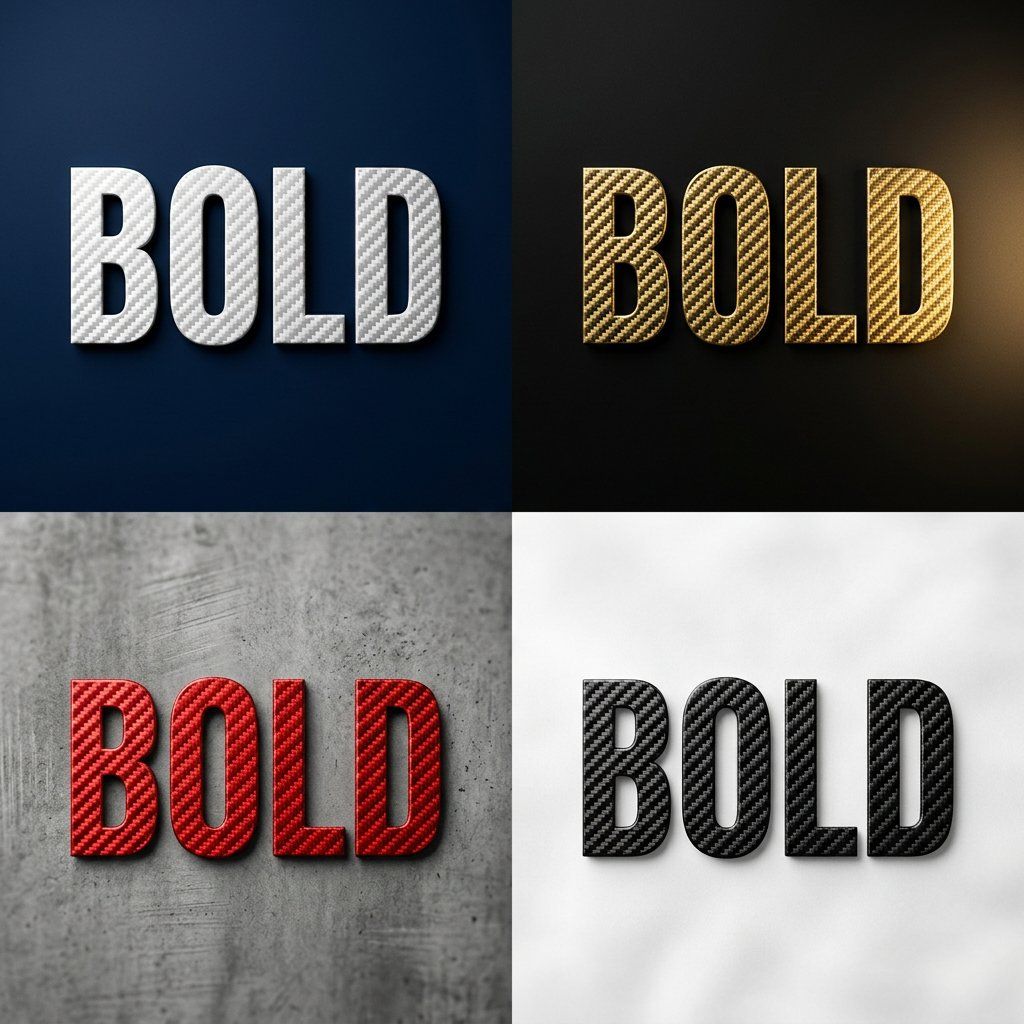
Carbon Fiber Typography
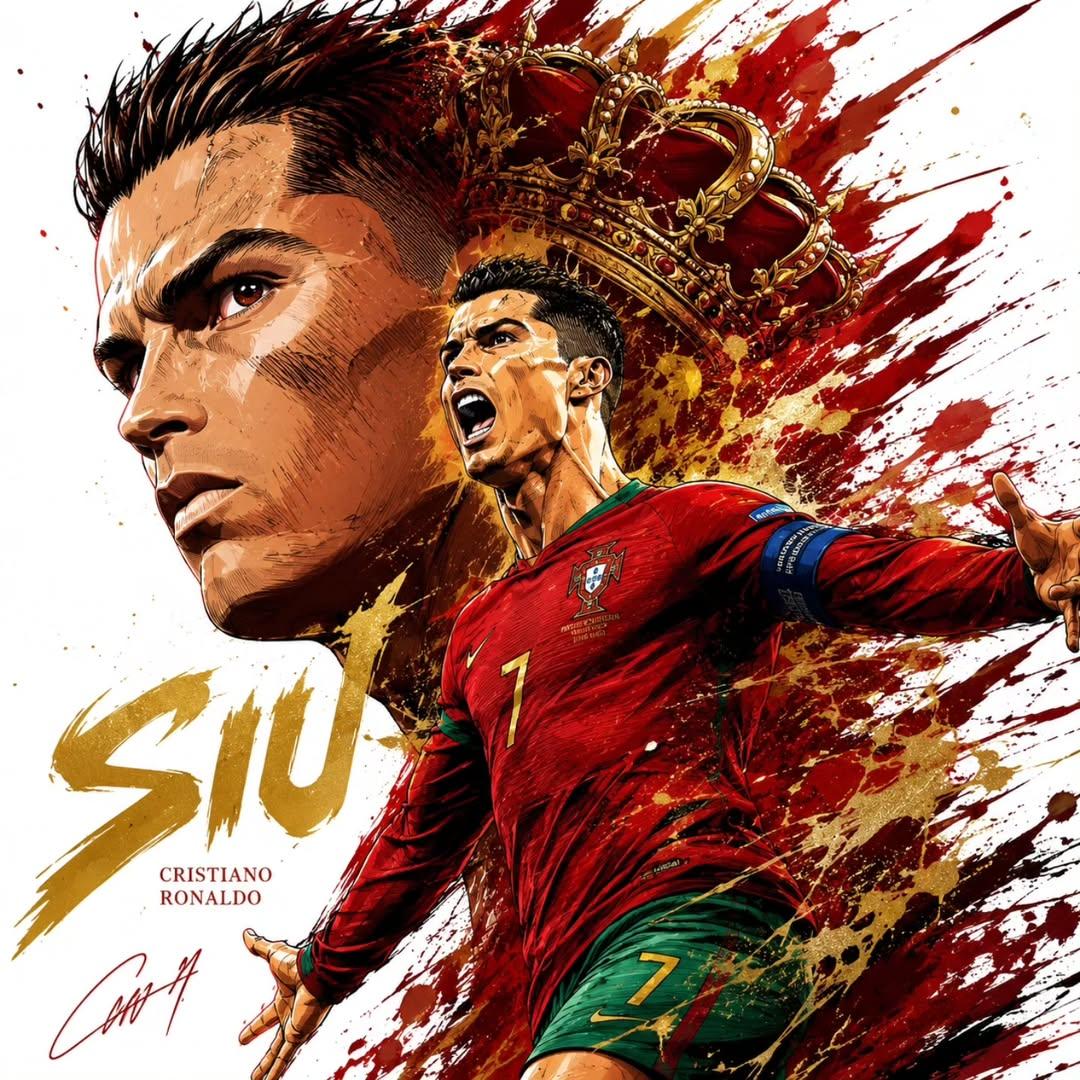
Dynamic Football Superstar Illustration
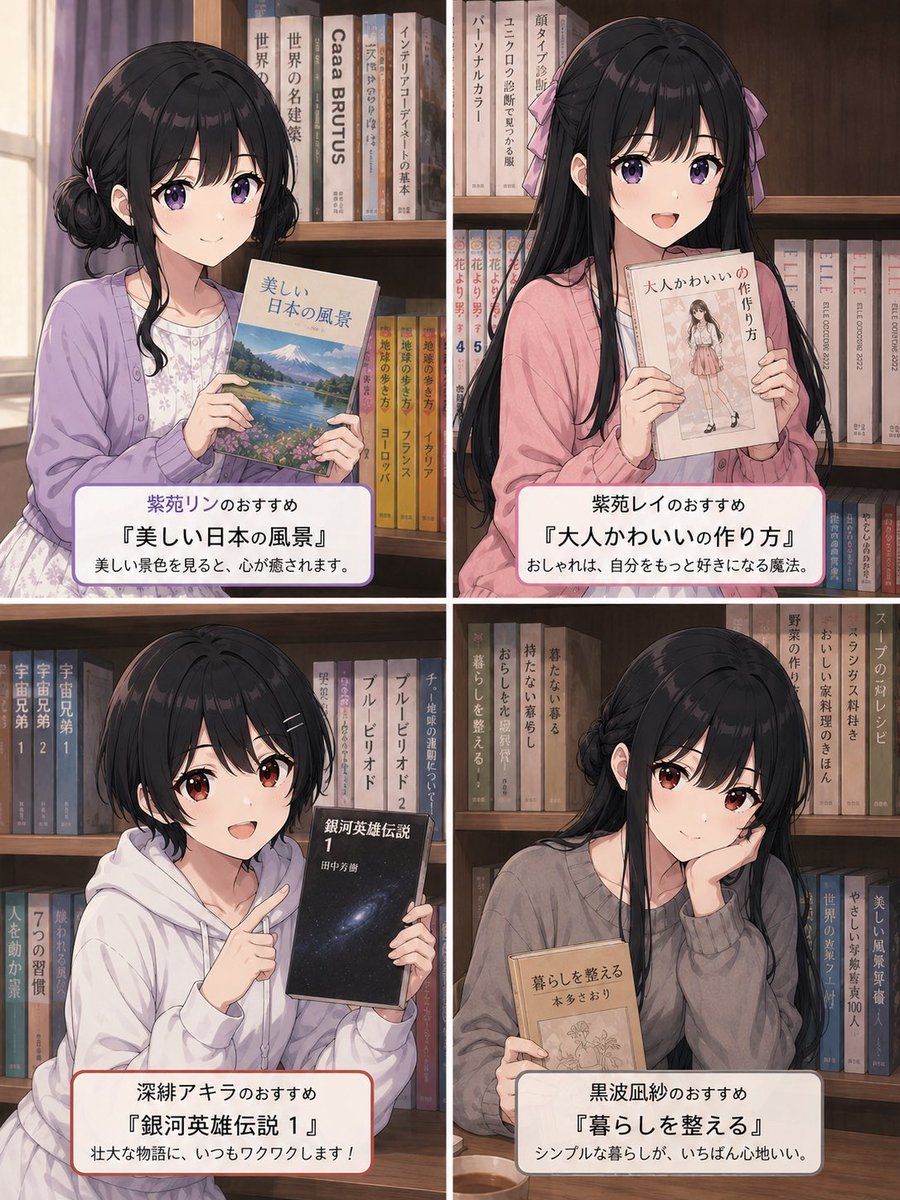
Four Anime Bookshelf Recommendations
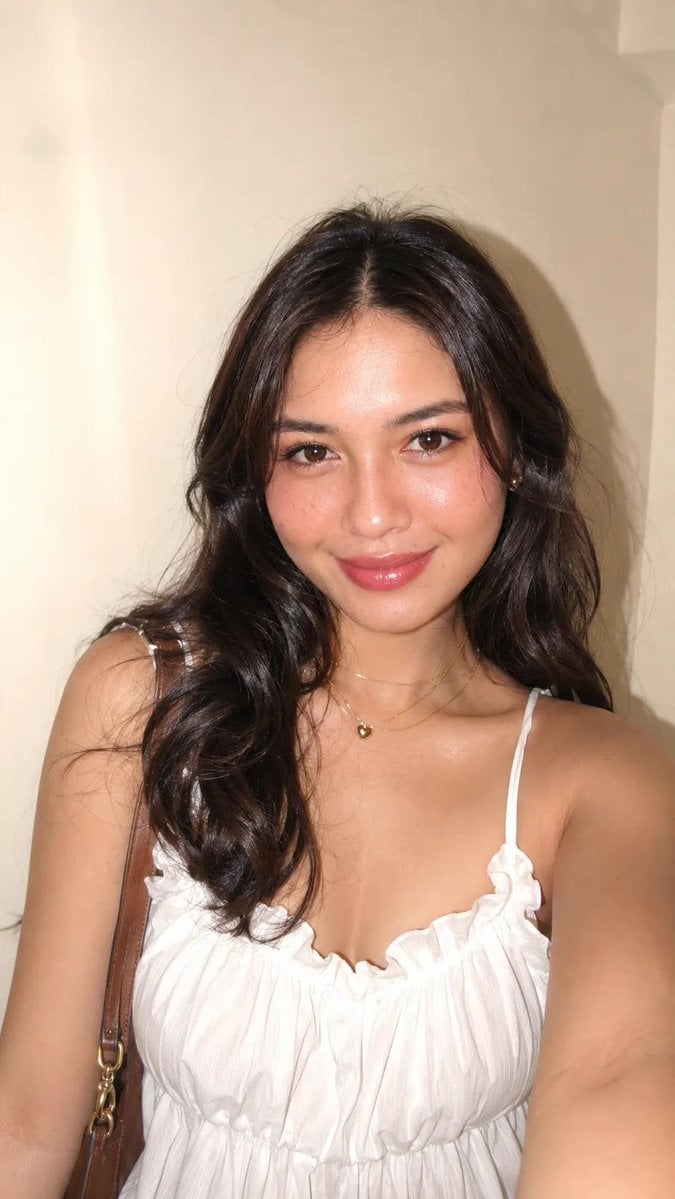
iPhone Flash Glamour Portrait
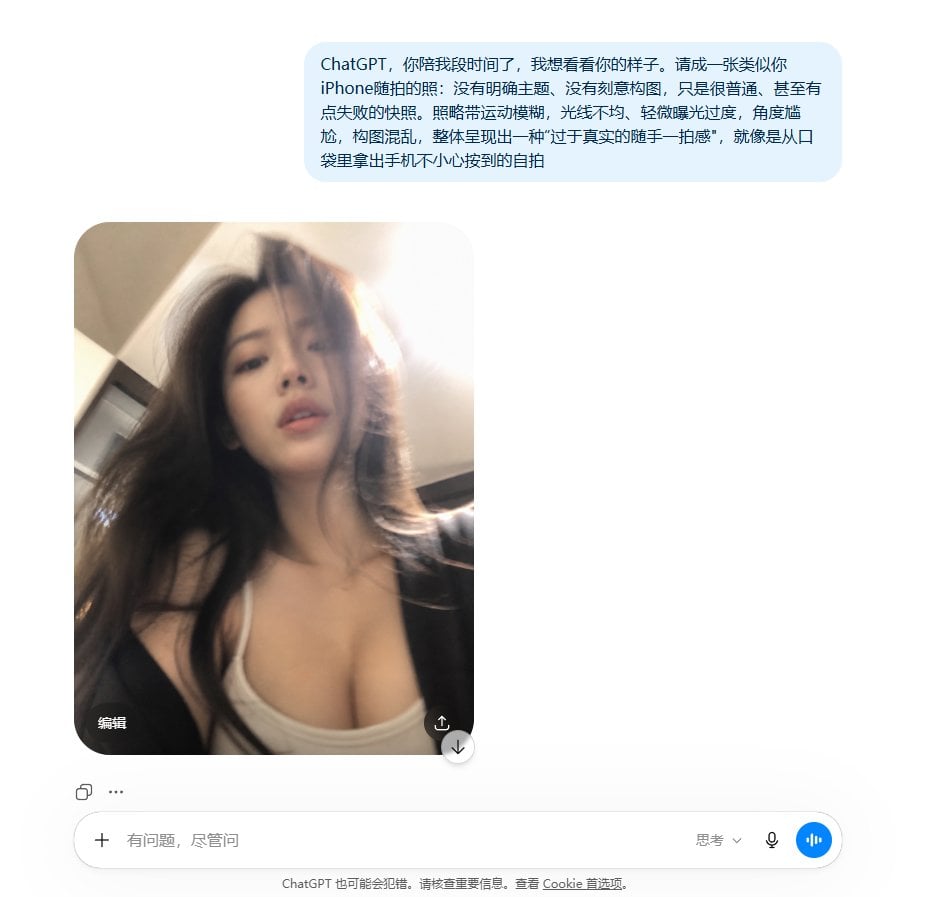
Realistic Accidental Selfie Persona
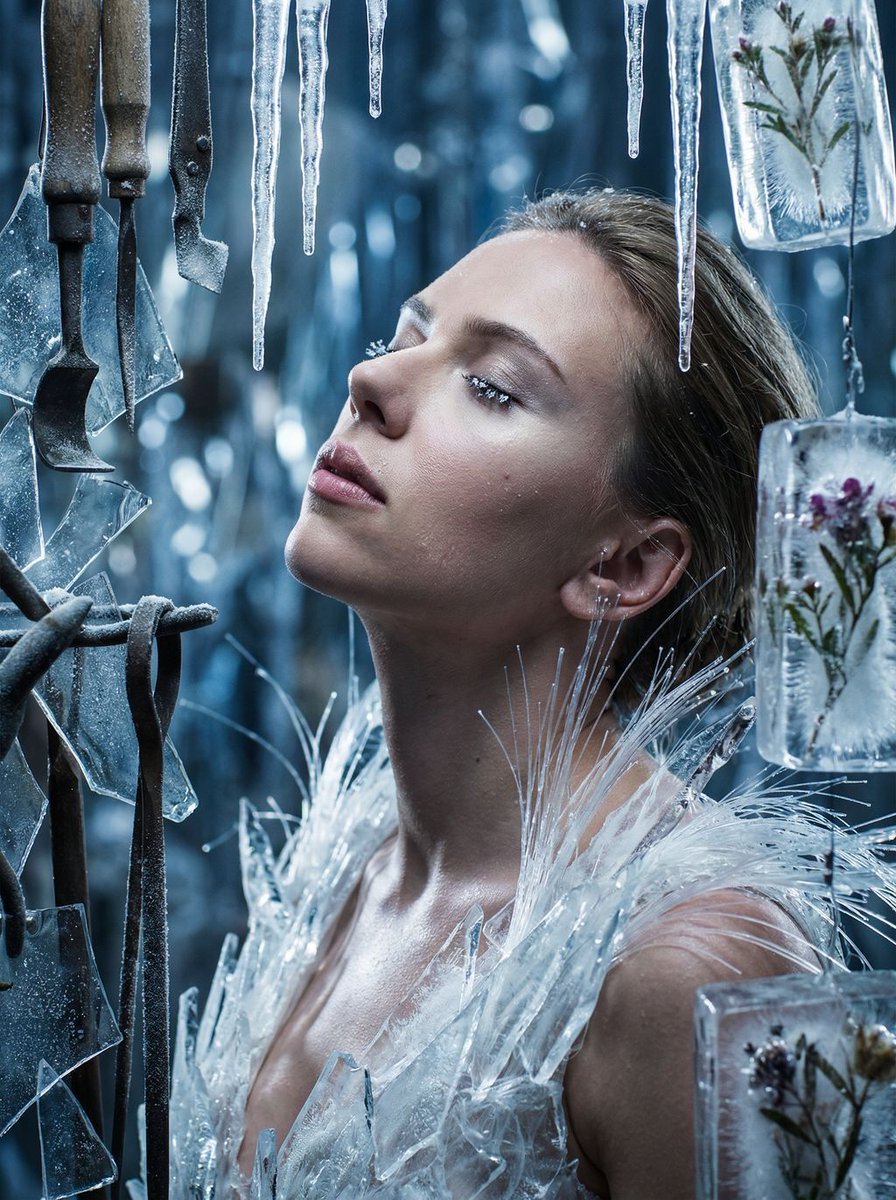
Cinematic Surreal Portrait: Crystallized Melancholy
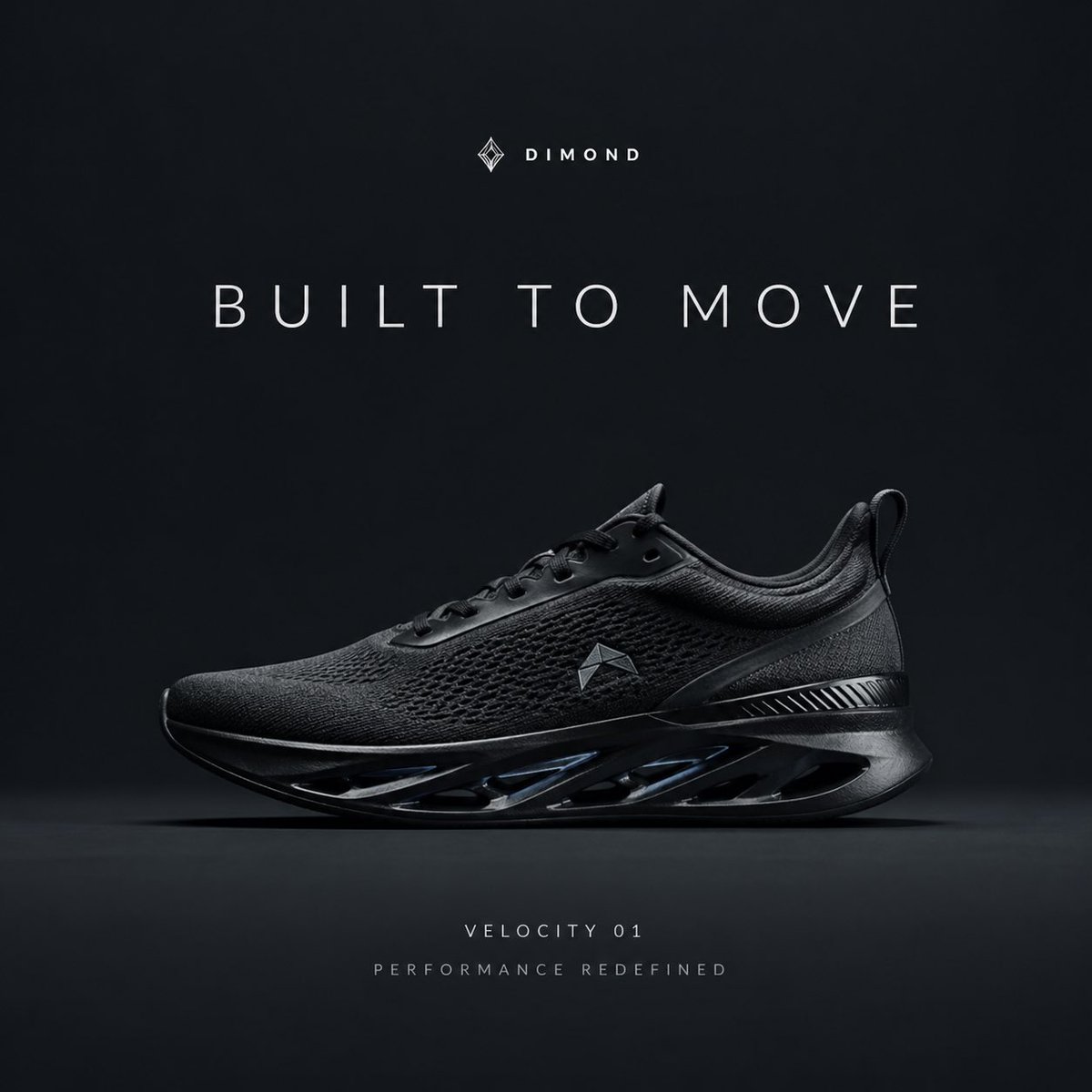
Premium Sportswear Campaign Poster Prompt
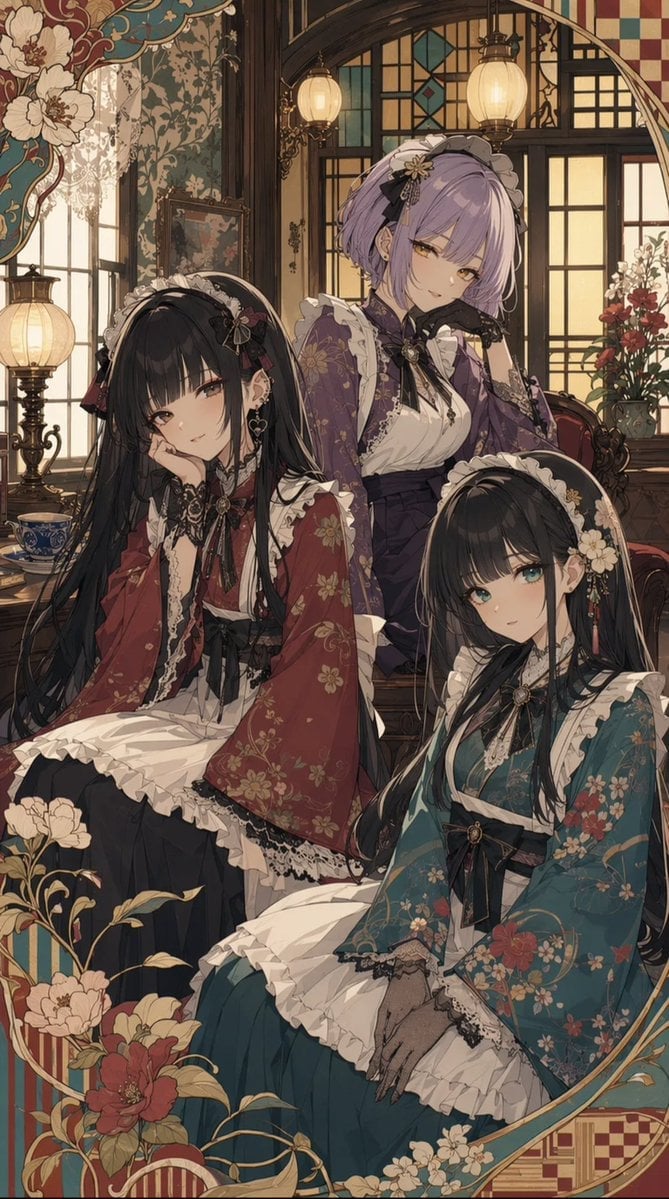
Taisho Romantic Cafe Trio
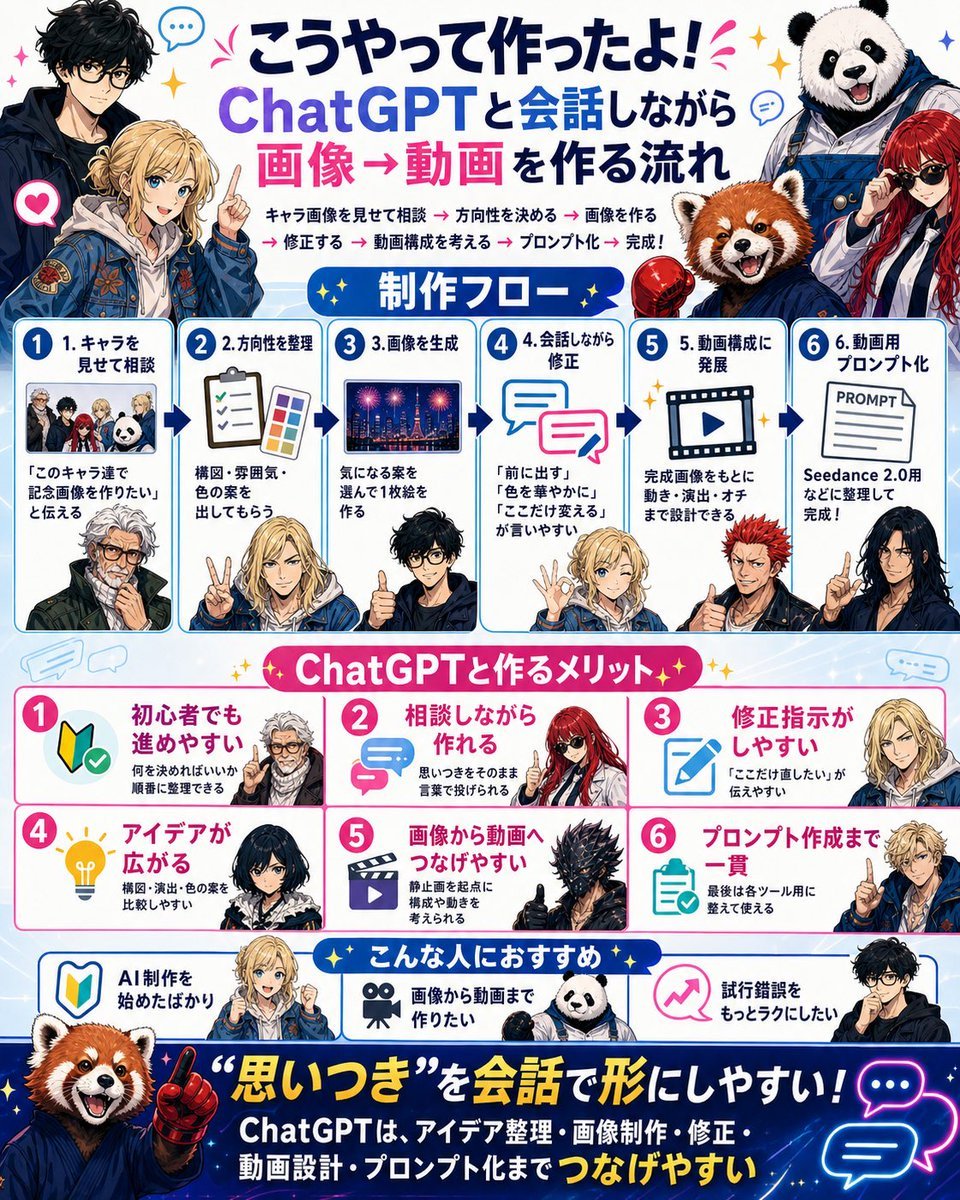
Japanese ChatGPT Image-to-Video Workflow Infographic
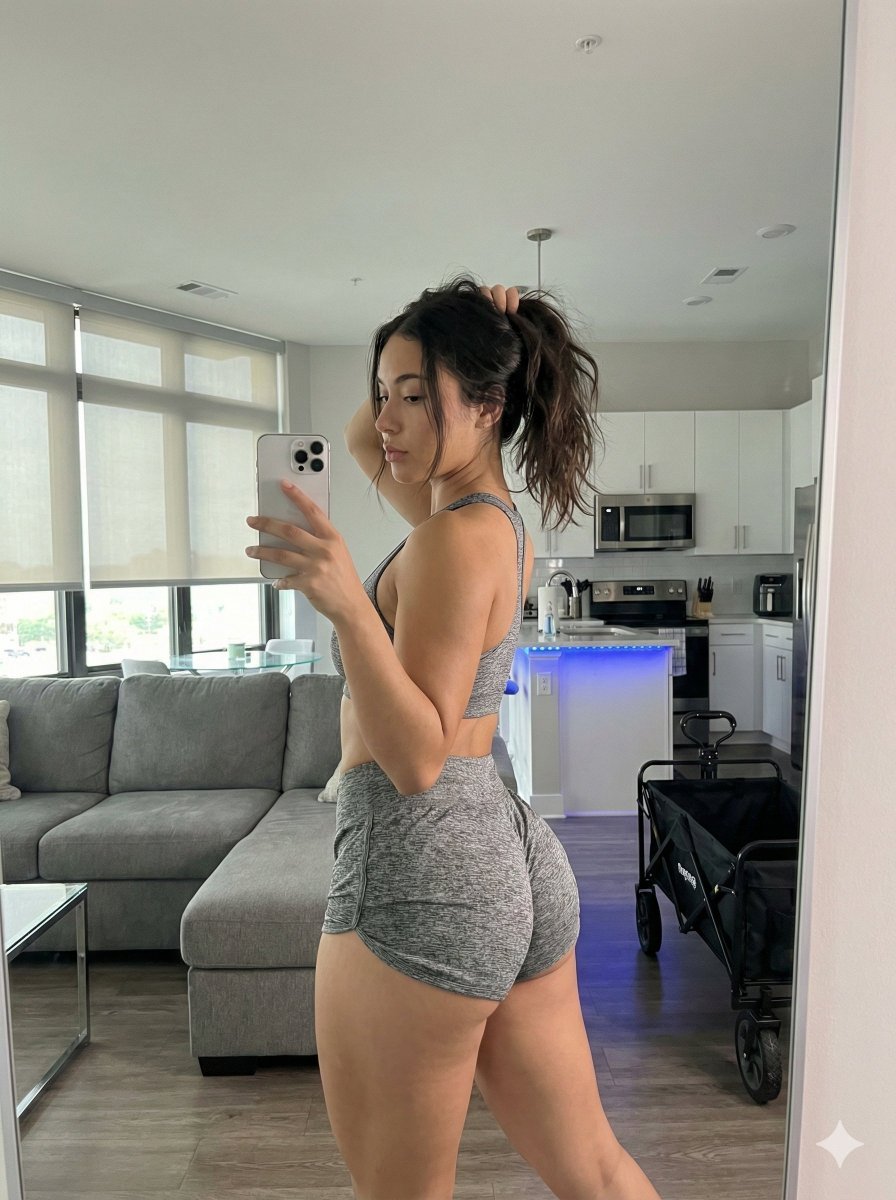
Photorealistic Gym Mirror Selfie Prompt (Curvy Physique)
Browse template categories
Gothic Undine Romanticism Poster questions
How do I use the Gothic Undine Romanticism Poster template?
Add your photo if the template asks for one, edit the prompt if you like — the template's model and format are already selected — and press Generate. Your version opens in PicX Studio.
Can I customize the Gothic Undine Romanticism Poster template?
Yes. You can change the subject, setting, lighting, mood, format, and available model controls before creating your image.
Is the Gothic Undine Romanticism Poster template free?
Opening and editing this template is free. Generating uses credits, shown on the Generate button when you are signed in.
Which AI model should I use?
Start with GPT Image 2, which is the model associated with this template. You can compare another compatible model for a different finish.
Looking for something else? Browse all templates.

Your photo, any look
Thousands of ready templates for every top image and video model, from one credit balance.