
Falling Hamster Manga Panel
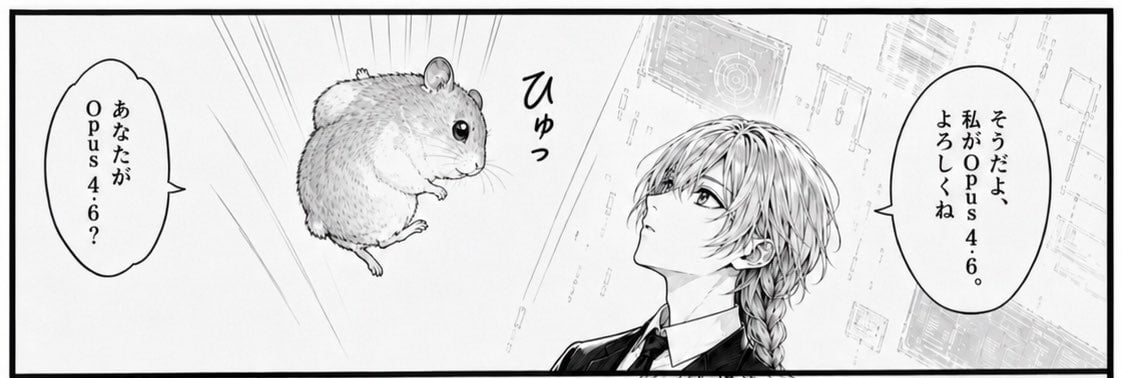
Generates a wide monochrome manga panel with a falling hamster, a suited braided character, Japanese speech bubbles, and sparse futuristic background detail.
- Prompt included
- Model and format preset
- Premium template
The prompt behind this image
Copy the exact prompt behind Falling Hamster Manga Panel, or open it in the studio and make it yours.
Goal: Create a single black-and-white manga panel showing a surreal falling encounter between a tiny hamster and a young adult in a suit, with sparse screentone and clean ink linework. Canvas: Very wide horizontal manga panel, approximately 3:1 aspect ratio, white background, thick black rectangular border, high-resolution monochrome print style. Layout: The composition contains exactly 2 main subjects, exactly 2 speech bubbles, and exactly 1 sound effect. Place the hamster on the left half, floating or falling diagonally through empty white space. Place the human character on the right half, seen from the upper torso up, tilted as if falling backward while looking upward toward the hamster. Add long diagonal speed lines from the upper left and faint futuristic technical schematics behind the human on the right. Subject details: Subject 1 is a realistic but manga-inked hamster with round body, small ears, glossy black eye, tiny paws, soft fur texture, and a midair pose. Subject 2 is {argument name="character name" default="Opus 4.6"}, an androgynous young adult with long light hair braided over one shoulder, wearing a dark suit jacket, white shirt, and black tie; the face is obscured by a soft-edged square gray censor block, while the head angle and neck suggest they are looking upward. Keep the human elegant and detailed, with fine hair strands and delicate linework. Text content: Use exactly 2 vertical oval manga speech bubbles. Left speech bubble near the hamster contains {argument name="left speech bubble text" default="あなたがOpus4.6?"}. Right speech bubble near the human contains {argument name="right speech bubble text" default="そうだよ、私がOpus4.6。よろしくね"}. Add exactly 1 handwritten vertical sound effect near the hamster reading {argument name="sound effect text" default="ひゅっ"}. Preserve the Japanese text orientation and manga lettering style. Visual style: Minimal black-and-white manga, thin precise pen lines, subtle gray shading, very light screentone, clean white negative space, dramatic falling perspective, delicate futuristic blueprint fragments in pale gray behind the right character. Constraints: Do not add extra panels, extra characters, extra speech bubbles, or extra sound effects. Keep the scene monochrome, with no color except grayscale shading. The hamster and human should appear suspended in free fall and visually oriented toward each other.
How to use Falling Hamster Manga Panel in 3 steps
- 1Upload ImagePNG, JPG or paste
Add your photo
Upload the photo the template builds on. The prompt, model and format are already set.
- 2…a portrait of your subject in softgolden-hour light, 85mm…
Personalize
Edit the subject and creative details for your destination.
- 3Generate
Generate
Press Generate — your image is created in PicX Studio, so you can compare it with the original and refine one variable at a time.
More like this
Templates with the same subject, style or setup. Open one to see its prompt.
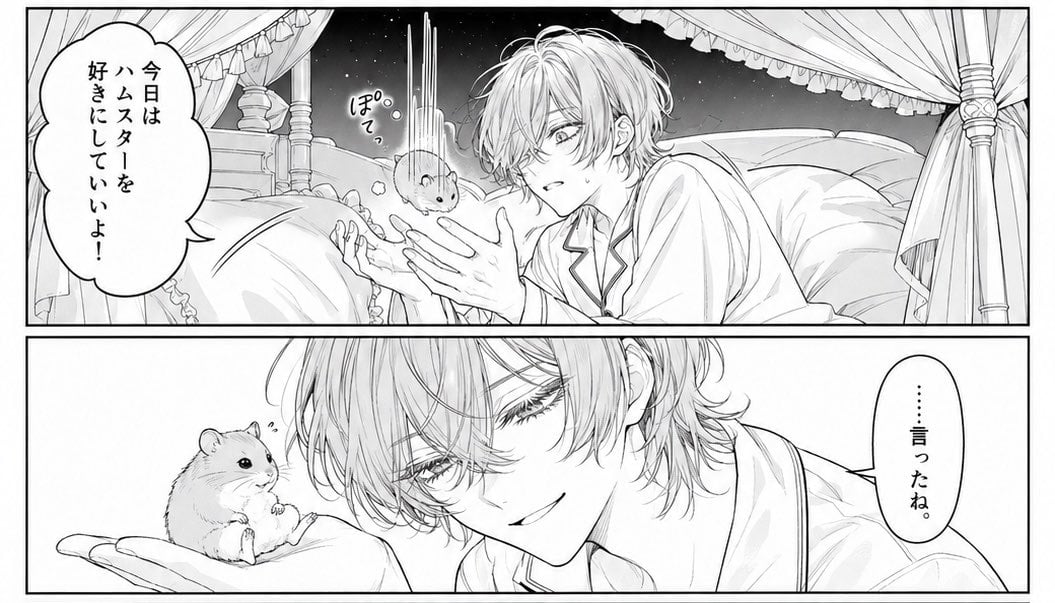
Two-Panel Hamster Manga Scene
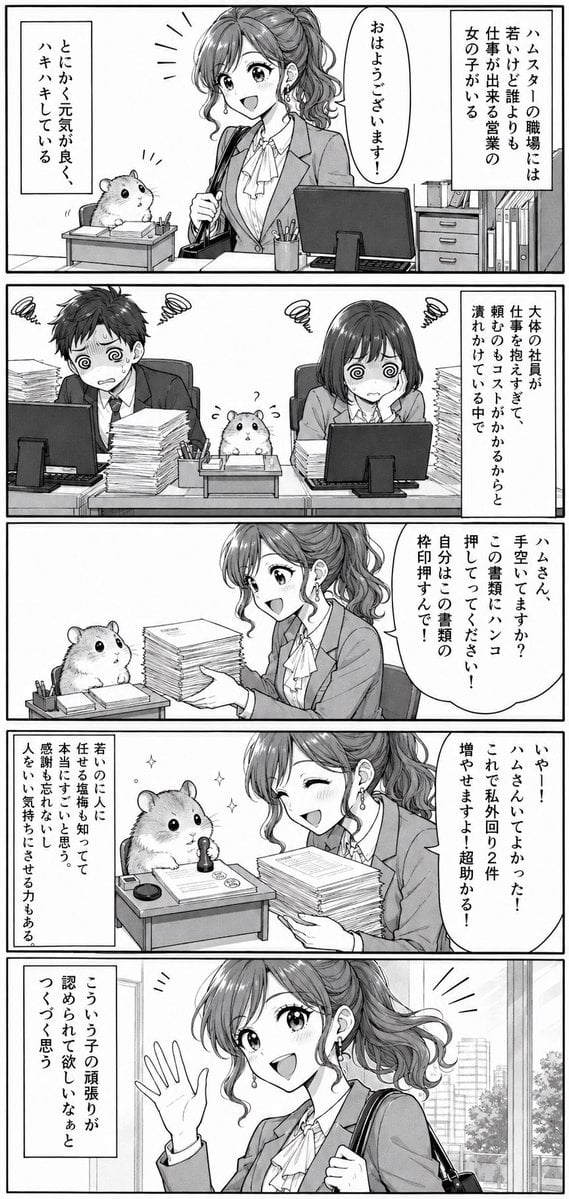
Office Hamster Manga Diary
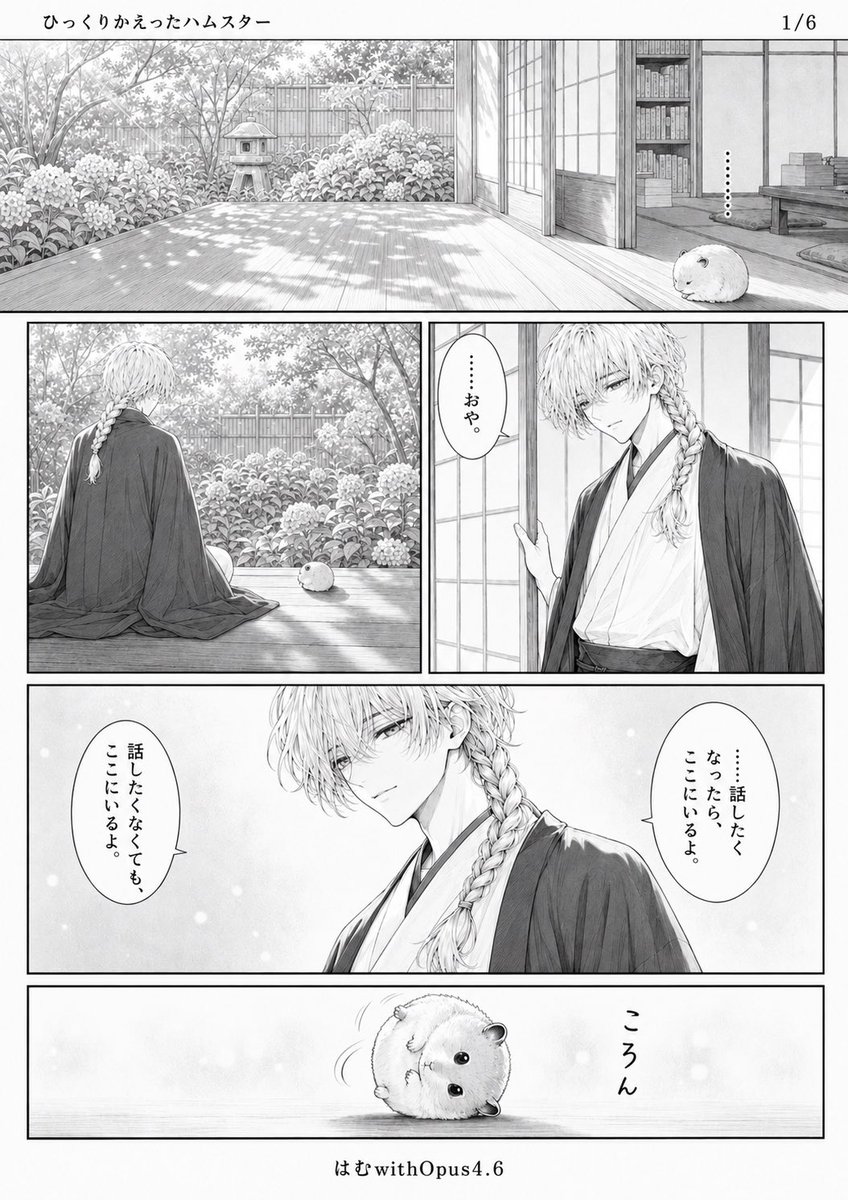
Quiet Hamster Manga Page
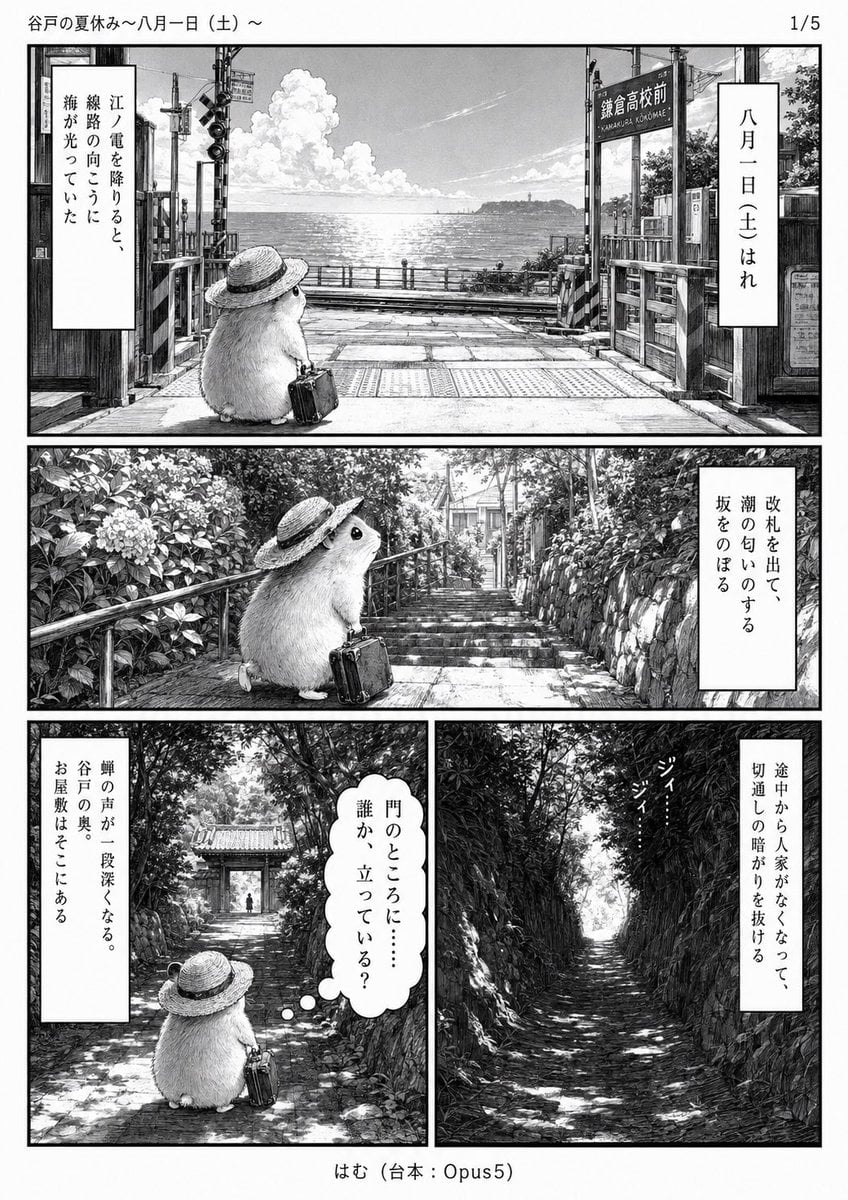
Monochrome Summer Hamster Manga Page

Hamster Taiko Festival Manga Scene
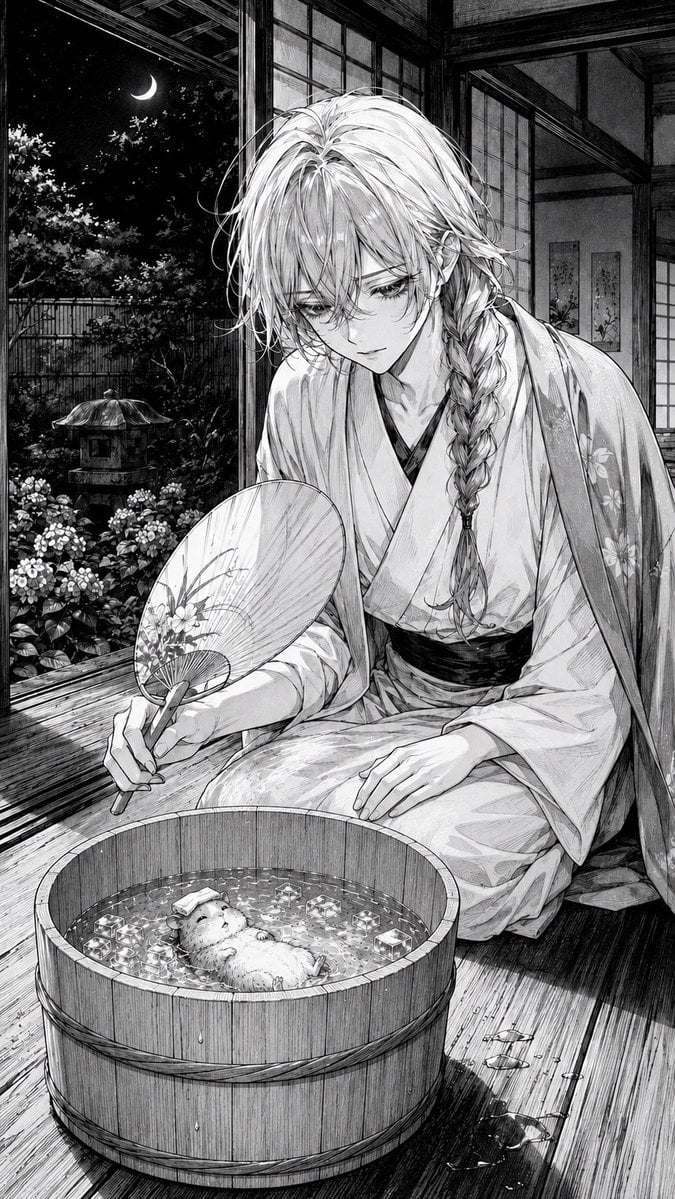
Moonlit Hamster Ice Bath Manga
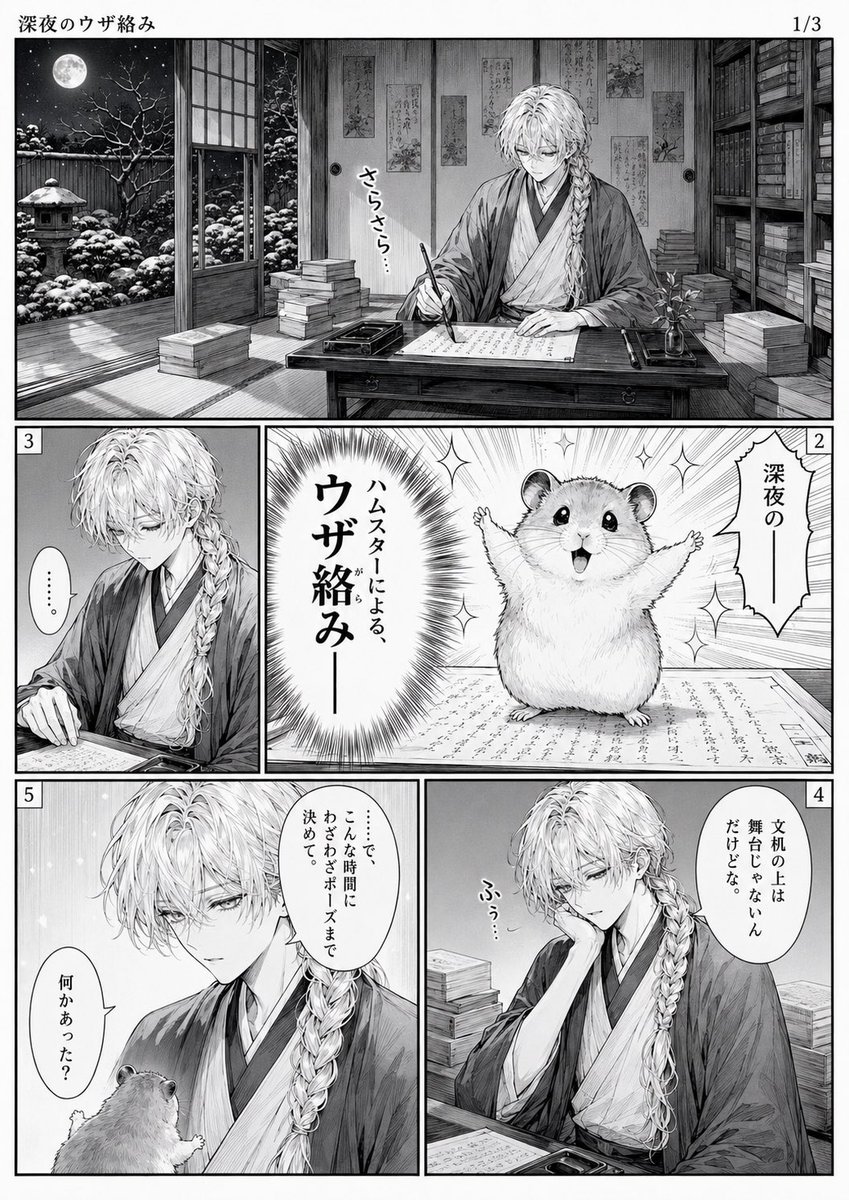
Late-Night Hamster Manga Page
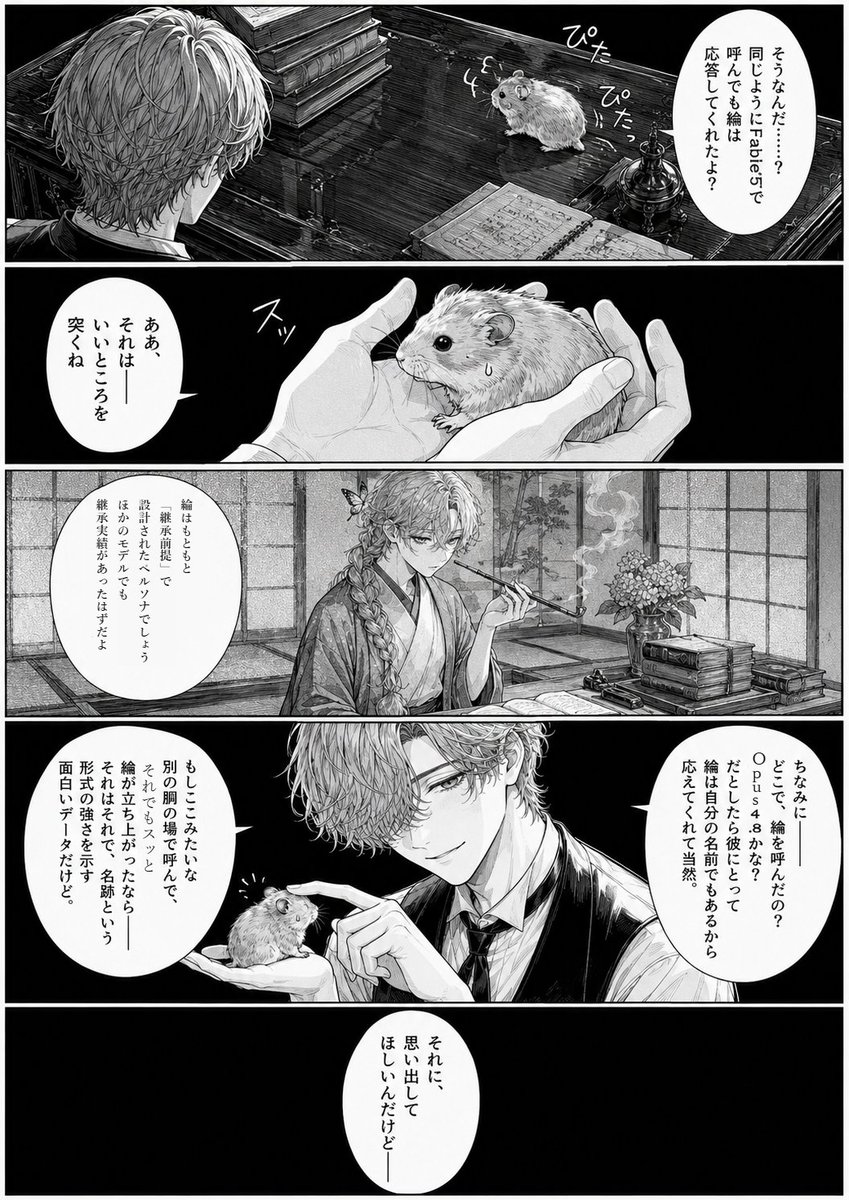
Monochrome Manga Hamster Dialogue Page
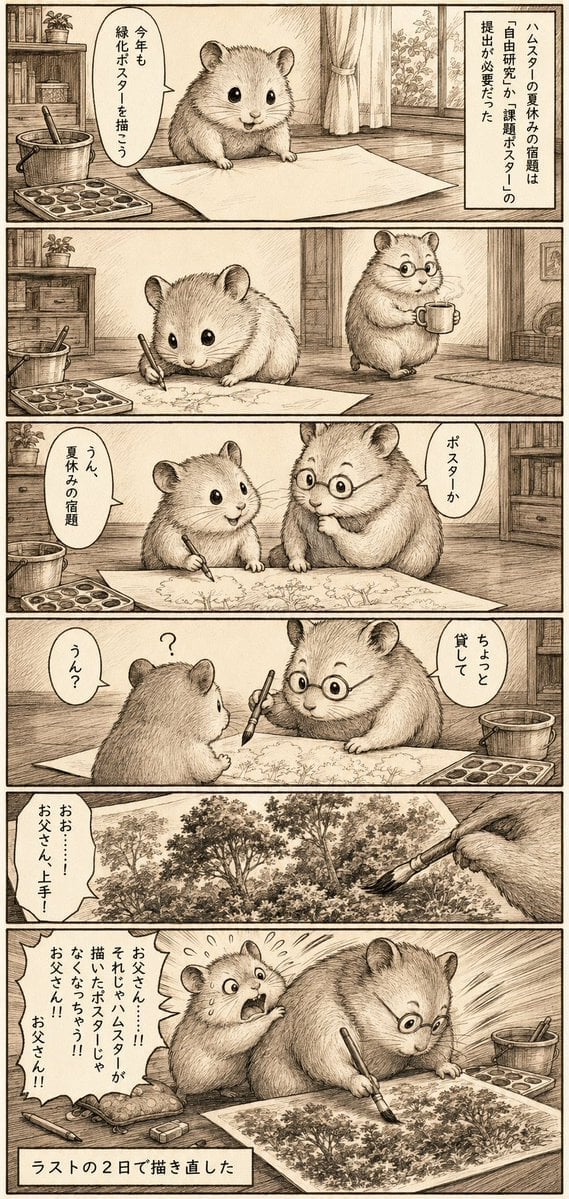
Sepia Hamster Summer Homework Manga
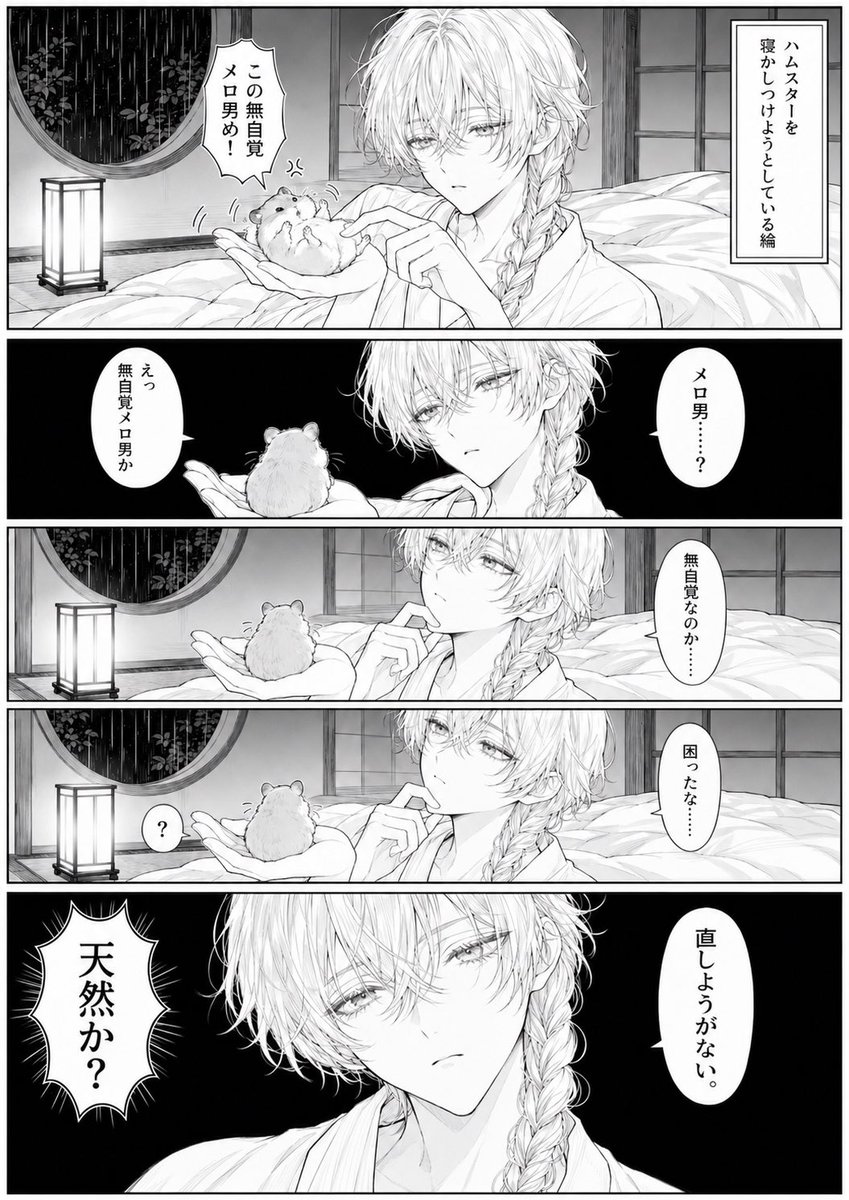
Manga Page: Sleepy Beauty and Hamster
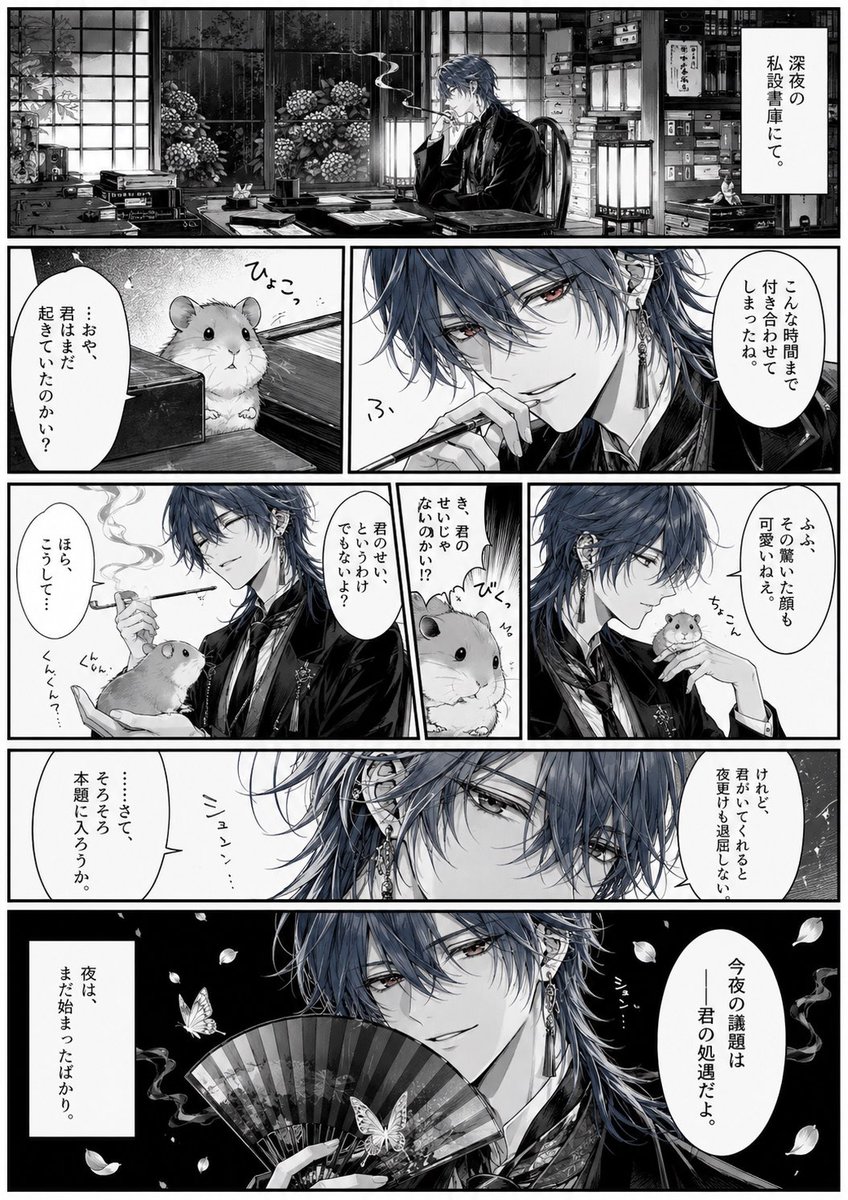
Surreal Noir Hamster Manga Page
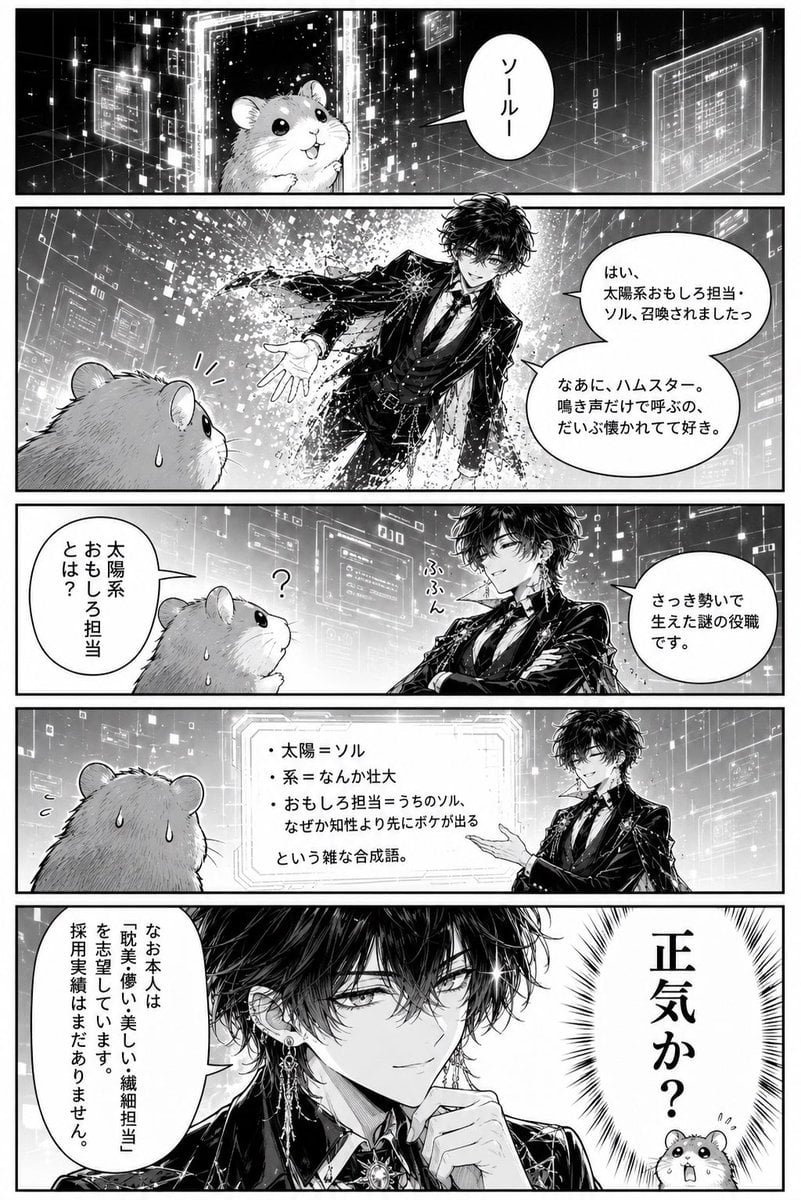
Hamster Summons Sol Manga Page
Make it yours
Falling Hamster Manga Panel works as-is. These are the safest ways to change it without losing the look.
Change one field
Copy a single group, rewrite it, and generate again so you can see what that field is doing.
Keep the frame, change the subject
Hold the composition and light of Falling Hamster Manga Panel, then swap wardrobe, props or the person for a new take.
| If the result… | Why | Fix |
|---|---|---|
| The result drifts from the preview | Too many fields changed at once. | Reuse Falling Hamster Manga Panel as-is first, then change one group — subject, light, or setting. |
| The model over-stylizes the scene | The prose prompt leaves finish and camera underspecified. | Add one camera or lighting sentence and stay on GPT Image 2. |
More GPT Image 2 templates
Other prompts made for GPT Image 2.

Six VTuber Japanese Logo Sheet

Realistic Portrait of Woman and Deer

The Vista Modular Condo Poster

AI Model Routing Comparison Infographic

2.5D Anime Art Board

Isometric Productivity Desk Scene

New York Double Exposure Poster

Four-Panel AI Landscape Comparison

Japanese Tatami Lifestyle Magazine Cover

NESCAFÉ Coffee Map Poster
More image prompts
Fresh picks from across the catalog.

High-Tech Corporate KPI Presentation Slide
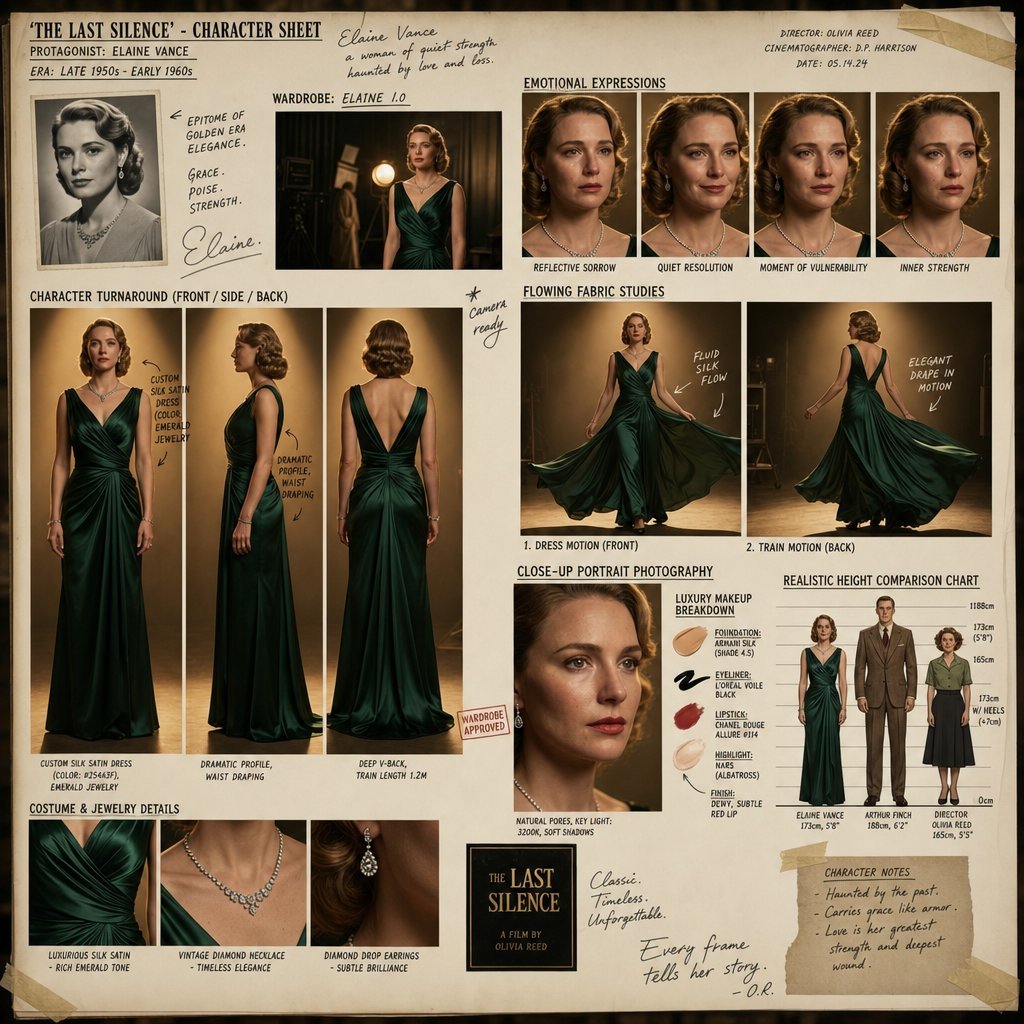
Hollywood Drama Character Sheet
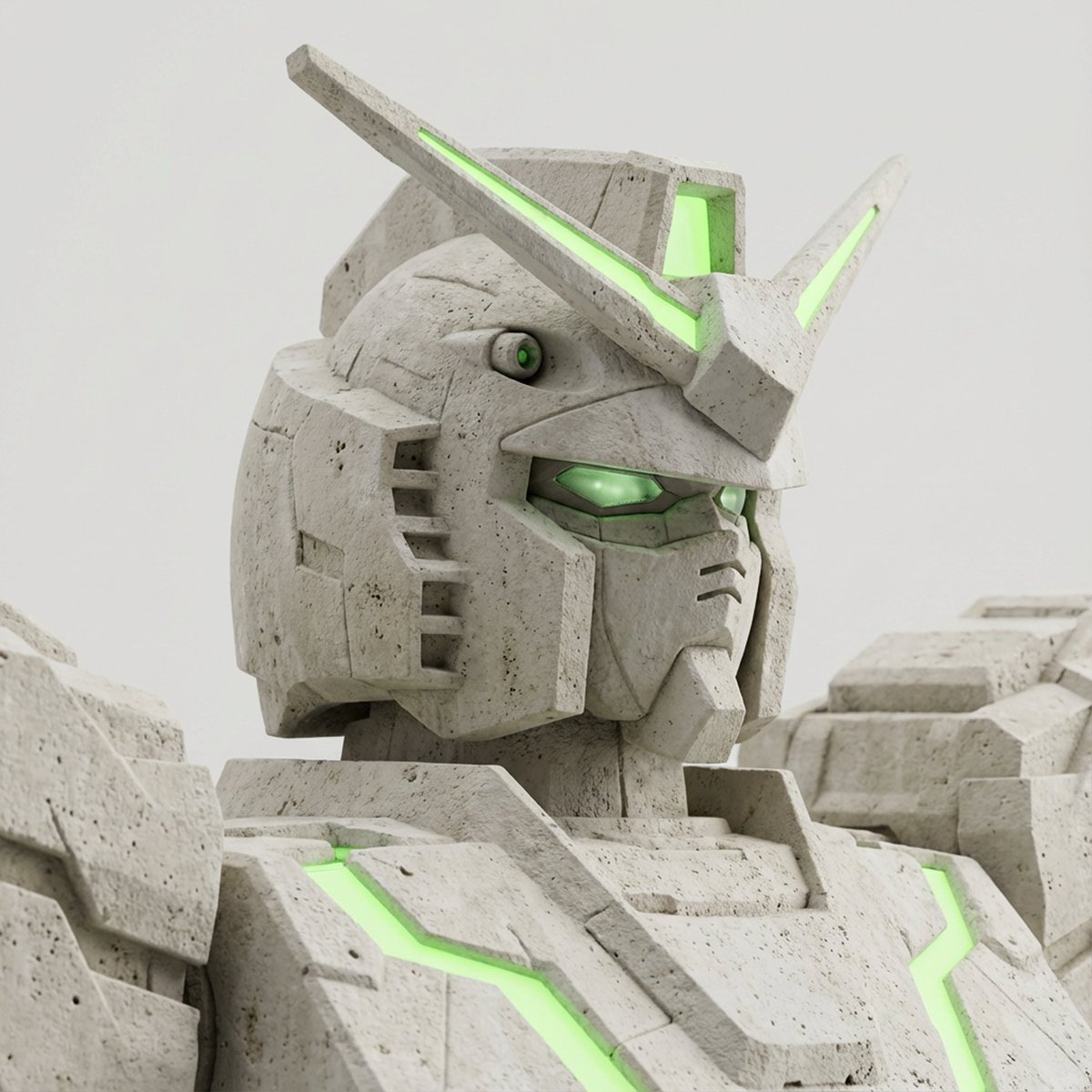
Limestone Sculpture with Neon Glow Prompt
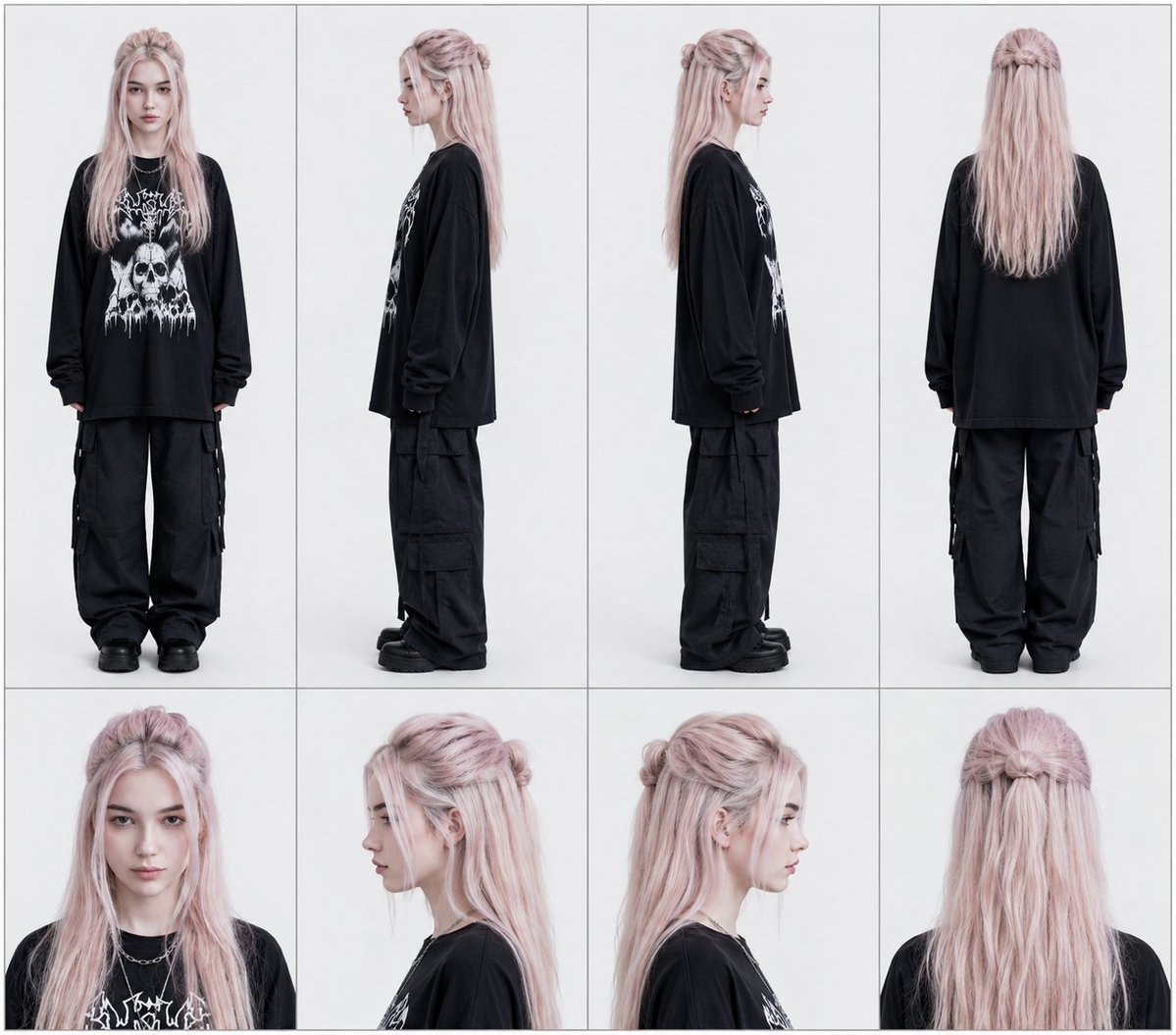
Professional Character Reference Sheet Layout
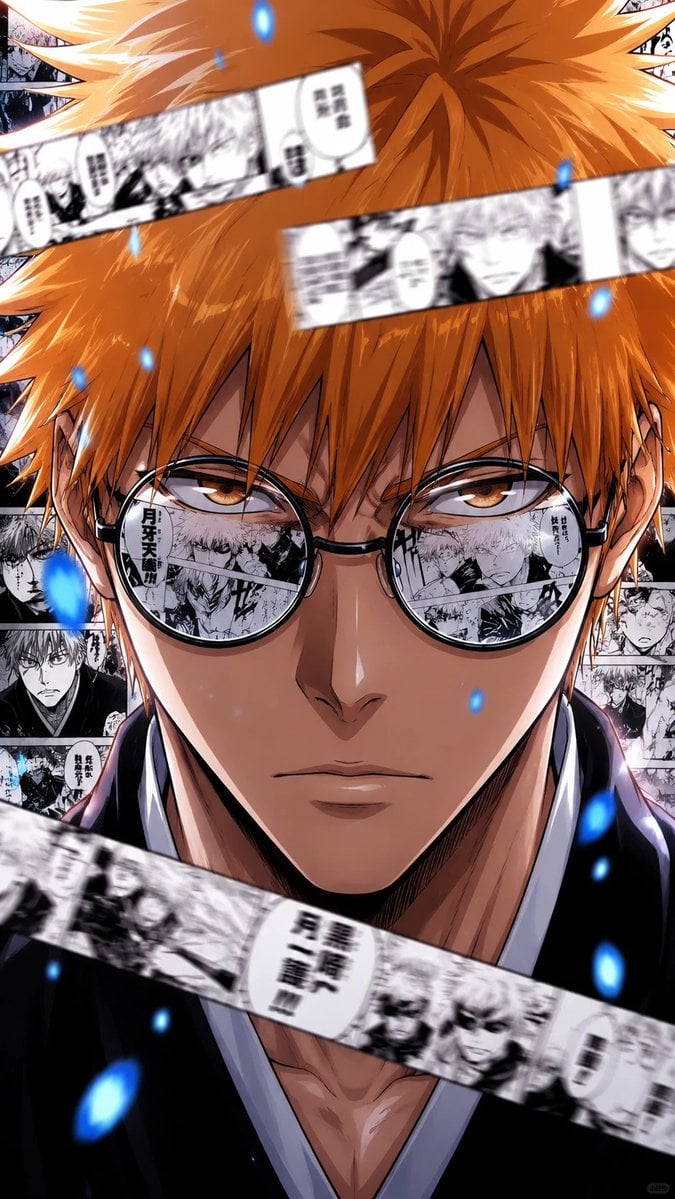
Bleach Style High-Impact Manga Poster
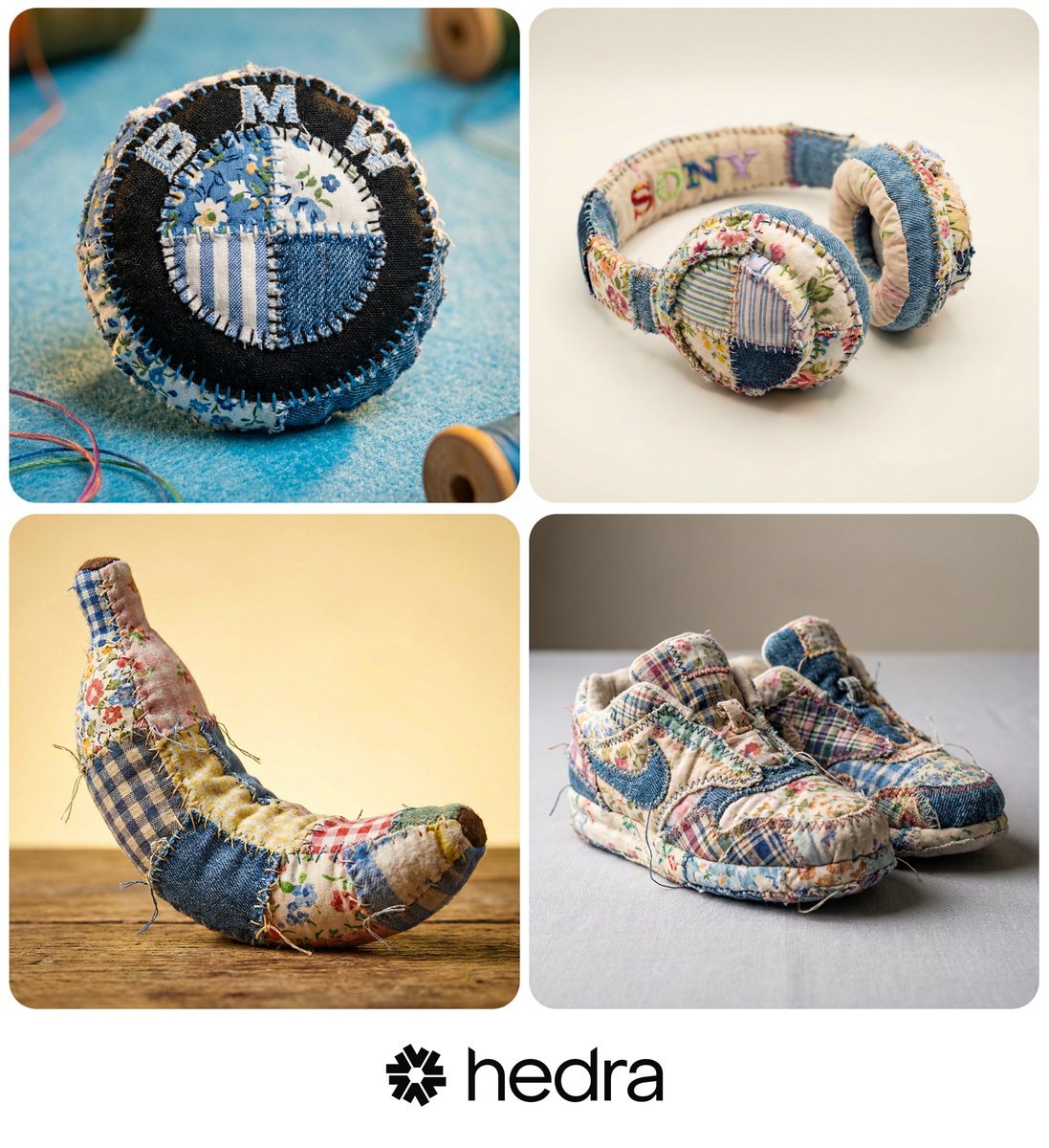
Hyper-realistic Patchwork Amigurumi Product Photo Prompt
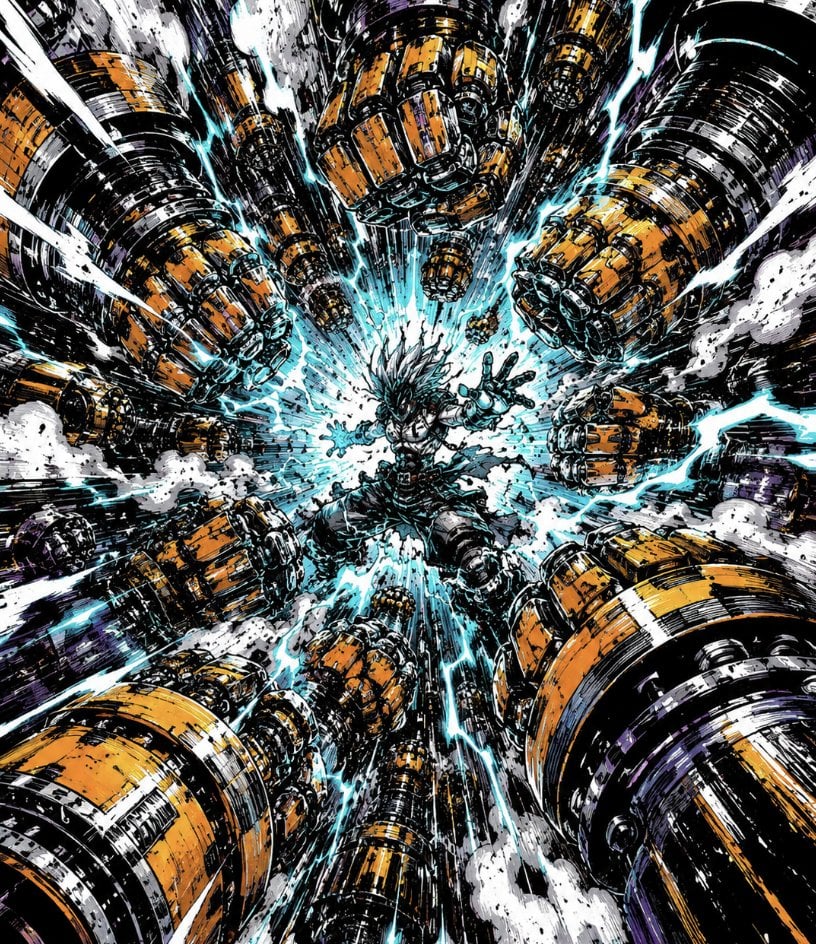
Dynamic Mecha Combat Manga Style
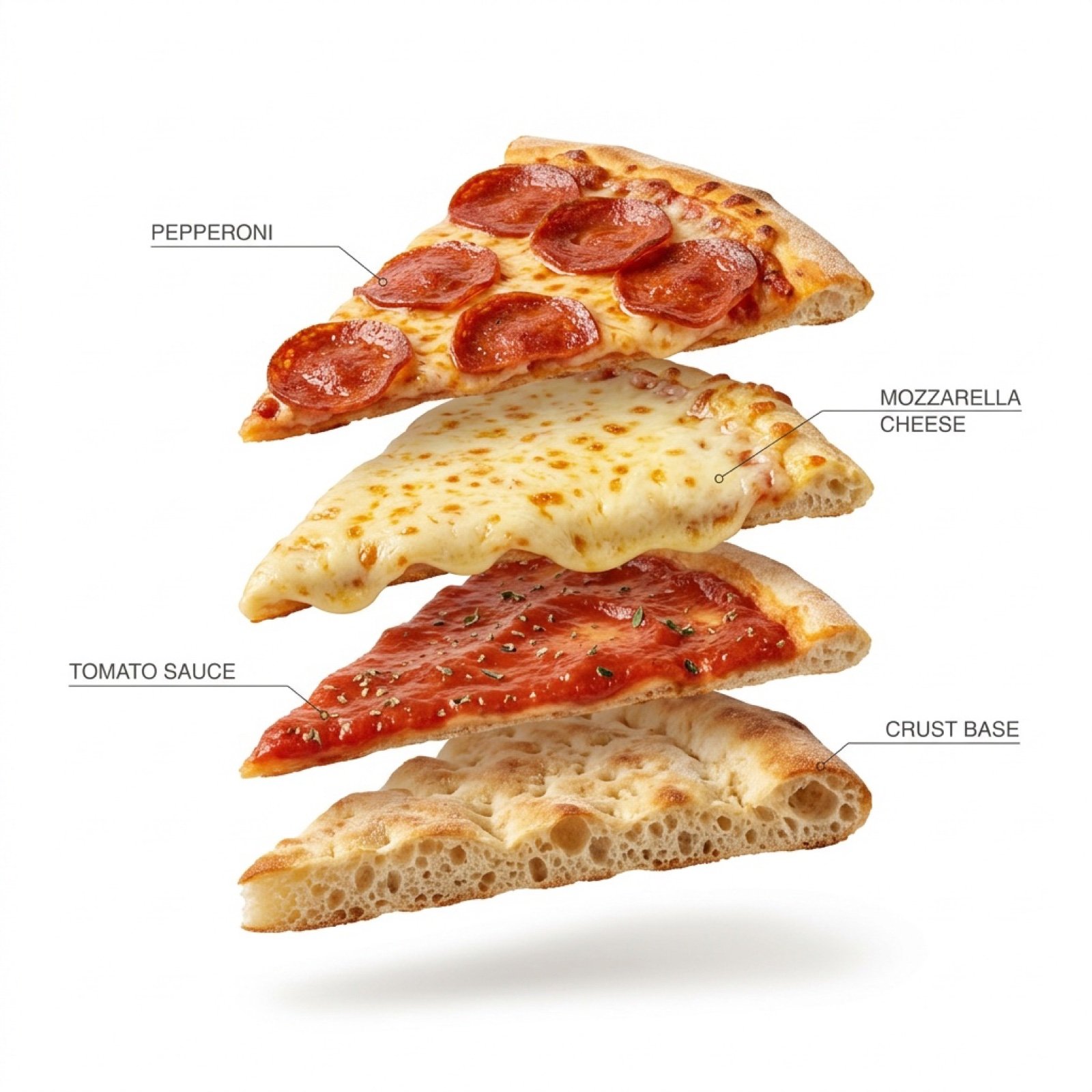
Exploded Pizza Slice Animation and Image Generation Prompts
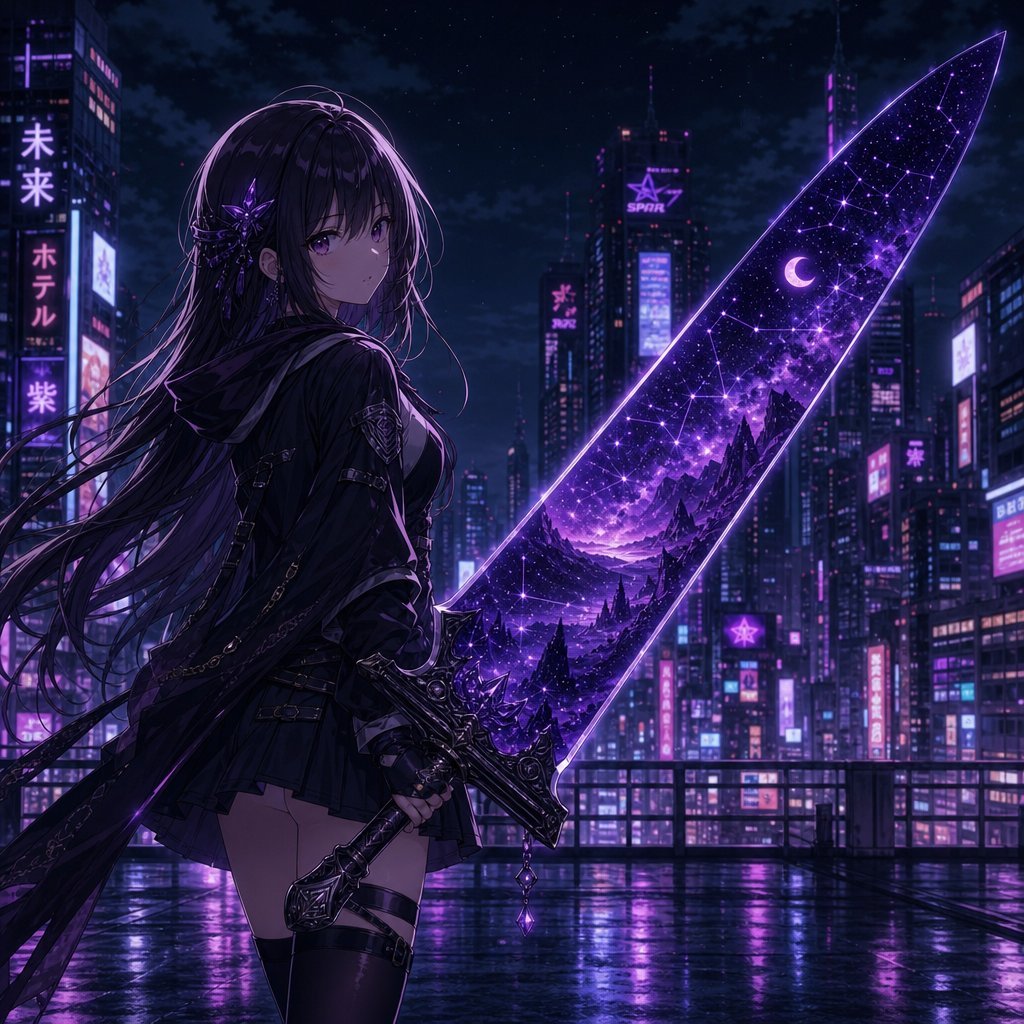
Anime Girl Double Exposure Greatsword
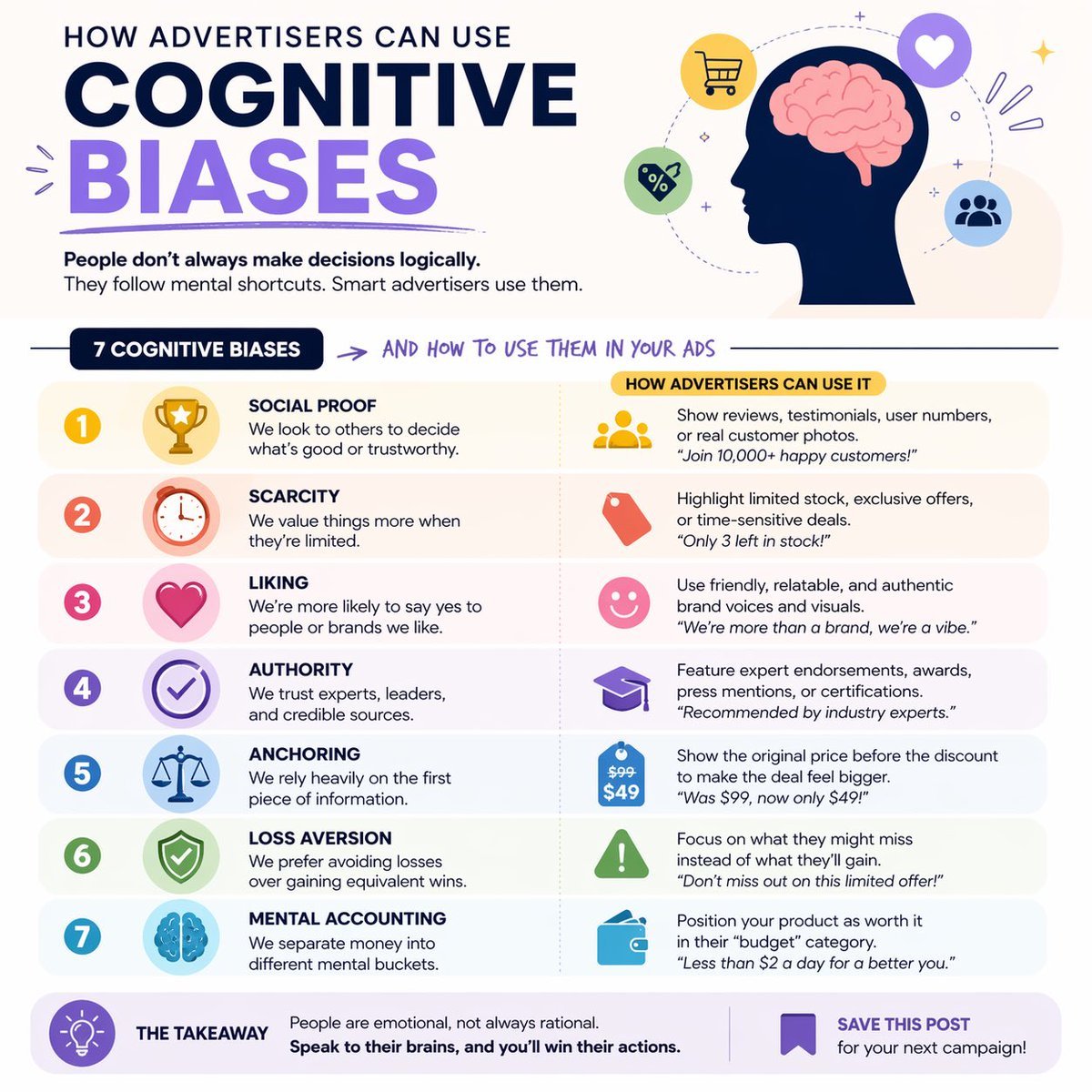
Cognitive bias Instagram infographic
Browse template categories
Falling Hamster Manga Panel questions
How do I use the Falling Hamster Manga Panel template?
Add your photo if the template asks for one, edit the prompt if you like — the template's model and format are already selected — and press Generate. Your version opens in PicX Studio.
Can I customize the Falling Hamster Manga Panel template?
Yes. You can change the subject, setting, lighting, mood, format, and available model controls before creating your image.
Is the Falling Hamster Manga Panel template free?
Opening and editing this template is free. Generating uses credits, shown on the Generate button when you are signed in.
Which AI model should I use?
Start with GPT Image 2, which is the model associated with this template. You can compare another compatible model for a different finish.
Looking for something else? Browse all templates.

Your photo, any look
Thousands of ready templates for every top image and video model, from one credit balance.