
Magenta Cyber Idol Poster
Generates a square cyberpunk editorial portrait poster of a young East Asian woman with headphones, glitch UI graphics, and pixel typography for album-cover or social media visuals.
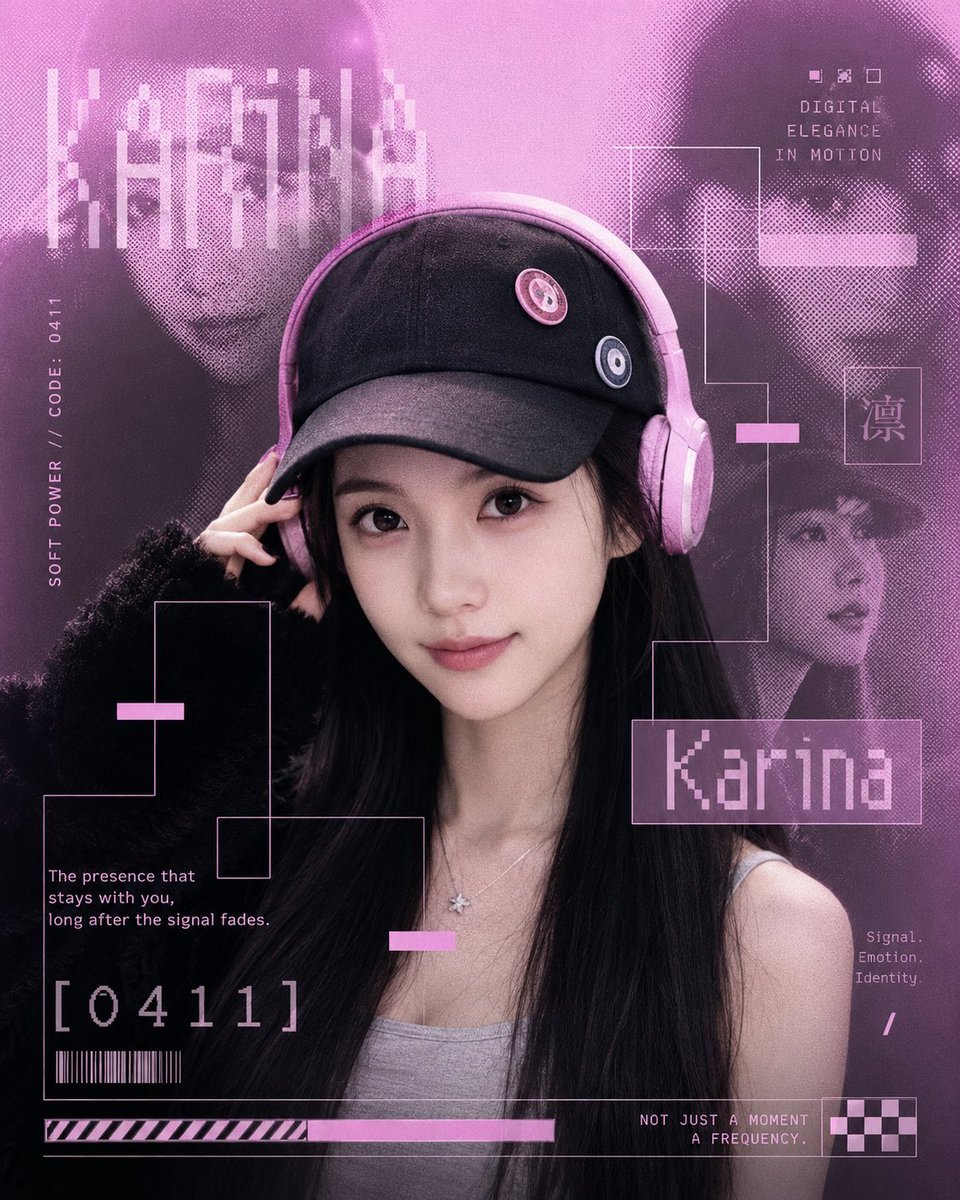
- Prompt included
- Model and format preset
- Premium template
The prompt behind this image
Copy the exact prompt behind Magenta Cyber Idol Poster, or open it in the studio and make it yours.
Create a square cyber-fashion editorial poster featuring a young East Asian woman named {argument name="character name" default="Karina"} in a half-body close-up, centered slightly right, looking directly at the viewer with a calm, expressive gaze and a faint soft smile. She has long straight {argument name="hair color" default="black"} hair, realistic delicate facial features, natural skin texture, glossy eyes, subtle pink makeup, and an elegant but youthful aura. She wears a black baseball cap with two small round pins on the front, pastel pink over-ear headphones around/over the cap, a gray fitted camisole top, a fluffy black knit cardigan falling off one shoulder, and a tiny silver star pendant necklace; her left hand lightly touches the headphone/hat brim. Use a monochrome magenta and violet cyberpunk palette with soft pink lighting, film grain, halftone dot textures, and a high-fashion K-pop album-cover feeling. The background is a layered digital collage with exactly three large ghosted duplicate portraits of the same woman: one on the upper left partly hidden behind vertical pixel bars, one on the upper right in sunglasses-like shadow, and one smaller portrait on the mid-right lower area. Add thin neon-pink rectangular circuit-line frames and UI connectors around the subject, with small pink glitch bars placed at several intersections. Include pixel/bitmap typography: a large name label reading {argument name="main name text" default="Karina"} in a translucent pink outlined box at the lower right of the face, a vertical left-side label reading “SOFT POWER // CODE : 0411”, a top-right caption reading “DIGITAL ELEGANCE IN MOTION”, a small boxed East Asian character “凛” on the right, a lower-left quote reading {argument name="quote" default="The presence that stays with you, long after the signal fades."}, a large code “[0411]” near the bottom left, a small barcode below it, tiny right-side words “Signal. Emotion. Identity.”, and bottom text reading “NOT JUST A MOMENT / A FREQUENCY.” Add a bottom HUD strip with diagonal warning stripes, a long pink progress bar, and a small checkerboard block in the bottom-right corner. Keep the composition dense but balanced, with crisp realistic portrait detail contrasted against pixelated background faces, no watermark, no extra limbs, no distorted facial features, and all text cleanly integrated as graphic design.
How to use Magenta Cyber Idol Poster in 3 steps
- 1Upload ImagePNG, JPG or paste
Add your photo
Upload the photo the template builds on. The prompt, model and format are already set.
- 2…a portrait of your subject in softgolden-hour light, 85mm…
Personalize
Edit the subject and creative details for your destination.
- 3Generate
Generate
Press Generate — your image is created in PicX Studio, so you can compare it with the original and refine one variable at a time.
More like this
Templates with the same subject, style or setup. Open one to see its prompt.

Neon Glitch Cyber Symbiote Music Poster
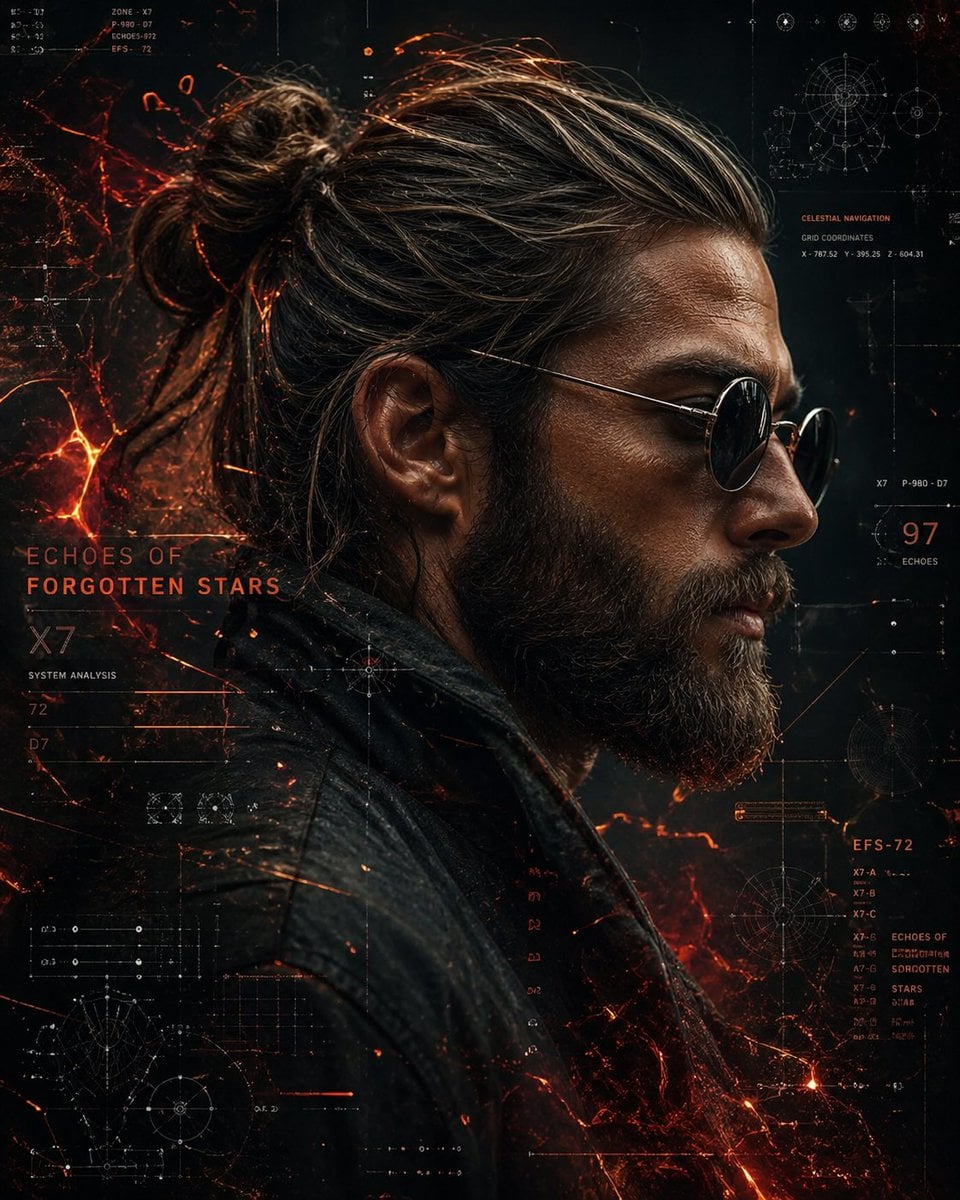
Cinematic Side Profile Cyberpunk Hero Poster

Cyberpunk Neon Brazil World Cup Poster

Japan Travel Brochure Poster

Cartoon TV Show Poster Pack

Trendy Cafe Drink Promo Poster

Urban Fashion Editorial Collage Streetwear Poster

Premium Fashion Editorial Cover Layout System

Polo Ralph Lauren Luxury American Heritage Fashion Campaign

Monochrome Halftone Editorial Fashion Poster
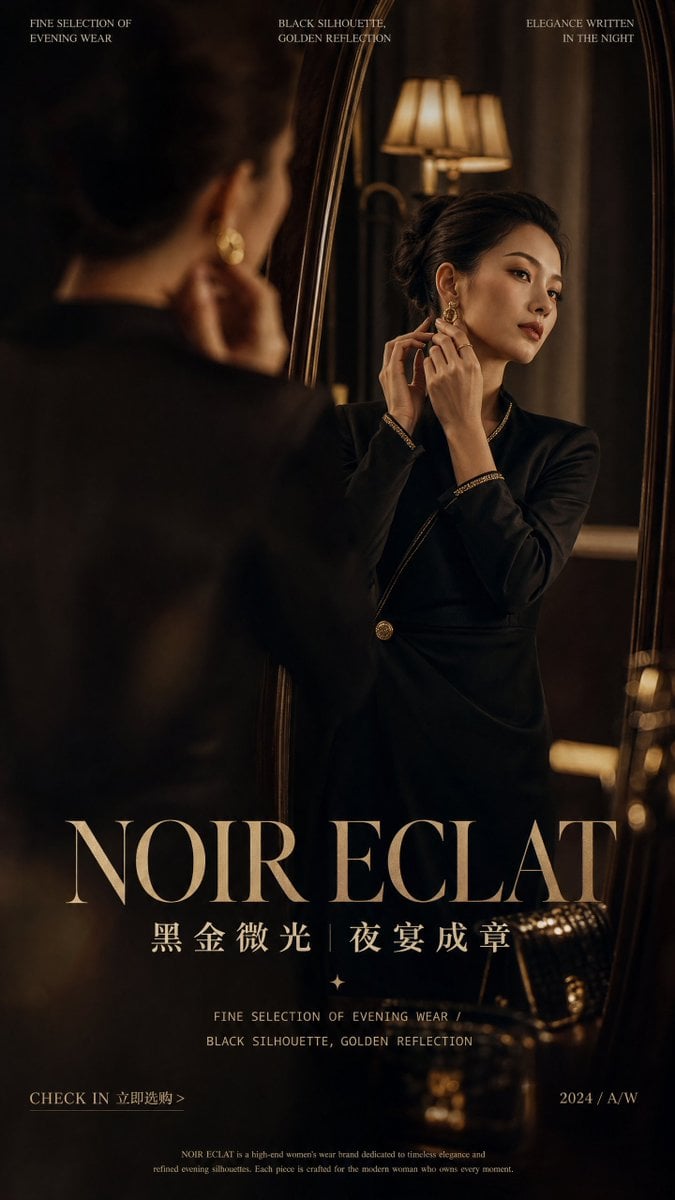
Retro Mirror Luxury Fashion Campaign Poster
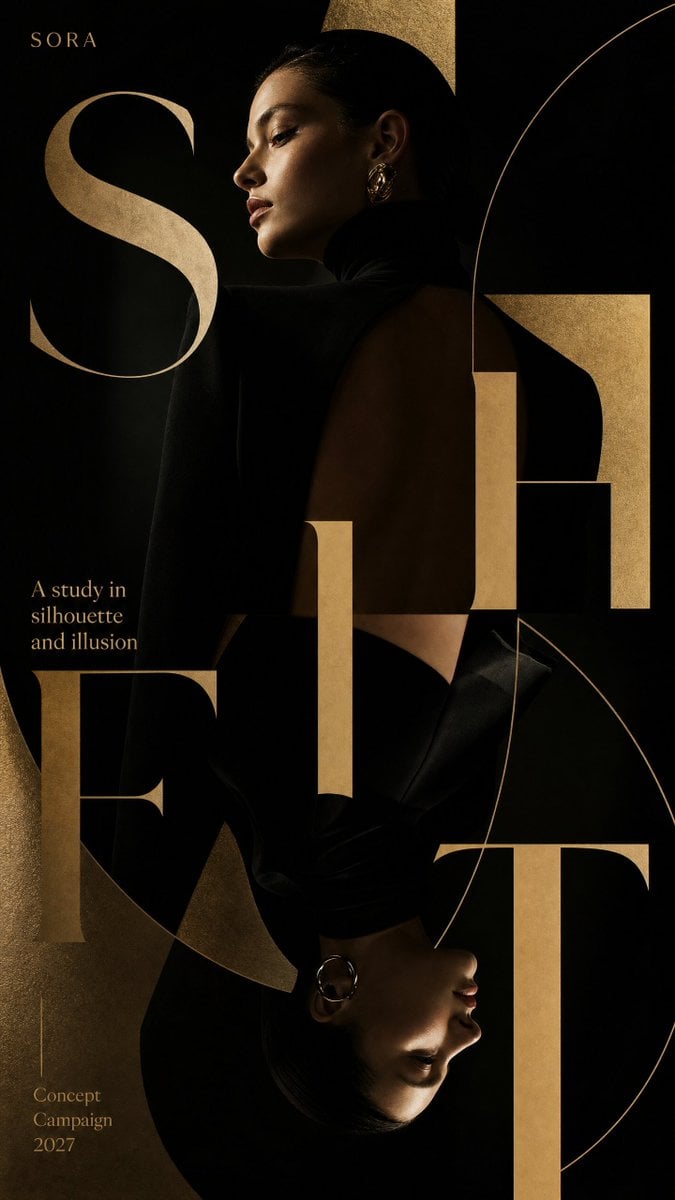
Luxury Fashion Campaign Typography Poster System
Make it yours
Magenta Cyber Idol Poster works as-is. These are the safest ways to change it without losing the look.
Change one field
Copy a single group, rewrite it, and generate again so you can see what that field is doing.
Keep the frame, change the subject
Hold the composition and light of Magenta Cyber Idol Poster, then swap wardrobe, props or the person for a new take.
| If the result… | Why | Fix |
|---|---|---|
| The result drifts from the preview | Too many fields changed at once. | Reuse Magenta Cyber Idol Poster as-is first, then change one group — subject, light, or setting. |
| The model over-stylizes the scene | The prose prompt leaves finish and camera underspecified. | Add one camera or lighting sentence and stay on GPT Image 2. |
More GPT Image 2 templates
Other prompts made for GPT Image 2.

Six VTuber Japanese Logo Sheet

Realistic Portrait of Woman and Deer

The Vista Modular Condo Poster

AI Model Routing Comparison Infographic

2.5D Anime Art Board

Isometric Productivity Desk Scene

New York Double Exposure Poster

Four-Panel AI Landscape Comparison

Japanese Tatami Lifestyle Magazine Cover

NESCAFÉ Coffee Map Poster
More image prompts
Fresh picks from across the catalog.
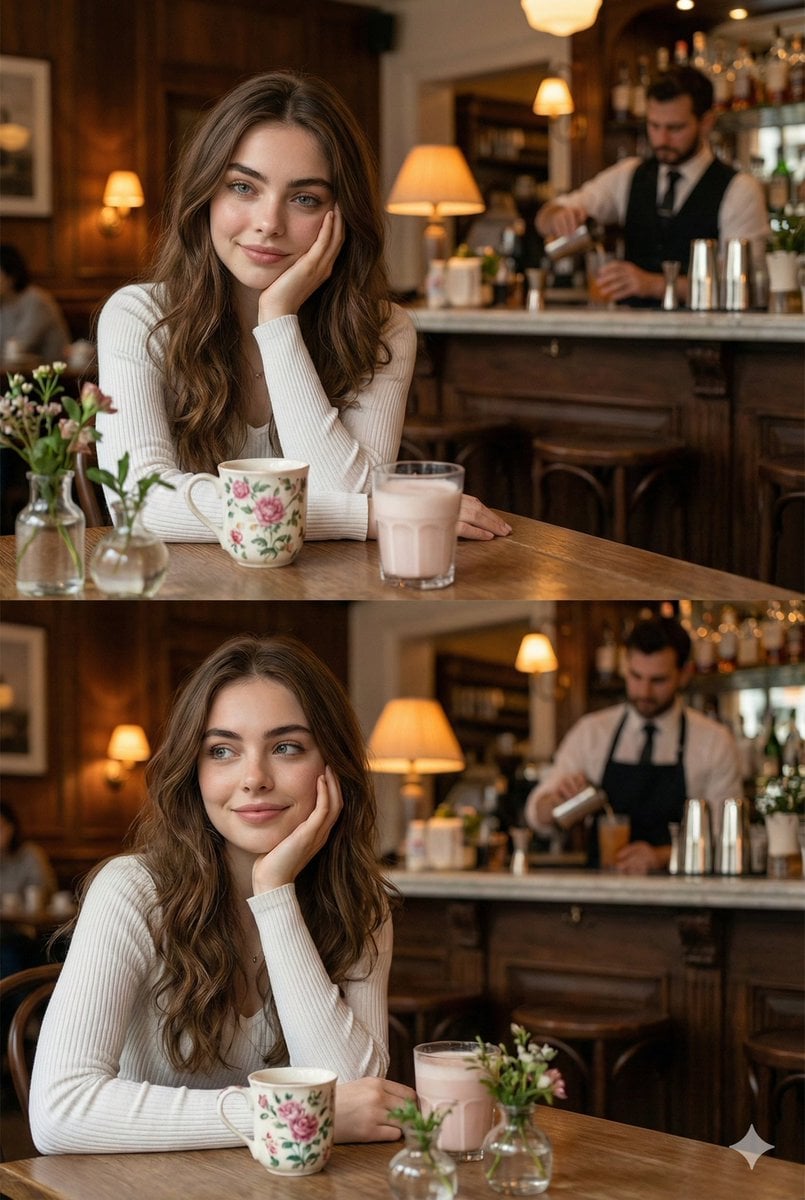
Hyper-realistic photo of a young woman in a cozy café

Japanese Pest Lifecycle Infographic
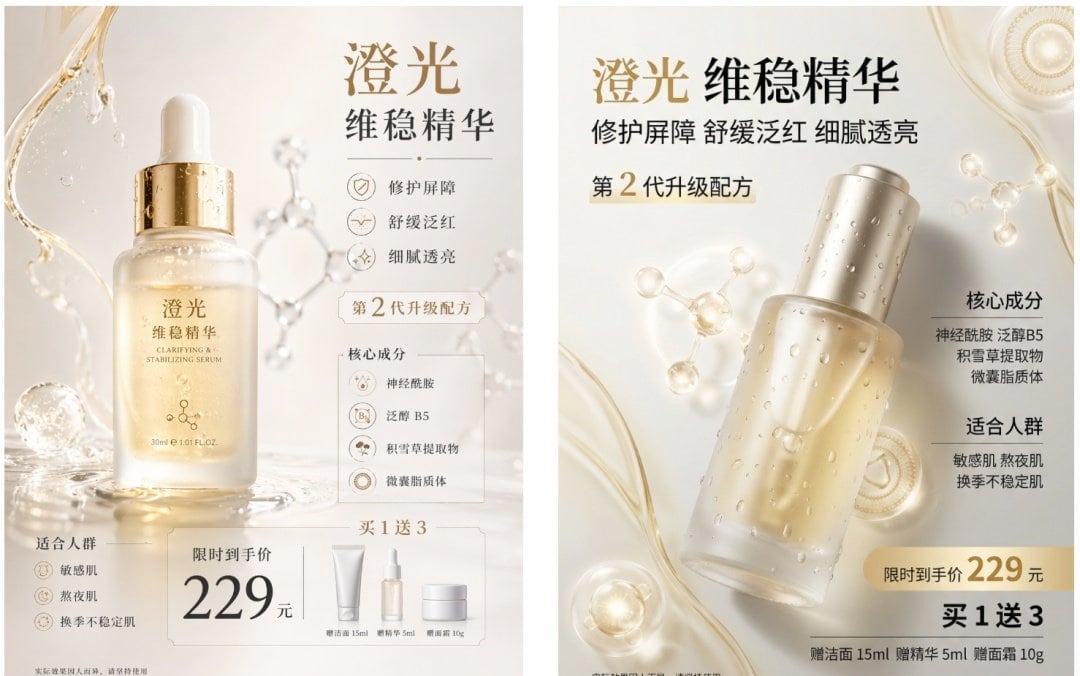
Luxury Serum Ad Poster Set
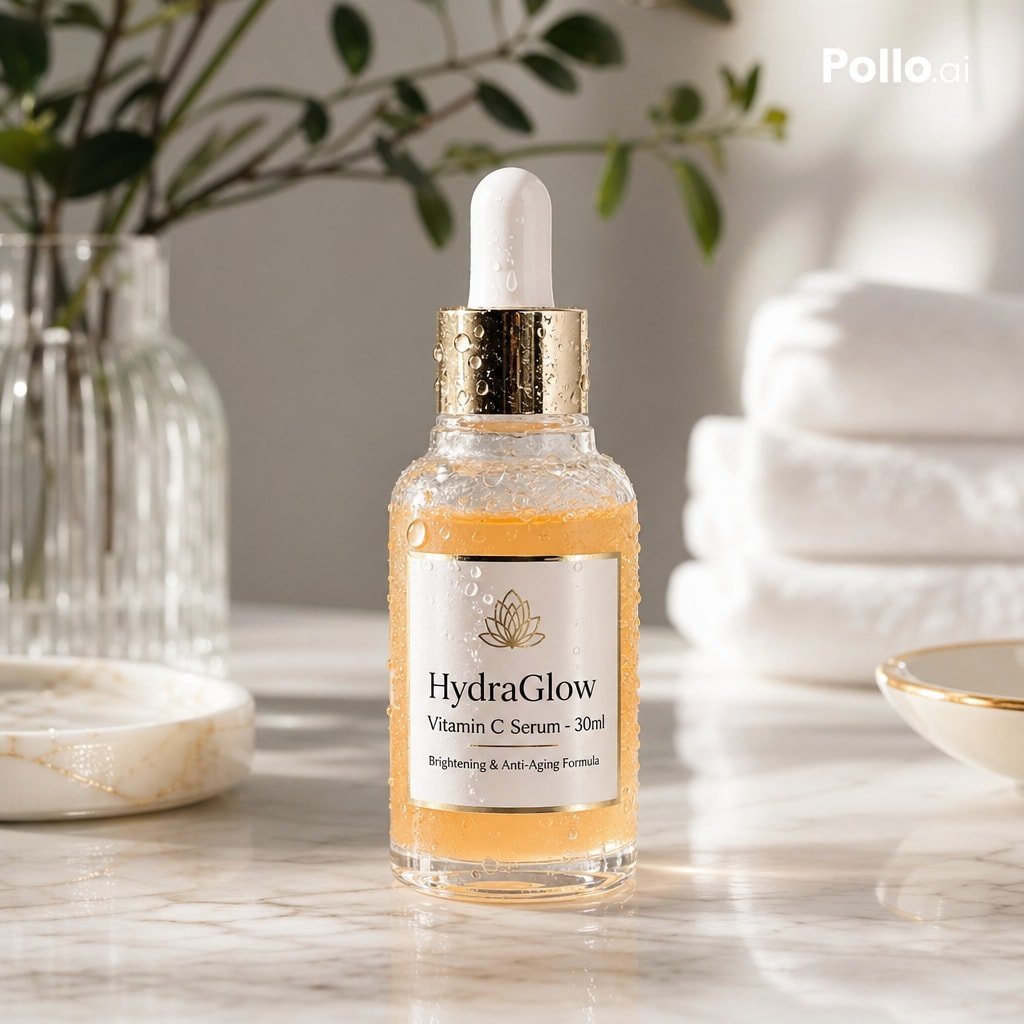
Luxury Vitamin C Serum Product Shot

Encyclopedia Style Infographic Generator

Editorial Nightlife Portrait with Flash
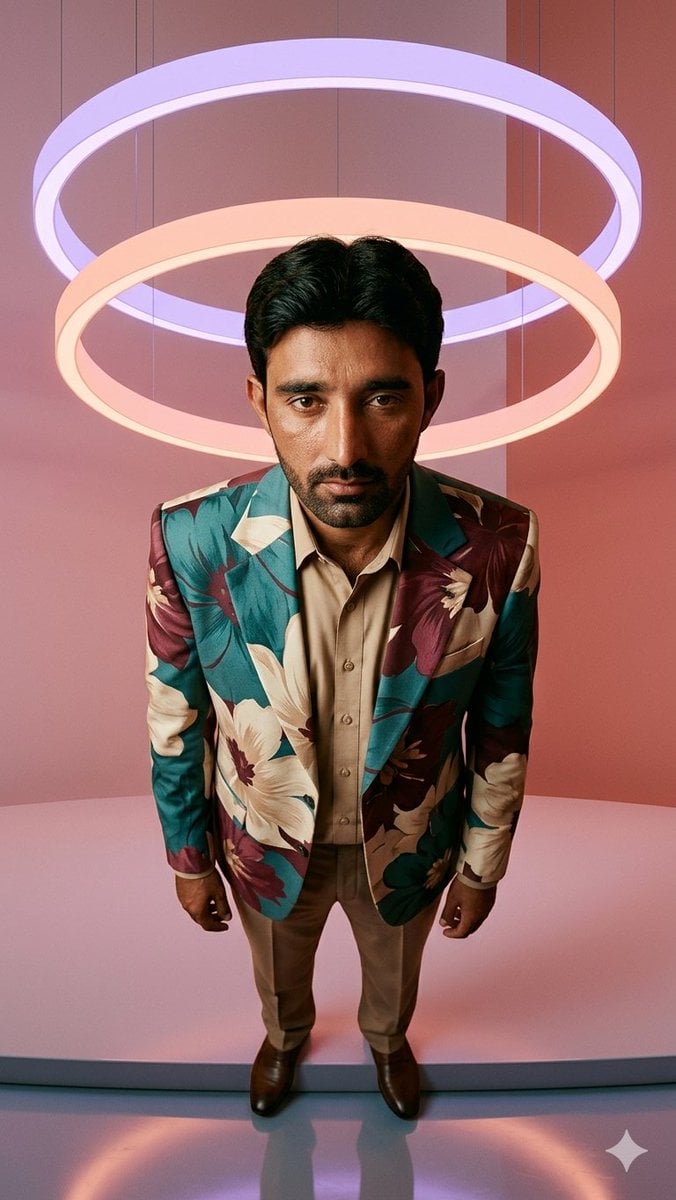
Low-Angle Fashion Portrait with Light Rings
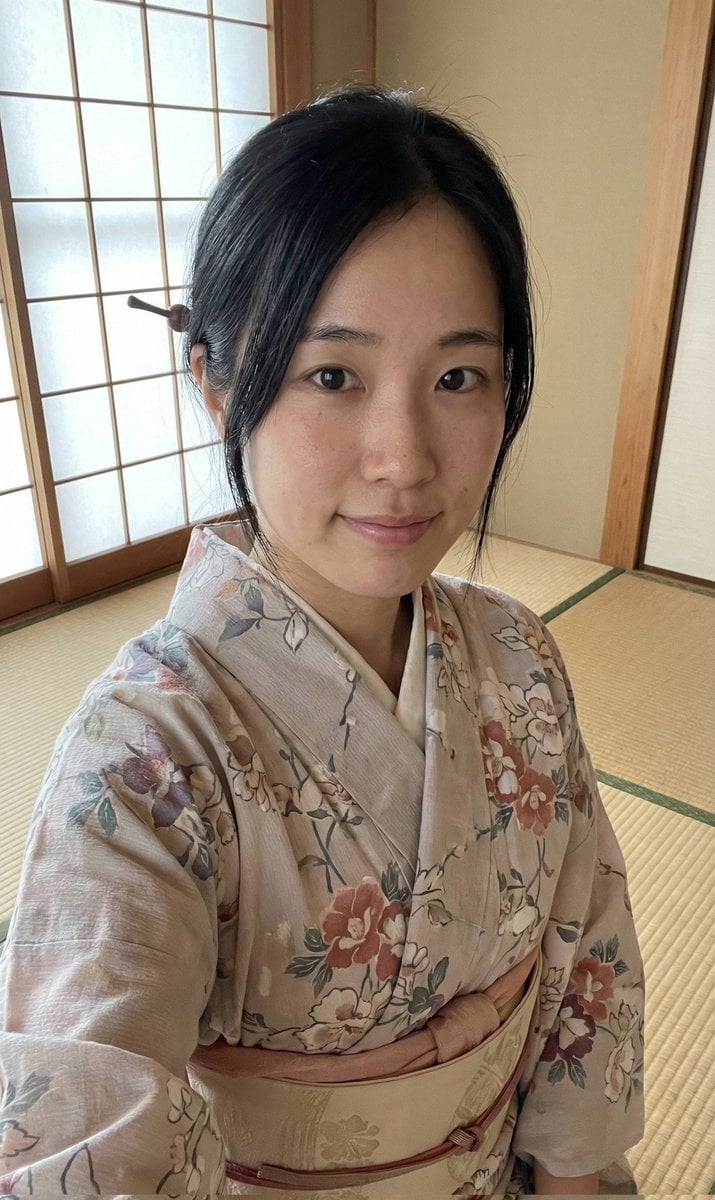
Authentic Japanese Kimono Selfie Portrait
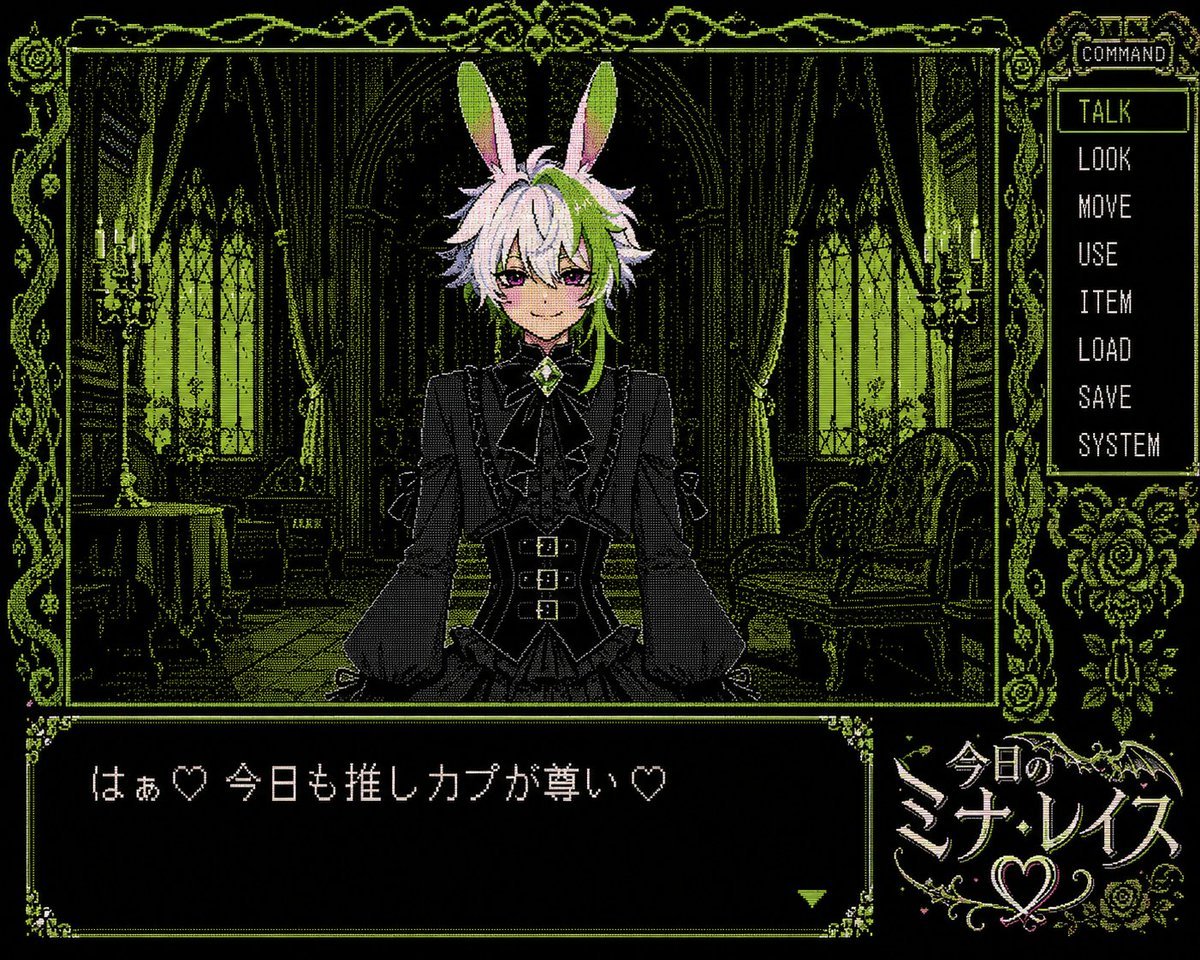
PC-98 Gothic Visual Novel UI
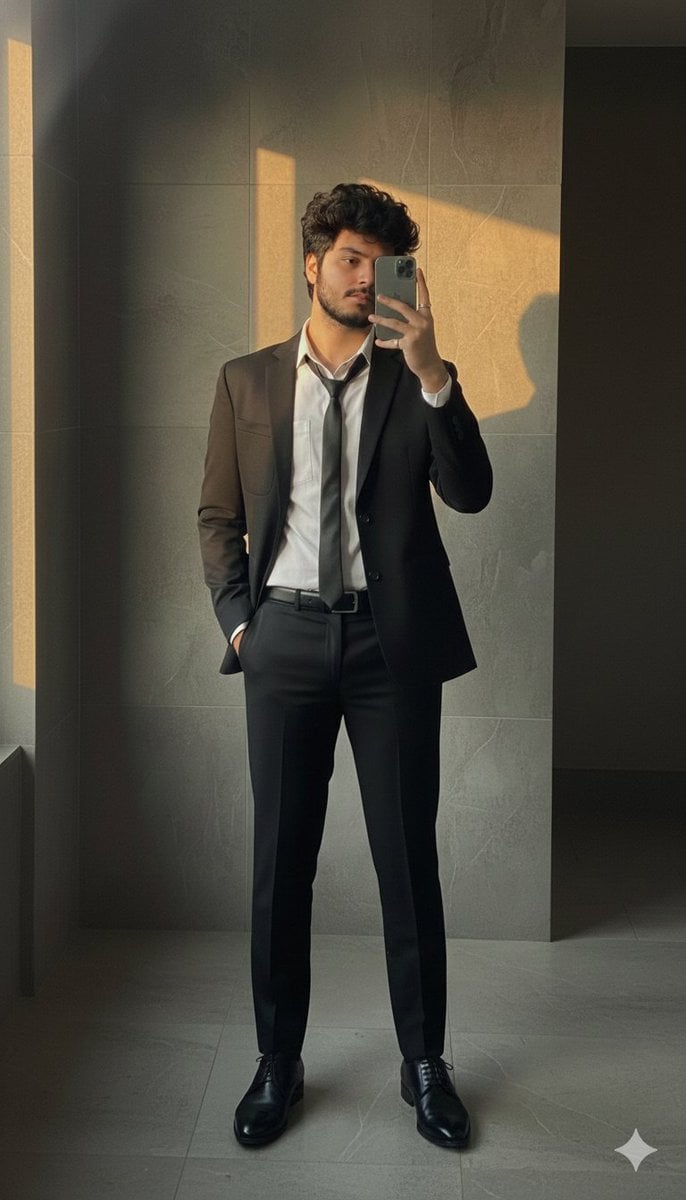
Formal Suit Mirror Selfie with Face Reference Prompt
Browse template categories
Magenta Cyber Idol Poster questions
How do I use the Magenta Cyber Idol Poster template?
Add your photo if the template asks for one, edit the prompt if you like — the template's model and format are already selected — and press Generate. Your version opens in PicX Studio.
Can I customize the Magenta Cyber Idol Poster template?
Yes. You can change the subject, setting, lighting, mood, format, and available model controls before creating your image.
Is the Magenta Cyber Idol Poster template free?
Opening and editing this template is free. Generating uses credits, shown on the Generate button when you are signed in.
Which AI model should I use?
Start with GPT Image 2, which is the model associated with this template. You can compare another compatible model for a different finish.
Looking for something else? Browse all templates.

Your photo, any look
Thousands of ready templates for every top image and video model, from one credit balance.