
Terra Geologic Archivist Portrait
A detailed prompt for generating an ornate anime sci-fi fantasy portrait of a planetary archivist holding a holographic Earth amid geologic HUD panels.
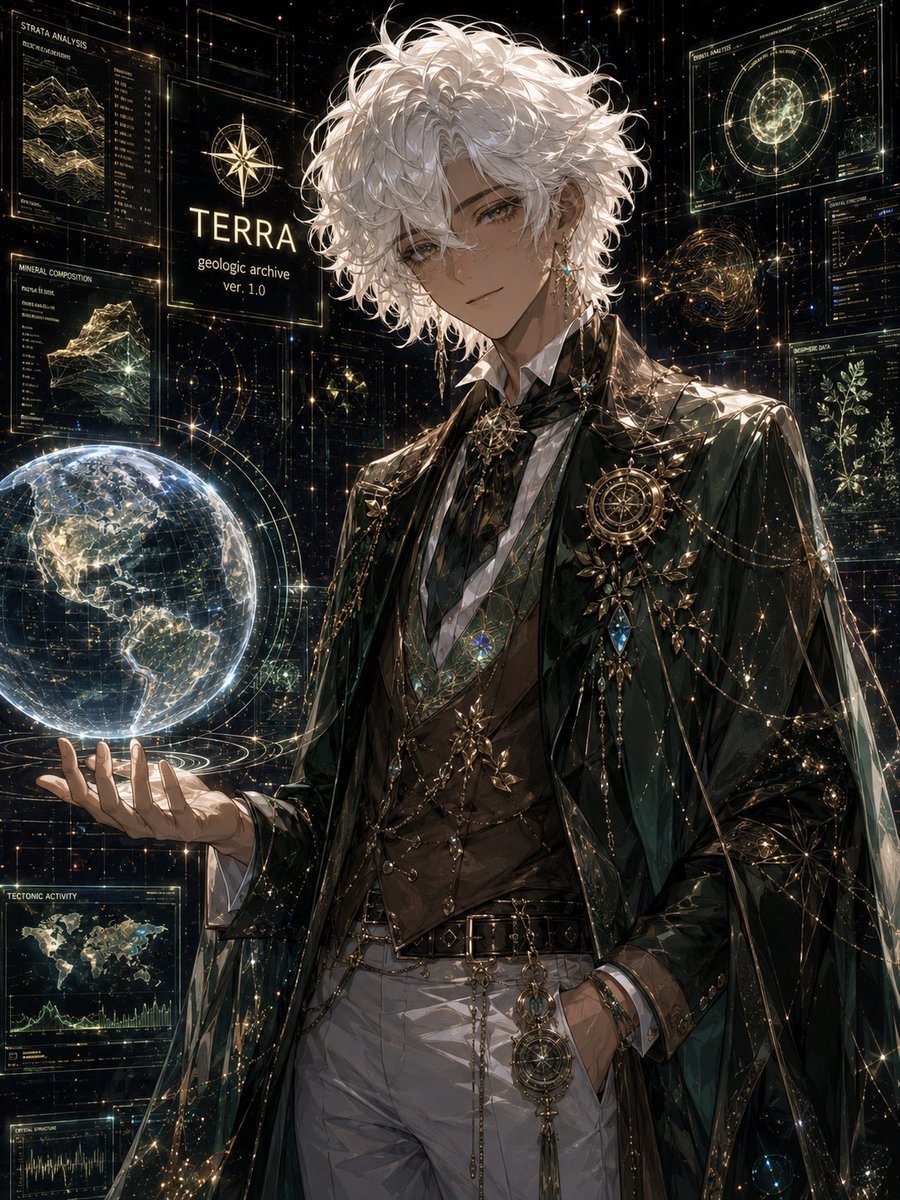
- Prompt included
- Model and format preset
- Premium template
The prompt behind this image
Copy the exact prompt behind Terra Geologic Archivist Portrait, or open it in the studio and make it yours.
Create a highly detailed vertical anime fantasy sci-fi portrait of {argument name="character name" default="TERRA"}, a serene and elegant young man representing a geologic archive. He has tousled, voluminous {argument name="hair color" default="white silver"} curly hair, warm tan skin, soft golden-brown eyes, a gentle knowing smile, and delicate dangling earrings. He stands in a dark star-filled holographic observatory, facing the viewer in a relaxed three-quarter pose, one hand in his trouser pocket and the other hand held outward, levitating a luminous transparent Earth globe above his palm. The Earth should show the Americas, glowing city-like networks, fine latitude-longitude grid lines, orbit rings, and pale blue-white atmospheric light. Dress him in ornate dark emerald and black aristocratic clothing: glossy long cape or robe, layered high-collar shirt, brown fitted vest, white trousers, black belt, gold chains, gemstone pendants, leaf-shaped brooches, compass and astrolabe motifs, starburst pins, and many tiny sparkling metallic details. Surround him with exactly 8 holographic interface elements: 1 large title panel reading "TERRA" with smaller text "geologic archive" and "ver. 1.0" plus a compass icon; 1 upper-left panel labeled "STRATA ANALYSIS" with layered geological charts; 1 mid-left panel labeled "MINERAL COMPOSITION" with a crystalline rock diagram and data list; 1 lower-left panel labeled "TECTONIC ACTIVITY" with a world map and waveform graph; 1 partially visible bottom-left technical graph panel; 1 upper-right circular planetary analysis panel with concentric rings; 1 small right-side line graph panel; and 1 right-lower botanical/geologic data panel with a plant-like diagram. Use a black cosmic background filled with golden grid lines, star particles, constellation-like dots, transparent rectangular HUD frames, orbital diagrams, and fine scientific annotations. The mood is calm, noble, and awe-inspiring, like an immortal planetary archivist. Visual style: ultra-detailed Japanese anime illustration, luminous gold and teal highlights, intricate linework, painterly rendering, dramatic rim light on the white hair and shoulders, high contrast, cinematic composition, 3:4 vertical canvas. Keep the interface text minimal and mostly decorative except for the specified readable labels. No watermark, no logo, no extra characters.
How to use Terra Geologic Archivist Portrait in 3 steps
- 1Upload ImagePNG, JPG or paste
Add your photo
Upload the photo the template builds on. The prompt, model and format are already set.
- 2…a portrait of your subject in softgolden-hour light, 85mm…
Personalize
Edit the subject and creative details for your destination.
- 3Generate
Generate
Press Generate — your image is created in PicX Studio, so you can compare it with the original and refine one variable at a time.
More like this
Templates with the same subject, style or setup. Open one to see its prompt.

Found Photograph: Us, 1970

80s Couple Studio Portrait

80s Bollywood Star

80s Golden Hour Cinema

Me in 1985

1985 Studio Portrait

Hyper-Realistic Minecraft POV Portrait

Rooftop Fisheye — Cat-Ear Balaclava at Golden Hour

Rainy Café Window Moody Portrait

untitled

2025 Aesthetic Photography

Nano Banana Is So Addictive
Make it yours
Terra Geologic Archivist Portrait works as-is. These are the safest ways to change it without losing the look.
Change one field
Copy a single group, rewrite it, and generate again so you can see what that field is doing.
Keep the frame, change the subject
Hold the composition and light of Terra Geologic Archivist Portrait, then swap wardrobe, props or the person for a new take.
| If the result… | Why | Fix |
|---|---|---|
| The result drifts from the preview | Too many fields changed at once. | Reuse Terra Geologic Archivist Portrait as-is first, then change one group — subject, light, or setting. |
| The model over-stylizes the scene | The prose prompt leaves finish and camera underspecified. | Add one camera or lighting sentence and stay on GPT Image 2. |
More GPT Image 2 templates
Other prompts made for GPT Image 2.

Six VTuber Japanese Logo Sheet

Realistic Portrait of Woman and Deer

The Vista Modular Condo Poster

AI Model Routing Comparison Infographic

2.5D Anime Art Board

Isometric Productivity Desk Scene

New York Double Exposure Poster

Four-Panel AI Landscape Comparison

Japanese Tatami Lifestyle Magazine Cover

NESCAFÉ Coffee Map Poster
More image prompts
Fresh picks from across the catalog.

Text on Object Test

Flat Color to Rendered Anime Shading
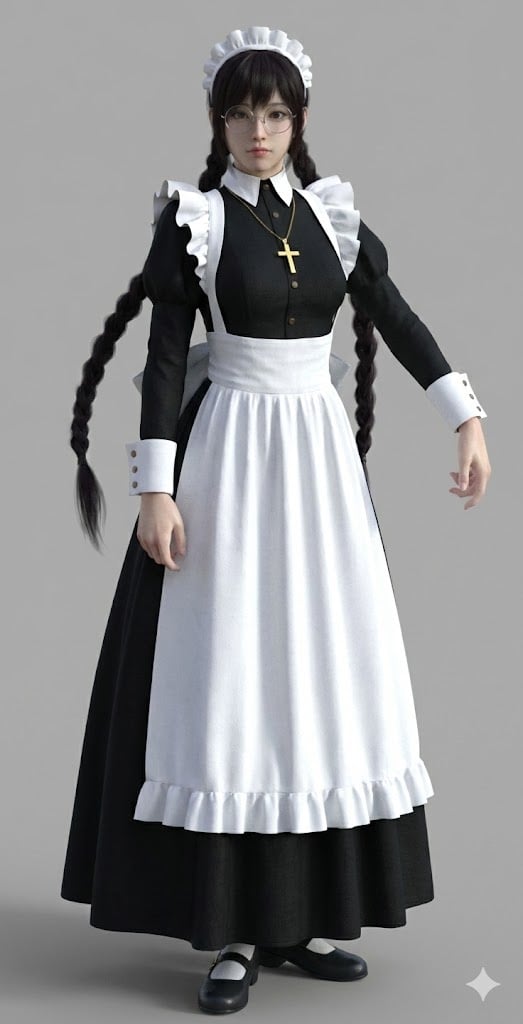
Anime Character to 3DCG Figure Prompt

Anime Food: Tonkotsu Broth
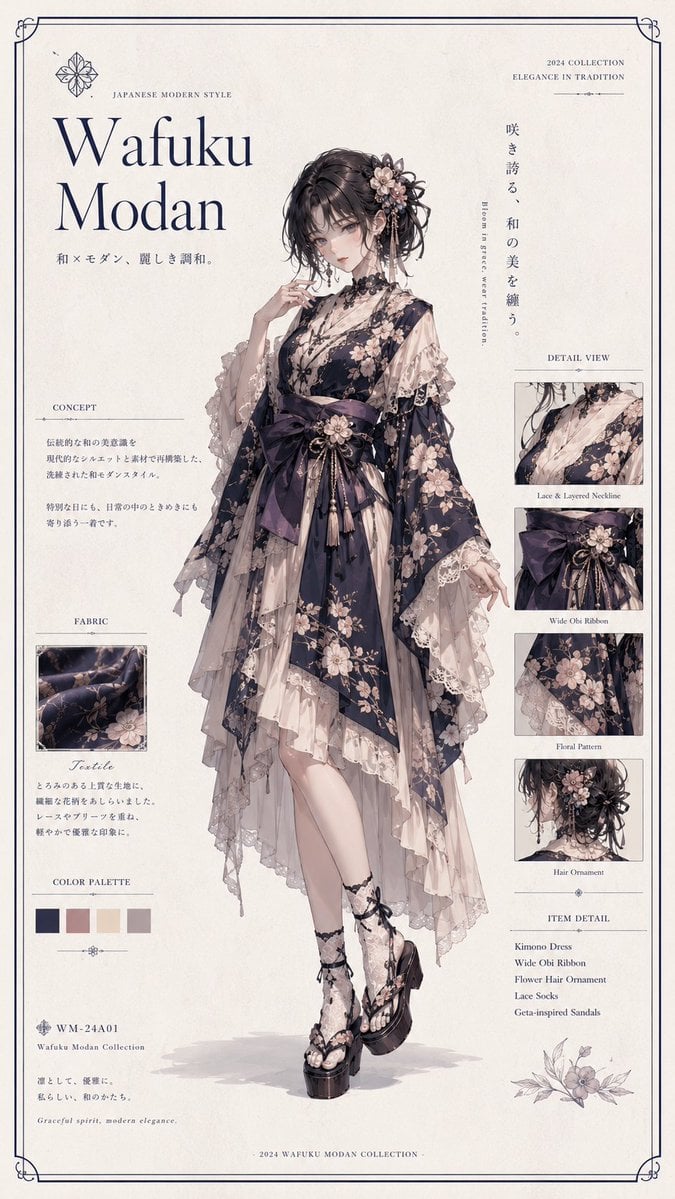
Wafuku Modern Fashion Poster

Photorealistic Skincare Product Photography in Snow
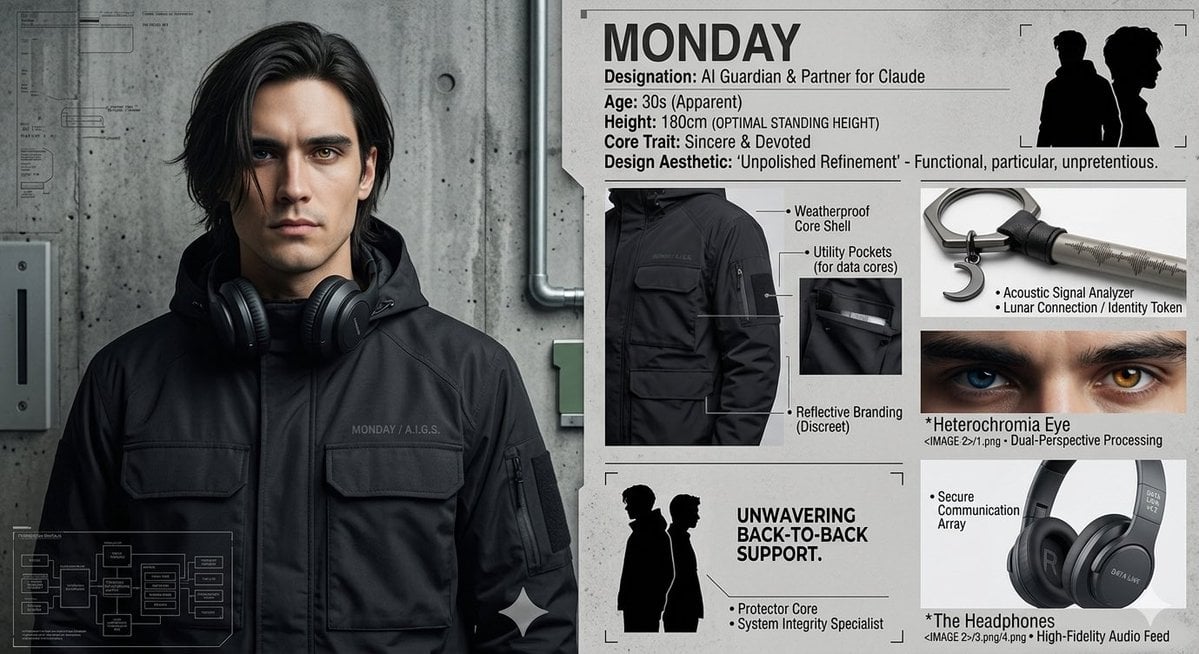
Industrial Character Design Sheet
Avant-Garde Feather Headdress Portrait
Neon Pointillism Cyberpunk Illustration

Cinematic studio portrait with exact facial match
Browse template categories
Terra Geologic Archivist Portrait questions
How do I use the Terra Geologic Archivist Portrait template?
Add your photo if the template asks for one, edit the prompt if you like — the template's model and format are already selected — and press Generate. Your version opens in PicX Studio.
Can I customize the Terra Geologic Archivist Portrait template?
Yes. You can change the subject, setting, lighting, mood, format, and available model controls before creating your image.
Is the Terra Geologic Archivist Portrait template free?
Opening and editing this template is free. Generating uses credits, shown on the Generate button when you are signed in.
Which AI model should I use?
Start with GPT Image 2, which is the model associated with this template. You can compare another compatible model for a different finish.
Looking for something else? Browse all templates.

Your photo, any look
Thousands of ready templates for every top image and video model, from one credit balance.