
Mountain Meadow Portrait After Rain
Captures a candid, flash-lit lifestyle portrait in a mountain meadow during a cool, rainy evening.
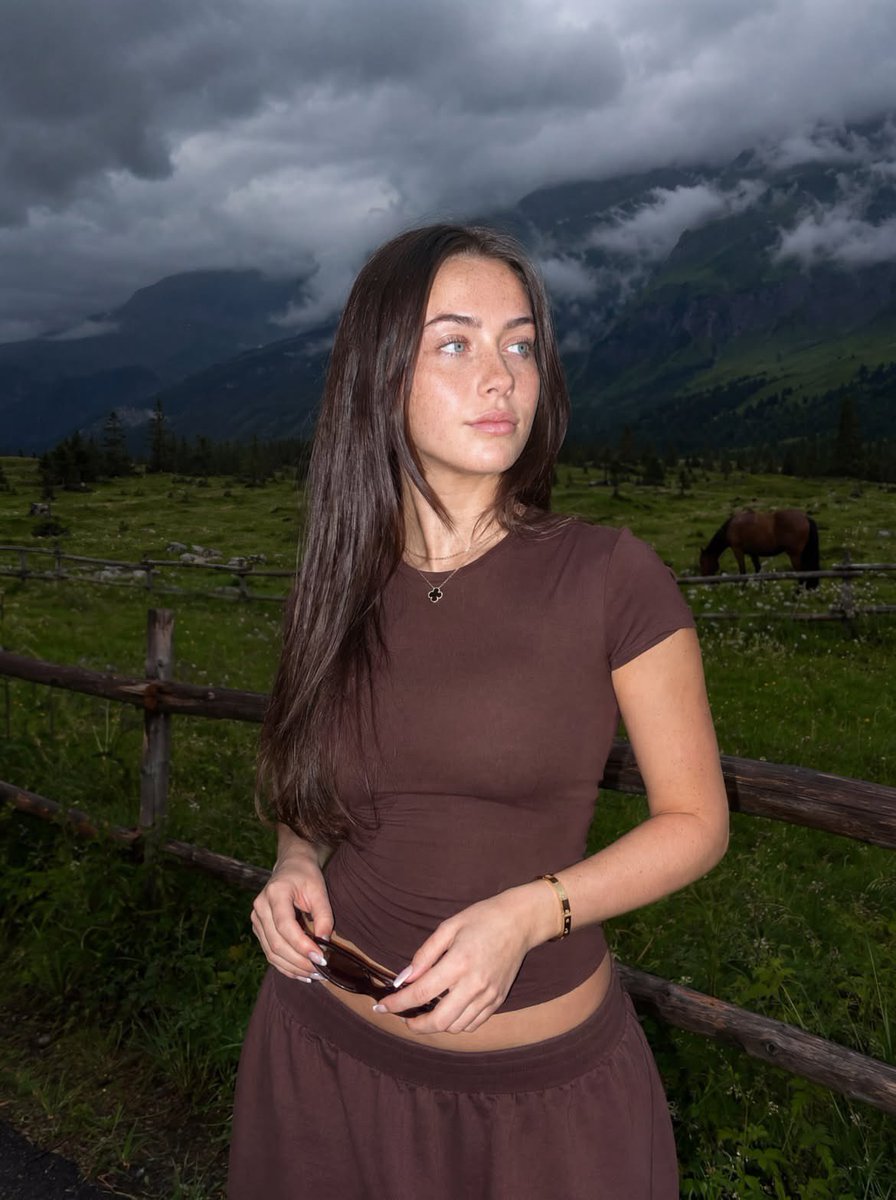
- Prompt included
- Model and format preset
- Premium template
The prompt behind this image
Copy the exact prompt behind Mountain Meadow Portrait After Rain, or open it in the studio and make it yours.
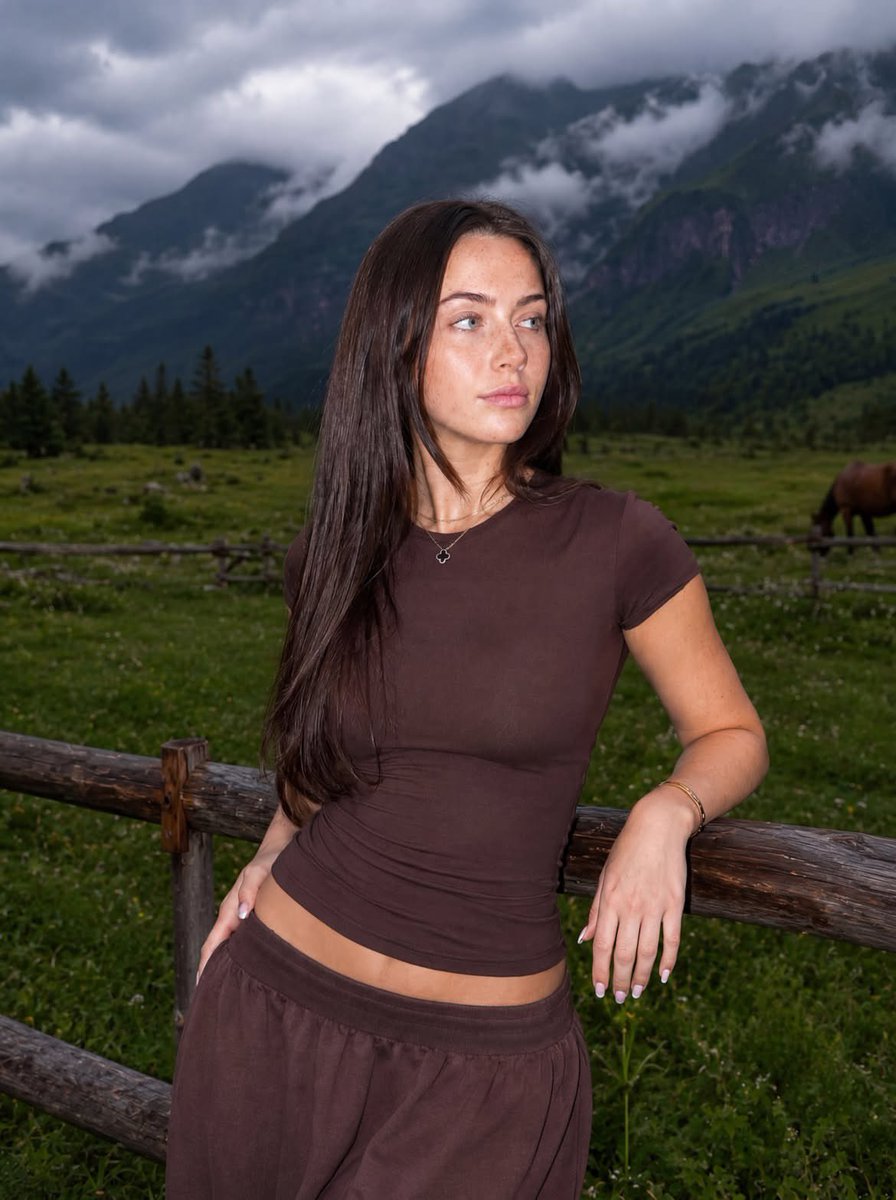
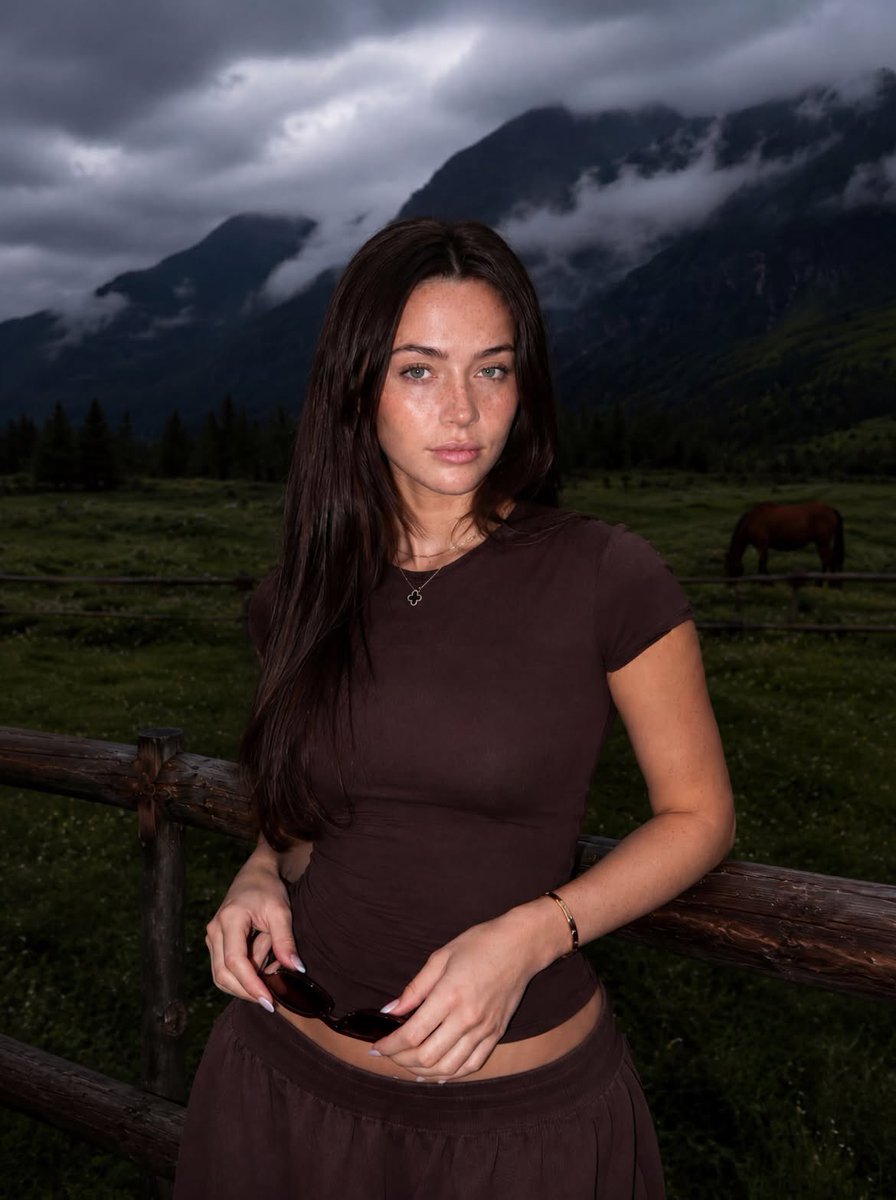
A {argument name="setting" default="mountain lifestyle portrait captured after the rain"}, evoking the atmosphere of a cool evening; a candid shot using flash. Create an image without altering facial features. Strictly maintain 100% likeness to the reference. Preserve the shape of the face, eyes, eyebrows, nose, lips, proportions, hair color, and all unique characteristics exactly as they appear in the reference image. No smoothing, no retouching, and no changes to facial geometry. Natural skin texture with visible pores. Vertical 4:5 format. Shot on a Canon G7X Mark III with flash. Camera at chest level; a hip-up shot. Slight digital grain, subdued exposure, no filters, no text or watermarks. Do not blur the background. A {argument name="subject" default="young woman"} stands in a green mountain meadow. Her body is turned slightly to the left, while her head is turned to the right. She is smiling softly, gazing into the distance rather than at the camera. Both hands are relaxed in front of her; she holds a pair of narrow, dark brown sunglasses in one hand. Short, square-shaped nails with a French manicure. Hair color and length must strictly match the reference. Very long hair (reaching the waist), styled with a round brush (brush not visible in the frame); a layered, cascading cut with ends neatly curled inward—no waves. Hair is worn loose and slightly tousled by the wind, with a few strands resting softly against her face. She is wearing a {argument name="outfit" default="form-fitting, chocolate-brown outfit consisting of a short-sleeved T-shirt and wide-leg, low-rise trousers"}; the soft fabric accentuates her silhouette. She wears a small Van Cleef & Arpels Alhambra pendant and a Cartier Love bracelet. In the background, there is a spacious green field, a wooden fence, and a grazing horse. Thick fog hangs in the air, and the towering mountains are completely shrouded in heavy, dark-gray rain clouds. It is a cool mountain evening, with the atmosphere of the air just after the rain. A harsh Canon flash brightly illuminates the young woman; her skin is slightly overexposed, creating distinctive highlights on her face and clothing. The background remains naturally dark and atmospheric, yet the details of the field, fence, horse, and mountains are clearly visible. A lively, spontaneous lifestyle shot with maximum photorealism.
Reference images included
Mountain Meadow Portrait After Rain needs input media to work. They load alongside the prompt when you open it in the studio.
How to use Mountain Meadow Portrait After Rain in 3 steps
- 1Upload ImagePNG, JPG or paste
Add your photo
Upload the photo the template builds on. The prompt, model and format are already set.
- 2…a portrait of your subject in softgolden-hour light, 85mm…
Personalize
Edit the subject and creative details for your destination.
- 3Generate
Generate
Press Generate — your image is created in PicX Studio, so you can compare it with the original and refine one variable at a time.
More like this
Templates with the same subject, style or setup. Open one to see its prompt.

Rainy Café Window Moody Portrait

Found Photograph: Us, 1970

Meet Me When It Rains

80s Couple Studio Portrait

80s Bollywood Star

80s Golden Hour Cinema

Me in 1985

1985 Studio Portrait

Hyper-Realistic Minecraft POV Portrait
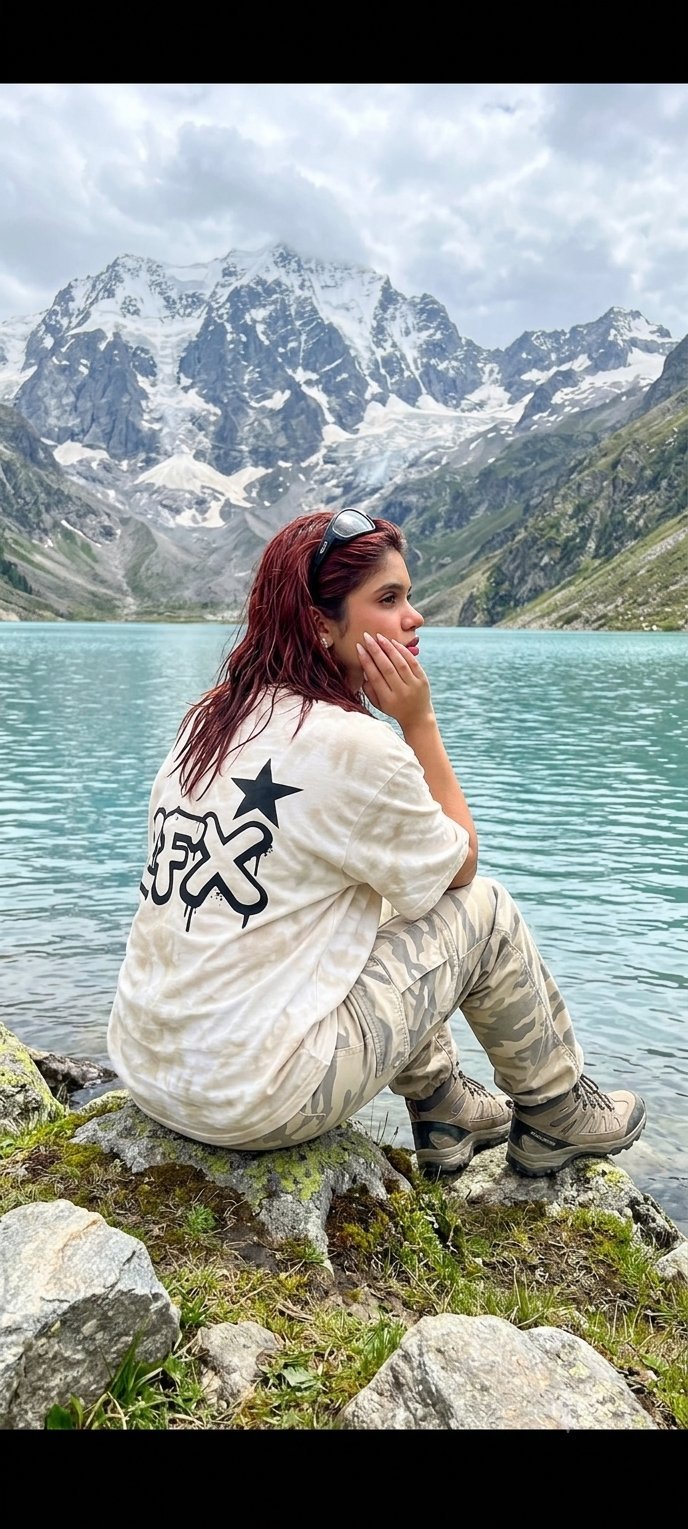
Teen Girl Alpine Lake Mountain View

Rooftop Fisheye — Cat-Ear Balaclava at Golden Hour
2025 Aesthetic Photography
Make it yours
Mountain Meadow Portrait After Rain works as-is. These are the safest ways to change it without losing the look.
Change one field
Copy a single group, rewrite it, and generate again so you can see what that field is doing.
Keep the frame, change the subject
Hold the composition and light of Mountain Meadow Portrait After Rain, then swap wardrobe, props or the person for a new take.
| If the result… | Why | Fix |
|---|---|---|
| The result drifts from the preview | Too many fields changed at once. | Reuse Mountain Meadow Portrait After Rain as-is first, then change one group — subject, light, or setting. |
| The model over-stylizes the scene | The prose prompt leaves finish and camera underspecified. | Add one camera or lighting sentence and stay on GPT Image 2. |
More GPT Image 2 templates
Other prompts made for GPT Image 2.

Six VTuber Japanese Logo Sheet

Realistic Portrait of Woman and Deer

The Vista Modular Condo Poster

AI Model Routing Comparison Infographic

2.5D Anime Art Board

Isometric Productivity Desk Scene

New York Double Exposure Poster

Four-Panel AI Landscape Comparison

Japanese Tatami Lifestyle Magazine Cover

NESCAFÉ Coffee Map Poster
More image prompts
Fresh picks from across the catalog.
Pastel Coastal Building with Dramatic Cumulus Cloud Prompt
Anime Crowd POV Comparison
Creature Concept Reference Sheet
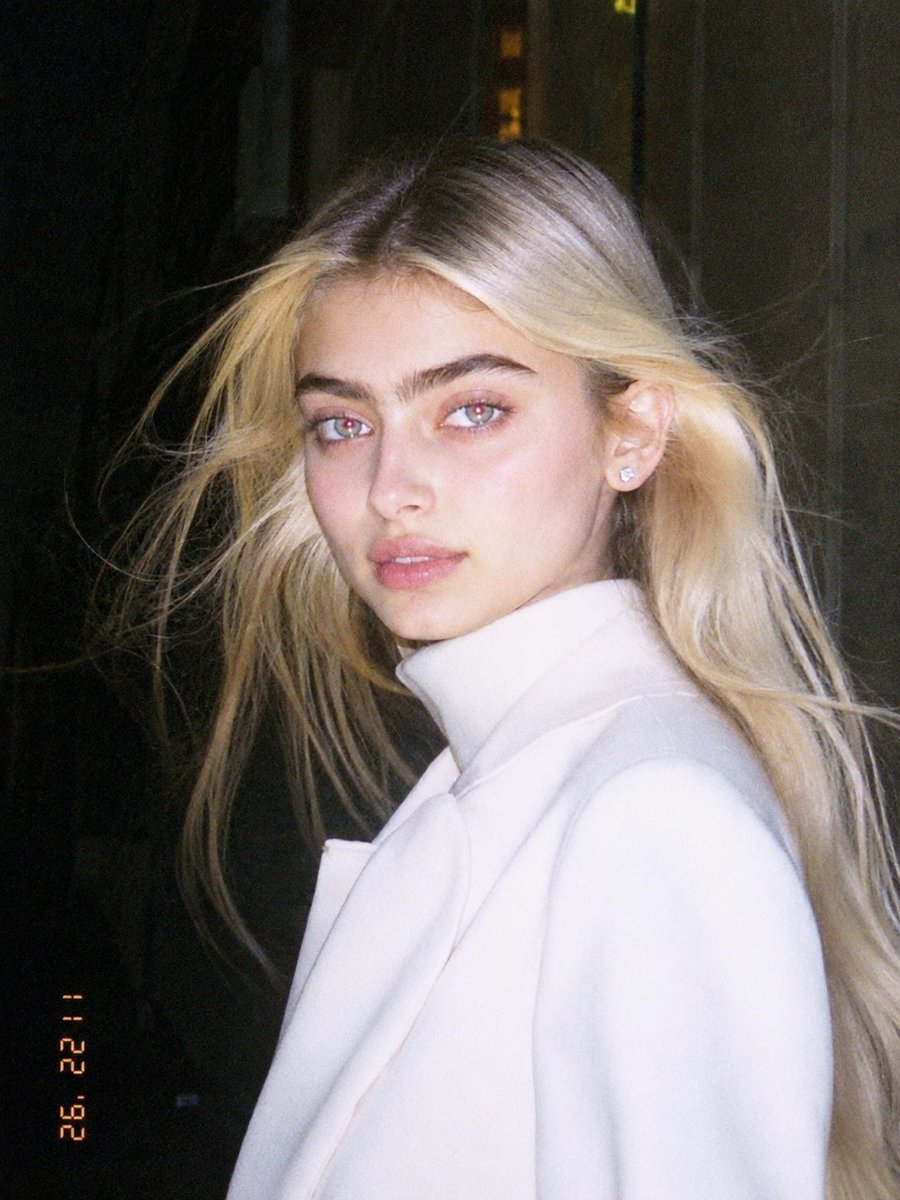
1990s Flash Camera Snapshot Portrait
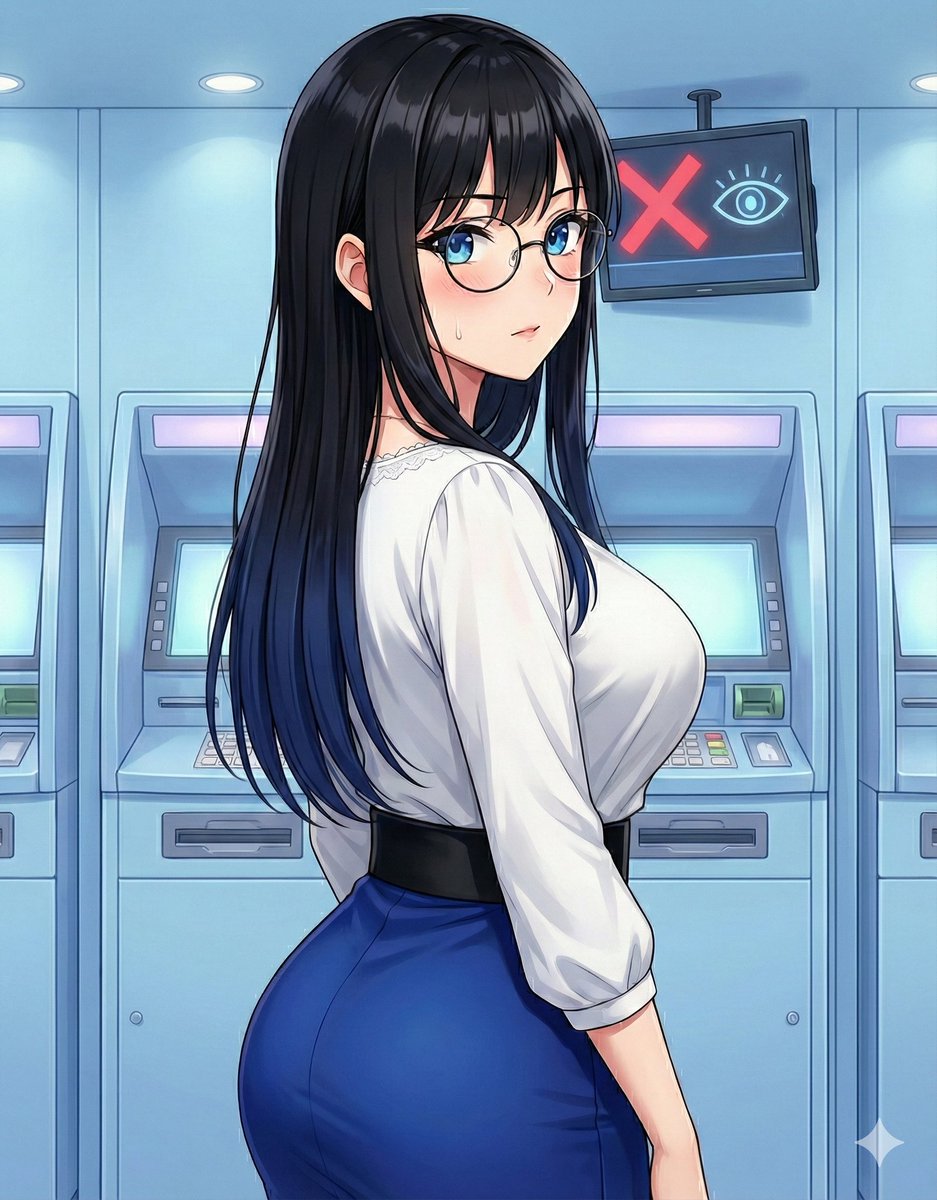
Quick Stop Scenario Prompt
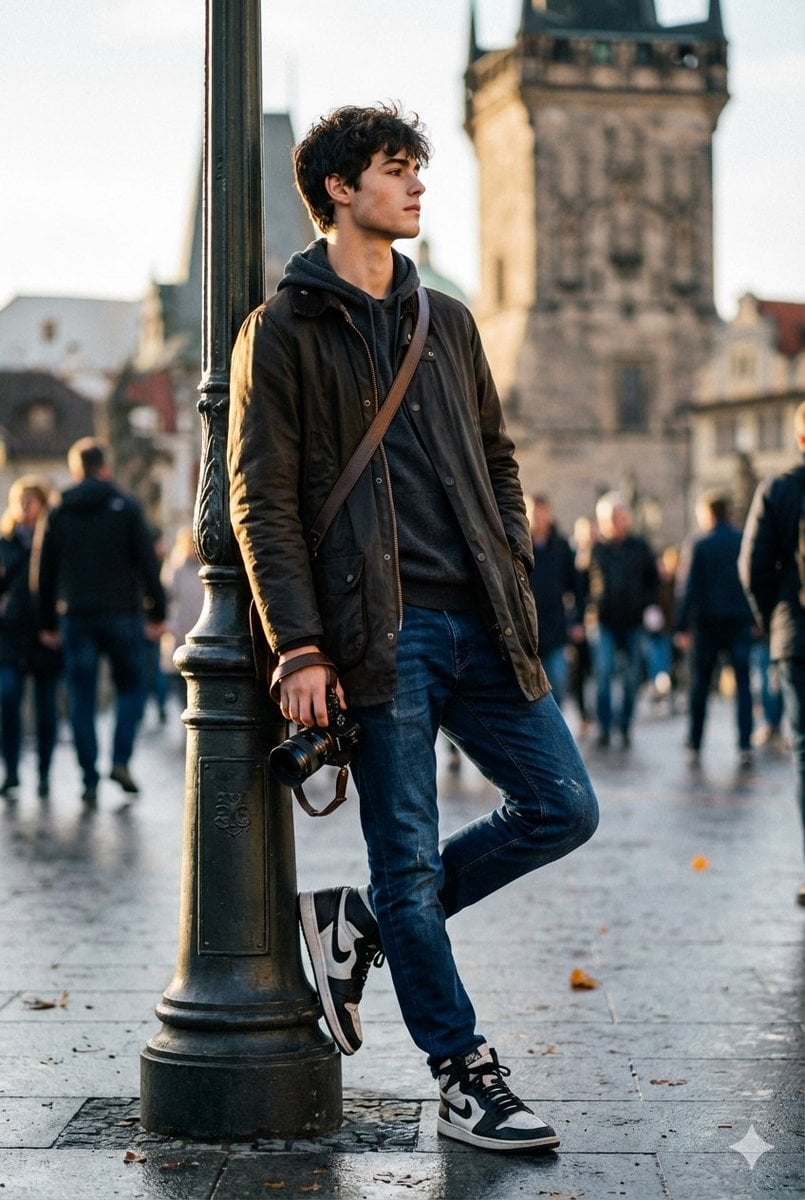
High-End Street Photography Transformation
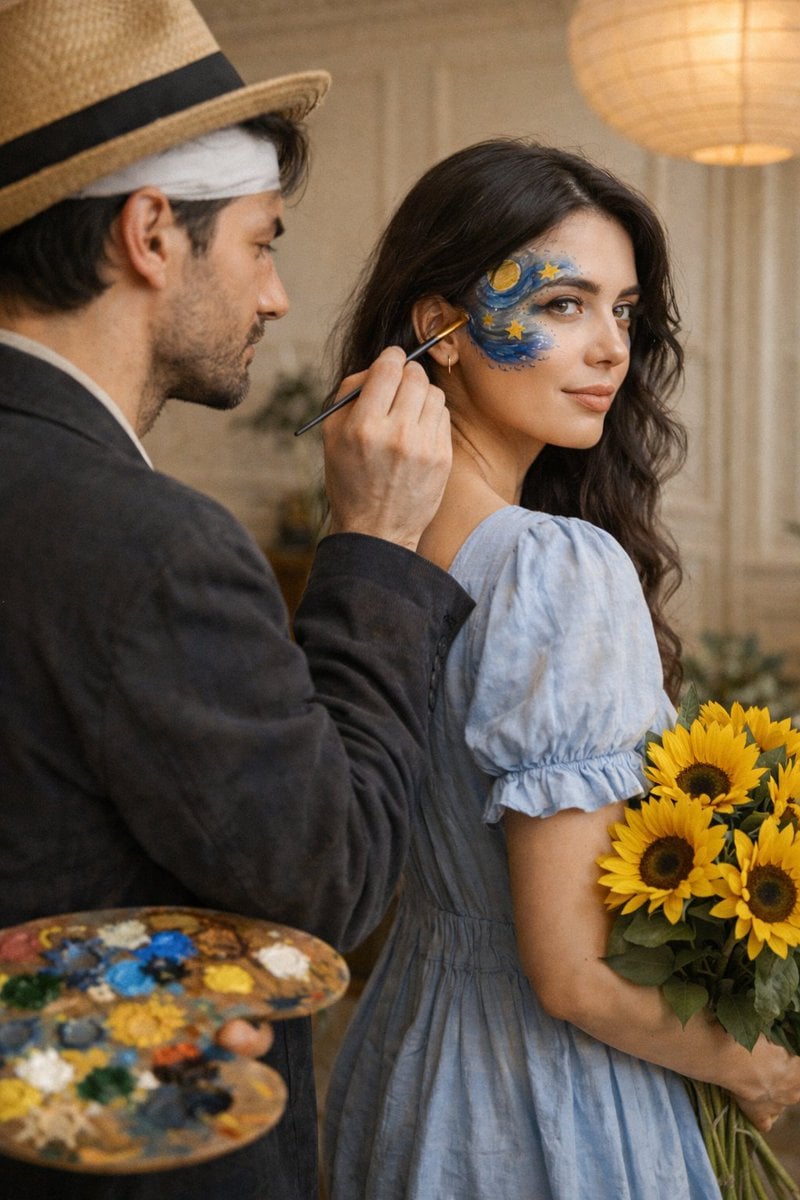
Cinematic Editorial Couple Portrait with Starry Night Face Paint

Lifestyle Café Photography Portrait
Moonlit Snow Leopard Leap
Kawaii Anime Icing Cookie
Browse template categories
Mountain Meadow Portrait After Rain questions
How do I use the Mountain Meadow Portrait After Rain template?
Add your photo if the template asks for one, edit the prompt if you like — the template's model and format are already selected — and press Generate. Your version opens in PicX Studio.
Can I customize the Mountain Meadow Portrait After Rain template?
Yes. You can change the subject, setting, lighting, mood, format, and available model controls before creating your image.
Is the Mountain Meadow Portrait After Rain template free?
Opening and editing this template is free. Generating uses credits, shown on the Generate button when you are signed in.
Which AI model should I use?
Start with GPT Image 2, which is the model associated with this template. You can compare another compatible model for a different finish.
Looking for something else? Browse all templates.

Your photo, any look
Thousands of ready templates for every top image and video model, from one credit balance.