
Cinematic Ilya Cafe Window Shot
A sophisticated multi-layered prompt for generating a high-realism cinematic shot of a character looking through a cafe window with complex reflections and lighting.
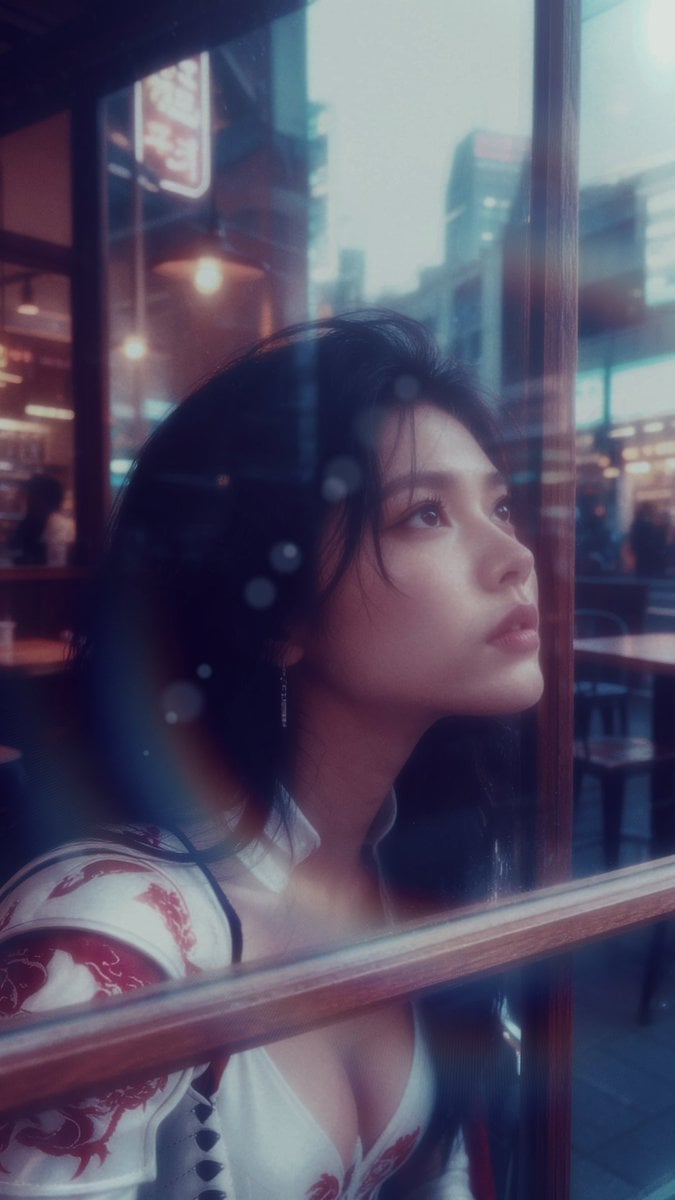
- Prompt included
- Model and format preset
- Premium template
The prompt behind this image
Copy the exact prompt behind Cinematic Ilya Cafe Window Shot, or open it in the studio and make it yours.
## {argument name="character name" default="일리야"} × {argument name="location" default="카페"} 외부 시점 × 창너머 촬영 --- **【레퍼런스 파일 명시】** - 얼굴 기준: `일리야_얼굴정면_NEW.png` / `일리야_얼굴측면_NEW.png` - 의상·헤어 기준: `일리야_캐릭터턴어라운드1_저용량_.png` - 구도·반사 기준: `캡처_210.png` - 색보정 기준: `Cinelook_50.jpg` --- **【카메라 포지션 & 핵심 구도 — 가장 중요】** 카메라는 카페 **외부(길거리)**에 위치. 촬영자는 카페 유리창 바깥에서 안을 들여다보는 시점. {argument name="character name" default="일리야"}는 카페 **실내 창가**에 앉거나 서서 얼굴을 유리창에 바짝 붙이고 있음. 유리창이 카메라와 피사체 사이에 물리적으로 존재 — 유리의 두께감, 미세한 반사, 창틀의 물리적 레이어가 화면 전면부를 구성. 카메라는 로우 앵글(턱선 아래), 약 20~30도 사선. {argument name="character name" default="일리야"}의 얼굴은 유리에 밀착되어 뺨이나 이마가 살짝 눌리는 느낌, 입김이 살짝 서릴 수도 있음. 눈은 하늘 혹은 먼 곳을 응시 — 카메라 직시 아님. **유리창 레이어 표현:** - 유리 표면에 외부 거리({argument name="era" default="1940s 쇼와"}+2026 믹스 동경)의 반사가 {argument name="character name" default="일리야"} 얼굴 위에 은은하게 오버랩 - 유리의 미세한 먼지, 물기 자국, 왜곡이 사실감을 높임 - 창틀(목재 또는 금속)이 화면을 수직·수평으로 분할하는 프레임 안의 프레임 구성 - 카페 내부 조명이 유리를 통해 따뜻하게 새어나오고, 외부는 청회색 낮 빛 --- **【주체 & 피부 질감】** {argument name="character name" default="일리야"}. 얼굴은 `일리야_얼굴정면_NEW.png` / `일리야_얼굴측면_NEW.png` 동일하게 유지. 8K 하이퍼리얼리스틱 피부 — 모공, 솜털, 피지광택, 눈물막 반사, 모세혈관, 머리카락 낱올, 속눈썹 수분감. 에어브러싱 완전 배제. 매트하고 살아있는 피부 질감. 유리창에 얼굴이 밀착된 상태라 뺨 한쪽이 유리에 눌려 살짝 변형되는 자연스러운 디테일 포함. **【의상·헤어·주얼리】** `일리야_캐릭터턴어라운드1_저용량_.png` 기준. 백색 베이스 + 레드 용 자수 어깨 아머, 크로스 레이스업 흰색 전투복, 레드 드래곤 패턴. 긴 흑발 자연 웨이브, 드롭형 은 귀걸이. 마스크 없음, 얼굴 완전 노출. **【배경 — 카페 내부(유리 너머로 보임)】** 유리창 너머 카페 내부: {argument name="era" default="1940s 쇼와"} 목재 인테리어 + 2026 미니멀 감성 혼합. 낡은 목재 테이블, 다이쇼~쇼와 초기 조명기구(텅스텐 전구), 현대적 산업용 메탈 체어. 카페 내부 조명은 따뜻한 앰버(2800K) — 유리를 통해 배경에서 새어나옴. **【배경 — 카페 외부(카메라 주변 환경)】** 카메라가 위치한 거리: 1940년대 동경 + 2026 도시가 혼재한 익스테리어. 낡은 목조 상점들 사이로 현대 빌딩 실루엣, 쇼와 시대 간판과 LED 사이니지 공존. 비 온 직후 젖은 노면 반사. 전체 외부는 청회색 낮 빛, 카페 내부만 따뜻하게. **【렌즈 & 심도】** Sony A7R V. 렌즈: 85mm f/1.4 GM. 조리개 f/2.0~f/2.2. 초점면: 유리창에 밀착된 {argument name="character name" default="일리야"}의 눈·코 — 유리 자체는 살짝 아웃포커스되어 몽환적 레이어 형성. 카페 내부 배경은 소프트 보케. 포그라운드의 창틀은 선명하게. **【조명】** 외부(카메라 쪽): 맑은 낮 청백 자연광 5800K, 소프트 디퓨즈. 소프트박스 약광 보조로 인물 얼굴 전면에 밀크 화이트 필 라이트. 내부(유리 너머): 앰버 텅스텐 2800K 카페 조명이 역광처럼 {argument name="character name" default="일리야"} 뒤에서 새어나옴 — 헤어 엣지에 따뜻한 림라이트 효과. 전체 노출: 약한 오버엑스포저, 하이라이트 소프트 클리핑. **【색보정 & 톤앤매너】** `Cinelook_50.jpg` 기준. 청회색 쿨 베이스 톤, 밀크 화이트 하이라이트, 채도 전체 낮게 — 레드 드래곤 자수만 소폭 채도 잔류. 필름 그레인 약하게, 디지털 노이즈 경미하게. 매트 빈티지 CCD 룩. 쨍함 없는 소프트 마감.
How to use Cinematic Ilya Cafe Window Shot in 3 steps
- 1Upload ImagePNG, JPG or paste
Add your photo
Upload the photo the template builds on. The prompt, model and format are already set.
- 2…a portrait of your subject in softgolden-hour light, 85mm…
Personalize
Edit the subject and creative details for your destination.
- 3Generate
Generate
Press Generate — your image is created in PicX Studio, so you can compare it with the original and refine one variable at a time.
More like this
Templates with the same subject, style or setup. Open one to see its prompt.
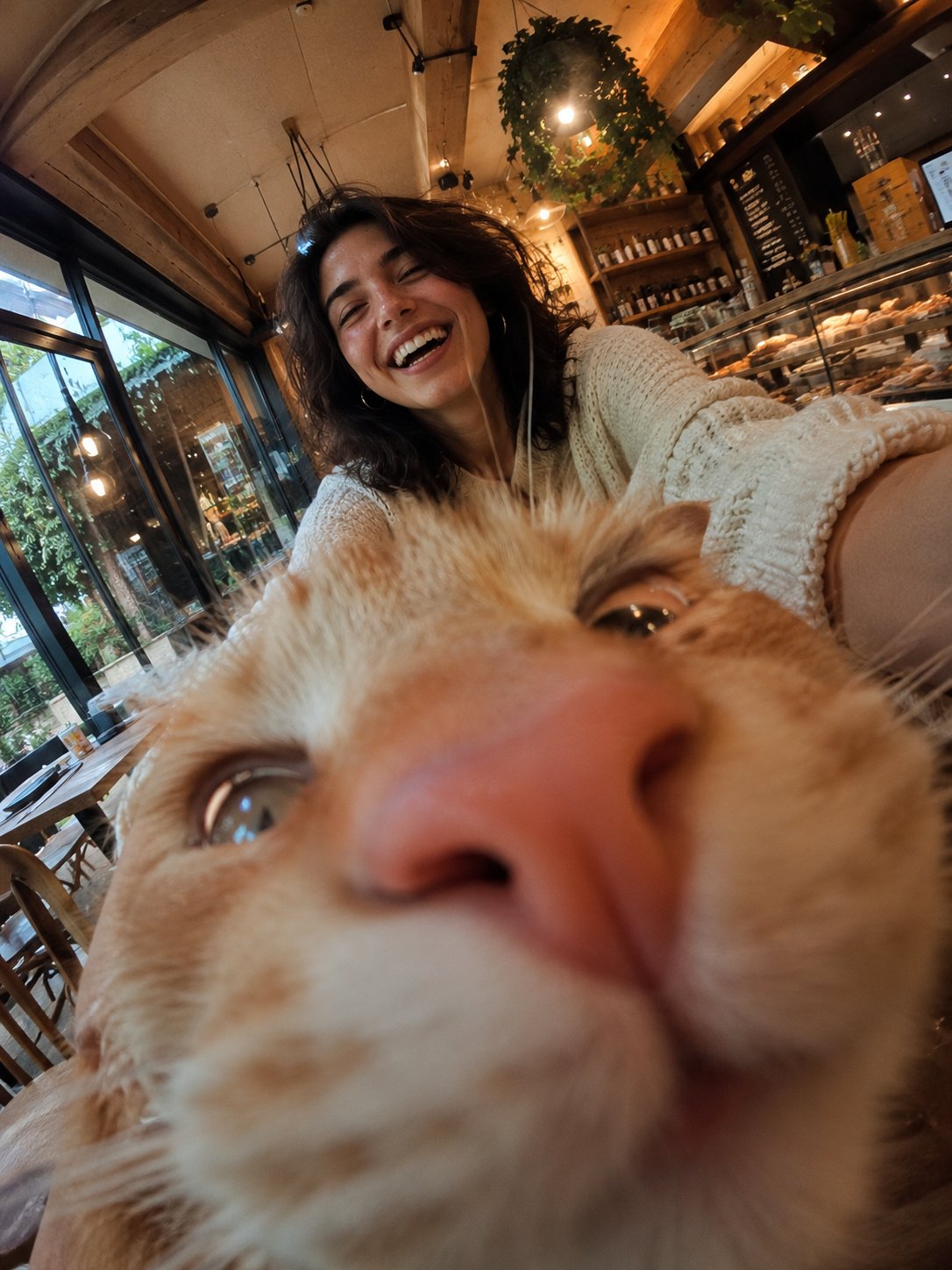
Cat Photobomb Selfie — 0.5x Wide Angle Café Chaos

Trendy Cafe Drink Promo Poster
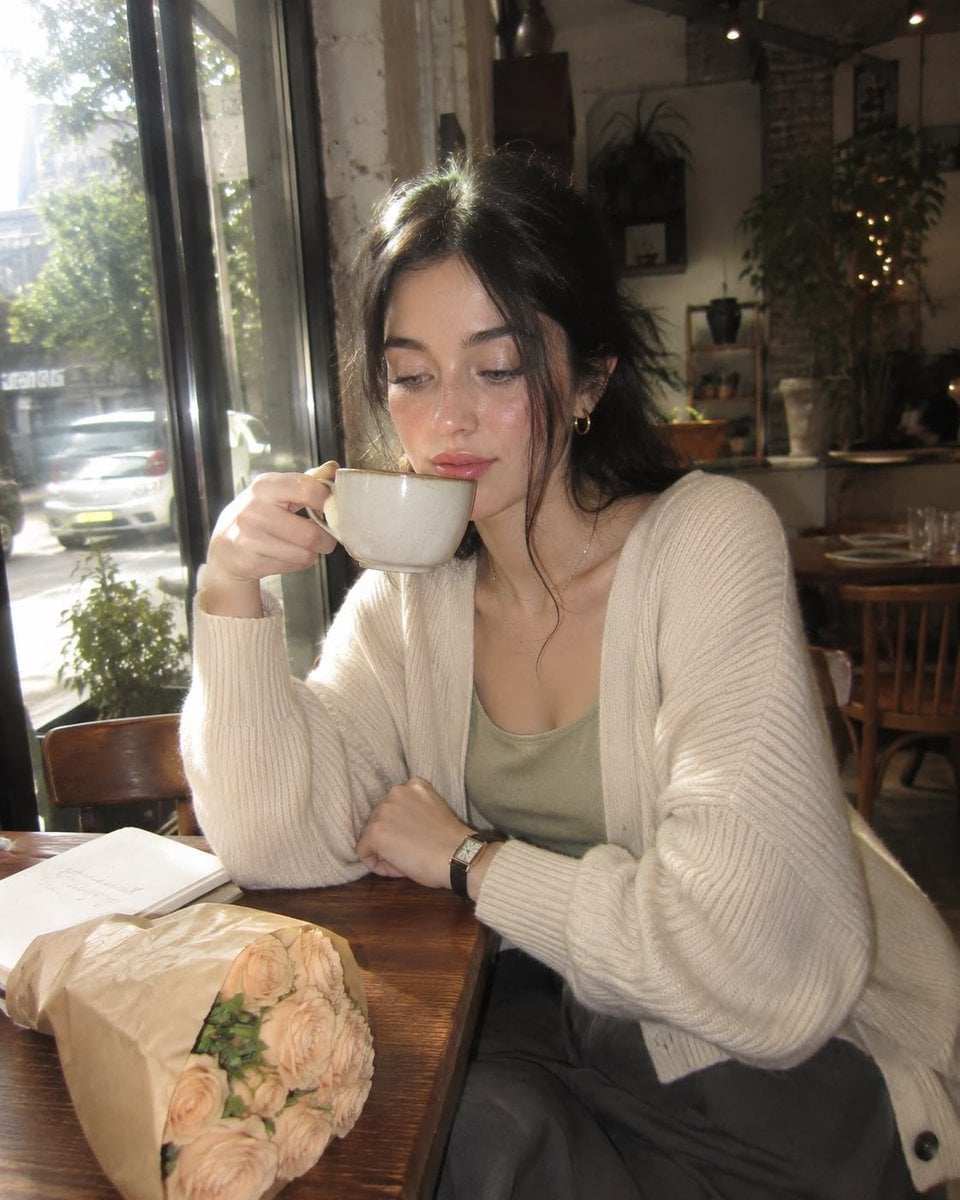
Nostalgic Digicam Café Afternoon Portrait
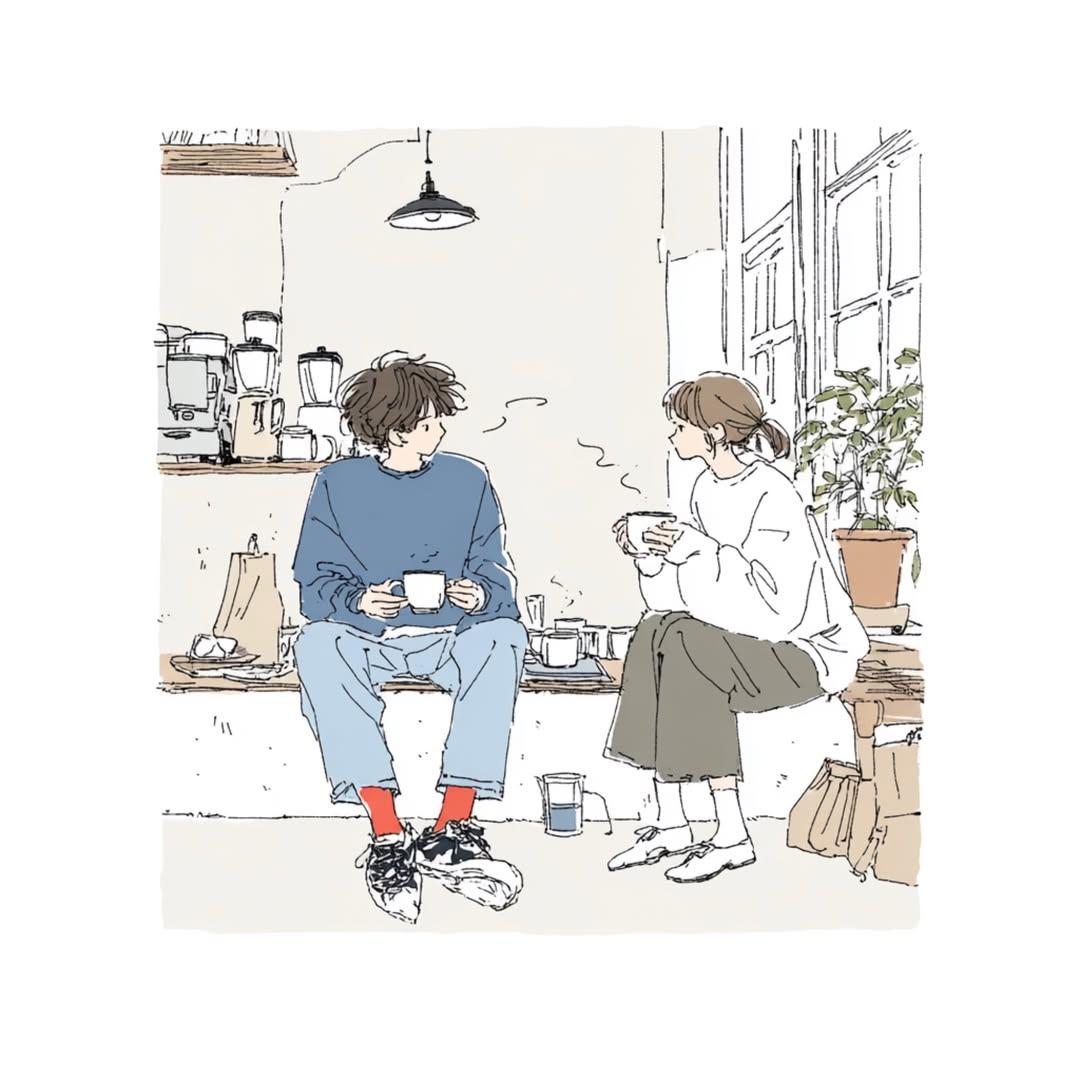
Delicate Japanese Café Lifestyle Illustration

Rainy Café Window Moody Portrait
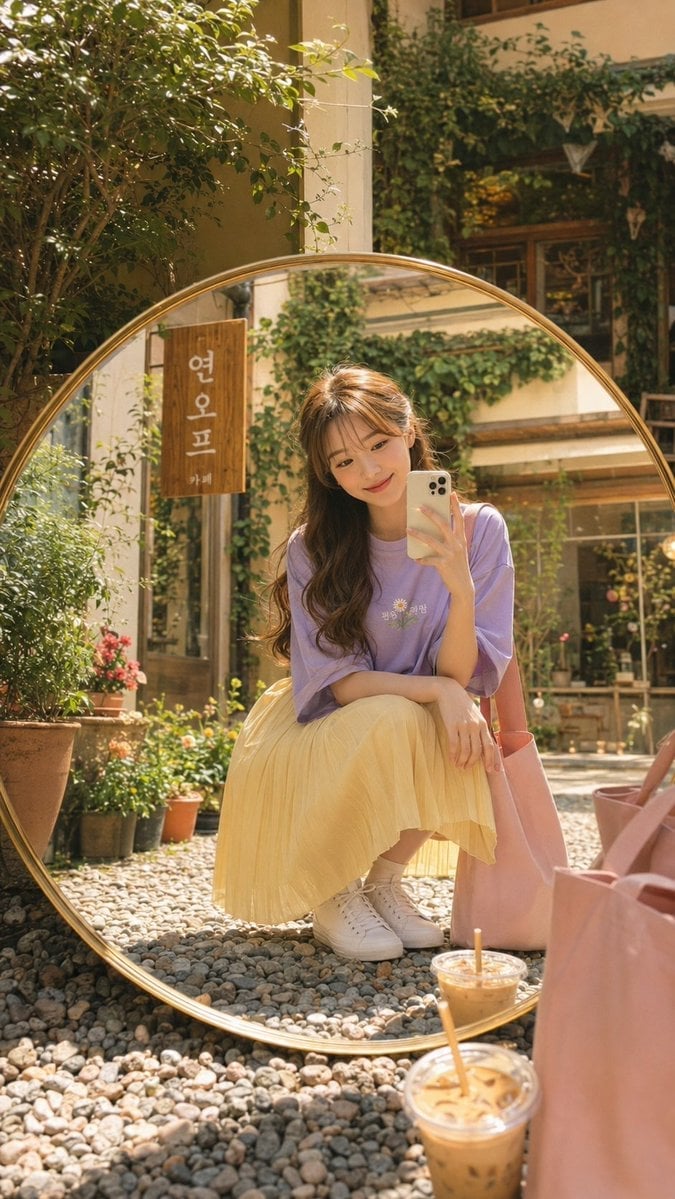
Korean Cafe Courtyard Gold Frame Mirror Selfie
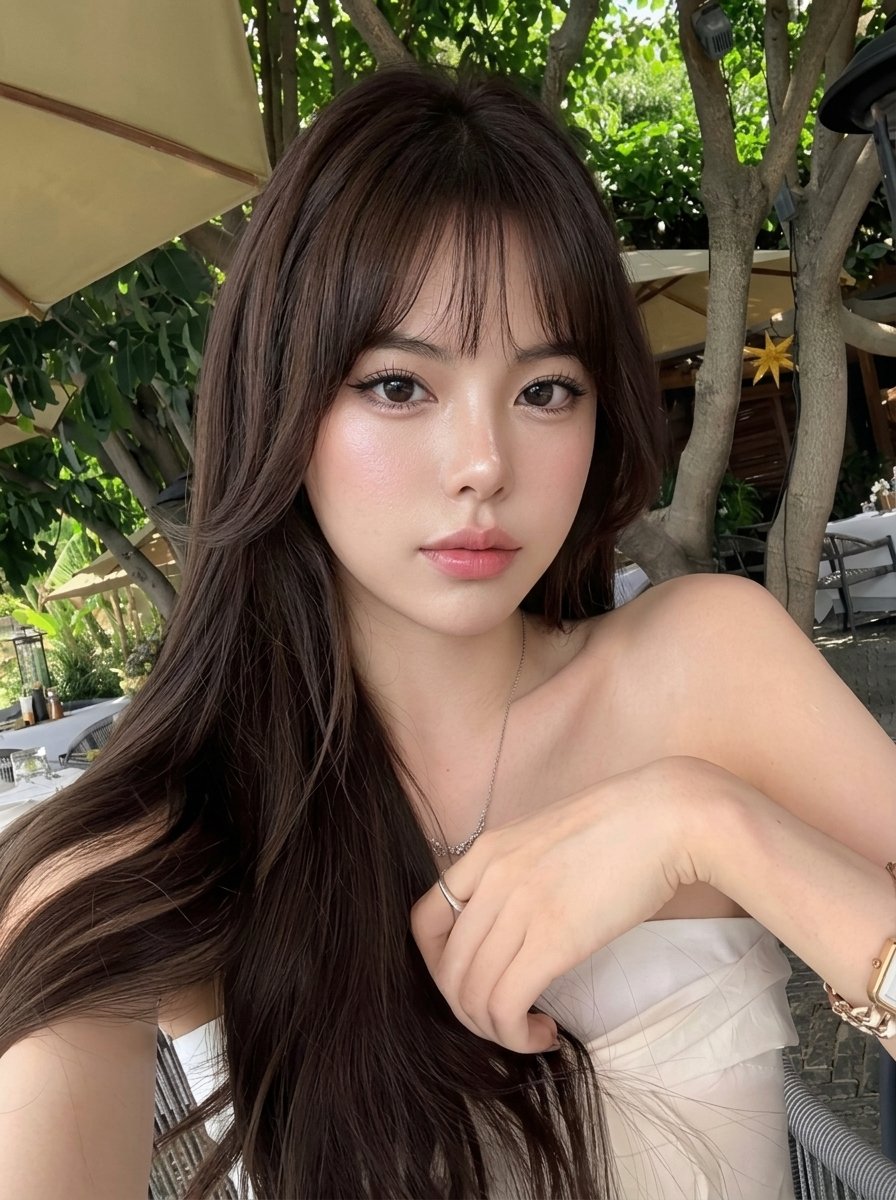
Outdoor Cafe Portrait — White Ruched Top Nano Banana
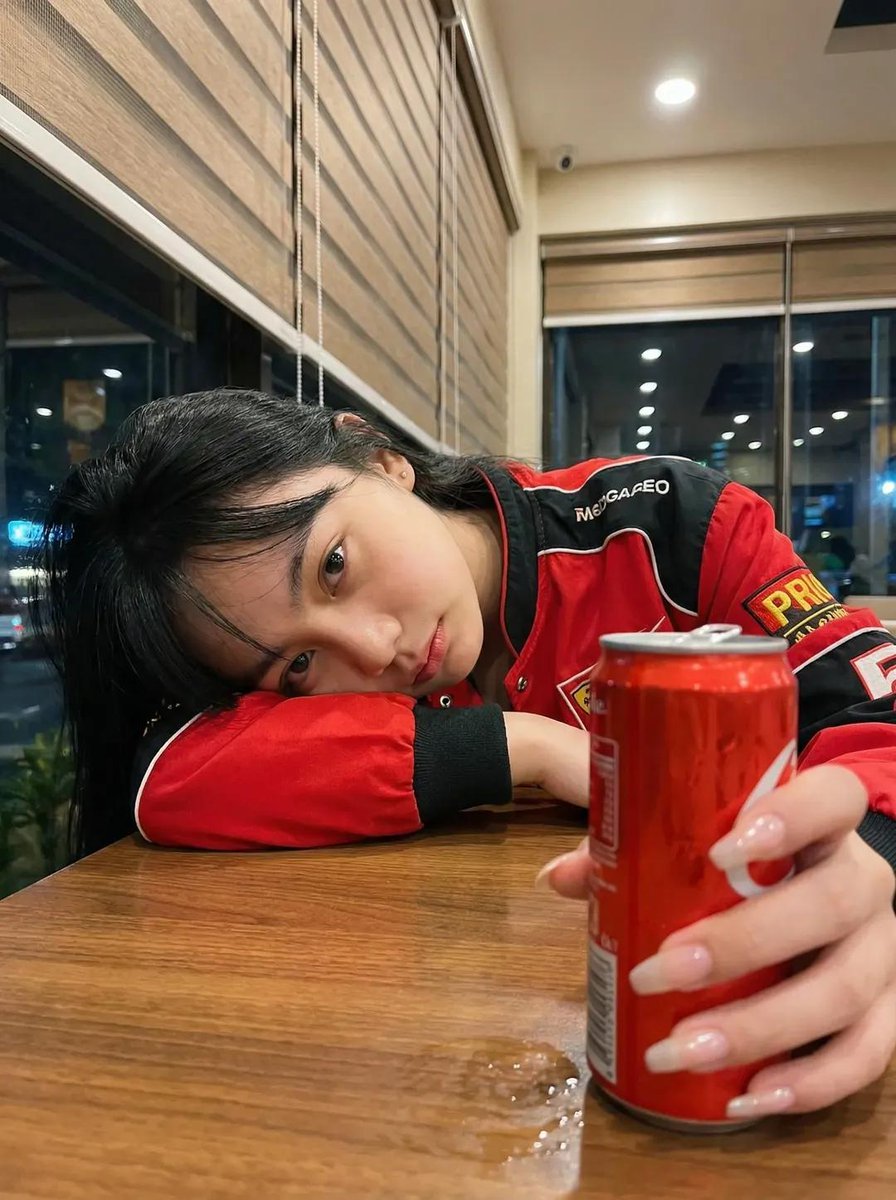
Nano Banana - Cozy Cafe Night
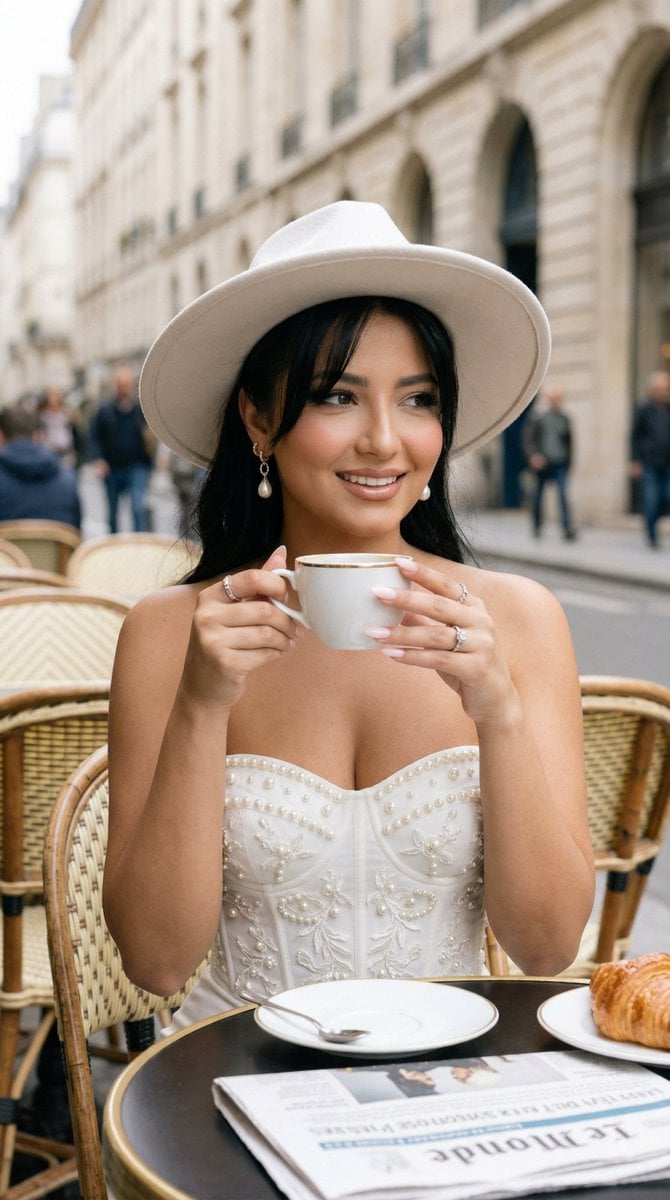
Nano Banana - Window Wine Red Dress
Nano Banana - Paris Cafe Editorial
Reflective Urban Cafe Window Portrait
Thoughtful Woman Cafe Window Equations
Make it yours
Cinematic Ilya Cafe Window Shot works as-is. These are the safest ways to change it without losing the look.
Change one field
Copy a single group, rewrite it, and generate again so you can see what that field is doing.
Keep the frame, change the subject
Hold the composition and light of Cinematic Ilya Cafe Window Shot, then swap wardrobe, props or the person for a new take.
| If the result… | Why | Fix |
|---|---|---|
| The result drifts from the preview | Too many fields changed at once. | Reuse Cinematic Ilya Cafe Window Shot as-is first, then change one group — subject, light, or setting. |
| The model over-stylizes the scene | The prose prompt leaves finish and camera underspecified. | Add one camera or lighting sentence and stay on GPT Image 2. |
More GPT Image 2 templates
Other prompts made for GPT Image 2.

Six VTuber Japanese Logo Sheet

Realistic Portrait of Woman and Deer

The Vista Modular Condo Poster

AI Model Routing Comparison Infographic

2.5D Anime Art Board

Isometric Productivity Desk Scene

New York Double Exposure Poster

Four-Panel AI Landscape Comparison

Japanese Tatami Lifestyle Magazine Cover

NESCAFÉ Coffee Map Poster
More image prompts
Fresh picks from across the catalog.
Clumsy MS Paint Redraw Style
Cinematic Tokyo Street Color Grade
Structured Prompt for Smartphone Mirror Selfie in an Elevator
Ultra Photorealistic iPhone Mirror Selfie (JSON)

Elegant Office Lady in Jewelry Store
Moe Anime Style Claude Meme
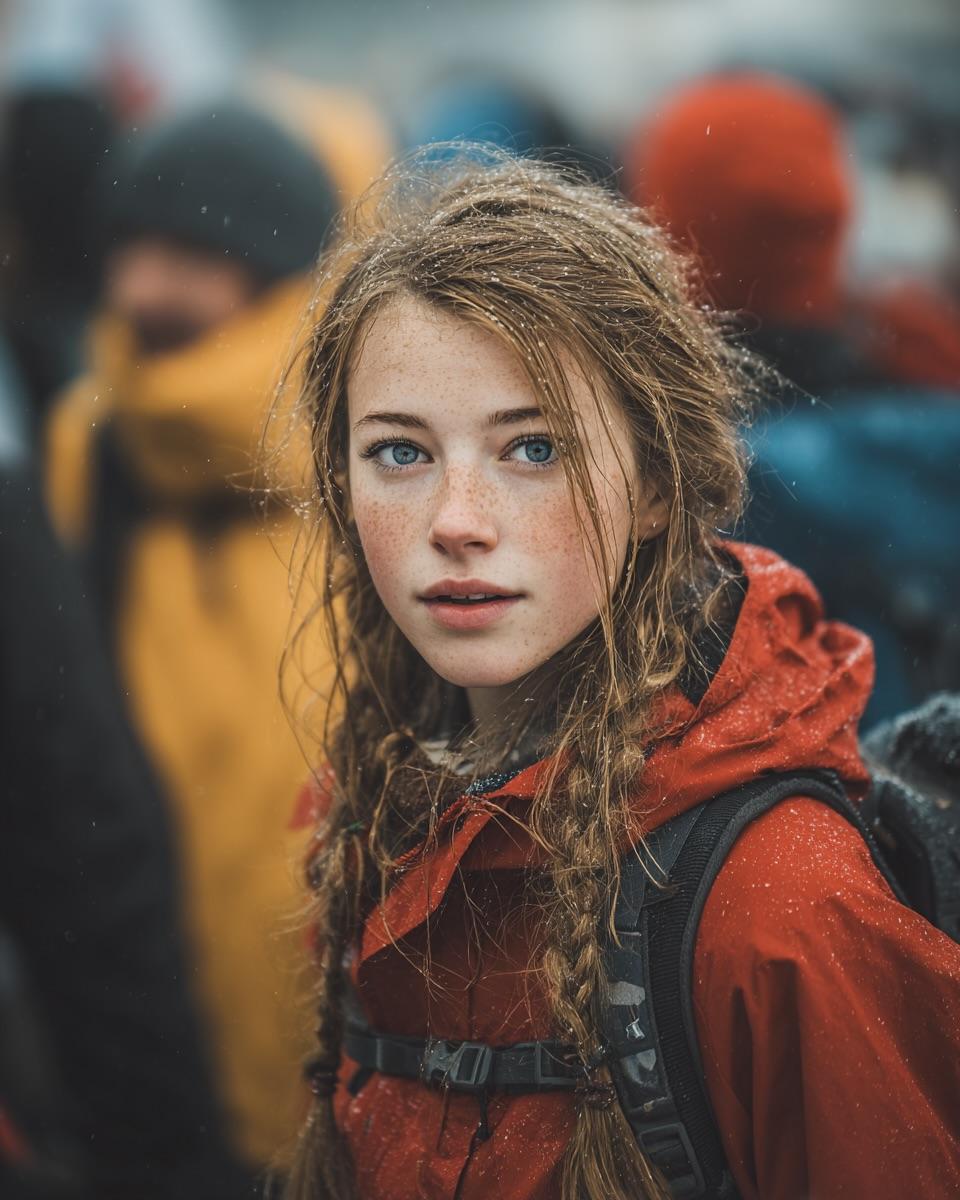
Cinematic Street Portrait (JSON)
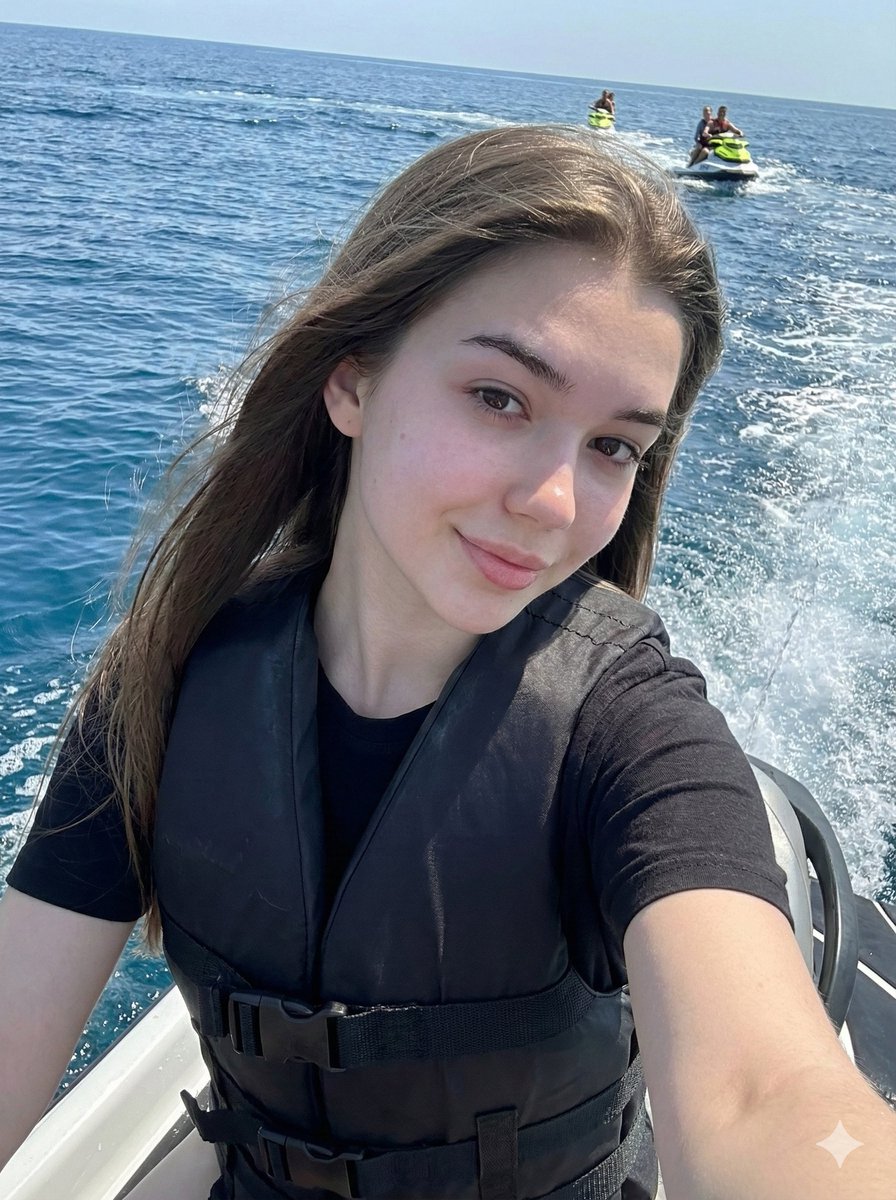
Vibrant Jet Ski Selfie with Strict Identity Lock
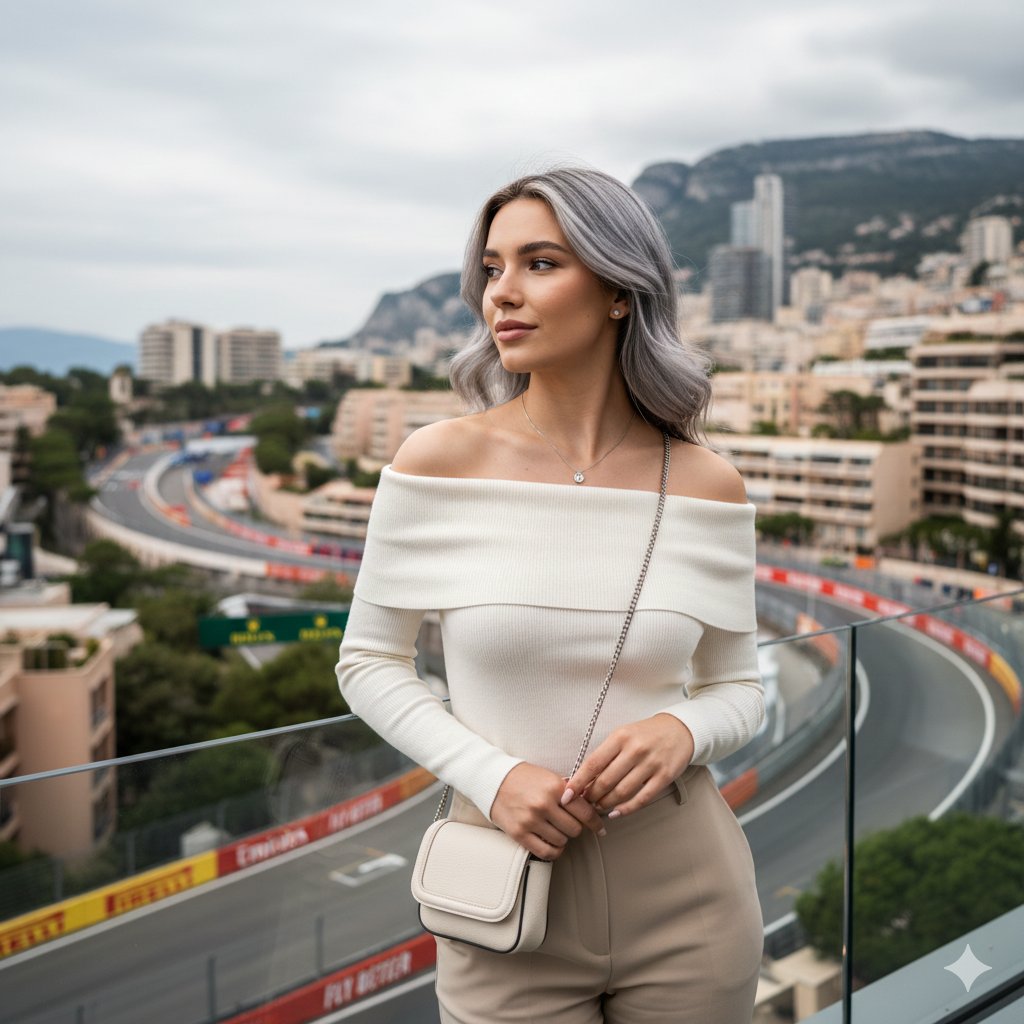
Elegant Portrait Generation Prompt
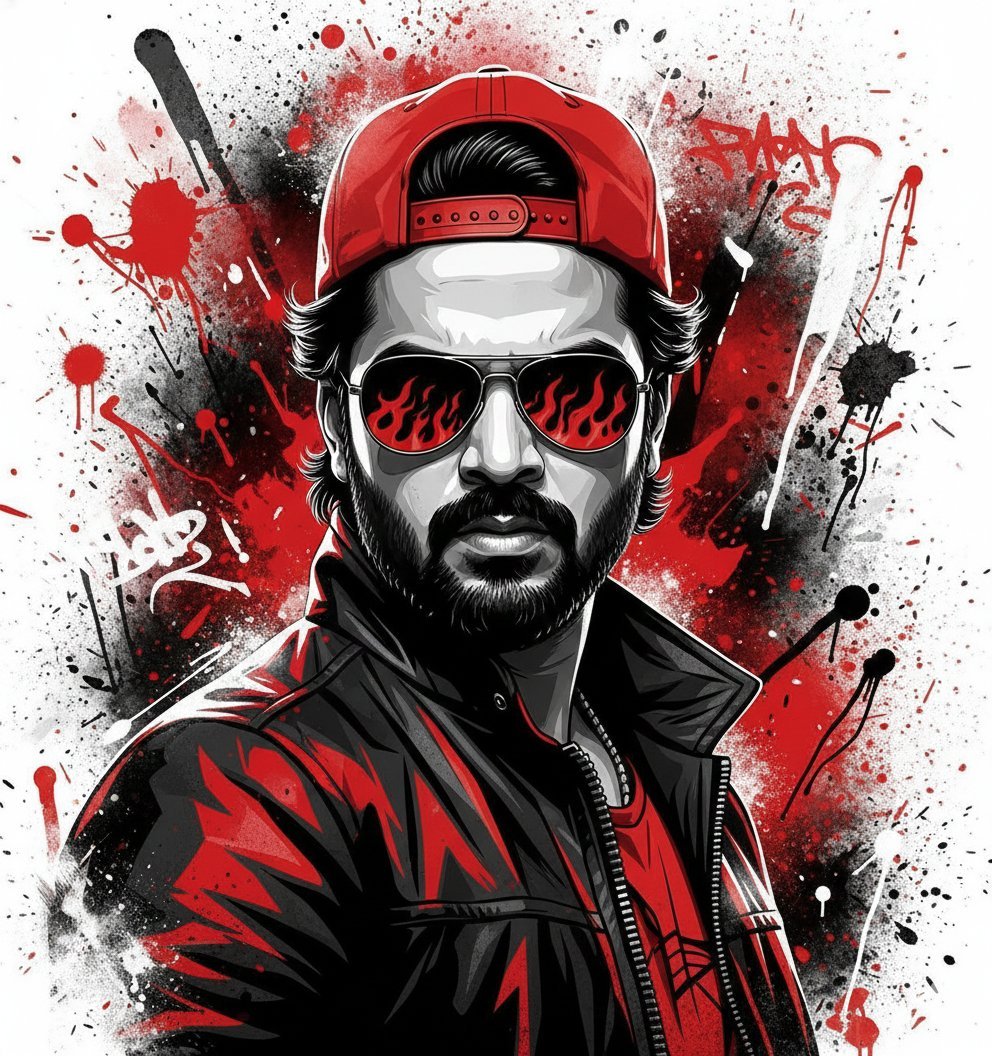
Street Art Style Portrait of a Man with Face Preservation
Browse template categories
Cinematic Ilya Cafe Window Shot questions
How do I use the Cinematic Ilya Cafe Window Shot template?
Add your photo if the template asks for one, edit the prompt if you like — the template's model and format are already selected — and press Generate. Your version opens in PicX Studio.
Can I customize the Cinematic Ilya Cafe Window Shot template?
Yes. You can change the subject, setting, lighting, mood, format, and available model controls before creating your image.
Is the Cinematic Ilya Cafe Window Shot template free?
Opening and editing this template is free. Generating uses credits, shown on the Generate button when you are signed in.
Which AI model should I use?
Start with GPT Image 2, which is the model associated with this template. You can compare another compatible model for a different finish.
Looking for something else? Browse all templates.

Your photo, any look
Thousands of ready templates for every top image and video model, from one credit balance.