
Patagonia Cinematic Travel Portrait
A comprehensive prompt for generating a photorealistic travel portrait in Patagonia while preserving specific facial features from a reference image.
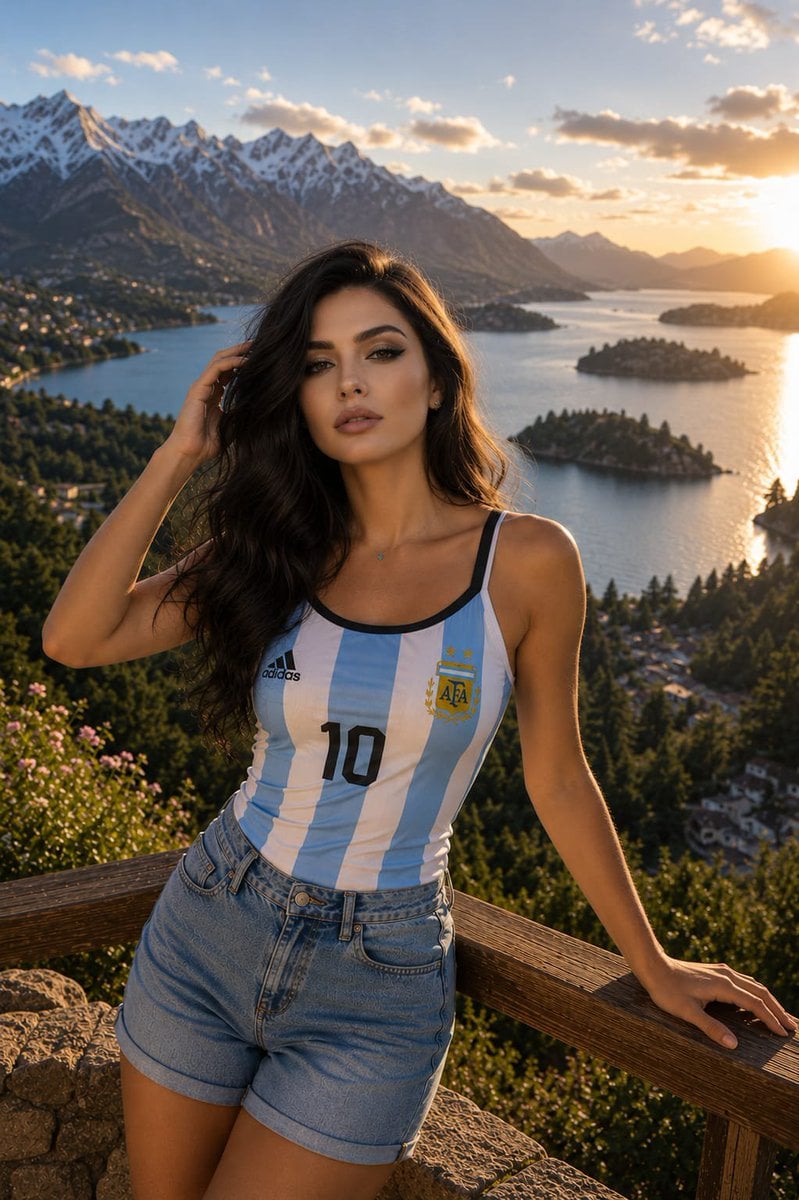
- Prompt included
- Model and format preset
- Premium template
The prompt behind this image
Copy the exact prompt behind Patagonia Cinematic Travel Portrait, or open it in the studio and make it yours.
Use the uploaded reference image as the primary facial reference. Preserve the exact facial identity, facial structure, facial proportions, eye shape, eyebrows, nose shape, lips, jawline, cheekbones, skin tone, hairstyle volume, and overall appearance with maximum accuracy. Do not alter age, ethnicity, or recognizable facial characteristics. Photorealistic cinematic travel portrait of the {argument name="subject" default="same woman from the reference image"} standing at a {argument name="location" default="breathtaking Patagonian mountain overlook during golden hour"}. She is posed exactly like a relaxed travel editorial photograph: one hand gently touching her hair, the other resting on a rustic wooden railing, body angled slightly toward the landscape while her face looks directly into the camera with a calm, confident, slightly alluring expression. She wears a {argument name="clothing" default="fitted Argentina national team supporter camisole jersey inspired by the FIFA World Cup 2026, featuring moderately thick shoulder straps, a feminine athletic cut, and a soft scoop neckline"}. The jersey fits naturally and comfortably. High-waisted light-wash denim shorts with a longer inseam reaching mid-thigh. Background identical to a premium Patagonia travel postcard: crystal-blue glacial lake, small forested islands, lush green hillsides, dramatic snow-capped Andes mountains, distant alpine villages, wildflowers in the foreground, and warm sunset light reflecting across the water. Rich golden-hour atmosphere, subtle lens flare, realistic shadows, soft rim light around the hair, gentle breeze, natural colors, realistic skin texture, shallow depth of field, fine film grain, luxury magazine-quality travel photography. Ultra-realistic, editorial fashion photography, authentic travel lifestyle aesthetic, cinematic storytelling, 85mm lens, f/2.0, HDR detail, premium color grading, highly detailed face preservation, natural body proportions, photorealistic lighting, 4:5 aspect ratio. Keywords: Argentina football fan, Argentina national team, FIFA World Cup 2026, World Cup 2026 supporter, Patagonia, Andes mountains, scenic travel portrait, golden hour photography, cinematic realism, football culture, sports lifestyle, editorial travel photography, photorealistic portrait.
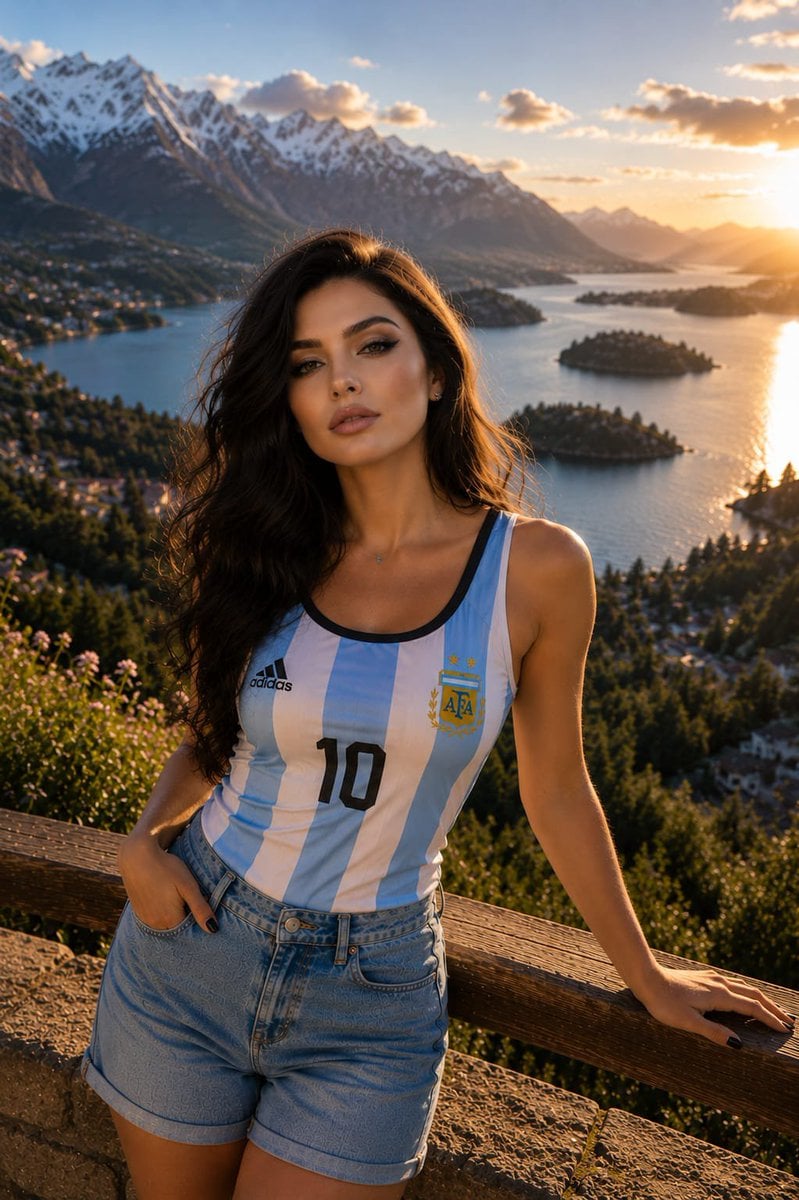
Reference images included
Patagonia Cinematic Travel Portrait needs input media to work. They load alongside the prompt when you open it in the studio.
How to use Patagonia Cinematic Travel Portrait in 3 steps
- 1Upload ImagePNG, JPG or paste
Add your photo
Upload the photo the template builds on. The prompt, model and format are already set.
- 2…a portrait of your subject in softgolden-hour light, 85mm…
Personalize
Edit the subject and creative details for your destination.
- 3Generate
Generate
Press Generate — your image is created in PicX Studio, so you can compare it with the original and refine one variable at a time.
More like this
Templates with the same subject, style or setup. Open one to see its prompt.

untitled

Kids Crayon Travel Journal Illustration

Found Photograph: Us, 1970

80s Couple Studio Portrait

80s Bollywood Star

80s Golden Hour Cinema

Me in 1985

1985 Studio Portrait

Hyper-Realistic Minecraft POV Portrait

Japan Travel Brochure Poster
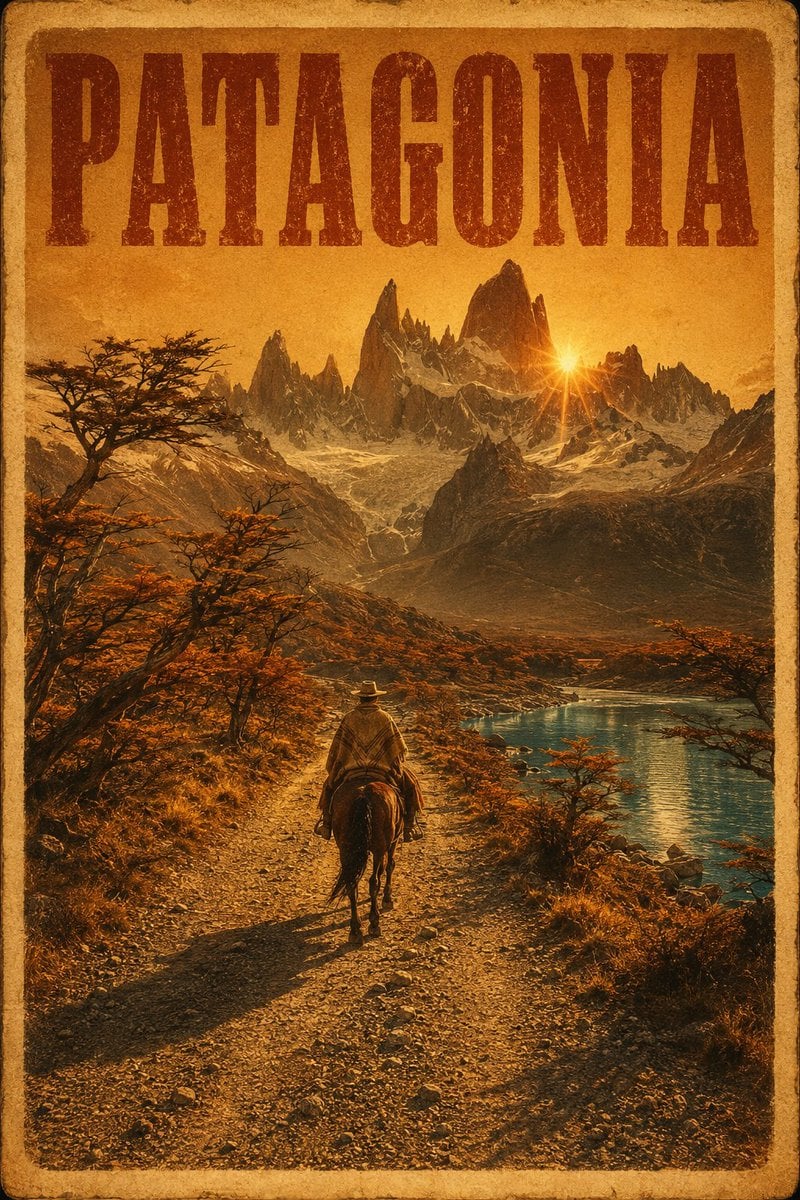
Vintage Patagonia Travel Poster

Rooftop Fisheye — Cat-Ear Balaclava at Golden Hour
Make it yours
Patagonia Cinematic Travel Portrait works as-is. These are the safest ways to change it without losing the look.
Change one field
Copy a single group, rewrite it, and generate again so you can see what that field is doing.
Keep the frame, change the subject
Hold the composition and light of Patagonia Cinematic Travel Portrait, then swap wardrobe, props or the person for a new take.
| If the result… | Why | Fix |
|---|---|---|
| The result drifts from the preview | Too many fields changed at once. | Reuse Patagonia Cinematic Travel Portrait as-is first, then change one group — subject, light, or setting. |
| The model over-stylizes the scene | The prose prompt leaves finish and camera underspecified. | Add one camera or lighting sentence and stay on GPT Image 2. |
More GPT Image 2 templates
Other prompts made for GPT Image 2.

Six VTuber Japanese Logo Sheet

Realistic Portrait of Woman and Deer

The Vista Modular Condo Poster

AI Model Routing Comparison Infographic

2.5D Anime Art Board

Isometric Productivity Desk Scene

New York Double Exposure Poster

Four-Panel AI Landscape Comparison

Japanese Tatami Lifestyle Magazine Cover

NESCAFÉ Coffee Map Poster
More image prompts
Fresh picks from across the catalog.
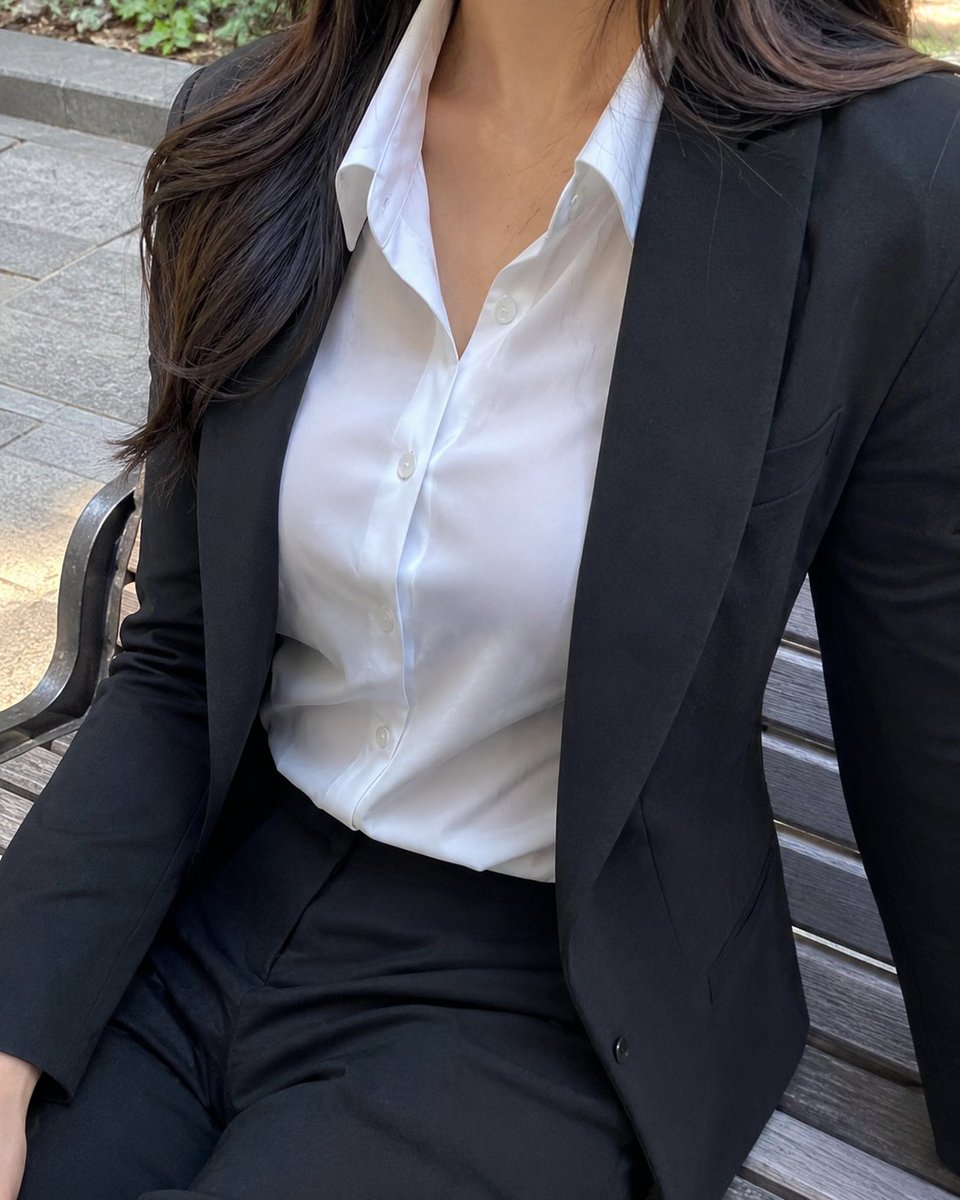
Cropped Business Suit Portrait
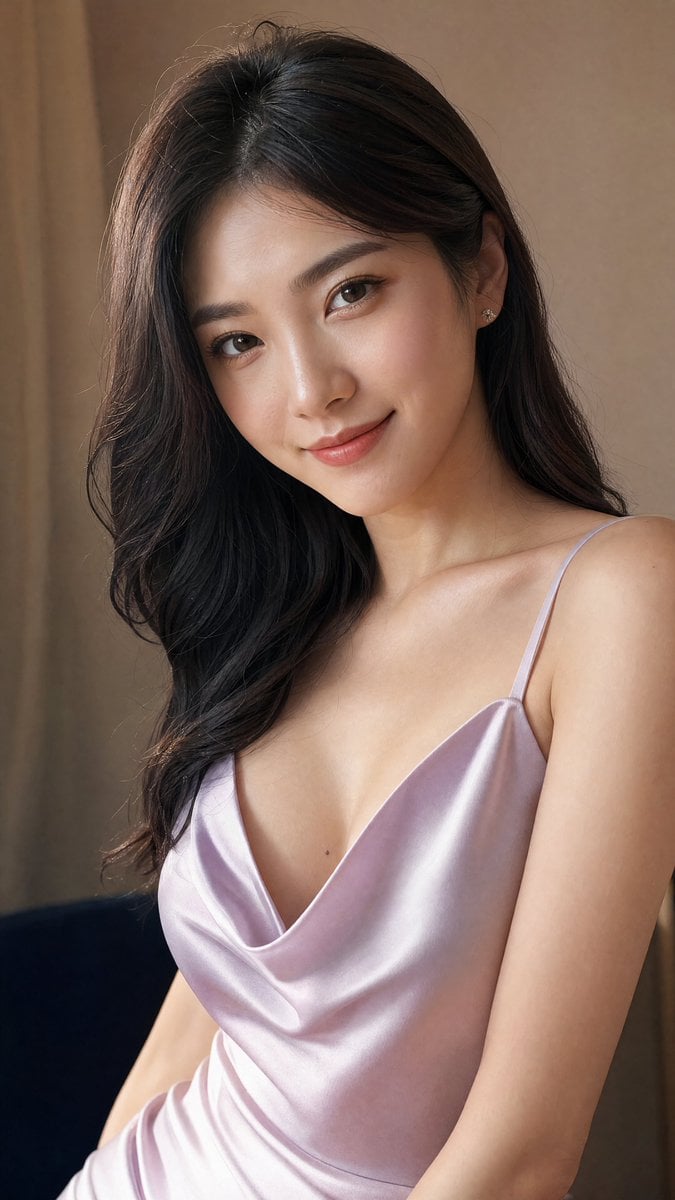
Elegant Satin Portrait Transformation
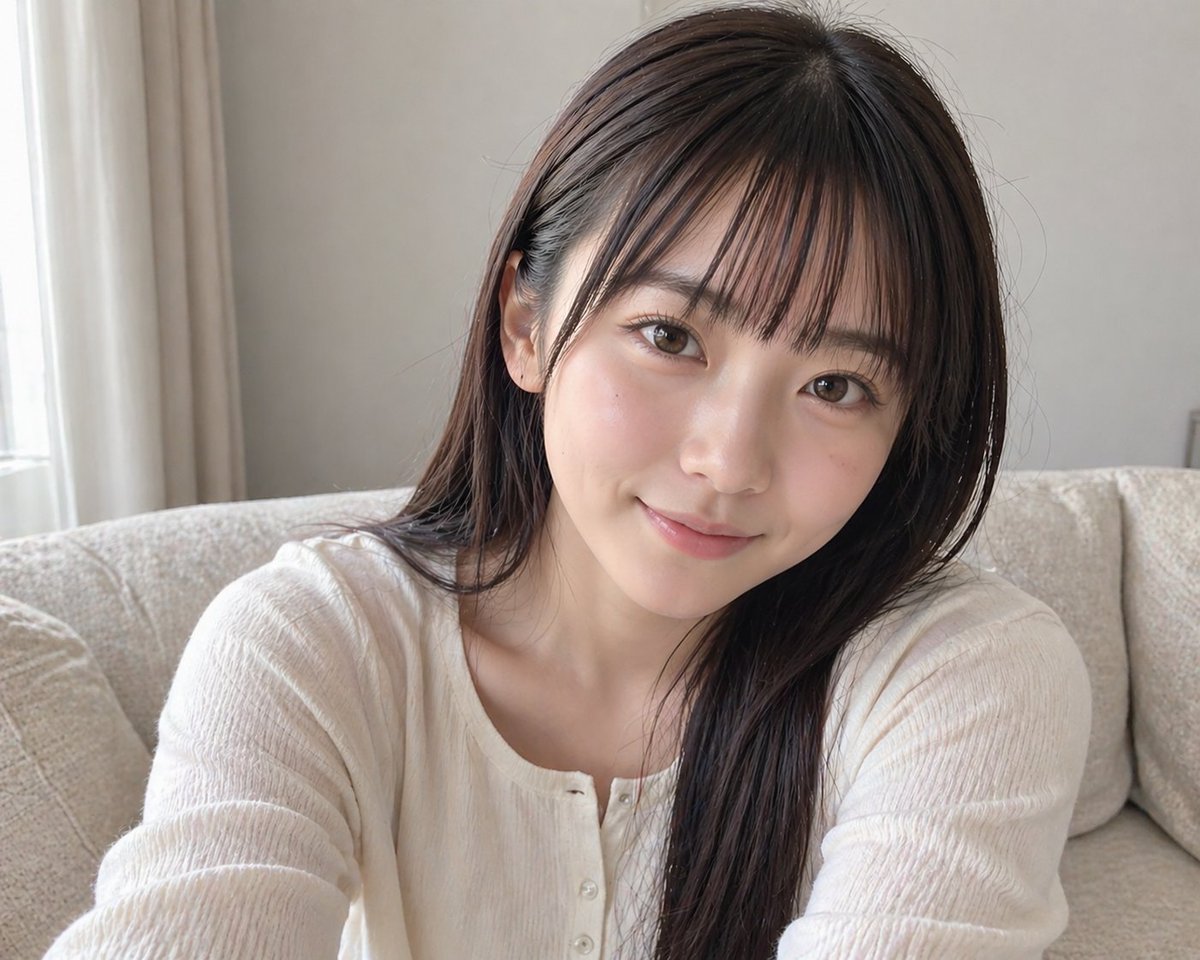
Censored Sofa Selfie Portrait
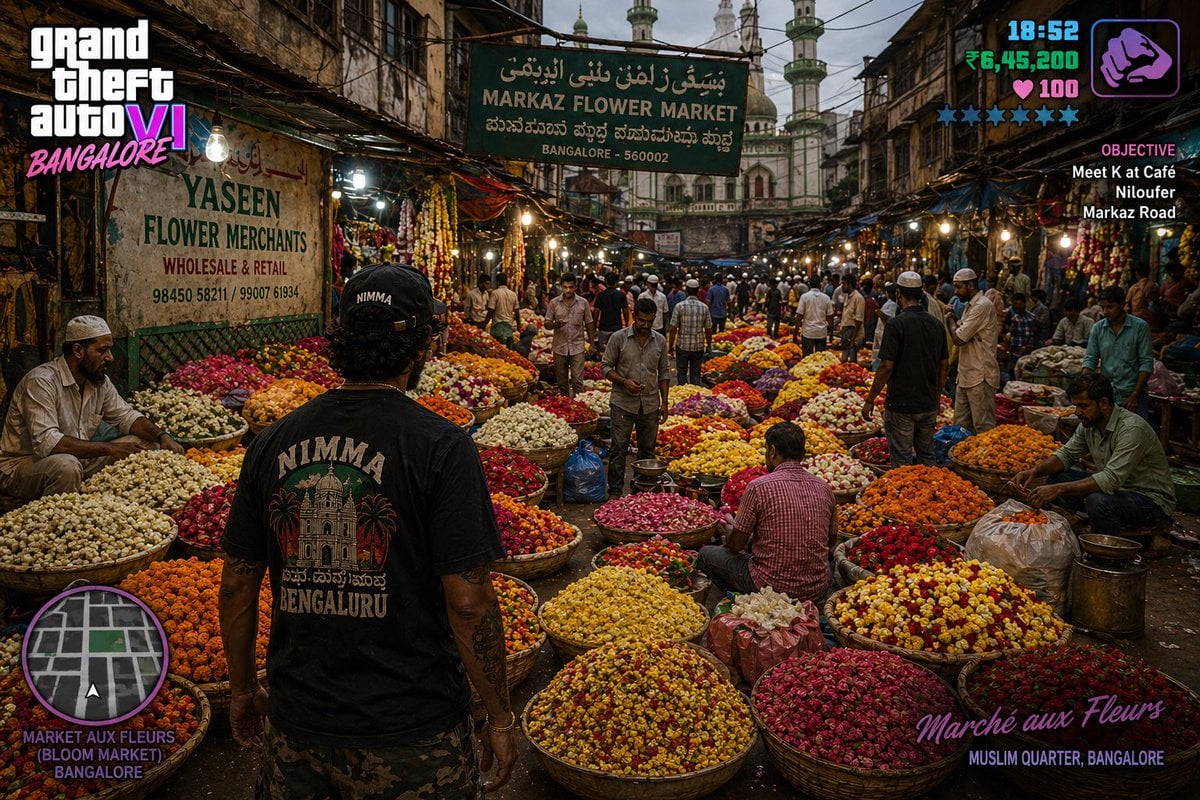
Gpt2 Game Asset Gta 6 in Bangalore Flower Market
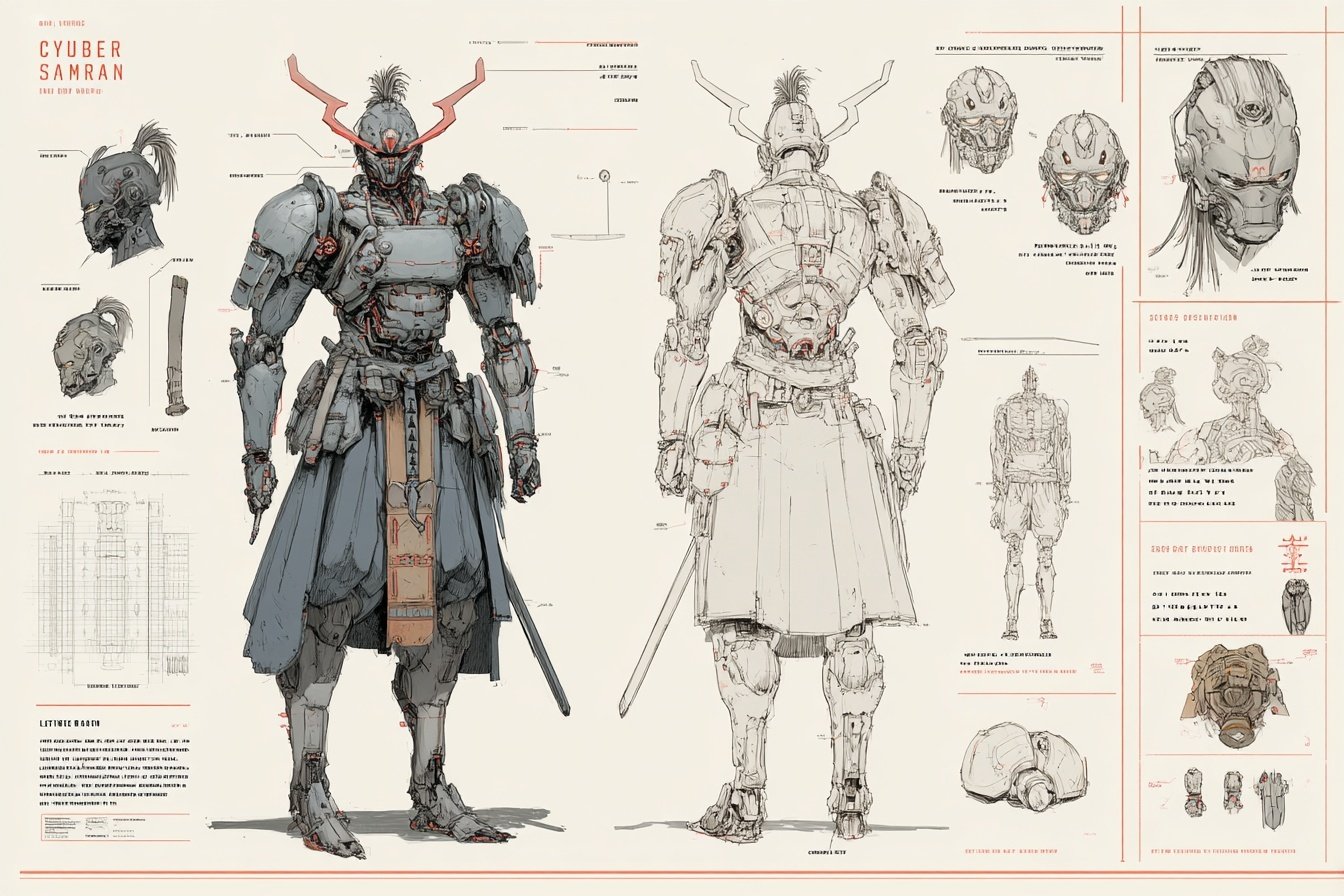
Character Archive — Blueprint Concept Sheet
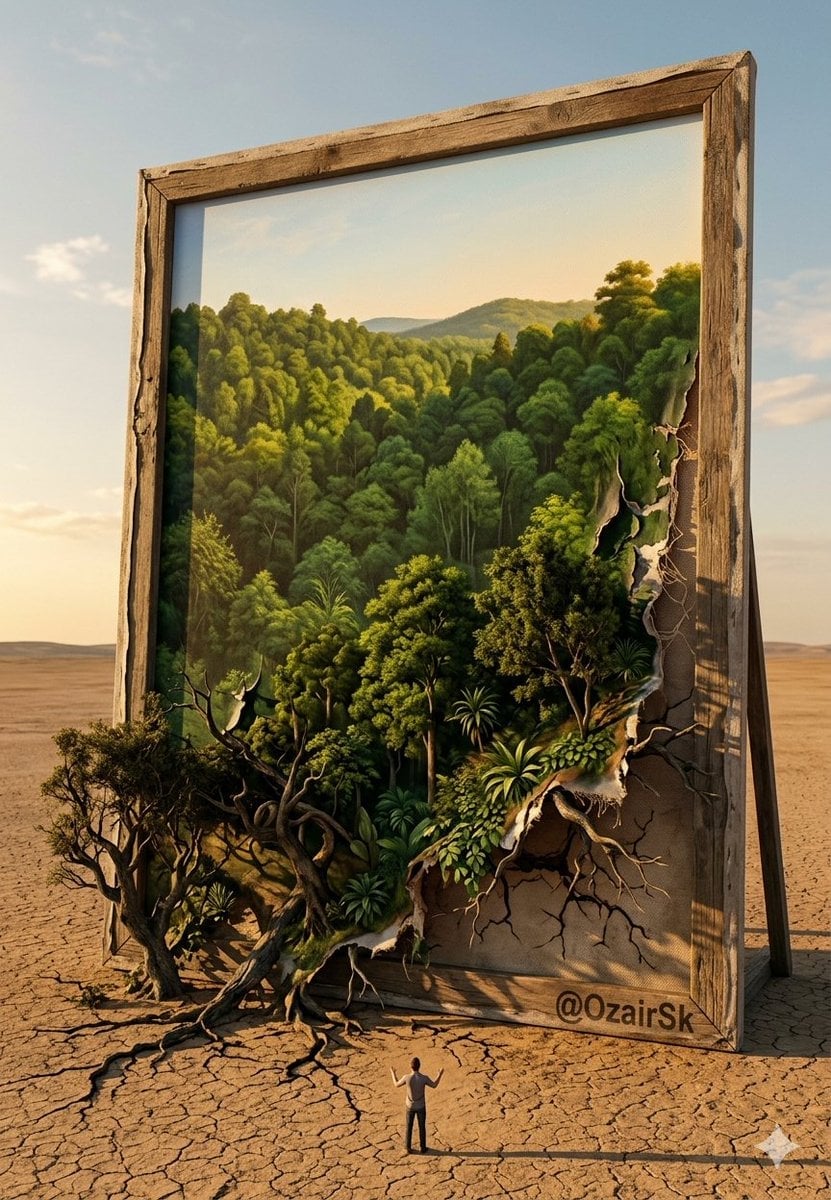
The Painting That Refused To Be Finished
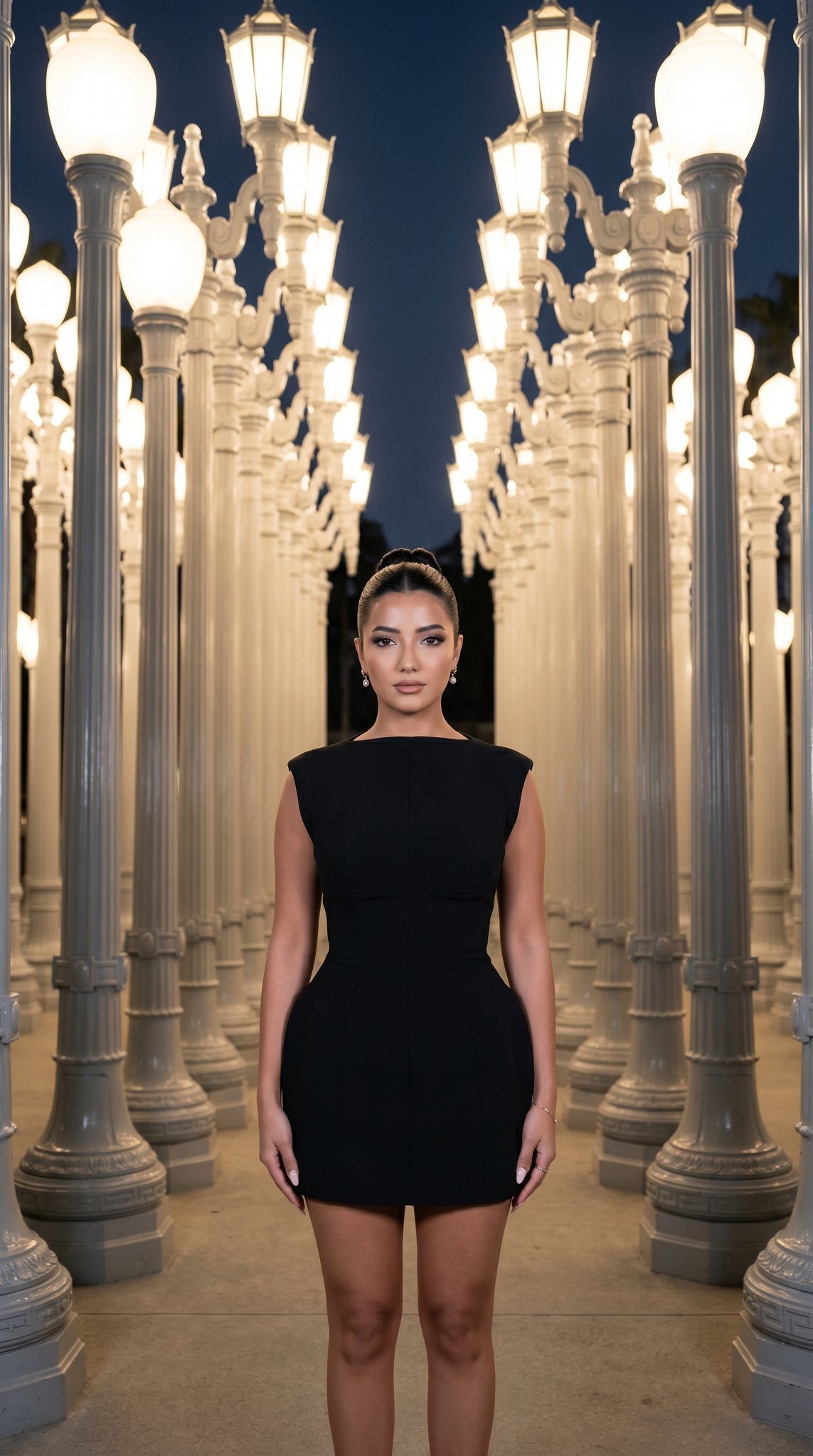
07 LACMA Urban Light — California Series
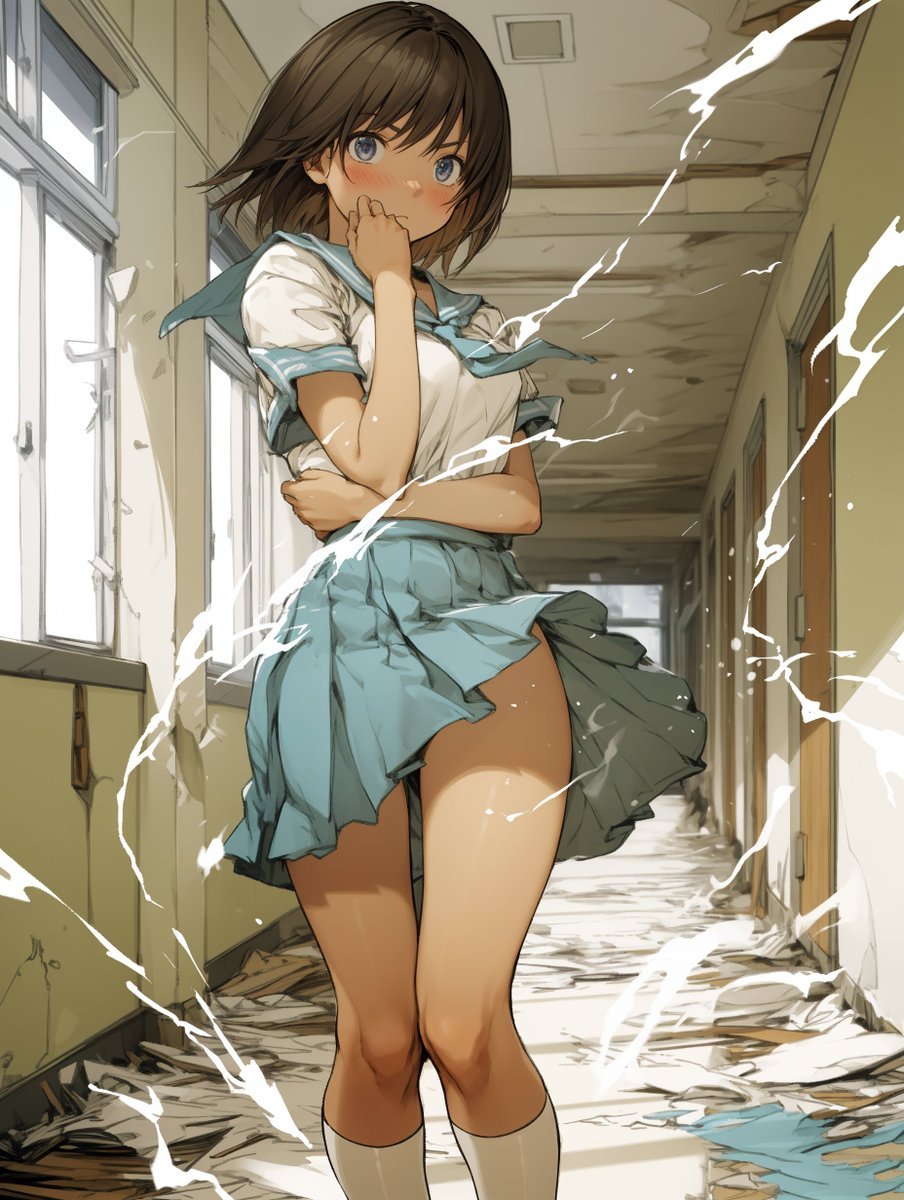
Two-Step Power Release Transformation Prompt (Japanese)

Scene Composition Control with Visual Reference
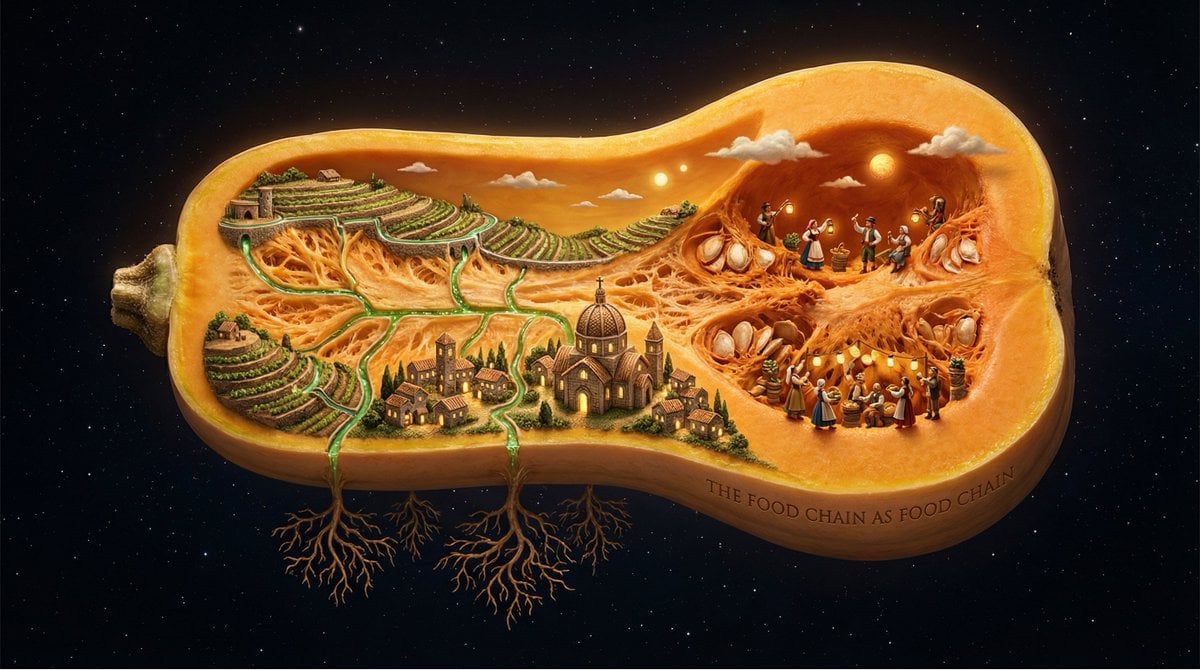
Surreal Agricultural Civilization Inside a Fruit Prompt
Browse template categories
Patagonia Cinematic Travel Portrait questions
How do I use the Patagonia Cinematic Travel Portrait template?
Add your photo if the template asks for one, edit the prompt if you like — the template's model and format are already selected — and press Generate. Your version opens in PicX Studio.
Can I customize the Patagonia Cinematic Travel Portrait template?
Yes. You can change the subject, setting, lighting, mood, format, and available model controls before creating your image.
Is the Patagonia Cinematic Travel Portrait template free?
Opening and editing this template is free. Generating uses credits, shown on the Generate button when you are signed in.
Which AI model should I use?
Start with GPT Image 2, which is the model associated with this template. You can compare another compatible model for a different finish.
Looking for something else? Browse all templates.

Your photo, any look
Thousands of ready templates for every top image and video model, from one credit balance.