
Anime Travel Character Sheet Collage
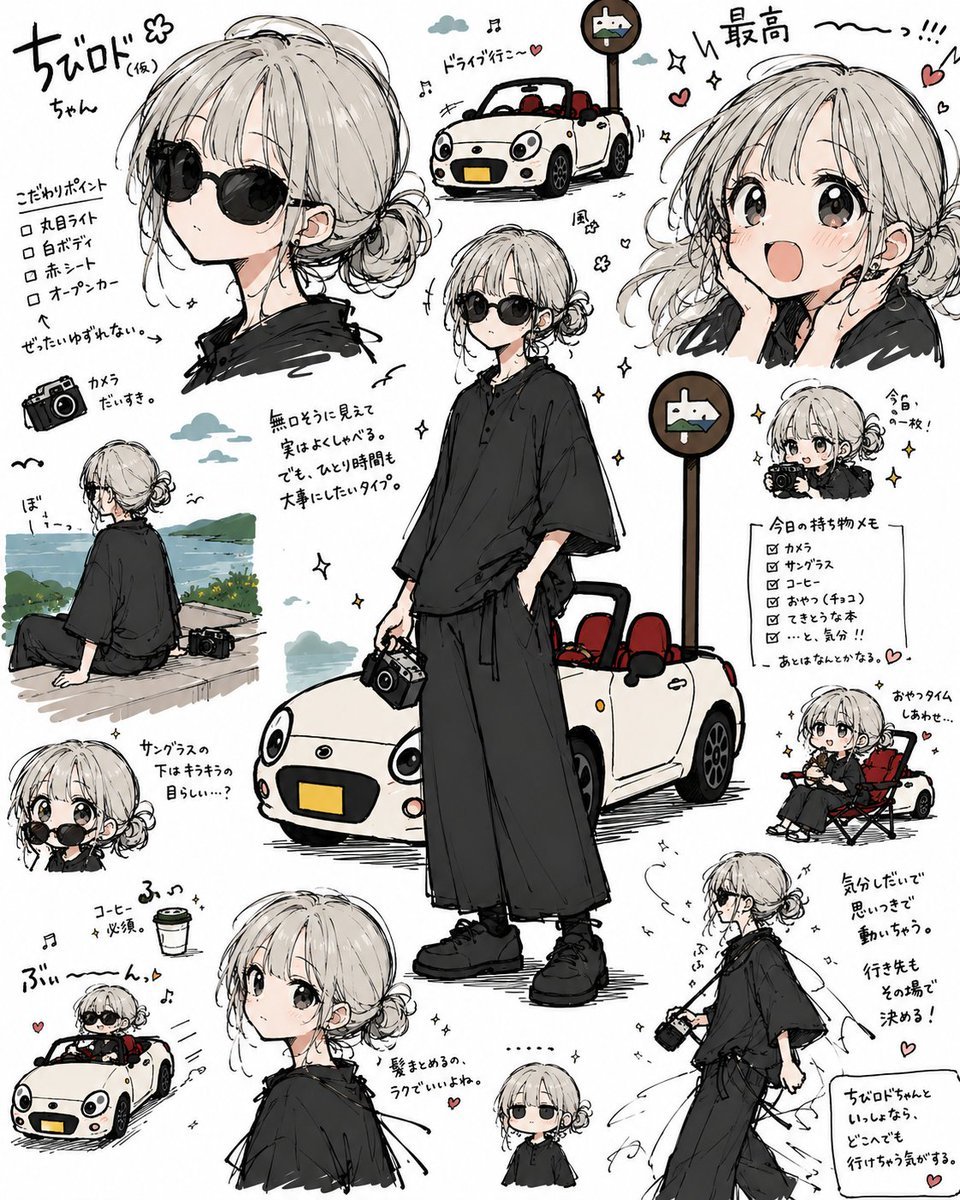
Creates a playful manga-style reference-sheet collage from a character-and-car image, useful for turning a single illustration into multiple cute travel diary poses.
- Prompt included
- Model and format preset
- Premium template
The prompt behind this image
Copy the exact prompt behind Anime Travel Character Sheet Collage, or open it in the studio and make it yours.
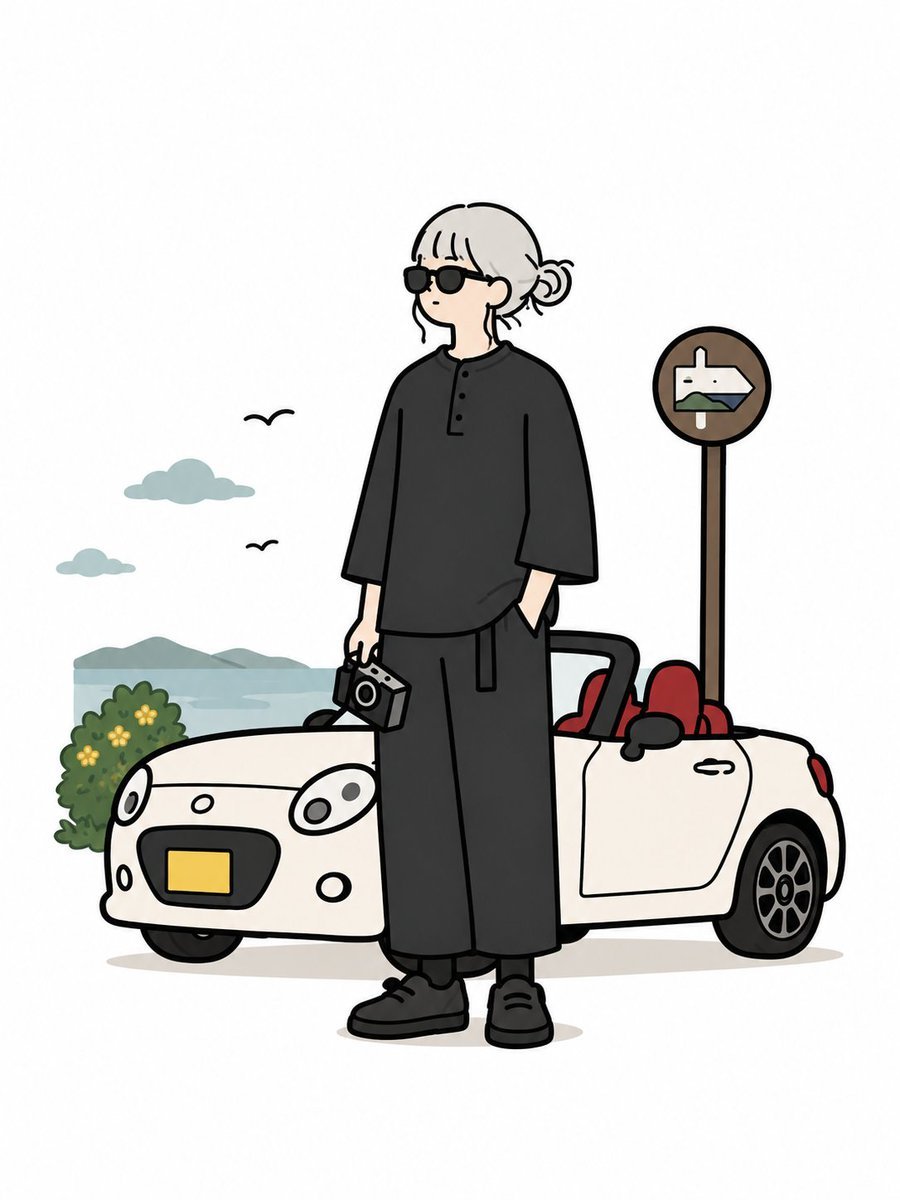
Using the provided reference image as the character and car base, transform it into a lively hand-drawn Japanese anime character-reference collage on a white sketchbook-style background. Keep the same person, black outfit, camera, white open-top car with red seats, and round roadside sign recognizable, but reinterpret everything with expressive manga linework, soft gray shading, cute proportions, sparkles, hearts, musical notes, and handwritten Japanese annotation doodles. Layout: Create exactly 11 character/car vignettes around the page: 1. A large upper-left bust portrait wearing round black sunglasses. 2. A small top-center drawing of the white convertible driving near the road sign. 3. A large upper-right excited smiling head portrait. 4. The main central full-body standing pose in front of the car, holding the camera. 5. A mid-left seated back-view scene looking toward the water/landscape with the camera beside them. 6. A small left chibi holding the camera up near their face. 7. A lower-left chibi driving the white convertible. 8. A lower-center bust portrait looking over the shoulder. 9. A tiny bottom-center chibi standing still with sunglasses. 10. A right-middle chibi seated in a folding chair beside the car. 11. A lower-right walking side-view pose holding the camera, with motion lines. Additions: Fill the empty space with casual handwritten Japanese notes, arrows, checkboxes, tiny hearts, stars, birds, clouds, music notes, and energetic sound-effect marks. Include one checklist card on the right titled in Japanese, styled like a travel packing memo. Add small decorative labels such as {argument name="main handwritten title" default="ちびロドちゃん"}, {argument name="top praise text" default="最高〜っ!!!"}, and short travel-themed notes about driving, coffee, sunglasses, and taking photos. Style: Cute monochrome-and-muted-color manga sketch, loose black ink outlines, pale gray shadows, limited color accents matching the reference, playful diary-page composition, dense but readable spacing. Preserve the reference character’s general hairstyle, clothing silhouette, camera, car color, red seats, and sign motif. Do not make it photorealistic; make it look like a polished illustrated character sheet full of doodles.
Reference images included
Anime Travel Character Sheet Collage needs input media to work. They load alongside the prompt when you open it in the studio.
How to use Anime Travel Character Sheet Collage in 3 steps
- 1Upload ImagePNG, JPG or paste
Add your photo
Upload the photo the template builds on. The prompt, model and format are already set.
- 2…a portrait of your subject in softgolden-hour light, 85mm…
Personalize
Edit the subject and creative details for your destination.
- 3Generate
Generate
Press Generate — your image is created in PicX Studio, so you can compare it with the original and refine one variable at a time.
More like this
Templates with the same subject, style or setup. Open one to see its prompt.
Anime Character Charm Analysis Sheet

Japan Travel Brochure Poster
Pastel Anime Summer Beach Collage
Anime Lantern Girl Character Sheet
Anime Character Sheet Reference Prompt

Paper Cut Finale Fireworks
Paper Cut Garden Maze
Paper Cut Rooftop Concert

Paper Cut Bicycle Coast
Paper Cut Castle Gate

Paper Cut Kitchen Chaos

Paper Cut Carnival Ride
Make it yours
Anime Travel Character Sheet Collage works as-is. These are the safest ways to change it without losing the look.
Change one field
Copy a single group, rewrite it, and generate again so you can see what that field is doing.
Keep the frame, change the subject
Hold the composition and light of Anime Travel Character Sheet Collage, then swap wardrobe, props or the person for a new take.
| If the result… | Why | Fix |
|---|---|---|
| The result drifts from the preview | Too many fields changed at once. | Reuse Anime Travel Character Sheet Collage as-is first, then change one group — subject, light, or setting. |
| The model over-stylizes the scene | The prose prompt leaves finish and camera underspecified. | Add one camera or lighting sentence and stay on GPT Image 2. |
More GPT Image 2 templates
Other prompts made for GPT Image 2.

Six VTuber Japanese Logo Sheet

Realistic Portrait of Woman and Deer

The Vista Modular Condo Poster

AI Model Routing Comparison Infographic

2.5D Anime Art Board

Isometric Productivity Desk Scene

New York Double Exposure Poster

Four-Panel AI Landscape Comparison

Japanese Tatami Lifestyle Magazine Cover

NESCAFÉ Coffee Map Poster
More image prompts
Fresh picks from across the catalog.

Aries Spicy Coffee Runner Poster
Raw, Motion-Blurred Nighttime Smartphone Flash Portrait
Playful Fashion Shoot with Giant Bugs Bunny
Woman on Oversized Milkshake Cup
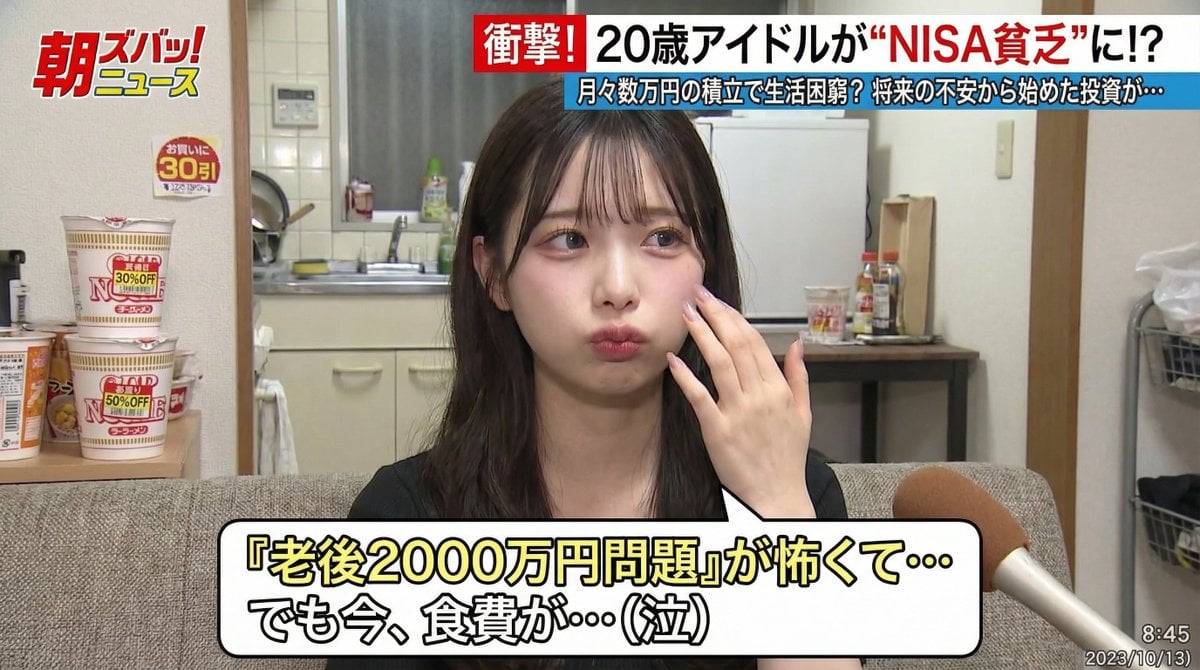
Japanese TV Program Style Image Generation
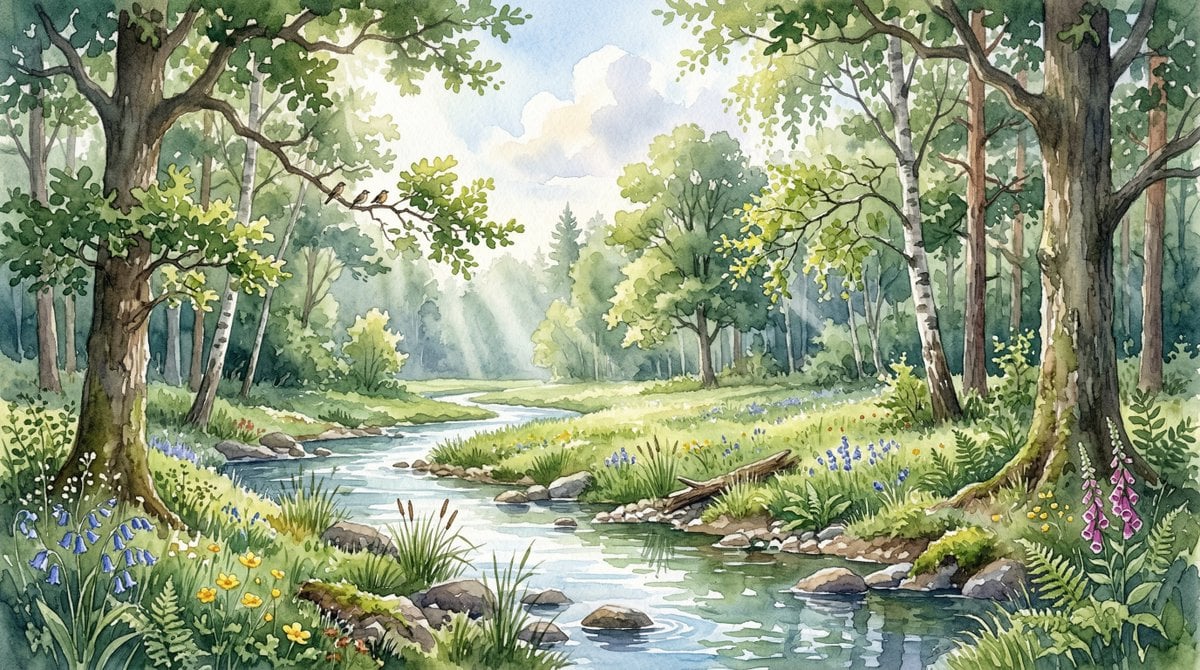
Watercolor Forest Clearing with Stream
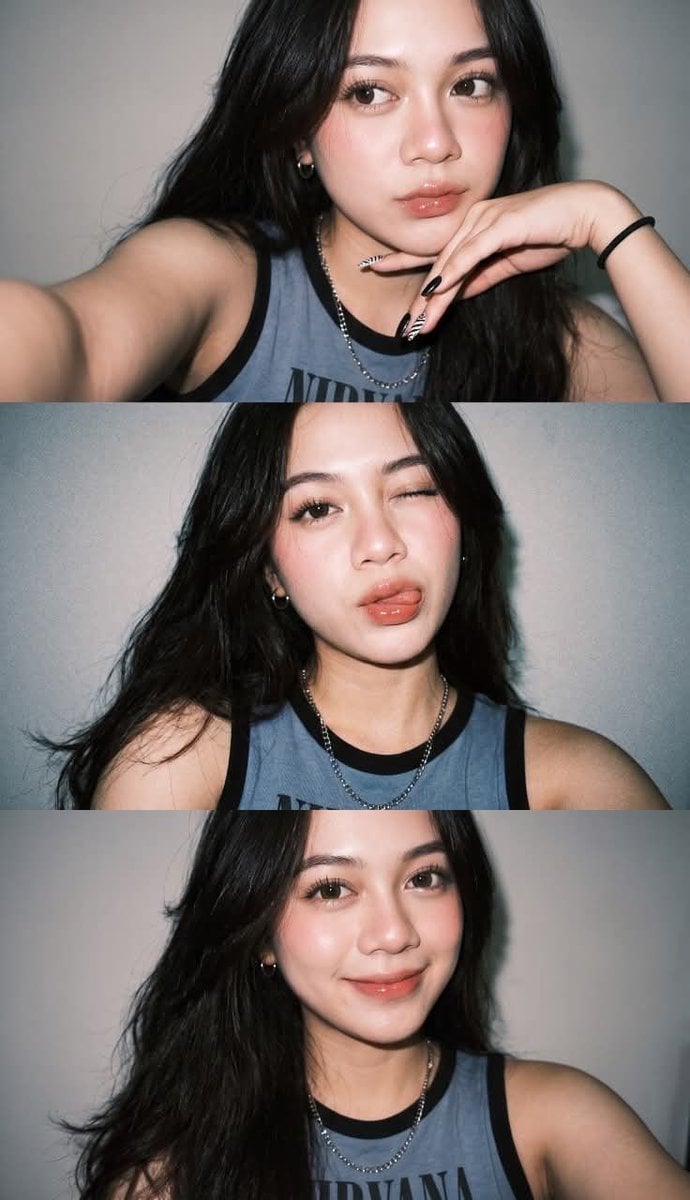
Gen Z Selfie Photo Collage

Historical Epic Scene: 1887 Yellow River Flood
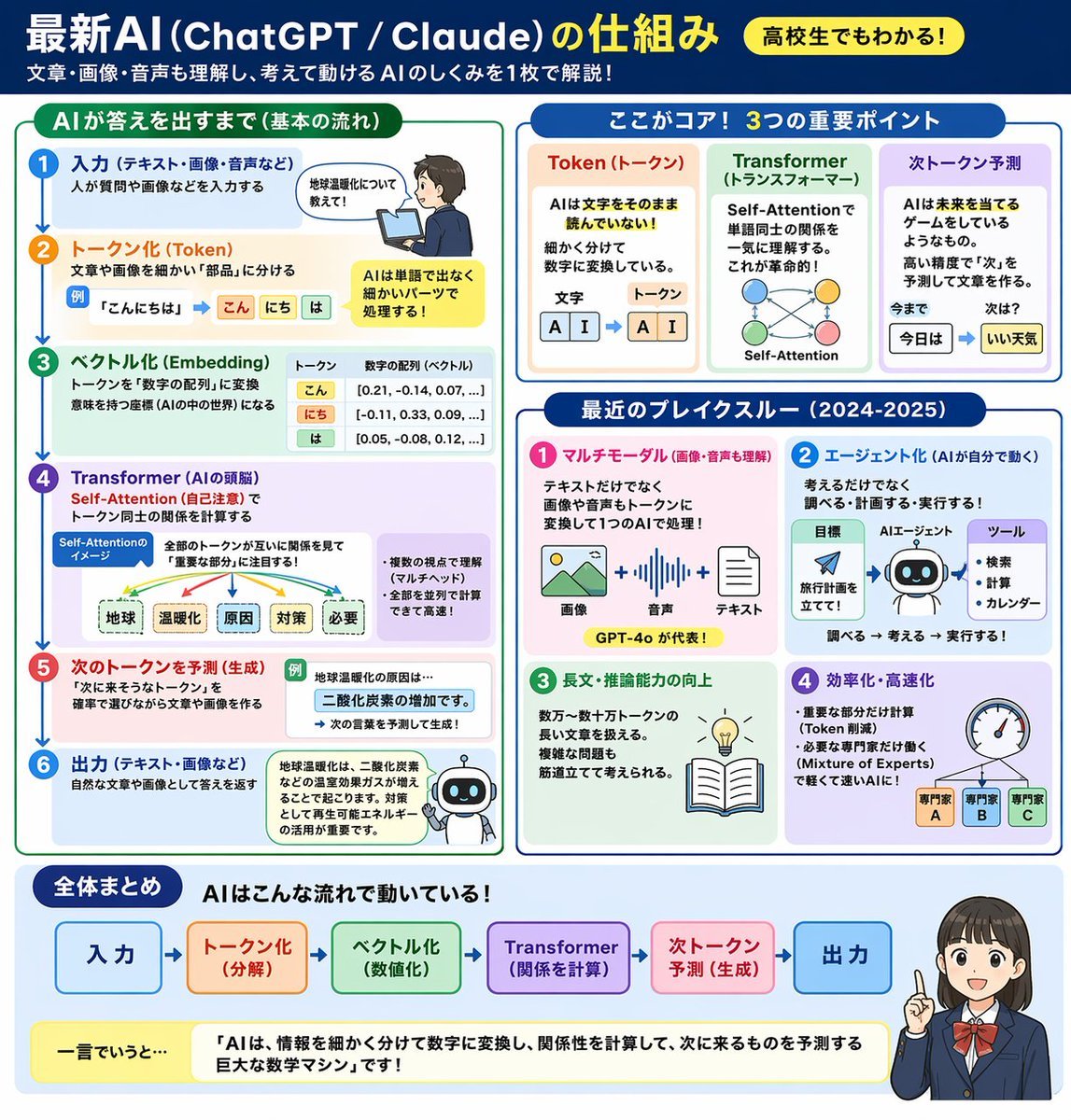
AI Mechanism Infographic

Rustic Fruit Tart Floating in a Dream Orchard (Video Prompt)
Browse template categories
Anime Travel Character Sheet Collage questions
How do I use the Anime Travel Character Sheet Collage template?
Add your photo if the template asks for one, edit the prompt if you like — the template's model and format are already selected — and press Generate. Your version opens in PicX Studio.
Can I customize the Anime Travel Character Sheet Collage template?
Yes. You can change the subject, setting, lighting, mood, format, and available model controls before creating your image.
Is the Anime Travel Character Sheet Collage template free?
Opening and editing this template is free. Generating uses credits, shown on the Generate button when you are signed in.
Which AI model should I use?
Start with GPT Image 2, which is the model associated with this template. You can compare another compatible model for a different finish.
Looking for something else? Browse all templates.

Your photo, any look
Thousands of ready templates for every top image and video model, from one credit balance.