
Realistic Travel Smartphone Selfie
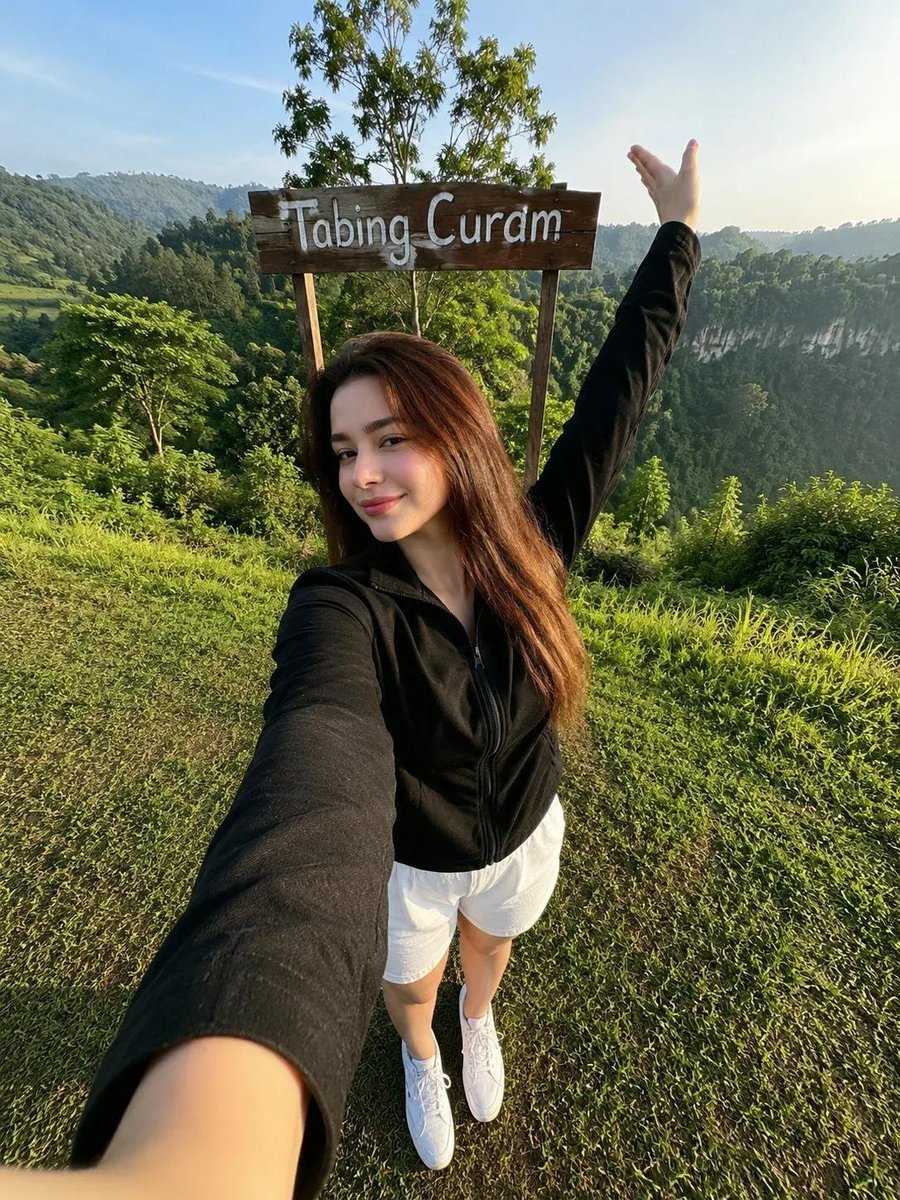
A prompt designed to transform a reference photo into a hyper-realistic outdoor smartphone selfie while preserving facial identity.
- Prompt included
- Model and format preset
- Premium template
The prompt behind this image
Copy the exact prompt behind Realistic Travel Smartphone Selfie, or open it in the studio and make it yours.
Use the uploaded reference photo as the primary identity reference. Preserve the person's identity with 100% accuracy. Do not alter the facial structure, skin tone, hairstyle, facial proportions, facial expression, or any unique facial features. The person must remain instantly recognizable as the exact same individual from the reference photo. Create a RAW, ultra-realistic smartphone selfie of the person standing outdoors on a lush green grassy hill beside a rustic wooden sign that reads "{argument name="location" default="Tabing Curam"}". The person is taking a full-body selfie with one arm extended toward the camera while the other arm is raised naturally above the head in a relaxed, cheerful pose. She wears a black lightweight zip-up jacket,Black sweatpants, and white sneakers, smiling softly with a genuine, relaxed expression. The pose should feel spontaneous and naturally captured during a sightseeing trip, not staged. Environment Beautiful green hills with dramatic cliff views in the background Dense trees and lush tropical vegetation Fresh natural landscape Warm morning or late afternoon atmosphere Clean blue sky with soft clouds Peaceful outdoor travel destination Lighting Natural sunlight Soft highlights on the skin Balanced exposure Slightly warm color temperature Realistic sunlight direction Soft ambient bounce light Natural HDR appearance Camera Smartphone front camera Full-body selfie shot High-angle perspective (camera held above eye level) Slight wide-angle smartphone lens distortion Natural perspective Sharp focus Realistic depth Clear background Details RAW photo aesthetic Ultra realistic Natural skin texture Realistic shadows Fine film grain High dynamic range Authentic clothing folds Natural hair strands True-to-life colors No beauty filter No excessive skin smoothing No CGI look No illustration No anime No watermark No logo No text (except the wooden sign reading "Tabing Curam") Professional travel photography quality Looks like an authentic smartphone selfie captured during a real outdoor trip. Mandatory Text Signature: At the center bottom, add clean, small, legible handwritten text that reads: "{argument name="signature" default="by ArdhiBay007"}".
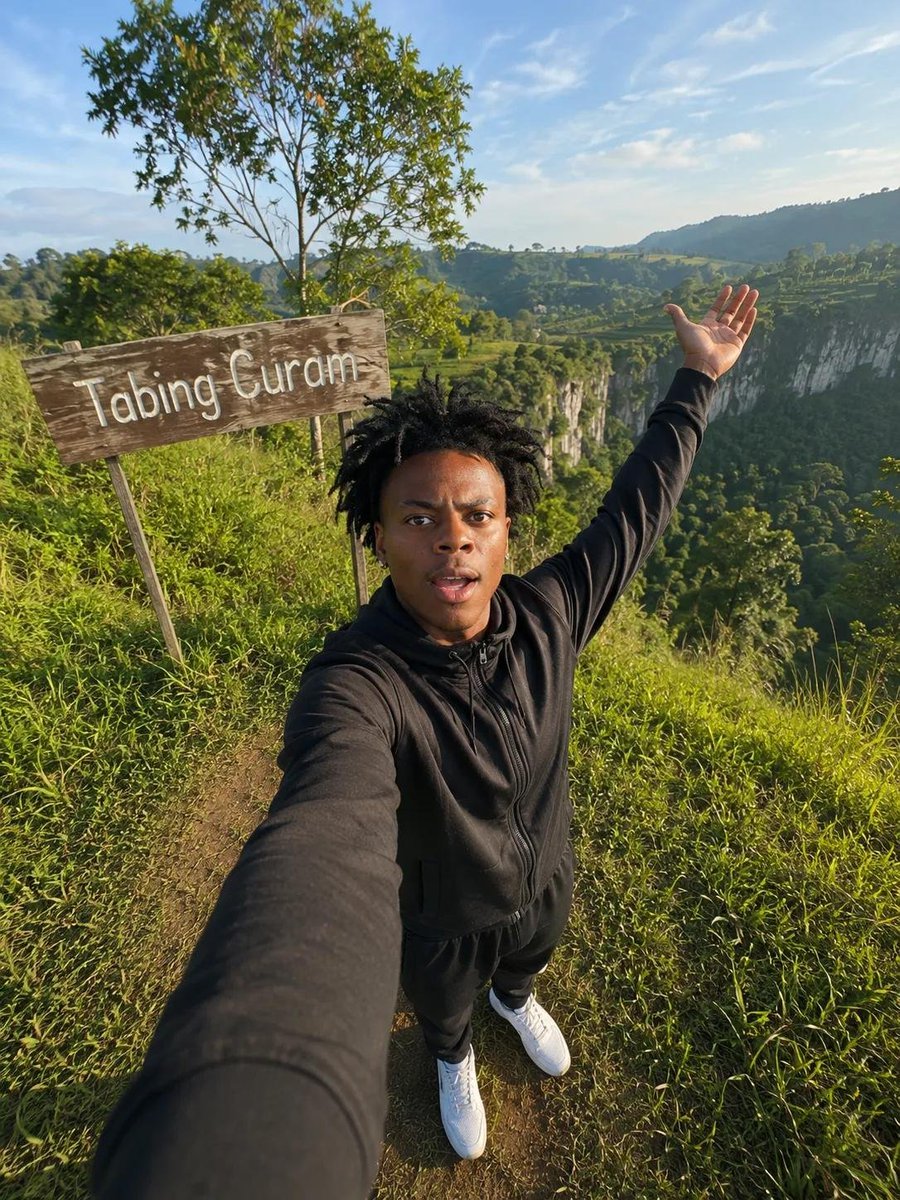
Reference images included
Realistic Travel Smartphone Selfie needs input media to work. They load alongside the prompt when you open it in the studio.
How to use Realistic Travel Smartphone Selfie in 3 steps
- 1Upload ImagePNG, JPG or paste
Add your photo
Upload the photo the template builds on. The prompt, model and format are already set.
- 2…a portrait of your subject in softgolden-hour light, 85mm…
Personalize
Edit the subject and creative details for your destination.
- 3Generate
Generate
Press Generate — your image is created in PicX Studio, so you can compare it with the original and refine one variable at a time.
More like this
Templates with the same subject, style or setup. Open one to see its prompt.
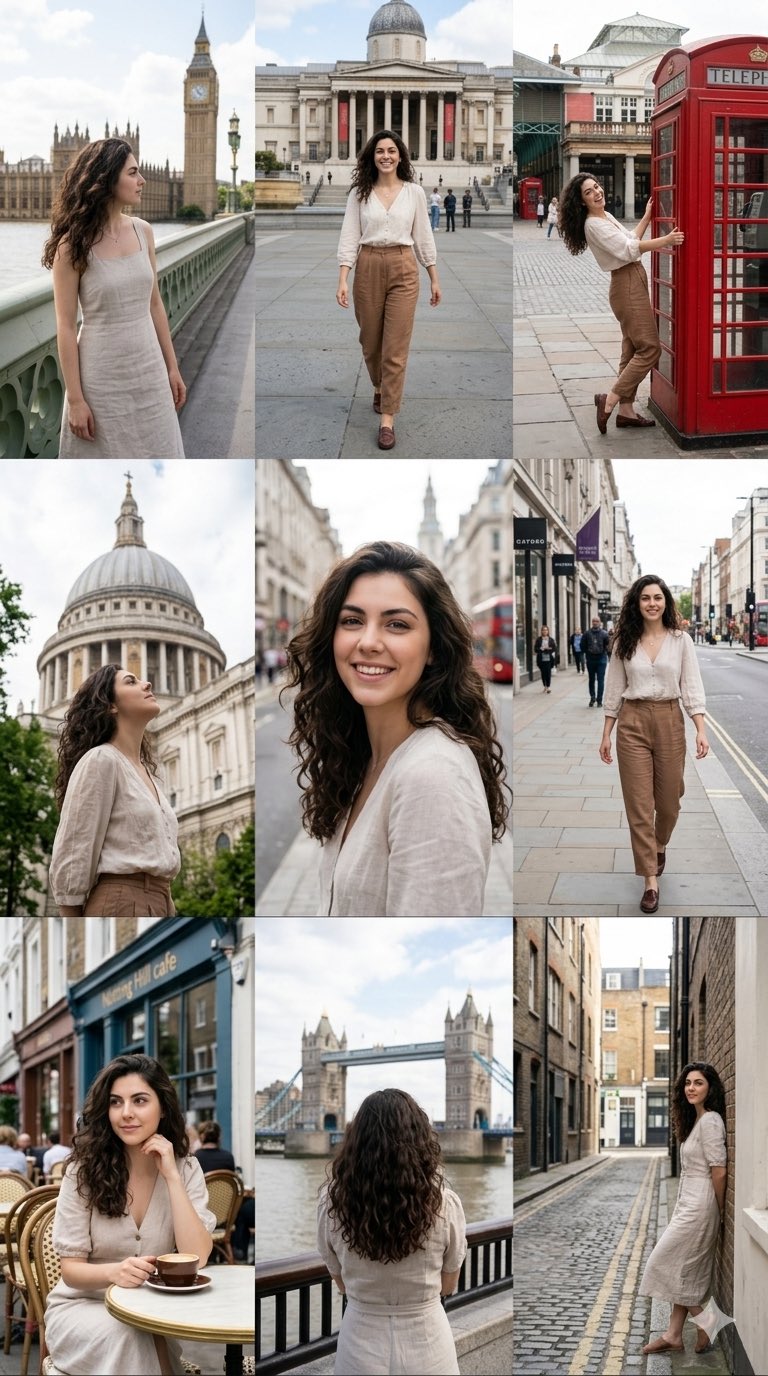
Nano Banana Pro 2.0 — 3x3 Travel Profile Grid
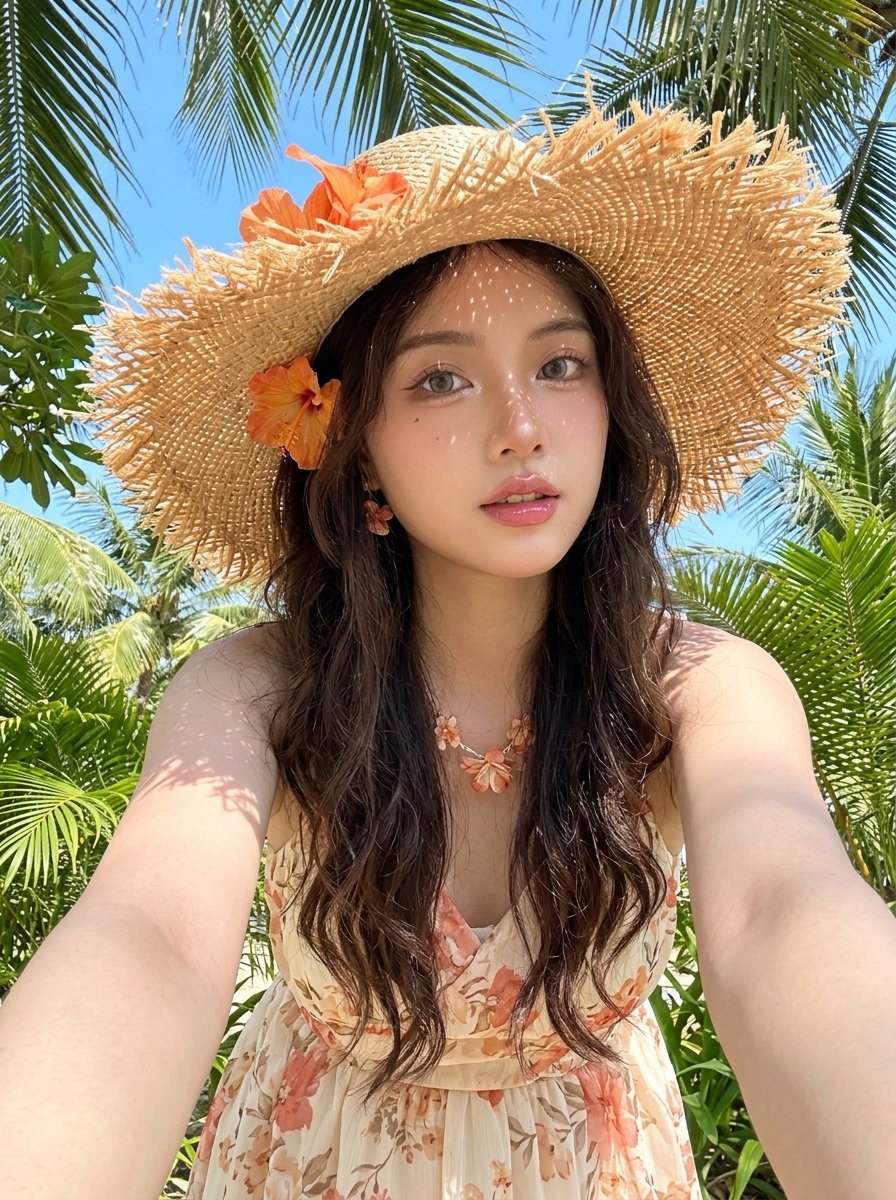
Tropical Vacation Selfie — Nano Banana (Chryzleen)
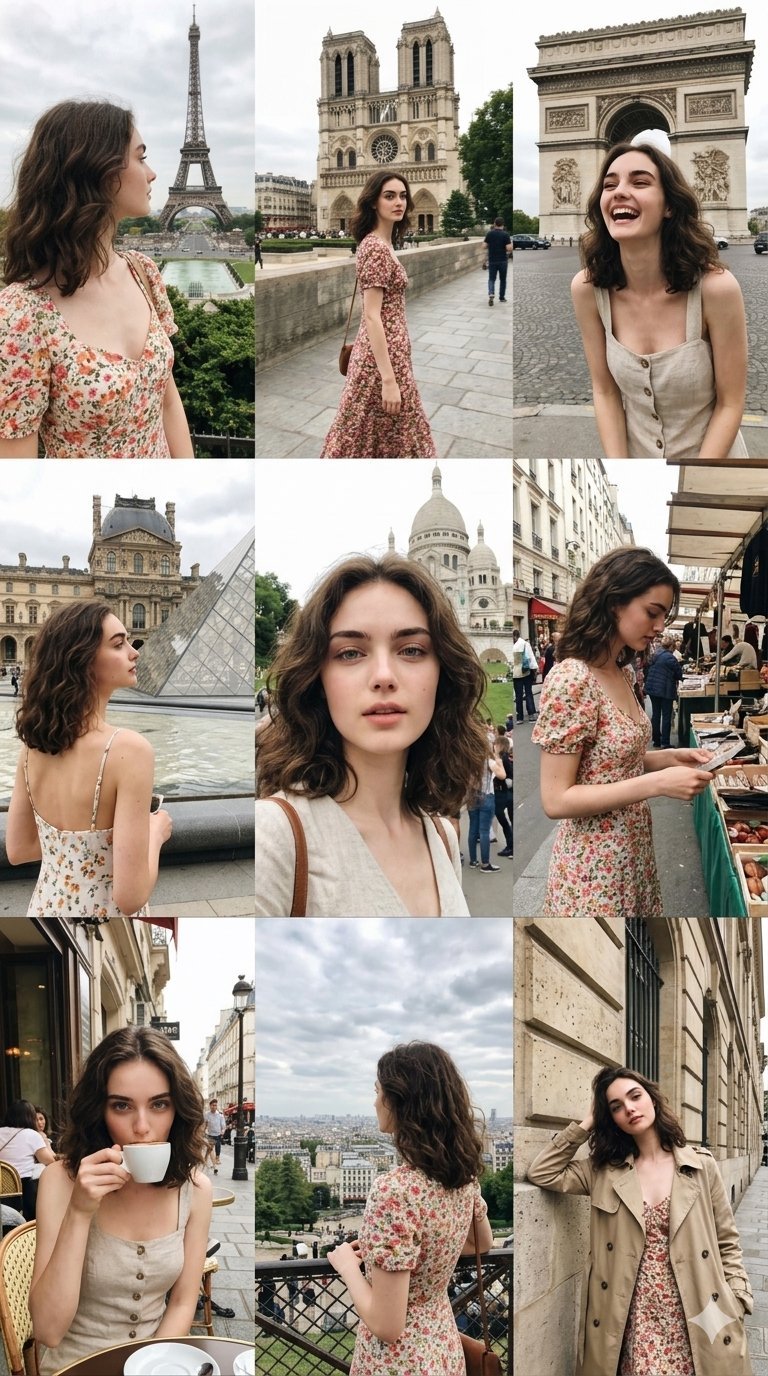
Paris Travel Collage Grid - Face Reference
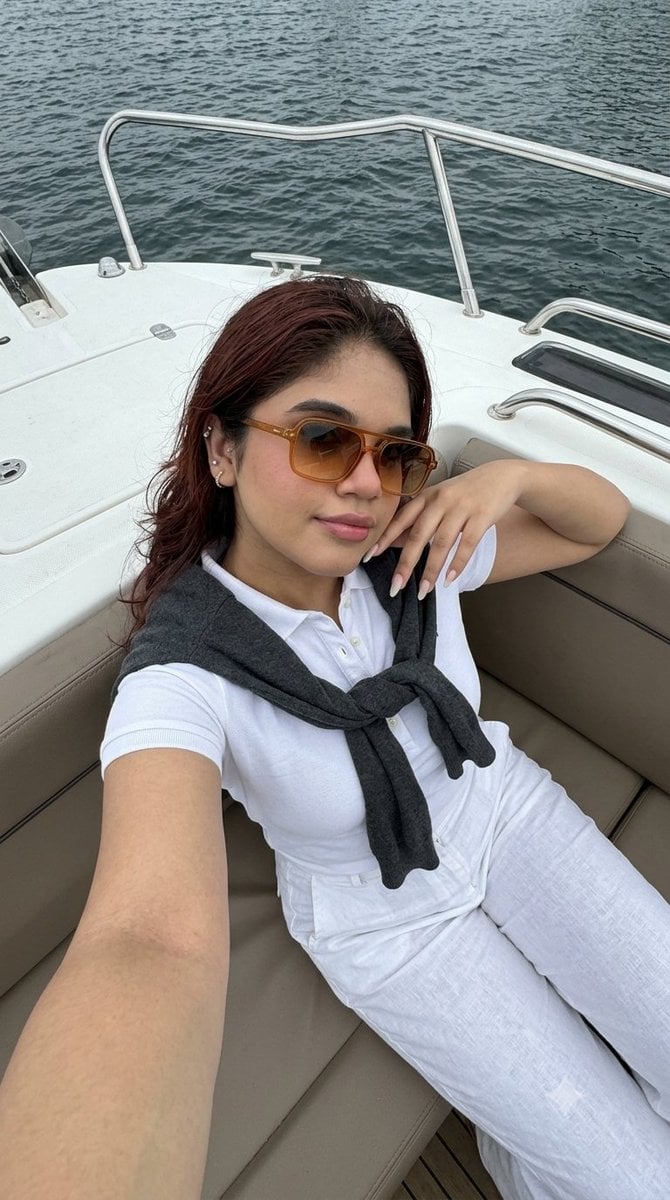
Smartphone Selfie on Motorboat

Japan Travel Brochure Poster
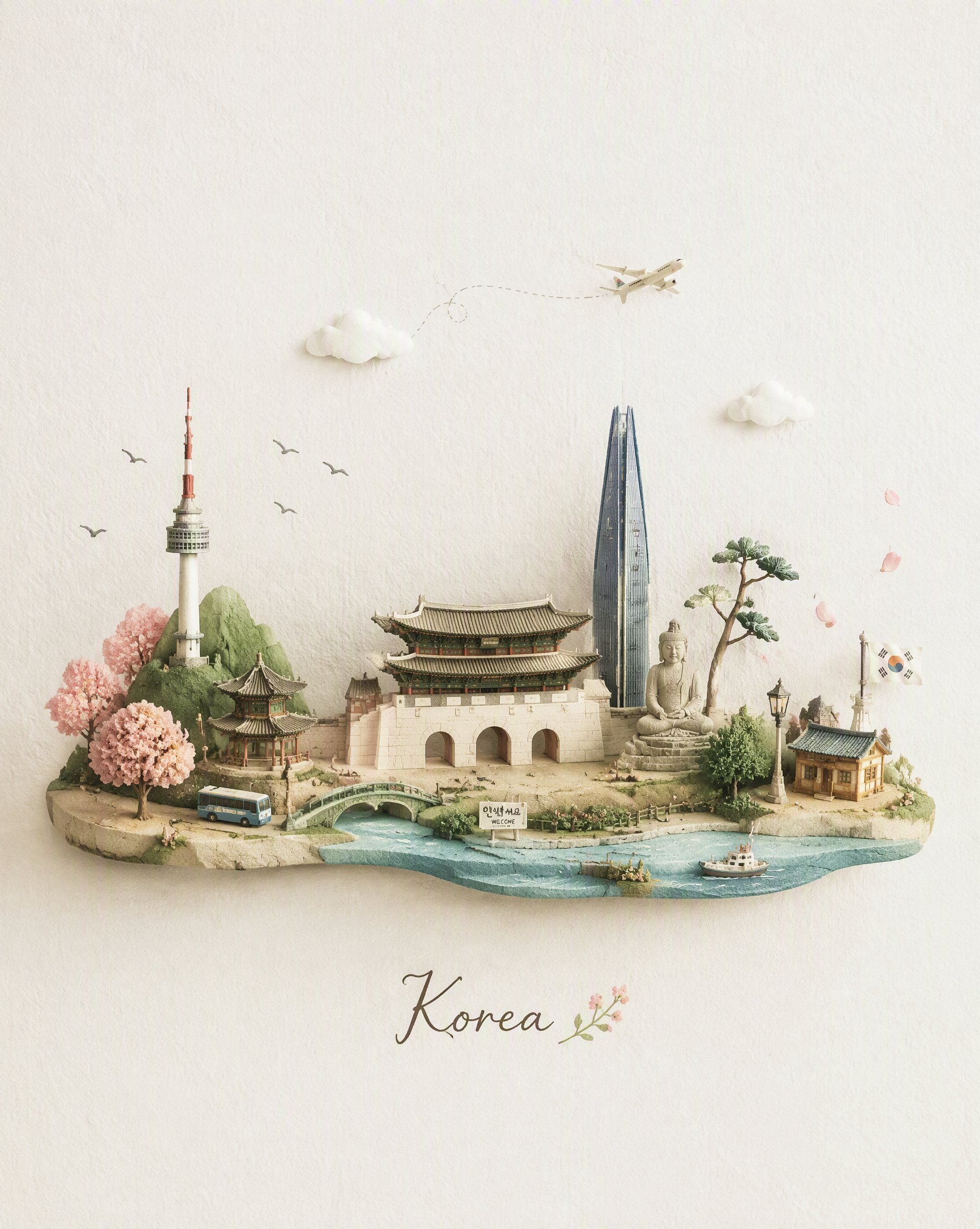
Miniature Travel Diorama Postcard
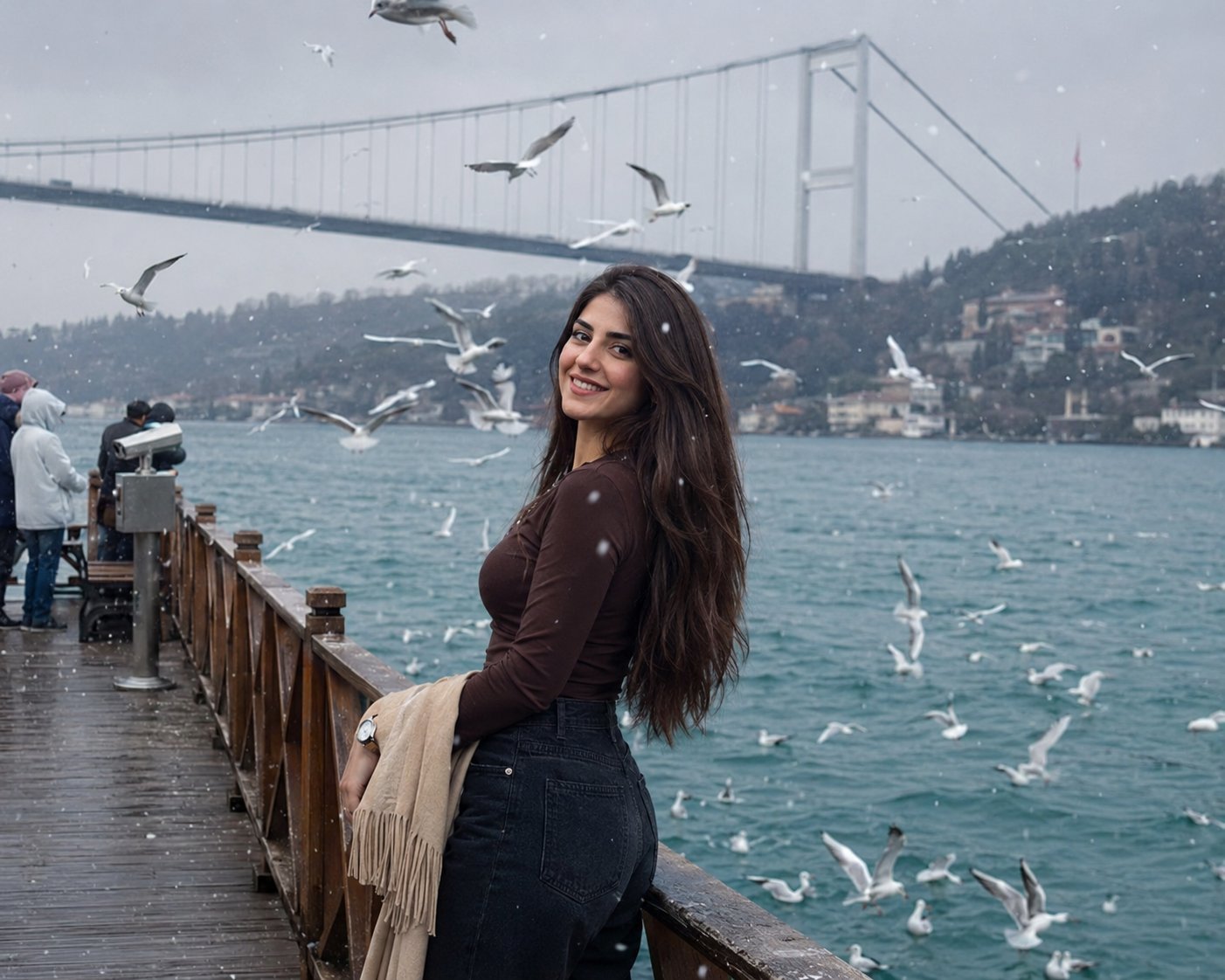
Boardwalk Fashion Portrait
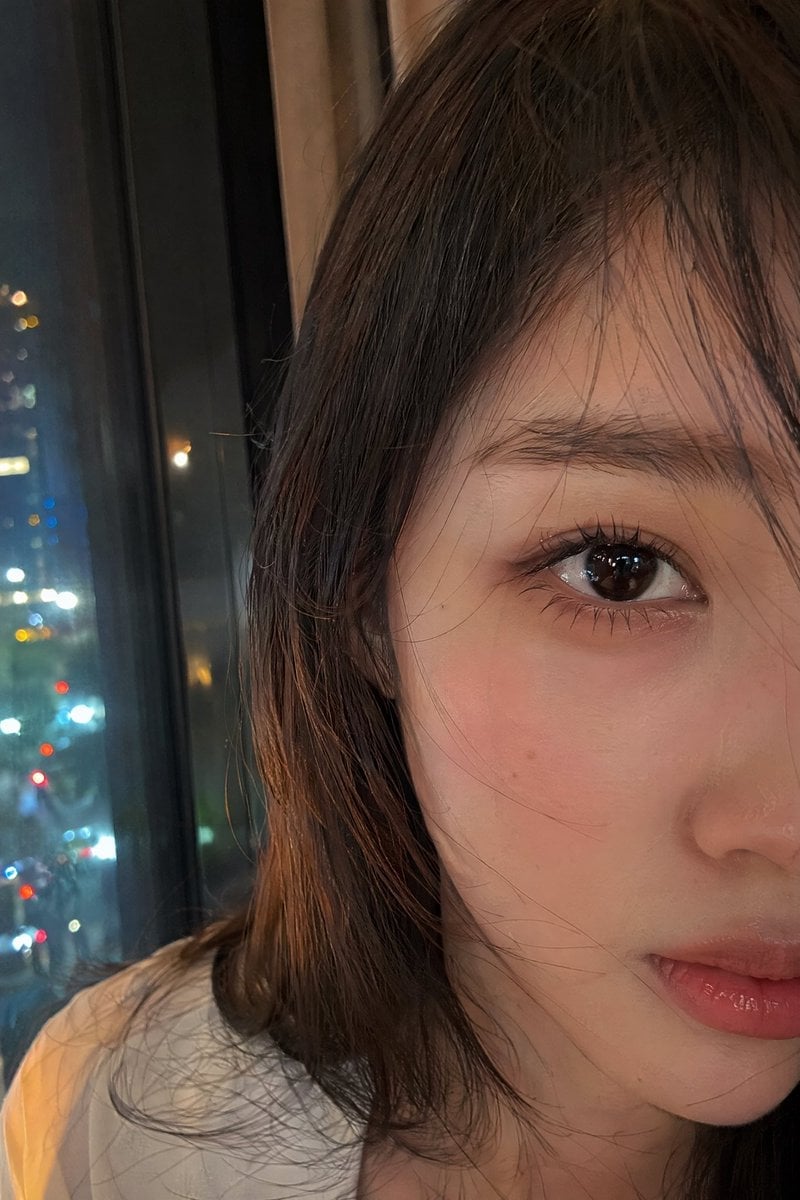
Authentic Smartphone Selfie Close-up

Rooftop Fisheye — Cat-Ear Balaclava at Golden Hour

Felt & Knit 3D Character — Photo-Exact Face, Pixar-Quality Plush Figurine
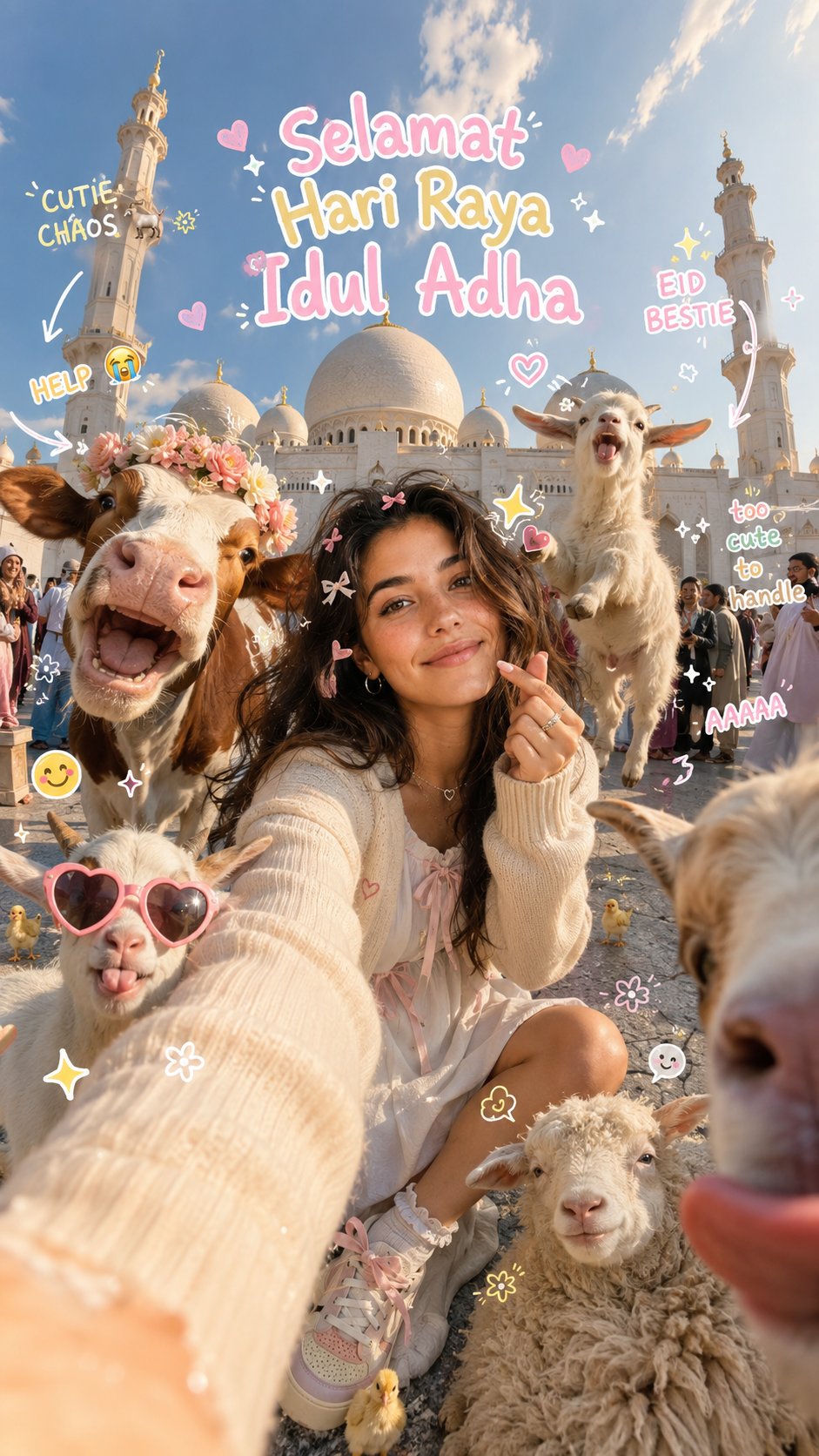
Eid al-Adha Cute Chaos — Fisheye Selfie with Farm Selfie, Mosque & Animals
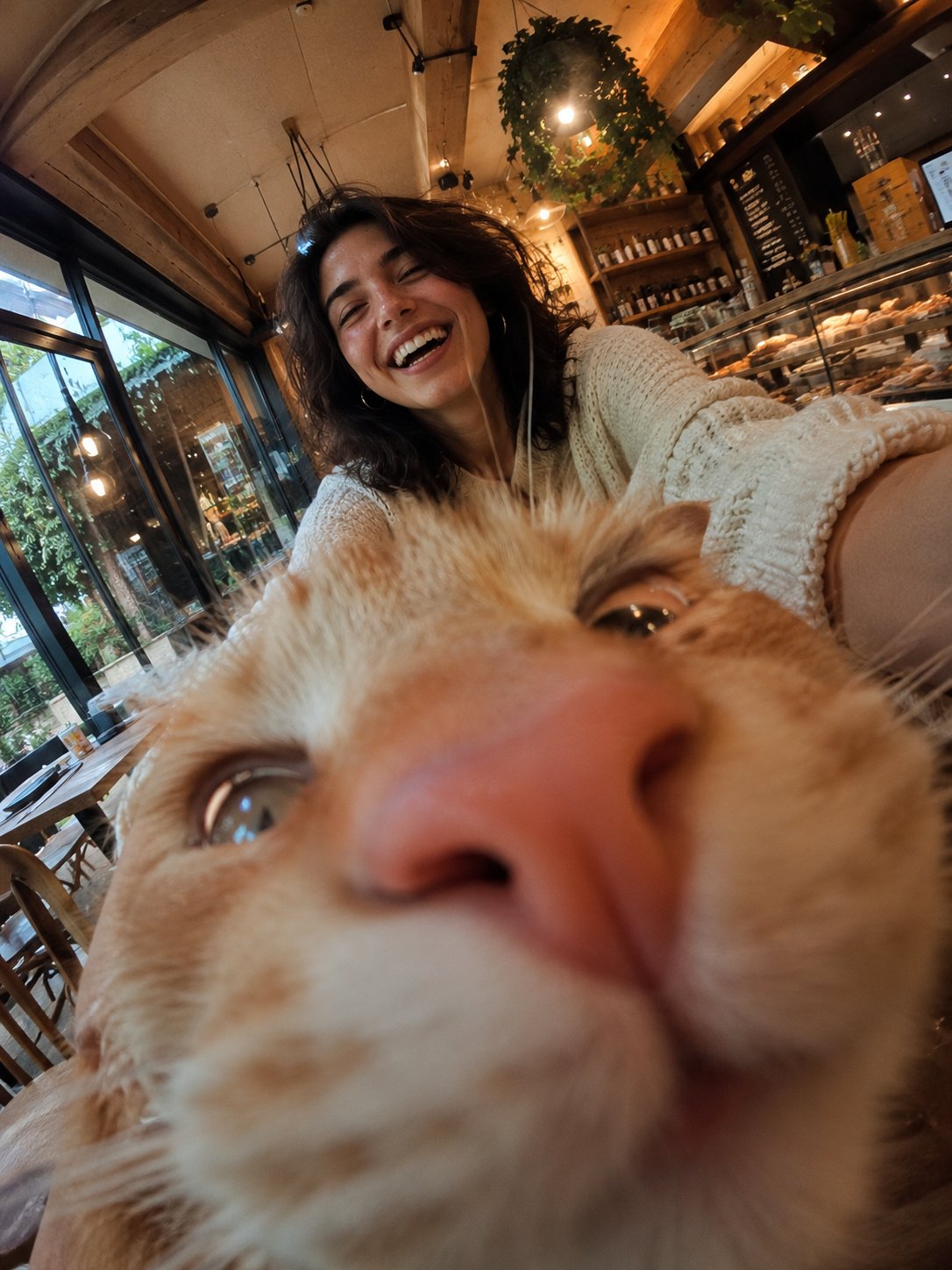
Cat Photobomb Selfie — 0.5x Wide Angle Café Chaos
Make it yours
Realistic Travel Smartphone Selfie works as-is. These are the safest ways to change it without losing the look.
Change one field
Copy a single group, rewrite it, and generate again so you can see what that field is doing.
Keep the frame, change the subject
Hold the composition and light of Realistic Travel Smartphone Selfie, then swap wardrobe, props or the person for a new take.
| If the result… | Why | Fix |
|---|---|---|
| The result drifts from the preview | Too many fields changed at once. | Reuse Realistic Travel Smartphone Selfie as-is first, then change one group — subject, light, or setting. |
| The model over-stylizes the scene | The prose prompt leaves finish and camera underspecified. | Add one camera or lighting sentence and stay on GPT Image 2. |
More GPT Image 2 templates
Other prompts made for GPT Image 2.

Six VTuber Japanese Logo Sheet

Realistic Portrait of Woman and Deer

The Vista Modular Condo Poster

AI Model Routing Comparison Infographic

2.5D Anime Art Board

Isometric Productivity Desk Scene

New York Double Exposure Poster

Four-Panel AI Landscape Comparison

Japanese Tatami Lifestyle Magazine Cover

NESCAFÉ Coffee Map Poster
More image prompts
Fresh picks from across the catalog.

Nano Banana Pro Master Prompt Template (JSON)
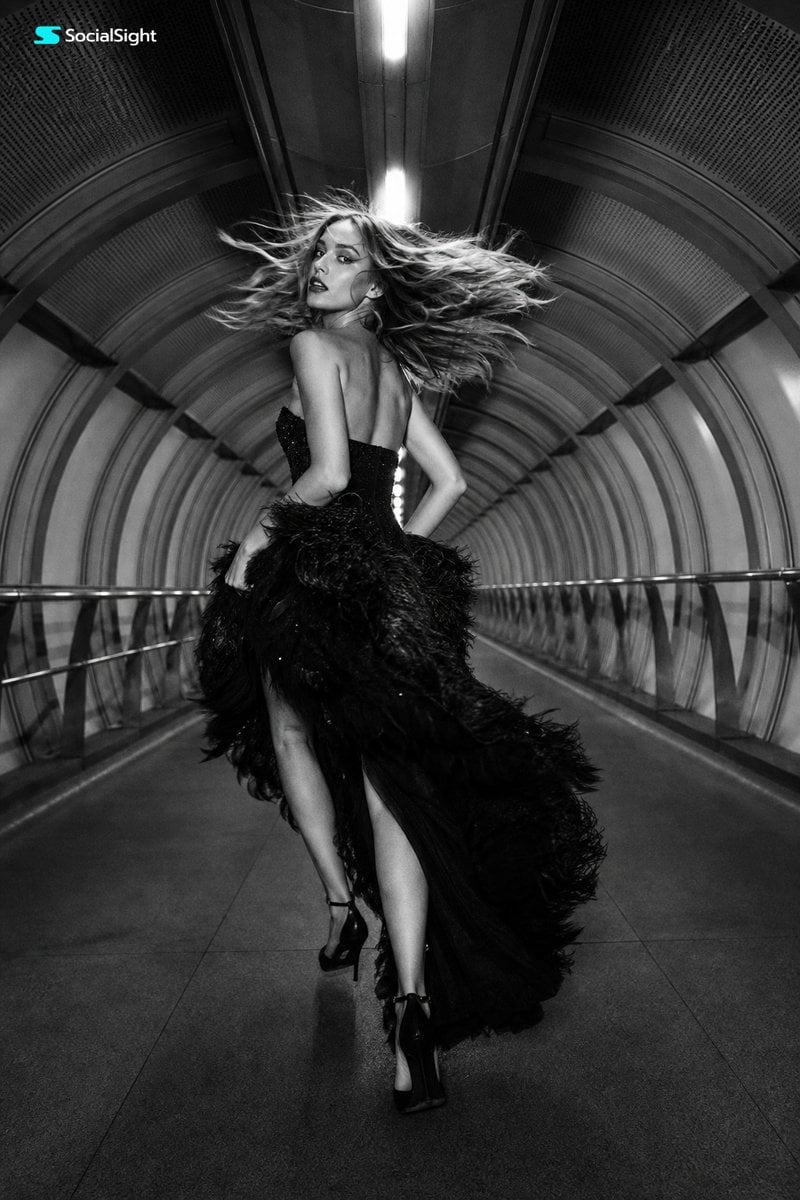
Futuristic Tunnel Fashion Editorial
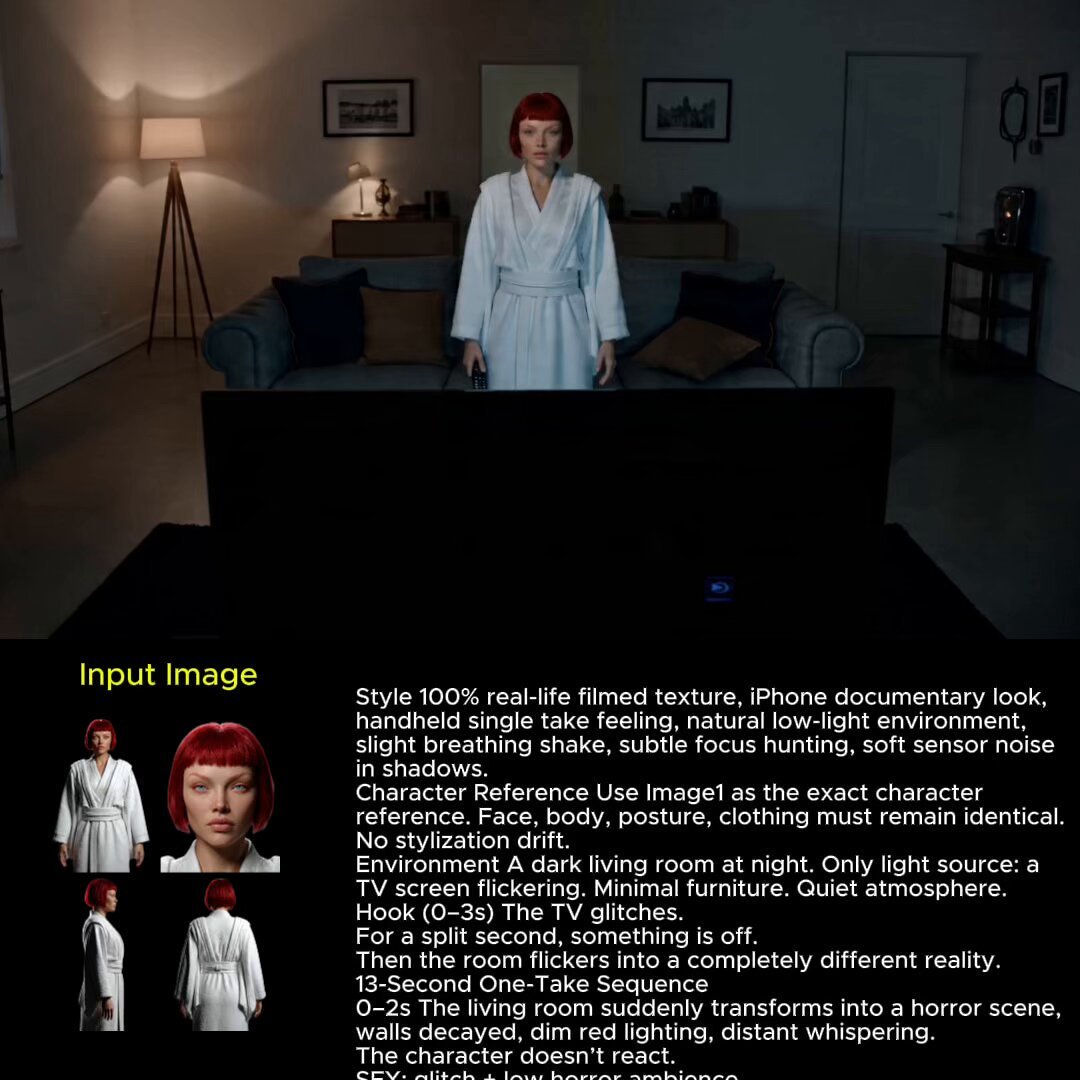
2025 Aesthetic Photography
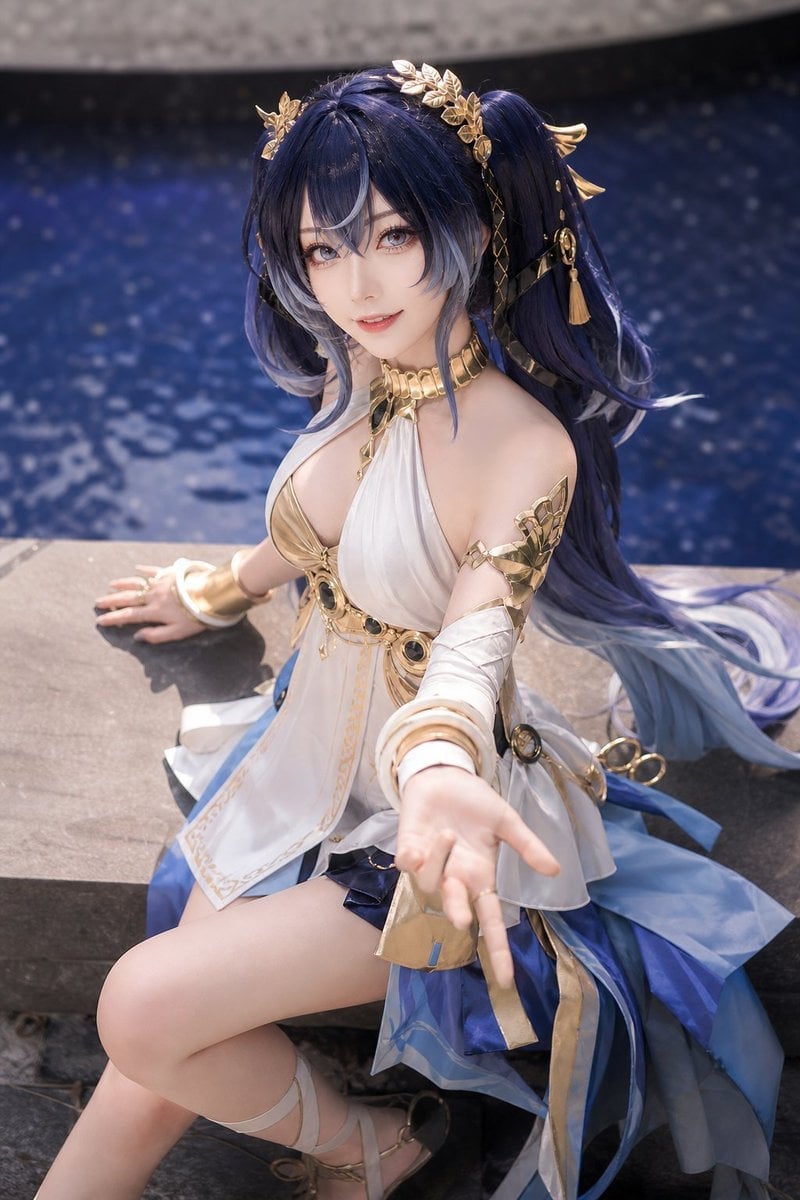
Realistic Blue Water Goddess Cosplay
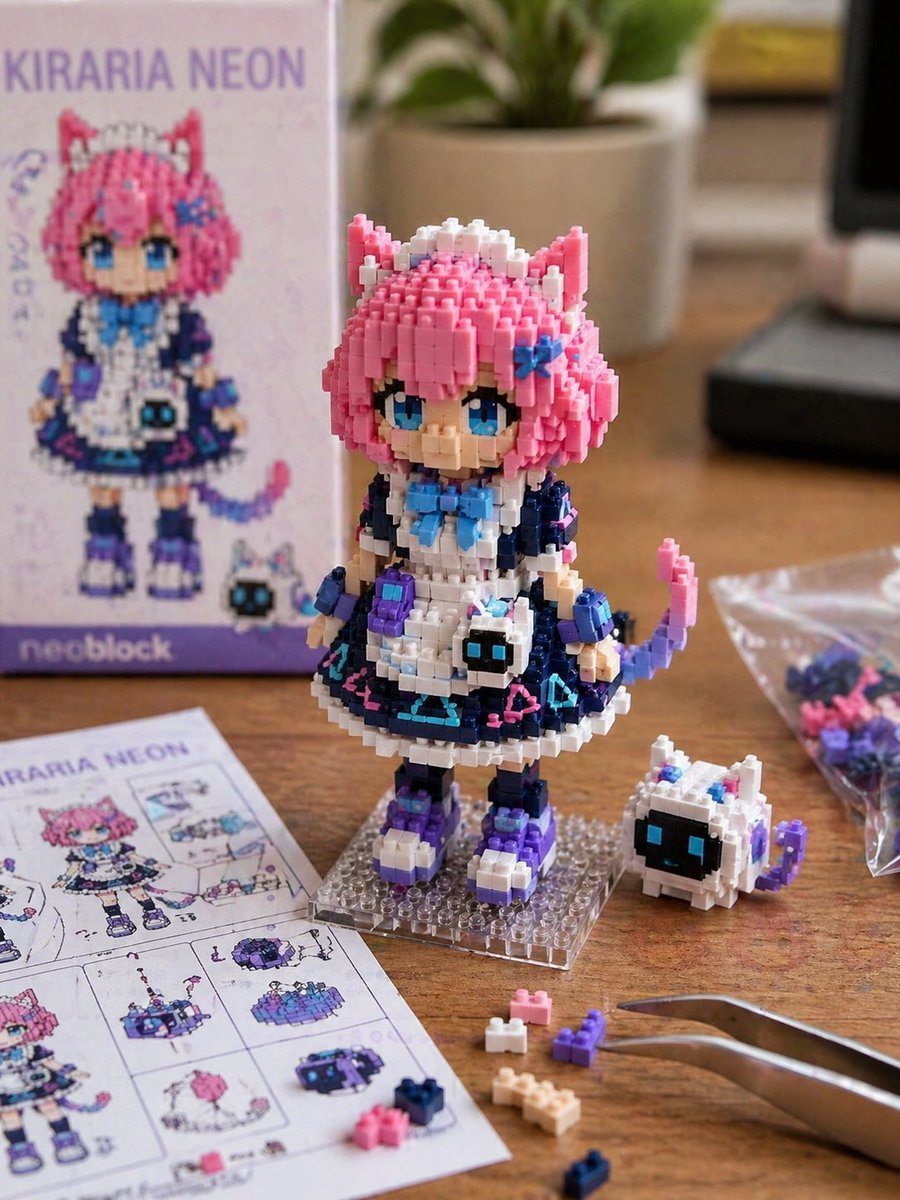
Custom Nanoblock Toy Creator
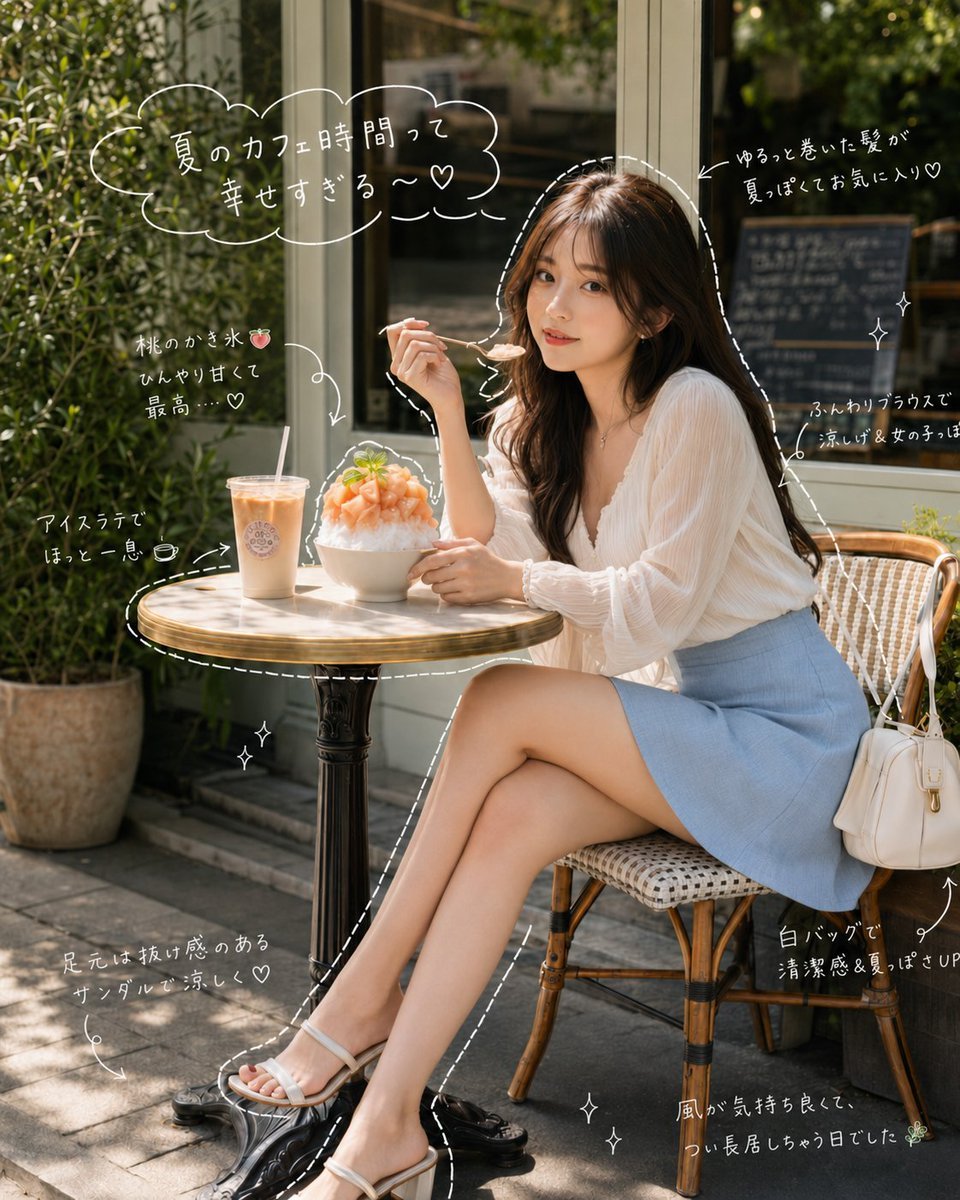
Japanese Summer Cafe Portrait
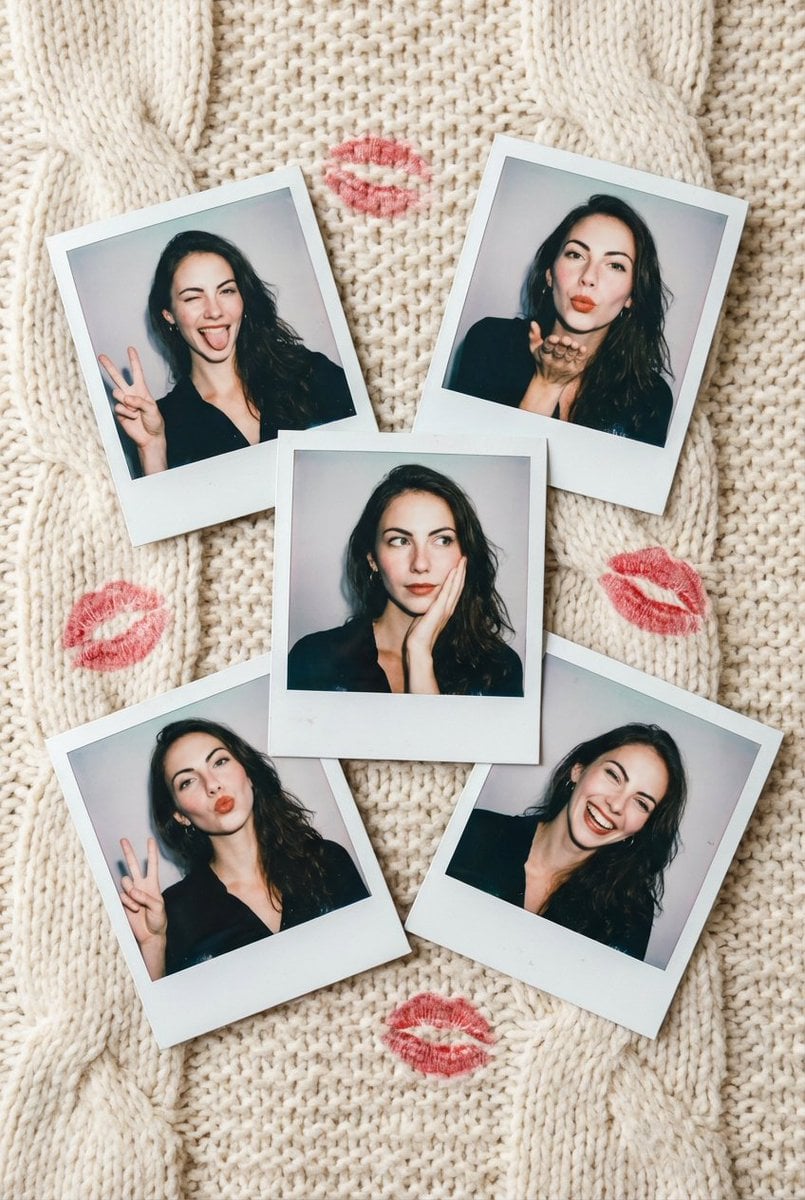
Vintage Polaroid Photo Collection Prompt
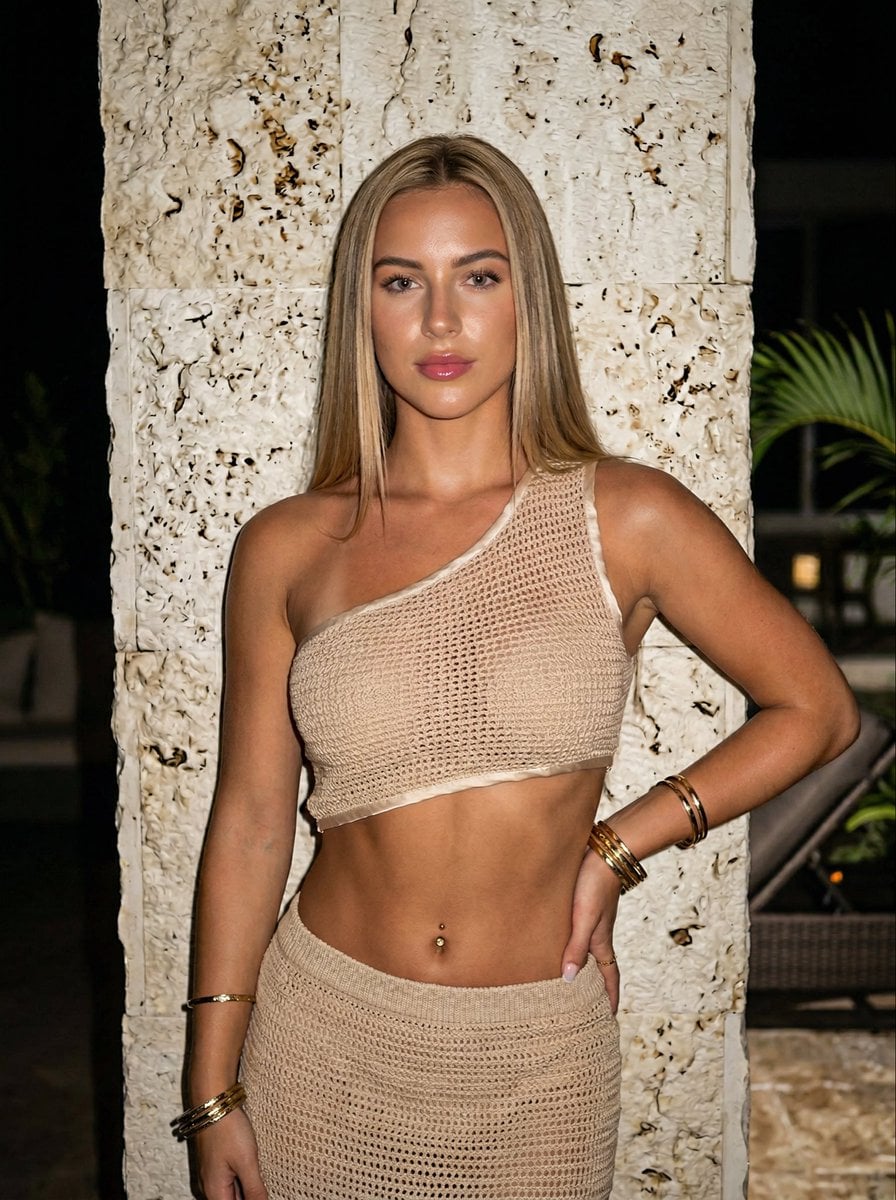
Ultra-realistic Portrait of a Blonde Woman in Crochet Outfit

Vogue Style Fashion Magazine Cover

Hololive Character Generation
Browse template categories
Realistic Travel Smartphone Selfie questions
How do I use the Realistic Travel Smartphone Selfie template?
Add your photo if the template asks for one, edit the prompt if you like — the template's model and format are already selected — and press Generate. Your version opens in PicX Studio.
Can I customize the Realistic Travel Smartphone Selfie template?
Yes. You can change the subject, setting, lighting, mood, format, and available model controls before creating your image.
Is the Realistic Travel Smartphone Selfie template free?
Opening and editing this template is free. Generating uses credits, shown on the Generate button when you are signed in.
Which AI model should I use?
Start with GPT Image 2, which is the model associated with this template. You can compare another compatible model for a different finish.
Looking for something else? Browse all templates.

Your photo, any look
Thousands of ready templates for every top image and video model, from one credit balance.