
Amber Café Magazine Editorial
Generates a warm vertical café fashion poster with a relaxed young woman, golden window light, and elegant magazine-style typography.
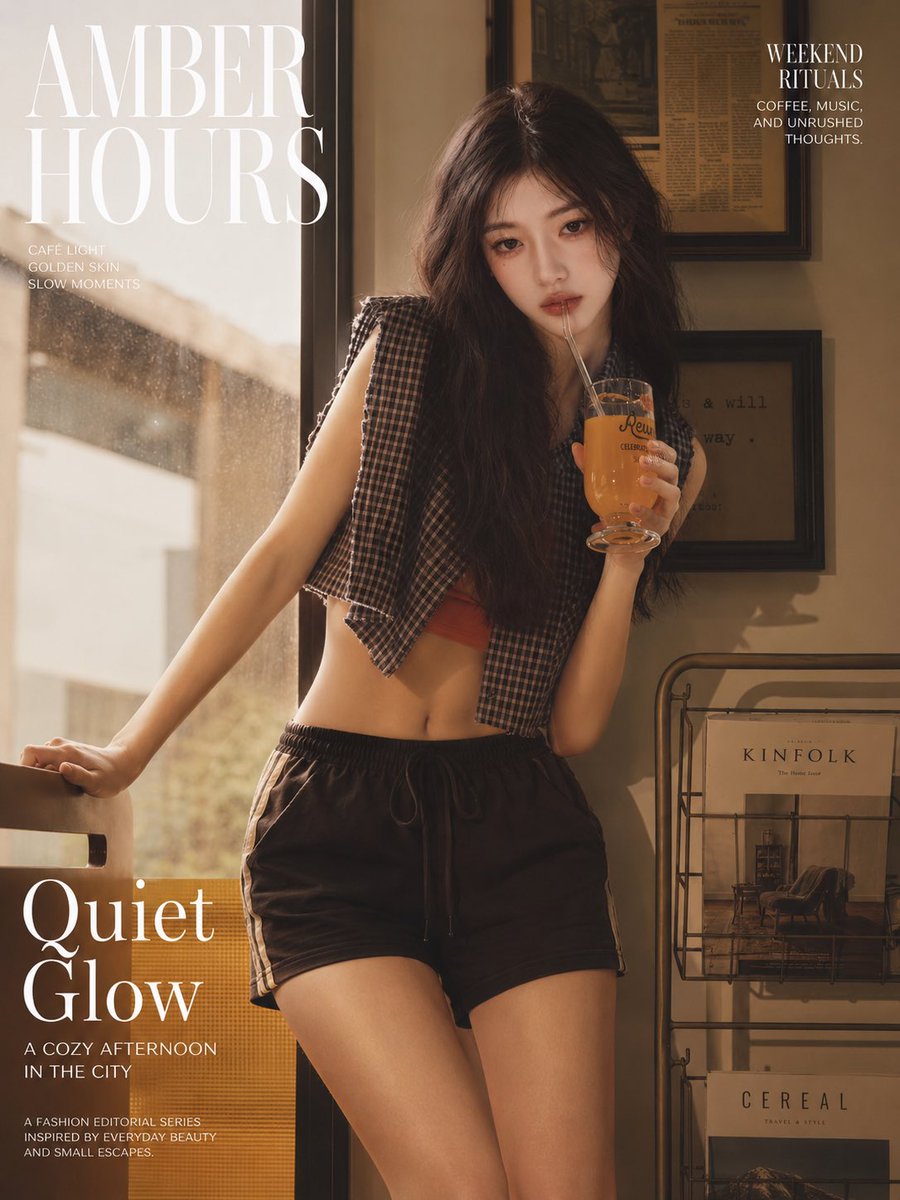
- Prompt included
- Model and format preset
- Premium template
The prompt behind this image
Copy the exact prompt behind Amber Café Magazine Editorial, or open it in the studio and make it yours.
Create a vertical 3:4 fashion magazine editorial poster photographed in warm afternoon café light. The main subject is a young Asian woman with {argument name="hair color" default="dark brown"} long, loose, slightly messy wavy hair, natural delicate features, a calm distant expression, relaxed weekend mood, and no exaggerated posing. She stands indoors beside a large sunlit café window, leaning one hand on the back of a chair while holding a clear goblet-style glass of amber iced drink with a straw near her mouth. Her face should be softly obscured or intentionally blurred for privacy, while the body, clothing, and environment remain realistic and detailed. Outfit: cropped sleeveless plaid button shirt worn open over a muted red bandeau or crop top, black drawstring athletic shorts with side trim, casual bare midriff, understated natural styling. Environment: cozy urban café corner with golden dust-speckled window light on the left, beige walls, framed vintage newspaper or typography art on the right wall, and a metal magazine rack on the lower right containing exactly 2 visible magazines labeled “KINFOLK” and “CEREAL.” Use a cinematic amber-brown color grade, soft shadows, film grain, shallow depth of field, glossy magazine photography, relaxed lifestyle editorial mood. Add elegant white serif magazine typography: large top-left masthead text {argument name="masthead text" default="AMBER HOURS"}; small left subtitle with exactly 3 lines: “CAFÉ LIGHT”, “GOLDEN SKIN”, “SLOW MOMENTS”; top-right block with headline {argument name="right headline" default="WEEKEND RITUALS"} and small copy “COFFEE, MUSIC, AND UNRUSHED THOUGHTS.”; large bottom-left feature title {argument name="feature title" default="Quiet Glow"}; below it the subheading {argument name="subheading" default="A COZY AFTERNOON IN THE CITY"}; and a final small footer with exactly 3 lines: “A FASHION EDITORIAL SERIES”, “INSPIRED BY EVERYDAY BEAUTY”, “AND SMALL ESCAPES.” Keep the composition balanced with the subject centered slightly right, typography mainly on the left and upper right, realistic skin texture, no plastic look, no extra limbs, no additional people, no watermark.
How to use Amber Café Magazine Editorial in 3 steps
- 1Upload ImagePNG, JPG or paste
Add your photo
Upload the photo the template builds on. The prompt, model and format are already set.
- 2…a portrait of your subject in softgolden-hour light, 85mm…
Personalize
Edit the subject and creative details for your destination.
- 3Generate
Generate
Press Generate — your image is created in PicX Studio, so you can compare it with the original and refine one variable at a time.
More like this
Templates with the same subject, style or setup. Open one to see its prompt.

Monochrome Halftone Editorial Fashion Poster

Korean Model Floating Magazine Pages Campaign

Dark Runway Luxury Fashion Magazine Cover

High-Fashion Editorial Magazine Cover ICON

Nano Banana - Paris Cafe Editorial

Blue Hour Editorial Fashion Portrait

Urban Fashion Editorial Collage Streetwear Poster

Monochrome Hypebeast Street Fashion Editorial Motion

Elegant Green Evening Gown Studio Fashion Portrait

Artistic Patchwork Fashion Portrait Spring Festival

Japanese Architectural Concrete Studio Fashion Campaign

Monroe and Ash Mediterranean Luxury Fashion Campaign
Make it yours
Amber Café Magazine Editorial works as-is. These are the safest ways to change it without losing the look.
Change one field
Copy a single group, rewrite it, and generate again so you can see what that field is doing.
Keep the frame, change the subject
Hold the composition and light of Amber Café Magazine Editorial, then swap wardrobe, props or the person for a new take.
| If the result… | Why | Fix |
|---|---|---|
| The result drifts from the preview | Too many fields changed at once. | Reuse Amber Café Magazine Editorial as-is first, then change one group — subject, light, or setting. |
| The model over-stylizes the scene | The prose prompt leaves finish and camera underspecified. | Add one camera or lighting sentence and stay on GPT Image 2. |
More GPT Image 2 templates
Other prompts made for GPT Image 2.

Six VTuber Japanese Logo Sheet

Realistic Portrait of Woman and Deer

The Vista Modular Condo Poster

AI Model Routing Comparison Infographic

2.5D Anime Art Board

Isometric Productivity Desk Scene

New York Double Exposure Poster

Four-Panel AI Landscape Comparison

Japanese Tatami Lifestyle Magazine Cover

NESCAFÉ Coffee Map Poster
More image prompts
Fresh picks from across the catalog.
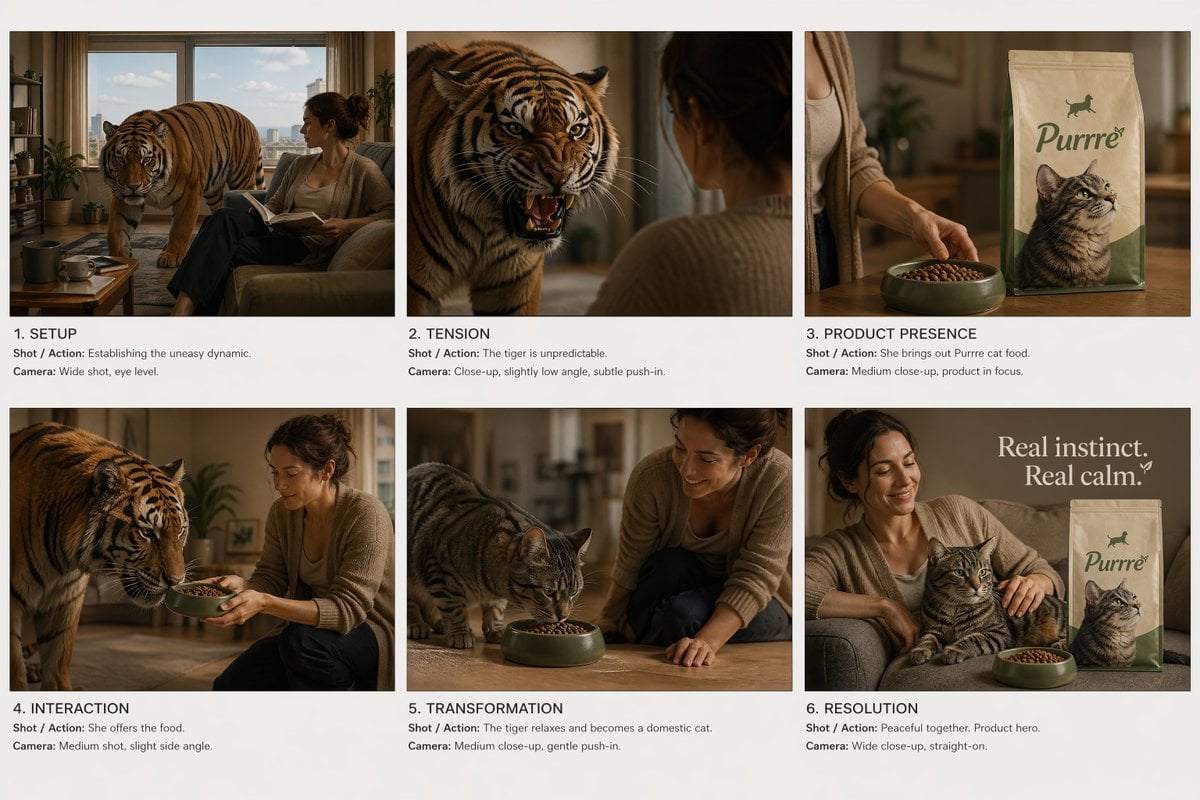
Commercial Ad Storyboard Layout
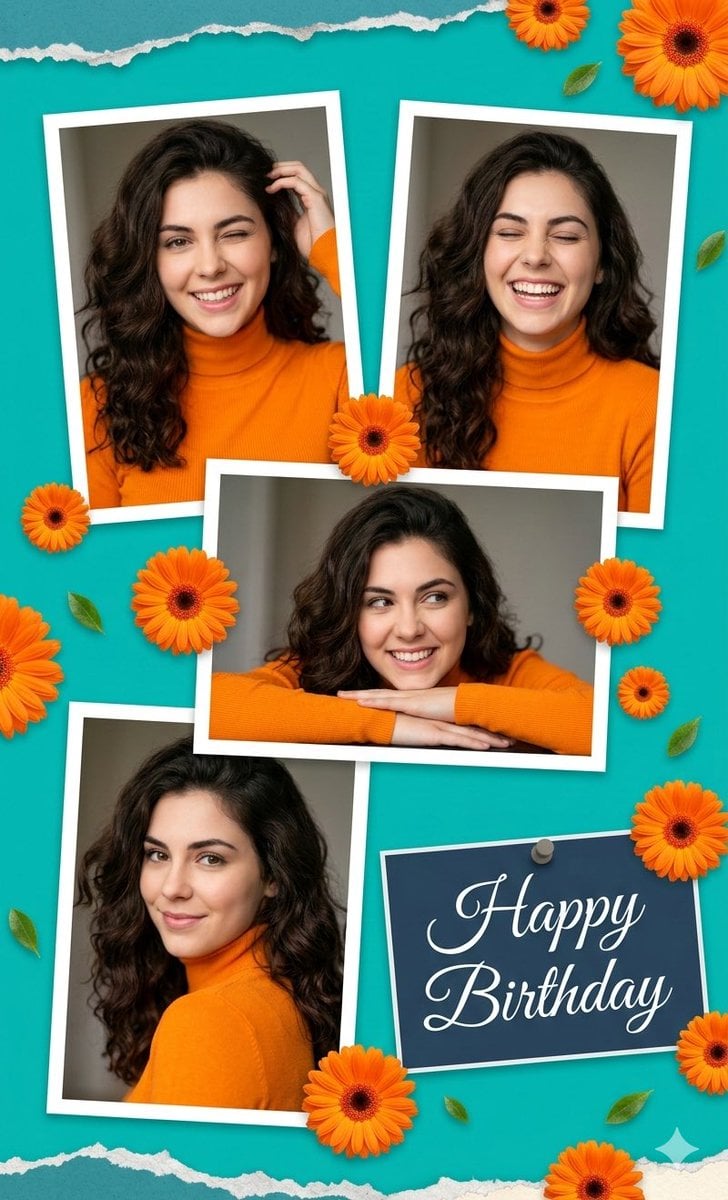
Digital Photo Collage Birthday Poster
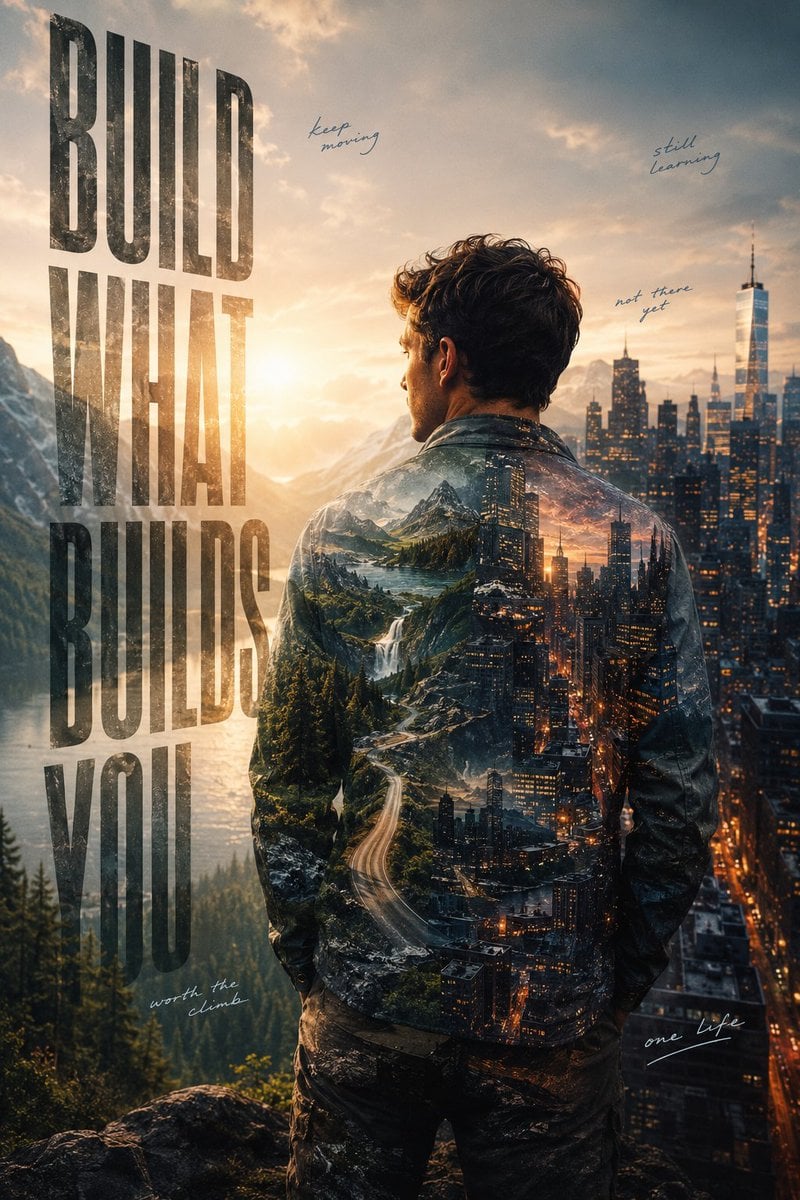
Ambition Visual Metaphor Poster
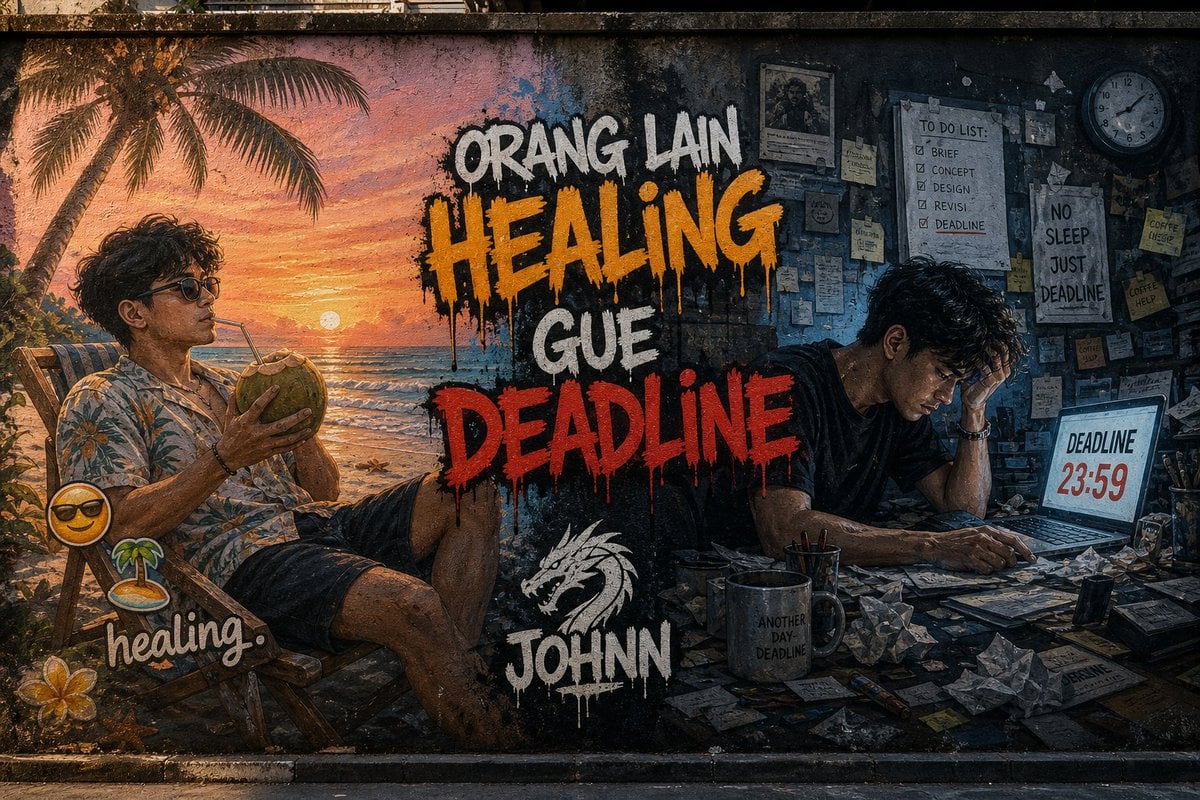
Contrast Street Art Mural
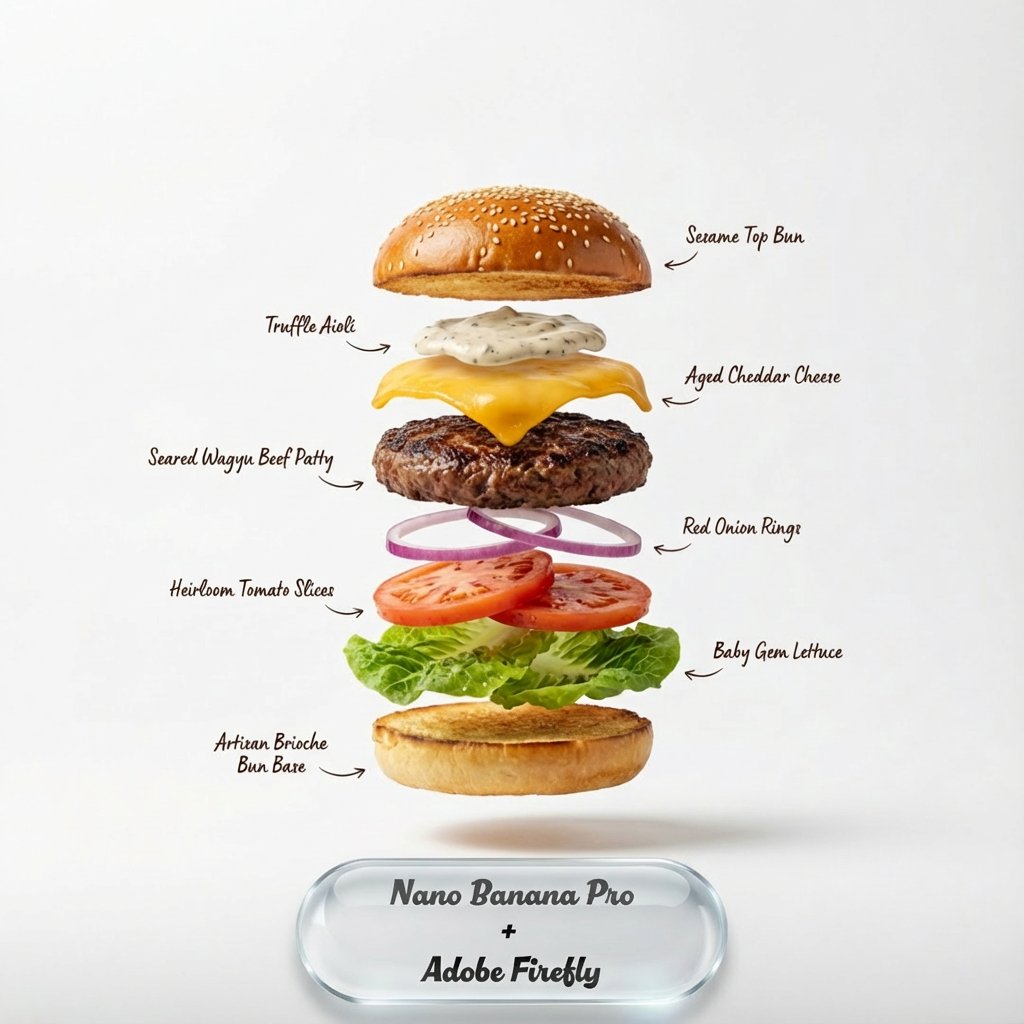
Liquid Glass UX Button Prompts for Nano Banana Pro
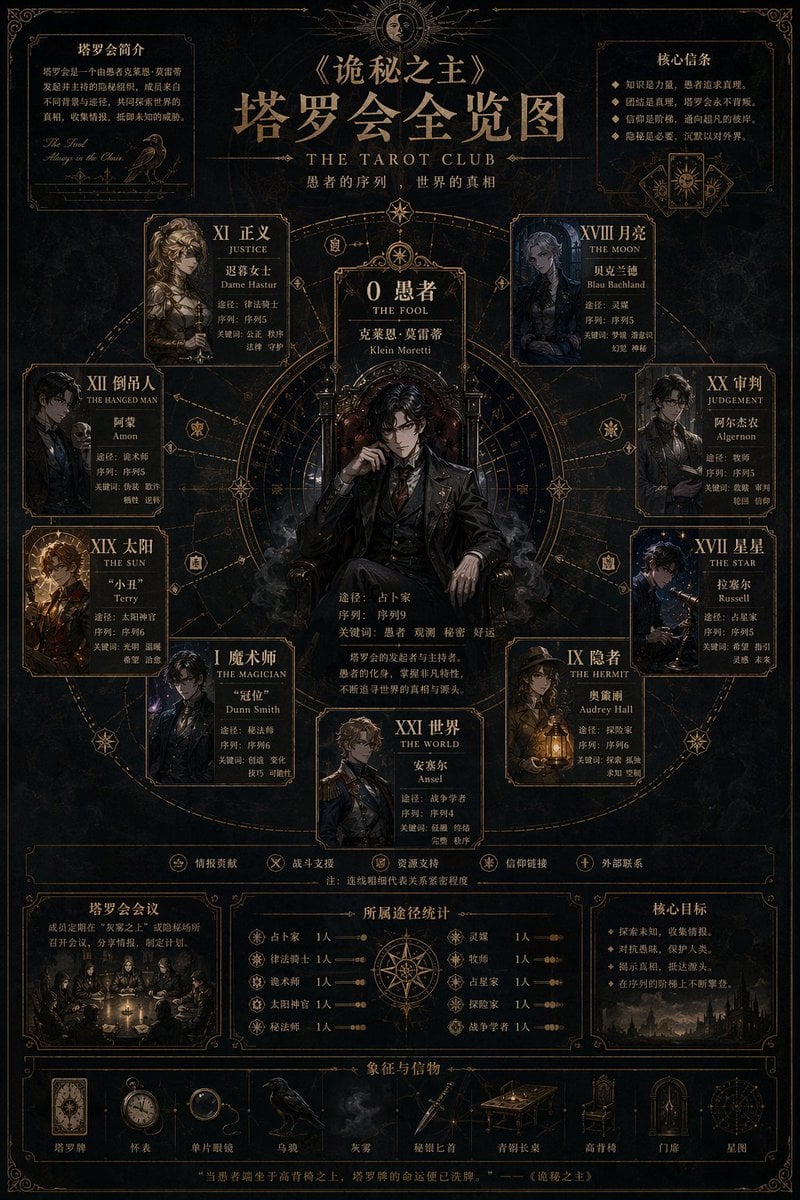
Occult Tarot Club Map
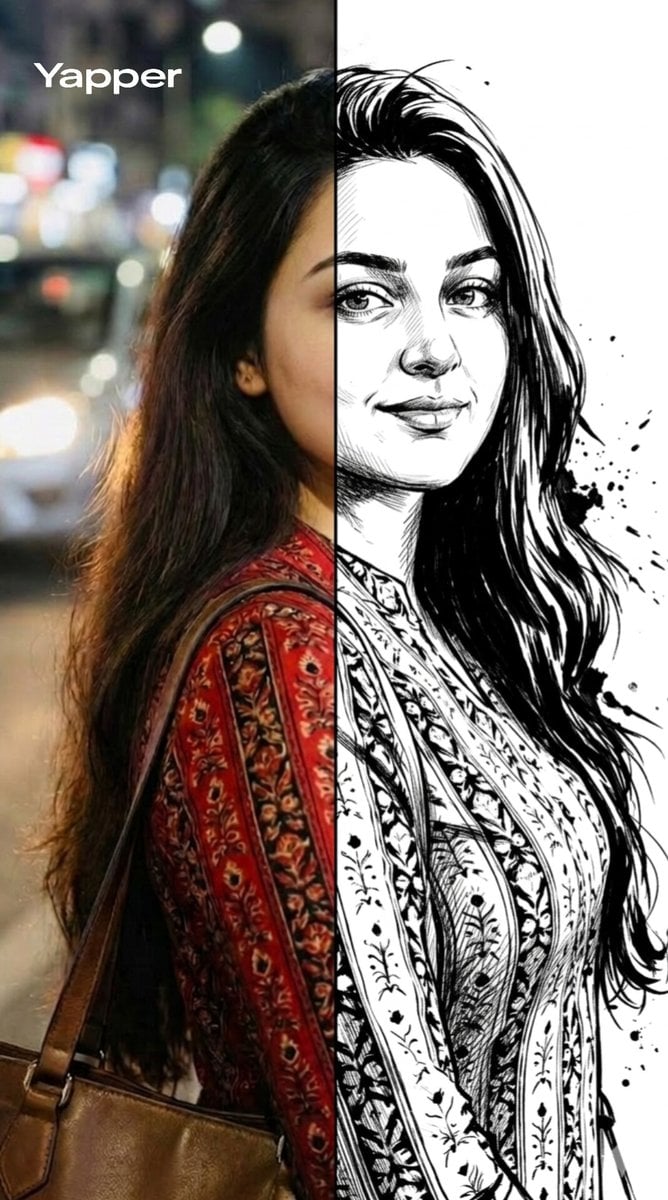
Split-Style Portrait Transformation Prompt for Nano Banana
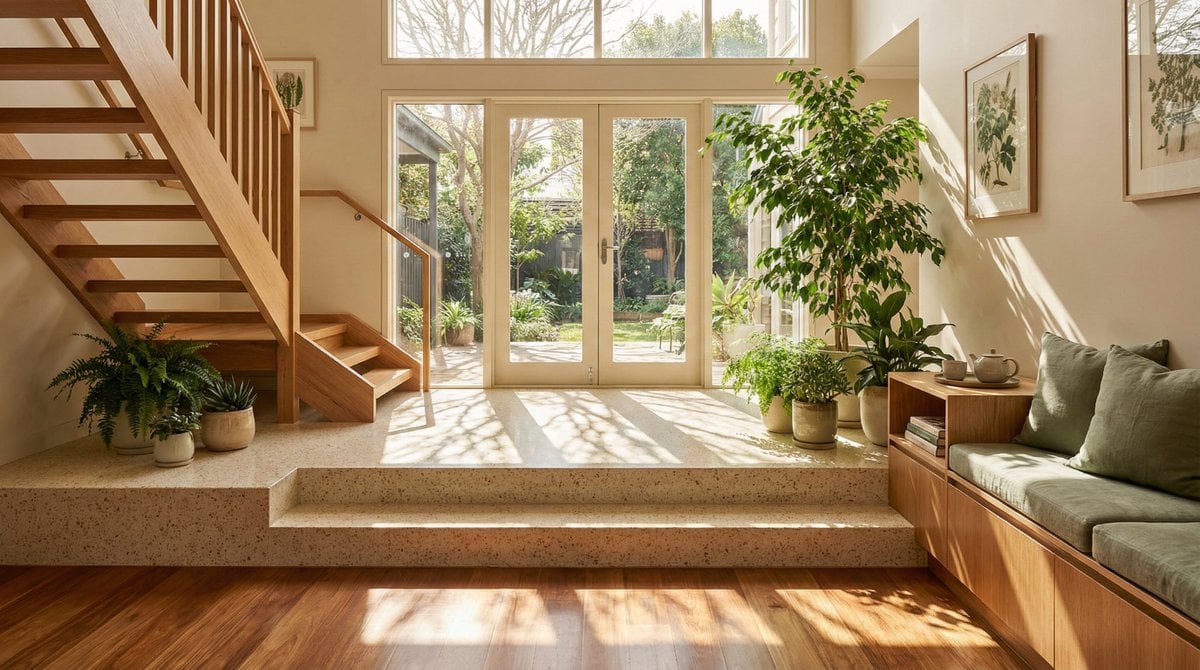
Sun-Drenched Modern Entryway Architectural Photograph Prompt (Structured)
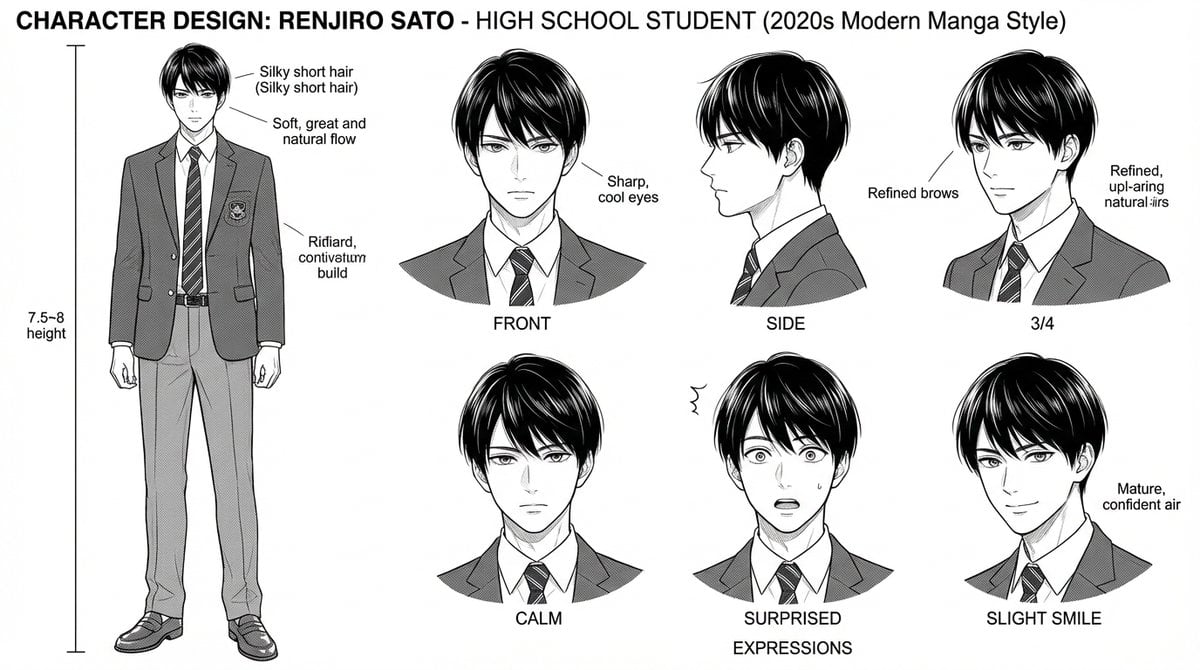
Dynamic Manga Page Layout Prompt
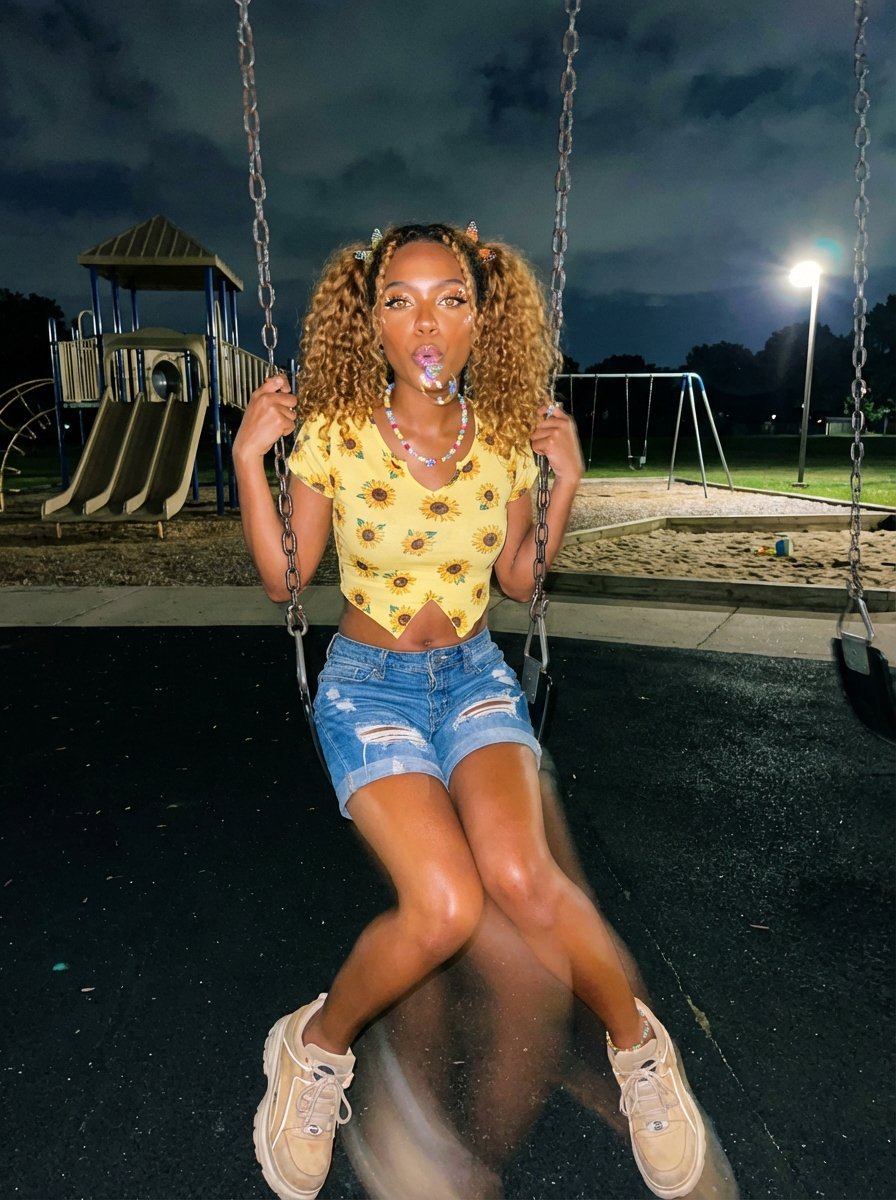
Y2K Grunge Night Playground Portrait Prompt
Browse template categories
Amber Café Magazine Editorial questions
How do I use the Amber Café Magazine Editorial template?
Add your photo if the template asks for one, edit the prompt if you like — the template's model and format are already selected — and press Generate. Your version opens in PicX Studio.
Can I customize the Amber Café Magazine Editorial template?
Yes. You can change the subject, setting, lighting, mood, format, and available model controls before creating your image.
Is the Amber Café Magazine Editorial template free?
Opening and editing this template is free. Generating uses credits, shown on the Generate button when you are signed in.
Which AI model should I use?
Start with GPT Image 2, which is the model associated with this template. You can compare another compatible model for a different finish.
Looking for something else? Browse all templates.

Your photo, any look
Thousands of ready templates for every top image and video model, from one credit balance.