
Editorial Fashion Expression Series
A complex prompt for creating a consistent fashion portrait series with four distinct emotional expressions and whimsical accessories.
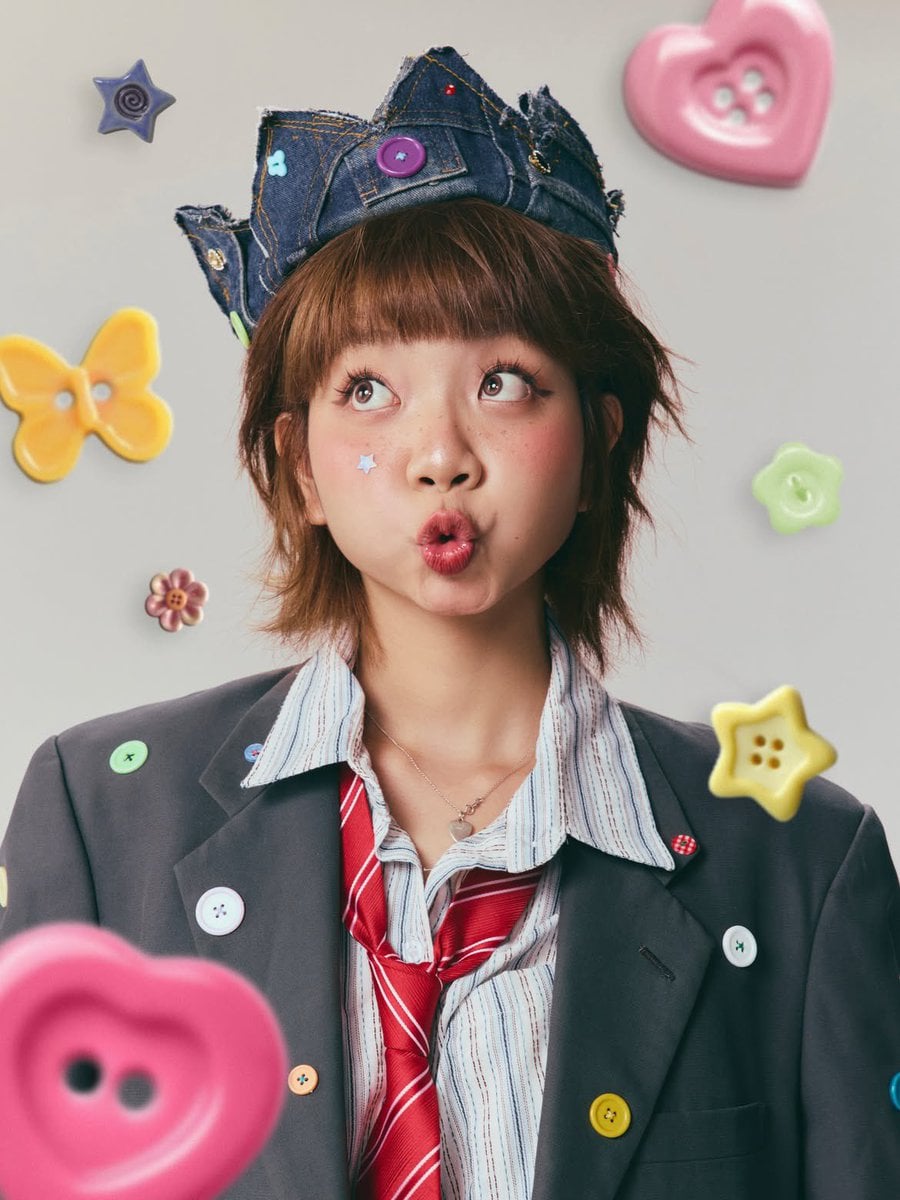
- Prompt included
- Model and format preset
- Premium template
The prompt behind this image
Copy the exact prompt behind Editorial Fashion Expression Series, or open it in the studio and make it yours.
Ultra-realistic editorial fashion portrait of a playful young woman with a {argument name="hair style" default="short layered chestnut-brown bob haircut"} and straight blunt bangs, soft natural makeup with rosy blush, subtle freckles across the nose, glossy pink lips, long curled lashes, winged eyeliner, and a small pastel blue star sticker on one cheek. She wears an {argument name="outfit" default="oversized charcoal-gray blazer decorated with colorful oversized buttons"}, a light blue-and-white striped button-up shirt, a loosely knotted bright red striped tie, and a {argument name="accessory" default="delicate silver heart pendant necklace"}. On her head is a handmade distressed denim crown embellished with colorful buttons, sequins, patches, and visible orange stitching. Minimal light gray seamless studio background with soft, diffused daylight-style lighting, clean editorial setup, shallow depth of field, crisp facial details, natural skin texture, vibrant yet pastel color grading, premium fashion magazine photography, 85mm lens, f/2, ultra-high resolution, cinematic composition. Create a 4-image expression series while keeping the outfit, hairstyle, accessories, lighting, framing, and background identical: 1.Curious expression: Looking upward with wide eyes and puckered lips in an “ooh” face. Floating oversized pastel buttons (heart, butterfly, flower, star) around the subject, soft foreground bokeh. 2.Annoyed expression: Both hands adjusting the denim crown, eyes rolled upward, slightly pouting lips, playful frustration. 3.Mischievous expression: Holding a red lollipop stick between the lips, one eyebrow slightly raised, side-eye glance with a cheeky smirk. 4.Sweet expression: Eyes closed with a warm smile, head resting gently on one hand, conveying a cute, peaceful mood. Highly detailed fabric textures, realistic denim stitching and frayed edges, vibrant button decorations, premium color accuracy, soft pastel aesthetic, whimsical fashion styling, kawaii-inspired editorial portrait, commercial beauty photography, award-winning fashion editorial, ultra-photorealistic, 8K, HDR.
How to use Editorial Fashion Expression Series in 3 steps
- 1
Open
The prompt is already in the box next to the preview, with the template's model and format selected.
- 2…a portrait of your subject in softgolden-hour light, 85mm…
Personalize
Edit the subject and creative details for your destination.
- 3Generate
Generate
Press Generate — your image is created in PicX Studio, so you can compare it with the original and refine one variable at a time.
More like this
Templates with the same subject, style or setup. Open one to see its prompt.
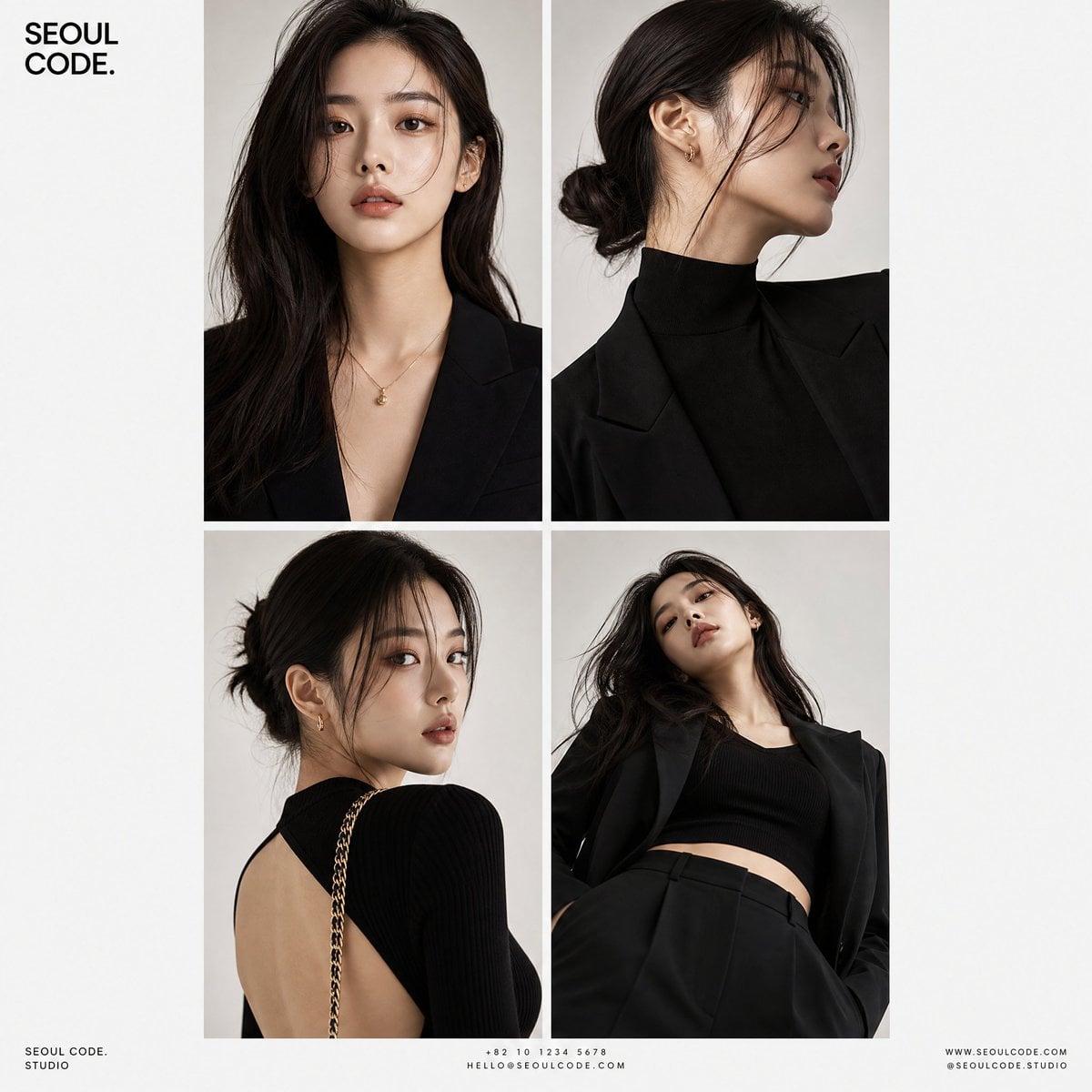
Korean Luxury Fashion Editorial 2x2 Grid Series
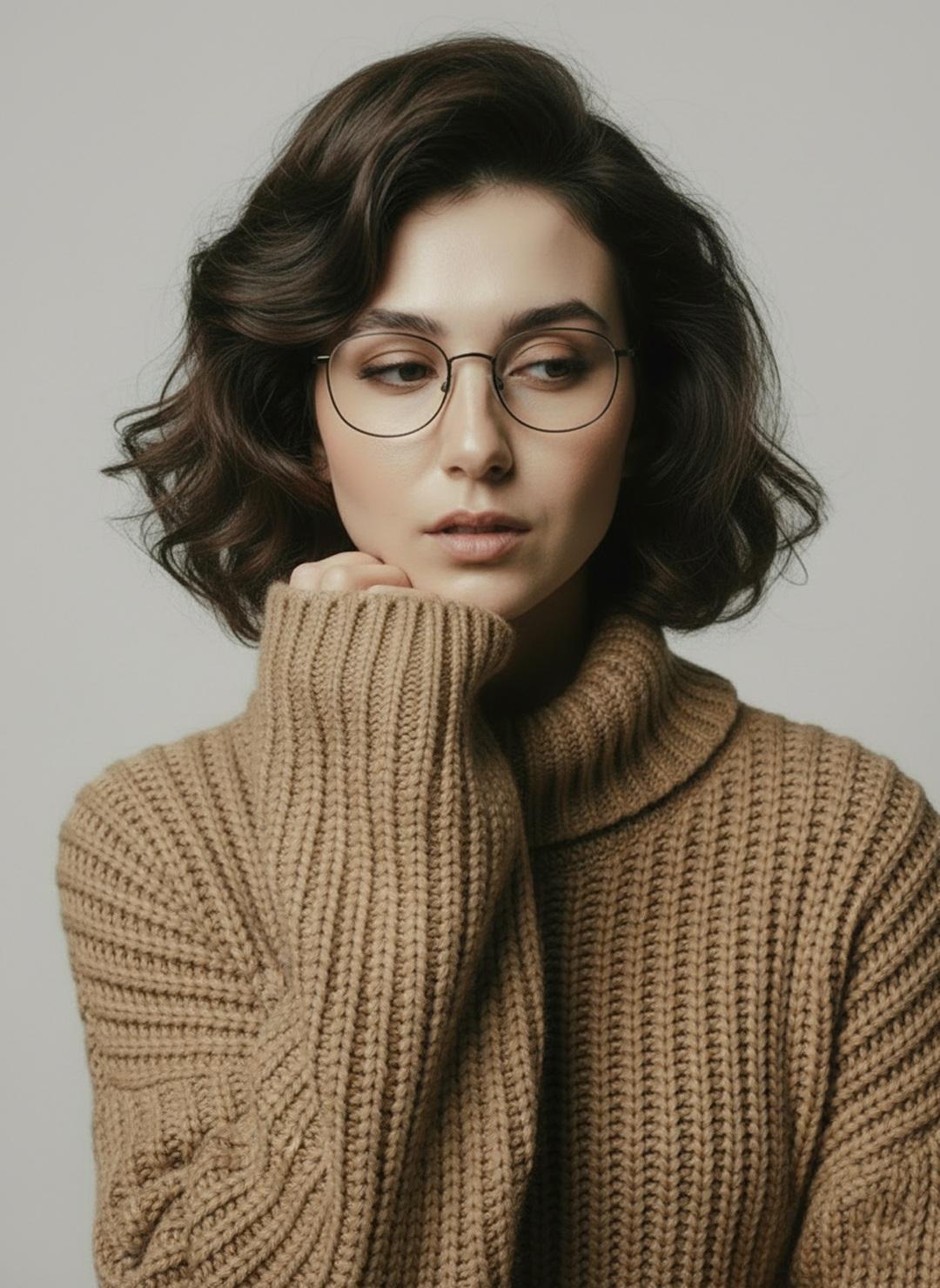
Minimalist Scandinavian Editorial Fashion Portrait Series
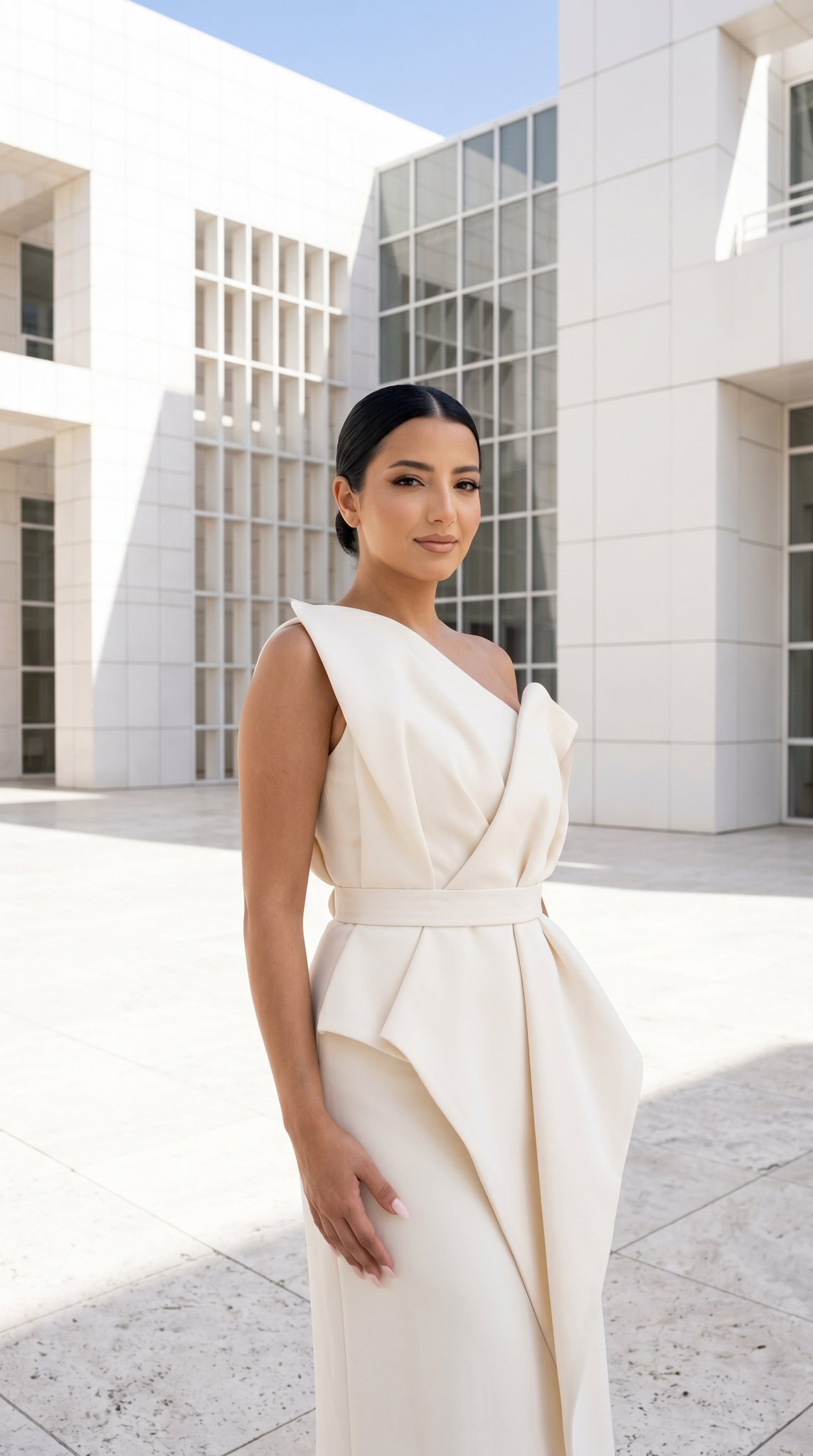
24 The Getty Center — California Series
21 Glass Floor Skyscraper — California Series

19 Luxury Helicopter Travel — California Series

08 Rodeo Drive Luxury Exit — California Series
03 Beverly Hills Convertible — California Series

Blue Backdrop Luxury Fashion Portrait Campaign
Premium Editorial Branding Poster Charcoal Green
Urban Fashion Editorial Collage Poster
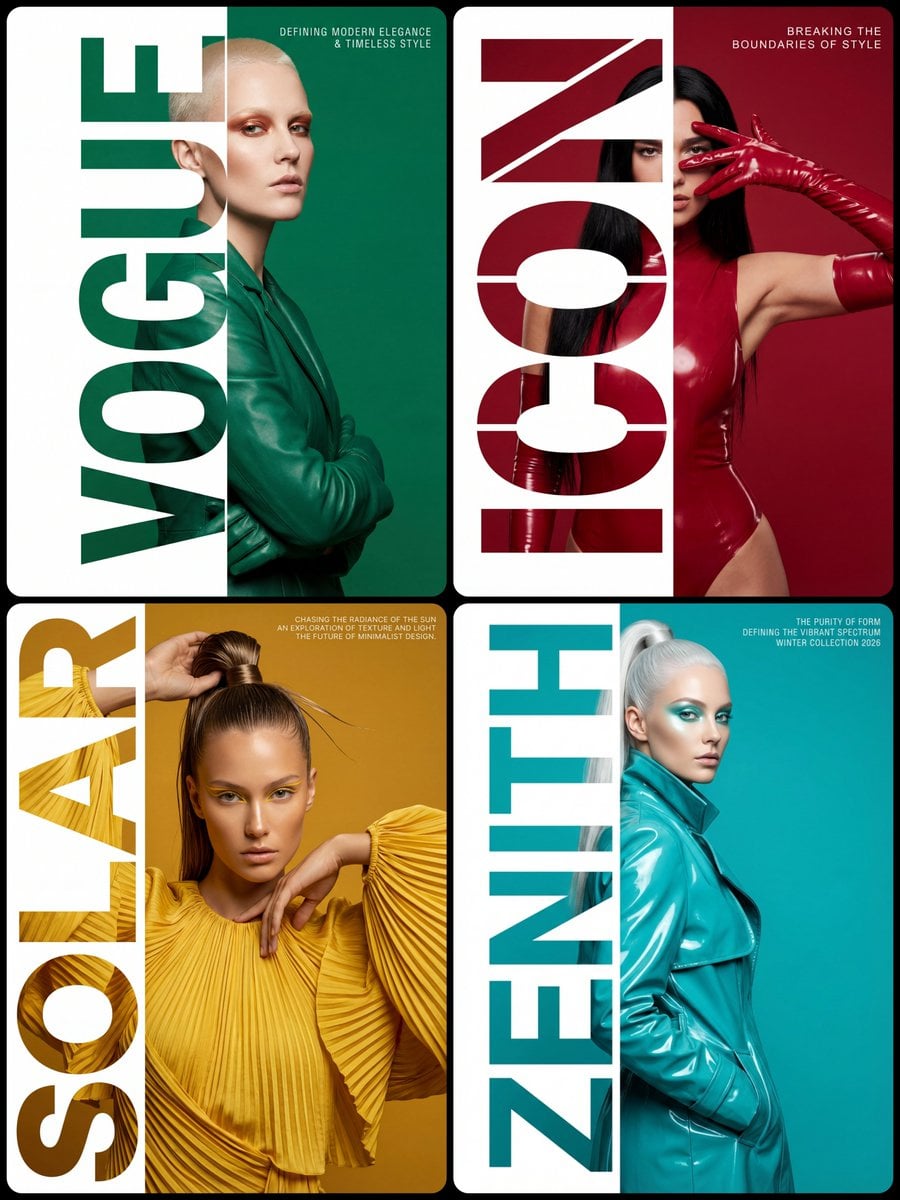
Typography Mask Editorial Fashion Poster
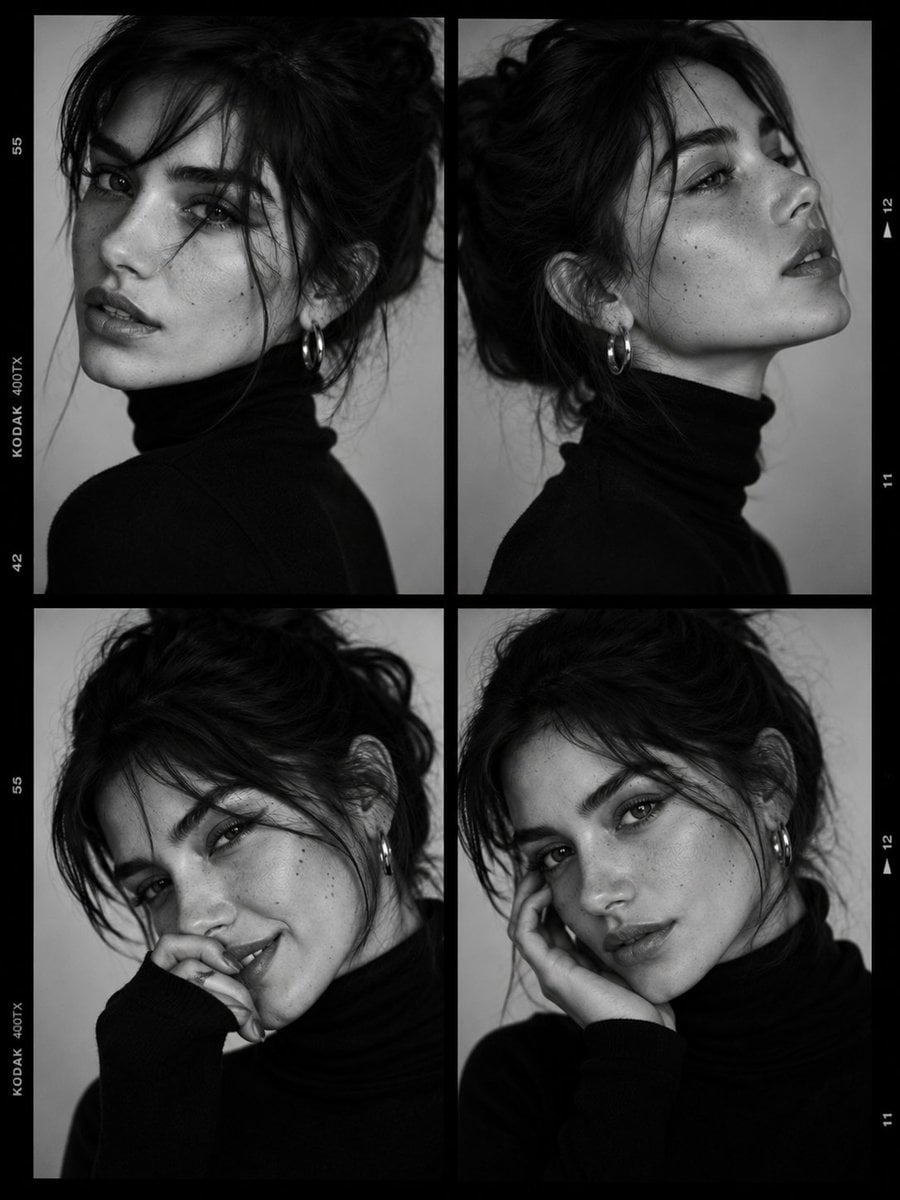
Luxury Black-and-White Fashion Contact Sheet
Make it yours
Editorial Fashion Expression Series works as-is. These are the safest ways to change it without losing the look.
Change one field
Copy a single group, rewrite it, and generate again so you can see what that field is doing.
Keep the frame, change the subject
Hold the composition and light of Editorial Fashion Expression Series, then swap wardrobe, props or the person for a new take.
| If the result… | Why | Fix |
|---|---|---|
| The result drifts from the preview | Too many fields changed at once. | Reuse Editorial Fashion Expression Series as-is first, then change one group — subject, light, or setting. |
| The model over-stylizes the scene | The prose prompt leaves finish and camera underspecified. | Add one camera or lighting sentence and stay on GPT Image 2. |
More GPT Image 2 templates
Other prompts made for GPT Image 2.

Six VTuber Japanese Logo Sheet

Realistic Portrait of Woman and Deer

The Vista Modular Condo Poster

AI Model Routing Comparison Infographic

2.5D Anime Art Board

Isometric Productivity Desk Scene

New York Double Exposure Poster

Four-Panel AI Landscape Comparison

Japanese Tatami Lifestyle Magazine Cover

NESCAFÉ Coffee Map Poster
More image prompts
Fresh picks from across the catalog.
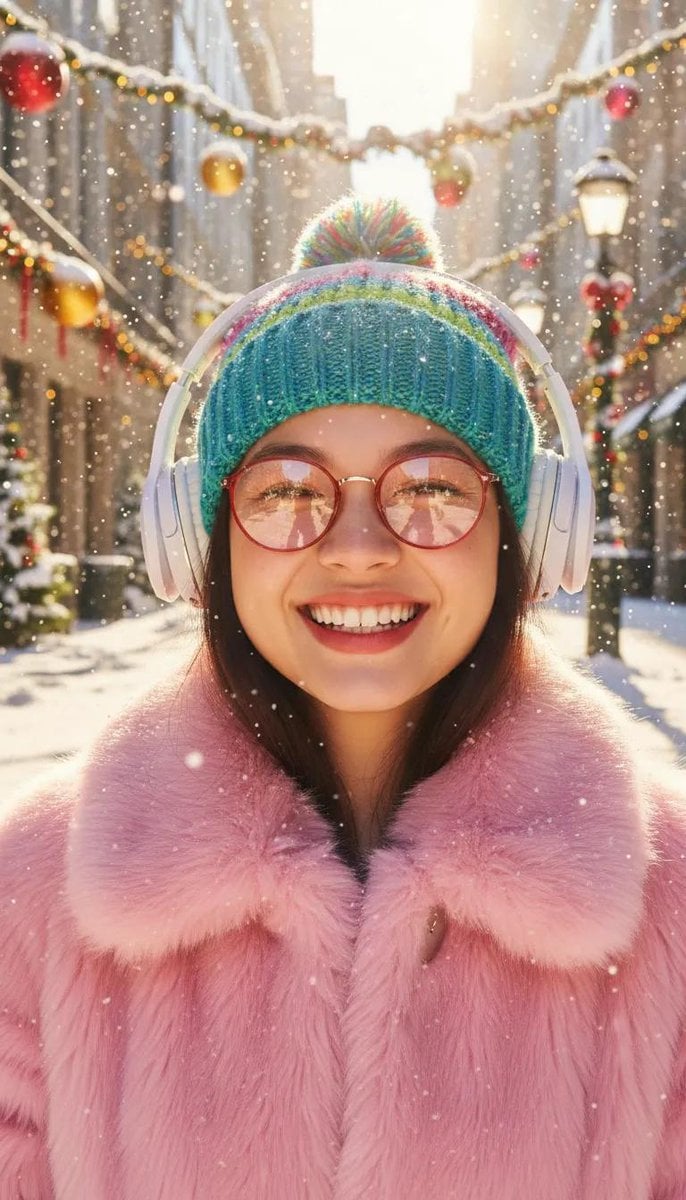
Cinematic Holiday Lifestyle Portrait Prompt
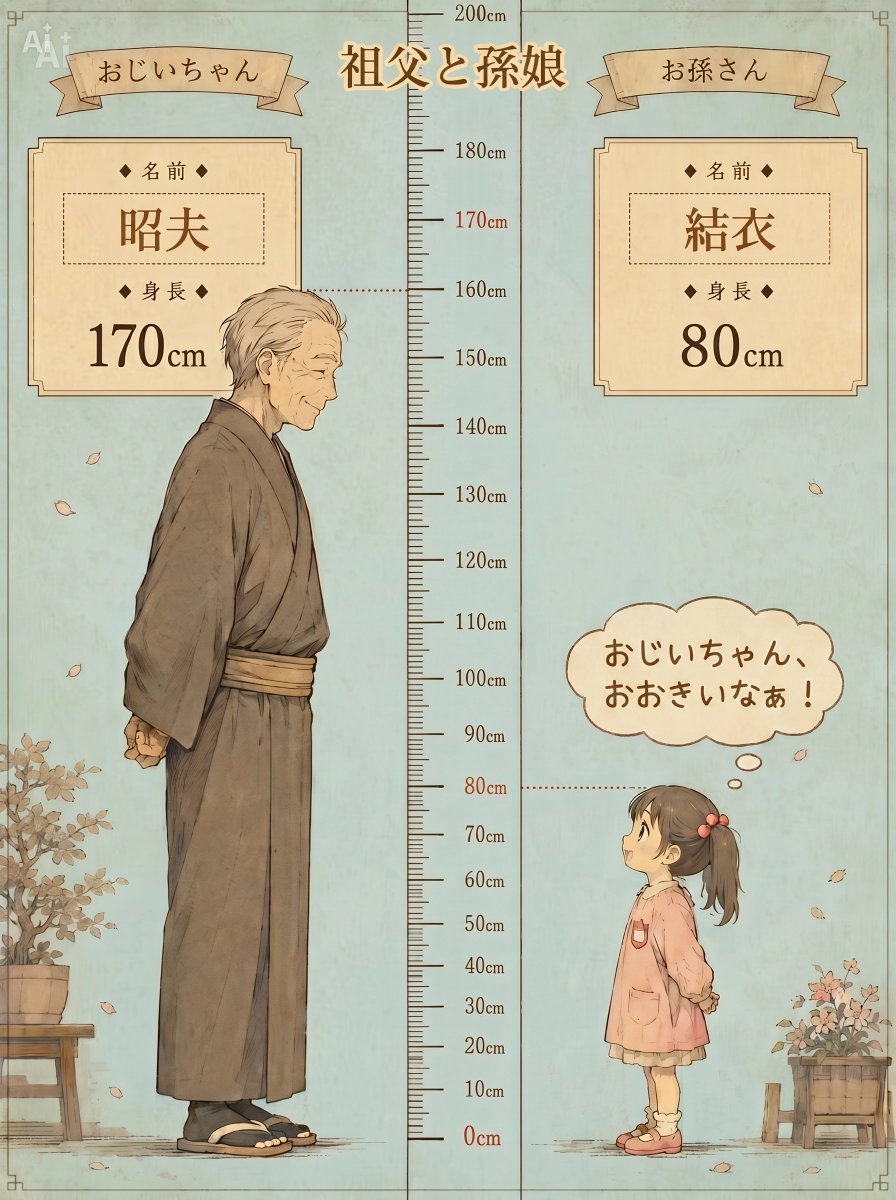
Grandfather and Granddaughter Height Chart
Image Generation from Photo and Short Prompt
Summer Forest Lifestyle Portrait
Universal Christmas Food Poster Prompt
3D Gorilla Emerging from 2D Charcoal Sketch

Anime Follower Milestone Poster
Dark Fantasy Ponyo Warrior Poster
Micro Diorama of Joseon Dynasty Chefs Making Bibimbap
Ultra-Realistic Close-Up Portrait of Handsome Young Man
Browse template categories
Editorial Fashion Expression Series questions
How do I use the Editorial Fashion Expression Series template?
Add your photo if the template asks for one, edit the prompt if you like — the template's model and format are already selected — and press Generate. Your version opens in PicX Studio.
Can I customize the Editorial Fashion Expression Series template?
Yes. You can change the subject, setting, lighting, mood, format, and available model controls before creating your image.
Is the Editorial Fashion Expression Series template free?
Opening and editing this template is free. Generating uses credits, shown on the Generate button when you are signed in.
Which AI model should I use?
Start with GPT Image 2, which is the model associated with this template. You can compare another compatible model for a different finish.
Looking for something else? Browse all templates.

Your photo, any look
Thousands of ready templates for every top image and video model, from one credit balance.