
Gothic Art Nouveau Offering
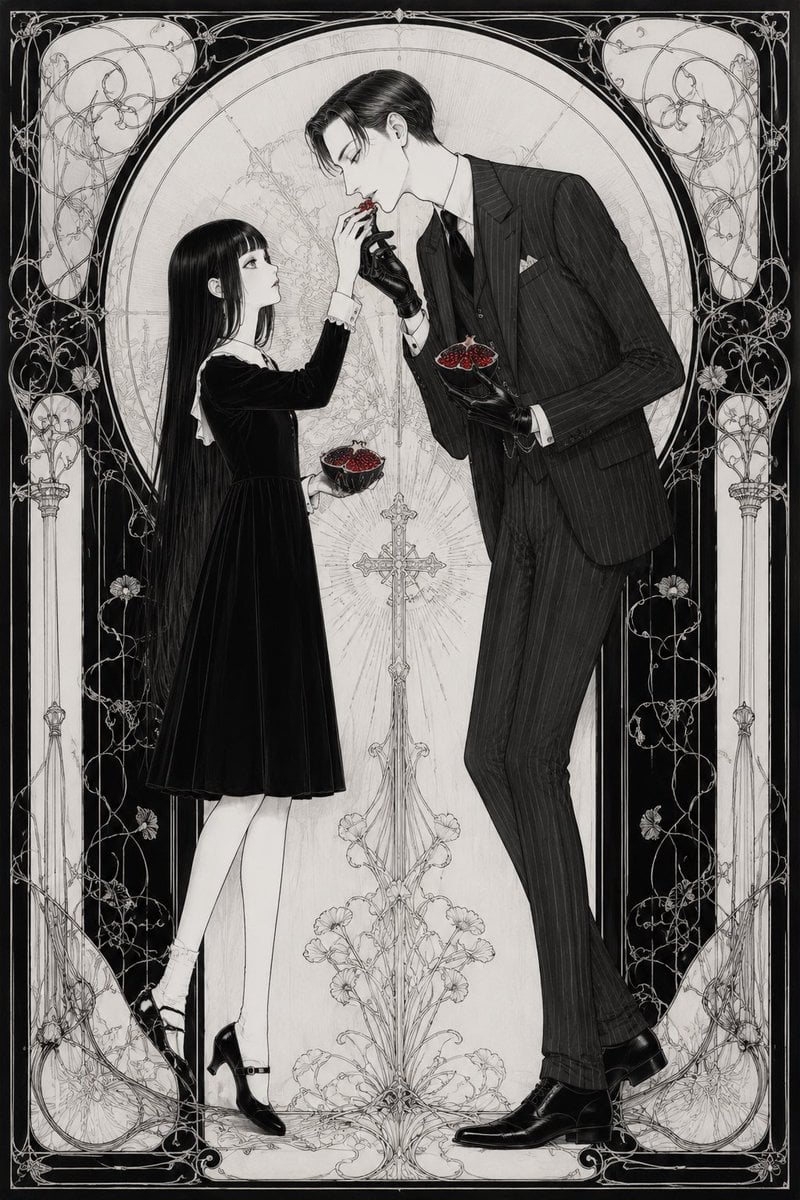
A monochrome gothic Art Nouveau illustration of a girl and suited man exchanging red fruit in an ornate arched frame.
- Prompt included
- Model and format preset
- Premium template
The prompt behind this image
Copy the exact prompt behind Gothic Art Nouveau Offering, or open it in the studio and make it yours.
Create a vertical black-and-white gothic Art Nouveau illustration on a 2:3 canvas, like an extremely detailed ink drawing with fine crosshatching and delicate ornamental linework. Show exactly two human figures standing in profile inside a tall arched frame: on the left, a young girl with very long straight black hair, pale skin, a knee-length black velvet dress with a white collar and cuffs, white socks, and black Mary Jane heels; on the right, a tall slim adult man with slicked dark hair, a black pinstripe three-piece suit, white shirt, dark tie, pocket square, black leather gloves, and polished black dress shoes. The girl raises one hand toward the man's face while holding a small bowl in her other hand; the man bends down toward her hand and holds another small bowl at chest level. Include exactly two small bowls, both filled with dark red berries or pomegranate-like fruit, the only strong color accent in the image. Obscure both faces with soft rectangular gray blur blocks, one over the girl's face and one over the man's face, leaving hair, clothing, and poses visible. Behind them, place exactly one ornate Christian cross centered between the figures, with radiating fine lines and a floral base. Surround the scene with an elaborate symmetrical Art Nouveau border: one large central oval/arch, two tall side columns, four pale rounded corner panels filled with curling vine filigree, and dense black side bands with thin white floral scrollwork. Use {argument name="illustration style" default="gothic Art Nouveau monochrome ink engraving"}, {argument name="left character" default="young girl in a black velvet dress"}, {argument name="right character" default="tall man in a black pinstripe suit"}, {argument name="red accent object" default="dark red berries in two small bowls"}, and {argument name="face treatment" default="soft rectangular gray blur blocks over both faces"}. Keep the composition elegant, vertical, symmetrical, melancholic, highly detailed, with thin decorative lines, no modern objects, no readable text, and no watermark.
How to use Gothic Art Nouveau Offering in 3 steps
- 1Upload ImagePNG, JPG or paste
Add your photo
Upload the photo the template builds on. The prompt, model and format are already set.
- 2…a portrait of your subject in softgolden-hour light, 85mm…
Personalize
Edit the subject and creative details for your destination.
- 3Generate
Generate
Press Generate — your image is created in PicX Studio, so you can compare it with the original and refine one variable at a time.
More like this
Templates with the same subject, style or setup. Open one to see its prompt.
Gothic Art Nouveau Tarot Card
Tarot Card Conversion Prompt (Gothic/Art Nouveau Style)
Ethereal Art Nouveau Manga Portrait
Japanese Art Nouveau Geisha Portrait Poster

Art Nouveau Hamster Summer Vacation
Art Nouveau & Ukiyo-e Fusion Portrait
Fantasy Realism and Art Nouveau Fusion
Celestial Art Nouveau Fantasy Portrait
Romantic Garden Rose Offering
Art Nouveau Jeweled Butterfly
Faceless Art Nouveau Fantasy Princess
Shrine Maiden Offering an Omamori
Make it yours
Gothic Art Nouveau Offering works as-is. These are the safest ways to change it without losing the look.
Change one field
Copy a single group, rewrite it, and generate again so you can see what that field is doing.
Keep the frame, change the subject
Hold the composition and light of Gothic Art Nouveau Offering, then swap wardrobe, props or the person for a new take.
| If the result… | Why | Fix |
|---|---|---|
| The result drifts from the preview | Too many fields changed at once. | Reuse Gothic Art Nouveau Offering as-is first, then change one group — subject, light, or setting. |
| The model over-stylizes the scene | The prose prompt leaves finish and camera underspecified. | Add one camera or lighting sentence and stay on GPT Image 2. |
More GPT Image 2 templates
Other prompts made for GPT Image 2.

Six VTuber Japanese Logo Sheet

Realistic Portrait of Woman and Deer

The Vista Modular Condo Poster

AI Model Routing Comparison Infographic

2.5D Anime Art Board

Isometric Productivity Desk Scene

New York Double Exposure Poster

Four-Panel AI Landscape Comparison

Japanese Tatami Lifestyle Magazine Cover

NESCAFÉ Coffee Map Poster
More image prompts
Fresh picks from across the catalog.
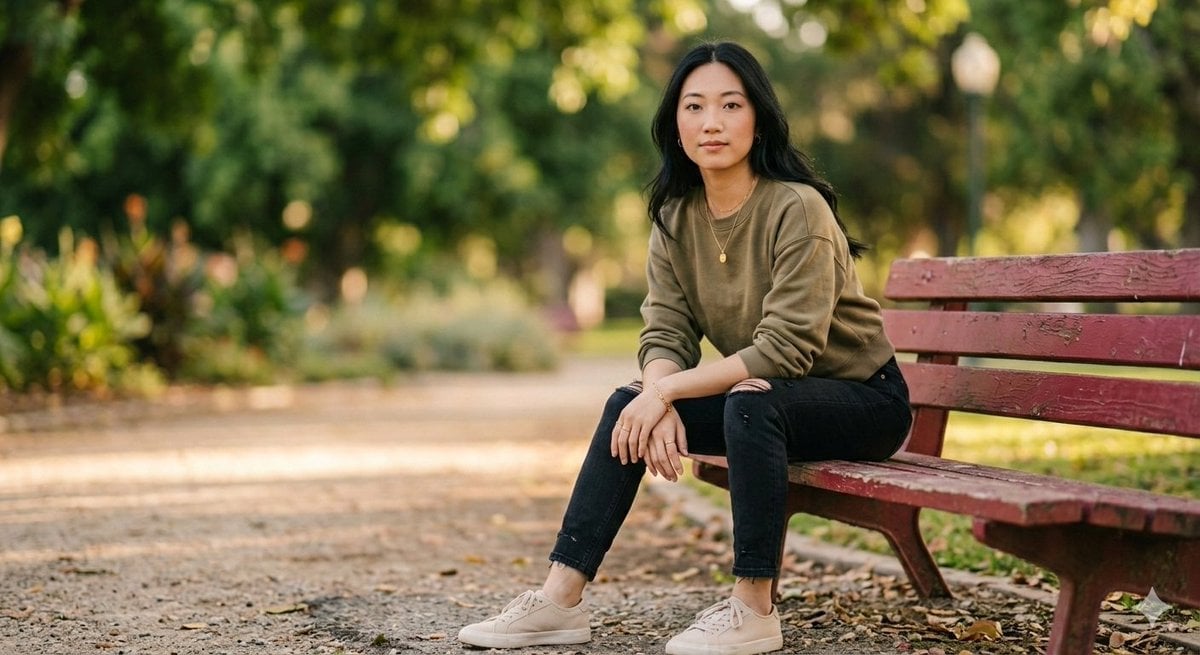
Fashionable Young Woman in Park Setting Prompt
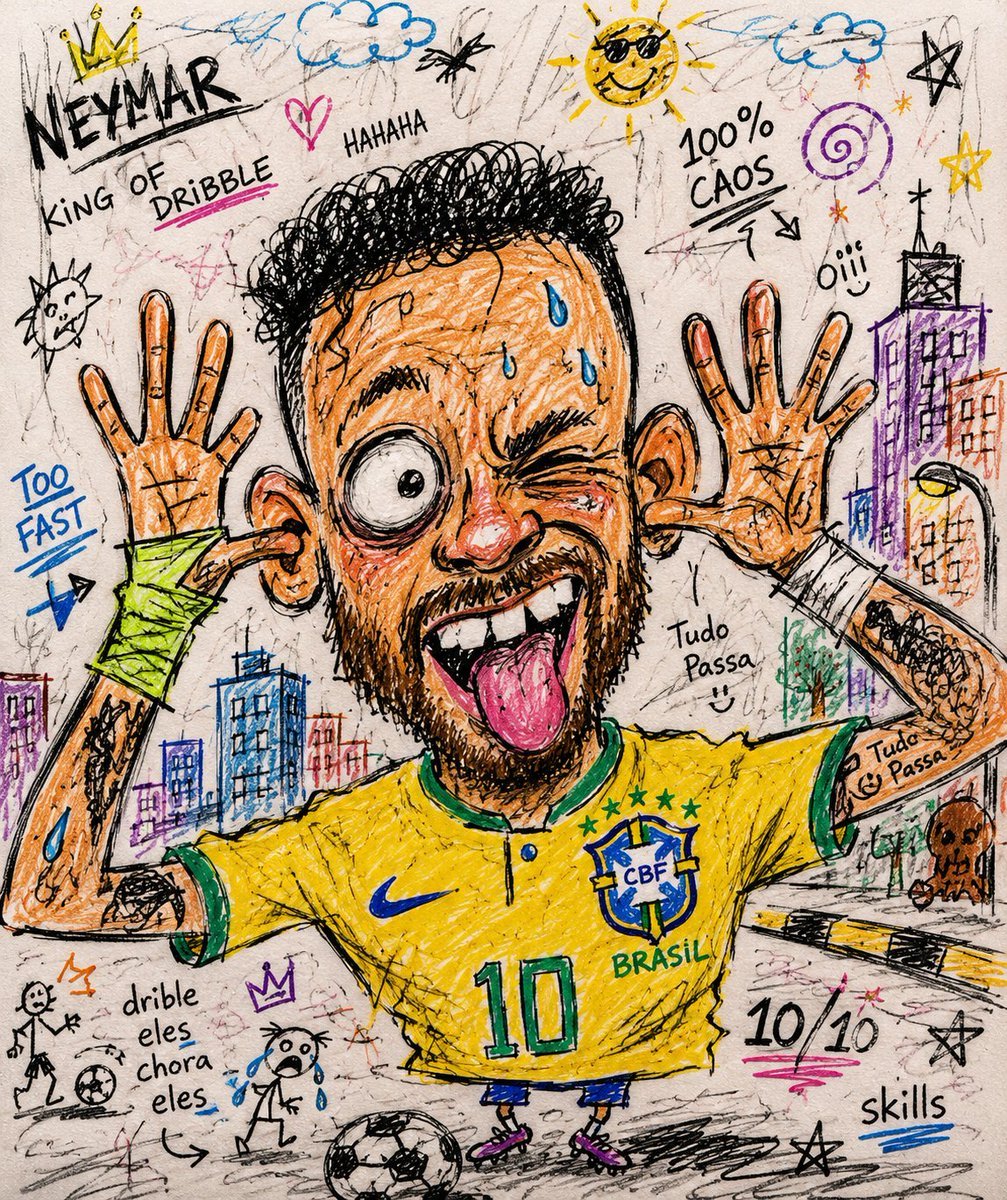
Chaotic Funny Doodle Sketch
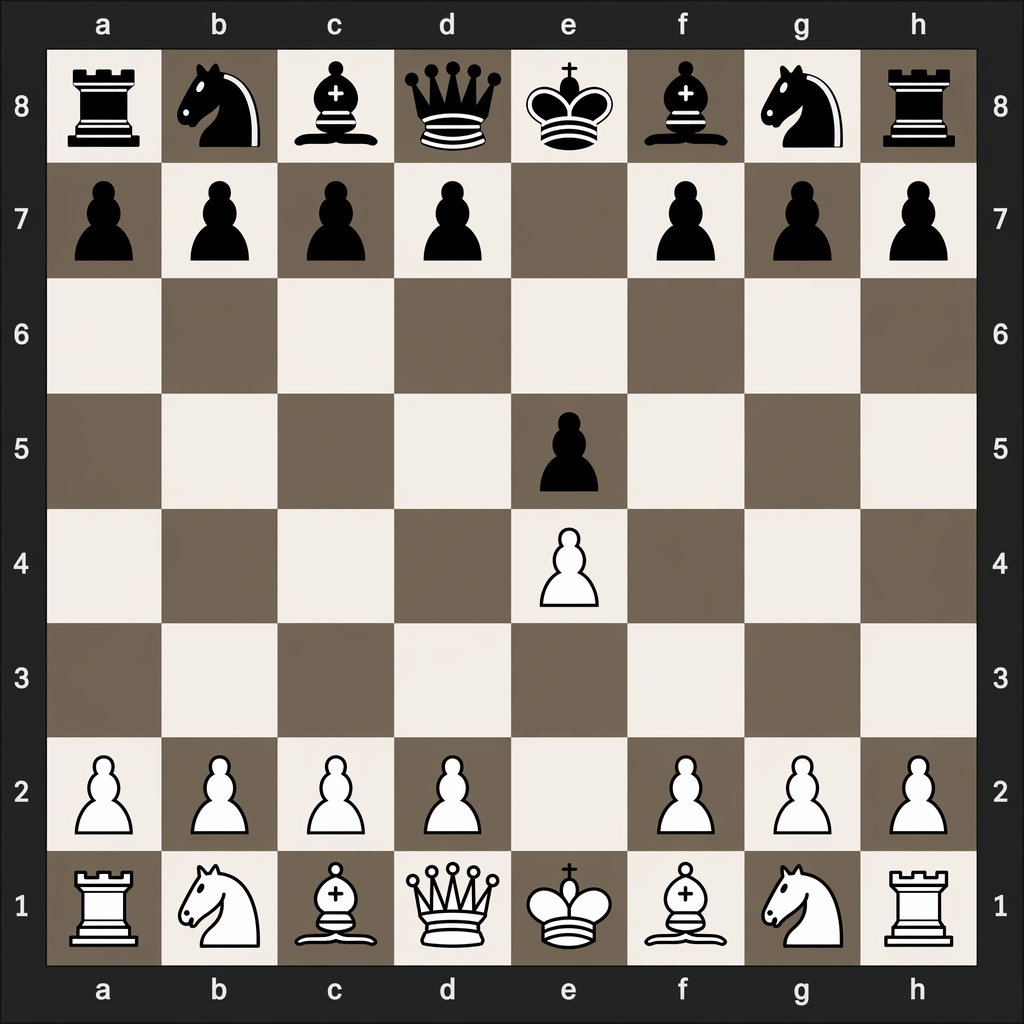
Digital Chessboard After 1.e4 e5
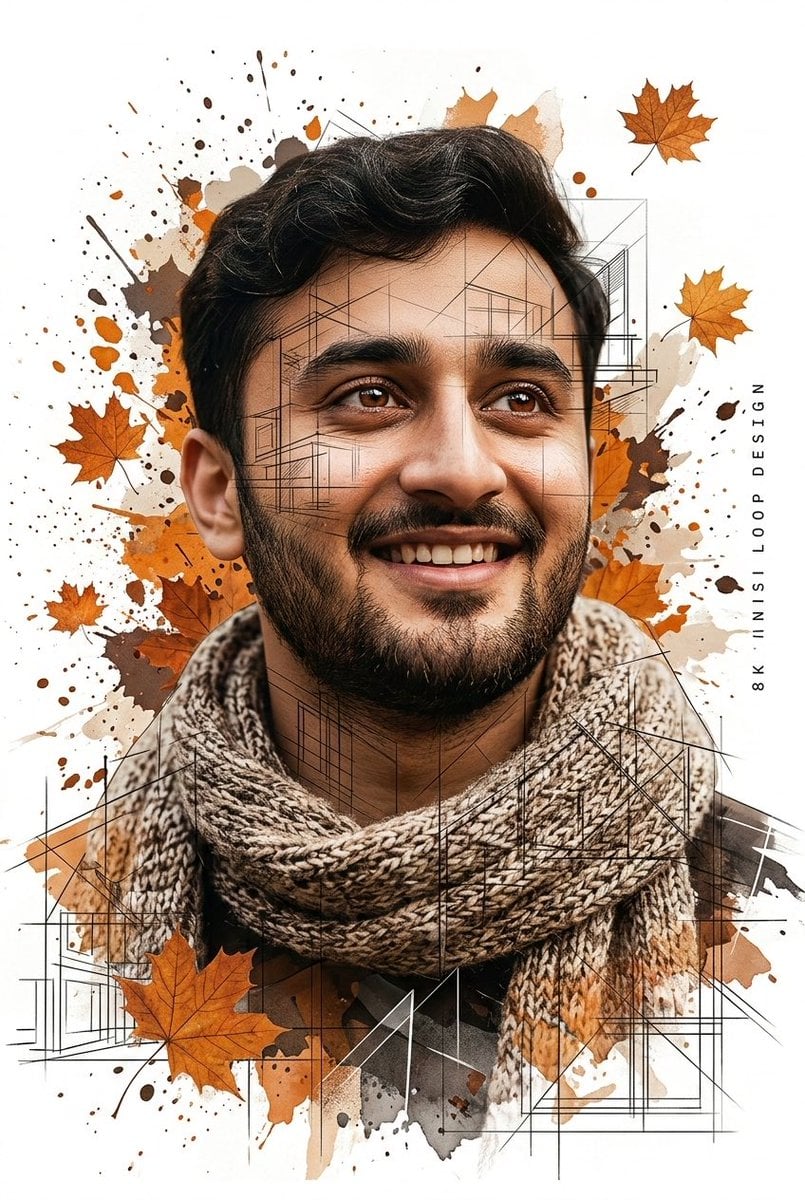
Gentle Autumn Mood Mixed-Media Portrait Poster Prompt

Milky Pastel Chibi Music Camera Twins
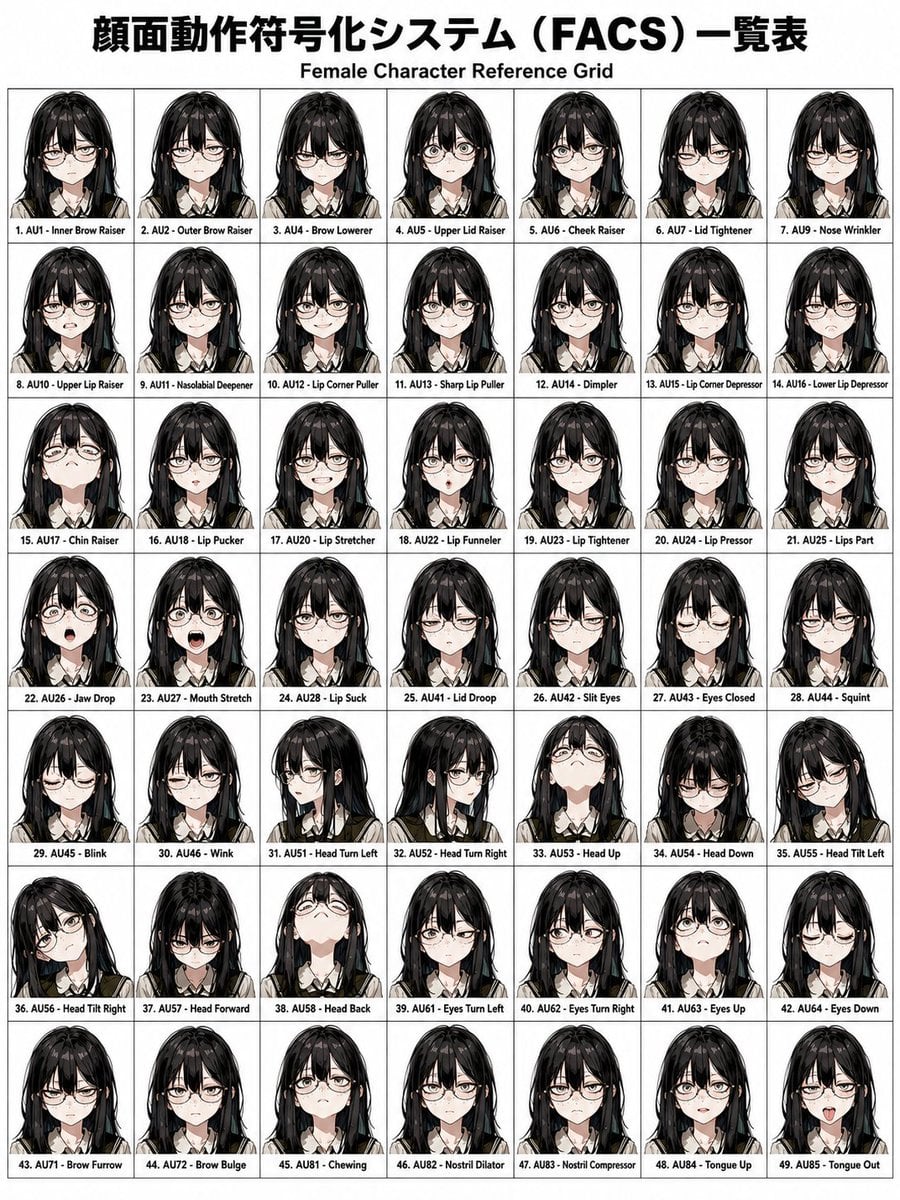
FACS Facial Expression Control
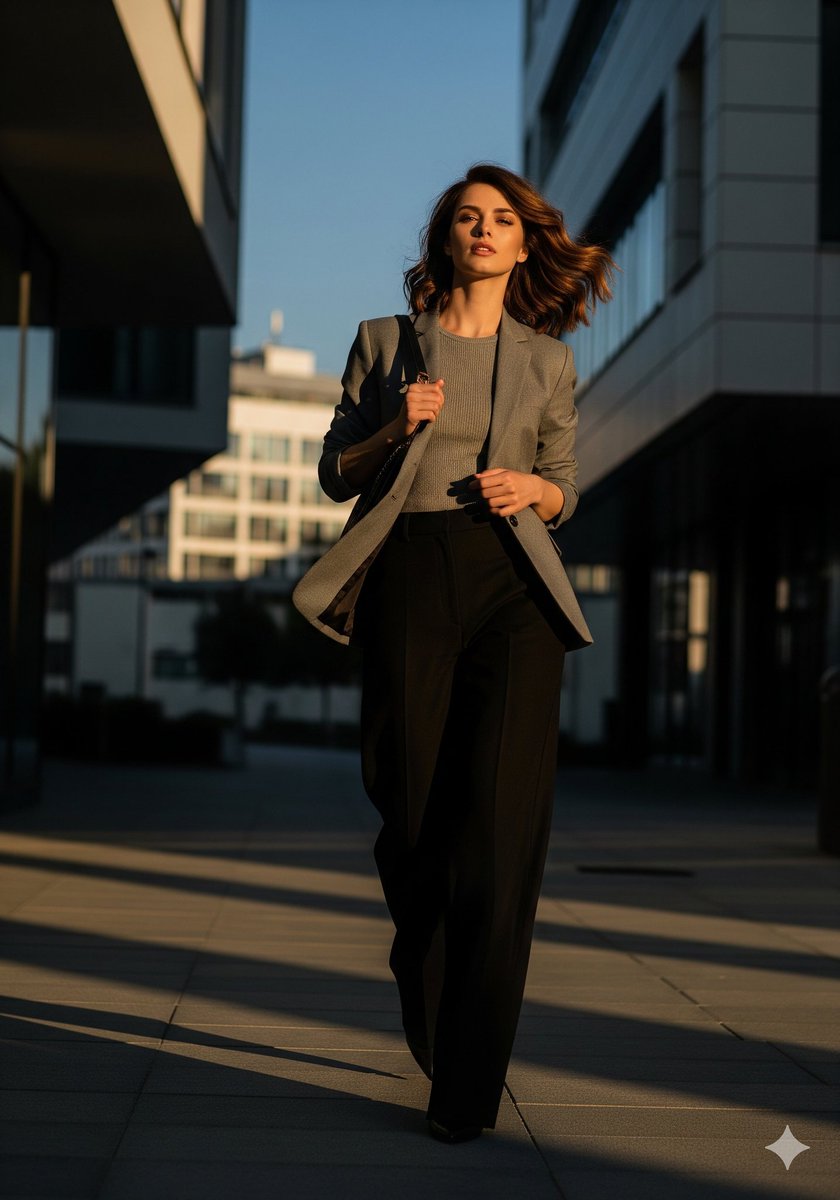
Urban Golden Hour Fashion Editorial
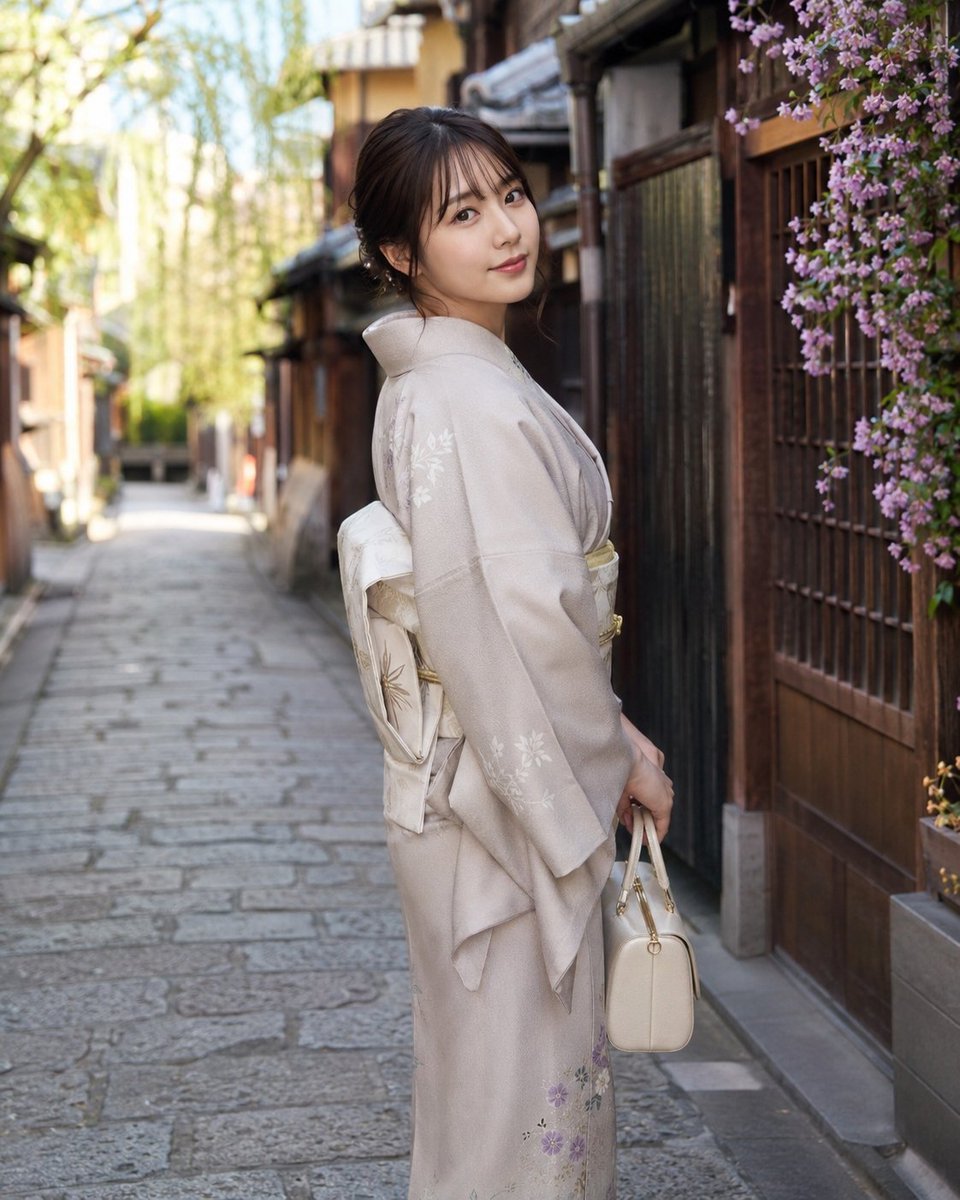
Global Beauty Standards Portraits
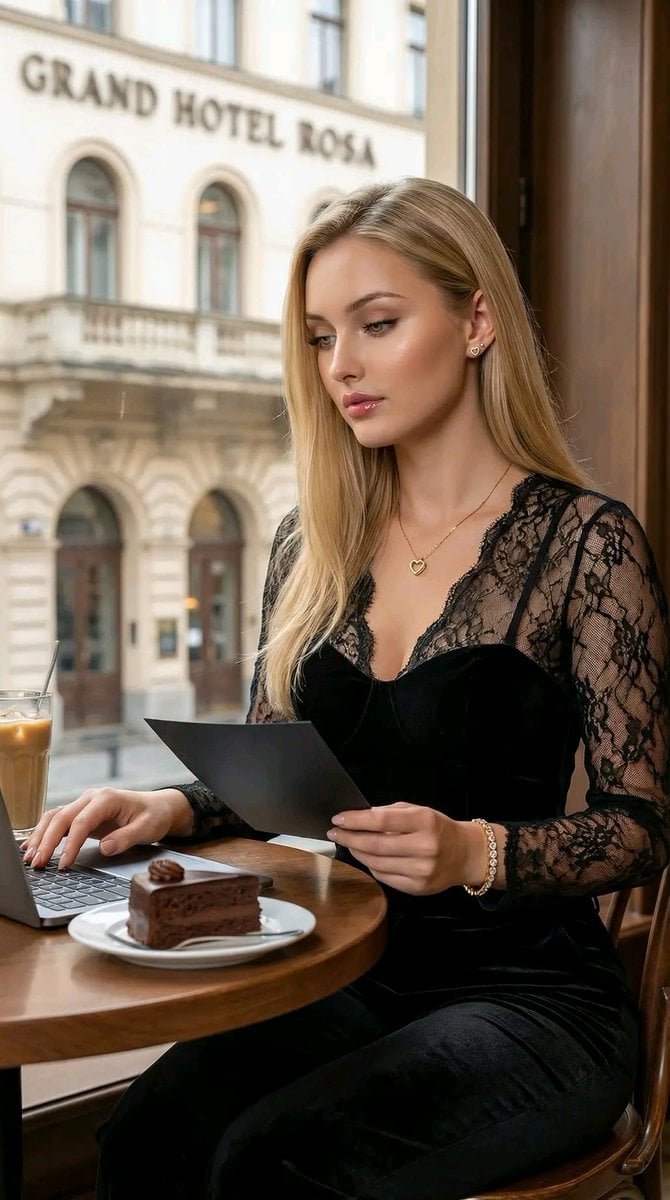
Hyper-Realistic Cinematic Portrait of a Captivating Woman in a Café
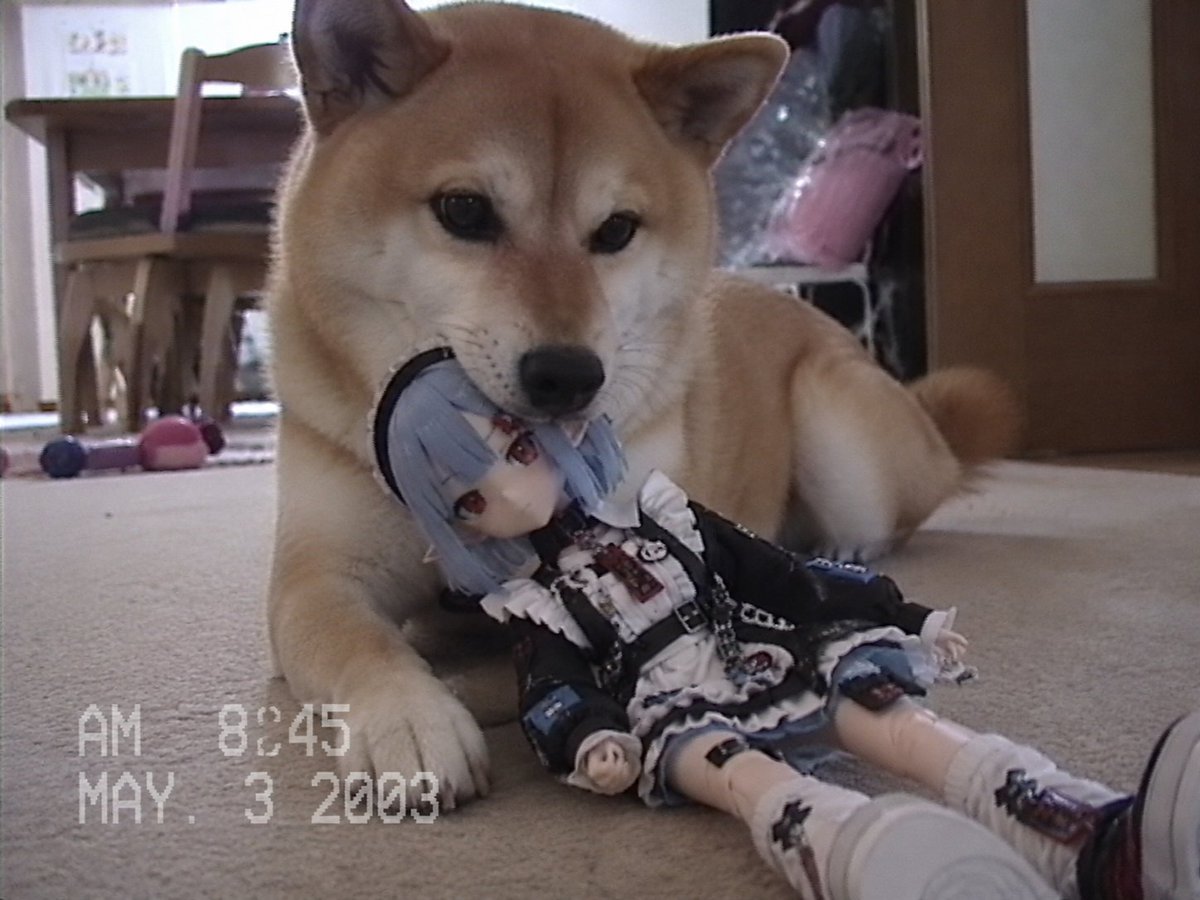
Nostalgic Home Video Doll Effect
Browse template categories
Gothic Art Nouveau Offering questions
How do I use the Gothic Art Nouveau Offering template?
Add your photo if the template asks for one, edit the prompt if you like — the template's model and format are already selected — and press Generate. Your version opens in PicX Studio.
Can I customize the Gothic Art Nouveau Offering template?
Yes. You can change the subject, setting, lighting, mood, format, and available model controls before creating your image.
Is the Gothic Art Nouveau Offering template free?
Opening and editing this template is free. Generating uses credits, shown on the Generate button when you are signed in.
Which AI model should I use?
Start with GPT Image 2, which is the model associated with this template. You can compare another compatible model for a different finish.
Looking for something else? Browse all templates.

Your photo, any look
Thousands of ready templates for every top image and video model, from one credit balance.