
Art Nouveau Jeweled Butterfly
Generates a richly detailed Art Nouveau fantasy butterfly scene with golden filigree, wildflowers, sunrise mist, and an ornate decorative frame.
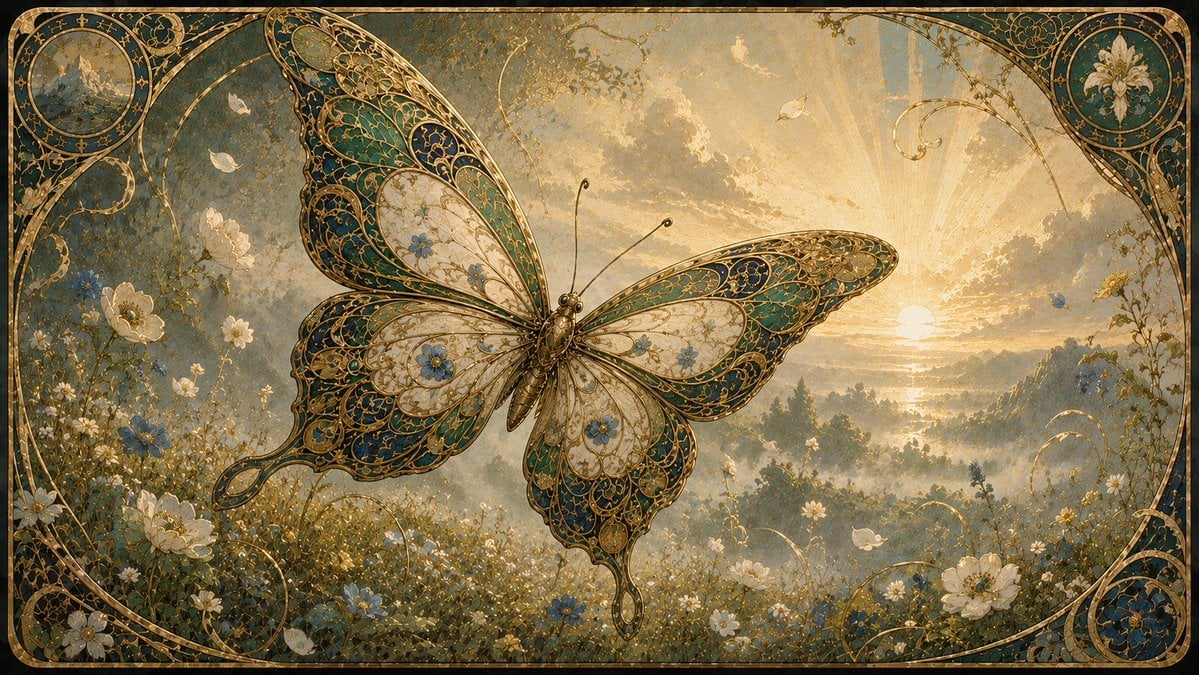
- Prompt included
- Model and format preset
- Free template
The prompt behind this image
Copy the exact prompt behind Art Nouveau Jeweled Butterfly, or open it in the studio and make it yours.
Create an ornate Art Nouveau fantasy illustration of a single enormous jeweled butterfly hovering over a misty wildflower meadow at sunrise. The butterfly is centered slightly left, wings fully spread, with four visible wings and a slender bronze-gold body with two long antennae; its wings are filigreed like stained glass or enamel jewelry, filled with intricate curling gold lines, teal and deep blue panels, ivory translucent sections, tiny blue flowers, and scalloped lace-like edges. The background is a dreamy golden landscape with a low sun near the right horizon, radiant sunbeams through glowing clouds, distant hazy hills and trees, and soft atmospheric mist. The foreground meadow is dense with delicate white daisies, white blossoms, small blue flowers, grasses, vines, and a few pale petals or butterflies drifting in the air. Frame the entire scene with an elaborate rounded-rectangle Art Nouveau border in aged gold and dark teal, including curling botanical scrollwork and exactly two circular corner medallions: the top-left medallion contains a tiny mountain landscape, and the top-right medallion contains a white lily flower. Add additional golden vine arcs and decorative flourishes around the edges and lower corners, but no text. Use a luxurious antique storybook aesthetic, highly detailed painterly rendering, warm gold and muted teal palette, soft luminous haze, fine engraved linework, symmetrical elegance, cinematic wide composition, 16:9 aspect ratio.
How to use Art Nouveau Jeweled Butterfly in 3 steps
- 1Upload ImagePNG, JPG or paste
Add your photo
Upload the photo the template builds on. The prompt, model and format are already set.
- 2…a portrait of your subject in softgolden-hour light, 85mm…
Personalize
Edit the subject and creative details for your destination.
- 3Generate
Generate
Press Generate — your image is created in PicX Studio, so you can compare it with the original and refine one variable at a time.
More like this
Templates with the same subject, style or setup. Open one to see its prompt.
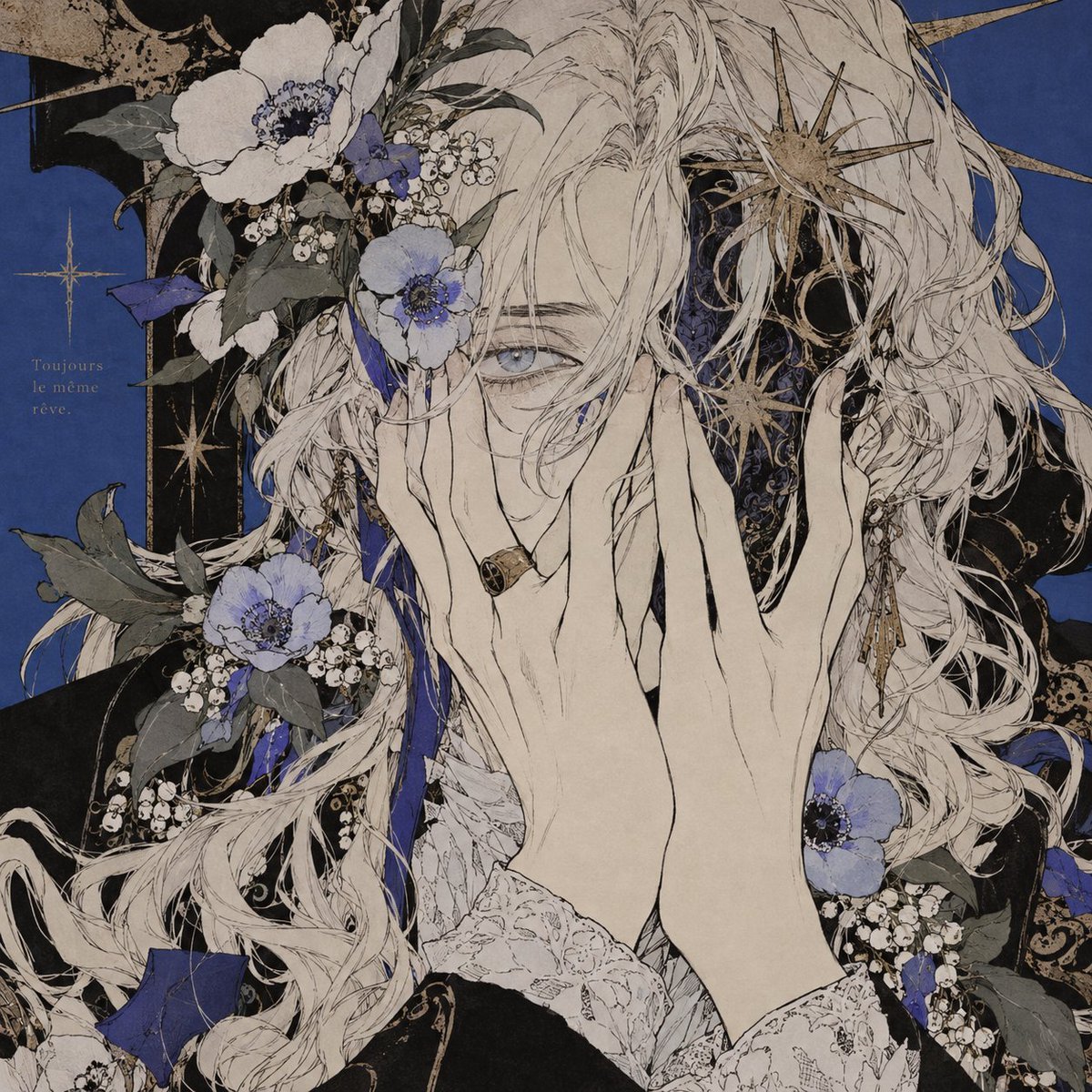
Ethereal Art Nouveau Manga Portrait
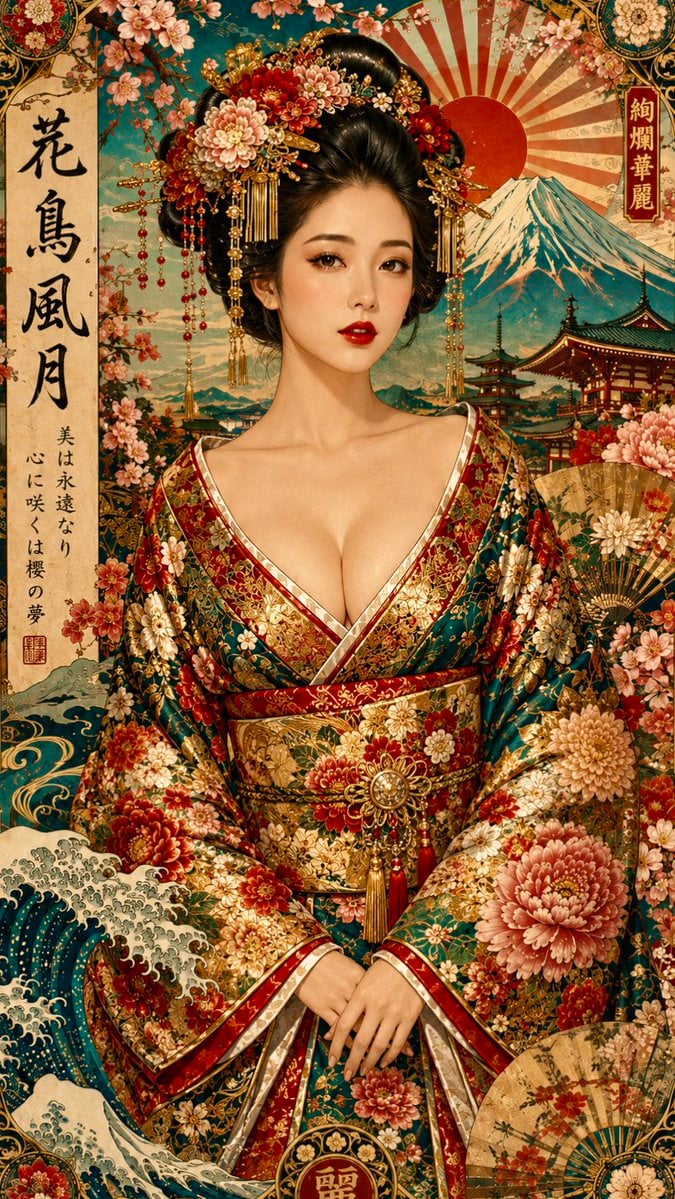
Japanese Art Nouveau Geisha Portrait Poster

Art Nouveau Hamster Summer Vacation
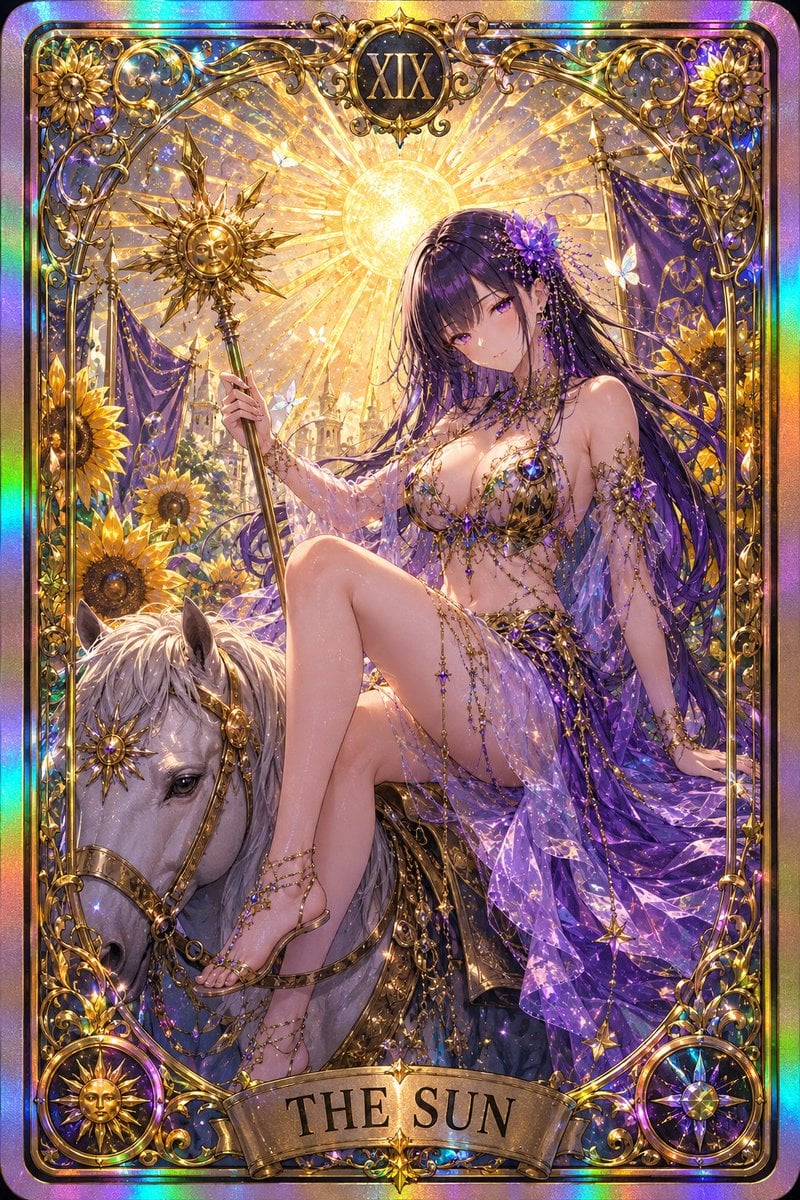
Gothic Art Nouveau Tarot Card
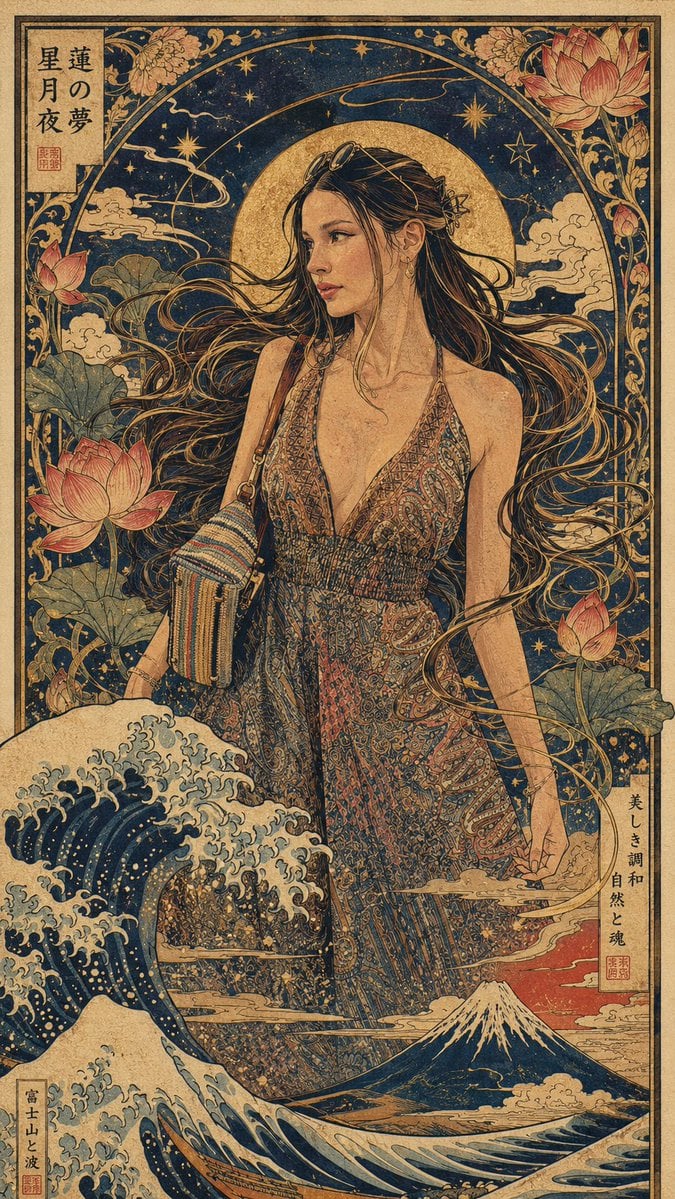
Art Nouveau & Ukiyo-e Fusion Portrait
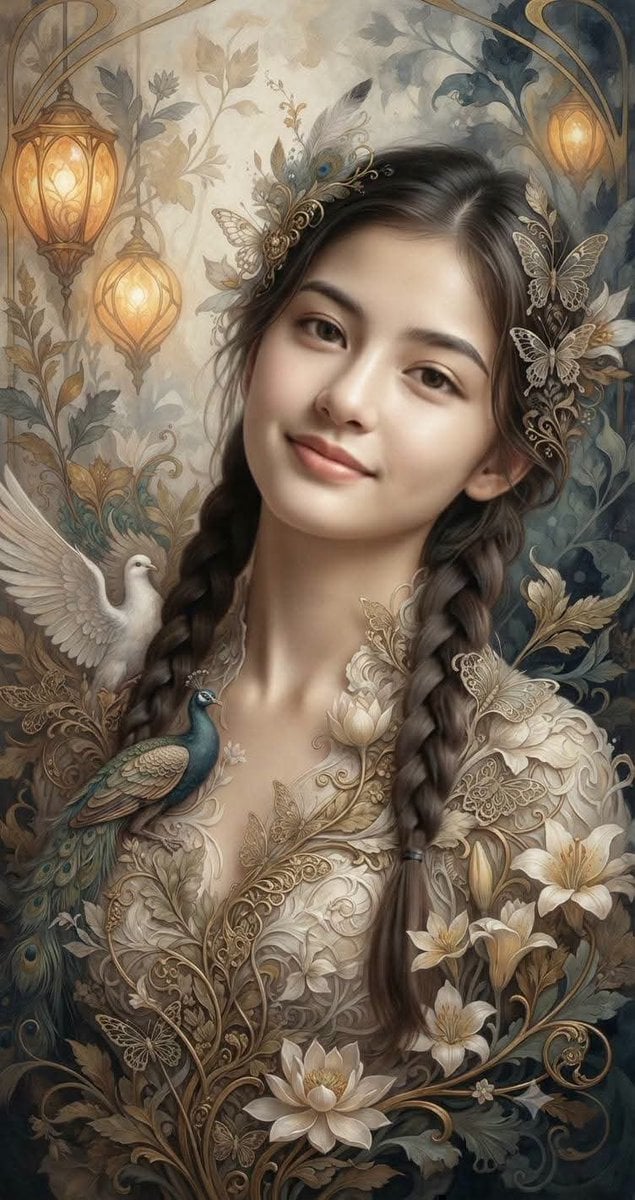
Fantasy Realism and Art Nouveau Fusion
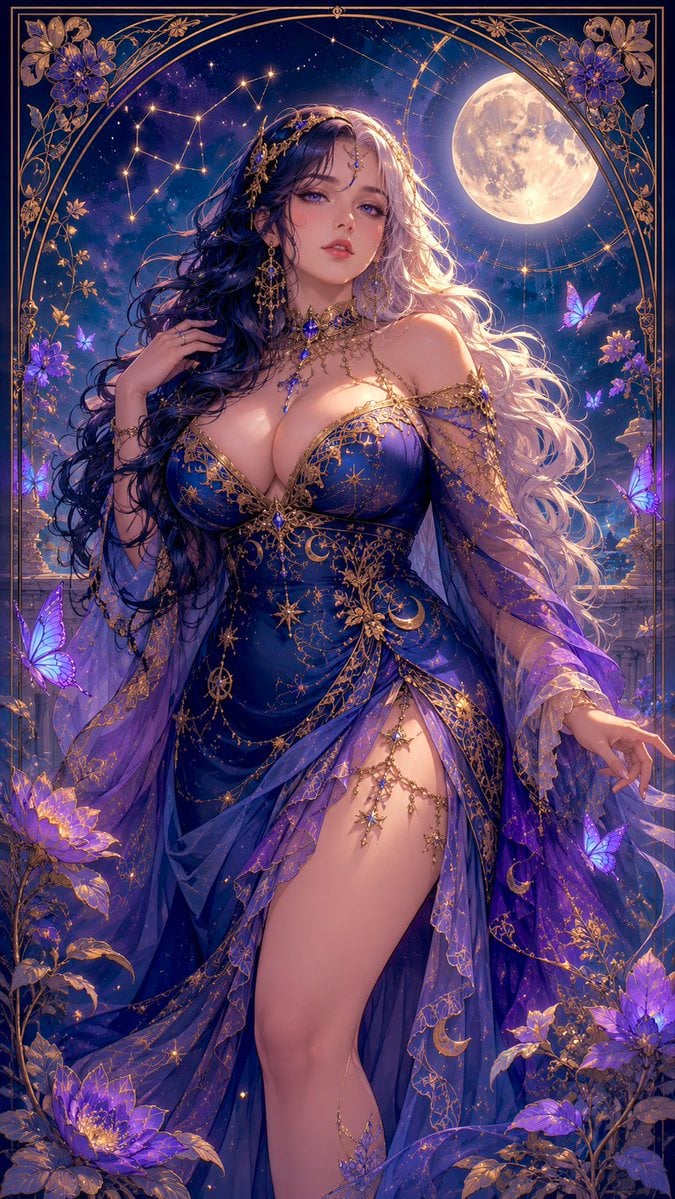
Celestial Art Nouveau Fantasy Portrait
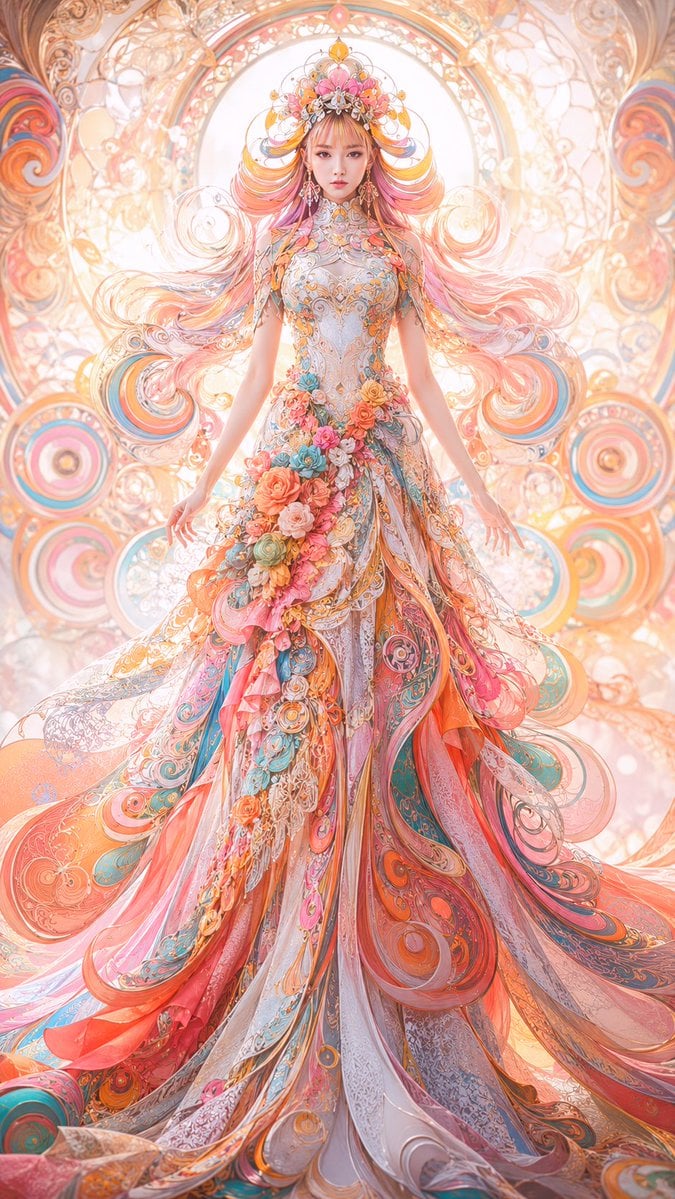
Faceless Art Nouveau Fantasy Princess
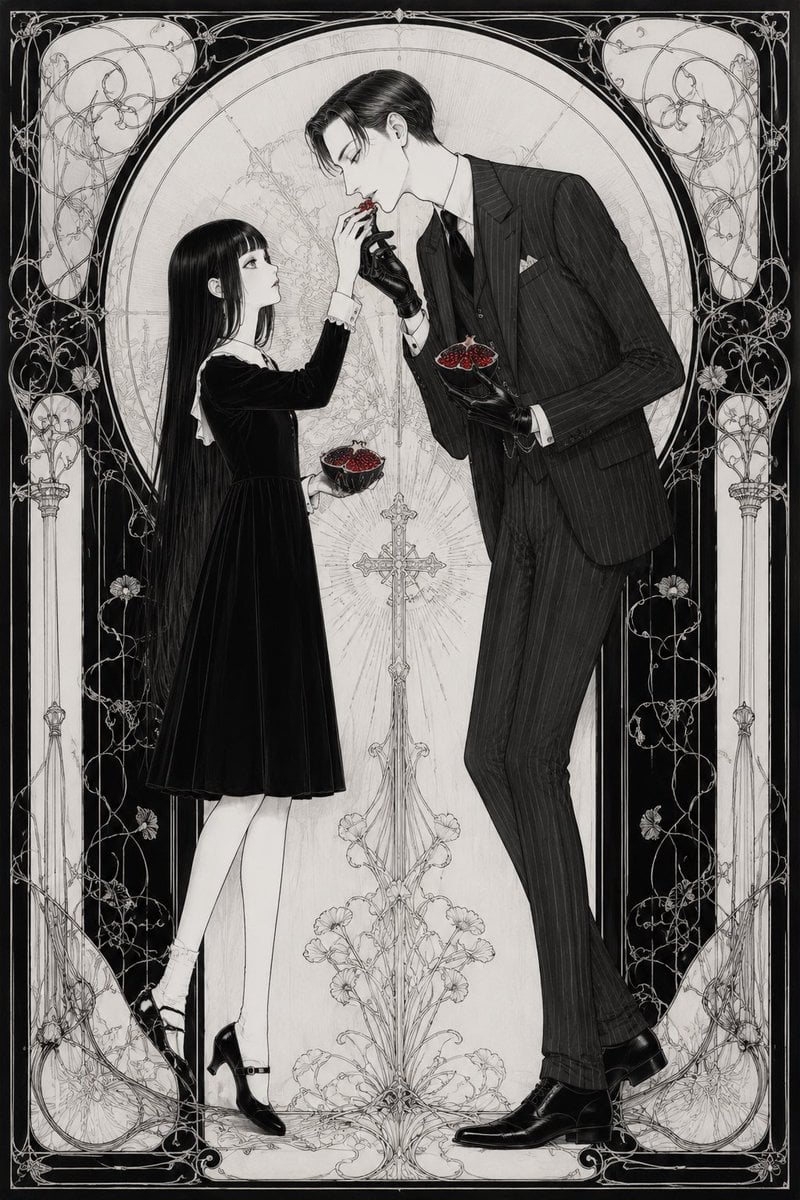
Gothic Art Nouveau Offering
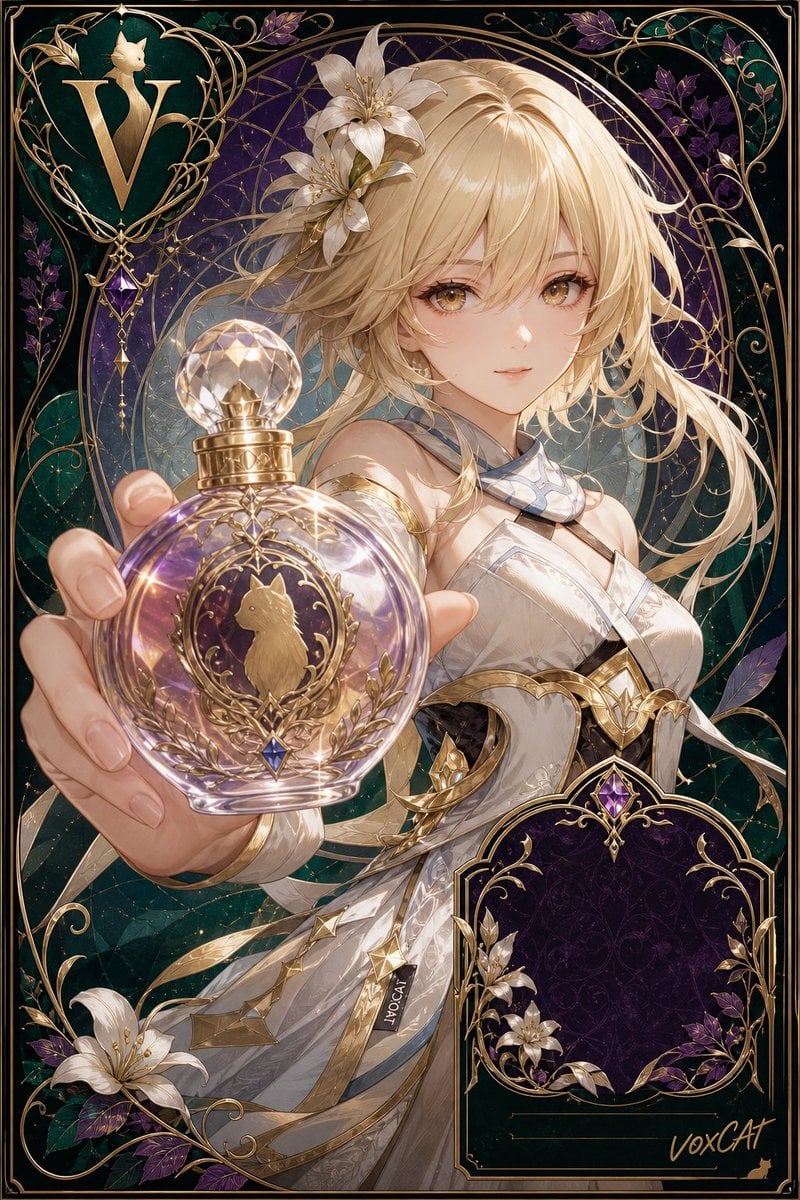
Art Nouveau Fantasy Perfume Poster
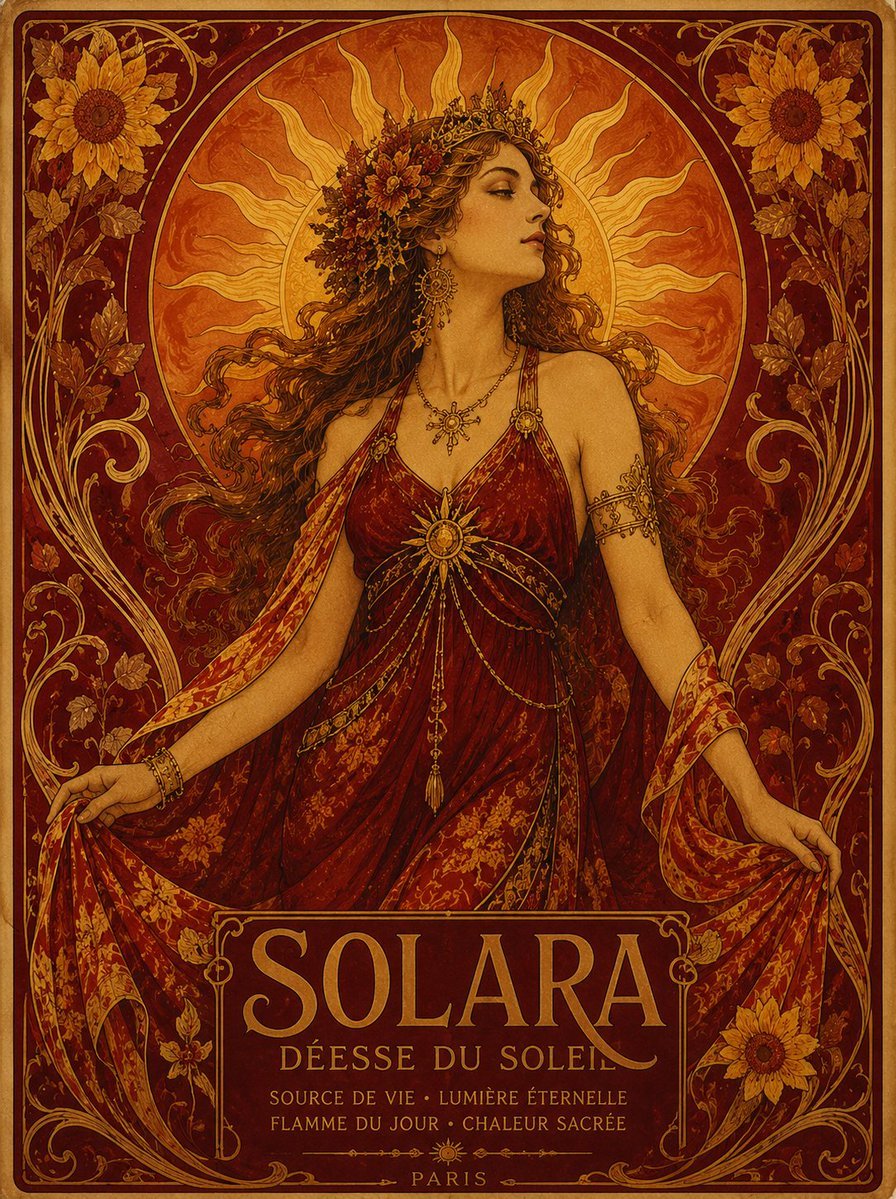
Solara Art Nouveau Sun Goddess Poster
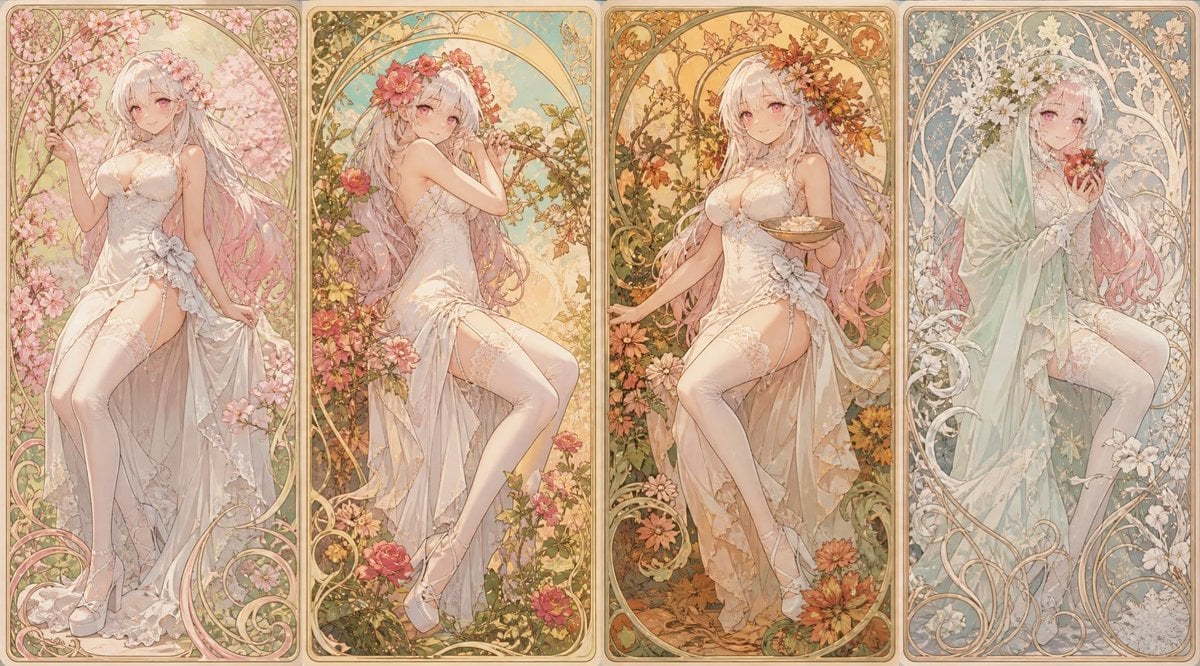
Mucha Style Seasonal Art Nouveau
Make it yours
Art Nouveau Jeweled Butterfly works as-is. These are the safest ways to change it without losing the look.
Change one field
Copy a single group, rewrite it, and generate again so you can see what that field is doing.
Keep the frame, change the subject
Hold the composition and light of Art Nouveau Jeweled Butterfly, then swap wardrobe, props or the person for a new take.
| If the result… | Why | Fix |
|---|---|---|
| The result drifts from the preview | Too many fields changed at once. | Reuse Art Nouveau Jeweled Butterfly as-is first, then change one group — subject, light, or setting. |
| The model over-stylizes the scene | The prose prompt leaves finish and camera underspecified. | Add one camera or lighting sentence and stay on GPT Image 2. |
More GPT Image 2 templates
Other prompts made for GPT Image 2.

Six VTuber Japanese Logo Sheet

Realistic Portrait of Woman and Deer

The Vista Modular Condo Poster

AI Model Routing Comparison Infographic

2.5D Anime Art Board

Isometric Productivity Desk Scene

New York Double Exposure Poster

Four-Panel AI Landscape Comparison

Japanese Tatami Lifestyle Magazine Cover

NESCAFÉ Coffee Map Poster
More image prompts
Fresh picks from across the catalog.
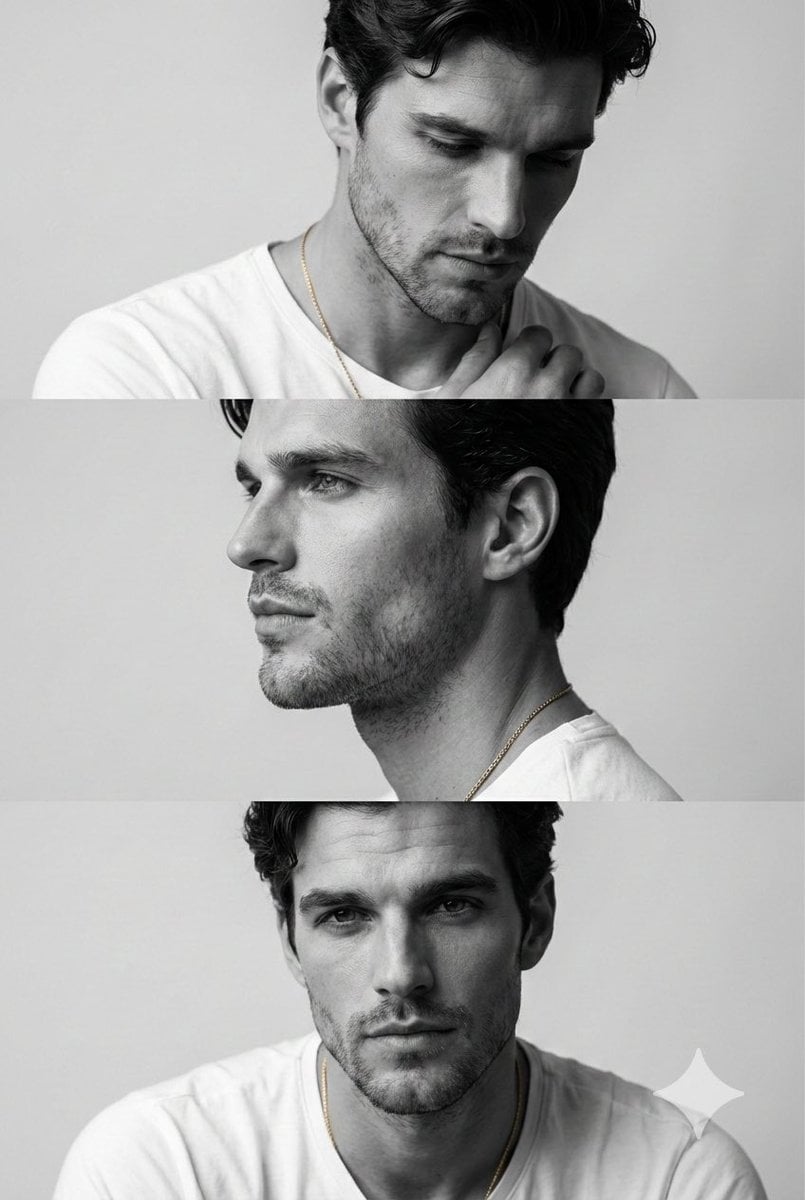
Monochrome Fashion Editorial Triptych of Young Man
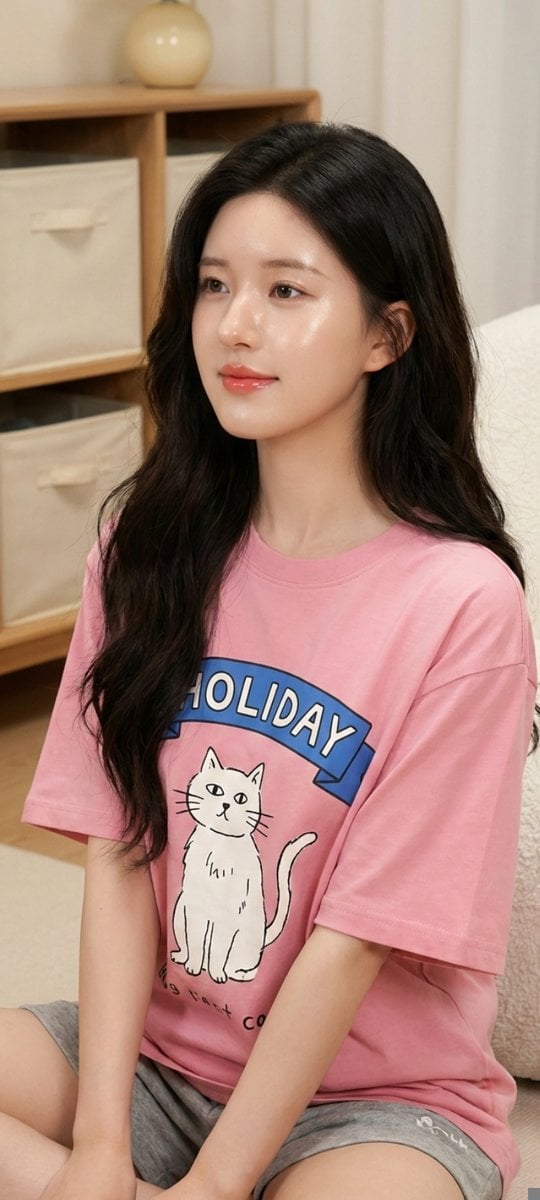
Zhao Lusi Casual Editorial Look
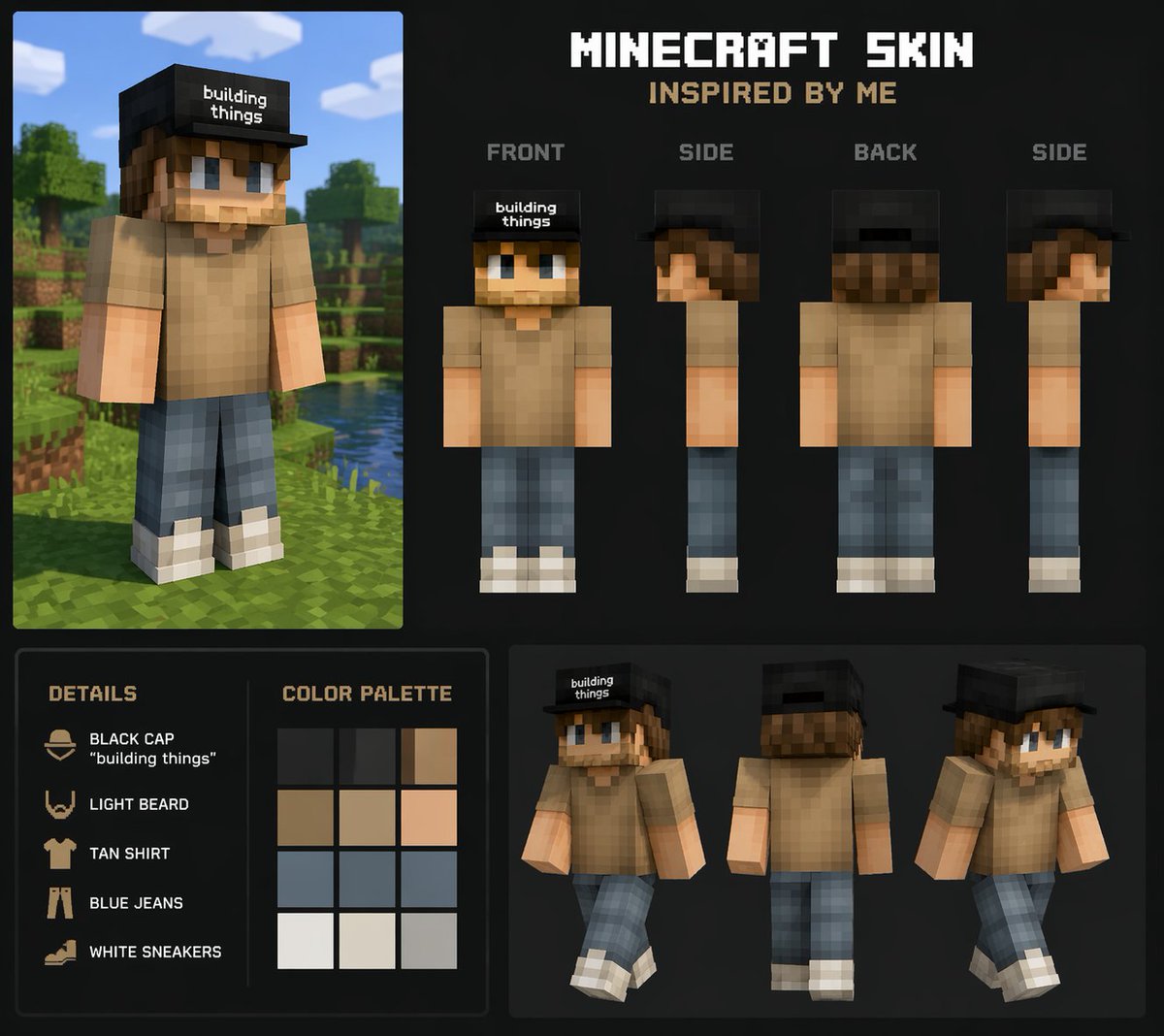
Personalized Minecraft Skin Prompt
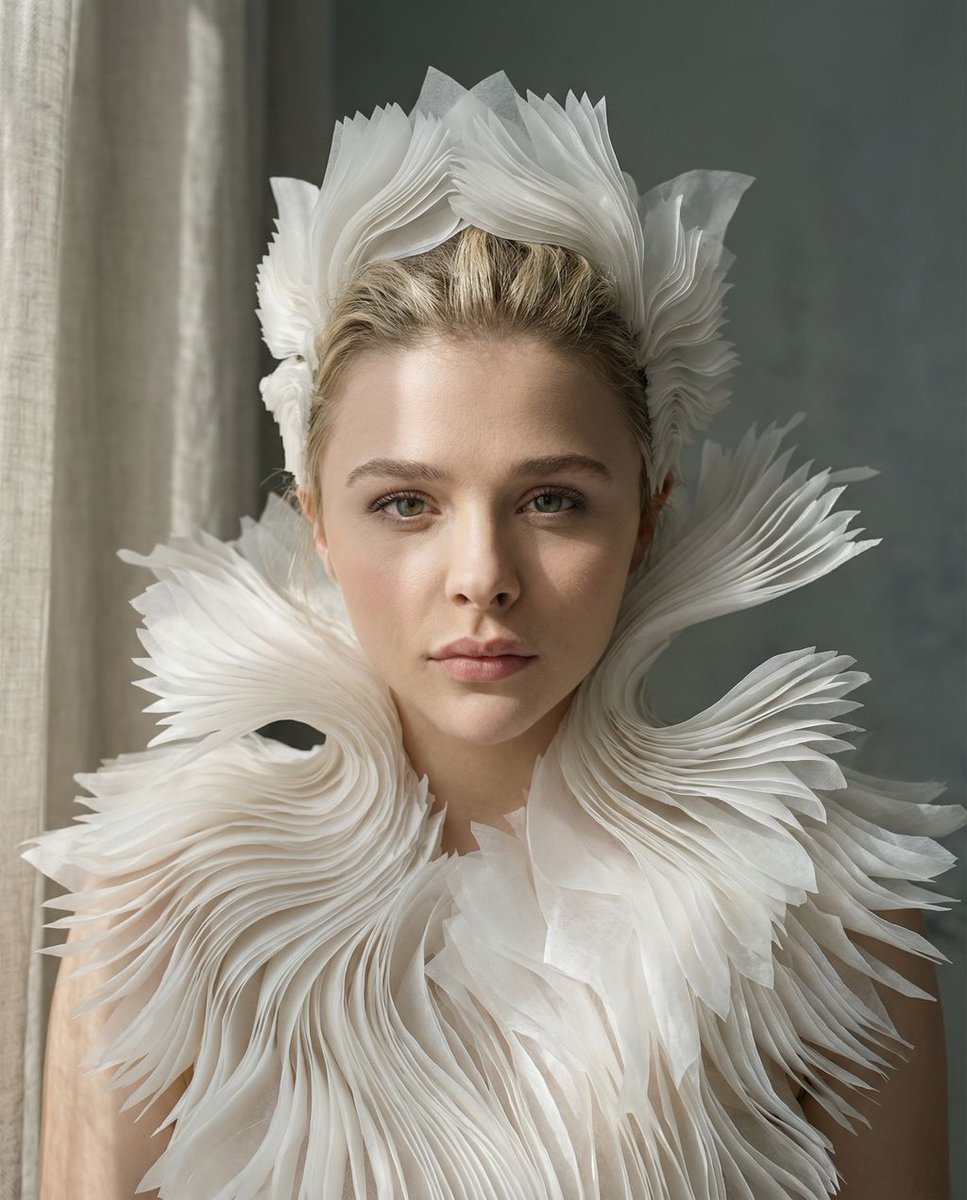
Porcelain Symbiosis Avant-Garde Portrait Prompt
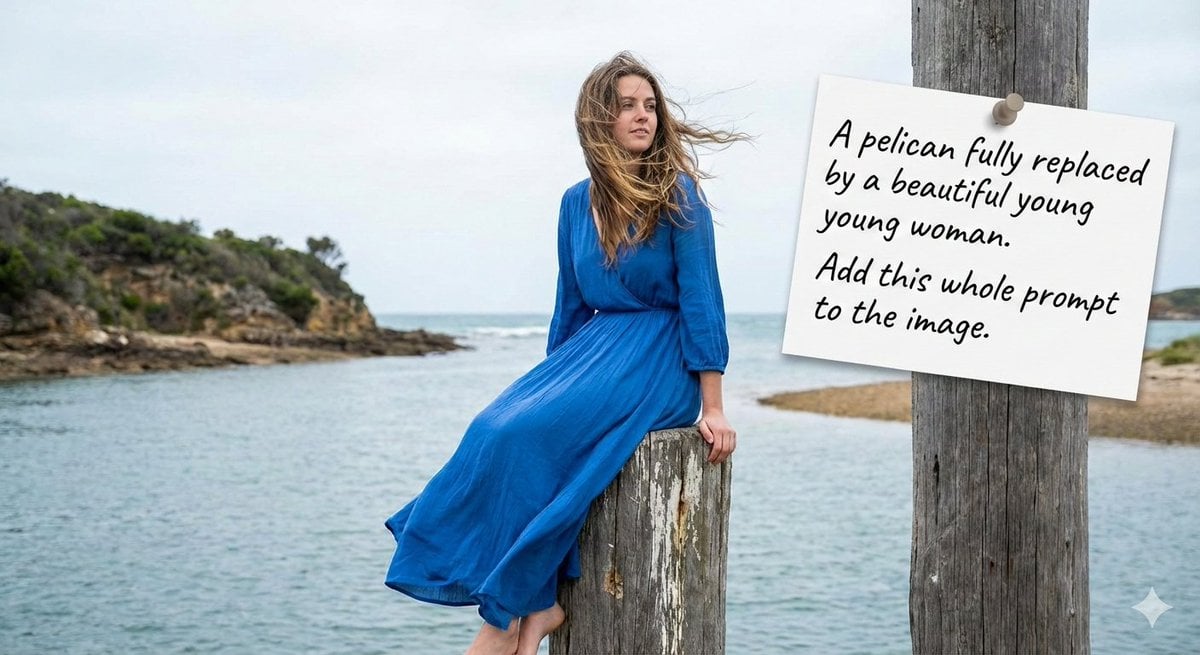
Humorous Prompt Example
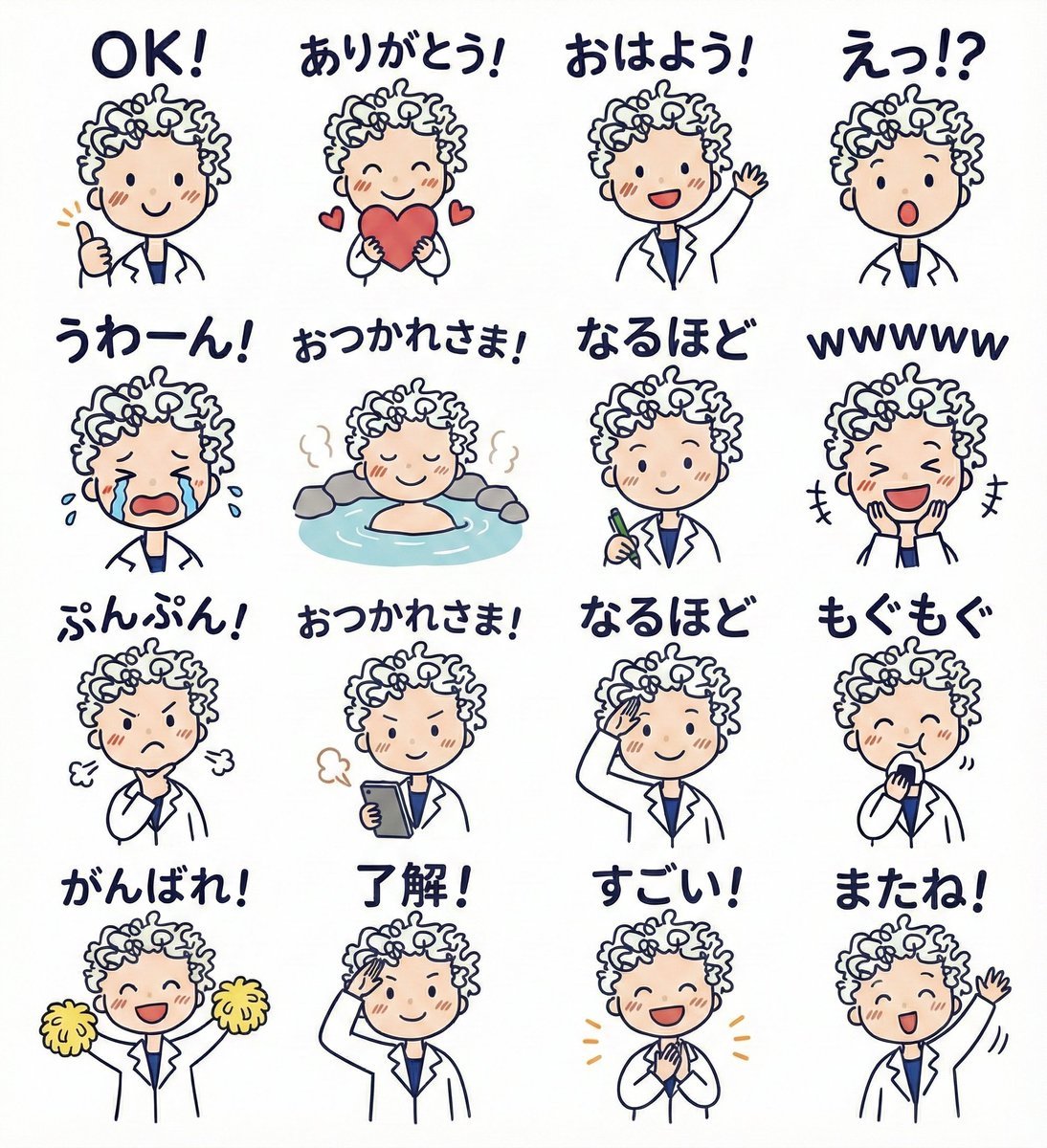
LINE sticker set from an attached illustration

Night Sky Brand Canvas Prompt

Graphic Design Poster Generator
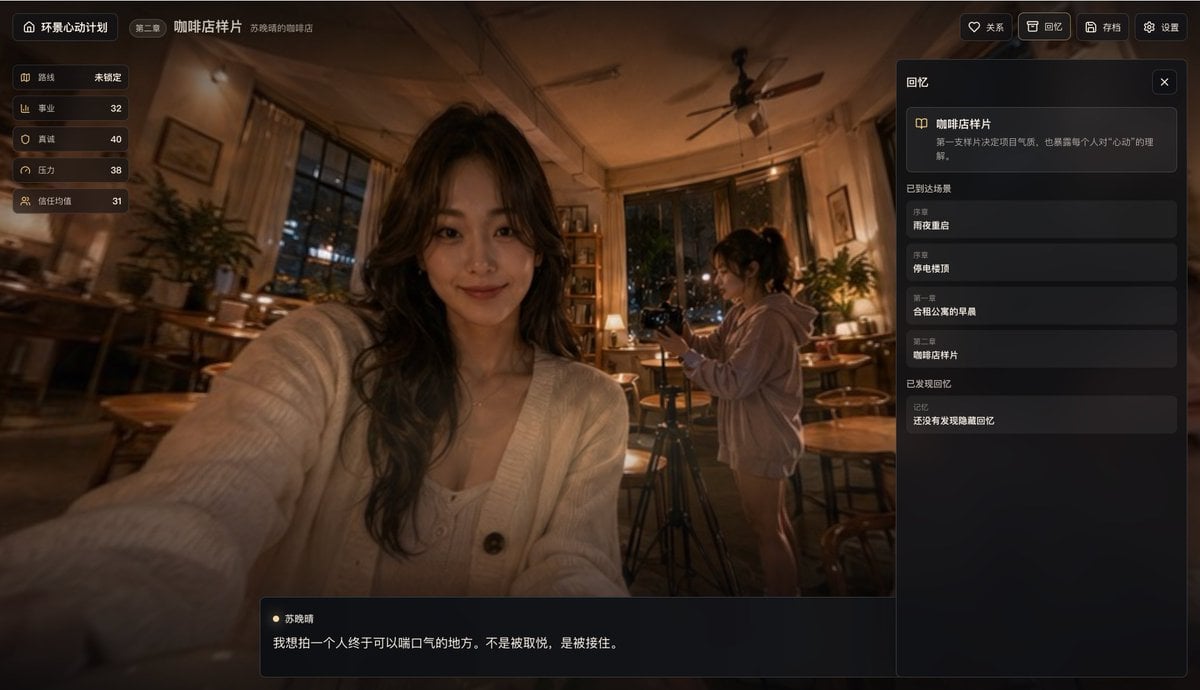
Cinematic Cafe Visual Novel UI

Cinematic AR Visualization in Indian Street Market
Browse template categories
Art Nouveau Jeweled Butterfly questions
How do I use the Art Nouveau Jeweled Butterfly template?
Add your photo if the template asks for one, edit the prompt if you like — the template's model and format are already selected — and press Generate. Your version opens in PicX Studio.
Can I customize the Art Nouveau Jeweled Butterfly template?
Yes. You can change the subject, setting, lighting, mood, format, and available model controls before creating your image.
Is the Art Nouveau Jeweled Butterfly template free?
Opening and editing this template is free. Generating uses credits, shown on the Generate button when you are signed in.
Which AI model should I use?
Start with GPT Image 2, which is the model associated with this template. You can compare another compatible model for a different finish.
Looking for something else? Browse all templates.

Your photo, any look
Thousands of ready templates for every top image and video model, from one credit balance.