
Miniature Crew Builds Giant Whopper
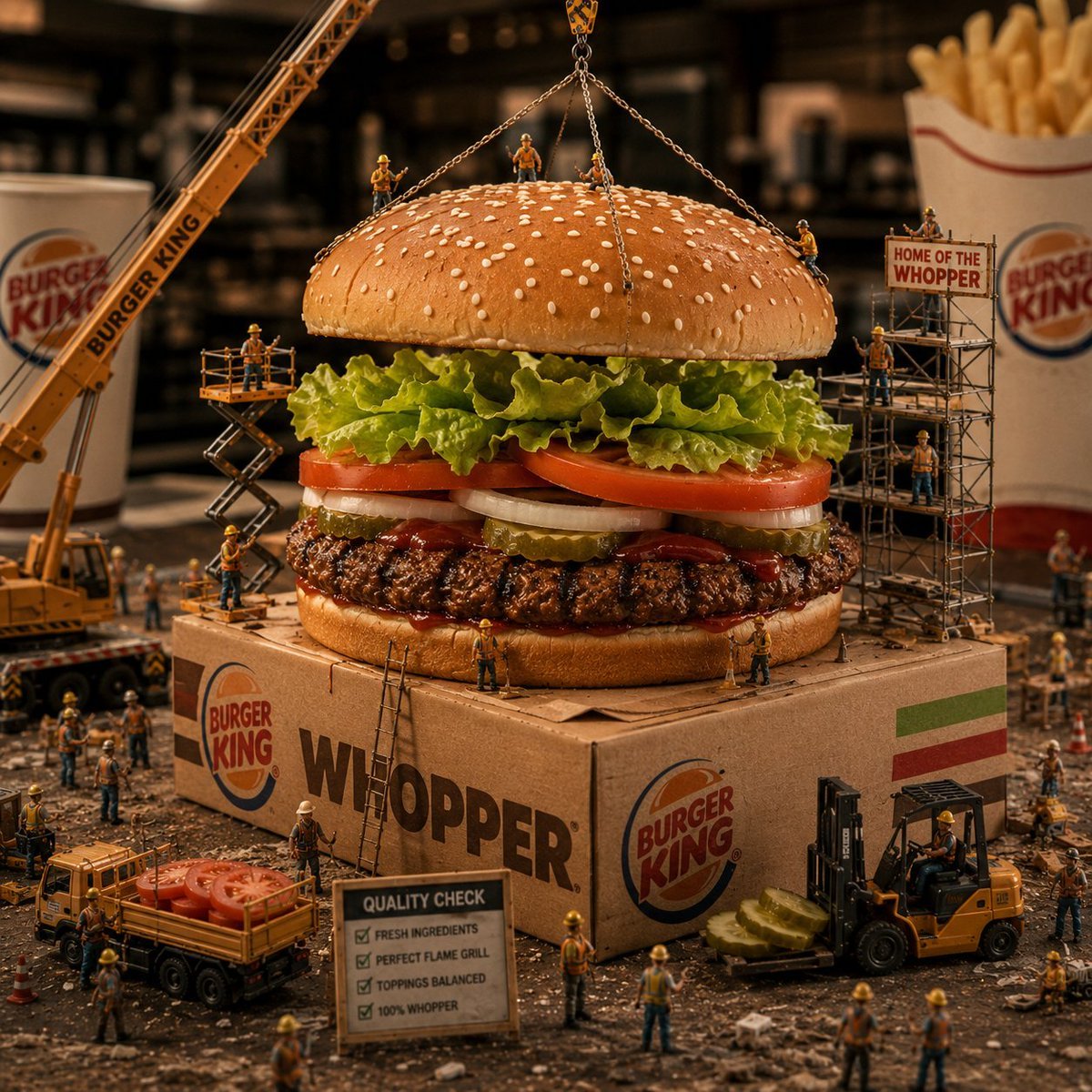
A hyper-realistic macro diorama of tiny construction workers assembling a giant Burger King Whopper for surreal food advertising visuals.
- Prompt included
- Model and format preset
- Free template
The prompt behind this image
Copy the exact prompt behind Miniature Crew Builds Giant Whopper, or open it in the studio and make it yours.
Create a surreal hyper-realistic macro food photography scene of a gigantic {argument name="burger type" default="Burger King Whopper"} being assembled like a construction site by miniature workers. The burger sits centered on a cardboard Burger King Whopper box, with a sesame-seed top bun being held by four chain slings from an overhead yellow crane. Show the burger layers clearly: glossy sesame bun, curly green lettuce, thick red tomato slices, white onion rings, pickles, ketchup, charred grilled beef patty, and bottom bun. Surround it with exactly 18 visible miniature construction workers in orange safety vests and yellow hard hats: 3 standing on the top bun, 2 on the bun edges handling chains, 2 on a scissor lift at left, 3 on scaffolding at right, 2 on the cardboard box front near ladders, 2 by a small dump truck carrying tomato slices, 1 operating a forklift with pickle slices, and 3 scattered in the foreground inspecting the site. Include exactly 5 main construction machines or structures: a large yellow crane on the left branded with Burger King text, a scissor lift beside the burger, metal scaffolding on the right with a sign reading {argument name="scaffold sign text" default="HOME OF THE WHOPPER"}, a small dump truck loaded with tomato slices, and a forklift carrying pickle slices. Add a foreground quality inspection sign with four checklist lines: Fresh ingredients, Perfect flame grill, Toppings balanced, 100% Whopper. Place a Burger King drink cup blurred in the rear left and a carton of fries blurred in the rear right. Use warm cinematic studio lighting, shallow depth of field, dark restaurant-kitchen background bokeh, gritty tabletop construction debris, playful imaginative scale, ultra-detailed textures, appetizing glossy food surfaces, and realistic miniature diorama proportions. Prominently display Burger King logos on the box, cup, crane, and background packaging, with the large word {argument name="box headline text" default="WHOPPER"} on the front of the box. No extra text, no watermark, square composition.
How to use Miniature Crew Builds Giant Whopper in 3 steps
- 1Upload ImagePNG, JPG or paste
Add your photo
Upload the photo the template builds on. The prompt, model and format are already set.
- 2…a portrait of your subject in softgolden-hour light, 85mm…
Personalize
Edit the subject and creative details for your destination.
- 3Generate
Generate
Press Generate — your image is created in PicX Studio, so you can compare it with the original and refine one variable at a time.
More like this
Templates with the same subject, style or setup. Open one to see its prompt.

Paper Tunnel Book Architecture

Isometric Brand Store Diorama

Miniature Girl on Giant Smartphone Desk
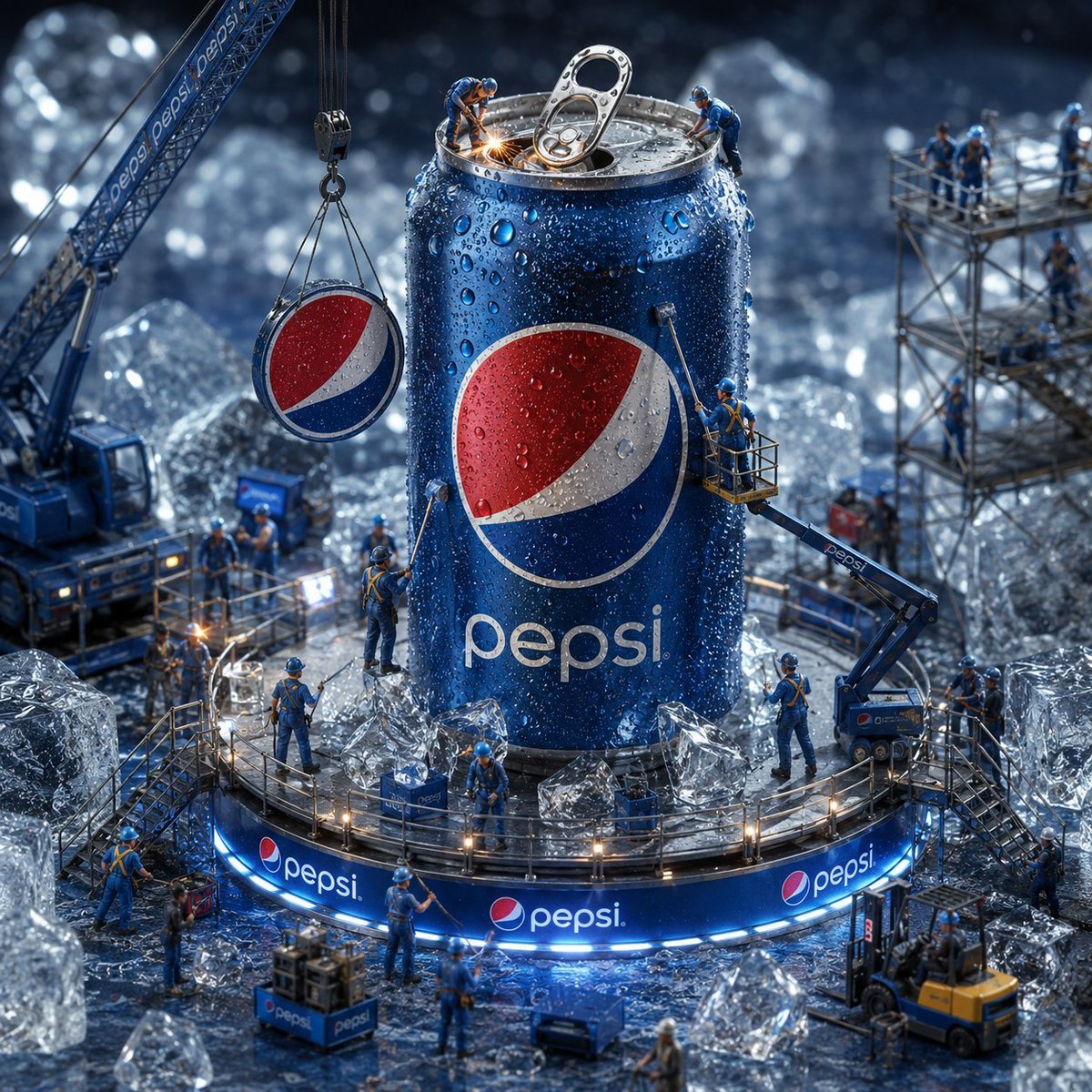
Miniature Workers Giant Soda Can
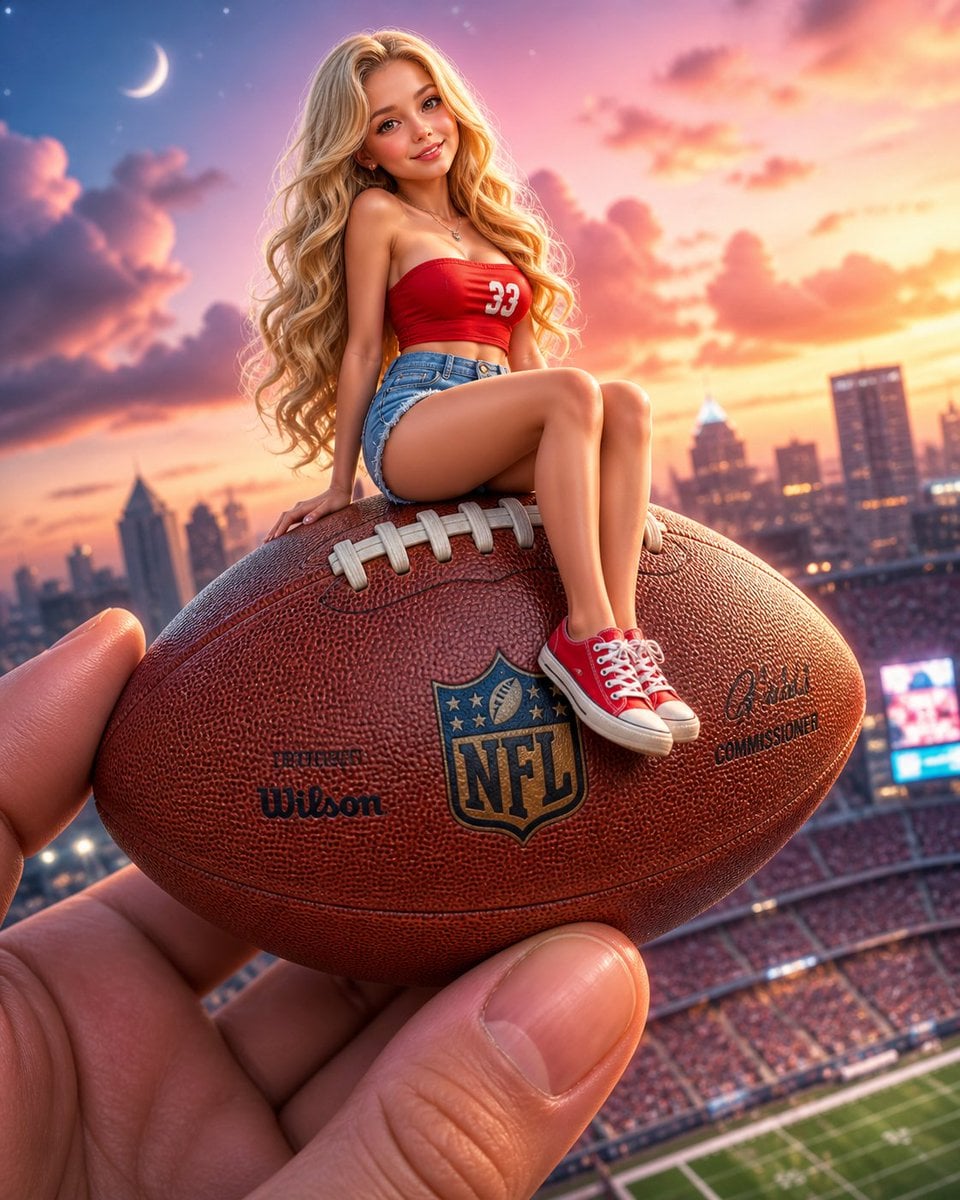
Miniature Girl on Giant Football
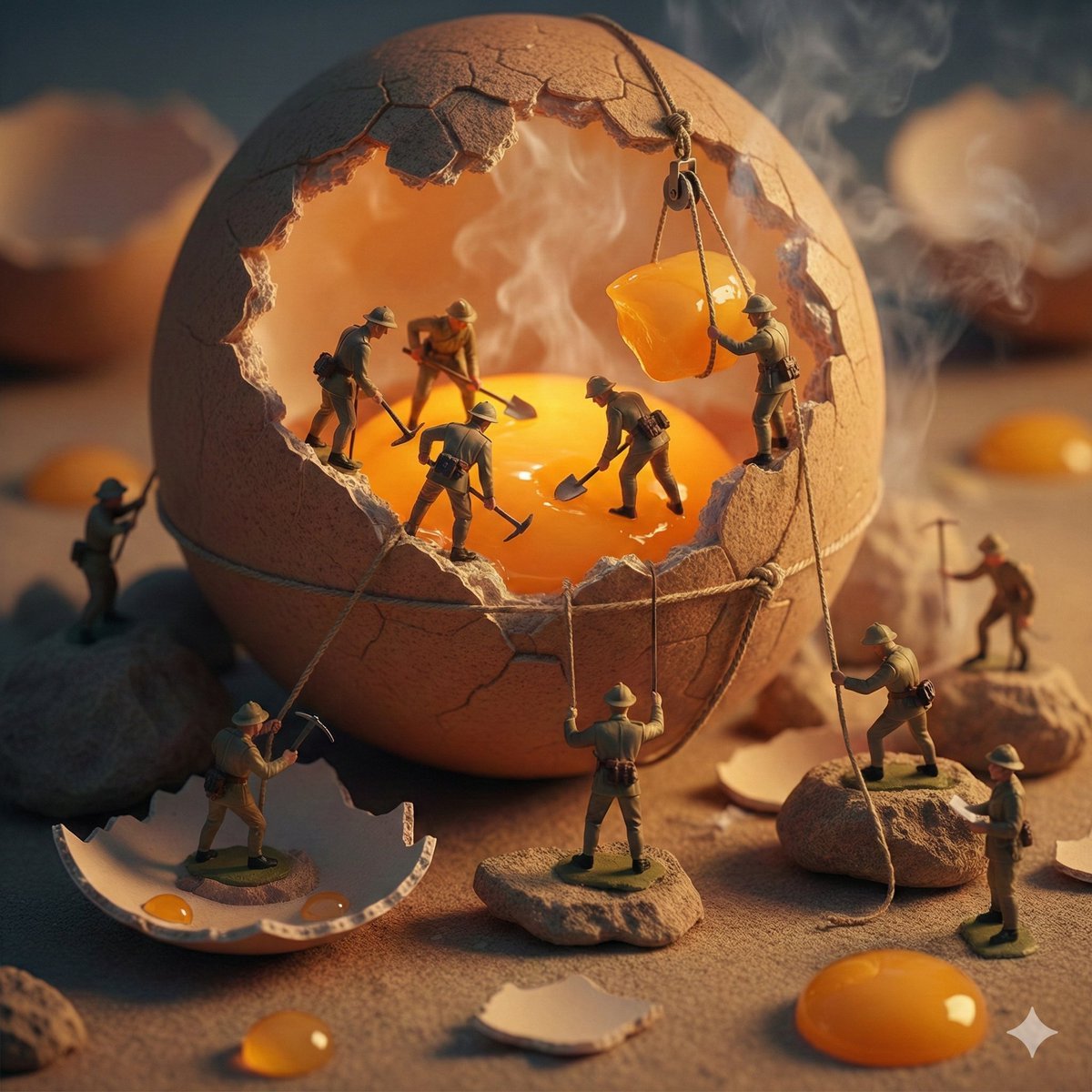
Miniature Toy Soldiers on a Giant Eggshell
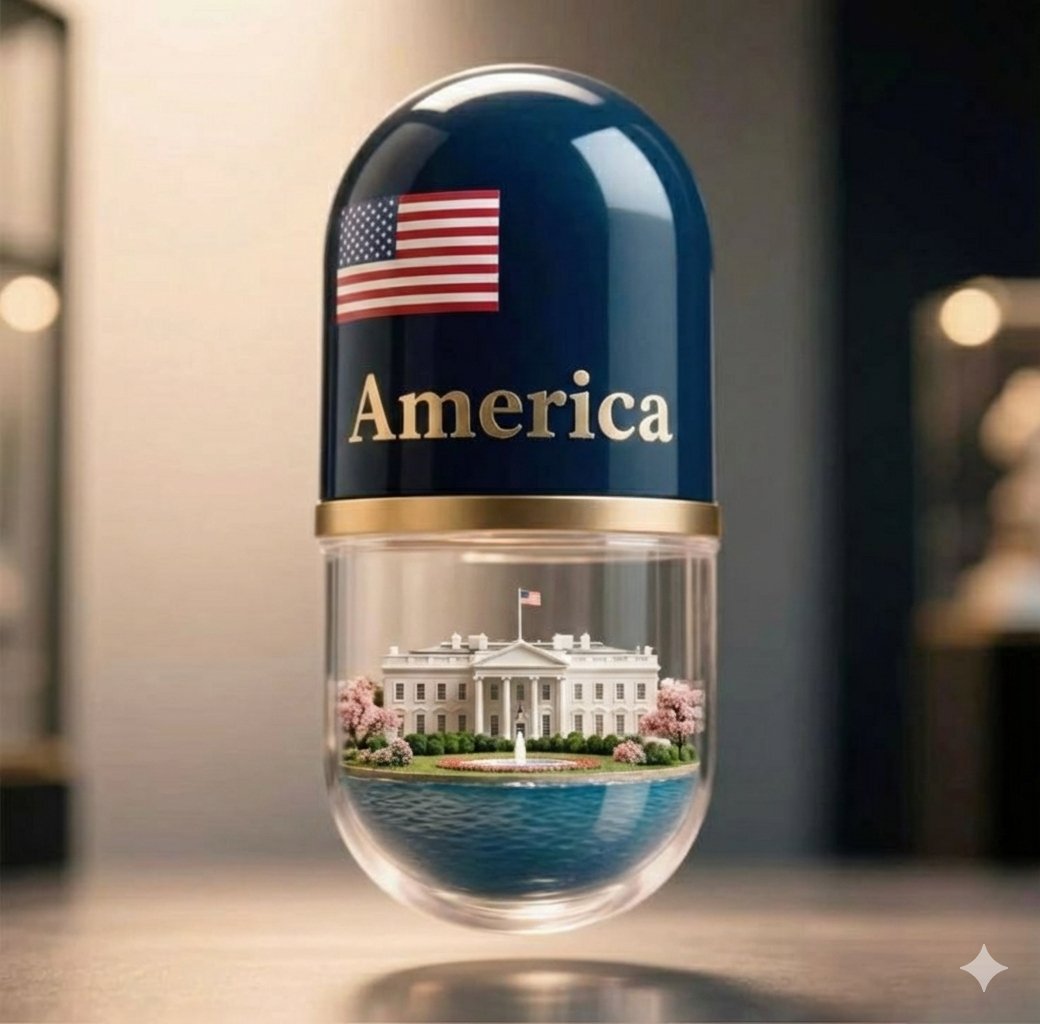
Giant Pharmaceutical Capsule with White House Miniature
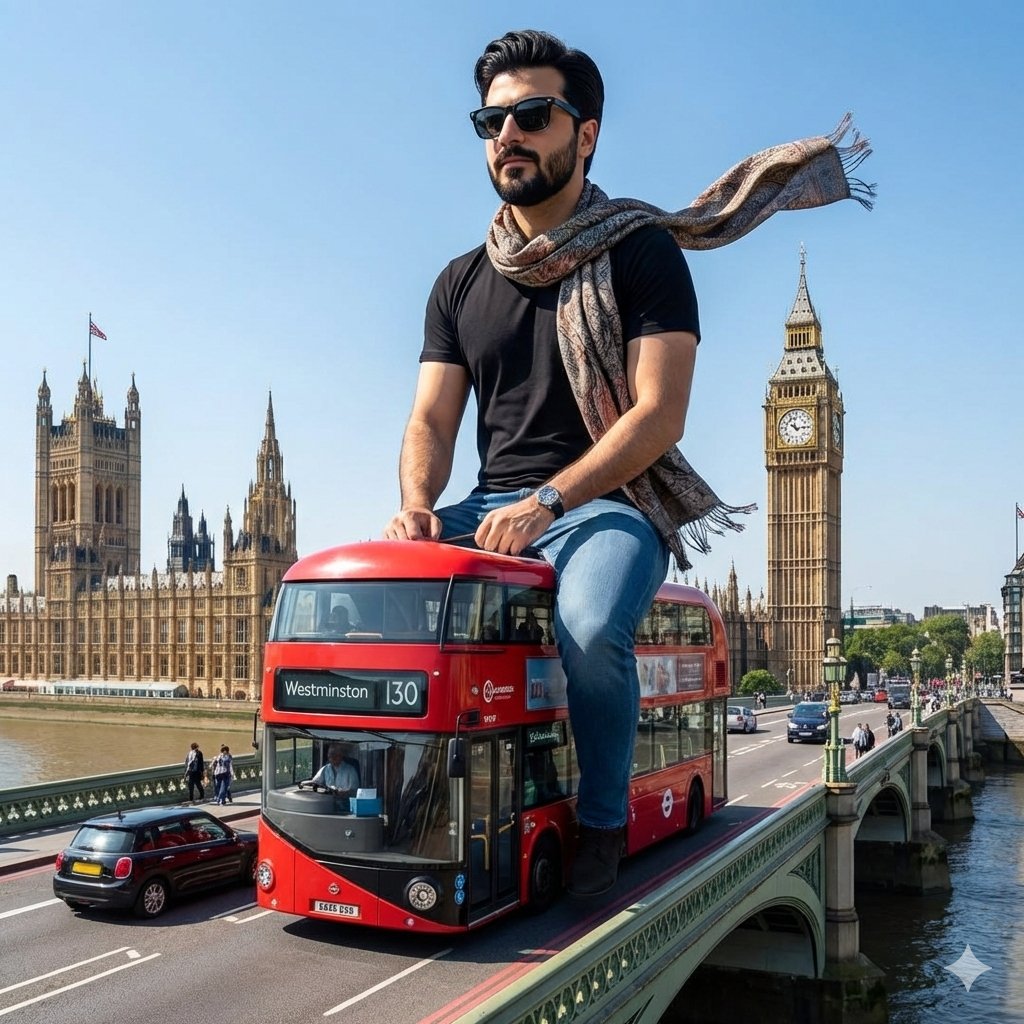
Surreal Giant Man Riding Miniature London Bus

Giant Lotus Pond Portrait

Airline Crew Promotional Poster

Knight Facing Cathedral Giant

Giant Woman Forced Perspective Street Photo
Make it yours
Miniature Crew Builds Giant Whopper works as-is. These are the safest ways to change it without losing the look.
Change one field
Copy a single group, rewrite it, and generate again so you can see what that field is doing.
Keep the frame, change the subject
Hold the composition and light of Miniature Crew Builds Giant Whopper, then swap wardrobe, props or the person for a new take.
| If the result… | Why | Fix |
|---|---|---|
| The result drifts from the preview | Too many fields changed at once. | Reuse Miniature Crew Builds Giant Whopper as-is first, then change one group — subject, light, or setting. |
| The model over-stylizes the scene | The prose prompt leaves finish and camera underspecified. | Add one camera or lighting sentence and stay on GPT Image 2. |
More GPT Image 2 templates
Other prompts made for GPT Image 2.

Six VTuber Japanese Logo Sheet

Realistic Portrait of Woman and Deer

The Vista Modular Condo Poster

AI Model Routing Comparison Infographic

2.5D Anime Art Board

Isometric Productivity Desk Scene

New York Double Exposure Poster

Four-Panel AI Landscape Comparison

Japanese Tatami Lifestyle Magazine Cover

NESCAFÉ Coffee Map Poster
More image prompts
Fresh picks from across the catalog.
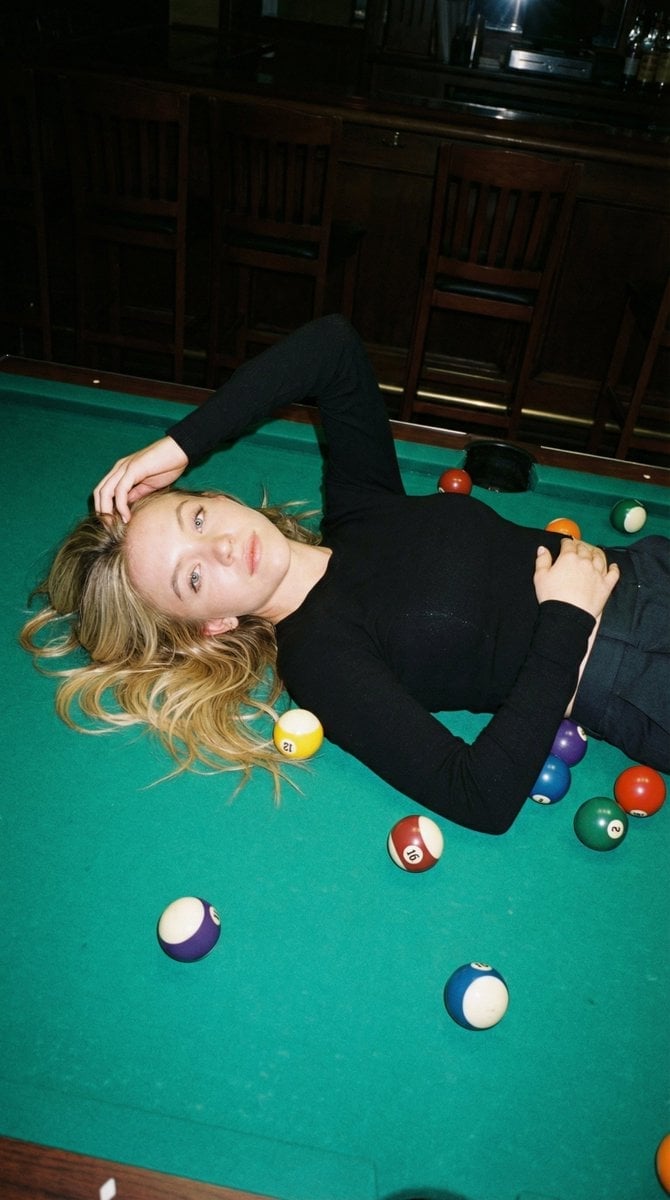
Editorial Nightlife Candid on a Billiards Table
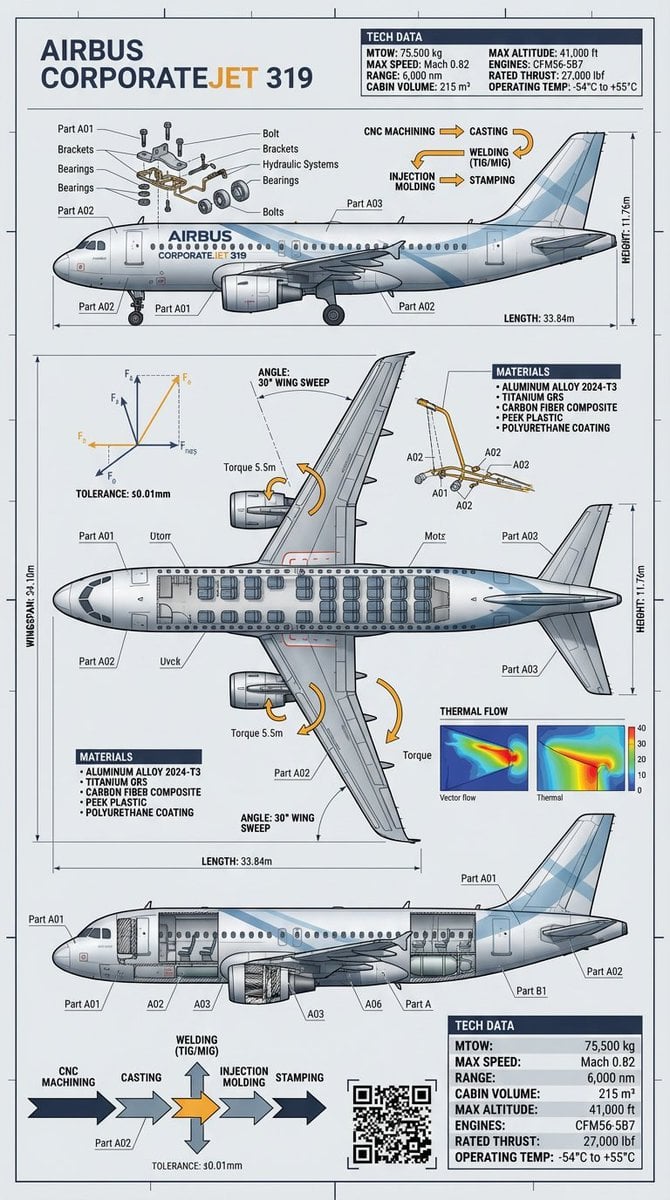
Raw Object to Factory Blueprint Prompt
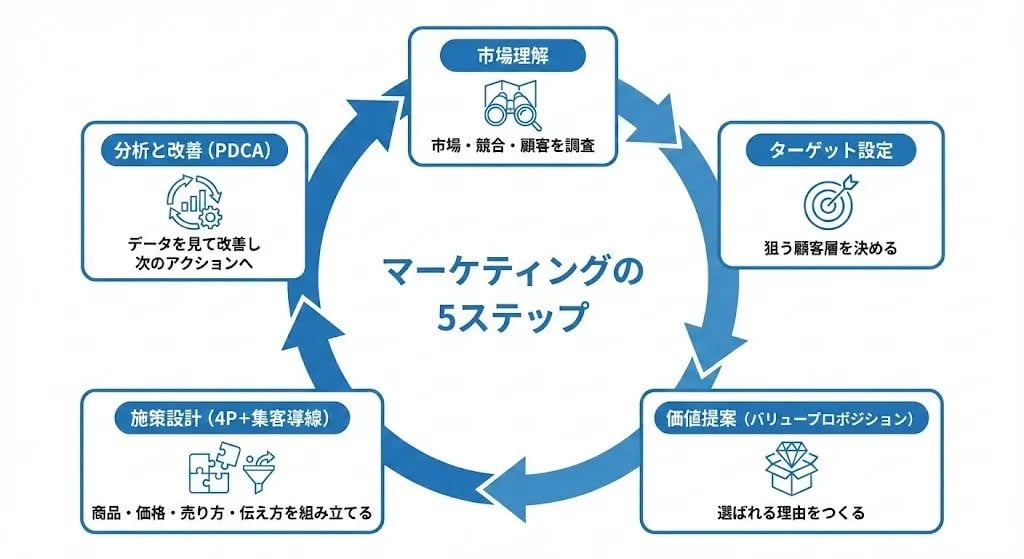
Step Marketing Flowchart Diagram Generator
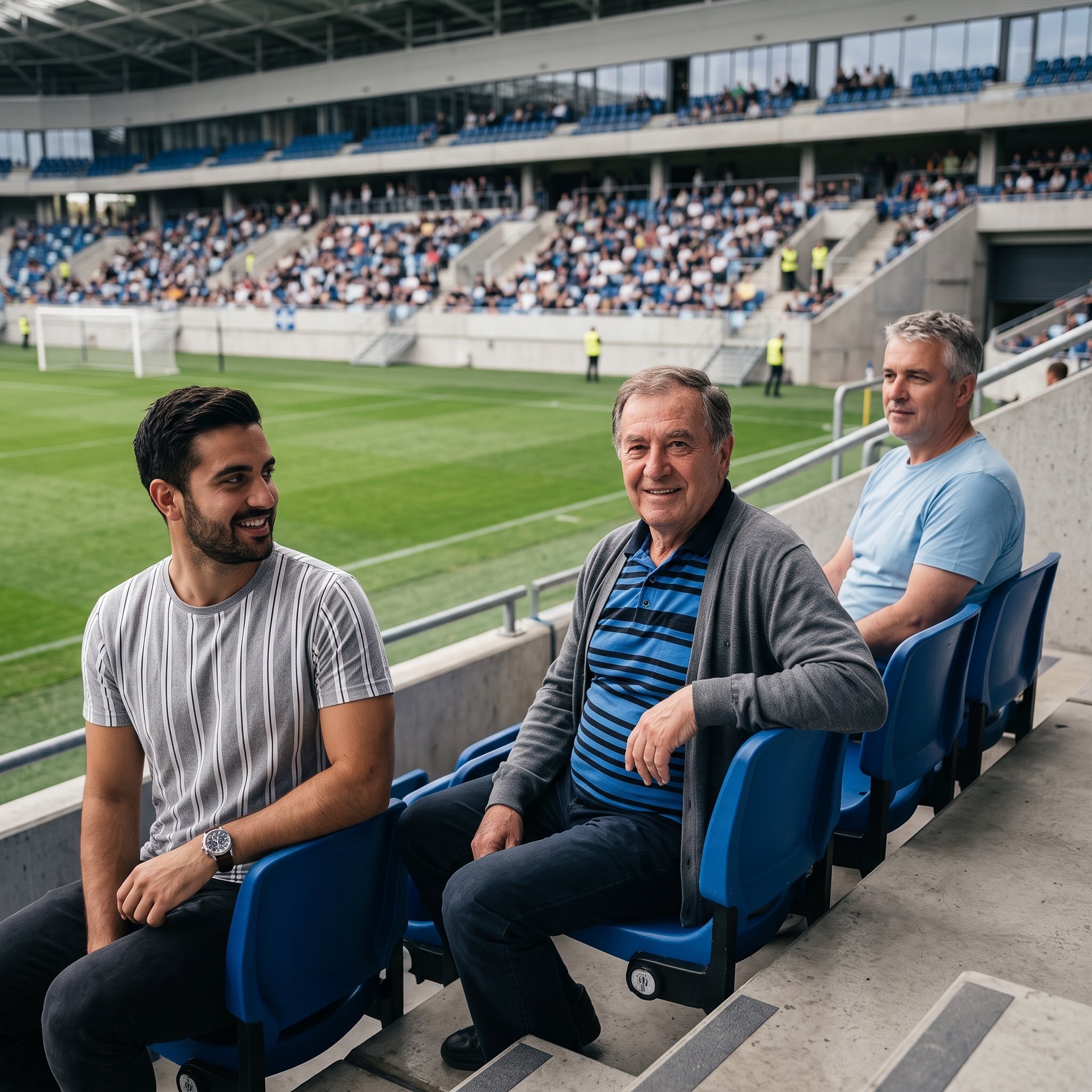
Inpainting/Adding a Person to an Image
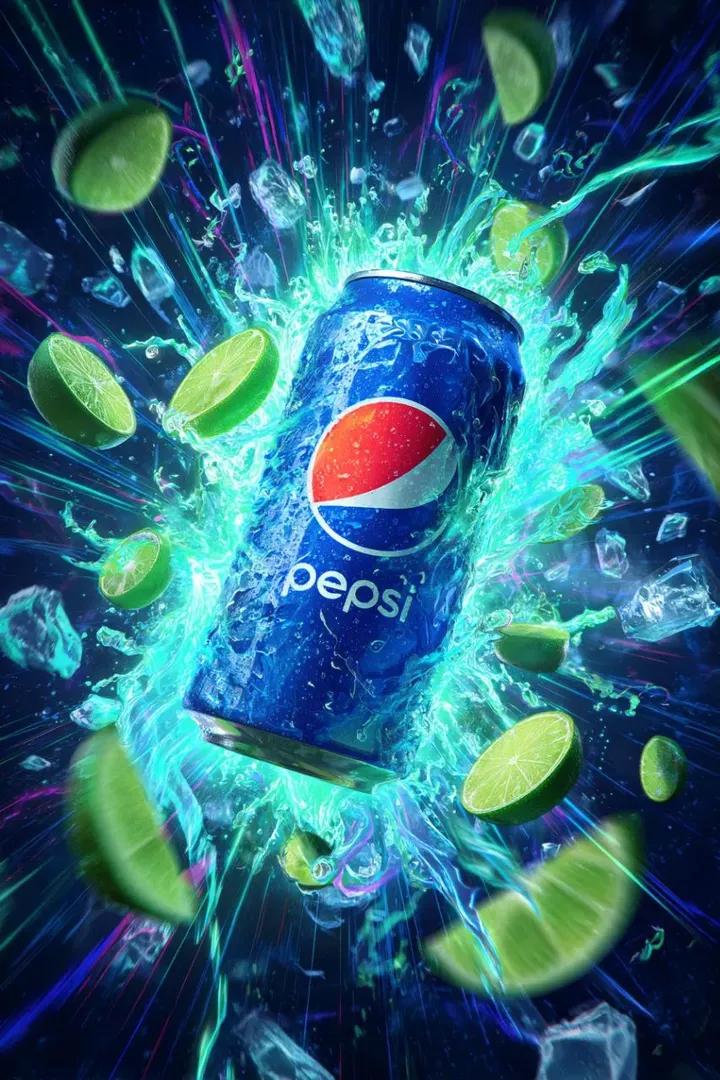
Cinematic Cola Can Explosion Advertisement Prompt
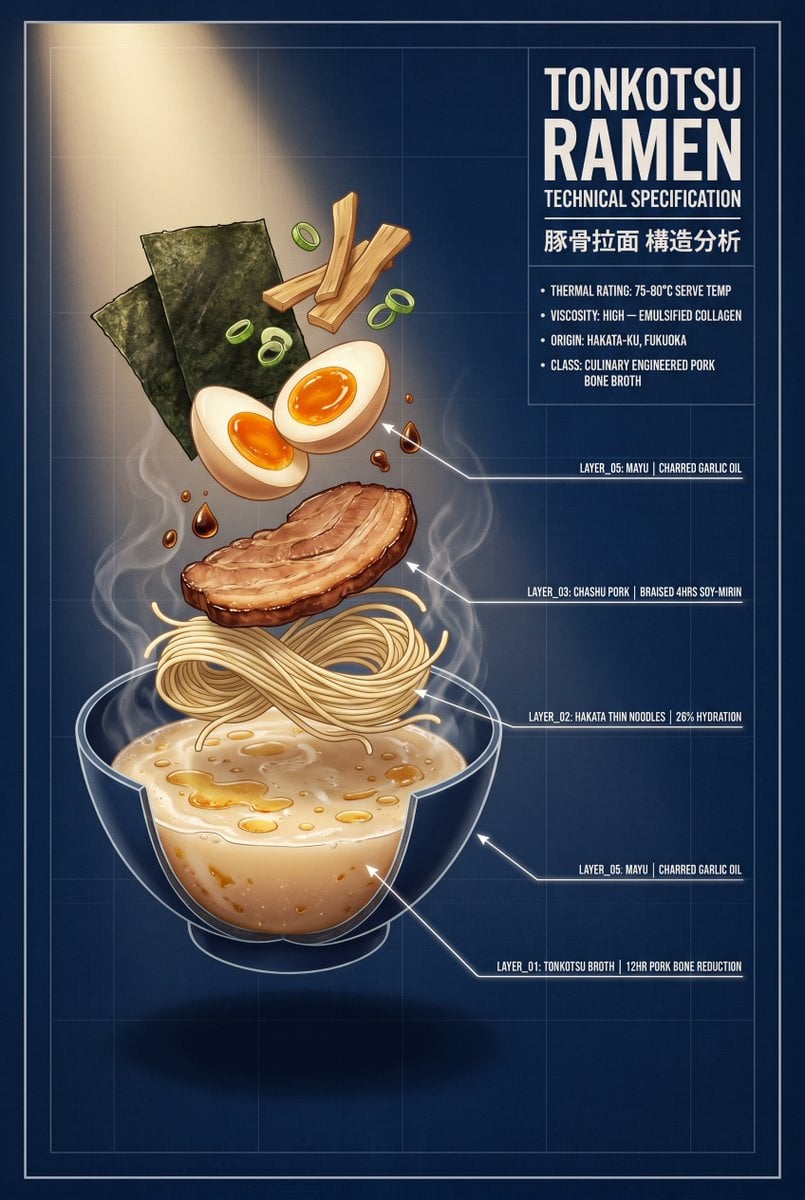
Tonkotsu Ramen Blueprint Poster
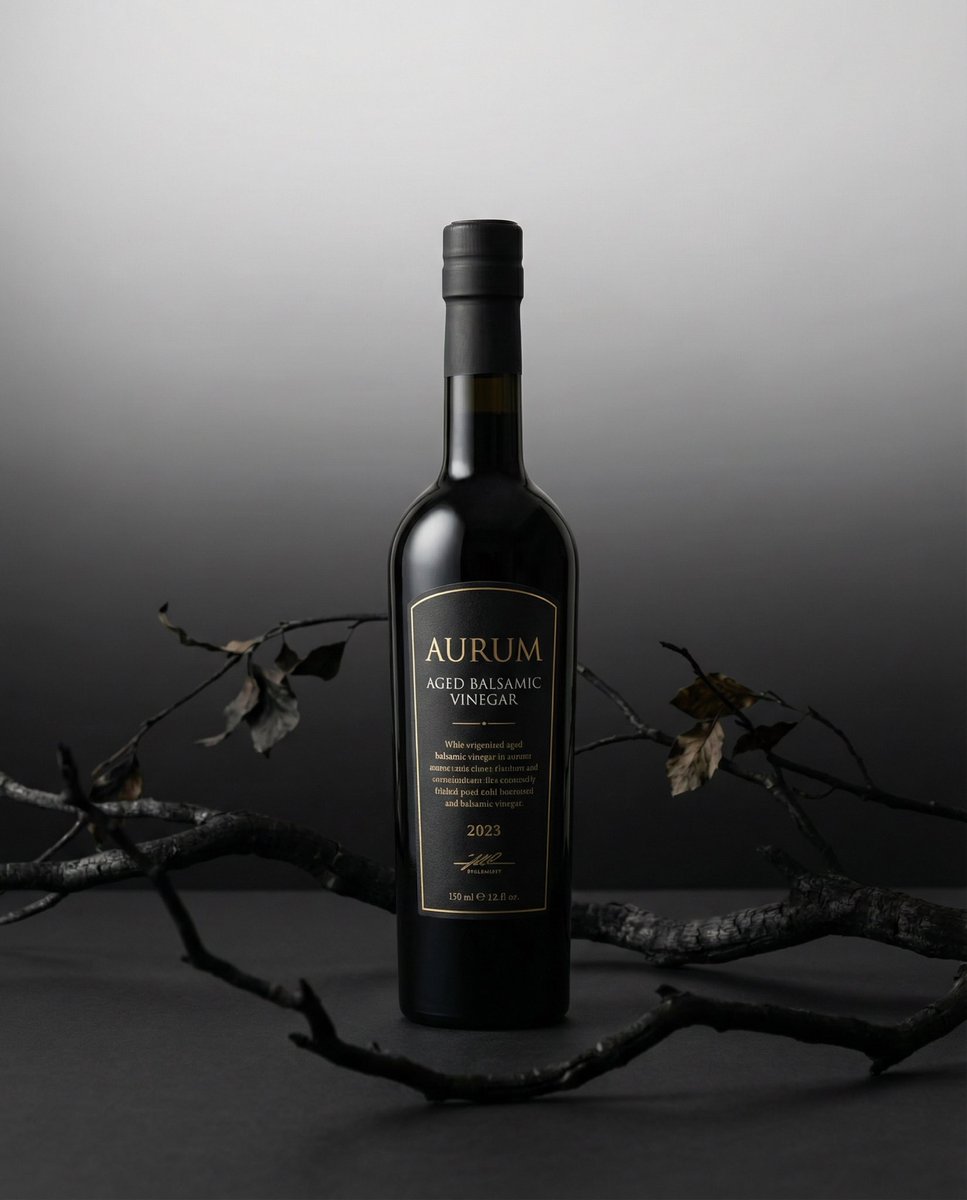
Product hero shot with charred black branches framing

Cinematic 3D Action Advertisement Prompt

Diagram of ChatGPT 5.2 Features with Japanese Text

Mystic Fortune Telling Duo Scene
Browse template categories
Miniature Crew Builds Giant Whopper questions
How do I use the Miniature Crew Builds Giant Whopper template?
Add your photo if the template asks for one, edit the prompt if you like — the template's model and format are already selected — and press Generate. Your version opens in PicX Studio.
Can I customize the Miniature Crew Builds Giant Whopper template?
Yes. You can change the subject, setting, lighting, mood, format, and available model controls before creating your image.
Is the Miniature Crew Builds Giant Whopper template free?
Opening and editing this template is free. Generating uses credits, shown on the Generate button when you are signed in.
Which AI model should I use?
Start with GPT Image 2, which is the model associated with this template. You can compare another compatible model for a different finish.
Looking for something else? Browse all templates.

Your photo, any look
Thousands of ready templates for every top image and video model, from one credit balance.