
Anime Yarn Wall Art Portrait
Generates a tactile craft-photo style anime character portrait reconstructed entirely from yarn, embroidery thread, and handmade sewing props.
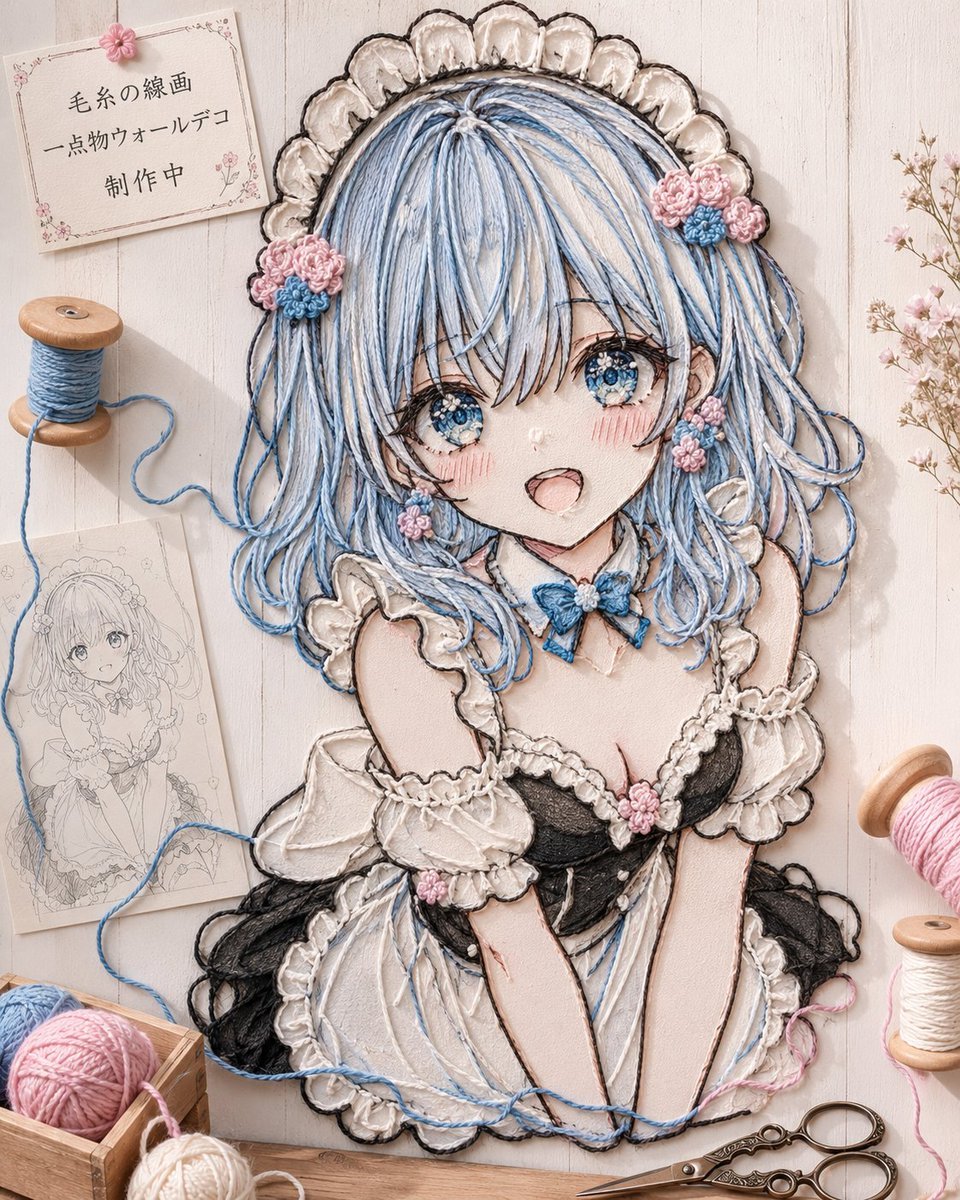
- Prompt included
- Model and format preset
- Free template
The prompt behind this image
Copy the exact prompt behind Anime Yarn Wall Art Portrait, or open it in the studio and make it yours.
Create a vertical 4:5 close-up photograph of a handmade yarn-and-embroidery-thread wall art piece on a pale whitewashed wooden board, styled like a one-of-a-kind fiber portrait rather than a flat illustration. The central subject is an anime girl named {argument name="character name" default="original character"}, shown from the waist up, made entirely from layered strands of yarn, embroidery floss, knots, braided cords, and stitched outlines. She has {argument name="hair color" default="pale blue and white"} long wavy hair formed from many loose individual threads, bright sparkling blue embroidered eyes, rosy stitched cheeks, and an open smiling mouth. Her outfit is a frilly black-and-white maid dress with puff sleeves, scalloped lace edges, a white ruffled headdress, a small blue bow at the collar, and tiny pink-and-blue crocheted flower decorations in her hair, earrings, chest, and sleeves. Emphasize tactile fiber texture: raised thread lines, fuzzy wool, visible knots, soft shadows, uneven handmade stitching, and embroidery-style contour lines that reconstruct the hair flow, lace, skin blush, bouquet-like flowers, and clothing folds. Surround the wall art with crafting props arranged on the wooden tabletop/background: exactly 1 pinned paper sign in the upper left with the Japanese text {argument name="sign text" default="毛糸の線画\n一点物ウォールデコ\n制作中"}, exactly 1 blue thread spool on the left with loose blue yarn trailing into the artwork, exactly 1 monochrome pencil sketch sheet beneath it showing the same character as a design draft, exactly 1 wooden crate at bottom left containing 3 yarn balls in pink, pale blue, and cream, exactly 2 thread spools on the right edge in pink and cream, exactly 1 ornate pair of embroidery scissors at bottom right, and exactly 1 small sprig of pale pink dried flowers near the upper right. Use soft natural daylight, warm pastel tones, shallow shadows, realistic craft photography, high detail, cozy handmade studio atmosphere, no digital flat coloring, no extra characters, no watermark.
How to use Anime Yarn Wall Art Portrait in 3 steps
- 1Upload ImagePNG, JPG or paste
Add your photo
Upload the photo the template builds on. The prompt, model and format are already set.
- 2…a portrait of your subject in softgolden-hour light, 85mm…
Personalize
Edit the subject and creative details for your destination.
- 3Generate
Generate
Press Generate — your image is created in PicX Studio, so you can compare it with the original and refine one variable at a time.
More like this
Templates with the same subject, style or setup. Open one to see its prompt.

Found Photograph: Us, 1970

80s Couple Studio Portrait

80s Bollywood Star

80s Golden Hour Cinema

Me in 1985

1985 Studio Portrait

Hyper-Realistic Minecraft POV Portrait
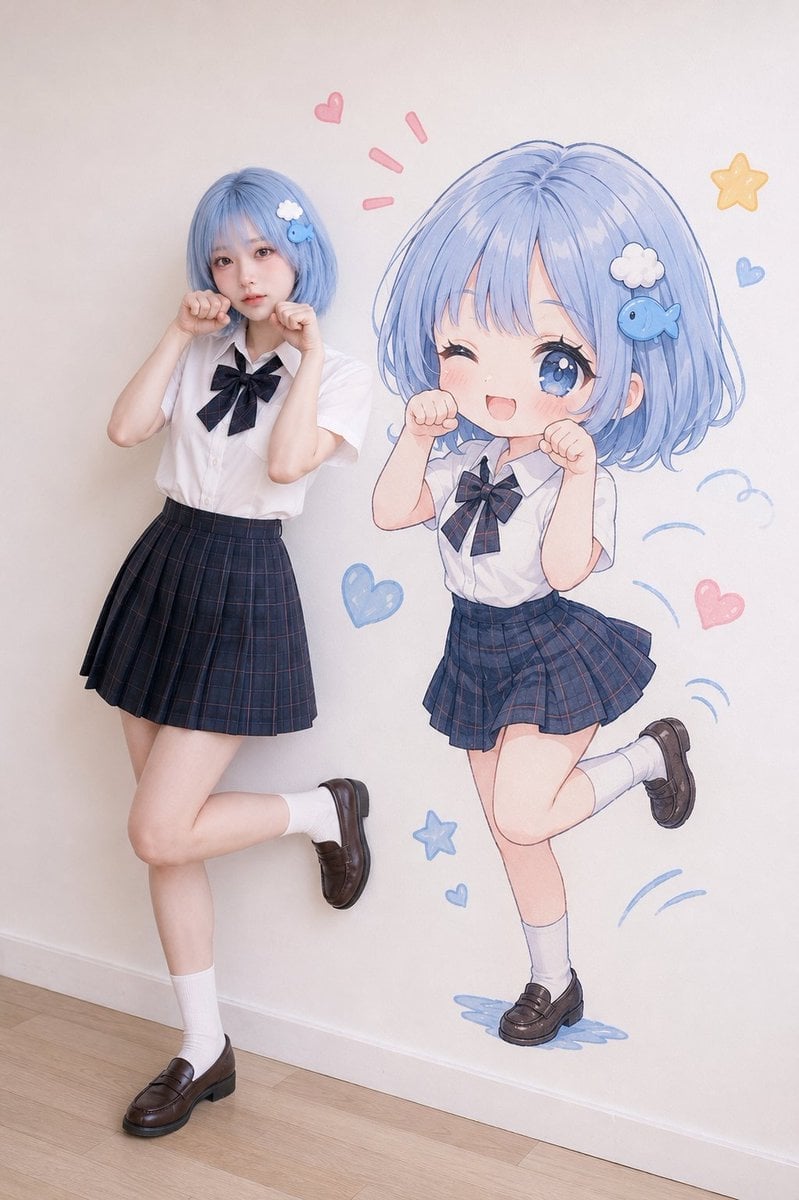
Realistic Portrait with Chibi Wall Art

Rooftop Fisheye — Cat-Ear Balaclava at Golden Hour
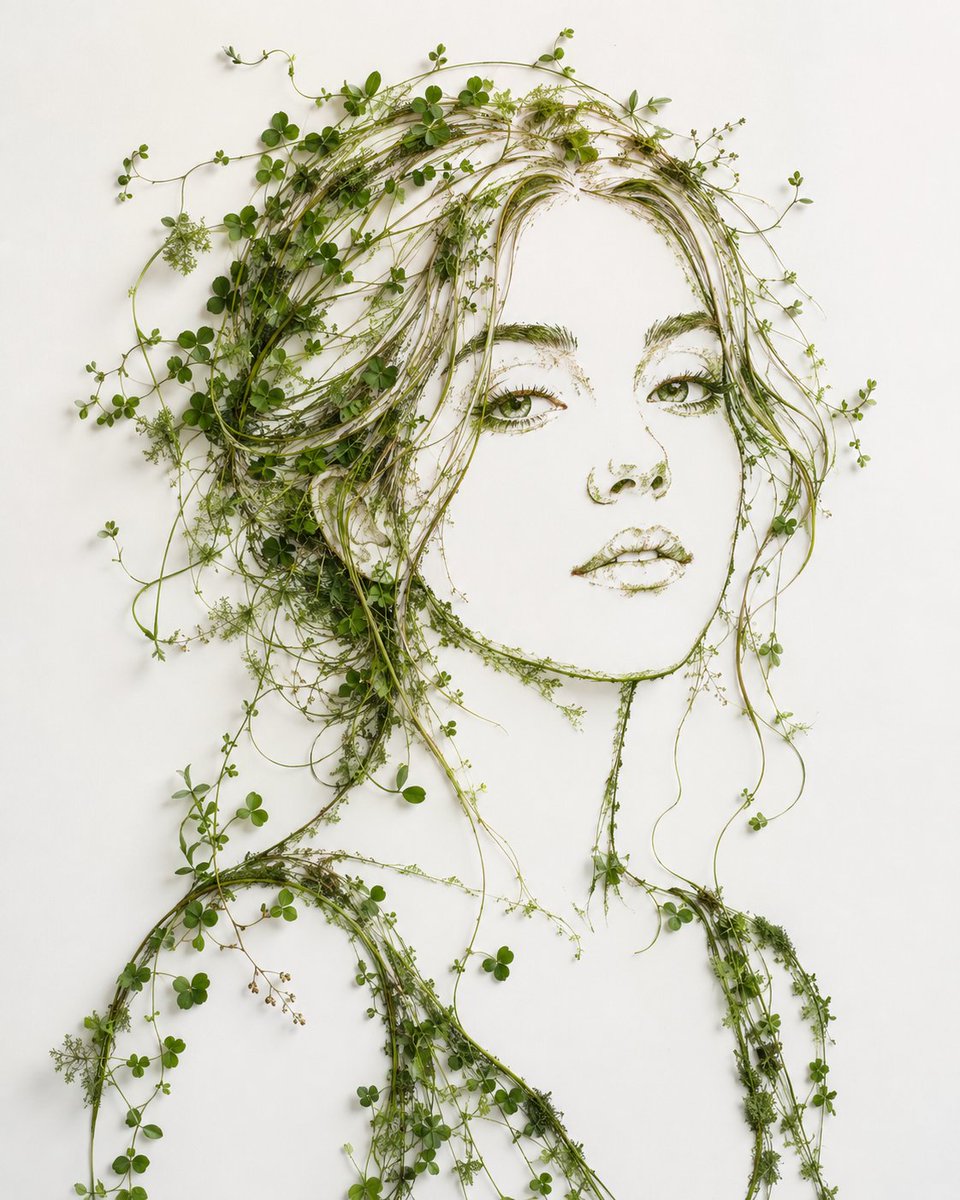
Minimalist Botanical Wall Art Portrait

Cel 2D Underwater Reef

Anime Monorail Sunset
Make it yours
Anime Yarn Wall Art Portrait works as-is. These are the safest ways to change it without losing the look.
Change one field
Copy a single group, rewrite it, and generate again so you can see what that field is doing.
Keep the frame, change the subject
Hold the composition and light of Anime Yarn Wall Art Portrait, then swap wardrobe, props or the person for a new take.
| If the result… | Why | Fix |
|---|---|---|
| The result drifts from the preview | Too many fields changed at once. | Reuse Anime Yarn Wall Art Portrait as-is first, then change one group — subject, light, or setting. |
| The model over-stylizes the scene | The prose prompt leaves finish and camera underspecified. | Add one camera or lighting sentence and stay on GPT Image 2. |
More GPT Image 2 templates
Other prompts made for GPT Image 2.

Six VTuber Japanese Logo Sheet

Realistic Portrait of Woman and Deer

The Vista Modular Condo Poster

AI Model Routing Comparison Infographic

2.5D Anime Art Board

Isometric Productivity Desk Scene

New York Double Exposure Poster

Four-Panel AI Landscape Comparison

Japanese Tatami Lifestyle Magazine Cover

NESCAFÉ Coffee Map Poster
More image prompts
Fresh picks from across the catalog.
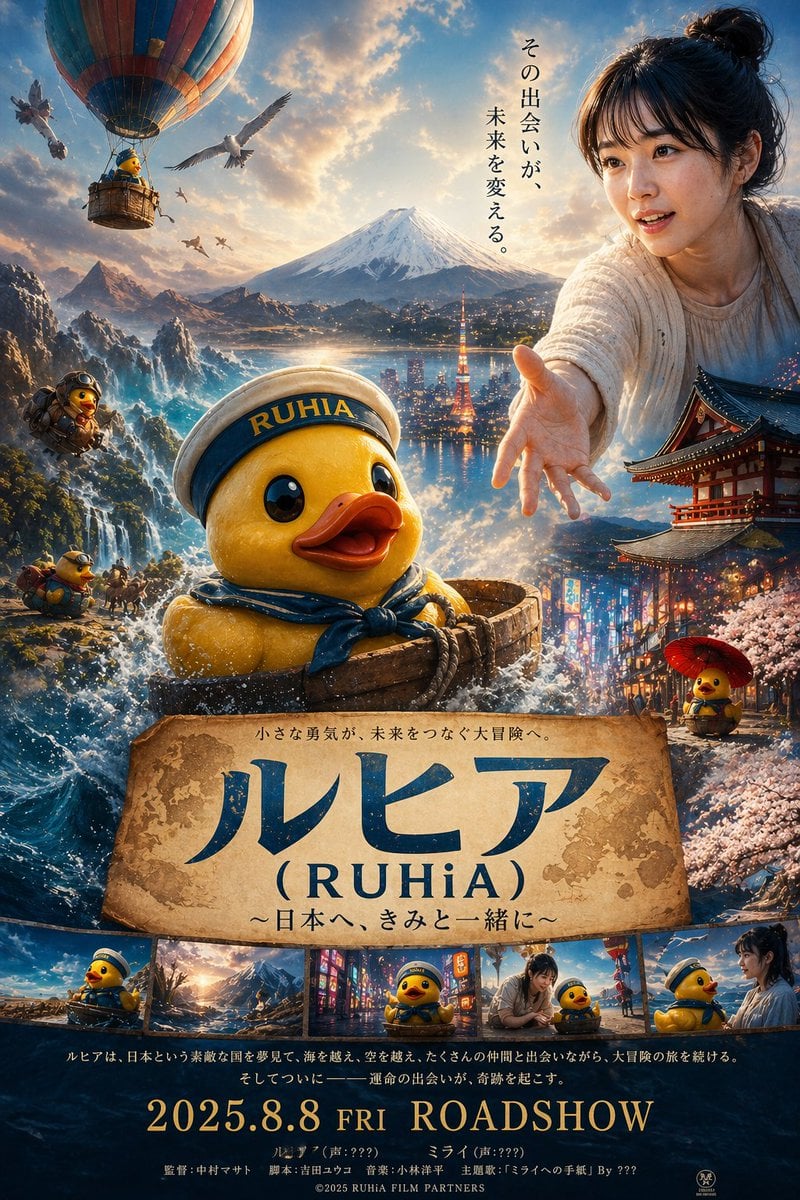
Rubber duck adventure movie poster prompt
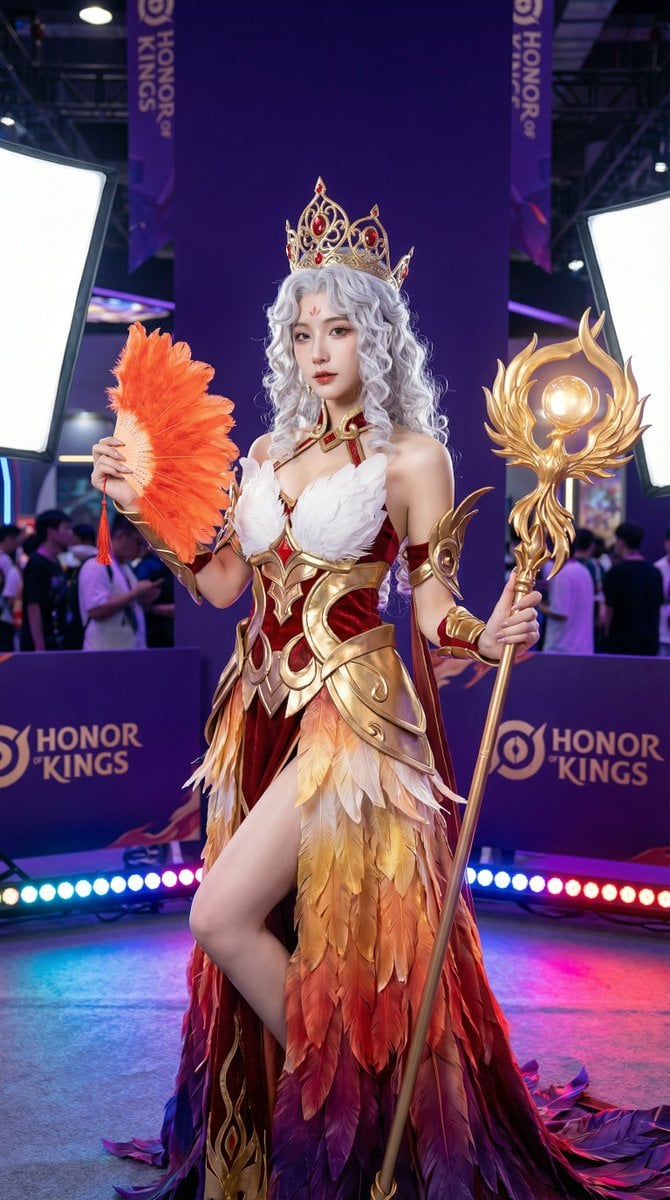
Detailed Photorealistic Cosplay Portrait Prompt: Phoenix Theme
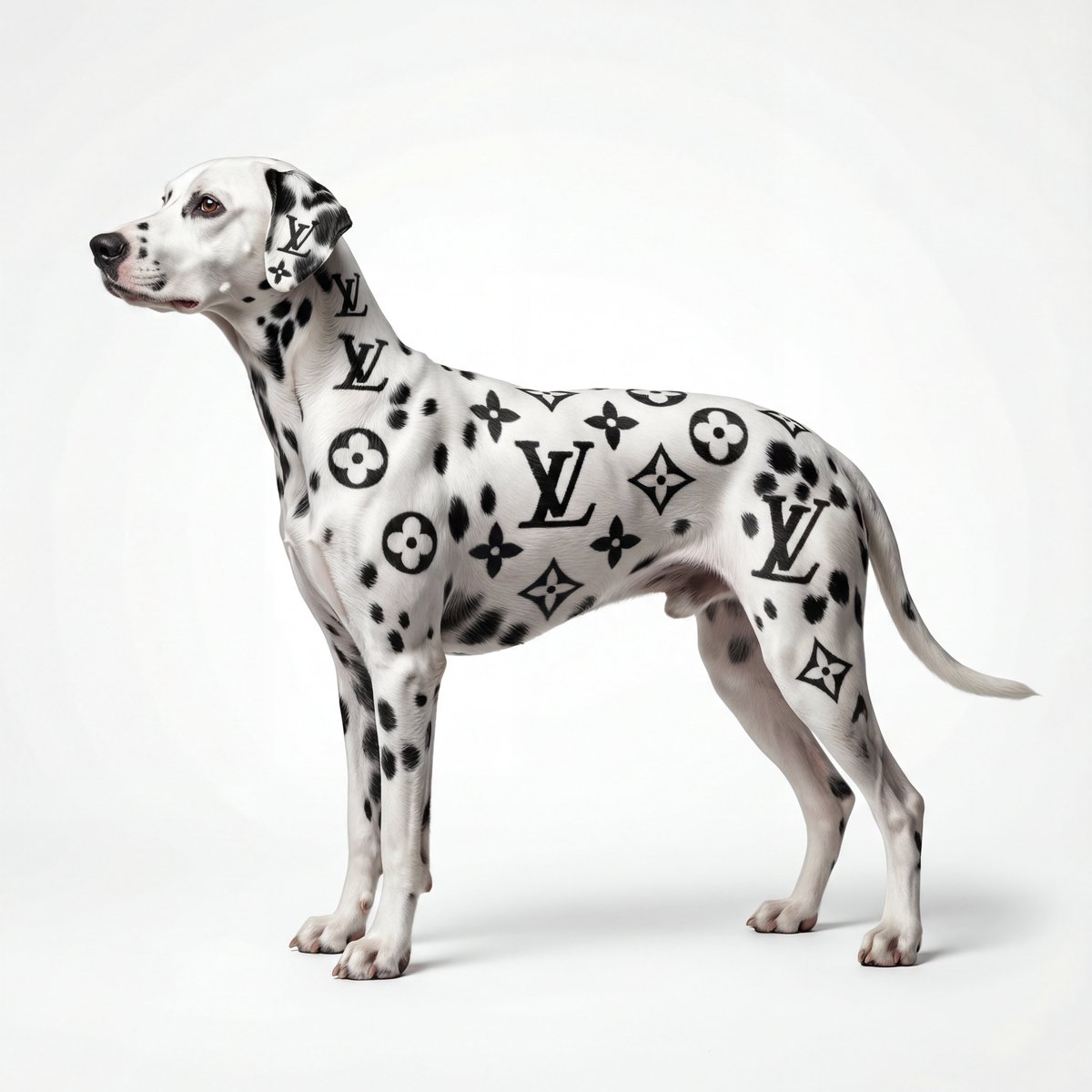
Museum-Quality Animal Portrait with Integrated Luxury Brand Pattern
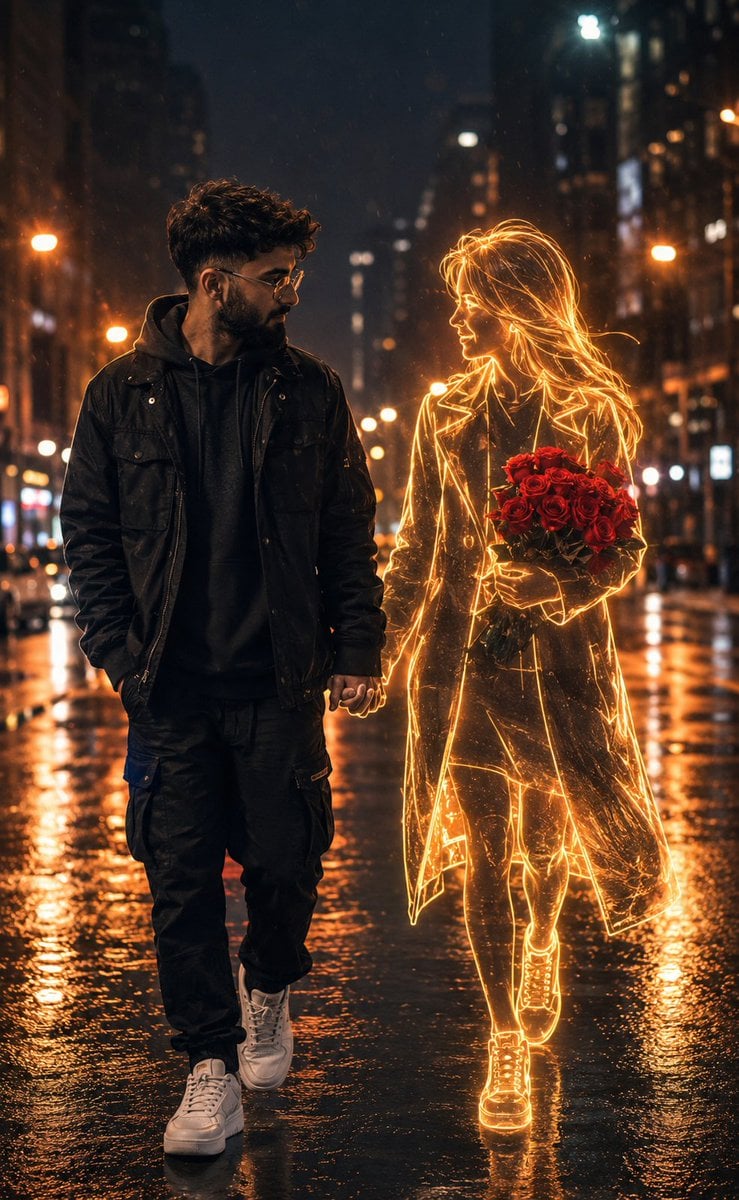
Holographic Woman in Urban Night

Consistent Product Photography for Dog Chews (3 Scenes)
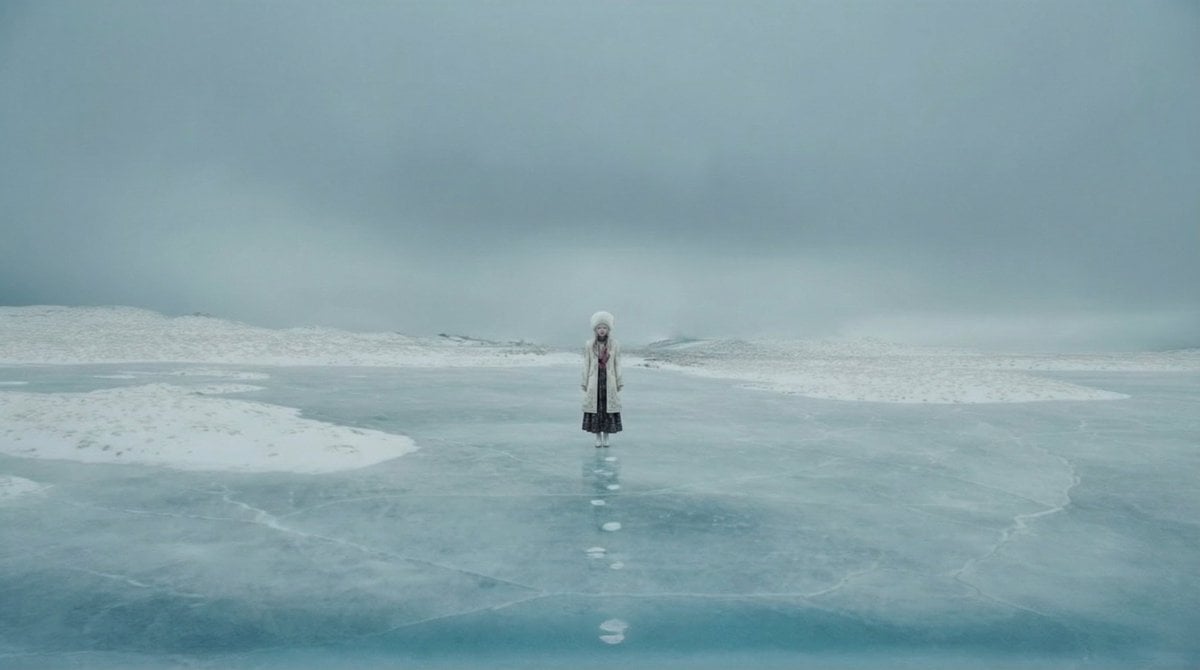
Instructing Costume Correction via Reference Image
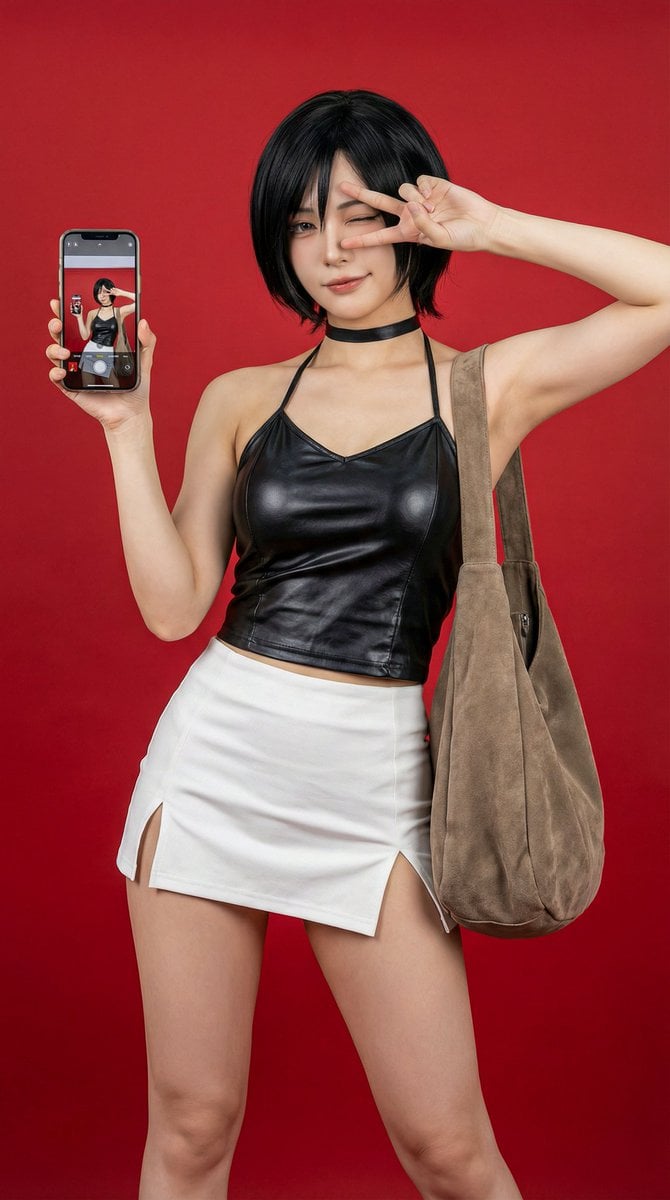
Photorealistic Ada Wong Cosplay Selfie
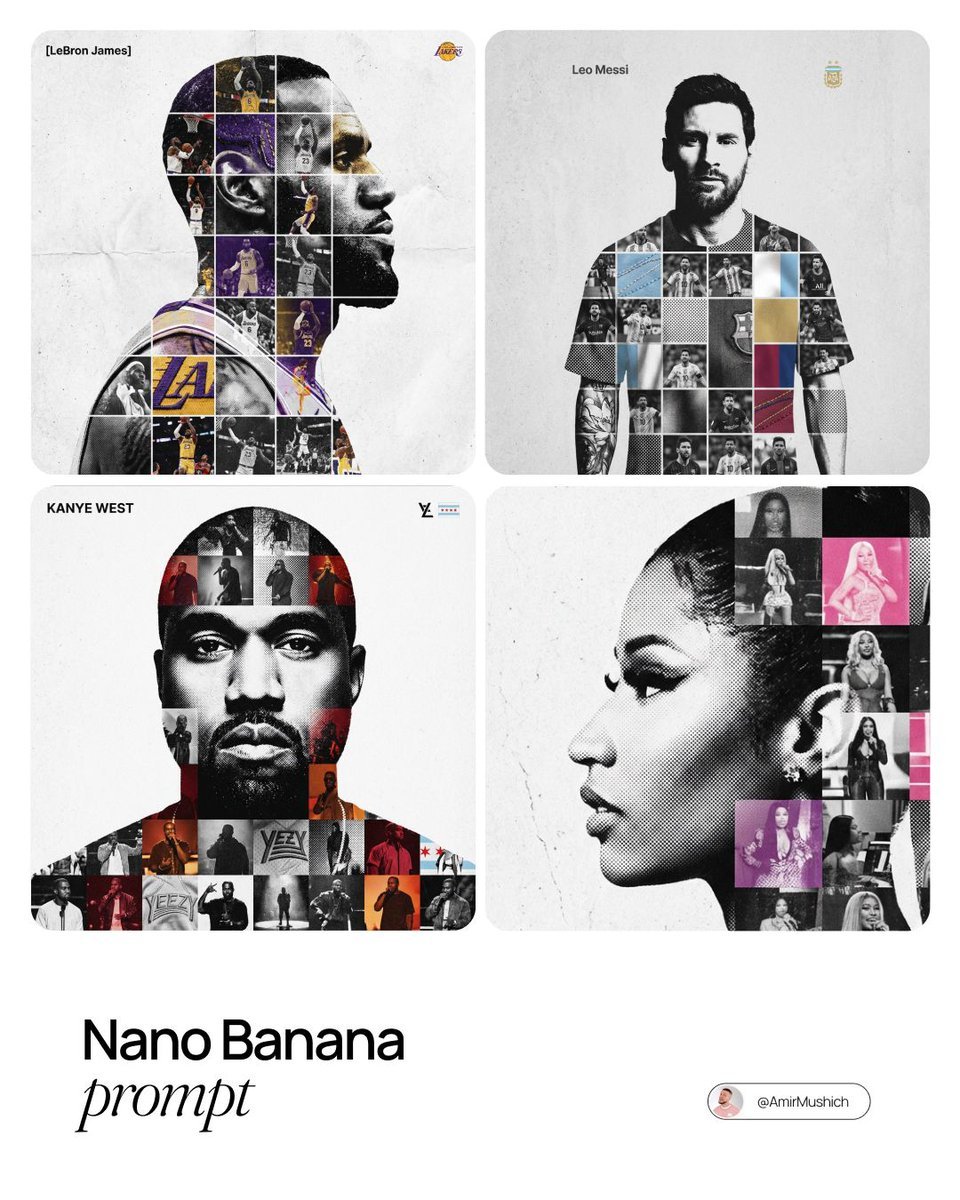
Photo-Grid Tribute Poster Design Prompt
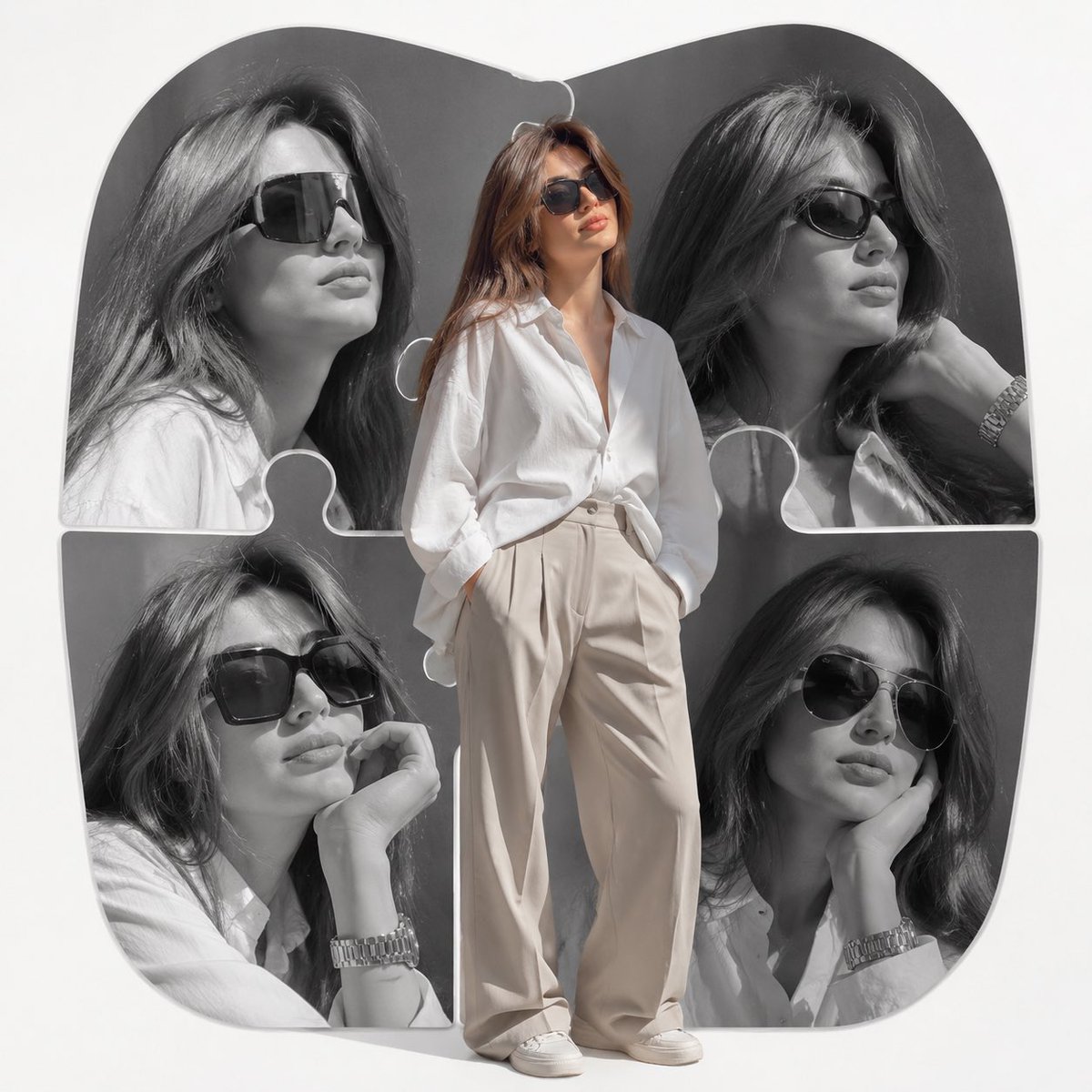
High-End Fashion Editorial Collage
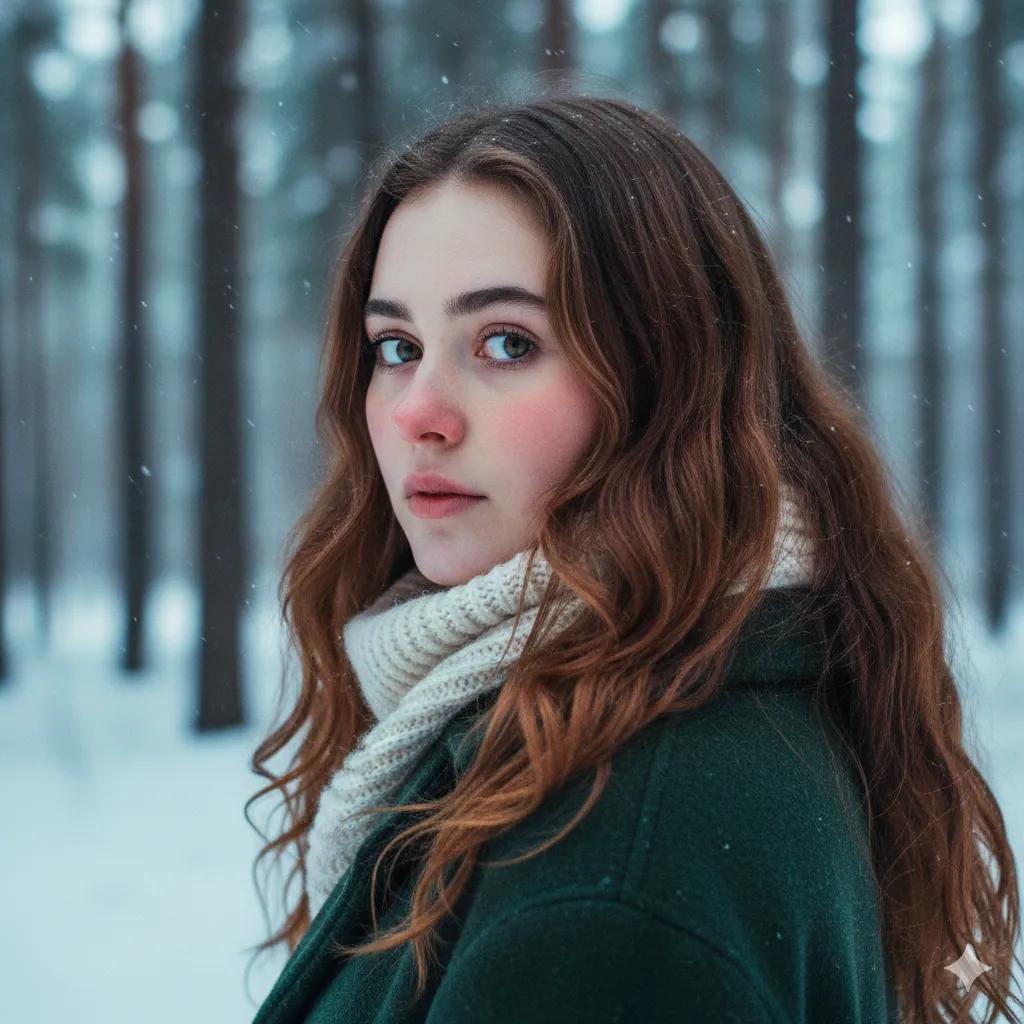
Cinematic Winter Portrait Prompt for Gemini
Browse template categories
Anime Yarn Wall Art Portrait questions
How do I use the Anime Yarn Wall Art Portrait template?
Add your photo if the template asks for one, edit the prompt if you like — the template's model and format are already selected — and press Generate. Your version opens in PicX Studio.
Can I customize the Anime Yarn Wall Art Portrait template?
Yes. You can change the subject, setting, lighting, mood, format, and available model controls before creating your image.
Is the Anime Yarn Wall Art Portrait template free?
Opening and editing this template is free. Generating uses credits, shown on the Generate button when you are signed in.
Which AI model should I use?
Start with GPT Image 2, which is the model associated with this template. You can compare another compatible model for a different finish.
Looking for something else? Browse all templates.

Your photo, any look
Thousands of ready templates for every top image and video model, from one credit balance.