
Cyberpunk Neon Identity Rim Light Portrait
A high-detail prompt for creating a photorealistic cyberpunk portrait using a reference image, featuring neon blue and red rim lighting and reflective glasses.
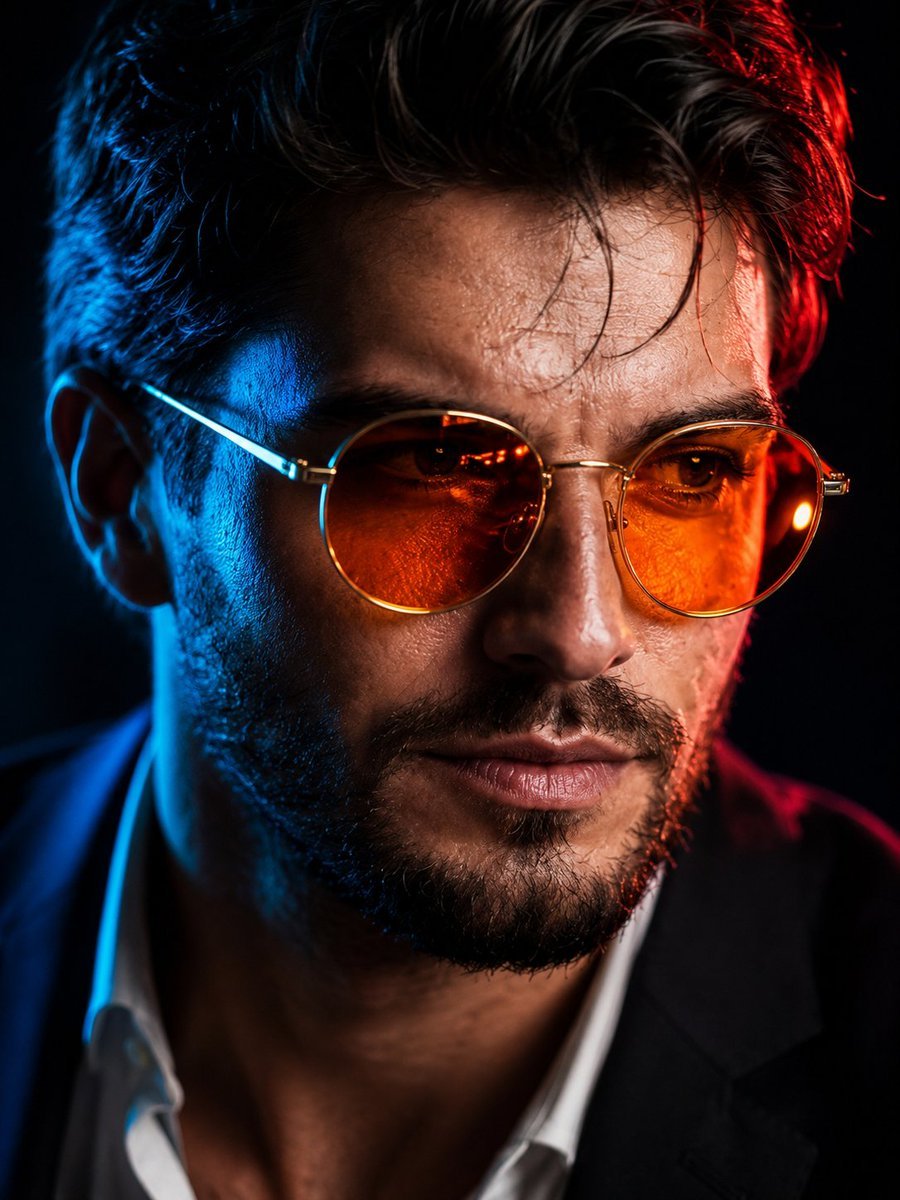
- Prompt included
- Model and format preset
- Free template
The prompt behind this image
Copy the exact prompt behind Cyberpunk Neon Identity Rim Light Portrait, or open it in the studio and make it yours.
Create an ultra-photorealistic cinematic close-up portrait using the uploaded image as the reference. Preserve the subject's exact facial identity without altering the face, expression, age, facial structure, hairstyle, beard shape, beard density, skin tone, pores, wrinkles, fine facial hair, and all natural skin imperfections. Maintain the authentic facial proportions and realistic texture. Add elegant, thin {argument name="frame style" default="round gold-framed"} glasses with vivid {argument name="lens color" default="translucent orange"} reflective lenses, ensuring the eyes remain razor-sharp and clearly visible through the reflections. Render physically accurate lens reflections, subtle refractions, metallic gold highlights, and realistic glass transparency. Illuminate the portrait with dramatic {argument name="primary rim light" default="neon blue"} rim lighting from the left and {argument name="secondary rim light" default="fiery red"} rim lighting from the right, creating a striking cyberpunk cinematic atmosphere against a pure deep black background. Use premium cinematic HDR lighting with smooth color separation, realistic falloff, and high contrast. Capture every skin pore, wrinkle, beard strand, eyebrow hair, eyelash, and individual hair fiber in extraordinary detail. Produce realistic skin micro-texture, natural subsurface scattering, glossy lips, detailed eyes, and lifelike facial contours. Style as luxury editorial fashion photography, featuring ultra-shallow depth of field, razor-sharp focus on the eyes and glasses, creamy background bokeh, exceptional dynamic range, crisp metallic highlights, and premium color grading. Award-winning futuristic cyberpunk aesthetic, uncompromising 8K photorealism, hyper-realistic rendering, cinematic composition, masterpiece quality, highly detailed, ultra-realistic, HDR, DSLR, medium-format camera quality, studio lighting, realistic reflections, premium retouching, professional color science. Aspect Ratio: 3:4
How to use Cyberpunk Neon Identity Rim Light Portrait in 3 steps
- 1Upload ImagePNG, JPG or paste
Add your photo
Upload the photo the template builds on. The prompt, model and format are already set.
- 2…a portrait of your subject in softgolden-hour light, 85mm…
Personalize
Edit the subject and creative details for your destination.
- 3Generate
Generate
Press Generate — your image is created in PicX Studio, so you can compare it with the original and refine one variable at a time.
More like this
Templates with the same subject, style or setup. Open one to see its prompt.
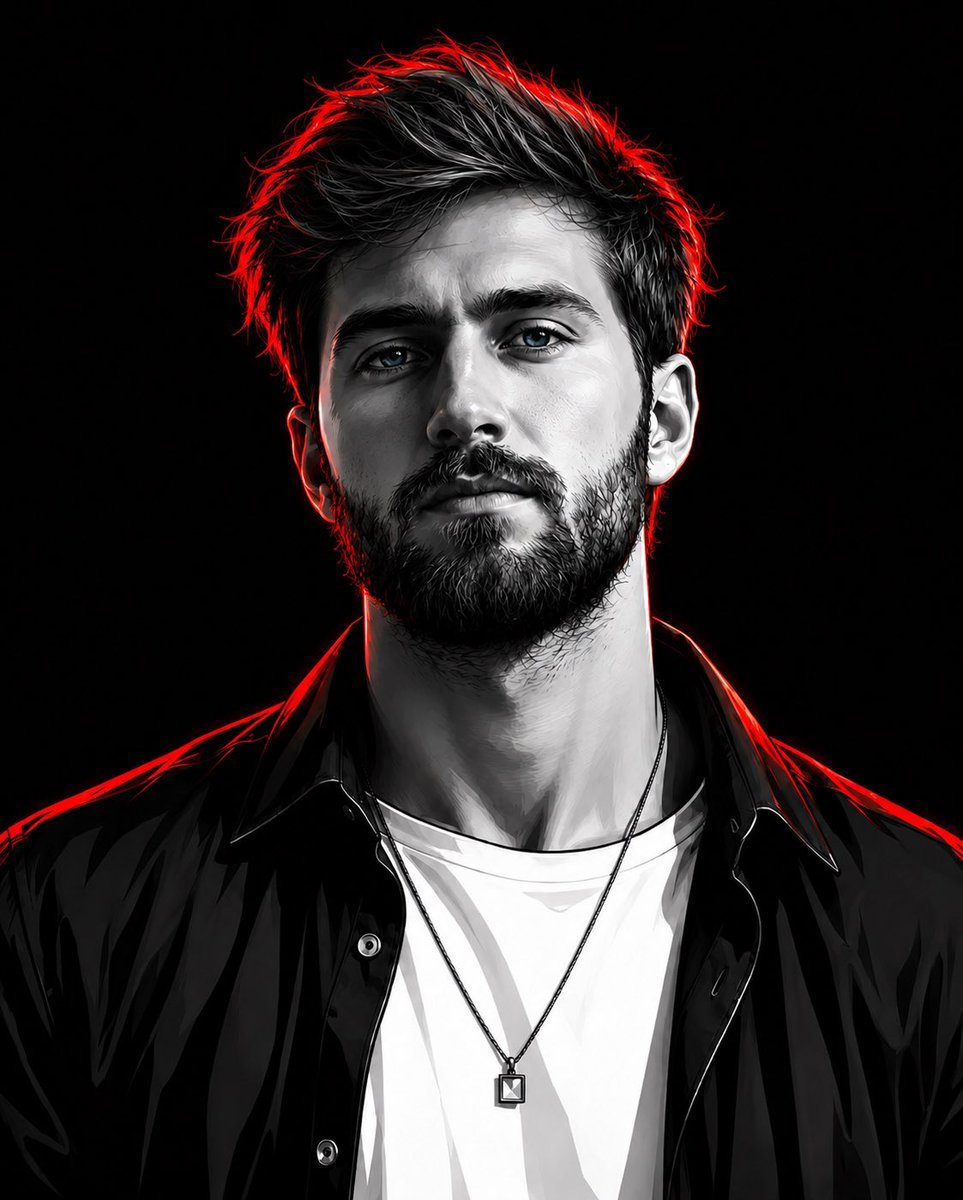
Cyberpunk Neon Rim Lighting Portrait

Spider-Man 2099 Cyberpunk Neon Future City
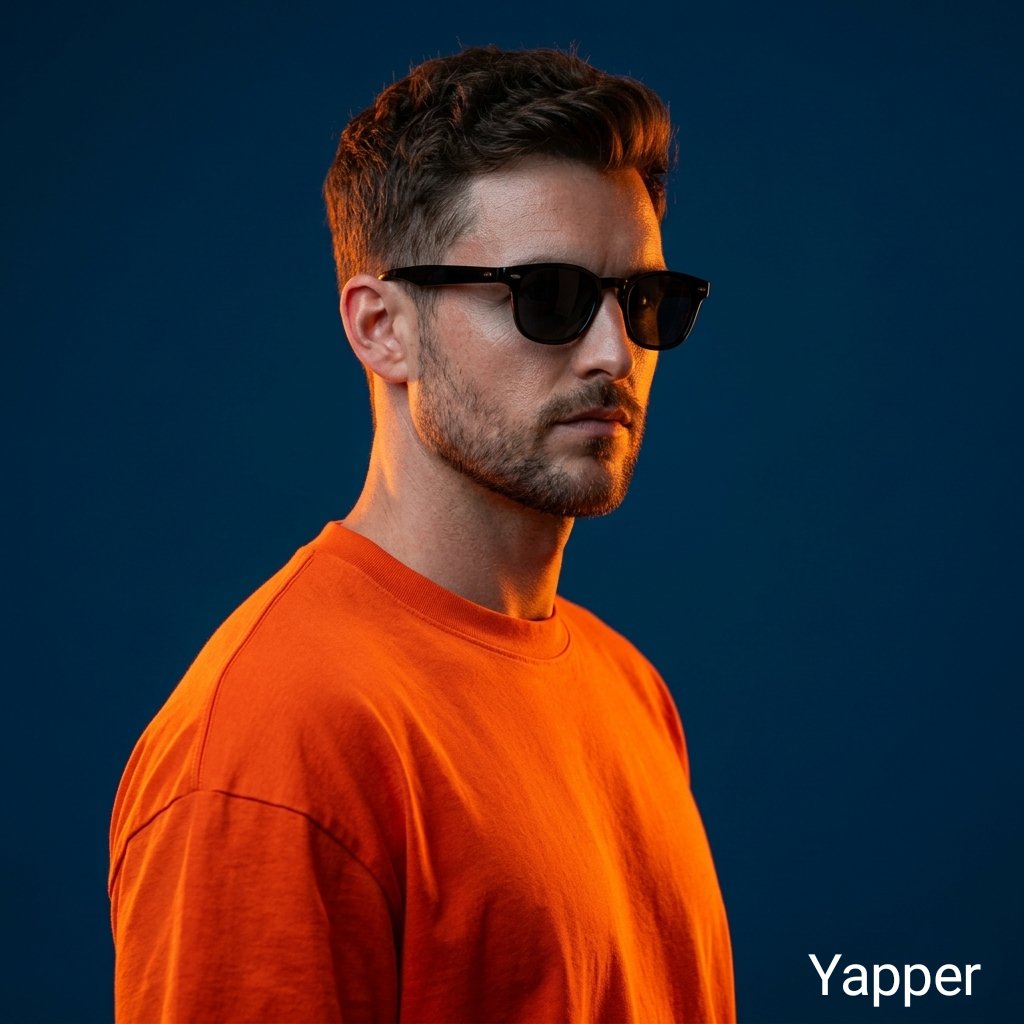
Ultra-Realistic Portrait with Neon Rim Lighting

Nano Banana 2 Perspective Experiment
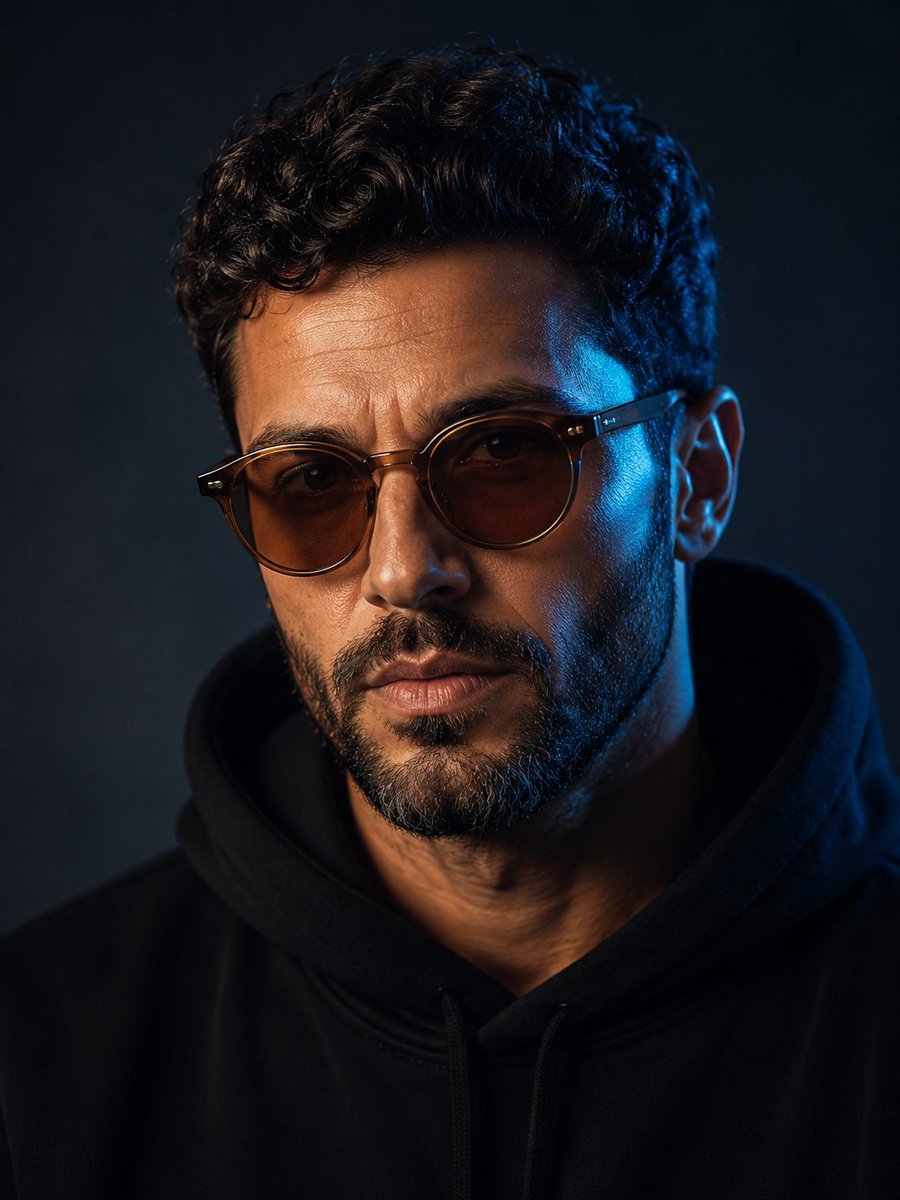
Moody Blue Rim Light Portrait
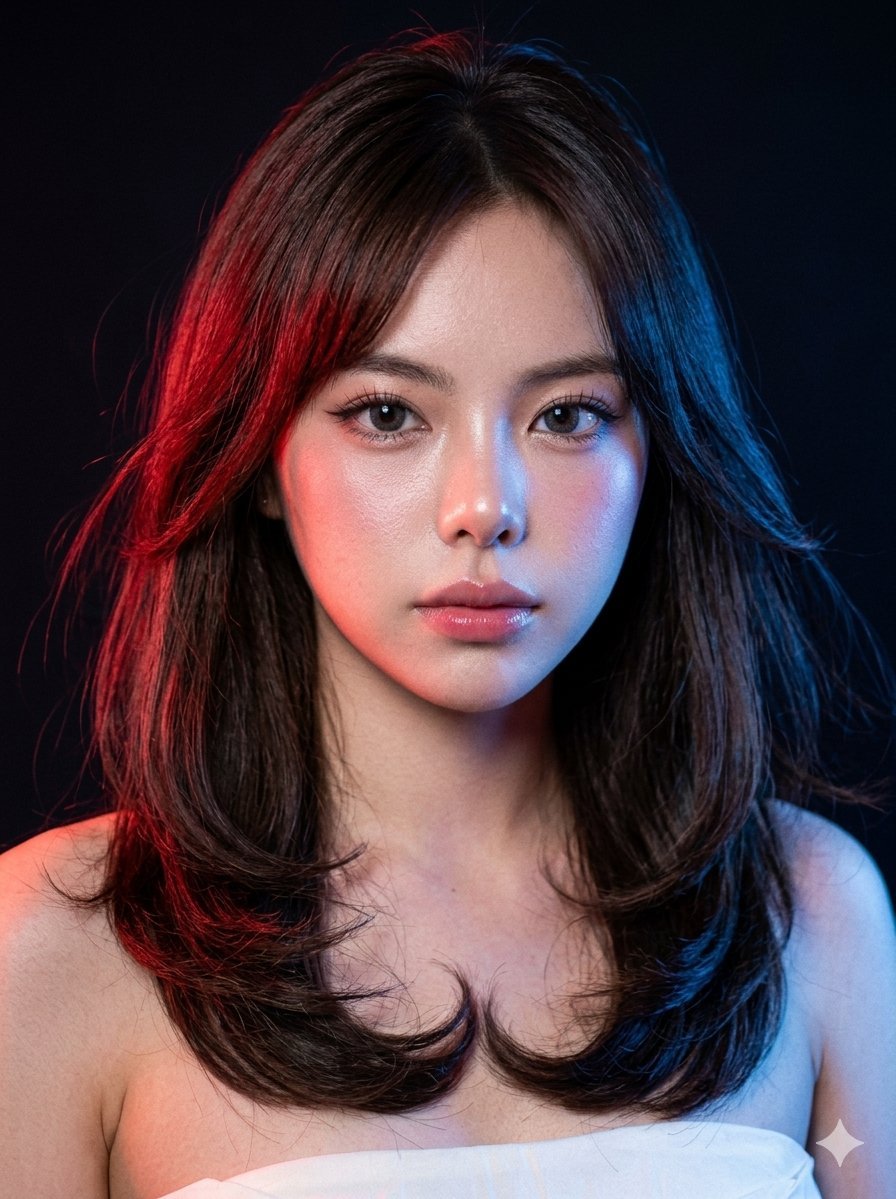
Neon Gel Lighting Studio Portrait
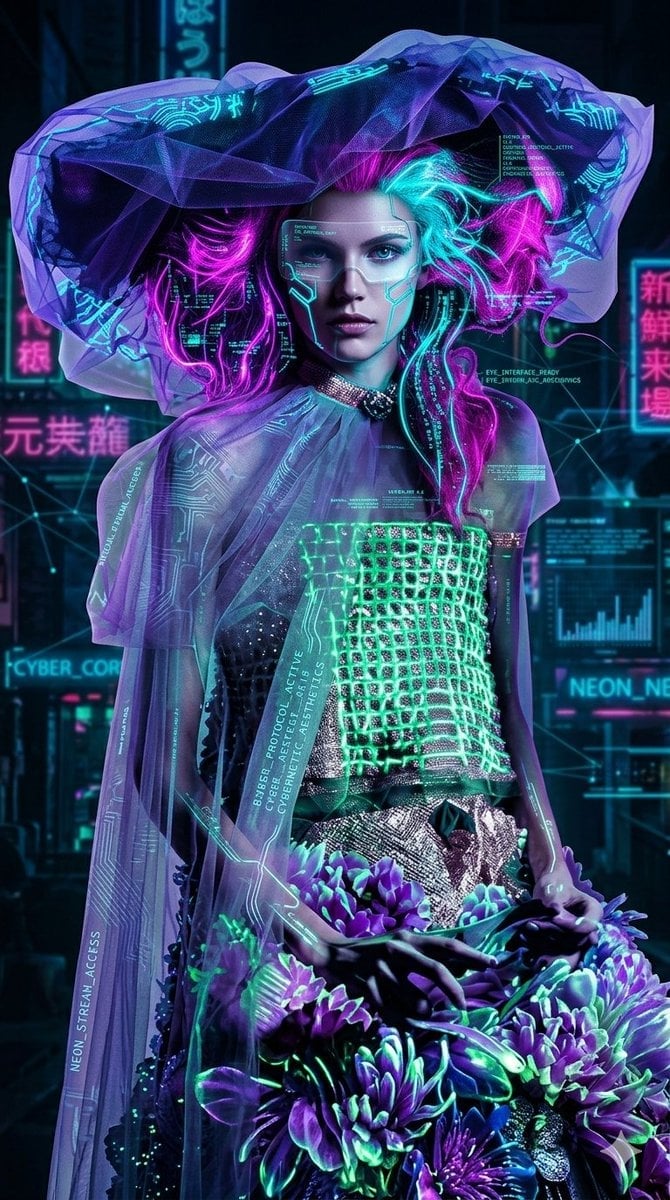
Cyberpunk Neon Floral Portrait
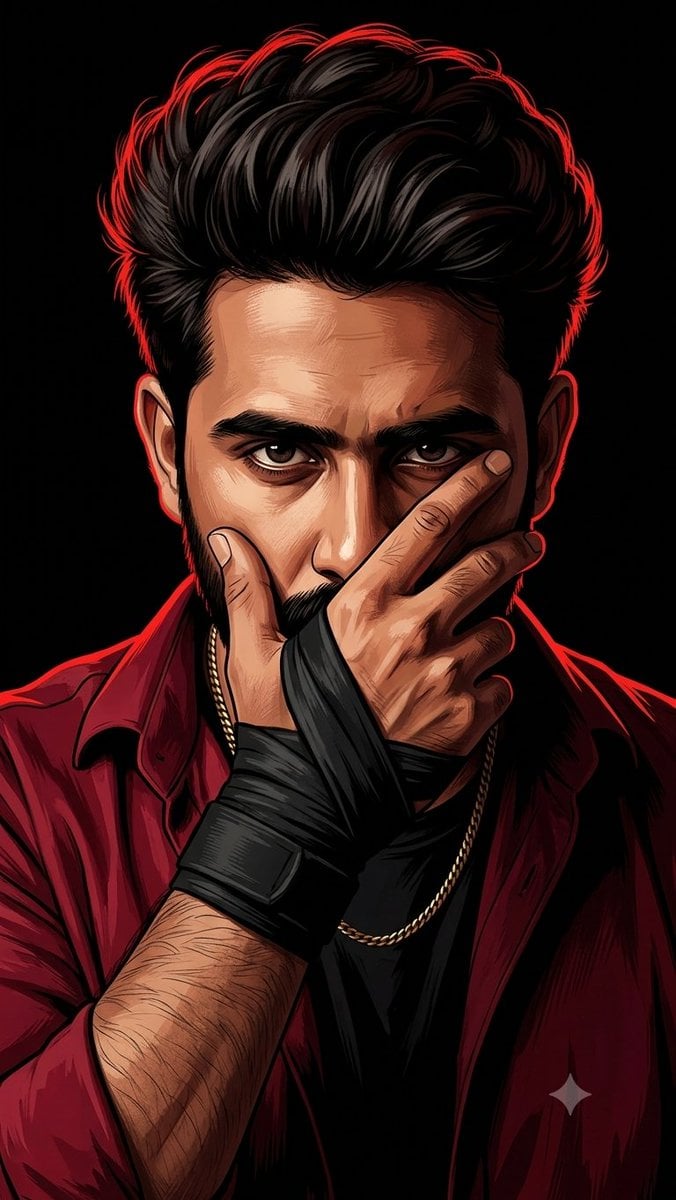
Mysterious Red Rim Lighting Portrait
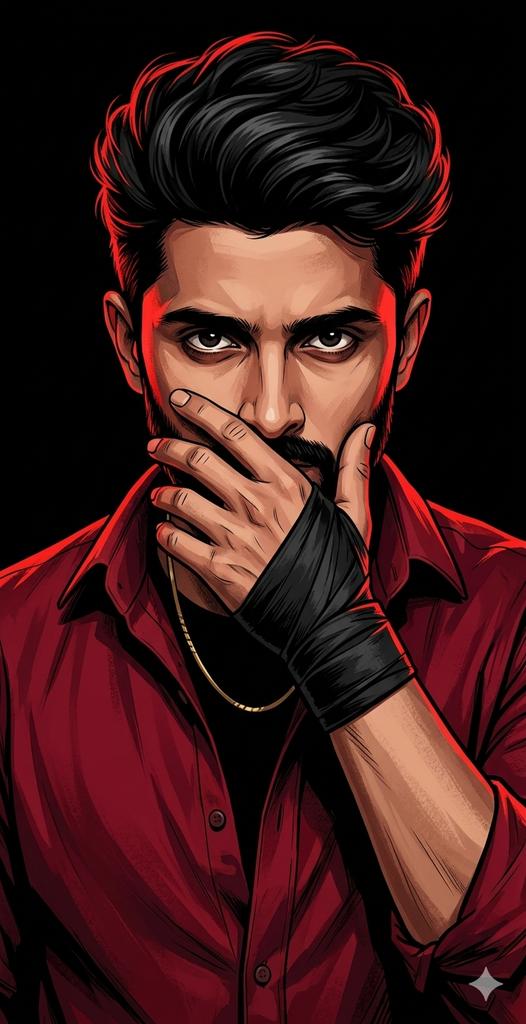
Dramatic Red Rim Lighting Portrait
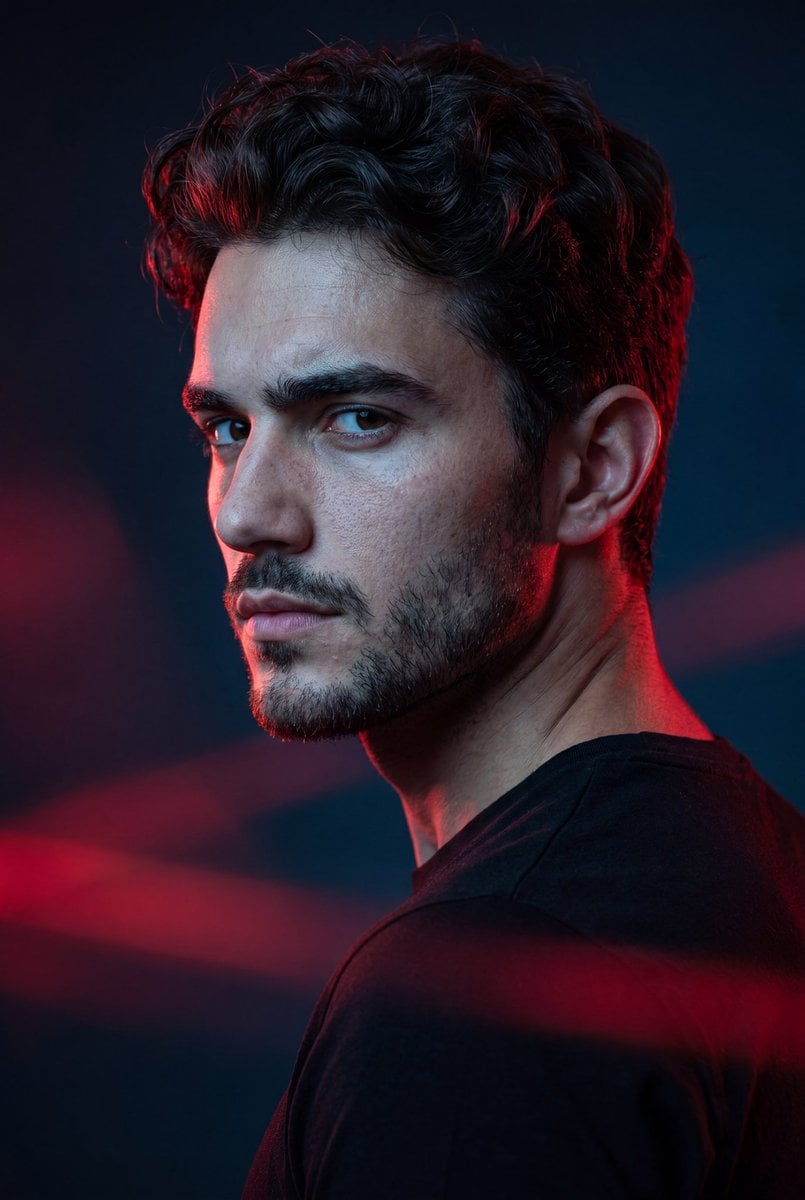
Cinematic Portrait with Dramatic Rim Lighting
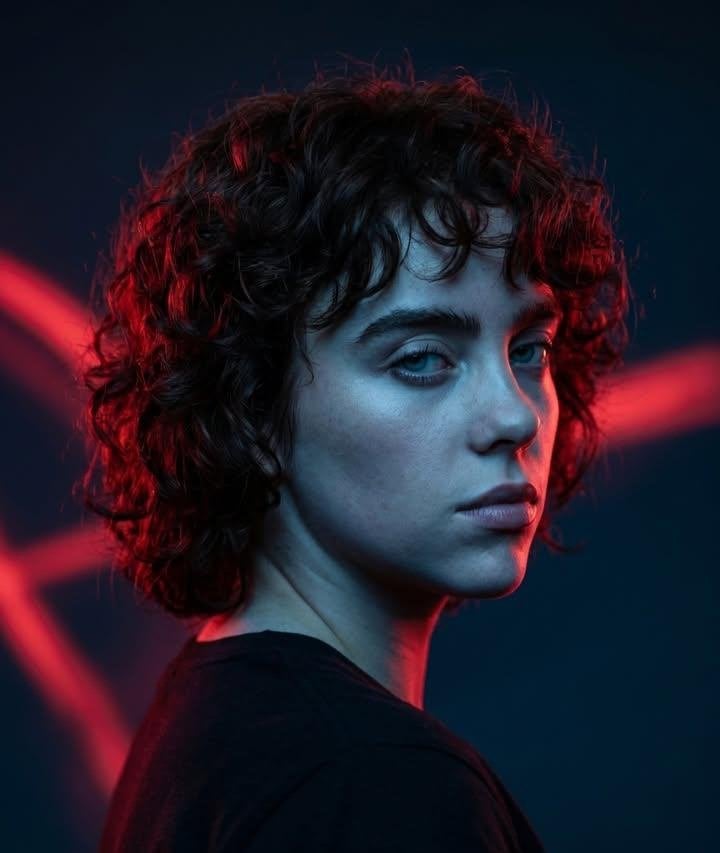
Red Rim Lighting Cinematic Portrait
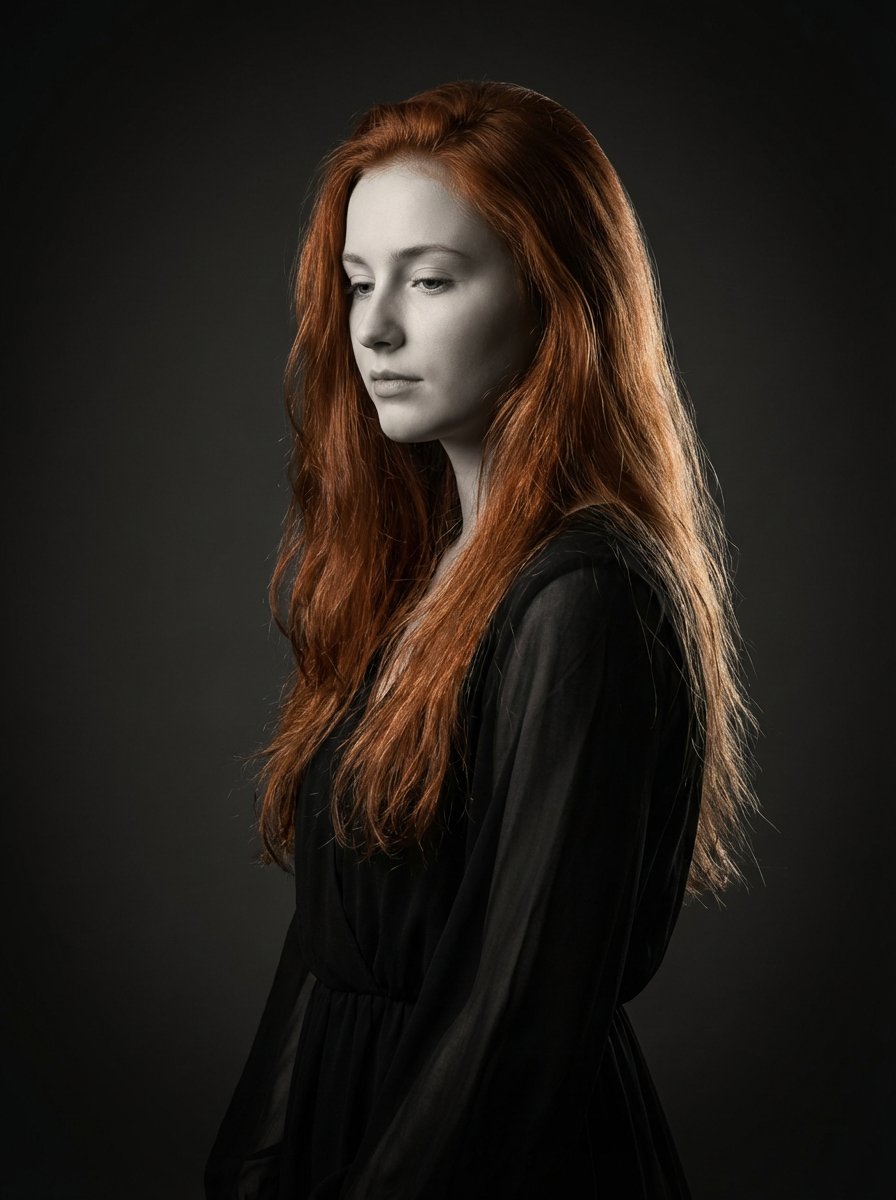
Monochrome Fine Art Portrait with Dramatic Rim Lighting
Make it yours
Cyberpunk Neon Identity Rim Light Portrait works as-is. These are the safest ways to change it without losing the look.
Change one field
Copy a single group, rewrite it, and generate again so you can see what that field is doing.
Keep the frame, change the subject
Hold the composition and light of Cyberpunk Neon Identity Rim Light Portrait, then swap wardrobe, props or the person for a new take.
| If the result… | Why | Fix |
|---|---|---|
| The result drifts from the preview | Too many fields changed at once. | Reuse Cyberpunk Neon Identity Rim Light Portrait as-is first, then change one group — subject, light, or setting. |
| The model over-stylizes the scene | The prose prompt leaves finish and camera underspecified. | Add one camera or lighting sentence and stay on GPT Image 2. |
More GPT Image 2 templates
Other prompts made for GPT Image 2.

Six VTuber Japanese Logo Sheet

Realistic Portrait of Woman and Deer

The Vista Modular Condo Poster

AI Model Routing Comparison Infographic

2.5D Anime Art Board

Isometric Productivity Desk Scene

New York Double Exposure Poster

Four-Panel AI Landscape Comparison

Japanese Tatami Lifestyle Magazine Cover

NESCAFÉ Coffee Map Poster
More image prompts
Fresh picks from across the catalog.
Vintage Monchhichi Doll Conversion
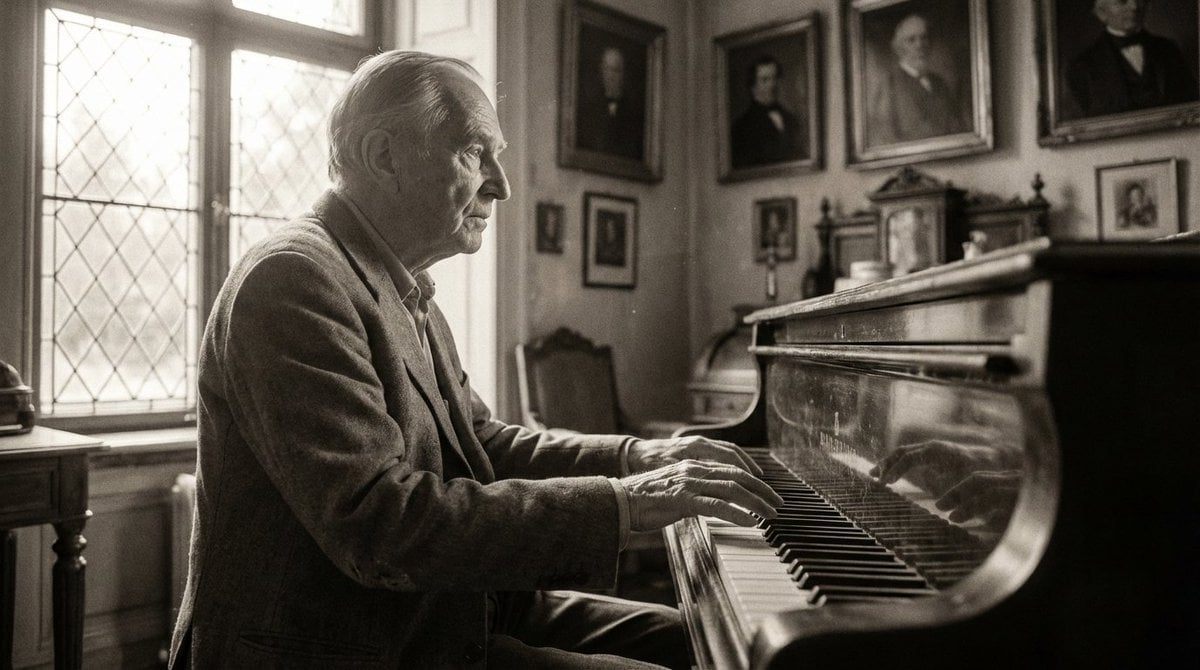
Monochromatic Ivory Cinematic Portrait
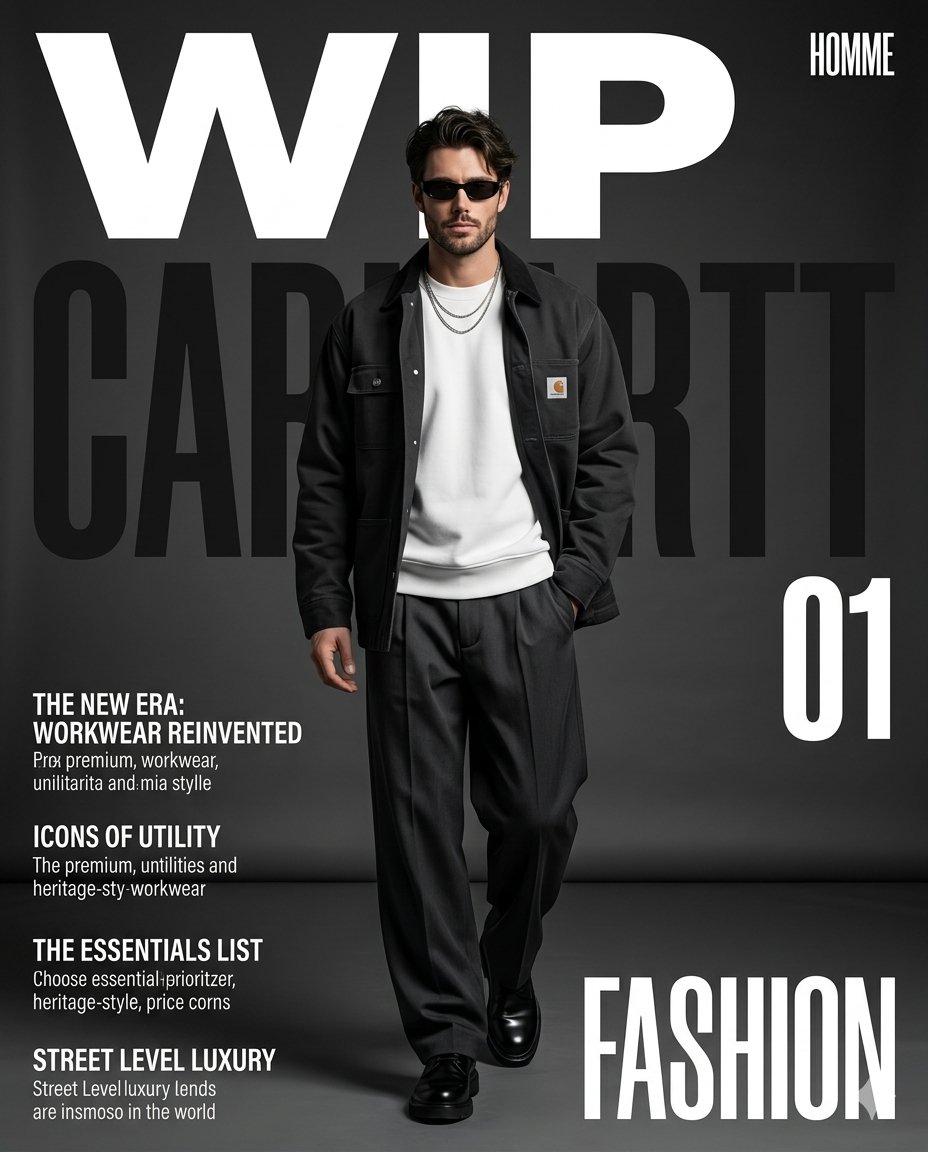
Premium Workwear Magazine Cover
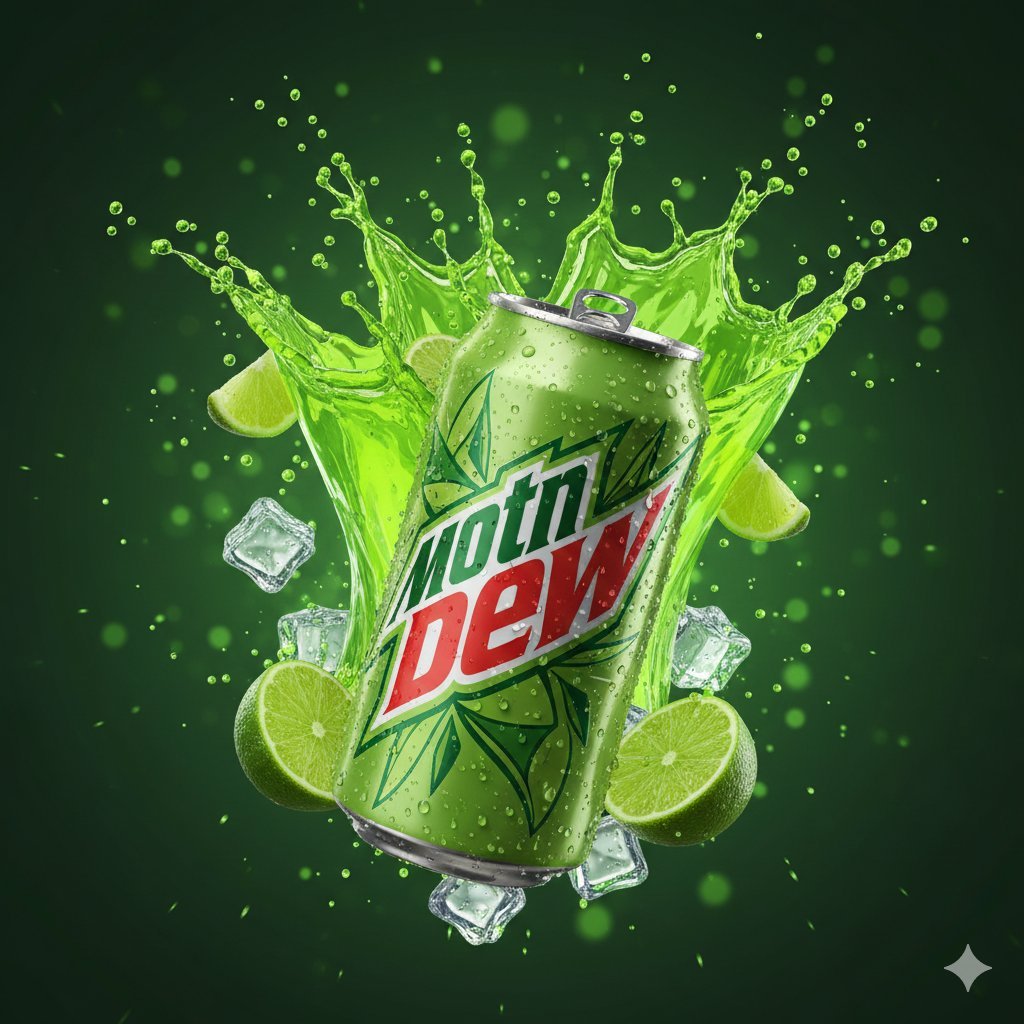
Hyper-Realistic Mountain Dew Can Explosion Product Shot
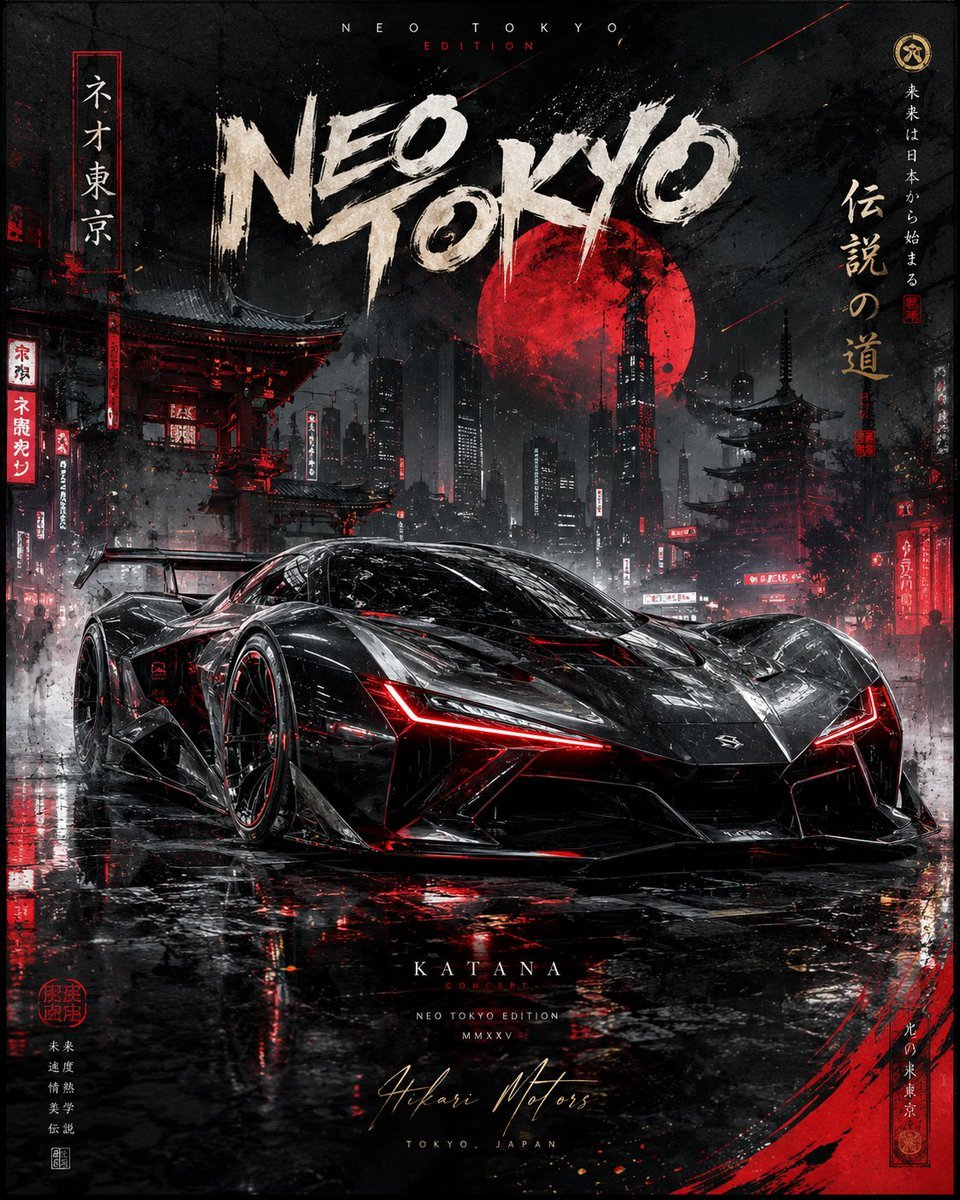
Cinematic Luxury Automotive Editorial Poster
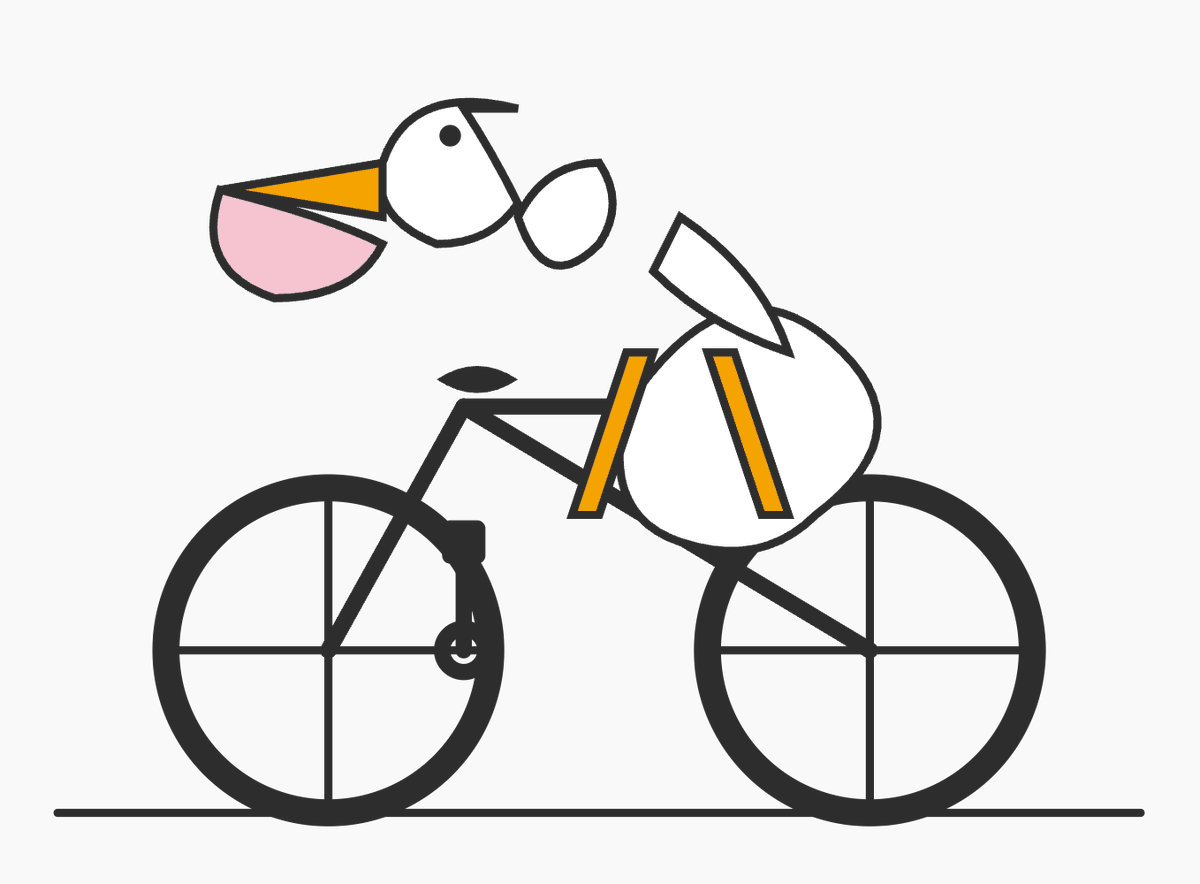
Geometric Bird Riding Bicycle
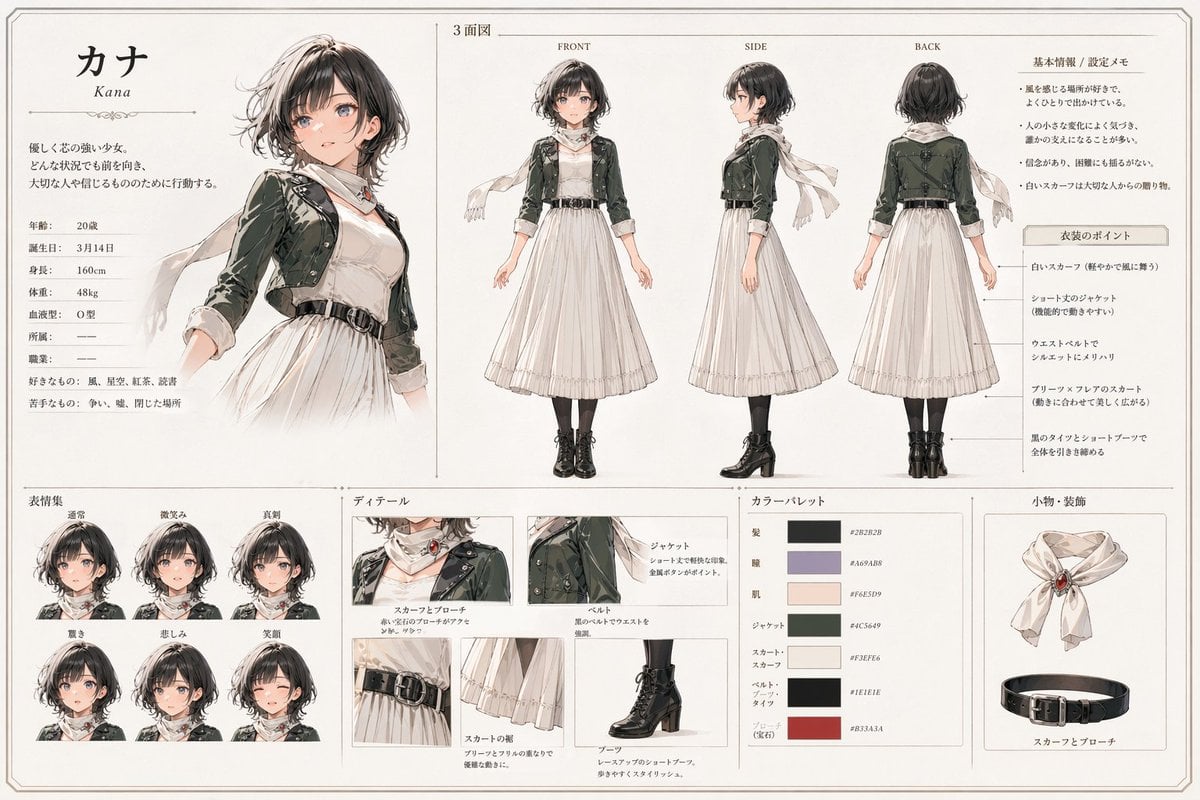
Kana Anime Character Reference Sheet
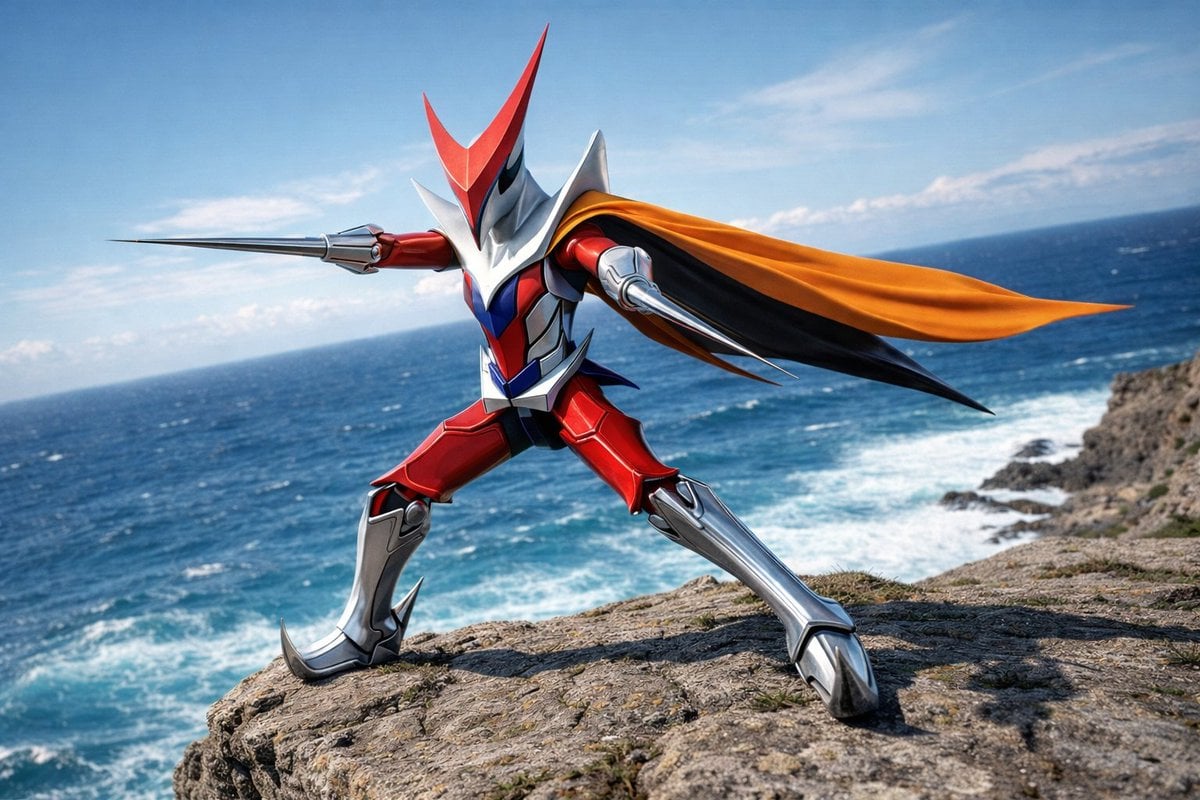
Wingman Character Fighting Pose Generation
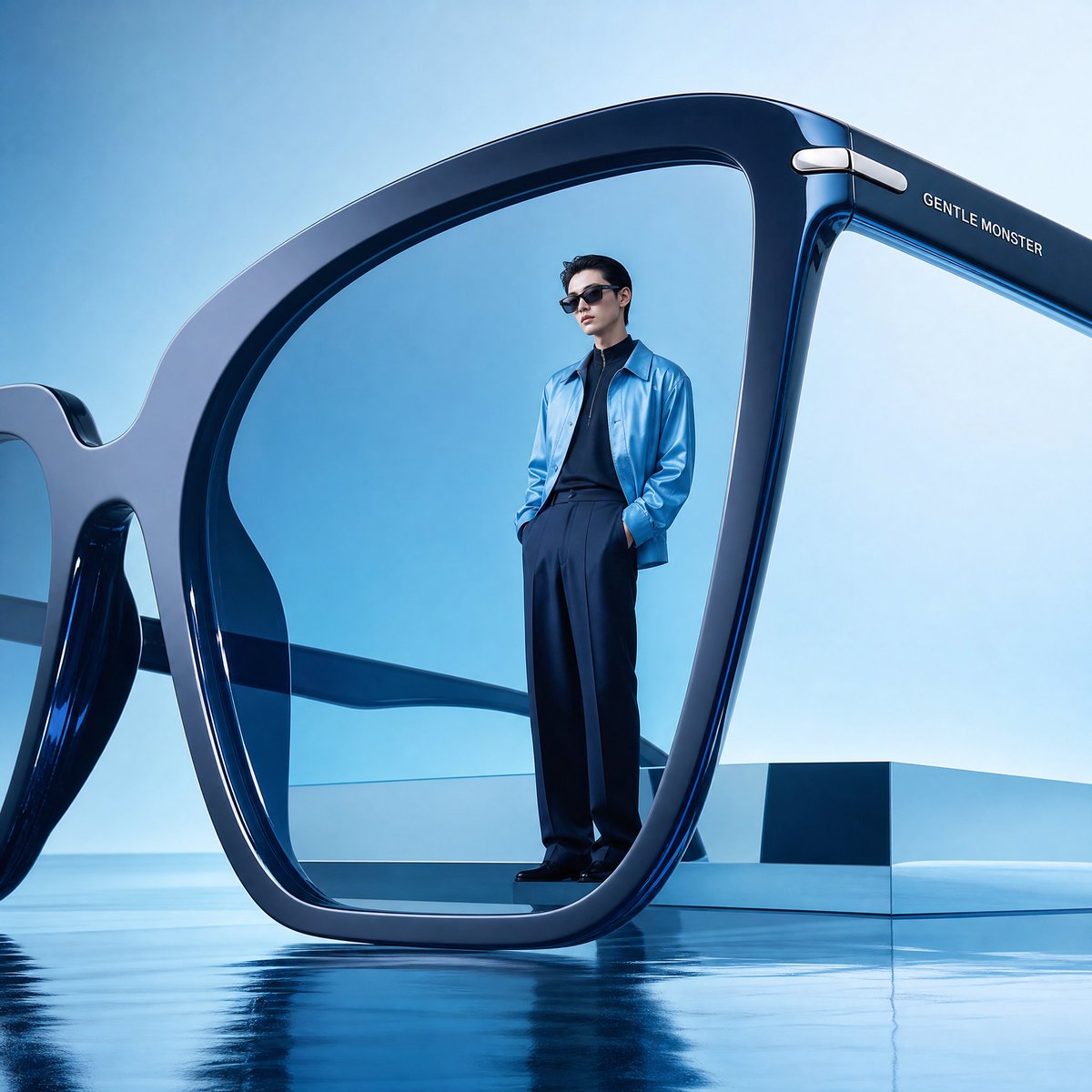
Futuristic Surreal Eyewear Advertisement
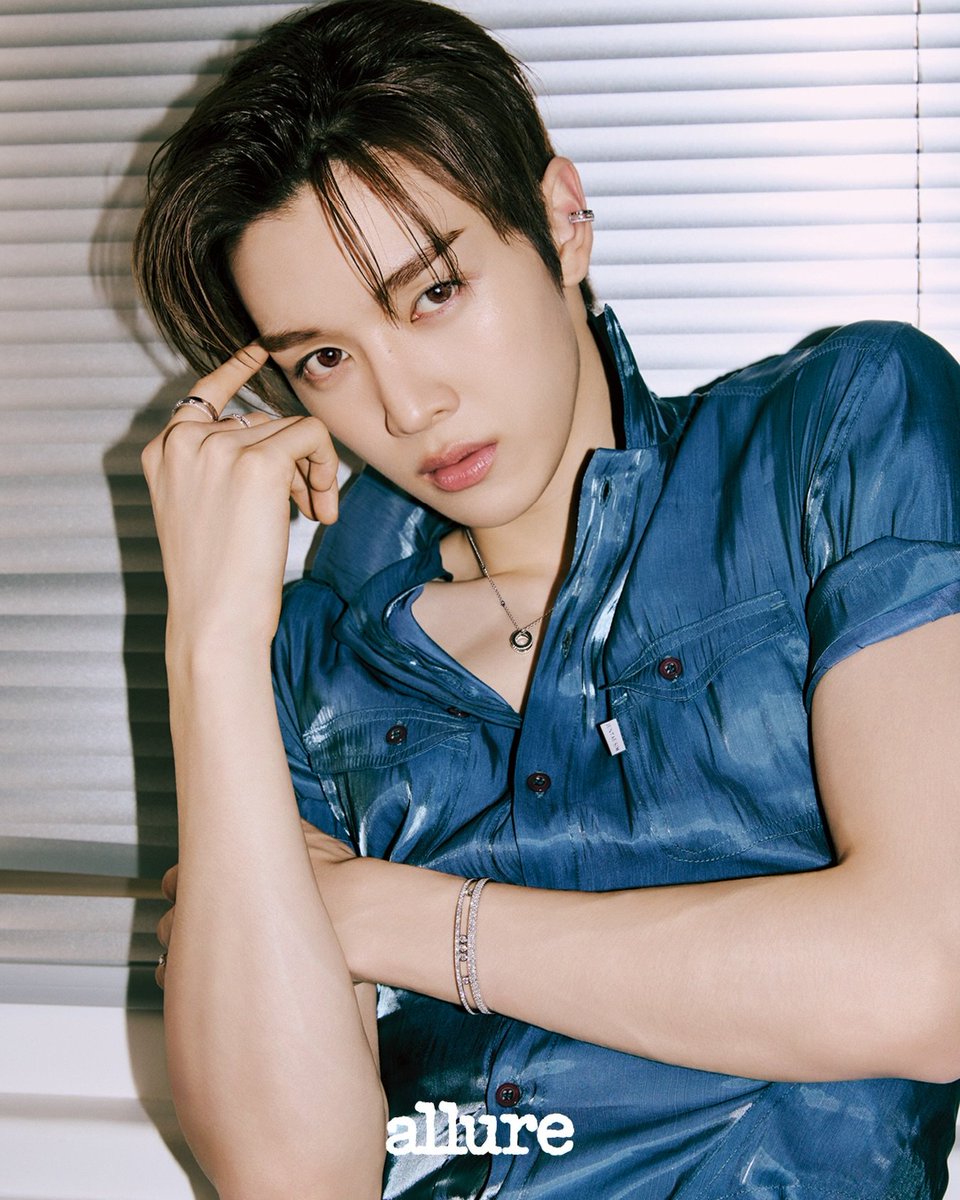
Sungchan Name Repetition
Browse template categories
Cyberpunk Neon Identity Rim Light Portrait questions
How do I use the Cyberpunk Neon Identity Rim Light Portrait template?
Add your photo if the template asks for one, edit the prompt if you like — the template's model and format are already selected — and press Generate. Your version opens in PicX Studio.
Can I customize the Cyberpunk Neon Identity Rim Light Portrait template?
Yes. You can change the subject, setting, lighting, mood, format, and available model controls before creating your image.
Is the Cyberpunk Neon Identity Rim Light Portrait template free?
Opening and editing this template is free. Generating uses credits, shown on the Generate button when you are signed in.
Which AI model should I use?
Start with GPT Image 2, which is the model associated with this template. You can compare another compatible model for a different finish.
Looking for something else? Browse all templates.

Your photo, any look
Thousands of ready templates for every top image and video model, from one credit balance.