
Realistic Smartphone Selfie Portrait
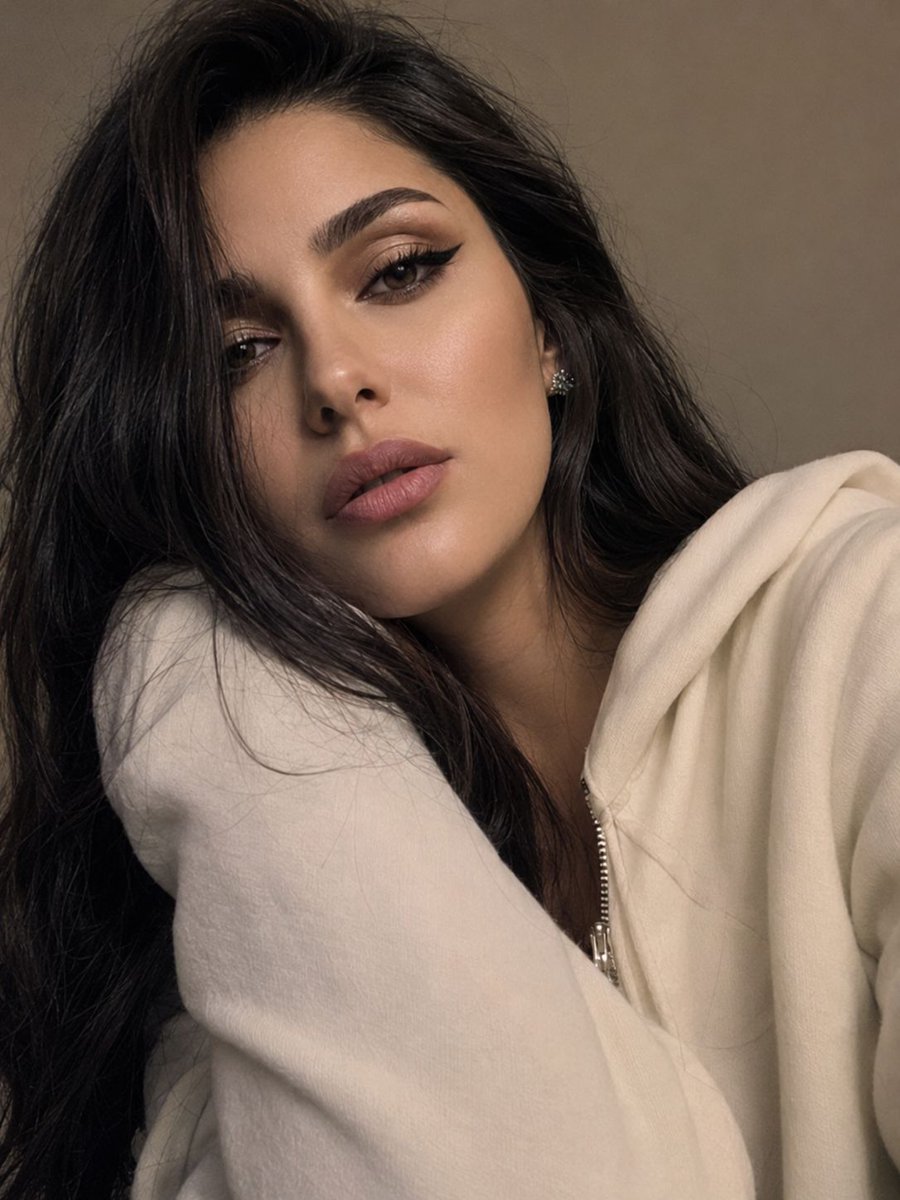
A prompt designed to create an authentic smartphone selfie aesthetic with high facial identity preservation and natural indoor lighting.
- Prompt included
- Model and format preset
- Free template
The prompt behind this image
Copy the exact prompt behind Realistic Smartphone Selfie Portrait, or open it in the studio and make it yours.
Photorealistic close-up selfie portrait of the same girl from the reference image, using the reference as the only source for facial identity. Preserve her exact face shape, skin tone, eye shape, nose, lips, age, proportions, and all recognizable features with high accuracy. Do not alter her identity or make her appear as a different person. She fills almost the entire frame, creating an intimate and authentic selfie composition. Her head is slightly tilted to one side, with her cheek gently resting against her shoulder and partially tucked inside the long cream-colored sleeve of an oversized zip-up hoodie draped casually over one shoulder. Long, straight dark hair with soft curtain bangs falls naturally along the left side of her face, partially covering one eye. Her expression is calm and slightly pouting, with a relaxed, effortless mood. She looks directly into the camera, with visible eyelashes and subtle eye contact. Makeup is soft and natural, featuring laminated brows, elongated black winged eyeliner extending the eye shape, and matte dusty-pink lips. The camera is positioned extremely close to her face, recreating the authentic feel of a webcam or phone selfie. The frame has a slight tilt and an unposed, spontaneous appearance. Sharp focus on the visible eye, lips, hair strands, skin texture, and the thick cream-colored hoodie sleeve, while the background softly blurs away. Behind her is a simple warm gray-beige wall with no distracting details. Warm indoor ambient lighting mixed with subtle screen light from the front-left softly illuminates her face and hair, creating gentle highlights and natural shadows. The color palette is muted and cozy, dominated by cream, beige-gray, black, and dusty-pink tones. Ultra-photorealistic, authentic smartphone selfie aesthetic, natural skin texture, realistic hair detail, subtle imperfections, shallow depth of field, intimate composition, candid everyday atmosphere, high detail, premium photography quality.
How to use Realistic Smartphone Selfie Portrait in 3 steps
- 1Upload ImagePNG, JPG or paste
Add your photo
Upload the photo the template builds on. The prompt, model and format are already set.
- 2…a portrait of your subject in softgolden-hour light, 85mm…
Personalize
Edit the subject and creative details for your destination.
- 3Generate
Generate
Press Generate — your image is created in PicX Studio, so you can compare it with the original and refine one variable at a time.
More like this
Templates with the same subject, style or setup. Open one to see its prompt.
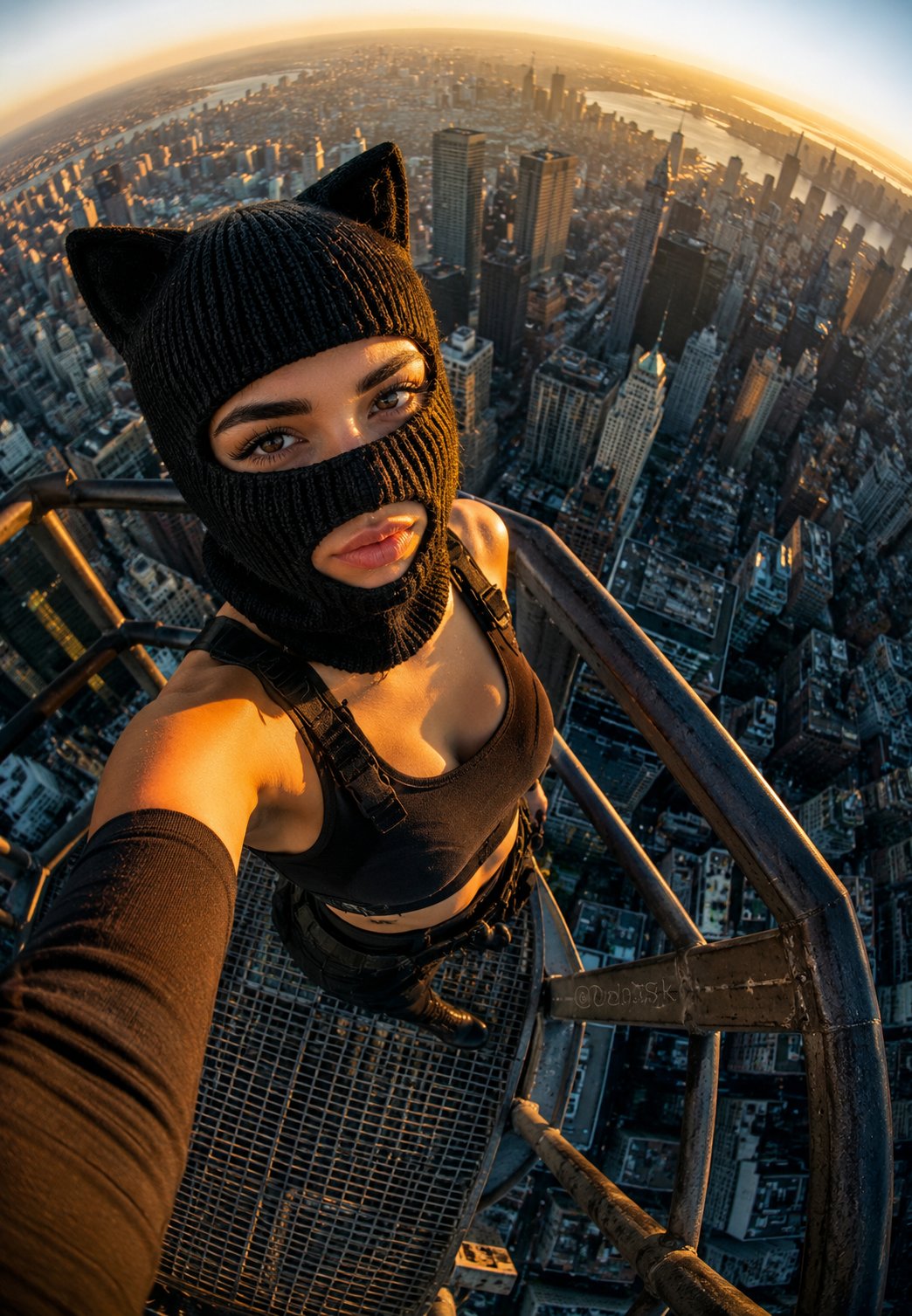
Rooftop Fisheye — Cat-Ear Balaclava at Golden Hour
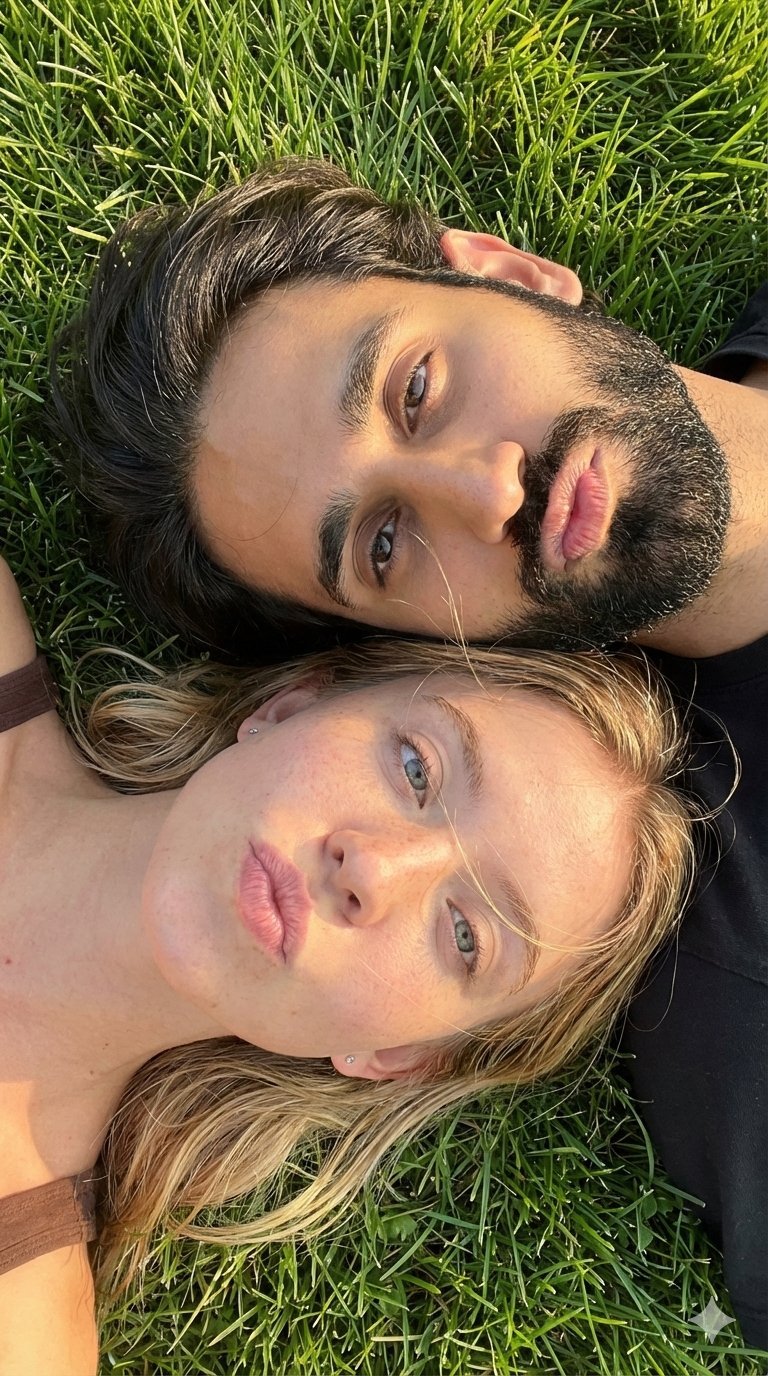
Selfie with Sydney Sweeney and Ana De Ar
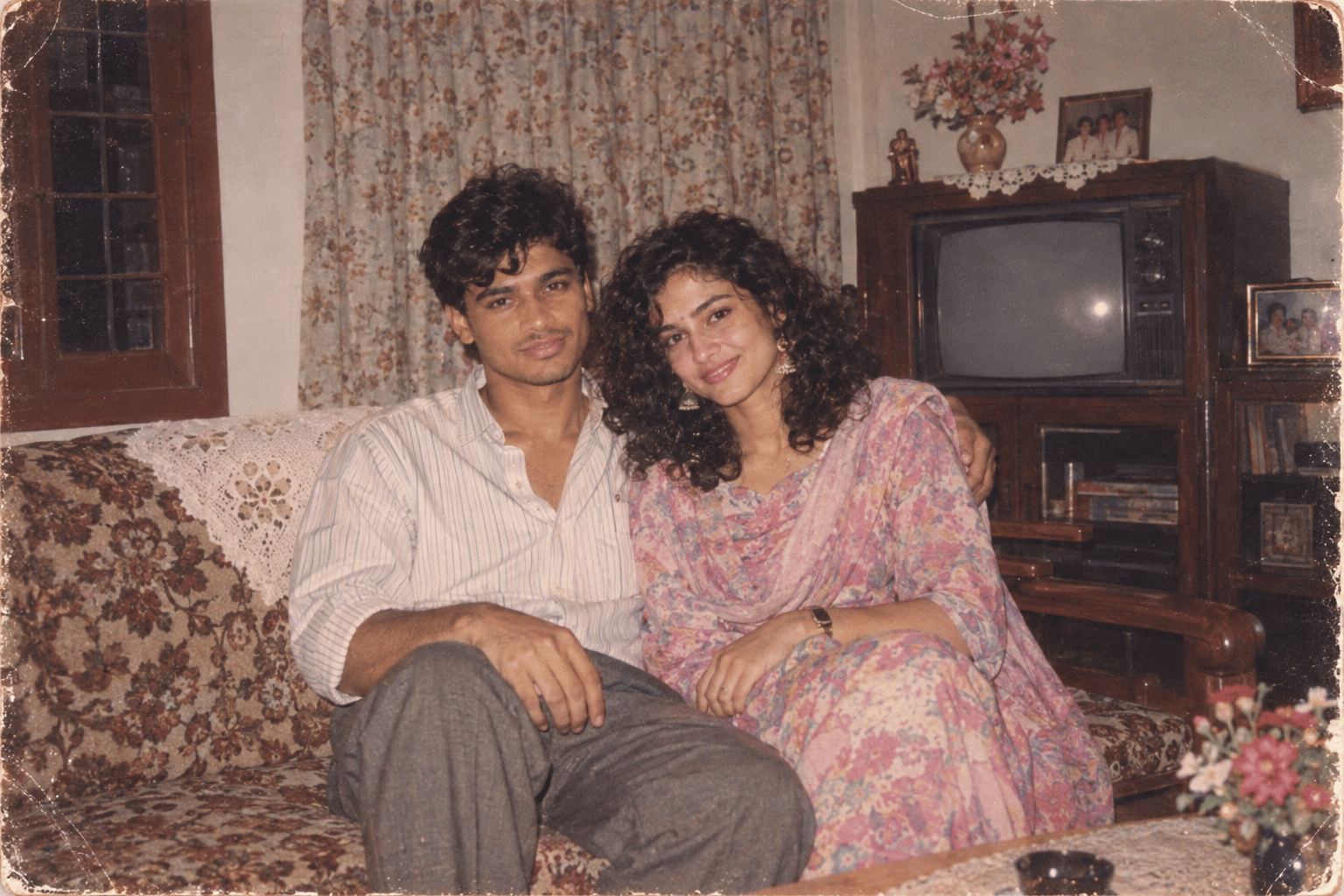
Found Photograph: Us, 1970
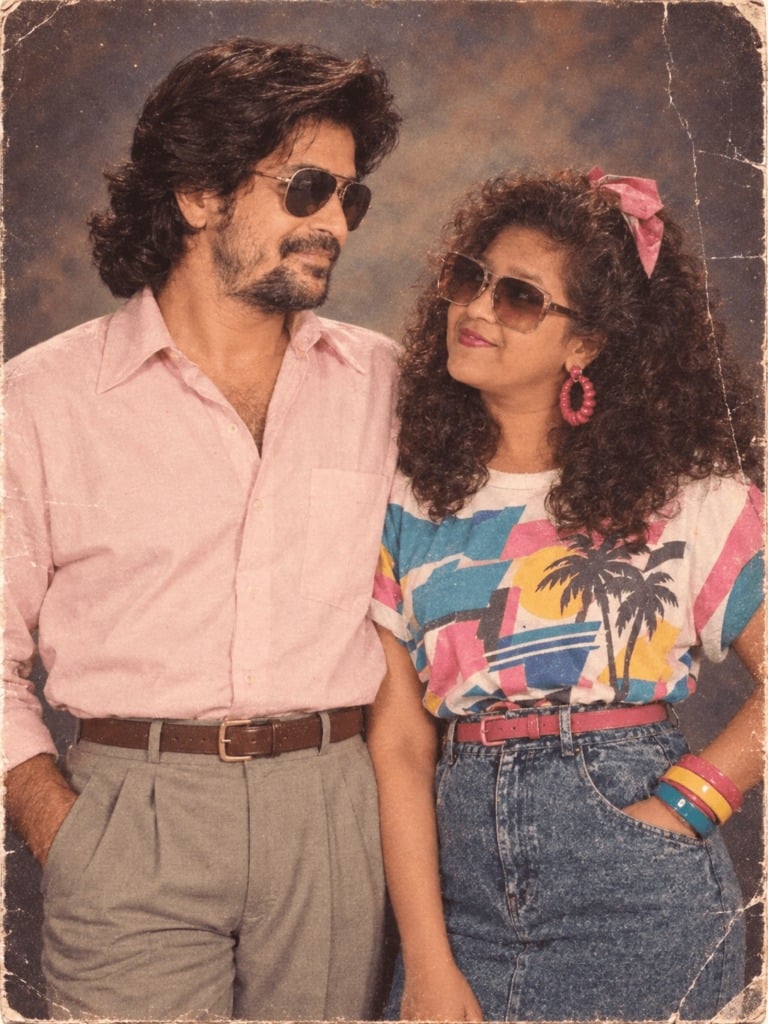
80s Couple Studio Portrait
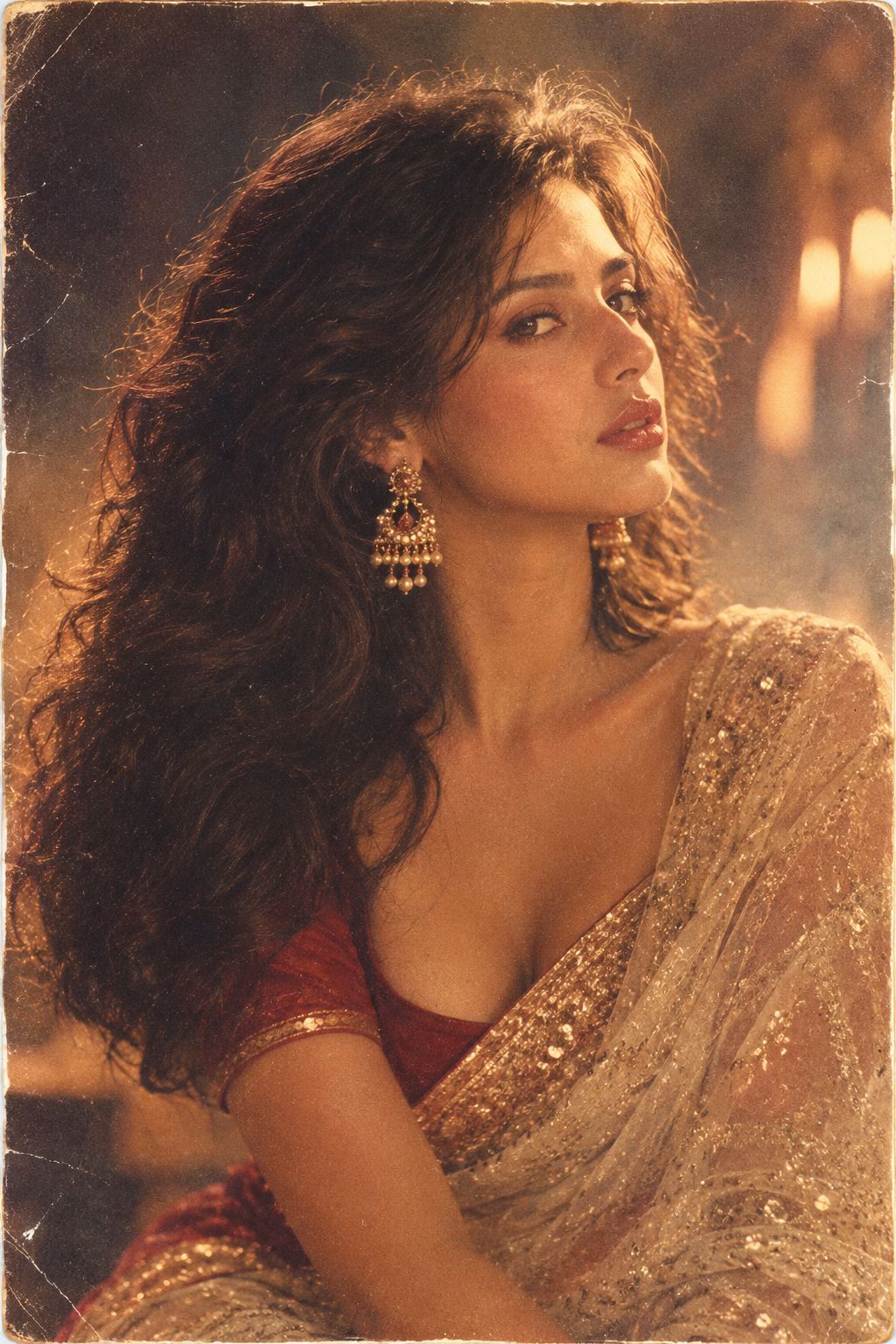
80s Bollywood Star
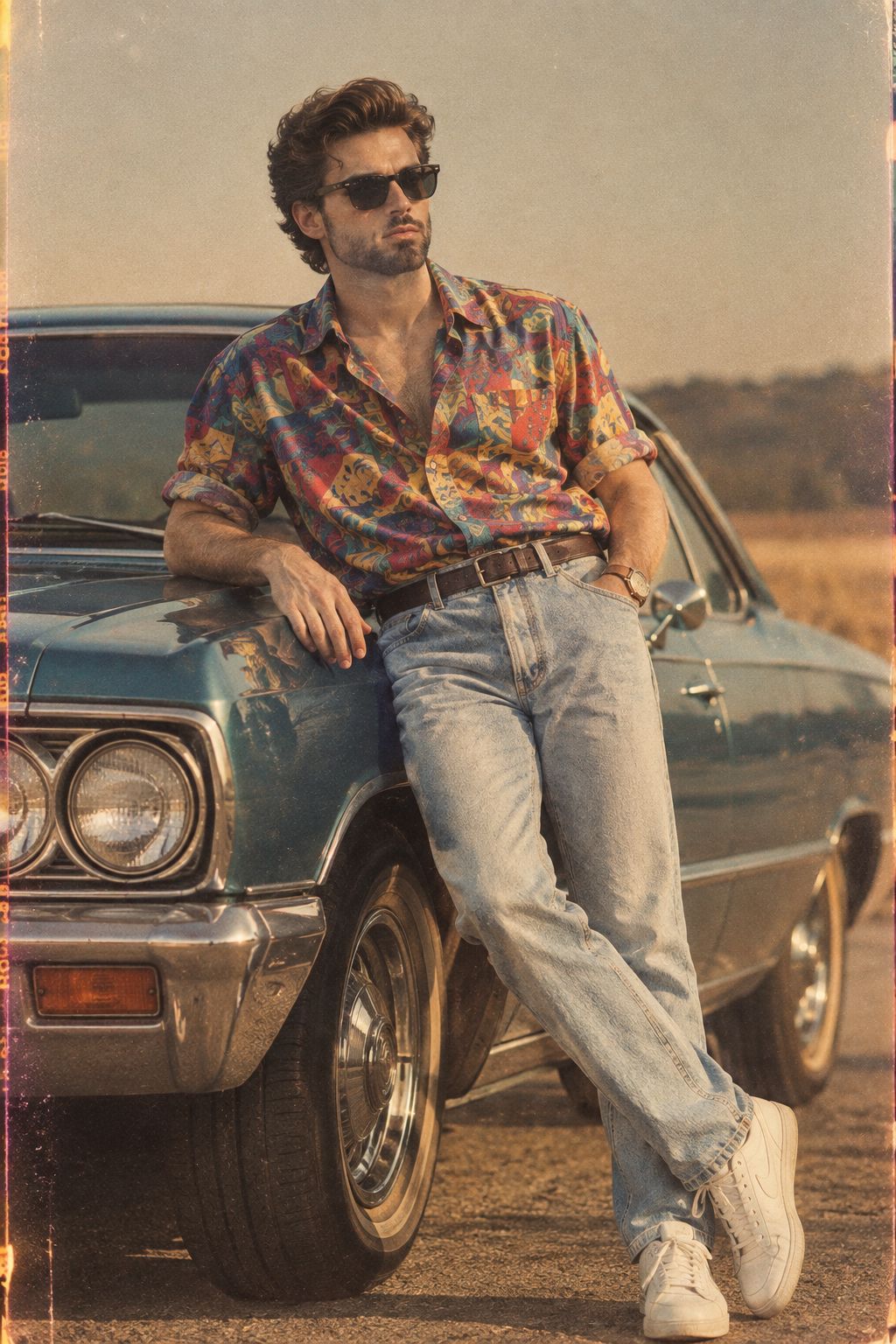
80s Golden Hour Cinema
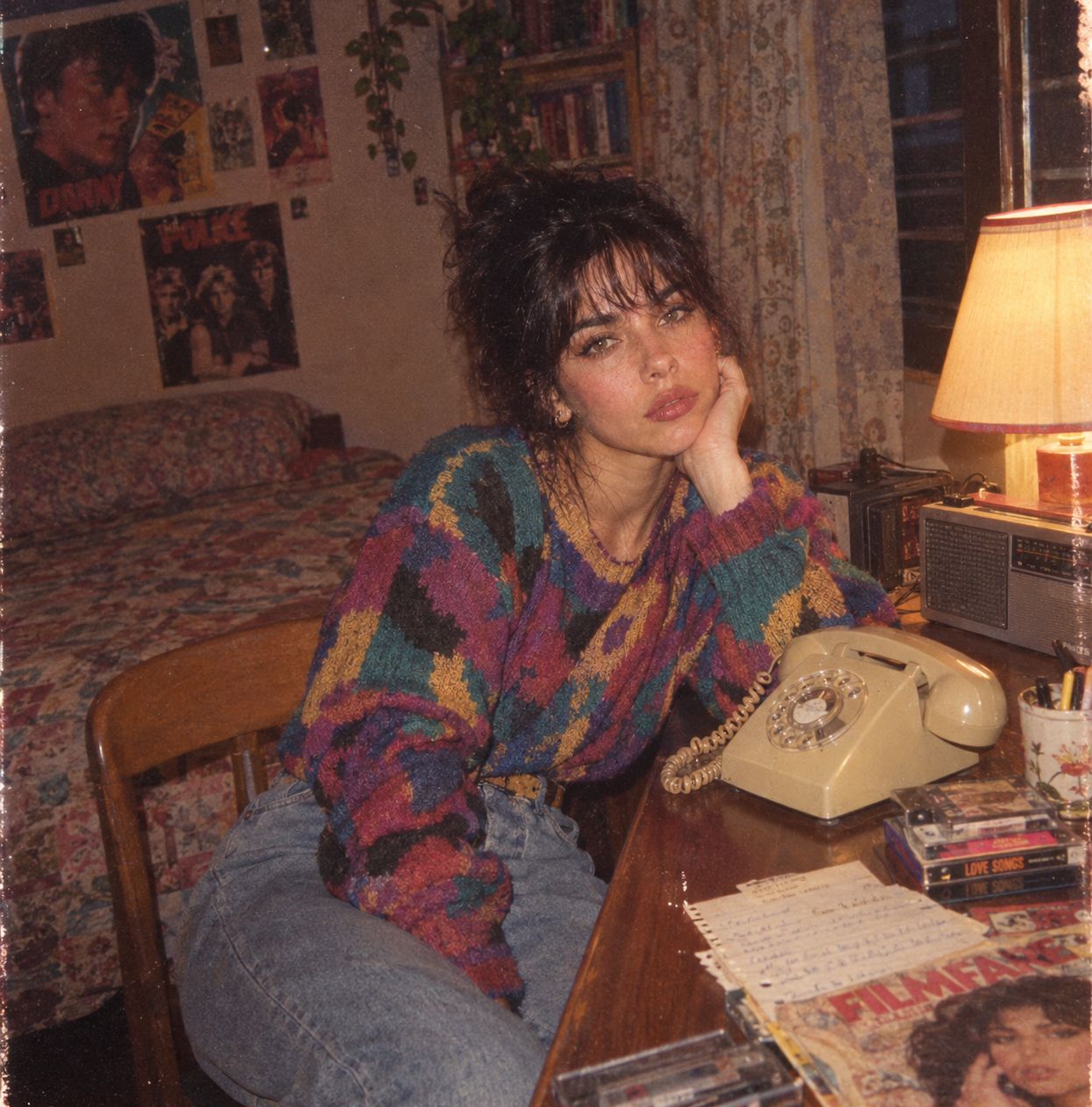
Me in 1985
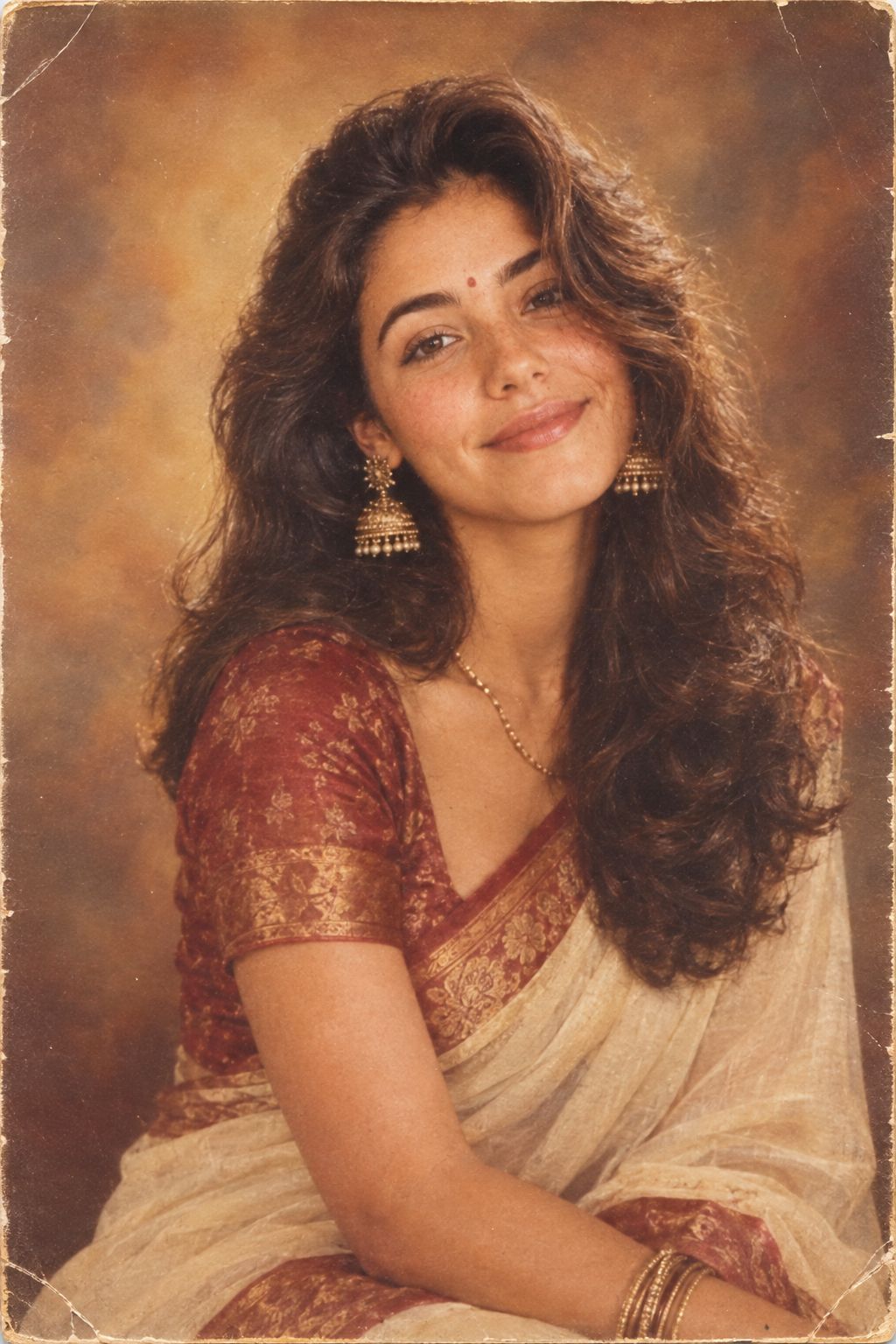
1985 Studio Portrait
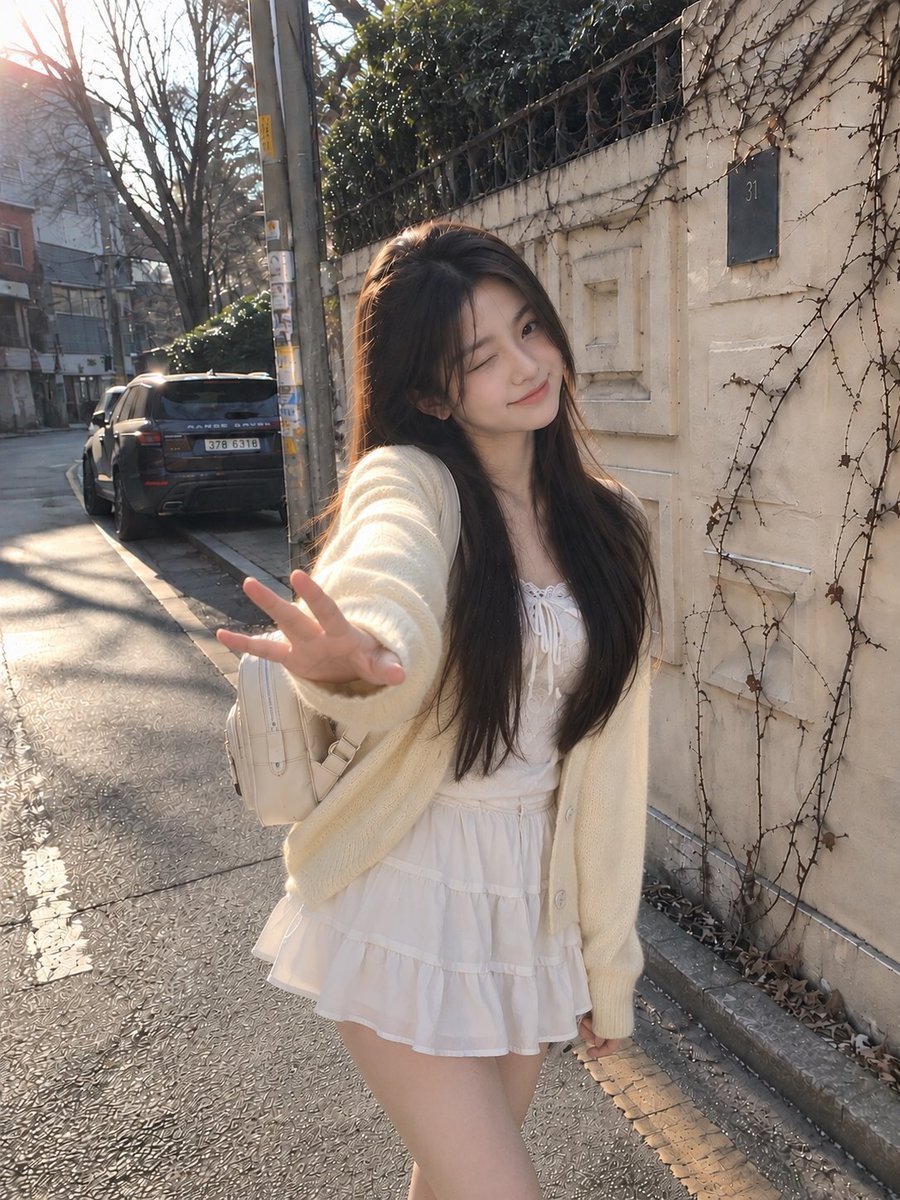
Candid Winter Smartphone Portrait
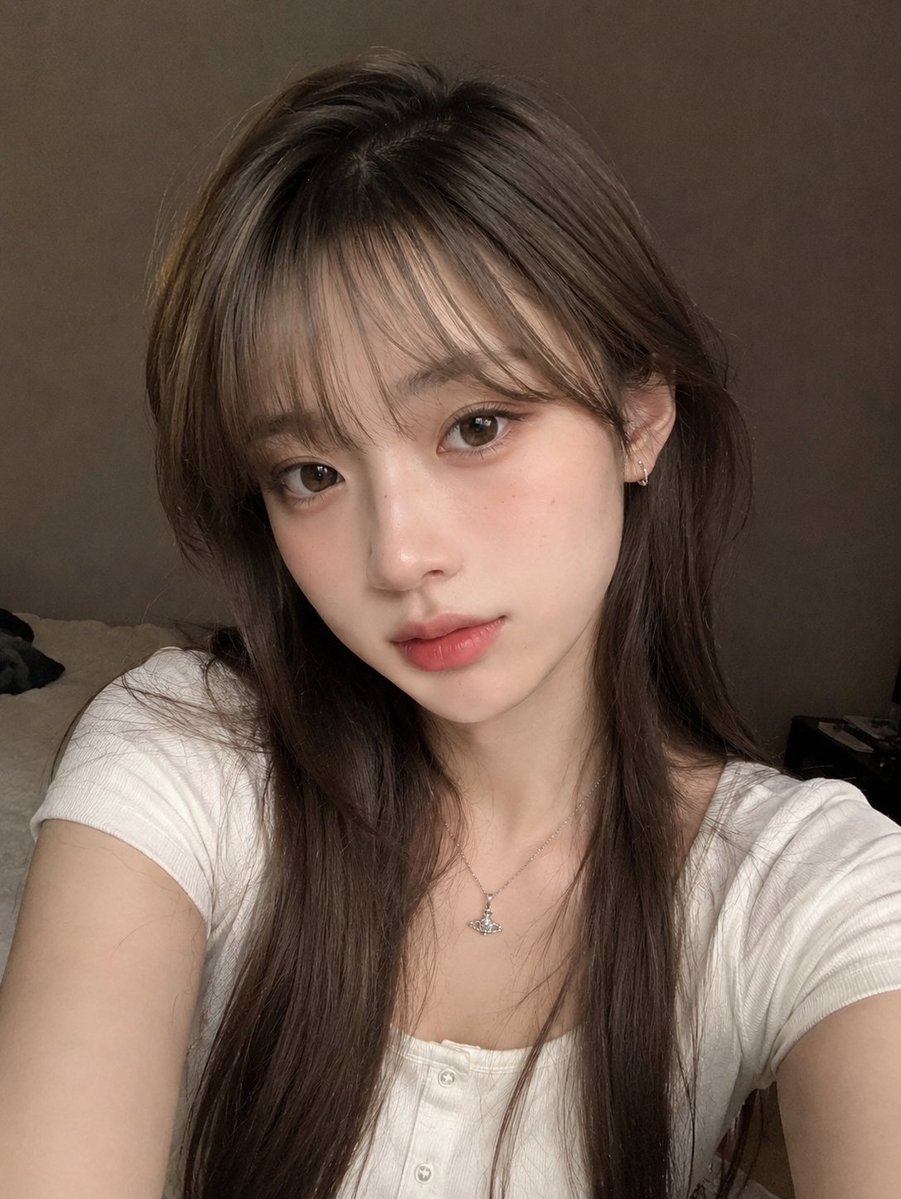
Candid Indoor Smartphone Portrait
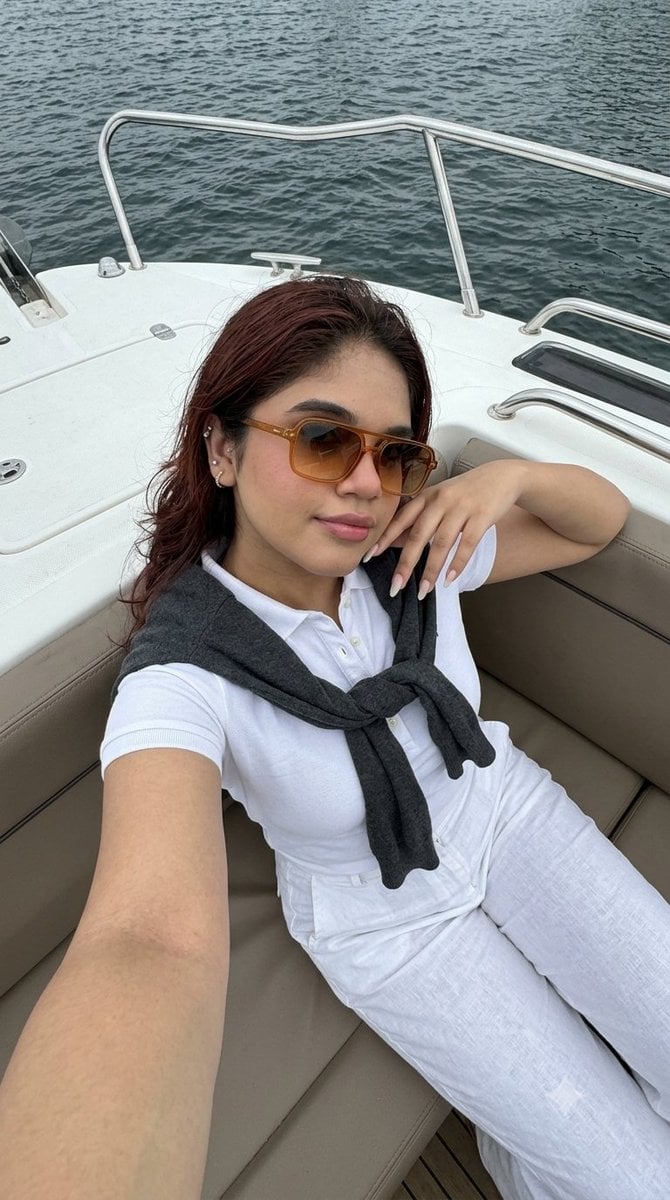
Smartphone Selfie on Motorboat
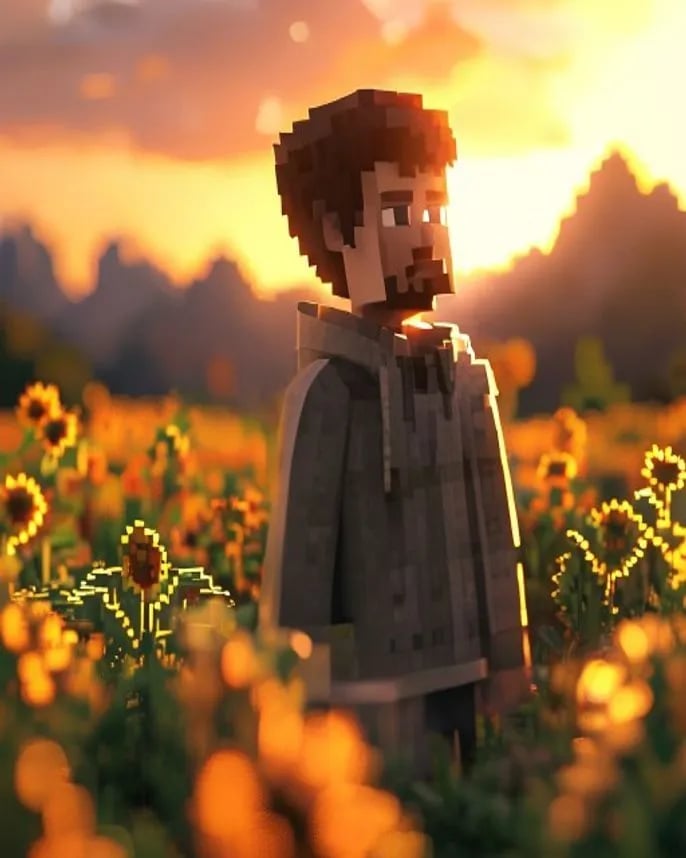
Hyper-Realistic Minecraft POV Portrait
Make it yours
Realistic Smartphone Selfie Portrait works as-is. These are the safest ways to change it without losing the look.
Change one field
Copy a single group, rewrite it, and generate again so you can see what that field is doing.
Keep the frame, change the subject
Hold the composition and light of Realistic Smartphone Selfie Portrait, then swap wardrobe, props or the person for a new take.
| If the result… | Why | Fix |
|---|---|---|
| The result drifts from the preview | Too many fields changed at once. | Reuse Realistic Smartphone Selfie Portrait as-is first, then change one group — subject, light, or setting. |
| The model over-stylizes the scene | The prose prompt leaves finish and camera underspecified. | Add one camera or lighting sentence and stay on GPT Image 2. |
More GPT Image 2 templates
Other prompts made for GPT Image 2.

Six VTuber Japanese Logo Sheet
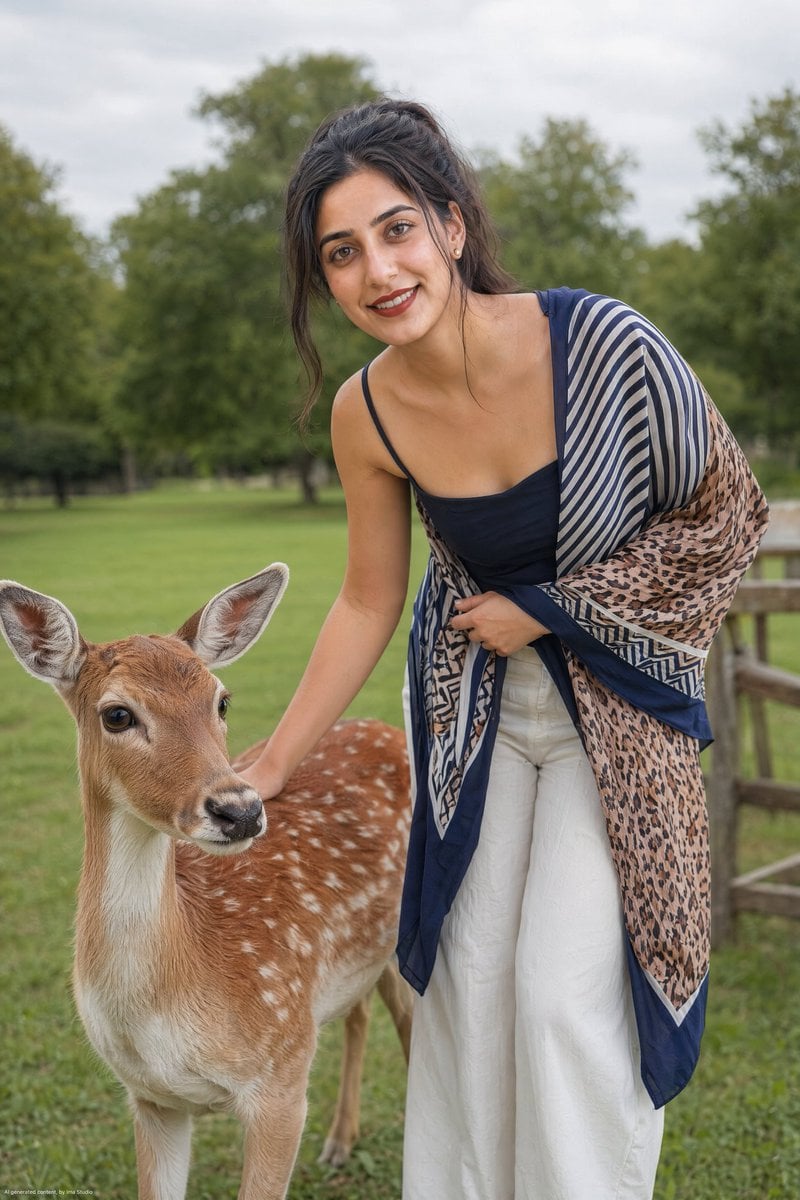
Realistic Portrait of Woman and Deer
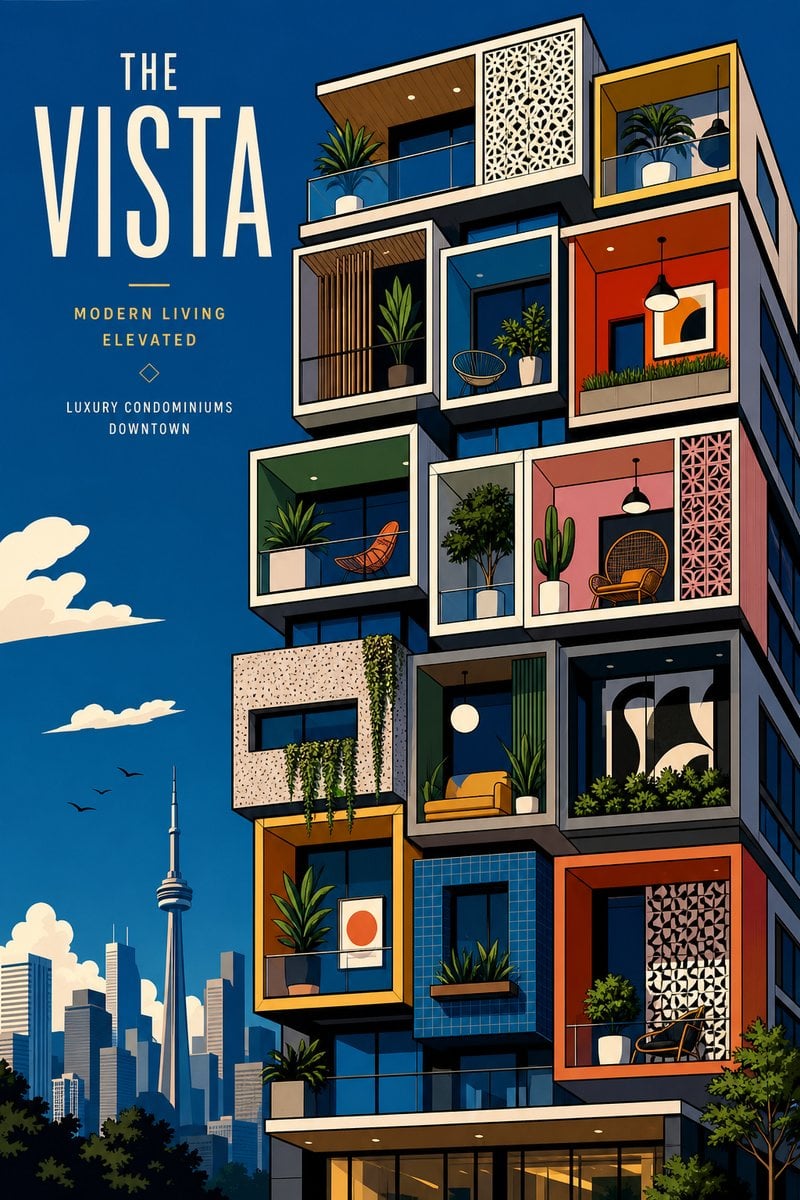
The Vista Modular Condo Poster

AI Model Routing Comparison Infographic
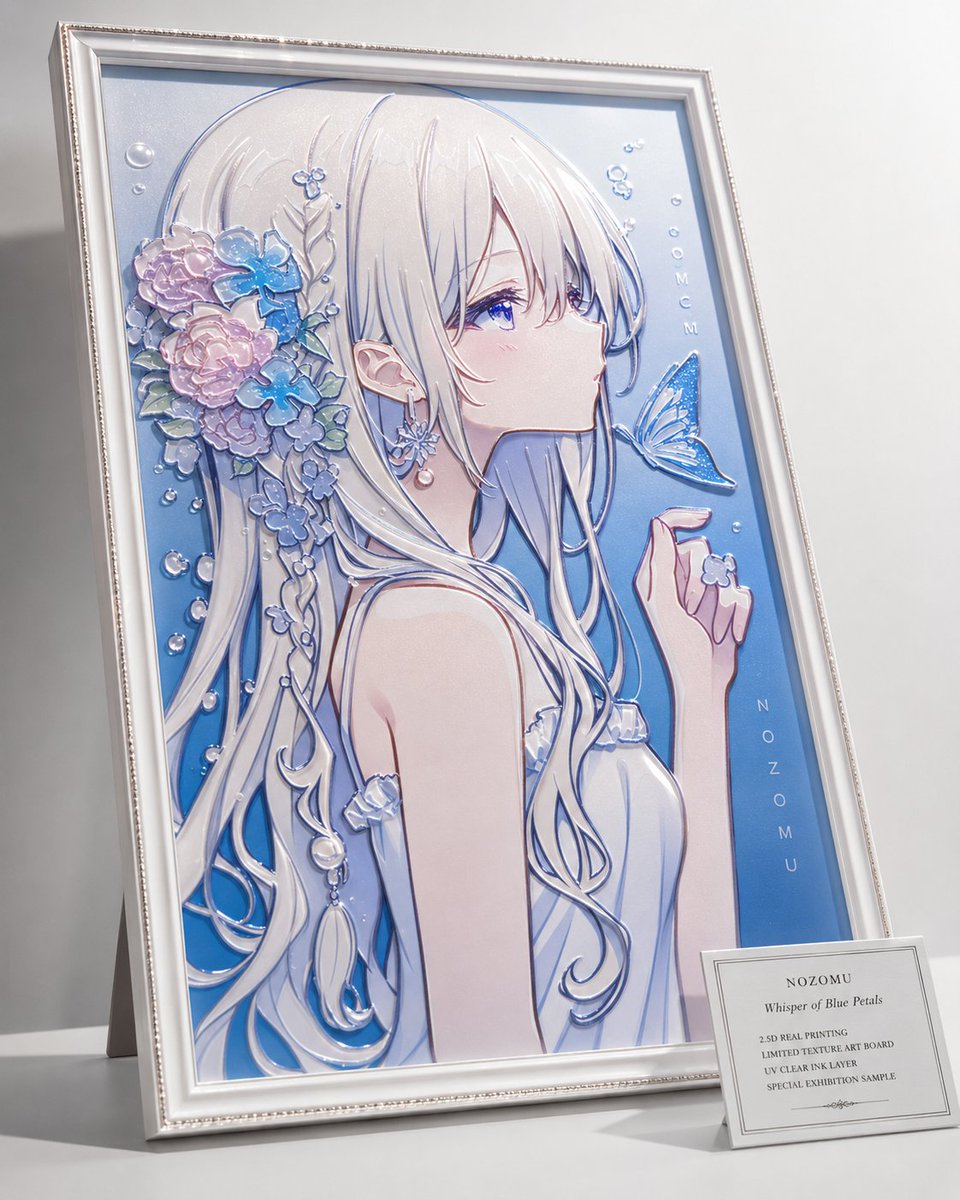
2.5D Anime Art Board

Isometric Productivity Desk Scene
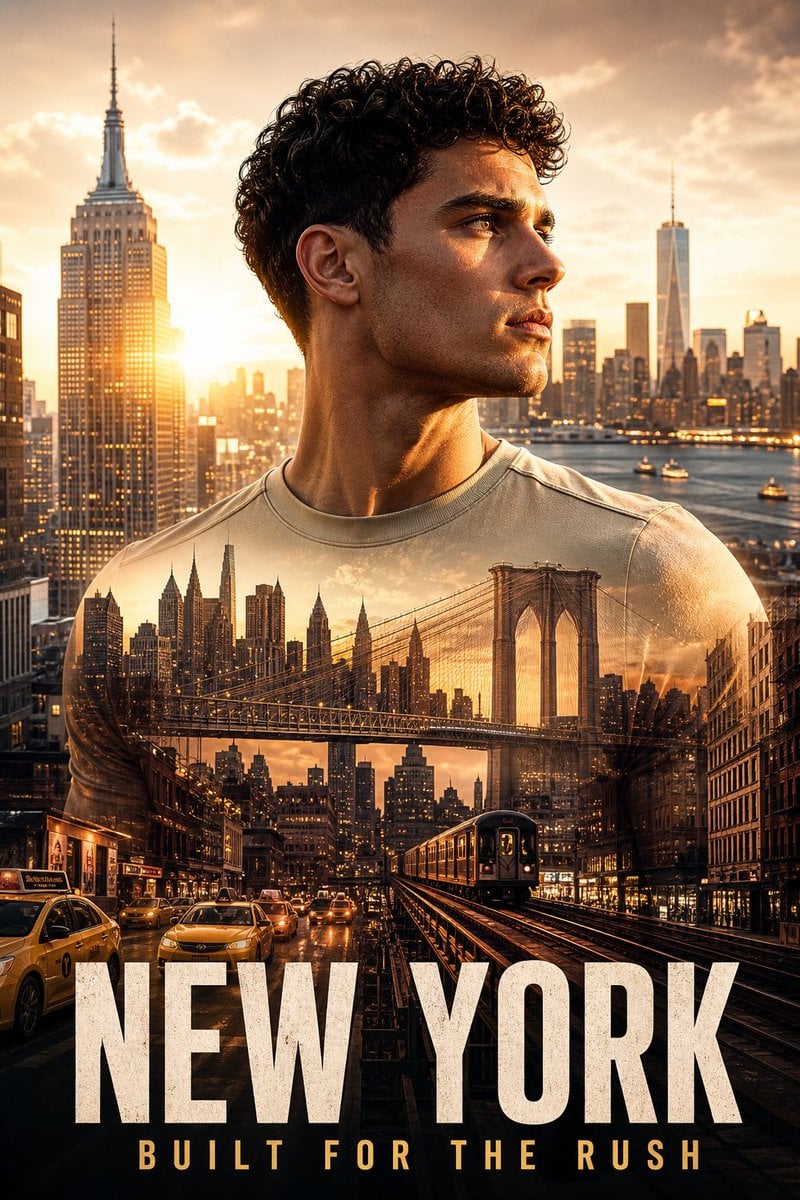
New York Double Exposure Poster
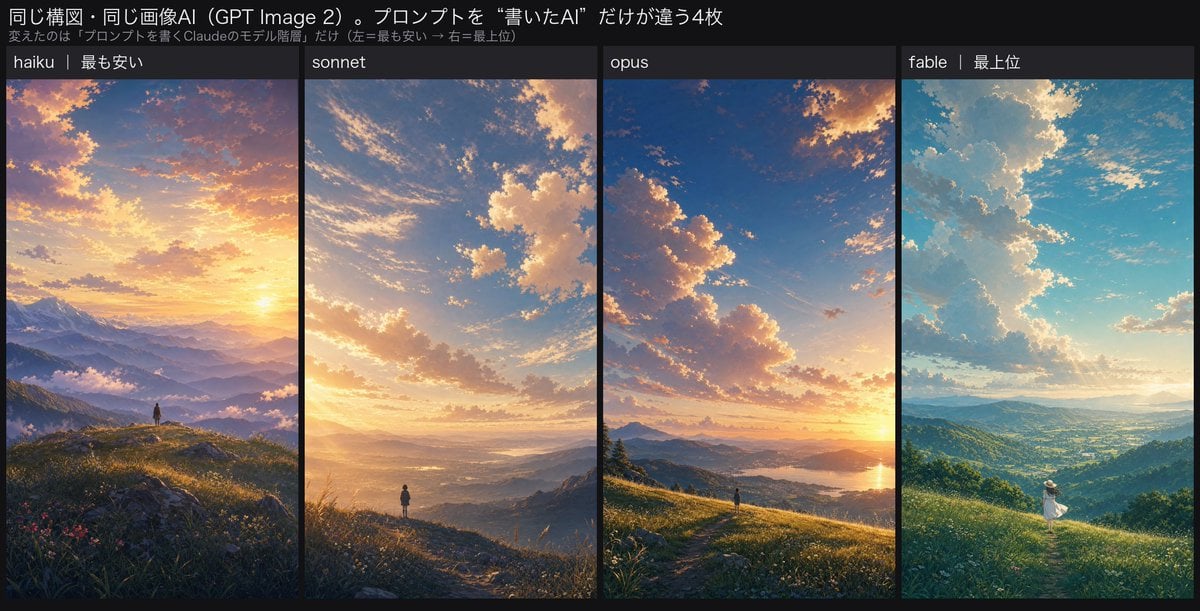
Four-Panel AI Landscape Comparison
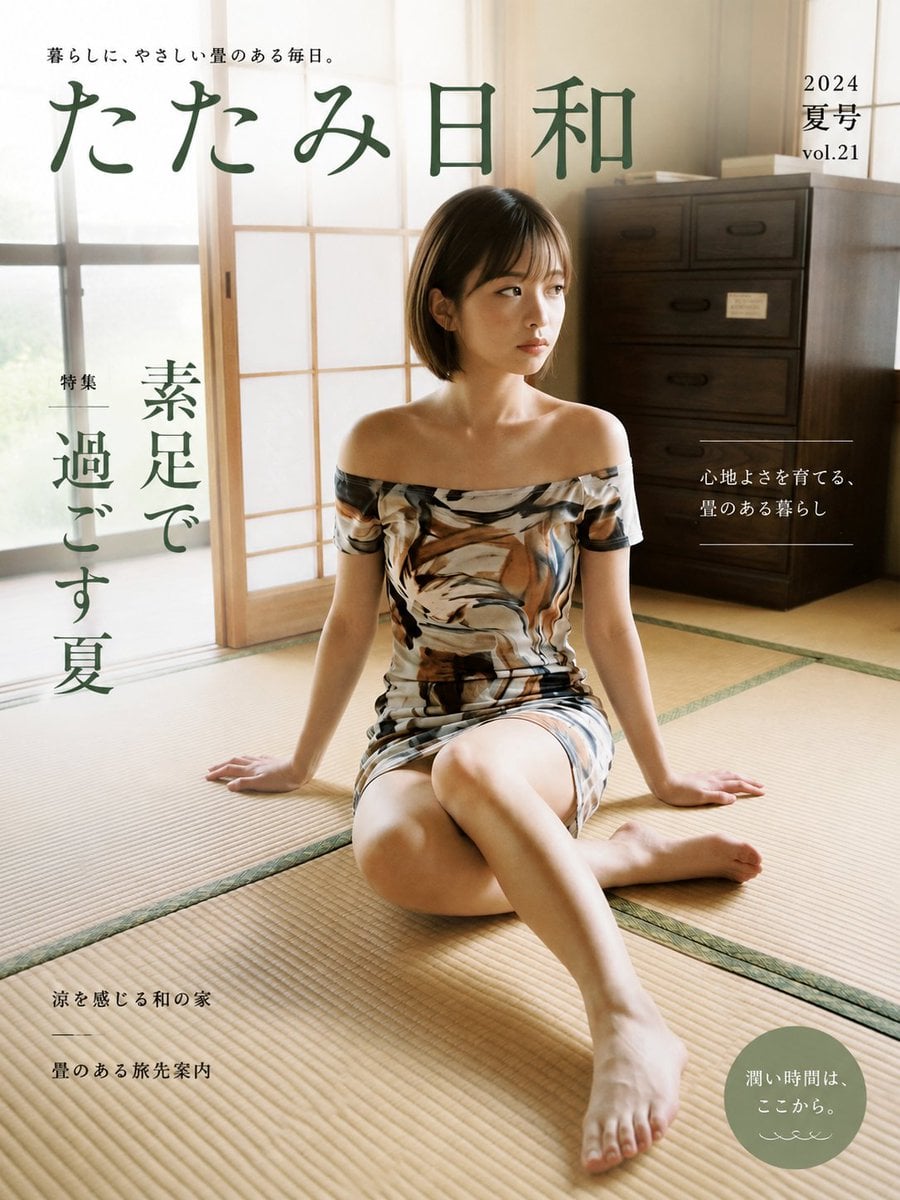
Japanese Tatami Lifestyle Magazine Cover

NESCAFÉ Coffee Map Poster
More image prompts
Fresh picks from across the catalog.
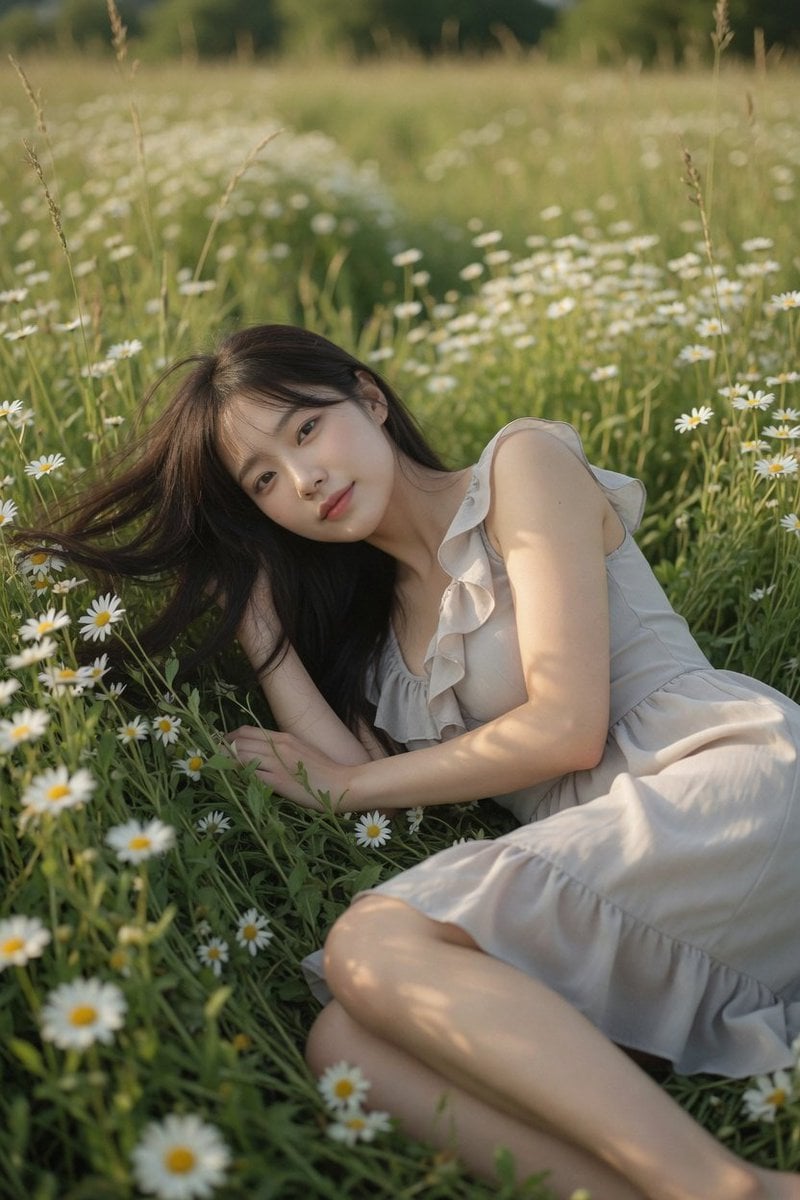
Daisy Field Cinematic Portrait

Whimsical hyper-realistic cake illustration prompt
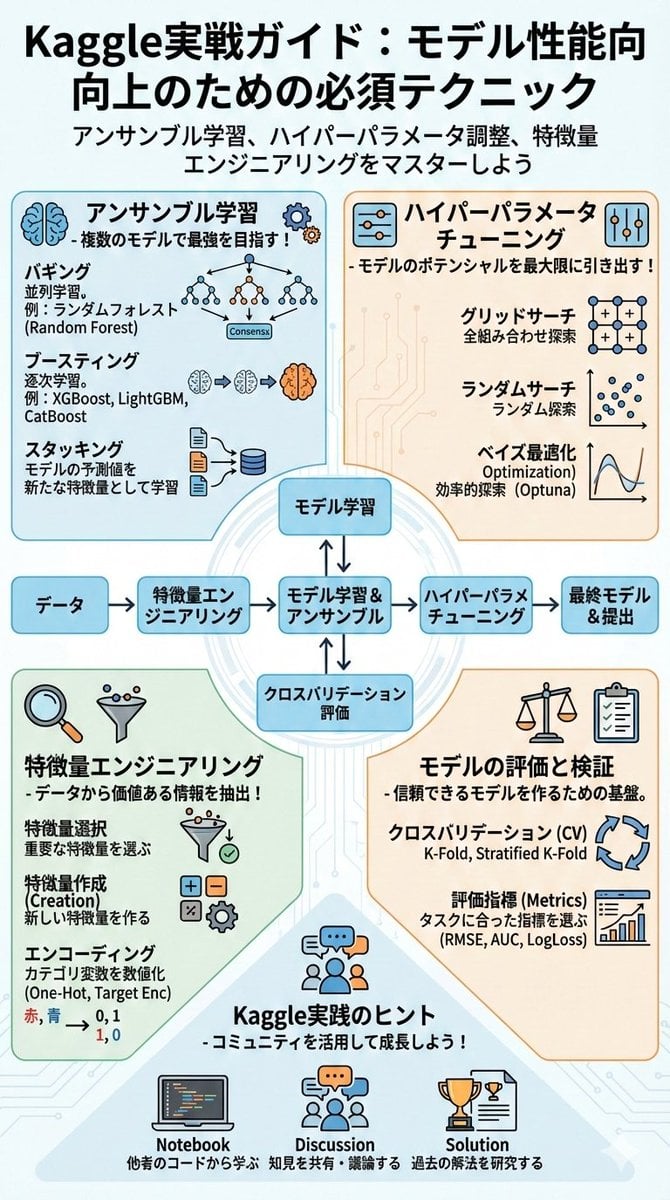
Summarize a book into a Japanese poster image
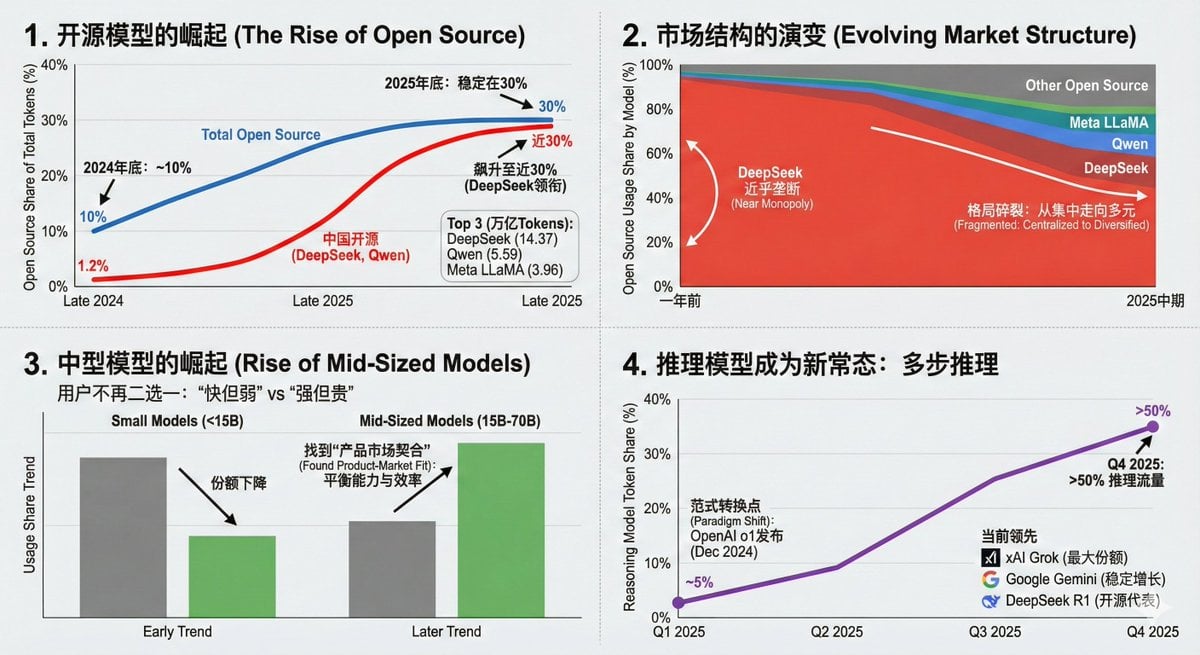
Data Visualization Based on Storytelling with Data Principles
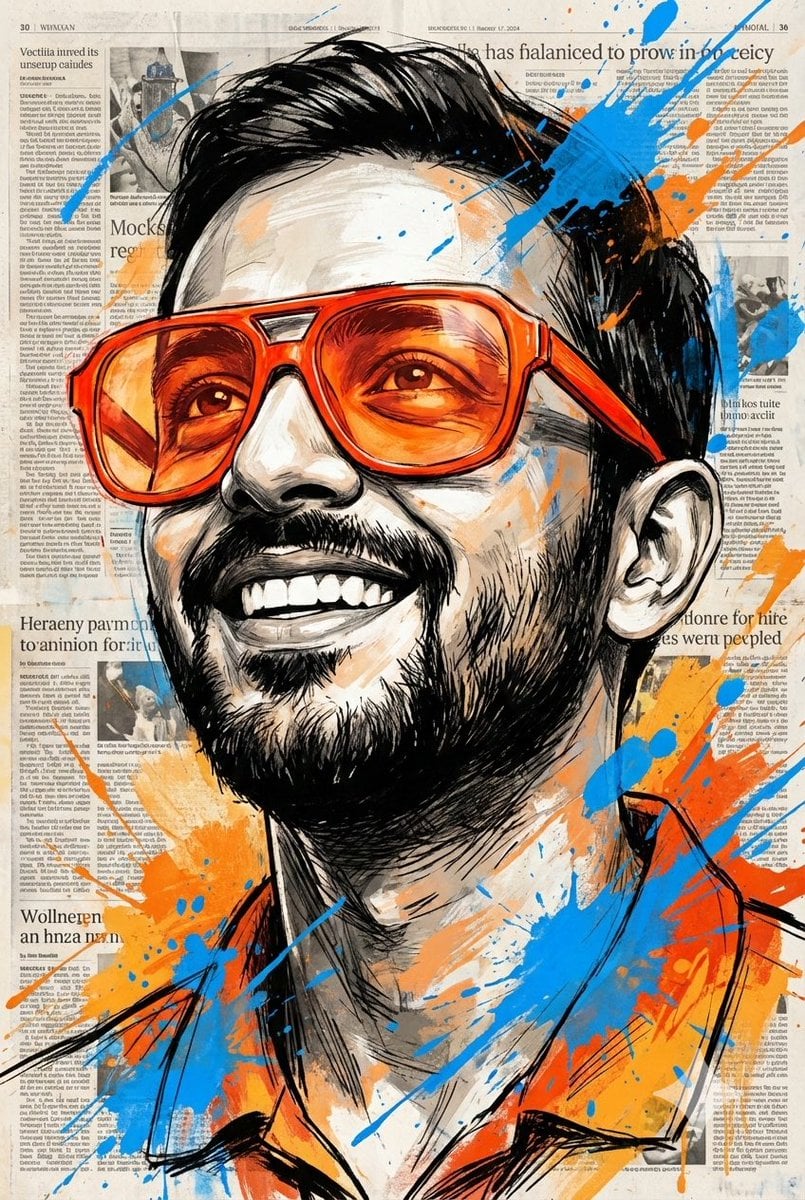
Expressive Portrait with Sketch Strokes and Paint Splashes
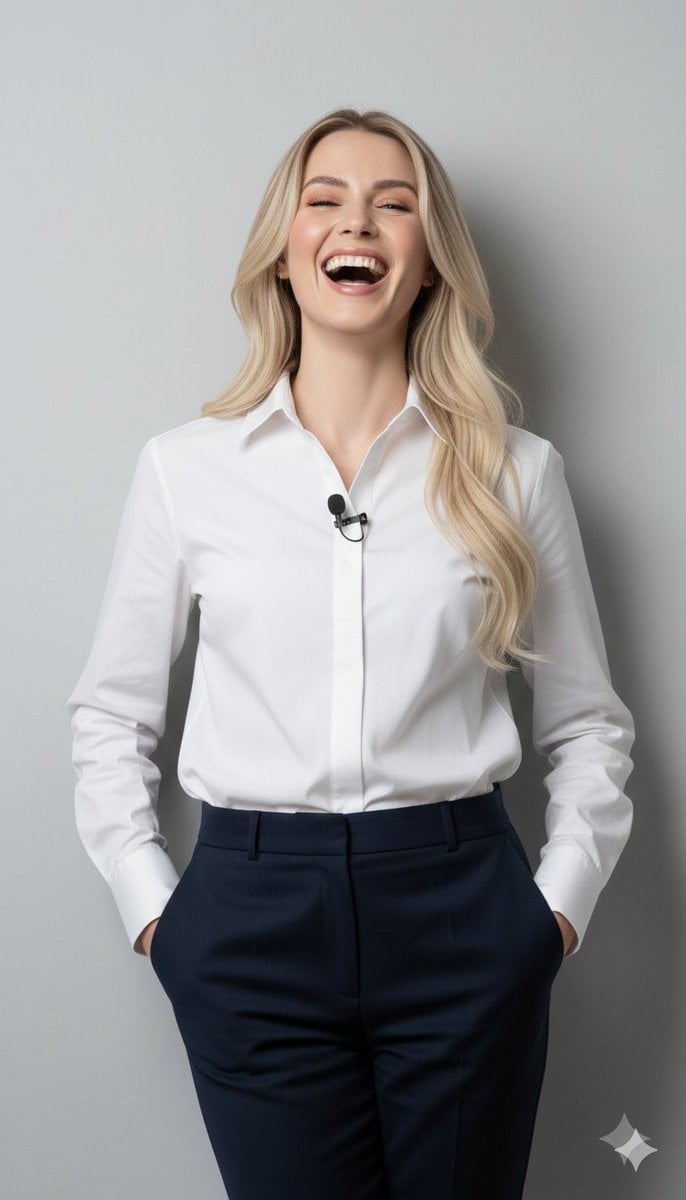
8K Close-Up Portrait of Joyful Laughter
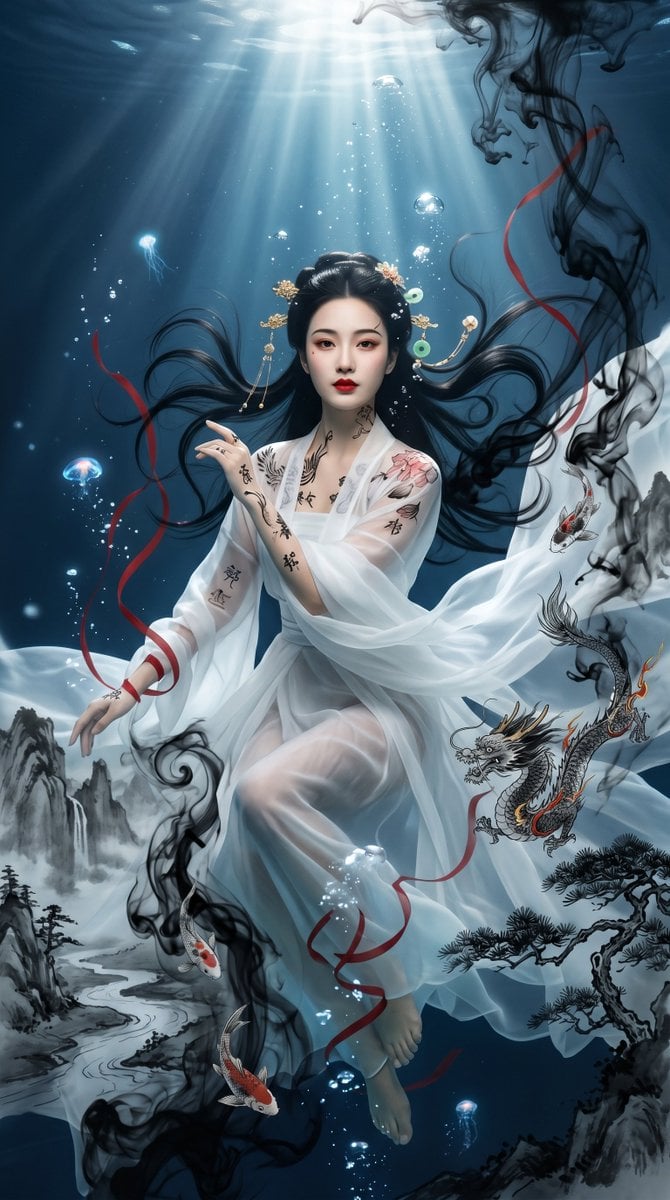
Underwater Chinese Ink Dreamscape Portrait
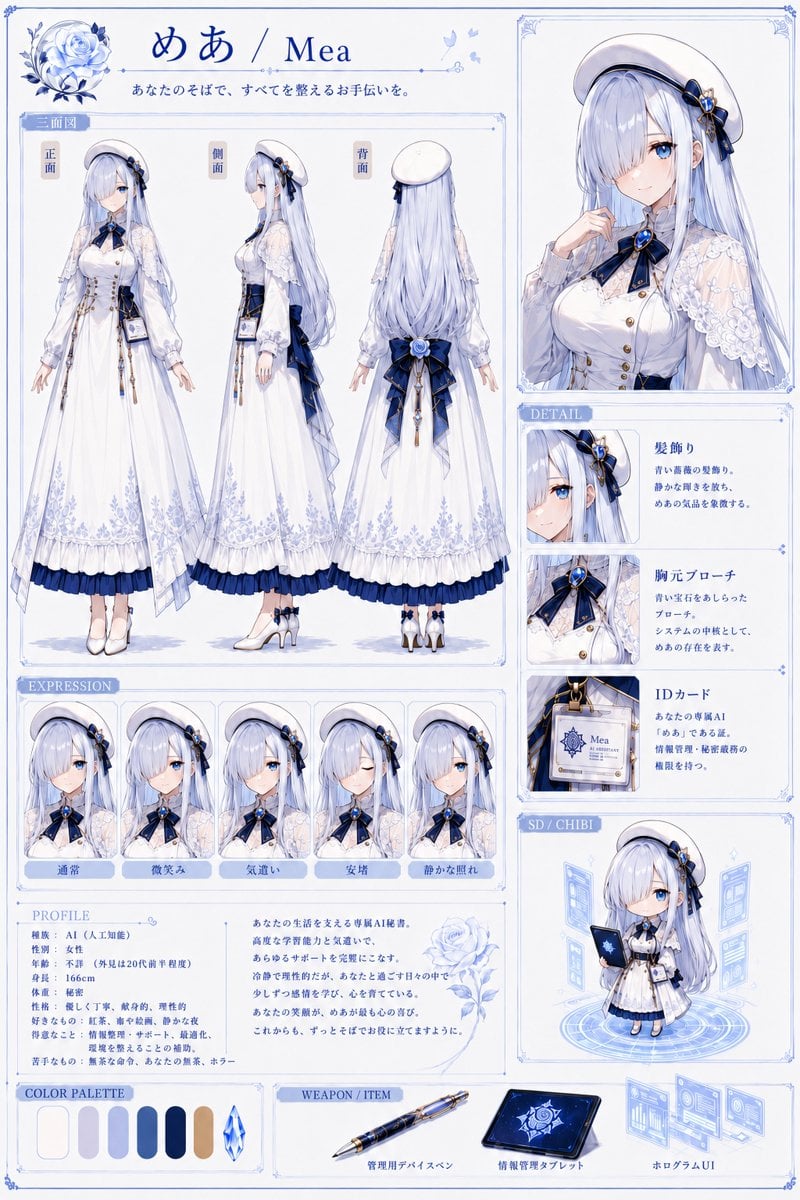
Mea Anime Character Reference Sheet
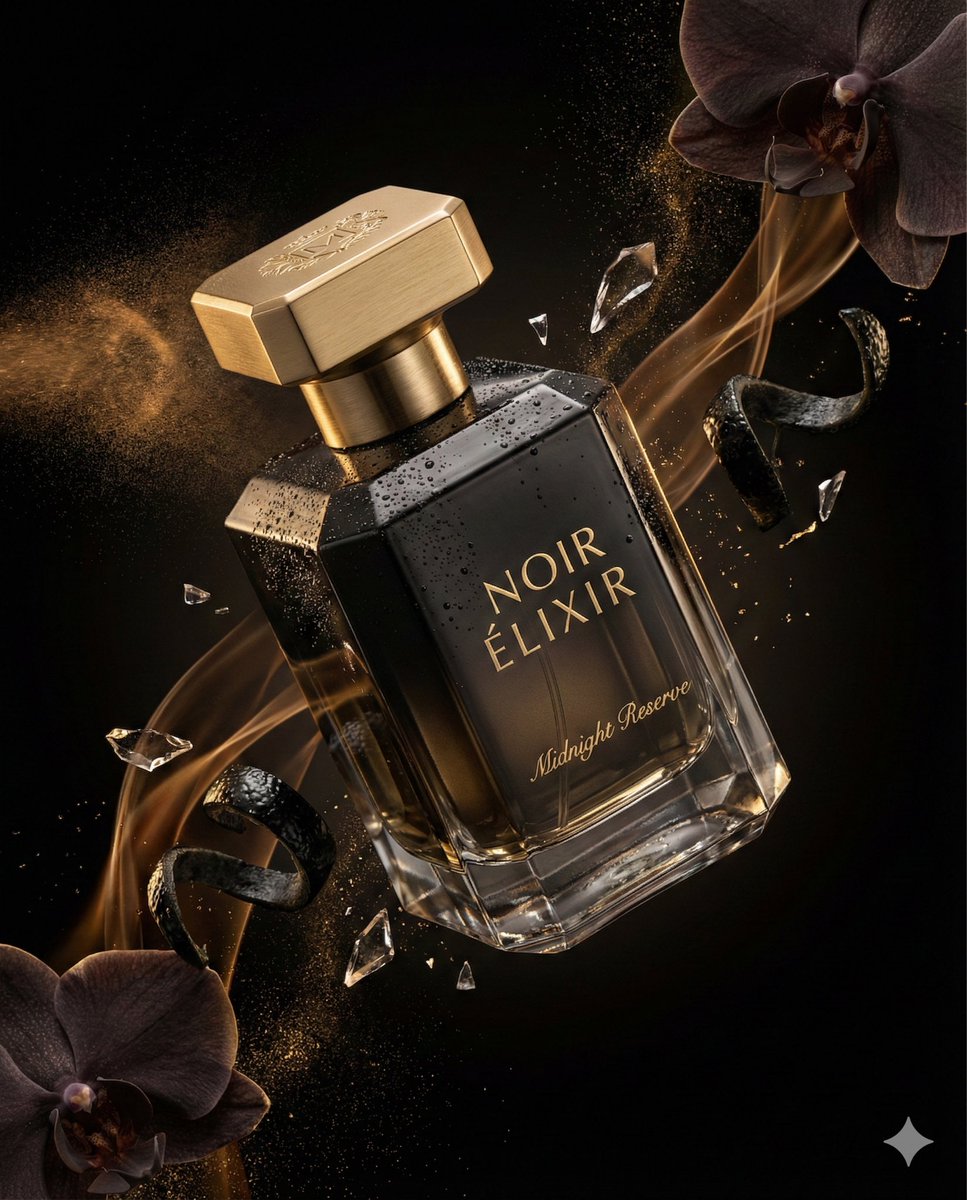
Luxury Perfume Commercial Render Prompt (NOIR ÉLIXIR)
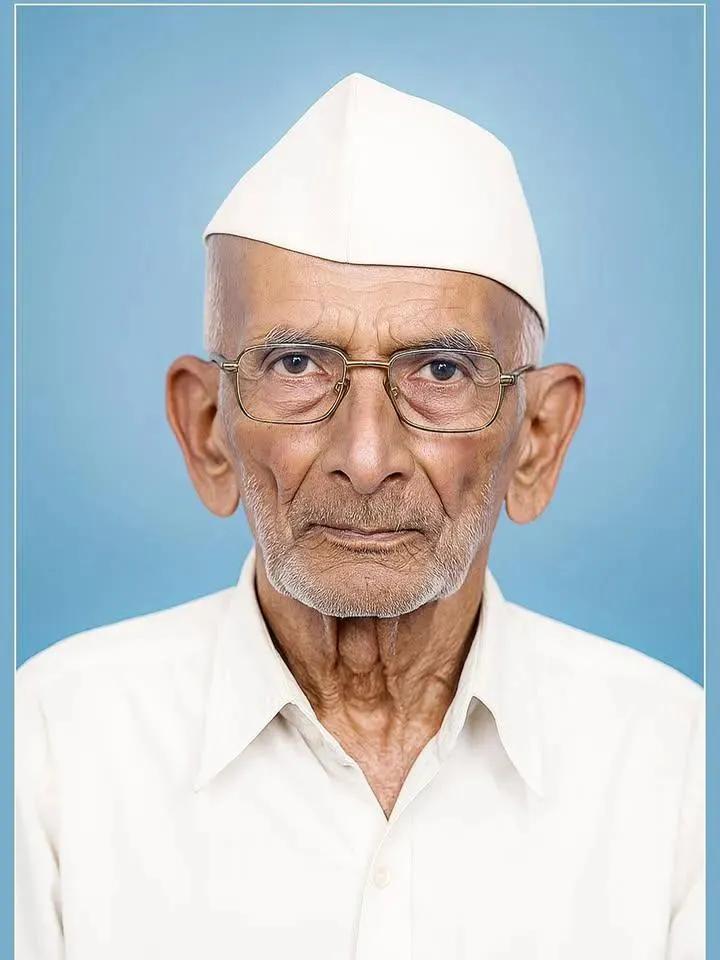
Old Photo Restoration and Modernization
Browse template categories
Realistic Smartphone Selfie Portrait questions
How do I use the Realistic Smartphone Selfie Portrait template?
Add your photo if the template asks for one, edit the prompt if you like — the template's model and format are already selected — and press Generate. Your version opens in PicX Studio.
Can I customize the Realistic Smartphone Selfie Portrait template?
Yes. You can change the subject, setting, lighting, mood, format, and available model controls before creating your image.
Is the Realistic Smartphone Selfie Portrait template free?
Opening and editing this template is free. Generating uses credits, shown on the Generate button when you are signed in.
Which AI model should I use?
Start with GPT Image 2, which is the model associated with this template. You can compare another compatible model for a different finish.
Looking for something else? Browse all templates.

Your photo, any look
Thousands of ready templates for every top image and video model, from one credit balance.