
Luxury Fashion Campaign Couple
A sophisticated fashion advertising prompt for GPT Image 2 featuring a hyper-stylish couple, luxury brand aesthetics, and cinematic studio lighting.
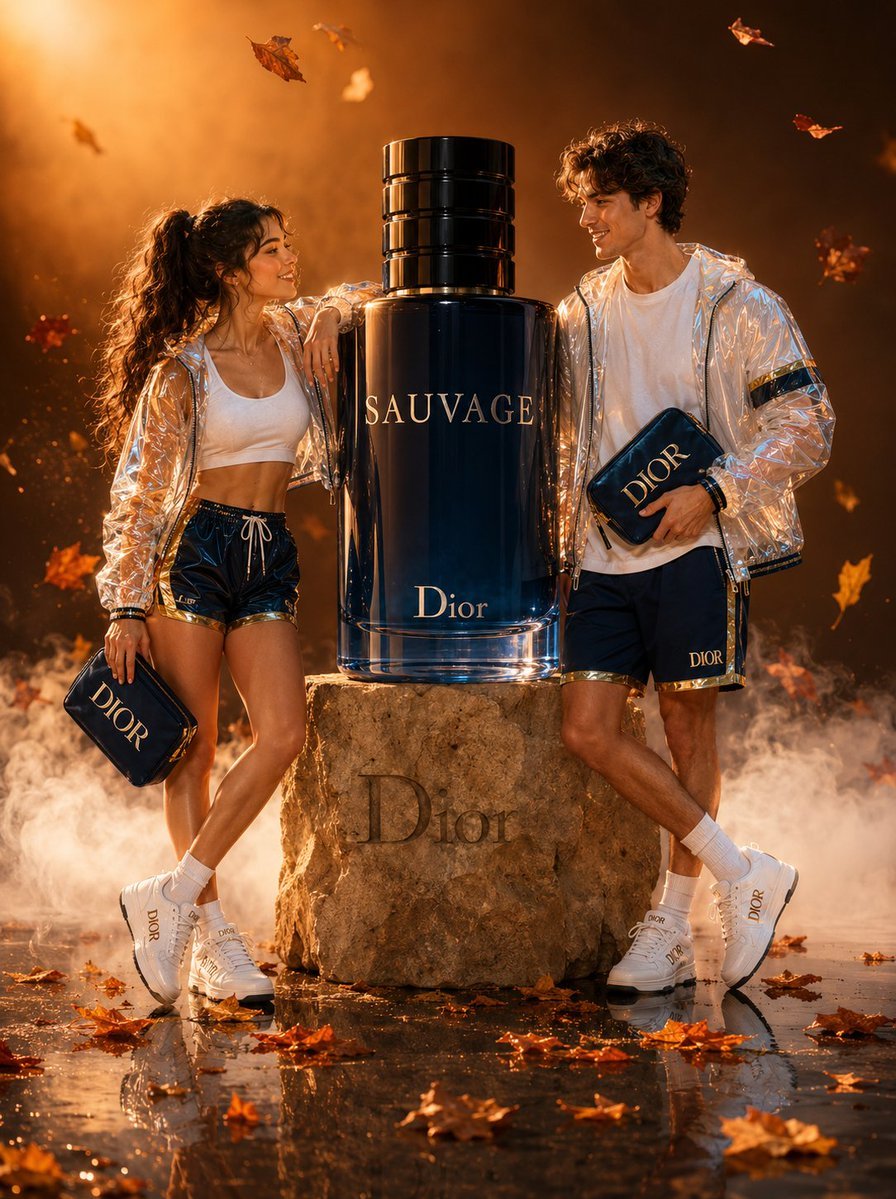
- Prompt included
- Model and format preset
- Free template
The prompt behind this image
Copy the exact prompt behind Luxury Fashion Campaign Couple, or open it in the studio and make it yours.
Hyper-stylish young couple, effortlessly confident — woman with sleek high ponytail, white ribbed crop top, {argument name="color palette" default="deep navy and gold"} athletic shorts, transparent iridescent PVC windbreaker catching prismatic light reflections; man in oversized white premium-cotton tee, deep navy and gold jogger shorts, matching transparent PVC jacket with subtle holographic sheen — both sharing an electric, genuine smile, bodies angled toward each other in a relaxed power-lean pose. Each holds a structured branded clutch in navy suede with brushed gold hardware, echoing the {argument name="brand aesthetic" default="Dior Sauvage"} visual identity. A monumental, oversized Dior Sauvage bottle in deep cobalt blue with molten gold embossed lettering levitates at shoulder height on an aged travertine stone pedestal, catching directional key light that carves glowing specular highlights across its faceted glass surface. Warm amber and terracotta gradient backdrop bleeds into the atmosphere — scattered dry autumn leaves in burnt sienna, ochre, and rust drift across a glossy obsidian reflective floor, mirroring the full scene below with liquid precision. Dense, cinematic dry-ice fog rolls at ankle level, diffusing soft light into ethereal wisps. Lighting: three-point cinematic rig with a {argument name="lighting tone" default="warm golden 5600K"} key light at 45 degrees, a deep amber fill, and a crisp blue-white rim light sculpting contours. Shot on a Phase One IQ4 150MP, Zeiss Otus 85mm f/1.4 lens, shallow depth of field, subject-sharp bokeh dissolving into luminous golden background orbs. Color grading: Kodak Vision3 500T film emulation — rich shadows with teal undertones, warm midtones, slightly blown highlights. Full body commercial frame, ultra-realistic 8K hyperrealistic CGI-render hybrid, luxury fashion advertising campaign aesthetic, Vogue editorial quality, photorealistic product photography.
How to use Luxury Fashion Campaign Couple in 3 steps
- 1
Open
The prompt is already in the box next to the preview, with the template's model and format selected.
- 2…a portrait of your subject in softgolden-hour light, 85mm…
Personalize
Edit the subject and creative details for your destination.
- 3Generate
Generate
Press Generate — your image is created in PicX Studio, so you can compare it with the original and refine one variable at a time.
More like this
Templates with the same subject, style or setup. Open one to see its prompt.

19 Luxury Helicopter Travel — California Series

08 Rodeo Drive Luxury Exit — California Series

Sunday Afternoon, 1988

Two Tickets, One Night

If We Met in 1985

Found Photograph: Us, 1970

One Dance Before Midnight

Before We said Goodbye

Our Song was on a Cassette

Meet Me When It Rains
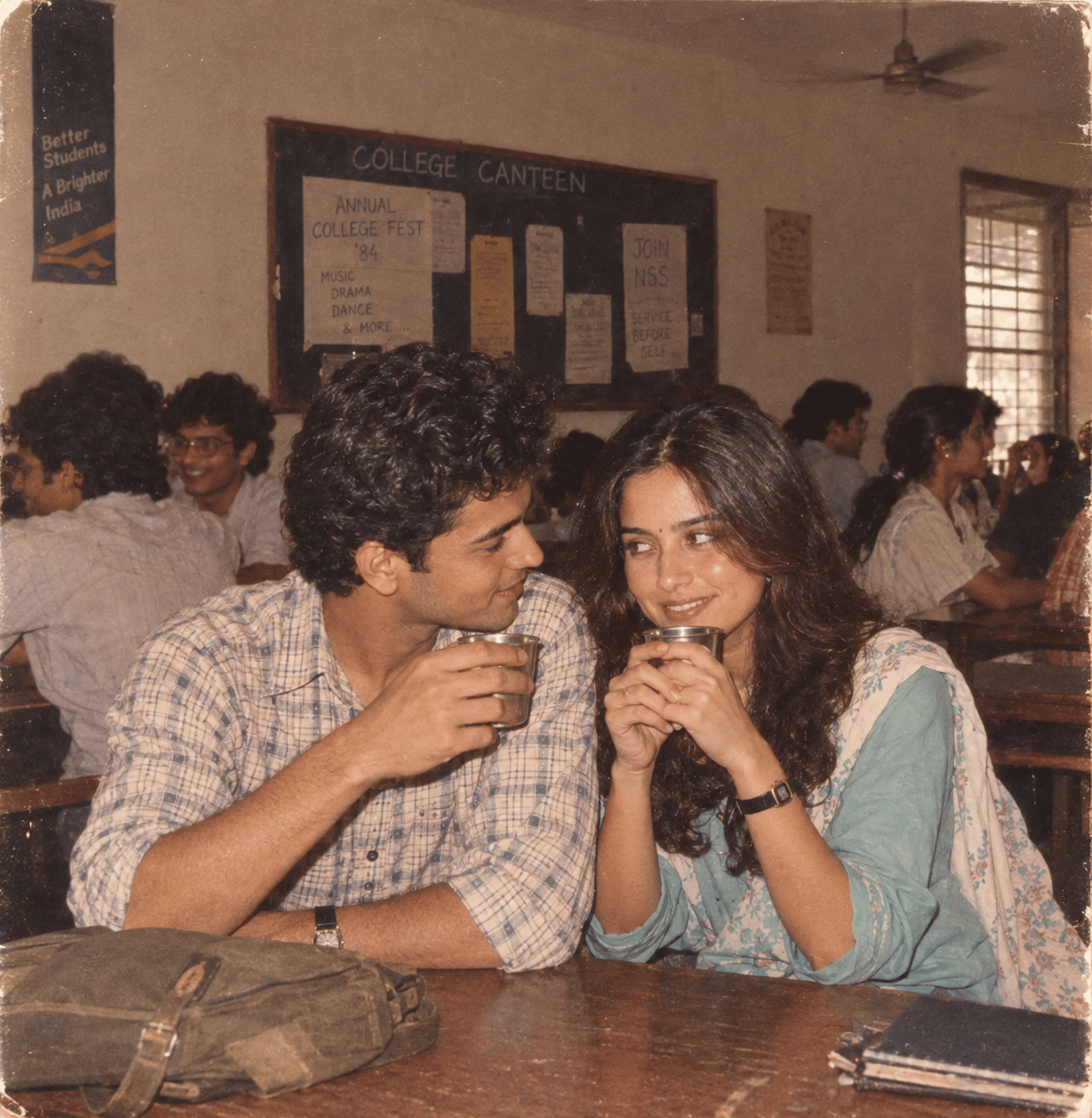
The Date After College
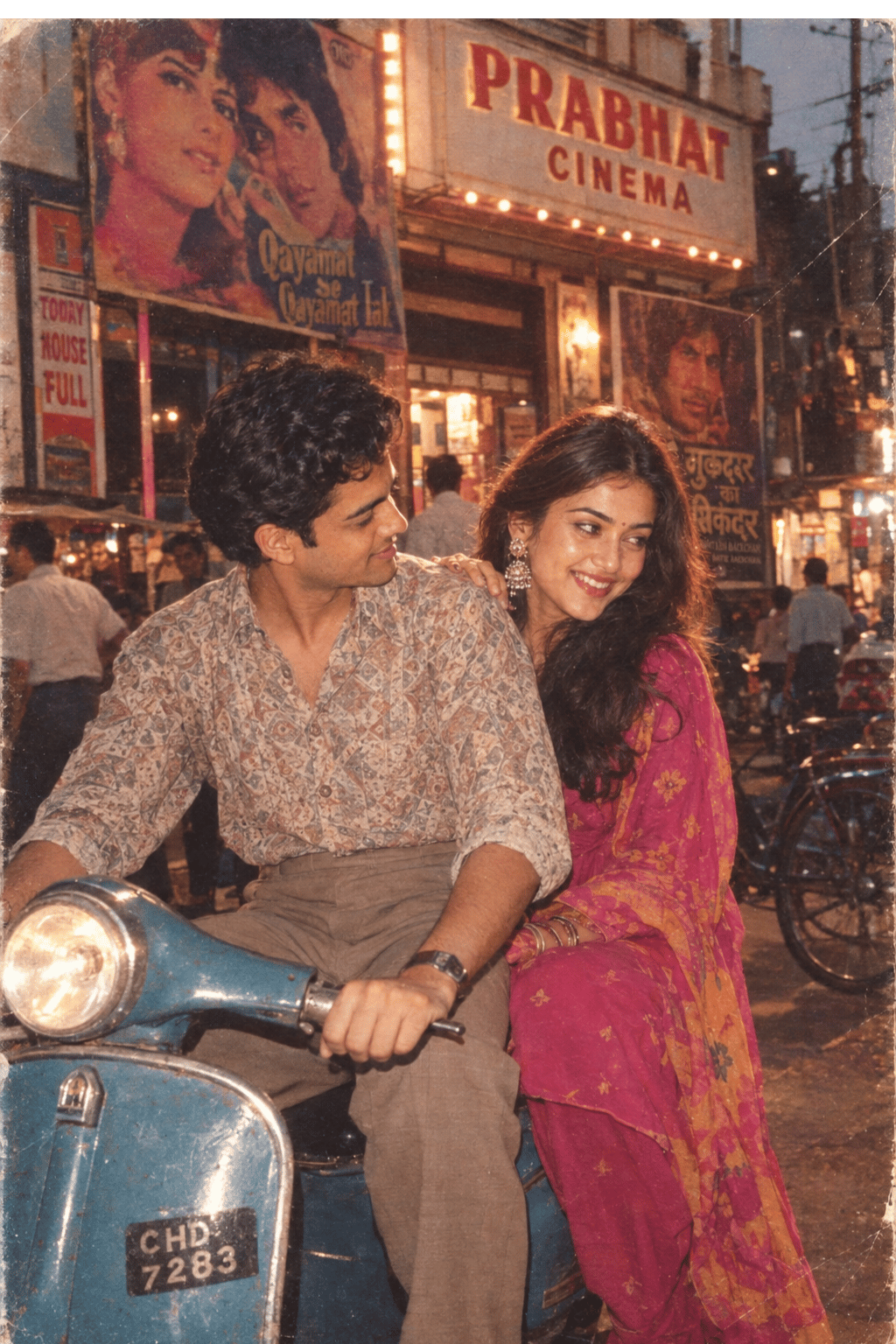
Two Hearts. One Scooter.
Make it yours
Luxury Fashion Campaign Couple works as-is. These are the safest ways to change it without losing the look.
Change one field
Copy a single group, rewrite it, and generate again so you can see what that field is doing.
Keep the frame, change the subject
Hold the composition and light of Luxury Fashion Campaign Couple, then swap wardrobe, props or the person for a new take.
| If the result… | Why | Fix |
|---|---|---|
| The result drifts from the preview | Too many fields changed at once. | Reuse Luxury Fashion Campaign Couple as-is first, then change one group — subject, light, or setting. |
| The model over-stylizes the scene | The prose prompt leaves finish and camera underspecified. | Add one camera or lighting sentence and stay on GPT Image 2. |
More GPT Image 2 templates
Other prompts made for GPT Image 2.

Six VTuber Japanese Logo Sheet

Realistic Portrait of Woman and Deer

The Vista Modular Condo Poster

AI Model Routing Comparison Infographic

2.5D Anime Art Board

Isometric Productivity Desk Scene

New York Double Exposure Poster

Four-Panel AI Landscape Comparison

Japanese Tatami Lifestyle Magazine Cover

NESCAFÉ Coffee Map Poster
More image prompts
Fresh picks from across the catalog.
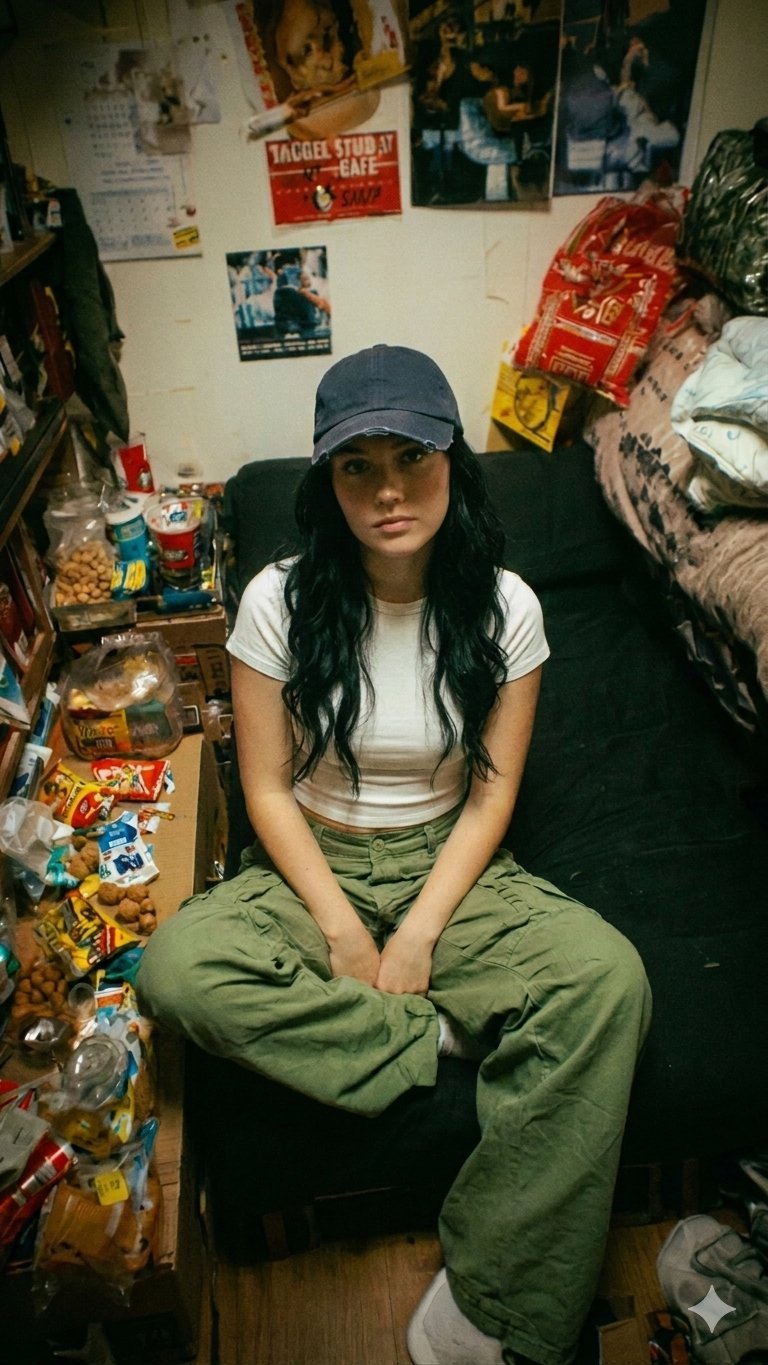
Nano Banana Pro Dorm Room Cinematic
Hyper faithful image remaster
Minimalist Oriental Ink Signature Design
AI Clothing Swap Transformation
Cat Groom Garden Wedding Portrait
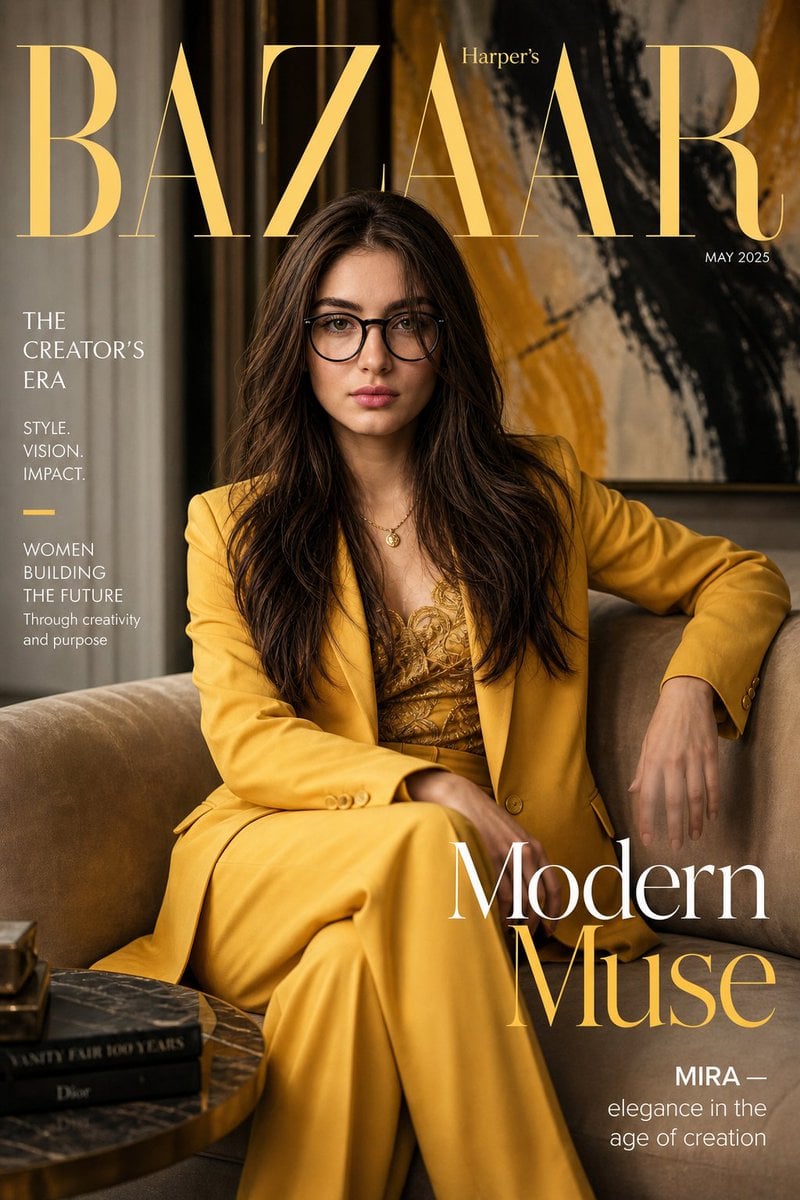
Harper’s Bazaar Magazine Cover
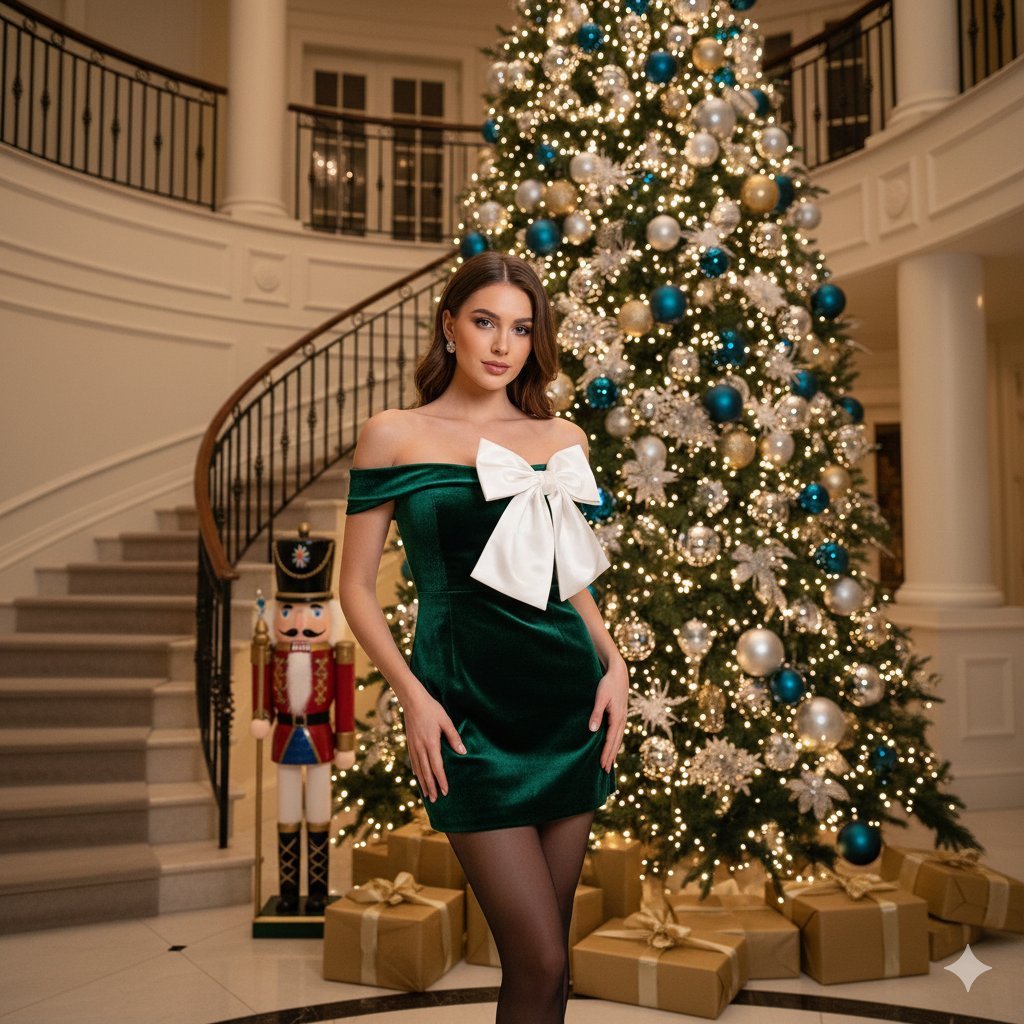
Opulent Holiday Portrait in Emerald Velvet Dress
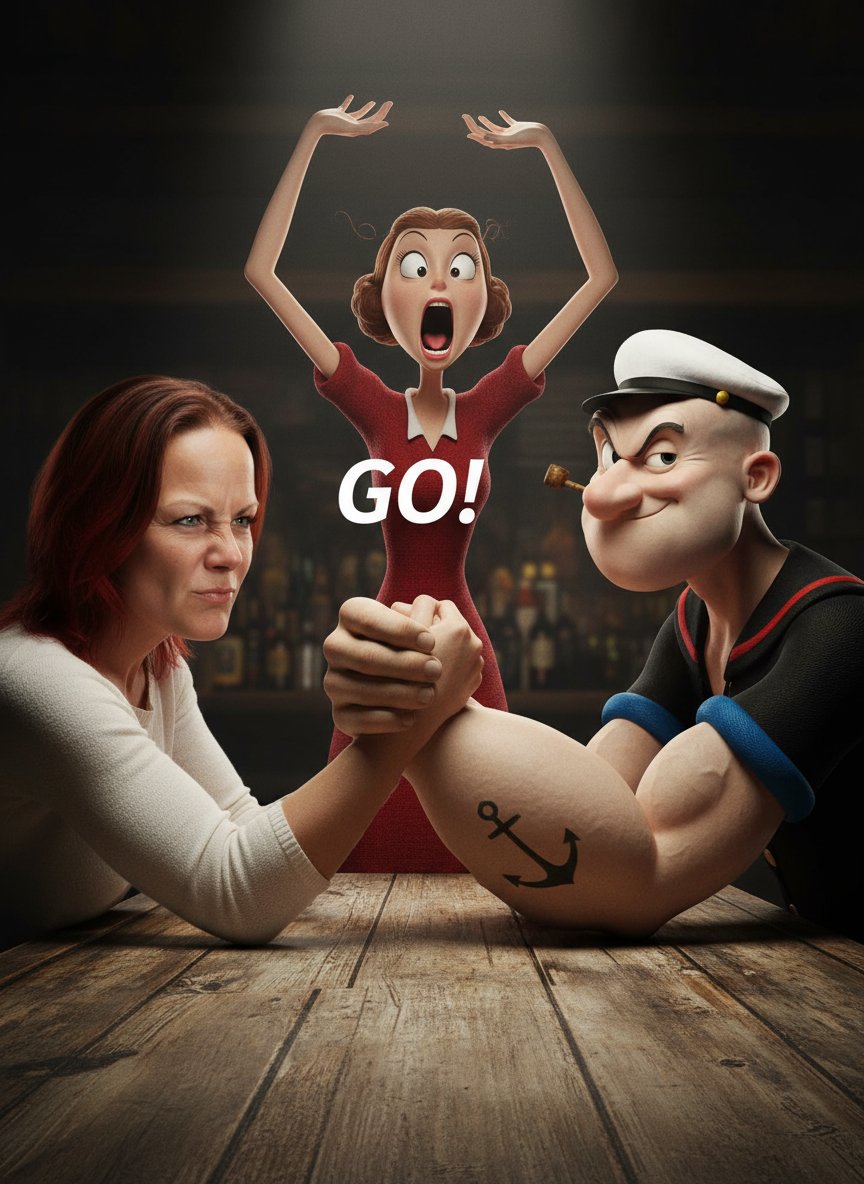
Image-to-Image Transformation: Arm Wrestling with Popeye
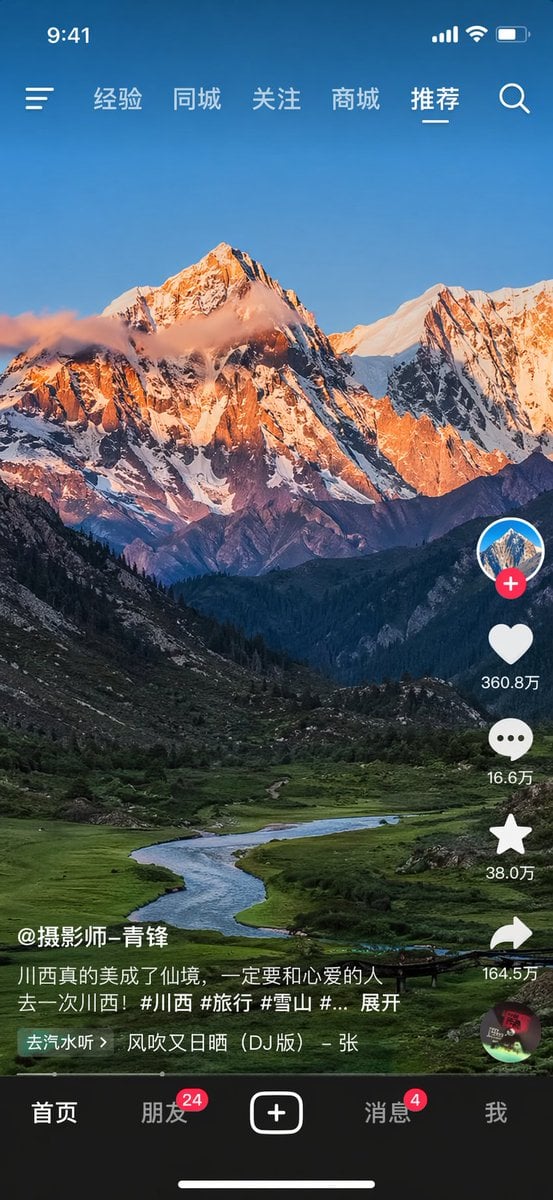
Short-Video App UI Mockup
Noir Detective Film Masterpiece
Browse template categories
Luxury Fashion Campaign Couple questions
How do I use the Luxury Fashion Campaign Couple template?
Add your photo if the template asks for one, edit the prompt if you like — the template's model and format are already selected — and press Generate. Your version opens in PicX Studio.
Can I customize the Luxury Fashion Campaign Couple template?
Yes. You can change the subject, setting, lighting, mood, format, and available model controls before creating your image.
Is the Luxury Fashion Campaign Couple template free?
Opening and editing this template is free. Generating uses credits, shown on the Generate button when you are signed in.
Which AI model should I use?
Start with GPT Image 2, which is the model associated with this template. You can compare another compatible model for a different finish.
Looking for something else? Browse all templates.

Your photo, any look
Thousands of ready templates for every top image and video model, from one credit balance.