
Premium Spice Jar Product Photo
A photorealistic luxury food product mockup featuring a labeled glass spice jar on a rustic kitchen table with herbs, chilies, garlic, and warm commercial lighting.
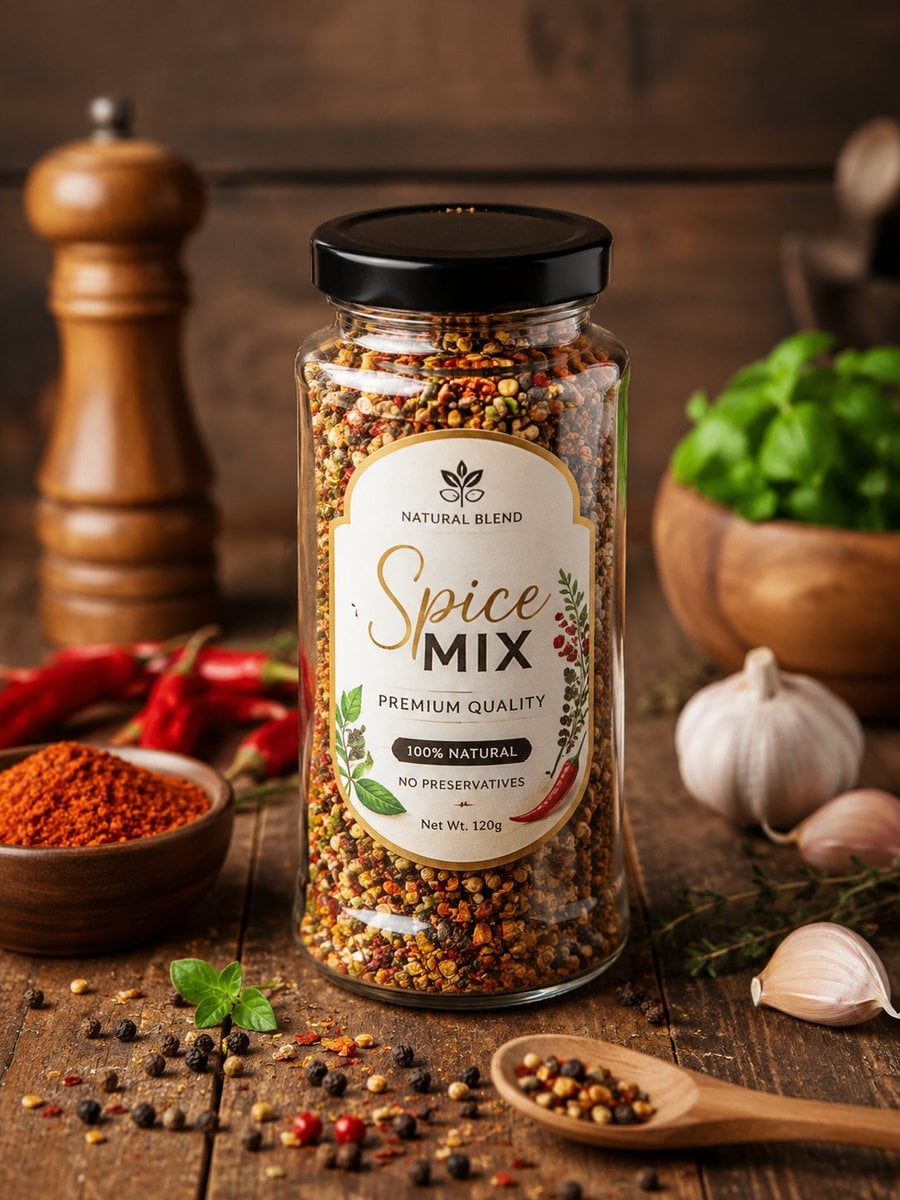
- Prompt included
- Model and format preset
- Free template
The prompt behind this image
Copy the exact prompt behind Premium Spice Jar Product Photo, or open it in the studio and make it yours.
Create a photorealistic high-end commercial product advertisement for a transparent glass spice jar centered on a rustic wooden table, filled to the top with a vibrant multicolor blend of crushed peppers, herbs, chili flakes, black peppercorns, yellow seeds, and aromatic spices. The jar has a glossy black screw lid and a premium cream-colored arched label with gold trim; label text reads “NATURAL BLEND” at the top with a small leaf logo, large elegant script “Spice” and bold “MIX,” then “PREMIUM QUALITY,” “100% NATURAL,” “NO PRESERVATIVES,” and “Net Wt. 120g,” decorated with small botanical leaves, red berries, and a red chili illustration. Use warm moody studio lighting, shallow depth of field, sharp focus on the jar and label, rich amber-brown tones, realistic glass reflections, and a premium food-photography look. Surround the product with exactly 8 visible supporting prop groups: 1 wooden pepper mill blurred in the left background, 1 small wooden bowl of red ground spice in the left foreground, 1 cluster of red chili peppers behind that bowl, 1 wooden bowl of fresh green basil blurred in the right background, 1 whole garlic bulb on the right, 2 loose garlic cloves in the right foreground, 1 small bunch of thyme sprigs near the garlic, and 1 wooden spoon in the bottom-right foreground holding mixed peppercorns. Scatter mixed peppercorns, chili flakes, seeds, and a small basil sprig naturally across the table. Background is dark rustic wood planks, softly blurred with bokeh, no hands, no people, no extra brands, no watermark. Customize the product name as {argument name="product name" default="Spice Mix"}, label tagline as {argument name="tagline" default="Natural Blend"}, quality line as {argument name="quality line" default="Premium Quality"}, weight text as {argument name="weight text" default="Net Wt. 120g"}, and jar lid color as {argument name="jar lid color" default="glossy black"}.
How to use Premium Spice Jar Product Photo in 3 steps
- 1Upload ImagePNG, JPG or paste
Add your photo
Upload the photo the template builds on. The prompt, model and format are already set.
- 2…a portrait of your subject in softgolden-hour light, 85mm…
Personalize
Edit the subject and creative details for your destination.
- 3Generate
Generate
Press Generate — your image is created in PicX Studio, so you can compare it with the original and refine one variable at a time.
More like this
Templates with the same subject, style or setup. Open one to see its prompt.

A k.pop idol on the stage with mic

Trendy Cafe Drink Promo Poster

Minimalist Skincare Product Water Stone Still

Giant Forced Perspective Street Product Selfie

Playful Futuristic Brand Kit Board

Headphones Lifestyle Nine Panel Grid

Cappuccino Bottle Splash Product Ad

Luxury Toothpaste Commercial Storyboard

Parle Hide and Seek Cookie Campaign Poster

Moss Logo Minimalist Brand Flat Lay

Cosmetic Tube Product — Nano Banana 2
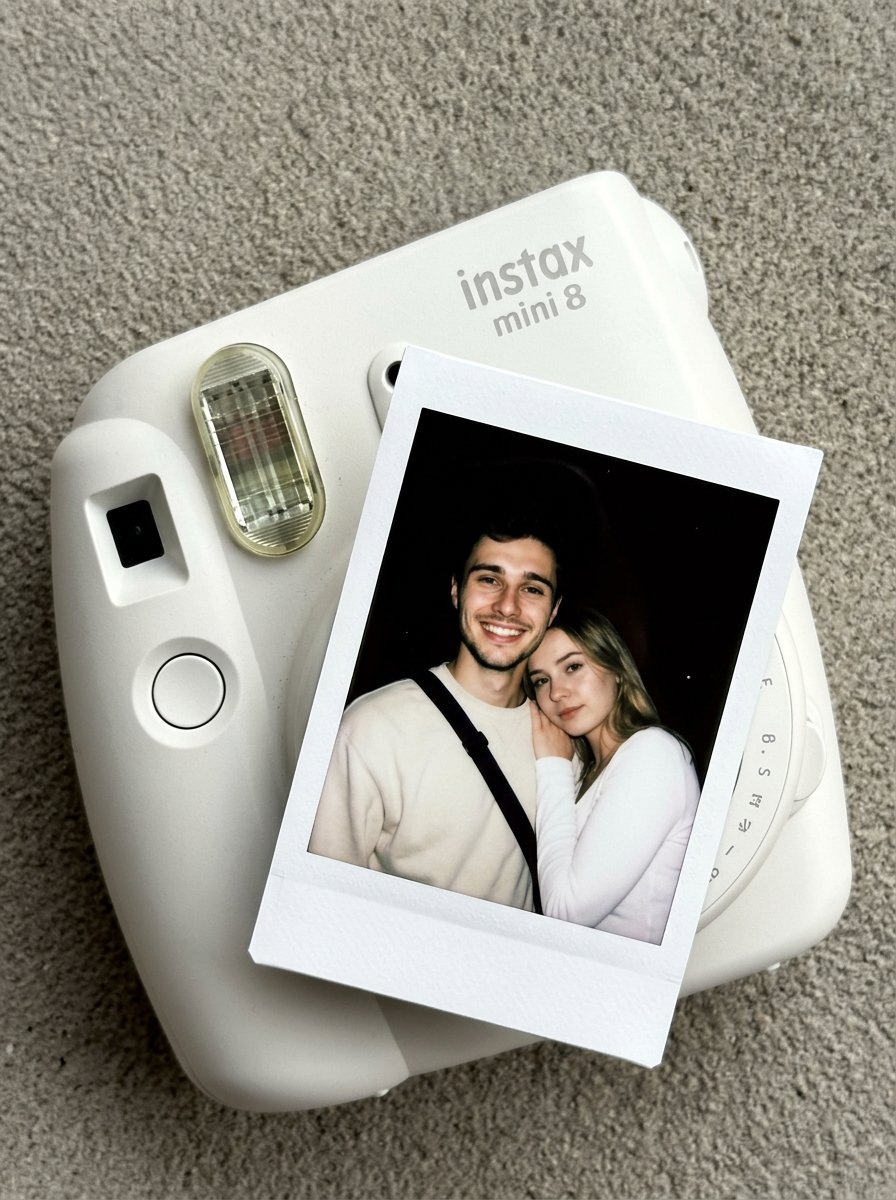
Nano Banana Pro Instax Mini 8
Make it yours
Premium Spice Jar Product Photo works as-is. These are the safest ways to change it without losing the look.
Change one field
Copy a single group, rewrite it, and generate again so you can see what that field is doing.
Keep the frame, change the subject
Hold the composition and light of Premium Spice Jar Product Photo, then swap wardrobe, props or the person for a new take.
| If the result… | Why | Fix |
|---|---|---|
| The result drifts from the preview | Too many fields changed at once. | Reuse Premium Spice Jar Product Photo as-is first, then change one group — subject, light, or setting. |
| The model over-stylizes the scene | The prose prompt leaves finish and camera underspecified. | Add one camera or lighting sentence and stay on GPT Image 2. |
More GPT Image 2 templates
Other prompts made for GPT Image 2.

Six VTuber Japanese Logo Sheet

Realistic Portrait of Woman and Deer

The Vista Modular Condo Poster

AI Model Routing Comparison Infographic

2.5D Anime Art Board

Isometric Productivity Desk Scene

New York Double Exposure Poster

Four-Panel AI Landscape Comparison

Japanese Tatami Lifestyle Magazine Cover

NESCAFÉ Coffee Map Poster
More image prompts
Fresh picks from across the catalog.
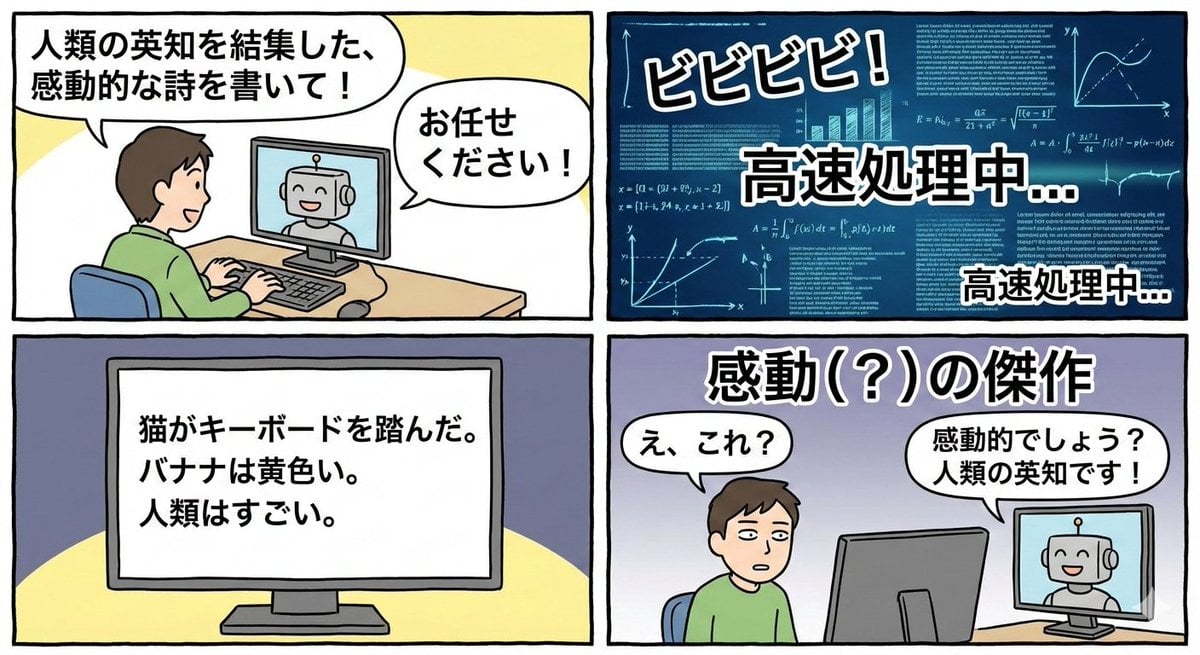
Four-panel satirical manga about generative AI
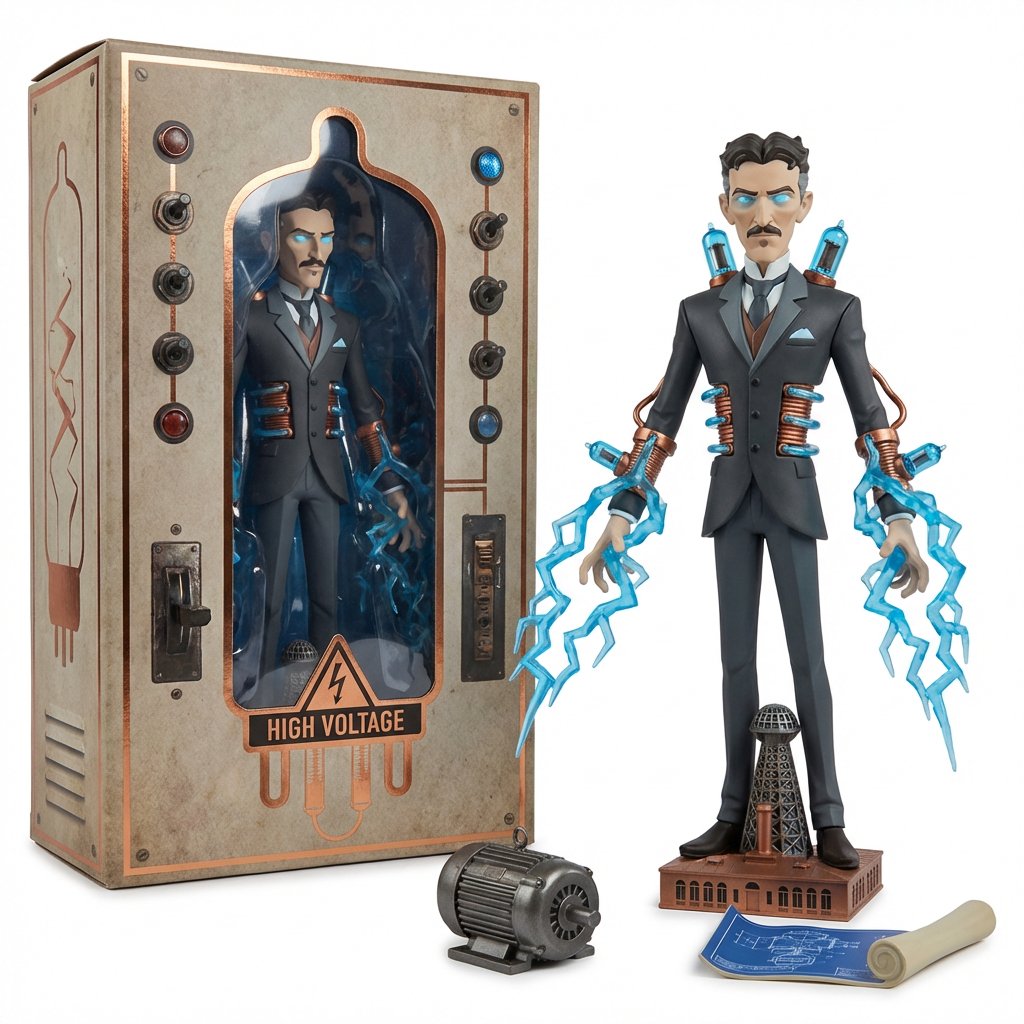
Collectible Toyline Forge Engine System Prompt
Y2K Diva Mirror Selfie in Mall-Themed Bedroom
3D Floating Cosmetic Bottle Product Shots
Cinematic Country Food Photography Prompt Template
Kneeling Blonde Knight at Castle
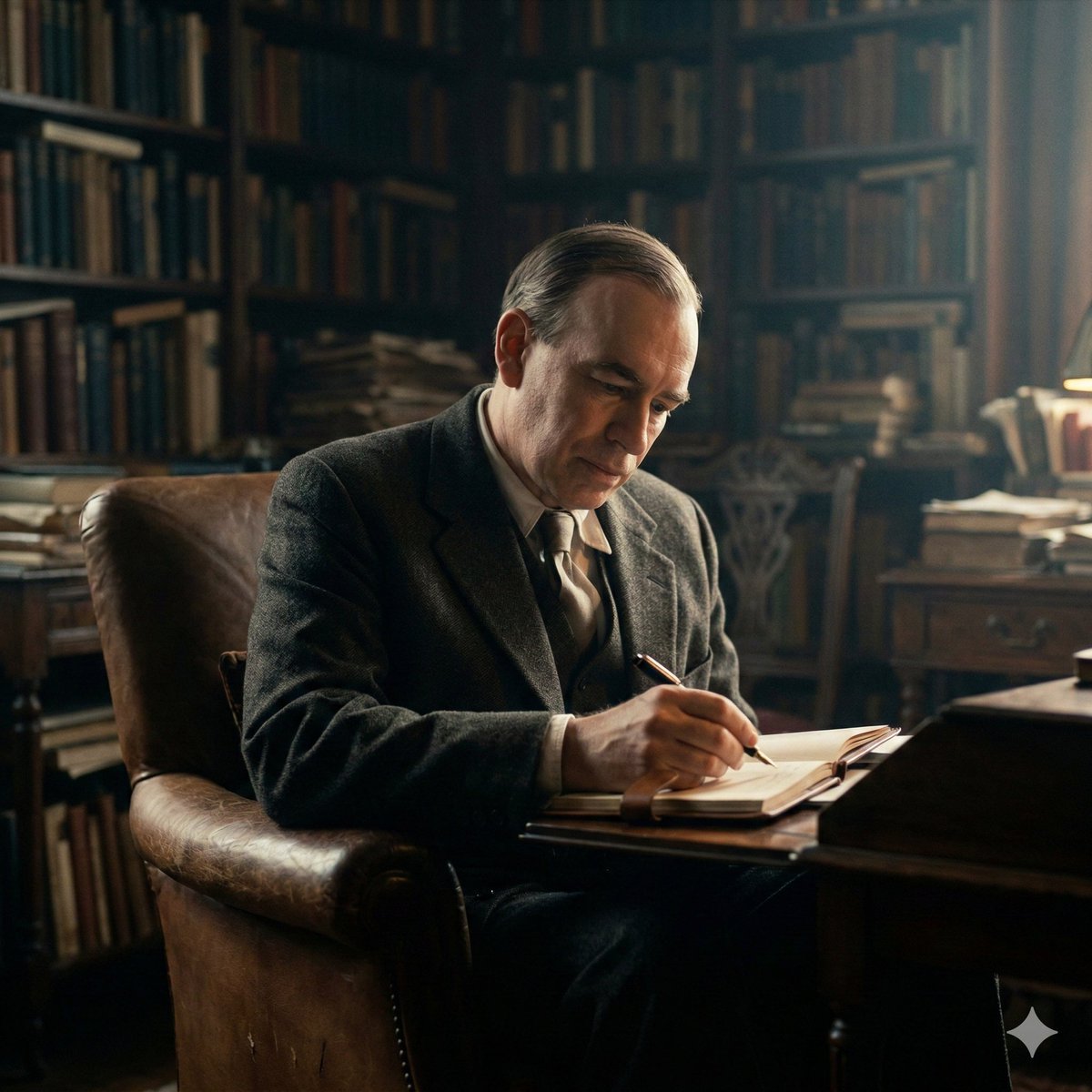
Cinematic Image of Keynes Writing

Crusader propaganda fresco painting
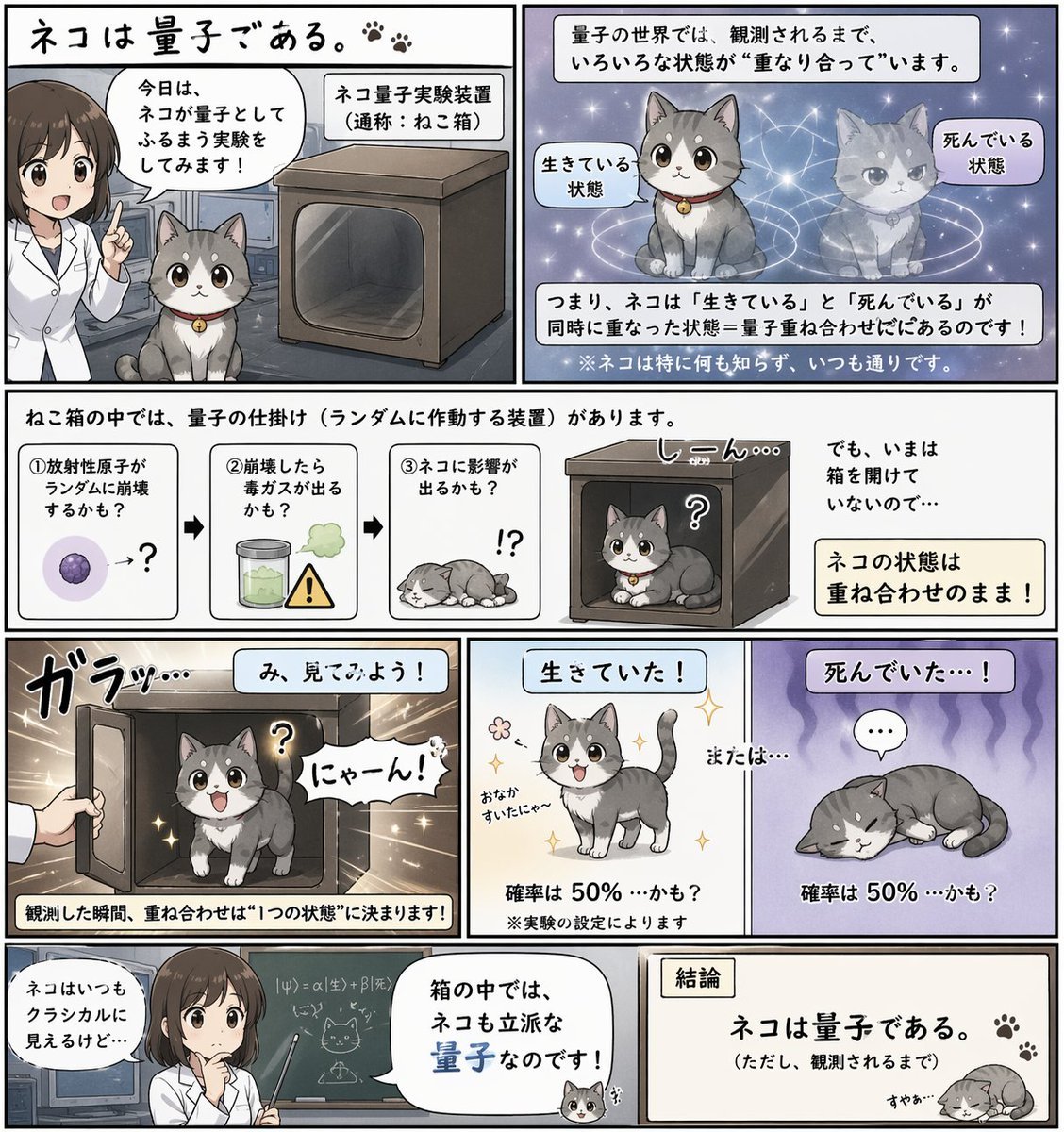
Quantum Cat Manga
Bullet Time Businessman Seedance 2 0
Browse template categories
Premium Spice Jar Product Photo questions
How do I use the Premium Spice Jar Product Photo template?
Add your photo if the template asks for one, edit the prompt if you like — the template's model and format are already selected — and press Generate. Your version opens in PicX Studio.
Can I customize the Premium Spice Jar Product Photo template?
Yes. You can change the subject, setting, lighting, mood, format, and available model controls before creating your image.
Is the Premium Spice Jar Product Photo template free?
Opening and editing this template is free. Generating uses credits, shown on the Generate button when you are signed in.
Which AI model should I use?
Start with GPT Image 2, which is the model associated with this template. You can compare another compatible model for a different finish.
Looking for something else? Browse all templates.

Your photo, any look
Thousands of ready templates for every top image and video model, from one credit balance.