
Afterglow Memory Portrait Poster
A moody neon-lit editorial portrait poster with poetic typography for creating emotional late-night fashion visuals.
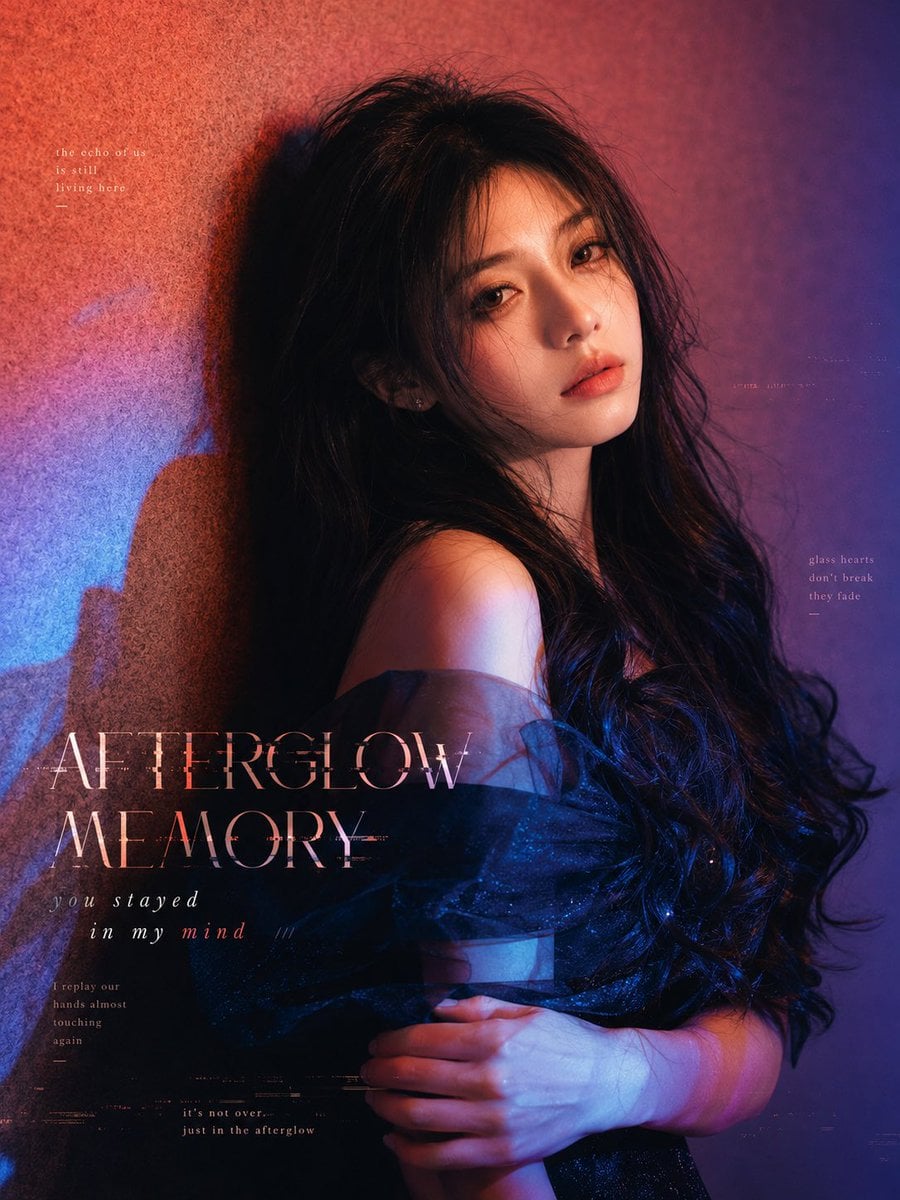
- Prompt included
- Model and format preset
- Premium template
The prompt behind this image
Copy the exact prompt behind Afterglow Memory Portrait Poster, or open it in the studio and make it yours.
Create a cinematic editorial fashion portrait poster of a young woman at 2 a.m., moody and emotionally overflowing without speaking. She is shown from the waist up, leaning against a textured wall, body turned slightly sideways with one bare shoulder exposed, long messy wavy {argument name="hair color" default="black"} hair falling over her shoulders, wearing a dark translucent off-shoulder tulle or organza wrap dress. Her arms are folded gently across her torso, hands visible near the lower center, conveying loneliness, tipsy softness, defocus, and unsent longing. Use dramatic neon after-hours lighting: warm red-orange glow from the upper left, deep violet and indigo shadows on the right, electric blue spill across the lower left and the dress, with a strong soft-edged shadow of her profile cast on the wall. The face should remain natural and recognizable, not over-beautified, not plastic, with realistic skin texture and subtle emotion. Vertical 4:5 canvas, close crop, high-fashion magazine cover composition, grainy film texture, slight blur, chromatic aberration, faint scratches, tiny glitch marks, and dreamy nocturnal atmosphere. Add exactly 5 visible text elements in delicate pale pink/white typography: 1) a small upper-left poem reading “the echo of us / is still / living here / —”; 2) the main title in large elegant thin serif uppercase near the lower left reading “{argument name="main title" default="AFTERGLOW MEMORY"}”; 3) an italic spaced subtitle below it reading “{argument name="subtitle" default="you stayed in my mind ///"}”; 4) a small lower-left note reading “I replay our / hands almost / touching / again / —”; 5) a small right-side note reading “glass hearts / don’t break / they fade / —”. Add faint microtext near the bottom center reading “it’s not over / just in the afterglow”. Keep all typography integrated like a melancholy album-cover poster, with no logos or watermark.
How to use Afterglow Memory Portrait Poster in 3 steps
- 1Upload ImagePNG, JPG or paste
Add your photo
Upload the photo the template builds on. The prompt, model and format are already set.
- 2…a portrait of your subject in softgolden-hour light, 85mm…
Personalize
Edit the subject and creative details for your destination.
- 3Generate
Generate
Press Generate — your image is created in PicX Studio, so you can compare it with the original and refine one variable at a time.
More like this
Templates with the same subject, style or setup. Open one to see its prompt.

Found Photograph: Us, 1970

80s Couple Studio Portrait

80s Bollywood Star

80s Golden Hour Cinema

Me in 1985

1985 Studio Portrait
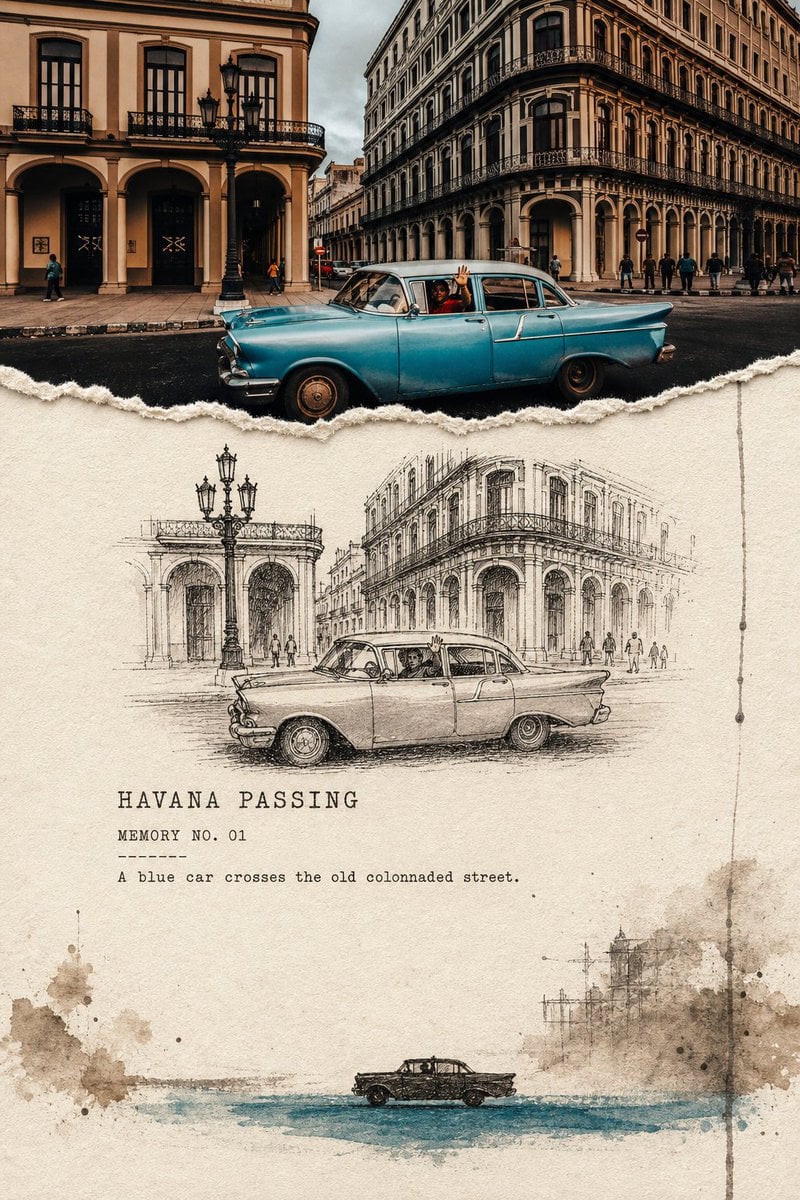
Torn Edge Ink Memory Poster
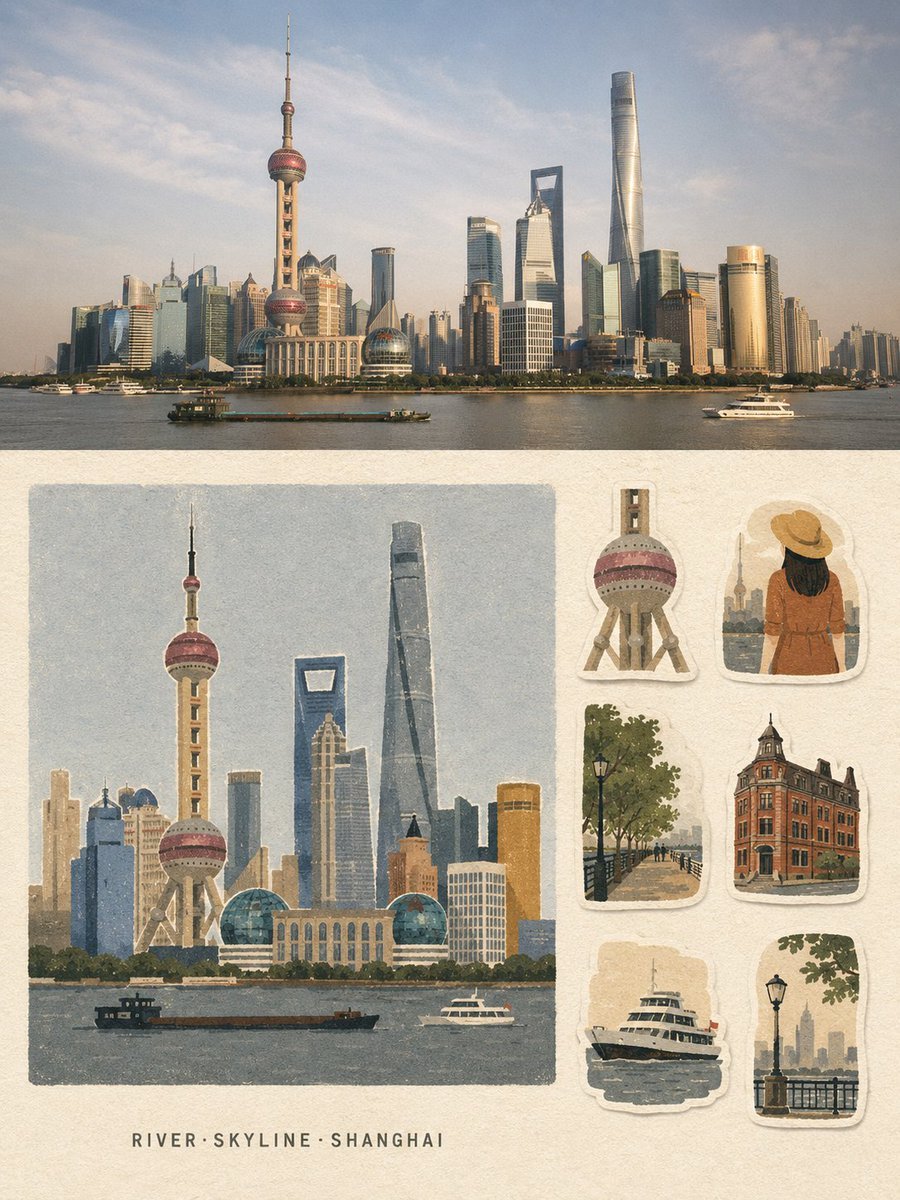
Vintage Travel Memory Poster
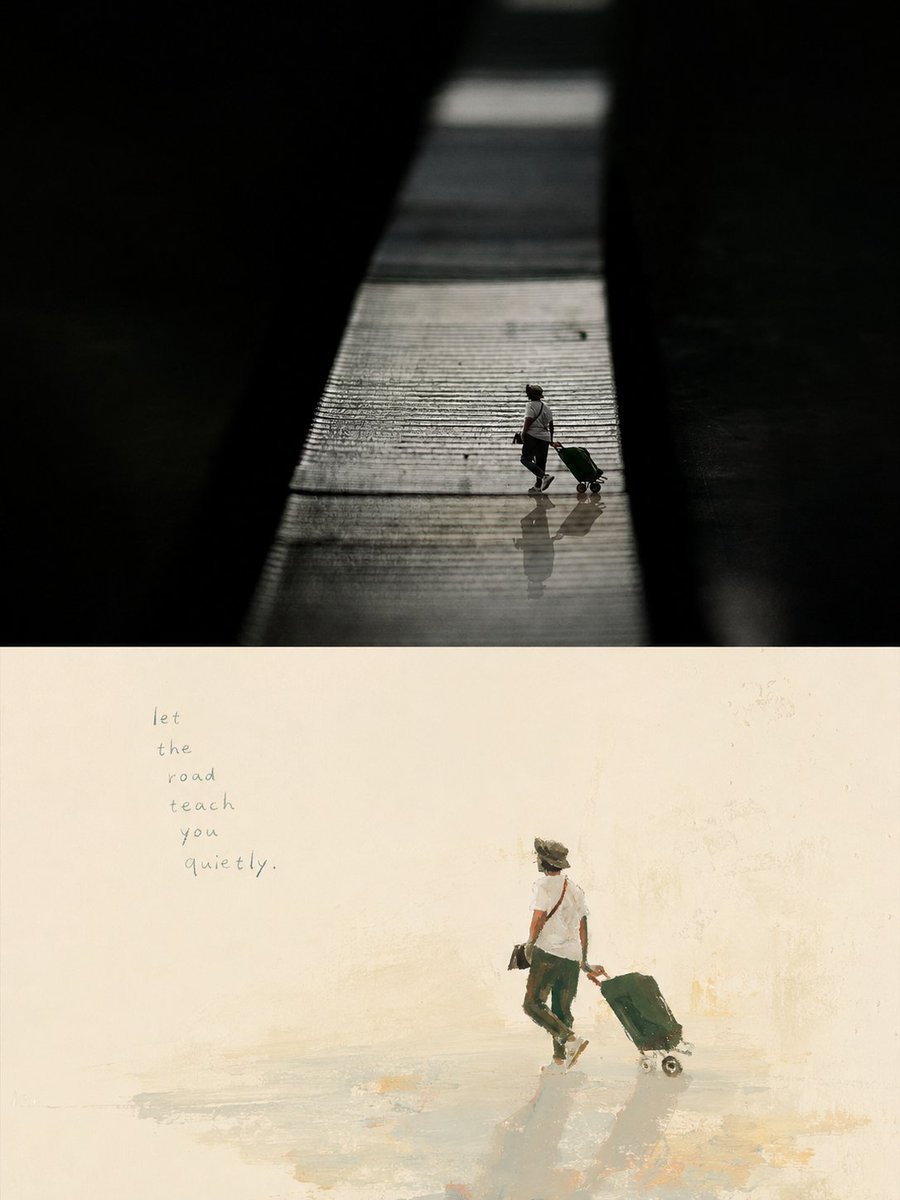
Artistic Memory Collage Poster

Hyper-Realistic Minecraft POV Portrait

Japan Travel Brochure Poster
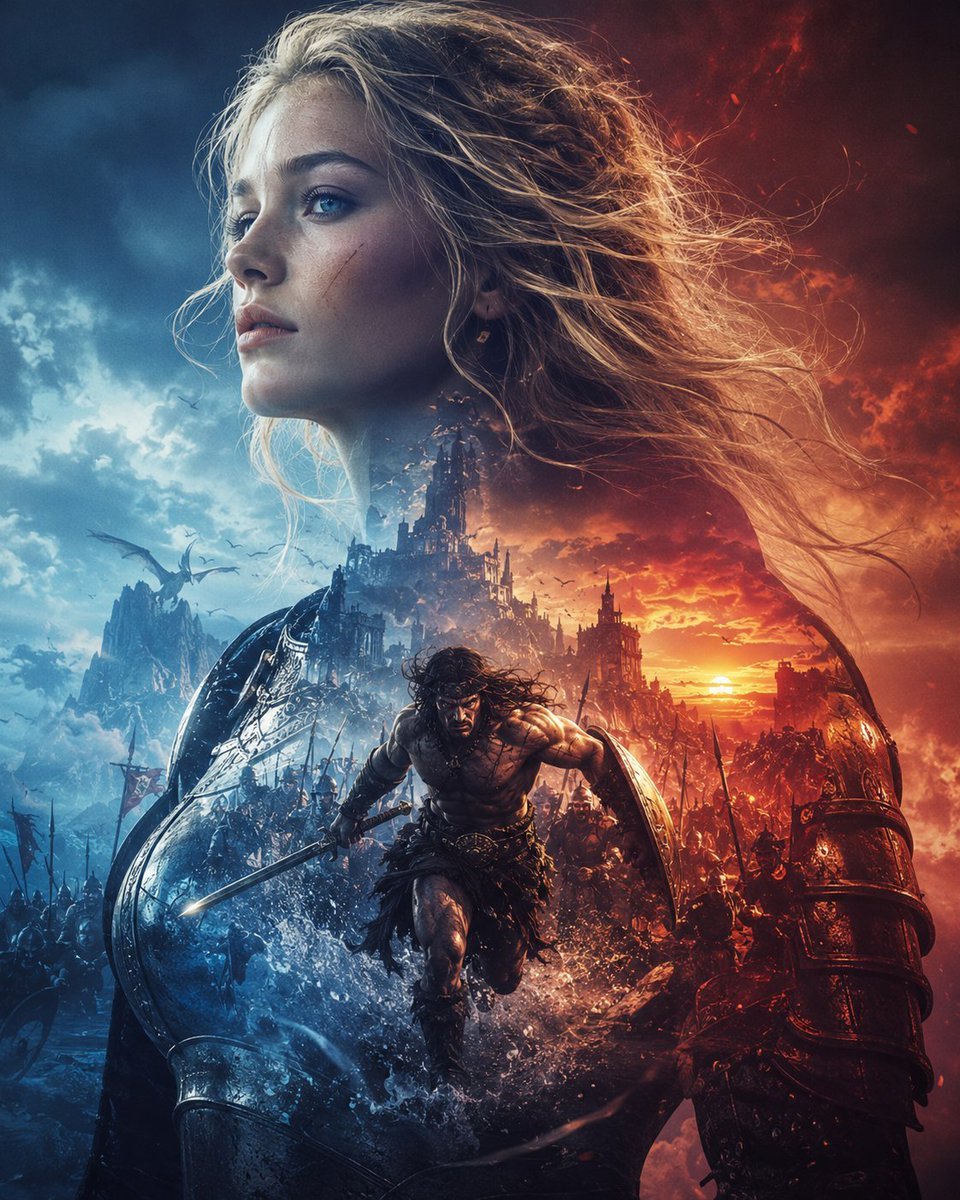
Epic Fantasy Battle Memory Poster
Make it yours
Afterglow Memory Portrait Poster works as-is. These are the safest ways to change it without losing the look.
Change one field
Copy a single group, rewrite it, and generate again so you can see what that field is doing.
Keep the frame, change the subject
Hold the composition and light of Afterglow Memory Portrait Poster, then swap wardrobe, props or the person for a new take.
| If the result… | Why | Fix |
|---|---|---|
| The result drifts from the preview | Too many fields changed at once. | Reuse Afterglow Memory Portrait Poster as-is first, then change one group — subject, light, or setting. |
| The model over-stylizes the scene | The prose prompt leaves finish and camera underspecified. | Add one camera or lighting sentence and stay on GPT Image 2. |
More GPT Image 2 templates
Other prompts made for GPT Image 2.

Six VTuber Japanese Logo Sheet

Realistic Portrait of Woman and Deer

The Vista Modular Condo Poster

AI Model Routing Comparison Infographic

2.5D Anime Art Board

Isometric Productivity Desk Scene

New York Double Exposure Poster

Four-Panel AI Landscape Comparison

Japanese Tatami Lifestyle Magazine Cover

NESCAFÉ Coffee Map Poster
More image prompts
Fresh picks from across the catalog.
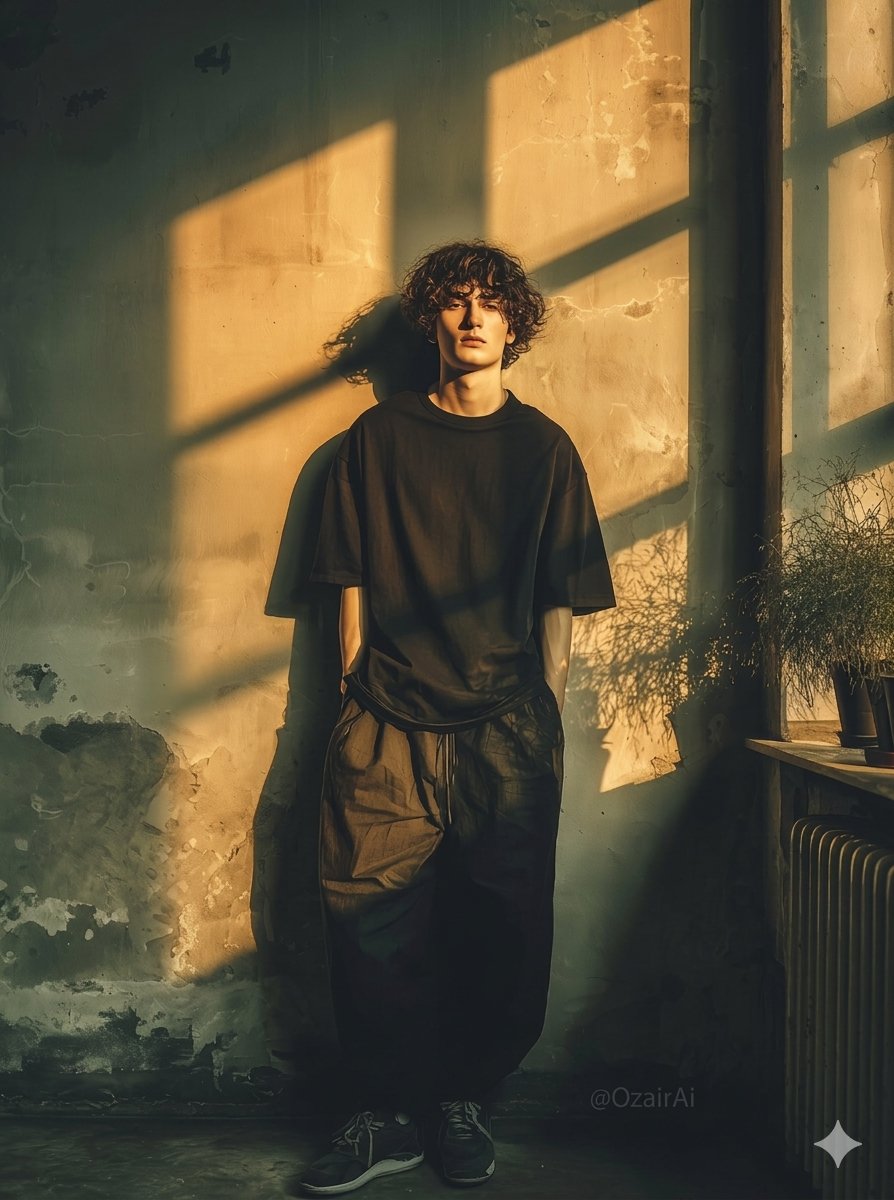
Dramatic Interior Fashion Portrait
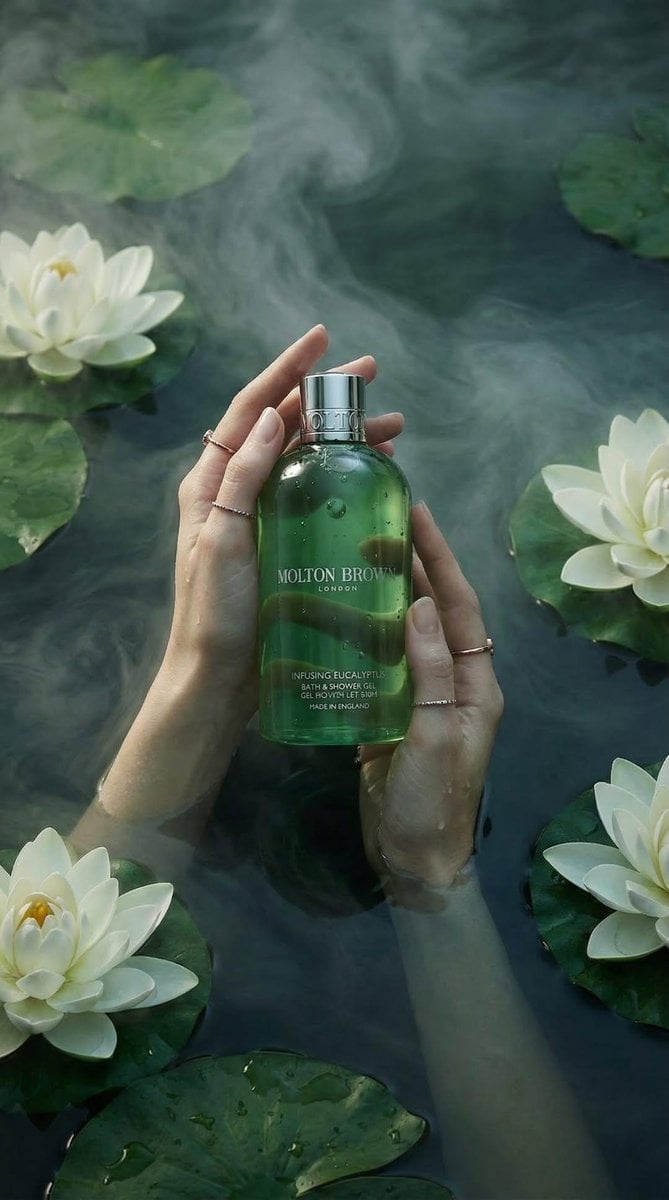
Luxury Spa Skincare Product Photography Prompt
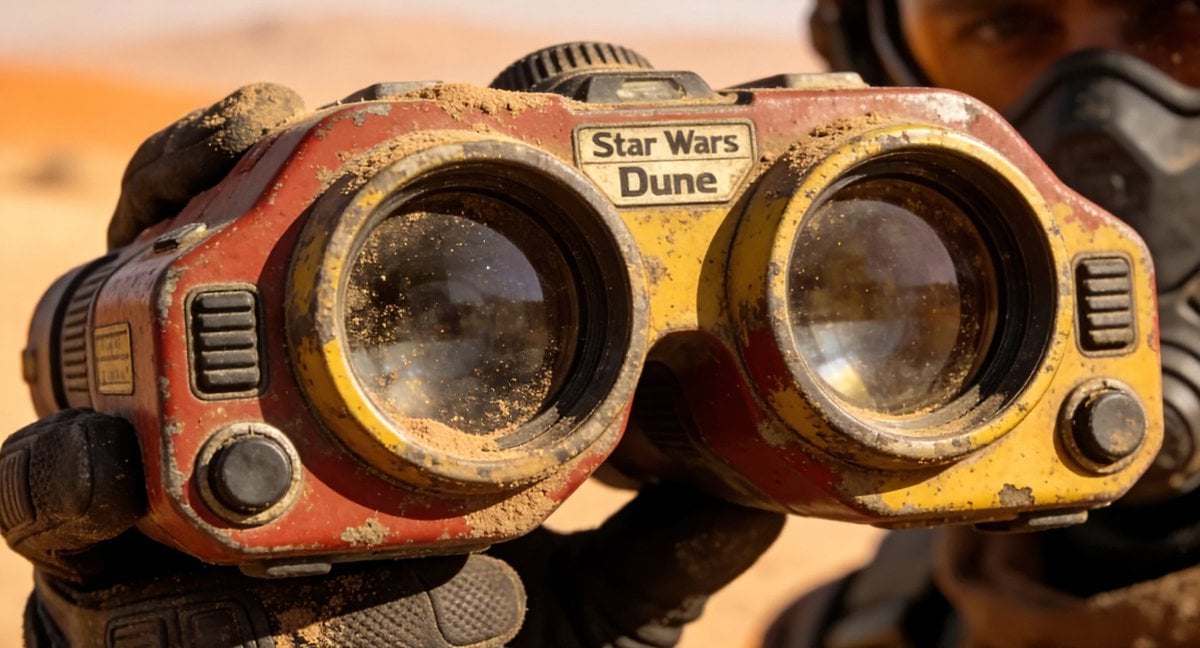
Retro-Futuristic Binocular Cinematic Close-up
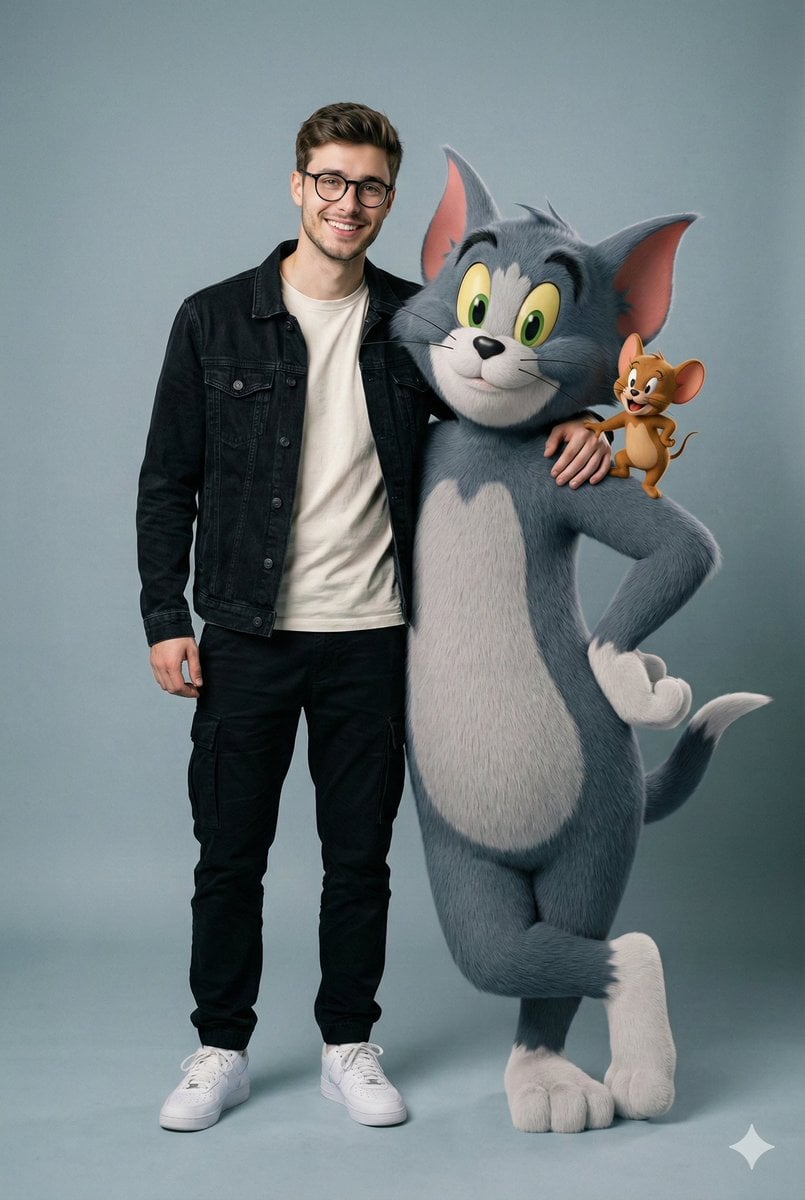
Hyper-realistic image prompt featuring a person with Tom and Jerry in a studio setting
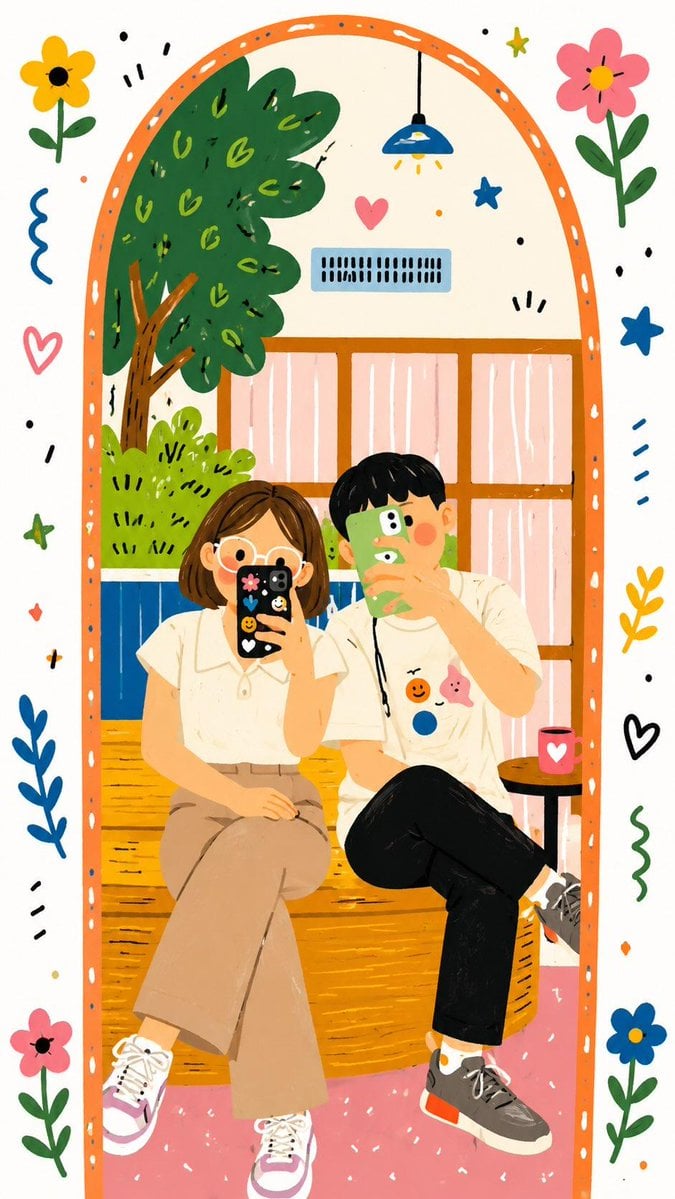
Decorative Folk Doodle Transformation
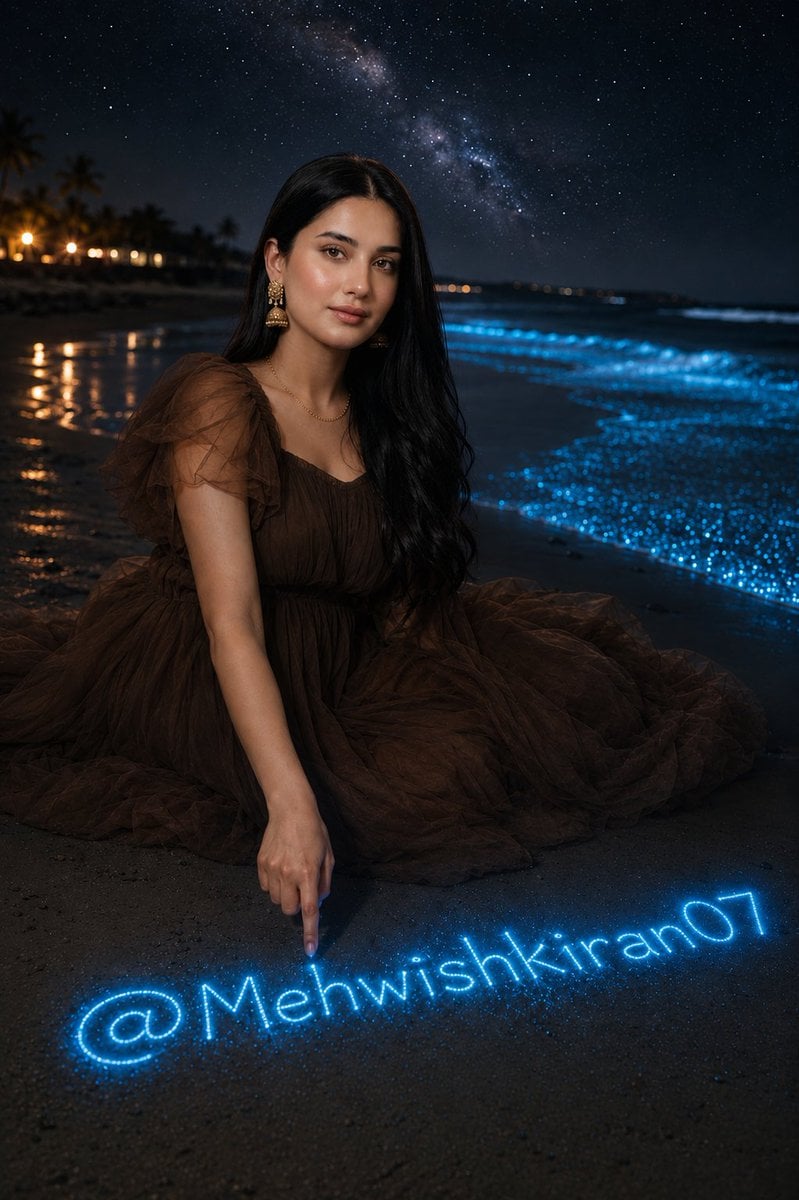
Bioluminescent Night Beach Portrait
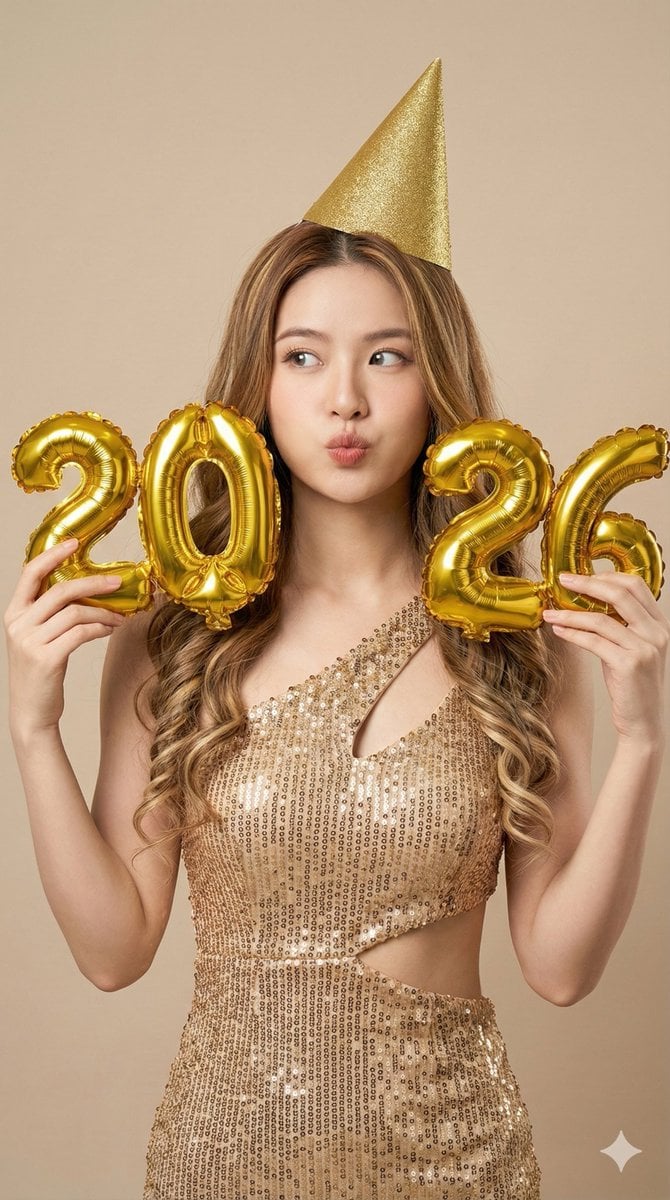
High-Resolution Photorealistic Studio Fashion Portrait for New Year 2026
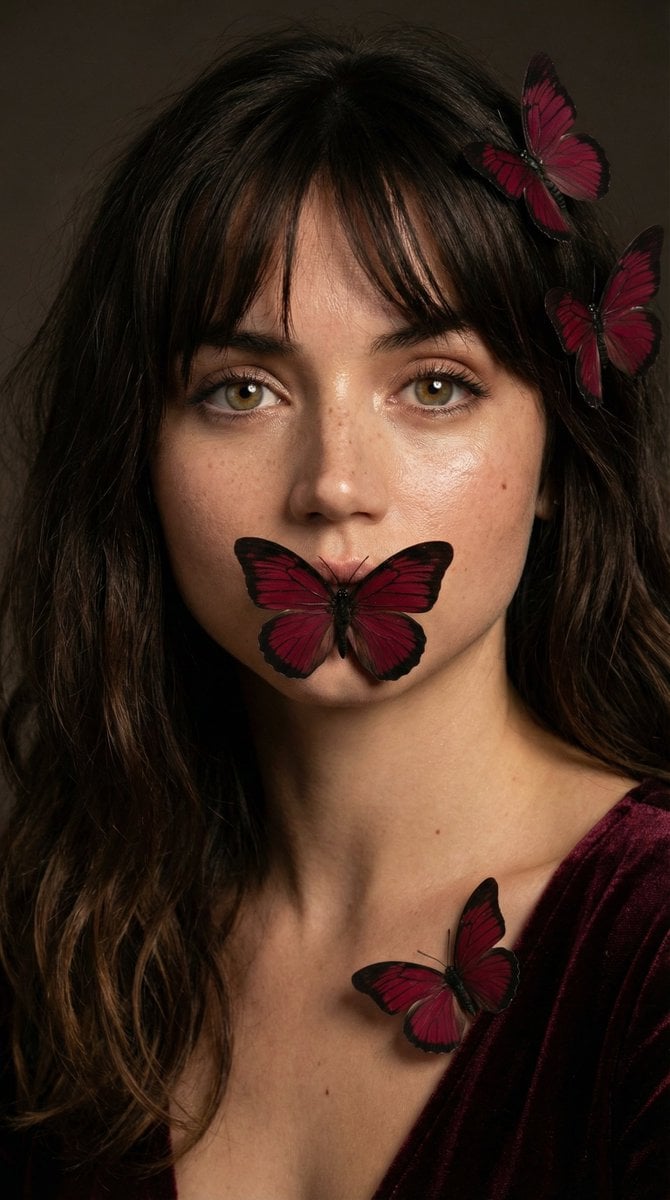
Mysterious Portrait with Butterflies
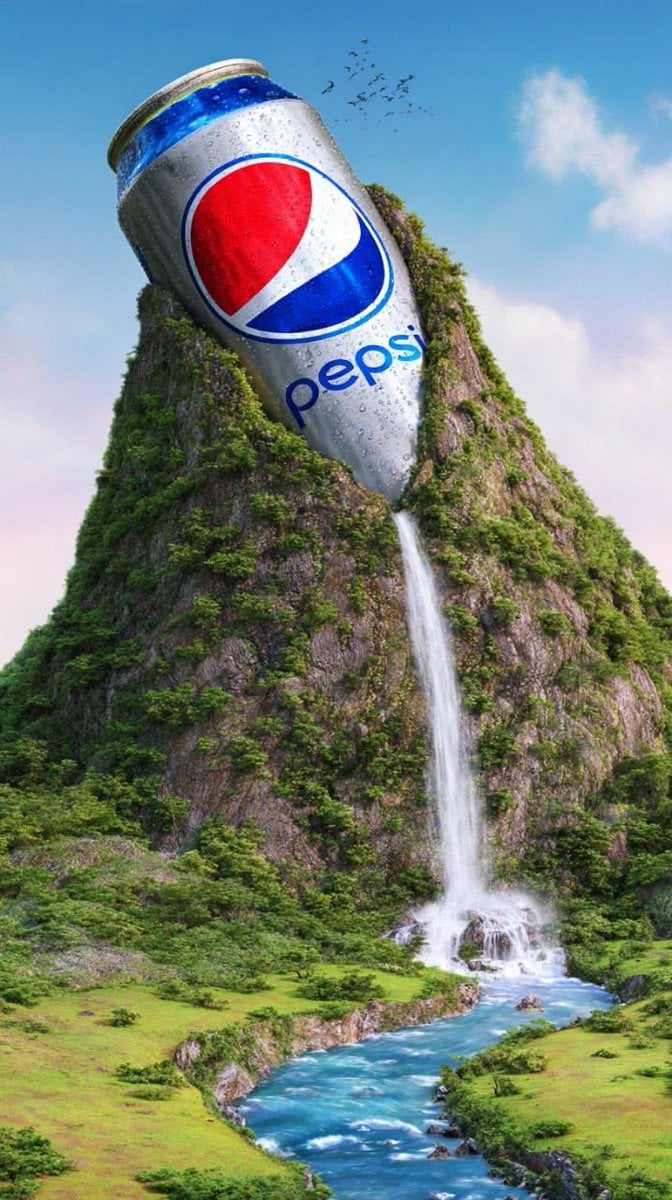
Surreal Giant Aluminum Can Waterfall Prompt for Nano Banana 2
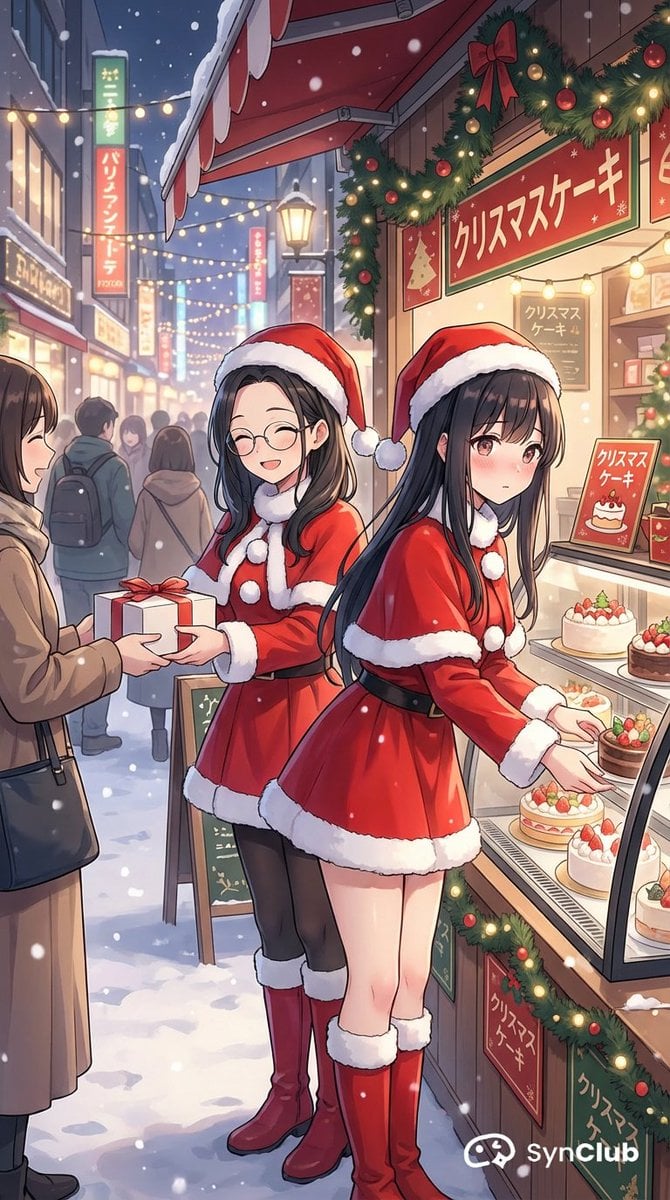
Character Scenario Generation with Clean Japanese Text
Browse template categories
Afterglow Memory Portrait Poster questions
How do I use the Afterglow Memory Portrait Poster template?
Add your photo if the template asks for one, edit the prompt if you like — the template's model and format are already selected — and press Generate. Your version opens in PicX Studio.
Can I customize the Afterglow Memory Portrait Poster template?
Yes. You can change the subject, setting, lighting, mood, format, and available model controls before creating your image.
Is the Afterglow Memory Portrait Poster template free?
Opening and editing this template is free. Generating uses credits, shown on the Generate button when you are signed in.
Which AI model should I use?
Start with GPT Image 2, which is the model associated with this template. You can compare another compatible model for a different finish.
Looking for something else? Browse all templates.

Your photo, any look
Thousands of ready templates for every top image and video model, from one credit balance.