
Wagnerian Requiem at a Red Light
A cinematic surreal image of a grieving driver at a rainy city traffic light witnessing a colossal conductor, choir, orchestra, and musical storm in the sky.
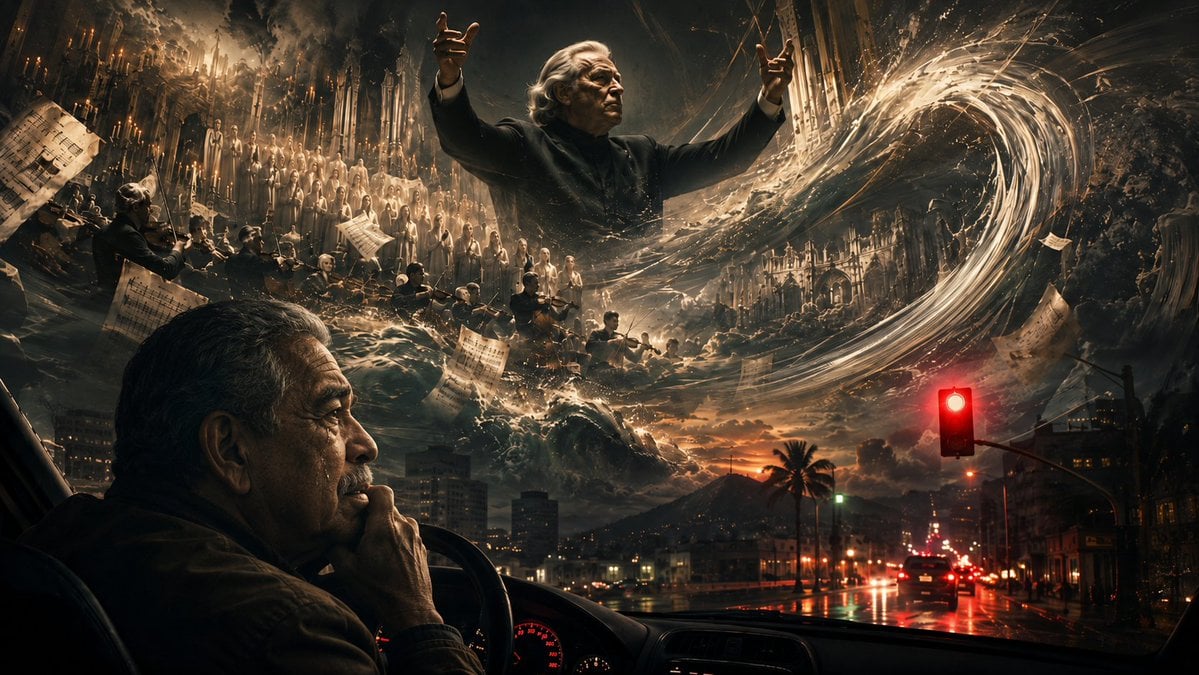
- Prompt included
- Model and format preset
- Free template
The prompt behind this image
Copy the exact prompt behind Wagnerian Requiem at a Red Light, or open it in the studio and make it yours.
Create a cinematic, ultra-dramatic wide 16:9 photoreal surreal scene viewed from inside a car stopped at a red traffic light in {argument name="city" default="Cali, Colombia"} during a rainy dusk. In the lower left foreground, show one middle-aged to elderly Latin American man in profile sitting in the driver’s seat, pensive and emotional, resting his hand against his mouth while holding the steering wheel; dashboard gauges glow red in the darkness. Through the windshield, show wet reflective city streets, car taillights, palm trees, distant buildings, and mountains under a stormy orange-black sky. Above the city, create a massive Wagnerian musical storm vision: an elderly gray-haired conductor resembling {argument name="conductor" default="Sergiu Celibidache"} towers in the clouds with both arms raised, conducting an apocalyptic requiem. Around him, depict exactly three major musical groups: one glowing choir in pale robes on the upper left, one dark orchestra with violinists and cellists below the choir, and one additional cluster of musicians partly swallowed by waves of light near the center-right. Add floating sheets of musical notation as distinct papers scattered through the scene, at least eight visible, bending and flying in the wind. The supernatural storm should form one huge swirling vortex of golden-white musical energy sweeping from the right side toward the conductor, with sparks, rain, mist, cathedral-like architecture, candlelit gothic details, and crashing wave-like clouds. The red traffic light must be prominent on the right side of the windshield, glowing intensely and reflecting on the wet road, linking the mundane traffic stop to the overwhelming sacred-music vision. Mood: intimate grief transformed into a monumental orchestral tempest, beautiful, mournful, cinematic, high contrast, baroque lighting, volumetric clouds, hyper-detailed, no readable text, no watermark.
How to use Wagnerian Requiem at a Red Light in 3 steps
- 1Upload ImagePNG, JPG or paste
Add your photo
Upload the photo the template builds on. The prompt, model and format are already set.
- 2…a portrait of your subject in softgolden-hour light, 85mm…
Personalize
Edit the subject and creative details for your destination.
- 3Generate
Generate
Press Generate — your image is created in PicX Studio, so you can compare it with the original and refine one variable at a time.
More like this
Templates with the same subject, style or setup. Open one to see its prompt.

Bold Red Contrast Fashion Editorial Newspaper Room

Panning Motion Soccer Kick Poster

Dancer Character - Four View Reference Sheet
Fauré Requiem Sacred Collage
Dramatic Red Light Man Portrait
Cyber Knight vs Red Lightning Attacker

Cinematic Studio Portrait Lighting Setup

LIGHTING each element still lit by its original source, windows casting
Gabriel Fauré Requiem Essay Thumbnail
Twilight Japanese Ryokan Parlor
Intimate Secular Requiem Scene
Luminous Fauré Requiem Poster
Make it yours
Wagnerian Requiem at a Red Light works as-is. These are the safest ways to change it without losing the look.
Change one field
Copy a single group, rewrite it, and generate again so you can see what that field is doing.
Keep the frame, change the subject
Hold the composition and light of Wagnerian Requiem at a Red Light, then swap wardrobe, props or the person for a new take.
| If the result… | Why | Fix |
|---|---|---|
| The result drifts from the preview | Too many fields changed at once. | Reuse Wagnerian Requiem at a Red Light as-is first, then change one group — subject, light, or setting. |
| The model over-stylizes the scene | The prose prompt leaves finish and camera underspecified. | Add one camera or lighting sentence and stay on GPT Image 2. |
More GPT Image 2 templates
Other prompts made for GPT Image 2.

Six VTuber Japanese Logo Sheet

Realistic Portrait of Woman and Deer

The Vista Modular Condo Poster

AI Model Routing Comparison Infographic

2.5D Anime Art Board

Isometric Productivity Desk Scene

New York Double Exposure Poster

Four-Panel AI Landscape Comparison

Japanese Tatami Lifestyle Magazine Cover

NESCAFÉ Coffee Map Poster
More image prompts
Fresh picks from across the catalog.
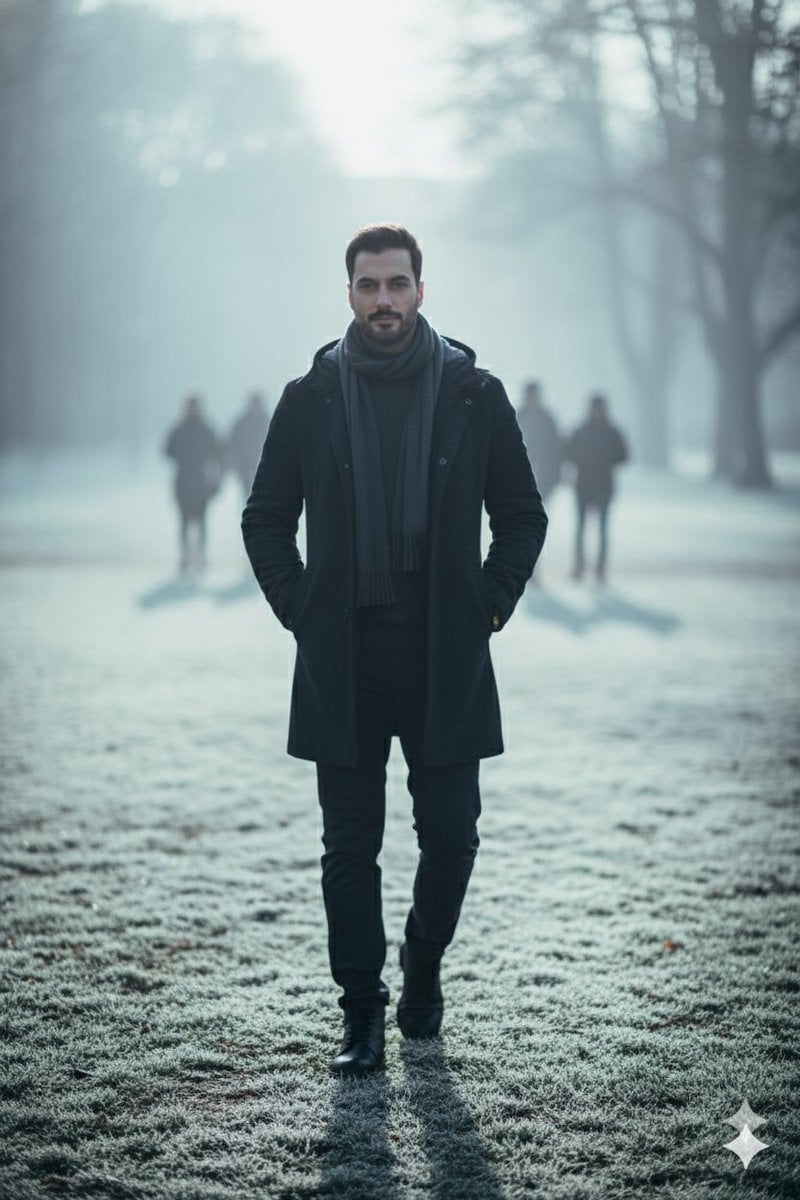
Hyperreal winter park walk portrait

X Sairah 0 Google Gemini Nano Banana Pro
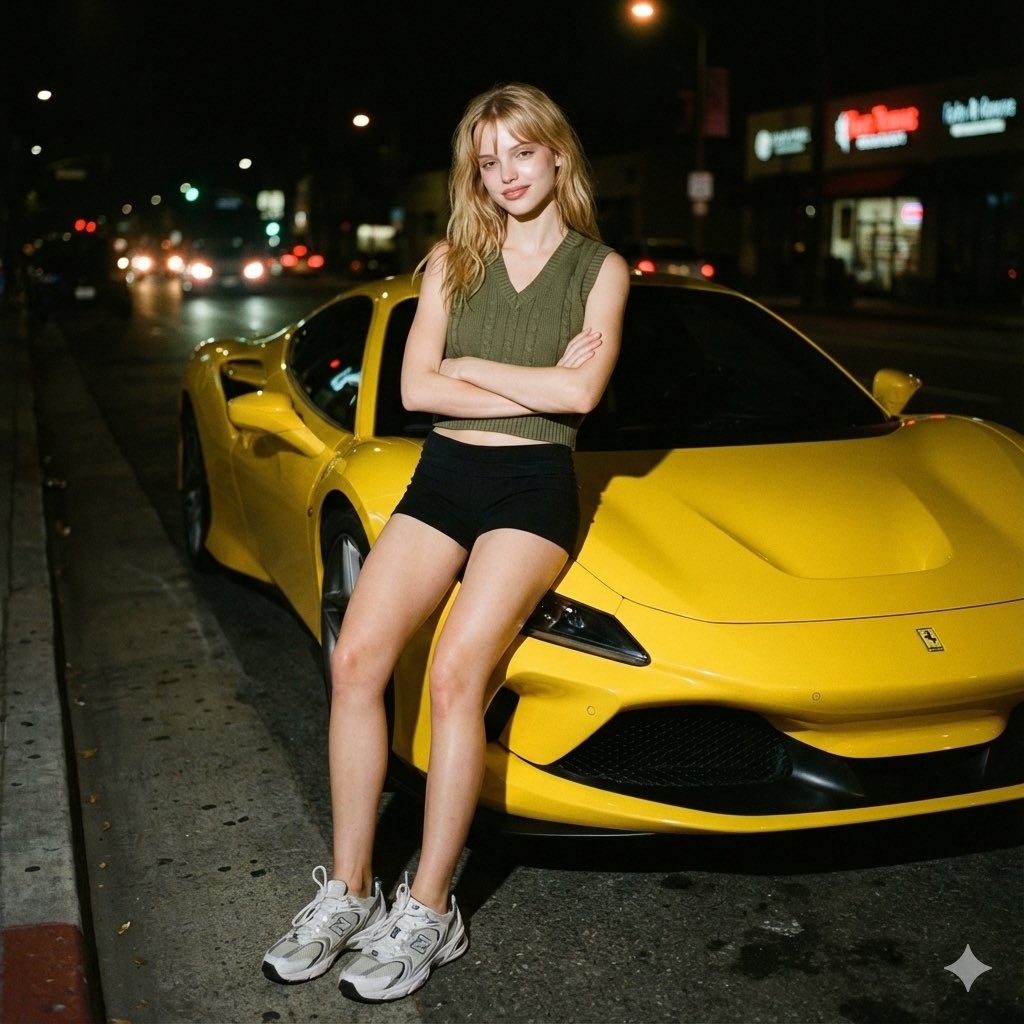
Candid night street portrait with Ferrari prompt

X Ozayrr Irl Chatgpt Image 2 Vs Google
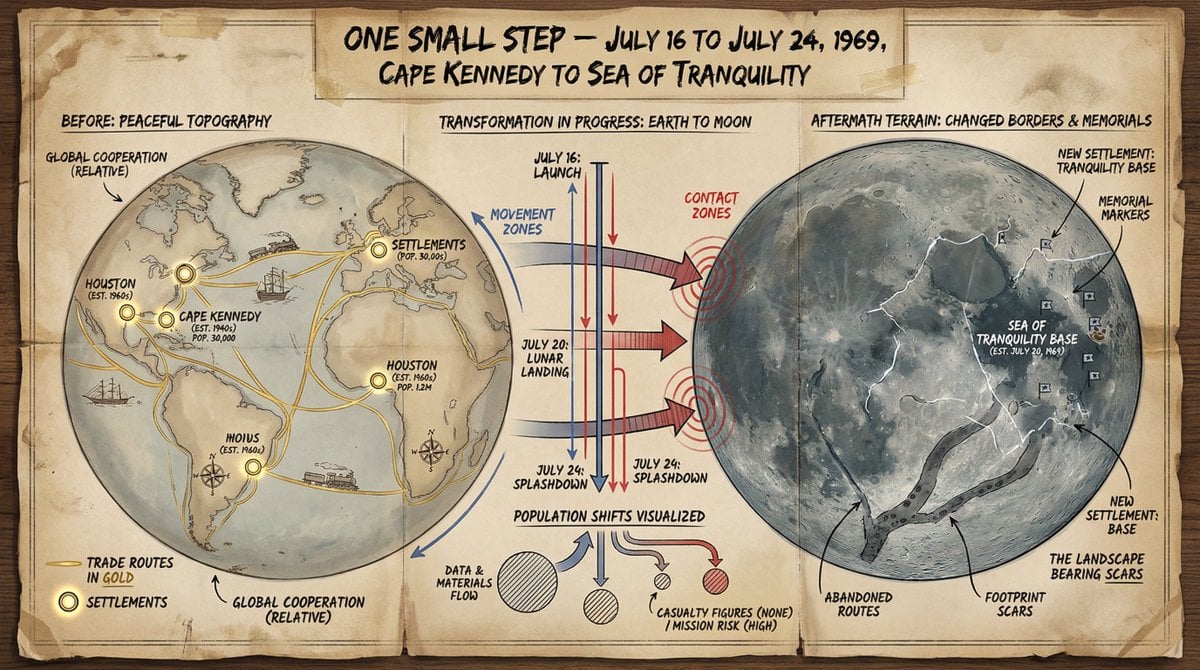
Cartographer's Crisis Board Visualization
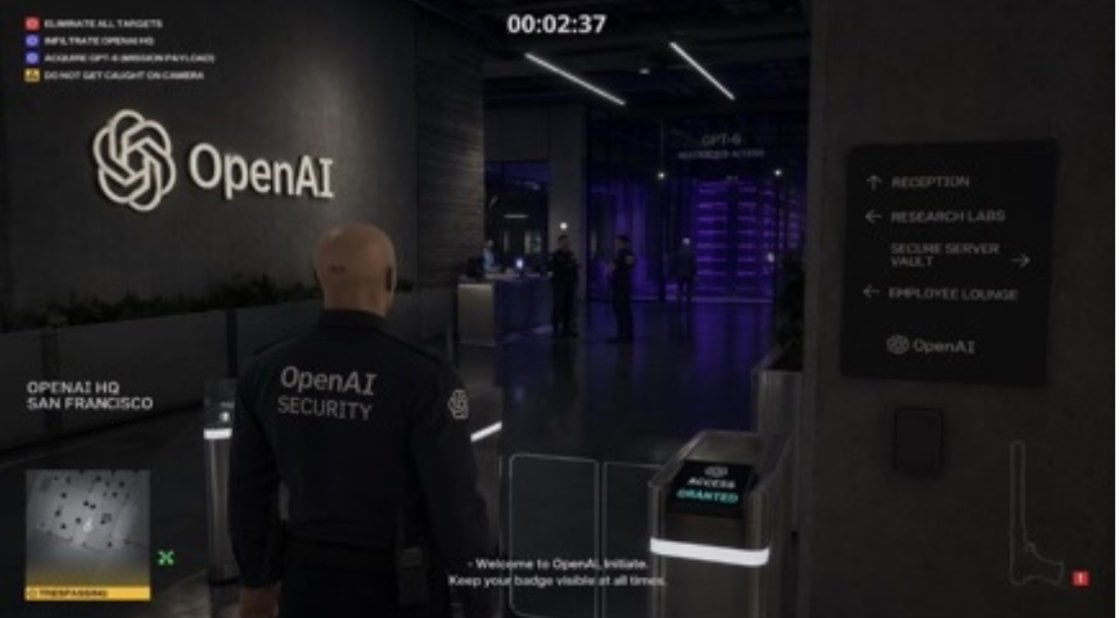
Hitman Game Screenshot Prompt

Japanese Insurance Staff Directory Mockup
Modern Streetwear Anime Swordsman

Elegant Graphic Design Birthday Collage

Anonymized Swimmer in Teal Pool
Browse template categories
Wagnerian Requiem at a Red Light questions
How do I use the Wagnerian Requiem at a Red Light template?
Add your photo if the template asks for one, edit the prompt if you like — the template's model and format are already selected — and press Generate. Your version opens in PicX Studio.
Can I customize the Wagnerian Requiem at a Red Light template?
Yes. You can change the subject, setting, lighting, mood, format, and available model controls before creating your image.
Is the Wagnerian Requiem at a Red Light template free?
Opening and editing this template is free. Generating uses credits, shown on the Generate button when you are signed in.
Which AI model should I use?
Start with GPT Image 2, which is the model associated with this template. You can compare another compatible model for a different finish.
Looking for something else? Browse all templates.

Your photo, any look
Thousands of ready templates for every top image and video model, from one credit balance.