
Burgundy Red Carpet Movie Star
A photorealistic full-body celebrity red carpet scene featuring an elegant woman in a couture gown, ideal for fashion or movie-premiere visuals.
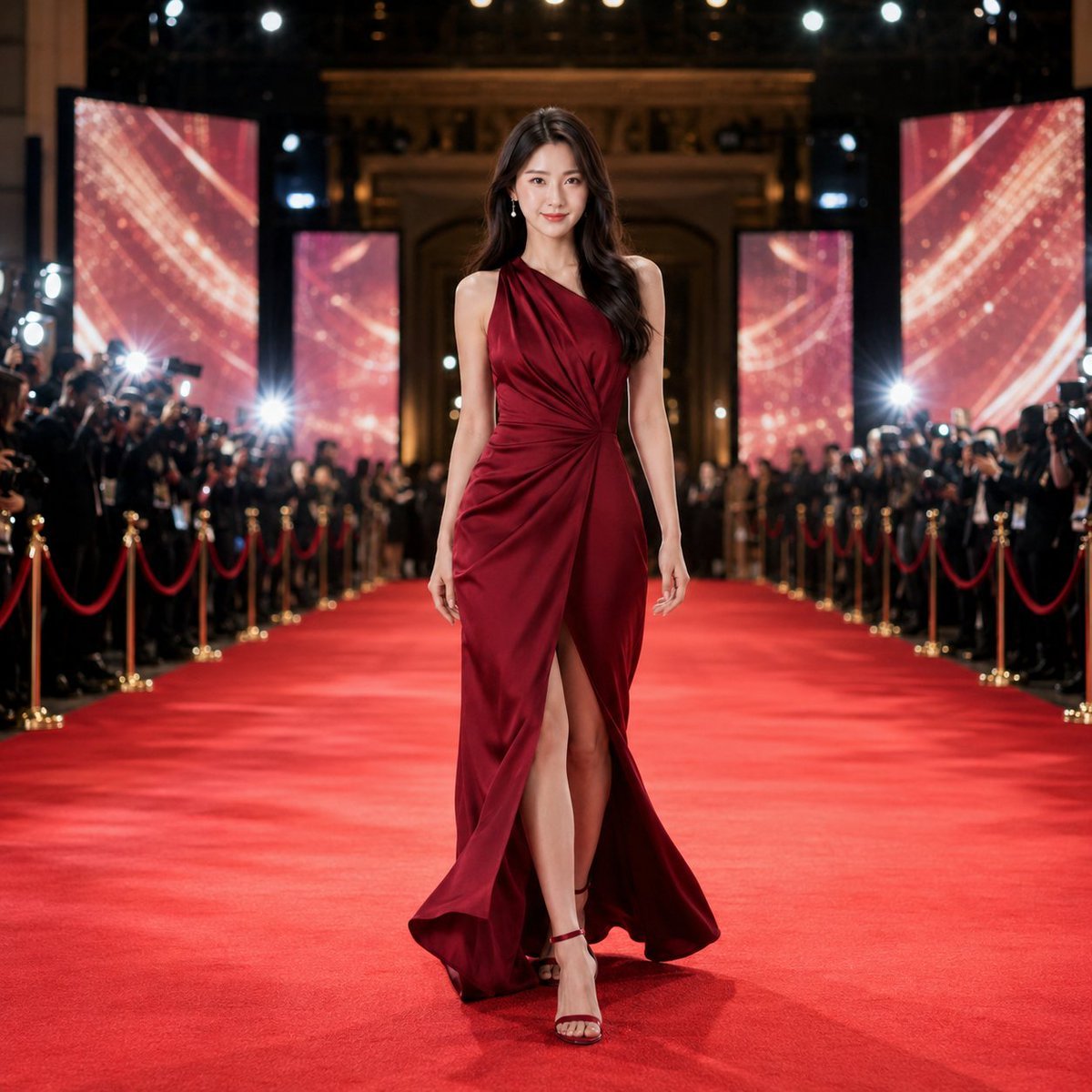
- Prompt included
- Model and format preset
- Free template
The prompt behind this image
Copy the exact prompt behind Burgundy Red Carpet Movie Star, or open it in the studio and make it yours.
Create a glamorous full-body red carpet fashion image in a photorealistic live-action style. The sole subject is a poised young female movie star with long dark brown wavy hair, a slim natural figure, and an elegant confident expression, walking down the center of a luxurious international film premiere red carpet. She is captured at the decisive moment just before stopping, facing forward with a very slight natural angle, one leg stepping forward, relaxed shoulders and arms, and subtle motion in her hair and dress hem. Dress her in a luxurious {argument name="dress color" default="deep burgundy"} floor-length couture gown with an asymmetrical one-shoulder neckline, refined draping gathered at the waist, a tasteful front slit that allows natural walking movement, and rich satin fabric with soft highlights; pair it with slim matching strappy high heels. Place her fully inside the frame from head to toe, centered on a long red carpet with strong depth perspective. On both sides of the carpet, include crowds of photographers and spectators behind red velvet ropes with gold stanchions, camera flashes, and black evening attire. In the background, show a grand historic theater entrance or palace-like premiere venue, warm architectural lighting, overhead spotlights, and four tall vertical LED screens displaying abstract red-and-gold sparkling graphics, with two screens on each side of the walkway. Use cinematic event lighting, shallow background blur, crisp focus on the woman, natural body proportions, no exaggerated wide-angle distortion, no text, no watermark, no extra main characters, no cropped feet or dress hem. Use a {argument name="aspect ratio" default="1:1"} composition with enough surrounding space to show the red carpet depth and celebrity atmosphere.
How to use Burgundy Red Carpet Movie Star in 3 steps
- 1Upload ImagePNG, JPG or paste
Add your photo
Upload the photo the template builds on. The prompt, model and format are already set.
- 2…a portrait of your subject in softgolden-hour light, 85mm…
Personalize
Edit the subject and creative details for your destination.
- 3Generate
Generate
Press Generate — your image is created in PicX Studio, so you can compare it with the original and refine one variable at a time.
More like this
Templates with the same subject, style or setup. Open one to see its prompt.
Make it yours
Burgundy Red Carpet Movie Star works as-is. These are the safest ways to change it without losing the look.
Change one field
Copy a single group, rewrite it, and generate again so you can see what that field is doing.
Keep the frame, change the subject
Hold the composition and light of Burgundy Red Carpet Movie Star, then swap wardrobe, props or the person for a new take.
| If the result… | Why | Fix |
|---|---|---|
| The result drifts from the preview | Too many fields changed at once. | Reuse Burgundy Red Carpet Movie Star as-is first, then change one group — subject, light, or setting. |
| The model over-stylizes the scene | The prose prompt leaves finish and camera underspecified. | Add one camera or lighting sentence and stay on GPT Image 2. |
More GPT Image 2 templates
Other prompts made for GPT Image 2.

Six VTuber Japanese Logo Sheet

Realistic Portrait of Woman and Deer

The Vista Modular Condo Poster

AI Model Routing Comparison Infographic

2.5D Anime Art Board

Isometric Productivity Desk Scene

New York Double Exposure Poster

Four-Panel AI Landscape Comparison

Japanese Tatami Lifestyle Magazine Cover

NESCAFÉ Coffee Map Poster
More image prompts
Fresh picks from across the catalog.
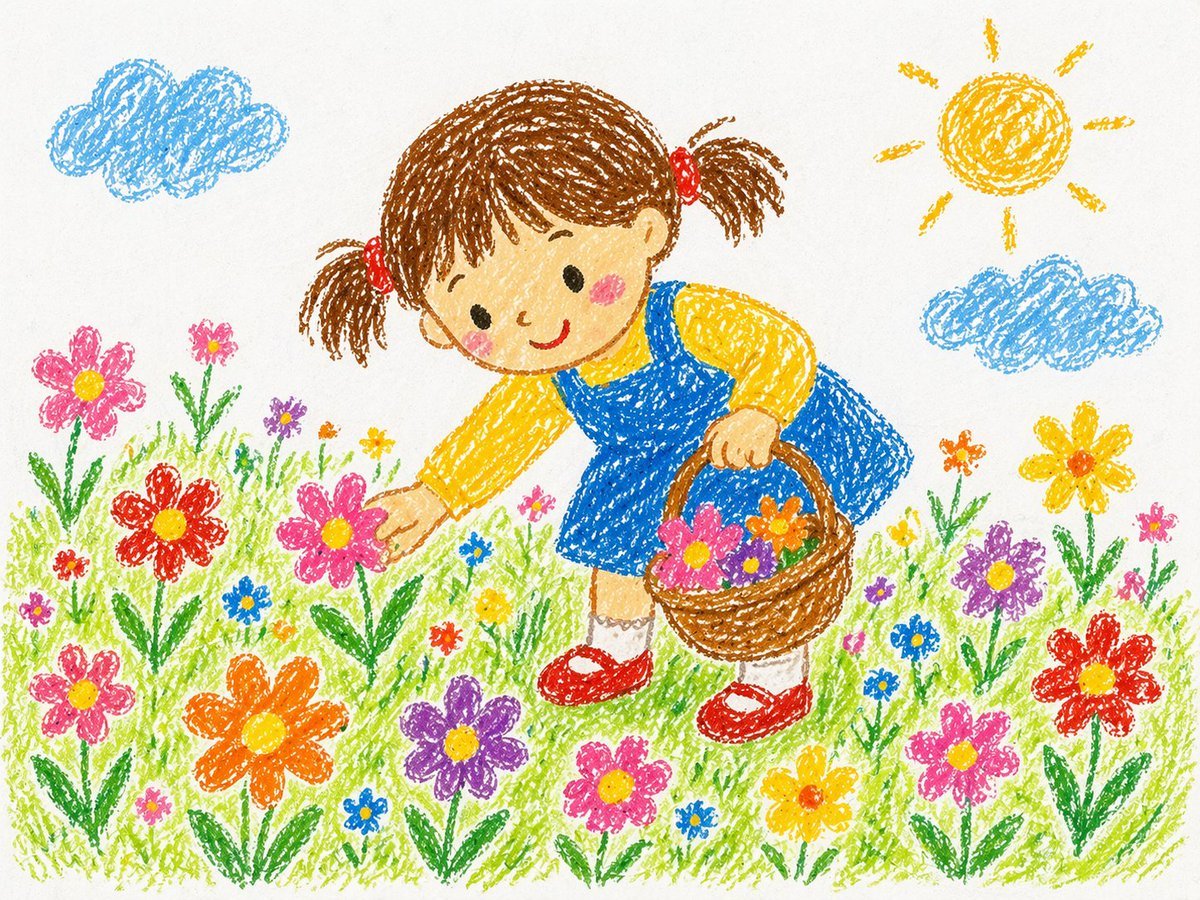
Crayon Style Drawing Prompt
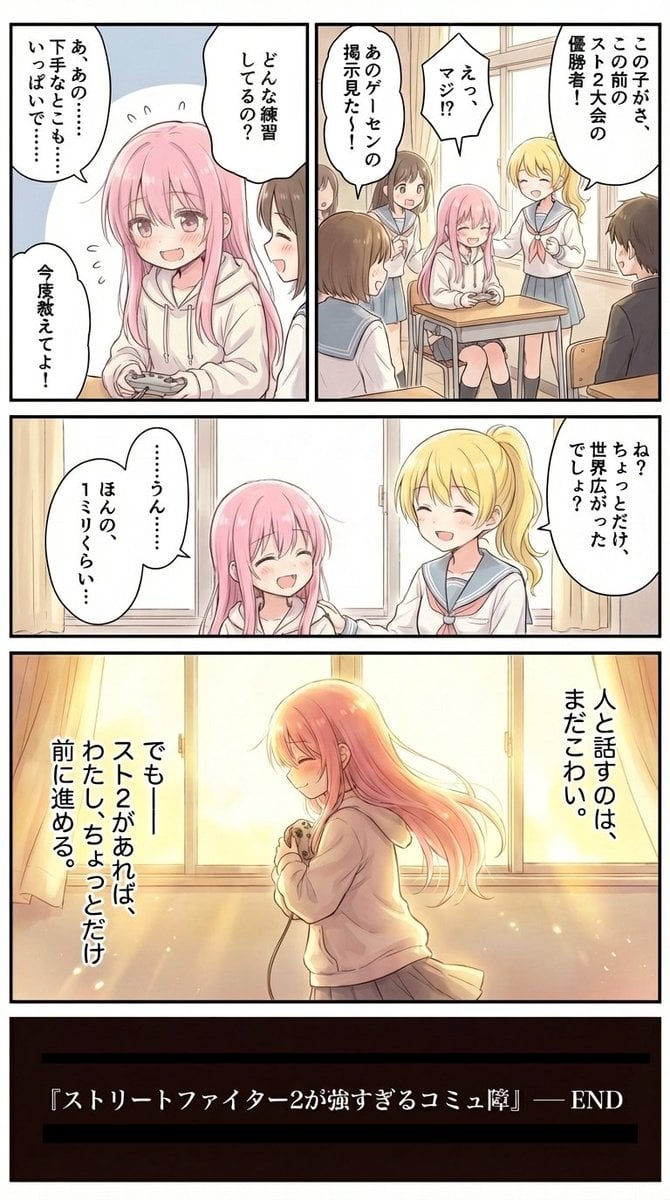
High-Detail Enhancement of Page 9
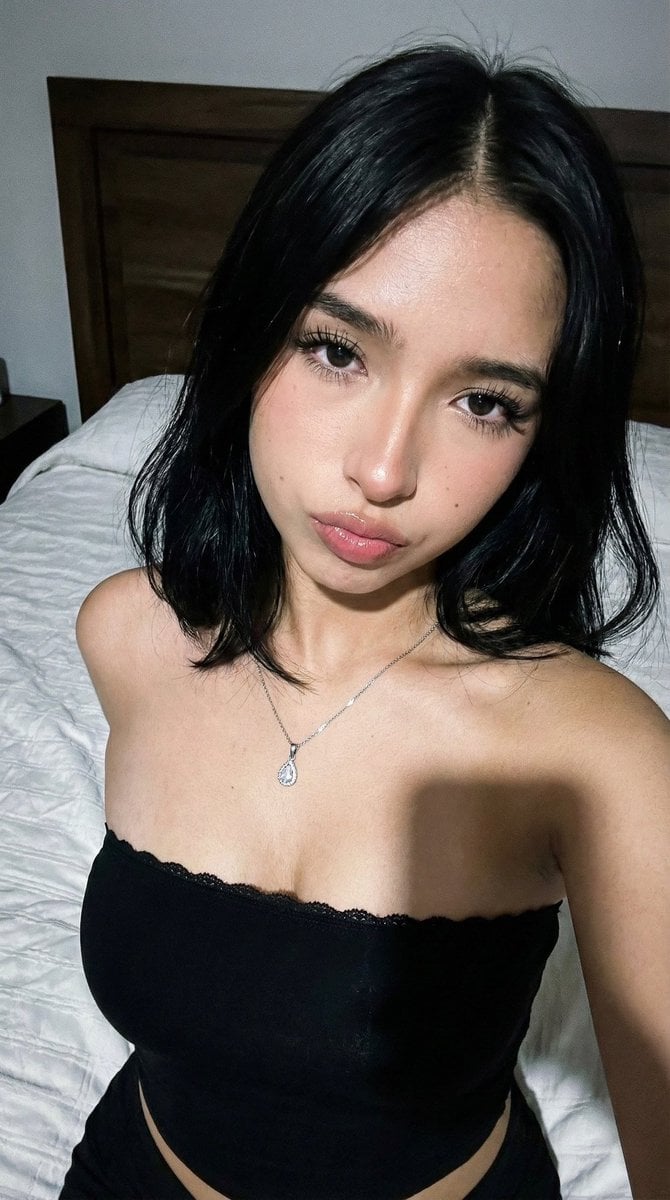
High-Fidelity Flash Selfie Portrait Prompt
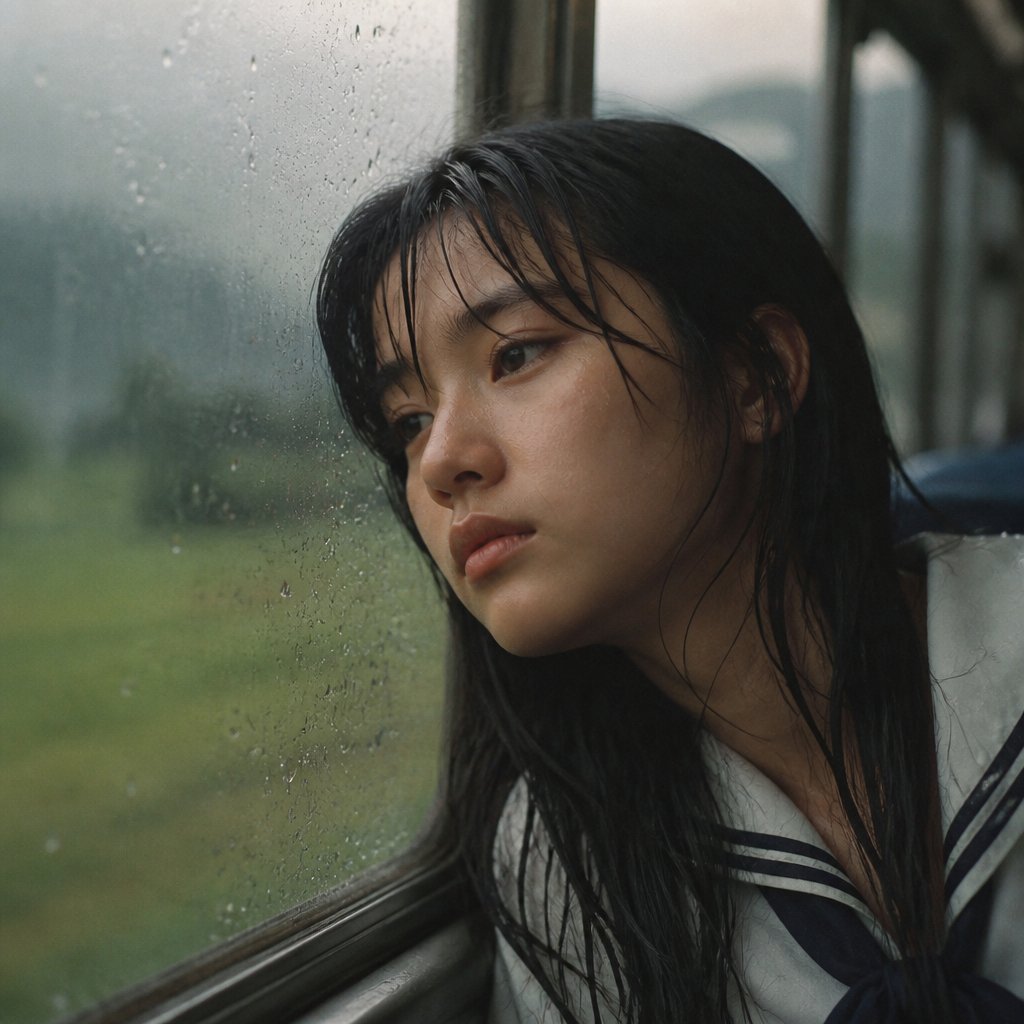
Rainy Train Schoolgirl Portrait
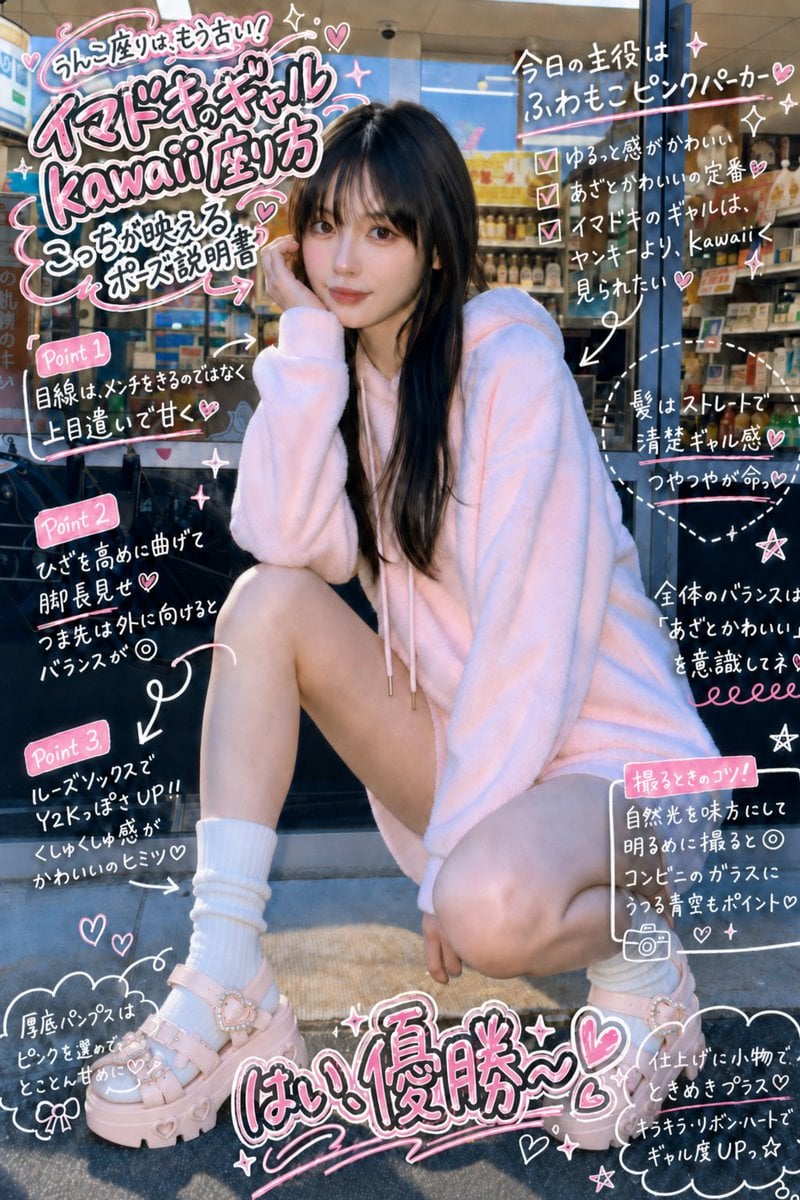
Gyaru Style Instruction Manual Edit
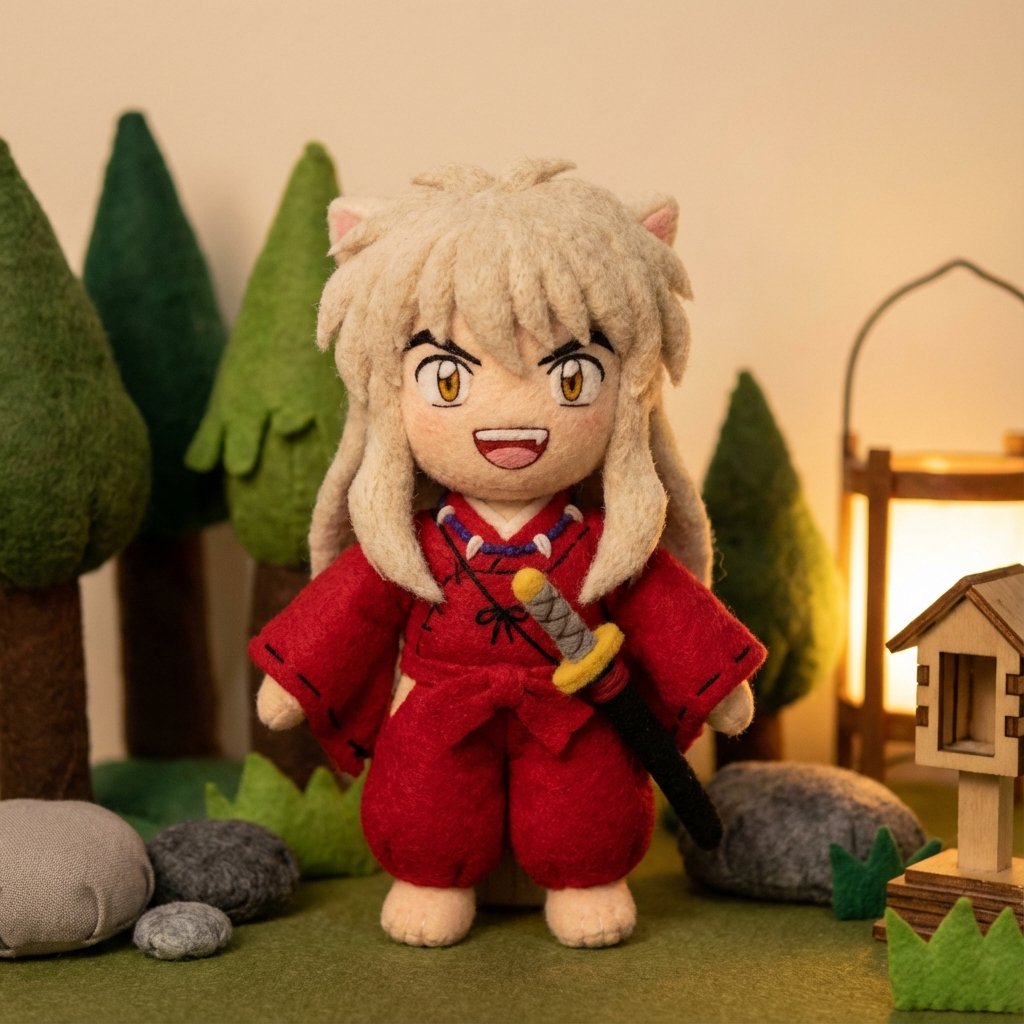
Inuyasha Plush Toy Generation Prompt
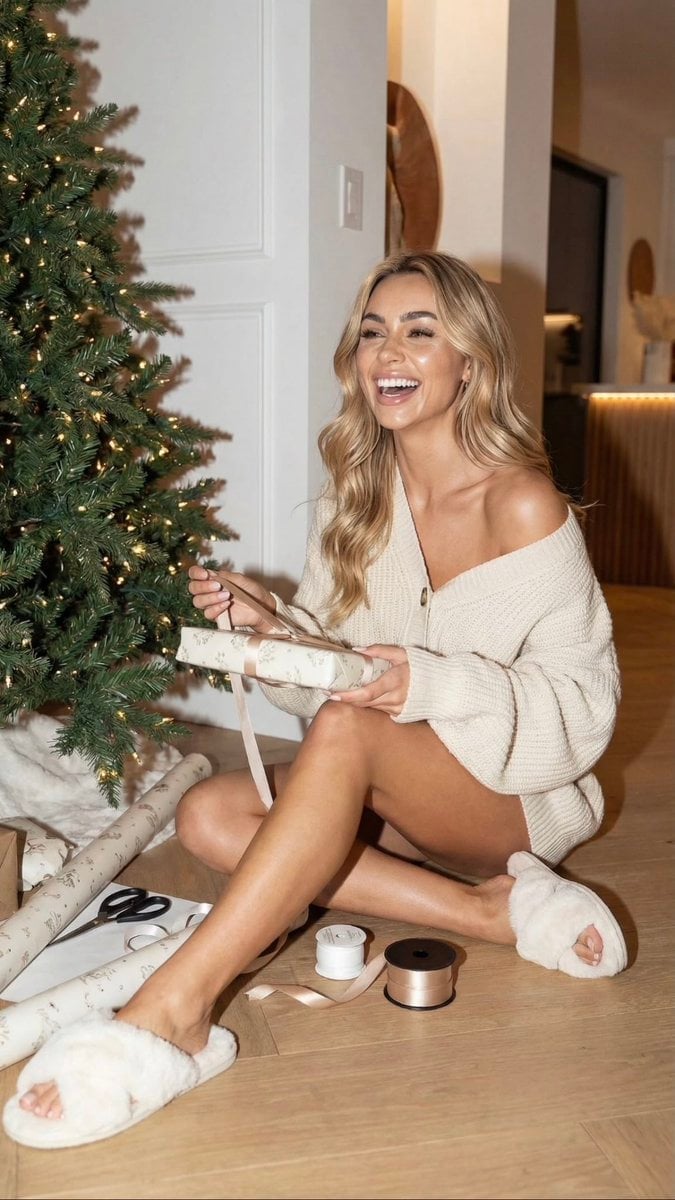
Cozy Christmas Gift Wrapping Flash Photo Prompt

Epic LEGO Spider-Man movie poster scene
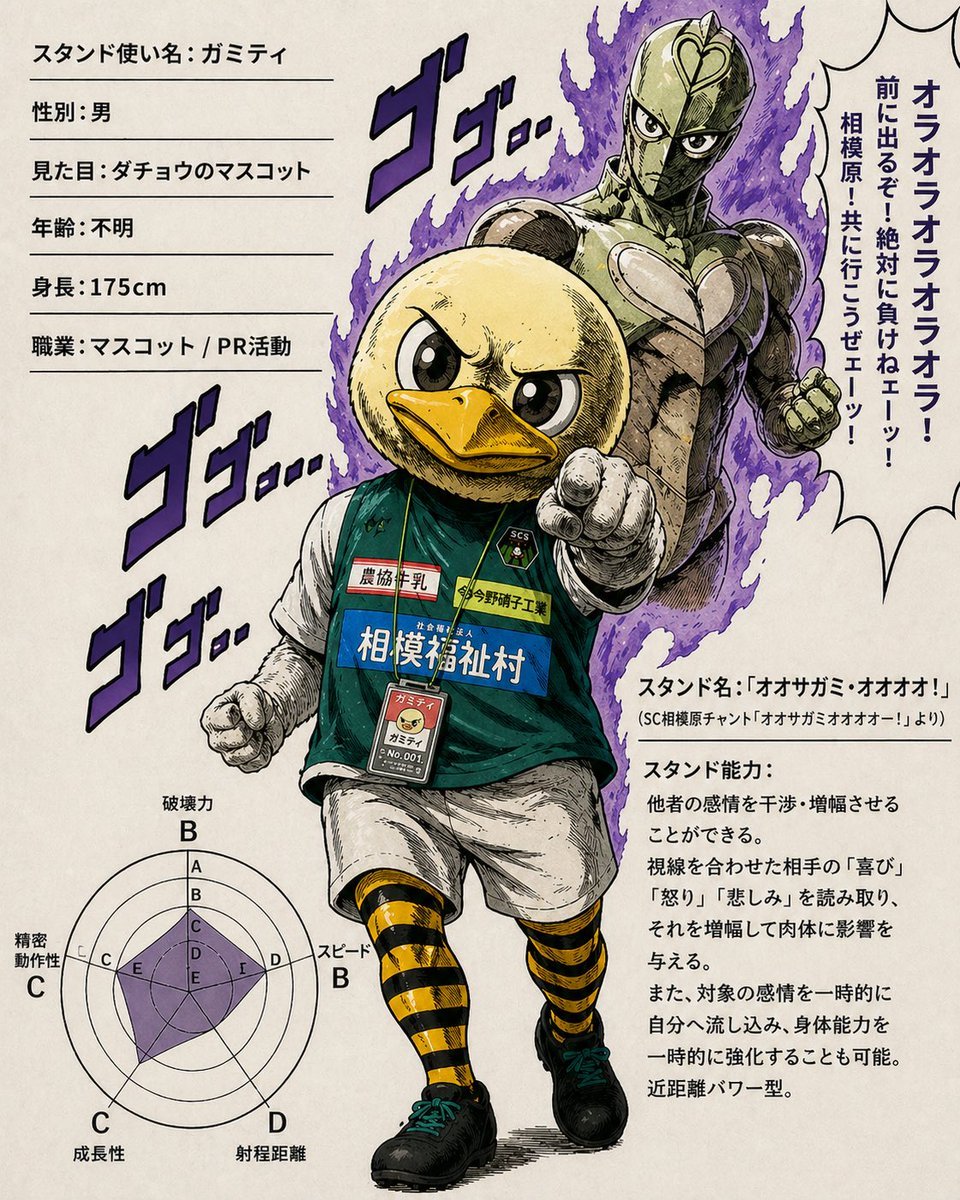
JoJo-Style Duck Mascot Stand Profile

Tech Product Announcement Infographic
Browse template categories
Burgundy Red Carpet Movie Star questions
How do I use the Burgundy Red Carpet Movie Star template?
Add your photo if the template asks for one, edit the prompt if you like — the template's model and format are already selected — and press Generate. Your version opens in PicX Studio.
Can I customize the Burgundy Red Carpet Movie Star template?
Yes. You can change the subject, setting, lighting, mood, format, and available model controls before creating your image.
Is the Burgundy Red Carpet Movie Star template free?
Opening and editing this template is free. Generating uses credits, shown on the Generate button when you are signed in.
Which AI model should I use?
Start with GPT Image 2, which is the model associated with this template. You can compare another compatible model for a different finish.
Looking for something else? Browse all templates.

Your photo, any look
Thousands of ready templates for every top image and video model, from one credit balance.