How do I use the Elegant 23rd Birthday Studio Portrait template?
Choose the primary action to open PicX Studio with the available template settings. Review the model and format, personalize the creative direction, and generate when ready.
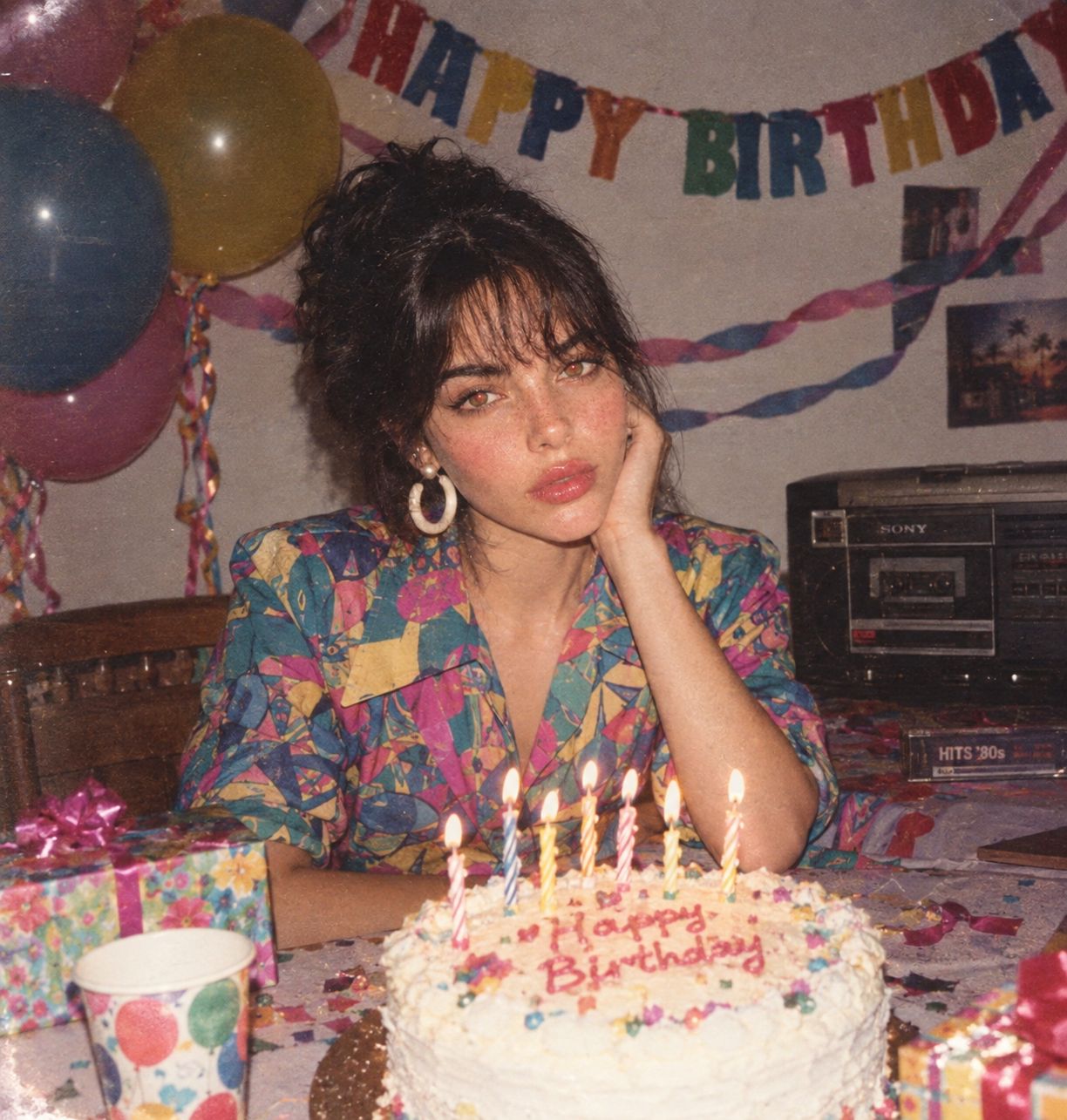
A high-contrast, black-on-black editorial studio photoshoot prompt for a 23rd birthday celebration featuring a glossy cake and cinematic lighting.

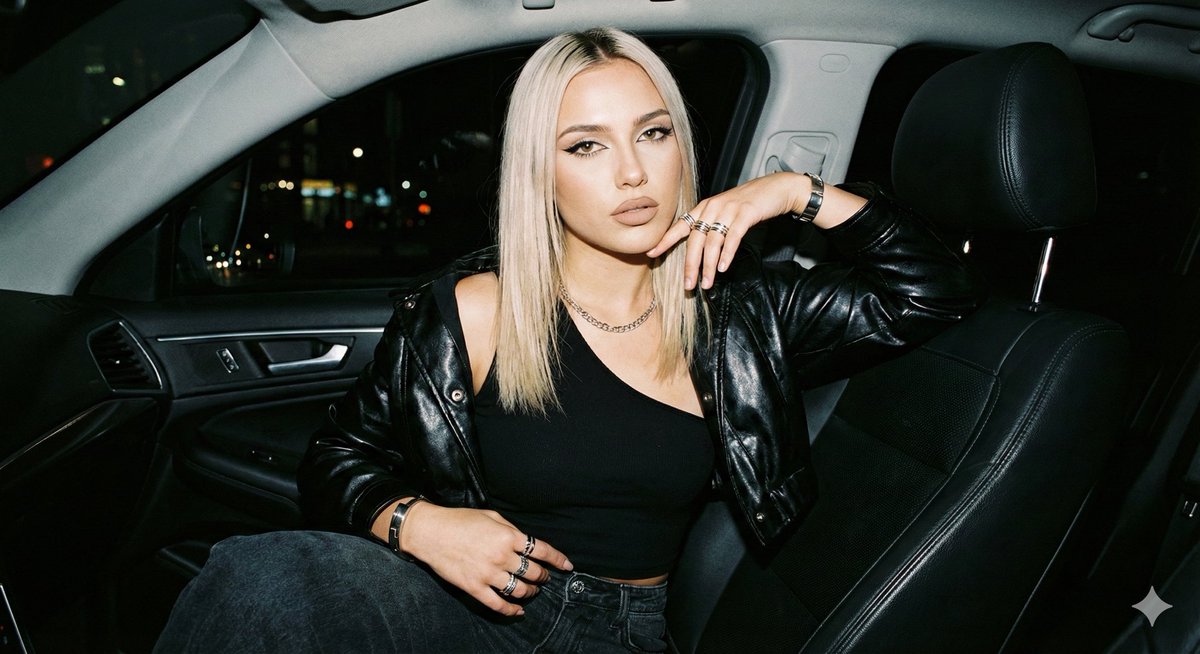
Create a bold, high-contrast studio photoshoot of a woman using the uploaded face as the reference, celebrating her {argument name="age" default="23rd"} birthday in an elegant black-on-black editorial setup. She is seated with poise on a matte black cube, leaning slightly forward, one elbow resting on her knee, holding a sleek black birthday cake finished with a glossy mirror glaze that catches and reflects the studio lights. Style her in a sophisticated {argument name="outfit style" default="all-black fashion look"}, such as a fitted turtleneck or structured dress with a tailored blazer, giving the scene a confident, feminine, fashion-forward edge. Add refined accessories including a delicate silver chain, statement earrings, and a luxury watch. Place metallic silver number candles reading "{argument name="birthday number" default="23"}" on the cake. The candles should glow brightly and act as a subtle secondary light source that adds drama and depth to the scene. Use a deep black seamless studio backdrop with a soft controlled gradient from dark gray into pure black, creating dimension while keeping the background clean and distraction-free. Light the scene cinematically with strong directional key light from one side to sculpt the face with sharp dramatic shadows, plus a subtle backlight that creates elegant rim highlights along the silhouette. Add a faint haze so the atmosphere and light beams are slightly visible. Shoot as an 85mm medium close-up portrait with shallow depth of field. Keep the eyes and reflective cake surface tack sharp while the rest falls into a soft cinematic blur. 8K resolution, ultra-detailed, sharp focus, high dynamic range, moody studio photography, powerful confident feminine editorial aesthetic.
Choose the primary action to open PicX Studio with the available template settings. Review the model and format, personalize the creative direction, and generate when ready.
Yes. You can change the subject, setting, lighting, mood, format, and available model controls before creating your image.
This template is free to open and customize. Generation usage is shown in PicX Studio before you create.
Start with GPT Image 2, which is the model associated with this template. You can compare another compatible model for a different finish.
Follow a topic to a crawlable collection of related PicX Studio templates.