How do I use the Photo to Sunlit Anime Character template?
Choose the primary action to open PicX Studio with the available template settings. Review the model and format, personalize the creative direction, and generate when ready.
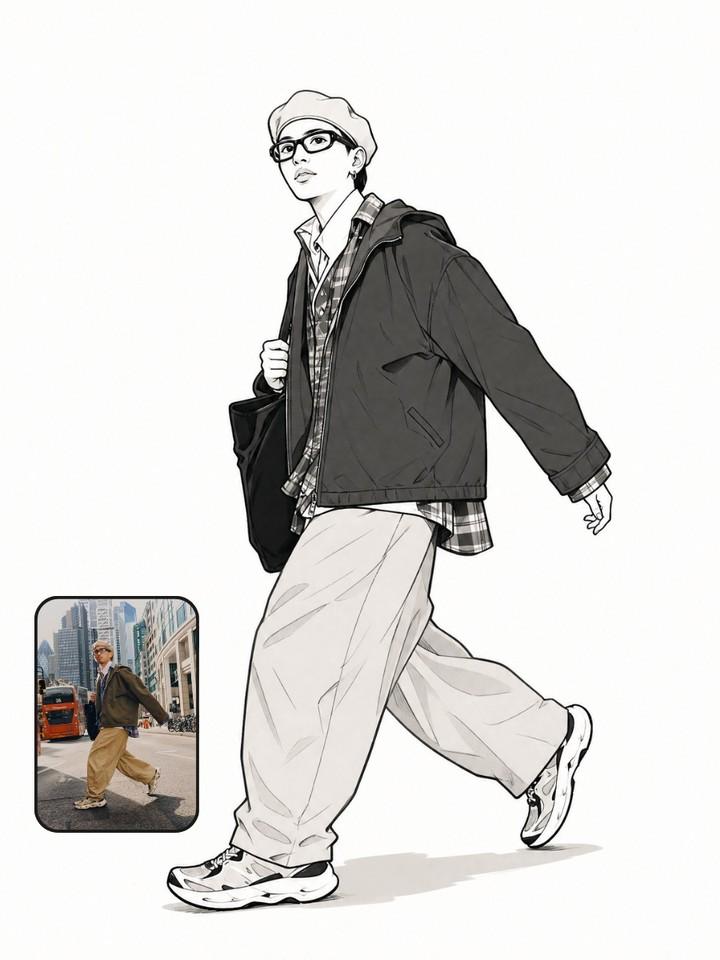
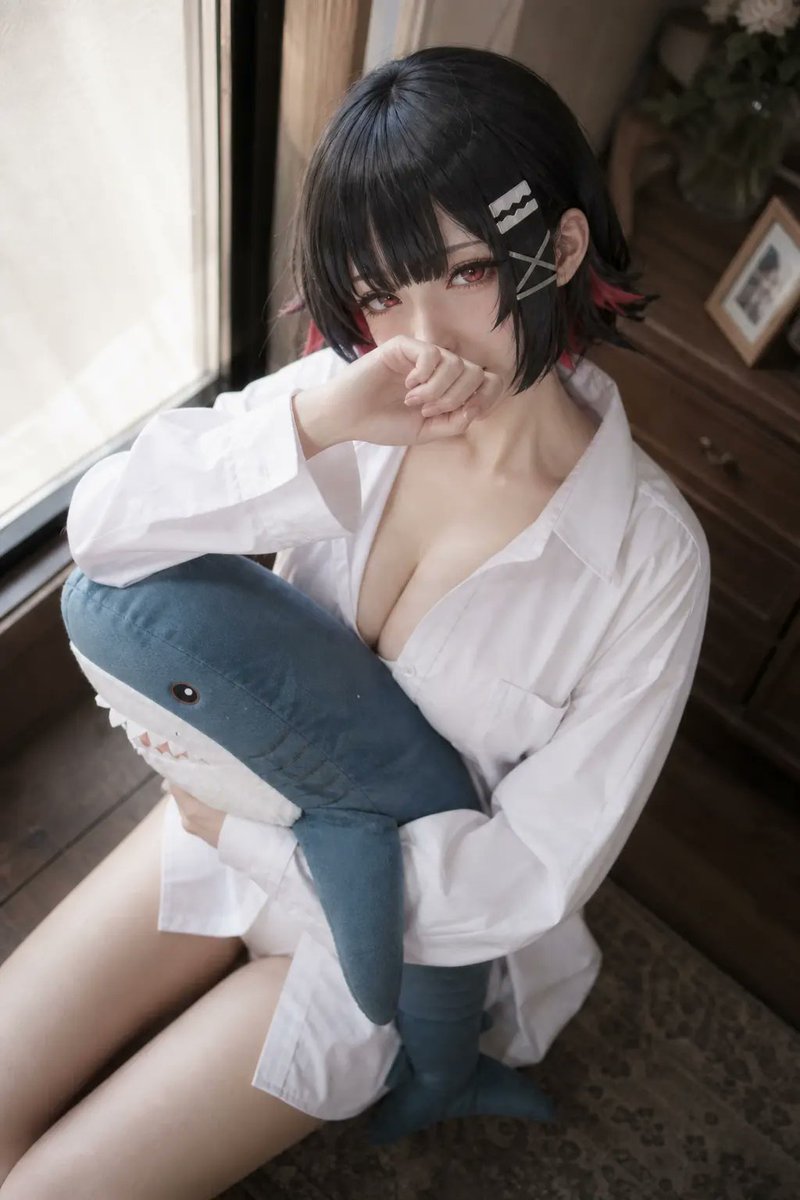
Transforms a reference photo into a polished anime illustration while preserving the pose, outfit, plush toy, and cozy window-side setting.

Using REFERENCE_0 as the base, transform the photo into a polished anime-style illustration while preserving the same overall pose, camera angle, white oversized shirt, shark plush being hugged, window-side indoor setting, and warm backlit mood. Replace the obscured face with a cute expressive anime face: soft blush, slightly shy eyes, and the hand still raised near the mouth. Keep the short black bob silhouette but make it glossy and stylized, with red-tinted hair tips and 3 visible hair accessories: 2 silver rectangular hair clips and 1 gray X-shaped pin. Render the scene with clean line art, detailed painterly shading, luminous sunlight, soft highlights on fabric, and a high-quality visual-novel/anime key art finish. Add and clarify the room details that were only vague in the reference: a teal-green wall, a framed ocean-and-cloud picture on the wall, a wooden dresser on the right, a white vase with exactly 3 yellow flowers, and 1 small framed photo on the dresser. Add a few subtle floating dust motes/bubbles in the sunlight. Make the shark plush more cute and crisp, with a blue top, white belly, black eye, gill marks, fin, tail, and open mouth with triangular teeth. Customizable details: anime character with {argument name="eye color" default="red"}, {argument name="hair accent color" default="red"}, wearing {argument name="shirt style" default="oversized white button-up shirt"}, holding {argument name="plush toy" default="blue shark plush"}, in a {argument name="background mood" default="warm sunlit bedroom by a window"}. Constraints: do not crop out the plush, keep the composition vertical, keep the pose and outfit close to the reference, avoid photorealism, avoid extra characters, avoid text or watermarks.
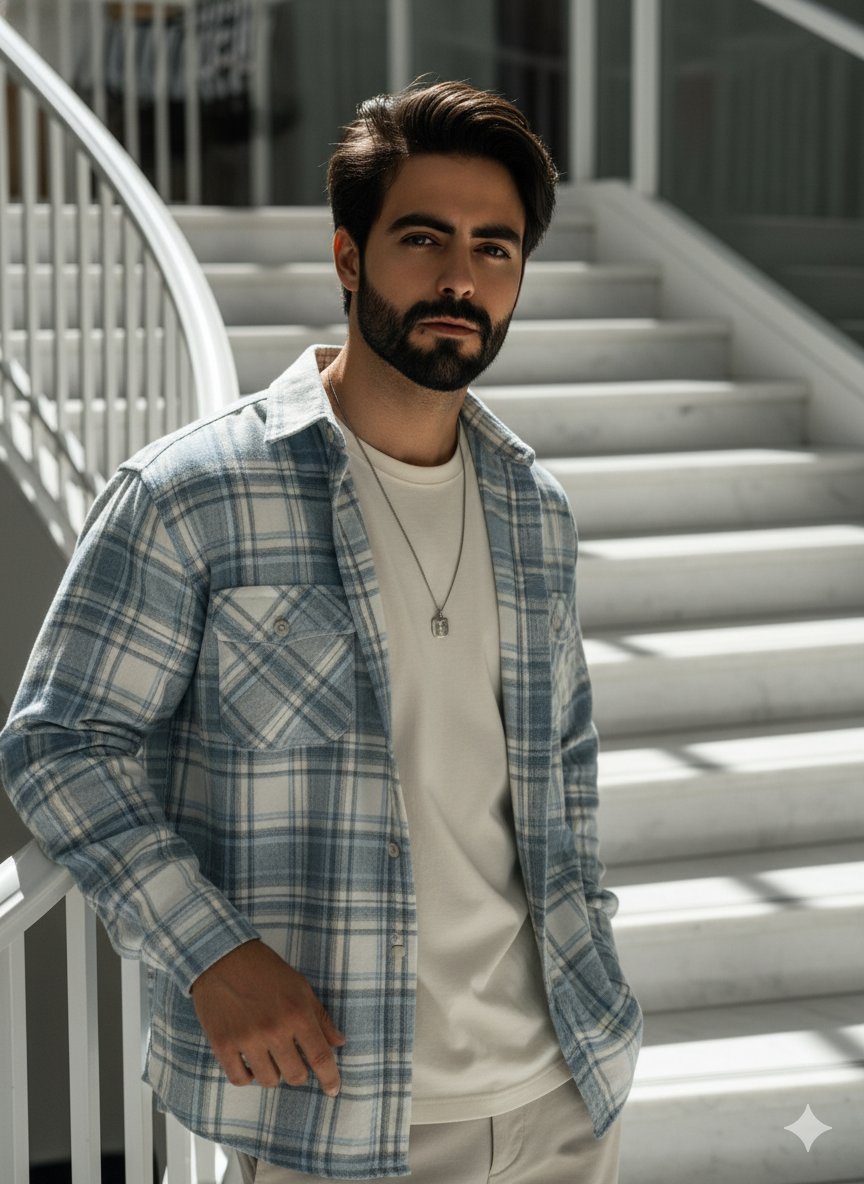
Photo to Sunlit Anime Character needs input media to work. Open it in the studio and these load alongside the prompt — pick whichever ones your chosen model can take.
Choose the primary action to open PicX Studio with the available template settings. Review the model and format, personalize the creative direction, and generate when ready.
Yes. You can change the subject, setting, lighting, mood, format, and available model controls before creating your image.
This template is free to open and customize. Generation usage is shown in PicX Studio before you create.
Start with GPT Image 2, which is the model associated with this template. You can compare another compatible model for a different finish.
Follow a topic to a crawlable collection of related PicX Studio templates.