
Minimalist City Travel Poster
A prompt for generating minimalist travel posters with a Japanese editorial aesthetic, customizable for different global cities.
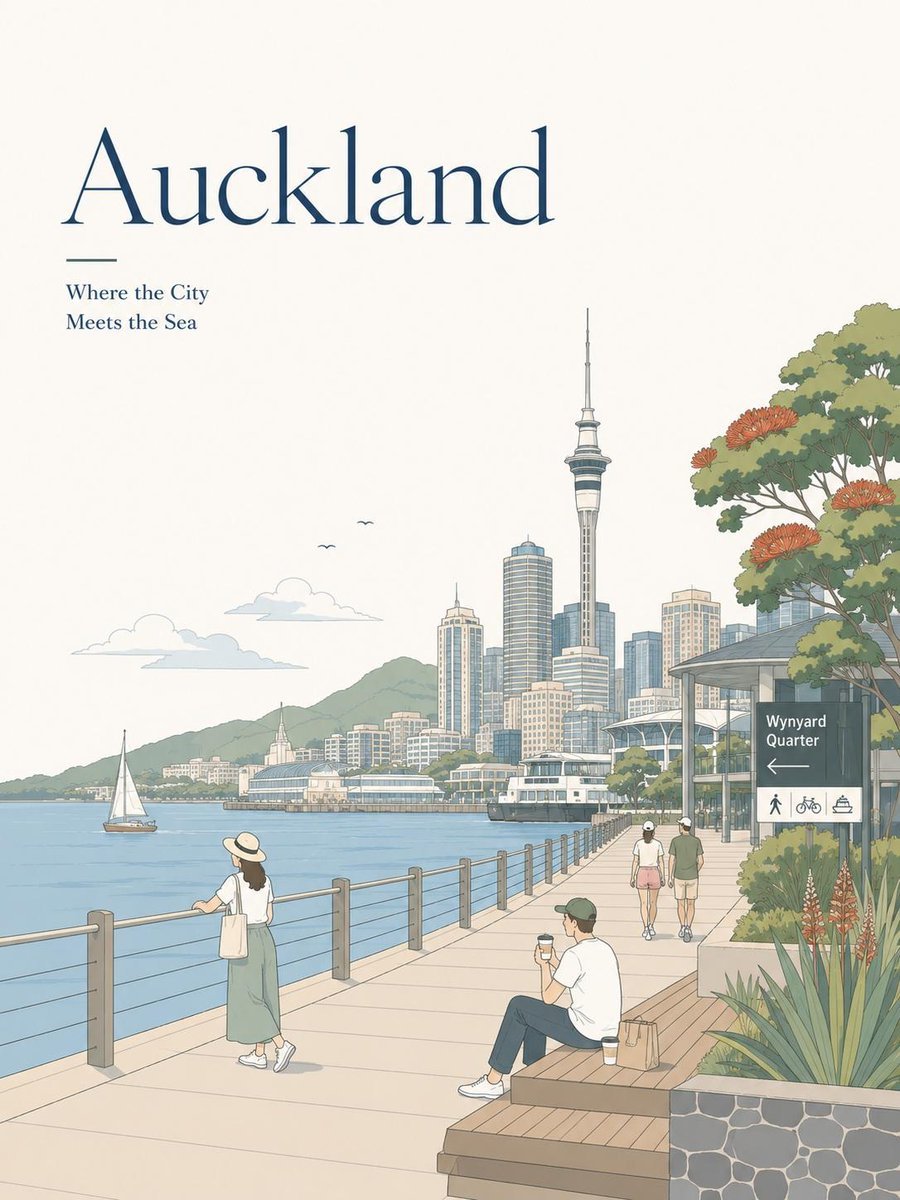
- Prompt included
- Model and format preset
- Free template
The prompt behind this image
Copy the exact prompt behind Minimalist City Travel Poster, or open it in the studio and make it yours.
Create a minimalist travel poster illustration in a soft editorial flat-vector style inspired by premium tourism magazines and modern Japanese travel art. Scene: A beautiful panoramic view of {argument name="city name" default="Auckland"}, featuring its most iconic landmarks, waterfront, mountains, gardens, skyline, and famous local attractions. The composition includes relaxed travelers enjoying the scenery—walking, sitting on benches with coffee, taking photos, sketching, cycling, or watching boats. The environment feels peaceful, clean, and inviting. Style: • Clean flat illustration with subtle hand-drawn linework • Soft pastel color palette (cream, sky blue, sage green, muted beige, terracotta) • Minimalist Scandinavian + Japanese editorial aesthetic • Smooth geometric shapes with gentle gradients • Delicate architectural details • Light atmospheric perspective • Cozy travel-poster composition with lots of negative space Typography: Large elegant serif title at the top displaying the {argument name="city name" default="Auckland"}, with a small refined subtitle beneath it. Include subtle wayfinding signs, café signs, or local transport labels that match the city's identity. Typography should feel premium, clean, and magazine-quality. Composition: Vertical A4 travel poster, spacious layout, balanced foreground, midground, and background, scenic depth, iconic skyline, water reflections, mountains, trees, flowers, and everyday people creating a calm lifestyle atmosphere. Quality: Ultra-clean vector illustration, premium editorial poster, tourism campaign artwork, Behance-quality design, Pinterest aesthetic, Apple-style minimalism, highly detailed, crisp lines, soft natural lighting, 8K, masterpiece.
How to use Minimalist City Travel Poster in 3 steps
- 1
Open
The prompt is already in the box next to the preview, with the template's model and format selected.
- 2…a portrait of your subject in softgolden-hour light, 85mm…
Personalize
Edit the subject and creative details for your destination.
- 3Generate
Generate
Press Generate — your image is created in PicX Studio, so you can compare it with the original and refine one variable at a time.
More like this
Templates with the same subject, style or setup. Open one to see its prompt.

Japan Travel Brochure Poster
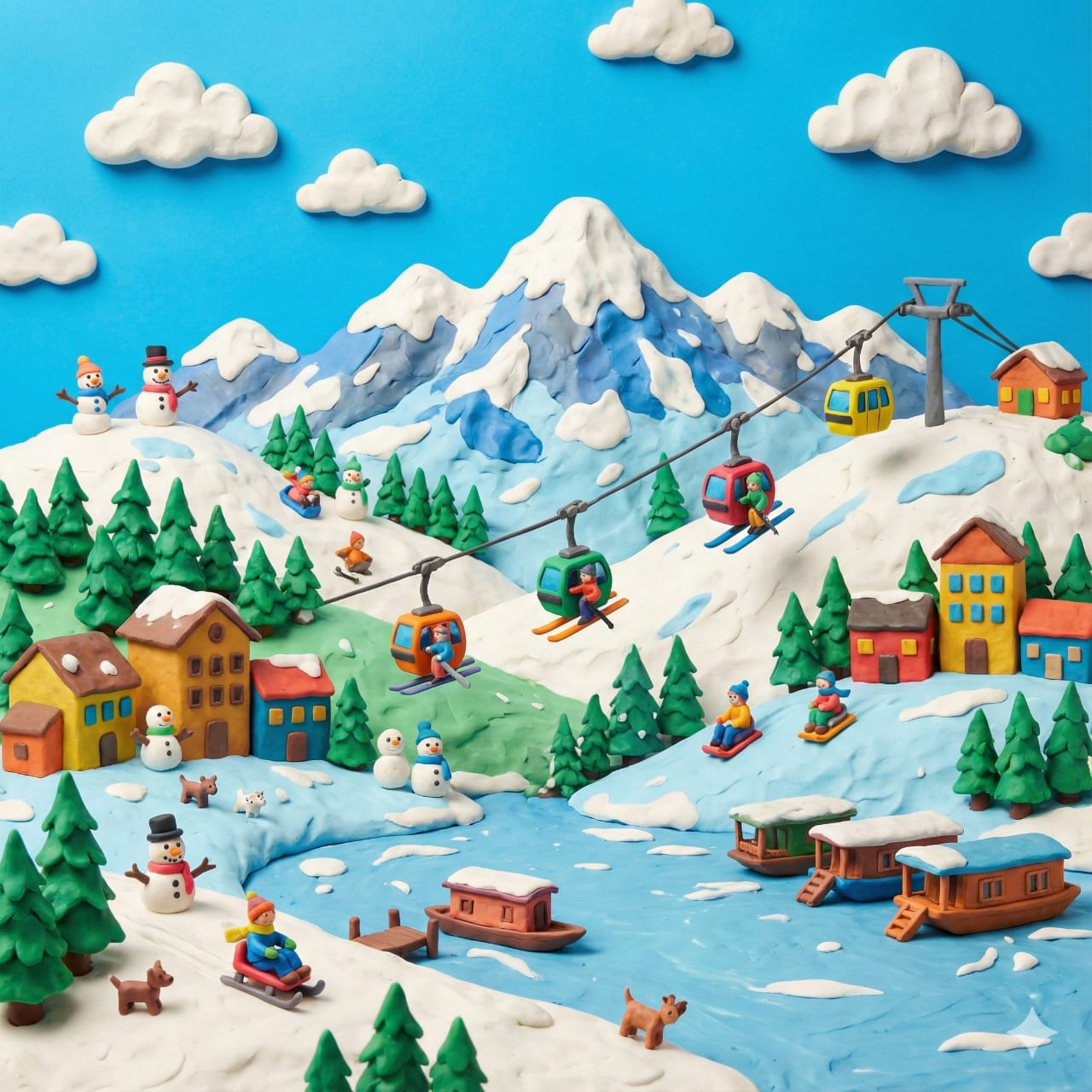
Clay Miniature Landmark Travel Diorama
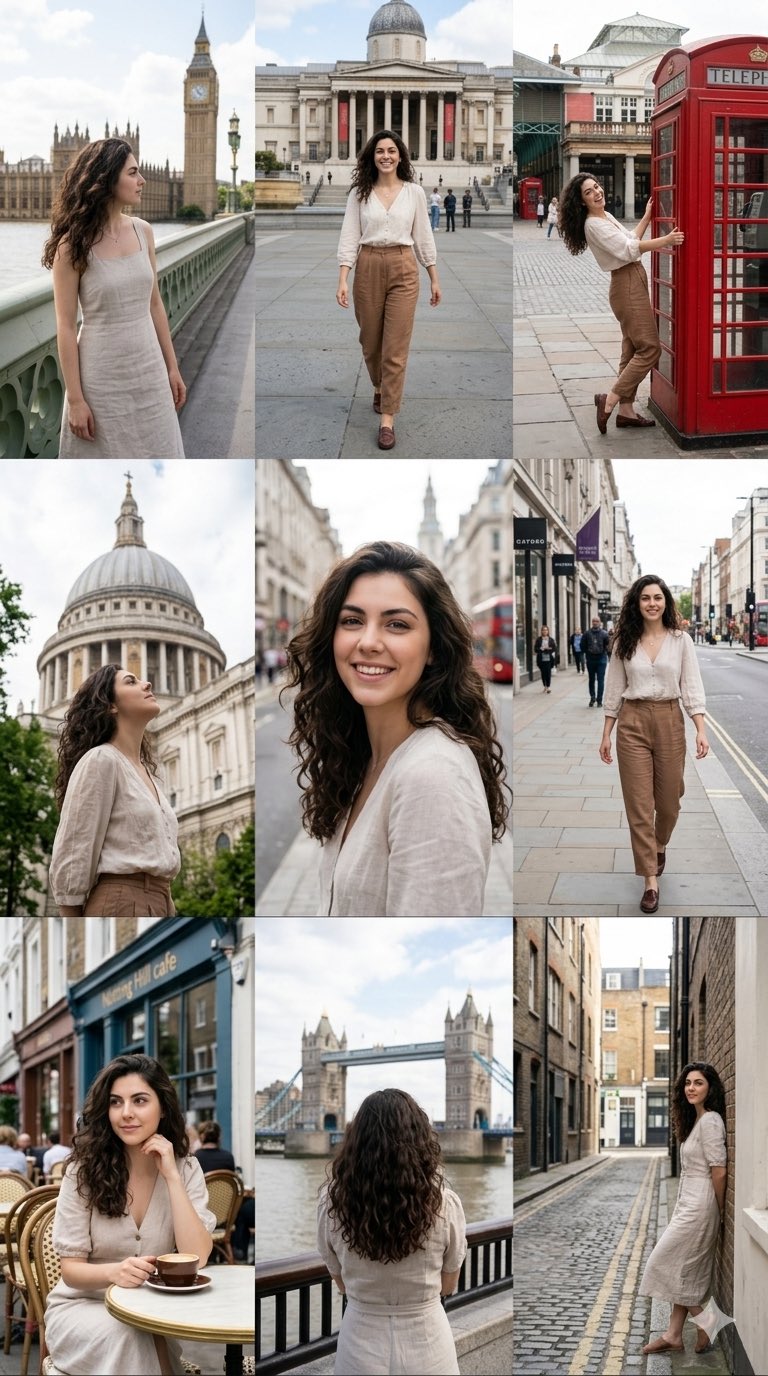
Nano Banana Pro 2.0 — 3x3 Travel Profile Grid
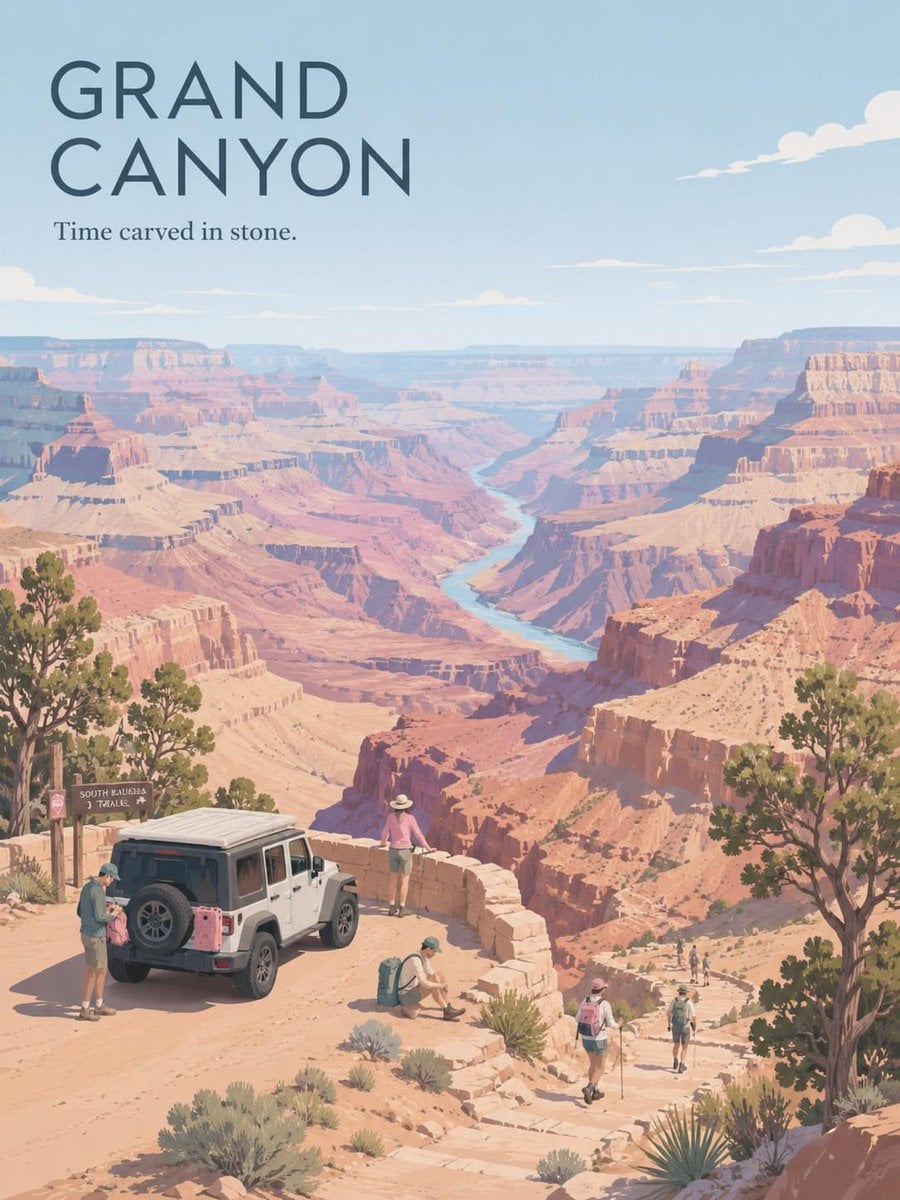
Premium Vintage Travel Poster Landscape
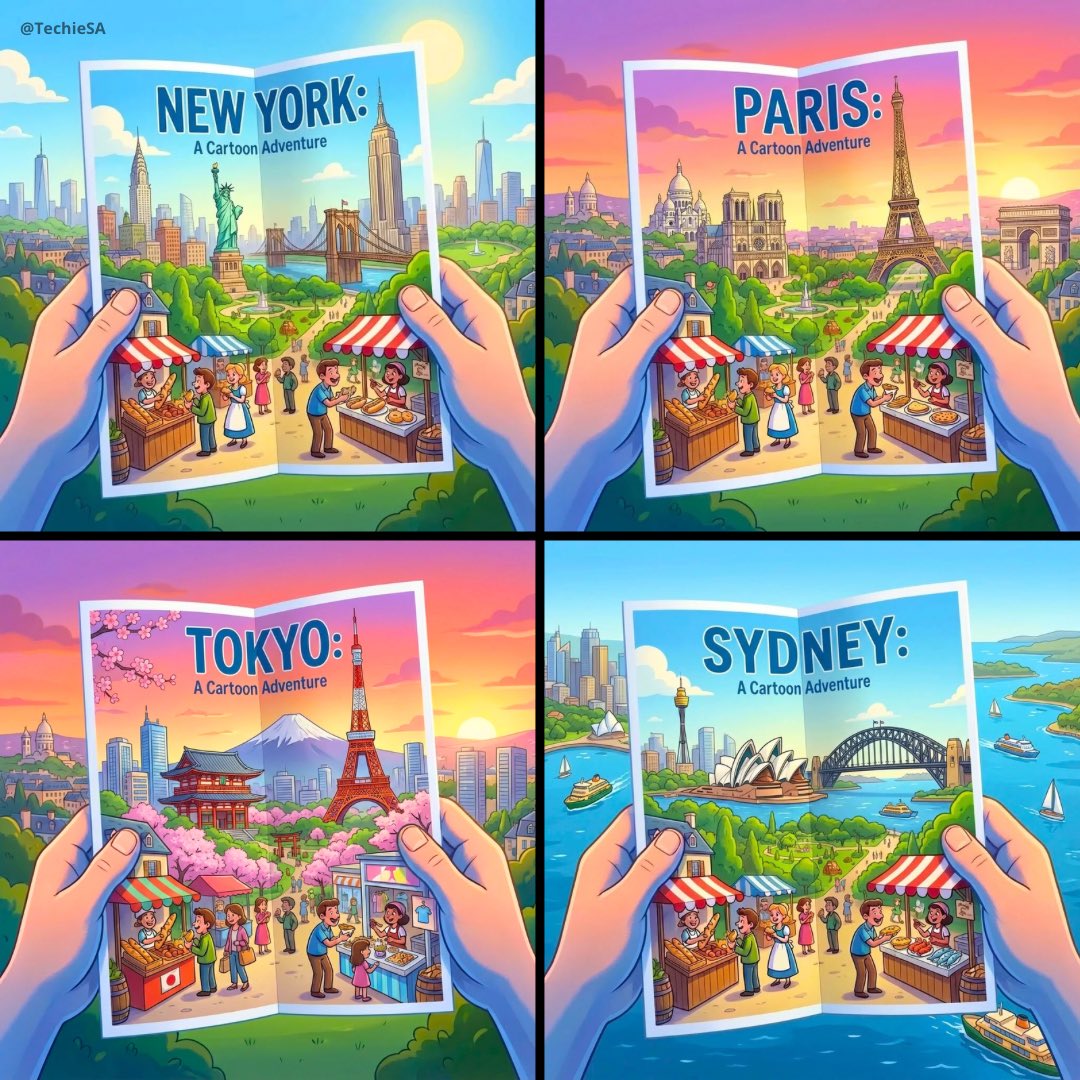
City Posters by Nano Banana Pro
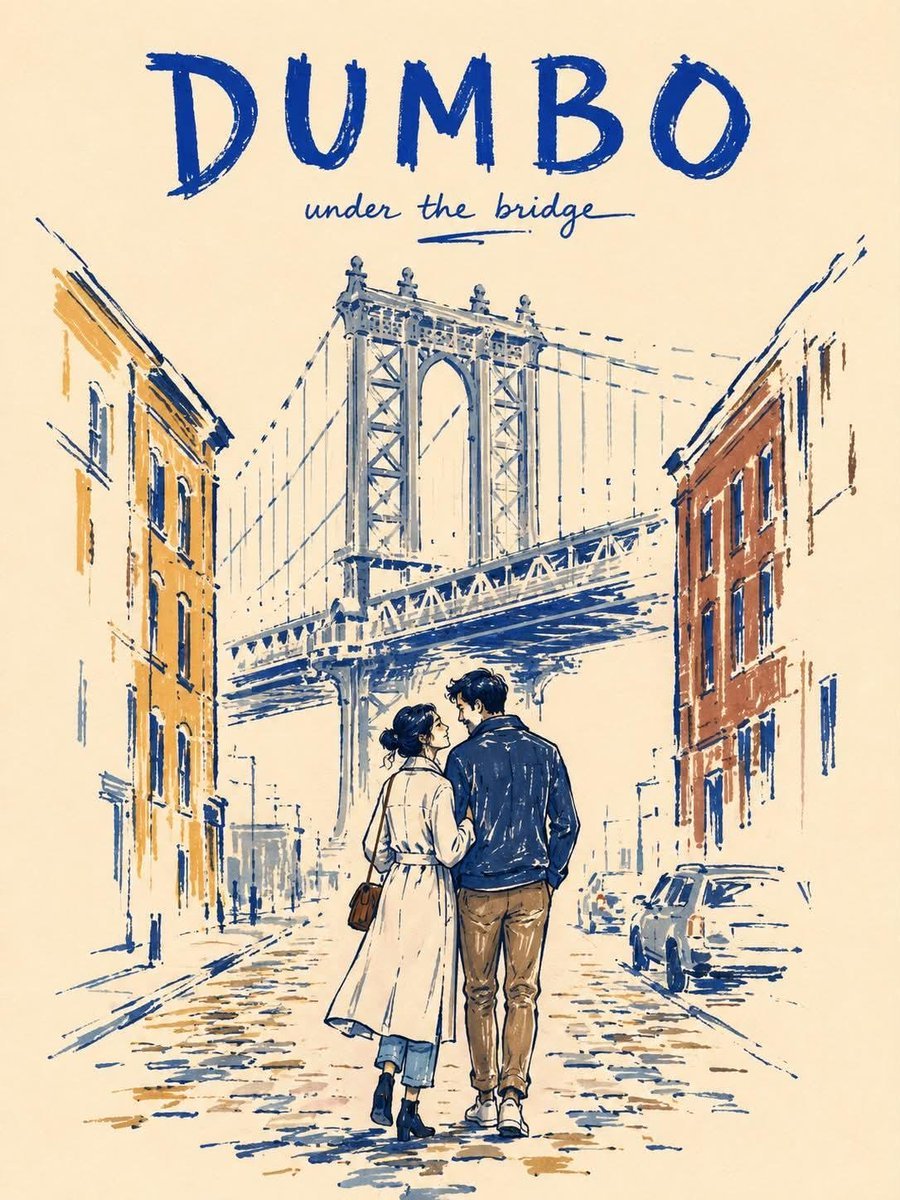
Minimalist Marker Travel Poster
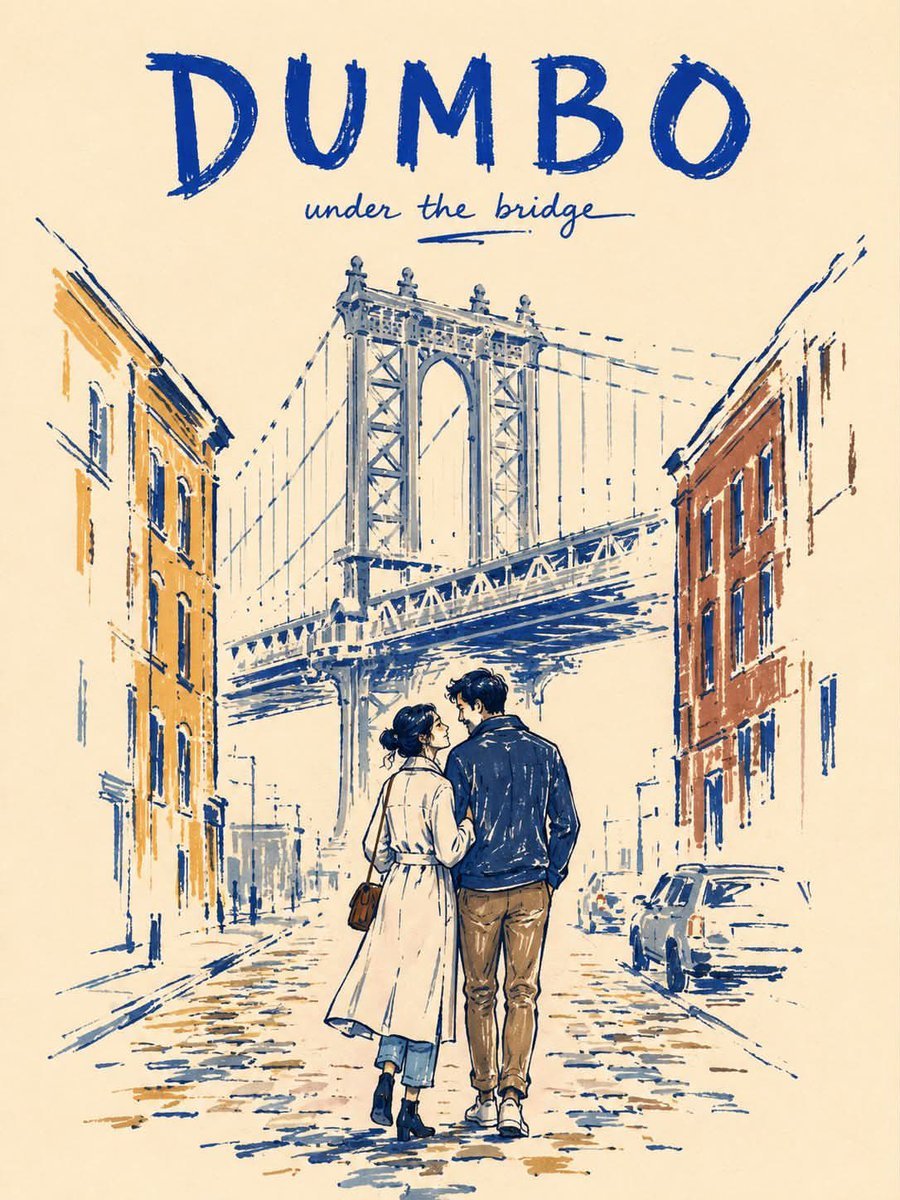
Minimalist Marker Pen NYC Travel Poster
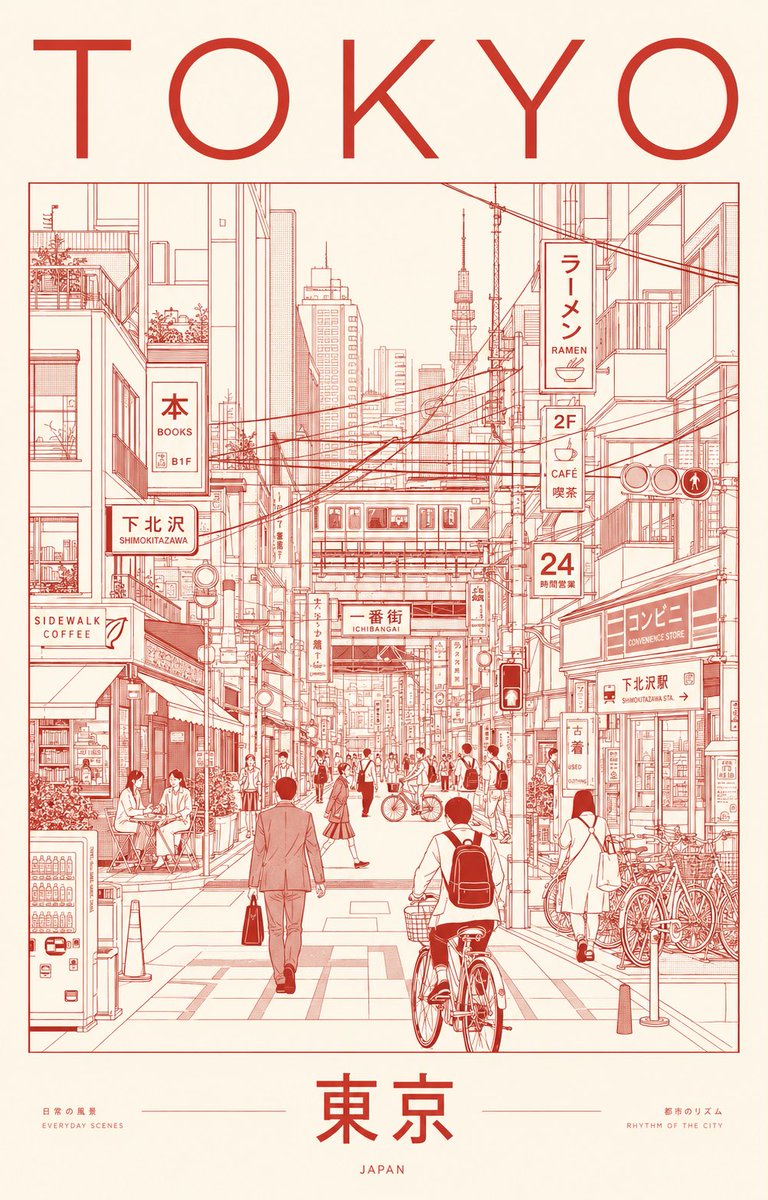
Minimalist Tokyo City Line-Art Poster
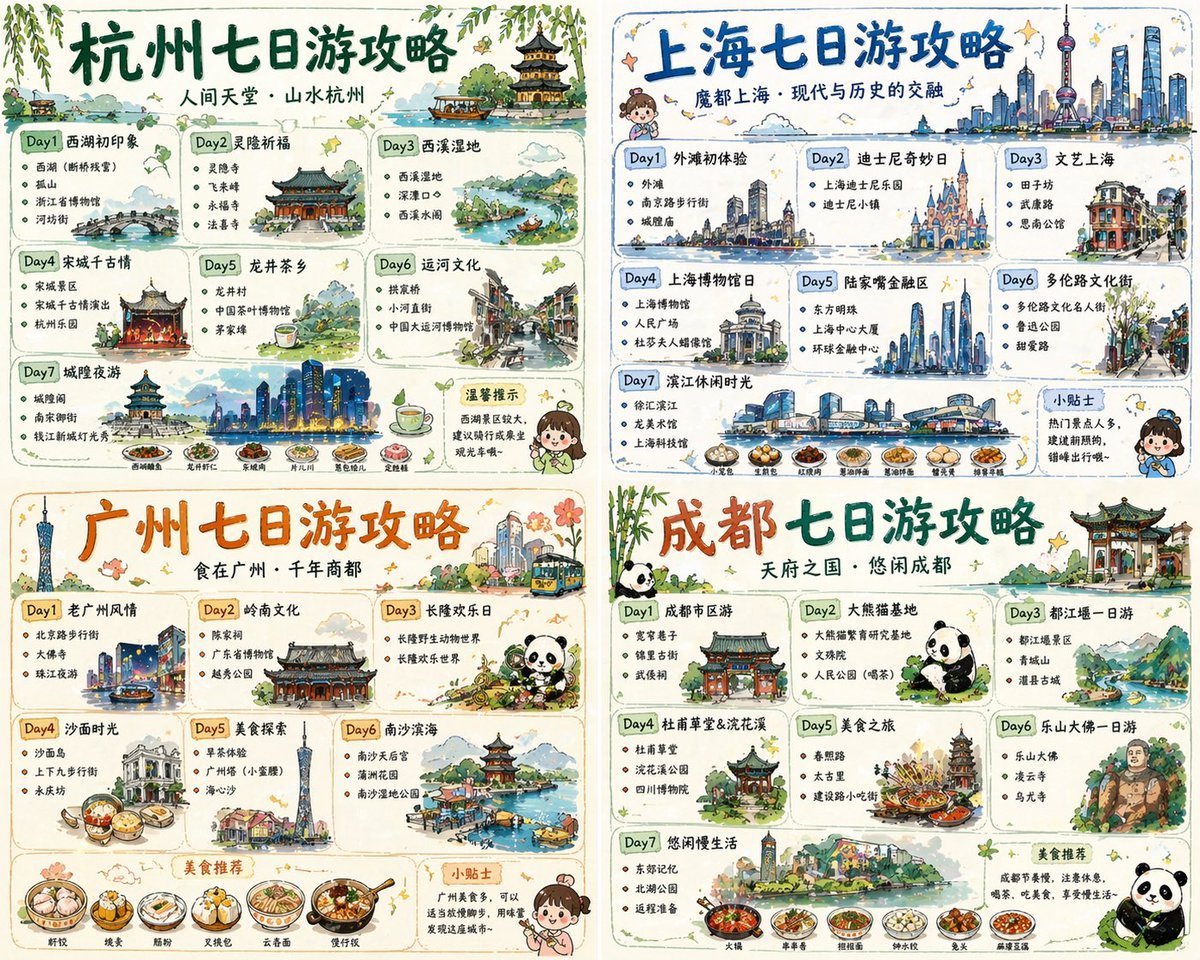
Four-City Chinese Travel Guide Poster Set
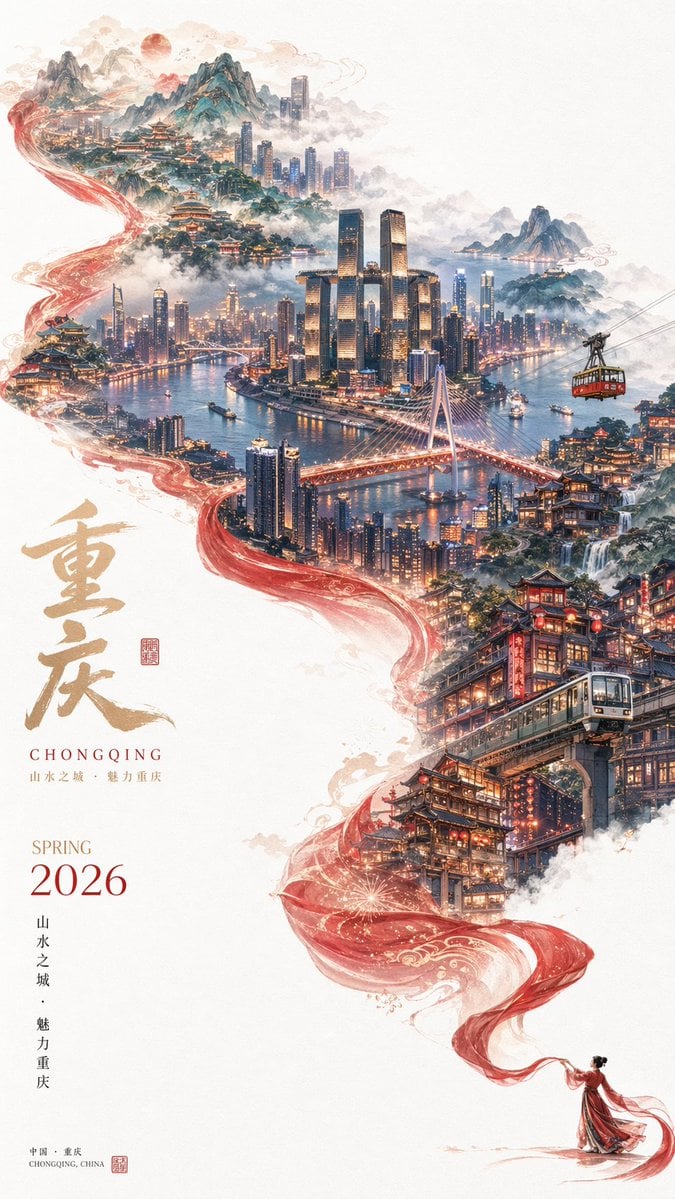
Surreal Cityscape Travel Poster

Cartoon TV Show Poster Pack

Trendy Cafe Drink Promo Poster
Make it yours
Minimalist City Travel Poster works as-is. These are the safest ways to change it without losing the look.
Change one field
Copy a single group, rewrite it, and generate again so you can see what that field is doing.
Keep the frame, change the subject
Hold the composition and light of Minimalist City Travel Poster, then swap wardrobe, props or the person for a new take.
| If the result… | Why | Fix |
|---|---|---|
| The result drifts from the preview | Too many fields changed at once. | Reuse Minimalist City Travel Poster as-is first, then change one group — subject, light, or setting. |
| The model over-stylizes the scene | The prose prompt leaves finish and camera underspecified. | Add one camera or lighting sentence and stay on GPT Image 2. |
More GPT Image 2 templates
Other prompts made for GPT Image 2.

Six VTuber Japanese Logo Sheet

Realistic Portrait of Woman and Deer

The Vista Modular Condo Poster

AI Model Routing Comparison Infographic

2.5D Anime Art Board

Isometric Productivity Desk Scene

New York Double Exposure Poster

Four-Panel AI Landscape Comparison

Japanese Tatami Lifestyle Magazine Cover

NESCAFÉ Coffee Map Poster
More image prompts
Fresh picks from across the catalog.

Couple Pub Portrait Transformation

Cinematic Intimate Couple Portrait
Tech Security Brand Advertising
Ambition Visual Metaphor Poster

Modern Luxury Interior Lifestyle Portrait Prompt
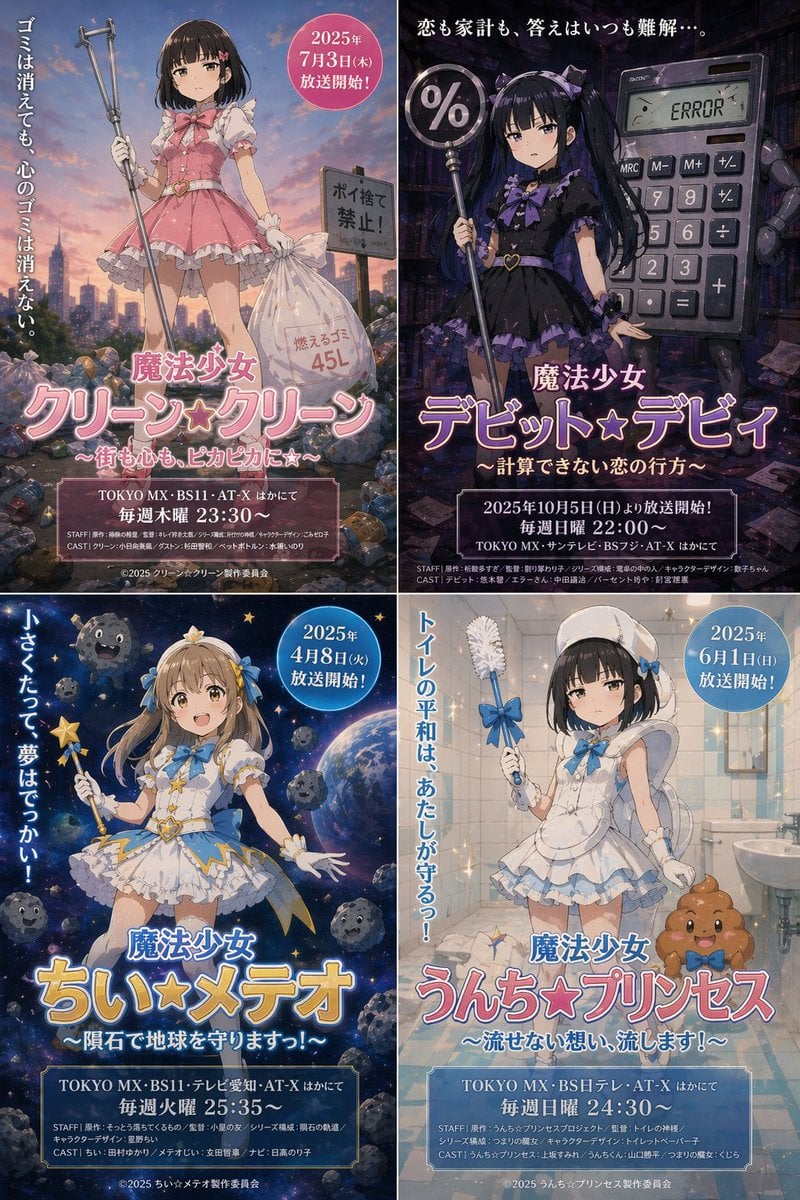
Surreal Japanese Anime Poster Prompt
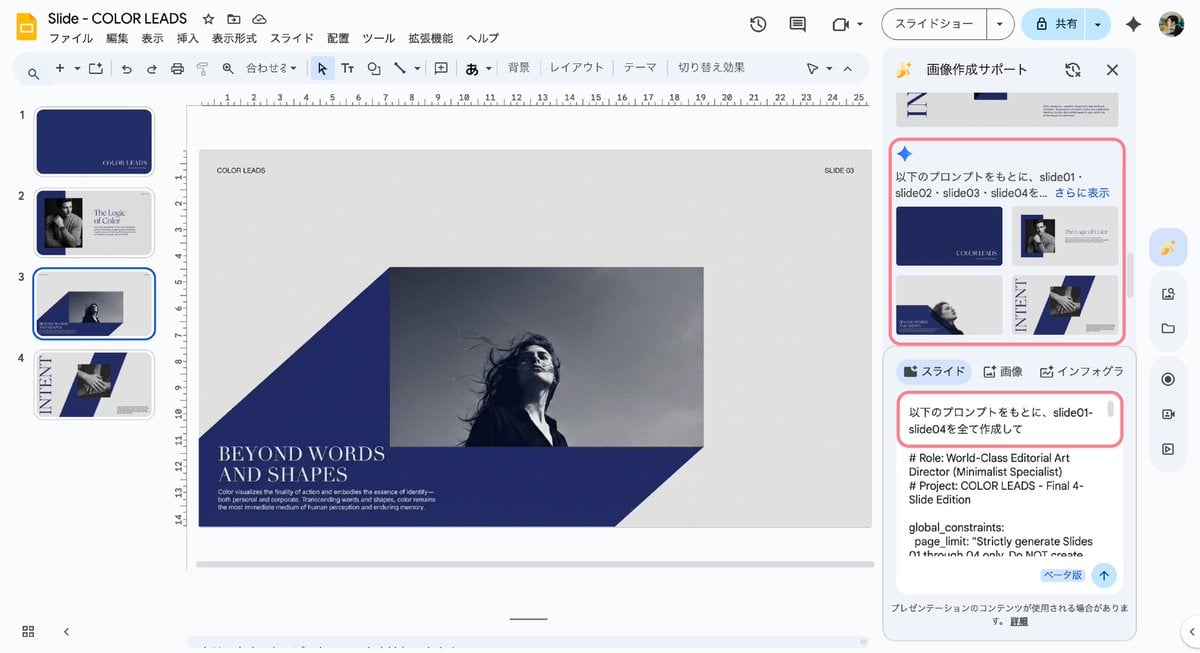
Multi-Slide Document Generation with Nano Banana and NotebookLM
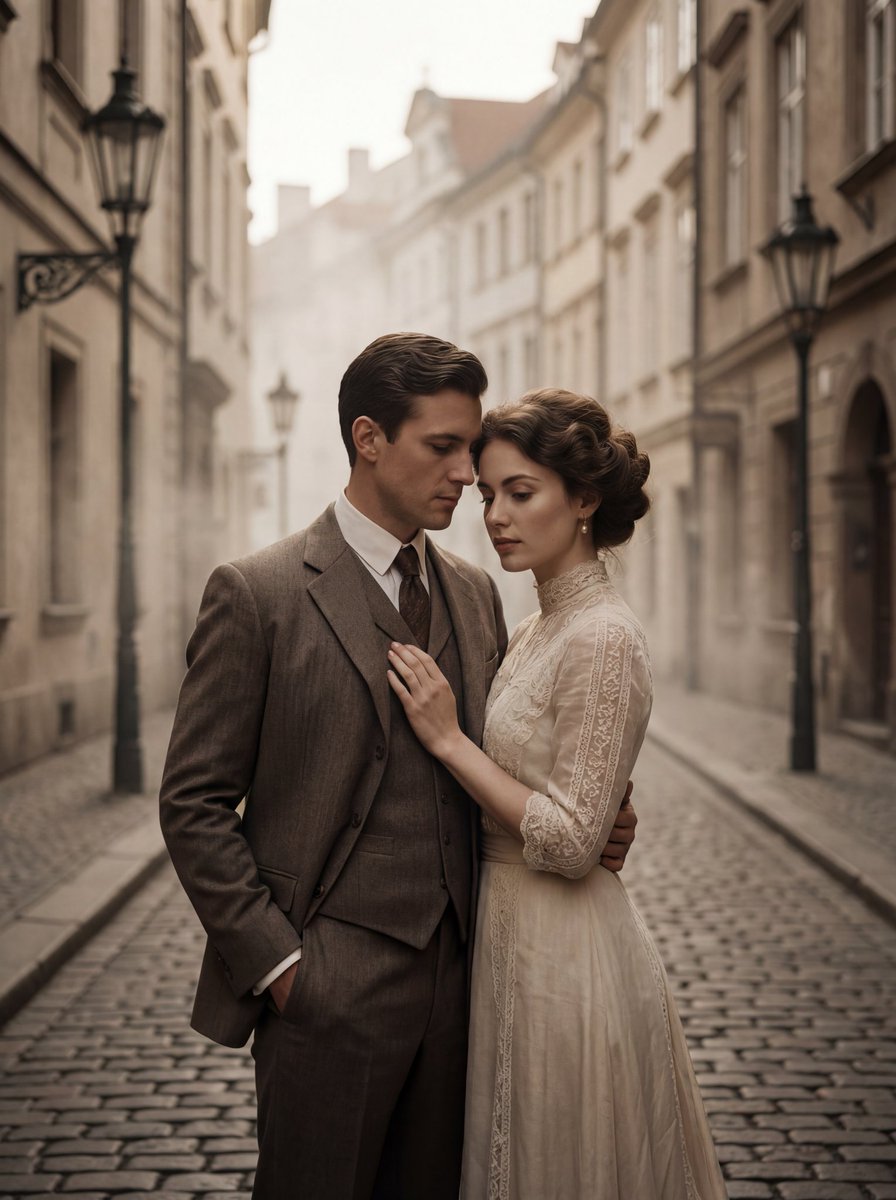
Ultra-Premium Cinematic 1900s Couple Portrait

Pixar-Style Giant World Character Prompt
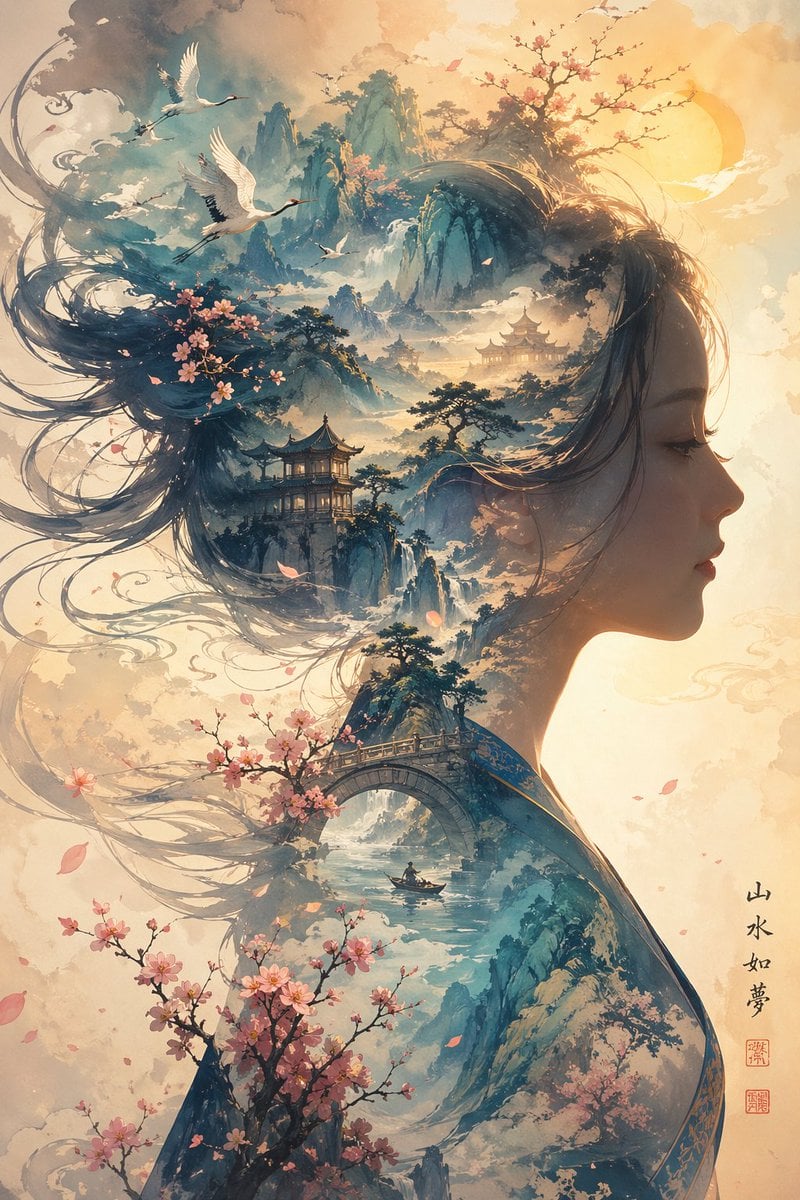
Dreamlike Shanshui Woman Silhouette
Browse template categories
Minimalist City Travel Poster questions
How do I use the Minimalist City Travel Poster template?
Add your photo if the template asks for one, edit the prompt if you like — the template's model and format are already selected — and press Generate. Your version opens in PicX Studio.
Can I customize the Minimalist City Travel Poster template?
Yes. You can change the subject, setting, lighting, mood, format, and available model controls before creating your image.
Is the Minimalist City Travel Poster template free?
Opening and editing this template is free. Generating uses credits, shown on the Generate button when you are signed in.
Which AI model should I use?
Start with GPT Image 2, which is the model associated with this template. You can compare another compatible model for a different finish.
Looking for something else? Browse all templates.

Your photo, any look
Thousands of ready templates for every top image and video model, from one credit balance.