How do I use the Pastel Maid Café Portrait template?
Choose the primary action to open PicX Studio with the available template settings. Review the model and format, personalize the creative direction, and generate when ready.
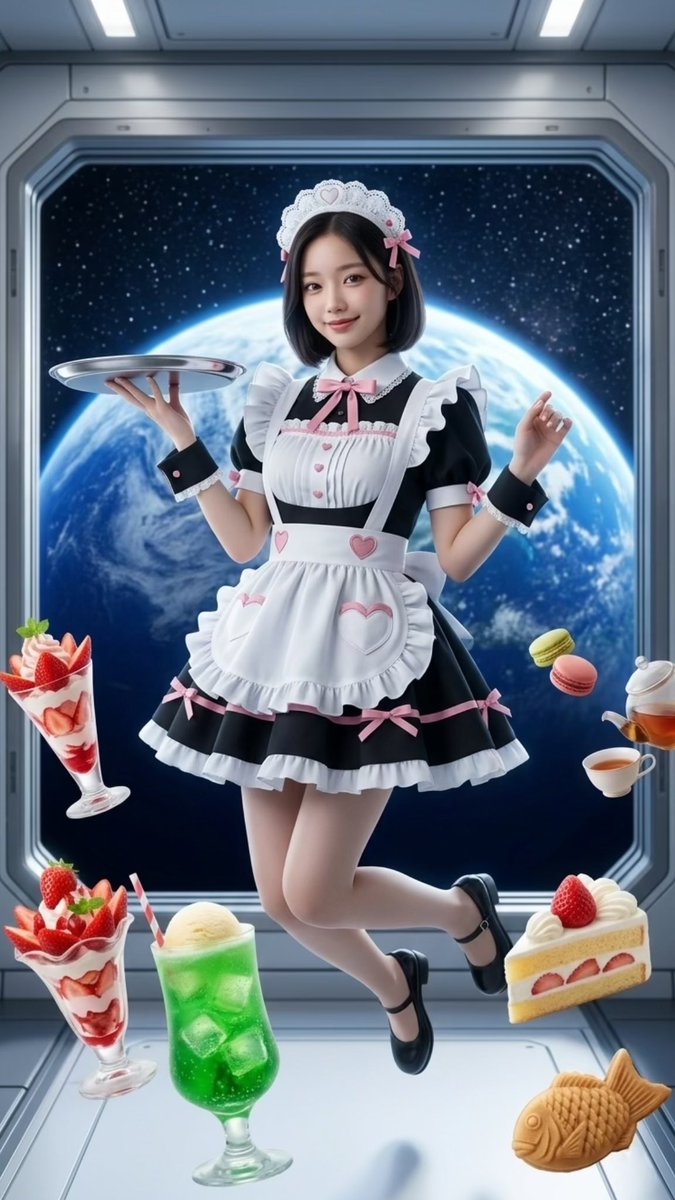
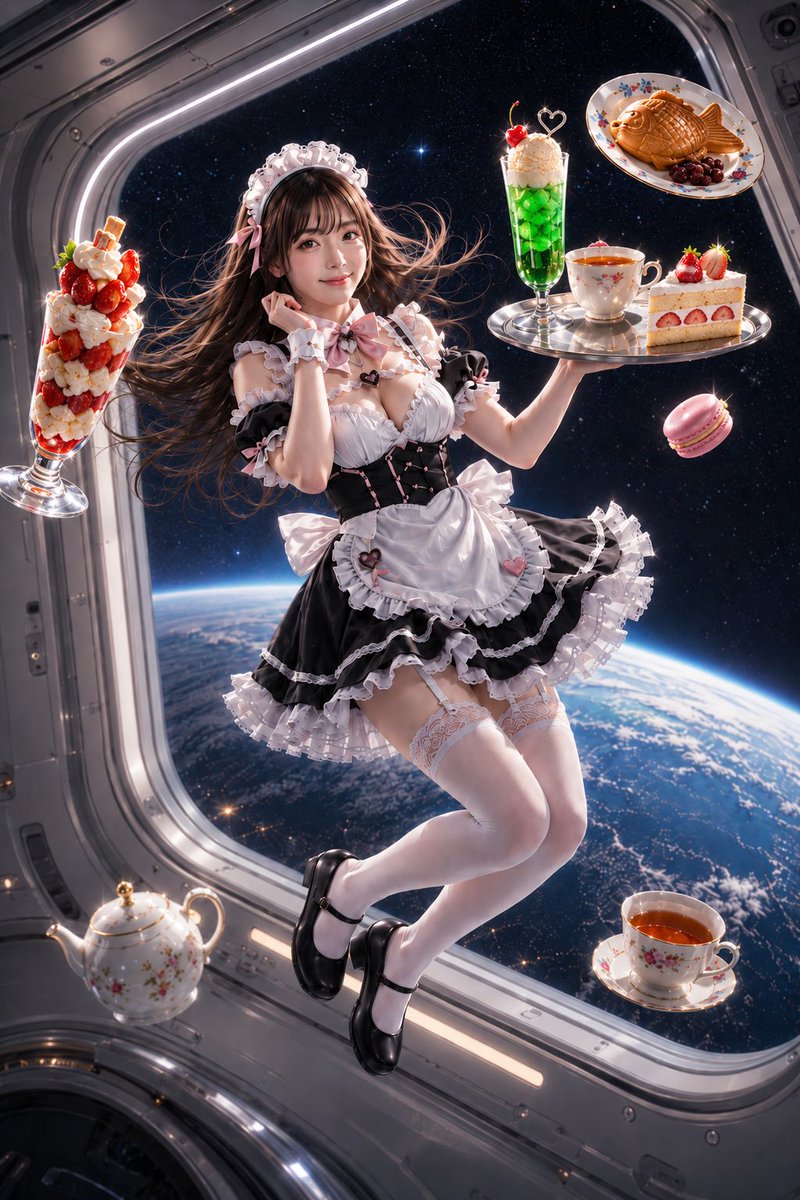
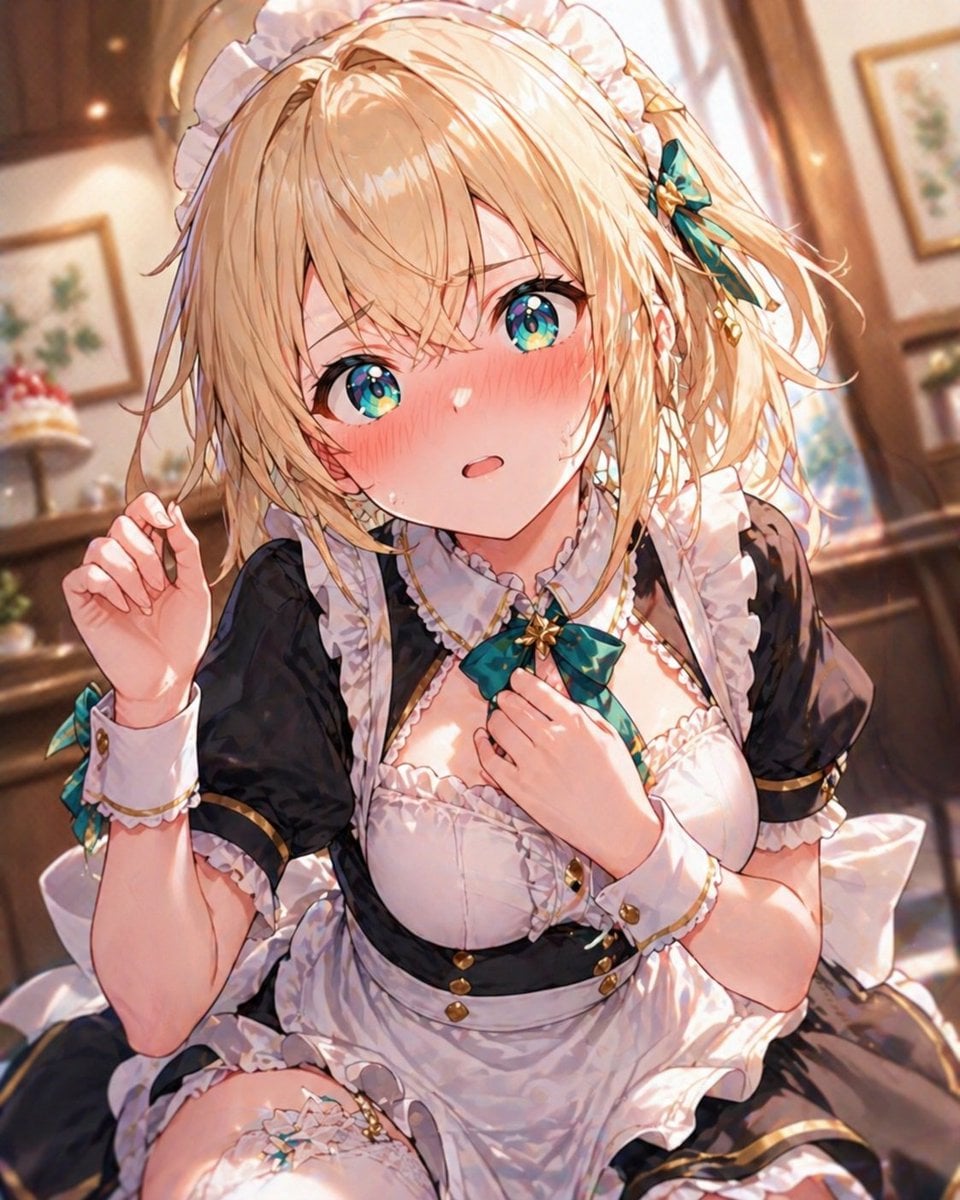
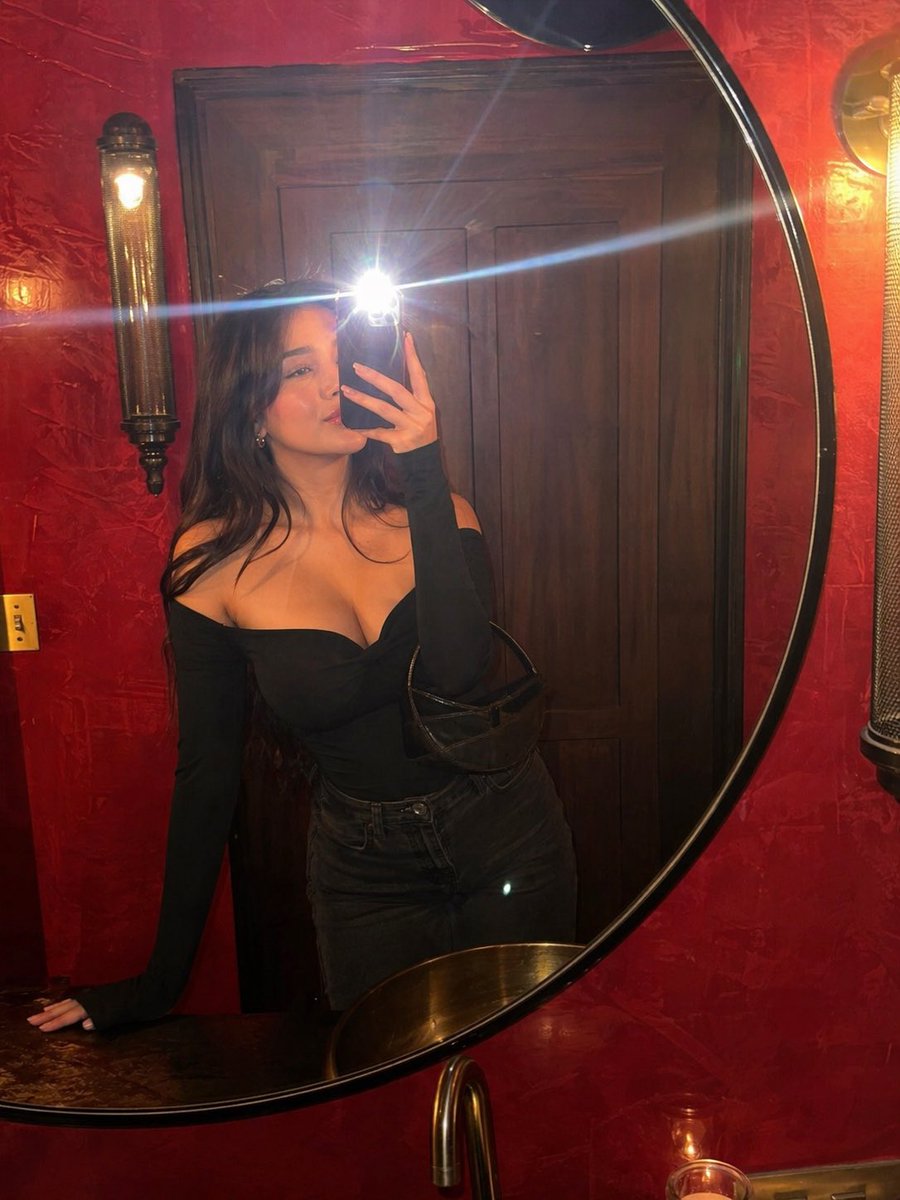
A realistic pastel kawaii café portrait featuring a pink lolita maid outfit, strawberry parfait, and intentionally obscured face for cosplay or AI gravure-style
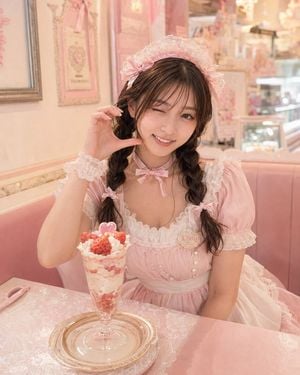
Create a soft, dreamy lifestyle portrait of a young woman in a pastel pink maid / lolita cosplay outfit seated in a kawaii dessert café. She has {argument name="hair color" default="dark brown"} hair styled in two loose braided pigtails with small pink ribbon bows, wearing a frilly lace maid headband, a pale pink puff-sleeve dress with white lace trim, pearl-like front buttons, a white waist apron, a pink neck ribbon bow, and a delicate lace wrist cuff. Her face should be intentionally obscured by a plain centered square block of warm medium brown color, covering the entire facial area while leaving hair, outfit, and pose visible. She poses at a pink booth table with one hand raised beside her face in a cute gesture. In front of her is exactly 1 tall strawberry parfait in a clear footed glass, topped with whipped cream, strawberry pieces, and exactly 1 small pink heart decoration; the parfait sits on exactly 1 clear glass plate. Add exactly 1 pink spoon lying on the table to the left. The café interior is very feminine and ornate, dominated by blush pink, cream, lace textures, and warm lighting: pink upholstered bench seating, lace-patterned tablecloth, framed pastel wall art, decorative moldings, glass dessert display cases, chandeliers and sparkling highlights softly blurred in the background. Use shallow depth of field, warm natural indoor light, high-key pastel color grading, realistic photography style, vertical 4:5 composition, medium shot from slightly above table height. Keep the overall mood cute, elegant, and Japanese kawaii café cosplay, with no readable text except a small decorative name badge on the dress that may appear as {argument name="badge text" default="L'oeuf"}.
Choose the primary action to open PicX Studio with the available template settings. Review the model and format, personalize the creative direction, and generate when ready.
Yes. You can change the subject, setting, lighting, mood, format, and available model controls before creating your image.
This template is free to open and customize. Generation usage is shown in PicX Studio before you create.
Start with GPT Image 2, which is the model associated with this template. You can compare another compatible model for a different finish.
Follow a topic to a crawlable collection of related PicX Studio templates.