How do I use the Moody Restaurant AI Beauty Portrait template?
Edit the prompt in the box under the preview — the template's model and format are already selected — and press Generate. Your version appears right on this page.
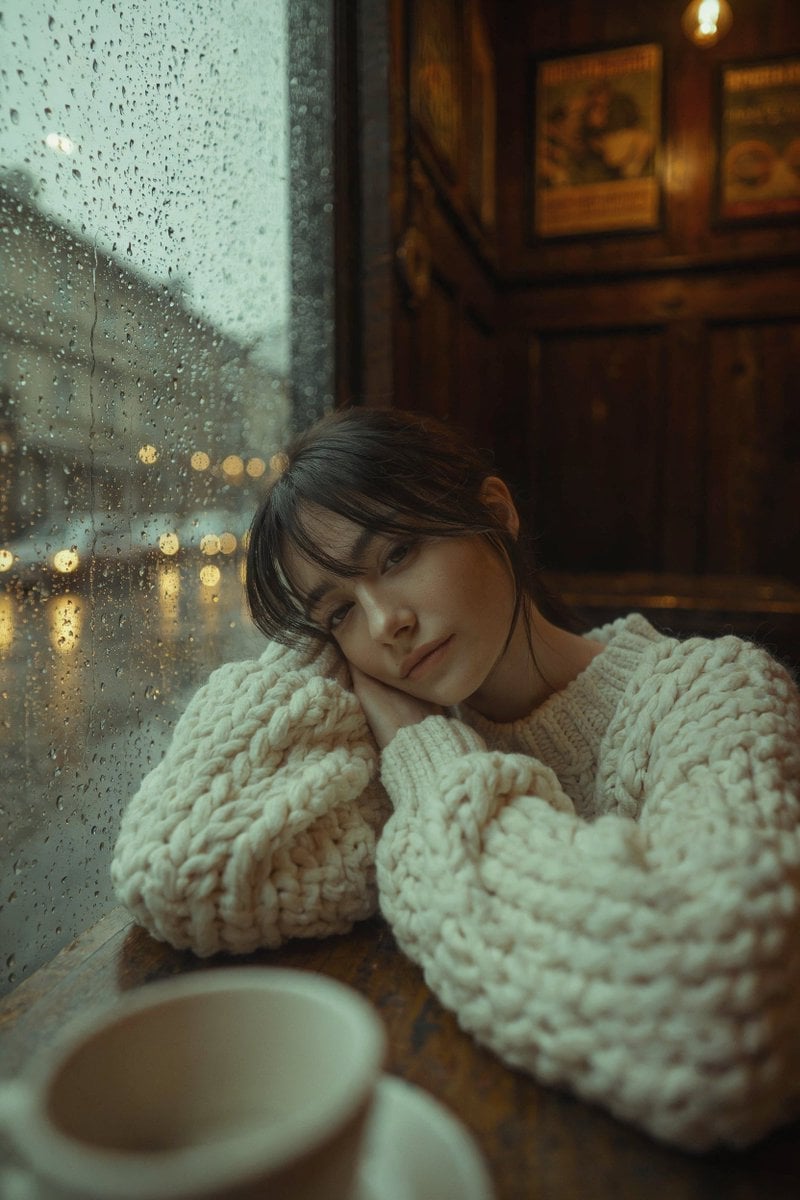
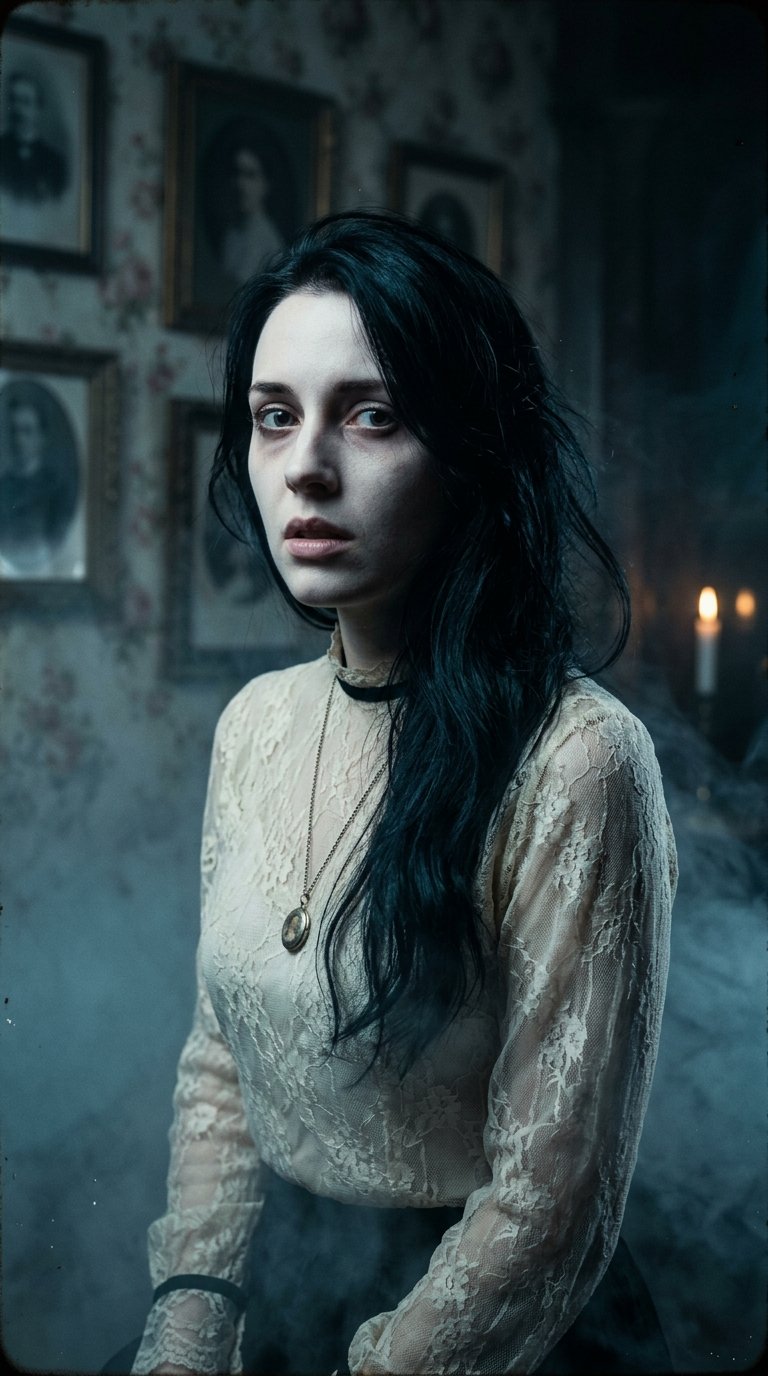
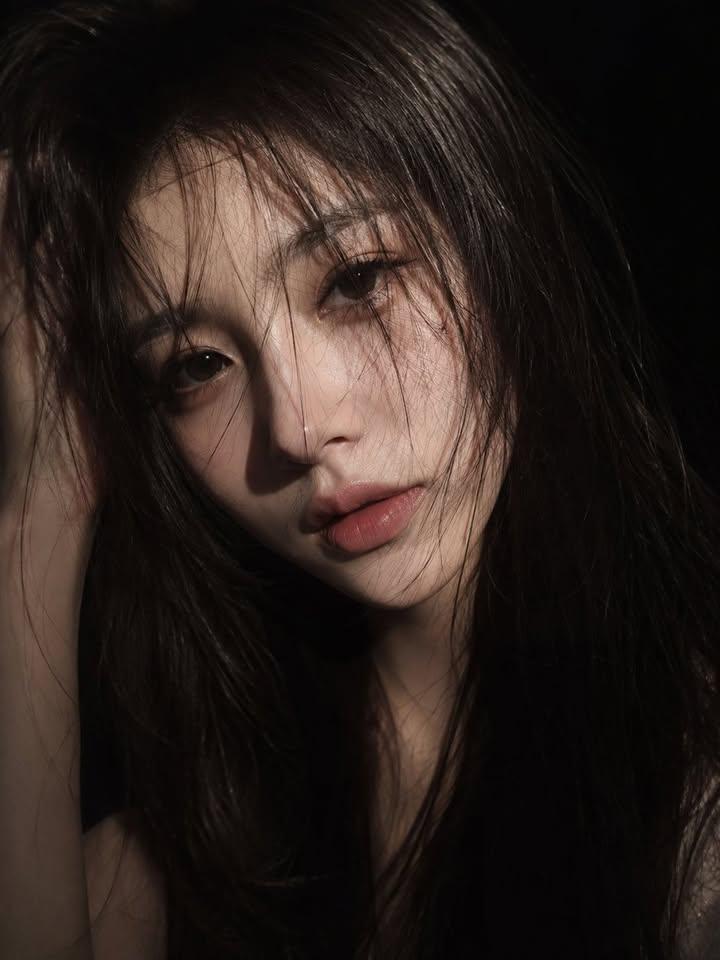
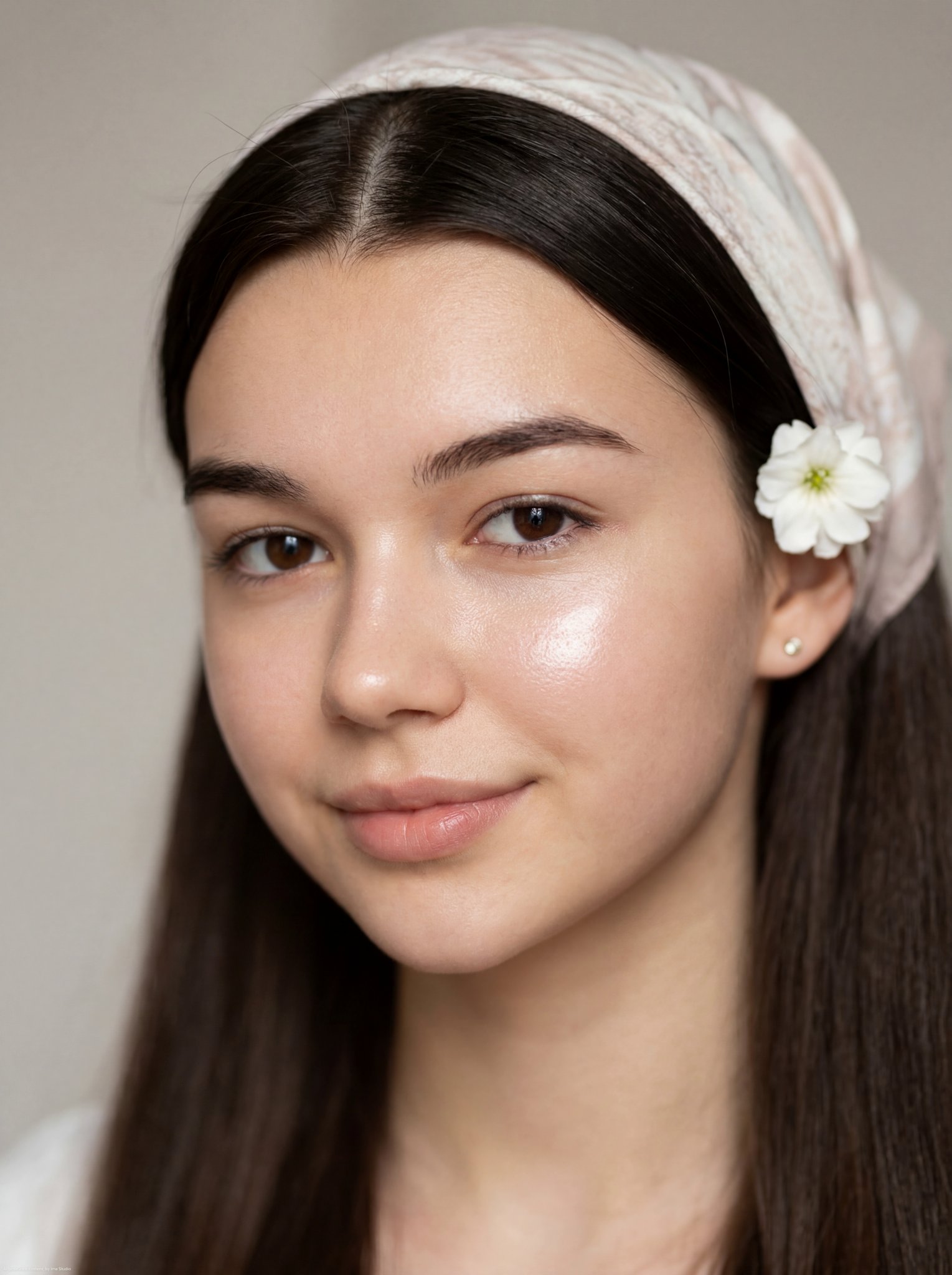
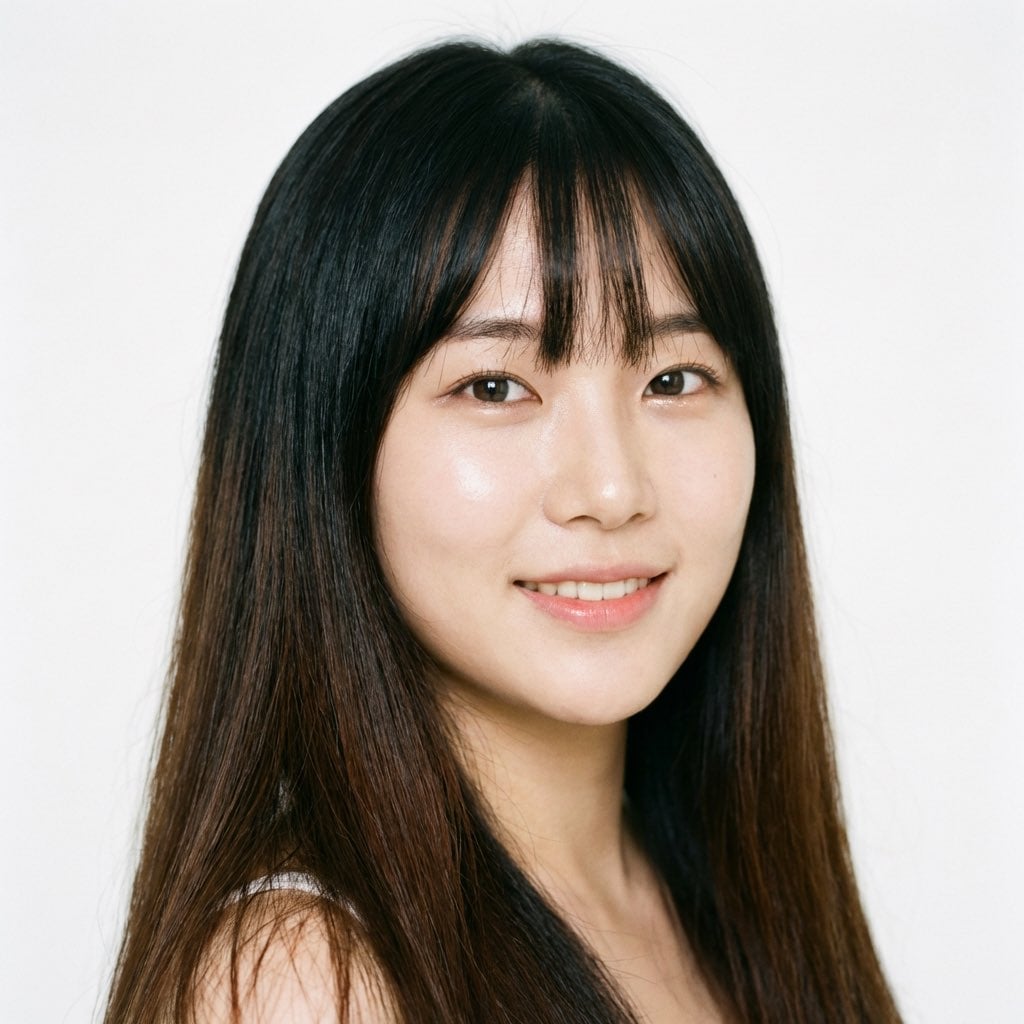
Generates a realistic vertical portrait of a serene young East Asian woman seated in a dim restaurant with warm lamps and cool violet lighting.

This template uses your photo — add one with the + button.
Create a hyper-realistic vertical smartphone photo of a calm {argument name="character ethnicity" default="young East Asian woman"} sitting at a dimly lit upscale restaurant table at night, viewed from slightly above chest level in a candid social-media style. She has {argument name="hair color and style" default="long messy black hair with wispy bangs and loose face-framing strands"}, soft glossy makeup, large reflective eyes, and a serene slightly melancholic expression while resting her right cheek on her right fist and looking directly into the camera. She wears a {argument name="top" default="pale pink spaghetti-strap camisole"} and delicate bracelets on her right wrist, including pearl beads, gold chain details, and small black clover charms. Her left hand holds a {argument name="phone case" default="bright yellow phone case covered in black doodle-style signatures"} at the lower left edge of the frame, as if taking or checking a selfie. The restaurant background contains exactly 8 notable visible objects: 1 dark green curtain on the left hanging from a metal rod, 1 textured gray concrete wall, 1 strip of exposed brick on the far right, 2 warm gold table lamps, 2 empty wine glasses on white tablecloths, and 1 small orange flower arrangement in the rear right. Use moody cinematic mixed lighting with warm candlelamp glow from the tables and a cool violet-blue cast across her face and skin, shallow depth of field, realistic skin texture, subtle film grain, natural lens distortion, and high detail. Frame her from mid-torso upward, centered slightly right, with intimate restaurant ambience, no text overlay, no watermark, no extra fingers, and no distorted jewelry or glassware.
Create a hyper-realistic vertical smartphone photo of a calm {argument name="character ethnicity" default="young East Asian woman"} sitting at a dimly lit upscale restaurant table at night, viewed from slightly above chest level in a candid social-media style. She has {argument name="hair color and style" default="long messy black hair with wispy bangs and loose face-framing strands"}, soft glossy makeup, large reflective eyes, and a serene slightly melancholic expression while resting her right cheek on her right fist and looking directly into the camera. She wears a {argument name="top" default="pale pink spaghetti-strap camisole"} and delicate bracelets on her right wrist, including pearl beads, gold chain details, and small black clover charms. Her left hand holds a {argument name="phone case" default="bright yellow phone case covered in black doodle-style signatures"} at the lower left edge of the frame, as if taking or checking a selfie. The restaurant background contains exactly 8 notable visible objects: 1 dark green curtain on the left hanging from a metal rod, 1 textured gray concrete wall, 1 strip of exposed brick on the far right, 2 warm gold table lamps, 2 empty wine glasses on white tablecloths, and 1 small orange flower arrangement in the rear right. Use moody cinematic mixed lighting with warm candlelamp glow from the tables and a cool violet-blue cast across her face and skin, shallow depth of field, realistic skin texture, subtle film grain, natural lens distortion, and high detail. Frame her from mid-torso upward, centered slightly right, with intimate restaurant ambience, no text overlay, no watermark, no extra fingers, and no distorted jewelry or glassware.
Edit the prompt in the box under the preview — the template's model and format are already selected — and press Generate. Your version appears right on this page.
Yes. You can change the subject, setting, lighting, mood, format, and available model controls before creating your image.
Opening and editing this template is free. Generating uses credits, shown on the Generate button when you are signed in.
Start with GPT Image 2, which is the model associated with this template. You can compare another compatible model for a different finish.
Follow a topic to a crawlable collection of related PicX Studio templates.