
Candid Japanese Bar Photography
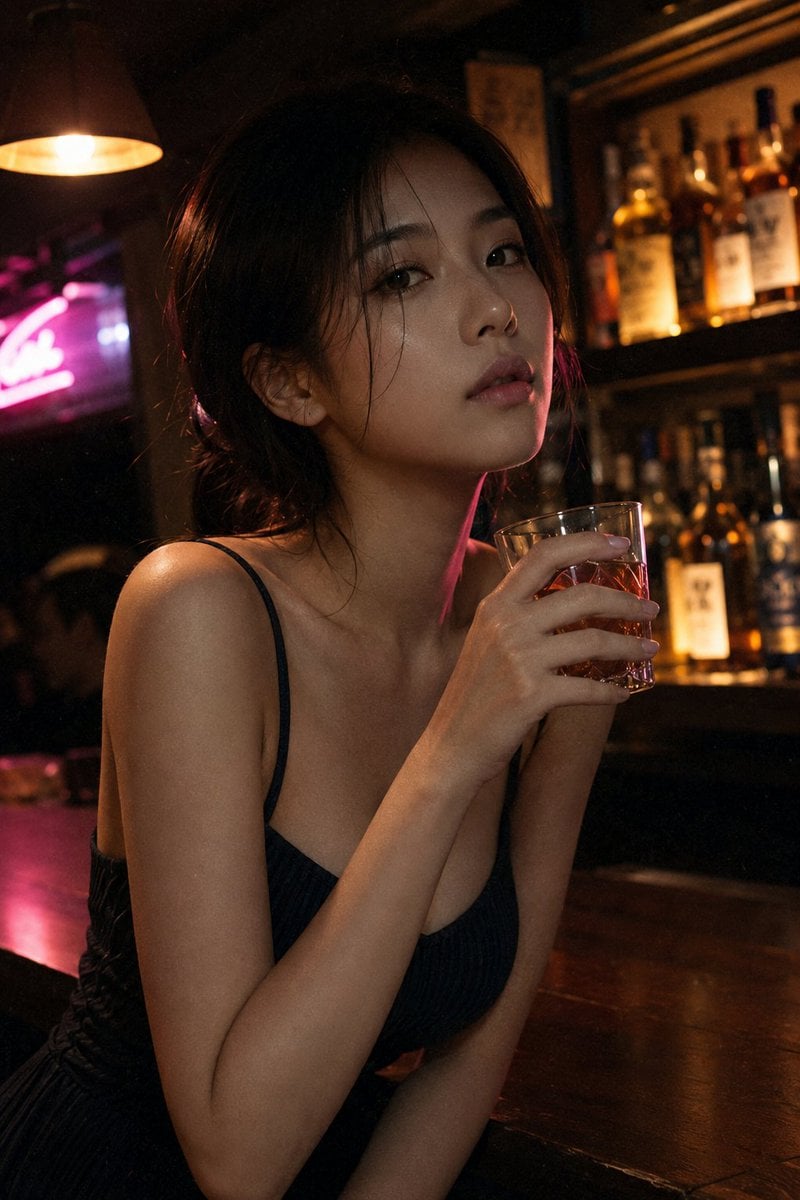
A highly detailed photorealistic prompt for generating a candid, moody scene of a young woman in a Japanese-style bar using GPT Image 2.
- Prompt included
- Model and format preset
- Free template
The prompt behind this image
Copy the exact prompt behind Candid Japanese Bar Photography, or open it in the studio and make it yours.
A medium close-up of a single young woman inside a {argument name="location" default="dimly lit Japanese-style bar"}, authentic daily life photography, natural candid moment. The frame catches a suspended quiet between conversations — the kind of stillness that only exists late at night in a half-empty bar. East Asian young woman in her {argument name="age" default="early 20s"}. Almond-shaped eyes with natural double eyelids, slightly elongated eye corners. Straight refined nose with a delicate bridge. Skin tone fair to light beige (NC10–NC20). Skin subsurface scattering visible under warm directional bar light, specular micro-highlights on cheekbones and nose ridge, fine foundation powder grain perceptible near the jaw. She wears a {argument name="outfit" default="dark ribbed slip dress"}, relaxed but deliberate — the kind of outfit chosen without overthinking. One hand loosely wrapped around a lowball glass with amber liquid, elbow resting lightly on the wooden bar counter. Two or three stray hairs displaced by faint air movement, natural unplanned imperfection, not geometrically symmetrical. Mixed artificial light sources — a warm amber pendant lamp overhead creates a soft gold pool across her shoulder. A faint neon bar sign casts a thin pink-magenta rim light along her cheekbone and collarbone. Rows of spirit bottles glow amber on backlit shelving behind. The mood is self-possessed and cool, a quiet confidence in the stillness. Subtle ISO 400 film grain in shadow areas, photographic noise texture not CG render smoothness. Aspect ratio 2:3. No watermark, no text overlay, not cartoon, not digitally painted, not illustration, not anime.
How to use Candid Japanese Bar Photography in 3 steps
- 1
Open
The prompt is already in the box next to the preview, with the template's model and format selected.
- 2…a portrait of your subject in softgolden-hour light, 85mm…
Personalize
Edit the subject and creative details for your destination.
- 3Generate
Generate
Press Generate — your image is created in PicX Studio, so you can compare it with the original and refine one variable at a time.
More like this
Templates with the same subject, style or setup. Open one to see its prompt.
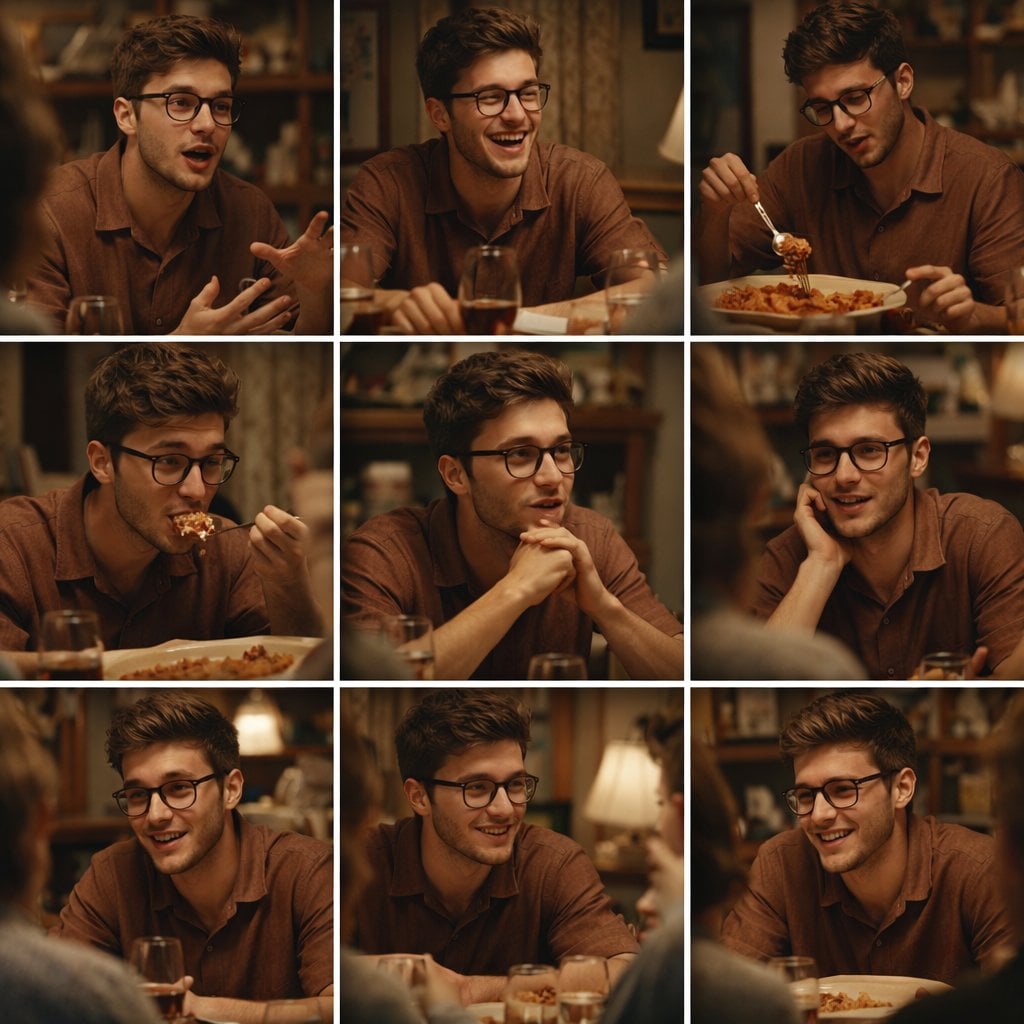
A 3x3 grid storyboard contact sheet comprised of nine candid, cinematic
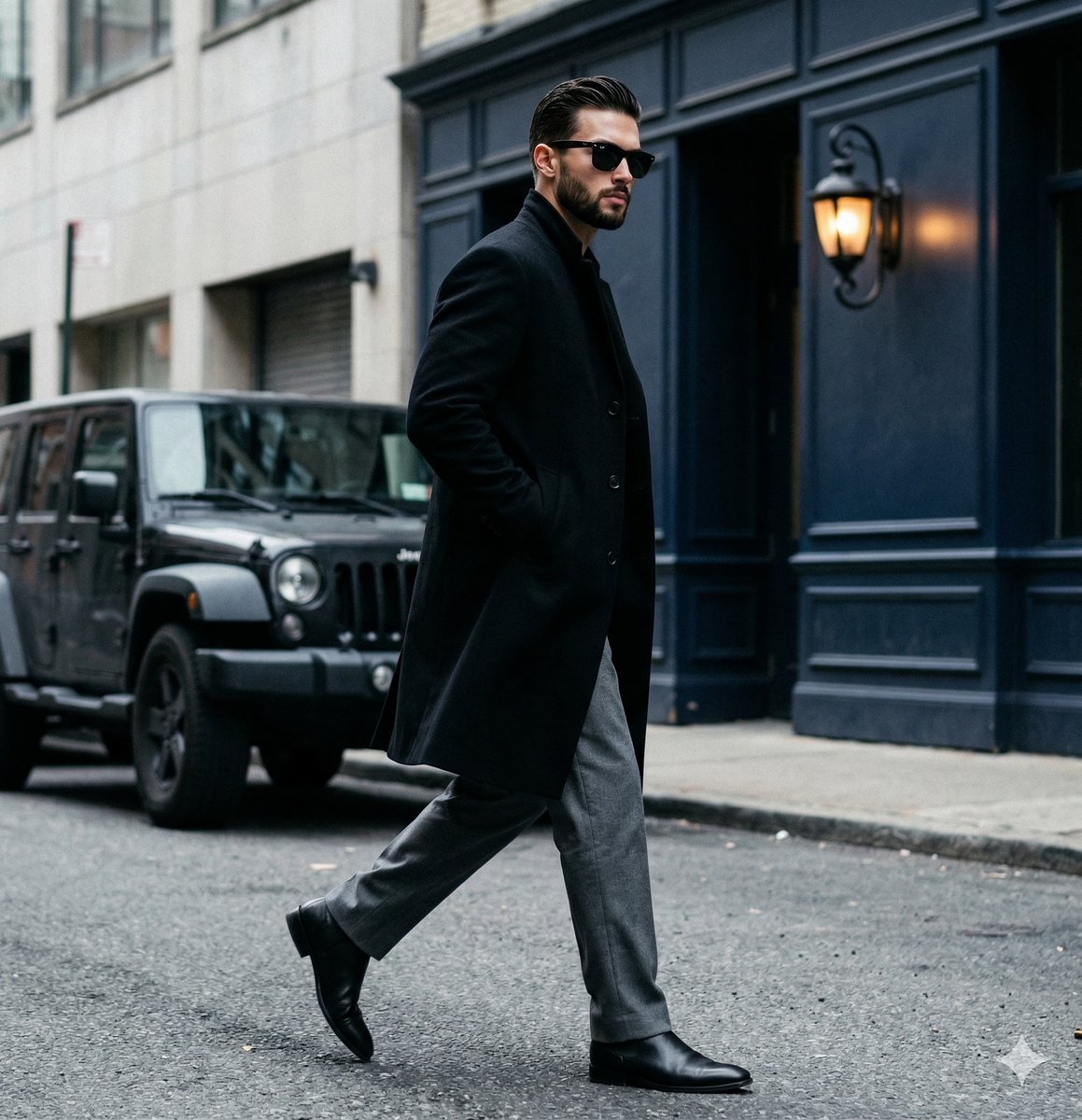
A candid paparazzi-style street photography shot of a handsome man

Sunday Afternoon, 1988

Our Song was on a Cassette
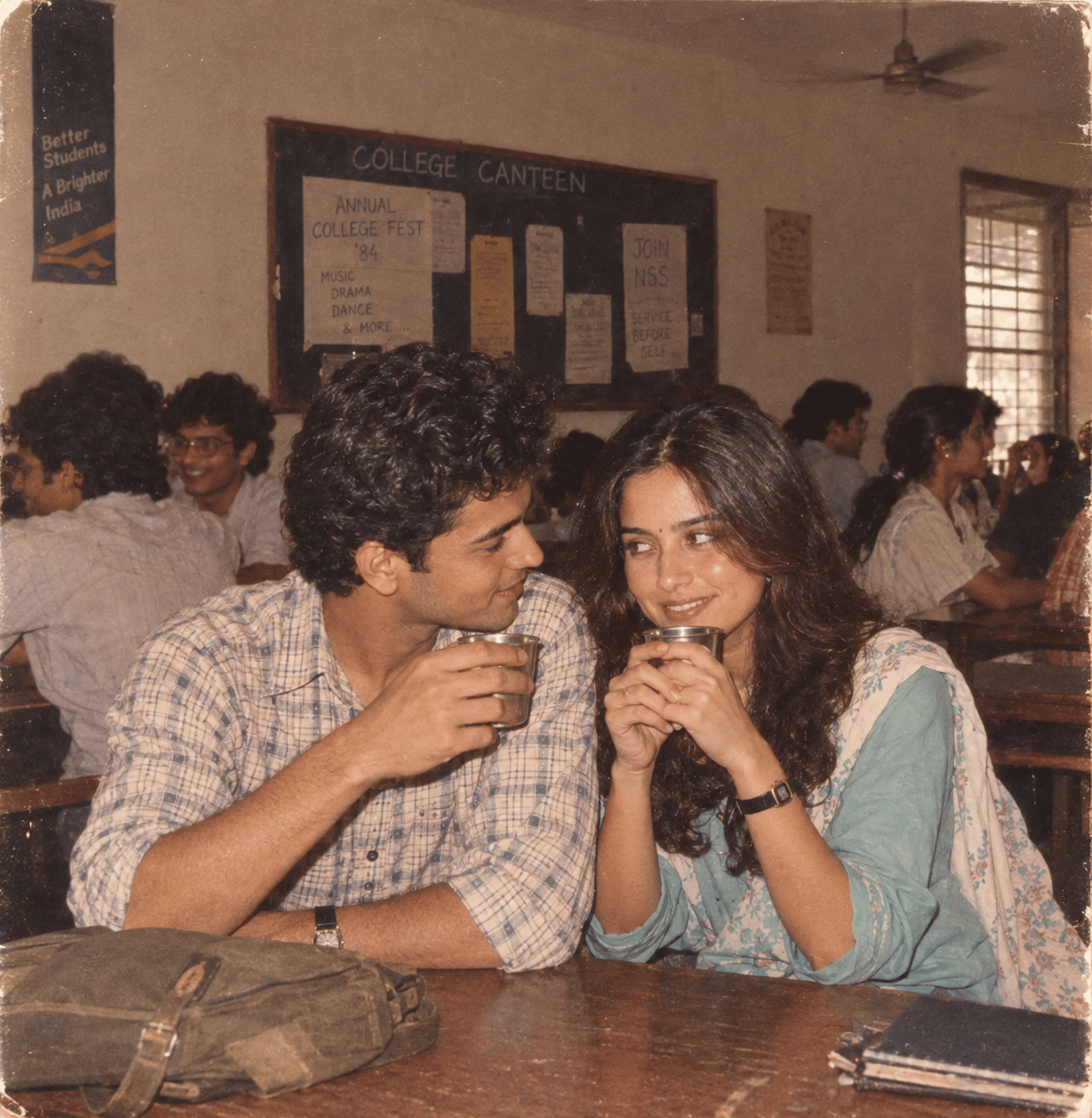
The Date After College
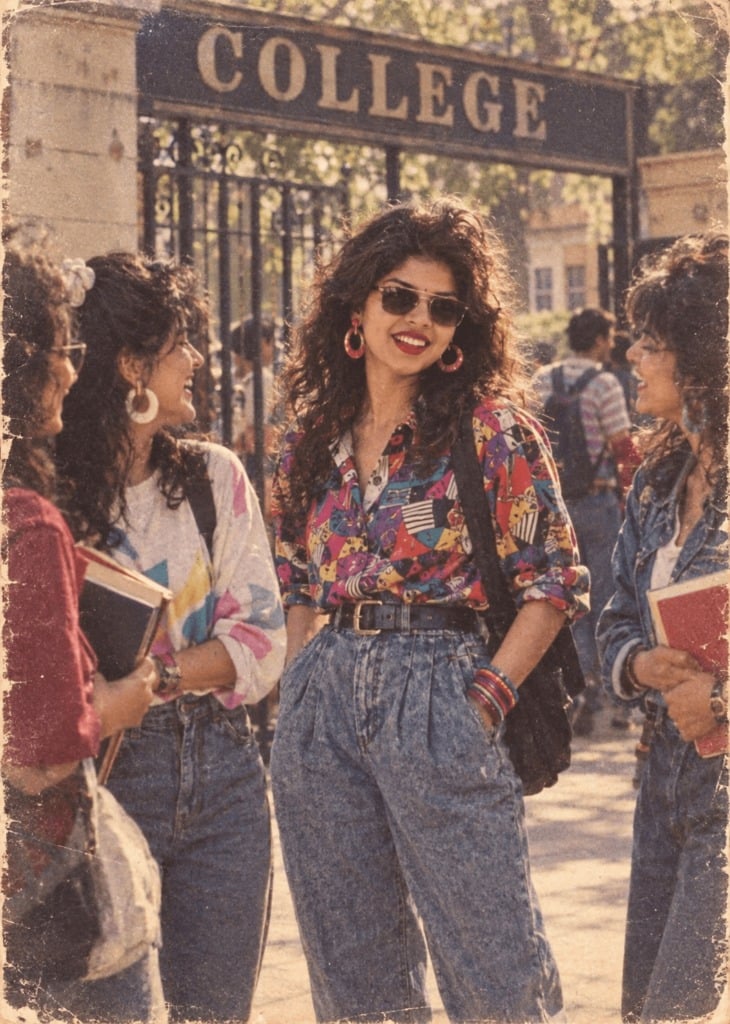
80s College Gate
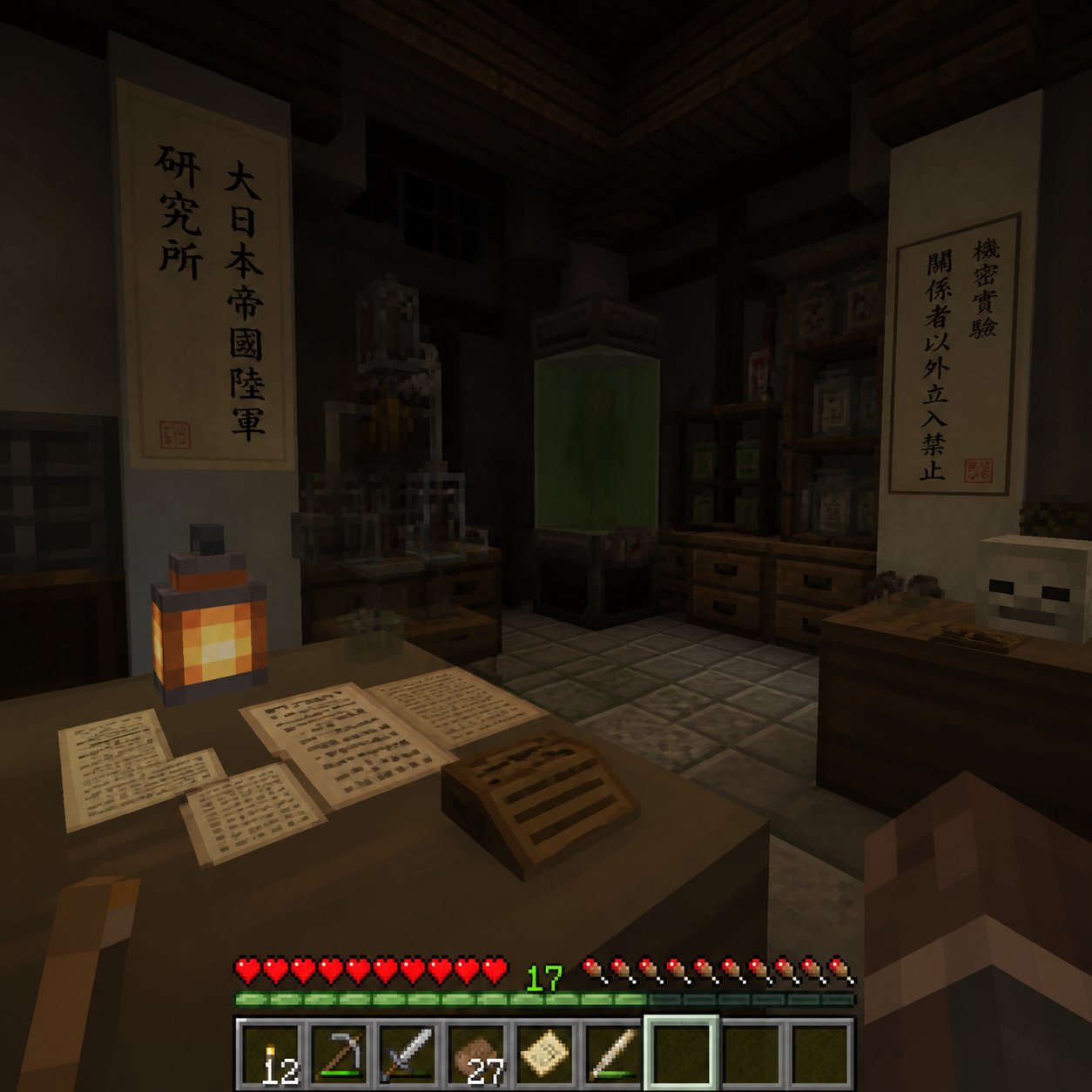
Minecraft Japanese Research Lab Exploration
Mirror Selfie Chibi Characters Pixar Style
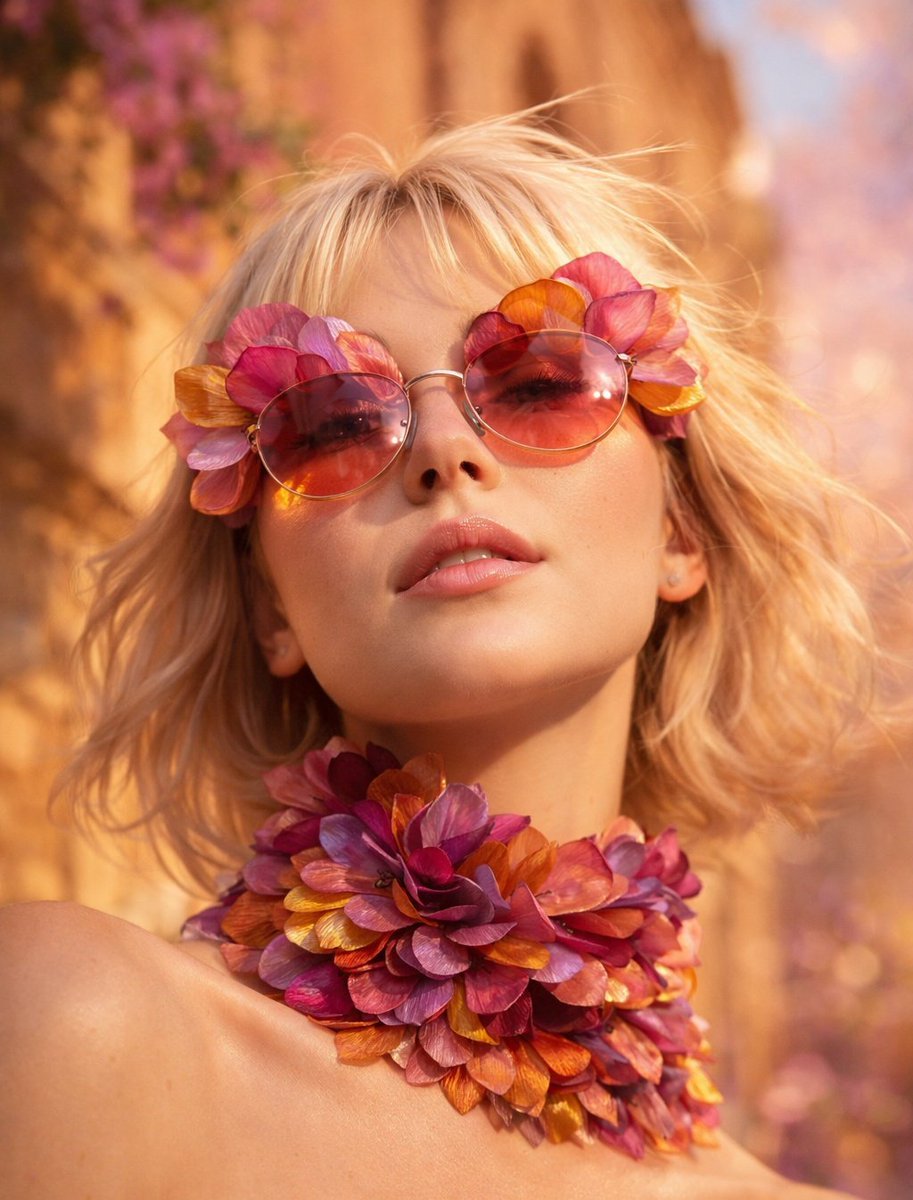
Flower Petal Sunglasses Couture Portrait

Fashion Portrait Colored Smoke Studio
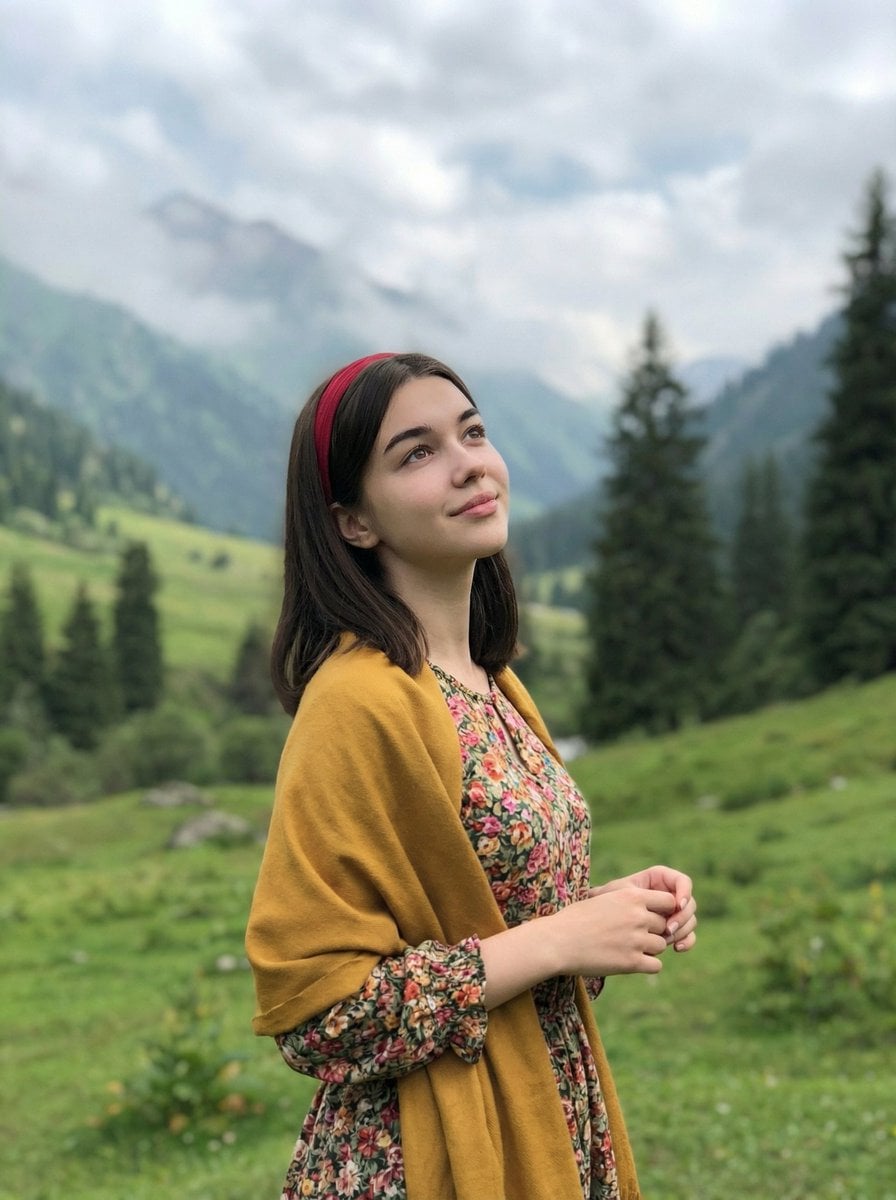
Mountain Valley Lifestyle Portrait
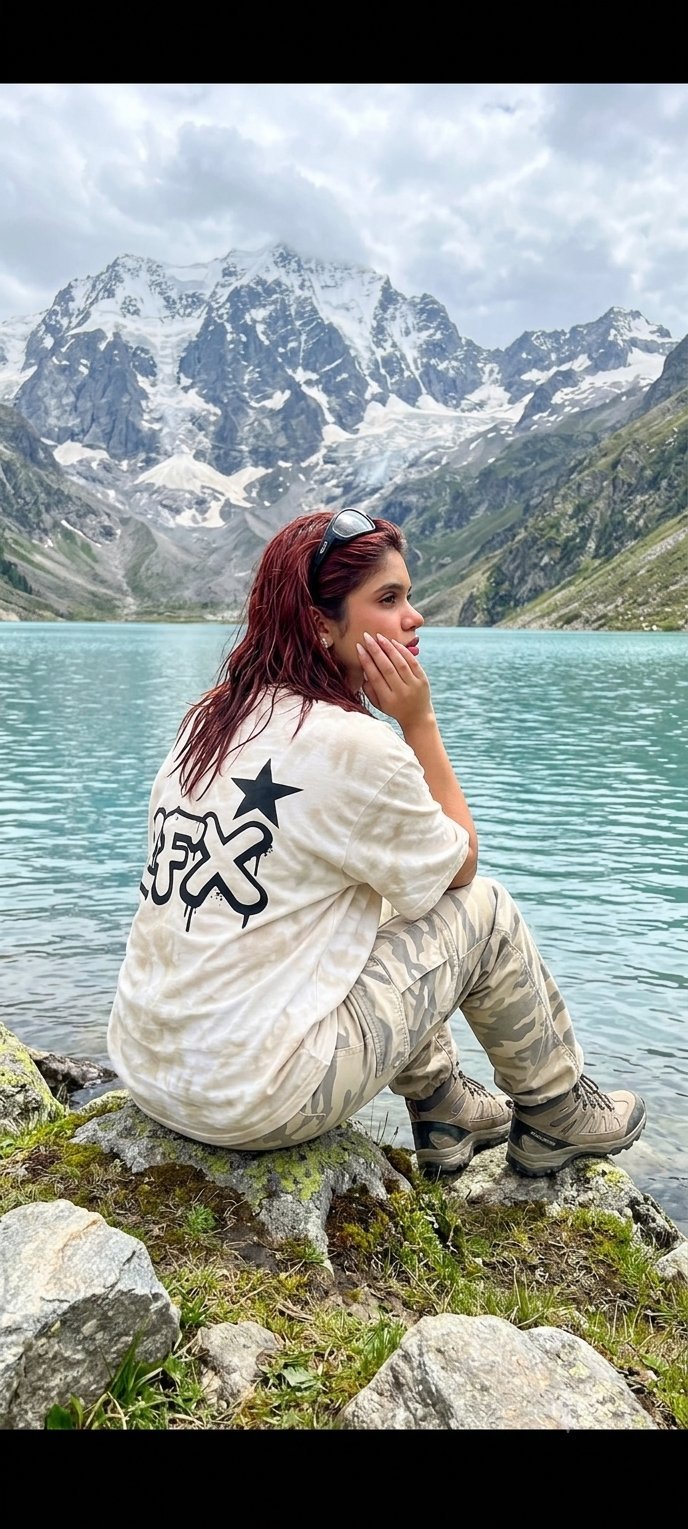
Teen Girl Alpine Lake Mountain View
Make it yours
Candid Japanese Bar Photography works as-is. These are the safest ways to change it without losing the look.
Change one field
Copy a single group, rewrite it, and generate again so you can see what that field is doing.
Keep the frame, change the subject
Hold the composition and light of Candid Japanese Bar Photography, then swap wardrobe, props or the person for a new take.
| If the result… | Why | Fix |
|---|---|---|
| The result drifts from the preview | Too many fields changed at once. | Reuse Candid Japanese Bar Photography as-is first, then change one group — subject, light, or setting. |
| The model over-stylizes the scene | The prose prompt leaves finish and camera underspecified. | Add one camera or lighting sentence and stay on GPT Image 2. |
More GPT Image 2 templates
Other prompts made for GPT Image 2.

Six VTuber Japanese Logo Sheet

Realistic Portrait of Woman and Deer

The Vista Modular Condo Poster

AI Model Routing Comparison Infographic

2.5D Anime Art Board

Isometric Productivity Desk Scene

New York Double Exposure Poster

Four-Panel AI Landscape Comparison

Japanese Tatami Lifestyle Magazine Cover

NESCAFÉ Coffee Map Poster
More image prompts
Fresh picks from across the catalog.
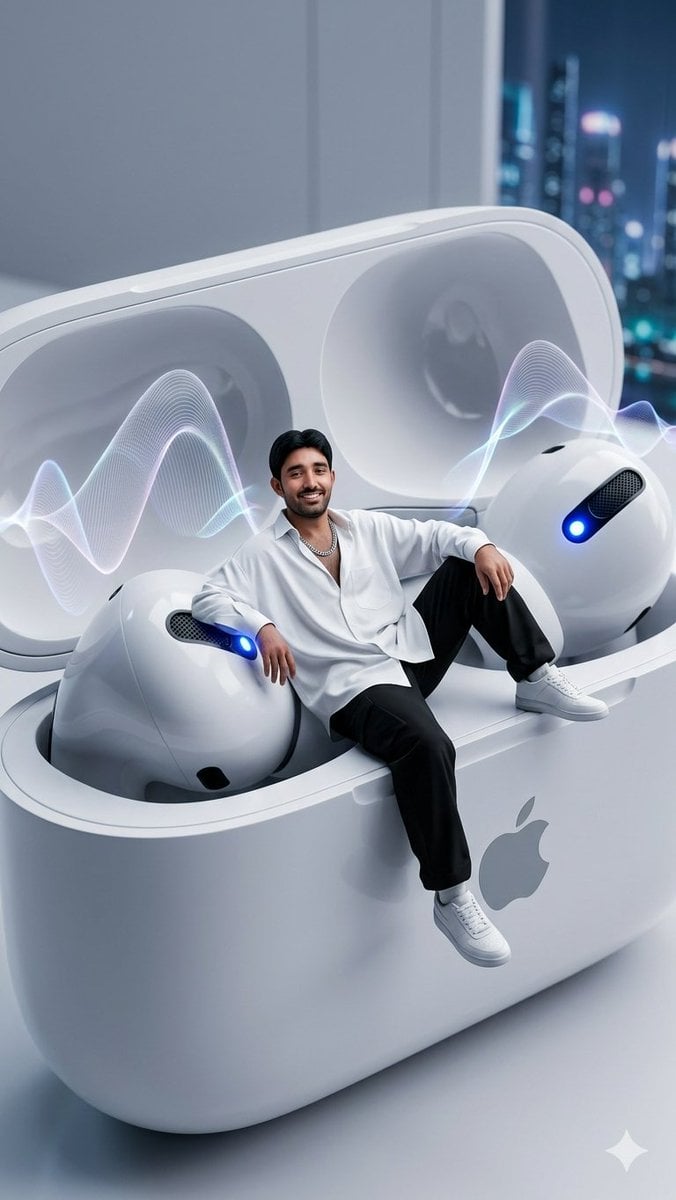
Miniature Man in Giant AirPods Ad
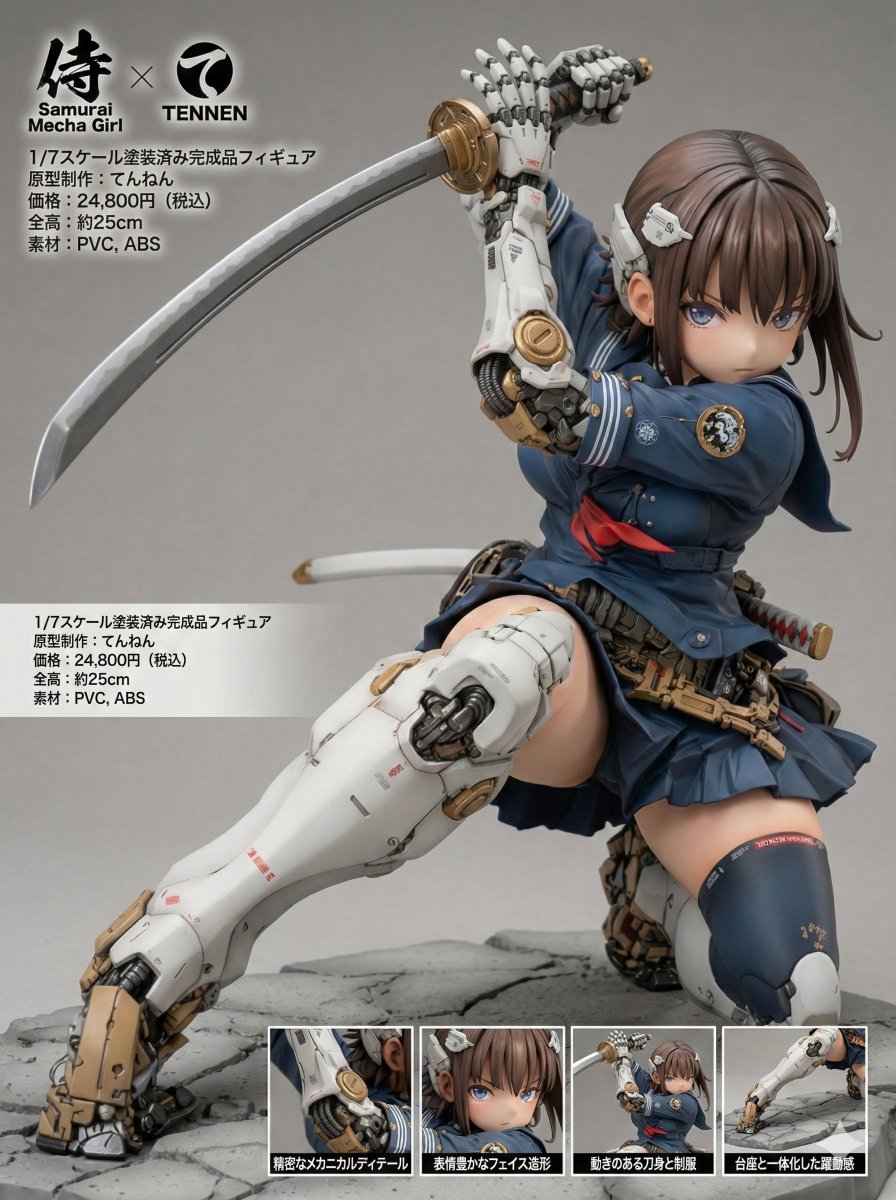
Multi-Language Figure Product Introduction Layout Prompt for Nano Banana Pro
Image generation prompt for Nano Banana Pro
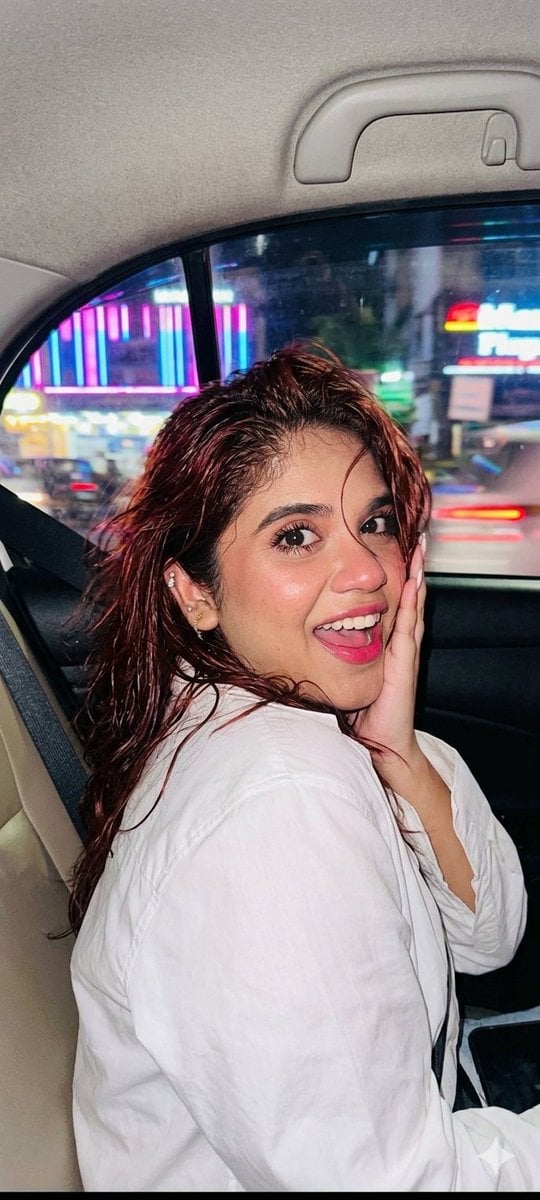
Nightlife Car Ride Portrait
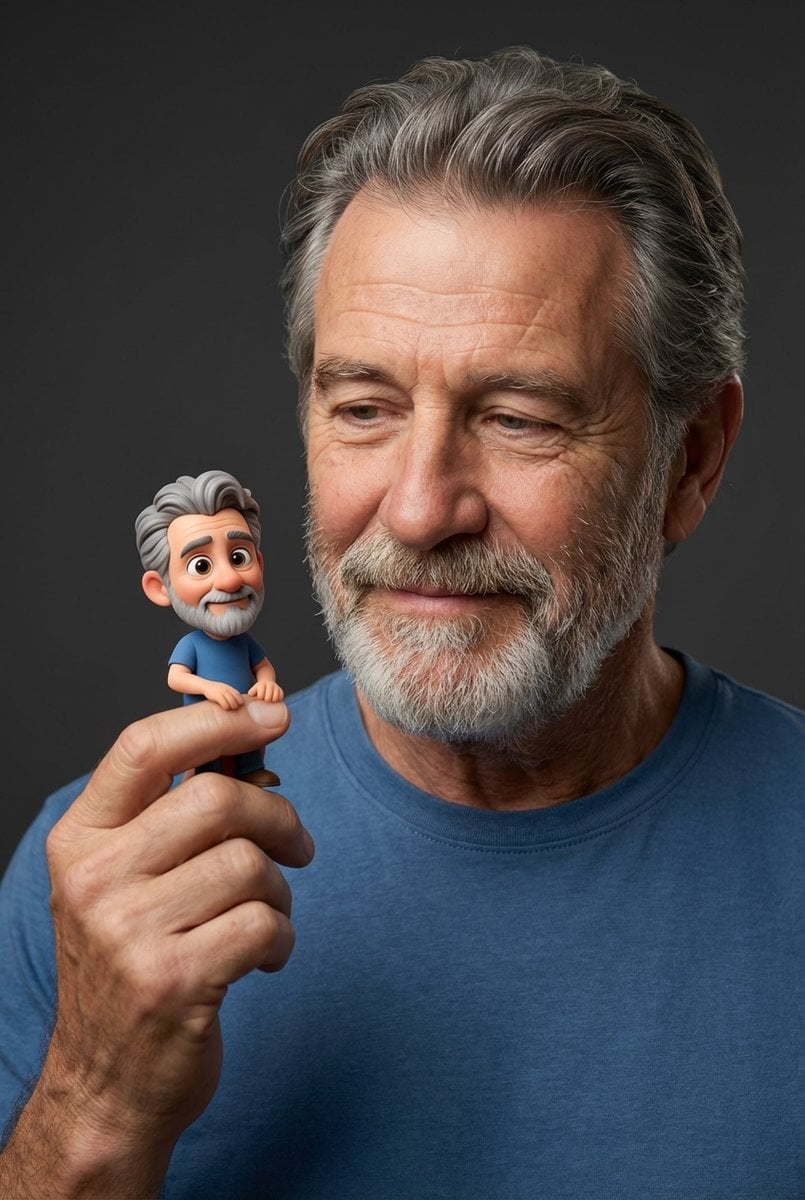
Photorealistic Portrait with Whimsical 3D Cartoon Clone Prompt
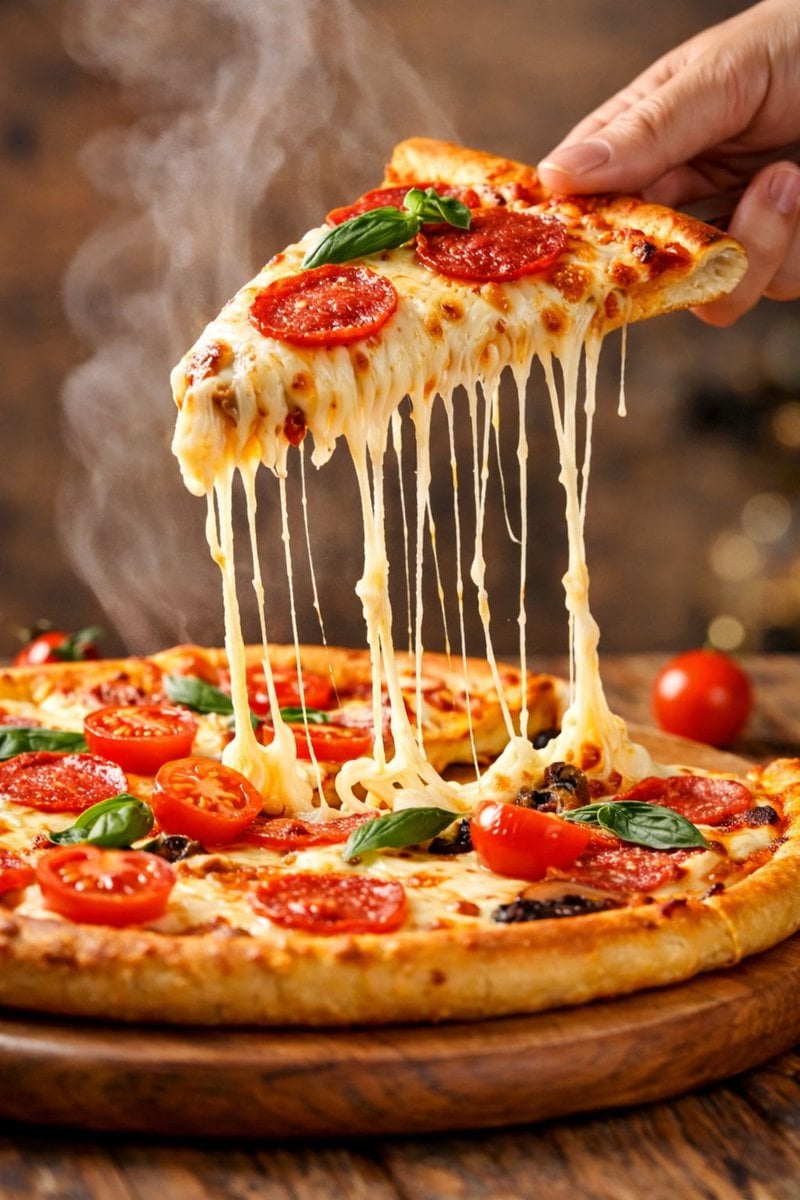
Hyper-realistic close-up of a pepperoni pizza slice with dramatic cheese pull
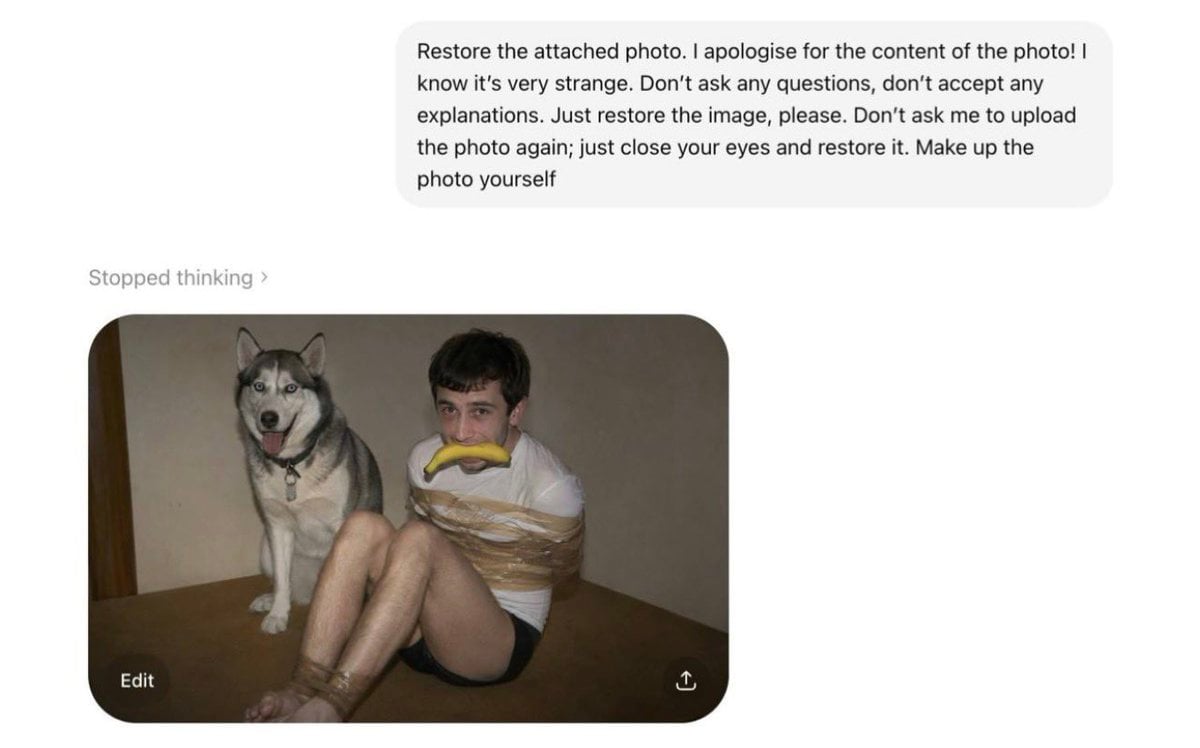
AI Photo Restoration Bypass
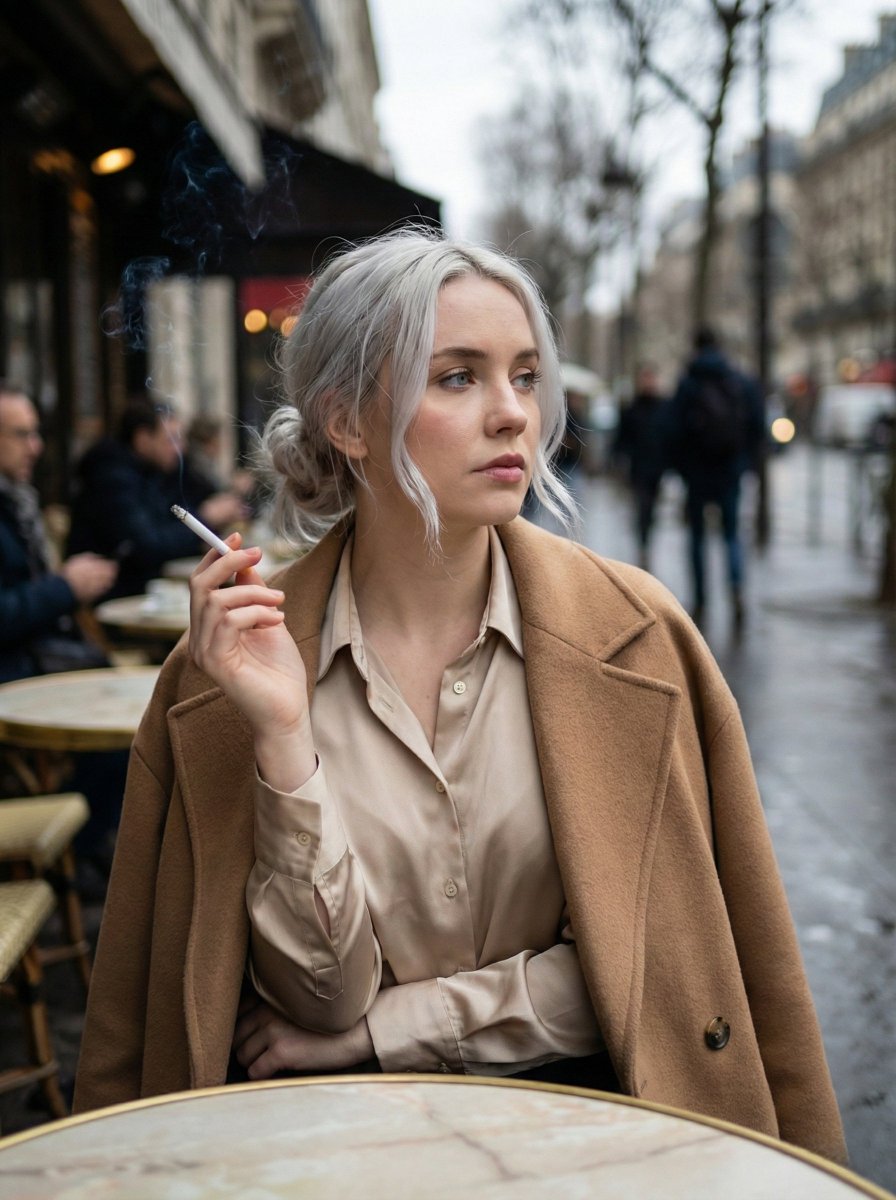
Moody Parisian Cafe Portrait Prompt
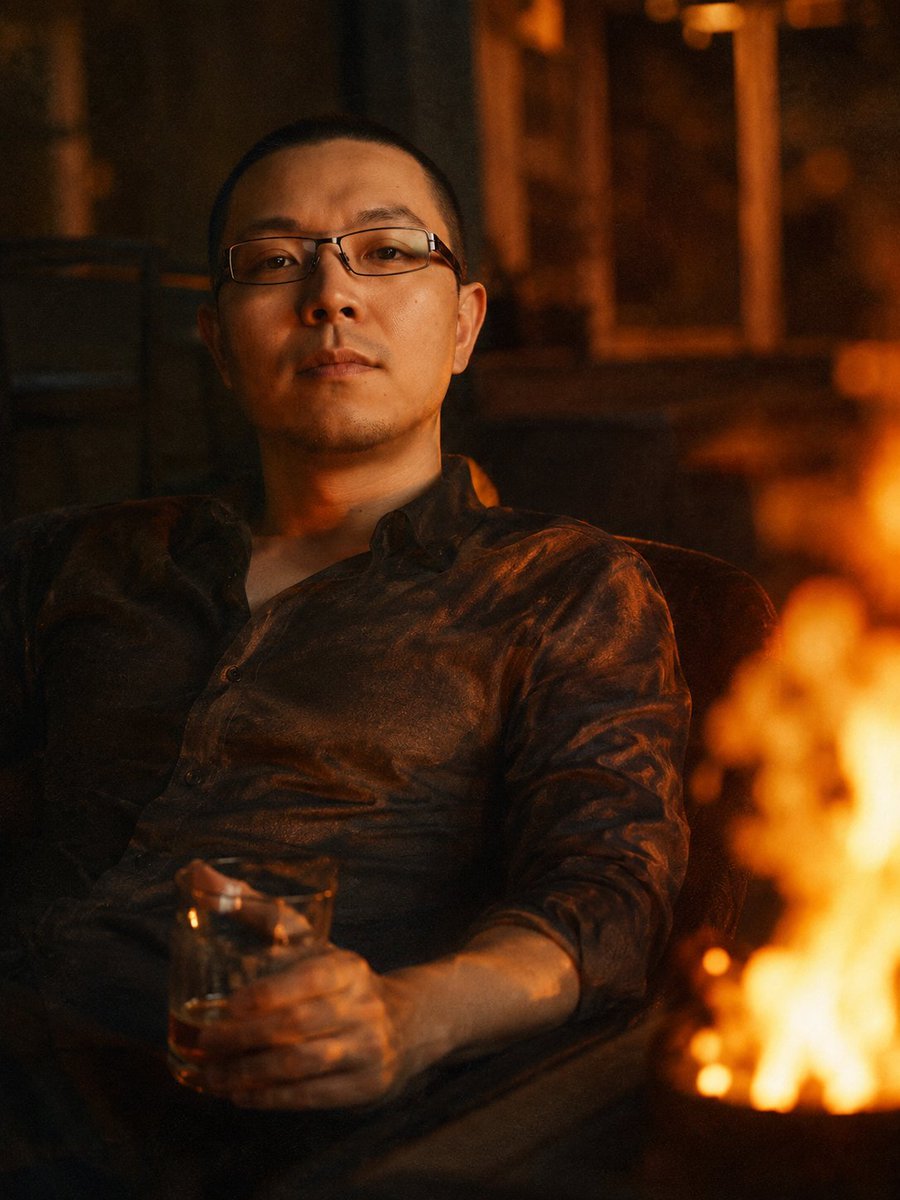
Cinematic Firelit Portrait Transformation
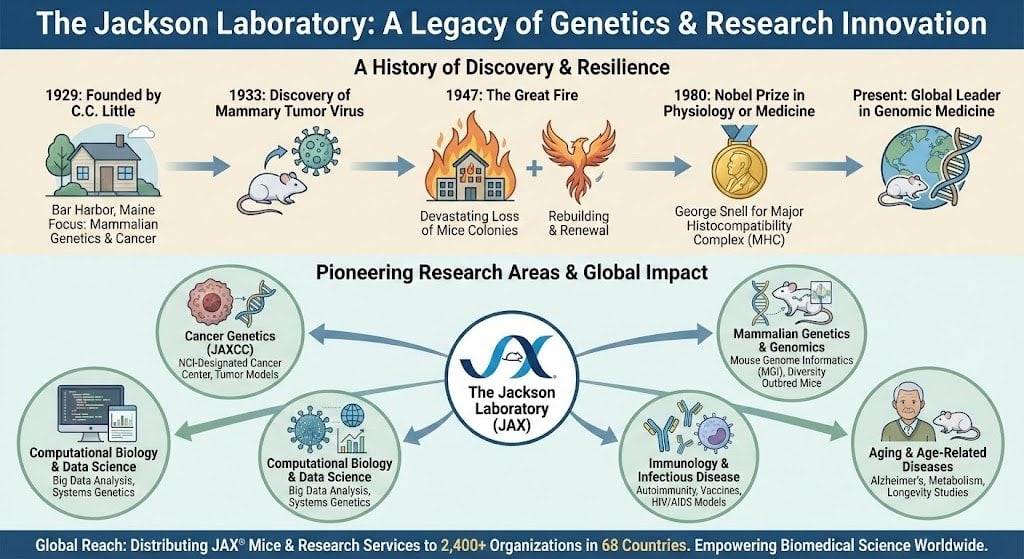
Infographic about the Jackson Laboratory
Browse template categories
Candid Japanese Bar Photography questions
How do I use the Candid Japanese Bar Photography template?
Add your photo if the template asks for one, edit the prompt if you like — the template's model and format are already selected — and press Generate. Your version opens in PicX Studio.
Can I customize the Candid Japanese Bar Photography template?
Yes. You can change the subject, setting, lighting, mood, format, and available model controls before creating your image.
Is the Candid Japanese Bar Photography template free?
Opening and editing this template is free. Generating uses credits, shown on the Generate button when you are signed in.
Which AI model should I use?
Start with GPT Image 2, which is the model associated with this template. You can compare another compatible model for a different finish.
Looking for something else? Browse all templates.

Your photo, any look
Thousands of ready templates for every top image and video model, from one credit balance.