How do I use the Ethereal Floral Fantasy Portrait template?
Edit the prompt in the box under the preview — the template's model and format are already selected — and press Generate. Your version appears right on this page.
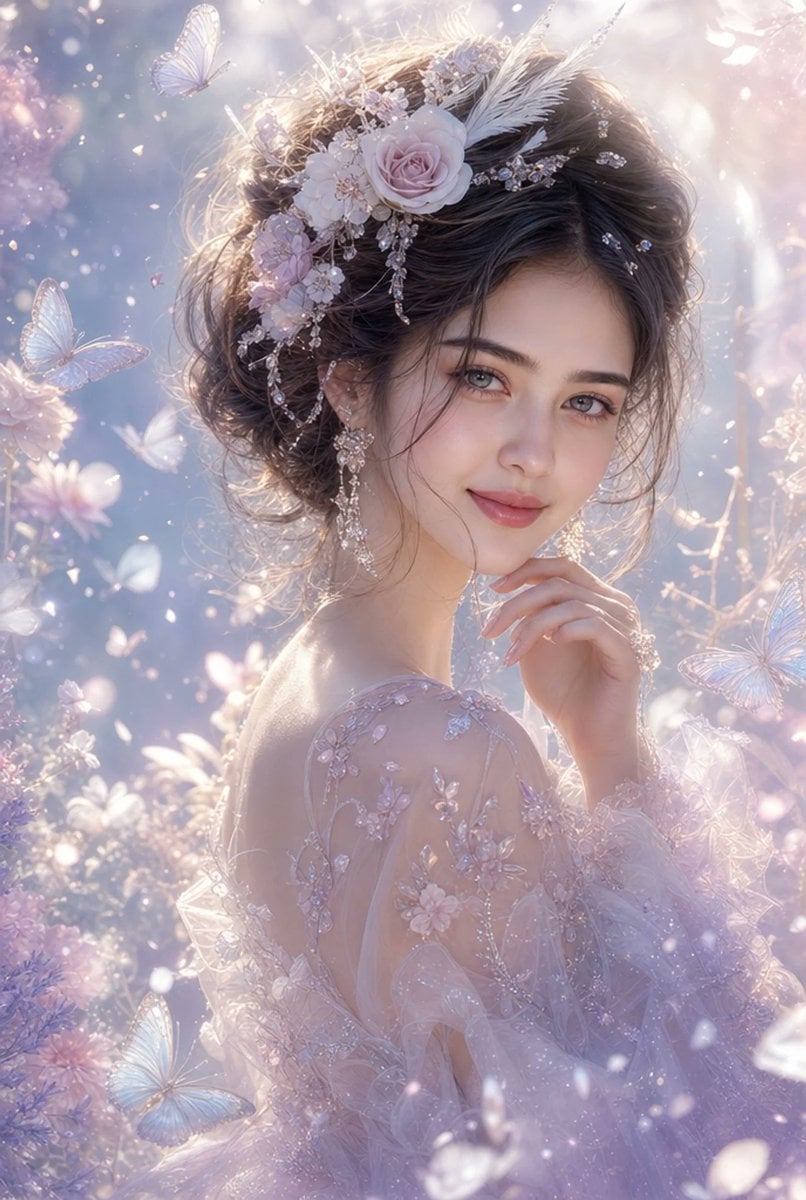
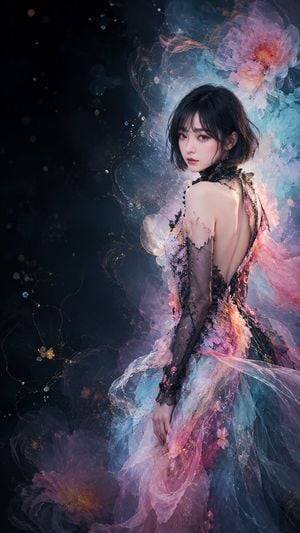
Generates a dramatic vertical fantasy fashion portrait of a woman in a translucent floral couture gown surrounded by oversized glowing blossoms.

This template uses your photo — add one with the + button.
Create a vertical cinematic fantasy fashion portrait of a young East Asian woman, {argument name="character name" default="unnamed floral fairy muse"}, standing in a dark enchanted garden at night. She has pale porcelain skin, delicate features, soft red lips, and a calm melancholic gaze directed toward the viewer. Her {argument name="hair color" default="black"} hair is styled in a loose romantic updo with wispy bangs and tendrils around her face, decorated with tiny blossoms. She wears an elaborate couture gown made from translucent layered petals, gauze, tulle, and organic vine-like filigree, with a fitted bodice and flowing skirt in {argument name="dress colors" default="charcoal black, smoky blue, blush pink, ivory, and deep crimson"}. Surround her with exactly five major oversized flower forms: one large dark blue translucent bloom behind the upper left, one large ivory-and-pink bloom above her head, one vivid red-pink bloom at the upper right, one pale pink bloom at the lower left, and one smoky grey-blue petal mass flowing from the lower right. Add many fine golden vine tendrils, sparkling pollen-like particles, tiny blossoms, and sheer ribbon-like petals swirling around her body as if suspended in slow motion. Use dramatic chiaroscuro lighting with a soft key light on her face and shoulders, glowing highlights on the translucent petals, and a deep nearly black background with faint bokeh and dust motes. Style should be hyper-detailed, ethereal, elegant, painterly-realistic, high-fashion editorial fantasy photography, shallow depth of field, vertical 2:3 composition, centered subject, no text, no watermark, no extra people.
Create a vertical cinematic fantasy fashion portrait of a young East Asian woman, {argument name="character name" default="unnamed floral fairy muse"}, standing in a dark enchanted garden at night. She has pale porcelain skin, delicate features, soft red lips, and a calm melancholic gaze directed toward the viewer. Her {argument name="hair color" default="black"} hair is styled in a loose romantic updo with wispy bangs and tendrils around her face, decorated with tiny blossoms. She wears an elaborate couture gown made from translucent layered petals, gauze, tulle, and organic vine-like filigree, with a fitted bodice and flowing skirt in {argument name="dress colors" default="charcoal black, smoky blue, blush pink, ivory, and deep crimson"}. Surround her with exactly five major oversized flower forms: one large dark blue translucent bloom behind the upper left, one large ivory-and-pink bloom above her head, one vivid red-pink bloom at the upper right, one pale pink bloom at the lower left, and one smoky grey-blue petal mass flowing from the lower right. Add many fine golden vine tendrils, sparkling pollen-like particles, tiny blossoms, and sheer ribbon-like petals swirling around her body as if suspended in slow motion. Use dramatic chiaroscuro lighting with a soft key light on her face and shoulders, glowing highlights on the translucent petals, and a deep nearly black background with faint bokeh and dust motes. Style should be hyper-detailed, ethereal, elegant, painterly-realistic, high-fashion editorial fantasy photography, shallow depth of field, vertical 2:3 composition, centered subject, no text, no watermark, no extra people.
Edit the prompt in the box under the preview — the template's model and format are already selected — and press Generate. Your version appears right on this page.
Yes. You can change the subject, setting, lighting, mood, format, and available model controls before creating your image.
Opening and editing this template is free. Generating uses credits, shown on the Generate button when you are signed in.
Start with GPT Image 2, which is the model associated with this template. You can compare another compatible model for a different finish.
Follow a topic to a crawlable collection of related PicX Studio templates.