How do I use the Realistic iPhone Night Portrait template?
Choose the primary action to open PicX Studio with the available template settings. Review the model and format, personalize the creative direction, and generate when ready.
A highly detailed prompt for an ultra-realistic nighttime lifestyle photo with cinematic neon lighting and a professional fashion aesthetic.
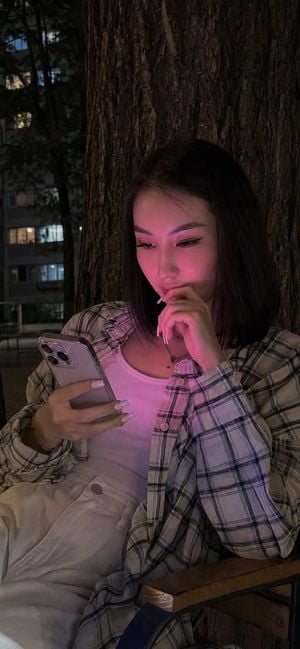
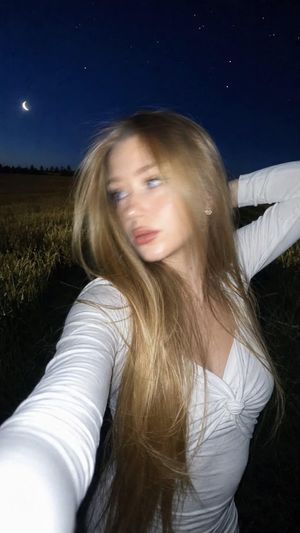
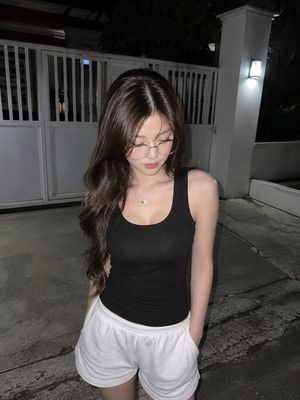
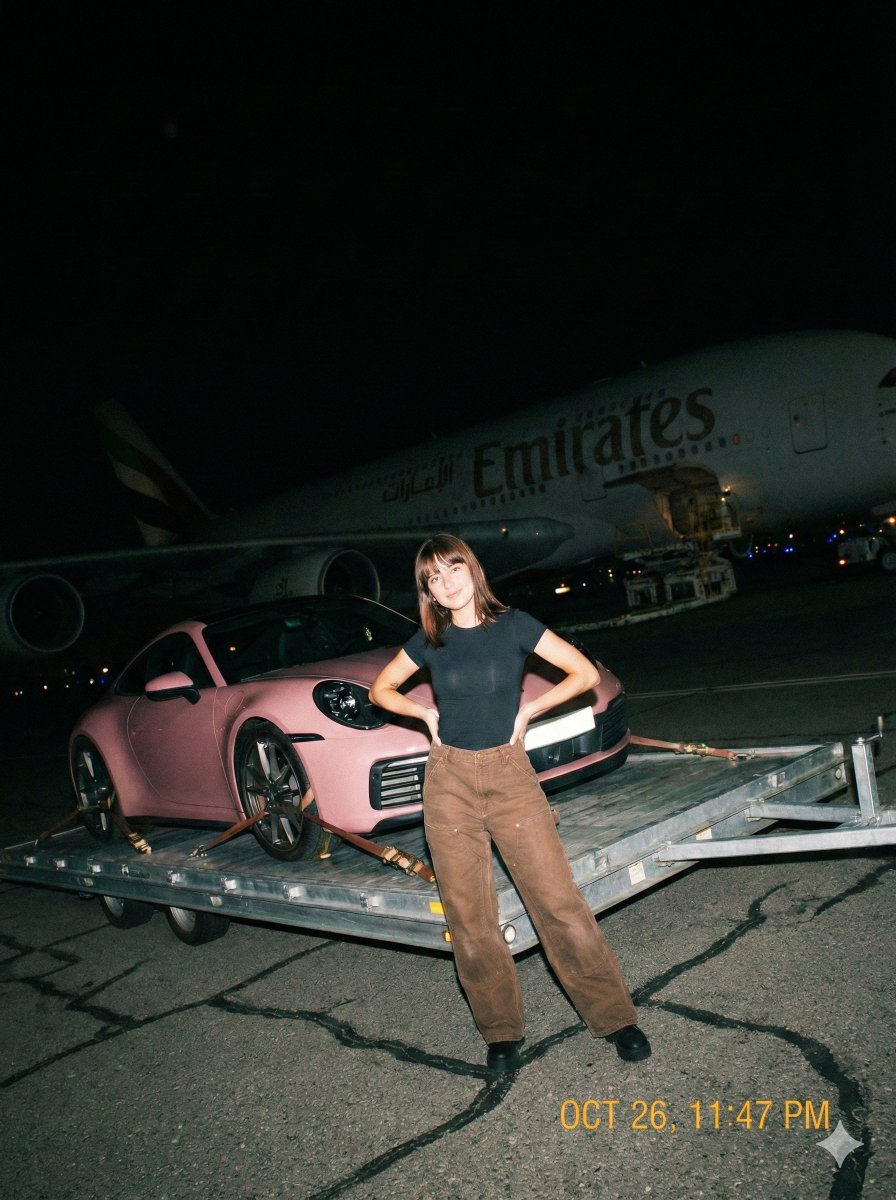
Realistic lifestyle photo shot on an iPhone 15 Pro at night. In the center of the frame is a {argument name="subject" default="young woman with long, straight dark hair flowing down to her waist"}. She is looking at her smartphone with interest and smiling softly. Makeup: long cluster eyelash extensions, defined eyebrows, highlighter on the nose and cheekbones, facial contouring, subtle blush, and full lips covered with matte lipstick. Lighting: The key feature is an intense {argument name="neon color" default="pink-magenta"} neon glow illuminating her face, creating a bright focal point, while the rest of the environment is immersed in soft, warm nighttime lighting. Outfit: She is wearing an {argument name="outfit" default="oversized light-colored plaid shirt over a white top and loose white jeans"}. Pose: Change the pose — 3/4 angle, photo taken from the side. She is looking at her phone, holding it with one hand, while her other hand is gently placed near her lips. Background: The woman is sitting in front of a massive tree trunk with a rough bark texture. Behind the tree, silhouettes of multi-story buildings illuminated by city lights are visible. The outdoor chair she is sitting on can also be seen behind her. Details: Extremely high detail in the textures of the fabric, hair, and skin. A modern smartphone is clearly visible in her hand. Square-shaped French manicure. The image should look like a spontaneous, natural candid shot with realistic shadows, deep colors, and a cinematic nighttime atmosphere. 8K, ultra-realistic, photorealistic, natural iPhone photography.
Choose the primary action to open PicX Studio with the available template settings. Review the model and format, personalize the creative direction, and generate when ready.
Yes. You can change the subject, setting, lighting, mood, format, and available model controls before creating your image.
This template is free to open and customize. Generation usage is shown in PicX Studio before you create.
Start with GPT Image 2, which is the model associated with this template. You can compare another compatible model for a different finish.
Follow a topic to a crawlable collection of related PicX Studio templates.