How do I use the Luxury Fashion Studio Editorial template?
Choose the primary action to open PicX Studio with the available template settings. Review the model and format, personalize the creative direction, and generate when ready.
A high-end luxury fashion editorial prompt set in a minimalist studio, emphasizing elegant styling and cinematic lighting.
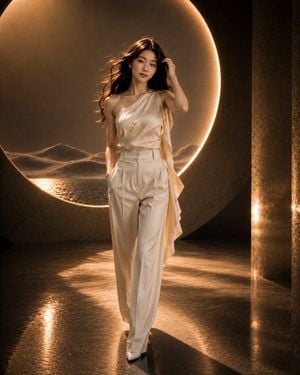
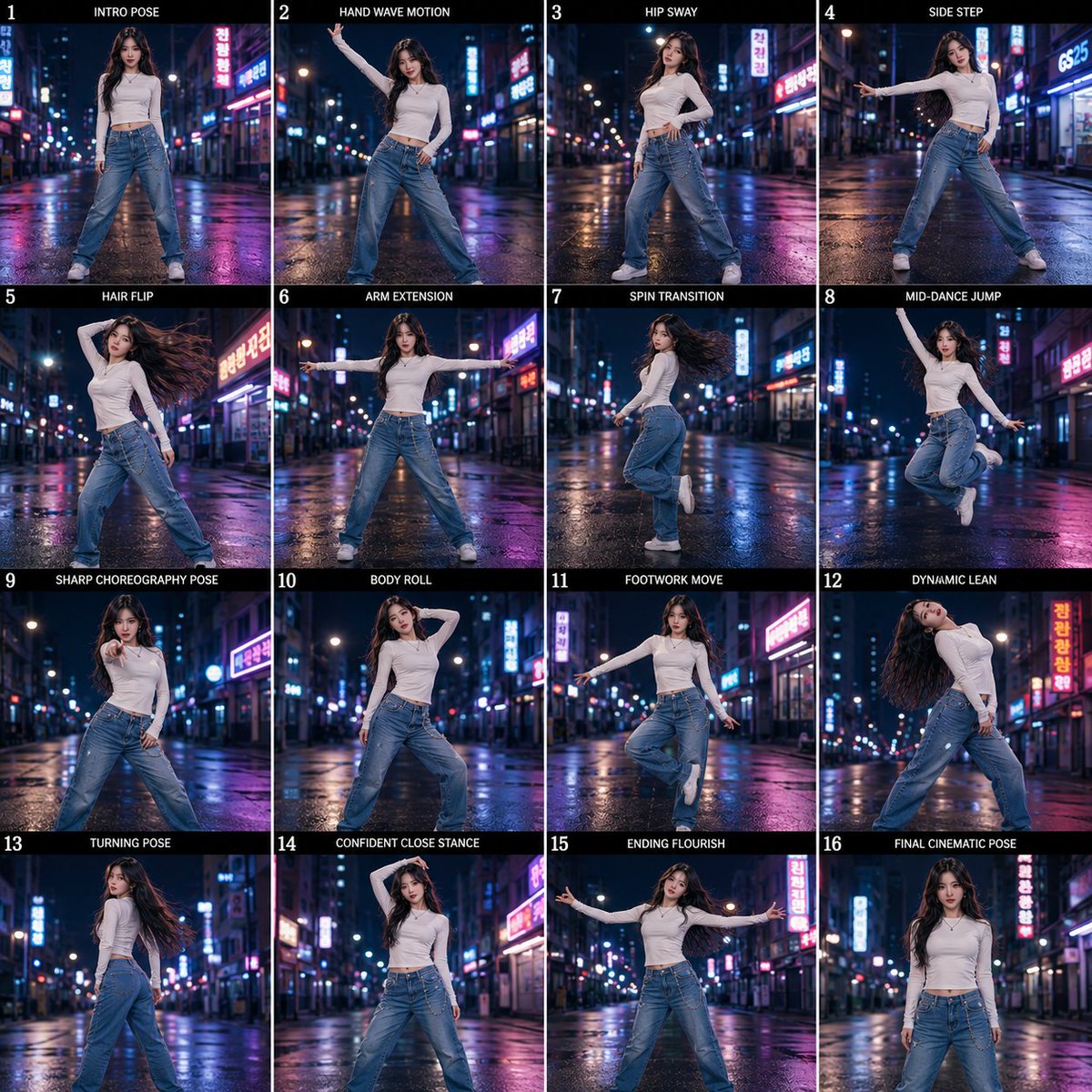
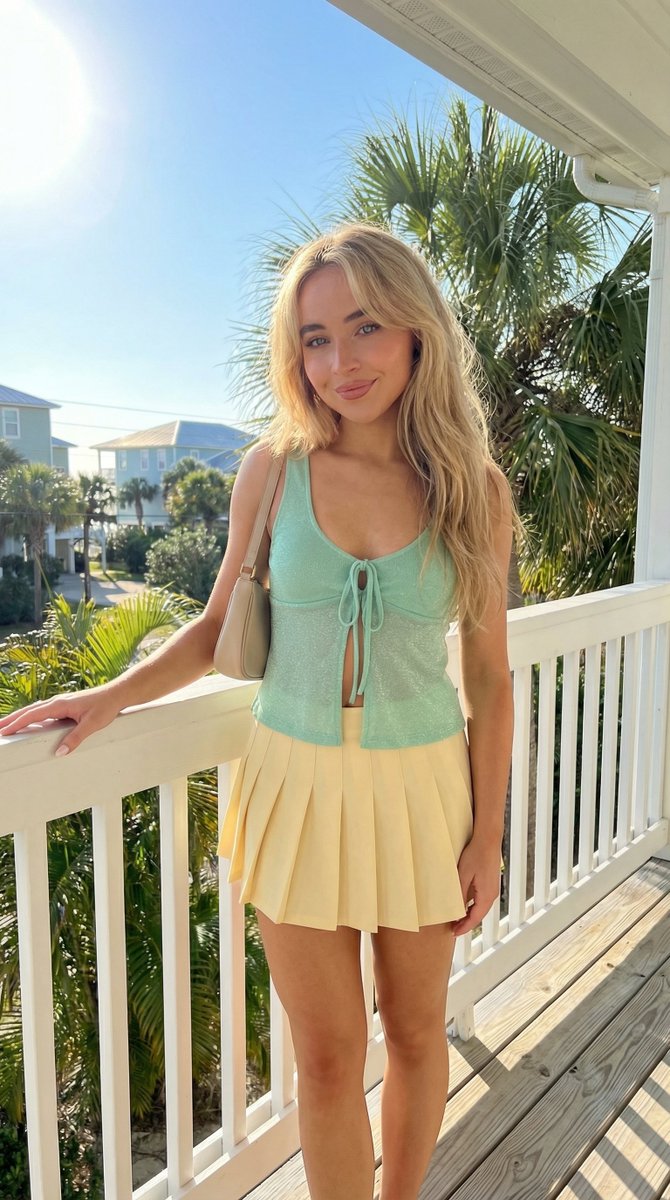
Create an ultra-realistic luxury fashion editorial featuring a {argument name="subject" default="beautiful young East Asian woman"} with long, voluminous dark brown layered hair styled in a modern soft blowout with natural movement. She wears the {argument name="outfit" default="elegant ivory one-shoulder draped satin couture top paired with matching high-waisted ivory wide-leg tailored trousers"}, maintaining the same premium silhouette and styling. She is captured in a graceful hair-adjustment walk, gently tucking her hair behind one ear with one hand while the other remains inside her trouser pocket. She has a subtle confident smile, relaxed shoulders, elegant posture, and is walking naturally toward the camera. Background: The {argument name="setting" default="luxurious architectural studio featuring a massive illuminated circular halo"}, textured charcoal walls, distant sculptural sand dunes with reflective water, glossy polished floor with soft reflections, warm golden ambient lighting, and a clean minimalist composition. Lighting: Large diffused softbox, warm cinematic rim light, soft golden backlight, subtle volumetric glow, premium HDR lighting with natural skin tones. Style: Vogue editorial, Ralph Lauren, Zara Studio, luxury commercial fashion campaign, Pinterest aesthetic, magazine-quality composition, 85mm full-frame lens, f/2, slight low-angle perspective, razor-sharp focus, ultra-detailed satin fabric, realistic hair strands, flawless skin texture, photorealistic 8K, crystal-clear Full HD quality, masterpiece, 4:5 aspect ratio.
Choose the primary action to open PicX Studio with the available template settings. Review the model and format, personalize the creative direction, and generate when ready.
Yes. You can change the subject, setting, lighting, mood, format, and available model controls before creating your image.
This template is free to open and customize. Generation usage is shown in PicX Studio before you create.
Start with GPT Image 2, which is the model associated with this template. You can compare another compatible model for a different finish.
Follow a topic to a crawlable collection of related PicX Studio templates.