
Censored Gothic Medical Princess
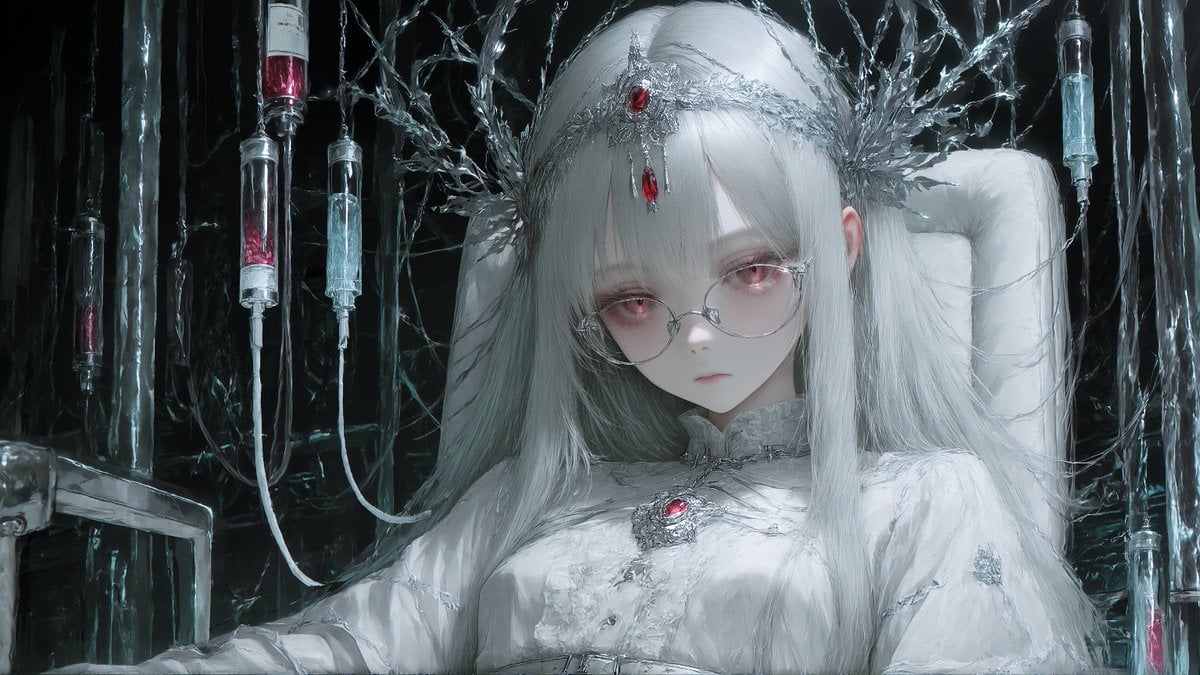
A cinematic dark sci-fi fantasy portrait of a white-haired jeweled figure in a sterile gothic laboratory with syringes and crystalline machinery.
- Prompt included
- Model and format preset
- Premium template
The prompt behind this image
Copy the exact prompt behind Censored Gothic Medical Princess, or open it in the studio and make it yours.
Create a dark gothic sci-fi fantasy portrait in a painterly, high-detail digital illustration style: a pale young woman or android princess with {argument name="hair color" default="long silvery white hair"} reclines in a padded white medical throne, her face deliberately covered by a large flat neutral gray square censor block centered from forehead to chin. She wears an elaborate white ceremonial gown with frosted lace, metallic silver filigree, and two visible red jewel ornaments: one ruby set in a thorny silver crown across her forehead and one ruby brooch at the center of her chest. Behind her head, form a halo of jagged transparent crystalline branches, tangled cables, and icy metallic roots. The background is a black, wet, claustrophobic laboratory filled with reflective vertical pipes and hanging tubes. Include exactly 6 suspended glass syringe or IV capsule elements: one tall red-filled cylinder at the upper left, one small dark cylinder near the far left, one clear cylinder left of the head, one red-and-clear cylinder near the left side of the hair, one clear cylinder at the upper right, and one red-filled cylinder at the lower right edge. Use a cold monochrome palette of white, silver, charcoal black, icy blue highlights, and small crimson accents. Lighting should be dramatic and cinematic, with glossy reflections, damp surfaces, fine hair strands, intricate metal textures, and a melancholy sterile atmosphere. Composition is a wide 16:9 close portrait, subject centered, shoulders and upper torso visible, no text, no watermark.
How to use Censored Gothic Medical Princess in 3 steps
- 1Upload ImagePNG, JPG or paste
Add your photo
Upload the photo the template builds on. The prompt, model and format are already set.
- 2…a portrait of your subject in softgolden-hour light, 85mm…
Personalize
Edit the subject and creative details for your destination.
- 3Generate
Generate
Press Generate — your image is created in PicX Studio, so you can compare it with the original and refine one variable at a time.
More like this
Templates with the same subject, style or setup. Open one to see its prompt.

Anime Happily Ever After Sky

Anime Stained Glass Prayer

Anime White Horse Escape

Anime Golden Spinning Straw

Anime Gingerbread Cottage

Anime Bean Stalk Climb

Anime Seafoam Transformation

Anime Shoe Fitting Trial

Anime Beast Library Night

Anime Poison Apple Offer
Anime Frozen Fountain Kiss

Anime Sewing Room Magic
Make it yours
Censored Gothic Medical Princess works as-is. These are the safest ways to change it without losing the look.
Change one field
Copy a single group, rewrite it, and generate again so you can see what that field is doing.
Keep the frame, change the subject
Hold the composition and light of Censored Gothic Medical Princess, then swap wardrobe, props or the person for a new take.
| If the result… | Why | Fix |
|---|---|---|
| The result drifts from the preview | Too many fields changed at once. | Reuse Censored Gothic Medical Princess as-is first, then change one group — subject, light, or setting. |
| The model over-stylizes the scene | The prose prompt leaves finish and camera underspecified. | Add one camera or lighting sentence and stay on GPT Image 2. |
More GPT Image 2 templates
Other prompts made for GPT Image 2.

Six VTuber Japanese Logo Sheet

Realistic Portrait of Woman and Deer

The Vista Modular Condo Poster

AI Model Routing Comparison Infographic

2.5D Anime Art Board

Isometric Productivity Desk Scene

New York Double Exposure Poster

Four-Panel AI Landscape Comparison

Japanese Tatami Lifestyle Magazine Cover

NESCAFÉ Coffee Map Poster
More image prompts
Fresh picks from across the catalog.
Cinematic Porsche Motorsport Poster
Cyberpunk Audi Rear Chase Shot
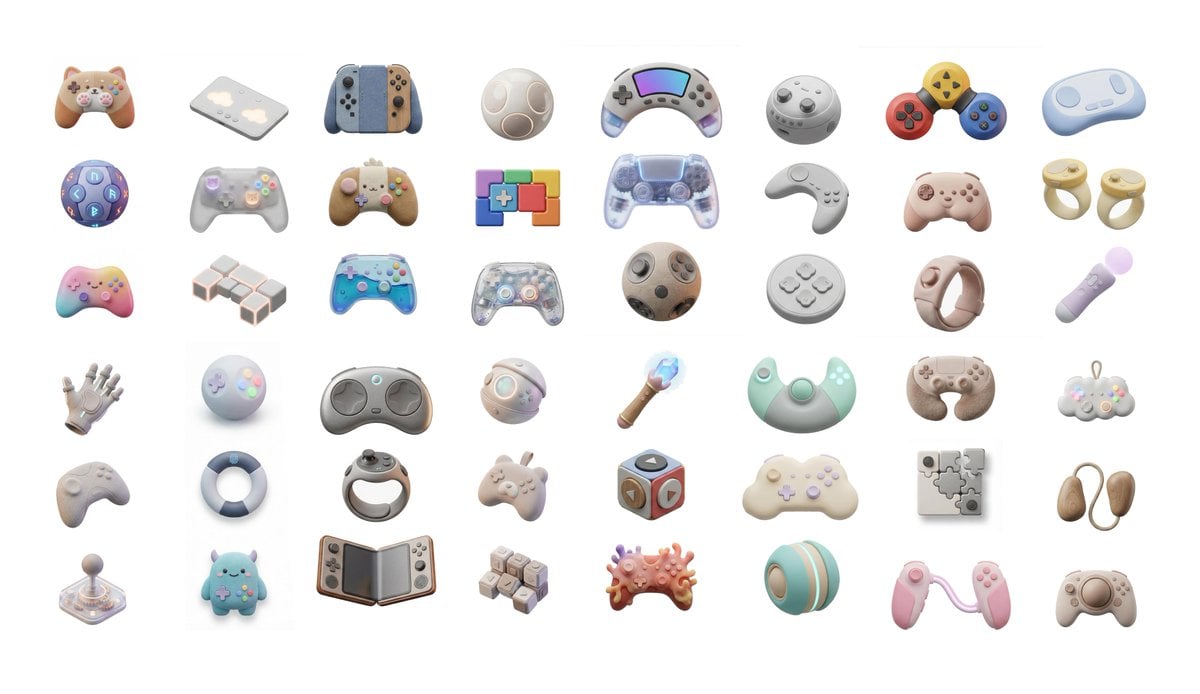
3D Artsy Video Game Controller Grid
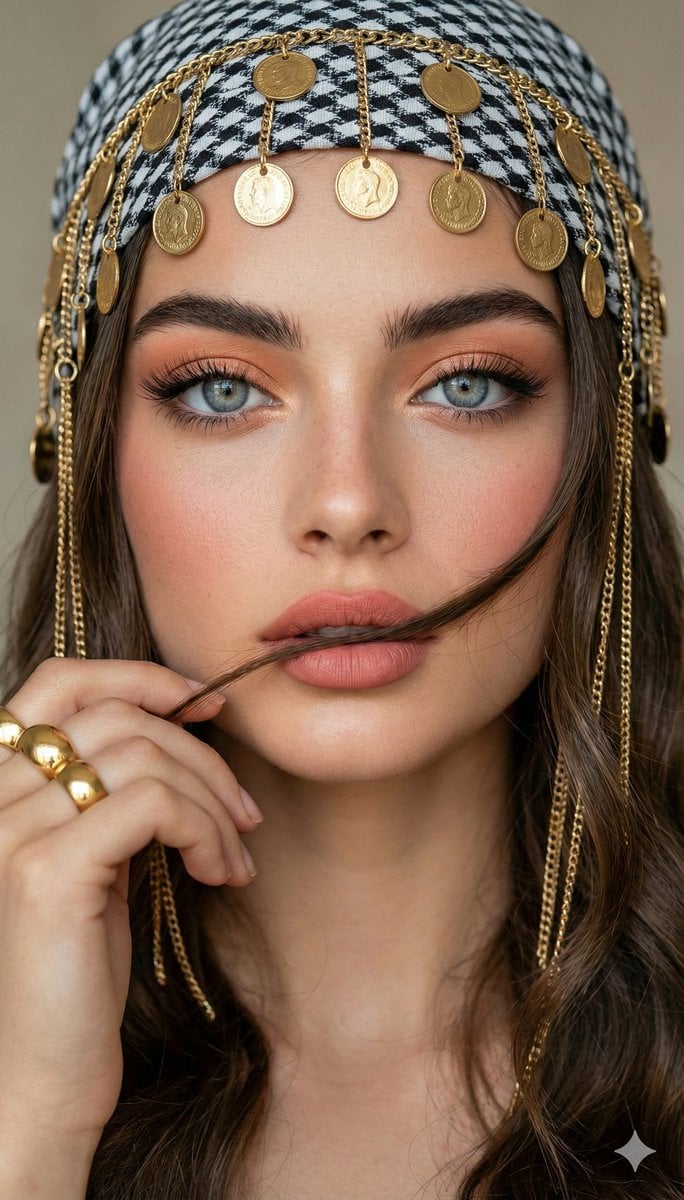
Close-up Portrait with Headscarf and Jewelry Prompt (Image Reference)
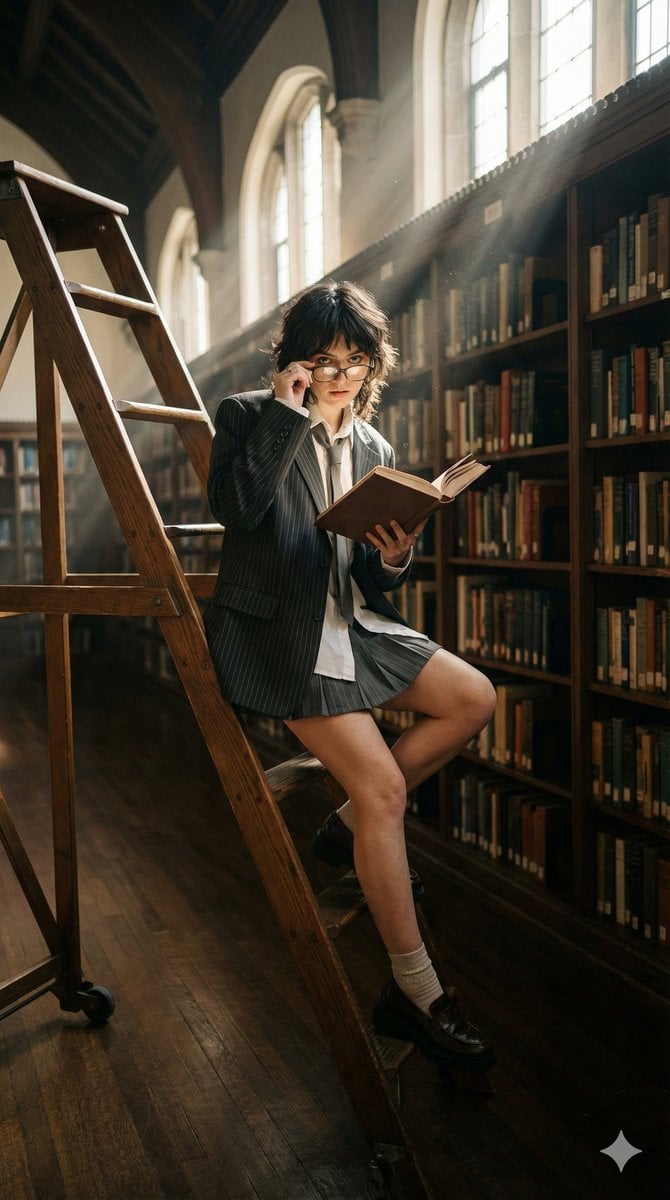
Dark Academia Library Editorial Film Still
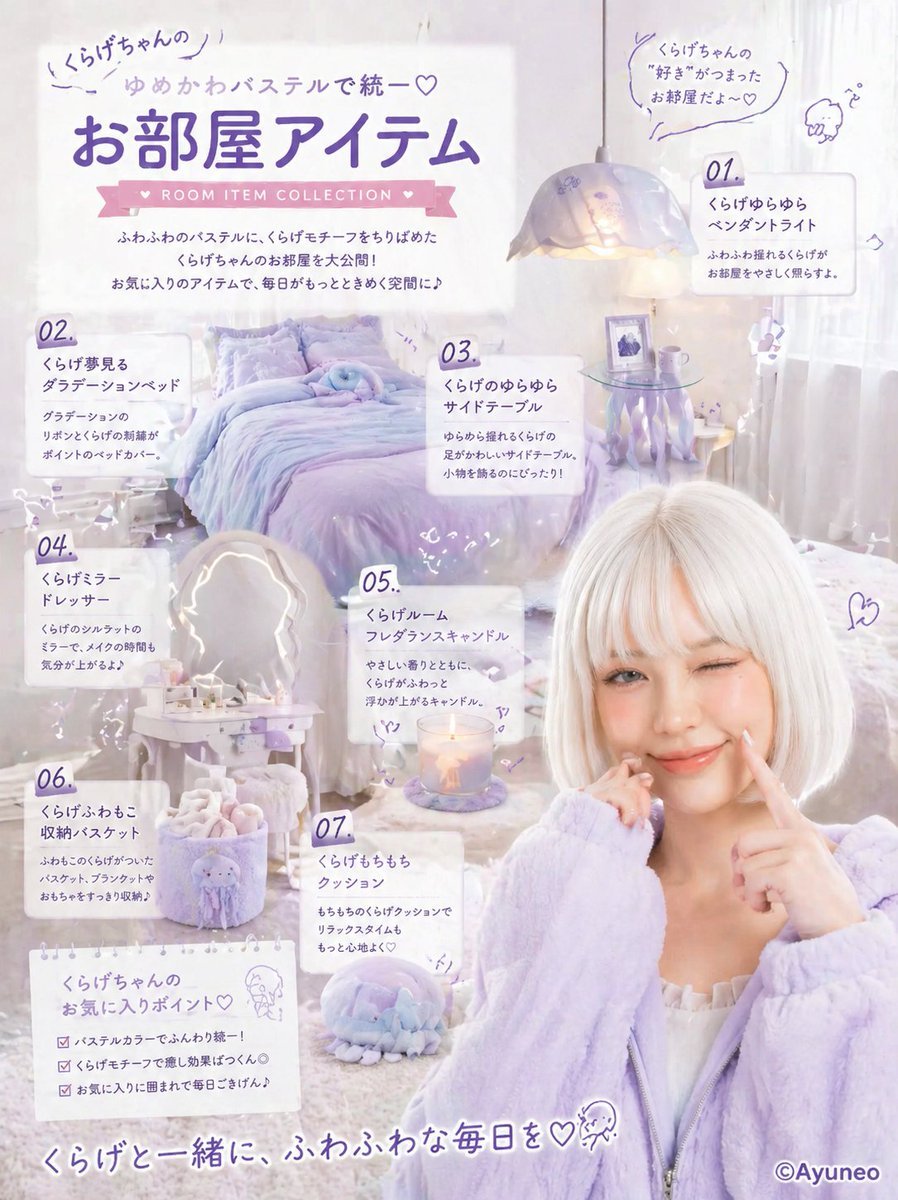
Pastel Jellyfish Room Item Poster
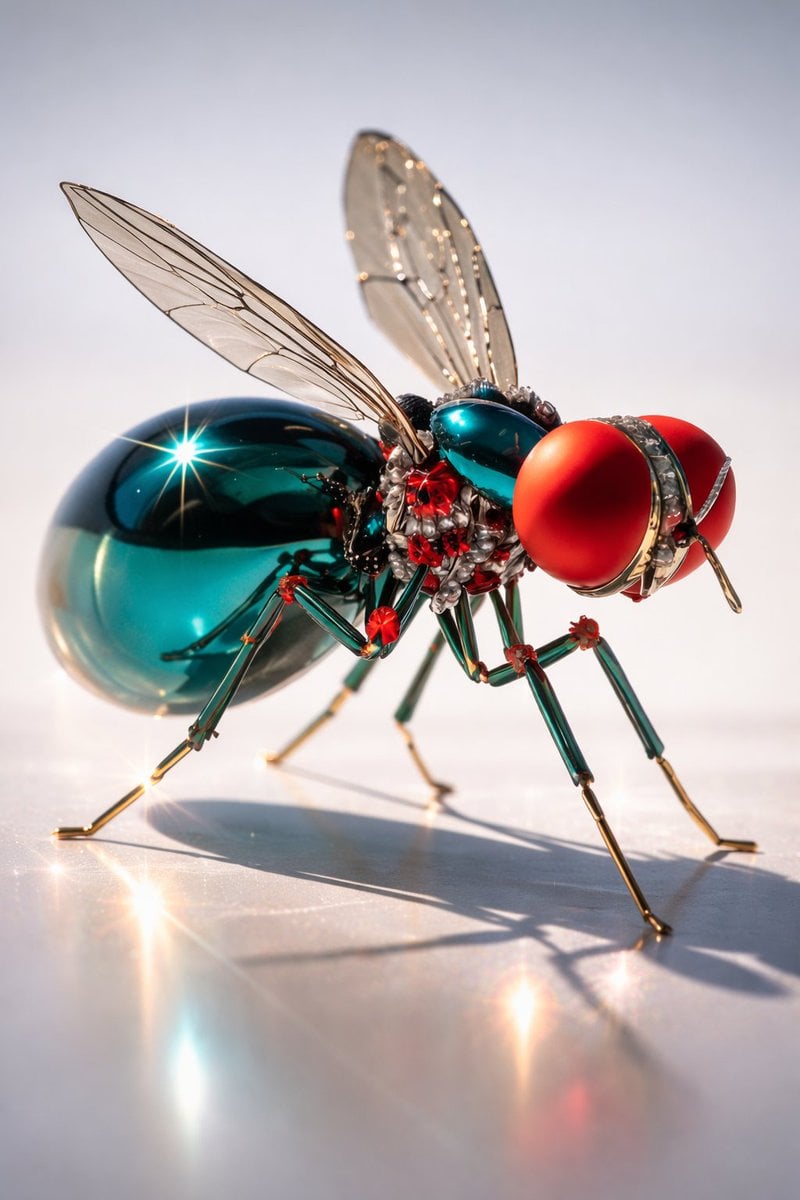
Macro Realism of Mechanical and Gemstone Insects
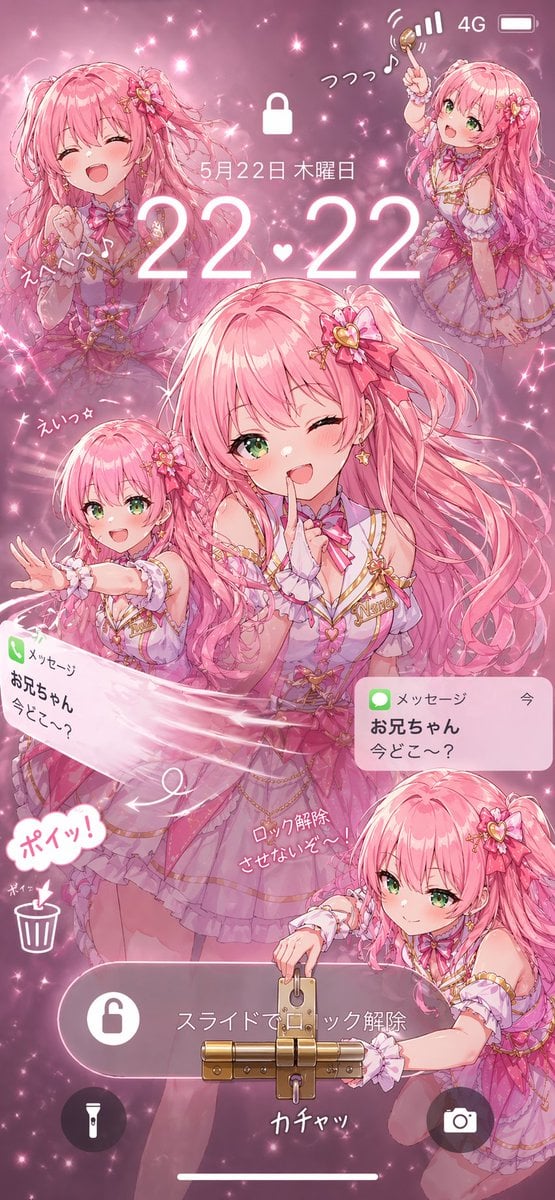
Pink Idol Anime Lock Screen

Ancient Pyramid Floating Over a Modern Battlefield
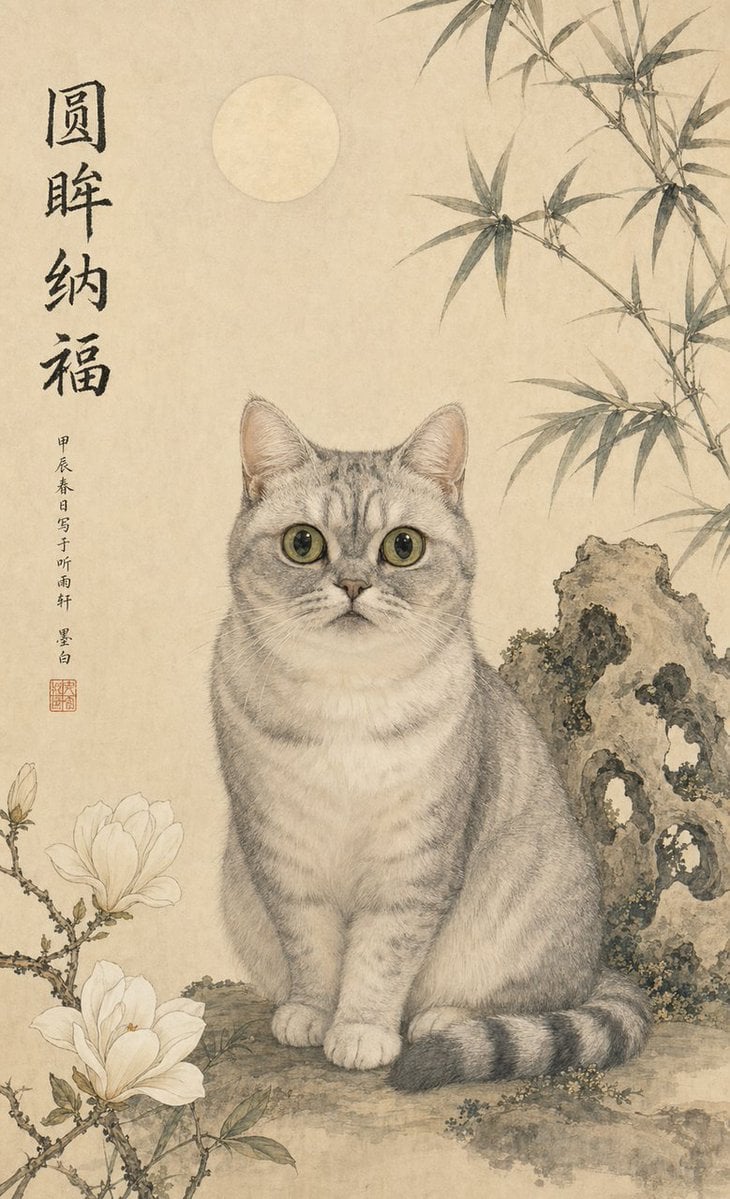
Classical Chinese Pet Portrait
Browse template categories
Censored Gothic Medical Princess questions
How do I use the Censored Gothic Medical Princess template?
Add your photo if the template asks for one, edit the prompt if you like — the template's model and format are already selected — and press Generate. Your version opens in PicX Studio.
Can I customize the Censored Gothic Medical Princess template?
Yes. You can change the subject, setting, lighting, mood, format, and available model controls before creating your image.
Is the Censored Gothic Medical Princess template free?
Opening and editing this template is free. Generating uses credits, shown on the Generate button when you are signed in.
Which AI model should I use?
Start with GPT Image 2, which is the model associated with this template. You can compare another compatible model for a different finish.
Looking for something else? Browse all templates.

Your photo, any look
Thousands of ready templates for every top image and video model, from one credit balance.